Interviews are more than just a Q&A session—they’re a chance to prove your worth. This blog dives into essential Networking and Telecommunications interview questions and expert tips to help you align your answers with what hiring managers are looking for. Start preparing to shine!
Questions Asked in Networking and Telecommunications Interview
Q 1. Explain the difference between TCP and UDP.
TCP (Transmission Control Protocol) and UDP (User Datagram Protocol) are both core protocols of the internet, responsible for transporting data between applications. The key difference lies in their approach to reliability and speed. Think of it like sending a package: TCP is like registered mail – reliable, but slower; UDP is like a postcard – faster, but less reliable.
- TCP: Connection-oriented, meaning it establishes a connection before transmitting data, ensuring reliable delivery. It uses acknowledgements (ACKs) to confirm receipt and retransmits lost packets. This makes it suitable for applications requiring guaranteed delivery, like web browsing (HTTP), email (SMTP), and file transfer (FTP). Imagine you’re transferring a large file; TCP ensures every bit arrives correctly.
- UDP: Connectionless, meaning it doesn’t establish a connection before transmitting data. It’s faster but doesn’t guarantee delivery or order. This makes it ideal for applications where speed is more important than guaranteed delivery, such as online gaming (where a slightly delayed packet is better than no packet), streaming video (where some packet loss is acceptable), and DNS lookups.
In short: TCP prioritizes reliability, while UDP prioritizes speed. The choice depends on the application’s needs.
Q 2. What are the layers of the OSI model?
The OSI (Open Systems Interconnection) model is a conceptual framework that standardizes the functions of a telecommunication or computing system without regard to its underlying internal structure and technology. It’s a layered model, each layer performing a specific function. Imagine it as a layered cake, where each layer depends on the one below it.
- Physical Layer: Deals with the physical connection between devices, such as cables and connectors.
- Data Link Layer: Handles error detection and correction within a local network, using techniques like MAC addressing.
- Network Layer: Responsible for routing data packets across networks, using IP addresses.
- Transport Layer: Provides end-to-end communication between applications, using protocols like TCP and UDP.
- Session Layer: Establishes, manages, and terminates communication sessions between applications.
- Presentation Layer: Handles data formatting and encryption/decryption.
- Application Layer: The top layer, interacting directly with user applications; examples include HTTP, SMTP, FTP.
Understanding the OSI model is crucial for troubleshooting network issues and designing efficient network architectures.
Q 3. Describe the function of a router.
A router is a networking device that forwards data packets between networks. Imagine it as a traffic controller for data packets, directing them to their destination. It examines the destination IP address in each packet and uses routing tables to determine the best path to forward the packet.
Routers operate at the network layer (Layer 3) of the OSI model. They’re essential for connecting different networks, such as your home network to the internet, or different branches of a company’s network. They perform several key functions:
- Packet forwarding: The primary function; selecting the best path for a packet based on its destination IP address.
- Routing table management: Maintaining an updated table of network addresses and their associated paths.
- Network Address Translation (NAT): Translating private IP addresses to public IP addresses and vice-versa, conserving public IP addresses.
- Firewall functionality (in some routers): Protecting the network from unauthorized access.
Routers are fundamental components in most networks, enabling communication between different segments and the internet.
Q 4. What is subnetting and why is it important?
Subnetting is the process of dividing a larger network (IP address range) into smaller, logical subnetworks. Think of it like dividing a large apartment building into smaller apartments. Each subnetwork has its own subnet mask, which defines its boundaries.
Importance of Subnetting:
- Improved network organization: Subnetting helps organize large networks into smaller, more manageable units, simplifying administration.
- Enhanced security: Subnets can be used to isolate sensitive parts of a network from less sensitive parts, improving security.
- Efficient IP address allocation: Subnetting allows for more efficient use of IP addresses, preventing IP address exhaustion in larger networks.
- Reduced broadcast traffic: Subnetting reduces broadcast domains, improving network performance.
For example, a company might subnet its network into separate subnets for different departments, each with its own security policies and access controls. This improves network efficiency and security.
Q 5. Explain the concept of IP addressing.
IP addressing is a system for assigning unique numerical addresses to devices on a network, enabling them to communicate with each other. Every device connected to a network needs a unique IP address, like a house needs a unique address to receive mail.
IP addresses are typically represented as four sets of numbers separated by periods (e.g., 192.168.1.100). These addresses are divided into two parts:
- Network address: Identifies the network the device belongs to.
- Host address: Identifies the specific device within that network.
The subnet mask helps determine which part of the IP address represents the network address and which part represents the host address. There are two main versions of IP addressing:
- IPv4: Uses 32-bit addresses (e.g.,
192.168.1.100). The number of available addresses is limited. - IPv6: Uses 128-bit addresses, providing a vastly larger address space to accommodate the growing number of devices connected to the internet.
Proper IP address configuration is essential for network connectivity. Incorrect configuration can prevent devices from communicating.
Q 6. What are the different types of network topologies?
Network topologies describe the physical or logical arrangement of nodes (devices) in a network. Several common topologies exist:
- Bus topology: All devices connect to a single cable (the bus). Simple but vulnerable to single points of failure.
- Star topology: All devices connect to a central hub or switch. Common and reliable, as failure of one device doesn’t affect the others.
- Ring topology: Devices are connected in a closed loop. Data travels in one direction. Less common now.
- Mesh topology: Devices connect to multiple other devices, providing redundancy and fault tolerance. Complex and expensive.
- Tree topology: A hierarchical structure combining elements of star and bus topologies. Often used in larger networks.
The choice of topology depends on factors such as network size, cost, and required reliability. Most modern networks utilize a combination of these topologies.
Q 7. How does DHCP work?
DHCP (Dynamic Host Configuration Protocol) is a network management protocol used to automatically assign IP addresses and other network configuration parameters to devices on a network. Think of it as a network’s automated address book.
Here’s how it works:
- DHCP Discover: A device needing an IP address sends a broadcast message called a DHCP Discover message.
- DHCP Offer: A DHCP server receives the Discover message and responds with a DHCP Offer message, proposing an IP address and other configuration parameters.
- DHCP Request: The device sends a DHCP Request message to the server, accepting the offered IP address.
- DHCP ACK: The server sends a DHCP ACK message, confirming the IP address assignment.
DHCP simplifies network administration by automating IP address allocation, eliminating the need for manual configuration of each device. It also manages other important parameters like subnet mask, default gateway, and DNS server addresses.
Q 8. What is DNS and how does it function?
DNS, or the Domain Name System, is like the phonebook of the internet. Instead of memorizing complex IP addresses (like 192.168.1.1), we use human-readable domain names (like google.com). DNS translates these domain names into IP addresses that computers understand, allowing us to access websites and other online services.
Here’s how it works: When you type a domain name into your browser, your computer first contacts a DNS resolver (usually provided by your internet service provider). This resolver queries a series of DNS servers – starting with recursive resolvers, then authoritative name servers, and finally root name servers – to find the IP address associated with that domain name. Once the IP address is found, your computer can connect to the server hosting the website.
For example, when you type www.example.com, your computer’s DNS resolver will interact with various DNS servers to eventually obtain the IP address of the server hosting www.example.com. This process allows you to access the website without needing to know its numerical IP address.
Q 9. Describe the difference between IPv4 and IPv6.
IPv4 and IPv6 are both internet protocol versions used for addressing devices on a network. The key difference lies in their addressing capacity. IPv4 uses 32-bit addresses, allowing for approximately 4.3 billion unique addresses (represented in dotted decimal notation like 192.168.1.1). IPv6, on the other hand, uses 128-bit addresses, providing a vastly larger address space – more than 3.4 x 1038 unique addresses. This massive increase was necessary to accommodate the ever-growing number of internet-connected devices.
Other differences include the address format (IPv6 uses hexadecimal notation like 2001:0db8:85a3:0000:0000:8a2e:0370:7334), improved autoconfiguration capabilities in IPv6, and inherent security features. IPv6 is designed to be more efficient and secure than IPv4, though the transition to IPv6 is a gradual process.
Q 10. Explain the concept of NAT (Network Address Translation).
NAT, or Network Address Translation, is a technique used to conserve public IP addresses. Many home networks and smaller businesses only have a single public IP address assigned by their internet service provider. NAT allows multiple devices within the private network to share this single public IP address. When a device within the private network wants to access the internet, the router translates its private IP address to the public IP address before sending the data. Conversely, when data returns from the internet, the router uses the NAT table to route the data to the correct device within the private network.
Imagine a building with only one phone line. NAT is like a receptionist who takes calls and connects them to the right person inside the building. Each person inside has an internal extension (private IP), but the outside world only sees the single phone number (public IP).
Q 11. What are firewalls and how do they protect a network?
Firewalls act as security guards for your network, monitoring incoming and outgoing network traffic and blocking any traffic that doesn’t meet predefined security rules. They can be hardware or software-based. They examine packets based on various criteria, such as IP addresses, ports, and protocols. Firewalls protect against unauthorized access, malware, and other network threats by filtering traffic based on established security policies.
For example, a firewall might block incoming connections on port 23 (Telnet), a known insecure protocol, while allowing connections on port 443 (HTTPS), which is secured with SSL/TLS. They often employ packet filtering, stateful inspection, and application-level gateways to implement these security measures.
Q 12. What is VPN and how does it enhance security?
A VPN, or Virtual Private Network, creates a secure, encrypted connection between your device and a remote server. This encrypted tunnel protects your data from eavesdropping and interception, even when using public Wi-Fi networks. Data transmitted through a VPN is encrypted, making it unreadable to unauthorized individuals. VPNs enhance security by masking your IP address and providing anonymity online.
Think of a VPN as a secret, encrypted phone line. Your conversations (data) are scrambled before being sent, making them unintelligible to anyone listening in. VPNs are commonly used for secure remote access to corporate networks, protecting online privacy, and circumventing geographical restrictions.
Q 13. Explain the concept of network security best practices.
Network security best practices encompass a multifaceted approach aimed at minimizing vulnerabilities and protecting valuable data. Key aspects include:
- Strong passwords and authentication: Using complex, unique passwords and multi-factor authentication (MFA) significantly reduces the risk of unauthorized access.
- Regular software updates and patching: Keeping operating systems, applications, and firmware up-to-date with the latest security patches is crucial to mitigating known vulnerabilities.
- Firewall implementation and configuration: Properly configuring firewalls to filter unwanted traffic is essential for network protection.
- Intrusion detection and prevention systems (IDS/IPS): These systems monitor network traffic for malicious activity and can take action to prevent attacks.
- Regular security audits and penetration testing: Periodic assessments identify weaknesses in the network security posture.
- Employee security awareness training: Educating employees about phishing scams, social engineering, and other threats is vital in preventing human error.
- Data backup and disaster recovery planning: Having robust data backup and recovery mechanisms in place ensures business continuity in the event of an incident.
Q 14. Describe common network security threats and vulnerabilities.
Common network security threats and vulnerabilities include:
- Malware: Viruses, worms, Trojans, ransomware, and other malicious software can compromise systems and steal data.
- Phishing attacks: These deceptive emails or websites trick users into revealing sensitive information.
- Denial-of-service (DoS) attacks: These attacks flood a network or server with traffic, making it unavailable to legitimate users.
- Man-in-the-middle (MitM) attacks: An attacker intercepts communication between two parties, potentially stealing data or manipulating the communication.
- SQL injection: A vulnerability that allows attackers to inject malicious SQL code into database queries, potentially accessing or modifying data.
- Cross-site scripting (XSS): A vulnerability that allows attackers to inject malicious scripts into websites, potentially stealing user cookies or session information.
- Weak passwords and poor authentication practices: Using easily guessable passwords or lacking MFA makes systems vulnerable to unauthorized access.
- Unpatched software and outdated systems: Failing to update software exposes systems to known vulnerabilities.
These threats can result in data breaches, financial losses, reputational damage, and disruption of services. A robust security strategy should address these vulnerabilities and minimize the risk of these attacks.
Q 15. How do you troubleshoot network connectivity issues?
Troubleshooting network connectivity issues involves a systematic approach. Think of it like detective work – you need to gather clues and eliminate possibilities until you find the root cause. I typically start with the simplest checks and gradually move towards more complex investigations.
The Basic Checks: First, I verify the obvious: Is the device powered on? Are cables properly connected? Is the device receiving an IP address (check using
ipconfig /allon Windows orifconfigon Linux/macOS)? Is the internet service provider (ISP) working? A quick ping to a known good website (like google.com) usingping google.comcan confirm basic connectivity.Intermediate Troubleshooting: If the basic checks don’t reveal the issue, I’d move on to more advanced steps. This might involve checking the device’s network configuration (DNS settings, gateway address), examining network logs for errors, using network monitoring tools to analyze traffic patterns, and checking for firewall restrictions. Tools like Wireshark can capture and analyze network packets to identify issues.
Advanced Troubleshooting: For persistent problems, I might need to involve more specialized tools and techniques. This could include using traceroute (
traceroute google.com) to identify network hops with issues, analyzing routing tables, and examining switch and router configurations. If the problem is related to specific applications, examining application logs is crucial.Example Scenario: Once, a user reported slow internet speeds. Basic checks were fine. Using Wireshark, I discovered high latency on a specific network segment. Further investigation revealed a faulty cable causing the bottleneck. Replacing the cable resolved the issue.
Career Expert Tips:
- Ace those interviews! Prepare effectively by reviewing the Top 50 Most Common Interview Questions on ResumeGemini.
- Navigate your job search with confidence! Explore a wide range of Career Tips on ResumeGemini. Learn about common challenges and recommendations to overcome them.
- Craft the perfect resume! Master the Art of Resume Writing with ResumeGemini’s guide. Showcase your unique qualifications and achievements effectively.
- Don’t miss out on holiday savings! Build your dream resume with ResumeGemini’s ATS optimized templates.
Q 16. What is QoS (Quality of Service) and why is it important?
Quality of Service (QoS) is a set of networking technologies that prioritizes certain types of network traffic over others. Imagine a highway with different lanes – QoS is like assigning lanes to different types of vehicles (data). High-priority traffic (like video conferencing) gets the fast lane, while lower-priority traffic (like file transfers) might have to wait in a slower lane.
QoS is crucial because it ensures that critical applications receive the necessary bandwidth and resources, even during periods of high network congestion. This is vital for applications sensitive to latency and jitter, such as VoIP calls and video streaming. Without QoS, these applications might experience poor performance, dropped calls, or choppy video. For example, in a hospital, QoS ensures that medical imaging data transmission is prioritized over less critical network traffic.
Q 17. Explain the concept of VLANs (Virtual LANs).
Virtual LANs (VLANs) are logical groupings of devices on a network that act as if they are on separate physical LANs, even though they share the same physical infrastructure. Think of it as creating virtual office spaces within a single building. Each VLAN can have its own network configuration (IP address scheme, subnet mask, etc.).
VLANs offer several advantages:
Improved Security: VLANs isolate different parts of the network, preventing unauthorized access. For instance, you can keep sensitive data in a separate VLAN from less sensitive data.
Enhanced Performance: By segmenting traffic, VLANs reduce congestion and improve network performance. This is particularly useful in large networks.
Flexible Network Management: VLANs allow for easier network administration and management. Changes to one VLAN don’t necessarily affect other VLANs.
Example: A company might use VLANs to separate its employees’ network from its guest network, ensuring higher security and performance for employees.
Q 18. What is BGP (Border Gateway Protocol)?
The Border Gateway Protocol (BGP) is a routing protocol used to exchange routing information between different autonomous systems (ASes) on the internet. An AS is essentially a collection of networks under a single administrative domain (like a large ISP or a corporation). Think of BGP as the map that guides internet traffic between different parts of the internet.
BGP’s primary function is to determine the best path for sending data packets between different ASes. It uses a complex algorithm that considers factors like network topology, bandwidth, and policy to select the optimal route. It’s crucial for routing internet traffic globally, enabling seamless communication between networks across the world. Without BGP, the internet as we know it would not be possible.
Q 19. Describe your experience with network monitoring tools.
I have extensive experience with several network monitoring tools, including Nagios, Zabbix, and SolarWinds. These tools allow me to proactively monitor network performance, identify potential issues, and react quickly to outages. I’m comfortable setting up monitoring agents on various devices (servers, routers, switches), defining alerts based on predefined thresholds, and analyzing collected metrics.
For example, using Nagios, I’ve created comprehensive monitoring dashboards that provide real-time visibility into key network metrics like bandwidth utilization, latency, and CPU usage. This allows for proactive identification of bottlenecks and potential problems before they impact users. My experience extends to using these tools to troubleshoot various network incidents.
Q 20. What is your experience with scripting languages (e.g., Python, PowerShell)?
I’m proficient in both Python and PowerShell. I use these scripting languages extensively for network automation and administration. Python offers a powerful and versatile environment for tasks such as automating network device configurations, parsing network logs, and creating custom monitoring tools. PowerShell excels in managing Windows-based networks, enabling automation of tasks like user management, Active Directory administration, and network troubleshooting.
Example (Python): I’ve used Python libraries like paramiko to automate SSH connections to network devices and configure them remotely. This allows for efficient deployment of changes across multiple devices.
import paramiko #Example Python code snippetExample (PowerShell): I’ve used PowerShell to create scripts for automating the creation and management of VLANs on Cisco switches, significantly reducing manual effort and improving efficiency.
Q 21. Explain your understanding of cloud networking (AWS, Azure, GCP).
My understanding of cloud networking encompasses the major providers: AWS, Azure, and GCP. These platforms offer various networking services, enabling organizations to build and deploy scalable and reliable applications in the cloud. I’m familiar with virtual private clouds (VPCs), subnets, virtual networks, load balancing, and security groups. These technologies are essential for designing secure and highly-available cloud-based applications.
For example, in AWS, I’ve designed and implemented VPCs with multiple subnets, security groups, and routing tables to create highly secure and scalable environments. My experience includes configuring load balancers to distribute traffic across multiple instances, ensuring high availability and fault tolerance. I am also familiar with cloud-specific networking challenges like hybrid cloud connectivity and network security in a multi-cloud environment.
Q 22. Describe your experience with network automation tools.
My experience with network automation tools spans several years and various platforms. I’ve extensively used Ansible, a powerful tool for automating configuration management and deployment across multiple network devices. I’ve leveraged its capabilities to automate tasks like deploying new network configurations, updating firmware on routers and switches, and implementing security policies consistently across a large network. This not only saves significant time and effort but also reduces human error, ensuring consistent and reliable network operations. I’m also proficient in using Python with libraries like Netmiko and Paramiko for scripting network device interactions, automating complex tasks like troubleshooting and generating reports. In one project, I used Ansible to automate the deployment of a new VPN gateway across 50+ sites, significantly reducing deployment time from weeks to a few hours.
Furthermore, I have experience with network orchestration tools such as Cisco DNA Center and Juniper Contrail. These tools allow for centralized management and automation across a wide range of network functions, facilitating a more efficient and proactive approach to network management. I’ve found these tools particularly useful in managing large, complex networks and for implementing zero-touch provisioning of new network devices.
Q 23. What are your experiences with different network hardware (switches, routers, firewalls)?
My experience encompasses a wide range of network hardware, including Cisco Catalyst switches (various models, from access layer to core), Juniper EX series switches, Cisco ASR and Juniper MX series routers, and firewalls from both Cisco (ASA, Firepower) and Palo Alto Networks. I’m familiar with their configurations, troubleshooting techniques, and best practices for securing them. For example, I’ve worked extensively with Cisco’s Spanning Tree Protocol (STP) to prevent loops in switched networks and have configured various Quality of Service (QoS) policies on both switches and routers to prioritize critical traffic.
I understand the importance of hardware lifecycle management and have experience upgrading firmware, managing configurations through various methods (CLI, GUI, and automated scripts), and monitoring hardware health. A recent project involved migrating a data center from older Cisco switches to newer, higher-capacity models. This included meticulous planning, staged migration to minimize downtime, and rigorous testing to ensure seamless operation after the upgrade.
Q 24. How do you handle network outages and ensure business continuity?
Handling network outages requires a systematic and proactive approach. My strategy begins with robust monitoring using tools like Nagios, Zabbix, or SolarWinds. These tools provide real-time visibility into network performance and alert me to potential issues before they escalate into outages. When an outage occurs, I follow a structured troubleshooting methodology. I first identify the scope of the outage, pinpointing the affected users and services. Then, I use network diagnostic tools such as ping, traceroute, and tcpdump to isolate the root cause. This might involve checking network device logs, analyzing traffic patterns, or collaborating with other teams (e.g., server administrators).
To ensure business continuity, we implement redundancy at multiple layers. This includes redundant network paths, backup power systems (UPS and generators), and geographically diverse data centers. We also regularly conduct disaster recovery drills to test our procedures and ensure they are effective. A recent example involved a fiber cut that impacted a major section of our network. Our redundant paths automatically rerouted traffic, and the impact to our users was minimal thanks to proactive monitoring and our well-defined disaster recovery plan.
Q 25. Describe your experience with network performance optimization.
Network performance optimization is a continuous process involving several key areas. I start by identifying bottlenecks using network monitoring tools and analyzing performance metrics like latency, jitter, and packet loss. Common bottlenecks include insufficient bandwidth, congested network segments, and inefficient routing protocols. To address these, I employ techniques such as traffic shaping and prioritization (QoS), optimizing routing protocols (e.g., BGP), and upgrading network hardware when necessary.
I also focus on optimizing network configurations. This can involve things like adjusting buffer sizes on network devices, optimizing TCP settings, and tuning network protocols to enhance performance. In one scenario, we identified a bottleneck on a particular network segment due to excessive multicast traffic. By implementing multicast optimization techniques and upgrading the network infrastructure, we significantly improved application performance and user experience.
Q 26. Explain your understanding of network protocols (HTTP, HTTPS, FTP).
HTTP (Hypertext Transfer Protocol) is the foundation of data communication on the World Wide Web. It’s an application layer protocol that uses a client-server model, where a client (e.g., web browser) requests a resource from a server (e.g., web server), and the server responds with the requested resource or an error message. HTTP is a stateless protocol, meaning each request is independent of previous requests. HTTPS (Hypertext Transfer Protocol Secure) is a secure version of HTTP that uses SSL/TLS encryption to protect the communication between the client and the server. This encryption ensures confidentiality and integrity of the data transmitted.
FTP (File Transfer Protocol) is used to transfer files between a client and a server. Unlike HTTP, which is primarily used for retrieving web pages, FTP is designed for reliable file transfers. It supports various file transfer modes (binary and ASCII) and features like resuming interrupted transfers and directory listing. Understanding these protocols is crucial for designing and troubleshooting network applications and ensuring secure data exchange.
Q 27. What is your experience with Wireless networking technologies (Wi-Fi, 5G)?
My experience with wireless networking technologies includes extensive work with Wi-Fi (802.11 a/b/g/n/ac/ax standards) and 5G cellular networks. With Wi-Fi, I’m proficient in designing and deploying wireless networks, including site surveys to optimize signal strength and coverage, configuring access points, implementing security measures (WPA2/3), and managing wireless roaming. I understand the challenges of interference and have experience mitigating it through channel planning and proper antenna placement. For example, I’ve designed and implemented wireless networks for large office spaces, ensuring robust coverage and secure access for hundreds of users.
Regarding 5G, my understanding includes its architecture, deployment models, and its potential to revolutionize network connectivity. I’m familiar with the technologies driving 5G’s capabilities, including massive MIMO, beamforming, and network slicing. While I haven’t had direct hands-on experience managing a 5G network, I keep abreast of the latest developments and their implications for network design and management.
Q 28. Describe your approach to problem-solving in a network environment.
My approach to network problem-solving is systematic and data-driven. I begin by gathering information from various sources, including network monitoring tools, device logs, and user reports. I then formulate a hypothesis about the root cause based on the available data. I systematically test this hypothesis using diagnostic tools and techniques. If the hypothesis is incorrect, I refine it based on the results and iterate the process until the root cause is identified and resolved. Throughout the process, I meticulously document each step, ensuring accountability and facilitating future troubleshooting efforts.
For example, if a network segment is experiencing performance degradation, I start by checking network monitoring tools for signs of congestion or errors. I then use tools like traceroute and tcpdump to analyze the network traffic and pinpoint bottlenecks. Based on the data, I might adjust QoS policies, investigate misconfigurations, or identify failing hardware. My approach emphasizes collaboration, particularly in complex situations. I regularly consult with colleagues and leverage their expertise to efficiently solve problems and ensure the best possible outcome.
Key Topics to Learn for Networking and Telecommunications Interviews
- Network Fundamentals: Understanding TCP/IP model, OSI model, subnetting, routing protocols (RIP, OSPF, BGP), and network topologies (star, mesh, ring).
- Practical Application: Troubleshooting network connectivity issues, configuring routers and switches, designing and implementing small-scale networks.
- Network Security: Firewalls, intrusion detection systems, VPNs, and common security threats and mitigation strategies.
- Cloud Computing: Familiarity with cloud platforms (AWS, Azure, GCP), virtual networks, and cloud security best practices.
- Telecommunications Principles: Understanding different communication technologies (wired, wireless), modulation techniques, and network optimization.
- Practical Application: Analyzing network performance, optimizing network bandwidth, and resolving telecommunication related problems.
- Data Center Technologies: Understanding data center infrastructure, virtualization, server administration, and disaster recovery.
- Emerging Technologies: Exposure to SDN (Software Defined Networking), NFV (Network Functions Virtualization), and IoT (Internet of Things).
- Problem-Solving Approach: Develop a structured approach to analyze complex network issues and implement effective solutions, emphasizing troubleshooting techniques.
Next Steps
Mastering Networking and Telecommunications opens doors to exciting and rewarding careers in a constantly evolving field. To significantly increase your job prospects, creating a strong, ATS-friendly resume is crucial. ResumeGemini can help you build a professional and impactful resume that highlights your skills and experience effectively. We offer examples of resumes tailored to Networking and Telecommunications professionals to guide you through the process. Invest the time in crafting a compelling resume – it’s your first impression on potential employers.

Systems Engineer Resume Sample

Security Analyst Resume Sample

Network Administrator Resume Sample

Network Engineer Resume Sample

Network Security Engineer Resume Sample

Network Analyst Resume Sample

Network Technician Resume Sample
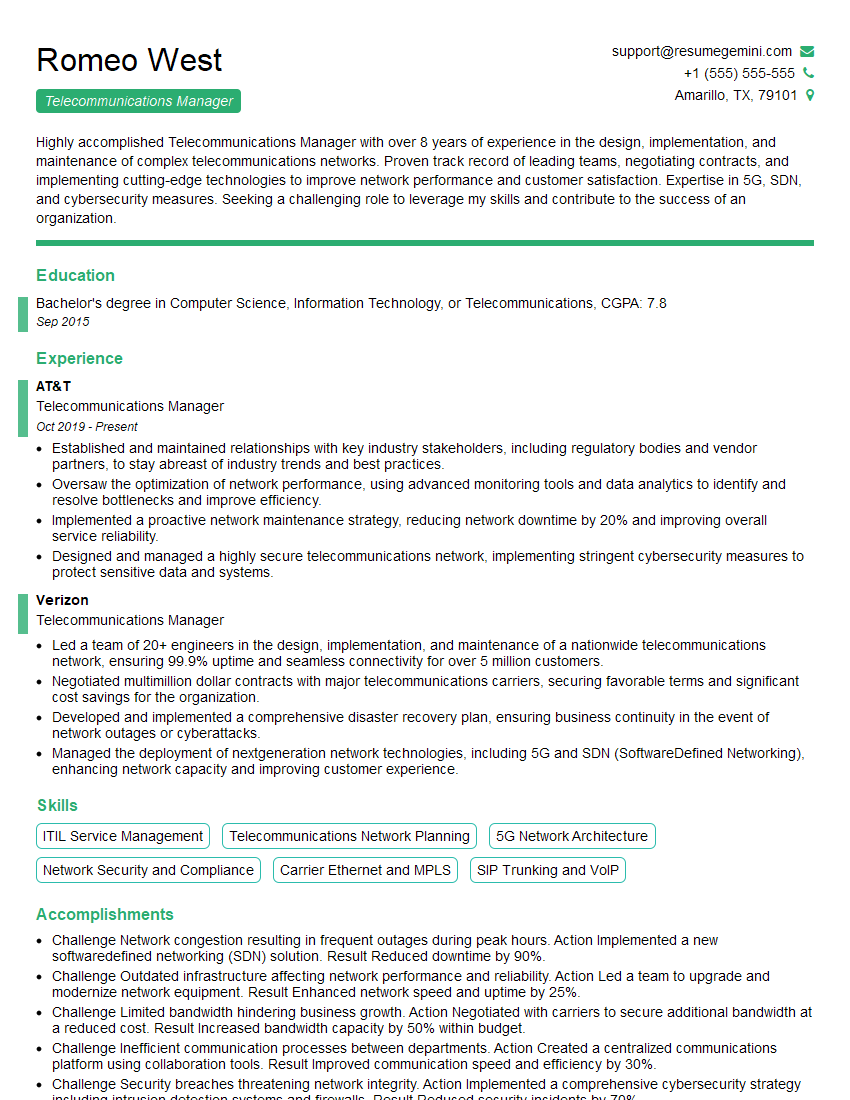
Telecommunications Manager Resume Sample

Network Architect Resume Sample

Telecommunications Engineer Resume Sample

Wireless Network Engineer Resume Sample

IT Manager Resume Sample

IT Project Manager Resume Sample

Field Service Engineer Resume Sample

DevOps Engineer Resume Sample
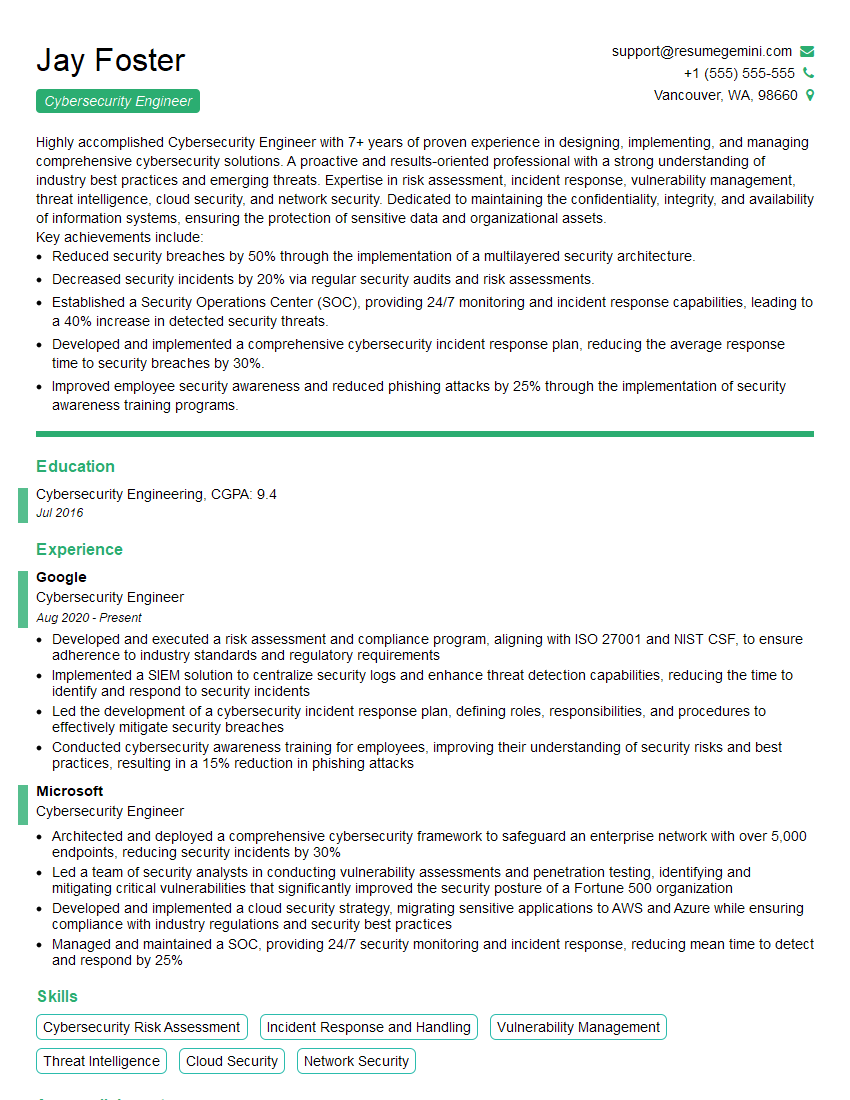
Cybersecurity Engineer Resume Sample
- Systems Engineer
- Security Analyst
- Network Administrator
- Network Engineer
- Network Security Engineer
- Network Analyst
- Network Technician
- Telecommunications Manager
- Network Architect
- Telecommunications Engineer
- Wireless Network Engineer
- IT Manager
- IT Project Manager
- Field Service Engineer
- DevOps Engineer
- Cybersecurity Engineer
Explore more articles
Users Rating of Our Blogs
Share Your Experience
We value your feedback! Please rate our content and share your thoughts (optional).
What Readers Say About Our Blog
Really detailed insights and content, thank you for writing this detailed article.
IT gave me an insight and words to use and be able to think of examples