Feeling uncertain about what to expect in your upcoming interview? We’ve got you covered! This blog highlights the most important Proficient in Data Visualization Tools interview questions and provides actionable advice to help you stand out as the ideal candidate. Let’s pave the way for your success.
Questions Asked in Proficient in Data Visualization Tools Interview
Q 1. Explain the difference between a bar chart and a histogram.
Both bar charts and histograms are used to visualize the distribution of categorical or numerical data, but they serve different purposes and handle data differently. A bar chart displays the frequency or count of distinct categories. Each bar represents a specific category, and its height corresponds to the category’s value. Think of it like counting the number of apples, oranges, and bananas in a fruit basket. Each fruit is a category, and the bar height shows how many of each you have.
A histogram, on the other hand, shows the distribution of continuous numerical data. Instead of distinct categories, it uses bins (ranges of values) on the x-axis. The height of each bar represents the frequency of data points falling within that bin. Imagine measuring the heights of students in a class and grouping them into height ranges (e.g., 5-5.5 feet, 5.5-6 feet, etc.). Each height range is a bin, and the bar shows how many students fall into each range. The key difference is that histograms deal with continuous data that needs to be grouped into intervals, while bar charts deal with discrete categories.
Example: A bar chart could show the number of cars sold by different brands, while a histogram could show the distribution of car prices.
Q 2. When would you use a scatter plot versus a line chart?
The choice between a scatter plot and a line chart hinges on the nature of your data and the relationship you want to highlight. A scatter plot is ideal for visualizing the relationship between two continuous variables. Each point represents a data point with coordinates representing the values of the two variables. It’s excellent for exploring correlations and identifying clusters or outliers. Think of plotting the height and weight of individuals – you’d use a scatter plot to see if there’s a correlation between the two.
A line chart is best suited for showing trends and changes in a single variable over time or another continuous variable. The points are connected by lines to emphasize the progression. A classic example is tracking stock prices over time – the line clearly shows the price fluctuations.
Example: To see if ice cream sales are correlated with temperature, you’d use a scatter plot. To visualize the growth of a company’s revenue over the years, you’d use a line chart.
Q 3. Describe the principles of effective data visualization.
Effective data visualization is about clarity, accuracy, and insightfulness. The key principles include:
- Clarity: The visualization should be easy to understand at a glance. Avoid clutter, use clear labels, and choose appropriate chart types.
- Accuracy: The data should be represented faithfully. Avoid misleading scales or manipulations.
- Relevance: The visualization should answer the question it’s intended to answer. Don’t include unnecessary data.
- Accessibility: Consider color blindness, visual impairments, and other accessibility needs.
- Context: Provide sufficient context, including titles, labels, legends, and units.
- Simplicity: Prioritize simplicity and avoid unnecessary complexity. Less is often more.
Think of it as telling a story with your data – you want the audience to grasp the main points quickly and easily, without getting bogged down in details.
Q 4. What are some common pitfalls to avoid in data visualization?
Common pitfalls in data visualization include:
- Misleading scales: Truncated y-axes or non-zero starting points can exaggerate differences.
- Chart junk: Unnecessary elements like excessive gridlines, 3D effects, or overly decorative elements distract from the data.
- Poorly chosen chart type: Using the wrong chart type can obscure the data or mislead the audience.
- Overly complex visuals: Too much information crammed into one chart can be overwhelming and difficult to interpret.
- Lack of context: Without proper labels and explanations, the data is meaningless.
- Ignoring outliers: Outliers can be valuable insights, but they shouldn’t be ignored or manipulated without justification.
Always strive for simplicity, accuracy, and clarity to avoid these pitfalls. Remember that the goal is to illuminate the data, not to obfuscate it.
Q 5. How do you choose the right chart type for a given dataset?
Choosing the right chart type depends on the type of data you have and the insights you want to convey. Consider these factors:
- Type of data: Categorical, numerical, continuous, or time series.
- Number of variables: One, two, or more.
- Objective: Showing distribution, correlation, trends, comparisons, or proportions.
There’s no single right answer, but a general guideline is to select the simplest chart that effectively communicates the message. For example, bar charts are excellent for comparing categories, scatter plots for showing correlations, and line charts for trends over time. If in doubt, consult a data visualization cheat sheet or seek advice from an experienced colleague.
Q 6. Explain the concept of data storytelling in visualization.
Data storytelling in visualization means using visuals to present data in a narrative format. It’s about going beyond simply showing the numbers and crafting a compelling story around the data. This involves:
- Identifying a clear narrative: What’s the main point you want to communicate?
- Choosing the right visuals: Selecting chart types that effectively support your story.
- Sequencing the visuals: Presenting information in a logical order to build a narrative.
- Using effective annotations: Adding labels, titles, and captions to guide the audience.
- Considering the audience: Tailoring the story and visuals to resonate with your target audience.
Think of it like writing a compelling article – you want to engage your audience and guide them through the data, leading them to a specific conclusion or insight. Effective data storytelling turns data into a powerful and persuasive tool.
Q 7. What are your preferred data visualization tools and why?
My preferred tools depend on the specific task and dataset, but I frequently use Tableau and Power BI. Tableau excels at interactive dashboards and exploratory data analysis. Its drag-and-drop interface makes it relatively easy to create compelling visualizations, even for complex datasets. Power BI offers strong integration with Microsoft products, making it a convenient choice for businesses already using the Microsoft ecosystem. It also boasts excellent data connectivity options. For more customized and highly specific visualizations or when dealing with very large datasets requiring optimized performance, I might use Python libraries like matplotlib, seaborn, or plotly, offering great flexibility and control.
Ultimately, the best tool is the one that allows me to efficiently create clear, accurate, and insightful visualizations that effectively communicate the story within the data. The choice depends on project needs, personal preference, and existing infrastructure.
Q 8. How do you handle outliers in your visualizations?
Outliers, those data points significantly different from the rest, can skew visualizations and lead to misleading interpretations. Handling them requires careful consideration. My approach involves a multi-step process:
- Identification: I use box plots, scatter plots, and statistical methods (like the Interquartile Range (IQR) method) to identify potential outliers. For instance, the IQR method flags data points beyond 1.5 times the IQR above the third quartile or below the first quartile.
- Investigation: Once identified, I don’t automatically discard outliers. I investigate their cause. Are they errors in data entry? Do they represent a genuinely unusual event? Understanding the source is critical.
- Visualization Techniques: I choose visualization methods that effectively handle outliers. Box plots naturally highlight them. Scatter plots can show their relationship to other variables. I might also use separate visualizations, one showing the data with outliers and another without, to allow comparison.
- Transparency: In the visualization itself, I clearly indicate the presence and handling of outliers. This avoids hiding information and maintains transparency. For example, I might highlight outliers in a different color or use annotations to explain their status.
For example, in a project analyzing website traffic, I identified several days with unusually high traffic. After investigation, these turned out to be due to successful marketing campaigns. Rather than removing them, I highlighted them in the visualization with explanatory notes.
Q 9. How do you ensure data accuracy and integrity in your visualizations?
Data accuracy and integrity are paramount in data visualization. My process emphasizes several key steps:
- Data Validation: I meticulously check the data source for inconsistencies, errors, and missing values before any visualization work begins. This often involves using data profiling tools and scripting to identify anomalies.
- Data Cleaning: This involves addressing identified issues. Missing values might be imputed (replaced) using appropriate methods, depending on the context. Inconsistent data formats are standardized. Outliers are investigated as described previously.
- Source Tracking: I always maintain clear documentation of the data sources, cleaning steps, and any transformations applied. This ensures traceability and reproducibility.
- Review and Verification: Before finalizing any visualization, I conduct a thorough review, often with colleagues, to ensure the visual representation accurately reflects the data and its integrity.
Imagine creating a dashboard showing sales figures. Failing to account for returns or inaccurate order entries would completely distort the picture, impacting business decisions. My focus is to prevent such scenarios through rigorous data validation and cleaning.
Q 10. Describe your experience with interactive dashboards.
I have extensive experience building interactive dashboards using tools like Tableau and Power BI. These dashboards go beyond static images; they allow users to explore data dynamically. My experience includes:
- Designing interactive elements: I incorporate features such as drill-downs, filters, and sliders to enable users to explore data at various levels of granularity. For example, a user could drill down from overall sales figures to individual product performance.
- Developing user-friendly interfaces: I strive to create intuitive and user-friendly interfaces, avoiding unnecessary complexity. Clear labeling, logical organization, and effective use of visual cues are essential.
- Data storytelling through interactivity: Interactive dashboards allow for powerful data storytelling. Users can discover insights themselves by actively exploring the data, rather than simply passively receiving information.
- Deployment and maintenance: I understand the process of deploying dashboards (e.g., publishing to a server) and maintaining them over time, addressing issues and incorporating new data as needed.
For instance, I developed an interactive dashboard for a retail company, allowing managers to track sales performance across different stores, product categories, and time periods. The interactive filters enabled them to quickly identify trends and take targeted actions.
Q 11. How do you create effective legends and annotations?
Legends and annotations are crucial for interpreting visualizations. They bridge the gap between the visual elements and their meaning. My approach focuses on:
- Clarity and Conciseness: Legends should be clear, concise, and easy to understand. Avoid jargon and use straightforward language.
- Visual Consistency: The visual representation in the legend should match the representation in the chart. For example, if a bar in the chart is blue, its corresponding label in the legend should also be blue.
- Strategic Placement: Legends should be placed strategically, without obscuring important data points. Annotations should be placed near the relevant parts of the chart.
- Accessibility: Consider users with visual impairments. Use sufficient color contrast and ensure that legends and annotations can be easily understood even without color perception.
For example, in a pie chart showing market share, the legend should clearly label each slice with the corresponding company and its percentage. Annotations can be used to highlight significant trends or outliers.
Q 12. How do you deal with large datasets for visualization?
Visualizing large datasets presents unique challenges. My strategies include:
- Sampling: For exploratory analysis, I might sample a representative subset of the data to create initial visualizations. This reduces processing time and allows for quick iterations.
- Data Aggregation: I often aggregate data into meaningful summaries (e.g., calculating averages or totals for specific groups) before visualization to simplify the representation.
- Interactive Exploration: Interactive tools such as Tableau and Power BI are crucial for handling large datasets. They allow users to selectively filter and explore subsets of the data, reducing complexity.
- Data Reduction Techniques: Techniques like principal component analysis (PCA) or t-SNE can reduce the dimensionality of the data, making visualization more manageable.
- Specialized Visualization Techniques: Techniques like parallel coordinates plots or heatmaps can be effective for visualizing high-dimensional data.
When visualizing millions of customer transactions, instead of showing each individual transaction, I might aggregate them by day, week, or month to highlight overall trends.
Q 13. Explain your experience with different color palettes and their impact.
Color palettes play a critical role in data visualization. The choice of colors significantly influences how effectively the visualization communicates information. My experience encompasses:
- Colorblind-Friendly Palettes: I prioritize color palettes that are accessible to individuals with color blindness. Tools and resources are available to assess and select appropriate palettes.
- Purpose-Driven Selection: The choice of palette depends on the type of data and the message being conveyed. Sequential palettes (e.g., for showing a gradient) are different from categorical palettes (e.g., for showing distinct groups).
- Contextual Awareness: I consider the overall context of the visualization. The colors should complement the other visual elements and not clash.
- Data-Ink Ratio: I strive to maximize the data-ink ratio—the proportion of ink used to represent data versus other non-data elements. Unnecessary color distractions should be minimized.
Using a color palette that poorly differentiates data categories can severely limit a visualization’s effectiveness. For example, using similar shades of blue for different categories can lead to confusion.
Q 14. Describe your process for designing a data visualization from scratch.
My process for designing a data visualization from scratch involves several stages:
- Understanding the Objective: I begin by clearly defining the purpose of the visualization. What story needs to be told? What questions should it answer?
- Data Exploration: I explore the data to understand its structure, identify patterns, and discover potential insights.
- Choosing the Right Chart Type: Based on the data type and the objective, I select the most appropriate chart type (bar chart, scatter plot, line chart, etc.).
- Sketching and Iteration: I often create rough sketches to explore different layout options and visual representations before implementing the visualization using a tool.
- Refinement and Testing: Once a visualization is created, I refine it based on feedback and user testing. This includes iterating on the design, color choices, and labels to ensure clarity and effectiveness.
For example, if the goal is to compare sales across different regions, a bar chart would be suitable. If the goal is to show the relationship between two variables, a scatter plot might be more effective.
Q 15. How do you measure the effectiveness of your visualizations?
Measuring the effectiveness of a visualization isn’t about aesthetics alone; it’s about its impact on the user and their understanding of the data. I use a multifaceted approach. Firstly, I track user engagement metrics. This includes things like dwell time (how long users spend looking at the visualization), scroll depth, and interaction rates (clicks, hovers, etc.). These metrics, often gathered through analytics tools embedded within the visualization platform or website, tell me if the visualization is grabbing attention and holding it.
Secondly, I assess understanding. This could involve A/B testing different visualizations to see which leads to better comprehension of key insights. Post-visualization quizzes or surveys can gauge how effectively the visualization communicated the data. For example, I might ask users to summarize the key takeaways or answer specific questions based on the presented information.
Finally, I consider the actionability of the visualization. Did it help users make informed decisions or identify patterns they wouldn’t have otherwise noticed? Did it prompt a specific action, like a follow-up investigation or a change in strategy? Tracking downstream effects is crucial for demonstrating the true value of the visualization.
Career Expert Tips:
- Ace those interviews! Prepare effectively by reviewing the Top 50 Most Common Interview Questions on ResumeGemini.
- Navigate your job search with confidence! Explore a wide range of Career Tips on ResumeGemini. Learn about common challenges and recommendations to overcome them.
- Craft the perfect resume! Master the Art of Resume Writing with ResumeGemini’s guide. Showcase your unique qualifications and achievements effectively.
- Don’t miss out on holiday savings! Build your dream resume with ResumeGemini’s ATS optimized templates.
Q 16. How familiar are you with accessibility considerations in data visualization?
Accessibility is paramount in data visualization. It’s about ensuring that everyone, regardless of their abilities, can access and understand the information presented. My approach encompasses several key areas:
- Colorblind-friendly palettes: I avoid using color alone to convey information and instead utilize patterns, shapes, and labels to reinforce meaning. I often use colorblind-safe palettes generated by tools or libraries.
- Sufficient contrast: I ensure adequate contrast between text, icons, and the background to make the visualization readable for individuals with low vision. WCAG (Web Content Accessibility Guidelines) provide excellent benchmarks for contrast ratios.
- Keyboard navigation: Interactive visualizations should be fully navigable using a keyboard, ensuring users without a mouse can interact with them.
- Alternative text (alt text): For images and charts, I always provide descriptive alt text that conveys the essence of the visualization for screen reader users.
- Semantic HTML: I use semantic HTML elements (e.g.,
<h1>,<p>,<figure>,<figcaption>) to structure the visualization and its supporting text for screen readers to interpret accurately.
Regularly testing with assistive technologies like screen readers is crucial for ensuring comprehensive accessibility.
Q 17. What are some best practices for designing mobile-friendly visualizations?
Designing mobile-friendly visualizations requires careful consideration of screen size and touch interactions. Key practices include:
- Responsive design: The visualization should adapt seamlessly to different screen sizes and orientations. This often involves using CSS media queries or frameworks that handle responsiveness automatically.
- Simplified layouts: Avoid cluttered layouts; prioritize the most critical information. Reduce the number of elements and opt for clean, uncluttered designs.
- Touch-friendly interactions: Ensure interactive elements (buttons, sliders) are large enough to be easily tapped with fingers. Avoid tiny elements that are difficult to select on a small screen.
- Clear labeling and typography: Use legible fonts and font sizes appropriate for smaller screens. Ensure labels are concise and easy to read.
- Mobile-first approach: Designing for mobile first and then scaling up to larger screens ensures core functionality and readability on smaller devices.
Testing on a variety of mobile devices is vital to confirm the visualization’s usability across different screen sizes and operating systems.
Q 18. How do you incorporate user feedback into your visualization designs?
User feedback is essential for iterative design. I incorporate it in several ways:
- Usability testing: Observing users interacting with the visualization allows me to identify pain points and areas for improvement. This could involve conducting in-person sessions or remote testing using screen recording tools.
- Surveys and questionnaires: These help gather quantitative and qualitative feedback about the visualization’s clarity, effectiveness, and overall usability.
- A/B testing: Comparing different versions of the visualization helps determine which version resonates best with users.
- Heatmaps and clickstream data: Analyzing where users focus their attention and how they interact with the visualization provides valuable insights into its design effectiveness.
- Direct feedback mechanisms: Including feedback forms or comment sections allows users to provide immediate input.
I analyze the feedback, prioritize improvements based on their impact and feasibility, and iterate on the design accordingly. It’s a continuous process of refinement.
Q 19. Describe your experience with data cleaning and preparation for visualization.
Data cleaning and preparation are critical steps before visualization. It’s like preparing ingredients before cooking – you can’t make a good dish with poor ingredients. My process involves:
- Handling missing values: I decide whether to remove rows with missing data, impute missing values using statistical methods (like mean/median imputation), or flag them for special consideration.
- Outlier detection and treatment: Outliers can skew visualizations and need to be addressed, either through removal, transformation (e.g., log transformation), or special labeling.
- Data transformation: I might need to transform data to make it suitable for visualization. This could include standardizing variables, creating new variables through calculations, or aggregating data.
- Data type conversion: Ensuring data is in the correct format (e.g., dates, numbers) is essential for proper rendering in visualization tools.
- Data validation: Checking data consistency and accuracy using various checks (e.g., range checks, uniqueness checks) is vital before visualization.
I utilize tools like Python with libraries such as Pandas and NumPy to efficiently perform these tasks. The choice of method depends heavily on the nature of the data and the visualization’s goal.
Q 20. How do you maintain consistency in your visualizations across different projects?
Consistency across projects is key to creating a cohesive and professional visual brand. My approach involves:
- Style guides: Developing and adhering to a style guide that defines color palettes, fonts, chart types, and other visual elements ensures consistency across all visualizations.
- Template creation: Creating reusable templates for common chart types saves time and ensures a consistent look and feel.
- Version control: Using version control systems (like Git) for visualization code helps track changes and maintain consistency across different versions of a visualization.
- Centralized resources: Storing design assets (color palettes, logos, fonts) in a central location ensures everyone uses the same materials.
- Code libraries and functions: Developing reusable code libraries for common visualization tasks can ensure consistency in code structure and functionality across multiple projects.
A consistent visual style enhances readability and reinforces the overall brand image.
Q 21. Explain your understanding of different data visualization libraries (e.g., D3.js, matplotlib).
I have extensive experience with various data visualization libraries.
D3.js (Data-Driven Documents): This JavaScript library offers unparalleled flexibility and control over visualizations. It’s powerful but requires more coding expertise. I use it for creating custom, highly interactive, and complex visualizations, particularly when standard libraries don’t meet specific needs. For instance, I’ve used D3.js to build custom geographic maps with interactive drill-down capabilities.
Matplotlib (Python): A Python library known for its simplicity and versatility, Matplotlib is great for creating static, publication-quality visualizations. It’s perfect for creating common charts like bar charts, scatter plots, and line graphs quickly. I often use it for exploratory data analysis and generating visualizations for reports. For example, I’ve used Matplotlib to create insightful line charts displaying time series data.
Other libraries I’m familiar with include Seaborn (Python), which builds on Matplotlib, providing a higher-level interface for creating statistically informative visualizations; Plotly (Python/JavaScript), offering interactive visualizations that can be easily shared online; and Tableau and Power BI, which are excellent for creating dashboards and interactive reports using a drag-and-drop interface.
My choice of library always depends on the project’s requirements, the complexity of the visualization, the available data, and the desired level of interactivity.
Q 22. How do you handle conflicting requirements from stakeholders?
Handling conflicting stakeholder requirements in data visualization is crucial for project success. It’s a delicate balancing act between meeting diverse needs and maintaining the integrity of the data and the visualization’s purpose. My approach involves a structured process:
- Active Listening and Clarification: I begin by actively listening to each stakeholder, ensuring I fully understand their individual requirements and the rationale behind them. This often involves asking clarifying questions to uncover underlying needs and potential misunderstandings.
- Prioritization and Negotiation: Once I have a clear picture of all requirements, I prioritize them based on business impact and feasibility. This may involve negotiating compromises or finding creative solutions to reconcile conflicting demands. For instance, if one stakeholder wants a highly interactive dashboard while another prefers a static, easily printable report, I might create both, perhaps a simplified version of the interactive dashboard for printing.
- Documentation and Iteration: I document all requirements, agreed-upon compromises, and rationale behind the decisions. This document serves as a shared understanding and reference point throughout the project. I also plan for iterative design, showing stakeholders drafts and incorporating feedback at each stage. This iterative process allows for adjustments and ensures the final product satisfies the majority of needs.
- Data-Driven Decision Making: Ultimately, I emphasize using data to guide decisions. If conflicting requirements lead to potentially misleading visualizations, I will present evidence and suggest alternatives to ensure data accuracy and integrity are prioritized.
For example, in a project for a retail company, one stakeholder wanted to focus on revenue growth while another wanted to highlight customer acquisition costs. By creating a dashboard with separate views for both metrics, we addressed both concerns and provided a comprehensive understanding.
Q 23. Describe your experience with A/B testing visualizations.
A/B testing visualizations is essential for optimizing their effectiveness. My experience involves using A/B testing to compare different chart types, layouts, color palettes, and interactive elements. I leverage tools such as Google Optimize or similar platforms to run controlled experiments. This involves creating two or more versions of a visualization, randomly showing them to different user groups, and measuring key metrics such as user engagement (time spent viewing, interactions), task completion rate, and comprehension scores.
For instance, I might A/B test a bar chart against a line chart to see which better communicates trends in sales data. I’d track how long users spend on each version and whether they successfully answer questions related to the data. This data-driven approach helps identify the visualization that best meets the objectives.
Beyond simply choosing the ‘better’ visualization, the results of A/B testing provide valuable insights into user behavior and preferences, informing future design choices. Analyzing the data reveals patterns about what resonated with the users, why certain elements were more effective, and what areas need improvement. This iterative process of testing and refinement ultimately produces superior visualizations.
Q 24. How do you balance aesthetics and data accuracy in your visualizations?
Balancing aesthetics and data accuracy is a core principle in effective data visualization. A beautiful chart is useless if it misrepresents the data, and a technically accurate chart is ineffective if it’s confusing or unengaging. My approach is to treat them as complementary, not competing, goals.
- Data-Driven Design: I start with the data. The choice of chart type, color palette, and other design elements should be directly informed by the type of data and the story it’s meant to tell. A misleading choice, even if aesthetically pleasing, is unacceptable.
- Clarity and Simplicity: I prioritize clarity and simplicity in design. Unnecessary clutter or overly complex designs can distract from the data. Minimalist aesthetics are often the most effective.
- Color Psychology: I use color strategically, considering both aesthetic appeal and the effective communication of data. I avoid overly saturated colors or combinations that can be difficult for users with color blindness to interpret. I adhere to color blindness-friendly palettes.
- Interactive Elements: Where appropriate, I use interactive elements (e.g., tooltips, zoom functionality) to enhance understanding without compromising data integrity. These help users explore the data at their own pace.
For instance, using a diverging color palette to represent values above and below a mean would be a good balance: both pleasing to look at and immediately informative about the data spread.
Q 25. Explain your experience with version control for visualization projects.
Version control is essential for managing visualization projects, especially collaborative ones. I use Git for version control. This allows me to track changes, revert to previous versions if necessary, collaborate seamlessly with team members, and maintain a clear history of the project’s evolution.
Typically, I create a separate repository for each visualization project. I commit changes regularly with descriptive commit messages that explain the nature of the modifications. This detailed logging facilitates easy review and understanding of past modifications. Branching is used for experimenting with alternative designs or features without affecting the main branch.
Using Git also aids in collaboration. Multiple team members can work on the same project simultaneously, merging their changes efficiently while minimizing conflicts. Pull requests are used to review and approve code changes before merging them into the main branch. This collaborative workflow ensures a quality visualization and effective change management.
Q 26. How do you communicate technical information effectively to non-technical audiences?
Communicating technical information to non-technical audiences requires a clear and concise approach that avoids jargon and complex technical terms. My strategy involves:
- Plain Language: I use simple, everyday language, avoiding technical terms unless absolutely necessary, and defining those terms when they are used.
- Visual Aids: I rely heavily on visuals. Charts, graphs, and other visual representations can convey complex information much more effectively than text alone.
- Storytelling: I frame the data within a compelling narrative. Instead of simply presenting numbers, I tell a story using the data as evidence. This makes the information more engaging and memorable.
- Analogies and Metaphors: I use analogies and metaphors to explain complex concepts in relatable terms. For instance, comparing a data distribution to a bell curve can help non-technical audiences understand the concept of standard deviation.
- Interactive Demonstrations: Whenever possible, I use interactive demonstrations to allow audiences to explore the data themselves. This helps improve comprehension and engagement.
For example, when presenting data on website traffic to a marketing team, I would use a simple line graph showing website visits over time, instead of focusing on raw numbers and technical terms. I would then explain any significant changes in traffic using a clear narrative that avoids technical jargon.
Q 27. Describe a time you had to troubleshoot a complex data visualization problem.
In a project involving visualizing financial data for a large investment firm, I encountered a significant challenge when dealing with inconsistent data formats. The data was sourced from multiple legacy systems, and the inconsistencies led to errors and misrepresentations in the visualizations.
My troubleshooting process involved:
- Data Profiling: I began by performing thorough data profiling using tools like Pandas in Python to identify data quality issues, inconsistent data types, and missing values.
- Data Cleaning: Based on the profiling, I developed a data cleaning pipeline using Python scripts to handle missing values, correct inconsistencies in data types, and normalize the data into a consistent format. This involved techniques like data imputation, standardization, and data transformation.
- Debugging and Verification: I tested and debugged my cleaning scripts meticulously. This included validating the cleaned data against the original data to ensure accuracy and consistency.
- Visualization Review: Finally, I reviewed the visualizations generated from the cleaned data, confirming that the visualizations accurately reflect the cleaned data and that any inconsistencies identified earlier were successfully addressed. The cleaned and consistent data resulted in accurate visualizations that informed the client’s investment decisions.
This experience highlighted the critical importance of thorough data quality checks and effective data cleaning procedures for producing trustworthy data visualizations. It reinforced my understanding of the necessity of using robust tools and techniques to ensure data quality.
Q 28. How do you stay up-to-date with the latest trends in data visualization?
Staying current with the latest trends in data visualization is crucial for remaining a competitive and effective data visualization professional. My approach involves a multi-faceted strategy:
- Following Industry Blogs and Publications: I regularly read industry blogs, publications, and online resources such as Towards Data Science, Data Visualization Society blog posts and others, to stay informed about new tools, techniques, and best practices. This allows me to be exposed to both new and best practices.
- Attending Conferences and Workshops: Attending industry conferences and workshops, like those offered by Tableau or similar platforms, provides opportunities to learn from experts and network with other professionals in the field.
- Exploring Open-Source Tools and Libraries: I actively explore and experiment with open-source tools and libraries like D3.js, Plotly, and Seaborn. This provides hands-on experience with the latest technologies and techniques.
- Online Courses and Tutorials: I supplement my learning through online courses and tutorials on platforms like Coursera and edX, focusing on specific tools or techniques.
- Participating in Online Communities: I engage with online communities and forums dedicated to data visualization, participating in discussions, sharing insights, and learning from others’ experiences.
This continuous learning ensures that I remain at the forefront of the field, consistently adopting the most effective and innovative methods for data visualization.
Key Topics to Learn for Proficient in Data Visualization Tools Interview
- Data Visualization Principles: Understanding the core principles of effective visualization, including choosing the right chart type for different data types and audiences. Consider exploring concepts like pre-attentive attributes and the Gestalt principles.
- Tool-Specific Expertise: Develop a deep understanding of at least one or two major data visualization tools (e.g., Tableau, Power BI, Python libraries like Matplotlib and Seaborn). Practice creating various visualizations and exploring their advanced features.
- Data Wrangling and Preparation: Mastering data cleaning, transformation, and preparation techniques is crucial. Focus on handling missing data, outliers, and data inconsistencies before visualization.
- Interactive Dashboards and Storytelling: Learn to build interactive dashboards that allow users to explore data dynamically. Practice crafting compelling narratives using data visualizations to communicate insights effectively.
- Data Interpretation and Analysis: Go beyond simply creating visualizations; learn to interpret the insights revealed by your charts and graphs. Practice drawing meaningful conclusions and communicating those findings clearly.
- Best Practices and Accessibility: Understand the ethical considerations and best practices in data visualization. Learn how to create accessible visualizations for diverse audiences, considering color blindness and other accessibility needs.
- Performance Optimization: For larger datasets, learn techniques to optimize visualization performance and ensure efficient rendering.
Next Steps
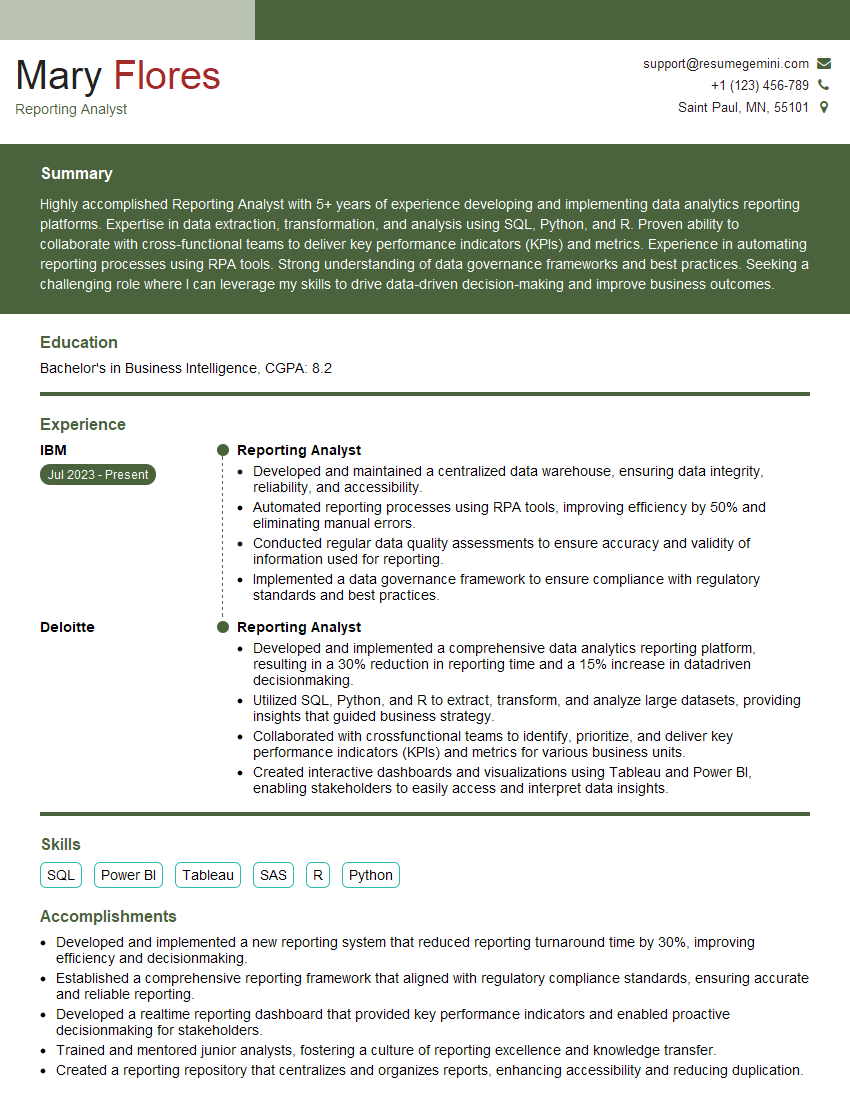
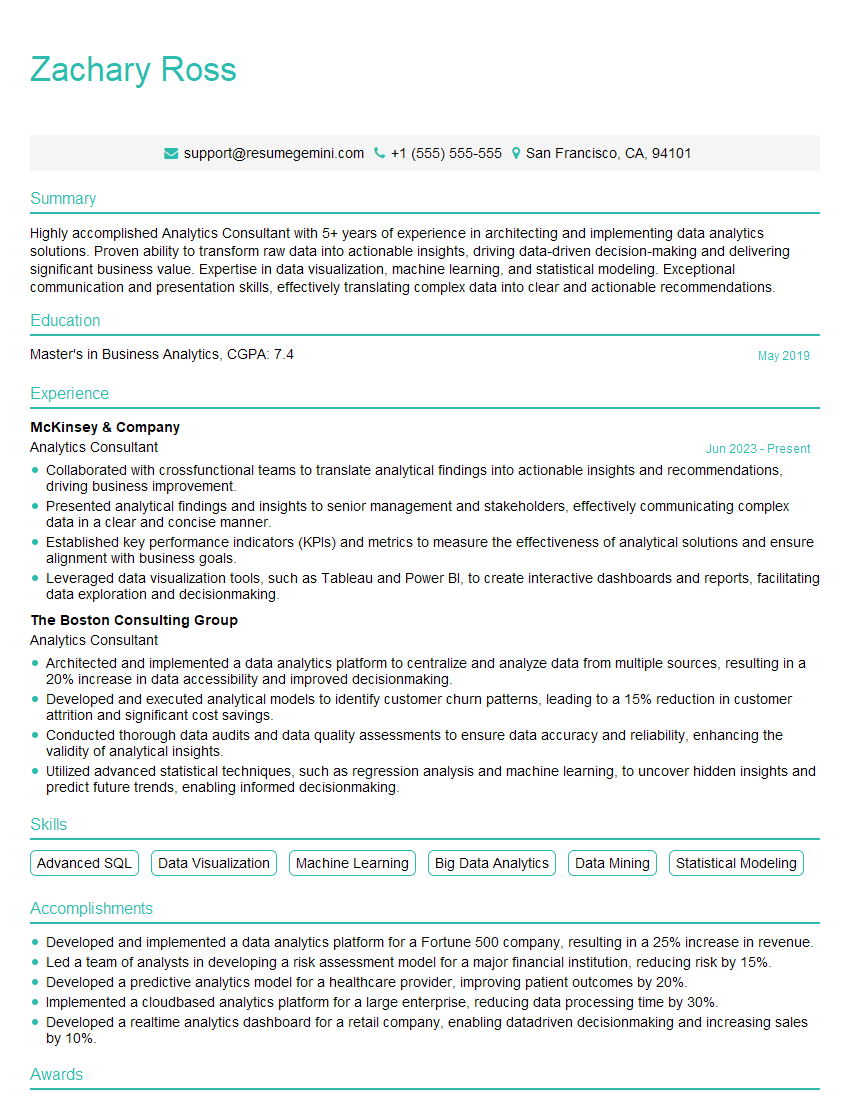
Mastering data visualization tools is paramount for career advancement in today’s data-driven world. Proficiency in this area opens doors to exciting roles and significantly enhances your value to potential employers. To maximize your job prospects, crafting a strong, ATS-friendly resume is essential. ResumeGemini is a trusted resource that can help you build a professional and impactful resume that highlights your skills and experience effectively. Examples of resumes tailored to showcasing proficiency in data visualization tools are available through ResumeGemini, allowing you to create a compelling application that stands out from the competition. Invest time in refining your resume; it’s your first impression on a potential employer.



Explore more articles
Users Rating of Our Blogs
Share Your Experience
We value your feedback! Please rate our content and share your thoughts (optional).
What Readers Say About Our Blog
Really detailed insights and content, thank you for writing this detailed article.
IT gave me an insight and words to use and be able to think of examples