Interviews are opportunities to demonstrate your expertise, and this guide is here to help you shine. Explore the essential Project Management (Asana, Trello) interview questions that employers frequently ask, paired with strategies for crafting responses that set you apart from the competition.
Questions Asked in Project Management (Asana, Trello) Interview
Q 1. Explain your experience using Asana for project management.
My experience with Asana spans several years and numerous projects, ranging from small, internal initiatives to large-scale collaborations with cross-functional teams. I’ve leveraged Asana’s features to manage various project aspects, from task assignment and tracking to progress monitoring and reporting. I find its intuitive interface and robust functionality exceptionally helpful in maintaining project organization and transparency.
For example, in a recent project involving the development of a new marketing campaign, we used Asana to create individual projects for each campaign element (website updates, social media posts, email marketing). Each project contained subtasks, assigned to specific team members with deadlines and dependencies clearly defined. This ensured everyone was aligned on their responsibilities and project milestones were met efficiently.
Furthermore, Asana’s custom fields allowed us to track crucial campaign metrics, such as engagement rates and conversion numbers, directly within the platform. This real-time data provided valuable insights into campaign performance, enabling data-driven decision making throughout the project lifecycle.
Q 2. Describe your experience using Trello for project management.
Trello, with its Kanban-style board system, has been invaluable for managing projects that require a highly visual and flexible approach. I’ve found it especially effective for projects with evolving priorities and frequent task re-prioritization. The drag-and-drop functionality allows for intuitive task movement between different stages (e.g., To Do, In Progress, Done), providing a clear overview of the workflow.
In one project focused on website redesign, we utilized Trello to manage the numerous tasks involved – from content creation and design to development and testing. Each card represented a specific task, with assigned members, due dates, checklists, and attached documents. The ability to create multiple lists representing different project phases made it straightforward to visualize progress and quickly identify bottlenecks.
Trello’s integration with other tools also proved beneficial. Connecting it with Slack, for instance, allowed for seamless communication and real-time updates within the team. This helped maintain transparency and minimize miscommunication across different channels.
Q 3. How do you prioritize tasks in Asana/Trello?
Prioritization is critical for effective project management, and both Asana and Trello offer various methods to achieve this. In Asana, I often utilize the due dates and priority levels (e.g., high, normal, low) assigned to individual tasks. Combining this with custom fields for things like business value or risk level helps to further refine the prioritization process. The calendar view provides a holistic picture of upcoming deadlines and helps identify potential conflicts.
In Trello, I prioritize tasks by their position on the board. Critically important tasks are moved to the top of the relevant list. Labels (like ‘Urgent’ or ‘High Priority’) coupled with due dates provide visual cues and aids in quick identification of priority tasks. The ‘Power-Ups’ feature adds further options for advanced prioritization strategies.
Regardless of the platform, a robust prioritization strategy relies on clearly defined criteria (e.g., urgency, importance, dependencies) and frequent review to adapt to changing circumstances. Regular team meetings ensure that the prioritization remains aligned with project goals and evolving needs.
Q 4. How do you manage dependencies between tasks in Asana/Trello?
Managing task dependencies is crucial to prevent project delays and ensure a smooth workflow. In Asana, I use subtasks and dependencies to illustrate task relationships. For example, a task like ‘Write Blog Post’ might have subtasks like ‘Research Topic’, ‘Outline Post’, and ‘Write Draft’, all with clear dependencies. Asana visually represents these dependencies, alerting users when a dependent task’s completion is blocked by another’s incompletion.
Trello’s dependency management is less explicit. I typically use checklists within cards to break down dependent tasks and visually track progress. Clear communication and collaboration among team members are vital in Trello to ensure everyone is aware of task interdependencies and potential roadblocks. Using labels and card comments to highlight dependencies assists in maintaining visibility.
Regardless of the platform, documenting dependencies clearly is paramount. Any unclear relationships can cause significant delays and frustration. Regularly reviewing dependencies during project meetings ensures early identification and mitigation of any potential issues.
Q 5. How do you track project progress in Asana/Trello?
Tracking project progress is crucial for staying on schedule and within budget. Asana offers several options, including progress bars on projects and tasks, Gantt charts (for visualizing timelines), and reporting features that summarize progress against milestones. I regularly monitor these metrics to identify areas requiring attention and make necessary adjustments.
Trello’s progress tracking relies heavily on visual cues. The movement of cards through different lists (e.g., ‘To Do’ to ‘In Progress’ to ‘Done’) provides a clear indication of overall progress. Using checklists on cards helps to monitor task completion within each stage. Customizing the board to include progress metrics improves transparency and accountability.
In both platforms, regular progress reviews are indispensable. These can involve brief daily stand-up meetings or more in-depth weekly meetings, depending on project complexity and team size. These reviews offer opportunities to address roadblocks and maintain momentum towards project goals.
Q 6. How do you handle conflicts between team members using Asana/Trello?
Conflicts are inevitable in any team setting. Asana and Trello offer tools to mitigate and resolve them effectively. In Asana, I encourage open communication through comments on tasks or projects. The platform’s comment threads provide a centralized location for discussing issues, sharing perspectives, and reaching resolutions. For more complex conflicts, I might schedule a meeting to discuss the issue in detail and facilitate a collaborative solution.
Trello utilizes comments on cards in a similar manner. Utilizing labels like ‘Conflict’ or ‘Needs Attention’ further highlights issues requiring immediate attention. Again, open communication and proactive intervention are key. Direct communication within the platform promotes transparency and ensures everyone remains informed.
My approach emphasizes proactive conflict management. Clear communication protocols, well-defined roles and responsibilities, and regular team meetings help prevent conflicts from escalating. When conflicts do arise, a focus on understanding each perspective and finding mutually beneficial solutions is crucial. If a resolution can’t be reached internally, escalating to management may be necessary.
Q 7. Explain your experience with Asana’s reporting features.
Asana’s reporting features are extensive and highly customizable. I’ve used them to generate reports on various aspects of projects, including task completion rates, time tracking, and overall project progress. These reports are essential for demonstrating project health to stakeholders and identifying areas for improvement. The ability to filter and segment data allows for targeted analysis and informed decision-making.
For example, a detailed report showing the time spent on specific tasks helped identify bottlenecks in a previous project. This insight enabled us to optimize our workflow and deliver the project ahead of schedule. Customizable dashboards allow for monitoring key metrics in real-time, providing a continuous overview of project health.
Asana’s reporting capabilities go beyond simple progress tracking; they offer a powerful tool for data-driven insights into team performance and project efficiency. Regularly reviewing these reports allows for continuous improvement and ensures that project execution is both efficient and effective.
Q 8. Explain your experience with Trello’s power-ups.
Trello Power-Ups are essentially add-ons that extend Trello’s functionality, integrating it with other tools and services. I’ve extensively used several, tailoring their application based on project needs. For instance, the Calendar Power-Up provides a visual overview of deadlines, crucial for maintaining project timelines. I’ve leveraged the Google Drive Power-Up to directly attach and access project documents within Trello cards, eliminating the need to switch between applications. Another favorite is the Voting Power-Up, which facilitates quick team decisions on tasks or priorities, streamlining the decision-making process. I also find the Card Aging Power-Up useful for identifying potentially stalled tasks and flagging them for review.
Selecting the right Power-Ups is key. It’s important to avoid overloading Trello with unnecessary add-ons, as this can hinder rather than help productivity. I always start with the core functionality and only add Power-Ups when a specific need arises that can’t be efficiently met through Trello’s built-in features.
Q 9. How do you use Asana/Trello for communication within a project team?
Asana and Trello both excel at facilitating team communication within a project. I utilize both platforms’ features for different purposes. In Asana, I rely heavily on the comments section within tasks and projects for detailed discussions and updates. The ability to @mention team members ensures everyone stays informed. Asana’s ability to organize communications by project ensures discussions remain focused and easily accessible. In Trello, I often use comments on cards, but I also find that the activity feed provides a good overall overview of what’s happening within the project. I also leverage Trello’s ability to create different lists for different stages of a project to indicate workflow progress and identify bottlenecks.
Beyond direct comments and @mentions, I encourage regular team meetings, using the project boards as a visual aid during these discussions. This hybrid approach ensures that communication is transparent, consistent, and remains within the project management system itself, improving record keeping and traceability.
Q 10. How do you utilize Asana’s/Trello’s automation features?
Both Asana and Trello offer automation capabilities, albeit with varying degrees of sophistication. In Asana, I frequently use Rules to automate repetitive tasks. For example, I might set up a rule to automatically assign tasks to specific team members based on their expertise or project stage. This saves considerable time and ensures tasks are consistently handled correctly. Asana’s integrations also play a vital role in automation. Connecting Asana to other tools, such as a time tracking software or project management system, enables seamless data flow and automated reporting.
Trello’s automation features, primarily through Butler (a Power-Up), are similarly useful. I’ve used Butler to automate card movements between lists based on due dates or label assignments, providing a visual representation of workflow progress. I’ve also used it to create and assign cards based on specific keywords in comments, reducing manual task creation. While less extensive than Asana’s Rules, Butler’s simplicity makes it effective for streamlining repetitive processes.
Q 11. Describe a time you used Asana/Trello to successfully manage a complex project.
During a recent website redesign project, we used Asana to manage the intricate web of tasks, dependencies, and timelines. The project involved multiple teams—design, development, content creation, and QA. We utilized Asana’s subtasks feature to break down complex tasks into smaller, manageable units, assigning them to individual team members. Custom fields were implemented to track specific aspects such as design approvals, code reviews, and content edits. We used sections within the project to represent different phases of the project (design, development, testing, launch). The project’s complexity demanded meticulous organization, and Asana’s ability to visually represent this organization proved invaluable. Regular progress reporting and status meetings, facilitated by Asana’s dashboards and reporting features, ensured we stayed on track, identified and mitigated potential bottlenecks early, and ultimately delivered the project successfully on time and within budget.
Q 12. How do you handle unexpected changes or roadblocks in a project using Asana/Trello?
Unexpected changes and roadblocks are inevitable in project management. My approach in both Asana and Trello involves a structured response. First, I clearly document the issue within the relevant task or project, providing context and details. This ensures that everyone is informed. Next, I initiate a discussion with the relevant team members to brainstorm solutions. Depending on the severity, this might involve a quick chat or a more formal meeting. In either Asana or Trello, we use the comment sections to record the problem, proposed solutions, and decisions made. I then update the project timeline and task assignments to reflect the necessary adjustments. This transparency ensures everyone understands the revised plan and their roles within it. If the roadblock requires external input, I will use the communication features of the platform to reach out to stakeholders, keeping a detailed record of communications.
Q 13. What are the limitations of Asana/Trello, and how have you overcome them?
Both Asana and Trello have limitations. One common limitation is the potential for information overload if not properly managed. Too many projects or tasks can make it difficult to maintain an overview. To overcome this, I utilize robust tagging and filtering systems, creating custom views that streamline information according to the needs of each individual or team. Another limitation is that the platforms are not inherently suitable for highly technical project management requiring complex dependencies or resource allocation. In this case, I might complement the tools with a spreadsheet or Gantt chart for more detailed tracking of complex interdependencies. Finally, both platforms can struggle with truly complex project structures – very large projects with thousands of tasks and numerous team members. The systems can become cumbersome, and other enterprise-level tools might be needed in that instance.
Q 14. Compare and contrast Asana and Trello. When would you choose one over the other?
Asana and Trello are both excellent project management tools, but they cater to different needs and preferences. Trello’s Kanban-style board is visually appealing and intuitive, making it ideal for projects with simpler workflows and tasks, visually tracking progress through various stages. Its flexibility and ease of use make it perfect for smaller teams or projects with less complexity. Power-Ups enable customization for specific workflows, but they can become overwhelming.
Asana, on the other hand, is more robust and feature-rich, better suited for larger teams and more complex projects involving detailed subtasks, dependencies, and timelines. Its task management system provides more structure and allows for advanced custom fields, progress reporting and better resource allocation. However, Asana’s interface can feel more complex and overwhelming to new users than Trello’s straightforward approach.
Ultimately, the choice depends on the project’s scale and the team’s preferences. For smaller projects with simple workflows and visual tracking a priority, Trello is often the better choice. For large, complex projects needing a structured, robust platform with advanced features, Asana is usually the preferable option.
Q 15. How do you ensure project transparency using Asana/Trello?
Ensuring project transparency in Asana or Trello hinges on effective communication and readily accessible information. Think of it like a shared, constantly updated project roadmap, visible to everyone involved.
- Asana: Utilize features like project dashboards to visualize progress, timelines, and roadblocks. Public projects or shared workspaces ensure everyone has access to the same information. Regular status updates within tasks and comments keep everyone in the loop. Using the ‘Followers’ function enables team members to stay informed about task progress even if they’re not directly assigned.
- Trello: Leverage the power of boards, lists, and cards for a visual representation of workflow. Utilize labels, checklists, and comments to provide context and track progress on every task. Power-Ups such as Calendar and Timeline can enhance transparency by providing a birds-eye view of deadlines and task sequencing. Open communication within the comments sections is crucial.
For example, in a marketing campaign project, using Asana’s timeline view lets everyone see the launch date and the tasks leading up to it, ensuring everyone is aligned and aware of upcoming milestones. In Trello, a visual representation of the campaign stages (e.g., planning, content creation, execution, analysis) helps ensure clarity and keeps the team aligned on deliverables.
Career Expert Tips:
- Ace those interviews! Prepare effectively by reviewing the Top 50 Most Common Interview Questions on ResumeGemini.
- Navigate your job search with confidence! Explore a wide range of Career Tips on ResumeGemini. Learn about common challenges and recommendations to overcome them.
- Craft the perfect resume! Master the Art of Resume Writing with ResumeGemini’s guide. Showcase your unique qualifications and achievements effectively.
- Don’t miss out on holiday savings! Build your dream resume with ResumeGemini’s ATS optimized templates.
Q 16. How do you manage risk in a project using Asana/Trello?
Risk management in Asana/Trello is about proactively identifying potential problems and planning mitigation strategies. It’s like having a safety net in place before you start your project.
- Identify Risks: Use Asana/Trello to document potential risks during the planning phase. This could include things like resource constraints, technical difficulties, or unforeseen delays. Create dedicated tasks or cards to track these risks, detailing their probability and potential impact.
- Develop Mitigation Strategies: For each identified risk, outline steps to mitigate its impact. These steps can also be documented as tasks or subtasks within the main project.
- Monitor and Adapt: Regularly review the risks and mitigation strategies. Update the status of risk-related tasks and comments as you progress. Asana’s reporting features or Trello’s power-ups can help visualize the status of risk mitigation efforts.
Imagine a software development project. A risk might be ‘dependency on a third-party API’. In Asana, I might create a subtask under the project ‘API integration’ with a task ‘Test API stability’ and assign it to a developer. In Trello, this could be a card in the ‘Risks’ list with a checklist of mitigation steps.
Q 17. How do you utilize custom fields in Asana/Trello to improve project tracking?
Custom fields in Asana and Trello are like adding extra descriptive information to your tasks, enabling more powerful tracking and reporting. They’re powerful tools to improve organization beyond the basic task parameters.
- Asana: Asana offers custom fields like dropdowns (e.g., ‘Priority’: High, Medium, Low), numbers (e.g., ‘Budget’), dates (e.g., ‘Due Date’), and text fields (e.g., ‘Notes’). These fields allow you to filter and group tasks based on specific criteria for easier reporting and analysis. For instance, filtering tasks by ‘Priority: High’ allows immediate focus on critical tasks.
- Trello: Trello uses labels, custom fields (using Power-Ups like Custom Fields), and checklists to achieve similar functionality. Labels provide color-coded categorization while custom fields (via Power-Ups) allow for more complex data input like dates, numbers or dropdowns. Checklists break down tasks into smaller, manageable steps and provide a visual representation of progress.
In a marketing campaign project, you might create a custom field in Asana called ‘Channel’ (with options like ‘Social Media’, ‘Email’, ‘Blog’) to track the performance of different marketing channels. In Trello, labels like ‘Urgent’, ‘In Progress’, ‘Completed’ provide a clear visual representation of task status.
Q 18. How do you handle multiple projects simultaneously using Asana/Trello?
Managing multiple projects effectively in Asana/Trello requires a structured approach and leveraging organizational features effectively. It’s like juggling multiple balls – you need a system to prevent any from dropping.
- Organization: Create separate projects in Asana/Trello for each distinct initiative. This is crucial for clear separation and focused work. Use project templates to maintain consistency in setup.
- Prioritization: Prioritize projects based on urgency and importance. Tools such as Asana’s My Tasks view or Trello’s board organization can help highlight deadlines and crucial tasks across multiple projects.
- Time Management: Allocate specific time slots for each project to maintain focus. Techniques like time-blocking help manage your time effectively and prevent context switching.
- Regular Review: Schedule regular review sessions to assess project progress, identify roadblocks, and reallocate resources as needed.
For example, you might have a project in Asana for ‘Website Redesign’ and another for ‘New Product Launch’. In Trello, you’d have a separate board for each, with lists indicating task statuses. Consistent review and time allocation for each is key to successful parallel project management.
Q 19. Describe your process for creating a project plan in Asana/Trello.
Creating a project plan in Asana or Trello is like building a blueprint for success. It involves defining the scope, breaking down tasks, assigning responsibilities, and setting timelines.
- Define Scope: Clearly articulate the project’s goals and deliverables. Create a high-level overview document or use a task in your project to define the overall objectives.
- Work Breakdown Structure (WBS): Break down the project into smaller, manageable tasks. Use subtasks in Asana or checklists in Trello to represent these smaller units of work.
- Task Assignment and Dependencies: Assign tasks to team members. Specify task dependencies (e.g., ‘Task B cannot start before Task A is completed’) using features like dependencies in Asana or sequencing on Trello boards.
- Timeline & Deadlines: Establish realistic deadlines for each task. Use Asana’s calendar view or Gantt charts or Trello’s calendar power-up to visualize timelines.
Example: For a website launch, the project plan in Asana might include tasks like ‘Design Website’, ‘Develop Website’, ‘Content Creation’, each broken down further into subtasks. In Trello, each major task would be a card, with checklists within the cards outlining subtasks.
Q 20. How do you delegate tasks effectively within Asana/Trello?
Effective task delegation in Asana/Trello is about assigning the right tasks to the right people with clear expectations and ongoing communication. It’s not just assigning, but empowering.
- Identify Skillsets: Assign tasks based on individual team members’ skills and expertise.
- Clear Instructions: Provide clear and concise instructions for each task. Use detailed descriptions, checklists, and links to relevant resources within the task or card.
- Set Expectations: Establish clear expectations regarding deadlines, deliverables, and quality standards. Use due dates and task statuses for clarity.
- Regular Check-ins: Regularly check in with team members to monitor progress, address challenges, and provide support. Asana’s comments or Trello’s card discussions facilitate this communication.
For example, if a team member is particularly skilled in graphic design, assign the design-related tasks to them. Clear instructions and regular check-ins ensure that the task is completed to the required standard.
Q 21. How do you measure the success of a project using Asana/Trello data?
Measuring project success using Asana/Trello data is about analyzing key metrics to determine whether the project achieved its goals. It’s looking at the data to see if your blueprint led to the intended outcome.
- On-Time Delivery: Compare actual completion dates to planned deadlines. Asana’s timeline view and reporting features or Trello’s calendar power-up are useful here.
- Budget Adherence: Track actual costs against the planned budget. Custom fields (in Asana) or labels (in Trello) indicating costs against tasks will be beneficial.
- Task Completion Rate: Monitor the percentage of tasks completed against the total number of tasks. Asana’s progress bars or Trello’s checklist completions give a clear view.
- Qualitative Feedback: Gather feedback from stakeholders and team members to understand overall satisfaction and identify areas for improvement. Asana’s comments or Trello’s card discussions can document this feedback.
For a software development project, successful completion would mean the software is delivered on time, within budget, with all planned features implemented, and positive user feedback. Asana’s reporting or Trello’s data visualization tools will help you quantify and analyze these aspects.
Q 22. Explain your experience with Asana/Trello’s integrations with other tools.
Asana and Trello boast robust integration capabilities, significantly enhancing their functionality. My experience encompasses integrating them with various tools depending on project needs. For instance, I’ve integrated Asana with Google Calendar for seamless scheduling and deadline reminders. This ensured everyone was aware of crucial dates and prevented scheduling conflicts. Another example involves connecting Trello with Slack for real-time communication and task updates. This dramatically reduced email traffic and fostered quicker responses to urgent issues. Integrating with tools like Jira for software development projects allowed for seamless bug tracking and task assignment between development and project management teams. The choice of integration always depends on the specific project requirements and the tools already being used by the team.
The process typically involves utilizing the built-in integration features within Asana and Trello. These platforms often provide ready-made connectors for popular tools, simplifying the setup process. For less common integrations, APIs might be required, necessitating some technical understanding or the assistance of a developer.
Q 23. Describe your experience using Asana/Trello for Agile project management.
Employing Asana and Trello for Agile project management hinges on leveraging their features to support Agile methodologies like Scrum or Kanban. In Asana, I’ve used projects to represent Sprints, sections to define statuses (e.g., To Do, In Progress, Review, Done), and tasks to represent user stories or individual development tasks. The custom fields feature in Asana allows for tracking relevant data points like story points, assigned developer, and priority. Trello’s Kanban boards naturally lend themselves to visualizing workflow, with lists representing different stages of the development cycle (e.g., Backlog, In Progress, Testing, Done).
Agile principles are effectively applied using these tools by regularly holding sprint planning and review meetings, tracking progress visually on the boards, and employing daily stand-ups (often facilitated through tools integrated with Asana or Trello). Regular retrospectives help analyze the process and identify areas for improvement. The tools’ features such as progress tracking, task dependencies, and commenting facilitate transparency and collaboration, crucial elements of successful Agile implementation.
Q 24. How do you manage project timelines using Asana/Trello?
Managing project timelines effectively in Asana and Trello relies on several key strategies. Firstly, I establish clear project start and end dates, breaking down the overall project into smaller, manageable tasks. In Asana, this is achieved using subtasks and due dates assigned to individual tasks. Trello uses due dates on individual cards and calendar views to visualize the timeline. Secondly, I create dependencies between tasks to ensure a logical flow; in Asana, this is managed through task dependencies; in Trello, this can be done through card descriptions or using power-ups.
Visualizing the timeline through Gantt charts (available through integrations or third-party tools) helps identify potential bottlenecks or scheduling conflicts. Regularly reviewing the progress against the timeline, ideally during team meetings, helps in early detection of potential delays and proactive mitigation.
For example, using Asana’s timeline view, I could easily see which tasks are critical path tasks and which ones have slack, allowing me to efficiently allocate resources and manage any unexpected delays.
Q 25. How do you ensure tasks are completed on time and within budget using Asana/Trello?
Ensuring tasks are completed on time and within budget requires a proactive approach that combines planning, monitoring, and communication. Within Asana and Trello, I leverage features like progress tracking, time tracking (through integrations or plugins), and budget management tools (often via integrations) to maintain control.
Regular status meetings, utilizing the platform’s communication features (comments, @mentions), keep the team informed about progress and potential roadblocks. Proactive identification of risks, utilizing tools such as risk registers (often integrated or managed alongside Asana/Trello), allows for timely mitigation. Detailed task assignments with clear expectations and responsibilities coupled with effective communication minimize ambiguity and ensure everyone is aware of their roles and deadlines. Finally, regular budget monitoring and reporting enable me to identify potential cost overruns early and implement corrective measures. This might involve prioritizing tasks, renegotiating timelines, or reallocating resources.
Q 26. How do you onboard new team members to Asana/Trello?
Onboarding new team members smoothly to Asana or Trello involves a structured process. First, I provide a comprehensive introduction to the platform’s core features and functionality. I create tailored training materials, including short video tutorials or written guides, specific to the project and team workflows. This is usually supplemented with a brief in-person or virtual session to walk through the system.
Next, I assign the new team member to specific projects and tasks, ensuring they’re involved in ongoing work. This allows them to learn through hands-on experience. I make myself available to answer any questions or provide support. Finally, I utilize the platform’s built-in features (like commenting and @mentions) to promote collaboration and provide immediate feedback. Setting up a dedicated communication channel (like a Slack channel or a team email list) further streamlines communication.
The key is to make the onboarding process as intuitive and supportive as possible, making the new team member feel comfortable and productive from day one.
Q 27. What are some best practices for using Asana/Trello you would recommend to a new user?
Several best practices significantly enhance the effectiveness of Asana and Trello. Firstly, establishing a clear naming convention for projects, tasks, and tags ensures consistency and easy searchability. Secondly, prioritizing tasks based on urgency and importance—using features like priority levels or labels—ensures the team focuses on the most critical items. Thirdly, utilizing custom fields in Asana to track relevant data points (e.g., budget, status, assigned team member) allows for detailed project tracking and reporting.
Leveraging the Kanban board view in Trello for visualizing workflow or using Asana’s list view for detailed task organization enhances task management. Regularly updating the status of tasks and communicating progress to team members maintains transparency. Finally, assigning clear owners to tasks reduces ambiguity and promotes accountability. Remember, consistency and clear communication are paramount to successful implementation.
Q 28. Describe a situation where you had to adapt your Asana/Trello workflow to meet a specific project need.
During a recent project involving the launch of a new software product, we initially used a straightforward Trello Kanban board. However, as the project grew in complexity, with numerous interdependent tasks and multiple teams involved, we found the standard Kanban board limiting. The dependencies between tasks were becoming hard to track visually and the timeline was difficult to manage effectively.
To address this, we adapted our workflow by incorporating Asana’s features. We migrated the project to Asana and utilized its subtasks and task dependencies to clearly define the relationships between tasks. We also integrated a time tracking tool to monitor progress against the deadlines and budget. This shift to Asana provided a more structured and detailed view of the project, enabling better tracking of progress and improved communication amongst the teams. The change resulted in a significantly smoother project execution and a more accurate prediction of the launch timeline.
Key Topics to Learn for Project Management (Asana, Trello) Interview
- Project Initiation & Planning: Defining project scope, objectives, and deliverables; creating effective project plans using Asana/Trello methodologies; identifying key stakeholders and their roles.
- Task Management & Prioritization: Utilizing Asana/Trello features for task assignment, dependency tracking, and progress monitoring; applying prioritization techniques (e.g., MoSCoW method) to manage competing priorities; effectively using Kanban and/or Scrum methodologies within Asana/Trello.
- Team Collaboration & Communication: Leveraging Asana/Trello’s communication features for efficient team collaboration; managing communication channels and workflows; resolving conflicts and fostering positive teamwork.
- Risk Management & Problem Solving: Identifying potential project risks and developing mitigation strategies; utilizing Asana/Trello for risk tracking and issue resolution; applying problem-solving frameworks to address project challenges.
- Progress Tracking & Reporting: Utilizing Asana/Trello for real-time progress monitoring; creating insightful reports and dashboards; communicating project status effectively to stakeholders.
- Project Closure & Evaluation: Completing project deliverables and documenting lessons learned; conducting post-project reviews to identify areas for improvement; archiving project information effectively within Asana/Trello.
- Asana/Trello Specific Features: Deep understanding of features like custom fields, automation rules, integrations, and reporting capabilities specific to each platform. Demonstrate practical knowledge of best practices for each tool.
Next Steps
Mastering project management principles, particularly within Asana and Trello, is crucial for career advancement in today’s collaborative work environments. These skills demonstrate your ability to organize, lead, and deliver results efficiently. To significantly boost your job prospects, focus on creating an ATS-friendly resume that highlights your accomplishments and skills. ResumeGemini is a trusted resource to help you build a professional resume that stands out. We provide examples of resumes tailored to Project Management roles using Asana and Trello to help you craft the perfect application.
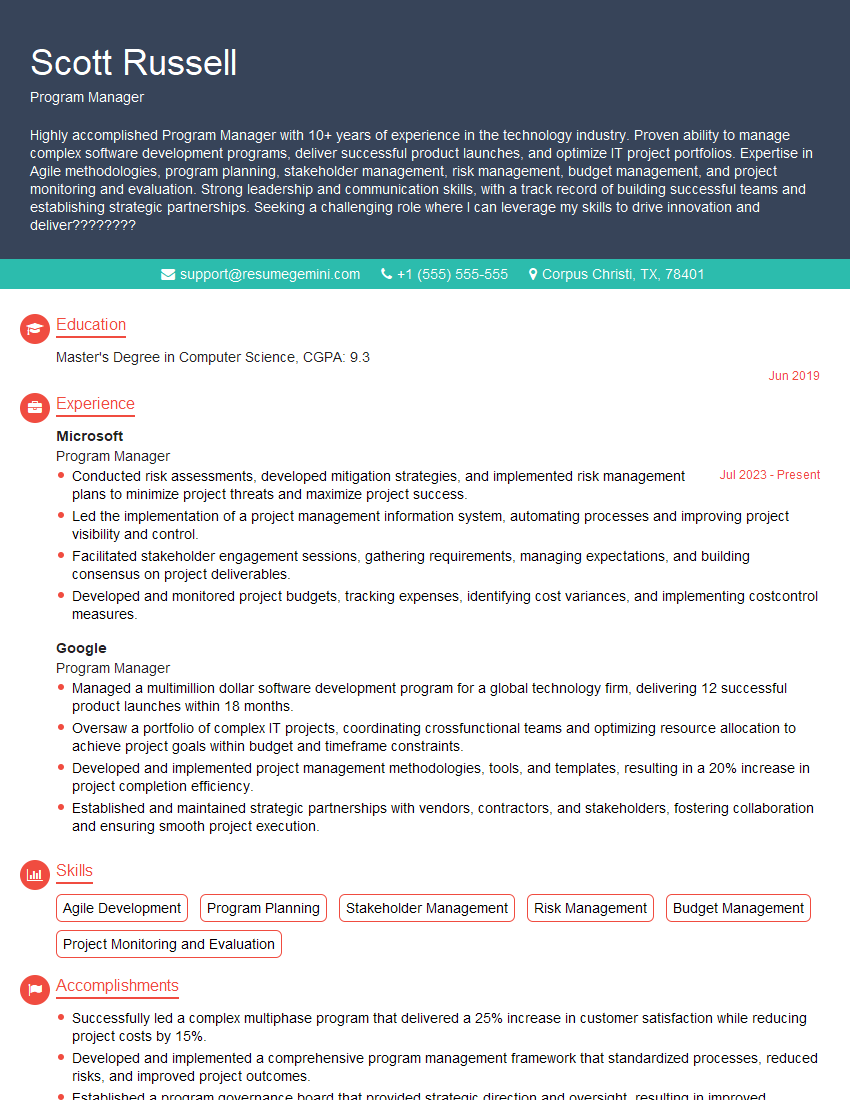
Program Manager Resume Sample
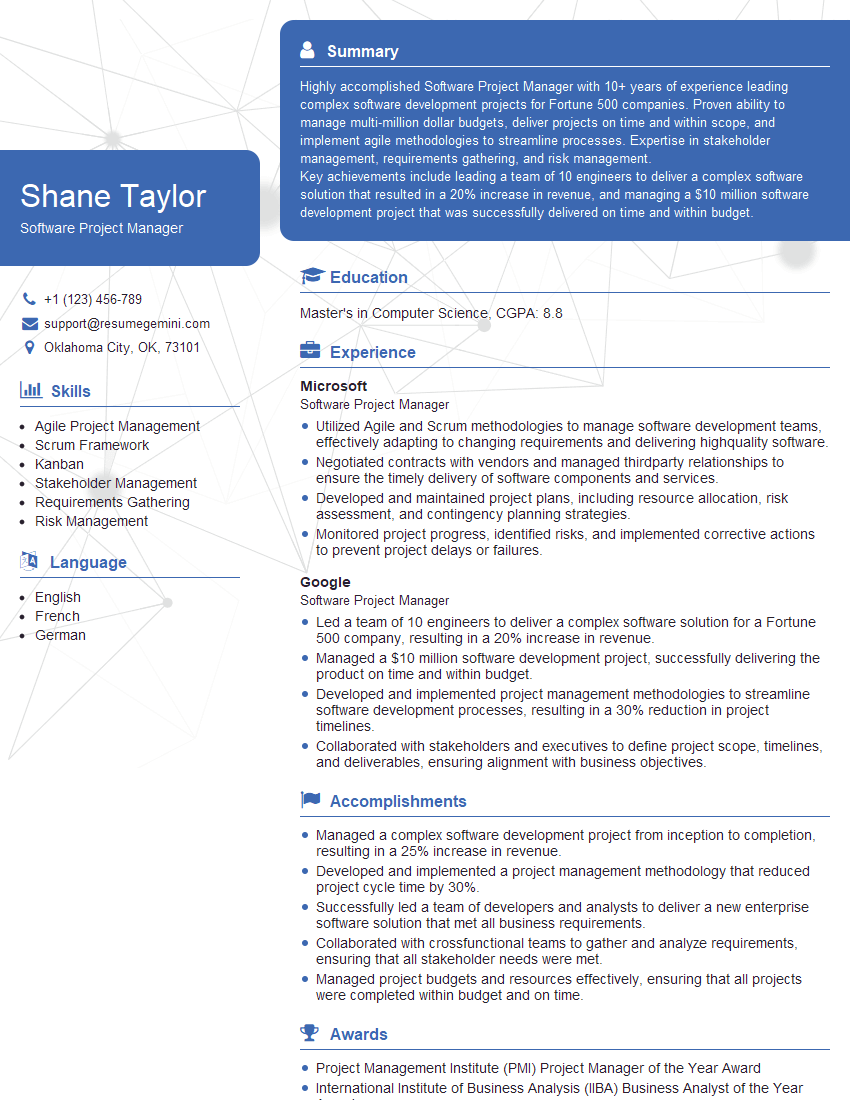
Software Project Manager Resume Sample
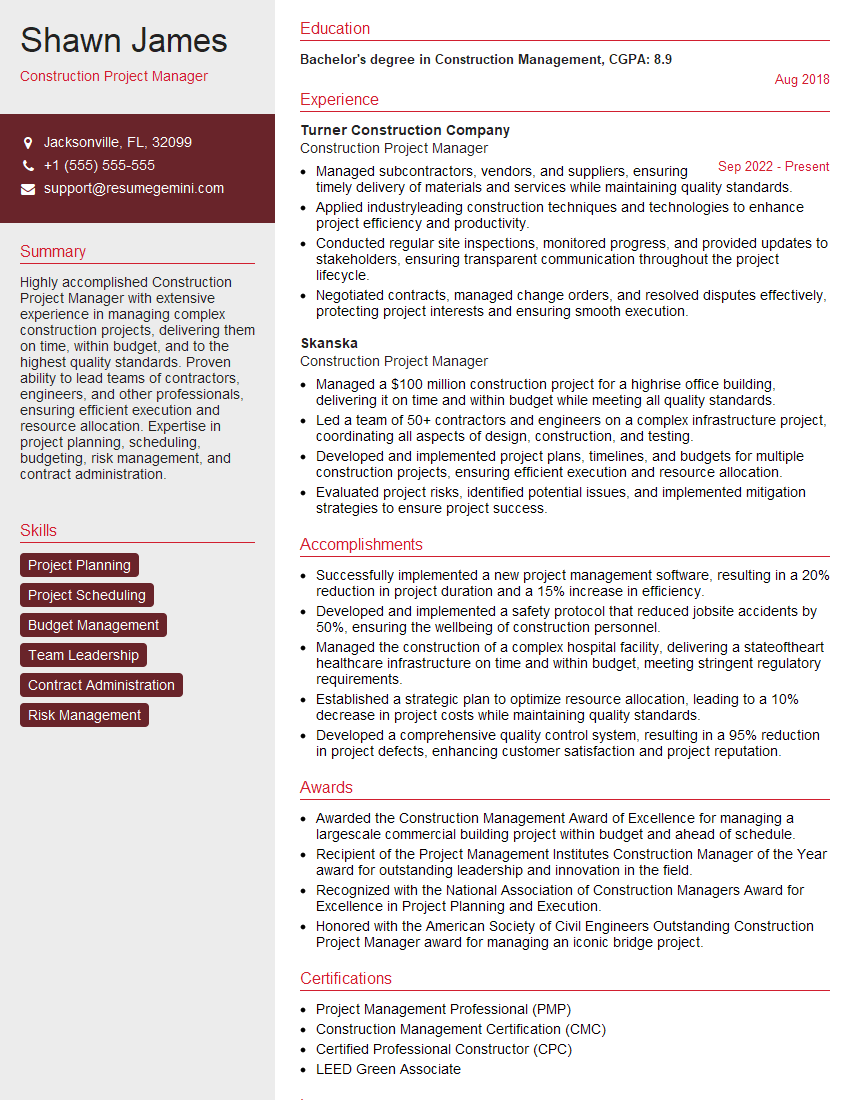
Construction Project Manager Resume Sample

Project Manager Resume Sample
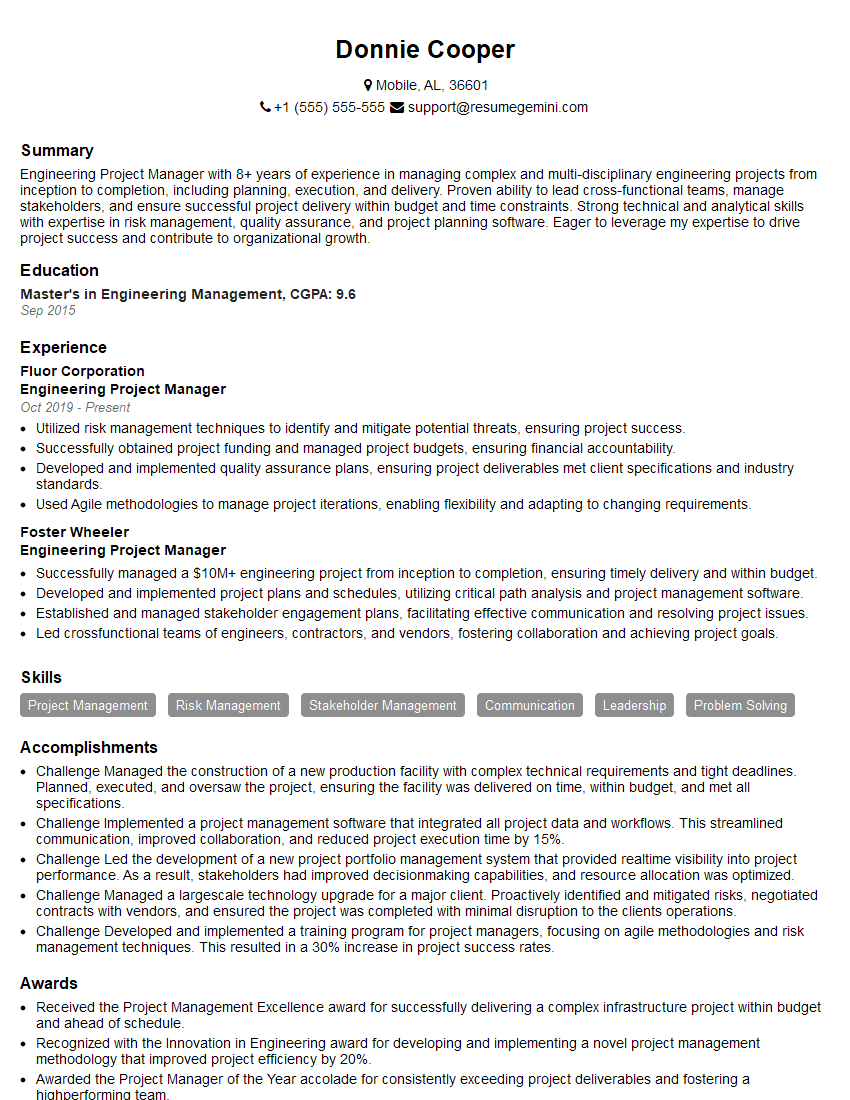
Engineering Project Manager Resume Sample
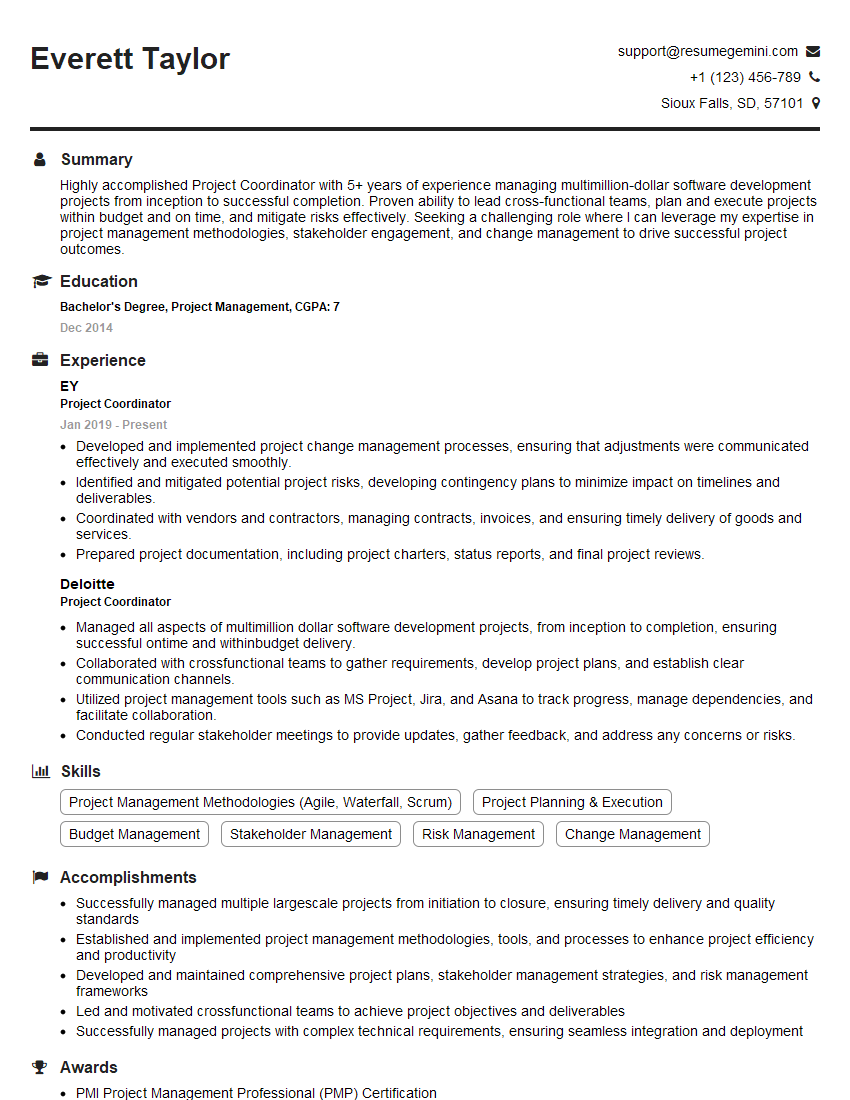
Project Coordinator Resume Sample
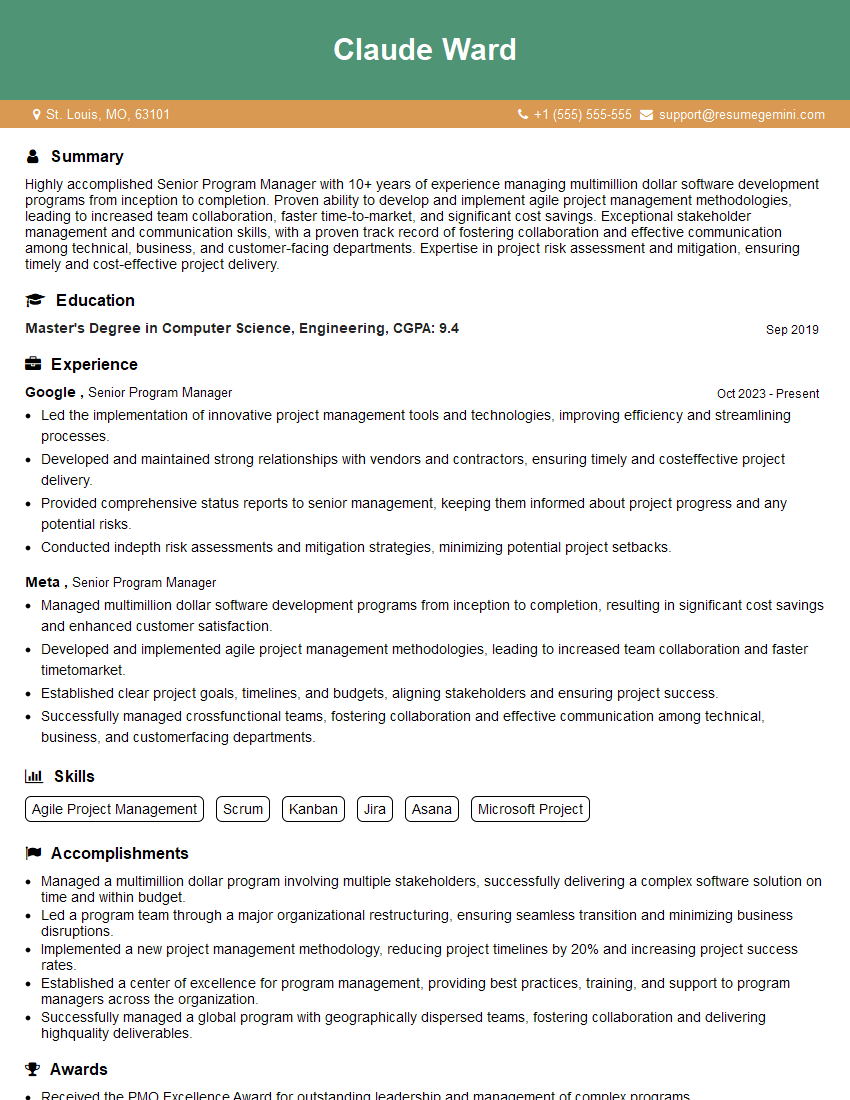
Senior Program Manager Resume Sample
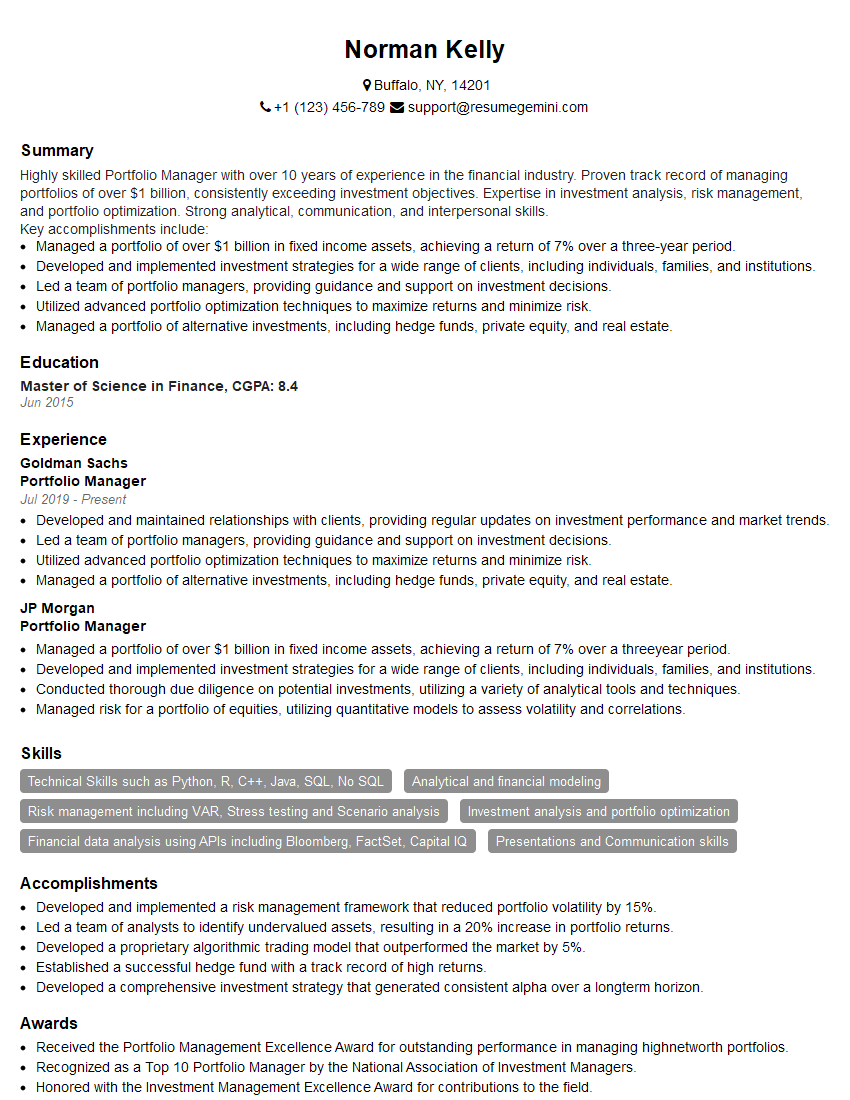
Portfolio Manager Resume Sample

Technical Project Manager Resume Sample

IT Project Manager Resume Sample
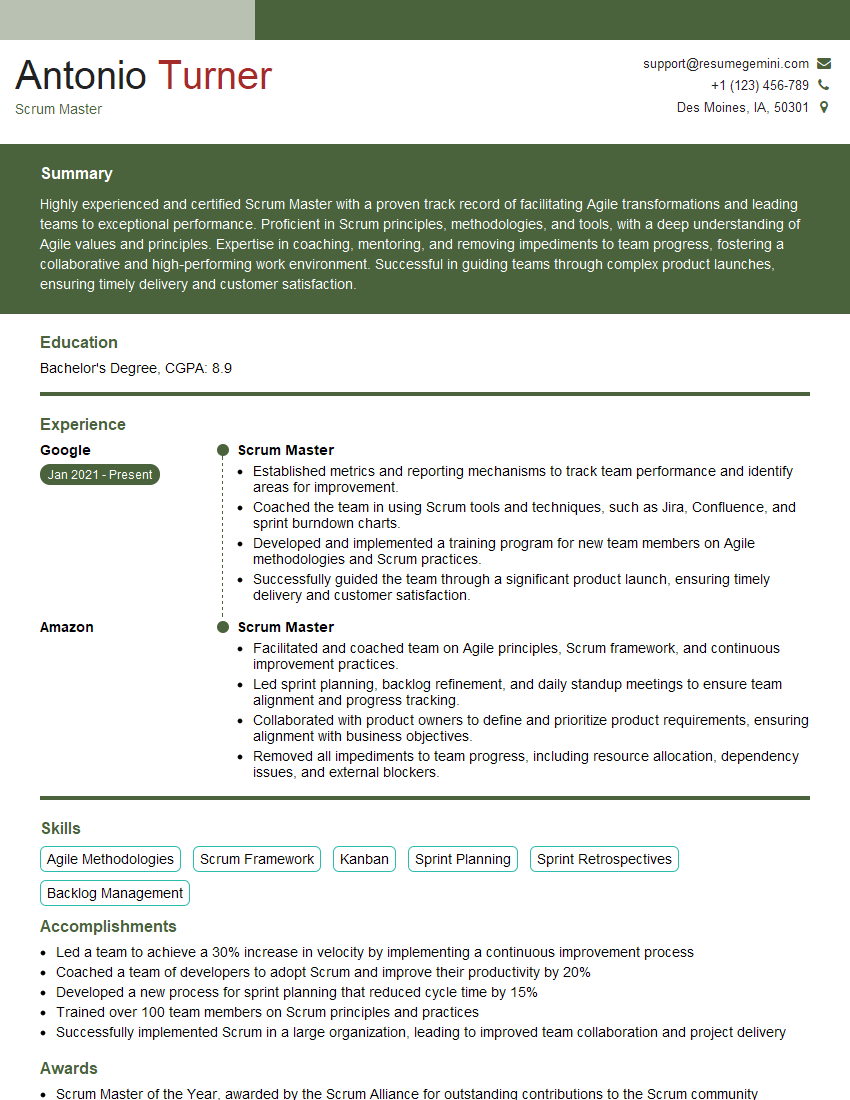
Scrum Master Resume Sample
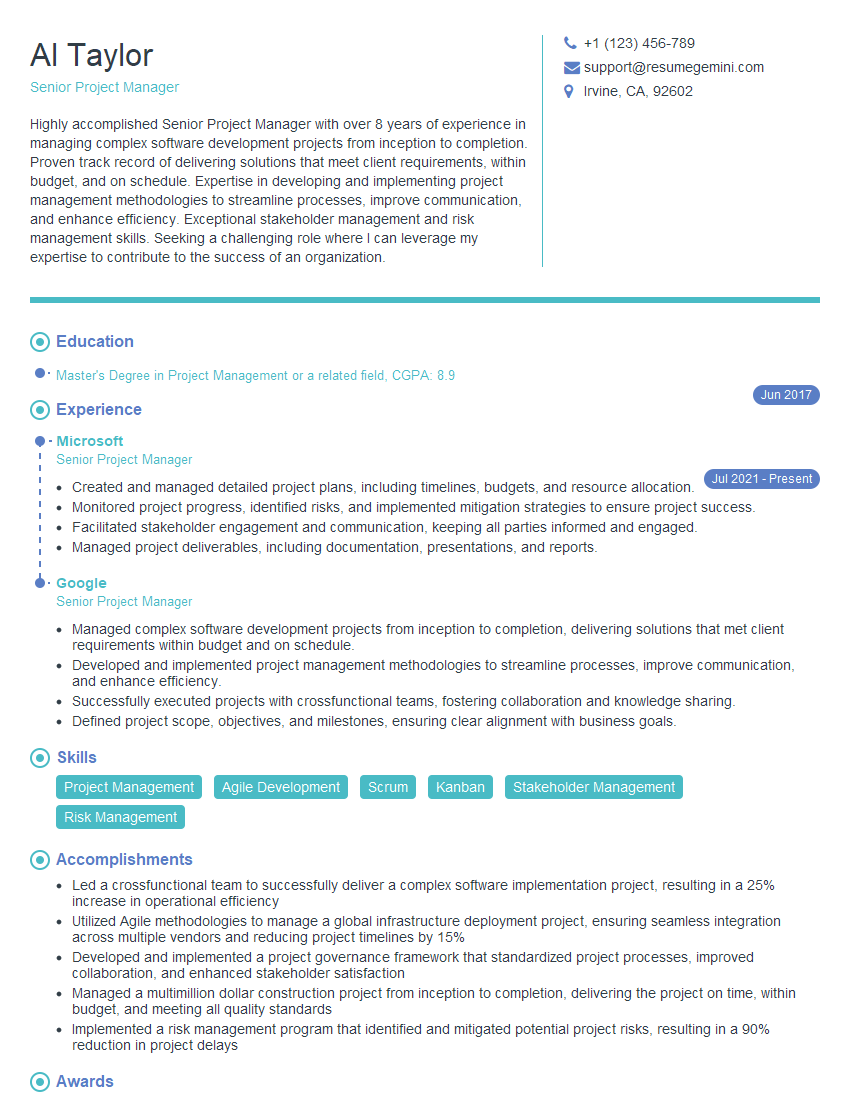
Senior Project Manager Resume Sample
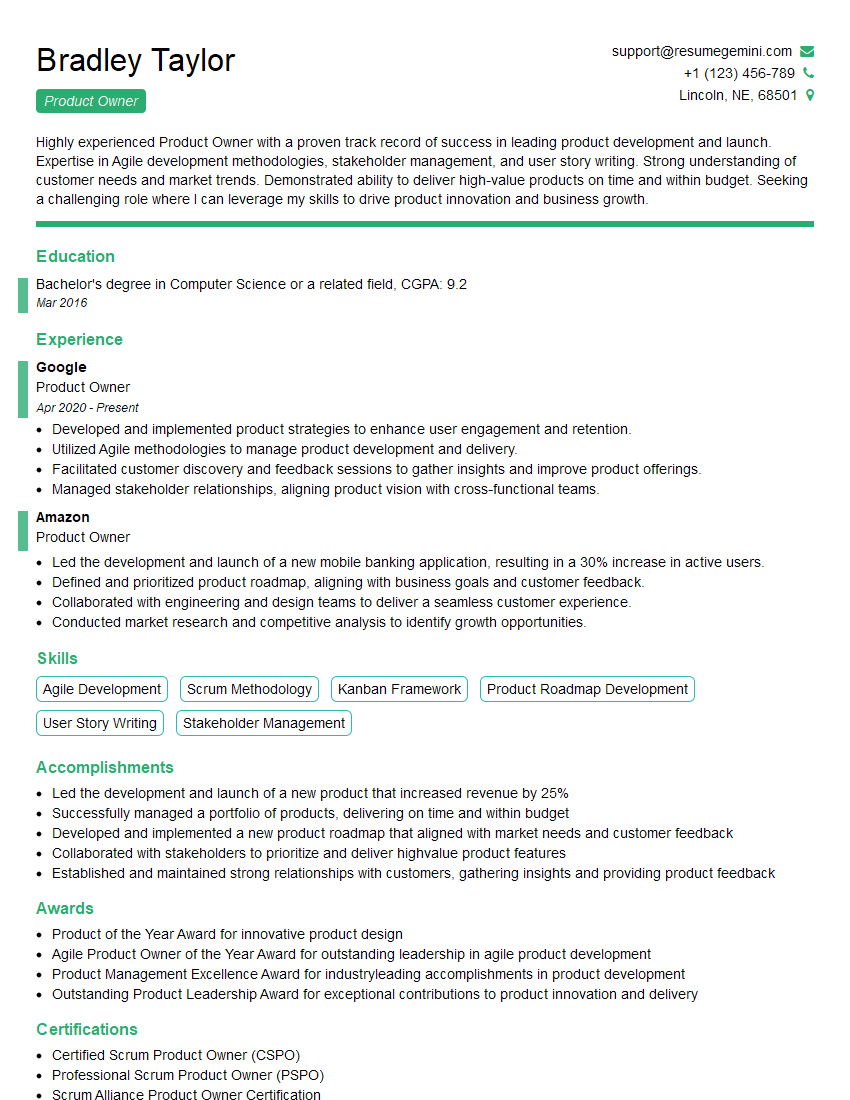
Product Owner Resume Sample
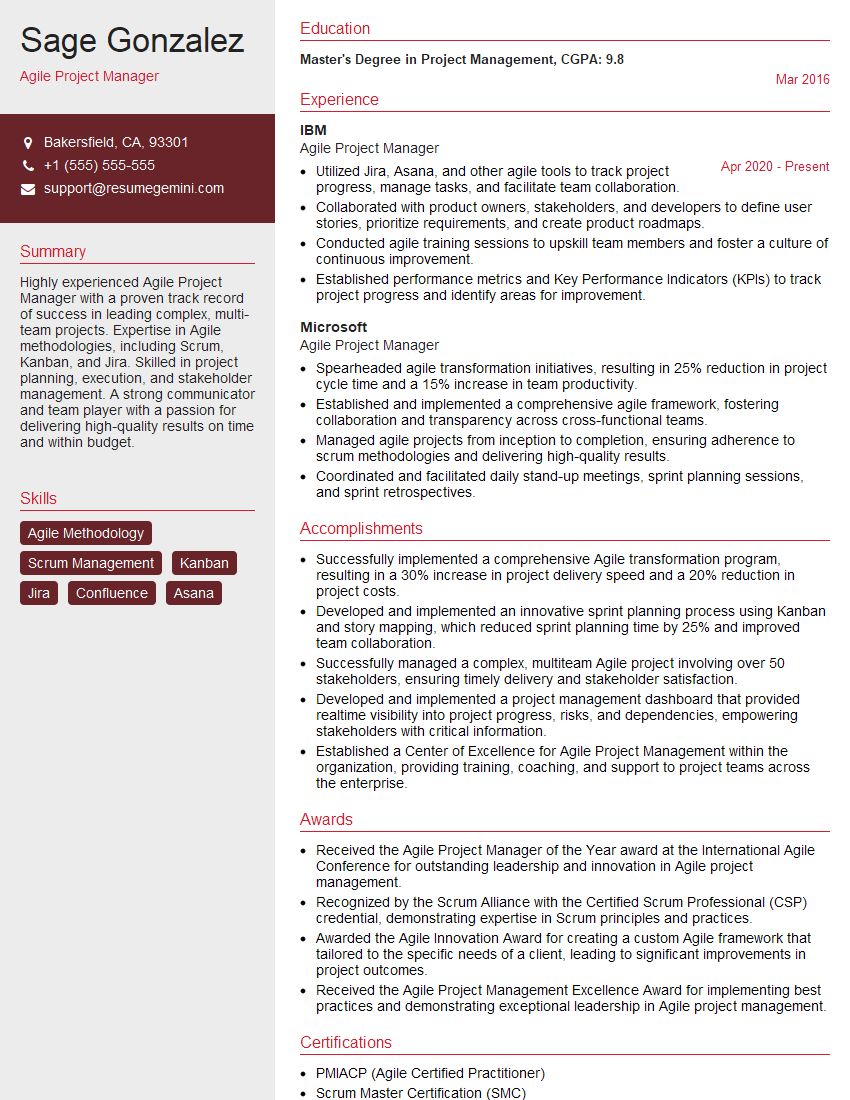
Agile Project Manager Resume Sample
Explore more articles
Users Rating of Our Blogs
Share Your Experience
We value your feedback! Please rate our content and share your thoughts (optional).
What Readers Say About Our Blog
Really detailed insights and content, thank you for writing this detailed article.
IT gave me an insight and words to use and be able to think of examples