Interviews are opportunities to demonstrate your expertise, and this guide is here to help you shine. Explore the essential Surveying Software interview questions that employers frequently ask, paired with strategies for crafting responses that set you apart from the competition.
Questions Asked in Surveying Software Interview
Q 1. What surveying software packages are you proficient in?
I’m proficient in several leading surveying software packages, including Autodesk Civil 3D, Bentley MicroStation with InRoads, and Trimble Business Center. My experience spans various versions of these software, allowing me to adapt to different project requirements and client preferences. For example, I’ve used Civil 3D extensively for large-scale infrastructure projects, leveraging its powerful surface modeling capabilities. With MicroStation, I’ve worked on detailed site surveys, appreciating its robust CAD features and integration with other Bentley products. Trimble Business Center has been invaluable for post-processing GNSS data from various receivers, ensuring high accuracy and efficient workflow.
Q 2. Explain your experience with data processing in surveying software.
Data processing in surveying software is the cornerstone of accurate results. My experience encompasses everything from importing raw data (like GNSS observations, total station measurements, and level data) to generating finished deliverables such as contour maps and digital terrain models (DTMs). This involves rigorous quality control checks at each step. For instance, in processing GNSS data, I utilize software’s built-in tools to identify and remove outliers, perform atmospheric corrections, and apply appropriate transformations. I’m experienced in coordinate geometry calculations, including traversing, least squares adjustments, and intersection computations. A recent project involved processing over 10,000 GNSS points, necessitating automated data processing workflows within Trimble Business Center to ensure efficiency and accuracy. Understanding the statistical aspects of data processing is crucial to identifying potential sources of error and ensuring the reliability of the final product.
Q 3. Describe your workflow for creating a topographic survey using your preferred software.
My preferred software for topographic surveys is Autodesk Civil 3D. My workflow typically follows these steps:
- Data Acquisition: Gathering data using total stations, GNSS receivers, or a combination of both, depending on project requirements and site conditions.
- Data Import: Importing the collected data into Civil 3D, ensuring proper coordinate system and units are assigned.
- Data Processing: Performing necessary adjustments, such as least squares adjustments for total station data. Identifying and removing outliers.
- Surface Creation: Creating a surface model from the processed data using Civil 3D’s powerful surface creation tools. This includes defining breaklines and selecting appropriate interpolation methods.
- Contour Generation: Generating contour lines from the surface model, adjusting contour intervals as needed to meet project specifications.
- Feature Extraction: Extracting features like buildings, roads, and vegetation from the data and adding them to the drawing.
- Plan Production: Generating plan sheets, including contour maps, cross sections, and other relevant drawings.
Throughout this process, rigorous quality control checks are performed at every stage to ensure accuracy and consistency. For example, I regularly compare field measurements to calculated values and use visual inspection of the generated surfaces to detect any anomalies.
Q 4. How do you handle data errors and inconsistencies in surveying software?
Handling data errors and inconsistencies is a critical part of surveying. I employ a multi-pronged approach:
- Identifying Errors: Software tools like data outlier detection algorithms help identify discrepancies. Visual inspection of data plots and profiles are also crucial.
- Investigating Causes: Understanding the source of errors is key to preventing future occurrences. This could range from instrument malfunction to human error in data recording.
- Corrective Actions: Depending on the error, I might re-process data, field check questionable measurements, or apply appropriate adjustments. For example, if a systematic error is detected in total station data, I would apply a correction based on the identified bias.
- Documentation: Detailed documentation of all error detection, investigation, and correction steps is essential for transparency and accountability.
My experience has taught me that proactive error prevention through thorough field procedures is far more efficient than trying to fix errors after the fact.
Q 5. What are the different coordinate systems used in surveying software and how do you manage them?
Surveying software utilizes various coordinate systems, including Geographic Coordinate Systems (GCS) like Latitude/Longitude (WGS84 is common) and Projected Coordinate Systems (PCS) such as UTM and State Plane Coordinates. The choice depends on the project’s geographic location and scale. Managing these systems involves:
- Defining Coordinate Systems: Accurately defining the appropriate GCS and PCS within the software based on the project location.
- Coordinate Transformations: Using software tools to transform coordinates between different systems. This is crucial when integrating data from multiple sources or working with data in different coordinate systems.
- Datum Transformations: Applying appropriate datum transformations when necessary, considering the differences between various geodetic datums (e.g., NAD83, NAD27).
- Units Management: Ensuring consistent use of units (feet, meters) throughout the project.
Ignoring coordinate system management can lead to significant errors in spatial positioning, particularly in large-scale projects. I always pay meticulous attention to these aspects.
Q 6. Explain your experience with CAD integration within surveying software.
CAD integration is essential for seamless workflow. My experience involves importing and exporting data between surveying software and CAD packages like AutoCAD and MicroStation. This enables the integration of survey data with design drawings and allows for tasks such as:
- Creating Design Drawings: Utilizing survey data as a base for creating accurate design drawings for infrastructure projects like roads and buildings.
- Integrating Survey Data: Overlaying survey data onto existing CAD drawings to verify alignment, assess site conditions, or perform as-built surveys.
- Generating Plan Sheets: Combining survey data with CAD annotations and other design elements to produce professional-looking plan sheets.
- Data Exchange: Efficiently exchanging data between the different software packages in standard formats like DXF or DWG.
Efficient CAD integration streamlines the design and construction process, allowing for close collaboration between surveyors and designers.
Q 7. How do you ensure data accuracy and precision in your surveying software workflow?
Data accuracy and precision are paramount. My workflow focuses on several key strategies:
- Calibration and Maintenance: Regular calibration and maintenance of surveying equipment (total stations, GNSS receivers, levels) are crucial for minimizing instrumental errors.
- Redundant Measurements: Taking multiple measurements of the same points helps detect and mitigate random errors.
- Quality Control Checks: Implementing rigorous quality control checks at every stage of the workflow, from data acquisition to final deliverables.
- Appropriate Techniques: Using appropriate surveying techniques based on project requirements and site conditions. For instance, using precise leveling techniques for sensitive elevation data.
- Software Tools: Utilizing software’s built-in quality control tools for outlier detection, least-squares adjustments, and error propagation analysis.
A systematic approach to quality control, combined with reliable equipment and proficient software usage, is crucial for ensuring high-quality results.
Q 8. Describe your experience with different data formats used in surveying (e.g., DXF, SHP).
Throughout my career, I’ve worked extensively with various data formats in surveying. Understanding these formats is crucial for data interoperability and efficient workflow. Common formats include DXF, SHP, LandXML, and COGO files.
DXF (Drawing Exchange Format): A CAD-based format, DXF files are commonly used for exchanging vector data like boundaries, roads, and building footprints between different CAD software and surveying packages. I’ve used DXF to import base maps into my surveying projects, ensuring accurate geospatial referencing. For instance, I once imported a DXF of a proposed subdivision plan into my software to perform topographic analysis and volume calculations.
SHP (Shapefile): A popular geospatial vector data format, SHP files store points, lines, and polygons representing geographical features. I use SHP files regularly to import and export data to and from GIS software, allowing for seamless integration of survey data with other geographic information. A recent project involved integrating SHP files containing property boundaries with our survey data to create accurate property plans.
LandXML: This is an industry-standard XML-based format specifically designed for exchanging surveying data. Its structured nature simplifies data exchange between different surveying software packages and ensures data integrity. I’ve used LandXML extensively for sharing data with clients and contractors, enabling effortless collaboration.
COGO (Coordinate Geometry): This format stores survey data using coordinate geometry principles. It’s particularly useful for representing traverse data and other survey measurements. I frequently work with COGO data for stakeout and calculating areas and volumes.
My experience encompasses converting between these formats, ensuring data accuracy and minimizing errors during the conversion process.
Q 9. How do you manage large datasets within surveying software?
Managing large datasets in surveying software requires a strategic approach. Simply opening a massive file can crash a system. My strategies include:
Data Partitioning: Dividing the dataset into smaller, manageable chunks for processing and analysis. This significantly improves performance and prevents system crashes. Think of it like slicing a large pizza into smaller, more easily handled pieces.
Database Integration: Utilizing spatial databases like PostGIS or Oracle Spatial for storing and managing the data. These databases are optimized for handling large geospatial datasets, providing efficient querying and retrieval capabilities. This is similar to having a well-organized library instead of a messy pile of books.
Data Compression: Employing compression techniques to reduce file sizes, reducing storage needs and improving processing speed. This is like using zip files to store your documents, saving space and improving loading times.
Cloud Computing: Leveraging cloud-based platforms for data storage and processing. Cloud services often provide scalability and robust infrastructure to handle massive datasets efficiently. This is like having access to an unlimited storage space and powerful processors whenever you need them.
Optimized Software: Selecting surveying software that is specifically designed to handle large datasets and offers tools for efficient data management. This ensures performance and prevents data corruption.
I regularly implement these techniques to ensure smooth and efficient workflow, regardless of data size.
Q 10. What is your experience with 3D modeling in surveying software?
My experience with 3D modeling in surveying software is extensive. I’ve used various software packages to create 3D models from point clouds and survey data, enabling visualization and analysis of complex projects.
Point Cloud Processing: I’m proficient in processing point clouds obtained from LiDAR or terrestrial laser scanning. This involves filtering, classifying, and meshing point clouds to create realistic 3D models of the terrain and surrounding features. For instance, I’ve used this technique to create detailed 3D models of construction sites for planning and progress monitoring.
Digital Terrain Modeling (DTM): I routinely generate DTMs from survey data to create accurate representations of the Earth’s surface. These models are essential for various applications, including earthwork calculations, infrastructure design, and flood risk assessment. For example, I developed a highly accurate DTM for a large highway project, facilitating optimal road design and minimizing earthmoving costs.
3D Visualization and Analysis: Once the 3D models are created, I use the software’s tools to perform various analyses, including volume calculations, slope analysis, and line-of-sight analysis. I’ve used this to visualize site constraints, optimize designs, and communicate complex information effectively to clients.
3D modeling transforms raw data into visually compelling representations that greatly enhance decision-making and stakeholder communication.
Q 11. Explain your knowledge of different types of surveys and how they are processed in software.
I have experience with a wide range of survey types, each requiring specific processing techniques in the software.
Topographic Surveys: These surveys determine the elevation and location of ground features. Software processing involves data reduction, contour generation, and the creation of digital terrain models (DTMs). I’ve used this for site planning, road design and land development projects.
Boundary Surveys: These define property lines. The software is used to calculate coordinates, adjust measurements, and create accurate property maps. I’ve used this for legal descriptions and property transfer documentation.
Construction Surveys: These monitor progress and ensure accuracy during construction. Software aids in stakeout, volumetric calculations, and as-built documentation. I’ve utilized this in many large scale construction projects.
Route Surveys: Used to design roads and railways. Software performs alignment calculations, cross-section generation, and earthwork volume computations. I’ve applied this for highway projects and pipeline routing.
Hydrographic Surveys: For mapping bodies of water. Specialized software handles soundings, depth calculations, and creation of bathymetric charts. I’ve used this in marine construction and environmental studies.
The software selection and processing techniques depend heavily on the specific survey type and data acquisition methods. Each survey type demands a tailored approach to ensure accuracy and reliability.
Q 12. How do you perform quality control checks on data processed in surveying software?
Quality control is paramount in surveying. My QC process involves multiple steps performed both during and after data processing:
Data Validation: Checking for outliers, inconsistencies, and errors in the raw data before processing. This often involves visual inspection and statistical analysis.
Data Consistency Checks: Verifying the consistency of data from different sources and ensuring all measurements align. This involves comparing data from different instruments and checking for discrepancies.
Geometric Checks: Performing geometric analyses like traverse closure computations to identify and correct errors in measurements. This ensures the accuracy of coordinates and spatial relationships.
Software-Specific Checks: Utilizing the software’s built-in quality control tools, such as error detection algorithms and data validation functions. Modern software provides powerful tools to identify potential errors.
Independent Verification: Performing independent checks on calculations and results to ensure accuracy and eliminate bias. A second set of eyes on the data and results is crucial.
Report Review: Carefully reviewing all reports for accuracy and completeness before finalizing and releasing them. This is the final check before the client receives the data.
A robust QC process is essential for generating reliable and trustworthy survey data.
Q 13. Describe your experience using GPS/GNSS data in surveying software.
GPS/GNSS data forms a cornerstone of modern surveying. My expertise extends to processing data from various GNSS systems using specialized software.
Data Acquisition: I am experienced in planning and executing GPS/GNSS surveys, ensuring proper base station setup, antenna selection, and data logging procedures. Accurate data acquisition is the foundation of reliable results.
Post-processing: I utilize post-processing software to correct for atmospheric and other errors in the GNSS data, achieving high accuracy results. This involves precise point positioning (PPP) and other advanced techniques.
Data Adjustment: I employ various adjustment methods to ensure the internal consistency of the processed data, resolving any discrepancies and refining coordinates. This step enhances the accuracy and reliability of the survey results.
Integration with other data: I seamlessly integrate GNSS data with data from other survey instruments to create comprehensive and accurate models. This often includes combining GNSS data with Total Station measurements for detailed site mapping.
My proficiency with GNSS data processing enhances the accuracy and efficiency of various survey projects.
Q 14. How do you generate reports and deliverables from surveying software?
Generating reports and deliverables is the final, crucial step in a surveying project. I utilize the software’s reporting capabilities to create professional and informative documents.
Customizable Templates: I use pre-designed templates or create custom templates to tailor reports to specific project requirements and client preferences. This makes sure the report meets all necessary standards.
Data Export: I export data in various formats, such as PDF, CAD, and GIS formats, to meet client specifications and ensure compatibility with other software. This ensures flexibility for the client.
Graphic Representation: I utilize the software’s capabilities to create maps, cross-sections, and other graphical representations of the survey data, ensuring clear and concise communication of results.
Automated Reporting: I leverage the software’s automation features to generate reports efficiently and minimize manual data entry, reducing errors and improving turnaround time. This helps in large-scale projects.
Quality Assurance: Before finalizing and distributing reports, I perform thorough quality checks to ensure accuracy, completeness, and consistency with project specifications. This is a crucial step to ensure reliability.
The reports I generate are not only accurate but also visually appealing and easily understandable by both technical and non-technical audiences.
Q 15. Explain your understanding of spatial referencing and projections.
Spatial referencing and projections are fundamental to surveying. Think of it like this: the Earth is a sphere, but we need to represent it on a flat map or within a computer. Spatial referencing defines a location’s position using a coordinate system, while a projection transforms the 3D Earth onto a 2D surface. Several coordinate systems exist, such as UTM (Universal Transverse Mercator) and State Plane Coordinate Systems, each dividing the Earth into zones for more accurate representation. Projections, like Transverse Mercator or Lambert Conformal Conic, introduce unavoidable distortions – stretching or shrinking – depending on the method used. Choosing the right system and projection is critical for minimizing errors and ensuring the accuracy of measurements and calculations. For example, using a UTM zone appropriate for the survey area is crucial, as using an inappropriate zone can lead to significant errors in distance and area calculations. Different software packages offer various coordinate systems and projections, and selecting the correct one is a key part of setting up a project.
Career Expert Tips:
- Ace those interviews! Prepare effectively by reviewing the Top 50 Most Common Interview Questions on ResumeGemini.
- Navigate your job search with confidence! Explore a wide range of Career Tips on ResumeGemini. Learn about common challenges and recommendations to overcome them.
- Craft the perfect resume! Master the Art of Resume Writing with ResumeGemini’s guide. Showcase your unique qualifications and achievements effectively.
- Don’t miss out on holiday savings! Build your dream resume with ResumeGemini’s ATS optimized templates.
Q 16. What are your experiences with different surveying software interfaces?
I’ve worked extensively with several surveying software packages, including AutoCAD Civil 3D, Bentley MicroStation, and Trimble Business Center. Each has its own interface and strengths. AutoCAD Civil 3D, for instance, excels in its powerful surface modeling capabilities and integration with other Autodesk products. Bentley MicroStation offers robust CAD functionalities suitable for large-scale infrastructure projects, while Trimble Business Center is renowned for its post-processing capabilities for GNSS data. I’ve found that mastering the keyboard shortcuts and understanding the workflow specific to each package is key to efficient data processing. For instance, learning how to efficiently manage layers and templates in AutoCAD Civil 3D can dramatically increase productivity. Each interface requires a slightly different approach to data manipulation and processing, but my experience allows me to adapt quickly to new platforms.
Q 17. Describe your problem-solving approach when encountering software glitches during a survey.
My problem-solving approach to software glitches starts with a methodical process. First, I reproduce the error to understand its consistency and isolate contributing factors. This often involves checking data inputs, software settings, and hardware compatibility. Then, I consult the software’s help documentation and online forums to see if similar issues have been reported and solved. If the problem persists, I systematically check for corrupted files or data inconsistencies. I often try restarting the software or computer as a simple first step. If the problem is more complex, I contact the software’s technical support. Throughout this process, I meticulously document my actions and findings to aid in troubleshooting and future problem prevention. For instance, during a recent survey, a software crash was traced to insufficient system RAM, highlighting the importance of system resource monitoring.
Q 18. How do you maintain data integrity throughout the surveying process?
Maintaining data integrity is paramount. I employ several strategies. First, I always follow a rigorous naming convention for files and folders, ensuring clarity and easy retrieval. Second, I regularly back up my data to multiple locations – both locally and to the cloud – to prevent data loss. Third, I use version control to track changes, allowing me to revert to previous versions if necessary. Furthermore, I perform regular data checks using internal software validation tools and comparing data from different sources to detect and correct inconsistencies. Quality control is built into each step of the process, from initial data acquisition to final report generation. For instance, I always check for outliers in GNSS data before post-processing, and I independently verify coordinates through multiple methods to minimize errors.
Q 19. Explain your experience with data import/export procedures in surveying software.
My experience with data import and export is extensive. I regularly work with various formats such as DXF, DWG, LandXML, and various coordinate data files. Understanding the specifics of each format is key; some formats might preserve specific attributes, while others might not. I pay close attention to coordinate systems and projections to ensure seamless transitions between different software packages. Prior to importing, I always inspect the data for any potential errors or inconsistencies. For example, when importing data from a total station, I carefully review the file header information to verify the coordinate system and datum used. I also regularly use scripts or macros to automate repetitive import/export tasks to improve efficiency. Data validation after import is crucial to ensure data integrity.
Q 20. What is your familiarity with the limitations of different surveying software packages?
Different surveying software packages have their own limitations. For example, some might lack specific functionalities, such as advanced 3D modeling capabilities or specialized algorithms for certain survey types. Others might be limited by their processing speed or the size of datasets they can handle. Some software packages might have compatibility issues with certain hardware or other software. Knowing these limitations is crucial for choosing the right software for a specific project and managing expectations accordingly. For instance, a smaller-scale project might not necessitate the advanced features of a high-end package, whereas a large, complex project might require greater computational power and more advanced functionalities.
Q 21. How do you ensure compliance with industry standards and regulations while using surveying software?
Compliance with industry standards and regulations is a top priority. I ensure this by adhering to relevant guidelines set by organizations such as the National Society of Professional Surveyors (NSPS) and state licensing boards. I always use calibrated instruments and follow established survey procedures to maintain accuracy and precision. The software itself often incorporates these standards – for example, by providing tools for calculating and reporting survey errors, and allowing for the application of different standards and guidelines based on the geographic location of the project. Furthermore, I maintain thorough documentation of all survey procedures, data processing, and calculations for auditing purposes. Regular training and staying updated on new regulations and best practices are essential for maintaining compliance.
Q 22. Explain your experience with automated tasks and workflows within your preferred software.
My preferred surveying software, Trimble Business Center, offers a robust suite of automated tasks and workflows that significantly enhance efficiency. Think of it like having a highly skilled assistant handling repetitive, time-consuming jobs. For example, the software automates the import and processing of data from various instruments – total stations, GPS receivers, and scanners. This includes tasks like coordinate transformations, error detection, and data filtering. I frequently use automated workflows for tasks like:
- Import and Georeferencing: Automatically importing survey data and georeferencing it to a known coordinate system, saving hours of manual input and adjustment.
- Surface Modeling: Creating 3D models of terrain from point cloud data with automated processes for cleaning and interpolating data. This is crucial for tasks like volume calculations and earthwork estimations.
- Sectioning and Design: Automating the generation of cross-sections and longitudinal profiles from surface models, aiding in road and pipeline design.
- Report Generation: Automating the generation of professional-looking reports with customized templates, ensuring consistency and accuracy.
For instance, during a recent large-scale site survey, I used the automated surface modelling capabilities to generate a precise digital terrain model (DTM) in a fraction of the time it would have taken manually. This significantly reduced project turnaround time and allowed for more detailed analysis.
Q 23. How do you manage and organize your survey projects and data using the software?
Project and data organization is paramount for efficient surveying. I utilize Trimble Business Center’s project management tools extensively. Each project has its own dedicated folder within a structured file system. This system ensures easy retrieval and prevents data mix-ups. Within each project folder, data is categorized:
- Raw Data: This folder stores the original data files from the surveying instrument (e.g., .dat, .gpx).
- Processed Data: This contains processed data files, including coordinate files and surface models.
- Documents: Contains project-related documents, drawings, and reports.
- Images: Stores images captured during fieldwork.
Trimble Business Center allows for meticulous data tagging and metadata input, crucial for long-term data management. Metadata includes project information, date, instrument used, and survey crew, making it effortless to track information and identify data quickly. I also employ naming conventions for files and folders to maintain consistency across all projects. Think of it as a well-organized library – you always know where to find what you need.
Q 24. How do you troubleshoot common errors or issues in surveying software?
Troubleshooting in surveying software often involves a systematic approach. Common issues range from data import errors to calculation discrepancies. My approach involves:
- Identify the Error: First, I carefully examine the error message or the issue itself to pinpoint the problem. Is it a data input error, a processing issue, or a software glitch?
- Check Data Integrity: I verify the raw data for inconsistencies, such as missing points, incorrect units, or corrupted files.
- Review Processing Parameters: I check the processing parameters and algorithms used to ensure they are appropriate for the data. Incorrect settings can lead to inaccurate results.
- Consult Documentation: The software documentation often contains solutions to common errors, troubleshooting guides, and FAQs.
- Seek Online Resources or Support: Online forums, vendor support websites, and user communities are invaluable sources of assistance.
- Test with Sample Data: To isolate the problem, I might create a test file with a simplified version of the data to see if the error persists.
For example, if I encounter a coordinate transformation error, I’d meticulously verify the input parameters – datum, projection, and transformation parameters – ensuring they match the actual survey data and project requirements. A systematic approach, combined with detailed data checks and software documentation, is key to effective troubleshooting.
Q 25. Describe your experience with cloud-based surveying software.
My experience with cloud-based surveying software, specifically Trimble Connect, has been overwhelmingly positive. It enables seamless collaboration and data sharing amongst project teams. Imagine being able to access project data from anywhere, anytime, with secure access control. Trimble Connect provides:
- Centralized Data Storage: Secure cloud storage for all project files, eliminating the need for local storage and version control hassles.
- Real-Time Collaboration: Multiple team members can work on a project simultaneously, viewing and editing data in real-time.
- Improved Workflow: Streamlined workflows are facilitated by the ability to share and review survey data, designs, and reports quickly.
- Accessibility: Access project data from anywhere with an internet connection, improving productivity and response times.
During a recent project involving multiple survey crews, Trimble Connect proved invaluable. All team members could access the latest survey data, ensuring everyone worked with the most up-to-date information, eliminating confusion and delays caused by outdated data.
Q 26. How do you stay updated on the latest advancements and features in surveying software?
Staying current in the rapidly evolving field of surveying software requires a multi-pronged approach. I actively engage in:
- Vendor Webinars and Training: Software vendors often conduct webinars and offer training sessions on new features and updates. This is a great way to learn directly from the experts.
- Professional Conferences and Workshops: Attending surveying conferences and workshops provides opportunities to learn about the latest software advancements and network with other professionals.
- Online Forums and Communities: Online forums and communities are great places to discuss challenges, share knowledge and learn about new software features from experienced users.
- Industry Publications and Journals: Staying informed through industry publications and journals helps to stay abreast of advancements in technology and surveying practices.
- Self-directed Learning: I regularly explore new features and functionalities on my own, experimenting with different workflows and techniques to maximize efficiency.
For example, I recently attended a webinar on the latest updates to Trimble Business Center, where I learned about new automation features that significantly improve my efficiency in processing large datasets.
Q 27. Describe a time when you had to learn a new surveying software package quickly.
I once had to quickly learn Leica Cyclone, a point cloud processing software, when a project required processing a massive point cloud dataset. I had prior experience with other point cloud software but Leica Cyclone had a different interface and workflow. My approach involved:
- Focused Online Training: I completed the vendor’s online training modules, prioritizing the key functionalities relevant to the project.
- Hands-on Practice: I used sample datasets provided by the vendor and practiced the tasks I needed to complete for the actual project.
- Trial-and-Error Approach: I didn’t hesitate to experiment with different settings and workflows. I treated the learning process as an iterative problem-solving exercise.
- Reference Materials: I utilized online tutorials and forums to troubleshoot challenges and identify efficient workflows.
- Collaboration with Experienced Users: I consulted with colleagues who had experience with Leica Cyclone for assistance and advice.
Despite the short timeframe, I successfully completed the project, demonstrating the ability to quickly adapt to new software and efficiently solve problems.
Key Topics to Learn for Surveying Software Interview
- Data Acquisition & Processing: Understanding different data acquisition methods (e.g., GPS, Total Stations, LiDAR), data formats (e.g., DXF, LandXML), and processing techniques for accuracy and error correction.
- Software Specifics: Gain proficiency in at least one major surveying software package (e.g., AutoCAD Civil 3D, Bentley MicroStation, Leica GeoMos). Practice tasks like creating and editing survey data, generating drawings and reports, and performing calculations.
- Coordinate Systems & Transformations: Mastering coordinate systems (e.g., UTM, State Plane) and understanding the principles and practical application of coordinate transformations between different systems is crucial.
- Surveying Calculations & Adjustments: Develop a strong understanding of surveying computations, including traversing, leveling, and volume calculations, and the methods used to adjust measurements for errors.
- 3D Modeling & Visualization: Familiarize yourself with creating and interpreting 3D models from survey data, understanding the implications of different visualization techniques for project communication and analysis.
- Data Analysis & Interpretation: Learn to effectively analyze survey data to identify trends, anomalies, and potential issues. Develop skills in interpreting results and drawing meaningful conclusions.
- Practical Applications: Be prepared to discuss real-world applications of surveying software in different fields such as construction, infrastructure development, and land management. Consider examples from your own experience or research.
- Problem-Solving & Troubleshooting: Demonstrate your ability to diagnose and resolve common issues encountered during data processing, analysis, and report generation.
Next Steps
Mastering surveying software is essential for career advancement in the geomatics industry, opening doors to more challenging and rewarding roles. A well-crafted resume is your key to unlocking these opportunities. Building an ATS-friendly resume increases your chances of getting noticed by recruiters and landing interviews. To enhance your resume-building experience and increase your chances of success, we recommend using ResumeGemini. ResumeGemini provides a user-friendly platform and examples of resumes tailored to Surveying Software professionals, helping you showcase your skills effectively.

Cartographer Resume Sample

Photogrammetrist Resume Sample
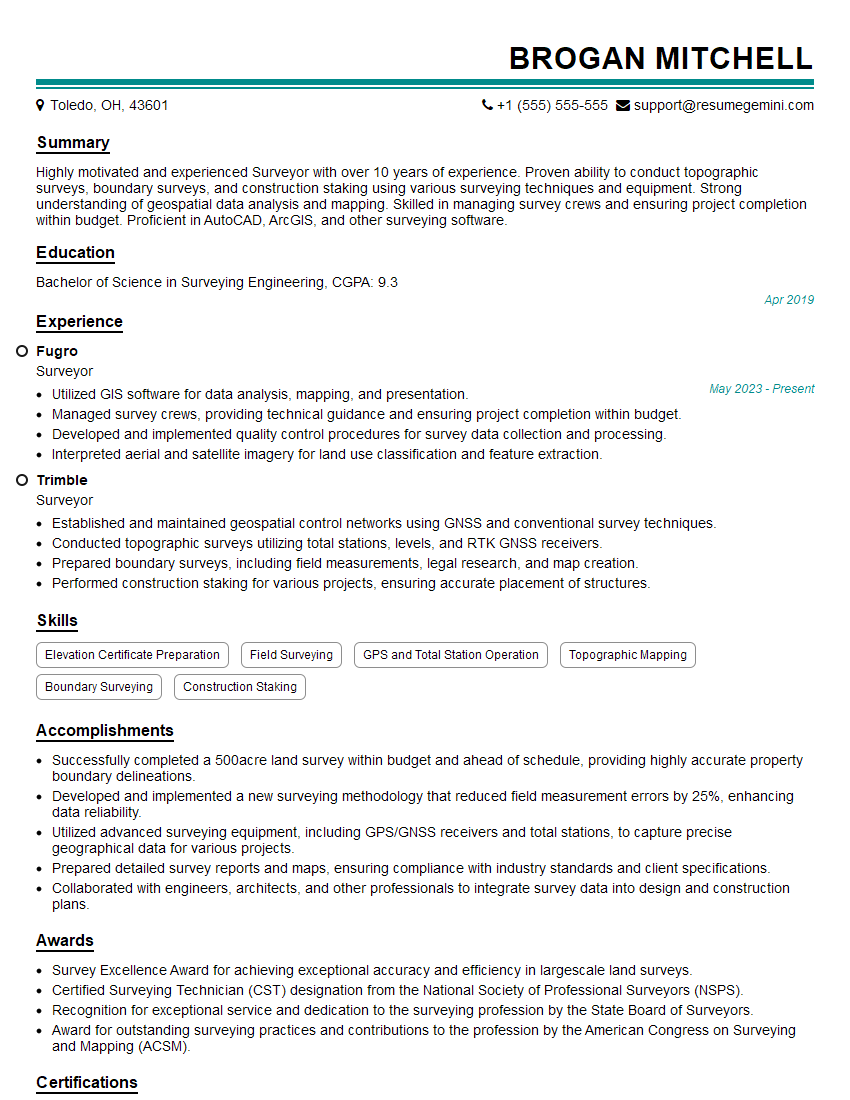
Surveyor Resume Sample
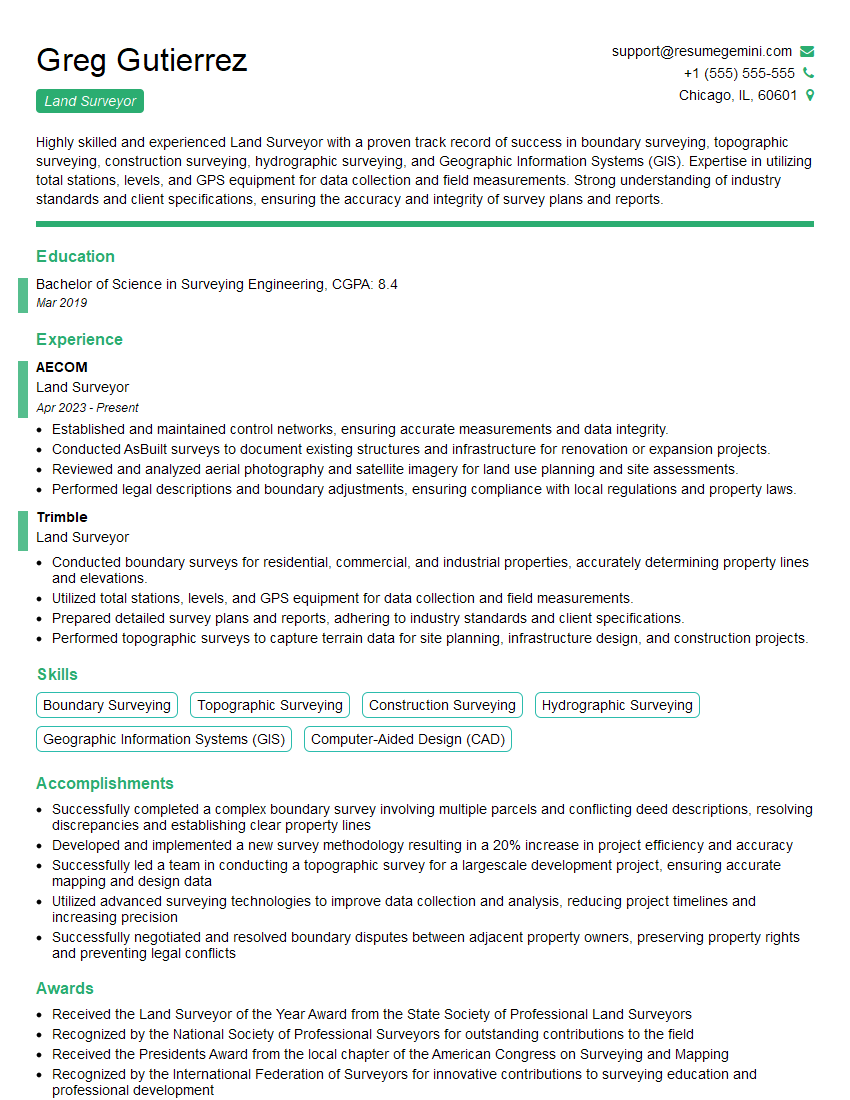
Land Surveyor Resume Sample

Project Surveyor Resume Sample

Survey Manager Resume Sample
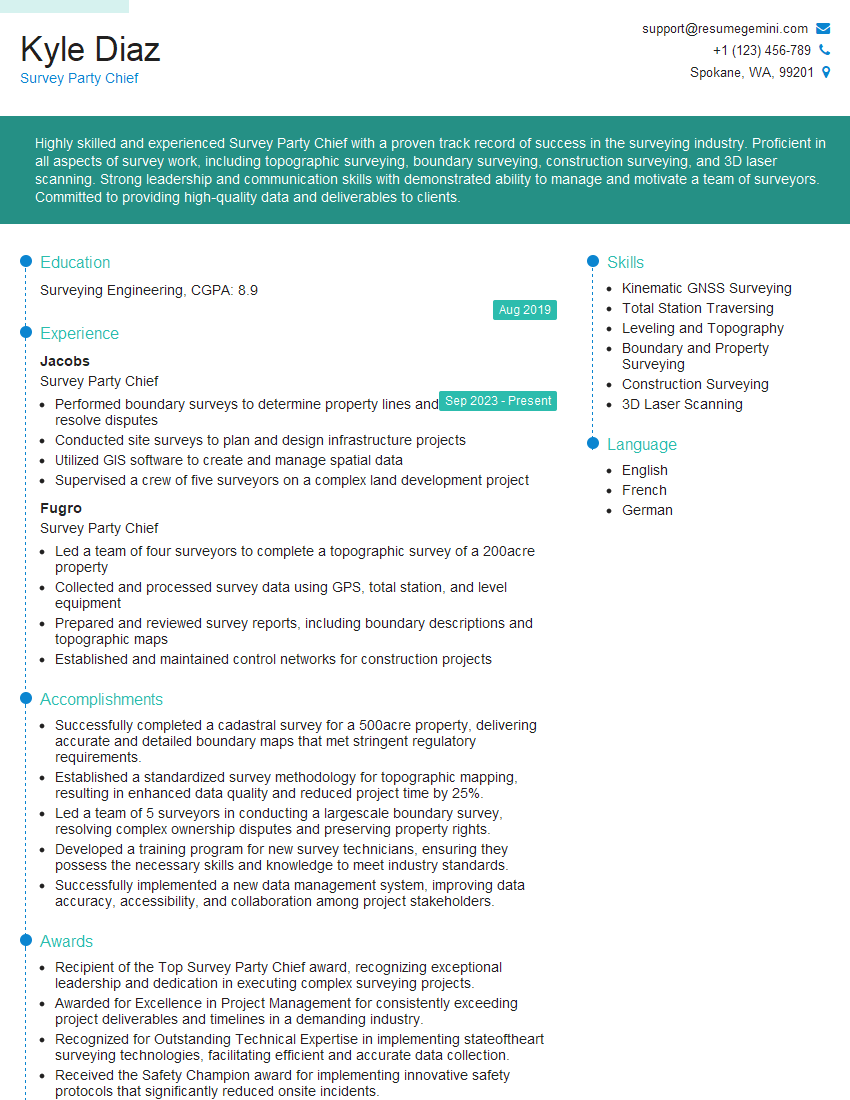
Survey Party Chief Resume Sample
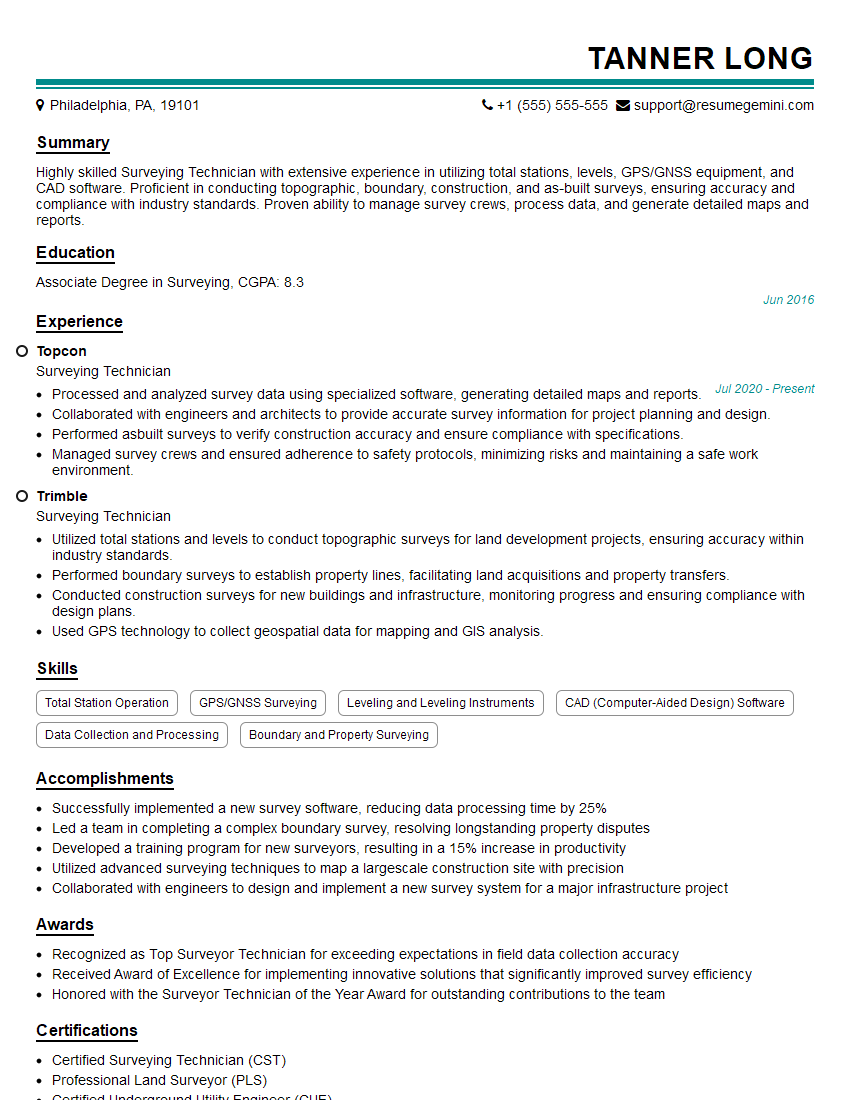
Surveying Technician Resume Sample
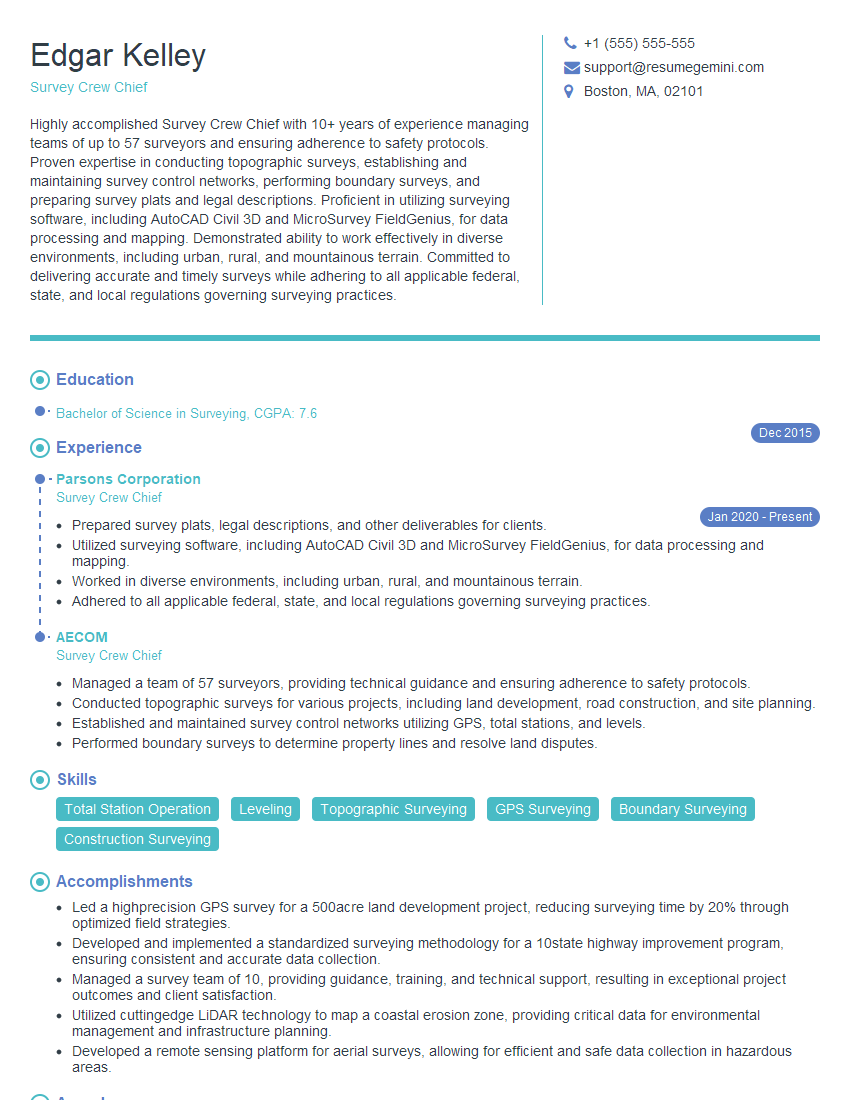
Survey Crew Chief Resume Sample

Remote Sensing Specialist Resume Sample
Explore more articles
Users Rating of Our Blogs
Share Your Experience
We value your feedback! Please rate our content and share your thoughts (optional).
What Readers Say About Our Blog
Really detailed insights and content, thank you for writing this detailed article.
IT gave me an insight and words to use and be able to think of examples