Cracking a skill-specific interview, like one for Trimble S8 Total Station, requires understanding the nuances of the role. In this blog, we present the questions you’re most likely to encounter, along with insights into how to answer them effectively. Let’s ensure you’re ready to make a strong impression.
Questions Asked in Trimble S8 Total Station Interview
Q 1. Explain the different measurement modes available on the Trimble S8 Total Station.
The Trimble S8 Total Station offers a variety of measurement modes tailored to different surveying tasks. These modes optimize accuracy and efficiency depending on the situation. Let’s explore some key ones:
- Distance Measurement (DM): This is the fundamental mode, measuring the slope distance between the instrument and a target. It’s used in a wide range of applications, from simple stake-outs to complex topographic surveys.
- Horizontal Distance/Vertical Angle (HD/VA): This mode directly provides horizontal distance and vertical angle measurements, eliminating the need for subsequent calculations. This is extremely useful for traversing and setting out points at specific horizontal distances and elevations.
- Horizontal Distance/Vertical Height Difference (HD/VD): This is similar to HD/VA, but instead of providing the vertical angle, it gives the height difference between the instrument and the target. This is beneficial when working with reduced level differences for leveling applications.
- Remote Elevation Measurement (REM): This powerful mode allows you to measure the elevation of a point remotely, often by using prisms on difficult-to-reach locations like building tops. This is ideal for topographic surveys involving significant elevation changes or obstacles.
- Free Stationing (FS): This advanced mode enables you to determine your instrument’s position by observing known points. This is crucial for resectioning, which we’ll discuss later.
- Tracking Mode: This mode is useful for continuous measurements, often used in construction for monitoring movement or deformation.
The specific availability and names of modes might vary slightly depending on the firmware version of your S8.
Q 2. Describe the process of setting up a Trimble S8 Total Station for a survey.
Setting up a Trimble S8 is a precise process crucial for accurate measurements. Think of it like setting up a telescope – the slightest misalignment will significantly impact the results.
- Leveling the Instrument: Use the built-in circular bubble and the leveling screws to ensure the instrument is perfectly level. This is paramount to prevent errors in vertical angle measurements.
- Centering the Instrument: Precise centering over the survey point is essential. Use a plumb bob or optical plummet to ensure the instrument is exactly above the point. Minor offsets here can accumulate into significant errors later.
- Initializing the Instrument: Power on the S8 and ensure the correct project is loaded. This involves setting up the coordinate system and any relevant project parameters, such as units and datums. Check the battery level and ensure your data card has enough storage space.
- Instrument Orientation (Optional): Depending on your survey, you might orient the instrument to a known direction (e.g., using a known bearing or orientation from a previous survey). This might involve setting a backsight to a known point.
- Testing: Before beginning your measurements, always perform a short test to ensure your instrument is working correctly. This might involve measuring a known distance to check the accuracy of the instrument.
Imagine setting up a precise leveling for a critical construction project; the time spent on proper setup pays huge dividends in terms of accuracy and time saved avoiding rework.
Q 3. How do you perform a resection with the Trimble S8?
Resection is a surveying technique used to determine the coordinates of the instrument by observing at least three known points. The Trimble S8 simplifies this process significantly.
- Select the Resection Mode: Navigate to the appropriate resection function on the S8’s control panel.
- Identify Known Points: You’ll need at least three points with known coordinates in your project. Ideally, these points should be well-distributed around the instrument to minimize errors. Using more points than the minimum required improves accuracy and reliability. Make sure the points are clearly visible and identifiable.
- Observe the Known Points: Aim the total station at each known point and take measurements. The instrument will automatically record the angles and distances. Ensure clear sightlines free of obstructions. Poor visibility will significantly impact the solution.
- Calculate the Position: The S8 will process the data to calculate the instrument’s coordinates. The instrument will then compute the most likely position by using least-squares estimation or a similar technique.
- Review the Results: Check the accuracy of the calculated coordinates and the resection solution’s quality. The software typically provides statistics such as the standard deviation, which indicates the precision of the determined coordinates. If the results are unsatisfactory, repeat the measurement procedure.
Imagine you need to establish a control point in a confined area. Resection helps overcome the limitations of traditional methods by enabling you to determine the coordinates of your instrument using known points within the area.
Q 4. Explain the importance of proper instrument calibration for accurate measurements.
Proper calibration is paramount for accurate total station measurements. Think of it as regularly tuning a musical instrument – without it, the sound (or in our case, measurements) will be off.
Regular calibration ensures that the instrument’s internal components (like the EDM – electronic distance measurement system, and the angle encoders) are properly aligned and functioning within their specified tolerances. Without calibration, systematic errors (biases consistently affecting measurements) can creep into your data, leading to inaccuracies that accumulate over time. These errors can be very difficult to correct later.
Calibration is typically performed by a qualified surveyor or Trimble technician and usually involves observing targets at known distances and angles. The instrument’s internal software will then adjust its parameters to minimize any detected errors. Calibration intervals will vary depending on usage frequency, environmental conditions, and manufacturer recommendations. Always refer to Trimble’s guidelines.
Q 5. How do you handle atmospheric corrections during a survey with the Trimble S8?
Atmospheric conditions significantly affect the accuracy of EDM measurements. Temperature, pressure, and humidity alter the speed of light, introducing errors into distance calculations. The Trimble S8 usually has built-in atmospheric correction capabilities.
There are two main methods for atmospheric correction:
- Manual Input: The surveyor manually enters the current atmospheric conditions (temperature, pressure, and humidity) using the total station’s interface. This requires a weather meter or other device to obtain the relevant data. Note that this method can be prone to human error.
- Automatic Input (if available): Some S8 configurations might allow connection with a weather sensor. This enables automatic and continuous atmospheric corrections, significantly reducing manual input and minimizing errors.
By properly accounting for atmospheric conditions, you ensure that the measured distances accurately reflect the true ground distances. Neglecting atmospheric corrections will introduce significant errors, especially over longer distances.
Q 6. What are the different types of errors that can occur during a total station survey and how do you mitigate them?
Various errors can affect total station surveys. It’s crucial to understand them and implement mitigation strategies.
- Instrumental Errors: These stem from imperfections in the instrument itself, such as misalignment of the optical components or errors in the EDM system. Regular calibration helps minimize these. Collimation errors or errors in the vertical axis can lead to significant errors, especially on longer lines of sight. These can be rectified through calibration and appropriate instrument handling.
- Environmental Errors: Atmospheric conditions (as discussed earlier), as well as temperature variations affecting the instrument and the survey targets, can introduce significant errors. Proper atmospheric corrections and choosing the right time of day for surveying help mitigate these.
- Personal Errors: These are mistakes made by the surveyor, such as incorrect centering, misreading measurements, or improper instrument handling. Double-checking measurements, carefully following procedures and using assistants will reduce human error.
- Target Errors: Incorrect placement or orientation of the survey targets can lead to measurement errors. Proper target handling and clear instructions to assistants are crucial.
A systematic approach to data collection, careful observation of procedures, regular calibration and thorough checks at each step are your first line of defense against these various errors. Remember to always work within the instrument’s specified limitations, especially regarding the range and visibility of the targets.
Q 7. How do you perform a traverse using the Trimble S8 Total Station?
A traverse is a surveying technique used to determine the relative positions of points by measuring angles and distances between them. The Trimble S8 excels at this.
- Establish a Starting Point: Begin with a point of known coordinates (e.g., from a previous survey or GPS measurement). This is your starting point.
- Measure Angles and Distances: Set up the instrument at the starting point. Measure the horizontal angle to the next point in the traverse and the distance to that point. Record these measurements carefully in your field book.
- Move to the Next Point: Move the instrument to the next point in the traverse and repeat the process. Measure the angle to the next point and the distance.
- Continue the Traverse: Continue this process until you reach the final point in the traverse.
- Close the Traverse: If your traverse is closed (meaning it returns to the starting point), you can check for any errors by comparing the calculated coordinates of the closing point with its known coordinates. Adjustments can be made using various methods to distribute the error.
- Coordinate Computation: You can easily compute the coordinates of each traverse point using the total station’s software or by using external surveying software. This involves iteratively using trigonometry to establish the coordinates of all points in sequence.
Imagine surveying a long boundary line. Traversing provides a robust and efficient way to establish accurate coordinates for all points along that line, enabling precise mapping and design.
Q 8. Describe the process of data download and transfer from the Trimble S8 to a computer.
Downloading data from a Trimble S8 Total Station to a computer is straightforward, typically involving a data cable and appropriate software. First, you connect the S8 to your computer using a USB cable or a more robust connection like a serial port, depending on the instrument and your setup. The S8’s internal memory stores the survey data, which is organized into job files. Next, you launch your chosen surveying software (like Trimble Business Center, TerraSync, or other compatible applications) on your computer. This software will recognize the connected S8 and prompt you to select the specific job file or files you want to download. The process involves transferring the raw data—coordinates, distances, angles, and other measured values—from the instrument to your computer. After the transfer, you’ll typically have the option to review and process the data within the software. It’s important to use the correct cables and drivers for seamless data transfer and to regularly back up your data to prevent loss.
For example, on a recent road survey project, I used a USB cable to connect my S8 to my laptop running Trimble Business Center. I then selected the specific job file containing the day’s survey data. The software automatically imported the data, allowing me to begin processing and analysis.
Q 9. What are the advantages and disadvantages of using prisms versus reflectors?
The choice between prisms and reflectors in surveying with a Trimble S8 depends on the specific needs of the project and environmental conditions. Prisms are single-prism units or three-prism setups that are generally more accurate and efficient at longer distances due to their superior signal return. They are preferred when high precision is essential. Reflectors, on the other hand, are cheaper and easier to use in close-range work or challenging environments where prisms might be difficult to set up or maintain. They’re often used for quick checks or less demanding tasks.
- Advantages of Prisms: Higher accuracy at longer distances, better signal return, less susceptible to atmospheric effects.
- Disadvantages of Prisms: More expensive, require careful setup, can be more challenging to use in densely vegetated areas.
- Advantages of Reflectors: Less expensive, easy to use, works well in close-range.
- Disadvantages of Reflectors: Less accurate at longer distances, prone to errors from multiple reflections (causing poor signal return), more significantly affected by atmospheric effects and sunlight.
Imagine surveying a large open field. A prism would be ideal for its accuracy over long distances. In contrast, if you were working in a densely wooded area, using reflectors would be a more practical option, even with slightly compromised accuracy.
Q 10. How do you account for instrument height and target height in your measurements?
Instrument height (IH) and target height (TH) are crucial for accurate elevation measurements. The Trimble S8 allows you to input these values directly. IH is the height of the total station’s instrument center above a known benchmark or reference point. TH is the height of the target’s center above the point you’re measuring. These are not simply added or subtracted from the readings. The instrument automatically calculates the corrections, providing accurate results when you specify the correct IH and TH. Incorrect entries lead to errors in elevation.
Think of it like this: If you’re measuring the elevation of a point on a building, the IH represents the height of the instrument on the ground, while the TH is the height of the prism on the building. The software uses these heights, along with the measured vertical angle and distance, to compute the precise elevation of the point on the building, accounting for the vertical angle between the instrument and target. Failing to input or incorrectly entering these values can cause significant errors in the final elevations.
Q 11. Explain the concept of coordinate systems and their importance in surveying.
Coordinate systems are fundamental to surveying. They provide a framework for defining the location of points in three-dimensional space. They consist of a datum (a reference surface), a projection (a way to represent the curved earth on a flat surface), and units (such as meters or feet). Common coordinate systems include UTM (Universal Transverse Mercator) and State Plane Coordinates. Selecting the appropriate coordinate system is critical because using an incorrect system will result in erroneous coordinates that are useless for mapping or construction.
The importance lies in consistency and integration. All measurements must use the same coordinate system to ensure accurate positioning and alignment of features in a survey project. For example, in a large-scale construction project, each point’s location must be precisely defined within the project’s chosen coordinate system. This ensures accurate positioning of buildings, roads, or utilities. Using different coordinate systems across different parts of the project would lead to misalignment and potential construction conflicts.
Q 12. How do you use the Trimble S8 for stakeout?
Stakeout with the Trimble S8 involves using the instrument to physically locate points on the ground based on their calculated coordinates. This is done by inputting the designed coordinates of a point into the S8. The instrument then guides the surveyor to that location, usually displaying the distance and direction to the point on the screen. The surveyor follows these directions and sets a stake (or mark) at the precise location. Different methods like ‘Remote’, ‘Manual’ and ‘Robotic’ Stakeout are available in the S8’s software.
For example, during a road construction project, we used the S8 to stake out the precise locations of drainage culverts. By inputting the coordinates for each culvert location into the S8, we could accurately locate and mark them on the ground, ensuring the culverts are positioned correctly according to the design plans. The use of robotic total stations during stakeout significantly improved efficiency in this project.
Q 13. Describe your experience with different types of surveying software compatible with the Trimble S8.
I have extensive experience with several surveying software packages compatible with the Trimble S8. Trimble Business Center (TBC) is my primary software; it’s a robust and feature-rich platform for processing and managing survey data, from import and adjustment to 3D modeling and design. I’ve also used other solutions like Trimble Access, specifically designed for fieldwork on Trimble instruments. It provides real-time data processing and stakeout capabilities directly on the instrument. These programs offer different strengths: TBC excels in office processing and analysis, while Trimble Access optimizes fieldwork workflow. Other compatible options exist and the selection depends on the specific project needs and preferences.
In one project, TBC was essential for processing the massive data set from a large land survey, while Trimble Access simplified the on-site stakeout of new boundary markers. The choice between the two always depended on whether I needed precise office-based analysis or a quick on-site solution. Both were critical tools for project success.
Q 14. How do you deal with obstructions during a survey?
Dealing with obstructions during a survey is a common challenge. The strategies employed depend on the nature and extent of the obstruction. If the obstruction is minor, like a small bush, we’ll attempt to carefully measure around it. For larger obstructions, such as buildings or steep terrain, we utilize different techniques. We might use alternative sightlines, establishing new instrument setups to overcome line-of-sight problems. In some cases, we might employ techniques like traversing or free stationing to establish new control points around the obstruction and then extend the survey. Reflectors and prisms can also be strategically placed to aid in signal return through or around the obstruction.
For instance, when surveying a site with a large warehouse obstructing the view, I established additional instrument setups to obtain the necessary measurements, carefully checking and adjusting for any potential errors introduced by the extra setups. This involved careful planning and the precise execution of each instrument setup.
Q 15. Explain the importance of quality control procedures in total station surveying.
Quality control in total station surveying is paramount for ensuring the accuracy and reliability of the data collected. Think of it like baking a cake – you need precise measurements to get the perfect result. In surveying, even small errors can lead to significant problems in construction or land management. Our procedures encompass several key steps:
- Instrument Calibration: Regular calibration of the Trimble S8, including collimation, centering, and level checks, is crucial. We use established procedures and reference points to verify the instrument’s accuracy. A misaligned instrument can lead to systematic errors throughout the survey.
- Target and Prism Handling: Proper handling of prisms ensures clear sightlines and minimizes errors. This includes protecting the prism from damage and ensuring it’s properly centered and stable on the target point. A slightly off-center prism can introduce significant errors.
- Atmospheric Corrections: Temperature and pressure affect the refraction of light, influencing distance measurements. The S8 accounts for these factors automatically, but verification of these readings and applying corrections when necessary are essential for precision.
- Redundant Measurements: We always take multiple measurements of each point and compare the results. This helps identify outliers or blunders that might stem from operator error or environmental factors. This is similar to double-checking your calculations in any project.
- Data Processing and Analysis: The raw data from the Trimble S8 needs careful processing in software like Trimble Access. We look for any inconsistencies or anomalies and analyze the data to ensure its quality before making any decisions based on the survey.
By diligently following these procedures, we ensure that our survey data meets the required standards of accuracy and is reliable for its intended use.
Career Expert Tips:
- Ace those interviews! Prepare effectively by reviewing the Top 50 Most Common Interview Questions on ResumeGemini.
- Navigate your job search with confidence! Explore a wide range of Career Tips on ResumeGemini. Learn about common challenges and recommendations to overcome them.
- Craft the perfect resume! Master the Art of Resume Writing with ResumeGemini’s guide. Showcase your unique qualifications and achievements effectively.
- Don’t miss out on holiday savings! Build your dream resume with ResumeGemini’s ATS optimized templates.
Q 16. How would you troubleshoot a malfunctioning Trimble S8?
Troubleshooting a malfunctioning Trimble S8 involves a systematic approach. First, I’d check the obvious things: is the instrument powered on? Are the batteries charged? Is the instrument properly connected to the data collector? If there are problems with the display, a simple restart might be sufficient.
If the issue persists, I’d move onto more advanced diagnostics:
- Check for Error Messages: The S8 displays error messages that give clues to the problem. I would carefully review these messages and consult the Trimble S8 manual for guidance.
- Verify the Setup: Ensure the instrument is correctly leveled, centered, and properly aligned with the targets. A misaligned instrument will obviously lead to poor results.
- Inspect the Connections: Make sure all cables and connections are secure and functioning correctly. A loose connection can disrupt the signal and cause issues.
- Test with a Known Good Target: If possible, I would test the instrument with a known good target to rule out problems with the prism or other accessories.
- Firmware Updates: Outdated firmware can cause unexpected errors. Checking for and installing the latest firmware update is crucial for optimal performance and stability. I’d always consult the manufacturer’s website for updates.
- Contact Trimble Support: If the problem cannot be resolved through these basic troubleshooting steps, contacting Trimble’s support team is the next step. They have expert technicians who can provide more specific guidance or arrange for repairs.
Remember, patience and methodical troubleshooting are key to diagnosing and solving equipment malfunctions. Rushing the process can often worsen the problem.
Q 17. What is the difference between robotic and conventional total stations?
The main difference between robotic and conventional total stations lies in their operational methods. A conventional total station requires a separate person to hold the prism at each point, while a robotic total station uses an automated tracking system.
- Conventional Total Stations: The surveyor uses the instrument to measure angles and distances to a prism held by an assistant. This requires coordinated teamwork and is suitable for simpler projects.
- Robotic Total Stations: These are self-tracking, meaning the instrument automatically points to and locks onto a prism. The surveyor can operate the instrument alone, significantly increasing efficiency and productivity, especially in complex or challenging terrains. They can also handle longer ranges and more obstructed sightlines.
Think of it like this: a conventional total station is like using a standard camera – you need someone to pose for the picture. A robotic total station is like a self-adjusting camera that focuses and takes the picture automatically.
Q 18. What are the safety precautions you take while using a Trimble S8 Total Station?
Safety is paramount when using any surveying equipment, especially a powerful tool like the Trimble S8. Our safety protocols include:
- Site Safety Assessments: Before commencing any survey work, we carry out a thorough site assessment to identify potential hazards such as uneven terrain, overhead obstructions, traffic, or wildlife. This also includes considering weather conditions.
- Personal Protective Equipment (PPE): We always use appropriate PPE, including high-visibility clothing, safety helmets, and safety footwear. Eye protection is essential to shield from the instrument’s laser beam.
- Safe Instrument Handling: We use proper lifting techniques when moving and setting up the instrument to prevent injuries. We secure the tripod firmly to prevent falls.
- Awareness of Surroundings: We maintain constant awareness of our surroundings and communicate clearly with other workers on the site to avoid collisions or other accidents.
- Laser Safety: The Trimble S8’s laser beam can be hazardous to the eyes. We ensure that the laser is only directed at the prism and never towards people or reflective surfaces. We will also consider the use of laser safety glasses if necessary.
- Traffic Control: If working near roads or in areas with traffic, we implement appropriate traffic control measures to ensure the safety of both the survey crew and the public.
Safety is not just a matter of following regulations, it’s a fundamental aspect of our work ethic. A safe working environment leads to higher productivity and prevents serious incidents.
Q 19. How familiar are you with Trimble Access software?
I am very familiar with Trimble Access software. I’ve used it extensively for data collection, processing, and analysis in various surveying projects. My experience encompasses various aspects of the software, including:
- Data Collection: I’m proficient in using Trimble Access to collect data from the Trimble S8, including coordinates, distances, and angles. I know how to configure the instrument settings and manage data files effectively.
- Data Processing: I’m comfortable using the software’s tools for data processing, such as coordinate transformations, adjustments, and error analysis. I can handle different coordinate systems and datums without issue.
- Data Visualization: I use Trimble Access to visualize survey data, creating plans, sections, and three-dimensional models. This helps communicate the survey findings effectively.
- Office Software Integration: I understand how to integrate Trimble Access with other office software, such as CAD programs, to facilitate the seamless transfer of data.
- Customization: I’m familiar with customizing workflows and setting up the software according to specific project needs.
I consider Trimble Access an indispensable tool for modern surveying. Its user-friendly interface and powerful features make it highly efficient for managing large and complex survey datasets.
Q 20. Describe your experience with different types of surveying projects.
My experience with different surveying projects is quite broad. I’ve worked on:
- Construction Surveying: This includes setting out buildings, roads, and other infrastructure. My work involved precise measurements and stake-out to guide construction crews.
- Topographic Surveying: I’ve created detailed topographic maps for land development and environmental impact assessments. This required efficient data collection and processing to generate accurate contour lines and 3D models.
- Boundary Surveying: I’ve been involved in establishing and verifying property boundaries, ensuring accurate land ownership. This necessitates precise measurement and a thorough understanding of legal principles.
- As-Built Surveying: I’ve documented the as-built conditions of completed projects. This involved accurately measuring existing structures and infrastructure, providing data for record-keeping and future maintenance.
- Volume Calculations: I’ve utilized survey data to compute earthworks volumes, assisting with planning and cost estimation for projects.
These projects provided diverse opportunities to apply my skills with the Trimble S8 and its associated software, reinforcing my understanding of surveying principles and techniques in real-world settings.
Q 21. How do you perform a three-wire leveling?
Three-wire leveling is a precise leveling technique that minimizes errors inherent in standard leveling. It involves taking three readings on a leveling staff at each point. Instead of relying on a single staff reading, we use three readings to average out any errors and increase the accuracy of the leveling process.
The procedure involves:
- Setting up the Level: The level is set up approximately equidistant from the two points being leveled.
- Reading the Staff: The staff is held vertically at the first point. Three readings are taken—the top, middle, and bottom wires of the level’s reticle—to establish a precise staff reading.
- Calculating the Mean Reading: The three readings are averaged to provide a single, more accurate measurement at that point.
- Repeating the Process: Steps 2 and 3 are repeated at the second point.
- Calculating the Difference in Elevation: The difference between the mean readings of the two points gives the difference in elevation.
- Correcting for Curvature and Refraction: For longer distances, corrections for the Earth’s curvature and atmospheric refraction should be applied for optimal accuracy.
The three-wire leveling process substantially reduces random errors compared to single-wire leveling, offering greater precision and reliability. It’s especially important for precise leveling work, such as establishing benchmarks or determining accurate elevations for large engineering projects.
Q 22. How do you ensure the accuracy of your measurements using the Trimble S8?
Ensuring accurate measurements with the Trimble S8 involves a multi-faceted approach focusing on instrument setup, proper procedures, and data validation. It’s like baking a cake – if you miss a step, the final product suffers.
- Instrument Calibration: Regular calibration is paramount. Before each project, I perform a thorough instrument check, including collimation, leveling, and verifying the EDM (Electronic Distance Measurement) accuracy. This involves using known distances and comparing the instrument’s readings to those values. Any discrepancies necessitate adjustment according to the manufacturer’s guidelines.
- Proper Setup: Precise centering over the survey point is crucial. I use a robust centering device, ensuring the instrument is perfectly plumb and centered. This minimizes errors caused by eccentricity (the offset between the instrument’s optical center and its physical center).
- Atmospheric Corrections: The EDM’s measurements are affected by atmospheric conditions like temperature, pressure, and humidity. The Trimble S8 incorporates atmospheric correction features; I meticulously input these parameters to compensate for any refraction or atmospheric bending of the light signal. Think of it like accounting for wind resistance when calculating the flight path of a projectile.
- Multiple Measurements: I always take multiple measurements (at least three) of each distance and angle, and I analyze the data for outliers. Averaging multiple readings helps reduce random errors. It’s like weighing an object multiple times to ensure accuracy.
- Data Validation: After the survey, I thoroughly check the data for inconsistencies and errors using Trimble Business Center software. This includes reviewing coordinate geometry calculations, checking for closures in loops, and analyzing residual errors. This step is essential for detecting any systematic or gross errors that may have occurred.
Q 23. Explain the concept of least squares adjustment in surveying.
Least squares adjustment is a mathematical technique used to reconcile discrepancies between measured and calculated values in a survey network. Imagine it as a sophisticated puzzle where we’re trying to fit all the pieces together perfectly, even if they’re slightly mismatched initially. It distributes the errors in a mathematically optimal way, minimizing the overall error in the final coordinate solution.
The process involves setting up a system of equations that represent the geometrical relationships between the measured values (angles and distances). Due to unavoidable errors in the measurements, these equations will generally not have an exact solution. Least squares adjustment finds the solution that minimizes the sum of the squares of the residuals (the differences between the measured values and the computed values).
Software like Trimble Business Center uses least squares algorithms to adjust the coordinates of survey points. This iterative process continues until the solution converges, providing the most likely and reliable coordinates for all points in the survey.
Q 24. Describe your experience working with different types of terrain.
My experience spans diverse terrains, from flat, open areas suitable for construction site layouts to challenging mountainous regions with steep slopes and dense vegetation. Each terrain presents unique challenges and requires a different approach.
- Flat Terrain: This usually involves straightforward setup and measurement, ideal for large-scale projects like road construction or cadastral surveys. The focus is on maximizing efficiency and maintaining consistent accuracy across large distances.
- Rough Terrain: This type of terrain demands careful planning and precise instrument handling. Visibility can be limited, and setup points might be difficult to access. In mountainous areas, I may need to use techniques like reciprocal measurements or resection to establish accurate positions.
- Dense Vegetation: Vegetation can obstruct sightlines, necessitating the use of longer-range instruments or innovative methods like traversing through challenging areas to achieve the desired coverage. Sometimes, clearing vegetation within safety regulations becomes essential.
Adaptability is key. I always assess the terrain before starting the survey, planning the most efficient and accurate approach based on the specific conditions. This includes selecting appropriate prism poles or targets depending on the visibility and accessibility of the terrain.
Q 25. What are the key features of the Trimble S8 that you find most useful?
The Trimble S8 boasts several invaluable features, but some stand out for their daily impact on my efficiency and accuracy.
- Long-Range EDM: Its capacity to measure over substantial distances reliably significantly reduces the number of setups required in open areas. This improves efficiency, especially on large construction sites.
- Automatic Target Recognition (ATR): ATR significantly speeds up the measurement process by automatically detecting and locking onto the prism. This is especially helpful in challenging environments where visibility is limited.
- Integrated Software: The intuitive and efficient software onboard the S8 makes data entry and management simpler. The built-in features for calculations and coordinate transformations save significant post-processing time.
- Robustness and Reliability: The S8 is designed to withstand harsh conditions. Its durability is crucial, ensuring reliable performance in diverse weather and terrain conditions. I’ve used it in heavy rain and extreme heat, without performance issues.
Q 26. How would you determine the precision of your measurements?
Determining the precision of measurements involves analyzing the standard deviation of multiple measurements and considering the instrument’s specifications. It’s not just about one reading; it’s about understanding the spread of data.
Standard Deviation: I take multiple measurements for each point, and the standard deviation indicates the spread of those measurements around the mean. A lower standard deviation reflects better precision. I use statistical tools both within the S8 itself and in post-processing software (like Trimble Business Center) to calculate these values.
Instrument Specifications: The manufacturer’s specifications for the S8 provide information on the instrument’s precision (typically expressed in millimeters or seconds). These values represent the inherent accuracy of the instrument under ideal conditions. By considering both the standard deviation of my measurements and the instrument’s specifications, I can gauge the overall precision of the survey.
Error Propagation: It’s also important to consider how errors propagate through calculations. For example, a small error in distance measurement can lead to a larger error in the computed coordinates. Understanding this helps me assess the overall reliability of the final results.
Q 27. What is your experience with data processing and analysis after the survey using the Trimble S8?
Data processing and analysis are as crucial as data acquisition itself. The Trimble S8 seamlessly integrates with Trimble Business Center software. My workflow typically involves:
- Data Download: I download the raw data from the S8 to TBC.
- Coordinate Transformation: I transform the data to the required coordinate system, accounting for any necessary geodetic transformations (e.g., converting from local grid coordinates to a national coordinate system).
- Least Squares Adjustment: As mentioned earlier, I utilize the least squares adjustment capabilities within TBC to refine coordinates and minimize overall error.
- Data Validation and QC: I perform rigorous quality control checks on the adjusted coordinates. This includes verifying closures on traverse loops and inspecting residuals to identify and correct potential errors.
- Report Generation: Finally, TBC facilitates generating detailed reports, including coordinate lists, drawings, and other relevant documentation required for the project. I can easily export data in multiple formats as needed by clients or other project stakeholders.
Proficiency in using TBC allows me to extract meaningful information from the raw data collected by the Trimble S8, ensuring the accuracy and reliability of the final deliverables.
Key Topics to Learn for Trimble S8 Total Station Interview
- Instrument Setup and Calibration: Understanding the procedures for leveling, orienting, and calibrating the Trimble S8 Total Station. This includes knowledge of different setup methods and error correction techniques.
- Data Collection Techniques: Mastering various measurement methods like robotic total station operation, traversing, resection, and stakeout. Consider practical applications like boundary surveys and construction layout.
- Data Processing and Analysis: Familiarize yourself with software used to process data from the Trimble S8, including coordinate transformations, error analysis, and quality control procedures. Understanding data import and export is crucial.
- Understanding Trimble Access Software: Develop proficiency in the software’s features, including data management, instrument control, and post-processing capabilities. Be ready to discuss your experience with specific functionalities.
- Troubleshooting and Maintenance: Be prepared to discuss common issues encountered with the Trimble S8 and how to troubleshoot them. Basic maintenance procedures and understanding of potential instrument errors are important.
- Health and Safety Procedures: Demonstrate knowledge of safe working practices when using the Trimble S8 Total Station, including site safety protocols and personal protective equipment (PPE) requirements.
- Applications in Surveying and Construction: Showcase your understanding of how the Trimble S8 is used in various applications, such as topographic surveys, construction layout, and volume calculations. Be ready to discuss specific project examples.
Next Steps
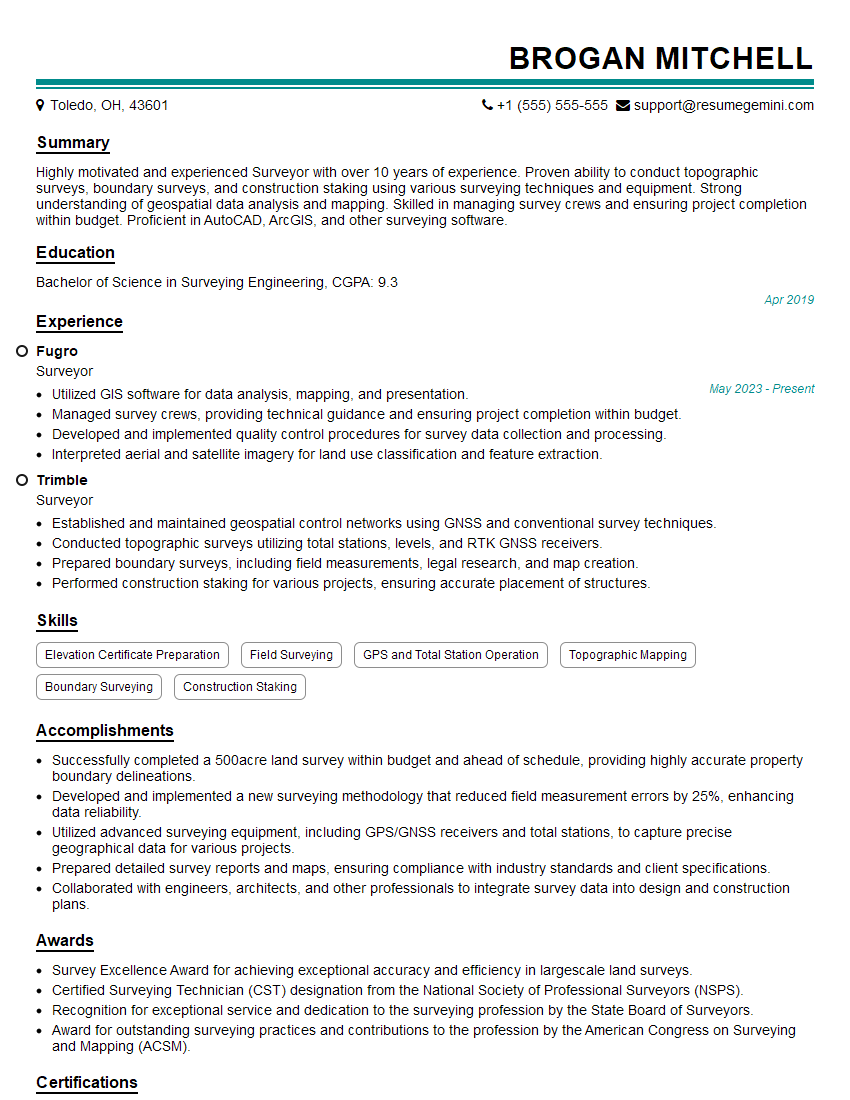
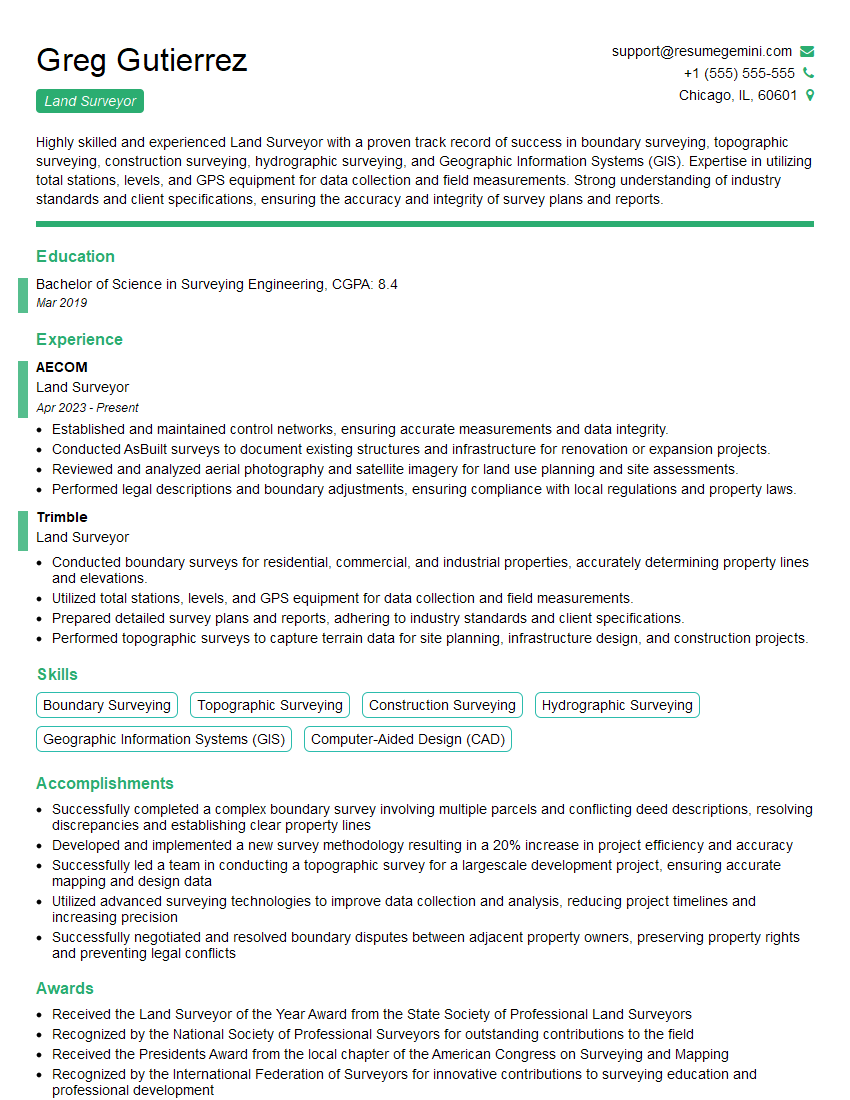
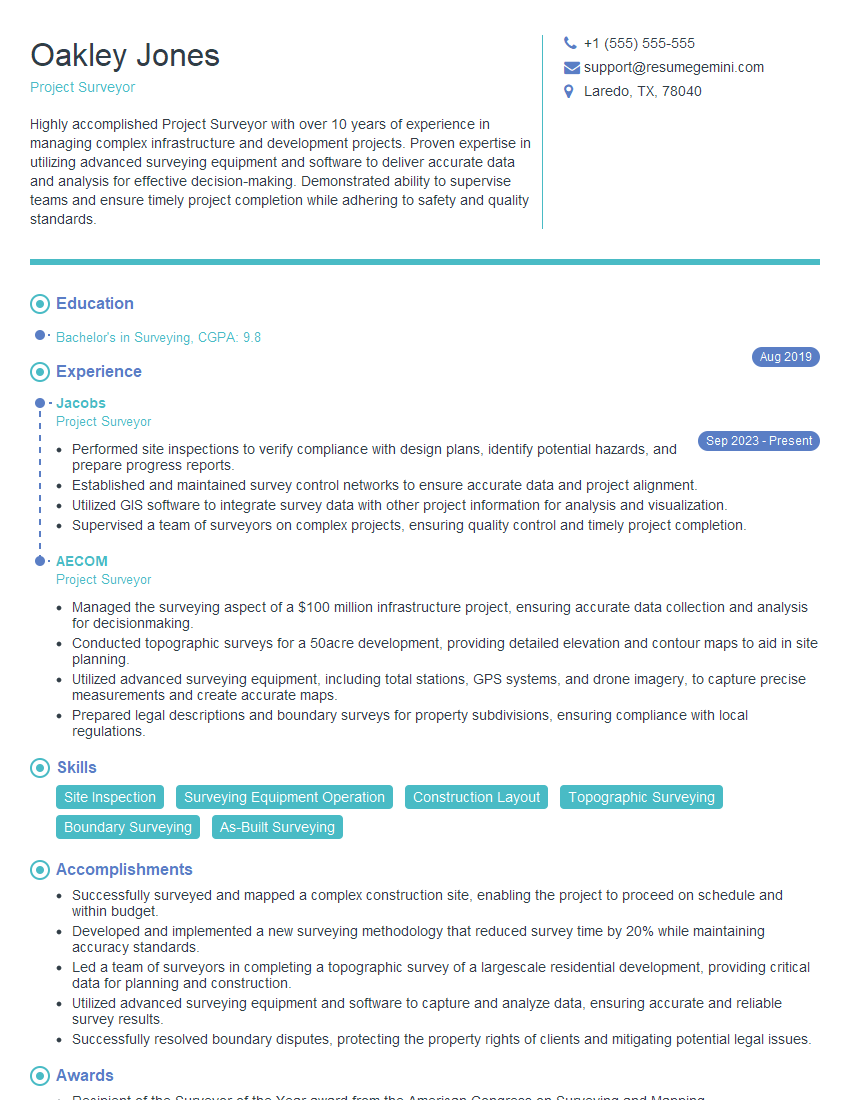
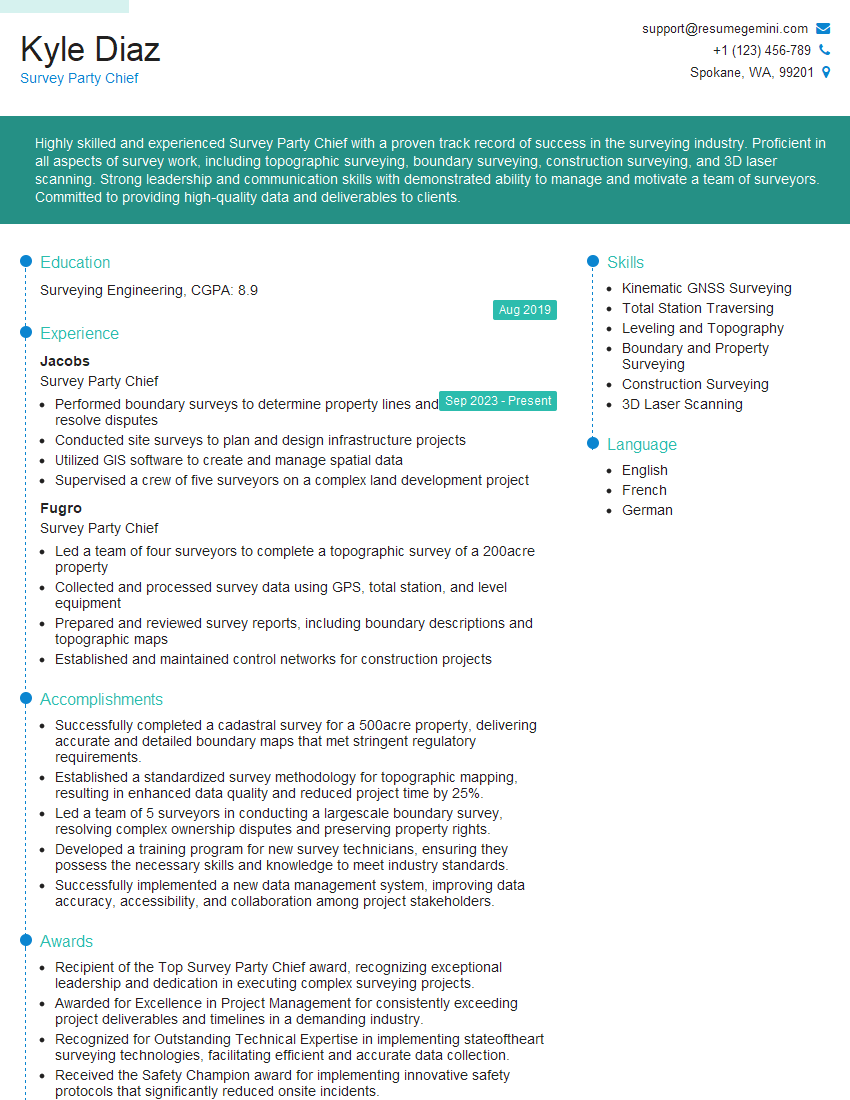
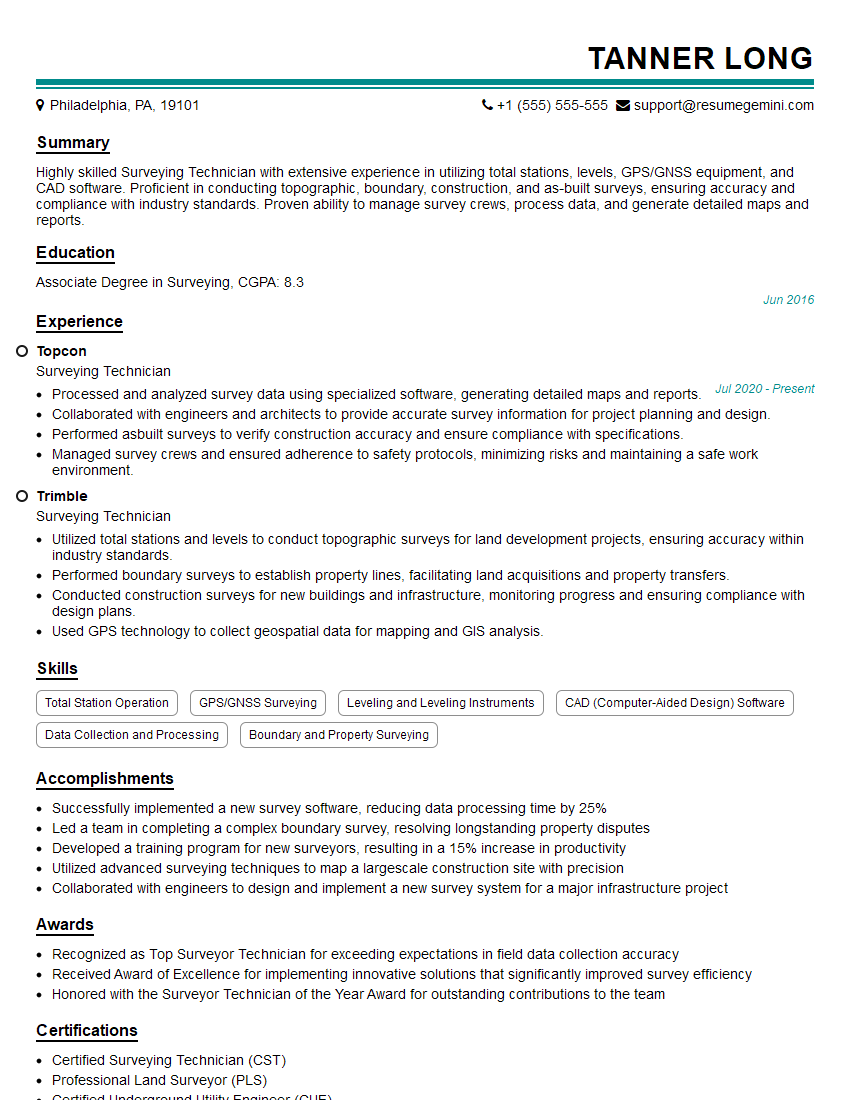
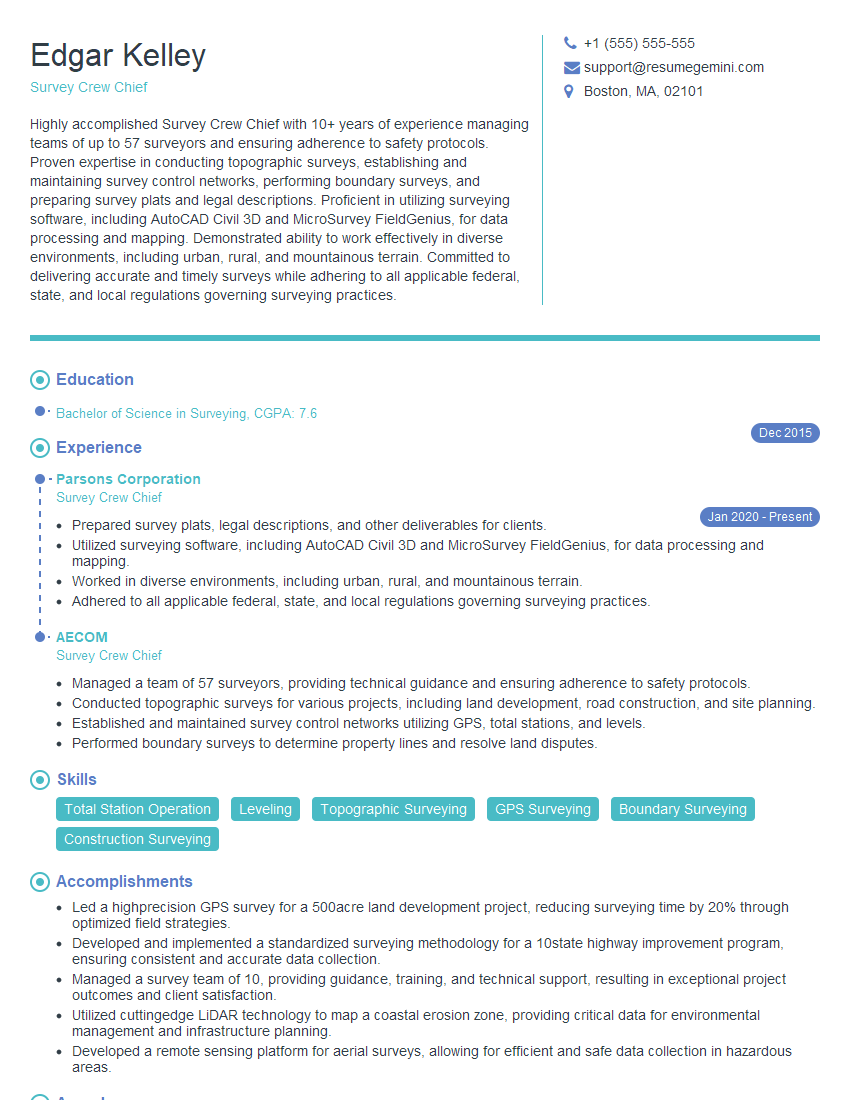
Mastering the Trimble S8 Total Station opens doors to exciting career opportunities in surveying and construction, offering high demand and competitive salaries. To maximize your chances of landing your dream job, it’s vital to present your skills effectively. Creating a well-structured, ATS-friendly resume is key to getting noticed by recruiters. ResumeGemini is a trusted resource to help you build a professional and impactful resume. They offer examples of resumes tailored to the Trimble S8 Total Station, providing a strong foundation for your application. Take the next step towards your successful career today!
Explore more articles
Users Rating of Our Blogs
Share Your Experience
We value your feedback! Please rate our content and share your thoughts (optional).
What Readers Say About Our Blog
Really detailed insights and content, thank you for writing this detailed article.
IT gave me an insight and words to use and be able to think of examples