Unlock your full potential by mastering the most common Understanding of the principles of visual storytelling interview questions. This blog offers a deep dive into the critical topics, ensuring you’re not only prepared to answer but to excel. With these insights, you’ll approach your interview with clarity and confidence.
Questions Asked in Understanding of the principles of visual storytelling Interview
Q 1. Explain the difference between visual communication and visual storytelling.
Visual communication and visual storytelling, while related, are distinct concepts. Visual communication is the broad practice of conveying information or ideas using visuals—a simple infographic, a chart, a logo. It’s about clarity and efficiency. Visual storytelling, however, takes this further. It’s about crafting a narrative arc using visual elements, engaging the audience emotionally and intellectually to create a memorable experience. Think of a moving film scene versus a road sign; the first tells a story, the second communicates information.
For instance, a pie chart showing sales figures is visual communication. A short animated film illustrating the challenges faced by a small business and their eventual success is visual storytelling. The latter uses visuals not just to inform but to evoke feeling, build empathy, and create a lasting impression.
Q 2. Describe the elements of a compelling visual narrative.
A compelling visual narrative hinges on several key elements: a clear narrative arc (beginning, middle, end, with conflict and resolution), relatable characters (even if abstract), a well-defined setting and mood, and impactful visual cues that advance the plot. The story should be emotionally resonant, visually interesting and easy to follow. Consider the pacing – how quickly the narrative unfolds – and the use of visual metaphors to enhance understanding and impact.
- Character Development: Visuals should effectively portray characters’ personalities, emotions, and motivations.
- Setting the Scene: The visuals should establish the time, place, and atmosphere.
- Conflict and Resolution: The story needs a clear problem or conflict and a satisfying resolution, visually communicated.
- Theme and Message: The narrative should leave the audience with a clear understanding of the core theme or message.
Think of a children’s book: simple images combined with text tell a story in a way that is both engaging and easy to follow. Even a single image can tell a story, if properly composed.
Q 3. How do you choose the right visual style for a specific story?
Choosing the right visual style depends heavily on the story’s genre, target audience, and desired emotional impact. A children’s story will utilize a very different style than a documentary about climate change.
- Realistic vs. Stylized: Realistic styles aim for accuracy and detail (photography, documentary film); stylized styles prioritize artistic expression and mood (animation, graphic novels).
- Minimalist vs. Detailed: Minimalist styles focus on simplicity and clarity; detailed styles offer richness and texture.
- Target Audience: Consider the age, cultural background, and preferences of the audience. A younger audience might respond well to bright colors and cartoonish characters, while an older audience may prefer a more subdued palette and realistic imagery.
- Brand and Tone: The visual style must align with the overall brand identity and the intended tone (e.g., playful, serious, sophisticated).
For example, a story about the harsh realities of war might employ a gritty, desaturated color palette, while a whimsical fairy tale could use vibrant, saturated colors and a more cartoonish style.
Q 4. What are the key principles of visual hierarchy?
Visual hierarchy guides the viewer’s eye through the design, ensuring they understand the information in the intended order of importance. It’s about creating a clear path for the eye to follow. We use size, color, contrast, placement, and visual weight to achieve this.
- Size: Larger elements naturally draw more attention.
- Color: Bright, contrasting colors stand out more.
- Contrast: Juxtaposing light and dark, or different textures, creates visual interest and emphasis.
- Placement: Elements placed higher or in the center of the page tend to be noticed first.
- Visual Weight: Complex or darker elements often have more visual weight than simpler, lighter ones.
Think of a website homepage: The headline is usually the largest element, followed by key calls to action, with supporting details placed further down the page. The hierarchy guides the user to the most important information first.
Q 5. How do you use color effectively in visual storytelling?
Color plays a crucial role in setting mood, evoking emotions, and guiding the viewer’s eye. Different colors have different psychological associations.
- Color Psychology: Red evokes excitement or danger; blue suggests calm or trust; green represents nature or growth; yellow signifies happiness or warning.
- Color Harmony: Using colors that complement each other (analogous or complementary) creates a visually pleasing and balanced design.
- Color Contrast: Using contrasting colors can create visual interest and highlight important elements.
- Color Temperature: Warm colors (reds, oranges, yellows) advance; cool colors (blues, greens, purples) recede.
A film using dark, muted tones might convey a sense of mystery or sadness, while a bright, colorful film might feel upbeat and optimistic. Even subtle color shifts can indicate changes in mood or time.
Q 6. Explain the importance of composition in visual design.
Composition is the arrangement of elements within a visual space. It dictates how the viewer’s eye moves through the image, and how effectively the message is conveyed. Strong composition creates balance, visual interest, and guides the viewer’s focus.
- Rule of Thirds: Placing key elements along imaginary lines that divide the image into thirds often results in a more dynamic and engaging composition.
- Leading Lines: Using lines to draw the viewer’s eye towards the focal point.
- Symmetry and Asymmetry: Symmetrical compositions feel balanced and harmonious; asymmetrical compositions can be more dynamic and energetic.
- Negative Space: The empty space around the subject can be just as important as the subject itself; it provides breathing room and can enhance the overall impact.
Think of a photograph: The placement of the subject, the use of background elements, and the overall balance all contribute to the overall impact and effectiveness of the image. A poorly composed image can be confusing or even unpleasant to look at.
Q 7. How do you use typography to enhance a visual narrative?
Typography is more than just choosing a font; it’s about using type to convey meaning, establish tone, and guide the viewer through the narrative. Font choice, size, weight, and spacing all contribute to the overall effect.
- Font Selection: Different fonts evoke different feelings. Serif fonts (Times New Roman) often feel more traditional; sans-serif fonts (Arial) are generally perceived as more modern.
- Font Size and Weight: Larger, bolder fonts draw more attention, while smaller, lighter fonts can be used for less important information.
- Kerning and Tracking: Adjusting the space between individual letters (kerning) and between words (tracking) affects readability and visual appeal.
- Hierarchy and Readability: Using different font sizes and weights to create a visual hierarchy helps guide the reader through the text and emphasizes key information.
Imagine a movie poster: The title is usually in a large, bold font, while the actors’ names are in a smaller font. The typography helps establish the tone and style of the film, and guides the viewer’s attention to the most important information.
Q 8. Describe your process for creating a storyboard.
Creating a storyboard is like writing a script for a film, but using visuals instead of words. It’s a crucial step in pre-visualization, allowing us to plan shots, pacing, and the overall narrative flow before actual production. My process typically involves these steps:
- Understanding the narrative: I begin by thoroughly understanding the story’s core message, target audience, and desired emotional impact. This might involve reviewing scripts, conducting interviews, or analyzing existing data.
- Breaking down the story: I divide the narrative into key scenes and moments. Each scene gets a separate panel in the storyboard.
- Sketching the panels: I roughly sketch each scene, focusing on composition, character placement, action, and key visual details. These sketches are quick and don’t need to be perfect, the focus is on capturing the essence of the scene.
- Adding annotations: I add notes to each panel specifying camera angles (e.g., wide shot, close-up), shot duration, transitions, sound effects, and any other relevant details.
- Review and iteration: I review the storyboard with stakeholders to gather feedback and make necessary adjustments. This iterative process ensures alignment and addresses potential inconsistencies.
For example, in a storyboard for a product launch video, a panel might show a close-up shot of the product, with the annotation ’emphasize sleek design,’ followed by a wide shot showing people using the product, annotated as ‘show ease of use’.
Q 9. How do you ensure visual consistency across multiple platforms?
Maintaining visual consistency across multiple platforms – be it website, social media, or print – is paramount for brand recognition and user experience. This involves creating a style guide that dictates specific visual elements:
- Color palette: Defining a consistent range of colors that reflect the brand’s personality.
- Typography: Specifying fonts and sizes to ensure readability and brand identity.
- Imagery style: Determining a consistent photographic or illustrative style (e.g., minimalist, vibrant, realistic).
- Layout and composition: Establishing standard grid systems or layout patterns across platforms.
Tools like Adobe Creative Cloud help maintain this consistency by allowing collaboration and asset management. Using templates and master files ensures that designs remain uniform, even when handled by different individuals. For instance, a social media campaign might use the same color scheme and font as the company website, creating a cohesive brand experience.
Q 10. How do you adapt visual storytelling for different audiences?
Adapting visual storytelling for different audiences requires understanding their unique characteristics, including age, cultural background, technical proficiency, and interests. For example:
- Children: Use brighter colors, simpler illustrations, and shorter, more direct narratives.
- Older adults: Choose larger fonts, higher contrast, and reduce visual clutter.
- Technical audiences: Employ data visualizations, diagrams, and precise language.
- General audiences: Aim for a balance between accessibility and sophistication.
Consider using different visual styles, formats, and platforms to reach your target audiences effectively. A video explainer might work well for younger audiences, while an infographic could resonate better with a more data-driven audience. Always test your approach with focus groups to ensure it’s hitting the mark.
Q 11. How do you measure the effectiveness of your visual storytelling?
Measuring the effectiveness of visual storytelling involves quantitative and qualitative methods. Quantitative data focuses on measurable metrics, such as:
- Engagement rates: Likes, shares, comments, and views on social media or video platforms.
- Website analytics: Time spent on pages, bounce rates, and click-through rates.
- Conversion rates: The percentage of viewers who take a desired action (e.g., making a purchase, signing up for a newsletter).
Qualitative data provides richer insights through:
- Surveys and feedback forms: Gathering audience opinions on the clarity, impact, and emotional resonance of the visuals.
- Focus groups: Conducting in-depth discussions to understand how the visuals are perceived and interpreted.
- A/B testing: Comparing different versions of visuals to see which performs better.
By combining these methods, we can gain a comprehensive understanding of our visual storytelling’s success in achieving its objectives.
Q 12. What are some common pitfalls to avoid in visual storytelling?
Common pitfalls in visual storytelling include:
- Overcrowding: Too many visual elements can overwhelm the viewer and distract from the main message. Less is often more.
- Poor composition: Unbalanced or poorly chosen layouts can make visuals confusing and unappealing.
- Inconsistent branding: Lack of consistency in style, color, and typography creates a disjointed experience.
- Ignoring the audience: Failing to tailor visuals to the specific needs and preferences of the target audience.
- Lack of clear narrative: A disjointed or confusing story line makes it hard for the audience to follow.
- Over-reliance on text: Visual storytelling should emphasize visuals, with text used sparingly to support, not replace, the images.
Careful planning, iterative feedback, and a focus on clarity and simplicity can help avoid these common problems.
Q 13. How do you incorporate data visualization into your storytelling?
Incorporating data visualization enhances the impact of visual storytelling by making complex information accessible and engaging. Effective data visualization involves choosing the right chart type for the data and presenting it in a visually appealing and easy-to-understand manner. For example:
- Bar charts: Ideal for comparing different categories.
- Line charts: Show trends and changes over time.
- Pie charts: Illustrate proportions and percentages.
- Maps: Represent geographical data.
Tools like Tableau and Power BI can assist in creating interactive and dynamic data visualizations. Remember to keep the design clean and avoid unnecessary complexity. The goal is to highlight key insights clearly and concisely, supporting the overall narrative.
Q 14. Explain the concept of ’emotional resonance’ in visual communication.
Emotional resonance in visual communication refers to the ability of visuals to evoke feelings and connect with the audience on an emotional level. It goes beyond simply conveying information; it aims to create an experience that resonates with the viewer’s values, beliefs, and personal experiences. This is achieved through careful choices in:
- Color: Warm colors (reds, oranges, yellows) evoke excitement and energy, while cool colors (blues, greens, purples) suggest calmness and serenity.
- Imagery: Using powerful images that evoke strong emotions – joy, sadness, fear, hope – can deeply connect with the audience.
- Composition: Strategic placement of elements within the visual can guide the viewer’s eye and create a sense of balance or tension.
- Music and sound: Adding music or sound effects can amplify the emotional impact of the visuals.
For example, an advertisement for a charity might use images of children in need paired with somber music to evoke empathy and encourage donations. Achieving emotional resonance is crucial for creating memorable and impactful visual narratives.
Q 15. How do you use imagery to evoke specific emotions?
Evoking specific emotions through imagery relies on understanding the psychology of color, composition, and subject matter. Think of it like this: colors have inherent emotional associations. Deep blues often evoke calmness, while fiery reds suggest passion or anger. Similarly, a high-contrast image can create tension, while soft lighting can convey serenity.
- Color Psychology: Using warm colors like reds and oranges for excitement, cool colors like blues and greens for calmness, and muted tones for nostalgia.
- Composition: A tightly framed shot can create intimacy, while a wide shot can evoke a sense of vastness or isolation. The rule of thirds, leading lines, and other compositional techniques guide the viewer’s eye and influence their emotional response.
- Subject Matter: Images of smiling faces naturally evoke happiness, while images of natural disasters might elicit sadness or fear. The choice of subject is crucial in setting the emotional tone.
For example, an advertisement for a relaxing spa might use soft blues and greens, a wide shot of a serene landscape, and images of people looking calm and relaxed. Conversely, a thriller movie poster might employ deep shadows, harsh lighting, and a distorted image to create suspense and fear.
Career Expert Tips:
- Ace those interviews! Prepare effectively by reviewing the Top 50 Most Common Interview Questions on ResumeGemini.
- Navigate your job search with confidence! Explore a wide range of Career Tips on ResumeGemini. Learn about common challenges and recommendations to overcome them.
- Craft the perfect resume! Master the Art of Resume Writing with ResumeGemini’s guide. Showcase your unique qualifications and achievements effectively.
- Don’t miss out on holiday savings! Build your dream resume with ResumeGemini’s ATS optimized templates.
Q 16. Describe a time you had to adapt your visual storytelling approach.
I once worked on a project creating infographics for a scientific journal. My initial approach, using highly detailed illustrations and complex charts, proved ineffective. The target audience – scientists in diverse fields – needed clarity and conciseness above all else. I adapted my approach by simplifying the visuals significantly, focusing on clear icons, minimal text, and a streamlined color palette. The result was a much more impactful and easily understood infographic. It taught me the importance of understanding the audience and tailoring the visual approach accordingly. Sometimes, less is more – especially when communicating complex information.
Q 17. How do you balance creativity with clarity in your visual work?
Balancing creativity and clarity is a constant challenge. The key is to ensure that creative choices enhance, rather than detract from, the message. Think of it as a delicate dance: creativity provides the energy and impact, while clarity ensures the message is understood and remembered. I achieve this balance by:
- Prioritizing the message: I always start by defining the core message I want to convey. This guides my creative decisions, ensuring they align with the overall goal.
- Iterative design process: I create multiple versions, seeking feedback at each stage. This helps to identify areas where creativity might be overshadowing clarity, and vice-versa.
- Using strong visual hierarchy: I strategically use size, color, and placement to guide the viewer’s eye to the most important elements. This ensures the key information is easily accessible, even within a visually rich piece.
For instance, a visually stunning infographic might be useless if the reader can’t quickly grasp its main points. Conversely, a simple, clear graphic might not be as engaging or memorable as one that is beautifully designed but still remains clear.
Q 18. Explain your understanding of user experience (UX) and its role in visual storytelling.
User experience (UX) is paramount in visual storytelling. It’s all about creating a positive and intuitive experience for the audience interacting with the visual content. A poorly designed visual, no matter how creative, can be frustrating and ineffective. UX considerations in visual storytelling include:
- Accessibility: Ensuring the visuals are accessible to users with disabilities (e.g., colorblindness, visual impairments).
- Intuitive navigation: Guiding the user through the story in a logical and easy-to-follow manner.
- Readability: Using clear fonts, appropriate text sizes, and sufficient contrast between text and background.
- Responsiveness: Ensuring the visuals adapt well to different screen sizes and devices.
A good example would be a website showcasing a product. If the images are blurry, the text is too small, or the navigation is confusing, the user experience will be negative, even if the product itself is amazing. Good UX ensures the user easily understands and appreciates the story the visuals are conveying.
Q 19. How do you work collaboratively with other creatives on a visual project?
Collaboration is crucial in visual storytelling. I thrive in team environments and believe in open communication and active listening. My collaborative process usually involves:
- Clearly defined roles and responsibilities: Establishing each team member’s role and ensuring clear communication channels.
- Regular feedback sessions: Sharing work in progress, receiving and providing constructive criticism, and iterating based on feedback.
- Shared online platforms: Using collaborative tools like Google Drive, Dropbox, or specialized design software to share files and work efficiently.
- Respectful communication: Creating a safe space for sharing ideas and concerns without fear of judgment.
For example, when working with a writer, I might discuss the story’s narrative arc and emotional beats before even beginning the visual design. This ensures a cohesive story is told across both mediums. With developers, I might discuss technical limitations to ensure the visuals are both feasible and aesthetically pleasing.
Q 20. What are some of your favorite examples of effective visual storytelling?
Some of my favorite examples of effective visual storytelling include:
- The works of Malala Yousafzai: Her impactful images and speeches powerfully communicate her message of education for girls and inspire positive change. This demonstrates the power of combining strong visuals with a compelling narrative.
- The photography of Dorothea Lange during the Great Depression: Her iconic images, such as “Migrant Mother,” effectively capture the human cost of economic hardship and humanize a social issue.
- Many successful animated films: Studios like Pixar and Studio Ghibli masterfully use animation to tell complex, emotionally resonant stories, demonstrating the power of visual storytelling in a different medium.
These examples, while diverse in style and medium, share a common thread: they use visuals to evoke emotion, convey information, and ultimately tell compelling stories that resonate with the audience.
Q 21. What software and tools are you proficient in using for visual storytelling?
My proficiency spans various software and tools. I am highly skilled in:
- Adobe Creative Suite (Photoshop, Illustrator, InDesign): These are industry-standard tools for image manipulation, vector graphics, and layout design.
- Figma and Sketch: For digital design and prototyping, especially for web and app interfaces.
- After Effects: For motion graphics and animation.
- Various video editing software (Premiere Pro, DaVinci Resolve): For creating and editing video content.
My choice of software depends on the project requirements. For example, I might use Illustrator for creating vector graphics for an infographic, while using After Effects to add animation to the infographic later. My familiarity with a diverse range of tools allows me to tailor my approach to each project.
Q 22. Describe your experience with different visual storytelling formats (e.g., video, print, web).
My experience in visual storytelling spans diverse formats, each demanding a unique approach. In video production, I’ve worked on everything from short, snappy social media content to longer-form documentaries, focusing on narrative structure, pacing, and impactful visuals. Print projects, like brochures or magazine spreads, require a different mindset, emphasizing strong composition, typography, and the effective use of white space to guide the reader’s eye. Web design, particularly interactive storytelling, introduces the challenge of user experience – ensuring navigation is intuitive and the message remains clear across different devices and screen sizes. For instance, a recent project involved creating a data visualization for a website, transforming complex financial data into an easily digestible and engaging infographic.
For a client launching a new sustainable clothing line, we used video to showcase the production process, highlighting ethical sourcing and environmentally friendly practices. Print collateral, like a stylish catalog, reinforced this message through carefully chosen imagery and minimalist design. The website, designed with user-friendly interactive elements, allowed customers to learn more and engage directly with the brand’s values.
Q 23. How do you ensure accessibility in your visual storytelling projects?
Accessibility is paramount in visual storytelling. It’s not just about making content ‘look good’ but ensuring everyone can understand and engage with it. This involves several key considerations. First, I always incorporate alt text for all images, describing their content for screen readers. Second, I ensure sufficient color contrast between text and background, utilizing tools and guidelines like WCAG (Web Content Accessibility Guidelines). Third, for videos, closed captions and transcripts are essential, making them accessible to the hearing impaired and those in noisy environments. Fourth, I carefully consider font choices, using clear, legible typefaces and sizes. Finally, I avoid relying solely on color to convey meaning, ensuring information is accessible even to individuals with color blindness. In practice, this means using clear labels and icons in addition to color-coding.
For example, in a recent project developing an educational video, we meticulously created accurate closed captions, providing a transcript on the video’s webpage. We also ensured the graphics included text descriptions that were not dependent solely on color to convey meaning.
Q 24. How do you incorporate feedback into the visual storytelling process?
Feedback integration is a cyclical process, starting even before the project begins. I believe in gathering client input on initial concepts, using mood boards and storyboards to collaboratively refine the narrative. Throughout the process, regular reviews are crucial, allowing me to address concerns and incorporate suggestions. I utilize various methods, such as in-person presentations, online feedback forms, and collaborative design tools like Figma to streamline this process. Constructive criticism is welcomed; it allows for refining the visual narrative and meeting client expectations.
For instance, in one project, early feedback revealed a disconnect between our proposed visual style and the client’s target audience. By incorporating their suggestions, we made crucial changes to the color palette and imagery, resulting in a more effective final product.
Q 25. Describe your approach to resolving creative differences during a project.
Creative differences are inevitable, but addressing them constructively is key. I believe in fostering an environment of open communication and respect. My approach involves active listening, understanding the perspectives of all stakeholders. Often, a collaborative brainstorming session can help identify the core issues and find common ground. Visual aids, such as mood boards or prototypes, can effectively bridge communication gaps. Sometimes, compromise is necessary, and it’s important to prioritize the overall effectiveness of the story. Ultimately, the goal is a visually compelling narrative that aligns with the project’s objectives.
For example, in a recent project, the client and I had differing opinions on the overall tone. Through discussion and shared examples, we found a middle ground that incorporated elements of both our visions, leading to a more nuanced and impactful outcome.
Q 26. What are your preferred methods for gathering inspiration for visual storytelling?
Inspiration can come from anywhere! I actively seek out diverse sources. Visiting museums and galleries exposes me to different artistic styles and techniques. Exploring online platforms like Behance and Dribbble provides insights into current design trends. Reading books and articles on visual communication keeps my theoretical knowledge sharp. Moreover, I actively engage with the world around me, observing daily life, nature, and human interaction for potential story ideas. I also keep a mood board – both physical and digital – to collect images, colors, and textures that spark creative ideas.
Recently, a visit to a contemporary art exhibition inspired me to experiment with more abstract visual elements in a project, leading to an unexpectedly powerful and engaging outcome.
Q 27. How do you stay current with the latest trends and best practices in visual storytelling?
Staying current in visual storytelling is an ongoing process. I regularly attend industry conferences and workshops, engaging with experts and learning about emerging technologies. I subscribe to design publications and newsletters, staying abreast of the latest trends and best practices. Following leading designers and studios on social media platforms provides invaluable insights into their work and creative processes. Furthermore, experimenting with new tools and software expands my skillset and keeps my work fresh and innovative.
For example, I recently took an online course on motion graphics, expanding my capabilities in creating dynamic and engaging video content.
Q 28. How do you handle criticism of your visual storytelling work?
Criticism is a valuable tool for growth. I approach it with an open mind, seeking to understand the perspective of the critic. I analyze the feedback objectively, separating constructive criticism from personal opinions. Not all criticism is valid, but even negative feedback can highlight areas for improvement. In professional settings, I use criticism to improve future projects, learning from mistakes and refining my process. Documentation and self-reflection play a vital role in this continuous improvement process.
For example, a negative review of a previous project helped me recognize a weakness in my storytelling approach and consequently refine my techniques to create more impactful narratives. I value this feedback as an opportunity to refine my skillset and strengthen future projects.
Key Topics to Learn for Understanding the Principles of Visual Storytelling Interview
- Composition and Framing: Understand the rule of thirds, leading lines, and other compositional techniques to guide the viewer’s eye and create visual impact. Consider how different framing choices affect the narrative and emotional response.
- Color Theory and Palette Selection: Explore the psychological impact of color and how to use color effectively to evoke emotion, establish mood, and create visual harmony or contrast. Practice applying color theory to different visual storytelling projects.
- Narrative Structure and Pacing: Learn how to build a compelling visual narrative with a clear beginning, middle, and end. Discuss techniques for controlling the pace of the story through visual elements and sequencing.
- Visual Hierarchy and Emphasis: Master techniques for directing the viewer’s attention to key elements within a visual composition. Understand how size, placement, color, and contrast contribute to visual hierarchy.
- Symbolism and Iconography: Explore the use of symbols and visual metaphors to convey meaning and enhance the narrative impact. Analyze how different cultures and contexts influence the interpretation of visual symbols.
- Storyboarding and Pre-visualization: Understand the process of planning and visualizing a visual story before production. Practice creating storyboards to effectively communicate ideas and plan visual sequences.
- Practical Applications: Be prepared to discuss your experience applying these principles in various contexts, such as presentations, marketing materials, social media, or creative projects. Consider showcasing specific examples of your work.
Next Steps
Mastering the principles of visual storytelling is crucial for career advancement in many creative and communication-focused fields. A strong understanding of these principles demonstrates your ability to communicate complex ideas effectively and engage your audience. To significantly enhance your job prospects, crafting an ATS-friendly resume is vital. ResumeGemini is a trusted resource that can help you build a professional and impactful resume tailored to highlight your skills in visual storytelling. Examples of resumes tailored to showcase expertise in visual storytelling are available through ResumeGemini, helping you present yourself effectively to potential employers.

Art Director Resume Sample

Creative Director Resume Sample
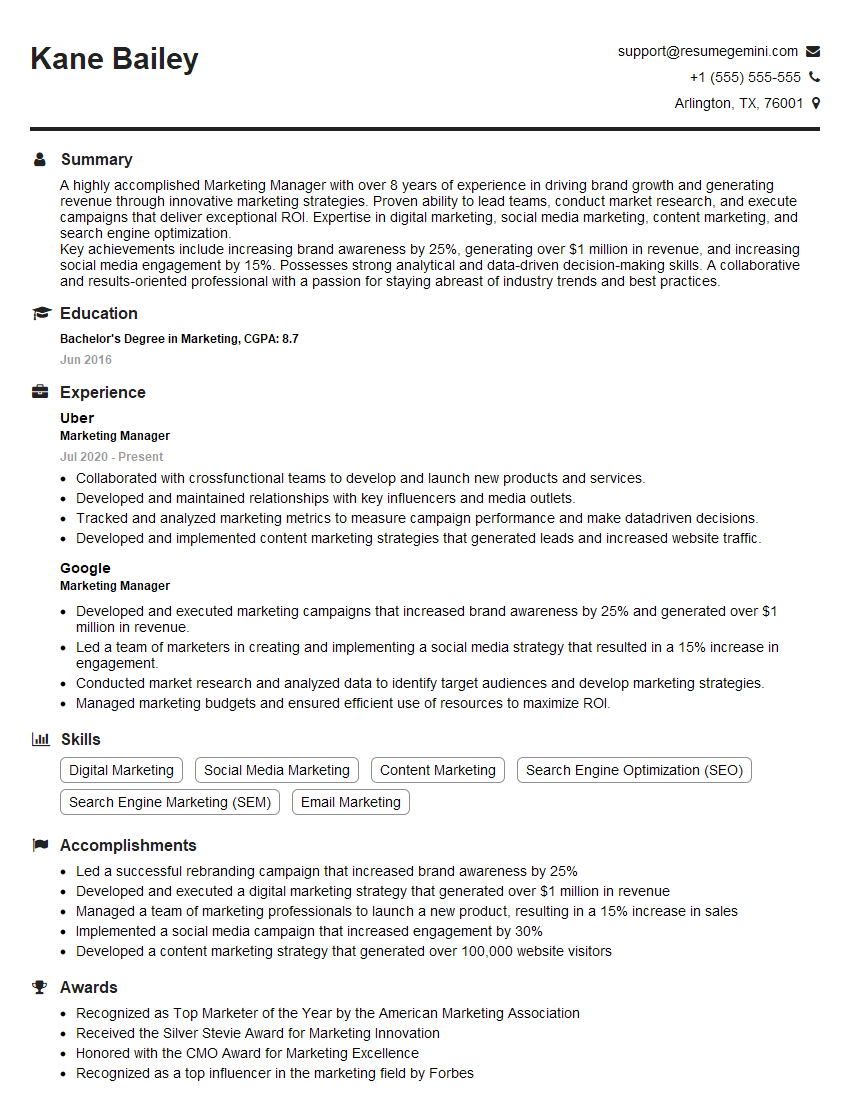
Marketing Manager Resume Sample

Social Media Manager Resume Sample

Web Designer Resume Sample
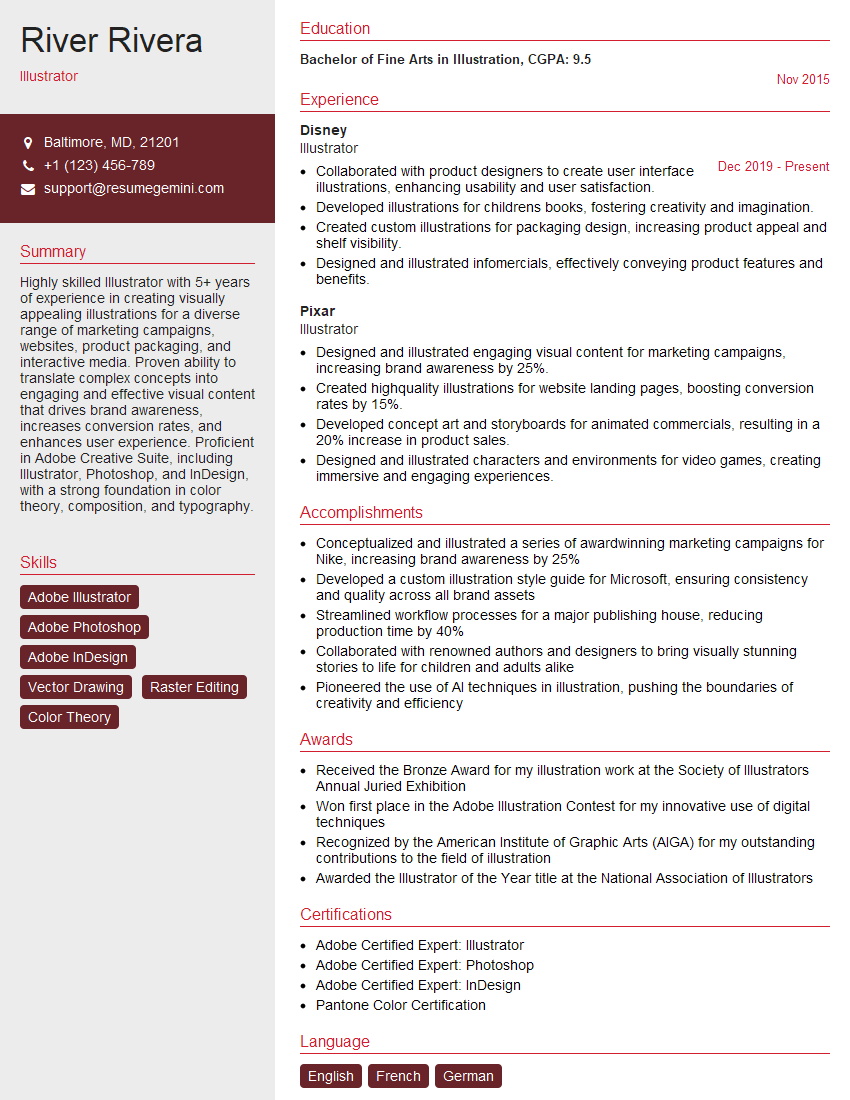
Illustrator Resume Sample

Animator Resume Sample

Graphic Designer Resume Sample
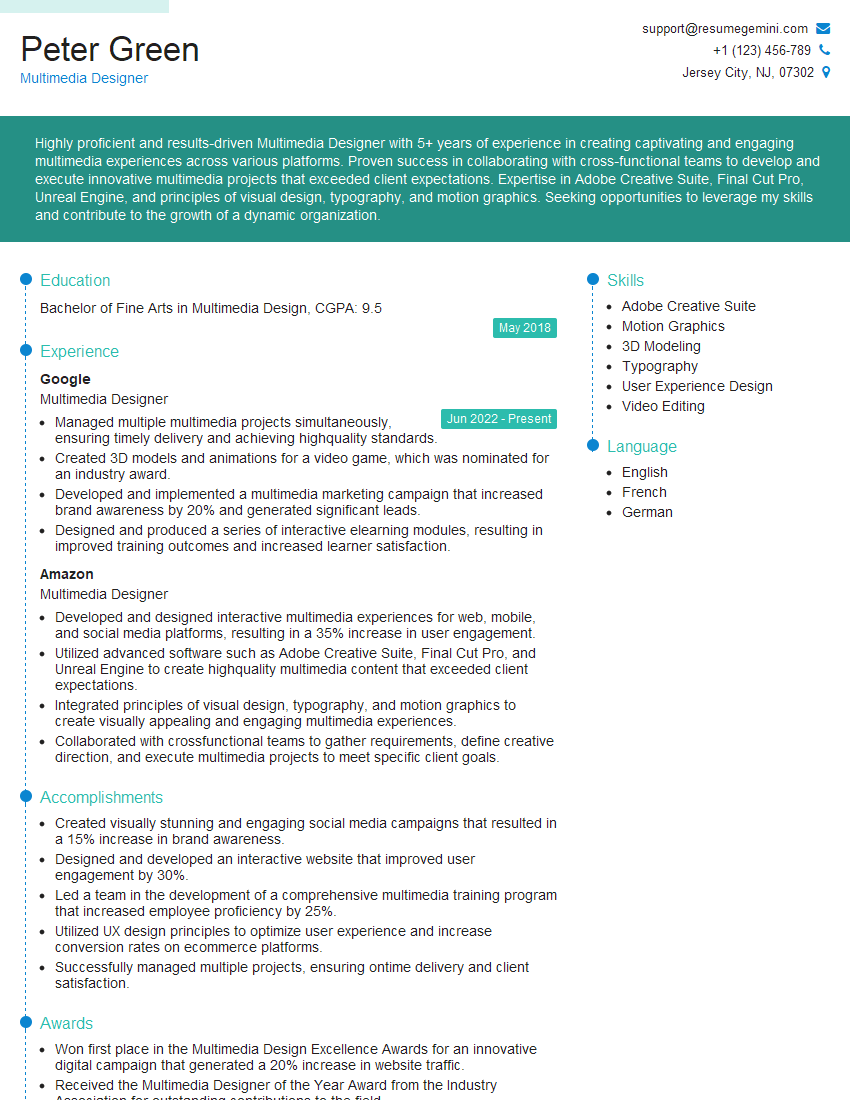
Multimedia Designer Resume Sample
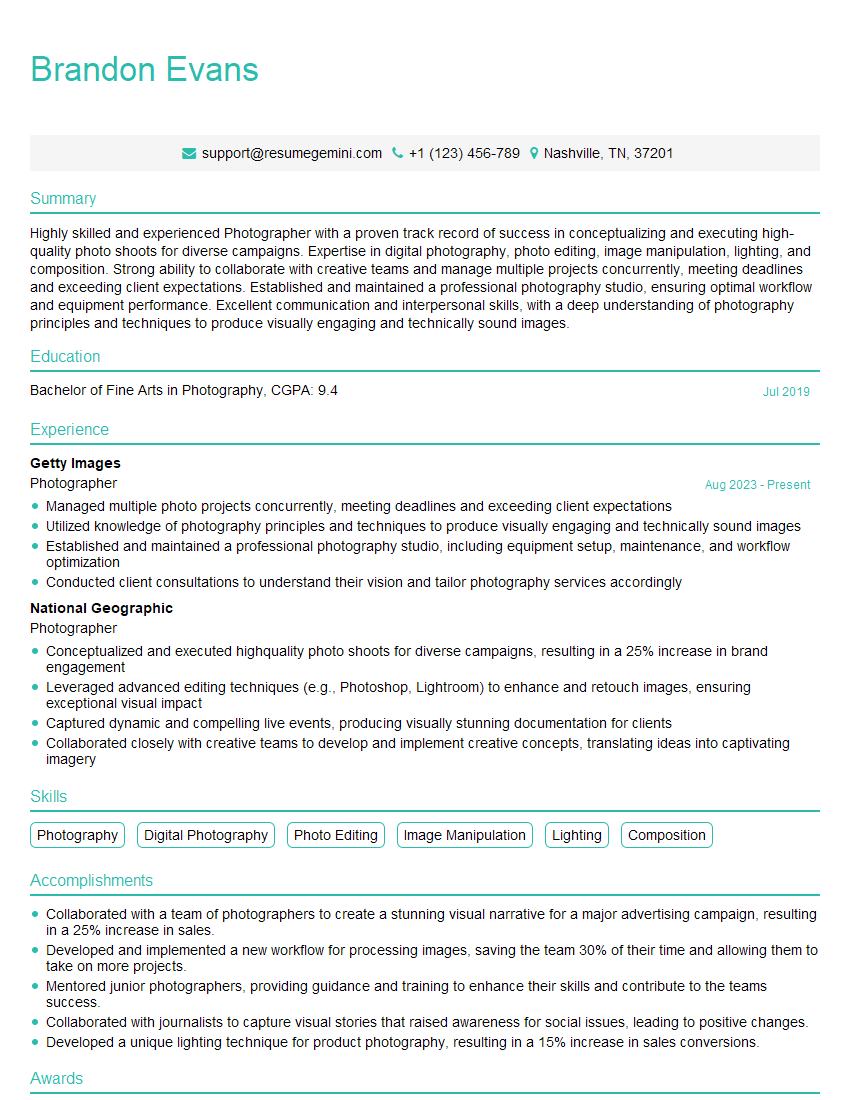
Photographer Resume Sample

Video Editor Resume Sample

Content Creator Resume Sample

UX Designer Resume Sample
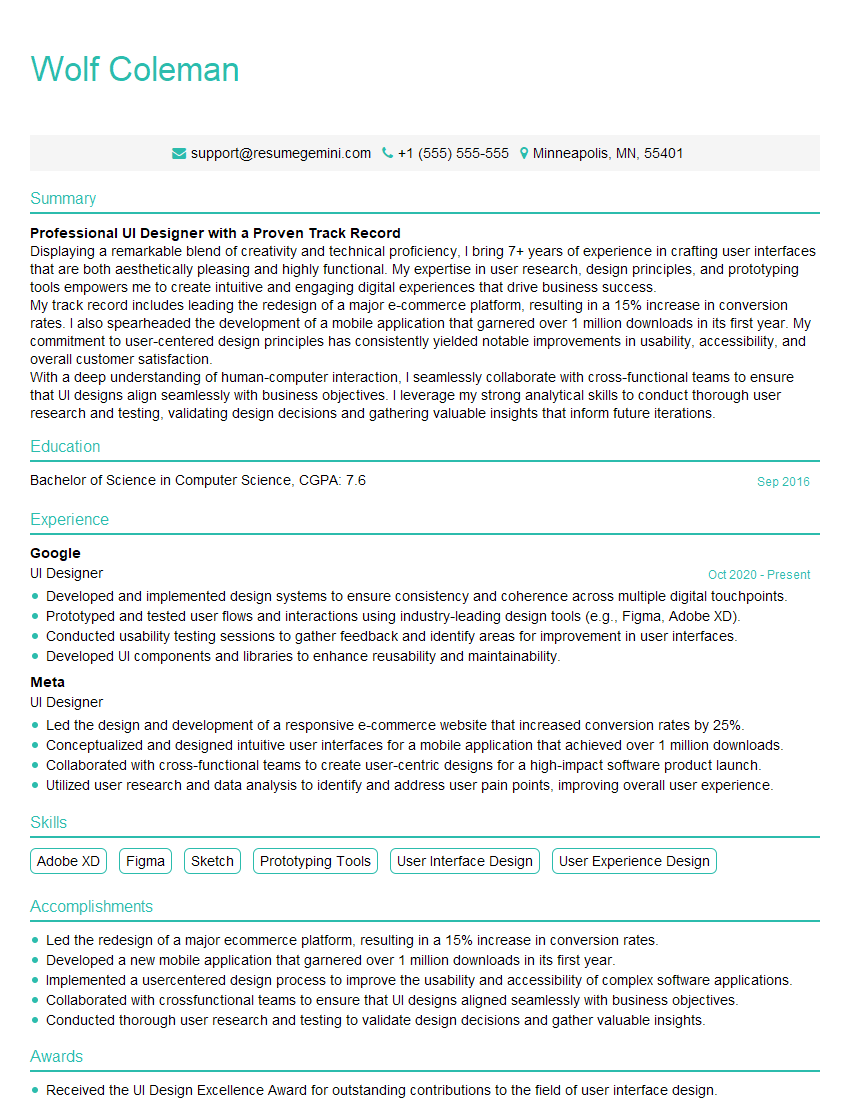
UI Designer Resume Sample
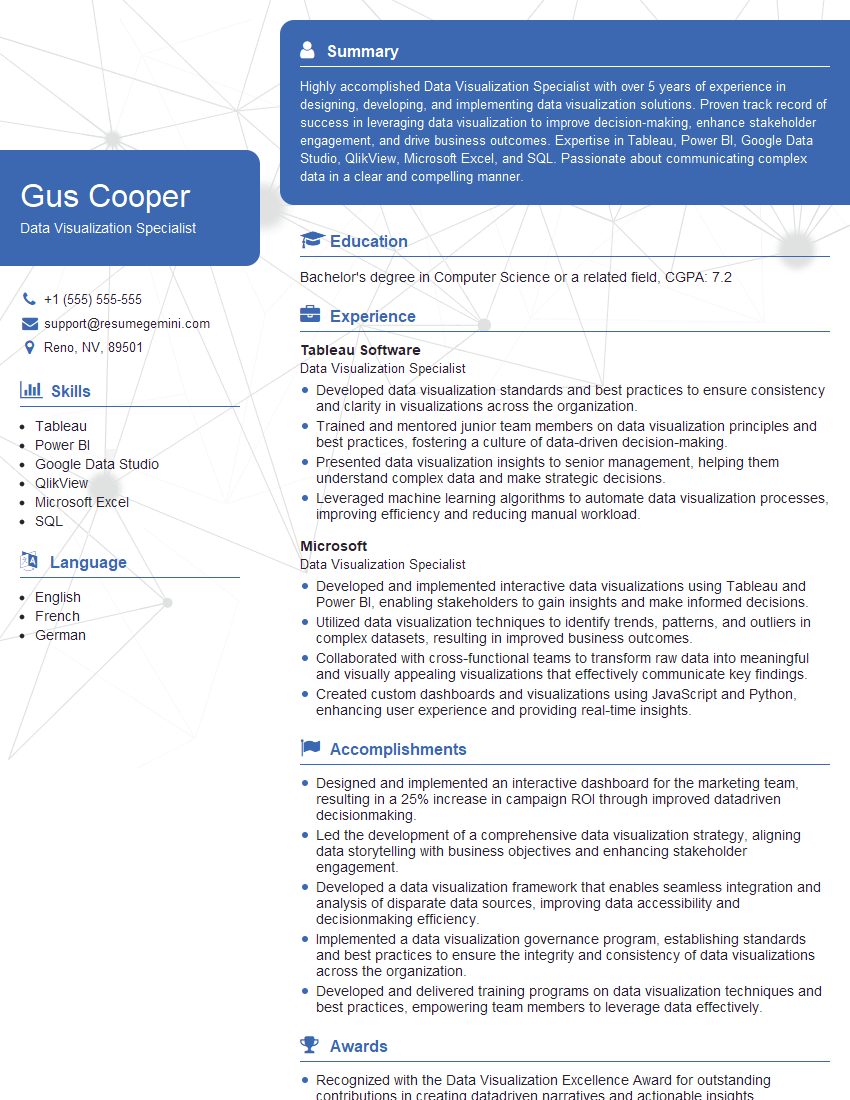
Data Visualization Specialist Resume Sample
Explore more articles
Users Rating of Our Blogs
Share Your Experience
We value your feedback! Please rate our content and share your thoughts (optional).
What Readers Say About Our Blog
Really detailed insights and content, thank you for writing this detailed article.
IT gave me an insight and words to use and be able to think of examples