Preparation is the key to success in any interview. In this post, we’ll explore crucial User Research and Testing interview questions and equip you with strategies to craft impactful answers. Whether you’re a beginner or a pro, these tips will elevate your preparation.
Questions Asked in User Research and Testing Interview
Q 1. Describe your experience conducting usability testing.
My experience in conducting usability testing spans over five years, encompassing a wide range of projects, from e-commerce websites to mobile applications and even complex enterprise software. I’ve utilized various testing methods, including moderated and unmoderated remote testing, in-person lab studies, and guerilla testing. I’m proficient in using various tools like UserTesting.com, Optimal Workshop, and Zoom to facilitate these tests. A recent project involved testing a new onboarding flow for a SaaS platform. We used a combination of in-person usability testing with five participants and remote unmoderated testing with 20 participants. The in-person testing allowed for rich qualitative data through observation and follow-up questions, while the remote testing provided a larger sample size and quicker turnaround for quantitative data on task completion rates and error rates. Analyzing the combined data allowed us to identify areas for improvement, resulting in a 25% increase in user onboarding completion rates.
Q 2. What are the key differences between qualitative and quantitative user research methods?
Qualitative and quantitative user research methods differ primarily in the type of data they collect and how that data is analyzed. Qualitative research focuses on understanding the ‘why’ behind user behavior – it explores motivations, attitudes, and experiences. Think of it like in-depth interviews to gain rich insights. Examples include user interviews, focus groups, and ethnographic studies. Data is analyzed thematically, looking for recurring patterns and insights.
Quantitative research, on the other hand, focuses on the ‘what’ – it measures user behavior numerically. It relies on statistical analysis to identify trends and patterns. Think surveys with multiple-choice questions or A/B testing. Examples include usability testing with metrics like task completion rates and error rates, and surveys with Likert scales. Data is typically analyzed using statistical software to identify significant differences or correlations.
Imagine you’re designing a new website. Qualitative research might reveal that users find the navigation confusing because the terminology is too technical. Quantitative research might show that only 30% of users are able to successfully complete a key task on the website. Combining both methods provides a complete picture, allowing you to understand both why the task is difficult (qualitative) and how many users are struggling with it (quantitative).
Q 3. Explain your process for recruiting participants for user research studies.
My participant recruitment process begins with clearly defining the target audience for the study. This involves creating detailed participant personas based on demographics, tech proficiency, and relevant experience with similar products. Then I select appropriate recruitment methods based on budget, timeline, and target audience accessibility. For highly specific audiences, I might work with specialized recruitment agencies. For broader audiences, I utilize online participant panels (like Prolific or Amazon Mechanical Turk), social media ads, or email outreach through existing user bases. A crucial step is creating a detailed screener questionnaire to pre-qualify potential participants, ensuring they meet the necessary criteria and to avoid wasted time and resources.
Once potential participants are identified, I send them a detailed invitation outlining the study’s purpose, duration, compensation (if applicable), and any required equipment or software. I always emphasize the voluntary nature of participation and ensure their data privacy is protected. Throughout the process, I maintain clear communication and respond promptly to any participant inquiries.
Q 4. How do you analyze user research data to identify key insights?
Analyzing user research data is a multi-step process that involves both art and science. For qualitative data from interviews or observations, I utilize thematic analysis. This involves systematically identifying recurring themes, patterns, and insights from transcripts or field notes. I often use qualitative data analysis software to aid in this process, which helps with coding and identifying relationships between themes.
For quantitative data from usability testing or surveys, I rely on descriptive and inferential statistics. Descriptive statistics summarize the data (e.g., average task completion time, percentage of errors). Inferential statistics help to determine if observed differences are statistically significant (e.g., using t-tests or ANOVA). I often create visualizations like charts and graphs to communicate findings effectively.
A crucial aspect is triangulation, which involves comparing and contrasting findings from different data sources (qualitative and quantitative). This helps to validate insights and identify potential biases. Ultimately, the goal is to synthesize the data to uncover actionable insights that inform design decisions.
Q 5. What user research methodologies are you most comfortable with?
I’m comfortable with a broad range of user research methodologies, but my favorites are usability testing (both moderated and unmoderated), user interviews, and card sorting. Usability testing provides direct observation of user behavior, allowing for identification of pain points and areas for improvement. User interviews provide rich qualitative insights into user motivations, attitudes, and needs. Card sorting is a valuable technique for understanding user mental models and information architecture preferences.
I’m also proficient in A/B testing, surveys, and heuristic evaluations. The choice of methodology depends heavily on the research question and project constraints. For instance, if I’m investigating the effectiveness of a new website navigation, I might use card sorting and usability testing. If I’m evaluating the impact of a design change on conversion rates, A/B testing would be more appropriate.
Q 6. How do you handle conflicting results from different user research methods?
Conflicting results from different user research methods are not uncommon and often highlight the complexity of human behavior. The key is not to dismiss one method’s findings but to understand the potential reasons for the discrepancy. I approach this by carefully reviewing the methodologies used, the sample sizes, and potential biases in each approach. For example, a quantitative survey might show a high level of satisfaction with a feature, while qualitative interviews reveal underlying frustrations.
To resolve this, I might analyze the data more deeply, looking for subgroups of users who may have different experiences. I might also consider whether the different methods measured different aspects of the user experience. Sometimes, seemingly contradictory findings are valuable because they provide a richer, more nuanced understanding. The ultimate goal is to synthesize the data to build a comprehensive picture of the user experience, acknowledging the limitations and nuances of each method.
Q 7. Describe a time you had to overcome a challenge during user research.
During a recent project, we faced a challenge recruiting participants for a specific user group – experienced data scientists. Our initial attempts through online panels and social media ads yielded insufficient participants who truly fit our criteria. We had a tight deadline, and the lack of participants threatened to delay the project.
To overcome this, we decided to leverage our existing professional network. We reached out to colleagues and partners within the data science community, asking them to share the study invitation with their contacts. We also offered a higher incentive for participation. This combined strategy proved highly effective, quickly filling our participant pool with the right individuals. It highlighted the importance of diversifying recruitment strategies and leveraging existing networks when facing recruitment difficulties, especially with niche user groups.
Q 8. How do you prioritize different user research findings?
Prioritizing user research findings is crucial for focusing development efforts. I use a multi-faceted approach, combining quantitative and qualitative data. First, I analyze the severity of the issue. How impactful is this finding on user goals and the overall product success? A critical issue, like users being unable to complete a core task, takes precedence over minor usability tweaks. Second, I consider the frequency of the problem. If a significant portion of users encounter a specific issue, that warrants immediate attention. Finally, I assess the feasibility of addressing the problem. Some fixes might be quick and simple, while others require extensive redesign. This involves weighing the impact against the cost and effort needed for a solution.
For example, imagine a study reveals three key findings: (1) 20% of users abandon the checkout process; (2) 5% of users struggle to find the search bar; (3) 10% of users are confused by a minor icon. I’d prioritize the checkout abandonment (high impact, high frequency) first, then the search bar issue (moderate impact, low frequency) and lastly the icon issue (low impact, low frequency). This prioritization framework ensures I allocate resources effectively, targeting areas with the biggest positive impact.
Q 9. How do you ensure the ethical conduct of user research?
Ethical user research is paramount. It’s built on informed consent, privacy, and respect for participants. Before any study begins, I ensure participants understand the purpose, procedures, and risks involved. They must provide explicit, informed consent—meaning they understand what they are agreeing to and can withdraw at any time without penalty. Data anonymity and confidentiality are strictly maintained. Participants’ identities are never revealed in reports or presentations. All data is securely stored and protected in accordance with relevant data protection regulations (like GDPR or CCPA). I also emphasize transparency about how the data will be used and shared. Debriefing sessions are conducted after the study to answer questions and address any concerns the participants may have. It’s essential to prioritize the well-being and respect of participants throughout the entire research process.
For instance, I recently conducted a study involving sensitive health information. We obtained additional ethical approvals, used pseudonyms throughout, and provided participants with contact information for mental health support resources if needed.
Q 10. How familiar are you with A/B testing and its application in user research?
I’m very familiar with A/B testing and its role in user research. A/B testing is a controlled experiment where two versions of a design (A and B) are presented to users to determine which performs better based on specific metrics. It’s a powerful technique for validating design decisions and optimizing user experience. The results are quantitative, providing clear data on which version is more effective. In user research, it’s often used to test specific hypotheses about design elements, such as button placement, call-to-action wording, or image choices.
For example, we might A/B test two versions of a landing page—one with a prominent image and one without—to see which drives more conversions. The results clearly show which design is more effective at converting users, providing valuable, data-driven insights for future design iterations. However, I also recognize that A/B testing’s focus on measurable metrics sometimes overshadows qualitative data. Therefore, I often integrate it with other research methods like usability testing to gain a holistic understanding.
Q 11. Explain your experience with user journey mapping.
User journey mapping is a crucial part of my UX process. It’s a visual representation of a user’s interactions with a product or service, mapping out their actions, emotions, and pain points at each stage. I’ve used journey mapping extensively to identify opportunities for improvement and design more intuitive experiences. The process involves gathering data from various sources, including user interviews, surveys, analytics data, and observations. The map then outlines the various touchpoints, highlighting areas where users encounter friction or frustration. I find that collaborative journey mapping workshops, involving stakeholders from across the organization, are particularly effective in fostering a shared understanding of the user experience.
For example, in a recent project for an e-commerce platform, I created a user journey map that identified a significant drop-off rate during the checkout process. By visualizing the user’s frustration at this stage (e.g., complicated payment options, lack of progress indicators), we identified key areas for redesign, resulting in a more streamlined and efficient checkout experience.
Q 12. What are some common usability heuristics you use to evaluate designs?
I frequently apply Nielsen’s 10 Usability Heuristics when evaluating designs. These heuristics offer a broad framework for identifying usability problems. They include things like visibility of system status, user control and freedom, consistency and standards, error prevention, and help and documentation. I assess designs against each heuristic, noting potential areas for improvement. I don’t simply apply these as a checklist; I consider the context of the design and the specific needs of the users.
For instance, if a system lacks clear error messages (violating the ‘error prevention’ heuristic), it can lead to user frustration and task abandonment. Similarly, inconsistent terminology or design elements (violating ‘consistency and standards’) can confuse users and hinder their ability to navigate the system efficiently.
Q 13. How do you measure the success of a user research study?
Measuring the success of a user research study is multifaceted. It goes beyond simply collecting data; it’s about assessing whether the study achieved its objectives and provided actionable insights. I define clear, measurable goals before initiating a study. These goals could be to identify key usability issues, validate a design hypothesis, or understand user needs. Post-study, I evaluate the extent to which these goals were met. This involves analyzing both quantitative and qualitative data. Quantitative data (e.g., task completion rates, error rates, survey responses) provides objective measurements. Qualitative data (e.g., interview transcripts, observation notes) offers rich context and insights into user behaviors and motivations.
For example, if the goal was to reduce cart abandonment, success would be measured by the extent to which the identified issues were addressed and whether post-study data showed a decrease in cart abandonment rates. Ultimately, success is determined by the impact the research has on product design and user experience improvements.
Q 14. Describe your experience with remote user testing tools.
I have extensive experience with various remote user testing tools, including UserTesting.com, Optimal Workshop, and Zoom. These tools allow me to conduct usability testing, user interviews, and surveys remotely, efficiently reaching a geographically diverse participant pool. I select tools based on the specific research objectives and the required functionalities. For example, UserTesting is excellent for quick, unmoderated usability tests, while Optimal Workshop provides robust tools for card sorting and tree testing. Zoom offers great flexibility for conducting moderated sessions. My experience encompasses planning and executing studies using these platforms, including participant recruitment, test design, data collection, and analysis. I also understand the limitations of each tool and choose the right one to maximize the quality and efficiency of the research process.
Recently, I used UserTesting to conduct a quick, unmoderated test of a new e-commerce website. This allowed me to gather feedback from a large number of users quickly and efficiently. Then, I used Zoom to conduct in-depth, moderated interviews with a smaller group of participants, enabling a deeper understanding of their perspectives and challenges.
Q 15. How do you communicate your research findings to stakeholders?
Communicating research findings effectively to stakeholders requires a multi-faceted approach. It’s not just about presenting data; it’s about telling a compelling story that resonates with their needs and priorities. I typically begin by summarizing key findings in a concise, easily digestible format, using visuals like charts and graphs to highlight important trends. Then, I delve deeper into the details, explaining the methodology and providing supporting evidence for my conclusions. This might involve showing representative user quotes, videos of user testing sessions, or detailed reports.
For example, instead of simply stating ‘users struggled with the checkout process,’ I would present data showing the percentage of users who abandoned their carts at each step, along with user quotes illustrating the specific pain points. I also tailor my communication style to the audience. A technical team needs detailed data, while executives need a high-level summary focused on impact. Finally, I always make sure to leave time for Q&A and actively seek feedback to ensure the findings are clearly understood and actionable.
Career Expert Tips:
- Ace those interviews! Prepare effectively by reviewing the Top 50 Most Common Interview Questions on ResumeGemini.
- Navigate your job search with confidence! Explore a wide range of Career Tips on ResumeGemini. Learn about common challenges and recommendations to overcome them.
- Craft the perfect resume! Master the Art of Resume Writing with ResumeGemini’s guide. Showcase your unique qualifications and achievements effectively.
- Don’t miss out on holiday savings! Build your dream resume with ResumeGemini’s ATS optimized templates.
Q 16. What are some common biases in user research, and how can they be mitigated?
Several biases can creep into user research, jeopardizing the validity of findings. Confirmation bias, where researchers seek data confirming their pre-existing beliefs, is a common one. To mitigate this, I employ rigorous methodologies, carefully crafting research questions to be neutral and objective. I also strive to maintain a diverse participant pool, ensuring varied perspectives are represented.
Another bias is sampling bias, where the participants don’t accurately represent the target user base. I address this by carefully defining my target audience and using appropriate sampling techniques, such as stratified sampling, to ensure a representative sample. Finally, observer bias, where the researcher’s presence influences participant behavior, is addressed by using unobtrusive observation methods or employing multiple researchers to compare notes and identify discrepancies.
Q 17. Explain your experience using various data analysis tools for user research.
My experience with data analysis tools spans a wide range, depending on the research methodology and the type of data collected. For quantitative data from surveys or A/B tests, I frequently utilize tools like SPSS or R for statistical analysis, creating visualizations in tools like Tableau or Excel to effectively communicate the results. For qualitative data from interviews or usability testing, I use qualitative data analysis software such as NVivo or Atlas.ti to code and analyze transcripts, identify themes, and generate reports. I’m also proficient in using spreadsheet software for data cleaning, organization, and basic analysis.
For example, in a recent project, I used R to perform statistical analysis on survey data, identifying significant correlations between user demographics and feature usage. Then, I used Tableau to create interactive dashboards showcasing these correlations, enabling stakeholders to easily explore the data and gain insights. In a different project, I used NVivo to analyze interview transcripts, identifying recurring themes related to user frustration with a specific feature.
Q 18. How do you incorporate user feedback into the design process?
Incorporating user feedback is crucial for iterative design. I use a feedback loop that starts with data collection (interviews, usability testing, surveys). This data is then analyzed to identify key issues and areas for improvement. This analysis informs design iterations, with the changes prioritized based on the severity and frequency of the issues reported. After implementing changes, I conduct further testing (often with the same users) to measure the effectiveness of those changes and determine if further iterations are needed.
For instance, if usability testing reveals users frequently misinterpret a button’s function, the design team will revise the button’s label and icon. Then, follow-up testing will assess whether the change successfully addresses the issue. This iterative process ensures the final design truly meets user needs. The key is to document everything – the initial findings, design changes, and the results of subsequent testing – creating a clear record of the design evolution and its impact on user experience.
Q 19. How do you define success metrics for a user research project?
Defining success metrics for user research is paramount. These metrics should align with the overall project goals and be measurable, specific, achievable, relevant, and time-bound (SMART). They may include quantitative measures such as task completion rates, error rates, and satisfaction scores from usability testing. Qualitative measures, such as identifying key user needs and pain points from interviews, also contribute to overall success.
For example, a project aiming to improve website navigation might define success as a 20% increase in task completion rate and a 15% reduction in error rate after implementing design changes based on user research findings. Additionally, identifying three key pain points related to navigation and addressing them through design improvements would be considered a qualitative success. Success metrics provide a clear framework for evaluating the impact of user research on the product and its users, demonstrating the value of research efforts.
Q 20. Describe a time you had to defend your research findings to stakeholders.
In a previous project, my research indicated that a proposed feature, highly favored by the development team, was actually confusing and frustrating for users. My findings, based on rigorous usability testing and user interviews, showed a significantly low task completion rate and negative user feedback. Initially, the development team was hesitant to accept these findings, as they had invested considerable time and resources in the feature.
To defend my findings, I presented a comprehensive report detailing my methodology, the specific data points (including user quotes and video recordings), and alternative design suggestions grounded in the user research. By presenting clear, compelling evidence and addressing their concerns directly, I was able to convince the team of the validity of my findings. The feature was subsequently redesigned, leading to a much more positive user experience and a higher success rate. This experience highlighted the critical role of rigorous methodology, robust data presentation, and clear communication in defending research findings to stakeholders.
Q 21. What is your experience with different types of user interviews (e.g., contextual inquiry, usability testing)?
I have extensive experience conducting various types of user interviews. Contextual inquiry involves observing users in their natural environment while they interact with the product or system. This provides rich qualitative data about user behavior and context. For example, I’ve conducted contextual inquiries with healthcare professionals in hospitals to understand their workflow and challenges using medical software. Usability testing involves observing users performing specific tasks with a prototype or finished product in a controlled setting. This allows for quantitative measurement of task completion rates, error rates, and efficiency.
I’ve also conducted user interviews focusing on specific aspects of the product or service. These are structured or semi-structured interviews to gather in-depth information about user attitudes, beliefs, and motivations. The choice of interview method depends on the research question and the type of data required. Combining these methods often provides the most comprehensive understanding of the user experience.
Q 22. How do you create and use user personas?
User personas are fictional representations of your ideal users. They’re based on research and data, and they help us design products and experiences that resonate with our target audience. Creating them involves a multi-step process:
- Research: This is the cornerstone. We conduct user interviews, surveys, and analyze existing data to understand user demographics, behaviors, motivations, goals, and frustrations. For example, for a new fitness app, I’d interview potential users about their workout routines, fitness goals, and tech savviness.
- Identify Key User Groups: We segment our research findings into distinct user groups with shared characteristics. For the fitness app, we might identify ‘beginner,’ ‘intermediate,’ and ‘advanced’ users, each with different needs.
- Develop Personas: For each group, we create a persona, giving them a name, a picture (often a stock photo that reflects the persona’s characteristics), a short biography outlining their background and lifestyle, and their goals and frustrations related to the product. For example, ‘Sarah,’ our ‘beginner’ persona, might be a 35-year-old working mother with limited time who’s looking for a simple, effective workout program.
- Refine and Validate: We review and refine personas based on feedback from stakeholders and further research. This iterative process ensures the personas accurately reflect our target users.
We use personas throughout the design process to guide decision-making. For example, when designing a feature, we ask ourselves: ‘Would Sarah find this useful and easy to use?’ This helps us keep the user at the center of our design choices.
Q 23. What are some key metrics you use to measure user satisfaction?
Measuring user satisfaction involves a combination of quantitative and qualitative metrics. Some key metrics include:
- System Usability Scale (SUS): A widely used 10-item questionnaire that provides a quick and reliable overall usability score.
- Net Promoter Score (NPS): Measures customer loyalty by asking how likely they are to recommend the product to others.
- Task Completion Rate: The percentage of users who successfully complete a given task. This highlights the effectiveness of the design in achieving user goals.
- Error Rate: The number of errors users make while using the product, indicating usability issues.
- Time on Task: Measures how long users take to complete a task, reflecting efficiency.
- Qualitative Feedback: This includes user interviews, usability testing observations, and open-ended survey responses. These provide valuable context and insights into the ‘why’ behind the quantitative data.
For example, a high SUS score coupled with a high task completion rate and low error rate indicates excellent usability. However, low NPS might suggest problems with overall satisfaction, prompting further qualitative investigation to understand the underlying reasons.
Q 24. How do you adapt your research methods to different project contexts?
Adapting research methods depends heavily on the project context, including budget, timeline, and the specific research questions. For a quick, low-budget project, a simple survey might suffice. But for a complex product launch, a mixed-methods approach combining various techniques is often necessary. Here are some examples:
- Usability testing: Best for evaluating the ease of use of a specific interface or feature. This would be critical for a new website redesign.
- A/B testing: Ideal for comparing the effectiveness of different design options. This is vital when making decisions about button placement or content organization.
- Surveys: Quick and efficient for gathering large-scale data on user opinions and preferences. Great for initial market research or gathering feedback post-launch.
- Ethnographic studies: Useful for understanding user behavior in natural settings. This is particularly valuable for understanding user interactions with a physical product like a new kitchen appliance.
- Heuristic evaluation: A quick assessment of usability issues based on established usability principles. A valuable tool for early-stage design critiques.
Consider a project to design a new e-commerce website. I might start with surveys to understand customer demographics and preferences, then conduct usability testing on prototypes to evaluate the ease of navigation and checkout process, and finally, conduct A/B testing on different design variations of the landing page.
Q 25. Describe your experience with card sorting or tree testing.
I have extensive experience with both card sorting and tree testing, which are valuable techniques for information architecture and navigation design.
Card sorting is a user-centric method to organize information into logical groups. Participants group cards representing website content or features based on their understanding. This helps determine intuitive information architecture. I’ve used this extensively to optimize website navigation, particularly when redesigning e-commerce sites. For example, I once used closed card sorting (where predefined categories were provided) to reorganize a large online bookstore’s product categories, resulting in a significant improvement in user findability.
Tree testing evaluates the findability of information within a hierarchical structure, like a website menu. Participants are given tasks to find specific information and their success rate is measured. This highlights potential navigation problems. I used tree testing to assess the effectiveness of a new website’s information architecture, identifying confusing labels and poorly positioned content. The results led to restructuring the website’s navigation to improve user experience.
Q 26. How familiar are you with different types of surveys and questionnaires?
I’m familiar with various survey types, each with strengths and weaknesses:
- Likert Scale Surveys: Use a scale (e.g., 1-5) to measure agreement with statements. Great for assessing opinions and attitudes.
- Multiple Choice Questions: Simple and easy to analyze, but can lack nuance.
- Rating Scales: Used to assess the importance or satisfaction level on a scale. For example, a 1-10 rating scale for overall satisfaction.
- Open-ended Questions: Allow for rich qualitative data but are time-consuming to analyze.
- Demographic Questions: Gather basic information about participants.
Choosing the right survey type depends on the research objectives. A mix of question types is often best. For instance, a survey might use Likert scales to assess user satisfaction, multiple choice questions to understand user demographics, and open-ended questions to gather qualitative insights.
Q 27. How do you handle sensitive data during user research?
Handling sensitive data in user research is crucial, and ethical considerations are paramount. Here are key steps:
- Informed Consent: Participants must provide informed consent, understanding the purpose of the research, how their data will be used, and their rights to withdraw. This often involves a consent form.
- Anonymization and Pseudonymization: Remove or replace identifying information wherever possible. Anonymization completely removes identifiers; pseudonymization replaces them with pseudonyms.
- Data Security: Store data securely, using encryption and access controls to prevent unauthorized access. Sensitive data should never be stored in easily accessible locations like unencrypted spreadsheets.
- Data Minimization: Only collect the data absolutely necessary for the research. Avoid collecting unnecessary personal information.
- Compliance with Regulations: Adhere to relevant regulations like GDPR (General Data Protection Regulation) and CCPA (California Consumer Privacy Act).
- Transparency and Accountability: Be transparent with participants about data handling practices and be accountable for protecting their privacy.
For example, in a study involving health information, I’d use strong encryption, anonymize data by removing names and using unique identifiers, and ensure all data handling procedures comply with HIPAA regulations.
Q 28. What are your preferred tools for conducting user research (e.g., software, hardware)?
My preferred tools depend on the research method, but I frequently use a combination of:
- UserTesting.com or TryMyUI: For remote usability testing, offering quick and efficient ways to collect user feedback on prototypes.
- Optimal Workshop: For card sorting and tree testing tasks, providing well-designed interfaces and data analysis tools.
- SurveyMonkey or Qualtrics: For creating and distributing surveys to gather large-scale quantitative data.
- Zoom or Google Meet: For conducting remote user interviews, allowing screen sharing and recording sessions.
- Figma or Adobe XD: For prototyping interfaces, creating interactive prototypes for usability testing.
- Note-taking software (e.g., OneNote, Evernote): For recording observations and interview notes during user research sessions.
- Video recording software (e.g., OBS, QuickTime): For recording usability testing sessions.
In addition to these software tools, I frequently utilize eye-tracking hardware and other physiological measurement tools when appropriate, depending on the research questions and available budget. The key is selecting the tools that best align with the specific needs of each research project.
Key Topics to Learn for User Research and Testing Interview
- User Research Methodologies: Understand and be prepared to discuss various research methods, including qualitative (e.g., interviews, usability testing, contextual inquiry) and quantitative (e.g., surveys, A/B testing) approaches. Be ready to explain when each method is most appropriate.
- Practical Application of Research Findings: Demonstrate your ability to translate research data into actionable insights and recommendations for product design and development. Practice articulating how you’ve used research to solve real-world problems.
- Usability Testing Principles: Master the fundamentals of usability testing, including participant recruitment, test plan development, moderation techniques, data analysis, and reporting. Consider examples from your experience where you identified and addressed usability issues.
- Data Analysis & Interpretation: Showcase your skills in analyzing qualitative and quantitative data. Be prepared to discuss different analysis techniques and how you draw meaningful conclusions from research findings. Practice presenting your findings clearly and concisely.
- User Personas & Journey Maps: Demonstrate understanding of how to create and utilize user personas and journey maps to inform design decisions and empathize with users. Be able to explain their value in the design process.
- Accessibility and Inclusivity in Research: Discuss the importance of inclusive research practices and how to design studies that consider diverse users and accessibility needs.
- Communication & Collaboration: Highlight your ability to effectively communicate research findings to various stakeholders, including designers, developers, and product managers. Emphasize your collaborative skills in a team setting.
Next Steps
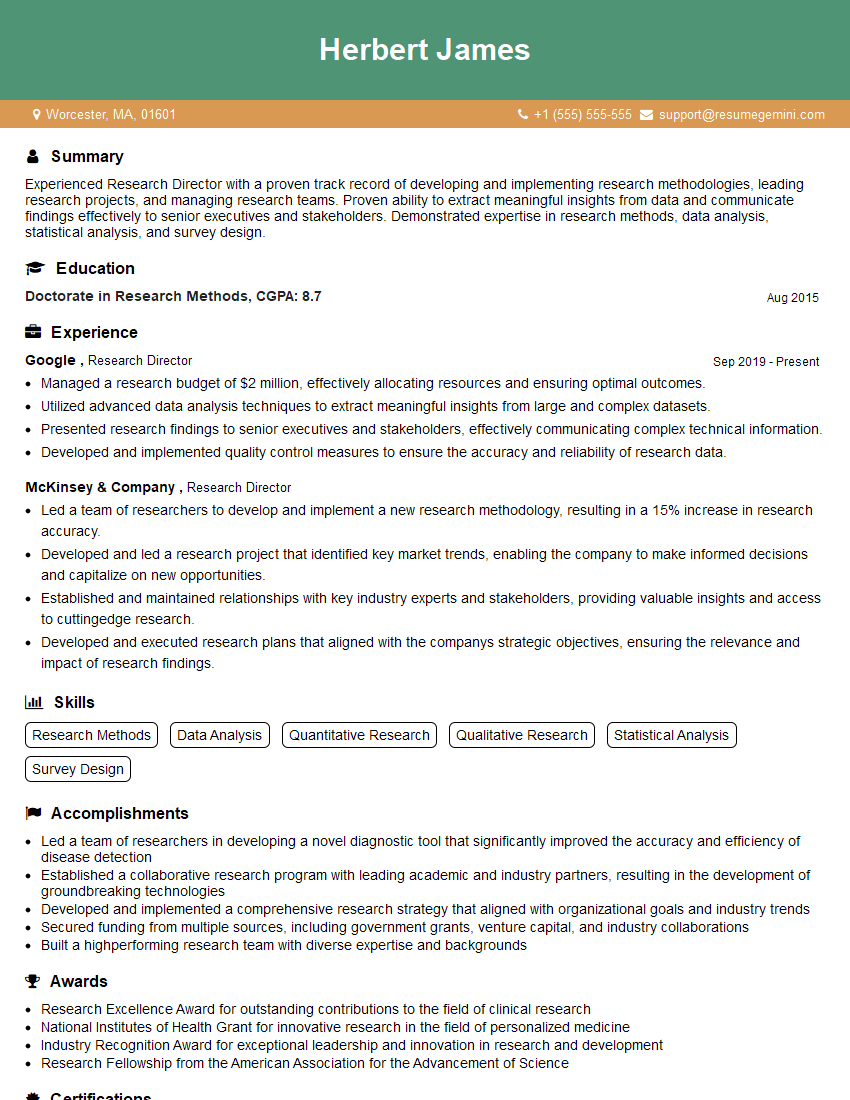
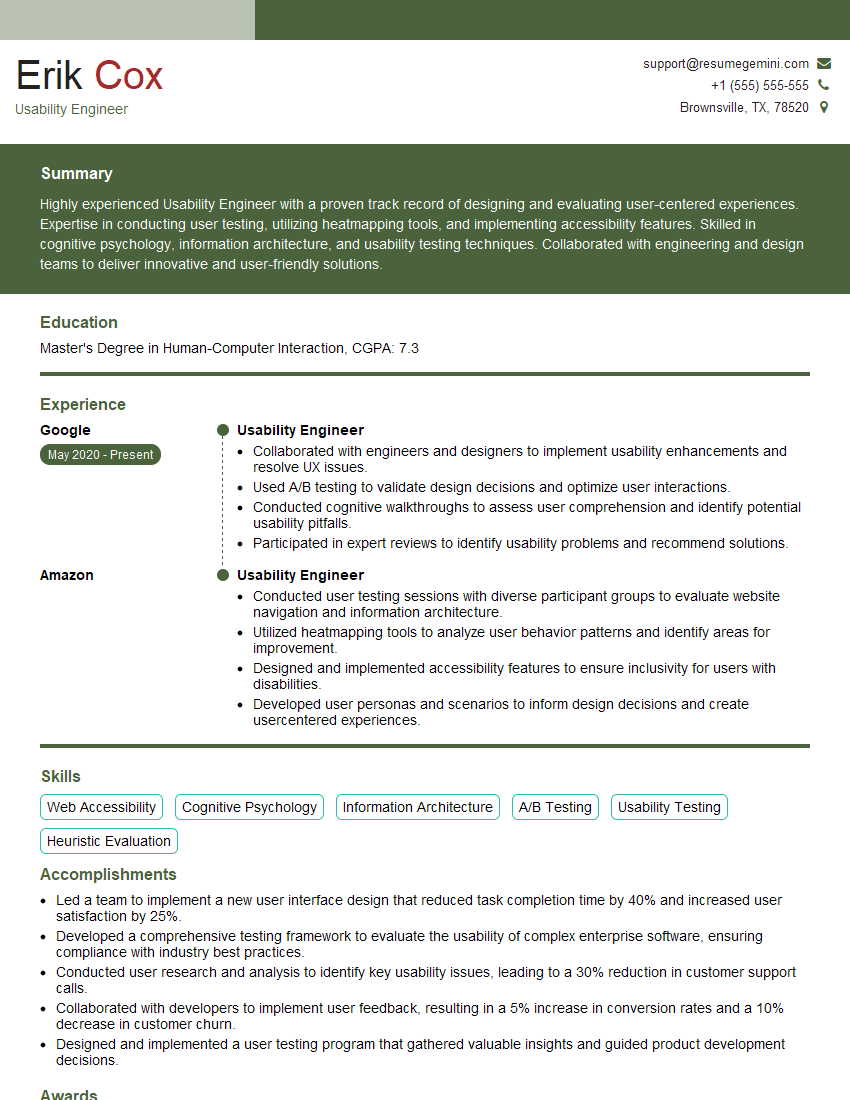
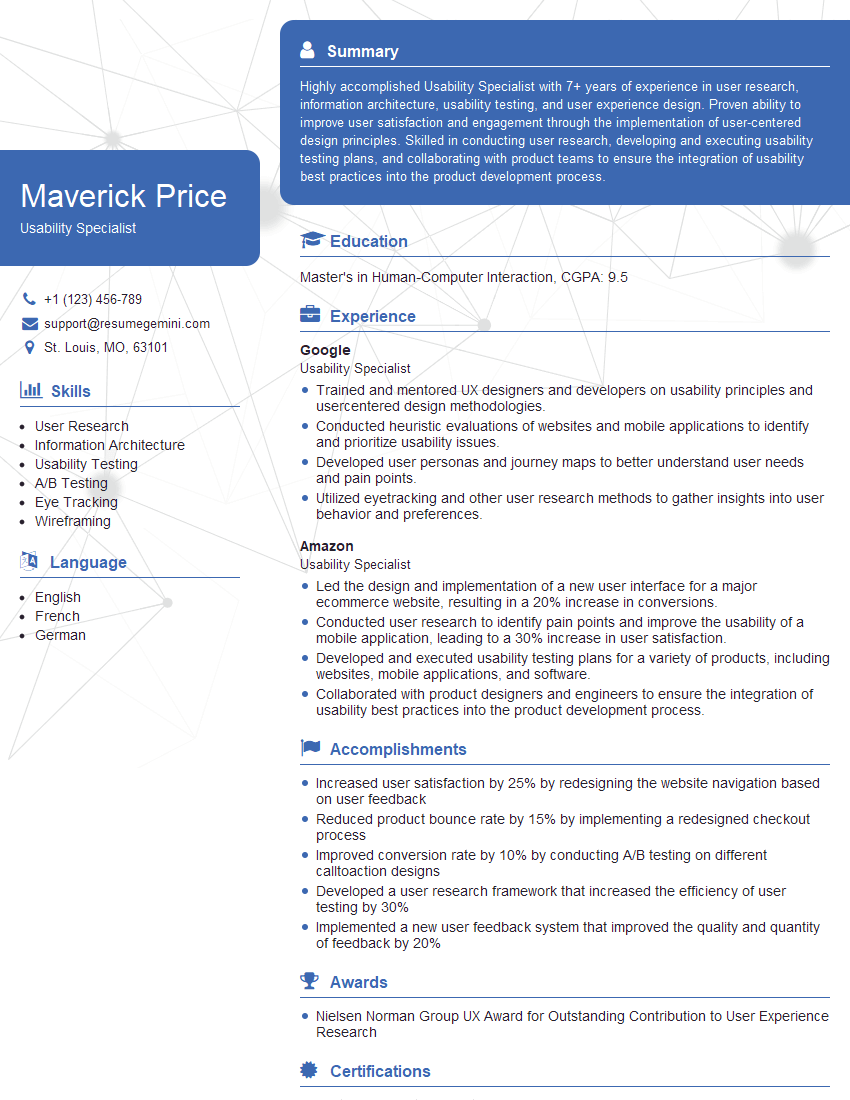
Mastering User Research and Testing is crucial for a thriving career in UX/UI and related fields. It opens doors to impactful roles where you directly influence user experiences and product success. To maximize your job prospects, crafting a strong, ATS-friendly resume is essential. ResumeGemini is a trusted resource to help you build a professional and effective resume that showcases your skills and experience. Examples of resumes tailored to User Research and Testing are available to guide you. Invest the time to create a compelling resume; it’s your first impression on potential employers.

Explore more articles
Users Rating of Our Blogs
Share Your Experience
We value your feedback! Please rate our content and share your thoughts (optional).
What Readers Say About Our Blog
Really detailed insights and content, thank you for writing this detailed article.
IT gave me an insight and words to use and be able to think of examples