Every successful interview starts with knowing what to expect. In this blog, we’ll take you through the top ComputerAided Maintenance Management Systems (CMMS) interview questions, breaking them down with expert tips to help you deliver impactful answers. Step into your next interview fully prepared and ready to succeed.
Questions Asked in ComputerAided Maintenance Management Systems (CMMS) Interview
Q 1. Explain the core functionalities of a CMMS.
A Computerized Maintenance Management System (CMMS) is software designed to streamline and optimize maintenance operations. At its core, a CMMS helps organizations manage and track all aspects of their maintenance activities, from preventive maintenance scheduling to work order management and asset tracking. Think of it as a central hub for all things maintenance, replacing paper-based systems and disparate spreadsheets.
- Work Order Management: Creating, assigning, tracking, and closing work orders for both planned and unplanned maintenance. For example, a work order might be generated for a malfunctioning pump, detailing the problem, assigned technician, and required parts.
- Preventive Maintenance Scheduling: Planning and scheduling regular maintenance tasks to prevent equipment failures. This could include oil changes for machinery or inspections of electrical systems, all based on predetermined schedules and equipment lifecycles.
- Asset Management: Tracking and managing all assets within an organization, including their location, maintenance history, and condition. This allows for better inventory control and informed decision-making on replacements.
- Inventory Management: Tracking spare parts and supplies, ensuring that the necessary materials are available when needed. This minimizes downtime due to missing parts and optimizes procurement processes.
- Reporting and Analytics: Generating reports on maintenance costs, equipment downtime, and overall maintenance performance. This data is crucial for identifying areas for improvement and optimizing maintenance strategies.
Q 2. Describe your experience with different CMMS software platforms.
Throughout my career, I’ve worked extensively with various CMMS platforms, including both cloud-based and on-premise solutions. My experience ranges from industry-specific systems like Fiix and UpKeep, which are particularly strong in their intuitive interfaces and mobile accessibility, to more comprehensive Enterprise Resource Planning (ERP) systems with integrated CMMS modules. I’ve also worked with older, more customized on-premise systems, which allowed me to appreciate the value and sometimes the challenges of flexible, bespoke solutions. Each platform presented unique strengths and weaknesses, requiring adaptation in data migration, reporting customization, and user training. For example, migrating data from an older on-premise system to a cloud-based solution required careful planning and data cleansing to ensure data integrity and minimize disruption. The transition involved not only the technical migration but also the necessary training to the maintenance team to ensure they can effectively utilize the new platform.
Q 3. How do you ensure data accuracy and integrity within a CMMS?
Data accuracy and integrity are paramount in a CMMS. Inaccurate data leads to poor decision-making, increased costs, and potential safety hazards. My approach to ensuring data accuracy involves several key strategies:
- Data Validation Rules: Implementing data validation rules within the CMMS to prevent entry of incorrect information. This could include restricting the input of certain characters, verifying data types, and automatically checking for inconsistencies.
- Regular Data Audits: Conducting regular audits to identify and correct any inaccuracies. This may involve comparing CMMS data to physical inspections or other reliable data sources.
- User Training: Providing comprehensive training to all CMMS users on proper data entry procedures and best practices. This includes clear guidelines on data formatting, terminology, and reporting procedures.
- Automated Data Synchronization: Where possible, using automated processes to synchronize data between the CMMS and other systems, such as ERP or inventory management software, to minimize manual entry and reduce error.
- Workflow Approvals: Incorporating workflow approvals for critical data changes, ensuring that changes are reviewed and validated before being accepted.
For instance, a simple check could prevent a technician from entering a negative number for work hours or ensure that asset IDs are unique to prevent duplication.
Q 4. What are the key performance indicators (KPIs) you track in a CMMS?
The key performance indicators (KPIs) I track in a CMMS depend on the specific goals of the organization, but some common KPIs include:
- Mean Time To Repair (MTTR): The average time it takes to repair a piece of equipment after a failure. A lower MTTR indicates improved efficiency.
- Mean Time Between Failures (MTBF): The average time between equipment failures. A higher MTBF suggests effective preventive maintenance.
- Equipment Uptime: The percentage of time that equipment is operational. High uptime is a key goal for most organizations.
- Maintenance Costs: Tracking maintenance expenses to identify areas for cost reduction and optimize resource allocation.
- Preventive Maintenance Compliance: Measuring the adherence to preventive maintenance schedules. Low compliance indicates a need for improvement in scheduling or execution.
- Work Order Backlog: Monitoring the number of outstanding work orders. A large backlog suggests a need for increased resources or process optimization.
By tracking these KPIs, we can identify trends, measure the effectiveness of maintenance strategies, and make data-driven decisions to improve overall maintenance performance.
Q 5. How do you handle discrepancies between planned and actual maintenance activities?
Discrepancies between planned and actual maintenance activities are common. Handling them effectively requires a systematic approach. My process typically involves:
- Investigating the Discrepancy: Determining the reason for the discrepancy. Was it due to unforeseen issues, resource constraints, or inaccurate planning?
- Documenting the Discrepancy: Recording the discrepancy in the CMMS, including the reason for the deviation and any corrective actions taken.
- Updating the CMMS: Updating the CMMS to reflect the actual maintenance activities performed.
- Analyzing the Root Cause: Conducting a root cause analysis to identify the underlying factors that contributed to the discrepancy and prevent similar issues in the future.
- Adjusting Future Schedules: Adjusting future preventive maintenance schedules based on the findings of the root cause analysis. This ensures that future maintenance activities are more accurately planned.
For instance, if a planned maintenance task took longer than expected due to unexpected component failures, we would document the reason, update the CMMS, and potentially adjust the scheduled time for that task in the future.
Q 6. Explain your experience with preventive maintenance scheduling and optimization.
Preventive maintenance scheduling and optimization are critical for maximizing equipment uptime and minimizing maintenance costs. My experience encompasses several key strategies:
- Failure History Analysis: Analyzing historical maintenance data to identify patterns of equipment failures and predict future failures. This data-driven approach allows for proactive scheduling of maintenance.
- Equipment Condition Monitoring: Utilizing sensors and other technologies to monitor the condition of equipment in real-time, allowing for more precise scheduling of maintenance tasks based on actual equipment condition rather than just time-based schedules.
- Risk-Based Scheduling: Prioritizing maintenance tasks based on the potential impact of equipment failure. Critical equipment that could cause significant downtime or safety hazards is prioritized for maintenance.
- Optimization Software: Utilizing specialized CMMS software or add-ons to optimize maintenance schedules and resource allocation, considering factors such as technician availability, spare parts inventory, and maintenance task duration.
- Regular Review and Adjustment: Regularly reviewing and adjusting preventive maintenance schedules based on performance data and feedback from maintenance technicians. This ensures that schedules remain accurate and relevant.
For example, by analyzing historical data, we might discover that a specific piece of equipment has a higher failure rate during peak production seasons. This knowledge would inform more frequent or strategically timed preventive maintenance during those critical periods.
Q 7. Describe your process for generating reports and analyzing CMMS data.
Generating reports and analyzing CMMS data is crucial for making informed decisions and improving maintenance efficiency. My process usually involves:
- Defining Reporting Requirements: Identifying the key performance indicators and other data points that need to be tracked and reported on. This often involves collaboration with stakeholders to define reporting needs.
- Using CMMS Reporting Tools: Leveraging the built-in reporting capabilities of the CMMS software to generate standard and customized reports. Many CMMS systems offer a wide range of pre-built reports, and custom reports can also often be created.
- Data Visualization: Presenting data in a clear and concise manner using charts, graphs, and other visual aids. This makes it easier to understand trends and identify areas for improvement.
- Data Analysis: Analyzing the generated reports to identify patterns, trends, and potential areas for improvement in maintenance strategies. This could involve using statistical techniques or data mining tools.
- Presenting Findings and Recommendations: Presenting the findings and recommendations from the data analysis to stakeholders to inform decision-making and resource allocation.
For example, a report on equipment downtime might reveal a specific piece of equipment consistently causing significant production delays. This information can be used to justify investments in preventative maintenance or replacement.
Q 8. How do you integrate CMMS data with other enterprise systems?
Integrating CMMS data with other enterprise systems is crucial for a holistic view of operations. This usually involves using APIs (Application Programming Interfaces) or data exchange protocols like EDI (Electronic Data Interchange). For instance, a CMMS can be integrated with an ERP (Enterprise Resource Planning) system to share information on maintenance costs, impacting the overall financial reporting. Similarly, integration with a SCADA (Supervisory Control and Data Acquisition) system allows for real-time monitoring of equipment performance and triggering of work orders based on sensor data. The integration method depends on the specific systems involved; some might require custom development while others offer pre-built connectors. A successful integration requires careful planning, data mapping, and rigorous testing to ensure data accuracy and consistency.
For example, in a manufacturing setting, integrating the CMMS with the ERP system could automate the process of updating inventory levels after a maintenance job consumes spare parts. This prevents stock-outs and streamlines procurement. Another example could involve a SCADA system detecting a drop in pressure in a pipeline. This automatically generates an emergency work order within the CMMS, notifying relevant technicians.
Q 9. Explain your experience with work order management within a CMMS.
Work order management is the core function of any CMMS. My experience encompasses the entire lifecycle, from initiation and scheduling to completion and closure. I’m proficient in creating work orders, assigning them to technicians, tracking progress, and managing resources. I’ve utilized both preventative maintenance (PM) scheduling, ensuring routine tasks are performed proactively, and corrective maintenance work orders generated by breakdowns. This includes using CMMS features such as mobile apps for technicians to update work order status in real-time, generating reports on work order completion times and costs, and integrating with inventory management to ensure necessary parts are available.
In a previous role, we implemented a new CMMS and streamlined the work order process by using pre-defined templates for common maintenance tasks. This significantly reduced the time required to create new work orders and improved accuracy. We also integrated the system with our technician’s mobile devices, enabling them to receive real-time notifications and update the progress of their work orders directly from the field.
Q 10. How do you handle emergency work orders and prioritize maintenance tasks?
Emergency work orders require immediate attention and a different approach to prioritization. A robust CMMS should have features that flag emergency work orders, perhaps through a dedicated workflow or color-coding system. Prioritization involves several factors, including the criticality of the affected equipment (will a failure cause significant downtime or safety risks?), the potential cost of downtime, and the urgency of the situation. We often use a prioritization matrix that combines these factors, assigning severity levels to each work order. Technicians are notified instantly, often through mobile alerts, and resources are immediately redirected to resolve the issue. Post-emergency, a thorough root cause analysis is crucial to prevent future occurrences.
Imagine a situation where a critical compressor in a manufacturing plant fails. This triggers an emergency work order, which the CMMS immediately flags. The system would automatically notify the on-call technicians, dispatching them immediately. Upon resolution, a post-incident analysis would be initiated to prevent similar failures, which might reveal the need for a more robust preventive maintenance schedule for that compressor.
Q 11. Describe your experience with inventory management within a CMMS.
Effective inventory management within a CMMS is essential for minimizing downtime and optimizing maintenance costs. My experience includes managing both MRO (Maintenance, Repair, and Operations) inventory and spare parts. The CMMS helps track inventory levels, automatically generate purchase requisitions when stock falls below a defined threshold, and monitor part usage. I’ve utilized features such as barcode or RFID scanning for accurate tracking, bin location management to optimize storage, and reporting capabilities to analyze inventory turnover rates and identify slow-moving items. This enables better forecasting and purchasing decisions.
In one instance, we integrated the CMMS with our procurement system, enabling automated purchase orders for low-stock items. This streamlined the purchasing process and eliminated manual intervention, leading to significant time savings. The system’s reporting capabilities allowed us to identify excess inventory, leading to cost reductions and freeing up valuable storage space.
Q 12. How do you manage spare parts inventory and minimize downtime?
Managing spare parts effectively minimizes downtime by ensuring critical components are readily available when needed. This involves a combination of techniques, including accurate demand forecasting (based on historical data and PM schedules), establishing optimal stock levels (considering lead times and potential disruptions), and utilizing ABC analysis to prioritize critical parts. The CMMS plays a vital role by tracking part usage, generating automated alerts for low stock, and providing detailed reports on inventory turnover and costs. Regular inventory audits and cycle counting enhance accuracy.
For example, by analyzing historical data on part failures, we can predict the likelihood of a particular part needing replacement. This enables us to proactively order a sufficient quantity to avoid unexpected downtime. Regular stock checks help identify slow-moving parts which can be investigated for potential obsolescence or disposal.
Q 13. Explain your experience with asset tracking and management using a CMMS.
Asset tracking and management within a CMMS involves registering each asset (equipment, machinery, tools, etc.), recording its specifications, maintenance history, location, and associated documentation. The CMMS allows for creating a centralized database to effectively manage the entire asset lifecycle from procurement to disposal. This includes generating reports on asset utilization, maintenance costs, and overall asset health, allowing for informed decisions regarding repairs, upgrades, or replacements. Features like barcode scanning or RFID tagging enhance accuracy and efficiency in tracking asset location and movement.
In a previous project, we implemented a comprehensive asset tracking system using the CMMS. This involved assigning unique identifiers to each asset, recording their maintenance history, and creating detailed asset profiles with relevant documentation like manuals and drawings. This improved our ability to manage our assets more efficiently and track their overall performance and costs.
Q 14. How do you utilize CMMS data for budgeting and resource allocation?
CMMS data is a goldmine for budgeting and resource allocation. It provides detailed information on historical maintenance costs, work order completion times, and equipment downtime. This data can be analyzed to create accurate budgets for future maintenance activities, predicting expenses based on historical trends and planned preventive maintenance. The CMMS also assists in allocating resources (personnel, materials, budget) efficiently by identifying high-maintenance equipment or areas that require more attention, enabling better resource prioritization.
For instance, by analyzing historical maintenance data for a specific machine, we can anticipate the costs of its upkeep over the next year. This allows for accurate budgeting and prevents unexpected expenses from impacting the overall budget. By identifying high-cost maintenance areas, we can allocate more resources to preventive maintenance, reducing the chances of costly breakdowns.
Q 15. Describe your experience with CMMS implementation and training.
My experience with CMMS implementation and training spans over eight years, encompassing various industries from manufacturing to healthcare. I’ve led multiple successful implementations, starting with thorough needs assessments to identify client requirements. This includes defining key performance indicators (KPIs) like Mean Time To Repair (MTTR) and Mean Time Between Failures (MTBF) to measure success. The implementation process usually involves data migration from legacy systems, user training, and ongoing support. For training, I employ a blended learning approach – a mix of classroom sessions, hands-on workshops, and online modules. For instance, with a recent manufacturing client, we used gamified training modules to improve user engagement and knowledge retention of the software’s features, resulting in a 20% faster adoption rate than previous projects. Post-implementation, I focus on change management, ensuring users effectively integrate the CMMS into their daily workflows. I also provide ongoing support and conduct regular system reviews to refine processes and address any evolving needs.
Career Expert Tips:
- Ace those interviews! Prepare effectively by reviewing the Top 50 Most Common Interview Questions on ResumeGemini.
- Navigate your job search with confidence! Explore a wide range of Career Tips on ResumeGemini. Learn about common challenges and recommendations to overcome them.
- Craft the perfect resume! Master the Art of Resume Writing with ResumeGemini’s guide. Showcase your unique qualifications and achievements effectively.
- Don’t miss out on holiday savings! Build your dream resume with ResumeGemini’s ATS optimized templates.
Q 16. What are some common challenges you’ve faced while working with a CMMS?
Common challenges in CMMS implementation include data migration issues, resistance to change among staff, insufficient user training, and a lack of clear processes. Data migration can be particularly problematic when dealing with legacy systems that lack standardization. Resistance to adopting new technology often stems from concerns about the learning curve and potential job displacement, which I address through open communication, demonstrating the system’s benefits, and providing adequate training and support. Inadequate user training often leads to inaccurate data entry and underutilization of the system’s capabilities. Finally, a lack of clearly defined processes before CMMS implementation can lead to confusion and inefficiency even after the system is in place. For example, one client struggled with data inconsistency because different teams had varying definitions of ‘equipment downtime.’ Addressing this required establishing standardized terminology and workflows within the system.
Q 17. How do you troubleshoot CMMS issues and resolve data inconsistencies?
Troubleshooting CMMS issues involves a systematic approach. I typically start with identifying the source of the problem: is it a data entry error, a system glitch, or a user-related issue? For data inconsistencies, I first check for duplicate records or conflicting entries. I might use reporting tools within the CMMS to identify areas with high error rates or inconsistencies. If the issue is data-related, I might use data cleansing techniques or SQL queries (if the CMMS allows it) to correct inaccuracies. For system glitches, I check the CMMS logs for error messages, contact the vendor’s support team, and potentially investigate server-side issues. User training and clear documentation often resolve user-related problems. For example, I once resolved a discrepancy in preventative maintenance schedules by identifying a misconfiguration in the system’s automated scheduling rules, rectifying it, and retraining the relevant personnel. A step-by-step approach ensures thorough investigation and effective resolution.
Q 18. What are your preferred methods for data backup and recovery in a CMMS?
My preferred methods for CMMS data backup and recovery include a multi-layered approach. I strongly advocate for regular, automated backups to both an on-site server and a cloud-based storage solution. This ensures redundancy and protection against data loss due to hardware failure or natural disasters. The frequency of backups depends on the data volume and criticality. For instance, a high-volume, mission-critical system might require daily full backups and hourly incremental backups. I also conduct regular test restorations to ensure the backup and recovery process functions correctly. This includes verifying data integrity and recovery time objectives (RTOs) and recovery point objectives (RPOs). Detailed documentation is crucial for quickly restoring the system in case of an emergency. The documentation includes backup schedules, storage locations, and recovery procedures.
Q 19. Explain your experience with CMMS system security and access control.
CMMS system security and access control are paramount. My experience involves implementing role-based access control (RBAC) to restrict user access to specific data and functionalities based on their roles and responsibilities. For example, technicians might only have access to work orders and maintenance logs, while managers have access to reporting and system configuration. Strong passwords, multi-factor authentication, and regular security audits are essential. Data encryption, both in transit and at rest, protects sensitive information. We also implement regular security awareness training for users to prevent phishing attacks and other security breaches. I have experience working with various authentication protocols and integrating the CMMS with the organization’s overall security infrastructure. Data breaches can have significant financial and operational consequences. Therefore, proactively addressing security is crucial.
Q 20. How do you ensure compliance with regulatory requirements using a CMMS?
Ensuring compliance with regulatory requirements (e.g., ISO 9001, FDA, OSHA) using a CMMS involves configuring the system to track and document all relevant data. This includes preventative maintenance schedules, inspection reports, safety training records, and equipment certifications. The CMMS can be used to generate reports demonstrating compliance with regulatory standards, facilitating audits. For instance, if a regulation requires specific maintenance tasks at predefined intervals, the CMMS can be configured to automatically generate alerts and notifications to ensure adherence. Regular system reviews and updates are essential to keep the CMMS aligned with changing regulatory requirements. By effectively leveraging the CMMS’s features, organizations can streamline compliance processes, minimize risks, and reduce the likelihood of penalties.
Q 21. Describe your experience with mobile CMMS applications.
My experience with mobile CMMS applications highlights their significant impact on workforce efficiency. Mobile apps enable technicians to access work orders, update maintenance records, and generate reports directly from the field, eliminating the need for manual data entry and paper-based systems. This results in faster response times, reduced paperwork, and improved communication. I’ve worked with various mobile CMMS platforms, and the key to successful implementation lies in selecting a user-friendly interface that integrates seamlessly with the desktop system. For example, a recent project involved integrating a mobile app with a barcode scanner to efficiently track parts and equipment, improving inventory management and reducing downtime. Training technicians on the mobile app’s features ensures optimal utilization and minimizes errors. The real-time access provided by mobile apps streamlines workflows and strengthens communication between field technicians and office personnel.
Q 22. How do you use a CMMS to improve overall equipment effectiveness (OEE)?
A CMMS is crucial for boosting Overall Equipment Effectiveness (OEE), a key performance indicator (KPI) measuring how effectively equipment is utilized. OEE considers Availability, Performance, and Quality. A CMMS directly impacts all three.
Availability: By scheduling preventative maintenance (PM) effectively, a CMMS minimizes unplanned downtime caused by equipment failures. For example, a CMMS can alert you when a machine needs its oil changed, preventing a catastrophic breakdown.
Performance: Tracking machine performance metrics within the CMMS, such as cycle times and output, enables identification of areas for improvement. Let’s say your CMMS reveals one machine consistently underperforms. This data points to a need for adjustments or repairs, thus improving performance.
Quality: The CMMS can track defect rates linked to specific equipment. If a machine repeatedly produces faulty products, the CMMS’s data helps pinpoint the problem, reducing waste and improving product quality. This might involve identifying a need for calibration or operator retraining.
In essence, a robust CMMS acts as a proactive tool, preventing problems before they impact OEE. Its data-driven approach allows for continuous improvement and optimized equipment utilization.
Q 23. What are some best practices for optimizing CMMS utilization?
Optimizing CMMS utilization involves a multi-pronged approach focusing on data accuracy, user adoption, and strategic planning.
Accurate Data Entry: Ensure that all equipment is accurately registered, including specifications, maintenance schedules, and relevant documentation. Inaccurate data renders the system useless. Think of it like a poorly organized toolbox – you can’t find what you need when you need it.
User Training and Engagement: Regular training for all personnel is vital. Effective training ensures everyone understands how to use the CMMS effectively and appreciates its benefits. We should also design user-friendly processes to prevent frustration and ensure ongoing engagement.
Workflow Optimization: Customize the CMMS to match your specific maintenance processes. Define clear workflows for work orders, parts management, and preventive maintenance schedules. This streamlining minimizes delays and maximizes efficiency.
Regular Audits and Reporting: Periodically review the system’s accuracy and effectiveness. Regular reports help you identify areas for improvement and ensure the CMMS is meeting its objectives. It’s like a yearly car check-up – you catch small problems before they become major issues.
Integration with other Systems: Integrating the CMMS with other systems, like Enterprise Resource Planning (ERP) or inventory management systems, enhances data flow and reduces redundancy. Imagine seamlessly tracking parts inventory directly within the CMMS, eliminating manual reconciliation.
Q 24. How do you measure the return on investment (ROI) of a CMMS?
Measuring the ROI of a CMMS requires a comprehensive approach comparing costs with benefits, both tangible and intangible.
Cost Analysis: This includes software licensing fees, implementation costs, training expenses, and ongoing maintenance charges.
Tangible Benefits: These are easily quantifiable, such as reduced downtime, lower repair costs, and increased productivity. For example, if CMMS-driven preventative maintenance prevents a $10,000 equipment failure, that’s a direct return on investment.
Intangible Benefits: These are harder to quantify but equally important, such as improved safety, better compliance, and enhanced data-driven decision-making. This might include reduced safety incidents because of proactive maintenance or improved regulatory compliance due to better record-keeping.
To calculate ROI, you compare the total benefits (tangible and intangible, if you can assign monetary values to them) against the total costs over a defined period. A simple formula is: (Total Benefits - Total Costs) / Total Costs * 100%. It’s essential to track key metrics over time to demonstrate the ongoing positive impact of the CMMS.
Q 25. Describe your experience with different CMMS reporting modules.
My experience encompasses a wide range of CMMS reporting modules, including those focused on:
Preventative Maintenance (PM) Reports: These show PM schedule adherence, overdue tasks, and effectiveness of PM in reducing breakdowns.
Work Order Reports: These track work order completion times, labor costs, and material usage. This helps identify bottlenecks and improve maintenance efficiency.
Equipment Reliability Reports: These show Mean Time Between Failures (MTBF), Mean Time To Repair (MTTR), and equipment utilization rates, allowing for proactive equipment management.
Inventory Management Reports: These track parts usage, stock levels, and order fulfillment times, leading to optimized inventory control and reduced stockouts.
Cost Reports: These detail maintenance costs categorized by equipment, department, or repair type, enabling informed budgetary decisions.
Customizable Dashboards: Many systems provide configurable dashboards to display critical KPIs tailored to specific needs and management preferences. For instance, a dashboard showing critical equipment uptime can be instantly presented to executive leadership.
My proficiency extends to generating reports in various formats, including charts, graphs, and tables, ensuring clarity and effective communication of maintenance data.
Q 26. How would you handle a situation where a CMMS system is experiencing downtime?
CMMS downtime is a critical situation demanding immediate action. My approach involves a multi-stage response:
Immediate Assessment: First, pinpoint the cause of the outage – is it a server issue, network problem, or software glitch? Contacting the CMMS vendor is usually a critical first step.
Data Backup and Recovery: If feasible, initiate data backup procedures to minimize data loss. This is akin to saving your work on a computer before it crashes. The recovery plan should be tested prior to any incidents.
Alternative Workarounds: If the CMMS is entirely unavailable, implement manual workarounds. This may involve using spreadsheets or physical logs for work orders. This is not ideal but keeps the maintenance operation moving forward.
Communication: Keep all relevant personnel informed about the outage and any workarounds. Transparency prevents unnecessary disruptions.
Post-Outage Analysis: After restoring the CMMS, conduct a thorough analysis to identify the root cause of the downtime and implement preventative measures to avoid recurrence. This is vital to minimize the probability of future outages.
Q 27. Explain your experience with the integration of CMMS with IoT devices.
Integrating a CMMS with IoT devices significantly enhances predictive maintenance capabilities. Sensors on equipment collect real-time data – temperature, vibration, pressure – which is transmitted to the CMMS.
Predictive Maintenance: The CMMS analyzes this data to identify potential equipment failures before they occur, enabling timely interventions. For instance, a sudden spike in vibration could indicate bearing wear before a major breakdown.
Real-time Monitoring: Remotely monitor equipment health and performance, allowing for faster responses to anomalies. Imagine seeing a temperature increase on a critical component via a dashboard, allowing immediate action.
Data-driven Insights: The integration generates rich datasets, providing deeper insights into equipment behavior and allowing for improved decision-making. This could reveal usage patterns that inform modifications to preventative maintenance schedules.
My experience includes configuring and working with various CMMS systems that support IoT integration. The implementation varies depending on the specific CMMS and IoT platform, but usually involves setting up data streams and configuring alerts for critical thresholds.
Q 28. Describe your experience with using CMMS for root cause analysis.
CMMS facilitates root cause analysis (RCA) by providing a centralized repository of maintenance data. RCA aims to identify the underlying causes of equipment failures or recurring problems rather than just treating symptoms.
Data Aggregation: The CMMS gathers data on equipment failures, repair history, and PM activities, creating a comprehensive history for analysis.
Trend Analysis: The system allows analysis of failure patterns over time to identify recurring issues or trends. For instance, noticing several failures related to a specific component could trigger an RCA.
5 Whys Technique: The CMMS data can be used in conjunction with RCA methodologies like the “5 Whys” technique. Each time a failure is recorded, the analyst can drill down to the cause using the 5 Whys framework, working backwards until the root issue is found.
Corrective Actions: Once the root cause is identified, the CMMS assists in implementing corrective actions, such as improved maintenance procedures, operator training, or part replacements. This ensures the problem is addressed comprehensively rather than just temporarily fixed.
In practice, I’ve used CMMS data to identify the root cause of recurring pump failures, leading to the implementation of a new lubrication schedule that significantly improved reliability. The CMMS served as the backbone of the entire RCA process.
Key Topics to Learn for Computer-Aided Maintenance Management Systems (CMMS) Interview
Preparing for a CMMS interview requires a well-rounded understanding of both the theoretical underpinnings and practical applications of these systems. Success hinges on demonstrating your ability to solve real-world maintenance challenges using CMMS technology.
- Core CMMS Functionality: Understand the essential features of a CMMS, including work order management, preventive maintenance scheduling, inventory control, and reporting capabilities. Be prepared to discuss the workflow processes involved.
- Data Analysis and Reporting: Learn how to extract meaningful insights from CMMS data. Practice interpreting key performance indicators (KPIs) related to maintenance costs, equipment uptime, and technician productivity. Be ready to explain how you would use this data to improve efficiency.
- Integration with Other Systems: Discuss the benefits and challenges of integrating a CMMS with Enterprise Resource Planning (ERP) systems, SCADA systems, or other relevant software. Consider scenarios where seamless data flow is crucial.
- Preventive Maintenance Strategies: Explore different preventive maintenance strategies (e.g., time-based, condition-based) and how a CMMS facilitates their implementation and tracking. Be ready to discuss the advantages and disadvantages of each.
- Troubleshooting and Problem Solving: Prepare examples demonstrating your ability to troubleshoot CMMS-related issues, identify data inaccuracies, and resolve discrepancies. Showcase your analytical and problem-solving skills.
- CMMS Software Selection and Implementation: Discuss the criteria for selecting appropriate CMMS software based on organizational needs and the steps involved in implementing a new system. Consider factors like user training and data migration.
Next Steps
Mastering CMMS principles significantly boosts your career prospects in maintenance management and related fields. A strong understanding of CMMS software and its applications demonstrates valuable skills highly sought after by employers. To maximize your chances of landing your dream job, creating an Applicant Tracking System (ATS)-friendly resume is crucial. ResumeGemini is a trusted resource that can help you craft a professional and impactful resume, highlighting your CMMS expertise. We provide examples of resumes tailored to Computer-Aided Maintenance Management Systems (CMMS) roles to help you get started.
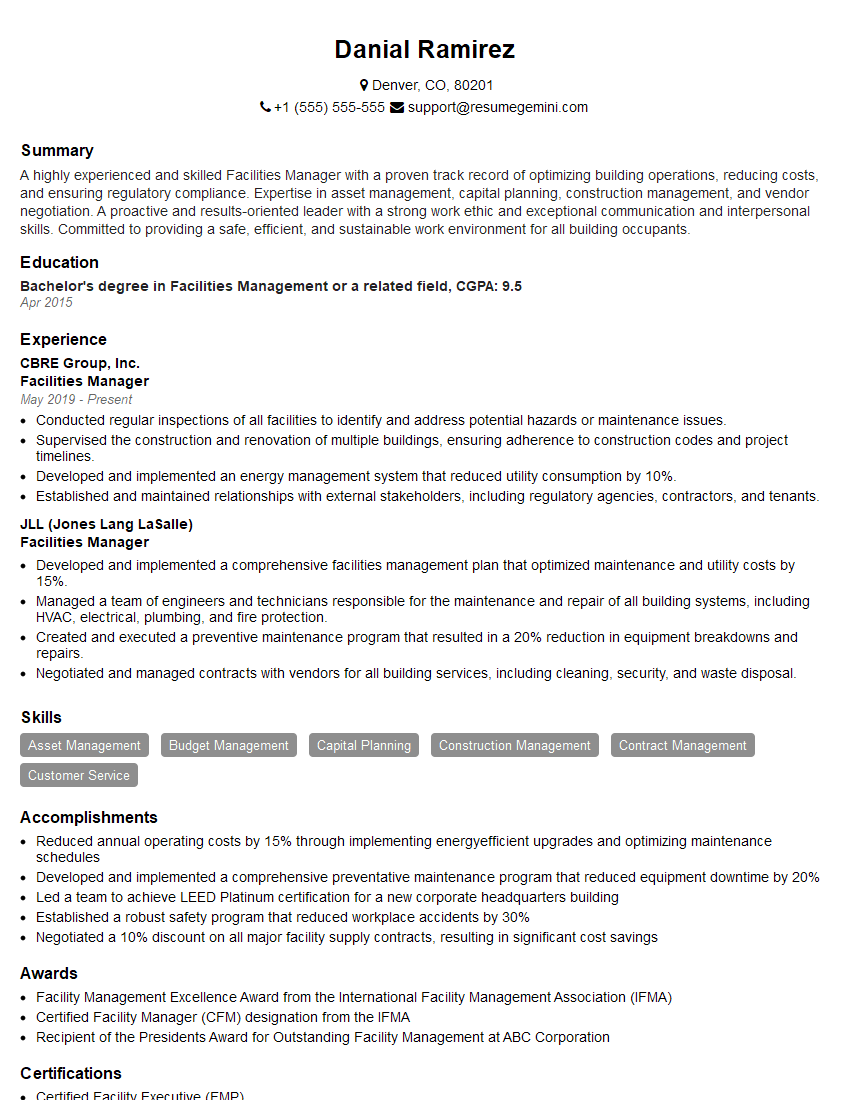
Facilities Manager Resume Sample

Operations Manager Resume Sample
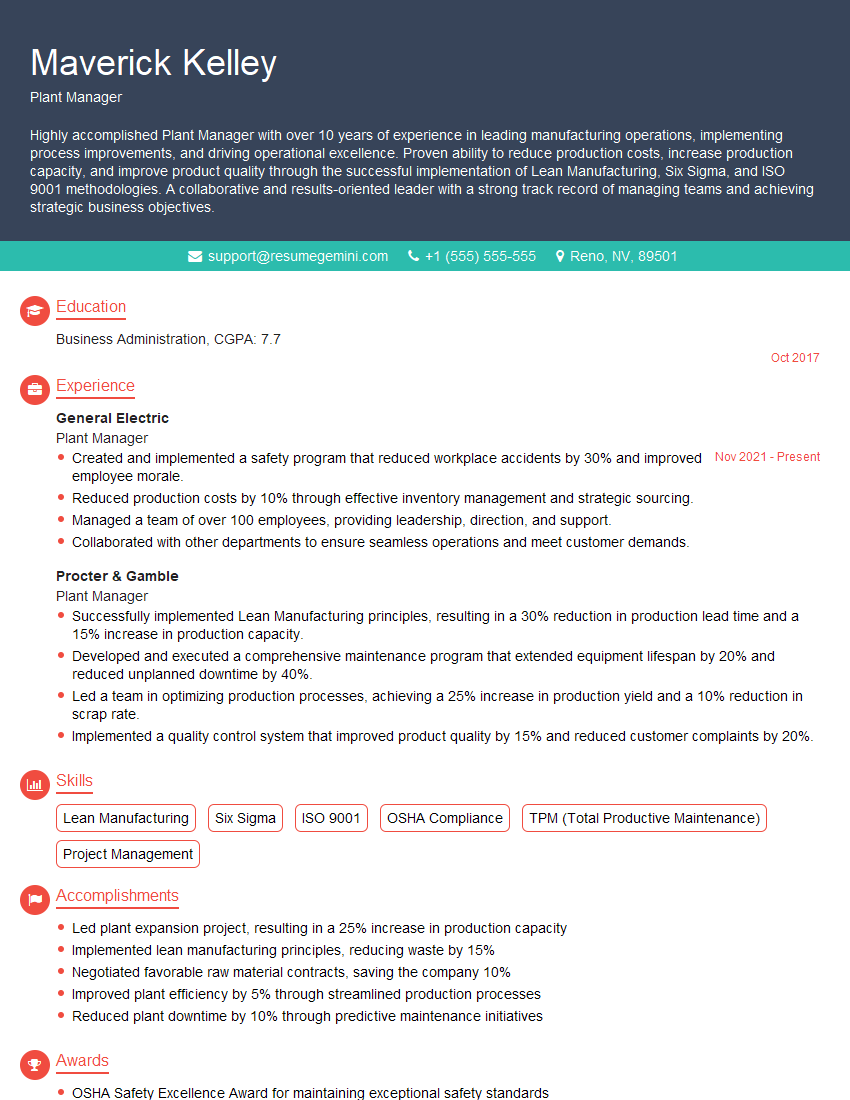
Plant Manager Resume Sample
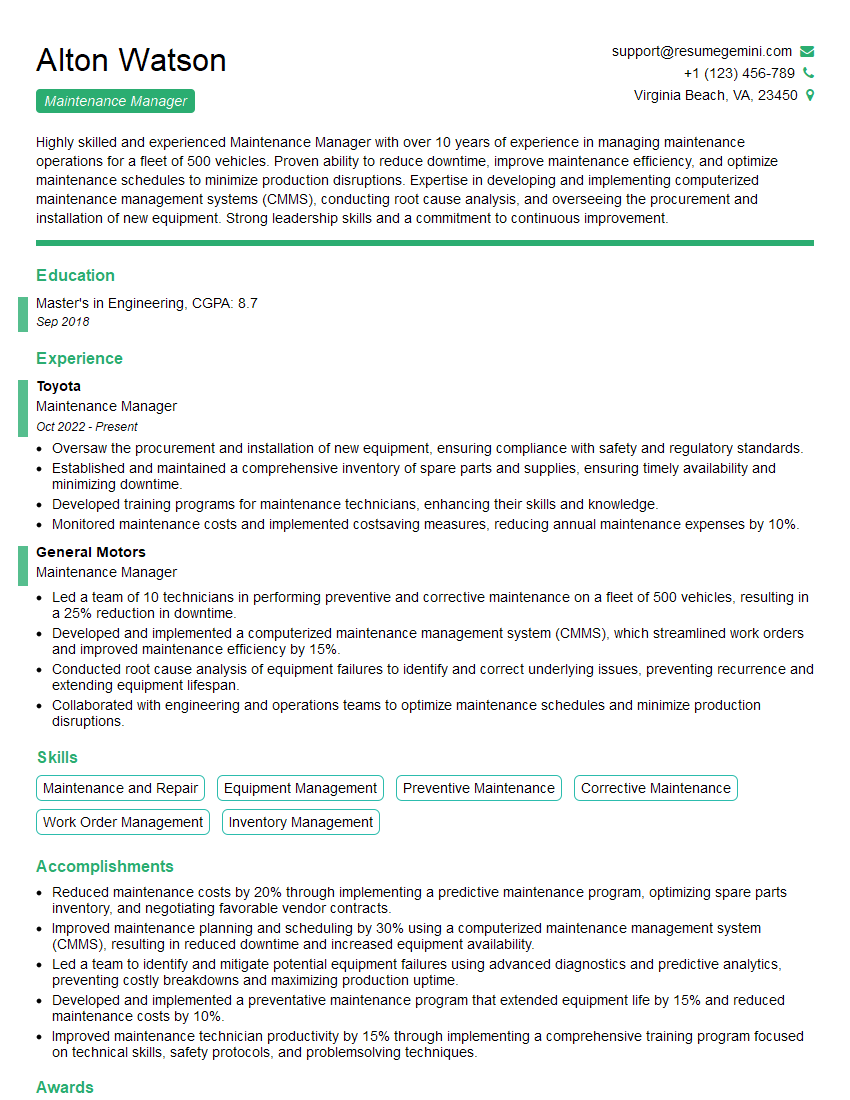
Maintenance Manager Resume Sample
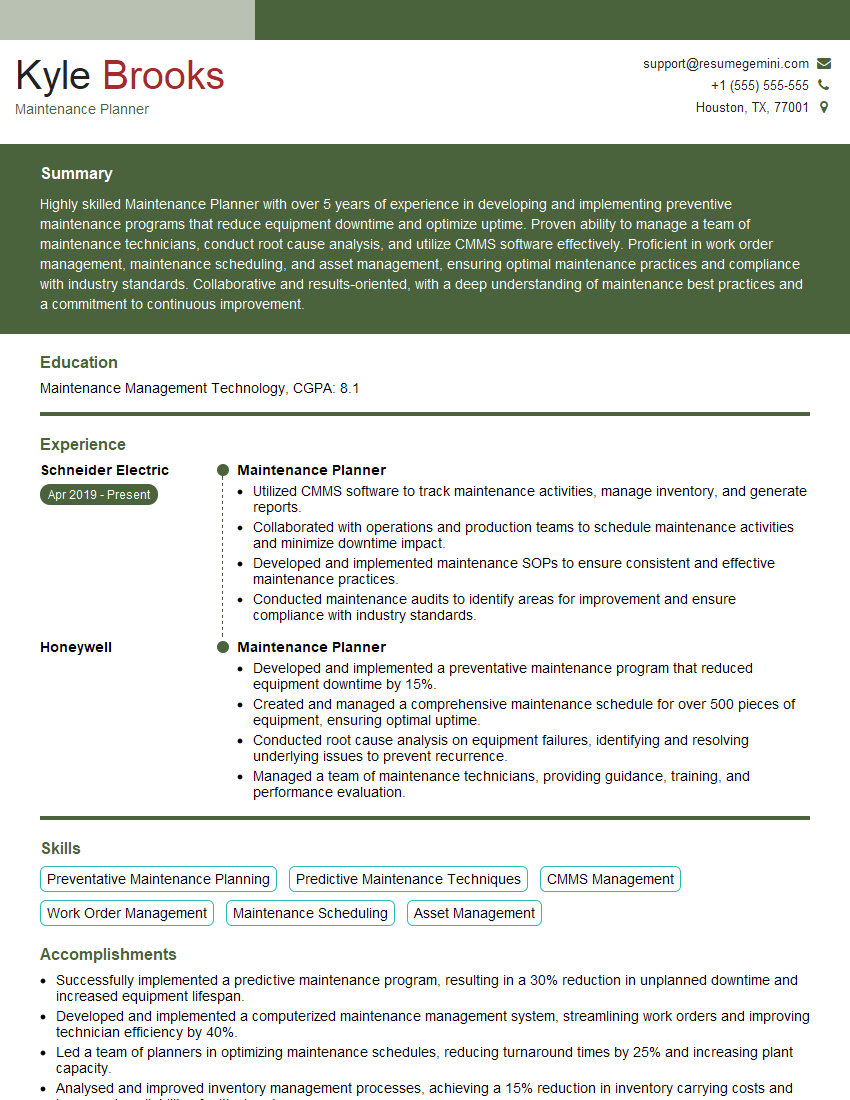
Maintenance Planner Resume Sample
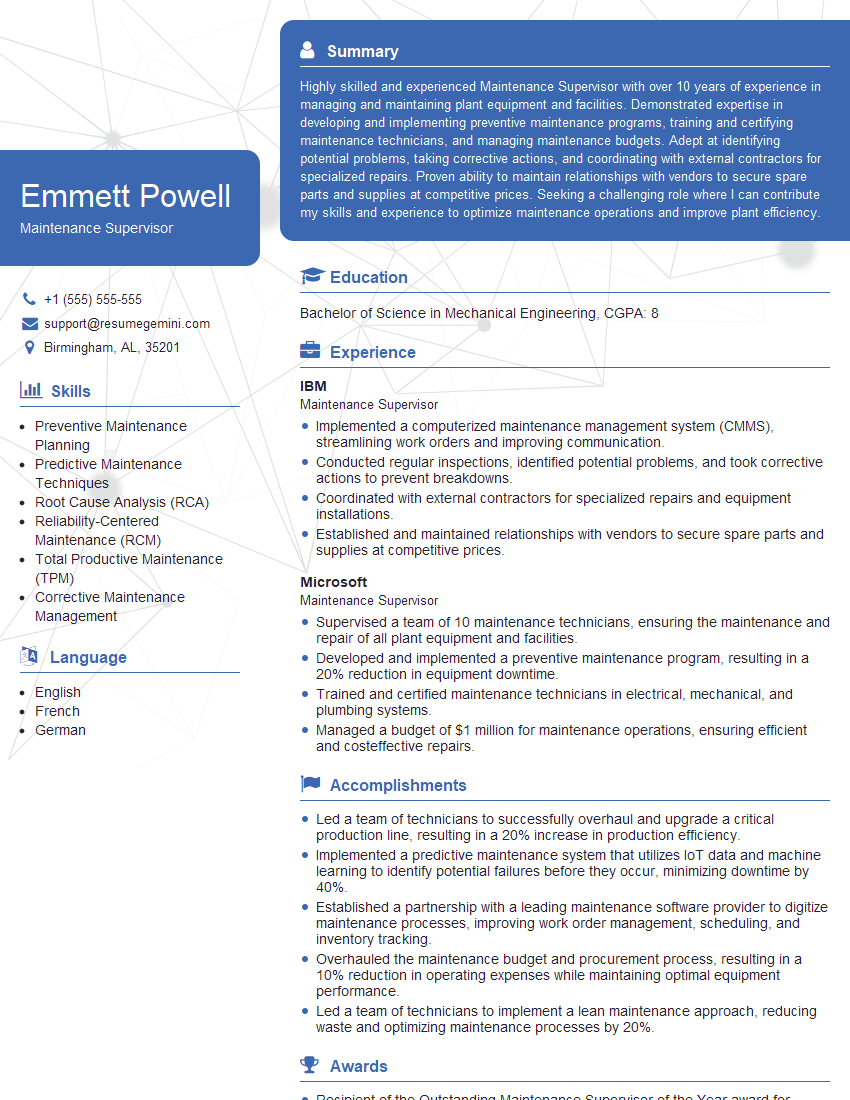
Maintenance Supervisor Resume Sample

Reliability Engineer Resume Sample

Inventory Manager Resume Sample

Maintenance Technician Resume Sample
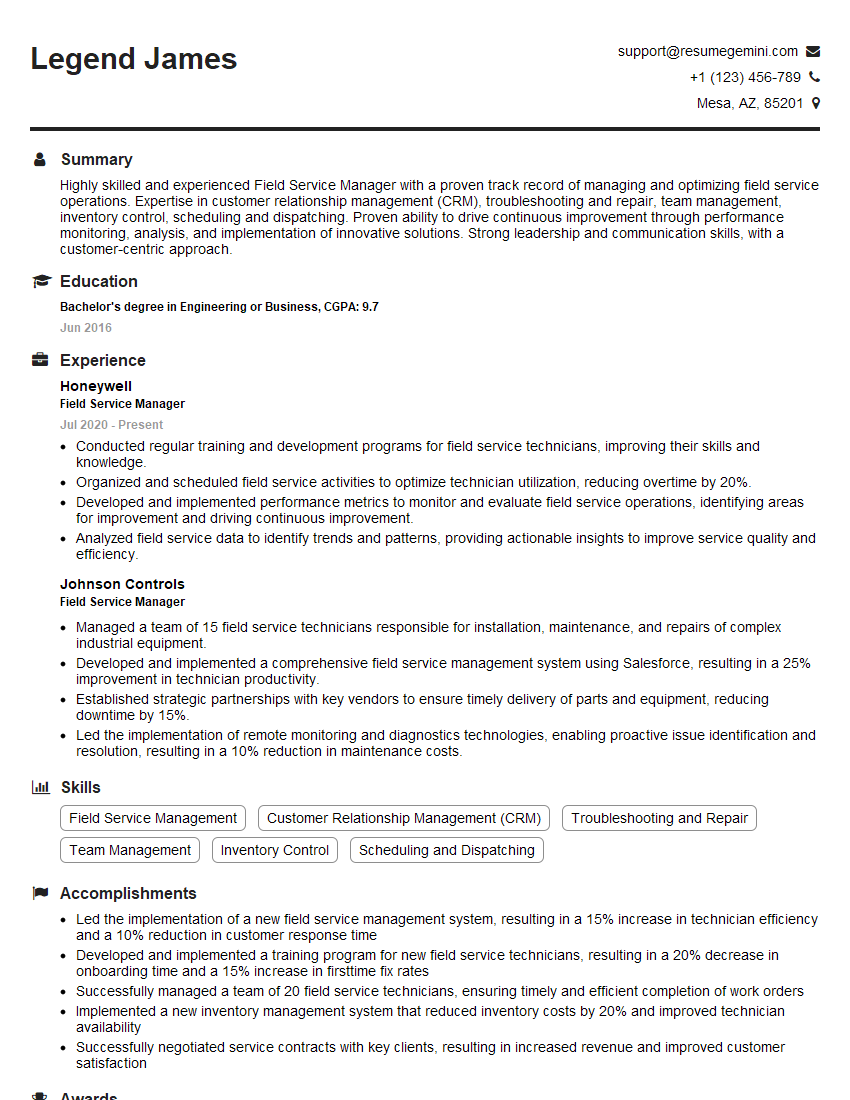
Field Service Manager Resume Sample
Explore more articles
Users Rating of Our Blogs
Share Your Experience
We value your feedback! Please rate our content and share your thoughts (optional).
What Readers Say About Our Blog
Really detailed insights and content, thank you for writing this detailed article.
IT gave me an insight and words to use and be able to think of examples