Are you ready to stand out in your next interview? Understanding and preparing for Proficient in CAD/CAM Tools interview questions is a game-changer. In this blog, we’ve compiled key questions and expert advice to help you showcase your skills with confidence and precision. Let’s get started on your journey to acing the interview.
Questions Asked in Proficient in CAD/CAM Tools Interview
Q 1. Explain the difference between CAD and CAM.
CAD and CAM are two distinct but interconnected phases in the manufacturing process. Think of CAD as the design phase and CAM as the manufacturing phase. CAD, or Computer-Aided Design, involves using software to create 3D models of parts or assemblies. This is where you shape the virtual product, defining its geometry, features, and tolerances. CAM, or Computer-Aided Manufacturing, takes that 3D model and translates it into instructions for a CNC (Computer Numerical Control) machine to fabricate the physical part. It’s the bridge between the digital design and the physical reality.
For example, in CAD, you might design a complex engine part in SolidWorks. Then, in CAM, you would use software like Mastercam to define toolpaths, select cutting parameters (speeds, feeds, depths of cut), and generate the G-code that tells the CNC machine exactly how to machine the part from a block of raw material.
Q 2. Describe your experience with various CAD/CAM software packages (e.g., Mastercam, SolidWorks CAM, Fusion 360).
I have extensive experience with several prominent CAD/CAM software packages. My expertise includes:
- Mastercam: I’ve utilized Mastercam extensively for generating complex toolpaths, particularly for multi-axis machining. I’m proficient in its various strategies, including roughing, finishing, and high-speed machining, and have optimized toolpaths for diverse materials like aluminum, steel, and plastics. I have experience using its simulation capabilities to predict and prevent potential collisions.
- SolidWorks CAM: SolidWorks CAM’s integration with the SolidWorks CAD environment provides a seamless workflow. I’ve leveraged its intuitive interface for creating efficient toolpaths, particularly for simpler parts and prototyping. I’m familiar with its various machining strategies and post-processors.
- Fusion 360: I appreciate Fusion 360’s cloud-based nature and its collaborative features. I’ve used it for both design and CAM, particularly in projects demanding rapid prototyping and iteration. Its ease of use makes it an excellent tool for smaller projects and quick turnaround times.
In each software, I’ve developed a strong understanding of its unique strengths and limitations, allowing me to select the most appropriate tool for each project based on complexity, material, and time constraints.
Q 3. How do you optimize toolpaths for efficient machining?
Optimizing toolpaths is crucial for efficient machining, minimizing production time, and extending tool life. My approach involves several key strategies:
- Choosing the right cutting tools: Selecting tools with appropriate geometries and materials for the specific workpiece material is fundamental. Using a tool designed for aluminum on steel, for instance, will lead to premature tool wear and poor surface finish.
- Strategic toolpath generation: Employing different machining strategies for roughing and finishing operations is crucial. Roughing passes remove large amounts of material quickly, while finishing passes focus on achieving the desired surface finish and tolerances. I leverage specialized toolpath strategies like adaptive clearing, trochoidal milling, and high-speed machining depending on the part geometry and material.
- Optimizing cutting parameters: Careful selection of spindle speed, feed rate, and depth of cut impacts efficiency and surface quality. Excessive parameters can lead to tool breakage, while insufficient parameters prolong machining time. I use software simulation and real-world testing to fine-tune these settings for optimal results.
- Stock Material Consideration: Understanding the stock material’s shape and size is critical for minimizing unnecessary machining. Efficient toolpaths should only remove the required material and avoid unnecessary movements.
For example, in a complex part, I might use adaptive clearing for roughing to efficiently remove material, followed by trochoidal milling for finishing to ensure smooth surfaces and tight tolerances. I constantly monitor and adjust these parameters throughout the process, based on real-time data and feedback.
Q 4. What are the different types of CNC machining processes?
CNC machining encompasses a variety of processes, each suited to different applications and materials. Some prominent examples include:
- Milling: This involves removing material from a workpiece using rotating cutters. Variations include face milling, end milling, and contour milling, each employing different cutter geometries and techniques.
- Turning: This process shapes cylindrical workpieces by rotating them against a cutting tool. It’s commonly used for creating shafts, pins, and other cylindrical parts.
- Drilling: Creating holes in a workpiece using rotating drills. Various drill bit types are available for different hole sizes and materials.
- Boring: Enlarging existing holes to precise dimensions.
- Reaming: Refining the size and surface finish of a hole.
- Threading: Cutting threads (internal or external) on workpieces to create screw connections.
The choice of process depends on the part’s geometry, material, and required tolerances. For instance, I would use milling for creating complex 3D shapes, turning for cylindrical components, and drilling for creating holes.
Q 5. Explain the concept of G-code and its importance in CAM.
G-code is the language of CNC machines. It’s a set of instructions written in a specific format that dictates the machine’s movements and actions. These instructions specify the tool’s position, speed, feed rate, and other parameters. The CAM software translates the toolpaths you create into G-code, which the CNC machine then interprets and executes to machine the part.
G-code is crucial because it provides a standardized way to communicate between CAD/CAM software and CNC machines. Without it, there would be no way to translate the digital design into a physical object. Each line of G-code represents a specific instruction to the machine. For example:
G01 X10.0 Y20.0 F100 ; Linear interpolation to X10, Y20 at feed rate 100This line tells the machine to move linearly to the coordinates X=10, Y=20 at a feed rate of 100 units per minute. Different G-codes control various aspects of the machine’s operation, including spindle speed, coolant activation, and tool changes. Mastering G-code allows for more precise control and troubleshooting of CNC processes.
Q 6. How do you handle errors or unexpected results during the CAM programming process?
Handling errors during CAM programming requires a systematic approach. My strategy involves:
- Thorough Simulation: Before sending any G-code to the machine, I always perform extensive simulations in the CAM software. This allows me to identify potential collisions, toolpath errors, or other issues before they occur on the actual machine, preventing damage to the tool, workpiece, or machine itself.
- G-Code Verification: I carefully examine the generated G-code for errors, ensuring its logical flow and accuracy. Manual review, alongside software-based G-code checks, helps identify any syntax or procedural issues.
- Test Cuts: Before committing to a full-scale production run, I always perform test cuts on scrap material. This allows for validation of the toolpaths, machining parameters, and overall process. Analyzing the results of the test cuts provides valuable insights for optimization.
- Troubleshooting Strategies: If errors occur during the actual machining process, I systematically analyze the error messages, machine logs, and the physical workpiece to identify the root cause. This could involve adjusting toolpaths, changing cutting parameters, or inspecting the machine setup.
For example, if a collision is detected during simulation, I adjust the toolpaths to provide sufficient clearance. If unexpected results occur during a test cut, I analyze the machined part, checking for inconsistencies in dimensions or surface quality, and use this to refine my toolpaths or machining parameters.
Q 7. Describe your experience with fixture design and selection.
Fixture design and selection are critical aspects of successful CNC machining. A poorly designed fixture can lead to inaccurate machining, part damage, or even machine damage. My experience encompasses:
- Understanding Workpiece Geometry: Before designing a fixture, I thoroughly analyze the workpiece’s geometry and identify the key clamping points. The fixture must securely hold the workpiece without causing deformation or stress concentration.
- Fixture Type Selection: The choice of fixture depends on the workpiece geometry, material, and machining process. Common fixture types include vises, clamps, magnetic chucks, and specialized workholding devices. I select the most appropriate type based on the specific requirements of the project.
- Design for Stability: The fixture must be rigid enough to prevent workpiece movement or vibration during machining. This prevents inaccuracies and ensures safety.
- Material Selection: Fixture materials must be robust and capable of withstanding the forces encountered during machining. Common materials include steel, cast iron, and aluminum, selected based on factors such as stiffness, wear resistance, and cost.
- Software Utilization: I use CAD software to design fixtures, ensuring proper dimensions and tolerances. This allows for visualization and verification before fabrication.
For example, for machining a delicate part, I might design a fixture with multiple points of contact to evenly distribute clamping forces. For a large, heavy workpiece, I might design a robust fixture using steel and incorporating features to prevent workpiece deflection during machining. Always considering the implications for safety, accuracy, and repeatability is crucial in fixture selection and design.
Q 8. How do you ensure the accuracy and precision of your CAM programs?
Ensuring accuracy and precision in CAM programming is paramount for producing high-quality parts. It’s a multi-step process that begins with the CAD model itself. I always verify the CAD model’s accuracy, checking for any inconsistencies or errors before importing it into the CAM software. Think of it like building a house – you wouldn’t start constructing without blueprints meticulously reviewed.
- Careful Toolpath Generation: I use advanced toolpath strategies like constant scallop height to ensure consistent surface finish and minimize errors. For example, using a 3-axis toolpath with appropriate stepover is critical for smooth surfaces. Incorrect stepover can leave unwanted surface marks.
- Stock Model Definition: Accurately defining the starting stock material is crucial. Incorrect dimensions here lead to incorrect toolpaths and potentially damaging collisions. I always double-check the stock model dimensions against the CAD model and the actual material.
- Simulations and Verification: Before generating the final G-code, I always run extensive simulations. This allows me to visually inspect the toolpaths, detect potential collisions, and identify areas that might require adjustment. This step is like a dry-run for construction – finding and fixing problems before any actual work begins.
- Post-Processor Selection: Choosing the correct post-processor for the specific CNC machine is critical. An incorrect post-processor will lead to errors or toolpath inaccuracies that can only be detected after the simulation.
- G-Code Review: While simulation is invaluable, I also manually review a section of the generated G-code, especially for complex features. Looking for inconsistencies in feed rates, speeds or rapid movements can help avoid unexpected issues.
Q 9. What are some common challenges you face in CAD/CAM programming, and how do you overcome them?
Common challenges in CAD/CAM programming often involve managing complex geometries, dealing with tight tolerances, and optimizing machining parameters. Let me elaborate:
- Complex Geometries: Working with intricate shapes or surfaces can be challenging. The solution is to break down complex parts into simpler, manageable sections, using appropriate toolpath strategies for each section. Think of sculpting – you wouldn’t try to carve an entire statue in one go.
- Tight Tolerances: Achieving precise dimensions and surface finishes within extremely tight tolerances demands careful toolpath planning, selection of appropriate cutting tools, and meticulous attention to machining parameters. I often use high-speed machining (HSM) techniques and strategies for tighter tolerances.
- Collision Avoidance: Preventing collisions between the tool and the workpiece or machine components is a constant concern. Using advanced simulation tools and carefully analyzing the toolpaths in 3D are key. I’ve personally avoided disastrous collisions by meticulously checking clearances.
- Material Properties: Different materials require different machining parameters. Choosing inappropriate settings can lead to tool breakage, poor surface finish, or even damage to the machine. I regularly consult material databases and conduct tests to find optimal settings.
Overcoming these challenges requires a combination of experience, methodical planning, thorough simulations, and a strong understanding of both CAD/CAM software and CNC machining principles.
Q 10. Explain your experience with different types of post-processors.
My experience with post-processors spans various CNC machine manufacturers and control systems. I’m proficient in creating custom post-processors when needed, which is essential for handling specific machine functionalities or optimizing code generation.
- Fanuc Post-Processors: I’ve extensively used post-processors for Fanuc controls, working on various models, which include handling specific macro calls and machine-specific functions.
- Haas Post-Processors: I’m equally familiar with Haas post-processors and have adapted to their specific syntax and functionalities. This includes setting up tool changes, coolant usage, and spindle speed control.
- Siemens Post-Processors: Siemens controls present a unique set of challenges and I have experience working with them, understanding how to handle their specific programming language and machine commands.
- Custom Post-Processors: In instances where a specific machine requires unique codes or machine-specific instructions, I can create custom post-processors to meet the requirements. This involves understanding the machine’s capabilities, control system, and programming language.
The ability to adapt to different post-processors is critical for efficient programming and ensuring compatibility with the target CNC machine.
Q 11. How do you verify the accuracy of a CAM program before machining?
Verifying CAM program accuracy before machining is a critical step to prevent costly errors and machine damage. My process involves a multi-layered approach:
- Dry Run Simulation: The first step is to use the CAM software’s simulation capabilities to perform a ‘dry run’ of the entire toolpath. This visually verifies the tool movements, identifies potential collisions, and checks for any unexpected behavior. Think of it as a dress rehearsal before the actual performance.
- Stock Model Verification: I always double-check that the stock model accurately reflects the starting material dimensions. Errors here can lead to inaccurate cutting and possible tool collisions.
- G-Code Verification: While simulations are powerful, a manual review of critical sections of the generated G-code is essential. I look for unusual commands or sequences that could cause issues during machining. A manual check provides another layer of assurance.
- Optional: Machine-Side Verification: For highly critical parts, I may use a machine-side verification system, if available. These systems allow me to load and test the G-code on the CNC machine without actually cutting material.
By employing these verification methods, I significantly reduce the risk of errors during the actual machining process, ensuring part accuracy and preventing potential damage.
Q 12. What are your preferred methods for simulating toolpaths?
Simulating toolpaths is essential to validate the accuracy of the CAM program before actual machining. My preferred methods are:
- Integrated CAM Software Simulation: Most modern CAM software packages offer robust simulation capabilities. These allow for a comprehensive 3D visualization of the toolpaths, detecting potential collisions and evaluating the overall machining strategy. The visual representation provides a clear picture of what the machine will do.
- CNC Machine Simulation Software: Standalone simulation software provides a highly realistic emulation of the CNC machine’s behavior. These often include accurate representations of the machine kinematics, tool changers and other peripheral devices. This provides a more comprehensive simulation for complex processes.
- Verifying with G-Code Emulators: G-code emulators interpret the generated G-code and simulate the machine’s actions without needing the actual CNC machine. This allows for fast verification and problem identification on a desktop before sending the code to the machine.
The choice of simulation method depends on the complexity of the part, the level of detail required, and the available resources. Combining multiple approaches provides the highest confidence in the generated toolpaths.
Q 13. Describe your experience with different types of cutting tools and their applications.
My experience encompasses a wide range of cutting tools, each suited for specific applications. The choice of cutting tool depends heavily on the material being machined, the desired surface finish, and the required accuracy.
- End Mills: These are versatile tools used for milling various shapes, from simple profiles to complex 3D geometries. Different types include ball nose, flat end, and corner radius end mills, each with its own applications.
- Drills: Used for creating holes of various sizes and depths. Different drill types exist for various materials and hole characteristics.
- Reaming Tools: These tools are used to create more precise and smooth holes after drilling. They improve the hole diameter accuracy and surface finish.
- Taps and Dies: Used for creating internal and external threads, respectively. Choosing the correct tap and die depends on material and thread specifications.
- Roughing and Finishing Tools: I differentiate between tools designed for roughing (removing large amounts of material) and those designed for finishing (achieving precise dimensions and surface finishes). Roughing tools are often more robust and durable, while finishing tools emphasize precision.
Understanding the characteristics and applications of different cutting tools is essential for optimizing the machining process and achieving the desired results. Improper tool selection is a recipe for poor quality, damaged tools, and wasted time.
Q 14. How do you determine the appropriate machining parameters (speeds, feeds, depths of cut)?
Determining appropriate machining parameters (speeds, feeds, and depths of cut) is crucial for efficient and productive machining. It’s a balance between material removal rate, tool life, surface finish, and machine capabilities. My approach involves:
- Material Properties: The material’s machinability is the primary factor. Harder materials generally require lower speeds and feeds to prevent tool breakage. I consult material databases and manufacturer recommendations to determine a starting point.
- Cutting Tool Geometry: The tool’s geometry influences the optimal parameters. For example, a larger diameter tool generally requires lower speeds and feeds.
- Machine Capabilities: The CNC machine’s limitations (spindle speed range, motor torque, etc.) constrain the achievable parameters. I always check the machine specifications to avoid exceeding its capabilities.
- Trial and Error (and Documentation!): I often start with conservative parameters, then gradually increase speeds and feeds while monitoring tool wear and surface finish. The results are meticulously documented to establish the optimal settings for each material and cutting tool.
- CAM Software’s Built-in Calculators: Modern CAM software often includes built-in calculators to help estimate optimal parameters based on material, tool, and machine inputs. These are useful starting points, but usually require some degree of adjustment based on practical experimentation.
Finding the right balance is crucial. Too high parameters risk tool breakage and poor surface finish, while too low parameters reduce efficiency. This balance is refined through experience and careful experimentation, always keeping safety in mind.
Q 15. Explain your understanding of tolerance analysis in CAD/CAM.
Tolerance analysis in CAD/CAM is crucial for ensuring manufactured parts meet design specifications. It involves assessing the permissible variations in dimensions, angles, and other geometric features. This analysis helps prevent costly errors and ensures the final product functions correctly. Think of it like baking a cake – you need specific ingredient amounts to get the desired outcome. Similarly, manufacturing needs precise measurements.
The process usually involves defining tolerances in the CAD model using GD&T (Geometric Dimensioning and Tolerancing) standards. These standards use symbols to define allowable variations in size, form, orientation, location, and runout. Then, the CAM software can utilize this tolerance information during toolpath generation and simulation to ensure the machining process stays within the allowed limits. For example, a ±0.1mm tolerance on a shaft diameter ensures the shaft fits snugly into its housing, preventing it from being too loose or too tight.
Software often provides tools for tolerance stack-up analysis, which predicts the cumulative effect of tolerances from multiple features. This helps identify potential issues before manufacturing, allowing for design modifications to improve manufacturability and reduce the risk of rejection.
Career Expert Tips:
- Ace those interviews! Prepare effectively by reviewing the Top 50 Most Common Interview Questions on ResumeGemini.
- Navigate your job search with confidence! Explore a wide range of Career Tips on ResumeGemini. Learn about common challenges and recommendations to overcome them.
- Craft the perfect resume! Master the Art of Resume Writing with ResumeGemini’s guide. Showcase your unique qualifications and achievements effectively.
- Don’t miss out on holiday savings! Build your dream resume with ResumeGemini’s ATS optimized templates.
Q 16. How do you handle complex geometries in CAM programming?
Handling complex geometries in CAM programming requires a strategic approach. It’s not simply about creating toolpaths; it’s about understanding the underlying geometry and selecting appropriate machining strategies. I usually start by carefully analyzing the CAD model, identifying complex areas like intricate curves, deep pockets, or thin walls.
For example, features like undercuts may require multiple setups or the use of specialized tools like ball-end mills for accessibility. Complex curves can be efficiently machined using adaptive clearing strategies, which dynamically adjust toolpath spacing based on the model’s geometry. This minimizes machining time and improves surface finish.
Another critical aspect is utilizing the CAM software’s capabilities. Most advanced CAM systems offer features like automatic feature recognition, which can automatically identify and create toolpaths for standard features. For truly complex geometries, I often employ a combination of different machining strategies like roughing, semi-finishing, and finishing, using different tools and speeds for each stage to optimize the process and achieve the desired surface quality and tolerances. Simulation is a crucial step to verify the toolpaths avoid collisions and ensure the machining plan is feasible.
Q 17. What are your strategies for reducing cycle times in machining?
Reducing cycle times in machining involves optimizing various aspects of the process. It’s like streamlining a production line – every improvement adds up. My strategies include optimizing cutting parameters, like feed rate, spindle speed, and depth of cut. Higher feed rates generally decrease cycle time, but you need to ensure they do not compromise surface finish or tool life.
- Tool selection: Using larger diameter tools wherever possible and optimizing the number of tools utilized in a process can significantly reduce the time needed.
- Cutting strategy: Employing efficient roughing strategies like trochoidal milling and optimized finishing techniques. Strategies like high-speed machining (HSM) can significantly reduce cycle time, however, proper tool selection and machine capabilities are critical for successful implementation.
- Stock material management: Careful planning of stock material and efficient clamping setups minimizes non-cutting time.
- CAM programming optimization: Leveraging CAM software’s capabilities to automatically generate efficient toolpaths and applying advanced toolpath strategies tailored to the specific geometry and material.
- Machine optimization: Ensuring that the CNC machine is properly maintained and calibrated contributes to efficient cutting and decreased downtime.
By systematically optimizing these factors, often through iterative testing and analysis, cycle times can be significantly reduced, increasing productivity and profitability.
Q 18. How familiar are you with different material properties and their impact on machining processes?
Understanding material properties is paramount in successful CAM programming. Different materials exhibit varying machinability characteristics, impacting tool selection, cutting parameters, and overall process efficiency. For example, hard materials like hardened steel require specialized tools with high wear resistance and may necessitate lower cutting speeds to prevent tool breakage. Soft materials like aluminum, conversely, can tolerate higher speeds and feeds, leading to faster machining times.
My experience includes working with a wide range of materials, including various steels, aluminum alloys, plastics, and composites. I consider factors like hardness, toughness, tensile strength, thermal conductivity, and brittleness. These properties directly influence tool wear, surface finish, and the potential for chatter or other machining defects. For instance, a material’s thermal conductivity dictates how effectively heat is dissipated during machining – a poor thermal conductor may require interrupted cutting cycles to prevent excessive heat buildup and tool damage. This knowledge allows for the selection of appropriate tools, feeds, speeds, and coolants, leading to efficient and successful machining.
Q 19. Explain your understanding of collision detection in CAM software.
Collision detection in CAM software is a critical safety feature that prevents damage to the machine, tools, and workpiece. It’s like having a virtual safety net. The software simulates the toolpaths within the machine’s workspace, identifying any potential collisions between the tool, the fixture, the workpiece, or other machine components.
Most modern CAM systems offer robust collision detection capabilities. They use algorithms to check for interference based on the tool geometry, toolpath, and model geometry. These checks can be done at various stages – from simple visual checks to more sophisticated simulations taking into account tool deflection and workpiece movement. Any potential collisions are highlighted, allowing for adjustments to the toolpaths, workpiece setup, or fixture design to eliminate the risk. A common scenario where collision detection is crucial is when machining complex parts with multiple features close to each other or when using multiple tools within a single operation. I always perform thorough collision checks before sending any toolpath to the machine, irrespective of complexity.
Q 20. Describe your experience with different types of stock material management.
Stock material management plays a key role in efficient manufacturing. It involves planning and managing the raw materials used in the machining process. I have experience with various methods, including:
- Manual stock management: This involves manually measuring and marking the raw material, a simple but time-consuming approach suitable for smaller operations.
- Automated stock management: Using automated systems, such as bar feeders or robotic systems, to load and unload materials, which increases efficiency and reduces human error, especially in high-volume production.
- Nest based programming: Optimizing the placement of parts within a sheet of material to minimize material waste. This method is often used in sheet metal or plate fabrication.
Effective stock management involves accurately estimating material requirements, minimizing waste, and optimizing material handling to streamline the process. The choice of method depends on factors such as production volume, material type, and available resources. For large-scale projects, automated systems are preferred for efficiency. In smaller projects, manual methods might suffice. Regardless of the chosen method, accurate inventory management is crucial for efficient production and cost control.
Q 21. How do you handle surface modeling challenges in CAD?
Surface modeling challenges in CAD can arise from various sources, such as importing data from different sources, creating complex freeform surfaces, or ensuring continuity between different surface patches. These challenges often necessitate a good understanding of surface modeling techniques and the capabilities of the CAD software.
For instance, importing data from a 3D scanner can result in a noisy point cloud requiring smoothing and surface reconstruction techniques. Creating smooth, continuous surfaces is often achieved through techniques like spline modeling or NURBS (Non-Uniform Rational B-Splines). Managing surface continuity between different design elements is crucial for aesthetics and manufacturability – discontinuities can lead to problems during machining. I frequently use tools such as surface analysis functions in the CAD software to identify and rectify issues such as gaps, overlaps, or unwanted sharp edges. These tools aid in creating a high-quality surface model suitable for accurate and efficient CAM programming. Experience with different CAD softwares and an understanding of their specific capabilities are key to efficiently navigating and resolving such challenges.
Q 22. What are your experience with automated part programming?
Automated part programming is the process of generating CNC machine tool instructions automatically from a CAD model. My experience encompasses a wide range of CAM software, including Mastercam, Fusion 360, and Siemens NX CAM. I’ve worked extensively on automating the creation of toolpaths for milling, turning, and wire EDM operations. For example, in a recent project involving the manufacturing of complex aerospace components, I leveraged Mastercam’s automated features to generate toolpaths for 5-axis milling, significantly reducing programming time and ensuring consistent part quality. The automation involved setting up post-processors specific to our machines and optimizing cutting parameters to maximize efficiency and minimize tool wear. This not only saved time but also improved the overall accuracy and repeatability of the machining process.
I’m proficient in using various techniques such as feature-based machining, where the software automatically recognizes features like pockets and holes and creates toolpaths accordingly. I also have experience in using knowledge-based programming where the system uses rules and logic to select optimal machining strategies based on part geometry and material properties. This level of automation allowed us to handle high-volume production runs efficiently and reliably.
Q 23. Describe your experience with process planning for manufacturing.
Process planning for manufacturing involves defining all the steps required to transform a design into a finished product. My experience includes developing detailed process plans encompassing material selection, machining operations, inspection procedures, and quality control measures. This often involves close collaboration with manufacturing engineers and shop floor personnel to ensure feasibility and cost-effectiveness. For instance, in a project involving the production of a high-precision medical device, I created a detailed process plan that incorporated various quality checks at each stage, including dimensional inspection using CMM (Coordinate Measuring Machine) and surface finish analysis. This meticulous process ensured the final product met the stringent quality standards required for medical applications. I utilize various techniques such as Value Stream Mapping to identify and eliminate waste in the manufacturing process. I consider factors like material cost, processing time, and machine availability when optimizing the process flow. This integrated approach ensures we produce high-quality products efficiently.
Q 24. How do you stay updated with the latest advancements in CAD/CAM technology?
Staying updated in the rapidly evolving field of CAD/CAM technology is crucial. I accomplish this through a multi-pronged approach. I actively participate in online forums and communities dedicated to CAD/CAM, engaging with other professionals and learning about their experiences and challenges. I subscribe to industry-leading magazines and journals, such as Modern Machine Shop and Manufacturing Engineering, to keep abreast of the latest technological advancements and best practices. Additionally, I regularly attend industry conferences and webinars presented by software vendors such as Autodesk, Siemens, and SolidWorks, which often feature hands-on demonstrations and workshops. Finally, I undertake continuous self-learning through online courses and tutorials available on platforms like Coursera and LinkedIn Learning to deepen my understanding of new software functionalities and techniques. This continuous learning process allows me to stay at the forefront of the field and apply the latest technologies to my work.
Q 25. Explain your experience with different types of CAD modeling techniques.
My experience with CAD modeling techniques spans various methods, including solid modeling, surface modeling, and wireframe modeling. Solid modeling, using features like extrusion, revolution, and Boolean operations, is my most frequently employed technique, particularly when working with parts requiring precise dimensional accuracy. I am proficient in creating complex geometries using this method. Surface modeling, on the other hand, is ideal for creating aesthetically pleasing shapes and organic forms, often used in automotive or product design. I frequently use NURBS (Non-Uniform Rational B-Splines) surfaces in my work. Wireframe modeling, although less common in my projects due to its limitations in representing solid objects, is still valuable when dealing with simple sketches or preliminary design stages. I can adeptly switch between these techniques depending on the project requirements, leveraging the strengths of each approach to create accurate and efficient models. For example, I might use solid modeling for the core functional components of a product and then employ surface modeling to refine the exterior aesthetic.
Q 26. How would you troubleshoot a program that produces incorrect results?
Troubleshooting a program producing incorrect results is a systematic process. My approach involves a methodical breakdown of the process. First, I carefully review the CAM program for any syntax errors or logical inconsistencies. This often involves inspecting toolpath geometry, machining parameters, and post-processor settings. If errors are found, they are corrected and the program is retested. If the problem persists, I’ll then investigate the CAD model for any imperfections, such as gaps or inconsistencies in geometry, as these can lead to incorrect toolpath generation. I often use diagnostic tools within the CAM software to visualize and analyze the toolpaths, identifying areas of concern. Simulation tools are also very helpful in this process, allowing me to detect collisions or other problems before machining the actual part. If the issue persists after thorough inspection of the CAD model and CAM program, I’ll analyze the machine setup and actual machining process to rule out any potential hardware or environmental factors contributing to the errors. The process often involves iterative refinement, constantly refining the model and toolpaths until accurate results are obtained. For example, a seemingly minor error in the model’s radius could lead to a catastrophic collision during machining; meticulous attention to detail is crucial.
Q 27. Describe your experience working with multiple engineering disciplines in a CAD/CAM environment.
My experience extensively involves collaborating with various engineering disciplines in a CAD/CAM environment. This includes working closely with mechanical engineers on design validation and refinement, ensuring manufacturability of their designs. I frequently interact with manufacturing engineers to discuss process feasibility, material selection, and optimizing production workflows. I’ve also worked with quality control engineers to define inspection procedures and ensure parts meet specifications. Furthermore, I collaborate with electrical engineers when integrating electronic components into mechanical designs. Effective communication and a shared understanding of project goals are critical for seamless collaboration across these disciplines. Using a common data environment and version control systems significantly improves communication and reduces errors. A real-world example involves a robotics project where I worked with mechanical, electrical and software engineers to design, manufacture and assemble robotic arms. Understanding each discipline’s constraints and perspectives was vital to successful project completion.
Key Topics to Learn for Proficient in CAD/CAM Tools Interview
- CAD Software Fundamentals: Understanding the core principles of various CAD software (e.g., SolidWorks, AutoCAD, Fusion 360). This includes proficiency in 2D and 3D modeling techniques, drawing creation and manipulation, and file management.
- CAM Software Applications: Mastering the use of CAM software to translate CAD designs into manufacturing instructions. Focus on topics like toolpath generation, simulation, and optimization for different machining processes (e.g., milling, turning, drilling).
- Geometric Dimensioning and Tolerancing (GD&T): Demonstrate a thorough understanding of GD&T principles and their application in CAD models to ensure precision and manufacturability. Be prepared to discuss tolerance analysis and its impact on design.
- Manufacturing Processes: Possess a working knowledge of various manufacturing processes, including subtractive (milling, turning), additive (3D printing), and forming techniques. Understanding how design choices impact manufacturing is crucial.
- Material Selection and Properties: Show your ability to select appropriate materials based on design requirements and manufacturing constraints. Understanding material properties and their impact on the final product is essential.
- Design for Manufacturing (DFM): Demonstrate your understanding of DFM principles and how to design parts that are easily and cost-effectively manufactured. This involves considering factors like tooling, assembly, and material cost.
- Troubleshooting and Problem-Solving: Be ready to discuss your approach to identifying and resolving issues in CAD/CAM workflows. Examples include dealing with model errors, optimizing toolpaths, or adjusting parameters to improve manufacturing efficiency.
- Collaboration and Communication: Highlight your ability to effectively communicate design concepts and technical information to colleagues, clients, and manufacturing teams.
Next Steps
Mastering CAD/CAM tools opens doors to exciting and rewarding careers in engineering, manufacturing, and design. A strong understanding of these technologies significantly increases your job prospects and earning potential. To stand out from the competition, focus on crafting an ATS-friendly resume that effectively showcases your skills and experience. ResumeGemini is a trusted resource that can help you build a professional, impactful resume tailored to your specific skills and experience. Examples of resumes tailored to Proficient in CAD/CAM Tools are available to provide you with inspiration and guidance.
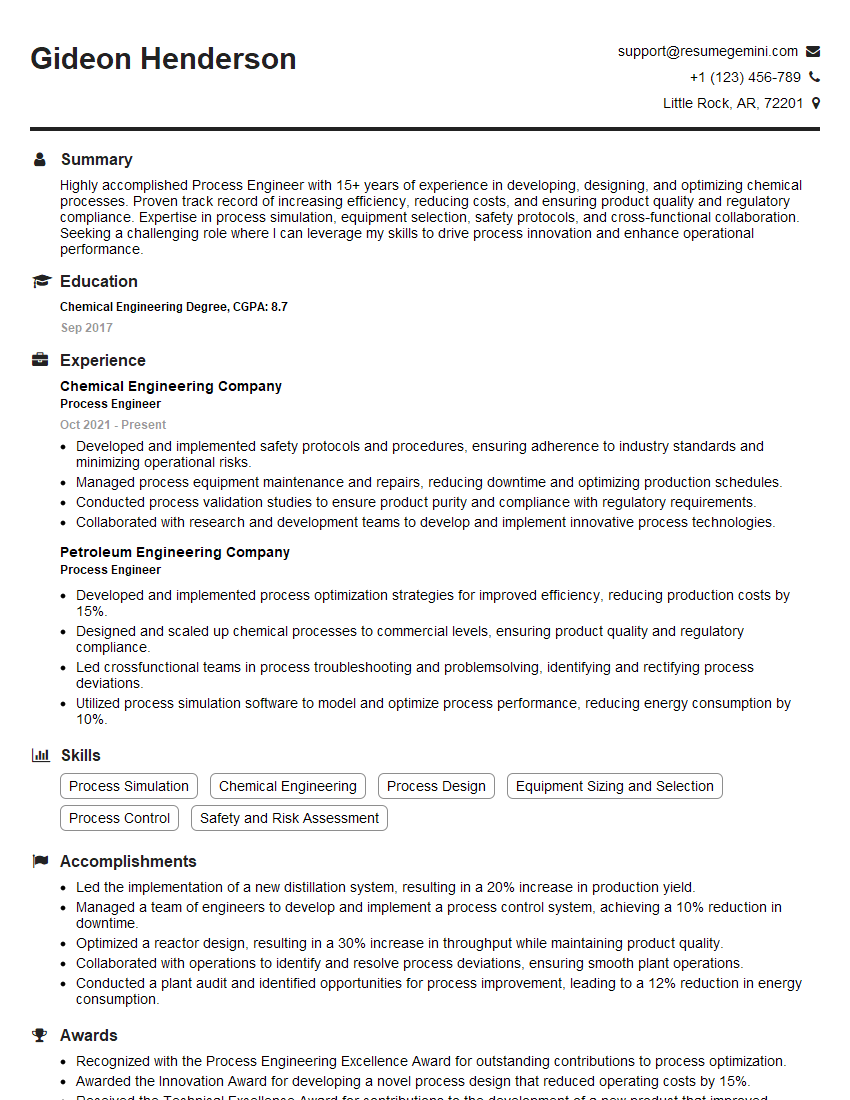
Process Engineer Resume Sample

Automation Engineer Resume Sample

Design Engineer Resume Sample

Manufacturing Engineer Resume Sample
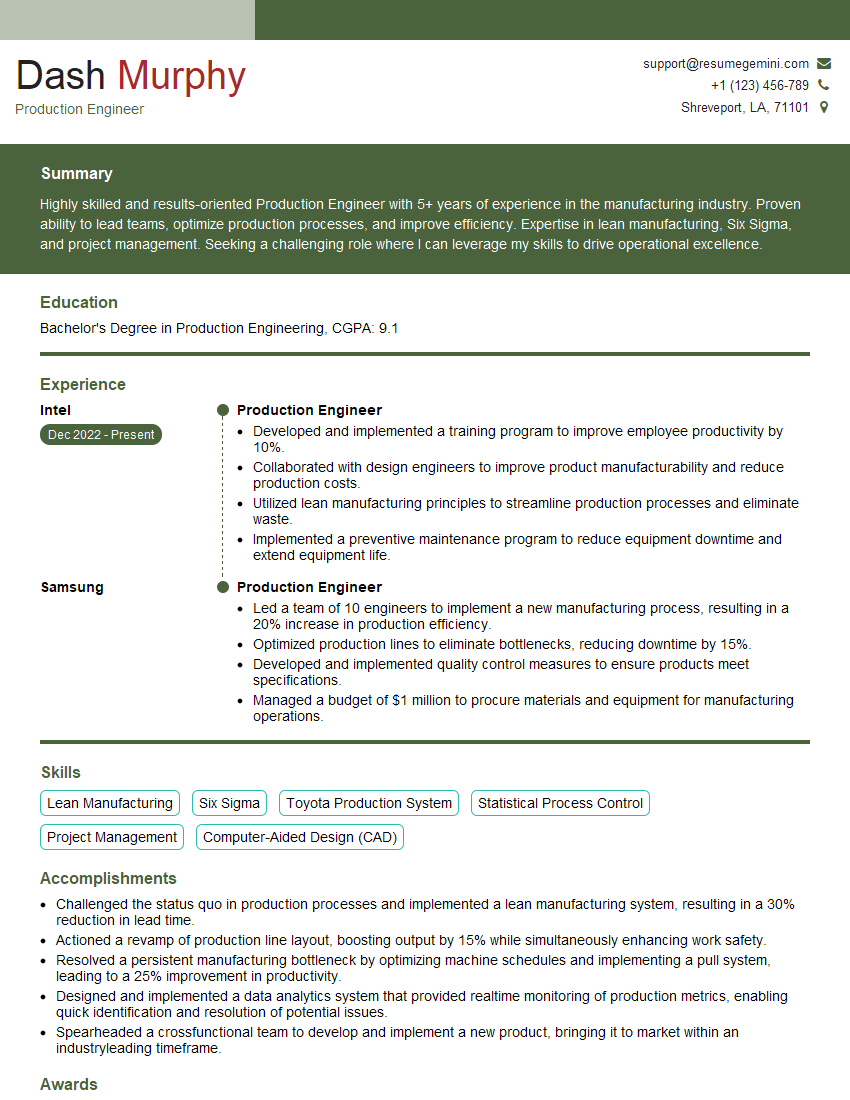
Production Engineer Resume Sample
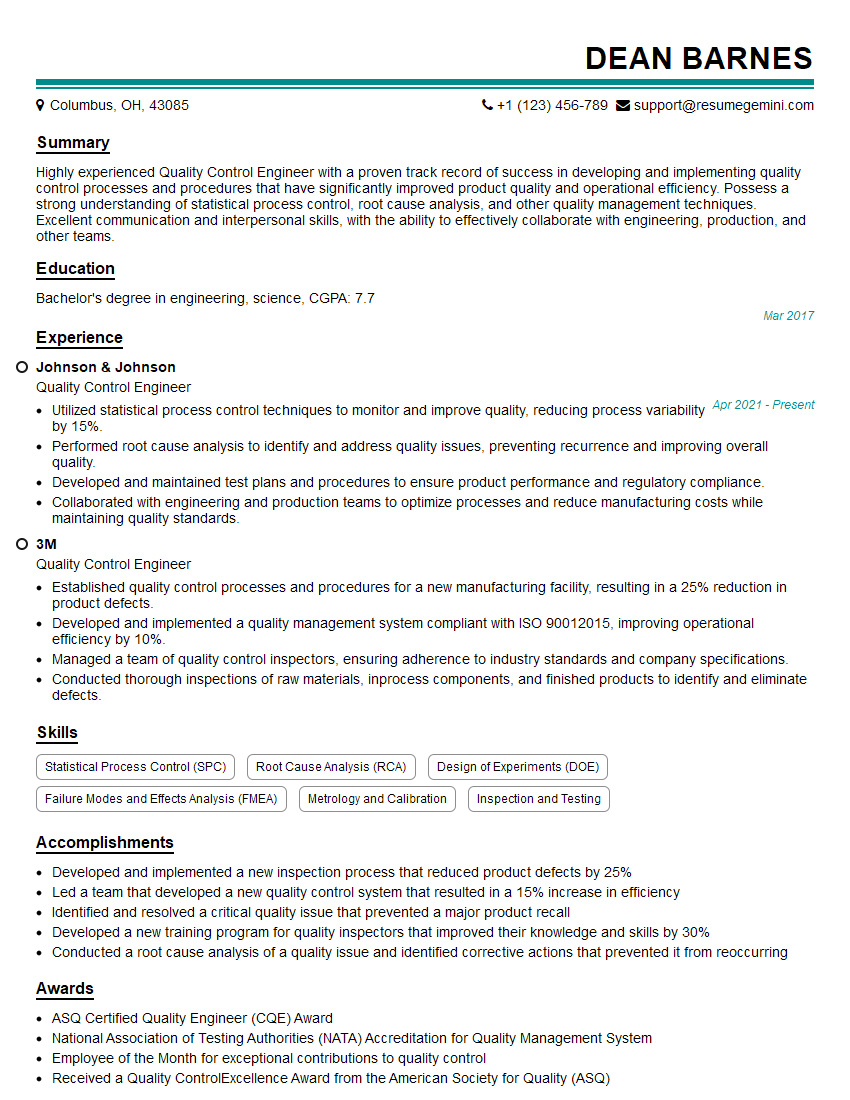
Quality Control Engineer Resume Sample
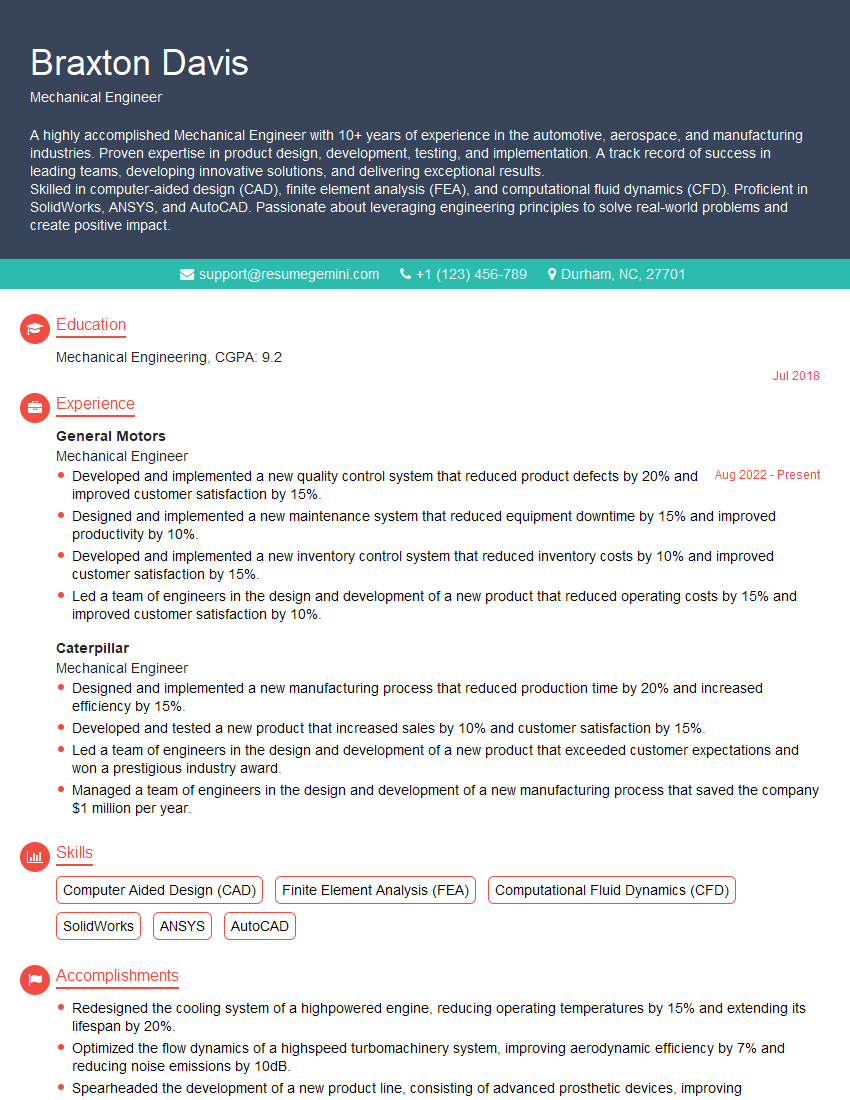
Mechanical Engineer Resume Sample
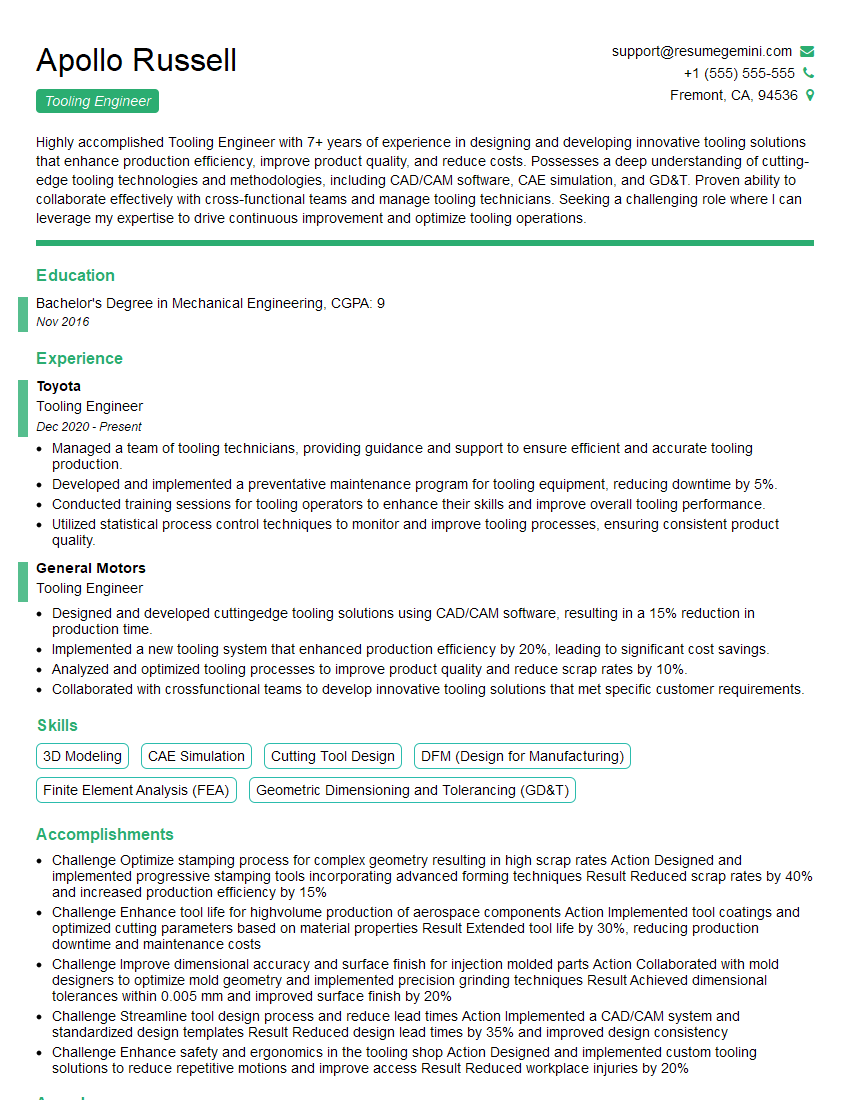
Tooling Engineer Resume Sample

Robotics Engineer Resume Sample
Explore more articles
Users Rating of Our Blogs
Share Your Experience
We value your feedback! Please rate our content and share your thoughts (optional).
What Readers Say About Our Blog
Really detailed insights and content, thank you for writing this detailed article.
IT gave me an insight and words to use and be able to think of examples