Preparation is the key to success in any interview. In this post, we’ll explore crucial Answering Phones and Emails interview questions and equip you with strategies to craft impactful answers. Whether you’re a beginner or a pro, these tips will elevate your preparation.
Questions Asked in Answering Phones and Emails Interview
Q 1. Describe your experience handling a high volume of phone calls.
Handling a high volume of phone calls requires a structured approach and efficient communication skills. In my previous role at Acme Corp, I regularly managed upwards of 50 calls daily. This involved using a call queuing system effectively, prioritizing urgent calls, and maintaining a professional demeanor even during peak times. I developed a system of quick note-taking to record key information from each call, ensuring no detail was missed. For example, I’d use abbreviations like ‘CC’ for ‘credit card’ or ‘PO’ for ‘purchase order’ to save time while still capturing essential data. My success in this high-pressure environment is a testament to my ability to stay calm, focused, and efficient under pressure.
Q 2. How do you prioritize phone calls and emails?
Prioritizing calls and emails hinges on understanding urgency and impact. I use a combination of methods. For phone calls, I prioritize calls based on the caller’s tone (urgent issues usually involve a more distressed caller), the subject matter (e.g., complaints require immediate attention), and pre-defined internal urgency levels (coded as high, medium, or low based on service level agreements). For emails, I utilize flagging systems, color-coding, and folders to categorize and prioritize them. For instance, emails marked ‘urgent’ or from VIP clients get immediate attention. I also use time-blocking to dedicate specific periods to specific types of communication, ensuring nothing slips through the cracks.
Q 3. Explain your process for answering incoming calls.
My process for answering incoming calls is refined to ensure efficiency and professionalism. It involves a three-step approach: Greeting and Identification: I answer with a prompt, professional greeting, identifying myself and the company. Needs Assessment: I actively listen to determine the caller’s needs, asking clarifying questions to avoid misunderstandings. Resolution or Direction: I either resolve the issue directly or transfer the call to the appropriate department/person, providing clear and concise instructions. For example, if a customer calls regarding a billing issue, I’d ask for their account number and briefly explain the process of resolving it while offering alternative contact methods should the line drop.
Q 4. How do you handle calls from upset or angry customers?
Handling upset or angry customers requires patience, empathy, and excellent active listening skills. My approach involves remaining calm and letting the customer vent without interruption (unless the language becomes abusive). I actively listen to understand their frustration and validate their feelings with statements like, ‘I understand your frustration,’ or ‘I can see why you’re upset.’ I then focus on finding a solution; if I can’t directly resolve the issue, I’ll escalate it to the appropriate department and follow up with the customer promptly, keeping them informed of progress. This approach diffuses anger and fosters a sense of trust and collaboration.
Q 5. What is your experience with various email software applications (e.g., Outlook, Gmail)?
I’m proficient in several email software applications, including Microsoft Outlook, Gmail, and Yahoo Mail. My expertise extends beyond basic usage to encompass advanced features such as email rules, filters, and automation tools. In Outlook, for instance, I’ve extensively used rules to automatically sort incoming emails into designated folders, reducing manual sorting time. With Gmail, I’ve leveraged its powerful search capabilities to quickly find specific emails and utilize canned responses to standardize frequent replies. My experience allows me to adapt quickly to different email platforms and maximize productivity.
Q 6. Describe your experience managing multiple inboxes.
Managing multiple inboxes is a crucial skill in today’s interconnected work environment. My strategy involves using a combination of labels, filters, and color-coding to organize emails from various sources. For example, I might use color-coding to distinguish between urgent emails, emails requiring immediate action, and emails needing a follow-up. I utilize features like email rules to automatically categorize emails into specific folders, thereby streamlining inbox management and preventing crucial emails from being overlooked. Regularly reviewing and archiving old emails helps keep things organized and prevents inbox overload.
Q 7. How do you ensure accurate and timely responses to emails?
Ensuring accurate and timely email responses is critical for maintaining professional relationships and productivity. My approach involves acknowledging emails promptly, even if a full response isn’t immediately possible. I use templates for frequently asked questions to save time, while always customizing responses to reflect the individual needs of the sender. I also prioritize emails based on urgency and importance, utilizing time-blocking to dedicate specific time slots for responding. Maintaining a well-organized filing system also enables quick access to information, ensuring prompt and accurate responses.
Q 8. How familiar are you with email templates and their benefits?
Email templates are pre-written email messages that can be customized with specific details for each recipient. They’re incredibly beneficial for efficiency and consistency. Think of them as standardized forms, but for emails. Instead of writing the same introductory paragraph or frequently asked questions repeatedly, you create a template and simply fill in the blanks.
- Increased Efficiency: Save significant time by not having to compose the same email multiple times. Imagine sending out dozens of thank-you notes after a conference – a template makes it quick and easy.
- Brand Consistency: Templates ensure a unified brand voice and tone across all communications. Every email will reflect your company’s style guide.
- Reduced Errors: By using a pre-written template, you minimize the risk of typos, grammatical errors, or inconsistencies in information.
- Improved Tracking and Reporting: Many email marketing platforms allow you to track template usage, helping you understand which templates are most effective.
For example, a customer service team might have templates for order confirmations, shipping updates, responses to common queries, and apologies for delays. This ensures every customer receives a professional and timely response, no matter who handles the communication.
Q 9. What strategies do you use to maintain organized email communication?
Maintaining organized email communication is vital for productivity and preventing information overload. My strategy involves a combination of technical tools and organizational techniques:
- Utilize Folders and Filters: I create folders for different projects, clients, or topics (e.g., ‘Marketing Projects’, ‘Client A’, ‘Invoices’). Filters automatically sort incoming emails based on sender, subject, or keywords into these folders.
- Employ Labels and Tags: Many email clients allow the use of labels or tags for additional categorization beyond folders. This provides another layer of organization and allows for efficient searching.
- Regular Email Cleanup: I dedicate time each day or week to archive or delete unnecessary emails, preventing my inbox from becoming cluttered. This is similar to tidying your workspace – a clean space allows for more effective work.
- Use Search Effectively: Instead of scrolling through numerous emails, I use the search function to locate specific information quickly. Keywords are your friends!
- Prioritize and Manage Tasks: I flag important emails that require follow-up actions and integrate them into my task management system. This could involve setting reminders or scheduling dedicated time to tackle them.
Imagine a scenario where you receive 100 emails a day. Without a structured system, you’ll quickly get lost. My strategies ensure I can find any email I need in seconds.
Q 10. How do you handle confidential information via phone and email?
Handling confidential information requires stringent adherence to security protocols. Both phone and email communications demand extra care:
- Phone Calls: When discussing sensitive information over the phone, I ensure privacy. I use a private office or a quiet space where conversations cannot be overheard. I always verify the caller’s identity before divulging any sensitive details.
- Emails: I never send confidential information via unencrypted email. If necessary, I use secure platforms or encrypted email services, which offer end-to-end encryption. Moreover, I’m careful about what I include in emails—avoiding unnecessary details is best practice. I follow my company’s data security policy meticulously.
- Password Protection: Strong, unique passwords for all accounts, combined with multi-factor authentication, are essential for safeguarding confidential data.
- Data Disposal: If physical documents containing confidential information are involved, proper disposal procedures are followed. This might involve shredding or secure electronic deletion.
For example, I would never share a client’s financial details over a public Wi-Fi network or in an unencrypted email. Security is paramount, and I take proactive steps to prevent data breaches.
Q 11. Describe your experience with voicemail and message management.
Efficient voicemail and message management is crucial for ensuring timely responses and maintaining professionalism. My approach centers on proactive management and clear communication:
- Professional Voicemail Greeting: My voicemail message is concise, professional, and provides clear instructions on how to reach me if I’m unavailable. It should include my name and relevant contact information.
- Regular Check-Ins: I check my voicemail messages regularly, ideally several times a day. The frequency depends on my role and the urgency of the tasks.
- Prioritization and Return Calls: I prioritize urgent messages and return calls promptly. I make notes of any important information from the messages.
- Clear and Concise Messages: When leaving a voicemail, I make my message clear, concise, and to the point, including my name, contact number and the reason for the call. This avoids wasting the recipient’s time.
Imagine a customer calling with an urgent issue. A timely response from my voicemail is critical. Efficient management shows professionalism and responsiveness.
Q 12. What techniques do you use to improve your phone communication skills?
Improving phone communication skills is an ongoing process. I employ several techniques to enhance my effectiveness:
- Active Listening: I focus intently on what the caller is saying, asking clarifying questions to ensure understanding. This shows respect and helps to resolve issues effectively.
- Clear and Concise Communication: I use plain language, avoiding jargon and technical terms unless the caller understands them. I structure my responses logically and ensure my message is easily understood.
- Positive and Professional Tone: I maintain a positive and professional tone, even in challenging situations. A friendly voice can significantly improve interactions.
- Nonverbal Communication: Though the caller cannot see me, my body language—sitting upright, maintaining a calm demeanor—impacts my voice and communication.
- Practice and Feedback: I regularly seek feedback on my phone communication skills from colleagues and supervisors. Role-playing scenarios can also help identify areas for improvement.
For example, I might practice handling difficult customer calls with a colleague to improve my conflict resolution skills. Continuous improvement is key.
Q 13. How do you deal with calls you cannot immediately handle?
When I receive calls that I cannot handle immediately, I manage them professionally and efficiently:
- Offer Alternatives: I politely inform the caller that I cannot assist them at that moment and suggest alternative solutions. This might involve transferring them to the appropriate department or taking a message and promising a follow-up.
- Take Detailed Messages: If I take a message, I ensure I capture all the necessary information, including the caller’s name, contact number, and a concise summary of their request.
- Set Expectations: I set clear expectations about when the caller can expect a response. This shows professionalism and consideration.
- Utilize Call-Back Features: If appropriate, I utilize call-back features to return the call at a more convenient time.
Imagine a client calling about a technical issue that requires the expertise of the IT department. I wouldn’t pretend to know the answer; instead, I’d transfer them and ensure they are handled appropriately.
Q 14. How do you maintain a professional demeanor on the phone and in emails?
Maintaining a professional demeanor across all communication channels is paramount for building trust and credibility. My strategies include:
- Professional Language: I use professional language in both phone calls and emails, avoiding slang, jargon, or informal expressions. I proofread emails carefully before sending.
- Respectful Tone: I maintain a respectful tone in all communications, even when dealing with challenging situations. Empathy is key to resolving conflicts and maintaining professional relationships.
- Timely Responses: I respond to phone calls and emails promptly, acknowledging receipt if an immediate response isn’t possible. Punctuality is a crucial aspect of professionalism.
- Clear and Concise Messaging: I ensure my messages are clear, concise, and easy to understand. Avoid unnecessary information or rambling.
- Company Policies Adherence: I adhere strictly to company communication policies, including email etiquette guidelines and standards.
Even a quick email deserves professionalism. A prompt, well-written response reflects positively on both me and the organization I represent.
Q 15. How do you handle conflicting priorities related to phone calls and emails?
Handling conflicting priorities between phone calls and emails requires a strategic approach. I prioritize based on urgency and importance, using a system like the Eisenhower Matrix (urgent/important). Urgent and important tasks, like a critical client call needing immediate attention, take precedence. Important but not urgent tasks, such as responding to a series of emails requiring detailed answers, are scheduled into my day. Less important tasks are delegated or postponed if possible. For instance, if a client is on hold while I’m responding to an email that isn’t time-sensitive, I’ll politely let them know I’ll be with them shortly while quickly acknowledging the email to avoid losing its context. I also utilize time blocking to dedicate specific time slots to email responses and phone calls to ensure I’m not constantly switching contexts.
Career Expert Tips:
- Ace those interviews! Prepare effectively by reviewing the Top 50 Most Common Interview Questions on ResumeGemini.
- Navigate your job search with confidence! Explore a wide range of Career Tips on ResumeGemini. Learn about common challenges and recommendations to overcome them.
- Craft the perfect resume! Master the Art of Resume Writing with ResumeGemini’s guide. Showcase your unique qualifications and achievements effectively.
- Don’t miss out on holiday savings! Build your dream resume with ResumeGemini’s ATS optimized templates.
Q 16. How do you track and follow up on phone calls and emails?
Tracking and following up on phone calls and emails is crucial for maintaining client relationships and ensuring task completion. For phone calls, I maintain detailed notes in my CRM system, noting the key discussion points, agreed-upon actions, and deadlines. These notes are easily accessible and contribute to seamless handoffs. I schedule follow-up calls or emails based on the discussed actions. For emails, I use a system of flagging, labeling, and setting reminders. I flag emails requiring a response and add them to my task manager with deadlines, ensuring I don’t miss important follow-ups. I categorize emails into folders for easy retrieval. For example, if a client requests an updated proposal, I’d note the deadline in my task manager and create a reminder, ensuring I send the update before the deadline.
Q 17. What is your experience using call tracking software?
My experience with call tracking software has been extremely positive. I’ve used several platforms that track call durations, source, and even the content of conversations (with appropriate consent). This data provides valuable insights into campaign effectiveness and identifies areas for improvement. For example, I used a system that integrated with our CRM and showed me which marketing campaign led to a specific call and what the outcome of that call was. This information was invaluable in optimizing our marketing strategy and demonstrating ROI. The software also allows for call recording (with appropriate disclosures) which is particularly useful for training and quality assurance. I find that the ability to analyze call data significantly improves customer service quality and sales conversion rates.
Q 18. How do you ensure your email communication is clear and concise?
Ensuring clear and concise email communication involves a multi-step process. First, I carefully consider the purpose of the email before composing it. What is the key message I need to convey? Then, I craft a subject line that accurately reflects the email’s content. The body of the email should be brief and to the point, using bullet points or numbered lists to highlight key information. I use short paragraphs and avoid jargon unless the recipient understands it. I also proofread carefully to ensure there are no grammatical errors or typos. A simple example would be an email update; instead of a long paragraph, I might use bullet points to list the completed tasks, tasks in progress, and upcoming tasks.
Q 19. How do you handle emails that require immediate attention?
Emails requiring immediate attention are handled with a sense of urgency and prioritization. I use email alerts and notifications to bring them to my immediate attention. Once I receive such an email (for example, a customer reporting a critical system failure), I immediately acknowledge receipt and let the sender know I’m working on a solution. Then, depending on the nature of the request, I either resolve the issue directly or delegate it to the appropriate team member, ensuring prompt communication throughout the process. Utilizing tools like email prioritization filters also helps surface these critical communications.
Q 20. How do you use email filters and folders to organize your inbox?
I use email filters and folders extensively to organize my inbox. I set up filters to automatically sort emails into specific folders based on sender, subject, or keywords. For example, I have filters that automatically move newsletters to a separate folder, urgent requests to a “High Priority” folder, and emails from specific clients to their individual folders. This system drastically reduces inbox clutter and allows me to quickly locate specific emails when needed. Regular cleaning of these folders is also essential to avoid unnecessary buildup.
Q 21. Describe your experience with CRM systems and their integration with email and phone communications.
My experience with CRM systems (like Salesforce or HubSpot) has been integral to managing email and phone communications effectively. CRMs centralize all customer interactions—emails, calls, notes, and tasks—in one place, providing a complete picture of each customer’s journey. Integration with email allows for automated responses, tracking email opens and clicks, and direct linking of emails to customer records. Phone integration allows for logging call details directly into the CRM, creating a comprehensive record of interactions. This streamlined approach eliminates manual data entry, reduces errors, and improves team collaboration. For example, if I receive a phone call from a client with a question about their invoice, I can easily add a note detailing our discussion to their CRM record, keeping everything related to that customer in one convenient location.
Q 22. How do you handle urgent calls and emails during peak hours?
Handling urgent calls and emails during peak hours requires a strategic approach prioritizing efficiency and client satisfaction. I employ a system of triage, prioritizing based on urgency and impact. For calls, I use features like call waiting and voicemail to manage incoming volume effectively. I might briefly acknowledge less urgent calls and let the caller know I’ll return their call shortly. For emails, I prioritize those marked as urgent or flagged by keywords like ‘immediate action’ or ‘critical issue’. I use flags and labels in my email client to manage my inbox efficiently and ensure nothing falls through the cracks. I also use tools like task management software to schedule follow-ups for less immediate requests. Think of it like a hospital emergency room: life-threatening cases come first, followed by urgent cases, then non-urgent ones.
For example, if I receive an urgent email concerning a critical system failure while already on a call, I will briefly acknowledge the call and explain I need to handle an urgent email first, scheduling a call back for the customer. Conversely, if an email is less urgent, I might quickly reply with an acknowledgement and set a response time within my workflow to avoid overloading myself.
Q 23. How do you ensure effective communication when dealing with multiple clients/customers?
Effective communication with multiple clients involves clear, concise, and personalized interactions. I use active listening to fully understand each client’s needs and tailor my responses accordingly. I always clearly state the next steps and timelines, using tools like project management systems to keep everyone informed about progress. For example, I might use a shared online calendar to schedule meetings and a collaborative document to track project updates. This ensures transparency and minimizes confusion across multiple clients. Regular follow-ups are also crucial to maintaining communication and ensuring all parties are satisfied. I also always double-check all information before sharing to ensure accuracy.
Imagine juggling multiple balls; each one represents a client. To keep them all in the air, you need to focus on one at a time, ensuring you don’t drop any while moving between them. Similarly, by using project management tools and scheduling strategically, I avoid dropping the ball on any client interaction.
Q 24. What is your experience with different communication styles and adapting your approach?
I’ve worked with a diverse range of communication styles, from direct and task-oriented to collaborative and relationship-focused. My approach is to adapt my communication style to match the client’s preference, ensuring effective and comfortable interaction. For example, with a direct client, I’ll provide concise, action-oriented information. With a more relationship-focused client, I might spend more time building rapport and ensuring they feel heard and understood. I observe their communication style (e.g., tone, formality, responsiveness) to gauge their preferred way of interacting and adjust accordingly. Using empathetic language and being mindful of non-verbal cues helps greatly in tailoring my communication. It’s like learning to speak different languages – each requires a slightly different approach to convey the same meaning effectively.
Q 25. How familiar are you with grammar and punctuation rules in email writing?
I possess a strong understanding of grammar and punctuation rules, which are essential for professional email communication. I consistently use correct grammar, punctuation, and spelling to ensure clarity and professionalism. This includes understanding the nuances of sentence structure, comma usage, and avoiding common grammatical errors. I also pay attention to tone, making sure it aligns with the context and the relationship with the recipient. Using a grammar checker is a great tool, but strong attention to detail is key. A well-written email reflects positively on both the sender and the organization. Imagine receiving an email full of grammatical errors—it undermines the credibility of the sender. Professional emails should be clear, concise and error-free.
Q 26. Describe your experience with using email signatures and ensuring consistent branding.
I have extensive experience with email signatures and understand their importance in maintaining consistent branding. I ensure that my email signature includes all necessary information such as my name, title, department, contact information, and company logo. The format and content are consistent with company guidelines, ensuring a professional and unified brand image across all communications. I also regularly update the signature to reflect any changes in my contact information or company branding. Inconsistent branding through emails can lead to a lack of professionalism and damage the company’s image. A well-crafted signature, however, helps reinforce brand identity.
Q 27. How do you handle sensitive or confidential information over the phone and through email?
Handling sensitive or confidential information requires utmost care and adherence to company policies. For phone calls, I avoid discussing sensitive information in public areas and confirm the recipient’s identity before sharing any details. For emails, I use secure methods of transmission, such as encryption if available, and I always maintain appropriate access controls to prevent unauthorized access. I strictly adhere to privacy policies and data protection regulations, only sharing information with authorized individuals on a need-to-know basis. I also maintain meticulous records of all communications involving sensitive data. Failing to protect sensitive information could have serious repercussions, including legal action and reputational damage.
Q 28. Describe your experience with automated email responses and their appropriate use.
I have experience with automated email responses, also known as auto-replies or out-of-office messages. I understand their appropriate use and limitations. I use them strategically, for example, when I’m out of the office or unavailable for a period of time. The response provides a brief explanation of my unavailability and indicates when I expect to be back, along with alternative contact information if needed. It’s crucial to avoid overusing them or using them inappropriately because they can frustrate clients if used improperly. For instance, using automated responses for every email could lead to delays in response times. Therefore, a well-crafted, timely auto-reply is key to managing client expectations.
Key Topics to Learn for Answering Phones and Emails Interview
- Professional Phone Etiquette: Understanding the importance of a welcoming tone, clear articulation, active listening, and efficient call handling. Practical application includes role-playing different call scenarios (e.g., handling inquiries, taking messages, transferring calls).
- Email Communication Best Practices: Mastering professional email formatting, subject line creation, concise and clear writing, proper grammar and spelling, and prompt response times. Practical application includes drafting sample emails for various situations (e.g., responding to customer inquiries, scheduling meetings, following up on leads).
- Prioritization and Time Management: Developing strategies for managing high call volumes and a large inbox efficiently. This includes techniques for prioritizing tasks, using tools for organization, and effectively delegating when appropriate.
- Troubleshooting and Problem Solving: Addressing common technical issues related to phones and email systems (e.g., voicemail problems, email delivery failures). This involves understanding basic troubleshooting steps and knowing when to escalate issues to the appropriate personnel.
- Data Privacy and Confidentiality: Understanding and adhering to company policies regarding handling sensitive information over the phone and via email. Practical application includes recognizing and appropriately handling confidential data in different communication scenarios.
- Communication Technologies and Software: Demonstrating familiarity with various communication tools (e.g., phone systems, email clients, CRM software). This could include showcasing your ability to learn new technologies quickly.
Next Steps
Mastering answering phones and emails is crucial for building strong client relationships, improving team efficiency, and showcasing your professionalism. These skills are highly valued by employers across various industries, significantly impacting your career growth potential. To increase your chances of landing your dream job, focus on creating an ATS-friendly resume that effectively highlights your communication skills and experience. ResumeGemini is a trusted resource to help you build a compelling resume that showcases your abilities. Examples of resumes tailored to Answering Phones and Emails positions are available to help you get started.
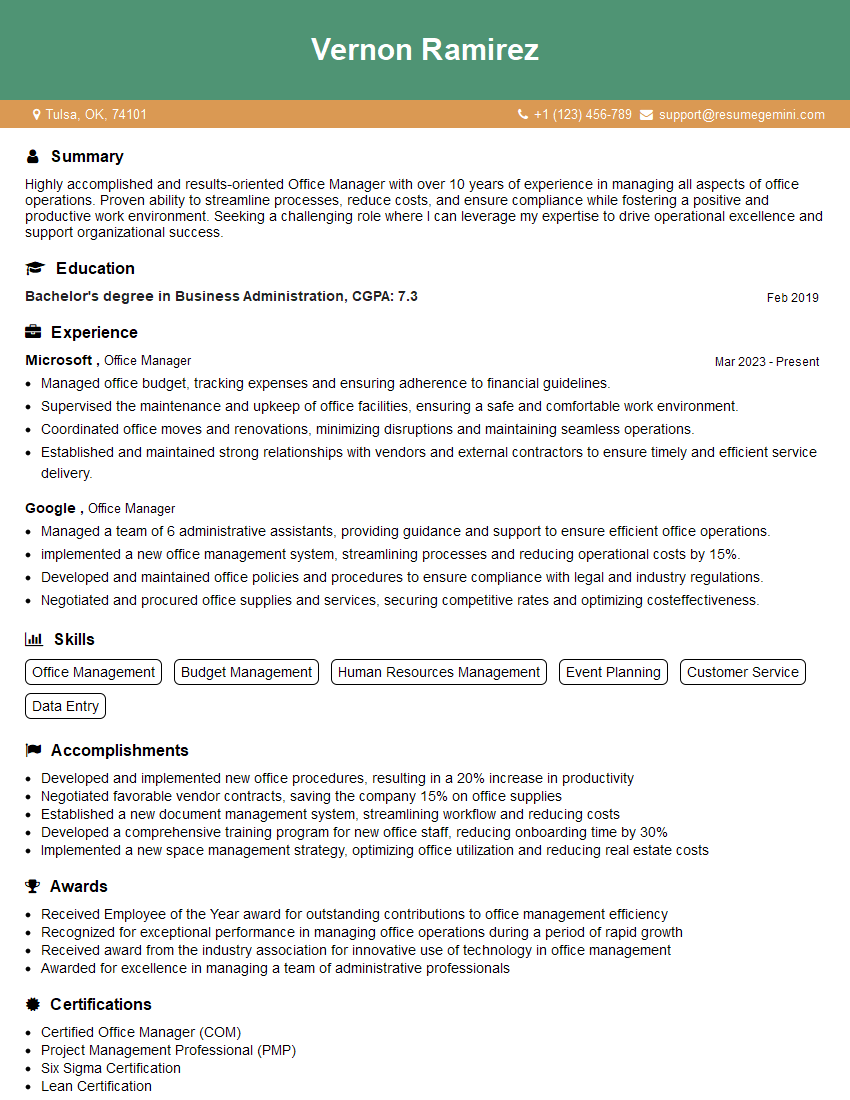
Office Manager Resume Sample
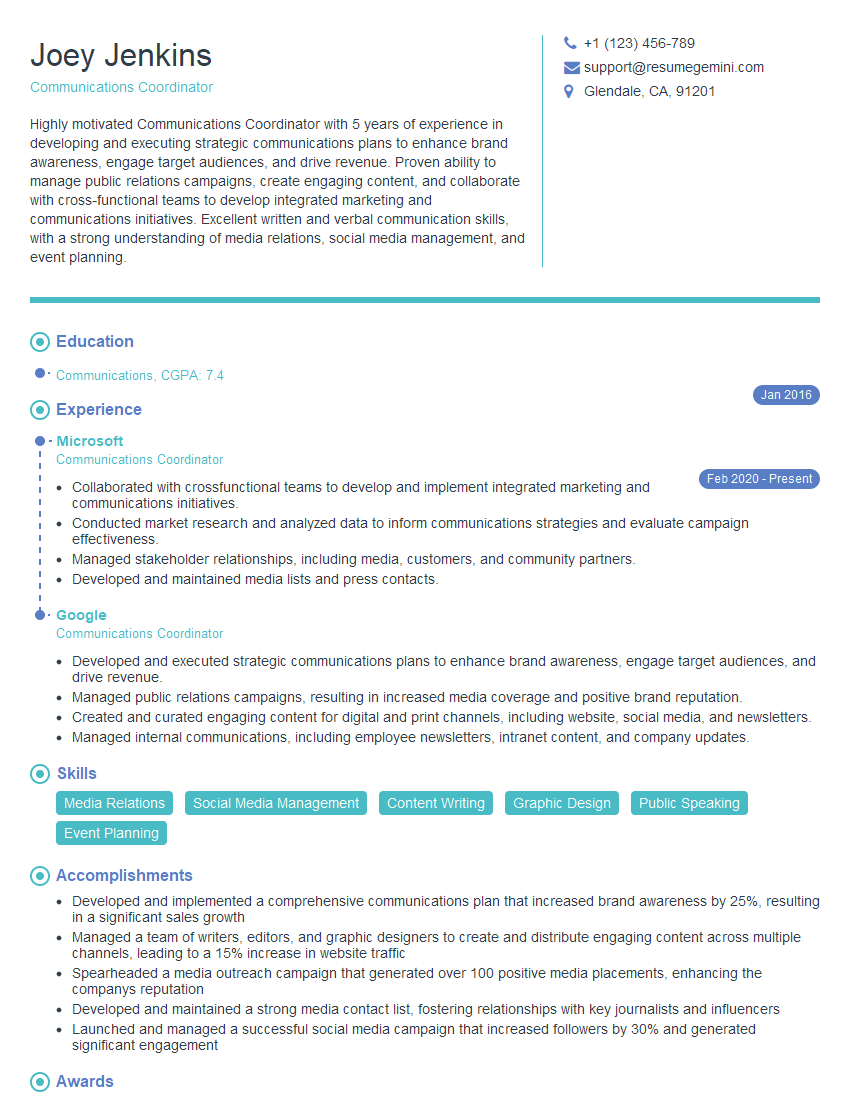
Communications Coordinator Resume Sample
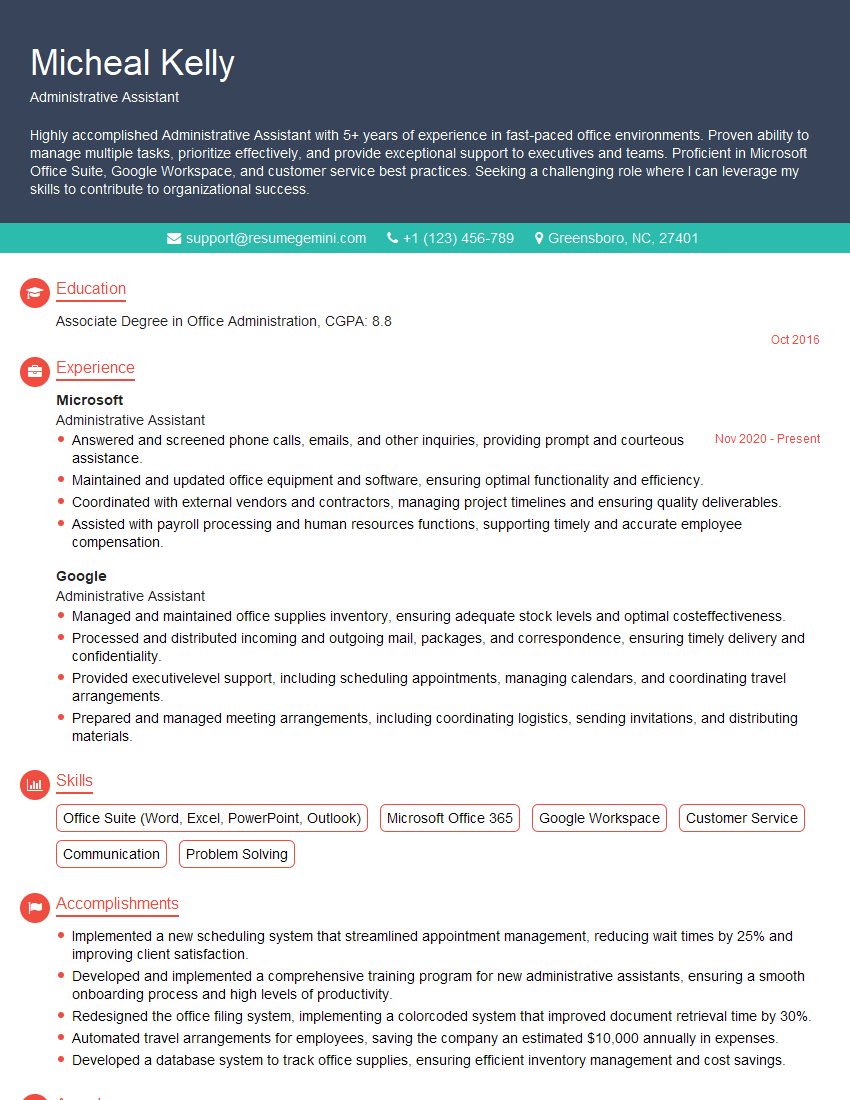
Administrative Assistant Resume Sample
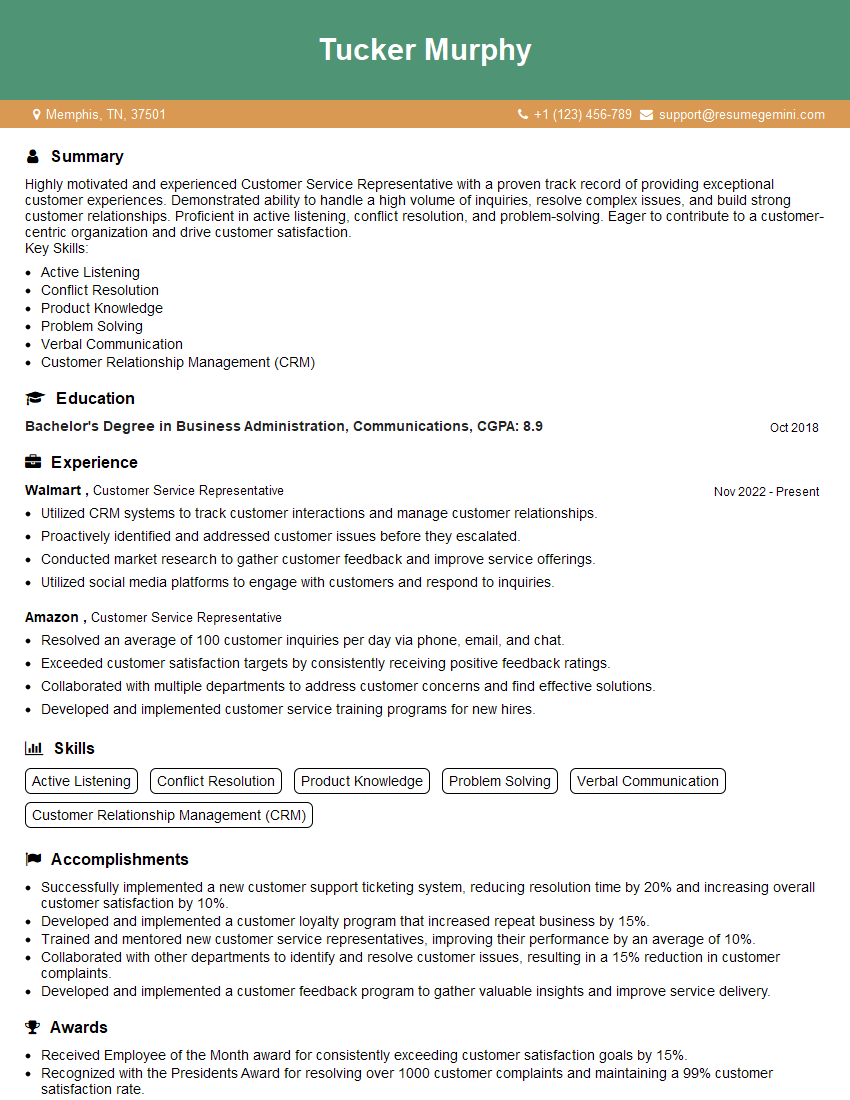
Customer Service Representative Resume Sample

Scheduling Coordinator Resume Sample

Technical Support Specialist Resume Sample

Help Desk Analyst Resume Sample
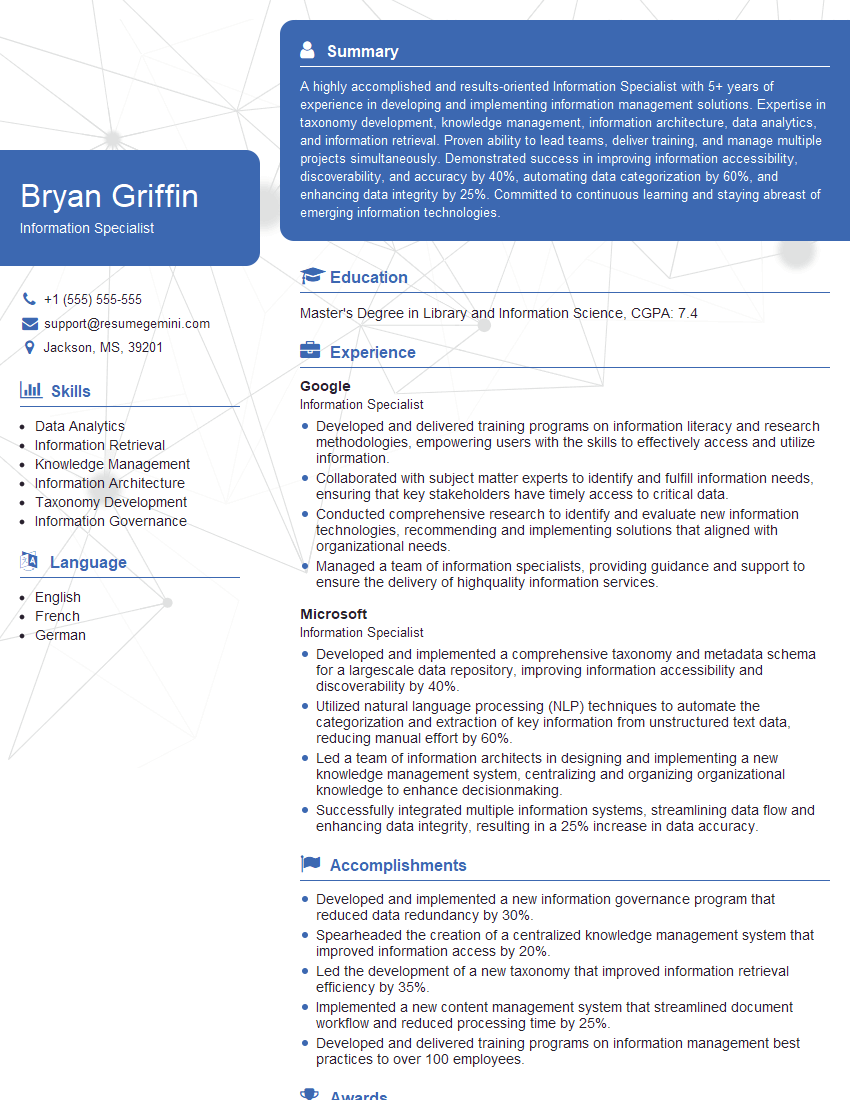
Information Specialist Resume Sample
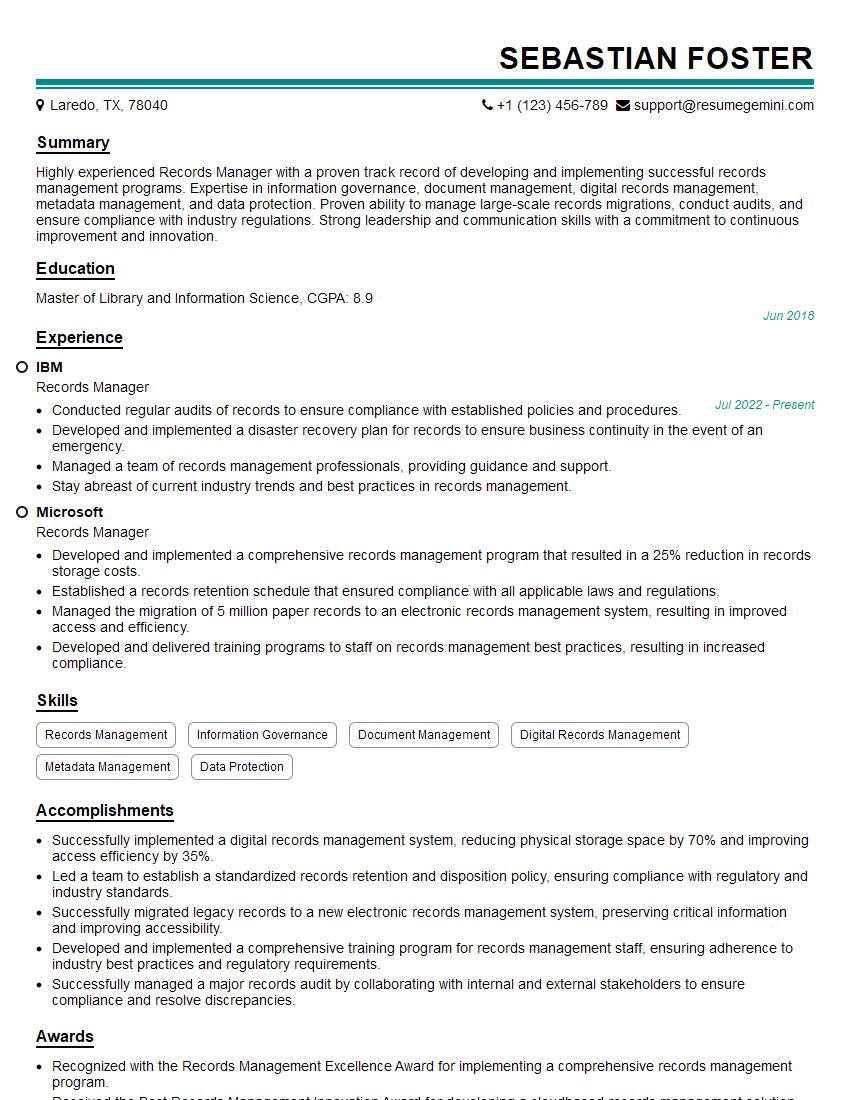
Records Manager Resume Sample
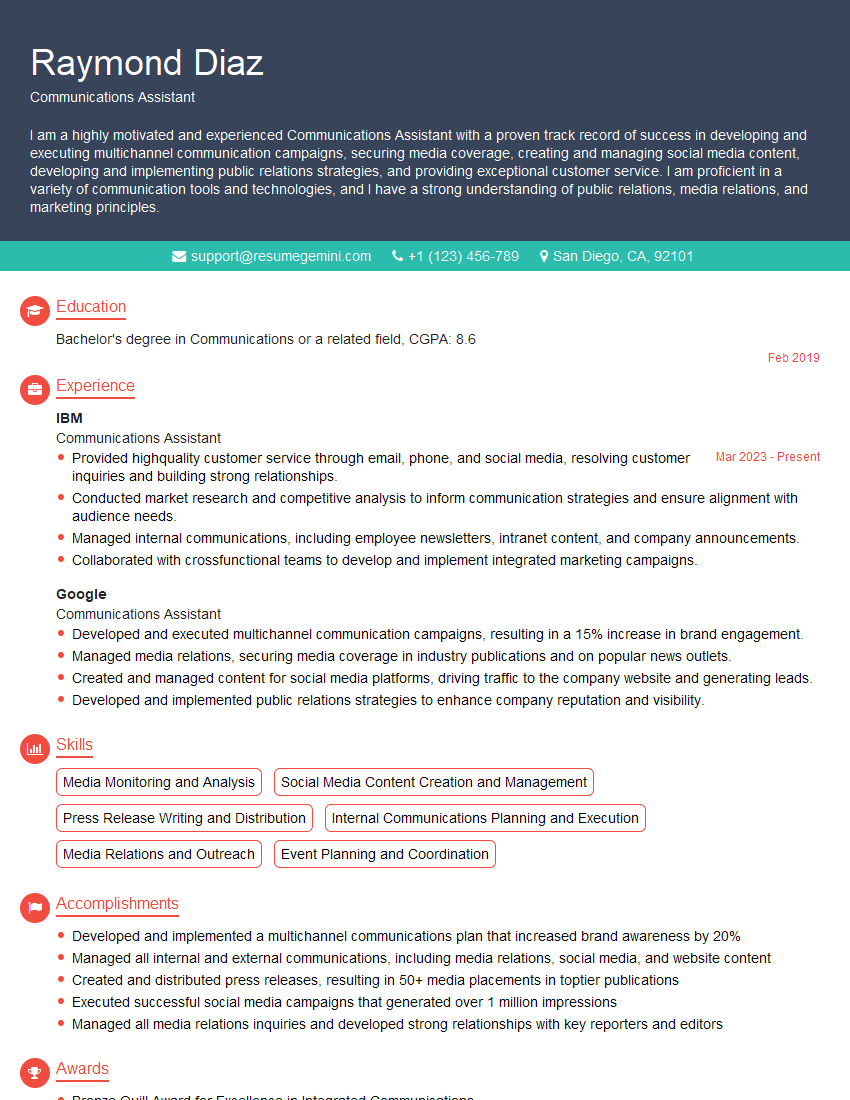
Communications Assistant Resume Sample
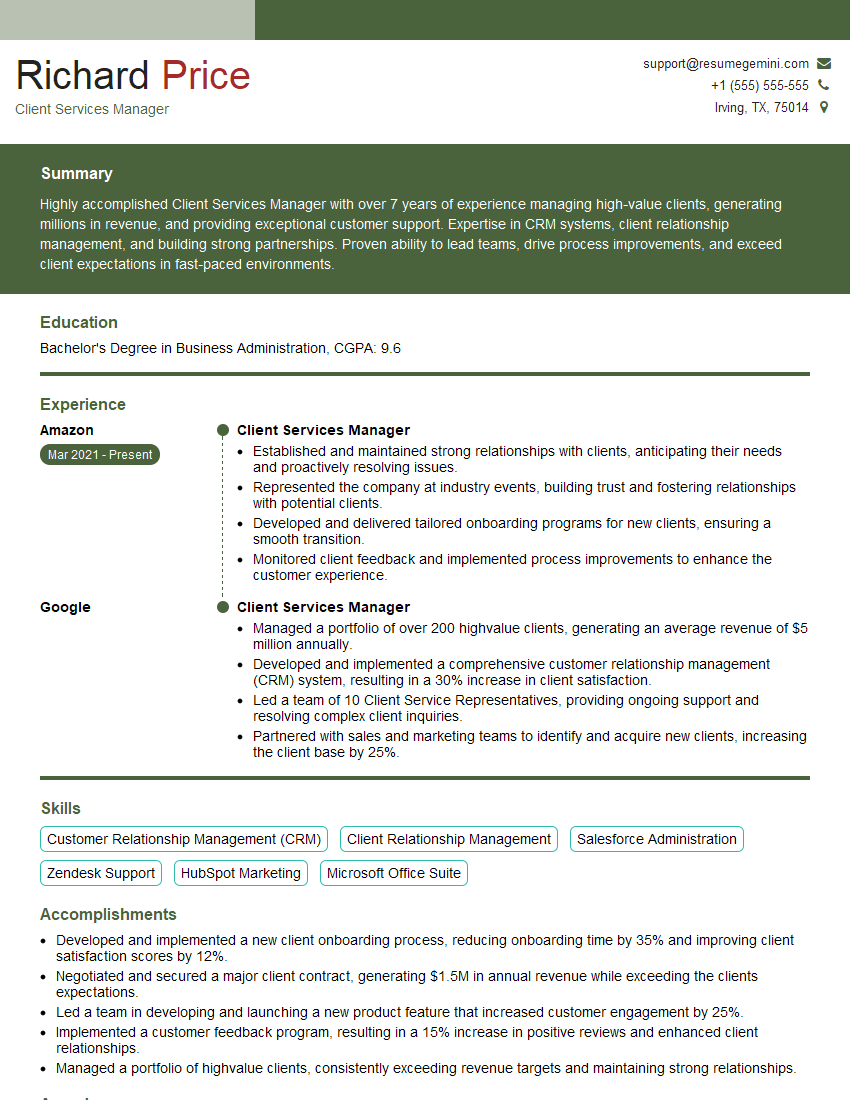
Client Services Manager Resume Sample
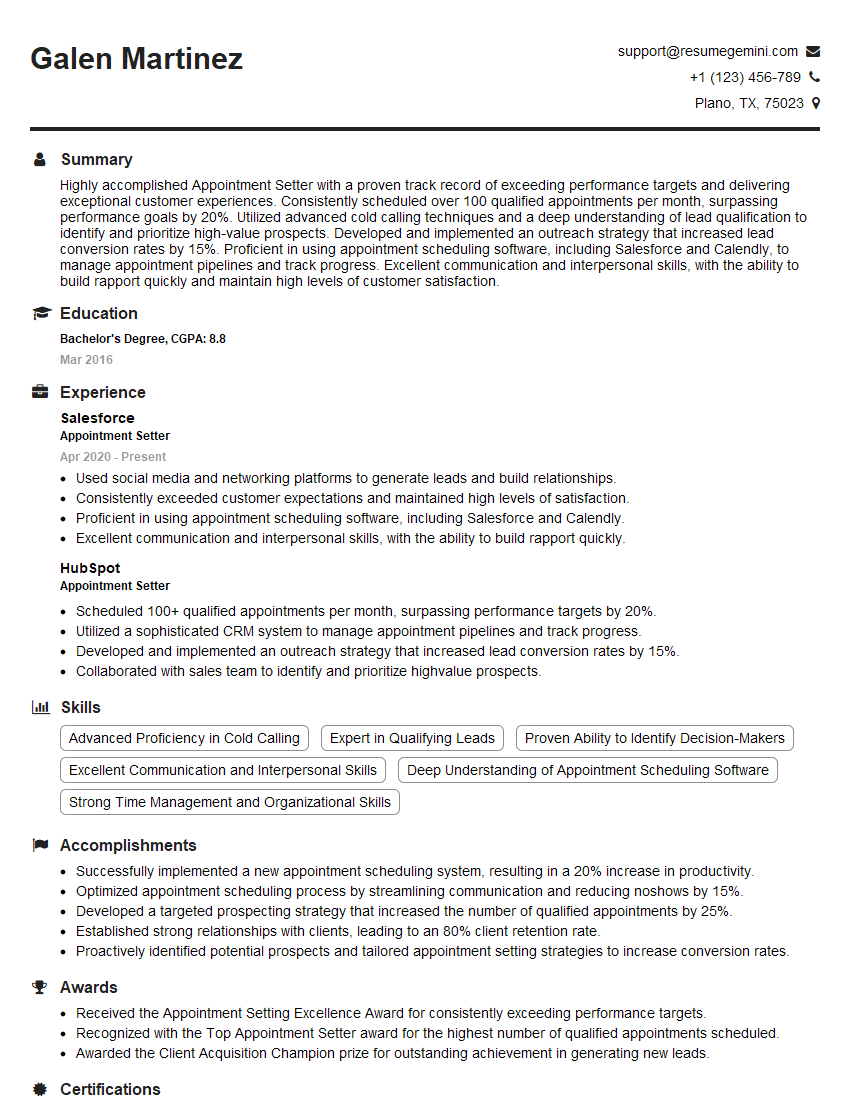
Appointment Setter Resume Sample

Call Center Agent Resume Sample
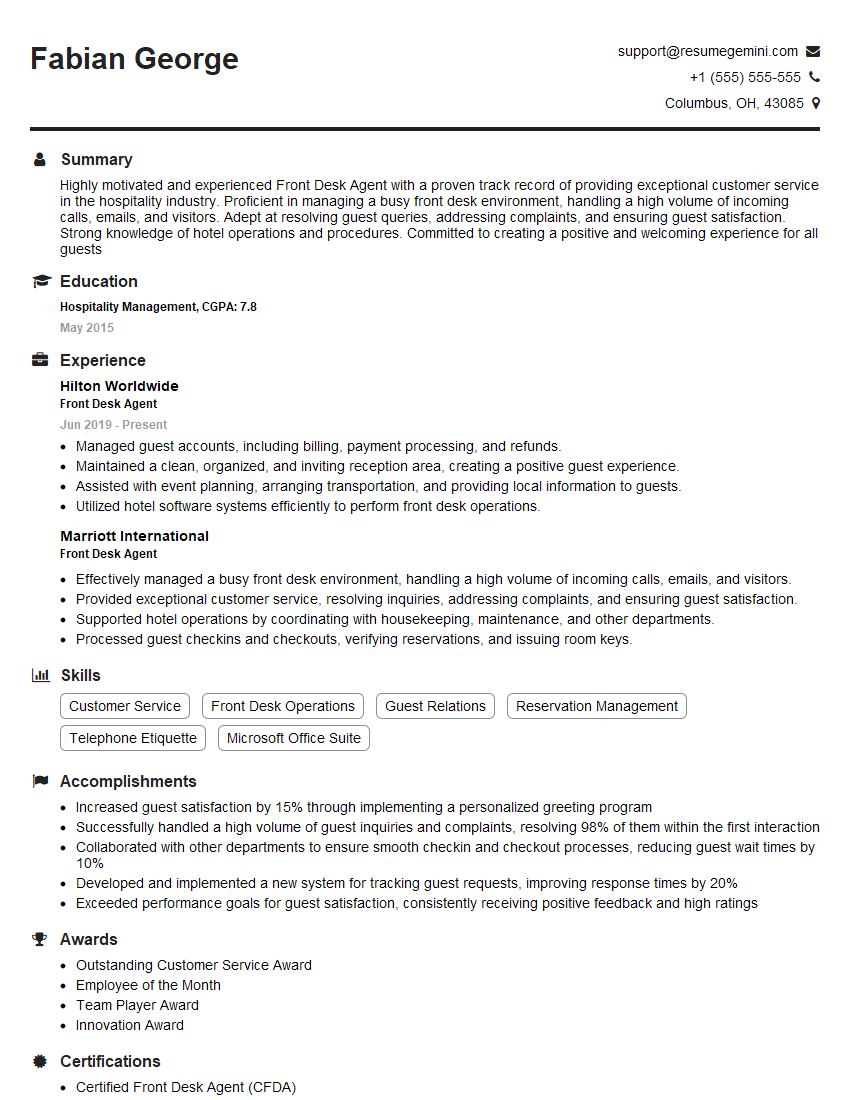
Front Desk Agent Resume Sample
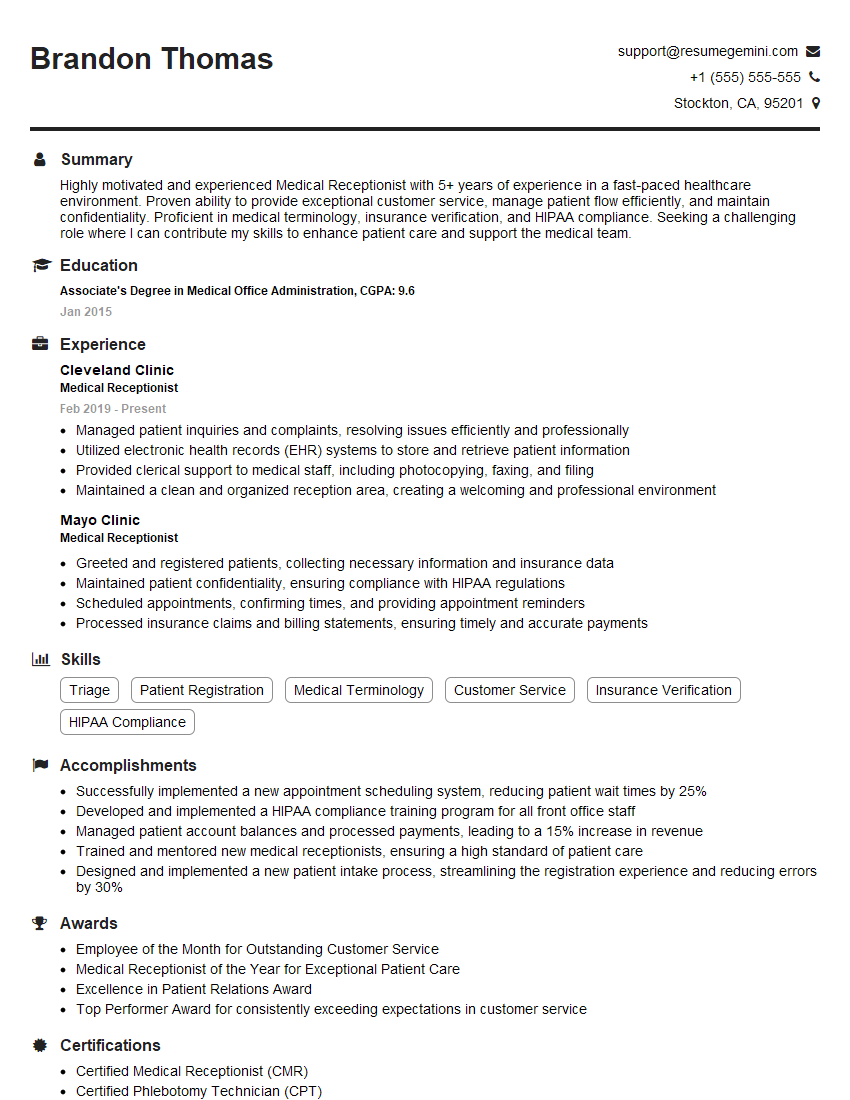
Medical Receptionist Resume Sample
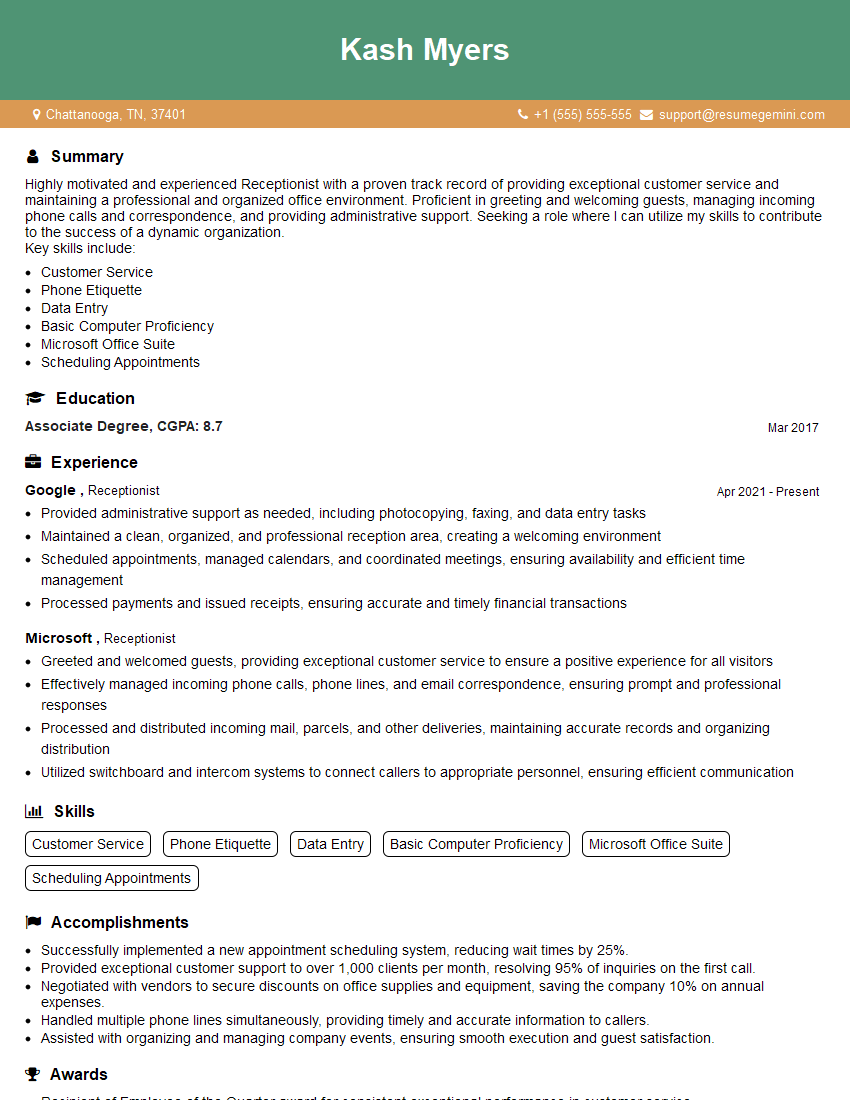
Receptionist Resume Sample
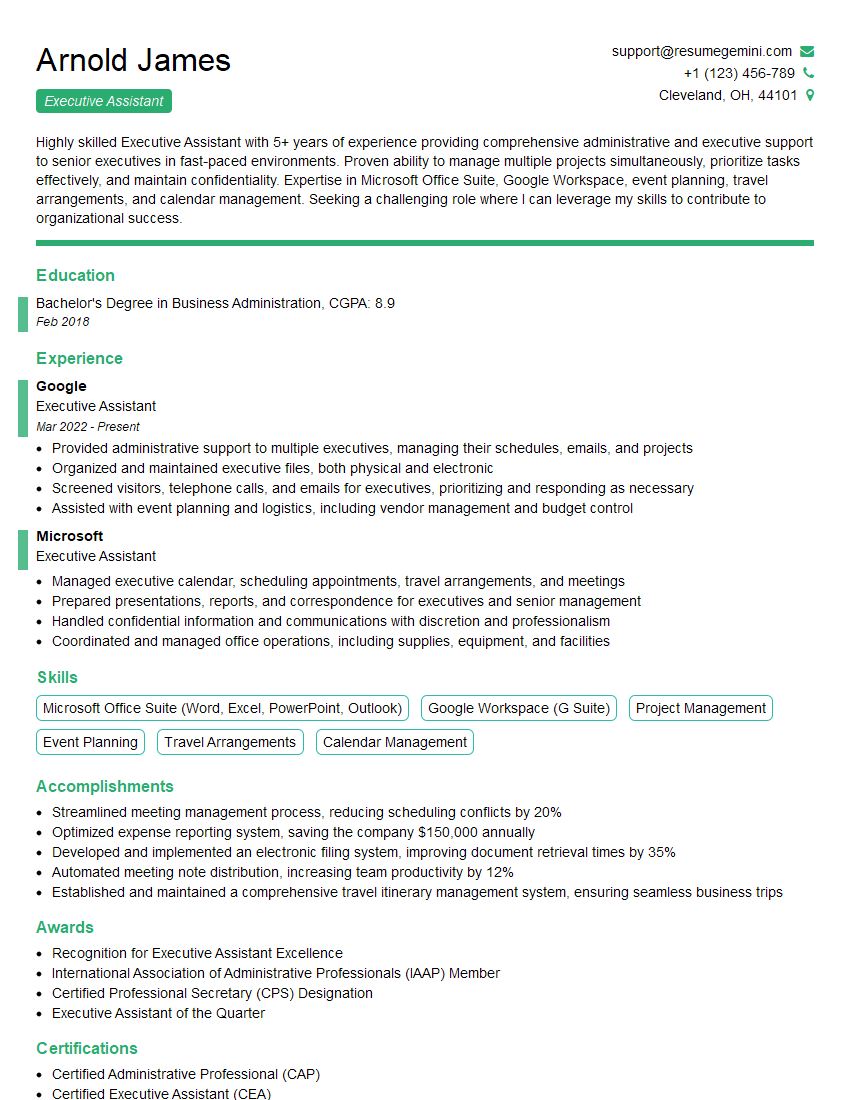
Executive Assistant Resume Sample
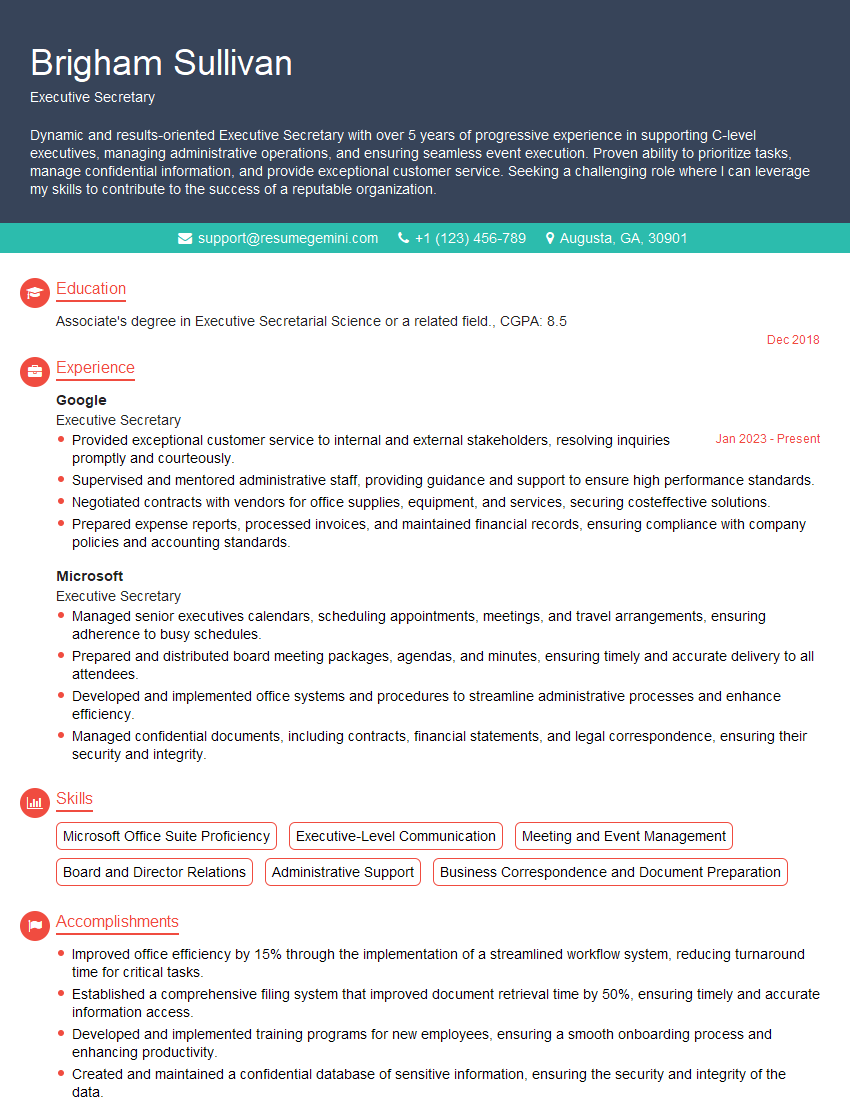
Executive Secretary Resume Sample
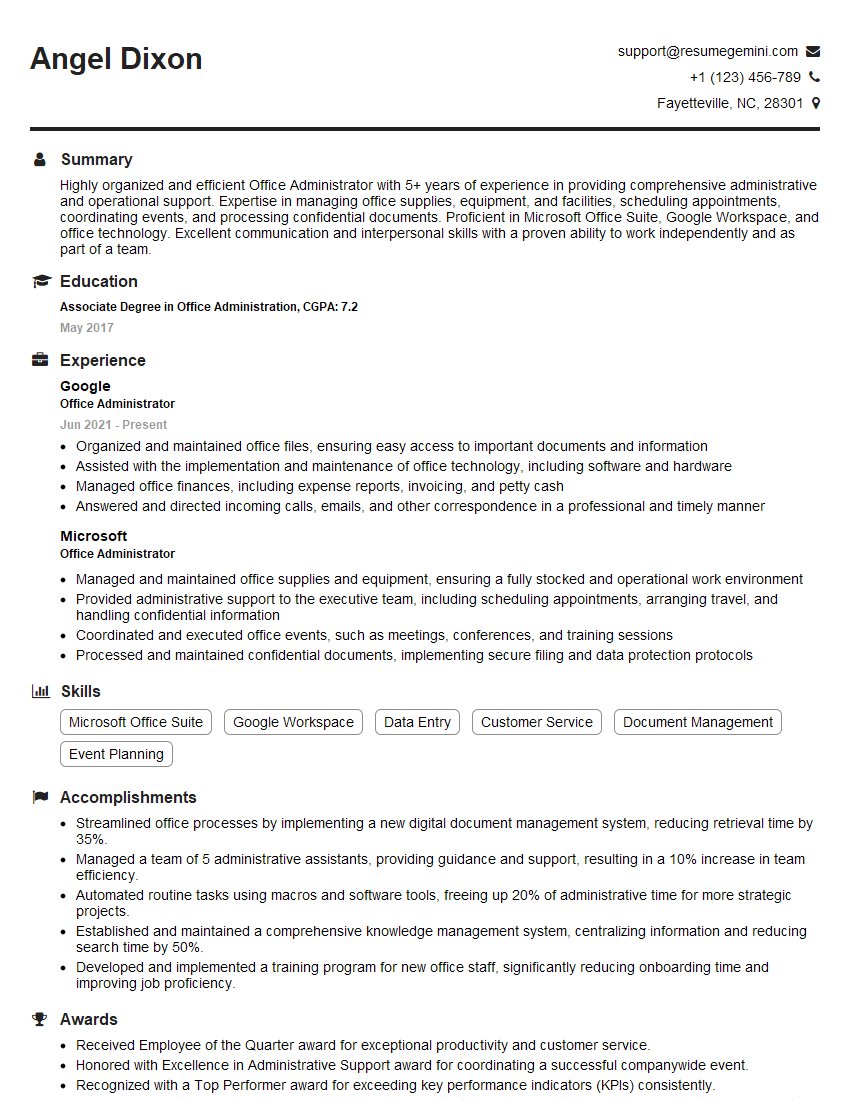
Office Administrator Resume Sample
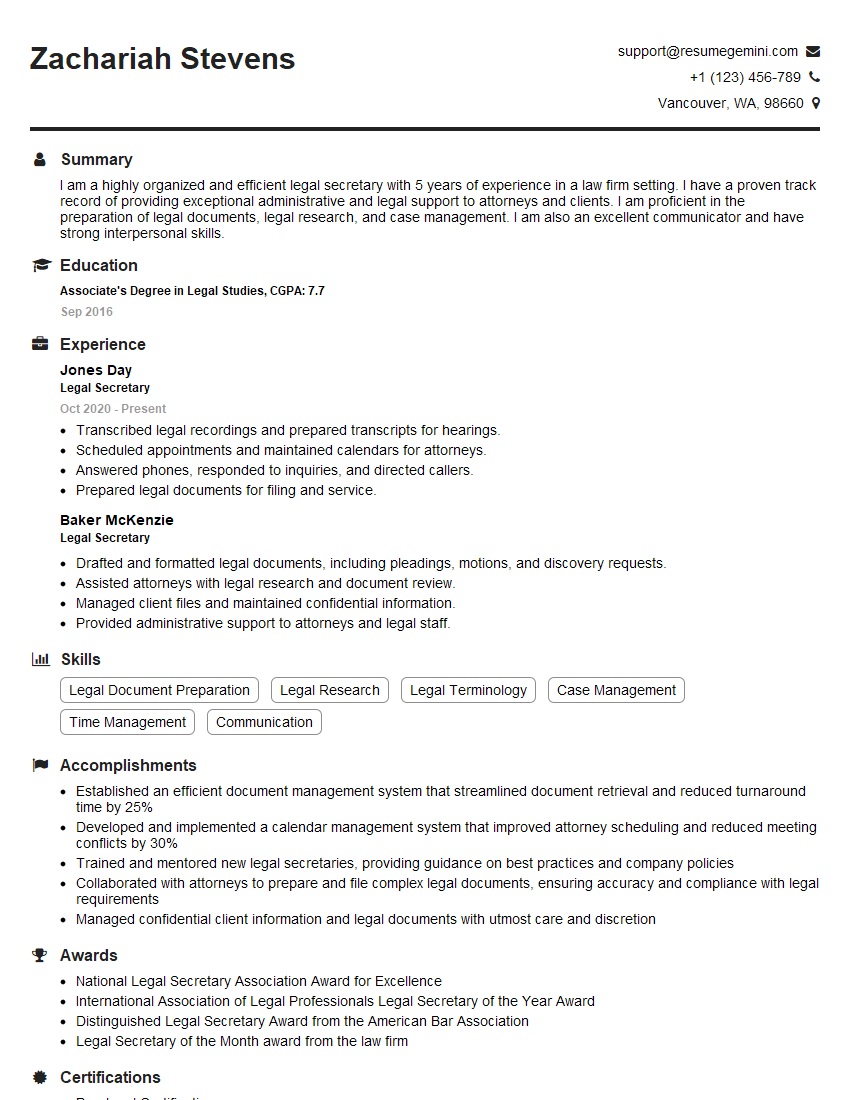
Legal Secretary Resume Sample

Data Entry Clerk Resume Sample
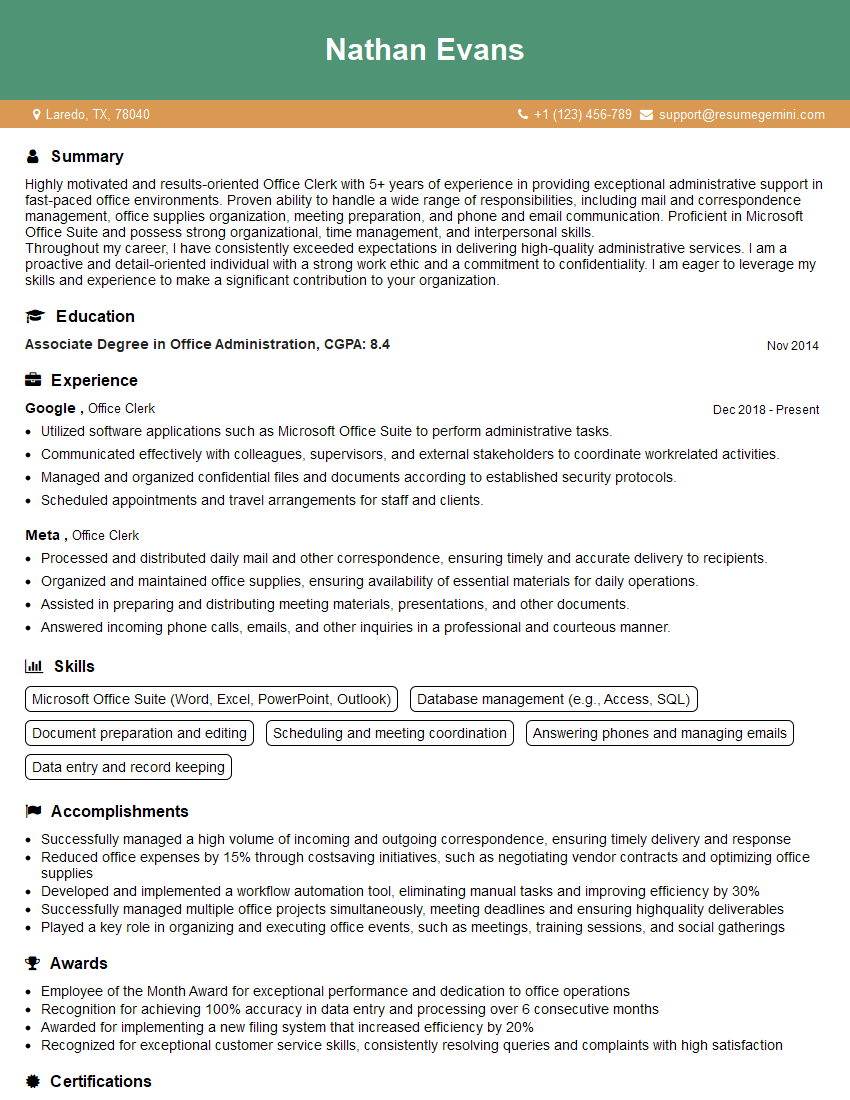
Office Clerk Resume Sample
- Office Manager
- Communications Coordinator
- Administrative Assistant
- Customer Service Representative
- Scheduling Coordinator
- Technical Support Specialist
- Help Desk Analyst
- Information Specialist
- Records Manager
- Communications Assistant
- Client Services Manager
- Appointment Setter
- Call Center Agent
- Front Desk Agent
- Medical Receptionist
- Receptionist
- Executive Assistant
- Executive Secretary
- Office Administrator
- Legal Secretary
- Data Entry Clerk
- Office Clerk
Explore more articles
Users Rating of Our Blogs
Share Your Experience
We value your feedback! Please rate our content and share your thoughts (optional).
What Readers Say About Our Blog
Really detailed insights and content, thank you for writing this detailed article.
IT gave me an insight and words to use and be able to think of examples