The right preparation can turn an interview into an opportunity to showcase your expertise. This guide to CAD/CAM and Geometric Dimensioning and Tolerancing (GD&T) interview questions is your ultimate resource, providing key insights and tips to help you ace your responses and stand out as a top candidate.
Questions Asked in CAD/CAM and Geometric Dimensioning and Tolerancing (GD&T) Interview
Q 1. Explain the difference between feature control frames and datum references.
Feature Control Frames (FCFs) and Datum References are fundamental components of Geometric Dimensioning and Tolerancing (GD&T). Think of them as the instruction manual for a part’s dimensions and tolerances. FCFs specify the allowable variation for a specific geometric characteristic, like the position, perpendicularity, or flatness of a feature. Datum references, on the other hand, provide the stable foundation or reference points from which these tolerances are measured.
For example, imagine a hole that needs to be precisely positioned on a plate. The FCF would define the allowable positional tolerance of that hole (e.g., within 0.1mm of a specified location). The datum references (typically represented by A, B, C etc. on the drawing) define the specific surfaces or features of the plate used to establish the coordinate system for measuring that positional tolerance. Without datum references, the positional tolerance is essentially meaningless as there’s no consistent basis for measurement.
In essence: FCFs tell you *what* the tolerance is, and datum references tell you *where* to measure that tolerance from.
Q 2. Describe the different types of tolerances used in GD&T.
GD&T uses various types of tolerances to control different aspects of a part’s geometry. These can be broadly classified into:
- Size Tolerances: These are the familiar plus/minus tolerances that define the allowable variation in the size of a feature (e.g., diameter of a shaft, length of a hole). They are usually specified using basic dimensioning and tolerances.
- Form Tolerances: These control the shape of a feature, including:
- Straightness: How straight a line or axis is.
- Flatness: How flat a surface is.
- Circularily/Roundness: How round a circle is.
- Cylindricity: How cylindrical a surface is.
- Orientation Tolerances: These control the angular relationship between features:
- Perpendicularity: How perpendicular a surface or axis is to a datum.
- Angularity: How closely an angle matches a specified angle.
- Parallelism: How parallel two features are to each other.
- Location Tolerances: These control the position and orientation of features relative to datums:
- Position: How accurately a feature’s center is located.
- Concentricity: How concentric two features are.
- Symmetry: How symmetrical a feature is relative to a datum.
- Runout Tolerances: These control the variation in the orientation and location of features as they rotate. Circular runout and total runout are the common types.
Q 3. How do you interpret a positional tolerance?
A positional tolerance specifies the permissible variation in the location of a feature’s centerpoint relative to a datum reference frame. It’s expressed as a circular zone within which the feature’s center must lie. For instance, ±0.1 in a positional tolerance means the center of the feature must be within a circle of 0.1 diameter.
Interpreting a positional tolerance requires understanding the datum references involved. For example, ±0.1 (A, B) indicates that the positional tolerance is referenced to datums A and B. Datum A might be a primary datum plane and Datum B a secondary datum plane, providing a robust reference system. Measurement is taken from the established coordinate system defined by the datums.
Imagine a hole that needs to be accurately positioned on a part. The positional tolerance ensures the hole’s center remains within the specified zone relative to the part’s primary and secondary reference surfaces. This is crucial for proper assembly and functionality.
Q 4. What are the benefits of using GD&T in manufacturing?
Using GD&T in manufacturing offers several key advantages:
- Improved Communication: GD&T provides a clear and unambiguous language for specifying tolerances, minimizing misunderstandings between designers, manufacturers, and inspectors.
- Enhanced Quality: GD&T leads to better part quality by specifying the functional requirements of parts, ensuring they meet their intended purpose. This reduces rework and scrap.
- Increased Efficiency: By focusing on functional tolerances, manufacturers can optimize manufacturing processes, potentially reducing costs and lead times.
- Better Inspection: GD&T provides clearer inspection criteria, making it easier to verify part quality and detect deviations.
- Global Interoperability: GD&T is an internationally recognized standard, facilitating seamless collaboration on global projects.
For example, specifying a positional tolerance instead of multiple bilateral tolerances ensures that the functionality of a part (the ability to mate with another part) is prioritized over non-critical dimensions.
Q 5. Explain the concept of a datum feature.
A datum feature is a specific geometric feature on a part that serves as a primary reference point for measuring other features. These features are usually planar surfaces (like faces or planes), cylindrical surfaces (like holes or shafts), or spherical surfaces. Think of them as the stable, well-defined origins from which all other measurements are made.
Datums are typically designated with capital letters (A, B, C, etc.) on engineering drawings and are chosen based on manufacturing considerations and functional requirements. For instance, a large, flat, and precisely machined surface is ideal for a primary datum feature (A) because it provides a stable reference. Secondary and tertiary datums are then selected, creating a three-dimensional coordinate system. The order of the datums (A-B-C) indicates the relative importance of each datum in establishing the coordinate system.
The selection of datum features is crucial because the accuracy and reliability of dimensional measurements directly depend on the stability and precision of these references.
Q 6. How do you create a 3D model using CAD software?
Creating a 3D model in CAD software typically involves a sequence of steps:
- Sketching: Begin by creating a 2D sketch of the part’s profile or cross-section using built-in tools. This often involves lines, arcs, curves, and other geometric primitives.
- Feature Creation: Use the sketch as a base to create 3D features like extrudes (creating a solid by extending the sketch), revolves (creating a solid by rotating the sketch), sweeps (creating a solid by moving the sketch along a path), etc.
- Boolean Operations: Combine or subtract features using Boolean operations (union, difference, intersection) to create complex shapes.
- Feature Editing: Modify existing features to adjust size, shape, and position.
- Constraints and Relations: Apply constraints and relations to ensure dimensional accuracy and consistency between different features.
- Parameterization: Define parameters to control dimensions, allowing for easy modification and design exploration.
- Assembly Modeling: Combine multiple parts to create assemblies and simulate their interactions.
Different CAD software packages offer various functionalities and user interfaces, but the fundamental concepts remain the same. A good understanding of fundamental modeling techniques is vital for efficient 3D model creation. For example, you might use an extrude feature to create a cylindrical shaft from a circular sketch, and then use a revolve feature to add a shoulder to the shaft.
Q 7. What are the different types of CAD software you are familiar with?
I’m proficient in several widely-used CAD software packages, including:
- SolidWorks: A feature-based parametric modeling software known for its ease of use and robust capabilities.
- Autodesk Inventor: Another popular feature-based parametric modeling software with strong assembly and simulation features.
- Creo Parametric (formerly Pro/ENGINEER): A powerful parametric modeling software commonly used in the aerospace and automotive industries.
- Autodesk AutoCAD: While primarily a 2D drafting software, AutoCAD also offers 3D modeling capabilities.
- Fusion 360: A cloud-based CAD/CAM/CAE software that integrates various design and manufacturing tools.
My experience with these software packages extends to various aspects of the design process, from initial concept sketching to detailed part modeling, assembly modeling, and generating manufacturing documentation.
Q 8. How do you create CNC programs from a 3D model?
Creating CNC programs from a 3D model involves using CAD/CAM software. Think of it like translating a detailed blueprint into instructions a robot can understand. The process begins by importing your 3D model (usually in formats like STEP, IGES, or STL) into the CAM software. Then, you define the machining operations—like milling, turning, or drilling—needed to create the part. This includes selecting appropriate tools, defining cutting parameters (speeds, feeds, depths of cut), and setting up workholding strategies. The software then uses sophisticated algorithms to generate the toolpaths—the precise movements the CNC machine will follow to remove material and create the finished part. This results in a G-code file, a standardized language understood by CNC machines, which controls the machine’s actions.
For example, imagine you’re making a complex engine part. You would import the 3D CAD model into software like Mastercam or Fusion 360, select milling as your machining strategy, define the roughing and finishing passes, choose the appropriate end mills, and specify cutting parameters. The software will then generate the G-code that tells the CNC mill exactly how to move to create the final part.
Q 9. Describe the process of generating toolpaths for milling.
Generating toolpaths for milling is a crucial step in CAD/CAM programming. It involves defining how a cutting tool will remove material from a workpiece to achieve the desired shape. The process typically starts with defining the stock material (the starting block of material) and the desired final part geometry. The CAM software then uses algorithms to create a series of tool movements, taking into account factors like tool size, cutting parameters (feed rate, spindle speed, depth of cut), and the desired surface finish. Toolpath strategies vary; common ones include:
- Roughing: Removes the bulk of the material quickly, often using larger tools with aggressive cuts.
- Finishing: Creates the final surface finish, typically using smaller tools with finer cuts, aiming for the desired surface roughness.
- Contouring: Follows the outline of the part.
- Pocketing: Removes material from enclosed areas.
The software optimizes toolpaths to minimize machining time, prevent collisions, and ensure a smooth, efficient process. Proper toolpath generation is key to achieving both efficiency and part quality. Improper toolpaths can lead to broken tools, poor surface finish, or even damage to the machine.
Q 10. What are the common challenges in CAD/CAM programming?
Common challenges in CAD/CAM programming include:
- Geometric Complexity: Complex geometries can be difficult to program efficiently, requiring careful consideration of toolpath strategies and tool selection.
- Tool Selection: Choosing the right tool for the job is critical. Incorrect tool selection can lead to poor surface finish, tool breakage, or longer machining times.
- Collision Avoidance: Ensuring that the tool doesn’t collide with the fixture or the part itself is vital to prevent damage. Advanced CAM software incorporates sophisticated collision detection algorithms.
- Machining Time Optimization: Finding the optimal balance between machining time and surface finish can be challenging. Experienced programmers learn to optimize toolpaths for efficiency.
- CAM Software Expertise: Mastering advanced CAM software requires significant training and experience. It’s not just about clicking buttons; it involves understanding the underlying principles and algorithms.
- GD&T Implementation: Incorporating GD&T (Geometric Dimensioning and Tolerancing) into the CAD model and subsequent CAM programming can be complex but is crucial for ensuring part accuracy and functionality.
Overcoming these challenges requires a combination of technical expertise, experience, and the use of appropriate software tools.
Q 11. How do you ensure dimensional accuracy in manufacturing?
Dimensional accuracy in manufacturing is paramount. It’s ensured through a multi-faceted approach starting with the design stage. Accurate CAD modeling with proper GD&T (Geometric Dimensioning and Tolerancing) annotations is the first critical step. GD&T uses symbols and notations to specify tolerances on dimensions, form, orientation, location, and runout. These specifications give clear requirements to the manufacturer.
During manufacturing, several methods ensure accuracy:
- Precise Machine Tools: Using well-maintained and calibrated CNC machines is fundamental.
- Proper Workholding: Secure and accurate fixturing prevents part movement during machining.
- In-process Inspection: Using CMM (Coordinate Measuring Machines) or other inspection tools to verify dimensions during the manufacturing process catches errors early.
- Post-process Inspection: Final inspection ensures the finished part meets all specifications.
Choosing the right materials and considering factors like thermal expansion also contributes to dimensional accuracy.
Q 12. Explain the concept of material removal rate (MRR).
Material Removal Rate (MRR) is a crucial parameter in machining. It represents the volume of material removed per unit time. Think of it as the speed at which your CNC machine is ‘eating away’ at the workpiece. It’s typically expressed in cubic millimeters per minute (mm³/min) or cubic inches per minute (in³/min).
MRR is calculated by considering factors like the cutting speed, feed rate, depth of cut, and the geometry of the cutting tool. A higher MRR generally means faster machining, but it can also lead to increased tool wear, heat generation, and potentially reduced surface finish quality. Optimizing MRR is a key aspect of efficient and effective CNC programming. It’s a balancing act—you want to remove material quickly, but not at the cost of tool life or part quality.
For instance, roughing operations typically have higher MRR values compared to finishing operations, where the focus is on precise surface finish rather than speed.
Q 13. What are the different types of CNC machines?
CNC machines come in a variety of types, each suited to different machining operations:
- Milling Machines: Use rotating cutters to remove material from a workpiece. These can be 3-axis, 4-axis, or 5-axis machines, with more axes allowing for more complex part geometries.
- Turning Machines (Lathes): Rotate a workpiece against a stationary cutting tool to create cylindrical parts.
- Drilling Machines: Create holes in workpieces.
- Grinding Machines: Use abrasive wheels to remove very small amounts of material, achieving high precision and surface finish.
- EDM (Electrical Discharge Machining) Machines: Use electrical sparks to remove material, ideal for intricate shapes and hard materials.
- Laser Cutting Machines: Use lasers to cut various materials.
- Waterjet Cutting Machines: Cut materials using a high-pressure jet of water.
The choice of CNC machine depends heavily on the part geometry, material properties, and required tolerances.
Q 14. What is the difference between 2D and 3D CAD?
The key difference lies in the dimensionality they represent. 2D CAD software creates drawings in two dimensions (length and width), primarily used for drafting flat objects like blueprints or simple parts. Think of it like drawing on a piece of paper. It’s relatively straightforward and suitable for simple designs.
3D CAD, on the other hand, creates models in three dimensions (length, width, and height). These models are much more realistic representations of objects. 3D CAD allows for more complex designs, including the creation of solid models that can be used directly in CAM for manufacturing. It’s essential for creating complex parts or assemblies, allowing for analysis of designs, simulations, and much more.
A simple example would be drawing a rectangle in 2D CAD, representing a flat plate. In 3D CAD, you could model a complex, three-dimensional engine block with all its internal features.
Q 15. How do you handle geometric constraints in CAD modeling?
Geometric constraints in CAD modeling define the relationships between geometric entities like points, lines, surfaces, and solids. They ensure the model behaves as intended and prevents unexpected changes during edits. Think of them as the ‘rules’ that govern the model’s geometry. They are essential for creating robust and predictable designs.
- Point constraints: Fix a point’s location in space (e.g., a hole center).
- Distance constraints: Define the distance between two points or entities (e.g., the distance between two parallel lines).
- Angle constraints: Specify angles between lines or surfaces (e.g., a 90-degree angle between two walls).
- Coincidence constraints: Align two points or entities (e.g., making a line exactly overlap another line).
- Tangency constraints: Ensure two curves or surfaces smoothly touch each other without intersecting.
- Parallelism and perpendicularity constraints: Enforce parallel or perpendicular relationships between lines or surfaces.
For example, imagine designing a bracket. Constraints would ensure the holes are spaced correctly, the mounting surface is perfectly perpendicular to the mounting face, and any curves are smooth and consistent. Without these constraints, even a minor edit could distort the entire design.
Career Expert Tips:
- Ace those interviews! Prepare effectively by reviewing the Top 50 Most Common Interview Questions on ResumeGemini.
- Navigate your job search with confidence! Explore a wide range of Career Tips on ResumeGemini. Learn about common challenges and recommendations to overcome them.
- Craft the perfect resume! Master the Art of Resume Writing with ResumeGemini’s guide. Showcase your unique qualifications and achievements effectively.
- Don’t miss out on holiday savings! Build your dream resume with ResumeGemini’s ATS optimized templates.
Q 16. Explain the concept of surface finish and how it is specified.
Surface finish, also known as surface roughness, describes the texture of a machined surface. It impacts the part’s functionality, appearance, and durability. A smoother surface might be needed for sealing or fluid flow, while a rougher surface could offer better grip or paint adhesion. Surface finish is specified using various methods, most commonly through parameters like Ra (average roughness) or Rz (ten-point height). These are measured in micrometers (µm).
Specification Methods:
- Numerical values: Directly specifying Ra or Rz values (e.g., Ra ≤ 0.8 µm). This provides precise control.
- Symbols and grades: Using symbols or grades (e.g., N6, which corresponds to a specific Ra range) as defined in standards like ISO 1302.
- Textual descriptions: Using descriptive terms like ‘fine,’ ‘medium,’ or ‘rough’ (less precise, should be avoided for critical applications).
For instance, a critical seal surface might need a Ra of 0.2 µm (extremely smooth), while a non-critical surface might tolerate a Ra of 3.2 µm (relatively rough). The choice depends entirely on the application and design requirements.
Q 17. What are the different types of machining processes?
Machining processes remove material from a workpiece to create a desired shape and surface finish. There’s a wide variety, each suited to different materials and geometries. Here are some key categories:
- Turning: Rotating the workpiece against a cutting tool to create cylindrical shapes.
- Milling: Using a rotating cutter to remove material from a stationary or moving workpiece, capable of complex shapes.
- Drilling: Creating holes in the workpiece using a rotating drill bit.
- Boring: Enlarging existing holes to precise dimensions.
- Reaming: Producing precise holes with high surface finish.
- Grinding: Using abrasive wheels to remove small amounts of material, achieving very fine surface finishes.
- Electro Discharge Machining (EDM): Using electrical discharges to remove material from conductive materials.
- Wire EDM: A specialized EDM process using a thin wire as the electrode to create intricate shapes.
Choosing the right process depends on factors like material hardness, required accuracy, surface finish, and the complexity of the part. For example, turning is ideal for producing cylindrical components, while milling is versatile enough for complex shapes.
Q 18. Describe the process of verifying a CNC program before running it on a machine.
Verifying a CNC program before running it on the machine is crucial to prevent costly errors and machine damage. This is typically done through a multi-step process:
- Dry Run/Simulation: The program is simulated within the CAM software, often with a virtual representation of the machine and tooling. This checks for collisions, toolpath errors, and other potential issues.
- Toolpath Verification: Detailed inspection of the generated toolpath, ensuring it aligns with the desired geometry and avoids any unexpected movements. Often utilizes visual inspection and analytical checks.
- Code Review: Reviewing the generated CNC code for syntax errors, logic errors, and compliance with machine specifications. Experienced programmers can often identify potential problems.
- Optional: Part Program Testing on a Simulator. More advanced systems let you run a simulation that generates a ‘virtual’ part which you can then compare to your original CAD model.
- Machine Verification (Optional): In some cases, particularly for complex or critical parts, a trial run on a similar machine or a dedicated test machine might be performed before machining the final part.
Ignoring these steps can lead to tool breakage, machine damage, scrapped parts, and costly delays. A careful verification process is an investment in efficient and reliable manufacturing.
Q 19. How do you troubleshoot errors in a CNC program?
Troubleshooting errors in a CNC program requires a systematic approach. It involves examining the program code, machine setup, and the actual machining process.
- Analyze Error Messages: Carefully examine any error messages reported by the CNC machine. These often pinpoint the problem’s location.
- Review the CNC Code: Check for syntax errors, incorrect tool selections, missing or incorrect coordinate data, incorrect feed rates, and improper toolpath definition.
- Check the Machine Setup: Verify that the machine is properly calibrated, the tools are correctly installed and set, and the workholding is secure. This is often overlooked.
- Examine the Toolpath: Analyze the toolpath visually using the CAM software. This helps identify collisions, unexpected movements, or areas where the toolpath doesn’t match the design intent.
- Use Diagnostic Features: Many CNC machines have built-in diagnostics that can help identify problems. These tools provide information about machine status, performance, and errors.
- Step-by-Step Execution (Optional): In complex cases, running the program step-by-step (single block execution) can help pinpoint the exact point of failure.
Remember, careful documentation and systematic troubleshooting are key to fixing errors efficiently. Learning to read and understand error messages is a critical skill for CNC programmers.
Q 20. Explain the relationship between design intent and manufacturing process.
Design intent refers to the designer’s goals and intentions for a part’s form, function, and performance. Manufacturing process considerations are how those intentions are translated into reality, The relationship between the two is crucial for successful product development. A design that ignores manufacturing constraints is likely to be expensive, difficult, or even impossible to produce.
Example: A designer might envision a part with intricate undercuts. If the design doesn’t account for the limitations of the chosen manufacturing process (e.g., injection molding), it may be impossible to create that part economically. Understanding the capabilities and limitations of a process allows for more realistic designs.
Collaboration is Key: Effective communication between designers and manufacturing engineers is paramount. This involves:
- Design for Manufacturing (DFM): Incorporating manufacturing considerations early in the design process.
- Tolerance Analysis: Analyzing tolerances to ensure manufacturability and functionality.
- Process Simulation: Simulating the manufacturing process to validate the design.
Ignoring this relationship can lead to design flaws, manufacturing challenges, and increased costs. A robust design considers not only the intended function but also how it will be manufactured.
Q 21. What is the role of simulation in CAD/CAM?
Simulation in CAD/CAM plays a vital role in predicting and verifying the performance of designs and manufacturing processes before physical prototyping. It saves time, resources, and reduces risks.
- Design Simulation: Analyzing the structural integrity, thermal behavior, fluid flow, or other physical properties of a design. This ensures that the part will function correctly under expected operating conditions. Examples include Finite Element Analysis (FEA) and Computational Fluid Dynamics (CFD).
- Process Simulation: Simulating the manufacturing process itself (e.g., machining, casting, molding) to optimize toolpaths, cutting parameters, material flow, or other process variables. This can be done using specialized CAM software.
- Assembly Simulation: Simulating the assembly process to identify potential problems like interference, incorrect fit, or difficulty in assembly. This reduces issues in the production line.
Benefits: Simulation allows for:
- Early detection of design flaws: Identify problems before they become costly to fix.
- Optimization of designs and processes: Improve efficiency and reduce material waste.
- Reduced prototyping costs: Minimize the need for expensive physical prototypes.
- Improved product quality: Ensure that parts meet performance requirements.
In short, simulation helps create better products more efficiently, transforming CAD/CAM from a solely design and manufacturing tool into a predictive and optimization platform.
Q 22. How do you manage data exchange between CAD and CAM systems?
Data exchange between CAD and CAM systems is crucial for seamless manufacturing. It involves translating design data from CAD software (like SolidWorks, AutoCAD, or Creo) into a format usable by CAM software (like Mastercam, Fusion 360, or PowerMILL) for machining instructions. This process needs careful management to avoid data loss or errors that could lead to costly mistakes in production.
Effective data exchange relies on using standardized file formats like STEP (Standard for the Exchange of Product data), IGES (Initial Graphics Exchange Specification), or Parasolid. These formats allow different software packages to understand and interpret the geometric and topological information. However, even with standardized formats, issues can arise. For instance, different CAD systems might handle certain features slightly differently, leading to minor discrepancies in the translated data. This requires a thorough understanding of the limitations of each format and the ability to inspect the translated model closely for any anomalies.
The process typically involves exporting the CAD model in a chosen neutral file format. The CAM software then imports this file, allowing the programmer to create toolpaths, define machining parameters (spindle speed, feed rate, depth of cut), and generate the necessary CNC code for the manufacturing process. Regular checks and validation throughout this process are essential to prevent errors and ensure the final product matches the original design intent.
Consider a scenario where a complex part with intricate features is designed in SolidWorks. We export it as a STEP file, then import into Mastercam for 5-axis milling. Careful attention to model fidelity during the import process and subsequent toolpath creation is vital to avoid collisions or inaccuracies in the finished part. Often, we employ a process of iterative refinement, comparing the simulated machining process in CAM software with the original CAD model to catch and rectify any potential issues early on.
Q 23. How do you interpret and apply geometric dimensioning and tolerancing (GD&T) symbols?
Geometric Dimensioning and Tolerancing (GD&T) uses symbols and annotations to precisely define the allowable variations in a part’s geometry. It’s far more comprehensive than traditional tolerancing, clarifying the intent and permissible deviations with clarity and precision. Interpreting these symbols requires a deep understanding of ASME Y14.5 (the standard that governs GD&T) and practical experience.
For example, a \diameter symbol followed by a dimension indicates a diameter tolerance. A position symbol defines the allowed positional variation of a feature relative to a datum reference frame. The flatness symbol indicates the maximum allowable deviation from a perfect plane. Each symbol includes parameters such as tolerance values and datum references which collectively specify the acceptable limits for a geometric characteristic.
Consider a cylindrical feature with a position tolerance. The symbol would include a positional tolerance value and references to datums (e.g., A, B, C). These datums represent specific features on the part used as a basis for measuring positional tolerance. The actual application involves defining how the part should be constrained to accurately measure the position of the cylindrical feature to the given tolerances. This goes beyond simple plus/minus tolerances and addresses the overall form, orientation, and location of the feature.
Understanding GD&T requires familiarity with various symbols, including those for straightness, circularity, cylindricity, profile, angularity, perpendicularity, parallelism, and runout. Each symbol has specific meanings and requirements, and proper interpretation is critical to successful manufacturing and quality control.
Q 24. What are the different types of datums?
Datums are fundamental reference points, lines, or planes from which dimensions and tolerances are measured. They provide the stable and controlled framework for defining the geometric relationship between features of a part. Incorrectly chosen datums can invalidate GD&T and lead to misinterpretations during inspection and manufacturing.
- Datum Feature: This is the actual physical feature on the part (e.g., a surface, hole, or edge) selected to serve as a datum.
- Datum Feature Simulator (DFS): A simulated datum feature, often employed when the datum feature itself is not directly measurable or accessible.
- Datum Reference Frame (DRF): A three-dimensional coordinate system established by the selected datums. This frame serves as the basis for measuring other features’ locations and orientations according to GD&T.
Imagine manufacturing a part with three primary surfaces. To establish a datum reference frame, one might choose a particularly flat and stable surface (e.g., a base plate) as datum A, a second surface perpendicular to the first as datum B, and a third surface defining the height as datum C. This DRF, defined by A, B, and C, ensures consistency and repeatability in the dimensional control of the part throughout its manufacturing lifecycle. Using primary, secondary, and tertiary datums, and selecting these carefully is crucial to accurately defining the part’s tolerance zone.
Q 25. Explain the concept of virtual condition in GD&T.
Virtual condition in GD&T considers the theoretically perfect form of a feature, even if the actual manufactured part deviates slightly. It assumes that the part conforms to the ideal geometry for the purpose of measuring tolerances. This is especially important for features with form tolerances (like straightness, flatness, circularity, etc.).
For instance, consider a shaft specified to have a straightness tolerance. In reality, the manufactured shaft might have slight imperfections—it’s not perfectly straight. However, the virtual condition principle allows us to conceptually straighten the shaft before measuring deviations from other features. We essentially use an ‘idealized’ version of the feature to establish the reference for other dimensions and tolerances, streamlining the inspection process and ensuring more consistent results.
This approach is beneficial in situations where perfect form is practically impossible to achieve in manufacturing. It allows for some allowable form deviations while still ensuring acceptable functional requirements are met. The concept of virtual condition is essential in ensuring that the GD&T constraints are both accurate and practical within the context of manufacturing processes.
Q 26. How do you use GD&T to improve product quality and reduce costs?
GD&T plays a significant role in improving product quality and reducing costs. By precisely defining tolerances and relationships between features, it minimizes ambiguity and ensures consistent product performance. This leads to improved fit, function, and assembly.
Improved Quality: GD&T reduces the risk of manufacturing defects because it explicitly clarifies acceptable variations. With clear guidelines, manufacturers can better control the manufacturing process and reduce the number of rejected parts. It avoids the vague language of traditional tolerancing, removing chances of misinterpretations and enhancing the final product’s reliability.
Reduced Costs: While implementing GD&T might initially require more up-front design effort, it ultimately reduces costs in the long run. Fewer rejected parts mean less material waste and reduced rework. Moreover, improved assembly accuracy reduces production time and labor costs. Efficiently defined tolerances streamline the entire process—design, manufacturing, inspection, and assembly.
For example, designing a complex assembly using GD&T allows for tighter tolerances where necessary (critical functional interfaces) and looser tolerances where less precision is required. This strategic application of GD&T prevents over-engineering and saves material and labor costs without compromising functionality.
Q 27. Describe a time you had to solve a complex CAD/CAM problem.
During the development of a complex medical device, we encountered a challenge integrating a miniature, intricately designed actuator into a tight housing. The initial CAD model, while seemingly functional, caused interference issues during simulated assembly in the CAM software. The problem stemmed from tight tolerances not adequately defined within the CAD model and a lack of comprehensive GD&T annotations. The initial attempt at machining the housing and actuator based on the initial CAD data led to assembly issues.
My solution involved a multi-step approach: first, I meticulously reviewed the assembly process step-by-step, using the CAM software’s simulation capabilities. This pinpointed the exact points of interference. Next, I employed GD&T to specify tolerances for critical features – particularly the actuator’s shaft and the corresponding housing bore – using position, runout, and cylindricity tolerances. This provided a clearer understanding of the acceptable deviations. Finally, I implemented design changes – slightly modifying the part geometry based on this GD&T analysis. This involved iterating between the CAD and CAM software until we achieved a flawless, interference-free virtual assembly.
This resulted in a functional prototype without the need for expensive and time-consuming rework. This experience highlighted the crucial role GD&T plays in complex designs, avoiding costly errors and streamlining the development process. The detailed analysis and application of GD&T demonstrated my ability to resolve complex problems and manage the entire CAD/CAM process effectively.
Key Topics to Learn for CAD/CAM and Geometric Dimensioning and Tolerancing (GD&T) Interview
- CAD Software Proficiency: Mastering at least one major CAD software (SolidWorks, AutoCAD, Creo, etc.) is crucial. Focus on your modeling skills, including part creation, assembly design, and drafting techniques.
- CAM Programming Fundamentals: Understand the principles of CNC machining, including toolpath generation, simulation, and optimization. Be prepared to discuss various machining strategies and their applications.
- GD&T Principles: Thoroughly grasp the fundamental concepts of GD&T, including tolerances, datum features, and geometric controls. Practice interpreting and applying GD&T symbols on engineering drawings.
- Practical Application of GD&T: Be ready to discuss how GD&T impacts manufacturing processes, quality control, and part functionality. Showcase examples where your understanding of GD&T has improved design or manufacturing efficiency.
- Tolerance Stack-up Analysis: Demonstrate your ability to analyze how individual tolerances accumulate and affect the overall assembly. This often involves using statistical methods or specialized software.
- Manufacturing Processes & Materials: A solid understanding of various manufacturing processes (milling, turning, 3D printing, etc.) and their relationship to material selection is beneficial.
- Problem-Solving & Troubleshooting: Prepare examples from your past experiences where you had to solve CAD/CAM or GD&T related problems. Highlight your analytical skills and methodical approach.
- Design for Manufacturing (DFM): Showcase your knowledge of designing parts that are both functional and manufacturable, considering cost, time, and feasibility within manufacturing constraints.
Next Steps
Mastering CAD/CAM and GD&T opens doors to exciting and rewarding careers in engineering and manufacturing. These skills are highly sought after and demonstrate a valuable combination of technical expertise and practical problem-solving abilities. To maximize your job prospects, create a compelling and ATS-friendly resume that highlights your skills and accomplishments. ResumeGemini is a trusted resource to help you build a professional resume that showcases your expertise effectively. Examples of resumes tailored to CAD/CAM and Geometric Dimensioning and Tolerancing (GD&T) are available to guide you. Take the next step towards your dream career today!
Process Engineer Resume Sample

Automation Engineer Resume Sample

Design Engineer Resume Sample
Quality Engineer Resume Sample
Aerospace Engineer Resume Sample

Manufacturing Engineer Resume Sample
Metrologist Resume Sample
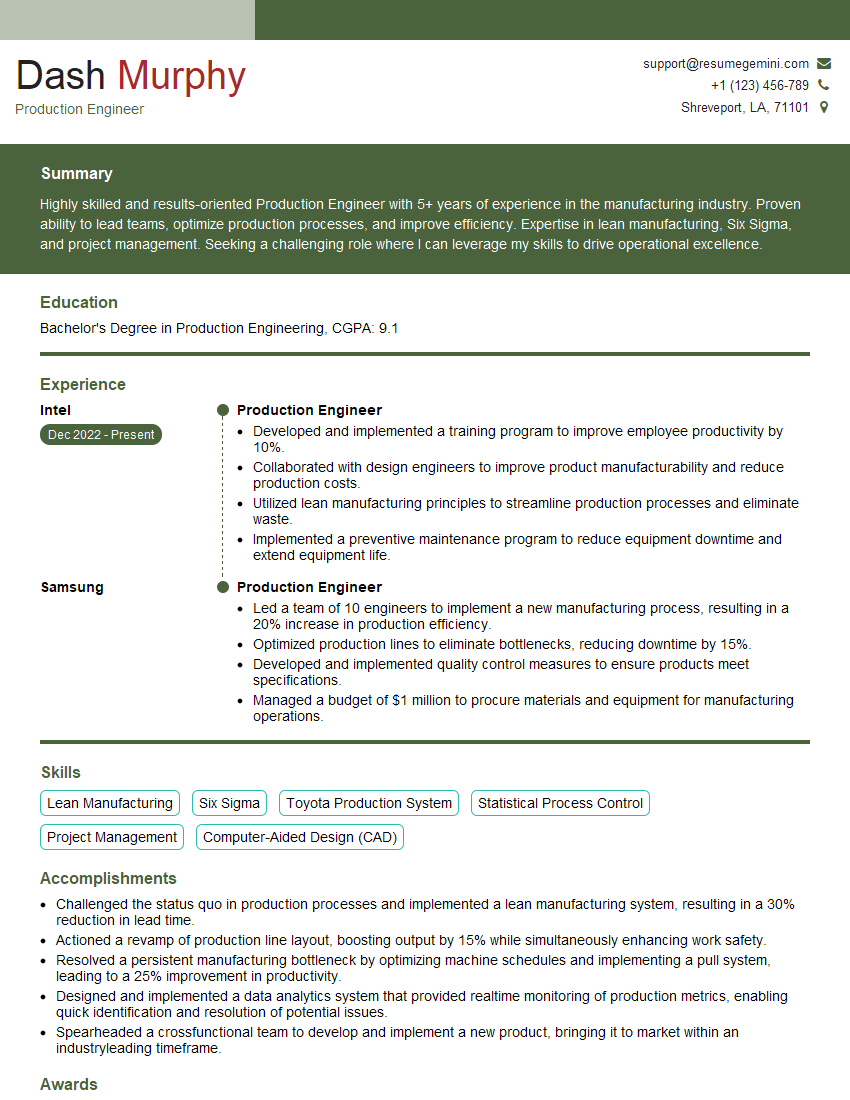
Production Engineer Resume Sample
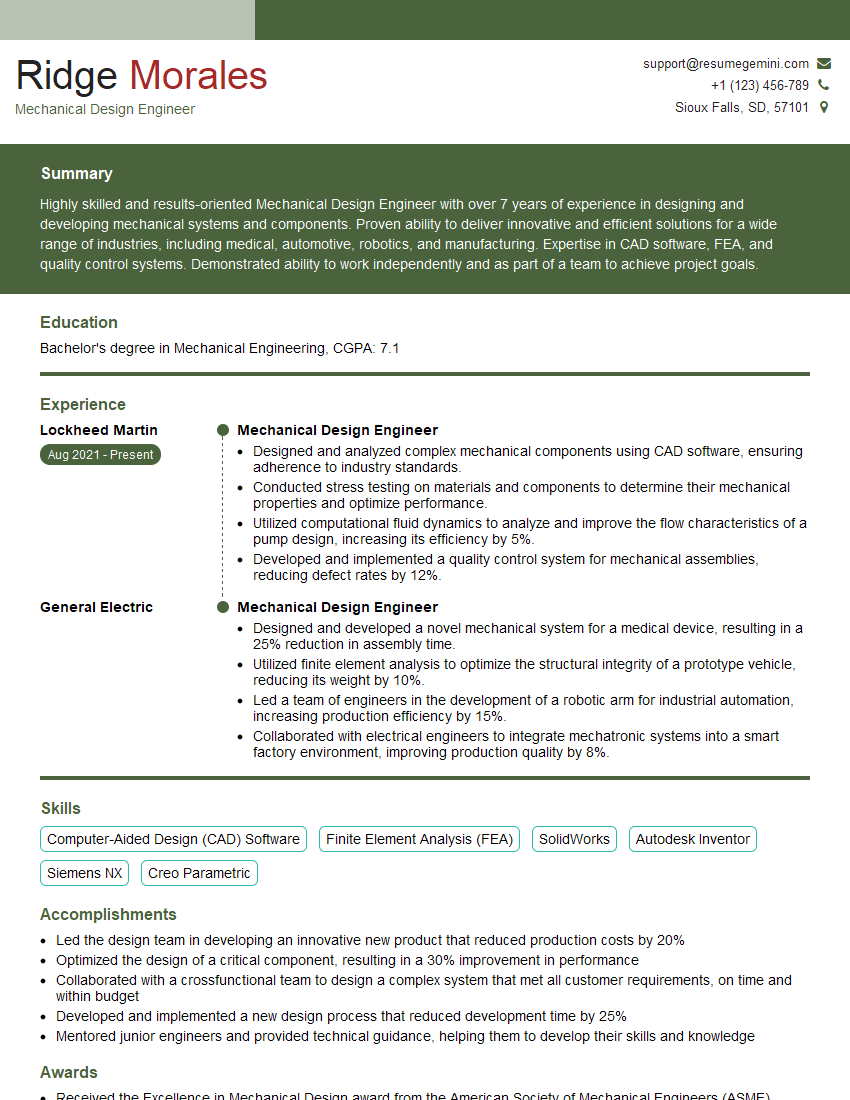
Mechanical Design Engineer Resume Sample
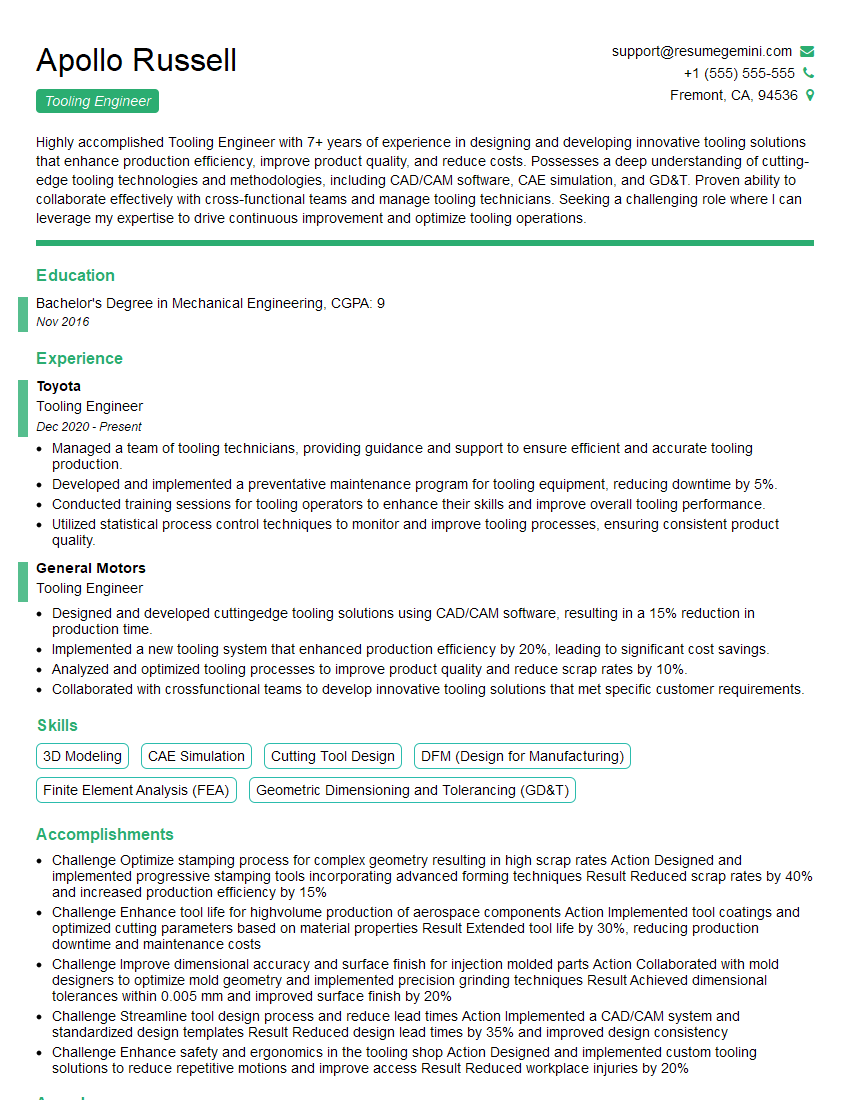
Tooling Engineer Resume Sample
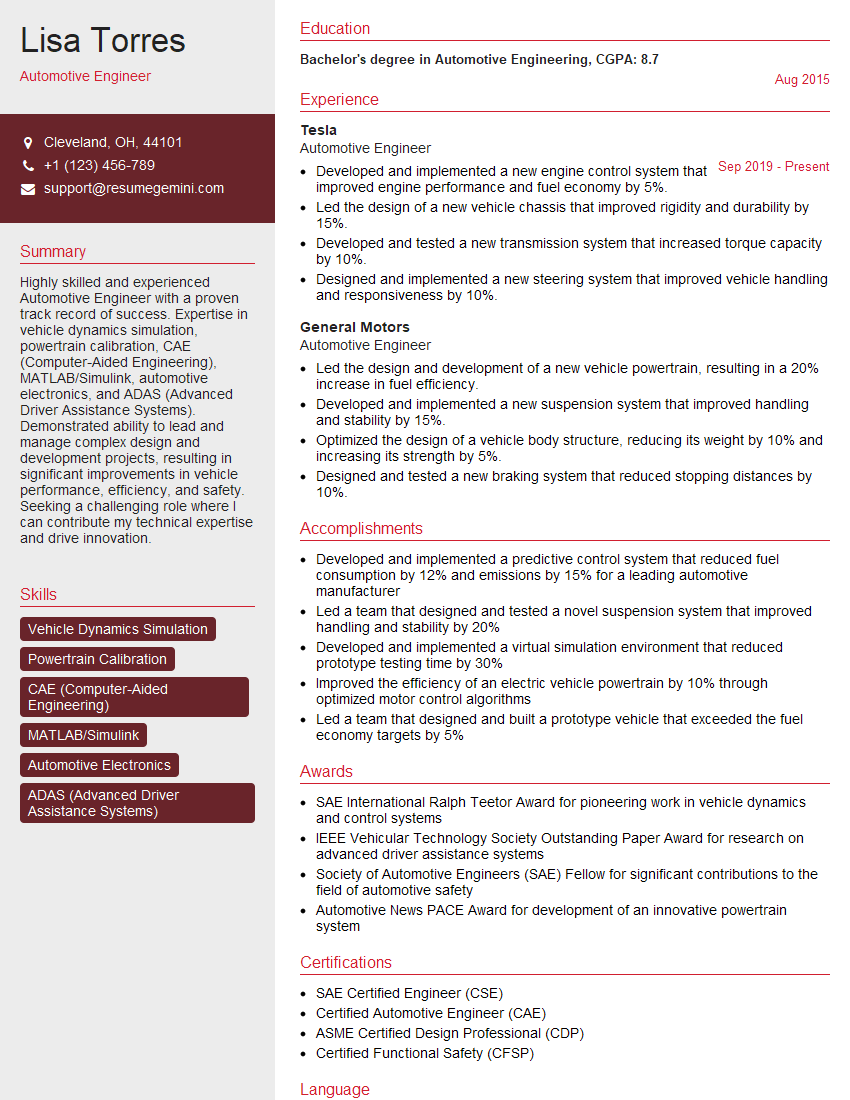
Automotive Engineer Resume Sample
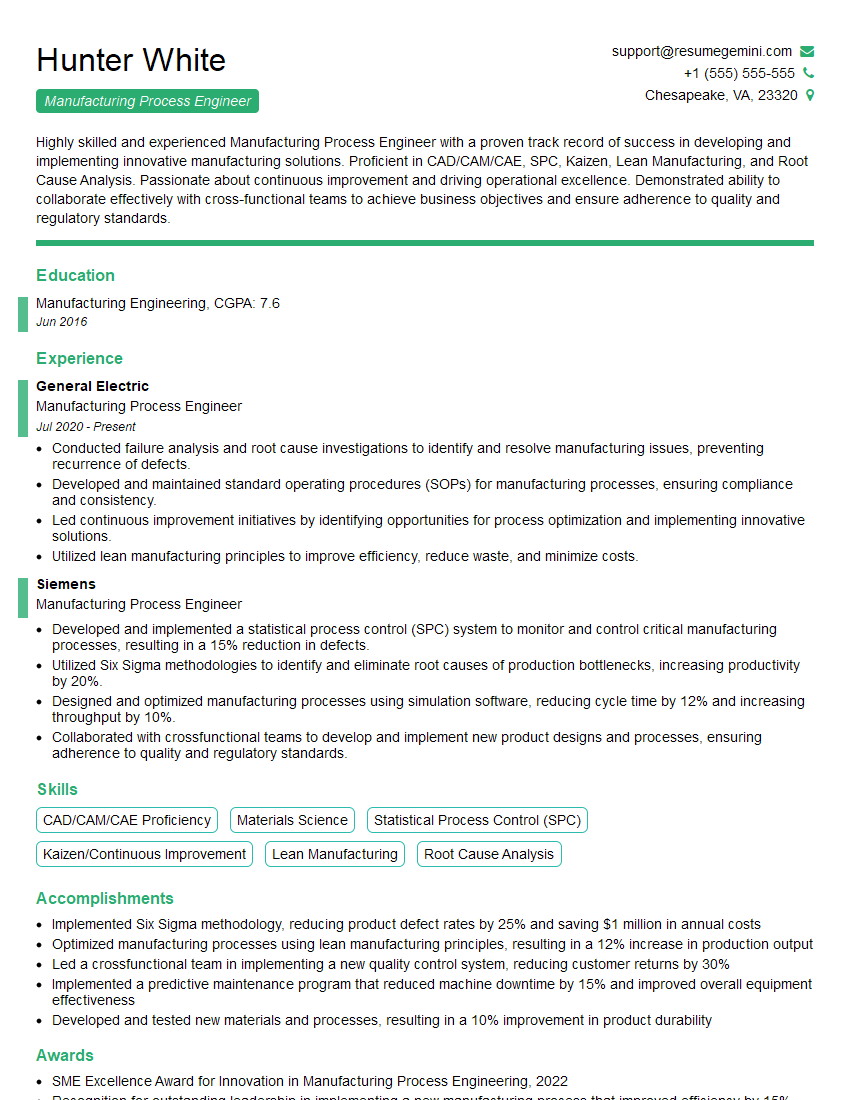
Manufacturing Process Engineer Resume Sample
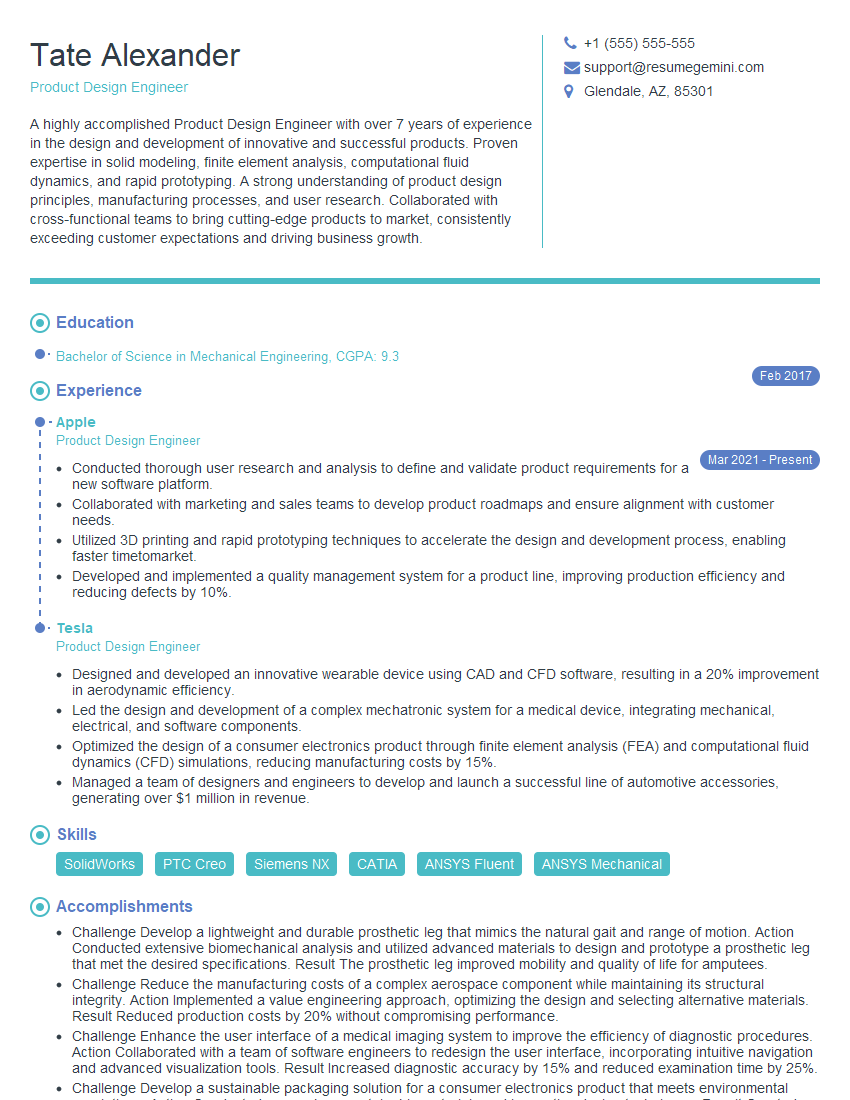
Product Design Engineer Resume Sample

Robotics Engineer Resume Sample
Explore more articles
Users Rating of Our Blogs
Share Your Experience
We value your feedback! Please rate our content and share your thoughts (optional).
What Readers Say About Our Blog
Really detailed insights and content, thank you for writing this detailed article.
IT gave me an insight and words to use and be able to think of examples