Preparation is the key to success in any interview. In this post, we’ll explore crucial CAD/CAM Software (CATIA, SolidWorks) interview questions and equip you with strategies to craft impactful answers. Whether you’re a beginner or a pro, these tips will elevate your preparation.
Questions Asked in CAD/CAM Software (CATIA, SolidWorks) Interview
Q 1. Explain the difference between wireframe, surface, and solid modeling.
In CAD software, we use three primary modeling techniques: wireframe, surface, and solid modeling. They represent different stages of design complexity and data richness.
- Wireframe Modeling: This is the most basic type, representing the object using only lines and points. Think of it like a sketch—it defines the object’s edges and vertices but doesn’t convey any information about its volume or surface. It’s useful for initial conceptual design or creating simple 2D drawings. Imagine sketching the outline of a car on a piece of paper; that’s essentially a wireframe representation.
- Surface Modeling: This builds upon wireframes by adding surfaces to the lines and points. It’s like covering the wireframe with skin. Surface models define the shape of the object more accurately but still lack volume information. They’re ideal for complex shapes like car bodies or aerodynamic components where the surface quality is critical. Think of sculpting clay—you’re creating a surface without a defined interior.
- Solid Modeling: This is the most complete representation. It defines the object’s volume and all its physical properties, including mass and center of gravity. This allows for more detailed analysis and manufacturing planning. Solid models are created using various techniques like Boolean operations (combining and subtracting solids) or by extruding or revolving 2D profiles. Imagine a 3D printed object; it represents a solid model—it has a defined interior and exterior.
The choice of modeling technique depends entirely on the design stage and the required level of detail. Often, a design process will start with wireframe, progress to surface modeling, and finally culminate in a solid model ready for manufacturing.
Q 2. Describe your experience with feature-based modeling.
Feature-based modeling is my preferred method. It’s a powerful approach where you build a model by adding or subtracting features (like holes, extrudes, revolves, etc.) to a base feature. This parametric approach allows for easy design changes and modification. For example, if I need to change the diameter of a hole, I simply modify the parameter controlling the hole’s diameter, and the entire model updates automatically. This is significantly more efficient than manually editing geometry.
In my experience with both SolidWorks and CATIA, I’ve extensively used feature-based modeling for creating a variety of parts, from simple brackets to complex assemblies. I’ve found it invaluable in managing design complexity, ensuring consistency, and enabling efficient design iterations. A project I worked on involved designing a complex injection molded part. By employing feature-based modeling, we were able to quickly iterate on design changes requested by the client, ensuring a smooth development process and preventing costly errors.
Q 3. How do you manage large assemblies in SolidWorks/CATIA?
Managing large assemblies requires a strategic approach. In SolidWorks and CATIA, I utilize several techniques to streamline the process and maintain performance:
- Component Simplification: Simplifying components by using lightweight representations, such as simplified geometry or using reference geometry instead of full models where appropriate, significantly improves performance. This is particularly crucial when dealing with thousands of parts.
- Top-Down Assembly Design: I always prefer a top-down approach, starting with the main assembly and progressively adding sub-assemblies. This allows for better control and management of the assembly structure, reduces complexity and speeds up regeneration time.
- Component Suppression: Suppressing components that are not actively being worked on improves performance. This allows for quicker interactions and prevents the software from having to render unnecessary components.
- Efficient Use of Design Tables: Design tables allow for easy parameter modification of numerous parts simultaneously. This allows for design exploration and streamlining of design modifications across a large assembly.
- Large Assembly Management Tools: Both SolidWorks and CATIA offer built-in tools for managing large assemblies; utilizing these tools, such as component pattern and assembly patterns, can significantly improve efficiency.
Furthermore, proper organization of components within the assembly is critical. Using folders and logical naming conventions helps in quickly locating and managing specific parts. Regularly saving and backing up work is also crucial for preventing data loss.
Q 4. What are your preferred methods for creating complex curves and surfaces?
Creating complex curves and surfaces requires a blend of theoretical understanding and practical skills. My preferred methods often involve a combination of techniques:
- Spline Curves: Splines offer great flexibility for creating smooth, organic shapes. In both SolidWorks and CATIA, I use control points and tangent vectors to shape splines precisely. This is especially useful for modeling freeform surfaces like car bodies or sculpted parts.
- Sweep Features: Sweeping a profile along a path is a powerful tool for generating complex surfaces. This involves defining a cross-section (profile) and a guiding path—the surface is then generated by sweeping the profile along the path. This is particularly handy for creating ducts or complex, curved parts.
- Surface of Revolution: Revolving a 2D profile around an axis generates a surface of revolution, useful for creating symmetric parts. This approach is efficient and easily controlled.
- Fill Surface: This tool allows creating surfaces from multiple curves by defining the boundary and using algorithms to fill the gaps; this enables the creation of complex, free-form surfaces.
- Advanced Surface Editing Tools: Both platforms offer sophisticated tools for surface editing—such as surface blending, patching, and trimming—to create seamless transitions between different sections.
The choice of technique depends heavily on the geometry being modeled. Often, a combination of these methods yields the best results for intricate shapes.
Q 5. Explain your experience with different types of constraints in CAD software.
Constraints are fundamental to assembly modeling; they define the relationships between parts. My experience encompasses a wide range of constraints including:
- Geometric Constraints: These define relationships such as mate, concentric, tangent, parallel, perpendicular, etc. They’re crucial for ensuring accurate assembly and preventing interference.
- Dimensional Constraints: These define specific distances or angles between parts. They add precise measurements to the assembly model, ensuring accurate positioning.
- Advanced Constraints: Both platforms offer more sophisticated constraints such as insert, flush, and coincident, which enable more precise and complex assembly modeling.
Effective constraint application requires careful planning and understanding. Over-constraining can lead to assembly issues; under-constraining can lead to instability. I prioritize a structured approach, ensuring each constraint serves a clear purpose and contributes to overall assembly stability.
For example, when assembling a gearbox, I would first use mate constraints to align the shafts and then use dimensional constraints to ensure proper gear meshing. Proper constraint application ensures a stable and accurately assembled model.
Q 6. How do you handle design changes and revisions in your CAD workflow?
Managing design changes is crucial. My workflow incorporates several key strategies:
- Version Control: I always utilize version control systems (like PDM systems) to track changes, allowing me to revert to previous revisions if necessary. This ensures design history and reduces the risk of errors.
- Parametric Modeling: Feature-based parametric modeling enables easy modification of parameters that automatically propagate through the model. This minimizes the manual rework needed when design changes are implemented.
- Design Review: Regular design reviews with stakeholders help identify potential issues early and prevent costly revisions later in the process.
- Configuration Management: For different design variations (e.g., different sizes or configurations of a product), I use configurations to manage different iterations within a single model. This keeps the design history intact while facilitating modifications.
- Detailed Documentation: Changes are documented meticulously, including reasons for the changes, dates, and responsible personnel. This improves transparency and facilitates future design iterations.
By employing these strategies, I ensure a smooth and efficient process even when faced with significant design alterations.
Q 7. Describe your experience with CAD data management systems.
Experience with CAD data management systems (PDM) is essential for collaborative projects. I’m proficient in several PDM systems, both standalone and integrated with CAD software. These systems offer:
- Centralized Data Storage: PDM systems provide a central repository for all CAD data, improving access control, preventing data loss, and ensuring consistency across the team.
- Revision Control: They manage design revisions, track changes, and allow users to easily access previous versions. This is vital for managing complex design projects.
- Workflow Automation: PDM systems can automate various design processes, such as approval workflows, ensuring designs are checked and approved before release.
- Collaboration Tools: PDM systems enable collaboration by allowing multiple users to access and work on designs simultaneously. This enhances team efficiency.
- Data Security: They provide robust security features to prevent unauthorized access and protect intellectual property.
In past projects, using PDM has been instrumental in streamlining communication and improving team coordination. It ensures that everyone works with the latest design versions, reducing errors and saving time.
Q 8. What are your preferred techniques for creating detailed drawings?
Creating detailed drawings requires a methodical approach that combines CAD software proficiency with a strong understanding of engineering principles. My preferred techniques involve leveraging the power of features within CATIA and SolidWorks to generate accurate and comprehensive documentation.
- Smart Parts & Assemblies: I heavily utilize smart parts and assemblies to manage part variations and configurations, reducing drawing clutter and enhancing data management. Changes made to the parent part automatically propagate to all instances in the assembly, ensuring consistency across all drawings. For example, modifying a screw size in a parent part automatically updates the dimension on all drawings where that screw is used.
- Detail Views & Section Views: Mastering the creation of detailed views and section views is crucial. For complex parts, strategically placed section views can greatly improve clarity and reduce drawing size, improving the overall design communication. A simple example is a detailed cross-section view of a complex casting to highlight internal features.
- Dimensioning & Tolerancing: Proper dimensioning and tolerancing are non-negotiable. I adhere to ASME Y14.5 standards, applying GD&T (Geometric Dimensioning and Tolerancing) symbols to ensure manufacturing tolerances are clearly defined, eliminating ambiguities and preventing potential manufacturing errors. This often involves using SolidWorks’ built-in GD&T tools.
- Bill of Materials (BOM) Integration: A complete drawing includes an integrated and accurate BOM. I ensure this is meticulously maintained throughout the design process. Any modifications to the assembly automatically update the BOM, minimizing discrepancies.
- Revision Control: Employing robust revision control is critical. I utilize my software’s revision management features to track all design changes, ensuring that the latest version of the drawing is always readily available and any past versions can be recalled as needed.
By combining these techniques, I ensure that my drawings are not only comprehensive and accurate but also easily understandable by manufacturers and other stakeholders.
Q 9. Explain your experience with CAM software and toolpath generation.
My experience with CAM software encompasses a wide range of applications, from simple 2.5D milling to complex 5-axis machining strategies. I’m proficient in generating toolpaths using both CATIA and SolidWorks CAM modules, as well as dedicated CAM software like Mastercam. My process emphasizes generating efficient and manufacturable toolpaths that minimize machining time and maximize part quality.
- Toolpath Strategies: I select toolpath strategies based on part geometry and material properties. For example, I’ll use roughing strategies like adaptive clearing for removing large amounts of material quickly and finishing strategies like high-speed machining for creating smooth surface finishes.
- Simulation & Verification: Before sending a toolpath to a CNC machine, I always simulate it to identify potential collisions or other issues. This step significantly reduces the risk of machine damage or part defects. SolidWorks CAM’s simulation capabilities are particularly helpful in this regard.
- Post-Processing: Post-processing is essential to convert the toolpath into machine-specific code. I’m experienced in configuring post-processors for various CNC machines, ensuring the generated code is accurate and efficient. This also often involves optimizing the code for specific machine capabilities.
- Optimization: I continuously look for opportunities to optimize toolpaths for reduced cycle times. This can involve adjusting cutting parameters, changing tool selection, or modifying the machining strategy. A recent project involved reducing machining time by 20% by optimizing the toolpath strategy.
I approach CAM as an extension of the design process, ensuring that the generated toolpaths are not only technically sound but also pragmatic and efficient from a manufacturing perspective. This holistic approach helps deliver high-quality parts on time and within budget.
Q 10. How do you ensure the manufacturability of your designs?
Ensuring manufacturability is a cornerstone of my design process. I actively consider manufacturing constraints throughout the design phase, rather than as an afterthought. This includes evaluating factors like material selection, part geometry, tolerances, and assembly processes.
- DFM (Design for Manufacturing): I employ DFM principles from the initial concept stage. This involves choosing readily available materials, simplifying geometries to reduce machining time and costs, and ensuring that parts are easily assembled. For example, avoiding complex undercuts or blind holes in castings drastically simplifies the molding process.
- Tolerance Analysis: Careful tolerance analysis using GD&T is crucial. I ensure tolerances are achievable given the selected manufacturing processes and avoid overly tight tolerances that drive up costs. A clear understanding of the manufacturing capabilities is vital in this step.
- Material Selection: Material selection significantly impacts manufacturability. I carefully consider the material’s machinability, cost, and properties to select the optimal material for the given application. For instance, choosing a readily available aluminum alloy over a specialized titanium alloy can vastly reduce manufacturing costs and lead time.
- Process Consultation: I frequently consult with manufacturing engineers to validate designs and ensure manufacturability. Collaboration and communication are key to bridging the gap between design and production. Early feedback often avoids costly redesigns later in the process.
My approach to manufacturability is proactive and collaborative, leading to designs that are not only functional but also cost-effective and efficiently produced.
Q 11. Describe your experience with GD&T (Geometric Dimensioning and Tolerancing).
I have extensive experience in applying GD&T (Geometric Dimensioning and Tolerancing) to ensure the proper interpretation of design intent and the creation of accurate and manufacturable parts. My understanding of ASME Y14.5 standards is comprehensive, enabling me to apply GD&T symbols correctly and effectively communicate manufacturing tolerances.
- Feature Control Frames (FCFs): I’m proficient in creating and interpreting FCFs to specify geometric tolerances such as position, perpendicularity, flatness, and roundness. This ensures that the manufacturing process adheres to precise specifications.
- Datum Reference Frames: Establishing proper datum reference frames is critical for accurate dimensioning. I understand how to select datums that accurately reflect the functionality and assembly of the part.
- Tolerance Stack-up Analysis: I perform tolerance stack-up analysis to ensure that cumulative tolerances do not compromise the functionality of the assembly. This requires a good understanding of how individual tolerances propagate throughout an assembly.
- Software Integration: I utilize the GD&T features built into both CATIA and SolidWorks to create and manage GD&T annotations efficiently and accurately. These tools streamline the process and ensure consistency.
My knowledge of GD&T extends beyond simple application; it’s about fully understanding its implications for manufacturability, cost, and assembly. It’s a critical element in ensuring the design’s successful translation into a functional, reliable product.
Q 12. What are your preferred methods for creating and managing design libraries?
Effective design library management is crucial for streamlining the design process and ensuring consistency. My preferred methods focus on both organization and accessibility, optimizing the reuse of existing components and designs.
- Structured File Organization: I use a hierarchical file structure for storing design libraries. This includes a clear naming convention for parts, assemblies, and drawings, ensuring easy retrieval and organization. Examples include using part numbers and revision levels in file names.
- Parameterization: I heavily use parameterization to create reusable design components. This allows for easy modification of parameters (like size or material) without redesigning the entire part. This approach is crucial for family parts and configurable designs.
- SolidWorks/CATIA Libraries: I leverage the built-in library features of SolidWorks and CATIA to effectively manage standardized components and parts. These tools allow for easy access and reuse of commonly used elements.
- Version Control: Integrating a version control system, like PDM (Product Data Management) software, is essential for managing revisions and ensuring everyone works with the latest versions of designs. This also allows for design collaboration and change tracking.
By utilizing a combination of structured file systems, parametric modeling, and PDM software, I create efficient and easily manageable design libraries, resulting in increased design speed and consistency.
Q 13. Explain your experience with simulation and analysis tools.
Simulation and analysis tools are integral to my design process, allowing for the verification of designs before manufacturing. My experience covers a range of analysis types, including finite element analysis (FEA) and computational fluid dynamics (CFD).
- FEA (Finite Element Analysis): I use FEA to analyze stress, strain, and deformation in components under various loading conditions. This helps identify potential weaknesses and optimize designs for strength and durability. Software like ANSYS or SolidWorks Simulation is often used for this purpose.
- CFD (Computational Fluid Dynamics): For designs involving fluid flow, I use CFD to simulate and analyze fluid behavior. This is particularly relevant in projects involving heat transfer, aerodynamics, or hydraulics. Similar software packages as FEA are utilized here.
- Other Analyses: My experience also extends to other analysis types, such as modal analysis (for vibration studies) and thermal analysis (to evaluate temperature distribution). The choice of the analysis type is dictated by the specific design requirements.
- Interpreting Results: Just as important as running the simulations is correctly interpreting the results. I possess the skills to interpret the output of these analyses and use them to improve designs. This includes understanding the limitations of the analysis and making informed design choices based on the results.
Simulation and analysis prevent costly errors by identifying potential problems early in the design process, leading to more robust and reliable products.
Q 14. How do you troubleshoot common CAD modeling issues?
Troubleshooting CAD modeling issues requires a systematic approach and a solid understanding of the software’s capabilities and limitations. My approach focuses on identifying the root cause of the problem and implementing a targeted solution.
- Identify the Error: The first step is clearly defining the error. This often involves examining error messages, inspecting the model geometry, and understanding the intended design.
- Check for Geometric Errors: Many issues arise from problems in geometry, such as overlapping surfaces, inconsistencies in topology, or incorrectly defined constraints. Identifying and resolving these errors often fixes the problem. Techniques include using the software’s diagnostic tools and visual inspections.
- Review History: Reviewing the model’s history can help pinpoint the source of the problem. SolidWorks and CATIA offer history trees to trace the model’s development.
- Rebuild the Model: If the error is persistent and difficult to identify, sometimes it’s more efficient to rebuild a part or assembly from scratch. This approach helps eliminate hidden errors or inconsistencies.
- Seek External Resources: Online forums, documentation, and expert consultations can be invaluable resources when troubleshooting complex issues. Using community forums and online help can often uncover solutions to common problems.
My problem-solving approach in CAD is iterative and systematic. I start with simple checks before progressing to more complex troubleshooting steps, ensuring a prompt and efficient resolution. I always prioritize understanding the underlying cause before implementing a solution.
Q 15. Describe your experience with different CAD file formats (e.g., STEP, IGES).
Throughout my career, I’ve extensively worked with various CAD file formats, understanding their strengths and limitations is crucial for seamless collaboration and data exchange. STEP (Standard for the Exchange of Product data) and IGES (Initial Graphics Exchange Specification) are two of the most common neutral file formats. STEP is preferred for its ability to handle complex data, including features, parameters, and assemblies. It’s more robust and retains more design intent than IGES. IGES, on the other hand, is a simpler format that’s been around longer, but it may lose some information during translation, especially with highly detailed models. I’ve used both extensively in projects involving different CAD software, ensuring compatibility across various platforms. For instance, I’ve successfully imported a complex assembly designed in SolidWorks as a STEP file into CATIA for further analysis and modifications without data loss. Conversely, I’ve used IGES when working with older systems or external partners who may not support the latest STEP standards, though I’m always aware of the potential for data loss.
Beyond STEP and IGES, I’m proficient in handling native formats like CATIA’s .CATPart and .CATProduct files, and SolidWorks’ .sldprt and .sldasm files. Understanding the nuances of each file type allows me to choose the most appropriate format based on the project’s needs, ensuring efficient data transfer and maintaining data integrity.
Career Expert Tips:
- Ace those interviews! Prepare effectively by reviewing the Top 50 Most Common Interview Questions on ResumeGemini.
- Navigate your job search with confidence! Explore a wide range of Career Tips on ResumeGemini. Learn about common challenges and recommendations to overcome them.
- Craft the perfect resume! Master the Art of Resume Writing with ResumeGemini’s guide. Showcase your unique qualifications and achievements effectively.
- Don’t miss out on holiday savings! Build your dream resume with ResumeGemini’s ATS optimized templates.
Q 16. How do you collaborate with other engineers and designers?
Collaboration is at the heart of successful product development. My approach centers around clear communication, effective use of collaborative platforms, and proactive problem-solving. I frequently use PDM (Product Data Management) systems to manage and share project files, ensuring everyone works with the latest versions. For instance, I’ve used Windchill and Teamcenter extensively, leveraging their version control and workflow functionalities. This helps to minimize conflicts and track changes throughout the design process. Beyond PDM, I leverage regular team meetings, presentations, and design reviews to keep everyone informed and aligned. I believe in active listening and constructive feedback, ensuring everyone’s input is valued and incorporated. In situations involving external partners, I’ve used neutral file formats like STEP and IGES to guarantee compatibility and prevent format-related issues.
One memorable instance involved a cross-functional team designing a new automotive component. We used a PDM system, which allowed for real-time feedback, clear version tracking, and the ability to review changes made by different team members. This significantly streamlined our workflow and improved our efficiency. I’m always willing to adapt my communication and collaboration strategies based on project requirements and team dynamics.
Q 17. Explain your experience with version control systems (e.g., Git).
While not as prevalent in my CAD workflow as PDM systems, I have experience using Git for managing design documentation, scripts, and macros used for automation within my CAD software. Understanding the fundamental concepts of branching, merging, and commit history is crucial for maintaining a clean and organized codebase. Git’s distributed nature offers flexibility, allowing for parallel development and easy rollback to previous versions if necessary. While I wouldn’t use it to directly manage CAD model files themselves (due to the large file sizes and binary nature), it’s invaluable for managing associated design data like automation scripts or simulation input files. This ensures that any changes made to these auxiliary files are tracked and can be reverted if required.
For example, I’ve used Git to manage a set of macros I wrote in VBA for automating repetitive tasks in SolidWorks, such as generating manufacturing drawings or creating bill of materials (BOMs). This allowed me to easily share these macros with other team members, manage different versions, and revert to previous versions if needed. This contributes to improved efficiency and consistency across projects.
Q 18. What is your experience with parametric modeling?
Parametric modeling is the cornerstone of my CAD design process. It allows me to define geometric relationships between design elements using parameters, making designs easily modifiable and adaptable. Changes made to a single parameter automatically update the entire model, saving time and ensuring consistency. In CATIA and SolidWorks, I frequently use parameters to define dimensions, relationships, and constraints. For example, in designing a bracket, I’d parameterize the length, width, thickness, and hole diameters, allowing me to quickly create variations by simply adjusting the parameters. This not only simplifies the design process but also allows for rapid prototyping and design iterations.
A practical example from my experience involves designing a complex injection-molded part. By parameterizing the wall thickness, rib dimensions, and draft angles, I could easily explore different design options while ensuring the part remained manufacturable. The ability to automatically update the entire model after a parameter change was critical in optimizing the design for both strength and manufacturability. This approach drastically reduced design time and ensured the final design met all the required specifications.
Q 19. Explain your process for creating manufacturing drawings.
Creating manufacturing drawings involves a systematic approach focused on clarity, accuracy, and adherence to industry standards. The process typically starts with a fully developed 3D model. I then use the CAD software’s drawing generation tools to create 2D views, sections, and details. These views are carefully selected to provide comprehensive information to the manufacturing team. Each drawing includes essential dimensions, tolerances, material specifications, surface finishes, and other relevant annotations. I carefully consider the manufacturing processes involved, ensuring the drawings reflect the required precision and detail.
I pay close attention to proper dimensioning and tolerancing (GD&T) practices, using appropriate symbols and notations to communicate the desired accuracy and allow for manufacturing variations. For example, I’ll use geometric dimensioning and tolerancing (GD&T) symbols to specify the allowable deviation in the position and orientation of features, ensuring the parts will assemble correctly. Once completed, I meticulously review the drawings to ensure accuracy and clarity, often involving a peer review to catch potential errors before releasing the drawings for manufacturing. The final drawings are usually saved in PDF format for easy distribution.
Q 20. How do you optimize designs for manufacturing efficiency?
Optimizing designs for manufacturing efficiency requires a deep understanding of manufacturing processes and limitations. This includes considering factors such as material selection, part geometry, assembly methods, and tooling requirements. I strive to simplify part geometries, reducing the number of features and machining operations whenever possible. For example, I’ll avoid intricate shapes or features that require complex and time-consuming machining processes, opting for simpler, easier-to-manufacture geometries. Feature simplification can significantly reduce manufacturing time and cost.
During the design process, I often utilize design for manufacturing (DFM) analysis tools built into my CAD software to identify potential issues early on. These tools help simulate the manufacturing process and highlight potential problems, allowing for corrective measures during the design phase, rather than after manufacturing has begun. Furthermore, I consider the choice of material and its suitability for various manufacturing processes like injection molding, casting, or machining. Selecting the right material can significantly impact manufacturing costs and lead times. In one project, using DFM analysis, I identified a design flaw that would have made the part extremely difficult to manufacture using the selected process. By adjusting a few parameters, I was able to significantly reduce the manufacturing time and cost, showcasing the effectiveness of this approach.
Q 21. Describe your experience with sheet metal design.
I have extensive experience designing sheet metal components using both CATIA and SolidWorks. This involves a thorough understanding of sheet metal manufacturing processes such as bending, punching, and welding. My approach includes utilizing the specific sheet metal features available in these software packages, which simplifies the design and ensures the parts are manufacturable. This includes defining bend radii, flange lengths, and other parameters crucial for accurate sheet metal fabrication.
I’m proficient in creating flat patterns from 3D models, ensuring accurate dimensions and accounting for material allowances during bending. Furthermore, I’m very aware of the critical aspects of sheet metal design such as minimizing part complexity, optimizing bend angles, and selecting appropriate materials to prevent warping or cracking. I pay close attention to detail, using features like bend reliefs to prevent stress concentrations and ensuring proper clearances for bends to avoid manufacturing problems. For instance, I designed a complex sheet metal enclosure for an electronic device, ensuring proper clearances for sheet metal bending and utilizing features to optimize the part for manufacturability. The project was completed successfully, on time, and within budget, demonstrating a solid understanding of sheet metal design principles.
Q 22. How do you handle tolerance analysis in your designs?
Tolerance analysis is crucial in CAD/CAM for ensuring manufactured parts meet design specifications. It involves determining acceptable variations in dimensions, geometry, and material properties. In my workflow, I use a combination of techniques. Firstly, I define tolerances directly within the CAD model, using Geometric Dimensioning and Tolerancing (GD&T) standards. This involves specifying limits and tolerances for dimensions, position, form, orientation, and runout. This ensures clarity and consistency throughout the design process. For example, specifying a positional tolerance on a hole guarantees the hole’s center remains within an acceptable range relative to other features, crucial for assembly. Secondly, I utilize the tolerance analysis tools integrated within CAD software (like SolidWorks’ Tolerance Analysis or CATIA’s similar tools). These tools allow for simulation of variations in dimensions to assess their impact on overall assembly performance. This helps identify critical tolerances where tighter control is needed and potentially reducing manufacturing costs by relaxing less critical tolerances.
For complex assemblies, Monte Carlo simulations are invaluable. These statistical methods randomly sample the tolerance range for each part and simulate assembly, predicting the probability of interference or failure. This probabilistic approach provides a more realistic assessment of the assembly’s robustness compared to simple worst-case scenarios. Finally, I always document and communicate tolerances clearly in design specifications and drawings to ensure all stakeholders understand the acceptable variation range during manufacturing and assembly.
Q 23. What is your experience with mold design?
My mold design experience spans several years and numerous projects. I’m proficient in designing both injection molds and die casting molds, from initial concept design to detailed manufacturing drawings. My process typically involves leveraging CAD software to create the mold base, cavity, core, and other components, while carefully considering factors such as parting lines, ejector pins, cooling channels, and runner systems. I’m adept at using specialized mold design software features, including automated runner design and cooling simulation.
I understand the importance of designing for manufacturability and have experience optimizing mold designs for efficient production and minimizing defects. For example, I’ve worked on projects involving complex geometries requiring specialized mold components like sliding cores and collapsible cores. To address challenges like sink marks and warping, I’ve incorporated techniques such as adding cooling channels in critical areas and modifying gate locations. I also have experience working with moldflow analysis software, which allows for simulating the flow of molten material within the mold, enabling optimization of the filling process and reducing defects.
Q 24. Describe your experience with finite element analysis (FEA).
Finite Element Analysis (FEA) is a crucial step in validating the structural integrity and performance of designs. I have extensive experience utilizing FEA software packages (like ANSYS or Abaqus, often integrated with CAD) to simulate stress, strain, deflection, and other critical parameters. My workflow typically begins with creating a finite element mesh of the CAD model, defining material properties, and applying boundary conditions representing real-world loading scenarios.
For example, I’ve used FEA to analyze the structural integrity of a complex automotive component under various load conditions, such as impact and fatigue. The results allowed me to identify potential stress concentrations and optimize the design to prevent failure. Another example involves thermal analysis using FEA to predict temperature distribution in an electronic device and ensure proper heat dissipation. Understanding the different types of FEA (static, dynamic, thermal, etc.) is crucial, and I can select and apply the appropriate method based on project requirements. Interpretation of FEA results is equally important, and I can translate complex data into actionable insights for design improvements.
Q 25. How familiar are you with different machining processes?
My familiarity with machining processes is comprehensive, encompassing various methods such as milling, turning, drilling, grinding, and EDM (Electrical Discharge Machining). I understand the capabilities and limitations of each process and can select the most appropriate method based on the part geometry, material, and desired tolerances. This knowledge extends to selecting appropriate cutting tools, speeds, feeds, and coolants, crucial for optimizing machining efficiency and minimizing tool wear. I also consider factors such as surface finish requirements, which influence the choice of machining process.
For instance, I know that milling is ideal for creating complex shapes in various materials, whereas turning is better suited for cylindrical parts. Grinding offers high precision and surface finishes but is more time-consuming. EDM is advantageous for complex geometries in hard-to-machine materials. This understanding allows me to create manufacturing-friendly designs. My experience includes reviewing and validating CNC programs to ensure efficient and accurate machining, preventing errors and potential part damage.
Q 26. Explain your understanding of CNC programming.
CNC programming is the process of creating instructions that guide CNC machines to perform complex machining operations. I’m proficient in various CNC programming methods, including G-code programming and CAM software usage. I understand the fundamental principles of G-code and can write simple programs manually, although I primarily use CAM software packages (like Mastercam or PowerMILL) to generate efficient and optimized CNC toolpaths automatically.
CAM software allows for the creation of toolpaths based on CAD models, including features like adaptive clearing, high-speed machining, and collision detection. These features help optimize machining efficiency and reduce cycle time. I am familiar with various post-processors, which adapt the CAM-generated code to be compatible with the specific CNC machine’s controller. This ensures that the machine can accurately interpret and execute the program. I also understand the importance of simulating the CNC toolpath before machining to identify potential errors or collisions.
Example G-Code snippet (simple linear interpolation): G01 X10 Y20 F50 This line moves the tool linearly to coordinates X=10 and Y=20 at a feed rate of 50 units per minute.
Q 27. What are your strengths and weaknesses in using CAD/CAM software?
My strengths lie in my ability to quickly grasp complex design challenges, create robust and manufacturable designs, and utilize advanced CAD/CAM features effectively. I’m adept at solving complex geometric problems and working efficiently within project timelines. My experience across different industries allows me to apply best practices and adapt my approach to various contexts. I also excel at collaborating with teams, including engineers, machinists, and manufacturers, to ensure successful project outcomes.
A weakness I’m actively working to improve is staying abreast of the latest advancements in specific niche areas of CAD/CAM technology. The software landscape is constantly evolving, and staying current with all emerging tools and techniques requires ongoing effort. I address this by dedicating time to continuous learning through online courses, industry publications, and participation in workshops. I also actively seek out projects that expose me to new software and methodologies.
Q 28. Describe a challenging CAD/CAM project you worked on and how you overcame the challenges.
One challenging project involved designing a complex multi-component assembly with extremely tight tolerances for a medical device. The challenge stemmed from the intricate geometry and the need to ensure precise functionality while maintaining manufacturability. The initial design proved difficult to manufacture due to accessibility issues for machining certain features.
To overcome these challenges, I employed a collaborative approach. I worked closely with the manufacturing team to understand their capabilities and limitations. We iteratively refined the design, employing techniques like Design for Manufacturing (DFM) and FEA to ensure manufacturability and structural integrity. This involved simplifying certain features, exploring alternative manufacturing processes (like using EDM for intricate features), and optimizing the assembly sequence to improve accessibility. We also employed GD&T meticulously to clearly define acceptable variations. Through this collaborative process, we successfully delivered a design that met the demanding specifications, was manufacturable, and ensured the medical device’s functionality. The project significantly improved my understanding of DFM principles and emphasized the importance of collaboration throughout the entire product lifecycle.
Key Topics to Learn for CAD/CAM Software (CATIA, SolidWorks) Interview
- Part Modeling Fundamentals: Understanding sketching, feature creation (extrusions, revolves, sweeps), and solid modeling techniques in both CATIA and SolidWorks. Practice creating complex parts from scratch.
- Assembly Modeling: Mastering the creation and management of assemblies, including constraints, mates, and configurations. Be prepared to discuss strategies for efficient assembly design and management of large assemblies.
- Drafting and Detailing: Creating detailed 2D drawings from 3D models, including dimensioning, tolerancing, and annotations. Understand the importance of clear and accurate technical drawings.
- CAM Fundamentals (Machining Strategies): Familiarize yourself with basic machining operations (milling, turning, drilling) and different cutting toolpaths within the CAM modules of your chosen software. Consider exploring various machining strategies for different materials and geometries.
- Surface Modeling: Learn how to create and manipulate freeform surfaces, understanding the differences between surface and solid modeling techniques. This is particularly important for applications involving complex shapes or aesthetic design.
- Simulation and Analysis (FEA/CFD): Basic understanding of FEA (Finite Element Analysis) or CFD (Computational Fluid Dynamics) principles and how they integrate with CAD/CAM software to verify designs. Mention any experience you have with these tools.
- Data Management and Collaboration: Understand version control, data exchange formats (STEP, IGES), and collaborative workflows within a CAD/CAM environment. Discuss your experience working with teams on design projects.
- Customization and Automation: While not always a requirement, having basic knowledge of macros, scripting (e.g., VBA in SolidWorks, CAA in CATIA), or automation techniques can set you apart.
- Problem-Solving and Troubleshooting: Be ready to discuss your approach to identifying and resolving design challenges and modeling errors. Highlight your analytical skills and ability to find creative solutions.
Next Steps
Mastering CAD/CAM software like CATIA and SolidWorks is crucial for career advancement in engineering and manufacturing. These skills are highly sought after and open doors to exciting opportunities. To maximize your job prospects, create a strong, ATS-friendly resume that showcases your abilities effectively. ResumeGemini is a trusted resource that can help you build a professional resume tailored to your skills and experience. Examples of resumes optimized for CAD/CAM Software (CATIA, SolidWorks) professionals are available, guiding you in presenting your qualifications in the best possible light. Invest in your resume; it’s your first impression to potential employers.

Design Engineer Resume Sample
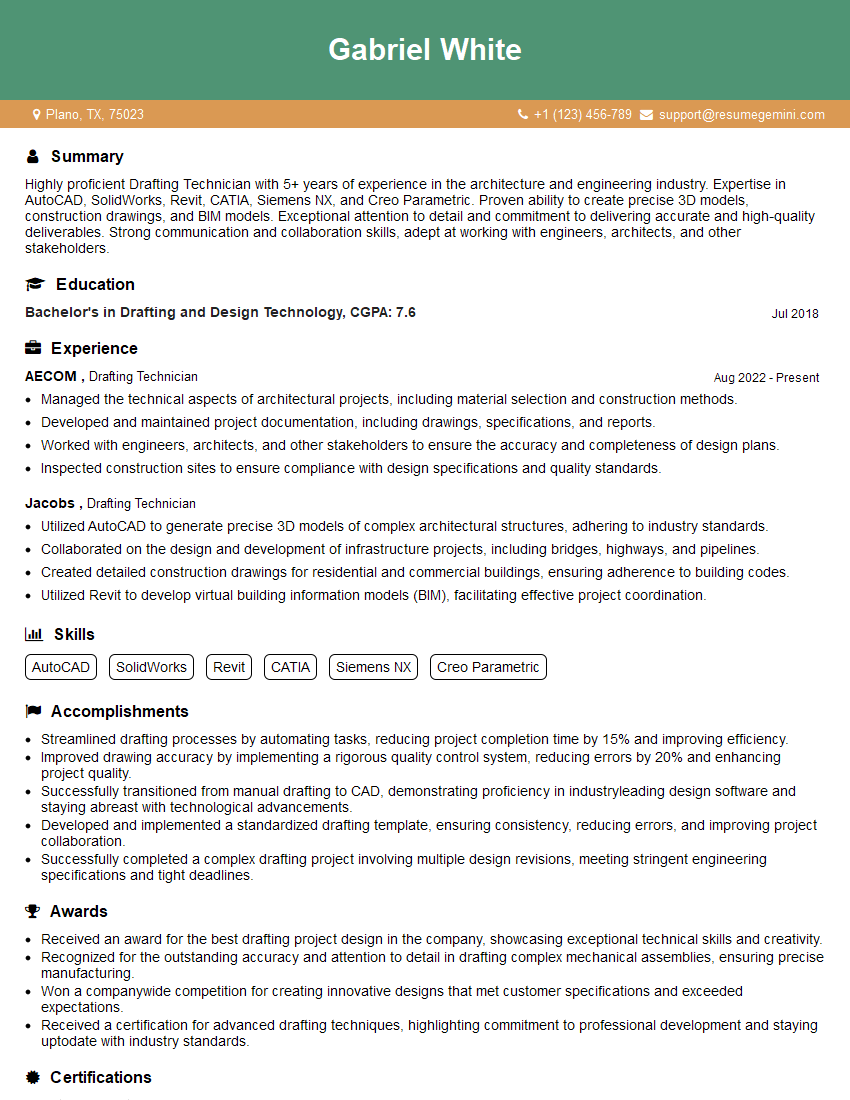
Drafting Technician Resume Sample
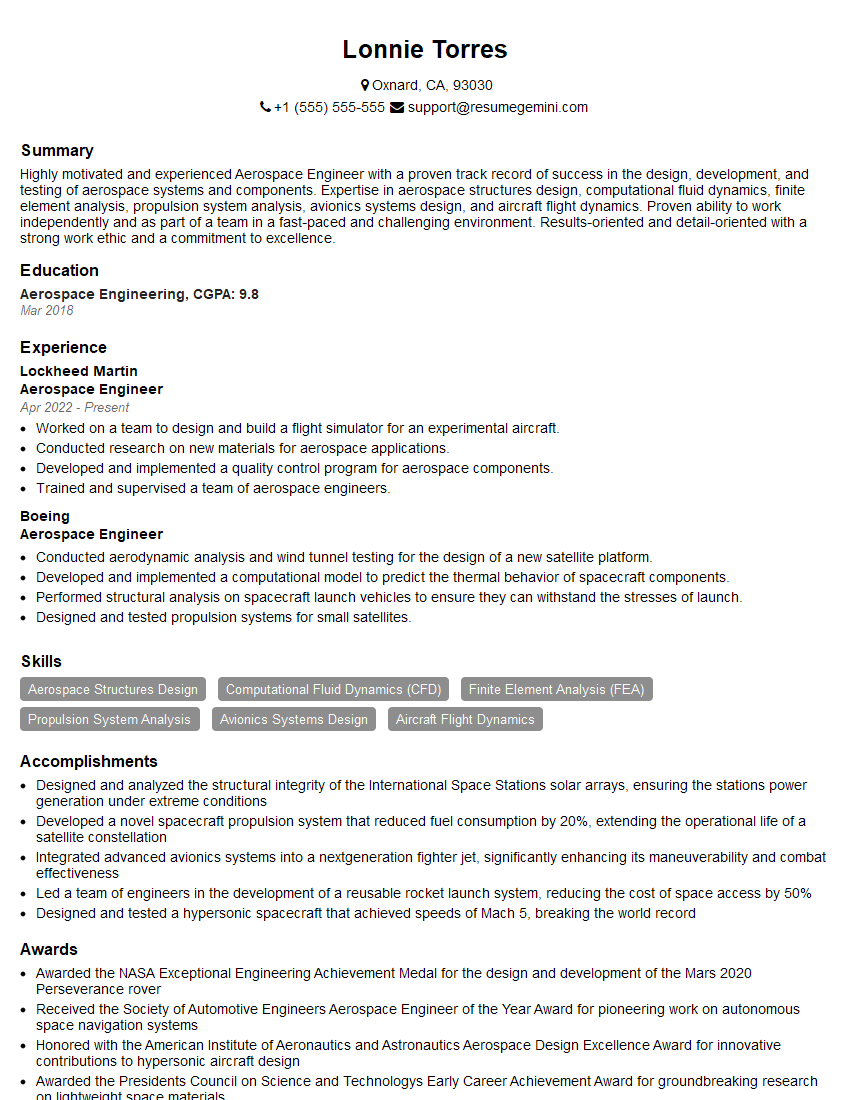
Aerospace Engineer Resume Sample

Manufacturing Engineer Resume Sample
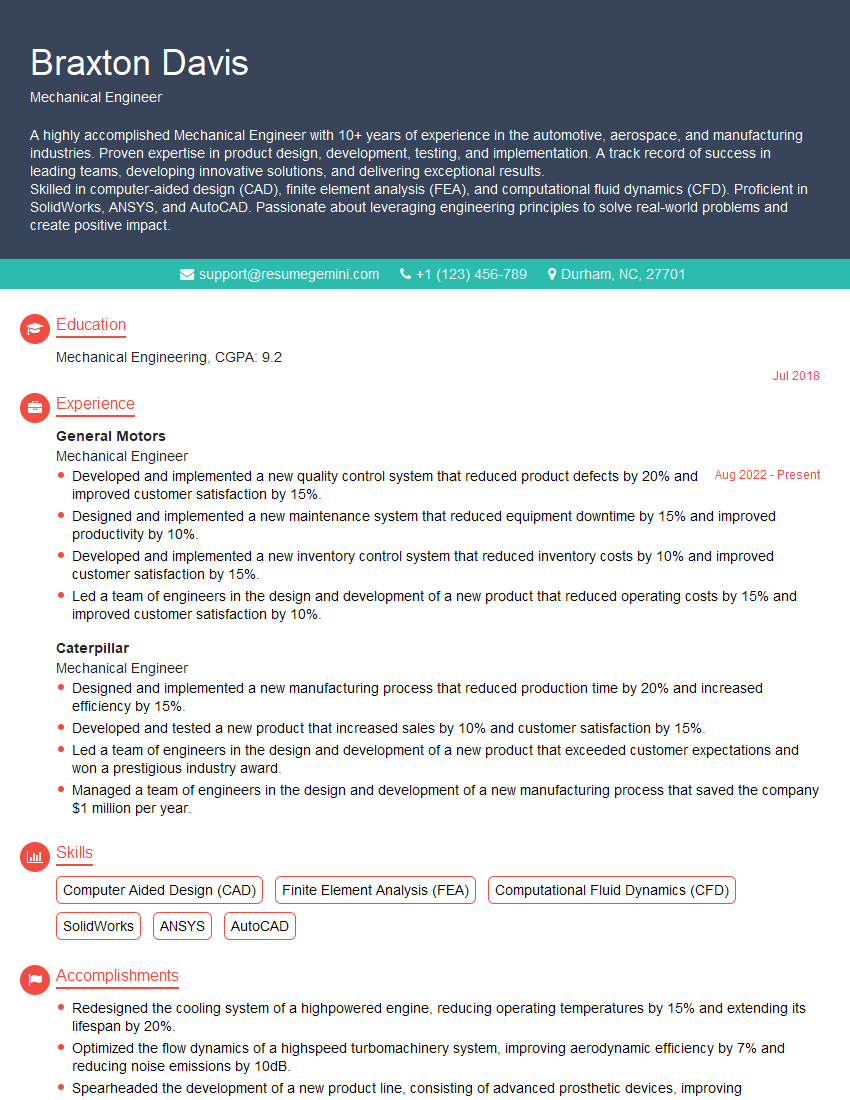
Mechanical Engineer Resume Sample
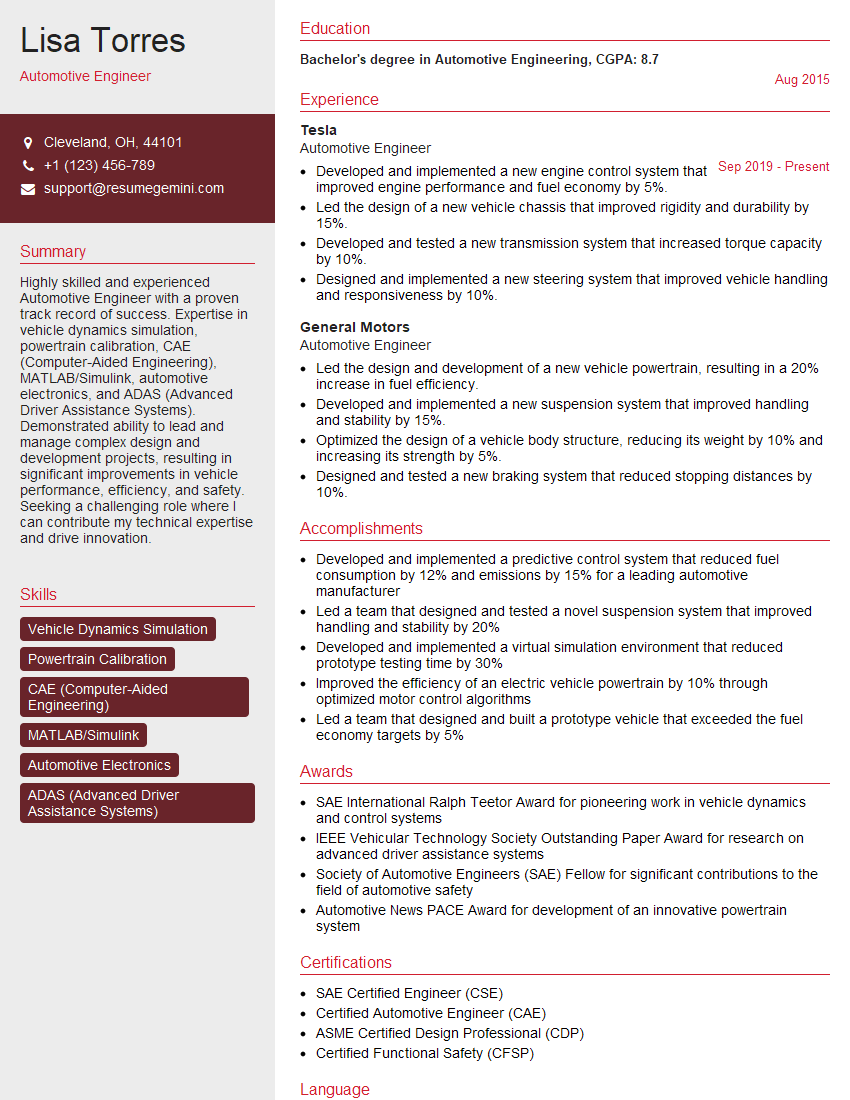
Automotive Engineer Resume Sample
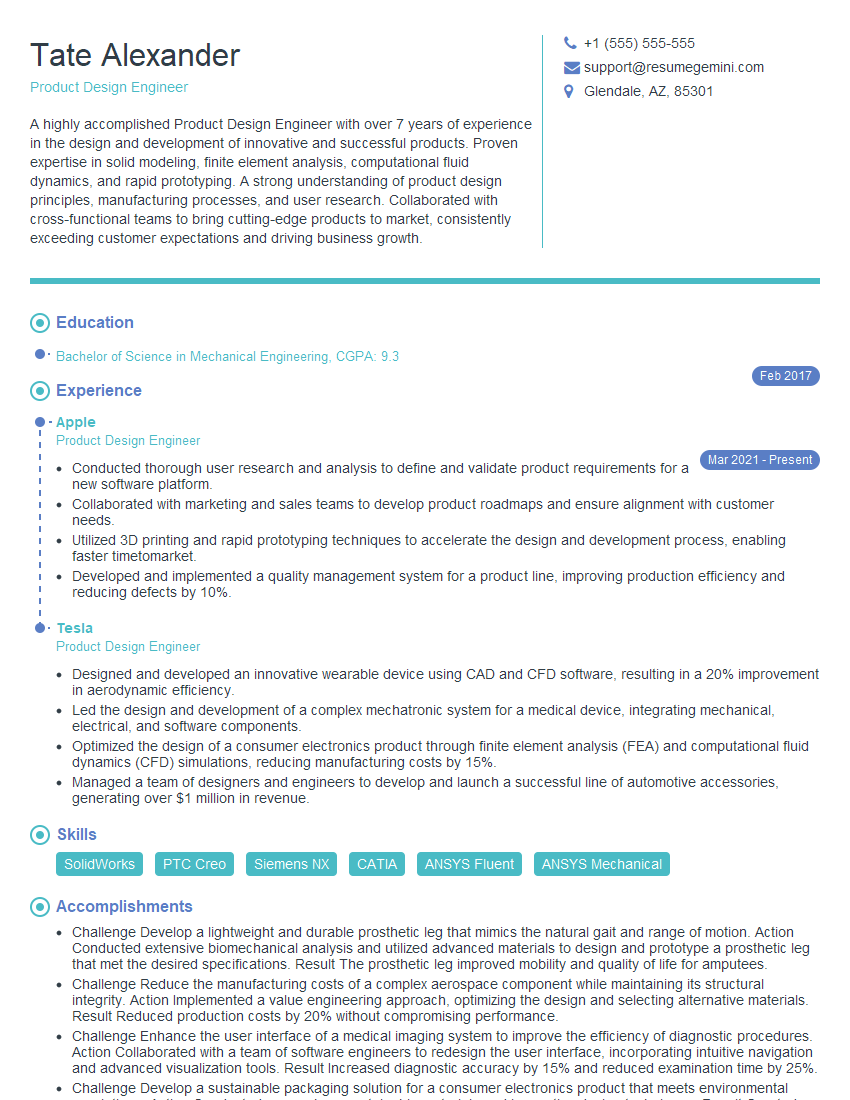
Product Design Engineer Resume Sample

Robotics Engineer Resume Sample

Technical Designer Resume Sample

3D Modeler Resume Sample
Explore more articles
Users Rating of Our Blogs
Share Your Experience
We value your feedback! Please rate our content and share your thoughts (optional).
What Readers Say About Our Blog
Really detailed insights and content, thank you for writing this detailed article.
IT gave me an insight and words to use and be able to think of examples