Unlock your full potential by mastering the most common Colour Theory interview questions. This blog offers a deep dive into the critical topics, ensuring you’re not only prepared to answer but to excel. With these insights, you’ll approach your interview with clarity and confidence.
Questions Asked in Colour Theory Interview
Q 1. Explain the difference between additive and subtractive color mixing.
Additive and subtractive color mixing are two fundamentally different approaches to creating colors. Think of it like this: additive mixing is like shining lights together, while subtractive mixing is like layering pigments.
Additive Color Mixing: This happens when light sources are combined. The primary additive colors are red, green, and blue (RGB). When you combine these in equal proportions, you get white light. This is the principle behind screens and digital displays. Combining red and green makes yellow, red and blue makes magenta, and green and blue makes cyan.
Subtractive Color Mixing: This occurs when pigments or dyes are mixed. The primary subtractive colors are cyan, magenta, and yellow (CMY). When you mix these together, you ideally get black, although in practice, a deep brown or muddy color often results. This is why a key (K) black is usually added to the CMY system, creating the CMYK model used in printing. Each pigment absorbs certain wavelengths of light, and the remaining wavelengths determine the resulting color.
- Additive Example: A red LED light and a green LED light shining together create yellow light.
- Subtractive Example: Mixing blue and yellow paints together creates green paint.
Q 2. Describe the RYB and CMYK color models. What are their limitations?
RYB (Red, Yellow, Blue) Color Model: This is a traditional color model, often taught in art classes, based on pigment mixing. It’s intuitive but less precise than other models. The primary colors are red, yellow, and blue, and mixing them creates secondary colors like green, orange, and violet. However, it doesn’t accurately reflect how light behaves.
CMYK (Cyan, Magenta, Yellow, Key [Black]) Color Model: This is the subtractive color model primarily used in printing. It’s based on the principle of subtractive color mixing, where pigments absorb light. Each color subtracts specific wavelengths from the white light reflected from the paper. The ‘K’ stands for key, representing black, which is added to improve the depth and richness of the colors.
Limitations:
- RYB: Lacks precision, not suitable for digital applications, and doesn’t accurately predict results due to the complexity of pigment interactions.
- CMYK: It’s not ideal for representing a wide range of colors accurately, particularly bright and vibrant colors. It’s also dependent on the specific inks and printing processes.
Q 3. What is the significance of color temperature in design?
Color temperature refers to the apparent color of a light source, measured in Kelvin (K). It essentially describes whether the light appears warmer (more yellow or orange) or cooler (more blue). It significantly impacts the mood and feel of a design.
Significance in Design:
- Warm Colors (low Kelvin): Create a sense of comfort, warmth, intimacy, and nostalgia. Think candlelight (around 1800K) or incandescent bulbs.
- Cool Colors (high Kelvin): Often evoke feelings of calmness, professionalism, cleanliness, and modernity. Think daylight (around 6500K) or LED lights.
Understanding color temperature is crucial for establishing the right atmosphere. A website for a luxury spa might use warm colors, while a tech company’s website might opt for cooler tones.
Q 4. Explain the concept of color harmony and give examples of different harmonies (e.g., complementary, analogous).
Color harmony refers to the pleasing arrangement of colors in a design. Different color harmonies create various visual effects and moods.
Examples:
- Complementary: Colors opposite each other on the color wheel (e.g., red and green, blue and orange). These combinations create high contrast and visual excitement. Think of a Christmas card with red and green.
- Analogous: Colors adjacent to each other on the color wheel (e.g., blue, blue-green, and green). They create a sense of calmness and harmony. Think of a calm ocean scene with varying shades of blue and green.
- Triadic: Three colors evenly spaced on the color wheel (e.g., red, yellow, and blue). They offer a vibrant and balanced palette. Think of a primary color-based logo design.
- Split-Complementary: One color combined with the two colors adjacent to its complement (e.g., blue, orange-yellow, and red-orange). It provides a similar effect to complementary without being as intense.
- Tetradic (double complementary): Two pairs of complementary colors. This provides a very rich and complex palette, but can be challenging to balance.
Q 5. How does color psychology influence design choices?
Color psychology explores the effects of colors on human behavior, emotions, and perceptions. Designers leverage this understanding to influence user experiences and achieve specific goals.
Influence on Design Choices:
- Red: Often associated with energy, excitement, urgency, but can also be interpreted as anger or danger. Used effectively in calls-to-action buttons.
- Blue: Evokes trust, calmness, security, and professionalism. Commonly used in corporate branding.
- Green: Represents nature, growth, harmony, and tranquility. Often used in eco-friendly brands.
- Yellow: Associated with happiness, optimism, creativity, but can also be perceived as caution or cheapness.
- Purple: Often linked to luxury, creativity, royalty, and mystery.
Careful consideration of color psychology is crucial for creating designs that resonate with the target audience and effectively communicate the intended message.
Q 6. Describe the Munsell color system.
The Munsell color system is a color space that organizes colors based on three color dimensions: hue, value (lightness), and chroma (saturation). Unlike other systems, it provides a three-dimensional representation of color, making it a powerful tool for understanding and communicating color relationships.
Hue: Represents the pure color, similar to the traditional color wheel. It’s arranged in a circle.
Value: Indicates the lightness or darkness of a color, ranging from black (0) to white (10). It is represented vertically on the Munsell solid.
Chroma: Indicates the intensity or saturation of a color, ranging from neutral (0) to the most intense saturation possible for each hue and value. It is represented horizontally on the Munsell solid.
The Munsell system is used extensively in various fields requiring precise color communication, such as paint manufacturing, textile design, and art restoration.
Q 7. What are Pantone colors and how are they used?
Pantone colors are proprietary color formulations developed by the Pantone LLC. They provide a standardized system of color matching, ensuring consistency across different printing processes and materials.
How they are used:
- Standardized Color Communication: Pantone provides a library of color swatches, each with a unique Pantone number. This allows designers and manufacturers to specify precise colors, avoiding variations due to different interpretations or equipment limitations.
- Brand Consistency: Companies often use specific Pantone colors for their branding, ensuring their logos, packaging, and marketing materials maintain a consistent color across various applications and platforms.
- Fashion and Textile Industry: Widely used in the fashion and textile industries to ensure the accurate reproduction of colors in clothing, fabrics, and accessories.
- Printing and Packaging: Pantone colors ensure color accuracy in print media and packaging, facilitating consistent brand identity.
Pantone colors provide a level of standardization and reliability crucial for maintaining consistent brand identity and product quality across different manufacturing and printing processes.
Q 8. How do you ensure color consistency across different media (print, web, etc.)?
Ensuring color consistency across different media like print and web is crucial for maintaining brand identity and visual appeal. The key lies in understanding the different color models and utilizing appropriate color management techniques. The web uses RGB (Red, Green, Blue), while print typically uses CMYK (Cyan, Magenta, Yellow, Key/Black). These models represent colors differently, leading to discrepancies if not handled properly.
To achieve consistency:
- Use a color management system (CMS): Software like Adobe Color, Pantone Connect, or even built-in features within design programs allow you to define colors in a specific color space (e.g., sRGB for web, CMYK for print) and convert them accurately between spaces. This helps maintain color fidelity across media.
- Specify colors using precise values: Instead of relying on visual approximations, use specific color codes (hex codes for web, CMYK values for print). For example,
#007bffrepresents a specific blue in RGB, whileC=100, M=50, Y=0, K=0represents a specific cyan in CMYK. Pantone colors offer another standardized system, particularly useful for maintaining consistency across various print materials. - Proofing and calibration: Carefully proof your designs on the target media before finalizing them. Color calibration of your monitor and printers is vital to ensure what you see on screen closely matches the final output.
- Consider color profiles: Color profiles (ICC profiles) are essentially descriptions of a device’s color capabilities. Using appropriate profiles in your CMS ensures that the software understands how the colors will be rendered by your specific monitor and printer.
By following these steps, you can significantly reduce the discrepancies between on-screen representations and the final printed or displayed results, ensuring a consistent brand experience across all platforms.
Q 9. What are some common color accessibility guidelines (e.g., WCAG)?
Color accessibility guidelines, primarily defined by WCAG (Web Content Accessibility Guidelines), are critical for making digital content usable by people with disabilities, particularly those with visual impairments. The key is to ensure sufficient color contrast between text and background, avoiding color combinations that might be difficult to distinguish.
Some common WCAG color accessibility guidelines include:
- Minimum contrast ratios: WCAG specifies minimum contrast ratios between foreground (text, images) and background elements. These ratios are measured using algorithms that account for different levels of visual impairment. The most common ratios are 4.5:1 for normal text and 3:1 for large text (18pt or 14pt bold).
- Sufficient color differences: Avoid using color alone to convey information. For example, do not rely solely on color to indicate a link or an error message; use text or icons as well for those who may have difficulty distinguishing colors or using color-blindness assistive technologies.
- Avoid using color combinations that are problematic for color blindness: Color blindness affects a significant portion of the population. Tools and resources are available to simulate color blindness and check if your color scheme is usable for individuals with various forms of color vision deficiency.
Tools like WebAIM’s contrast checker can help determine if your color combinations meet WCAG guidelines, and there are extensions for browsers to help simulate color vision deficiencies. Using such tools is a critical part of designing inclusive and accessible interfaces.
Q 10. How would you use color to create a specific mood or emotion in a design?
Color is a powerful tool for evoking specific moods and emotions in design. Different colors are associated with various feelings and cultural connotations, providing a non-verbal communication layer. Think about a stop sign—the color red immediately signals danger. This is because of the innate associations we have.
To create a specific mood:
- Warm colors (reds, oranges, yellows): These tend to evoke feelings of energy, excitement, warmth, and even aggression, depending on the shade and saturation. A bright orange might convey enthusiasm, while a deep red could communicate danger or urgency.
- Cool colors (blues, greens, purples): These often convey calmness, serenity, trustworthiness, and coolness. A light blue might suggest peace, while a deep blue can feel sophisticated or even melancholy.
- Neutral colors (grays, browns, beiges): These are generally associated with balance, stability, sophistication, and neutrality. They’re often used as backgrounds or to create a sense of calm.
- Color saturation and value: The intensity (saturation) and lightness/darkness (value) of a color also significantly impact mood. Highly saturated colors are vibrant and energetic, while muted colors convey a more subtle and understated feel. Darker values often convey seriousness or luxury, while lighter values feel airy and open.
For example, a website for a relaxing spa might use soft blues and greens, while a website for a sports brand might use bold reds and oranges. Understanding the psychological impact of colors is critical to effective design.
Q 11. Explain the concept of color contrast and its importance in readability.
Color contrast refers to the difference in lightness and color between two adjacent areas. In design, it’s primarily concerned with the contrast between text and background, and its importance is paramount for readability and accessibility.
High contrast makes text easier to read, especially for people with visual impairments or those reading in low-light conditions. Low contrast, on the other hand, can strain the eyes and make text difficult or impossible to discern. Insufficient contrast is a major accessibility barrier.
The importance of contrast extends beyond readability: it also impacts the overall visual hierarchy and organization of a design. Areas with higher contrast naturally draw the eye, creating visual weight and emphasis.
We ensure sufficient contrast by using tools like WebAIM’s contrast checker or similar accessibility validators and adhering to the WCAG guidelines mentioned previously. Choosing color palettes with sufficient luminance differences is key. For example, a dark text on a light background or a light text on a dark background generally offers good contrast.
Q 12. How would you use color to guide the user’s eye through a design?
Color can effectively guide a user’s eye through a design, establishing a clear visual path and hierarchy. This is achieved by strategically using color to create focal points, direct attention, and create a sense of flow.
Techniques for guiding the user’s eye:
- Focal points: Using a highly saturated or contrasting color for the most important element(s) instantly draws attention. This could be a call to action button, a headline, or a key image.
- Visual hierarchy: By using varying levels of contrast and saturation, you can create a visual hierarchy that prioritizes information. More important elements are given more visual weight through color.
- Color gradients: Subtle gradients can lead the eye through a design, creating a sense of movement and flow. This is particularly useful in long-form content.
- Color relationships: Using complementary or analogous colors can create a harmonious and visually appealing flow. This creates a cohesive and naturally leading path for the viewer’s eye.
For example, a website might use a bright call-to-action button against a neutral background to attract immediate attention. Then, a less saturated color scheme would lead the user through other key areas of the website.
Q 13. Describe your experience with color management software.
I have extensive experience using various color management software, including Adobe Color, Pantone Connect, and the color management features integrated within Adobe Creative Suite (Photoshop, Illustrator, InDesign). My experience extends beyond simply selecting colors; I’m proficient in utilizing the advanced color management tools offered to create, adjust, and convert color profiles across different color spaces.
I’ve used these tools to:
- Develop and maintain brand consistency: By establishing color palettes in a specific color space and using profiles to translate those palettes to different media, I ensure that a brand’s colors are always displayed correctly, regardless of where or how the design is being presented.
- Ensure color accuracy in print: Precise color management is essential for print projects, guaranteeing that the final output accurately reflects the design intent. I’ve utilized the ICC profiles and proofing tools to obtain accurate color reproduction and minimize color differences during the printing process.
- Achieve color consistency across multiple devices: I can utilize color management to address color differences between different monitors and displays, ensuring designs appear consistently across various platforms.
- Optimize color for different displays: I can set up workflows to automatically convert colors for different display technologies (e.g., sRGB for standard displays, Adobe RGB for wider gamut displays) for optimal color representation on diverse screens.
My proficiency in these tools enables me to create designs with color fidelity, ensuring accuracy and consistency across different media and devices.
Q 14. What are some common color palettes used in branding?
Many different color palettes are used in branding, each designed to evoke specific emotions and communicate brand values. The choice of palette is strategic and reflects in-depth market research and brand strategy.
Some common color palettes include:
- Monochromatic palettes: Using different shades and tints of a single color, these offer simplicity and elegance. This works well for conveying sophistication and stability.
- Analogous palettes: These use colors that are adjacent on the color wheel, creating a harmonious and natural feel. This is suitable for evoking calm, trust, and tranquility.
- Complementary palettes: These use colors opposite each other on the color wheel, creating high contrast and visual excitement. This is effective for attracting attention and adding energy.
- Triadic palettes: These use three colors equally spaced on the color wheel, offering a vibrant and balanced look. This palette is good for adding boldness and variety.
- Tetradic palettes: Using four colors, these palettes often incorporate two complementary pairs. This creates high contrast and dynamism.
The specific colors within these palettes will vary widely depending on the brand’s identity and target audience. For example, a tech company might use a cool, modern palette with blues and grays, while a food company might use a warm, inviting palette with oranges and yellows. Understanding the psychology of color and how it interacts with brand identity is crucial in choosing the right color palette.
Q 15. Explain the difference between hue, saturation, and brightness (HSB).
Hue, saturation, and brightness (HSB), also known as HSV (Hue, Saturation, Value), is a cylindrical color model that represents color in a more intuitive way than the RGB model. Think of it like this: imagine a color wheel.
Hue is the pure color – it’s the position on the color wheel, like red, green, or blue. It’s the ‘what color is it?’ aspect.
Saturation is the intensity or purity of the color. A fully saturated color is vibrant and rich, while a desaturated color is duller and closer to gray. Think of it as how much of the pure hue is present, ranging from a pale pastel to a deep, rich tone. Imagine adding gray to your pure color; the more gray, the lower the saturation.
Brightness (or Value) is the lightness or darkness of the color. It’s how much light is reflected. At zero brightness, you have black; at maximum brightness, you have the purest version of your hue at maximum saturation. Think of it as dimming or brightening a light bulb – it changes the overall appearance of the color without altering its hue.
For example, a bright, vibrant red has high saturation and high brightness. A dark, dull red has low saturation and low brightness, while a light pink has high brightness but low saturation. The hue remains ‘red’ in all three cases.
Career Expert Tips:
- Ace those interviews! Prepare effectively by reviewing the Top 50 Most Common Interview Questions on ResumeGemini.
- Navigate your job search with confidence! Explore a wide range of Career Tips on ResumeGemini. Learn about common challenges and recommendations to overcome them.
- Craft the perfect resume! Master the Art of Resume Writing with ResumeGemini’s guide. Showcase your unique qualifications and achievements effectively.
- Don’t miss out on holiday savings! Build your dream resume with ResumeGemini’s ATS optimized templates.
Q 16. What is a color gamut, and why is it important?
A color gamut is the range of colors that a device or system can reproduce. Think of it as the color palette available to a particular technology; like the range of colors a printer, monitor, or even a specific paint set can produce. Each device has its limitations.
Its importance lies in ensuring that the colors you design will look as intended when viewed on the target device or printed. A design created with colors outside the gamut of the intended output will lead to color shifting or loss of information. For example, a vibrant green created on a high-end monitor might appear duller when printed on a standard home printer because its gamut is smaller, unable to handle the full range of greens.
Different gamuts exist. sRGB is a common web standard, while Adobe RGB provides a wider range of colors but not all devices support it. Accurate color management involves awareness of the specific gamut and using color profiles to achieve consistency across different devices and workflows.
Q 17. How do you handle color blind users in your designs?
Designing for color-blind users is crucial for inclusivity. Color blindness affects a significant portion of the population, primarily affecting the ability to distinguish certain colors, particularly reds and greens. My approach involves several strategies:
Avoid relying solely on color to convey information: Use clear text labels, patterns, shape differences, and visual cues alongside color. For example, instead of relying on red for ‘stop’ and green for ‘go’, use shapes (a red octagon and a green circle) alongside the color coding to ensure accessibility for all users.
Utilize color contrast checkers: Tools like WebAIM’s color contrast checker ensure that sufficient contrast exists between text and background colors. The appropriate level of contrast improves readability for everyone, especially those with color vision deficiencies.
Test with color blindness simulators: These tools allow designers to view their designs through the perspective of someone with various forms of color blindness, making it possible to identify potential issues before the final release.
Choose a color palette that is easily distinguishable: Opt for color combinations that are far apart on the color wheel, ensuring good contrast and clarity.
By implementing these strategies, we can guarantee that the design is accessible and understandable to all users, including those with color blindness.
Q 18. What are your preferred tools for color selection and manipulation?
My workflow involves a combination of digital and physical tools. For digital color selection and manipulation, I frequently use:
Adobe Photoshop and Illustrator: These offer comprehensive color tools, including eyedroppers, color palettes, color libraries, and advanced color adjustments.
Adobe Color (formerly Kuler): This online tool provides excellent color palettes, analysis of existing images, and the ability to create and share custom palettes. It’s great for brainstorming and finding inspiration.
Coolors: A user-friendly website that makes it easy to quickly generate and refine color palettes.
Beyond digital, I often use physical color swatches, particularly when working on print design projects. This helps provide a more tactile understanding of the colors and aids in ensuring the physical output matches the screen representation as closely as possible. Physical color references are crucial for managing the nuances of color reproduction across different mediums.
Q 19. Explain your approach to choosing a color palette for a specific project.
Choosing a color palette is a crucial design decision. My approach is methodical and considers various factors:
Project Goals & Target Audience: The intended message and target audience heavily influence the color choice. A children’s book will have a different palette than a corporate website.
Mood and Emotion: Colors evoke specific emotions and feelings. Blues and greens often convey calmness, while reds and oranges convey energy or excitement. Selecting colors that align with the project’s mood is paramount.
Brand Guidelines (if applicable): Existing brand guidelines dictate color choices to ensure consistency and brand recognition.
Accessibility: Choosing colors with sufficient contrast is essential for accessibility and readability.
Color Harmony and Theory: I apply principles of color theory, such as complementary, analogous, triadic, and split-complementary color schemes, to create visually appealing and balanced palettes. Understanding the relationships between colors on the color wheel is key.
Often, I begin by exploring different color schemes using tools like Adobe Color or Coolors, experimenting with variations before settling on a final palette. I always iterate and refine the palette based on feedback and testing throughout the design process.
Q 20. Describe a time you had to resolve a color-related issue in a design project.
In a recent project designing a website for a food company, we encountered a significant color issue. The initial color palette, while visually appealing on screen, printed poorly. The vibrant blues and greens chosen appeared significantly duller and washed out on the client’s chosen paper stock.
To resolve this, we initiated a series of color tests using the client’s exact paper and printing process. This involved creating printed swatches of our color options and comparing them to the digital versions. We eventually adjusted the color palette, slightly increasing the saturation and brightness of the blues and greens to compensate for the color shift during printing. We also conducted color calibration to bridge the gap between screen and print, resulting in a final palette that looked consistent across both platforms.
The lesson learned was to always test color choices on the final output medium, especially when dealing with print designs, avoiding surprises during the production stage.
Q 21. How do you stay up-to-date on the latest color trends?
Staying current with color trends is vital for relevant designs. My approach involves:
Following design blogs and publications: Websites and publications like Awwwards, Behance, and Dribbble showcases innovative design work, often featuring interesting color palettes and trends.
Attending design conferences and workshops: Participating in industry events provides firsthand exposure to the latest trends and perspectives from leading designers.
Monitoring social media: Platforms like Instagram, Pinterest, and even TikTok often reflect current visual trends, including color usage. This helps gauge the public’s aesthetic preferences.
Exploring color trend reports: Several color forecasting companies release yearly reports on upcoming color trends, providing valuable insights into what’s coming next.
By integrating these approaches, I maintain a keen awareness of the latest color trends, applying them thoughtfully and appropriately to my projects while maintaining a focus on creating effective and meaningful designs.
Q 22. Explain the importance of color in creating visual hierarchy.
Color is fundamental in establishing visual hierarchy, guiding the viewer’s eye through a design. We use color to create a clear path, highlighting important elements and subtly de-emphasizing others. Think of it like a director using lighting on a stage – the brightest spotlight draws the audience’s attention first.
For instance, a website might use a vibrant primary color for calls to action (e.g., a ‘Buy Now’ button), a slightly less saturated version for secondary elements (e.g., navigation links), and a muted background color to prevent visual clutter. This creates a natural flow and prioritizes information effectively. The contrast between colors also plays a crucial role; high contrast means greater emphasis. For example, white text on a dark background is more noticeable than light grey text on a light grey background.
- Saturation: Higher saturation equals more emphasis.
- Brightness/Value: Lighter colors tend to appear forward, while darker colors recede.
- Contrast: The greater the contrast between colors, the more noticeable the difference in hierarchy.
Q 23. What are some cultural considerations when choosing colors for a design?
Cultural considerations are paramount when selecting colors. What’s considered auspicious or positive in one culture might be negative or even offensive in another. For example, white symbolizes purity and mourning in different cultures, while red signifies good luck in some and danger in others.
Thorough research is crucial. Before embarking on a design project, it’s essential to understand the target audience’s cultural background. This includes researching color symbolism and preferences in their region or community. For instance, using vibrant, bold colors for a marketing campaign in a Western audience might be suitable, but a more subdued palette might be preferable for an audience in East Asia. There is no one size fits all solution and neglecting these nuances can have significant repercussions.
Working with culturally sensitive color palettes demands a collaborative approach that often involves consultations with experts on cultural nuances and feedback from members of the target audience to test the appeal and appropriateness of the proposed color palette.
Q 24. How do you ensure brand consistency in color across different platforms?
Maintaining brand consistency across platforms is critical for brand recognition and recall. This involves meticulously defining a brand’s color palette and establishing strict guidelines for its application. This usually includes specifying colors using a consistent color system such as Pantone, or providing RGB, HEX, CMYK values for each color.
A style guide is essential; it documents the approved colors and their specific application rules (e.g., background color, button color, text color). This guide needs to be easily accessible to all team members and external collaborators. Using a digital asset management system is crucial for centralizing the color palette and ensuring everyone uses the correct color codes. Regular audits and updates of this system are vital to maintain consistency across web, mobile, print, and other mediums. I’ve personally found that incorporating color codes into the design software’s asset libraries keeps the work consistent. Moreover, regular training on the use of the style guide is helpful, especially for those new to the project.
Q 25. Explain the concept of color gradients and their applications.
Color gradients are smooth transitions between two or more colors. They create a visually appealing effect, adding depth and dynamism to a design. Imagine a sunset; the gradual shift from orange to purple is a natural gradient.
Gradients are incredibly versatile. They can add a modern aesthetic to websites and apps (think of the glossy effects popular in early web design, although modern applications have moved beyond that), highlight specific elements, or create a sense of movement. For instance, a gradient background can make a website appear more contemporary and engaging. However, it’s important to use gradients judiciously; overuse can result in a cluttered or unprofessional look. They work best when used strategically to enhance, not overwhelm, the overall design.
Linear gradients transition in a straight line, while radial gradients emanate from a central point, like ripples in a pond. The use of a gradient, its direction, and its colors must fit the overall purpose and aesthetic of the design.
Q 26. How would you design a color palette for a website with a specific target audience?
Designing a color palette starts with understanding the target audience. Who are they? What are their demographics, interests, and preferences? Research and competitor analysis can give valuable insights.
Let’s say we’re designing for a website targeting young adults interested in sustainable fashion. We might choose earthy tones like greens and browns, reflecting nature and eco-consciousness. Adding pops of bright, playful colors can inject energy and appeal to the youthful demographic. This avoids creating a palette that is either overly somber or overly childish.
The process involves several steps:
- Research: Understand the target audience and brand identity.
- Mood board: Create a visual representation of the desired aesthetic using images, colors, and textures.
- Palette creation: Experiment with different color combinations, ensuring sufficient contrast for readability and visual hierarchy.
- Testing: Show the palette to the target audience for feedback. This helps identify any potential cultural or aesthetic concerns.
Tools like Adobe Color or Coolors can assist in palette generation and exploration.
Q 27. Discuss the role of color in creating a sense of depth in a design.
Color plays a significant role in creating depth in a design. By strategically using lighter and darker shades of the same color or contrasting colors, we can simulate three-dimensionality and space. It’s similar to how an artist uses shading to create the illusion of depth on a canvas.
Lighter colors tend to advance, while darker colors recede. This effect can create a sense of foreground and background. For example, placing lighter colors in the foreground and darker colors in the background can make a 2D image appear more three-dimensional. Additionally, warm colors (reds, oranges, yellows) tend to advance, while cool colors (blues, greens, purples) recede. Using these principles, a designer can guide the viewer’s eye through a design, creating a layered and engaging visual experience. Consider a simple website banner: using a brighter color for the main call to action and a darker, less saturated color for the background elements would create a sense of depth and visual hierarchy.
Q 28. What are some of the challenges you’ve faced when working with color, and how did you overcome them?
One significant challenge is managing color consistency across different devices and screens. What appears accurate on one monitor might look washed out or oversaturated on another, due to variations in color profiles and screen calibration. Another challenge is achieving accessibility – ensuring sufficient contrast between text and background colors for users with visual impairments. This requires adherence to accessibility guidelines like WCAG (Web Content Accessibility Guidelines).
To overcome these challenges, I rely on tools that allow for precise color specification (e.g., Pantone, hexadecimal color codes), rigorous testing across various devices and screen configurations, and the use of accessibility checkers to ensure sufficient color contrast ratios. Careful consideration of color choices and continuous testing throughout the design process are vital for mitigating these challenges. For example, using color contrast checkers early in the design process allows for quick modifications and can save time and effort later in the development process.
Key Topics to Learn for Your Colour Theory Interview
- The Colour Wheel: Understand primary, secondary, and tertiary colours; explore colour harmonies (complementary, analogous, triadic, etc.) and their practical implications in design.
- Colour Temperature: Differentiate between warm and cool colours and their psychological effects. Discuss how to use temperature to create mood and atmosphere in various design contexts.
- Colour Psychology: Explore the emotional and cultural associations of different colours and how this knowledge informs design choices for specific target audiences.
- Colour Models (RGB, CMYK, HSV): Explain the differences between these models and when to use each. Demonstrate understanding of colour space and colour management.
- Colour Mixing and Matching: Discuss techniques for achieving specific colours through additive and subtractive mixing. Showcase your understanding of colour blending and its impact on visual harmony.
- Accessibility and Colour Contrast: Explain the importance of sufficient colour contrast for accessibility, particularly for individuals with visual impairments. Demonstrate knowledge of WCAG guidelines.
- Advanced Colour Theory Concepts: Prepare to discuss topics such as colour gradients, hue, saturation, value (HSV), and their practical applications in design software and workflows.
- Case Studies and Portfolio: Be ready to discuss past projects where you’ve applied colour theory effectively, highlighting your problem-solving skills and design decisions.
Next Steps
Mastering colour theory is crucial for career advancement in design, marketing, and many other creative fields. A strong understanding of colour allows you to communicate effectively through visuals, create compelling designs, and demonstrate a keen eye for detail. To maximize your job prospects, invest time in crafting an ATS-friendly resume that highlights your skills and experience. ResumeGemini is a trusted resource to help you build a professional and impactful resume. They offer examples of resumes tailored to Colour Theory roles, giving you a head start in showcasing your expertise. Take the next step towards your dream career – build a winning resume today!

Art Director Resume Sample

Creative Director Resume Sample

Web Designer Resume Sample

Game Designer Resume Sample

Color Consultant Resume Sample

Product Designer Resume Sample
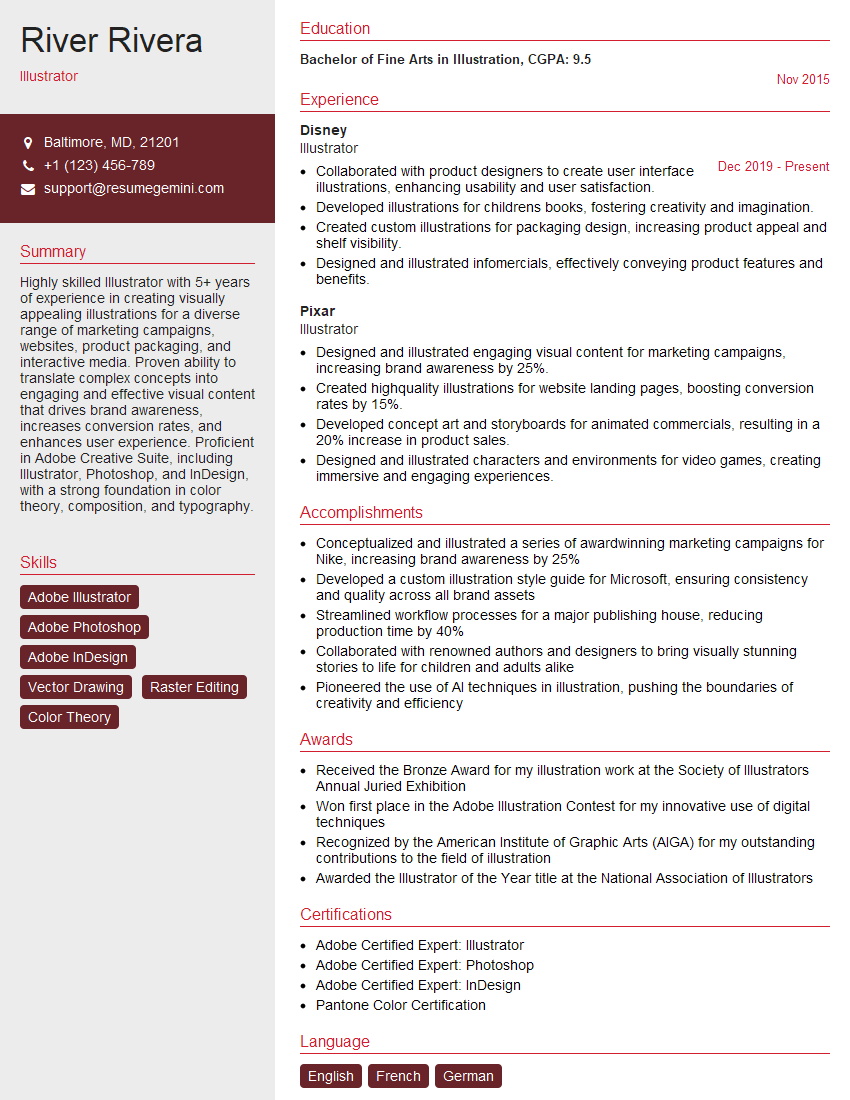
Illustrator Resume Sample

Graphic Designer Resume Sample

Packaging Designer Resume Sample
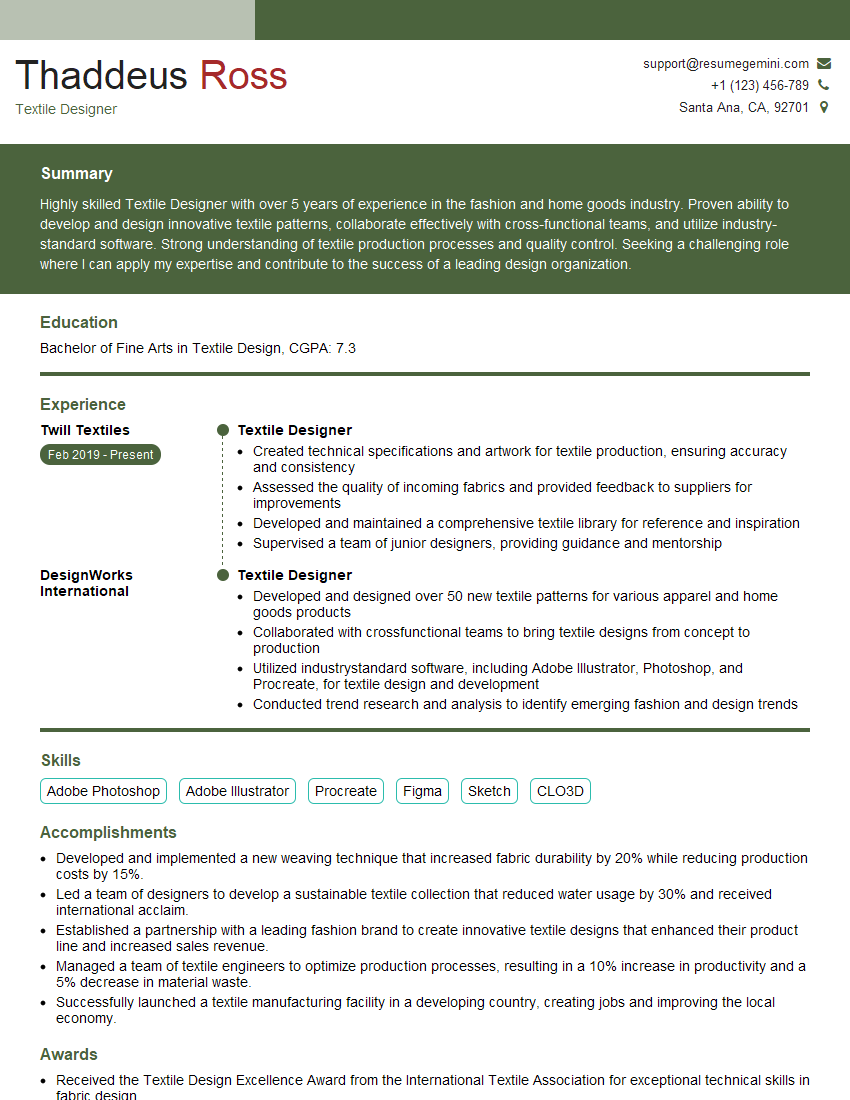
Textile Designer Resume Sample
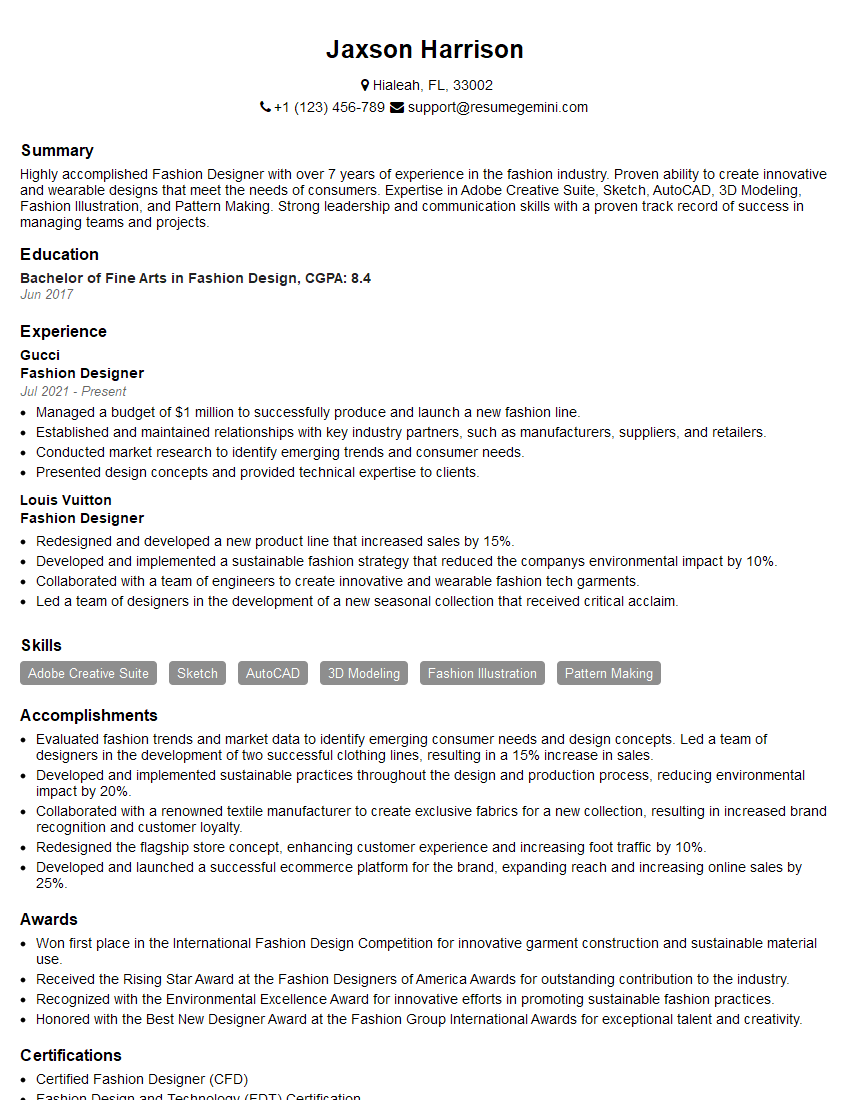
Fashion Designer Resume Sample
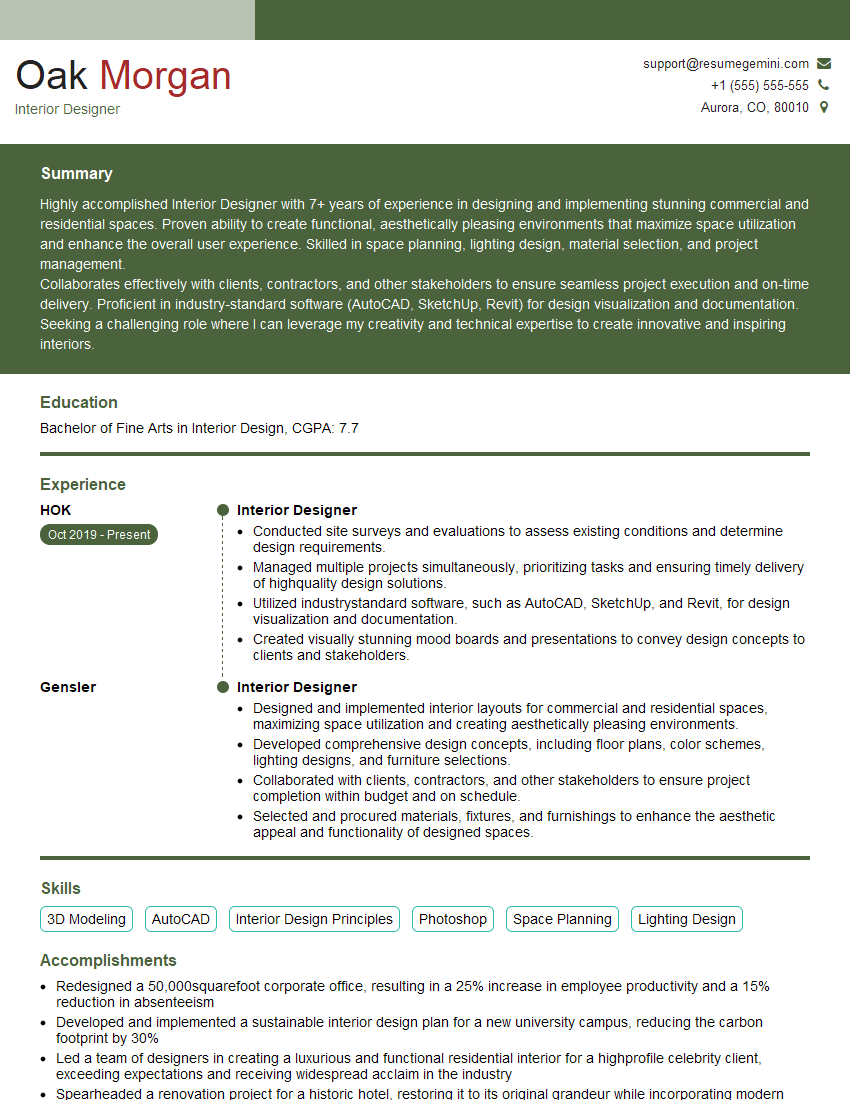
Interior Designer Resume Sample
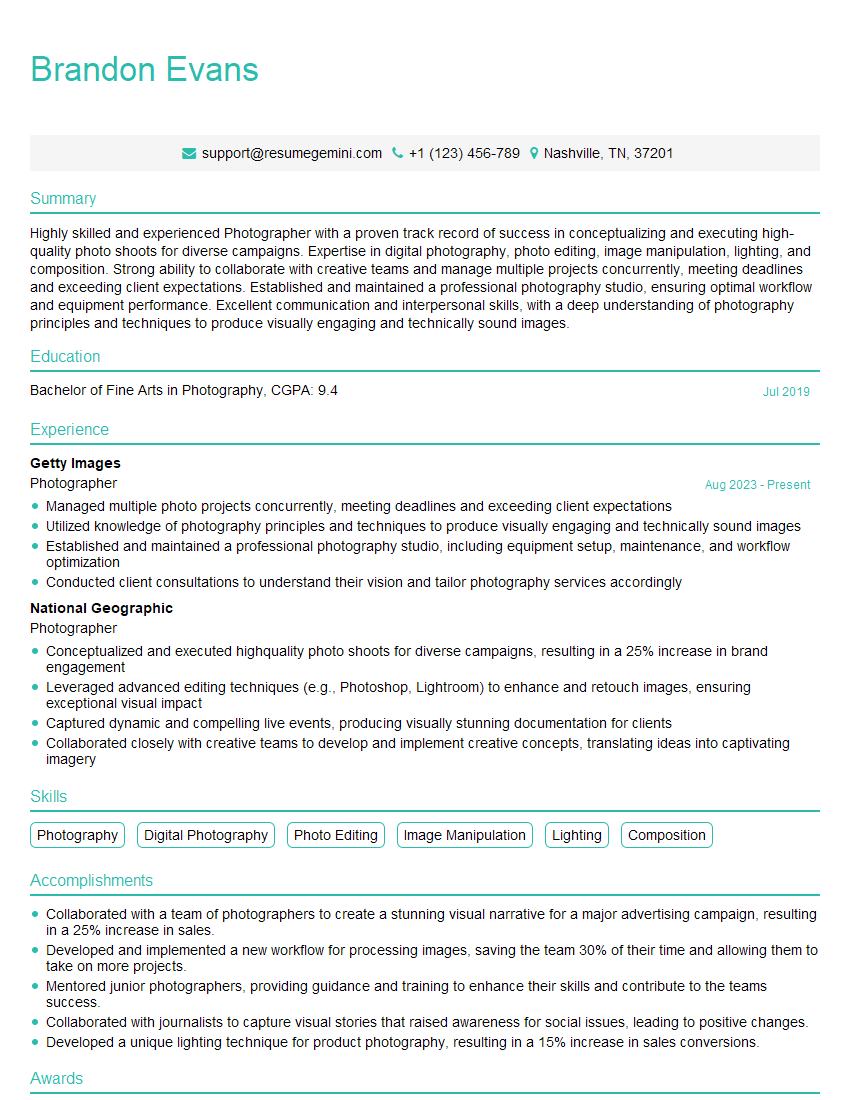
Photographer Resume Sample
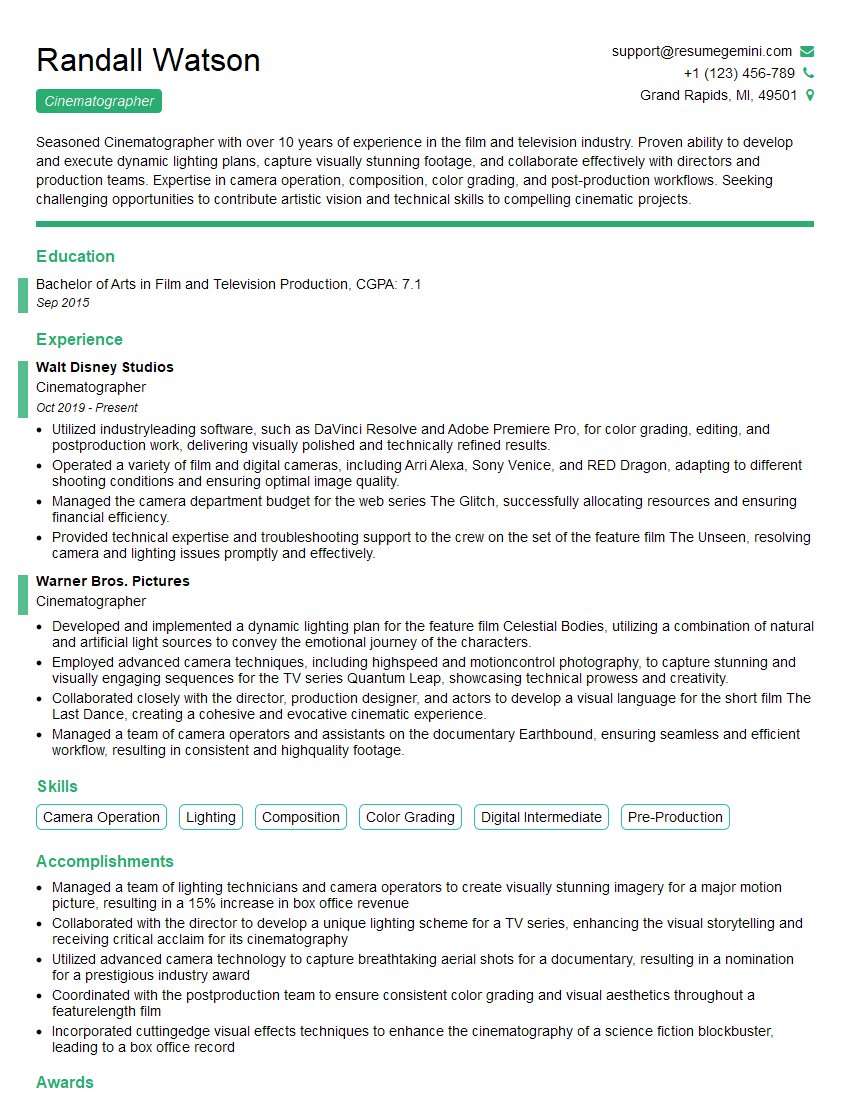
Cinematographer Resume Sample
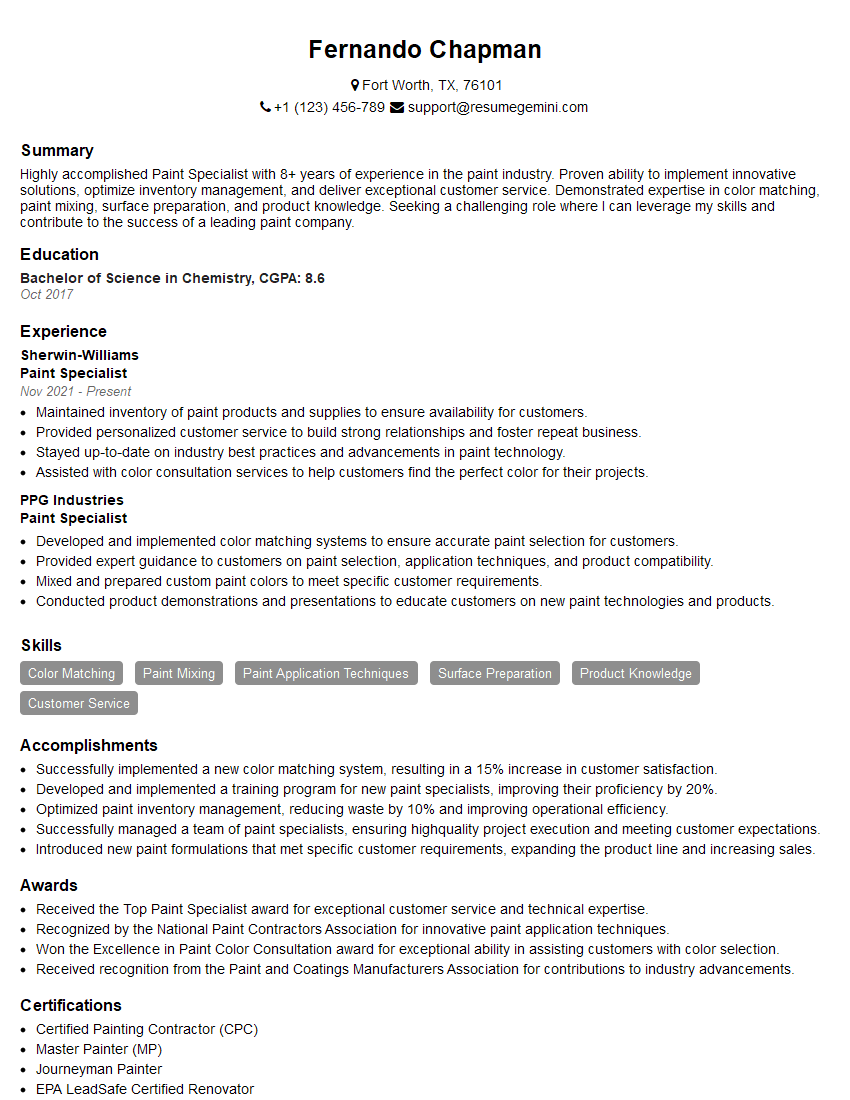
Paint Specialist Resume Sample
Explore more articles
Users Rating of Our Blogs
Share Your Experience
We value your feedback! Please rate our content and share your thoughts (optional).
What Readers Say About Our Blog
Really detailed insights and content, thank you for writing this detailed article.
IT gave me an insight and words to use and be able to think of examples