Interviews are more than just a Q&A session—they’re a chance to prove your worth. This blog dives into essential Composition and Layout interview questions and expert tips to help you align your answers with what hiring managers are looking for. Start preparing to shine!
Questions Asked in Composition and Layout Interview
Q 1. Explain the principles of visual hierarchy in composition.
Visual hierarchy is the arrangement of elements in a design to guide the viewer’s eye and emphasize key information. It’s like a roadmap for your audience, directing their attention to what’s most important. We achieve this using size, color, contrast, proximity, and whitespace.
- Size: Larger elements naturally draw more attention than smaller ones. Think of a headline versus body text.
- Color: Bright, contrasting colors grab the eye more easily than muted tones. A vibrant call-to-action button is a great example.
- Contrast: The difference in visual properties between elements (like color or brightness) enhances readability and creates visual interest. Think black text on a white background versus grey text on a light grey background.
- Proximity: Grouping related items close together visually links them and suggests a relationship. Think of a clustered set of related images versus images scattered across a page.
- Whitespace (Negative Space): Strategic use of empty space around elements allows them to breathe and improves readability. Think of the margin around a paragraph or the space between columns.
For instance, in a website design, you might use a large, bold headline to immediately grab the user’s attention, followed by a slightly smaller subheading to provide context, and then body text for detailed information. The careful arrangement of these elements creates a clear visual path for the user.
Q 2. Describe your experience with typography and selecting appropriate typefaces.
Typography is a crucial aspect of design, and selecting the right typeface is essential for conveying the intended mood and message. My experience spans various typefaces, from classic serif fonts like Times New Roman for a formal feel to modern sans-serif fonts like Helvetica for a clean and contemporary look. I understand the nuances of font weights, sizes, and leading (line spacing) and how they impact readability. I’ve worked with display fonts for headlines and body fonts for large blocks of text.
For example, when designing a brochure for a law firm, I might opt for a classic serif typeface to project an image of professionalism and trust, whereas for a tech startup website, I’d likely choose a modern sans-serif font to convey innovation and efficiency. I always consider the target audience and the overall branding when making typeface selections. I often use tools like Google Fonts to explore a wide variety of free and open-source fonts.
Q 3. How do you ensure readability and accessibility in your layouts?
Readability and accessibility are paramount in any design. I prioritize these by using sufficient contrast between text and background, selecting legible fonts and appropriate font sizes, and ensuring sufficient line spacing and paragraph spacing. I also consider color blindness and other visual impairments during the design process. I adhere to WCAG (Web Content Accessibility Guidelines) where appropriate to ensure inclusive design.
- Sufficient Contrast: I use tools like a contrast checker to ensure sufficient contrast ratios between text and background colors, meeting WCAG guidelines.
- Legible Fonts: I choose fonts with clear and easily distinguishable characters, avoiding overly decorative or stylized fonts that hinder readability.
- Font Size: I use appropriately sized fonts depending on the medium, ensuring sufficient size for comfortable reading. Mobile vs desktop requires different considerations.
- Line Spacing & Paragraph Spacing: I use ample spacing to improve readability and prevent cramped text that is difficult to scan.
- Alternative Text: For images, I always provide descriptive alternative text to ensure accessibility for users using screen readers.
For example, when designing a website for a visually impaired user, I would ensure sufficient color contrast, use larger font sizes, and provide alternative text for all images. These practices are not only good design choices, but also legally and ethically sound.
Q 4. What software are you proficient in for composition and layout (e.g., InDesign, Illustrator, Photoshop)?
I’m proficient in Adobe InDesign, Adobe Illustrator, and Adobe Photoshop. InDesign is my primary tool for page layout, especially for multi-page documents like brochures, magazines, and books. Illustrator is excellent for creating and editing vector graphics, logos, and illustrations that I often incorporate into my layouts. Photoshop is useful for image editing and retouching.
I also have experience with Figma and Sketch, which are useful for collaborative design projects and prototyping.
Q 5. Explain your workflow for creating a multi-page layout.
My workflow for creating a multi-page layout typically involves these steps:
- Planning and Research: I start by gathering all necessary content and images, outlining the structure and flow of the document, and defining the overall design style.
- Creating Master Pages: In InDesign, I create master pages to define consistent elements like headers, footers, page numbers, and column grids across all pages.
- Content Placement: I import and place content, images, and graphics onto the pages, ensuring a logical flow and visual hierarchy.
- Typography and Styling: I carefully select and apply typefaces, font sizes, and styles to ensure consistent branding and readability.
- Image Editing and Optimization: I edit and optimize images to ensure high quality and appropriate file sizes.
- Proofreading and Review: I thoroughly proofread the content and design for any errors or inconsistencies.
- Export and Delivery: Finally, I export the document in the required format (e.g., PDF) for printing or online distribution.
I use a modular design approach, breaking down the layout into reusable components whenever possible, making it more efficient and easier to revise.
Q 6. How do you handle revisions and feedback on your designs?
Handling revisions and feedback is a critical part of the design process. I actively solicit feedback, using tools like collaborative platforms to share work and gather comments. I use version control to track changes and revert if needed. I treat feedback professionally and constructively, addressing each comment individually, explaining my rationale when suggesting alternatives.
I prefer to have multiple rounds of feedback, allowing for iterative improvements. Open communication is key to ensure client satisfaction and a high-quality final product.
Q 7. Describe your process for creating a balanced and visually appealing layout.
Creating a balanced and visually appealing layout involves understanding the principles of design, such as balance, proportion, rhythm, and unity. Balance refers to the distribution of visual weight across the design; proportion relates to the relative sizes of elements; rhythm involves repetition and visual flow; and unity refers to the overall harmony and coherence of the design.
I often use the rule of thirds as a guideline, placing key elements off-center to create a more dynamic composition. I pay attention to whitespace, using it strategically to create visual breathing room and guide the viewer’s eye. I strive to create a sense of visual unity by using consistent typography, colors, and imagery throughout the layout. Think of it as composing a symphony – each element plays its part to create a harmonious whole.
Q 8. How do you use whitespace effectively in your designs?
Whitespace, often overlooked, is a crucial design element. It’s the empty space around and between elements, including margins, padding, gutters, and the space between lines of text. Effective use of whitespace enhances readability, improves visual hierarchy, and creates a more aesthetically pleasing and user-friendly design.
I strategically use whitespace to:
- Guide the eye: Whitespace naturally directs the user’s gaze to important elements. Think of it like a road map – leading the user on a clear journey through the design.
- Improve readability: Ample space around text blocks prevents a cluttered feel, making content easier to read and digest. Consider the difference between a crowded newspaper page and a well-spaced magazine article.
- Create visual breathing room: Overcrowded designs feel claustrophobic. Whitespace provides visual breathing room, making the design feel less overwhelming and more inviting.
- Establish visual hierarchy: By varying the amount of whitespace, I can emphasize certain elements, making them stand out while others recede into the background.
For example, I might use generous margins around a key call-to-action button to make it visually prominent, while using tighter spacing between related paragraphs to group them conceptually.
Q 9. Explain the importance of grid systems in layout design.
Grid systems are fundamental to layout design, providing a structured framework for arranging content consistently across a design. They offer a systematic approach to achieve visual harmony and balance, regardless of the complexity of the layout.
The importance of grid systems stems from their ability to:
- Ensure consistency: A grid provides a consistent structure, ensuring elements are positioned uniformly, creating a cohesive visual experience. It prevents haphazard placement and maintains a clean aesthetic.
- Enhance responsiveness: Grid systems are crucial for responsive design, allowing for seamless adaptation across various screen sizes. They help maintain consistent visual hierarchy and layout regardless of the device.
- Improve efficiency: By providing a pre-defined structure, grid systems significantly speed up the design process, making it easier to quickly and accurately place elements.
- Boost collaboration: A clearly defined grid facilitates collaboration between designers and developers, ensuring everyone is working from the same blueprint.
I frequently utilize 12-column grids or variations thereof, as they offer flexibility and scalability. These grids help maintain proportion and balance, allowing for intuitive arrangement of diverse elements.
Q 10. How do you ensure consistency in branding and style across multiple layouts?
Maintaining branding consistency is paramount. I achieve this by creating a comprehensive style guide that acts as a single source of truth. This style guide includes:
- Logo specifications: Clear guidelines on logo usage, including minimum size, clear space, and acceptable variations.
- Color palettes: Precise color codes for primary, secondary, and accent colors, ensuring consistency across all platforms.
- Typography: Specific font families, sizes, weights, and spacing for headings, body text, and other textual elements.
- Imagery style: Guidance on the overall aesthetic of imagery, including tone, style, and composition.
- Layout rules: Clear specifications on grid systems, whitespace usage, and other layout conventions.
This style guide is then meticulously applied across all layouts, ensuring a cohesive brand experience, regardless of the specific design. Regular reviews and updates are necessary to keep the guide current and relevant.
Q 11. Describe your experience with image editing and manipulation for layout purposes.
I’m proficient in various image editing and manipulation techniques. My experience spans from basic adjustments like cropping and resizing to more advanced tasks, such as color correction, retouching, and compositing.
I regularly use tools like Adobe Photoshop and GIMP to:
- Optimize images for web: Reducing file size without compromising quality is crucial for web performance. I use appropriate compression techniques and formats (e.g., WebP, optimized JPEGs).
- Create custom graphics: I design icons, buttons, illustrations, and other custom graphics that align with the overall design language.
- Enhance existing images: Improving the quality, clarity, and visual appeal of images through techniques like color correction and retouching is vital.
- Manipulate images for creative purposes: This may involve compositing multiple images, creating photo manipulations, or applying creative filters and effects.
For example, in a recent project, I had to retouch product images to remove blemishes and ensure consistent lighting. I also created custom icons using vector graphics software to maintain scalability across various resolutions.
Q 12. How do you handle complex layouts with multiple elements and columns?
Handling complex layouts requires careful planning and a structured approach. My strategy involves:
- Utilizing grid systems: A well-defined grid provides a framework to organize elements systematically, ensuring a balanced and harmonious layout.
- Employing responsive design techniques: Ensuring that the layout adapts seamlessly across various screen sizes and resolutions is crucial for a positive user experience.
- Prioritizing visual hierarchy: Using size, color, and whitespace to guide the user’s attention to important information, ensuring they can easily navigate the layout.
- Creating modular components: Breaking down the layout into reusable components (modules) simplifies the design process and improves consistency.
- Employing flexible layouts: Using techniques like flexbox or CSS Grid allows for dynamic adjustment of elements according to content and screen size.
For instance, I might use a combination of CSS Grid for main layout structure and Flexbox for arranging items within columns, facilitating responsiveness and efficient content arrangement.
Q 13. Explain your understanding of color theory and its application in layout design.
Color theory is a fundamental aspect of layout design, impacting mood, readability, and visual appeal. A solid understanding of color theory enables me to make informed decisions about color palettes that effectively communicate the desired message and create a harmonious design.
Key aspects of color theory that I apply are:
- Color harmonies: Understanding color harmonies, such as complementary, analogous, and triadic, allows me to create visually appealing palettes. For instance, using complementary colors (colors opposite each other on the color wheel) can create a vibrant contrast, while analogous colors (colors next to each other) offer a more harmonious feel.
- Color psychology: Different colors evoke different emotions and associations. I consider the psychological impact of colors when selecting a palette, ensuring it aligns with the brand’s personality and the intended message.
- Color accessibility: Ensuring sufficient contrast between text and background colors is critical for accessibility, particularly for users with visual impairments. I use color contrast checkers to ensure compliance with accessibility guidelines.
- Color usage in hierarchy: Using color to highlight important elements and guide the user’s eye helps establish visual hierarchy.
For example, for a calming website, I might choose a palette of soft blues and greens. For a bold, energetic brand, I might opt for a combination of vibrant and contrasting colors.
Q 14. How do you approach designing layouts for different screen sizes and resolutions (responsive design)?
Responsive design is crucial for ensuring a consistent and positive user experience across all devices. My approach involves:
- Mobile-first design: I start by designing for the smallest screen size (usually mobile), then scale up to larger screens. This ensures a good base experience on all devices.
- Flexible layouts: Using CSS Grid or Flexbox allows elements to rearrange themselves seamlessly based on screen size, preventing layout collapse.
- Media queries: These allow me to apply different styles based on screen size, orientation, and other factors. This is crucial for adjusting layouts and responsiveness.
- Testing across devices: Thorough testing on various devices and browsers is essential to ensure compatibility and optimal performance.
- Using relative units: Employing percentages, ems, and rems rather than fixed pixel values ensures the layout scales appropriately with screen size.
I often use frameworks like Bootstrap or Tailwind CSS to streamline the responsive design process, but maintain a strong understanding of the underlying principles to ensure flexibility and customization.
Q 15. Describe your experience with print production and prepress preparation.
My experience in print production and prepress preparation spans over ten years, encompassing all stages from initial design concept to final print output. I’m proficient in preparing files for various print techniques, including offset printing, digital printing, and large-format printing. This involves a deep understanding of color spaces (CMYK, RGB), resolution requirements (DPI), bleed and trim settings, and imposition. For example, I’ve worked on numerous projects involving complex multi-page brochures and magazines, ensuring accurate color reproduction and efficient use of printing resources. I’m familiar with industry-standard software like Adobe InDesign, Illustrator, and Photoshop, and I’m adept at handling preflight checks to identify and correct potential issues before sending files to the printer. I also possess experience working directly with printers, understanding their specifications and offering solutions for optimal print results. One memorable project involved a high-end catalogue with intricate Pantone color matching; meticulous prepress preparation was crucial for achieving the client’s desired aesthetic.
Career Expert Tips:
- Ace those interviews! Prepare effectively by reviewing the Top 50 Most Common Interview Questions on ResumeGemini.
- Navigate your job search with confidence! Explore a wide range of Career Tips on ResumeGemini. Learn about common challenges and recommendations to overcome them.
- Craft the perfect resume! Master the Art of Resume Writing with ResumeGemini’s guide. Showcase your unique qualifications and achievements effectively.
- Don’t miss out on holiday savings! Build your dream resume with ResumeGemini’s ATS optimized templates.
Q 16. How do you ensure your layouts are optimized for different print mediums?
Optimizing layouts for different print mediums requires a nuanced understanding of each medium’s capabilities and limitations. For instance, a design intended for a glossy magazine will differ significantly from one printed on newsprint. Key considerations include:
- Resolution: Higher resolution is needed for glossy magazines to ensure sharp images. Newsprint might require a lower resolution to reduce file size and printing costs.
- Paper Stock: The weight and texture of the paper will affect the appearance of the design. Heavier stocks can handle more vibrant colors and intricate details.
- Color Profiles: Ensuring proper color management and conversion to the appropriate color space (CMYK) is critical for accurate color reproduction on different types of paper.
- Bleed and Trim: Understanding bleed requirements and setting up proper trim marks is crucial for avoiding unwanted white edges after cutting.
I typically start by researching the specific specifications of the print medium. I then adjust my design accordingly, paying close attention to image resolution, color profiles, and bleed settings. I always conduct thorough preflight checks to ensure the final file is production-ready and will print as intended.
Q 17. How do you incorporate user feedback into your layout design process?
User feedback is paramount in the layout design process. I actively solicit feedback through various methods, such as user testing, surveys, and A/B testing. For example, I might conduct usability testing with a target audience, observing how they interact with the layout and noting areas for improvement. Surveys can provide quantitative data about user preferences, while A/B testing allows me to compare different design versions and identify the most effective approach. I carefully analyze this feedback, focusing on identifying patterns and trends. I then iterate on the design based on this data, making adjustments to improve usability, readability, and overall effectiveness. It’s important to remember that feedback is subjective and context-dependent; effective incorporation requires critical analysis and clear communication with stakeholders.
Q 18. Describe your approach to designing interactive layouts for digital platforms.
Designing interactive layouts for digital platforms requires a different approach than print design, focusing on user experience (UX) and engagement. My process includes:
- Information Architecture: Organizing content logically and intuitively, ensuring easy navigation and access to information.
- Responsive Design: Creating layouts that adapt seamlessly to different screen sizes and devices (desktops, tablets, smartphones).
- User Interaction Design: Designing clear calls to action, intuitive navigation, and engaging interactive elements.
- Accessibility: Adhering to accessibility guidelines to make the layout usable for people with disabilities.
I typically use prototyping tools like Figma or Adobe XD to create interactive mockups and test user flows before developing the final design. For instance, I recently designed an interactive website for a non-profit organization, using animations and micro-interactions to enhance user engagement and guide users through the donation process. The success of the design hinged on seamless navigation and intuitive interaction design.
Q 19. Explain your experience with creating data visualizations in a layout context.
My experience with data visualization in a layout context includes creating infographics, dashboards, and reports that effectively communicate complex data sets. I understand the importance of choosing appropriate chart types, using clear and concise labels, and employing a consistent visual style to enhance readability and understanding. For example, I created an infographic explaining complex financial data for a business report, utilizing a combination of charts, maps, and icons to present information in a visually engaging and easily digestible format. I use tools like Tableau and Adobe Illustrator to create these visualizations, ensuring data accuracy and visual appeal. The key to successful data visualization is simplifying complex information while maintaining its integrity.
Q 20. How do you ensure your layouts are accessible to users with disabilities?
Accessibility is a core principle in my design process. I ensure my layouts meet WCAG (Web Content Accessibility Guidelines) standards or equivalent guidelines for print. This includes:
- Sufficient Color Contrast: Using colors with enough contrast to ensure readability for users with low vision.
- Alternative Text for Images: Providing descriptive alternative text for all images, allowing screen readers to convey the image’s content.
- Keyboard Navigation: Ensuring all interactive elements are accessible using only a keyboard.
- Clear and Consistent Language: Using clear and concise language, avoiding jargon and overly complex sentence structures.
I regularly use accessibility testing tools and conduct manual checks to identify and address accessibility issues. For example, I recently worked on a website redesign that incorporated many accessibility features, including appropriate color contrast, keyboard navigation, and alternative text, resulting in improved user experience for those with disabilities.
Q 21. Describe your process for creating a mock-up or prototype of a layout.
My process for creating a mockup or prototype typically involves the following steps:
- Planning & Research: Defining the project’s goals, target audience, and content. Conducting user research to understand user needs and preferences.
- Sketching & Wireframing: Creating initial sketches and wireframes to outline the layout’s structure and content hierarchy.
- Digital Mockup: Using design software like Figma, Adobe XD, or Sketch to create a high-fidelity digital mockup, including visual details and interactive elements.
- Prototyping: Creating an interactive prototype to simulate user interaction and test the layout’s functionality. This often involves interactive elements like buttons, links, and animations.
- Testing & Iteration: Testing the prototype with users to gather feedback and iterate on the design based on the findings.
This iterative process ensures the final design is user-centered and effectively meets the project’s objectives. For example, during a recent project, we created several prototypes before settling on the final design. Testing each iteration identified usability issues and allowed us to make improvements before moving to the final design stage.
Q 22. How do you balance creative freedom with client requirements and brand guidelines?
Balancing creative freedom with client requirements and brand guidelines is a delicate dance. It’s about finding the sweet spot where innovative design meets the client’s vision and brand identity. I approach this by first deeply understanding the client’s objectives, target audience, and brand guidelines. This involves thorough discussions, reviewing existing brand materials, and understanding their marketing strategy. Once I have a clear grasp of these aspects, I begin the creative process, ensuring that every design decision aligns with the established guidelines. If a truly innovative idea challenges the guidelines, I present it strategically, explaining its potential benefits and offering alternatives that maintain brand consistency. Ultimately, it’s about collaboration and clear communication. I aim to empower the client through presenting multiple design options, explaining the rationale behind each choice, and engaging in iterative feedback loops to refine the design until it perfectly embodies both artistic vision and brand integrity.
Q 23. Explain your understanding of different layout styles and techniques (e.g., modular, grid-based, asymmetrical).
Layout styles are the foundation of effective visual communication. Different styles serve different purposes. Let’s explore a few key types:
- Modular Layouts: These layouts use pre-defined modules or containers to structure content. This promotes consistency and flexibility, making it easier to adapt the design across different platforms. Think of a website with a consistent sidebar, header, and main content area – each a distinct module. This offers a clean and organized feel.
- Grid-Based Layouts: This is a classic and highly effective approach. A grid system uses rows and columns to arrange elements, ensuring balance, order, and visual hierarchy. It’s particularly useful for complex layouts requiring precise placement of multiple elements. Many websites and magazines employ grid systems for their structured and consistent appearance. A simple example is a three-column grid for blog posts, where each column represents a different section.
- Asymmetrical Layouts: Asymmetrical layouts break the rigid structure of grids. They use visual weight and balance to create a more dynamic and often eye-catching design. This requires careful consideration of visual hierarchy and the interplay between different elements. Think of a magazine cover with a large, dominant image on one side and smaller text elements on the other; the balance is created by visual weight, not symmetry.
The choice of layout style depends heavily on the project’s goals, content, and brand identity. Sometimes, a combination of styles is the most effective solution.
Q 24. How do you use design principles like proximity, alignment, and contrast in your layouts?
Design principles like proximity, alignment, and contrast are fundamental to creating effective layouts. They influence how the viewer perceives and interacts with the design:
- Proximity: Grouping related elements closely together visually communicates their connection. For instance, placing a product image next to its description strengthens the visual link between the two. This enhances readability and understanding.
- Alignment: Consistent alignment creates visual order and harmony. Aligning text to the left, right, or center creates a sense of structure. Inconsistent alignment can make a design feel chaotic and unprofessional.
- Contrast: Contrast uses differences in size, color, shape, and texture to draw attention to important elements. A large, bold headline against a plain background is a great example of contrast that immediately draws the eye. This helps prioritize information and guide the viewer’s attention.
I use these principles together to build visual hierarchy, improve readability, and guide the user’s eye through the design. For example, I might use proximity to group related information, alignment to create visual structure, and contrast to highlight key elements like call-to-actions or headlines.
Q 25. Describe a time you had to solve a complex layout problem. What was your approach?
I once worked on a website redesign for a non-profit organization with a vast amount of content and complex navigational requirements. The initial challenge was fitting all the necessary information onto the homepage without overwhelming the user. My approach involved:
- Content Audit: I meticulously reviewed all the existing content, identifying key information and prioritizing it based on user needs and the organization’s goals.
- Information Architecture: I created an information architecture diagram to map out the website’s structure and navigation. This allowed me to visualize how information would be organized and accessed.
- Wireframing and Prototyping: I created low-fidelity wireframes to experiment with different layout options. This allowed me to quickly iterate and test various approaches before moving to high-fidelity designs.
- Modular Design: I adopted a modular design system, creating reusable components for consistent branding and easier maintenance. This improved efficiency and flexibility.
- User Testing: I conducted user testing to gather feedback on the usability and effectiveness of the layout. This helped me refine the design and ensure it met the users’ needs.
This multi-faceted approach allowed us to create a homepage that was both visually appealing and highly functional, successfully accommodating all the required content while providing a user-friendly experience.
Q 26. How do you stay current with the latest trends and technologies in composition and layout?
Staying current in the dynamic field of composition and layout is crucial. I utilize several strategies to keep abreast of the latest trends and technologies:
- Industry Publications and Blogs: I regularly read design publications, blogs, and online resources to stay informed about new design trends and software updates.
- Online Courses and Workshops: I frequently take online courses and workshops to expand my knowledge and skills. This helps me learn about new software and refine my existing techniques.
- Design Communities and Conferences: Participating in online and offline design communities allows me to learn from other designers, share knowledge, and stay connected to the latest developments. Attending conferences provides valuable networking opportunities and insights.
- Experimentation and Practice: I regularly experiment with different tools, techniques, and styles in personal projects to hone my skills and explore new possibilities.
This multi-pronged approach ensures that my work reflects the latest best practices and incorporates cutting-edge technologies.
Q 27. What are your strengths and weaknesses as a composition and layout designer?
My strengths lie in my ability to create clean, functional, and visually engaging layouts that prioritize user experience. I am proficient in various layout styles and techniques, and I possess strong problem-solving skills, enabling me to effectively tackle complex design challenges. I’m also a strong collaborator and thrive in team environments.
My area for development is expanding my knowledge of motion graphics and animation within layout design. While I have a foundational understanding, I’m actively working on improving my proficiency in this area through continued learning and practice.
Q 28. Where do you see yourself in 5 years in the field of composition and layout?
In five years, I envision myself as a senior-level composition and layout designer, leading projects and mentoring junior designers. I aspire to contribute to innovative design solutions that push creative boundaries while maintaining a strong focus on user experience and accessibility. I also hope to have deepened my expertise in motion graphics and animation, integrating them more effectively into my design work. Ultimately, I aim to be a respected figure in the design community, known for my creative vision and commitment to excellence.
Key Topics to Learn for Composition and Layout Interview
- Principles of Design: Understanding fundamental design principles like balance, contrast, proximity, repetition, alignment, and white space – and how to apply them effectively in various layouts.
- Typography: Mastering typography including font selection, hierarchy, kerning, leading, and tracking to create legible and visually appealing designs. Practical application: Demonstrating understanding of how different typefaces impact readability and brand perception.
- Grid Systems: Understanding and applying various grid systems (e.g., column-based, modular) to create structured and organized layouts. Practical application: Explaining the benefits of using a grid system and showcasing experience adapting grids for responsive design.
- Color Theory: Knowledge of color palettes, harmonies, and their psychological impact on the viewer. Practical application: Explaining how color choices influence mood and brand identity.
- Image and Visual Composition: Selecting and utilizing imagery effectively within a layout, considering factors like resolution, aspect ratio, and visual weight. Practical application: Demonstrating an understanding of image optimization techniques and accessibility considerations.
- Responsive Design: Creating layouts that adapt seamlessly across different screen sizes and devices. Practical application: Explaining your approach to designing for various screen sizes and resolutions.
- Layout Software Proficiency: Demonstrating practical experience with industry-standard software like Adobe InDesign, Figma, or Sketch. Be prepared to discuss your workflow and preferred tools.
- Accessibility Considerations: Understanding and implementing design principles that ensure inclusivity and accessibility for users with disabilities. Practical application: Describing techniques used to improve the accessibility of layouts.
Next Steps
Mastering composition and layout is crucial for a successful career in design, opening doors to diverse and exciting opportunities. A strong portfolio is essential, but so is a resume that effectively showcases your skills and experience. Creating an ATS-friendly resume significantly increases your chances of getting your application noticed. To help you build a professional and impactful resume, we recommend using ResumeGemini. ResumeGemini provides tools and resources to create a compelling document, and we have examples of resumes tailored to Composition and Layout professionals available to guide you. Take the next step toward your dream job today!

Art Director Resume Sample

Creative Director Resume Sample

Web Designer Resume Sample

Graphic Designer Resume Sample
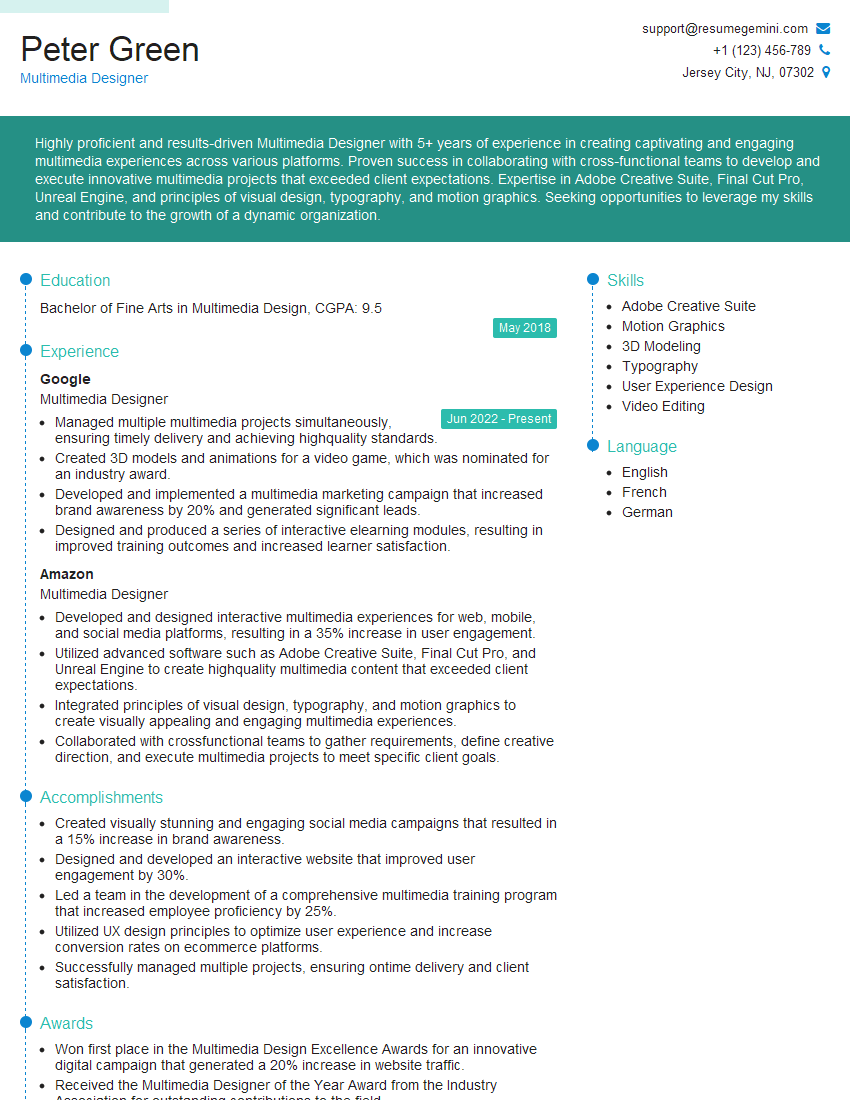
Multimedia Designer Resume Sample
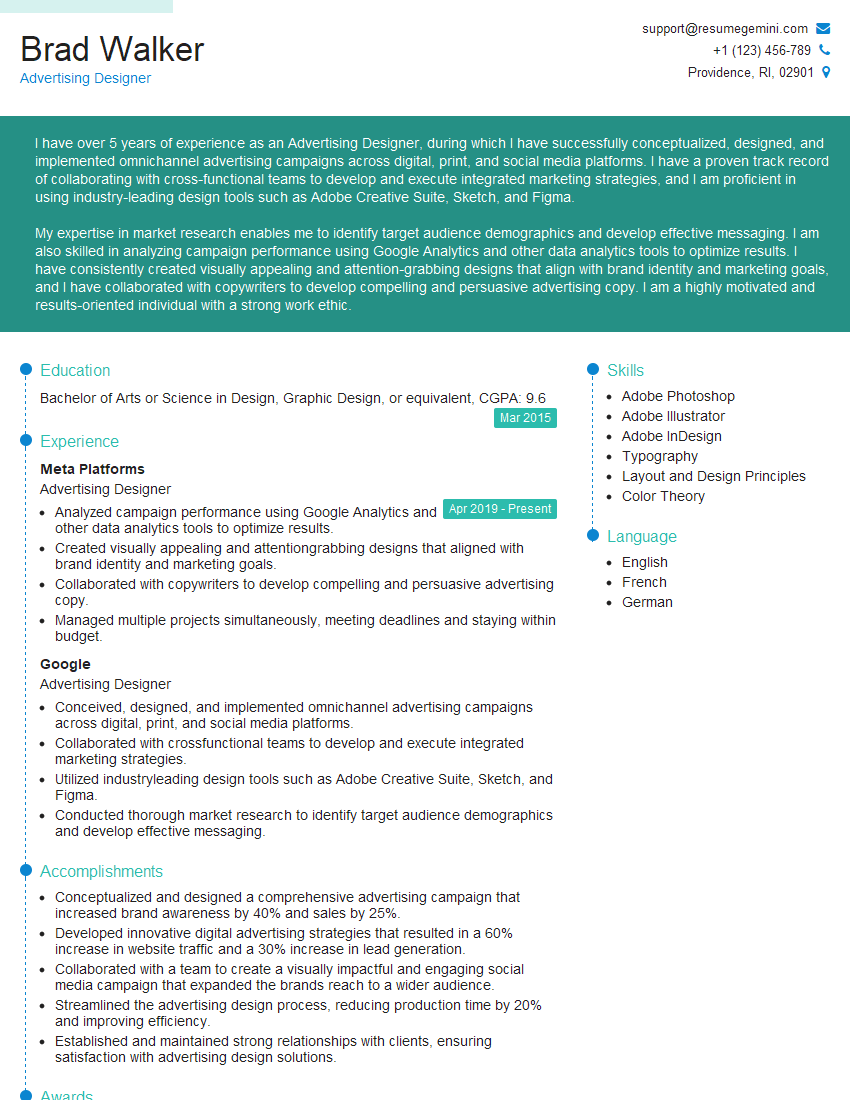
Advertising Designer Resume Sample

Packaging Designer Resume Sample
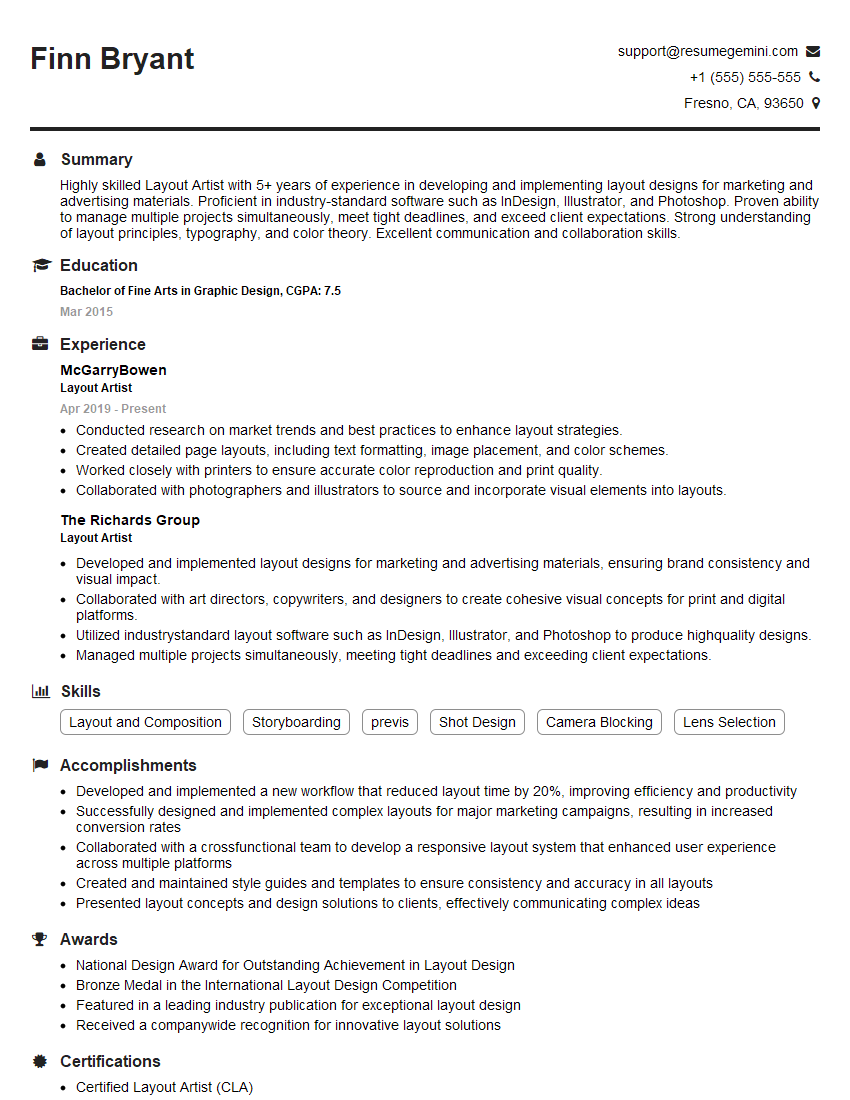
Layout Artist Resume Sample
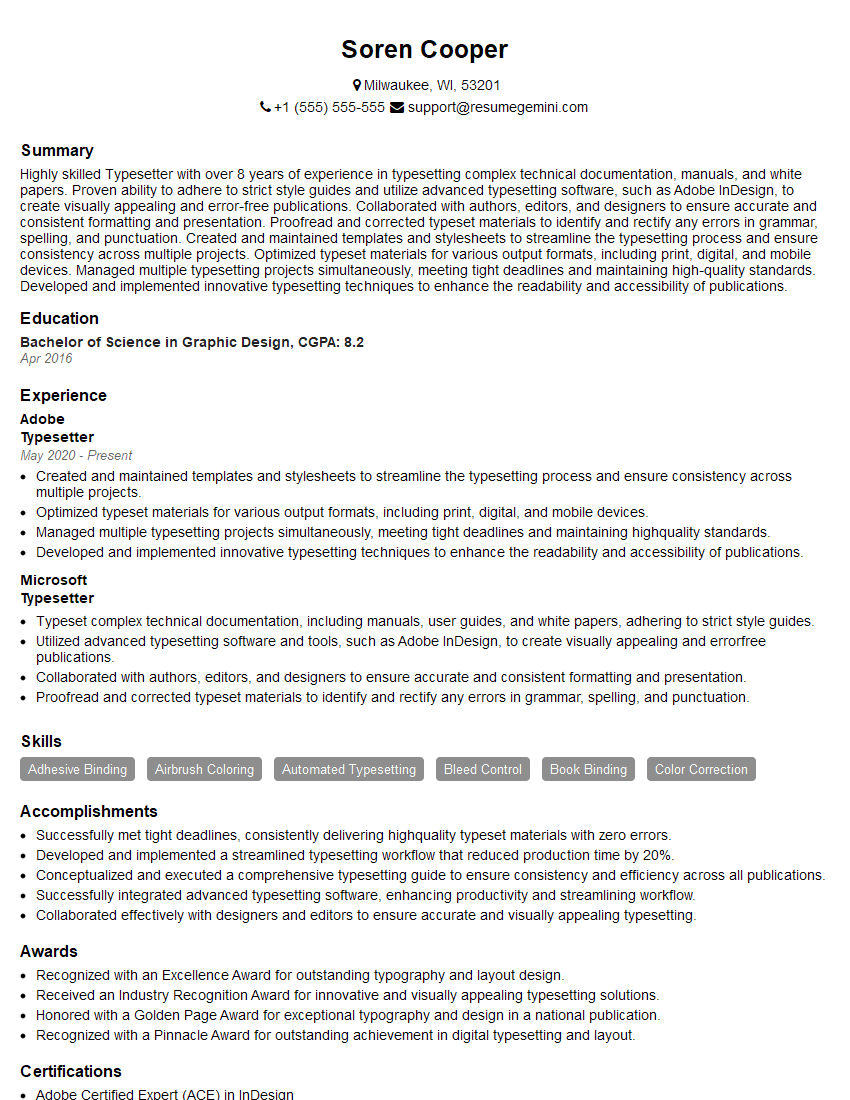
Typesetter Resume Sample

Prepress Technician Resume Sample

UX Designer Resume Sample
Explore more articles
Users Rating of Our Blogs
Share Your Experience
We value your feedback! Please rate our content and share your thoughts (optional).
What Readers Say About Our Blog
Really detailed insights and content, thank you for writing this detailed article.
IT gave me an insight and words to use and be able to think of examples