Cracking a skill-specific interview, like one for Data Analysis and Visualization Tools, requires understanding the nuances of the role. In this blog, we present the questions you’re most likely to encounter, along with insights into how to answer them effectively. Let’s ensure you’re ready to make a strong impression.
Questions Asked in Data Analysis and Visualization Tools Interview
Q 1. Explain the difference between descriptive, predictive, and prescriptive analytics.
The three types of analytics – descriptive, predictive, and prescriptive – represent a progression in sophistication and their application to business problems. Think of them as steps in a problem-solving journey.
- Descriptive Analytics: This is all about understanding the *what* happened. It uses past data to summarize and illustrate trends. Imagine a sales report showing total revenue for the last quarter – that’s descriptive analytics. It tells you *what* your sales were, but not *why*.
- Predictive Analytics: This focuses on the *what might happen*. It uses historical data and statistical techniques like machine learning to forecast future outcomes. For example, predicting customer churn based on past behavior or estimating future demand for a product. This goes beyond simply describing the past; it attempts to anticipate the future.
- Prescriptive Analytics: This is the most advanced, focusing on the *what should happen*. It uses optimization techniques and simulations to recommend actions that will achieve a desired outcome. For instance, suggesting optimal pricing strategies to maximize profits, or recommending the best inventory levels to minimize costs. This isn’t just prediction; it’s actionable advice.
In essence, descriptive analytics provides context, predictive analytics offers foresight, and prescriptive analytics provides guidance for action.
Q 2. What are the key considerations when choosing a data visualization tool?
Selecting the right data visualization tool is crucial for effective communication and analysis. Key considerations include:
- Data Size and Complexity: For massive datasets, you need a tool capable of handling big data efficiently. Some tools are better suited for smaller, simpler datasets.
- Ease of Use and Learning Curve: The tool should be intuitive and easy to learn, especially if you have team members with varying technical skills. A steep learning curve can hinder productivity.
- Integration with Existing Systems: Check for seamless integration with your existing databases, data warehouses, and other analytical platforms. Data silos can create significant bottlenecks.
- Visualizations Offered: Different tools offer different visualization capabilities. Consider the types of charts and graphs most appropriate for your data and the insights you want to convey.
- Customization and Branding: The ability to customize dashboards to match your organization’s branding is important for consistency and professional presentation.
- Collaboration Features: If your work involves collaboration, the tool should support sharing, commenting, and collaborative editing of dashboards and reports.
- Cost and Licensing: Compare the costs associated with different tools, including licensing fees and potential upgrade costs. Consider the value proposition against the cost.
Choosing a tool requires careful evaluation of your specific needs and resources.
Q 3. Describe your experience with Tableau or Power BI. What dashboards have you created?
I have extensive experience with Tableau, having used it for over five years. I’ve found it to be particularly powerful for its intuitive drag-and-drop interface and its ability to create highly interactive dashboards.
In my previous role at [Previous Company Name], I built several dashboards, including:
- Sales Performance Dashboard: This dashboard tracked key sales metrics such as revenue, conversion rates, and average order value across different regions and product categories. I used geographical maps, bar charts, and line graphs to visualize the data and identify trends and outliers.
- Customer Churn Dashboard: This dashboard analyzed customer behavior to predict churn risk. I used various techniques like cohort analysis and predictive modeling (integrating with R) to identify at-risk customers and create targeted interventions.
- Marketing Campaign Performance Dashboard: This dashboard tracked the performance of various marketing campaigns across different channels (e.g., email, social media, paid advertising). I employed KPIs such as click-through rates, cost per acquisition, and return on investment (ROI) to measure effectiveness.
These dashboards were instrumental in driving data-driven decision-making within the organization. I am proficient in using calculated fields, parameters, and data blending to create complex and insightful visualizations. I am also comfortable with the Tableau Server for publishing and sharing dashboards.
Q 4. How do you handle missing data in a dataset?
Missing data is a common challenge in data analysis. The best approach depends on the nature of the data, the amount of missingness, and the reason for the missing values (Missing Completely at Random (MCAR), Missing at Random (MAR), or Missing Not at Random (MNAR)).
Strategies for handling missing data include:
- Deletion: This involves removing rows or columns with missing values. Listwise deletion removes entire rows, while pairwise deletion only removes data points for specific analyses. This is simple but can lead to information loss, especially with many missing values.
- Imputation: This involves filling in missing values with estimated values. Common methods include:
- Mean/Median/Mode Imputation: Replacing missing values with the mean, median, or mode of the respective variable. Simple, but can distort the distribution and underestimate variability.
- Regression Imputation: Predicting missing values based on the relationship with other variables using regression analysis. More sophisticated than mean imputation.
- K-Nearest Neighbors (KNN) Imputation: Imputing missing values based on the values of similar data points (neighbors) in the dataset. Good for handling non-linear relationships.
- Multiple Imputation: Creating multiple plausible imputed datasets and combining the results to account for uncertainty in the imputation process. This is considered a more robust technique.
The choice of method should be carefully considered and justified based on the characteristics of the data and the goals of the analysis. Often, a combination of techniques is employed.
Q 5. Explain different data cleaning techniques.
Data cleaning is a crucial step in any data analysis project. It involves identifying and correcting (or removing) errors, inconsistencies, and inaccuracies in the data. This ensures the data’s quality and reliability for analysis.
Common data cleaning techniques include:
- Handling Missing Values: As discussed above, this involves deciding how to address missing data points. This might involve imputation or removal.
- Identifying and Removing Duplicates: Duplicate rows can skew results. Tools and techniques are available to identify and remove duplicates.
- Correcting Data Entry Errors: Manual review or automated checks can identify and correct data entry errors (e.g., incorrect data types, inconsistent formats).
- Standardizing Data Formats: Ensuring consistent formats (e.g., date formats, numerical formats) across all variables.
- Outlier Detection and Treatment: Outliers can significantly influence analysis. Techniques like box plots or z-score calculations can help identify and decide how to handle outliers (removal, transformation, or winsorization).
- Data Transformation: This can involve converting data types, scaling variables, or creating new variables from existing ones. This might include standardization, normalization, or log transformations.
- Data Consistency Checks: This involves verifying that the data conforms to predefined rules and constraints. For example, ensuring that values are within a specific range or that categorical variables contain only valid values.
A well-cleaned dataset is the foundation for reliable and meaningful insights.
Q 6. What are some common data visualization pitfalls to avoid?
Several common pitfalls can undermine the effectiveness of data visualizations. Avoiding these is critical for clear communication.
- Chartjunk: Excessive ornamentation, unnecessary gridlines, and distracting elements clutter visualizations and hinder understanding. Keep it clean and focused.
- Misleading Scales and Axes: Manipulating scales or axes can distort the data and create a false impression. Maintain consistent scales and clearly label axes.
- Using the Wrong Chart Type: Selecting an inappropriate chart type can obscure important relationships in the data. Choose charts suited to your data and the message you want to convey.
- Overplotting: Trying to show too much information in a single chart leads to an incomprehensible mess. Break down complex data into smaller, more manageable charts.
- Lack of Context: Presenting data without sufficient context or explanation makes it difficult for the audience to understand its meaning. Provide clear labels, titles, and annotations.
- Poor Color Choices: Using inappropriate colors can make the visualization hard to read or even convey incorrect information. Consider color blindness and accessibility when choosing colors.
- Ignoring the Audience: Visualizations should be tailored to the audience’s knowledge and needs. A highly technical chart might not be appropriate for a non-technical audience.
Effective data visualization requires careful attention to detail and a focus on clarity and accuracy.
Q 7. How do you determine the appropriate chart type for a given dataset?
Choosing the appropriate chart type depends on the type of data you have and the message you want to convey. Here’s a framework:
- For showing the distribution of a single variable:
- Histograms: Show the frequency distribution of a continuous variable.
- Box plots: Show the median, quartiles, and outliers of a continuous variable.
- Bar charts: Show the frequency or count of different categories of a categorical variable.
- For showing the relationship between two variables:
- Scatter plots: Show the relationship between two continuous variables.
- Line charts: Show the trend of a continuous variable over time or another continuous variable.
- Bar charts: Compare the values of a continuous variable across different categories of a categorical variable.
- For showing parts of a whole:
- Pie charts: Show the proportion of different categories of a categorical variable.
- Stacked bar charts: Show the composition of a continuous variable across different categories.
- For showing data changes over time:
- Line charts: Show the trend of a variable over time.
- Area charts: Show the cumulative value of a variable over time.
Consider the type of data (categorical, continuous, time series), the number of variables, and the desired insights when making your selection. Sometimes, a combination of charts might be necessary to convey a complete picture.
Q 8. Describe your experience with SQL and its use in data analysis.
SQL, or Structured Query Language, is the foundation of my data analysis workflow. I’m proficient in writing complex queries to extract, transform, and load (ETL) data from relational databases. My experience encompasses everything from simple SELECT statements to intricate queries involving joins, subqueries, window functions, and common table expressions (CTEs). For instance, I’ve used SQL to analyze customer purchase history, identifying trends and patterns that informed marketing strategies. Another example is leveraging SQL’s analytical functions to calculate aggregate metrics like average order value or customer lifetime value from large transactional datasets. I’m also familiar with optimizing SQL queries for performance, using techniques like indexing and query profiling to ensure efficient data retrieval, even from massive databases.
Q 9. How do you handle outliers in your data analysis?
Outliers are data points that significantly deviate from the rest of the data. Handling them is crucial because they can skew analysis and lead to inaccurate conclusions. My approach is multifaceted. First, I identify outliers using methods like box plots, scatter plots, or z-score calculations. For example, a z-score above 3 or below -3 often indicates an outlier. Once identified, I investigate the cause. Sometimes, outliers are genuine extreme values, like an unusually high sales figure during a promotional period. In these cases, they might be kept. However, if an outlier is due to data entry errors or measurement issues, I’ll correct or remove them. A more sophisticated approach involves using robust statistical methods that are less sensitive to outliers, such as median instead of mean for central tendency.
Q 10. Explain your process for identifying and addressing data quality issues.
Data quality is paramount. My process for identifying and addressing issues involves several steps. First, I perform data profiling to understand the data’s characteristics, including data types, distributions, and missing values. Then, I look for inconsistencies, such as duplicate records or values outside expected ranges. I use data validation rules and checks to identify these issues. For example, I might verify that dates are in the correct format or that numerical values are within plausible limits. Finally, I address these issues using techniques like data cleansing (e.g., removing duplicates, handling missing values through imputation or removal), or data transformation (e.g., standardizing units, converting data types). Throughout this process, I meticulously document all changes and maintain a clear audit trail.
Q 11. What are the advantages and disadvantages of using different chart types (e.g., bar charts, scatter plots, etc.)?
Different chart types are best suited for different purposes.
- Bar charts are excellent for comparing categorical data. For example, comparing sales across different product categories.
- Scatter plots are ideal for showing the relationship between two numerical variables. For example, visualizing the correlation between advertising spend and sales revenue.
- Line charts are best for showing trends over time. For instance, tracking website traffic over a year.
- Pie charts effectively display proportions of a whole. For example, showing the market share of different companies.
Q 12. Describe your experience with data storytelling.
Data storytelling is about communicating insights in a compelling and engaging manner, not just presenting numbers. My experience involves crafting narratives that connect data points to a broader context. I begin by defining a clear objective and target audience. Then, I structure my story with a beginning (introducing the context), middle (presenting the analysis and insights), and end (summarizing key findings and implications). I use visuals to support the narrative, employing charts and graphs to illustrate key trends and patterns. For example, I might use a map to show geographical distribution of sales or an animated chart to showcase growth over time. The key is to make the data relatable and understandable, transforming complex information into an easily digestible story.
Q 13. How do you present complex data insights to a non-technical audience?
Presenting complex data to a non-technical audience requires simplification and visualization. I avoid technical jargon and use clear, concise language. Instead of focusing on statistical details, I highlight the key findings and their implications in plain English. Visualizations are vital. I prefer charts and graphs that are easily understandable, avoiding complex plots or intricate details. I also use analogies and real-world examples to make the data relatable. For example, instead of saying “the conversion rate improved by 15%,” I might say “we saw a 15% increase in customers completing their purchases.” The goal is to ensure everyone understands the key messages, not just the technical details.
Q 14. What is the difference between correlation and causation?
Correlation and causation are often confused, but they are distinct concepts. Correlation refers to a statistical relationship between two variables: when one changes, the other tends to change as well. This relationship can be positive (both increase together), negative (one increases while the other decreases), or zero (no relationship). Causation, on the other hand, implies that a change in one variable *directly causes* a change in another. Correlation does not equal causation. Just because two variables are correlated doesn’t mean one causes the other. There could be a third, unseen variable influencing both. For example, ice cream sales and crime rates might be positively correlated (both increase during summer), but ice cream sales don’t cause crime, and vice versa; the heat is the underlying factor. Establishing causation requires rigorous investigation, often involving controlled experiments or advanced statistical methods.
Q 15. Explain your experience with statistical methods used in data analysis.
Statistical methods are the backbone of data analysis, allowing us to move beyond simple descriptions to make inferences and predictions. My experience spans a wide range of techniques, including:
- Descriptive Statistics: Calculating measures like mean, median, mode, standard deviation, and variance to summarize and understand data distributions. For example, I’ve used these to analyze customer demographics, identifying key segments for targeted marketing campaigns.
- Inferential Statistics: Employing hypothesis testing (t-tests, ANOVA, chi-square tests) and regression analysis (linear, logistic, multiple) to draw conclusions about a population based on sample data. In one project, I used linear regression to model the relationship between advertising spend and sales, enabling better resource allocation.
- Time Series Analysis: Analyzing data collected over time to identify trends, seasonality, and forecasting future values. I’ve applied ARIMA models to predict website traffic, allowing for proactive resource management.
- Clustering and Classification: Using techniques like k-means clustering and decision trees to group similar data points and build predictive models. For instance, I used k-means to segment customer data based on purchasing behavior, informing personalized recommendations.
I’m proficient in using statistical software such as R and Python (with libraries like scikit-learn and statsmodels) to perform these analyses efficiently and accurately.
Career Expert Tips:
- Ace those interviews! Prepare effectively by reviewing the Top 50 Most Common Interview Questions on ResumeGemini.
- Navigate your job search with confidence! Explore a wide range of Career Tips on ResumeGemini. Learn about common challenges and recommendations to overcome them.
- Craft the perfect resume! Master the Art of Resume Writing with ResumeGemini’s guide. Showcase your unique qualifications and achievements effectively.
- Don’t miss out on holiday savings! Build your dream resume with ResumeGemini’s ATS optimized templates.
Q 16. Describe your experience with A/B testing and statistical significance.
A/B testing is a crucial method for evaluating the effectiveness of different versions of a webpage, marketing campaign, or product feature. Statistical significance plays a vital role in determining whether observed differences between the variations are real or simply due to chance.
My experience includes designing and executing A/B tests, carefully selecting sample sizes to ensure sufficient statistical power. I use statistical tests, primarily z-tests or t-tests, to compare the performance metrics (e.g., conversion rates, click-through rates) of the variations. I always consider the significance level (alpha) – typically 0.05 – to determine if the observed difference is statistically significant. A p-value less than alpha indicates that the observed difference is unlikely to be due to chance.
For instance, in a recent project, we tested two different email subject lines. Using a z-test, we found a statistically significant difference in open rates (p-value = 0.02), allowing us to confidently choose the subject line with higher performance.
Beyond the basic t-test and z-test, I’m familiar with more advanced techniques such as Bayesian A/B testing, particularly helpful when dealing with smaller sample sizes.
Q 17. What is your preferred method for communicating data insights?
My preferred method for communicating data insights hinges on clarity, conciseness, and visual appeal. I tailor my approach to the audience – a technical team will appreciate detailed analyses, while executives benefit from clear, high-level summaries.
I primarily use data visualizations – charts, graphs, dashboards – to convey information effectively. I find that well-designed visualizations make complex data much more accessible and memorable. I also utilize storytelling techniques, presenting the data within a narrative context, highlighting key findings and their implications.
Tools I frequently use include:
- Dashboards: Tableau and Power BI for interactive dashboards that allow users to explore the data at their own pace.
- Presentations: Slides with concise visualizations and key takeaways.
- Reports: Written reports combining narrative explanations with relevant visualizations and statistical summaries.
The goal is always to make the insights actionable, clearly showing the ‘so what?’ of the analysis.
Q 18. How do you validate your data analysis results?
Validating data analysis results is crucial to ensure the reliability and accuracy of my findings. My validation process involves several key steps:
- Data Validation: I begin by thoroughly checking the data’s quality, identifying and handling missing values, outliers, and inconsistencies. This might involve data cleaning, transformation, and imputation techniques.
- Cross-Validation: For predictive models, I employ techniques like k-fold cross-validation to assess the model’s performance on unseen data and avoid overfitting. This helps ensure the model generalizes well to new data.
- Sensitivity Analysis: I assess how sensitive the results are to changes in the data or the analysis methodology. This helps identify potential biases or limitations of the analysis.
- Peer Review: Sharing my findings with colleagues for review and feedback is essential. A fresh perspective can often reveal overlooked errors or biases.
- Real-World Verification: When possible, I try to validate the results against real-world outcomes. For example, if predicting sales, I compare the predictions with actual sales figures to assess accuracy.
This multi-faceted approach provides a robust check on my findings, bolstering confidence in the conclusions.
Q 19. How do you stay up-to-date with the latest trends in data analysis and visualization?
Staying current in the rapidly evolving field of data analysis and visualization requires continuous learning. I employ several strategies:
- Online Courses and Tutorials: Platforms like Coursera, edX, and DataCamp offer excellent courses on advanced analytical techniques and new visualization tools.
- Conferences and Workshops: Attending industry conferences and workshops allows me to network with peers and learn about the latest advancements from experts.
- Research Papers and Publications: Keeping abreast of research papers and publications in leading journals ensures I am aware of cutting-edge methodologies and innovations.
- Blogs and Online Communities: Following influential blogs and participating in online communities (like Stack Overflow) allows for continuous learning and exchange of ideas.
- Experimentation and Practice: Applying new techniques and tools to personal projects keeps my skills sharp and allows me to explore the practical implications of newly acquired knowledge.
This combination of formal and informal learning keeps me at the forefront of the field.
Q 20. Describe your experience with different data visualization libraries (e.g., Matplotlib, Seaborn, D3.js).
I have extensive experience with various data visualization libraries, each with its strengths and weaknesses:
- Matplotlib: A fundamental library in Python, providing a wide range of plotting options. It’s very flexible, allowing for highly customized plots, but can require more code for complex visualizations. I’ve used it for creating basic plots like scatter plots, histograms, and line charts for exploratory data analysis.
- Seaborn: Built on top of Matplotlib, Seaborn simplifies the creation of statistically informative and visually appealing plots. Its high-level functions make it easier to create complex visualizations with less code. I’ve used it extensively for creating visualizations like heatmaps, pair plots, and regression plots to uncover relationships within data.
- D3.js: A powerful JavaScript library for creating interactive and dynamic visualizations for web applications. It offers unparalleled control over the visual elements and allows for creating highly customized and engaging dashboards. I’ve used it to build interactive charts and maps that allow users to explore data dynamically.
My choice of library depends on the specific needs of the project – Matplotlib for quick exploratory visualizations, Seaborn for statistically-driven plots, and D3.js for interactive web-based dashboards.
Q 21. Explain the concept of data normalization and its importance.
Data normalization is the process of transforming data to a standard scale, ensuring that no single variable dominates the analysis due to its scale. This is crucial for many machine learning algorithms and statistical analyses.
There are several types of normalization:
- Min-Max Scaling: Scales features to a range between 0 and 1. The formula is:
x_scaled = (x - x_min) / (x_max - x_min) - Z-score Standardization: Transforms data to have a mean of 0 and a standard deviation of 1. The formula is:
z = (x - μ) / σ, where μ is the mean and σ is the standard deviation.
Importance of Normalization:
- Improved Algorithm Performance: Many machine learning algorithms (e.g., k-nearest neighbors, support vector machines) are sensitive to feature scaling. Normalization prevents features with larger values from disproportionately influencing the results.
- Faster Convergence: Normalization can speed up the convergence of gradient descent-based optimization algorithms, reducing training time.
- Enhanced Interpretability: By bringing features to a comparable scale, normalization improves the interpretability of the results. It becomes easier to compare the importance of different variables.
For example, in a dataset containing house prices (in thousands) and square footage, normalizing the data ensures that neither variable unduly influences a model predicting house prices.
Q 22. How do you handle large datasets that don’t fit into memory?
Handling datasets too large for RAM requires techniques that avoid loading the entire dataset at once. Think of it like eating a massive pizza – you wouldn’t try to eat the whole thing in one bite! Instead, you’d take slices.
Common approaches include:
- Chunking: Process the data in smaller, manageable chunks. Read a portion of the data, perform your analysis, write the results, and then repeat the process for the next chunk. Libraries like
pandasin Python offer functions to efficiently read data in chunks (chunksizeparameter inread_csv). - Sampling: If the dataset is truly enormous and the goal is exploratory analysis or model training, a representative sample might suffice. Careful consideration of sampling methods (e.g., stratified sampling) is crucial to avoid bias.
- Database interaction: Leverage the power of a database management system (DBMS). Instead of loading the entire dataset into memory, write queries to retrieve and process only the necessary data subsets. SQL is invaluable here.
- Distributed computing: For extremely large datasets, frameworks like Spark or Dask allow you to distribute the processing across multiple machines, parallelizing the workload.
Example: Imagine analyzing a 100GB log file. Instead of attempting to load it all at once, I would use pandas with a chunksize parameter to process it in, say, 10MB chunks, performing aggregations or transformations on each chunk before combining the results.
Q 23. What is your experience with data warehousing and ETL processes?
Data warehousing and ETL (Extract, Transform, Load) are fundamental to my workflow. Data warehousing is the creation of a central repository for integrated data from various sources. ETL processes populate this repository. Imagine a warehouse organizing inventory from multiple suppliers – that’s analogous to a data warehouse consolidating information.
My experience spans designing and implementing ETL pipelines using tools like Apache Airflow (for scheduling and orchestration), Informatica PowerCenter (for enterprise-level ETL), and scripting languages like Python. I’ve worked on projects involving extracting data from diverse sources (databases, APIs, flat files), transforming it (cleaning, formatting, aggregating), and loading it into a data warehouse (e.g., Snowflake, Google BigQuery, Amazon Redshift). I’m proficient in handling data transformations using SQL, Python with libraries like pandas and pyspark, and data manipulation tools. A recent project involved building a pipeline to ingest website traffic data, process it using regular expressions to clean the log files, and finally load the processed data into a BigQuery data warehouse for reporting and analysis.
Q 24. How would you approach analyzing a dataset with a high degree of noise?
Dealing with noisy data is a common challenge. Noise refers to irrelevant or erroneous data points that obscure the true underlying patterns. Think of it like trying to hear a conversation in a noisy room – you need to filter out the extraneous sounds.
My approach involves:
- Data Cleaning: This is crucial. I’d investigate the sources of noise (e.g., measurement errors, outliers) and apply appropriate cleaning techniques such as outlier removal (using methods like IQR or Z-score), smoothing (using techniques like moving averages), or imputation (replacing missing values using mean, median, or more sophisticated methods).
- Feature Engineering: Sometimes, noise can be mitigated by creating new features from existing ones. For example, aggregating noisy variables over time might reveal a clearer signal.
- Dimensionality Reduction: Techniques like Principal Component Analysis (PCA) can reduce the number of variables while retaining important information. This can help filter out noise by removing less significant dimensions.
- Robust Statistical Methods: Utilize methods less sensitive to outliers, such as median instead of mean, or robust regression.
- Ensemble Methods: If building a predictive model, ensemble methods like Random Forest are less susceptible to individual noisy data points than simpler models.
Example: In analyzing sensor data, I might use a moving average to smooth out random fluctuations, and then apply outlier detection to identify and potentially remove erroneous sensor readings.
Q 25. Describe your experience with different types of database systems (e.g., relational, NoSQL).
I have experience with both relational and NoSQL databases. Relational databases (like MySQL, PostgreSQL, SQL Server) are structured, using tables with rows and columns. They’re great for structured data with well-defined relationships. NoSQL databases (like MongoDB, Cassandra, Redis) are more flexible, handling unstructured or semi-structured data. The choice depends on the specific needs of the project.
Relational Databases: I’m proficient in SQL, optimizing queries, designing schemas, and managing relational database systems. I’ve worked with large relational databases using techniques for efficient querying, indexing, and data partitioning.
NoSQL Databases: My experience includes working with document databases (like MongoDB) and key-value stores (like Redis). I understand the trade-offs between different NoSQL database types and how to choose the appropriate one based on the project’s data model and performance requirements. For instance, I’d use MongoDB for storing flexible JSON documents and Redis for caching frequently accessed data.
In practice, I often combine both types. For example, a core relational database might be supplemented by a NoSQL database for handling specific types of data, like user session logs.
Q 26. How familiar are you with different data visualization frameworks?
I’m familiar with numerous data visualization frameworks, encompassing both general-purpose libraries and specialized tools.
General-purpose Libraries: My expertise includes using Python libraries like Matplotlib (for static plots), Seaborn (for statistically informative plots), and Plotly (for interactive dashboards). In R, I utilize ggplot2 for elegant and customizable visualizations. These libraries offer flexibility and control over the visualization process.
Specialized Tools: I have experience with Tableau and Power BI, which are powerful business intelligence tools ideal for creating interactive dashboards and reports with minimal coding. These are great for quickly generating compelling visualizations for non-technical audiences.
Other Tools: I am also acquainted with D3.js (for advanced web-based visualizations), and various visualization tools within cloud platforms (e.g., Google Data Studio, Amazon QuickSight). My choice of tool depends on the project’s complexity, target audience, and desired level of interactivity.
Q 27. How do you ensure the accessibility of your data visualizations?
Accessibility in data visualization is crucial to ensure that everyone can understand and interpret the information. Think of providing captions for a video – it makes it accessible to a wider audience.
My approach to ensuring accessibility involves:
- Color Choice: Using color palettes that are colorblind-friendly and provide sufficient contrast between elements. Tools like Coblis can help assess colorblind-friendliness.
- Alternative Text: Providing clear alternative text (alt text) for images and charts so that screen readers can convey the information to visually impaired users. The alt text should accurately describe the data presented in the visualization.
- Data Labels and Annotations: Including clear labels and annotations on charts, so that the data is readily understandable without relying solely on color or visual cues.
- Interactive Elements: Designing interactive elements that are usable with keyboard navigation for users who cannot use a mouse.
- Appropriate Chart Type: Choosing chart types that are easy to interpret and avoid complex or misleading visualizations.
- Clear Titles and Captions: Providing concise, descriptive titles and captions that clearly communicate the visualization’s purpose and findings.
I carefully consider the accessibility needs of my audience from the outset and leverage tools and best practices to create inclusive visualizations.
Q 28. Explain your process for creating interactive data dashboards.
Creating interactive data dashboards is an iterative process. Think of it like building with LEGOs – you start with a basic structure and add features incrementally.
My process typically includes:
- Requirements Gathering: Understand the stakeholders’ needs and the key insights they want to derive from the data. What questions should the dashboard answer?
- Data Preparation: Clean, transform, and aggregate the data to make it suitable for visualization. This often involves data wrangling, feature engineering, and potentially joining datasets from various sources.
- Dashboard Design: Sketch a wireframe or prototype to plan the dashboard layout, considering the user experience and the flow of information. Which visualizations will best communicate the key insights?
- Visualization Selection: Choose appropriate chart types for each data point, aiming for clarity and effectiveness. Avoid overwhelming the user with too many visualizations.
- Implementation: Use a suitable tool (e.g., Tableau, Power BI, Plotly) to implement the dashboard, creating interactive elements like filters, drill-downs, and tooltips.
- Testing and Refinement: Thoroughly test the dashboard and gather feedback from users to iterate on the design and functionality.
- Deployment and Monitoring: Deploy the dashboard and monitor its usage, making adjustments as needed to improve performance and usability.
Throughout this process, I prioritize user experience and data integrity. A well-designed interactive dashboard should provide clear and actionable insights in an intuitive and accessible manner.
Key Topics to Learn for Data Analysis and Visualization Tools Interview
- Data Wrangling & Cleaning: Understanding techniques for handling missing data, outliers, and inconsistencies. Practical application: Preparing messy datasets for analysis using Python’s Pandas or R’s dplyr.
- Exploratory Data Analysis (EDA): Mastering techniques to summarize and visualize data to gain insights. Practical application: Identifying trends and patterns through histograms, scatter plots, and box plots using tools like Tableau or Power BI.
- Data Visualization Principles: Understanding how to effectively communicate data insights through visualizations. Practical application: Choosing appropriate chart types for different data types and audiences, considering clarity and impact.
- Statistical Analysis: Familiarity with descriptive and inferential statistics, hypothesis testing, and regression analysis. Practical application: Using statistical methods to draw meaningful conclusions from data and support business decisions.
- Choosing the Right Tool: Understanding the strengths and weaknesses of various data analysis and visualization tools (e.g., SQL, Python with libraries like Matplotlib and Seaborn, Tableau, Power BI). Practical application: Justifying the selection of a specific tool based on project requirements and data characteristics.
- Data Storytelling: Communicating findings clearly and concisely, using data visualizations to support a narrative. Practical application: Presenting analysis results to stakeholders in a compelling and easily understandable manner.
- Database Management Systems (DBMS): Basic understanding of relational databases and SQL for data retrieval and manipulation. Practical application: Writing efficient SQL queries to extract relevant information for analysis.
- Big Data Technologies (Optional): Exposure to tools like Hadoop or Spark for handling large datasets (depending on the job description). Practical application: Demonstrating familiarity with concepts of distributed computing and parallel processing.
Next Steps
Mastering Data Analysis and Visualization Tools is crucial for career advancement in today’s data-driven world. These skills are highly sought after, opening doors to exciting opportunities and higher earning potential. To maximize your job prospects, create an ATS-friendly resume that showcases your abilities effectively. ResumeGemini is a trusted resource to help you build a professional and impactful resume. We provide examples of resumes tailored to Data Analysis and Visualization Tools to help you get started. Invest time in crafting a strong resume – it’s your first impression on potential employers!
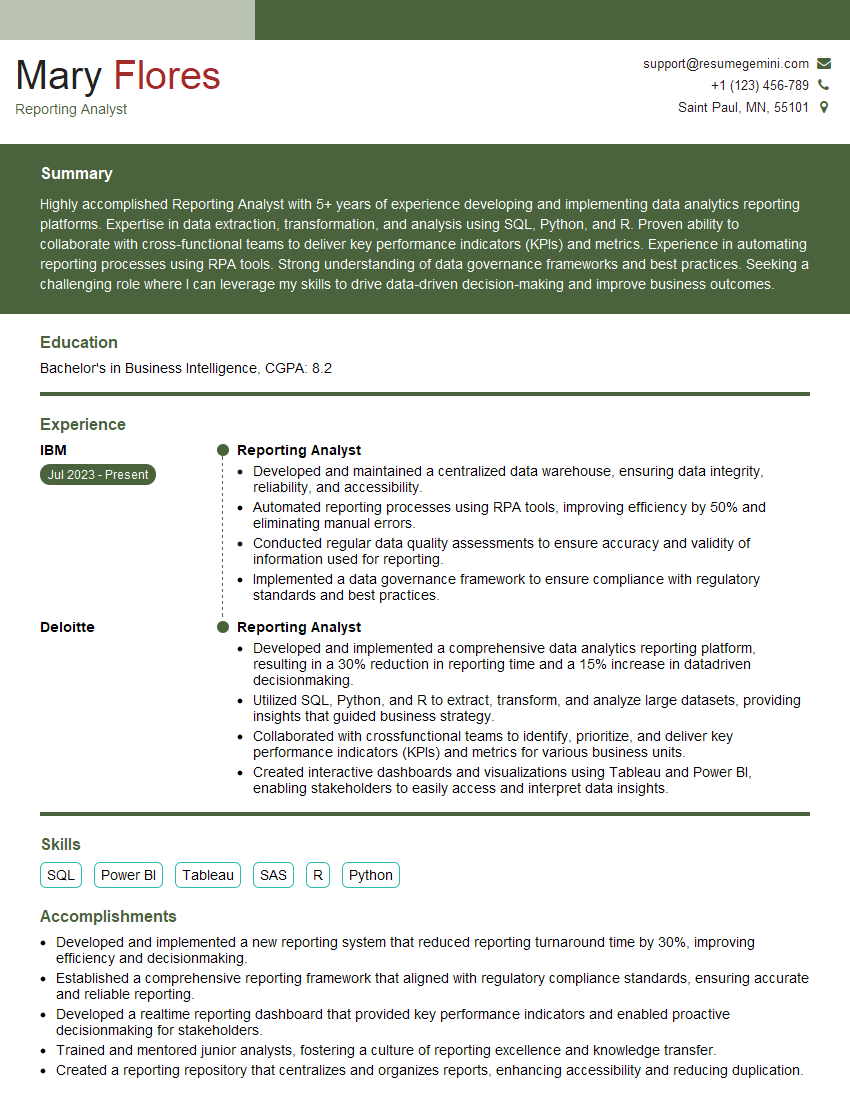
Reporting Analyst Resume Sample

Data Analyst Resume Sample

Data Scientist Resume Sample

Data Architect Resume Sample

Business Intelligence Analyst Resume Sample
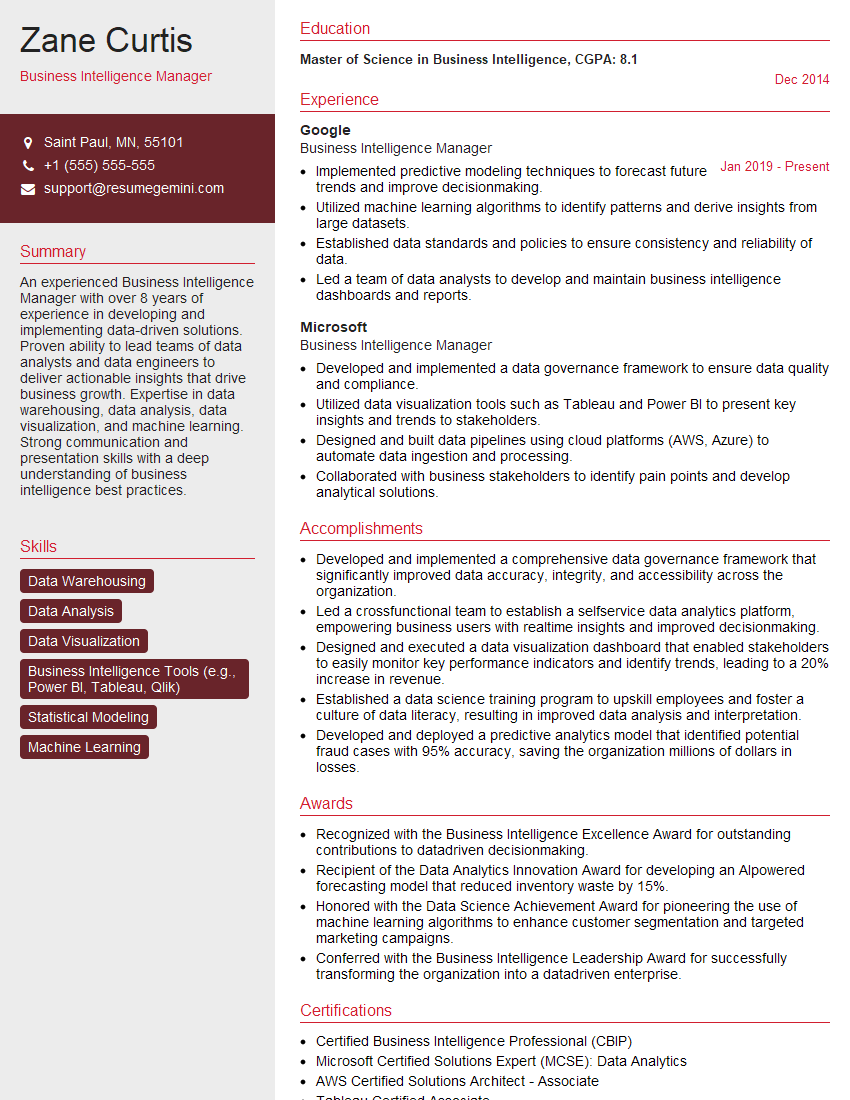
Business Intelligence Manager Resume Sample
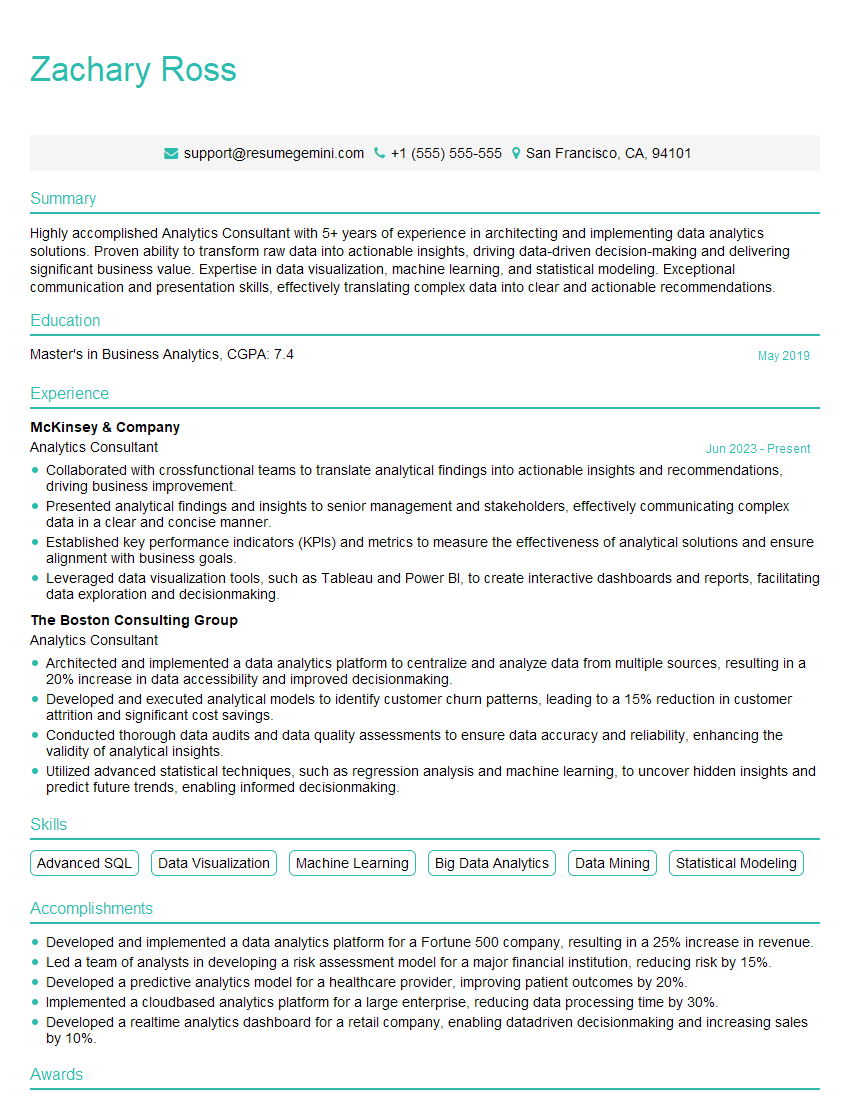
Analytics Consultant Resume Sample

Database Administrator Resume Sample

Machine Learning Engineer Resume Sample
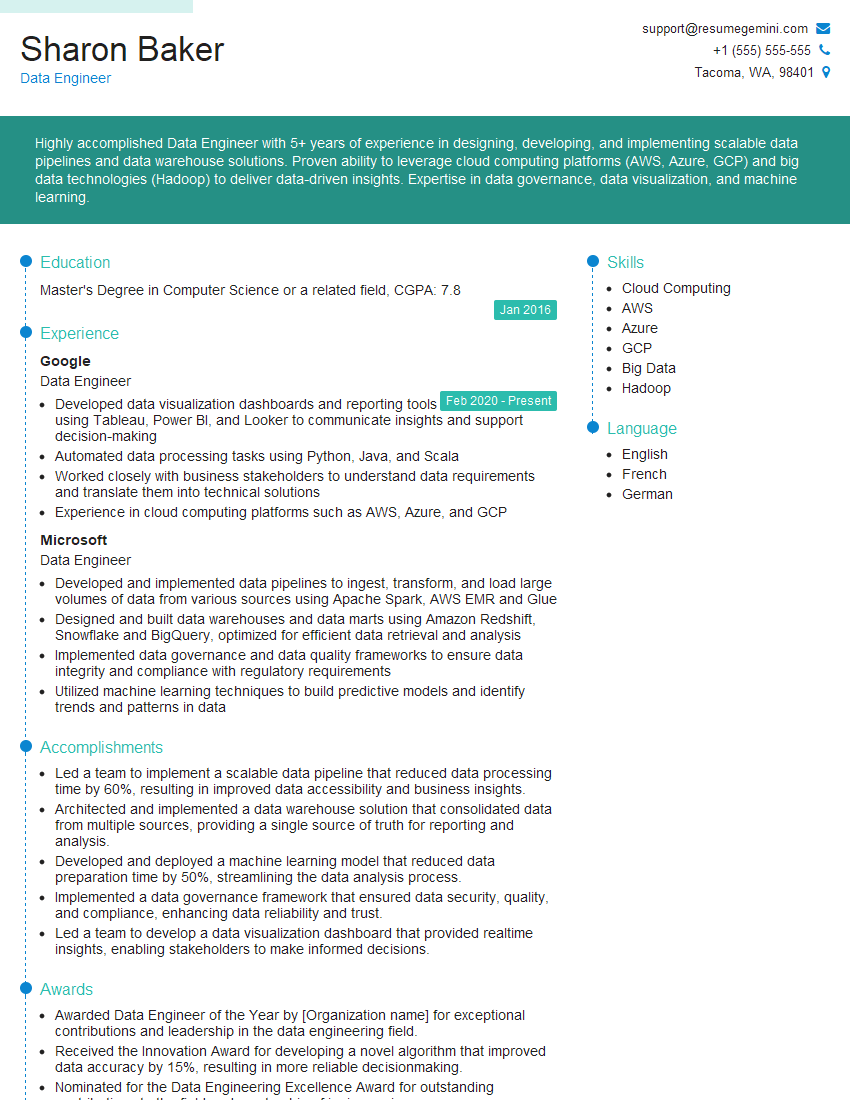
Data Engineer Resume Sample
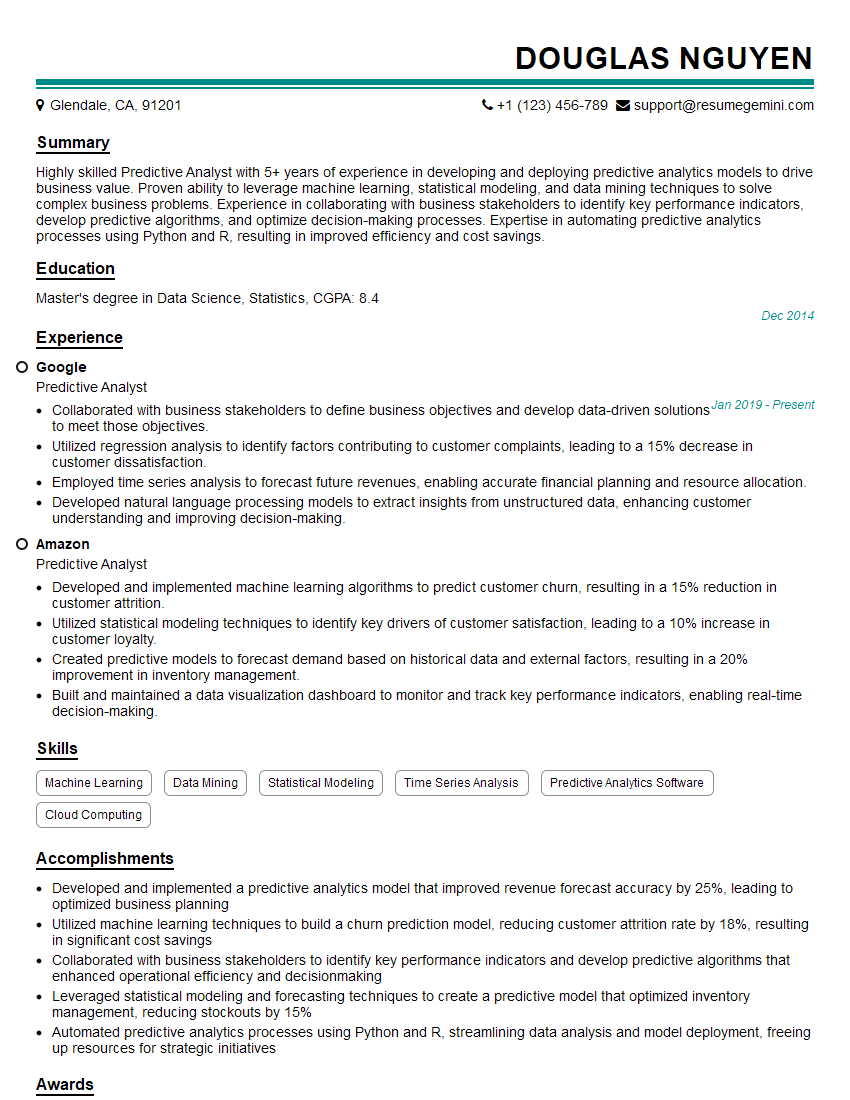
Predictive Analyst Resume Sample
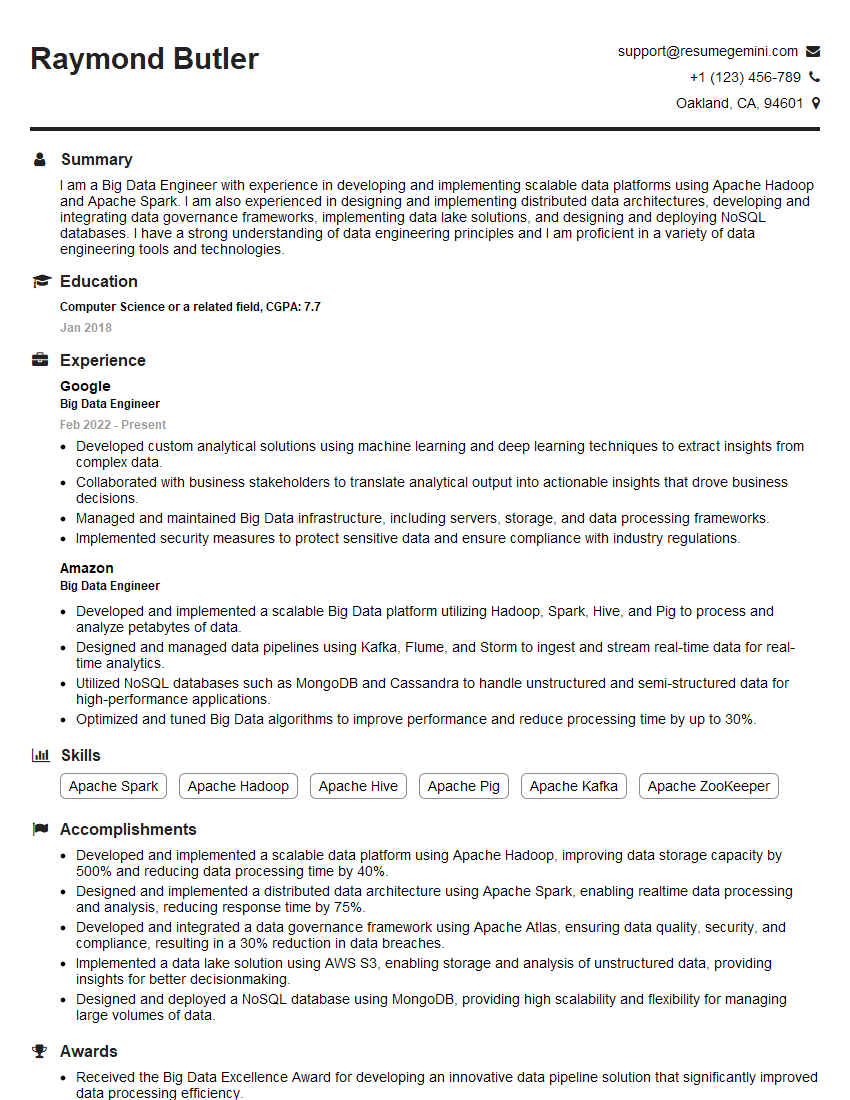
Big Data Engineer Resume Sample
Explore more articles
Users Rating of Our Blogs
Share Your Experience
We value your feedback! Please rate our content and share your thoughts (optional).
What Readers Say About Our Blog
Really detailed insights and content, thank you for writing this detailed article.
IT gave me an insight and words to use and be able to think of examples