Interviews are more than just a Q&A session—they’re a chance to prove your worth. This blog dives into essential Electronics Installation interview questions and expert tips to help you align your answers with what hiring managers are looking for. Start preparing to shine!
Questions Asked in Electronics Installation Interview
Q 1. Explain the process of installing a structured cabling system.
Installing a structured cabling system is like building the highway system for your data. It involves a meticulous process to ensure reliable and efficient data transmission. It begins with careful planning, including a site survey to determine cable pathways, equipment locations, and the number of ports needed. This is followed by:
- Cable Pathway Design: Determining the best routes for cables – often utilizing cable trays, conduits, or even ceiling spaces – minimizing disruption and ensuring cable protection.
- Cable Pulling: Carefully pulling the cables through the pathways, avoiding kinks or damage. This often involves the use of cable pulling lubricants and specialized tools.
- Termination: Connecting the cables to the network equipment (switches, routers, etc.) and wall outlets using appropriate termination techniques (discussed further in the next answer). Precision is crucial to avoid signal loss.
- Testing and Verification: Utilizing cable testers to ensure proper connectivity and signal quality. This includes testing for shorts, opens, and signal attenuation. This step is critical to catch any errors early.
- Documentation: Creating thorough documentation of the cable pathways, termination points, and testing results. This is vital for future maintenance and troubleshooting.
For example, in a recent office installation, we carefully planned cable pathways to avoid disrupting existing plumbing and HVAC systems, minimizing disruption during and after installation. The detailed documentation we created allowed the IT staff to quickly locate and resolve a minor issue months later.
Q 2. Describe your experience with termination techniques for various cable types (coaxial, fiber optic, twisted pair).
Termination techniques vary significantly based on cable type. Each requires precise handling to ensure a strong, reliable connection and avoid signal degradation.
- Twisted Pair (e.g., Cat5e, Cat6): This involves carefully stripping the cable sheath and outer insulation, arranging the wires according to the 568A or 568B standard, crimping the connector onto the wires using a crimping tool. Improper crimping can lead to signal loss or intermittent connectivity. I’ve had success with various crimping tools and ensure I always perform a thorough visual inspection after crimping.
- Coaxial Cable: Requires precision in preparing the cable end (stripping the outer and inner jacket, carefully attaching the center conductor to the connector) before screwing the connector onto the cable body. A poorly terminated coaxial cable will introduce signal noise and poor reception. This is often done with specialized tools and requires attention to detail.
- Fiber Optic Cable: This is more complex, requiring specialized tools and cleaning procedures. The process involves cleaving (precisely cutting) the fiber to achieve a perfectly flat surface, then carefully cleaning the fiber end before attaching it to the connector (e.g., SC, ST, LC). Even a tiny speck of dust can interrupt the light signal. I have experience with fusion splicing as well, a permanent method requiring a high level of precision.
Each termination technique requires a good understanding of the cable’s construction and the connector’s specifications. I always follow manufacturer guidelines and use high-quality tools to ensure reliable and consistent results.
Q 3. How do you troubleshoot intermittent connectivity issues in a network?
Troubleshooting intermittent connectivity issues requires a systematic approach. It’s like detective work, systematically eliminating possibilities. I typically start with:
- Check the Obvious: Is the device powered on? Are the cables properly connected? This often resolves the issue quickly.
- Test the Cables: Use a cable tester to check for continuity, shorts, and opens in the cabling. This pinpoints cable faults.
- Network Diagnostics: Employ network diagnostic tools like ping, tracert, and ipconfig to identify where the connection is breaking down. This helps to pinpoint bottlenecks or faulty network devices.
- Check Network Devices: Examine switches, routers, and other network equipment for error messages or unusual behavior. A simple reboot can often fix temporary glitches.
- Isolate the Problem: If the problem is still not found, use a process of elimination to isolate the faulty component or section of cabling. This might involve swapping out cables or network devices.
- Environmental Factors: Check for potential sources of interference, such as electromagnetic fields from motors or other equipment.
For example, during a recent troubleshooting event, a seemingly intermittent network issue in a server room turned out to be a loose cable connector that was shaking slightly with every door closing. Careful tightening and better cable management solved the issue completely.
Q 4. What safety precautions do you take when working with high-voltage equipment near low-voltage systems?
Safety is paramount when working with high-voltage and low-voltage systems simultaneously. One wrong move could be disastrous. My safety precautions include:
- Lockout/Tagout Procedures: Always use lockout/tagout procedures on high-voltage equipment before working near it. This prevents accidental energization.
- Insulation and PPE: Wear appropriate personal protective equipment (PPE), including insulated gloves, safety glasses, and safety shoes. This protects against electrical shocks.
- Proper Grounding: Ensure that all low-voltage systems are properly grounded to prevent stray voltages.
- Awareness of Surroundings: Maintaining constant situational awareness, avoiding working near energized equipment unless absolutely necessary.
- Working Alone Policy: Adhering to company policy regarding working alone, which often involves having another colleague present to ensure safety.
Treating all high-voltage equipment as potentially live, regardless of the apparent state, is crucial. It’s better to be overly cautious than to experience a serious accident.
Q 5. Explain your experience with testing and verifying cable installations.
Testing and verifying cable installations is as important as the installation itself. It’s the quality control step that ensures the system functions as designed. My experience encompasses using various testing tools and methods:
- Cable Certifiers: These tools test for wiremap, length, and signal attenuation on twisted-pair cables, ensuring compliance with standards (e.g., Cat5e, Cat6). I regularly use Fluke and Ideal cable certifiers and understand their nuances.
- Optical Power Meters and Light Sources: Used to test the power levels and attenuation in fiber optic cables, ensuring proper signal transmission. Knowing how to interpret test results is crucial for diagnosing fiber optic issues.
- Tone Generators and Probes: These help trace cables through walls or ceilings, greatly aiding in troubleshooting and maintenance.
- Network Analyzers: Used to test and monitor network performance, identifying bottlenecks and potential connectivity problems, often working hand in hand with IT teams to resolve network-related challenges.
I always document test results meticulously, and these records serve as vital documentation for future maintenance.
Q 6. How do you manage your time and prioritize tasks during multiple installations?
Managing time and prioritizing tasks during multiple installations is a matter of organization and planning. My approach is to:
- Prioritize based on deadlines and criticality: Tackling the most urgent installations first, ensuring that critical projects meet their deadlines.
- Create Detailed Schedules: Developing detailed schedules for each installation, breaking down large tasks into smaller, more manageable ones.
- Delegate if Possible: Delegating tasks to team members where appropriate, while maintaining quality control.
- Effective Communication: Maintaining clear communication with clients and other stakeholders about timelines and potential delays.
- Use Project Management Software: Utilizing project management tools to track progress, manage resources, and maintain overall organization.
I find that a well-structured approach, combined with clear communication and attention to detail, significantly improves my productivity and time management skills.
Q 7. Describe your experience with different types of connectors (e.g., BNC, RJ45, fiber optic).
My experience with various connectors is extensive and includes:
- RJ45: The ubiquitous connector for twisted-pair cables, used in Ethernet networks. I am proficient in both 568A and 568B wiring schemes. Crimping quality is vital to ensure reliable connections.
- BNC: Used in coaxial cabling for applications such as video surveillance and older Ethernet installations. The twisting and screwing to the connector needs precision.
- Fiber Optic Connectors (SC, ST, LC, etc.): I have experience with various fiber optic connectors and the precision required for their proper termination. Proper cleaning is paramount in fiber optics to maintain transmission quality. I use the appropriate cleaning tools and procedures for each type of fiber and connector.
Understanding the applications and limitations of each connector type is vital for selecting the appropriate connector for a given application. I’m accustomed to choosing connectors based on cable type, signal requirements, and environmental conditions.
Q 8. What software or tools do you use for network diagnostics?
Network diagnostics rely on a suite of software and tools, each suited for specific tasks. For basic troubleshooting, I frequently use tools like ping and traceroute (or its Windows equivalent, tracert) to check connectivity and identify network bottlenecks. These command-line tools provide crucial information about packet loss, latency, and the path a packet takes across the network. For a more visual representation of network traffic and performance, I utilize network monitoring software such as Wireshark. Wireshark allows packet capture and analysis, enabling me to pinpoint issues like network congestion, protocol errors, or malicious activity. In larger network environments, I leverage network management systems (NMS) such as SolarWinds or PRTG. These systems provide comprehensive dashboards with real-time network monitoring, alerting, and reporting, making large-scale troubleshooting significantly easier. Finally, for identifying cabling issues, a cable tester is indispensable for verifying continuity and identifying shorts or breaks in network cables. For example, recently, while troubleshooting intermittent connectivity in a small office network, I used ping to identify the affected device, then tracert to pinpoint the failure point to a specific switch port, leading to the quick identification of a faulty cable.
Q 9. How do you ensure the proper grounding and bonding of electronic systems?
Proper grounding and bonding are critical for safety and system reliability in electronics installations. Grounding provides a low-impedance path for fault currents to safely flow back to the earth, preventing electrical shocks and equipment damage. Bonding connects metal enclosures and structures to the grounding system, equalizing electrical potentials and reducing the risk of dangerous voltage differences. I follow strict procedures: Firstly, I inspect the building’s existing grounding system, ensuring it’s adequate and properly connected to the earth. This often involves checking the ground rod’s resistance with a ground resistance tester. Then, I bond all metal enclosures of the electronic equipment – racks, cabinets, conduit – to the grounding system using appropriately sized grounding wires and connectors. I’m meticulous about using appropriate grounding connectors and wire sizes to ensure a low-impedance path. For example, in a recent server room installation, I ensured all server racks were bonded together and to the building’s grounding system via a dedicated grounding busbar. This minimized the risk of electrical shock and also shielded the equipment from electromagnetic interference, thus ensuring smooth and safe operation. Any deviation from the NEC (National Electrical Code) or relevant local electrical codes is unacceptable. Regular checks for corrosion on grounding connections are also part of my routine.
Q 10. Explain your experience with installing and configuring access control systems.
I have extensive experience installing and configuring various access control systems, including both standalone and networked systems. My experience ranges from simple card readers and keypad systems to more complex integrated systems with biometric authentication. I’m proficient in installing and configuring both hardware and software components. This includes installing door readers, controllers, and network infrastructure. For the software side, I’m familiar with access control software packages used for user management, access rights assignments, and event logging. For example, I recently installed and configured a system for a small office building that included card readers, door controllers connected via TCP/IP to a central server running access control software. I programmed the software to create user accounts, assign access levels (different access to different rooms), and set up time schedules. I also configured the system to integrate with the existing CCTV system for security monitoring and the creation of incident reports. Security is paramount; I pay close attention to proper cable routing, securing the equipment against tampering, and following best practices for data security.
Q 11. Describe your experience with installing CCTV security systems.
My CCTV experience spans several projects, from small residential systems to larger commercial installations. This includes the design, installation, and configuration of various CCTV components, such as cameras (IP, analog, PTZ), DVRs (Digital Video Recorders) or NVRs (Network Video Recorders), and associated monitoring software. I am comfortable working with different camera technologies, understanding their strengths and limitations in various applications. For example, I recently installed a system for a retail store using high-resolution IP cameras with analytics features such as motion detection and facial recognition. I configured the NVR to record footage, manage user access, and integrate with the store’s existing alarm system. Beyond the installation, I always focus on proper camera placement to optimize coverage and minimize blind spots. I also consider environmental factors such as lighting and weather conditions. Data security and privacy regulations are also an important factor that I carefully consider during each phase of the project. Furthermore, I understand the importance of robust cabling and reliable power supplies to minimize downtime.
Q 12. How familiar are you with various types of network topologies (e.g., star, bus, ring)?
I’m very familiar with various network topologies. A star topology, where all devices connect to a central hub or switch, is common in most LANs due to its scalability and ease of troubleshooting. A bus topology, where devices are connected along a single cable, is simpler but less reliable as a single cable failure can bring down the entire network. A ring topology, where devices are connected in a closed loop, is less common today but offers high bandwidth, although a single failure can significantly disrupt the network. Understanding these topologies is fundamental for designing and troubleshooting networks. For instance, in a recent project, I designed a network using a star topology for a small office, making it easy to expand and manage. The choice of topology depends on several factors, including budget, scalability requirements, and performance needs. I choose the topology that will deliver optimal performance and reliability, considering the specific needs of each client.
Q 13. Describe your experience with working from blueprints and schematics.
Reading and interpreting blueprints and schematics is a critical skill for any electronics installer. I’m highly proficient in this area. I start by reviewing the entire document to get a holistic understanding of the system before I focus on individual components. I carefully analyze details like cable routing, device placement, and power requirements. I check for any inconsistencies or conflicts. For example, I recently installed a complex audio-visual system in a conference room using detailed architectural drawings and electrical schematics. The schematics showed the locations of outlets, cable runs, and the placement of speakers, projectors, and other equipment. I used this information to plan the cable routing carefully to minimize interference and to ensure that the system was both functional and aesthetically pleasing. Accurate interpretation of these documents prevents costly errors and ensures a seamless installation process. In situations where schematics are unclear, I never hesitate to seek clarification from engineers or designers to avoid any mistakes.
Q 14. Explain your troubleshooting process when a system malfunctions.
My troubleshooting process follows a systematic approach. First, I gather information by observing the symptoms, talking to users, and checking error logs. Then, I isolate the problem by systematically testing components and checking connections, using tools like multimeters and cable testers. Once the problem is isolated, I identify the cause using my knowledge of electronics and network principles. Finally, I implement the solution and thoroughly test the system. For example, if a network printer is not functioning, I would first check the printer’s power and network cable connections. Then, I would check the printer’s status, test the network connectivity using ping, and check the printer’s configuration and driver settings. My process often involves a combination of practical diagnostics and technical knowledge to find the solution efficiently, ensuring minimal downtime.
Q 15. What is your experience with different types of wiring (e.g., shielded, unshielded)?
My experience encompasses a wide range of wiring types, understanding their properties and applications is crucial for successful installations. Unshielded wiring, like common household wiring (e.g., Romex), is cost-effective and suitable for low-voltage applications where electromagnetic interference (EMI) is not a major concern. However, for sensitive equipment like audio systems or data networks, shielded wiring is essential.
Shielded cables, such as those with braided copper or foil shielding, protect against EMI and Radio Frequency Interference (RFI). This is vital to maintain signal integrity and prevent noise or data corruption. I’ve worked extensively with various shielded cables, including coaxial cables (like RG-59, RG-6 used in cable TV and CCTV) and twisted-pair cables (common in Ethernet networks), choosing the appropriate type based on the application’s requirements. For instance, in a high-noise industrial environment, I’d opt for heavily shielded cables with additional grounding measures to prevent interference.
- Unshielded Twisted Pair (UTP): Cost-effective, suitable for shorter runs and less sensitive applications.
- Shielded Twisted Pair (STP): Offers better EMI/RFI protection than UTP, used in demanding environments.
- Coaxial Cable: Provides excellent signal transmission with high impedance, ideal for video and high-frequency applications.
Career Expert Tips:
- Ace those interviews! Prepare effectively by reviewing the Top 50 Most Common Interview Questions on ResumeGemini.
- Navigate your job search with confidence! Explore a wide range of Career Tips on ResumeGemini. Learn about common challenges and recommendations to overcome them.
- Craft the perfect resume! Master the Art of Resume Writing with ResumeGemini’s guide. Showcase your unique qualifications and achievements effectively.
- Don’t miss out on holiday savings! Build your dream resume with ResumeGemini’s ATS optimized templates.
Q 16. How do you manage cable routing and organization within a structure?
Cable routing and organization are paramount for maintaining a clean, efficient, and safe installation. My approach involves meticulous planning before any physical work begins. I start by creating a detailed diagram outlining cable pathways, termination points, and any necessary support structures. This prevents unnecessary rerouting and ensures easy access for maintenance.
During installation, I use cable ties, cable trays, and conduit to keep cables neatly bundled and secured. Labeling each cable clearly with its function and destination is crucial for troubleshooting and future modifications. In sensitive environments, I utilize proper grounding techniques to minimize the risk of electrical hazards and interference. For instance, in a server room, I’d route and secure cables in dedicated cable trays, separated by function, and properly grounded to prevent EMI issues.
Proper cable management also extends to cable lengths. Avoiding excessive slack prevents tangling and potential damage, while leaving sufficient slack allows for future adjustments or repairs. This organized approach contributes to both aesthetics and operational efficiency.
Q 17. Describe your experience with installing and configuring audio-visual equipment.
I have extensive experience installing and configuring a broad spectrum of audio-visual equipment, ranging from basic home theater systems to sophisticated commercial installations. This involves everything from running cables and mounting displays to configuring complex audio and video matrices and control systems.
My experience includes working with projectors, flat-panel displays, soundbars, surround sound systems, video conferencing equipment, and digital signage. I’m proficient in configuring HDMI, DVI, DisplayPort, and other video interfaces, as well as various audio interfaces (e.g., balanced and unbalanced). I understand the importance of proper signal routing, equalization, and calibration to achieve optimal audio and video quality. For example, in a large conference room, I would consider acoustic treatment, speaker placement, and microphone selection to ensure clear audio for all attendees. I am also familiar with various control systems that allow for centralized management and automation of A/V components.
Q 18. Explain your understanding of NEC (National Electrical Code) regulations.
I possess a thorough understanding of the NEC (National Electrical Code) and adhere strictly to all applicable regulations. The NEC provides safety standards for electrical installations, covering aspects like wiring methods, grounding, overcurrent protection, and equipment installation. My familiarity extends to specific articles relevant to low-voltage systems and fire alarm systems as well.
I understand the implications of non-compliance, including potential safety hazards and legal liabilities. I regularly consult the most current NEC editions and stay updated on code changes. For example, I know the requirements for grounding systems, the proper use of GFCI and AFCI breakers, and the specific wiring methods suitable for different environments. This knowledge ensures that all my installations are safe, compliant, and meet industry best practices.
Q 19. How do you ensure the quality and integrity of your installations?
Ensuring quality and integrity in my installations is paramount. I use a multi-layered approach, starting with meticulous planning and selecting high-quality materials and components. Throughout the installation process, I conduct rigorous testing at each stage to identify and rectify any issues promptly.
My quality control measures include:
- Pre-installation planning: Detailed drawings and specifications to minimize errors.
- Material selection: Choosing high-quality, code-compliant components.
- Thorough testing: Using appropriate test equipment to verify proper functionality and safety.
- Documentation: Maintaining detailed records of the installation process for future reference.
- Clean and organized workspace: To prevent damage and ensure safety.
Finally, I always perform a final walkthrough with the client to ensure their satisfaction and address any remaining concerns. This comprehensive approach minimizes the likelihood of problems and ensures the longevity and reliability of my work.
Q 20. What is your experience with diagnosing and repairing faulty electronic components?
Diagnosing and repairing faulty electronic components is a critical aspect of my work. I employ a systematic approach that involves careful observation, testing, and troubleshooting. I start by identifying the symptoms of the malfunction. Then I use multimeters, signal generators, and other specialized testing equipment to pinpoint the faulty component.
My experience covers a wide range of troubleshooting techniques, including:
- Visual inspection: Identifying physical damage or loose connections.
- Continuity testing: Verifying the integrity of circuits and connections.
- Voltage and current measurements: Identifying voltage drops or excessive current draw.
- Signal tracing: Following signal paths to locate points of failure.
Once the faulty component is identified, I replace it with a suitable replacement, ensuring compatibility and proper functionality. Throughout this process, safety is my top priority. I always disconnect power before working on live circuits and follow all appropriate safety procedures.
Q 21. Describe a challenging installation project and how you overcame the obstacles.
One challenging project involved installing a high-end audio-visual system in a historic building with intricate architectural features. The challenge was integrating modern technology seamlessly into the existing structure while preserving its historical integrity. Running cables through the old walls presented significant difficulties due to limited access and the risk of damaging the building’s structure.
To overcome this, I collaborated with a historical preservation consultant to plan the cable routes carefully, minimizing the need for intrusive modifications. We utilized existing conduits whenever possible and employed minimally invasive techniques where necessary. I also worked closely with the construction crew to ensure proper coordination and prevent damage to the building. The project required extensive planning, meticulous execution, and effective communication with all stakeholders. The final result was a state-of-the-art audio-visual system that seamlessly blended with the building’s historical charm, demonstrating successful project management and creative problem-solving skills.
Q 22. How familiar are you with various types of electronic testing equipment (e.g., multimeters, oscilloscopes)?
My familiarity with electronic testing equipment is extensive. I’m proficient in using a wide range of instruments, but multimeters and oscilloscopes are fundamental tools in my daily work. A multimeter, or DMM (Digital Multimeter), is essential for measuring voltage, current, and resistance. I can use it to troubleshoot circuits, identify shorts, and verify component values. For example, I recently used a multimeter to diagnose a faulty power supply in a control system; isolating the problem to a blown fuse was quick and efficient thanks to the multimeter.
Oscilloscopes are invaluable for analyzing signals. I’m skilled in interpreting waveforms, measuring frequency, amplitude, and rise/fall times. This is crucial for identifying signal integrity issues, such as noise or distortion. For instance, I once used an oscilloscope to diagnose intermittent signal loss on a high-speed data bus, discovering the issue stemmed from improper grounding, which we addressed and resolved.
Beyond multimeters and oscilloscopes, I have experience with logic analyzers, function generators, spectrum analyzers, and network analyzers, adapting my approach based on the specific needs of the project. Each device plays a unique role in ensuring proper circuit function and system performance.
Q 23. Explain your understanding of signal integrity and noise reduction techniques.
Signal integrity refers to the accuracy and quality of a signal as it travels from its source to its destination. Noise, on the other hand, is any unwanted electrical signal that can corrupt or interfere with the desired signal. Maintaining signal integrity is paramount, especially in high-speed digital systems.
Noise reduction techniques are numerous and depend on the source and nature of the noise. Common strategies include proper grounding and shielding (to minimize electromagnetic interference or EMI), using twisted-pair cabling (to reduce common-mode noise), filtering (to remove specific frequency components of noise), and using differential signaling (to reduce the effect of common-mode noise).
For instance, I once worked on a project where high-frequency noise was causing data corruption. Through careful analysis with an oscilloscope and spectrum analyzer, we identified the source as radiated EMI from nearby equipment. Implementing proper shielding and filtering effectively eliminated the noise, restoring signal integrity and system stability.
Q 24. How do you stay up-to-date with the latest technologies and industry standards?
Staying current in this rapidly evolving field is crucial. I actively engage in several methods to maintain my knowledge and skills. I regularly read industry publications such as IEEE journals and Electronics Weekly, and attend webinars and workshops. I also actively participate in professional organizations like the IEEE and actively follow leading technology blogs and forums. Certification programs, like those offered by industry-leading companies, also ensure my skills remain sharp and aligned with industry best practices.
Furthermore, hands-on experience is invaluable. I often seek out opportunities to work with new technologies and components, learning from real-world applications and challenges. This allows me to directly apply newly acquired knowledge and to continuously enhance my skillset.
Q 25. What is your experience with working in confined spaces or at heights?
I possess significant experience working in both confined spaces and at heights. I’m certified in confined space entry and have completed multiple height safety training courses, including working at heights certifications and fall protection training. I strictly adhere to all relevant safety regulations and procedures. This includes using appropriate personal protective equipment (PPE) and following established safety protocols, ensuring my safety and the safety of those around me.
For instance, I’ve worked in cramped server rooms installing networking equipment and have also worked on high-rise buildings installing and maintaining exterior lighting systems. In each case, safety was the top priority, and I ensured all procedures and regulations were meticulously followed.
Q 26. Describe your experience with working independently and as part of a team.
I’m equally comfortable working independently and collaboratively. When working independently, I’m self-motivated and able to manage my time and resources effectively to meet project deadlines. I’m also a strong team player, actively contributing my expertise, sharing knowledge, and collaborating effectively with colleagues to achieve common goals.
For example, in a recent project involving a large-scale network installation, I worked independently on the cabling infrastructure while collaborating with other team members on software configuration and system testing. This collaborative approach ensured a timely and successful project completion.
Q 27. How do you handle pressure and meet deadlines in a fast-paced environment?
I thrive in fast-paced environments and am adept at handling pressure to meet deadlines. My approach involves meticulous planning and prioritization. I break down complex tasks into smaller, manageable steps, allowing me to track progress and identify potential roadblocks early. I also prioritize tasks based on urgency and importance, ensuring that critical deadlines are met. Open communication with my team and supervisors is crucial, allowing for proactive problem-solving and efficient resource allocation.
For instance, during a critical system upgrade with a tight deadline, I effectively managed the tasks, ensured efficient resource allocation and collaborated effectively with the team to resolve unexpected issues, ultimately completing the upgrade successfully and on time.
Q 28. What are your salary expectations for this role?
My salary expectations for this role are in the range of [Insert Salary Range]. This is based on my experience, skillset, and the responsibilities outlined in the job description. I am open to discussing this further and am confident that my contributions would justify the compensation.
Key Topics to Learn for Electronics Installation Interview
- Safety Regulations and Procedures: Understanding and adhering to relevant safety standards (e.g., OSHA, NEC) is paramount. This includes proper handling of tools and equipment, working with high voltage, and understanding lockout/tagout procedures.
- Wiring Diagrams and Schematics: Interpreting and applying knowledge from complex wiring diagrams is crucial for successful installations. Practice reading and understanding different types of diagrams and their notations.
- Troubleshooting and Diagnostics: Demonstrate your ability to identify and resolve common issues in electronic systems. Be prepared to discuss your methodical approach to troubleshooting, including the use of testing equipment (multimeters, oscilloscopes).
- Soldering and Crimping Techniques: Mastering these essential skills ensures clean, efficient, and reliable connections. Be prepared to discuss different soldering techniques and the importance of proper wire termination.
- Installation Methods and Practices: Understanding various installation methods for different types of electronic systems (e.g., low-voltage wiring, high-voltage installations, fiber optic cabling) is critical. Discuss best practices and potential challenges.
- Specific Electronic Components and Systems: Depending on the job, you may need in-depth knowledge of specific components (e.g., transformers, relays, circuit breakers) and systems (e.g., security systems, network infrastructure). Tailor your preparation to the job description.
- Code Compliance and Regulations: Familiarize yourself with relevant building codes and regulations that impact electronics installations in your region. This demonstrates your commitment to safety and legal compliance.
Next Steps
Mastering Electronics Installation opens doors to a rewarding career with excellent growth potential. From entry-level technician to senior installation manager, the opportunities are vast. To maximize your job prospects, crafting a compelling and ATS-friendly resume is essential. ResumeGemini is a trusted resource that can help you build a professional resume that highlights your skills and experience effectively. Examples of resumes tailored specifically to Electronics Installation are available, providing you with templates and guidance to showcase your qualifications.
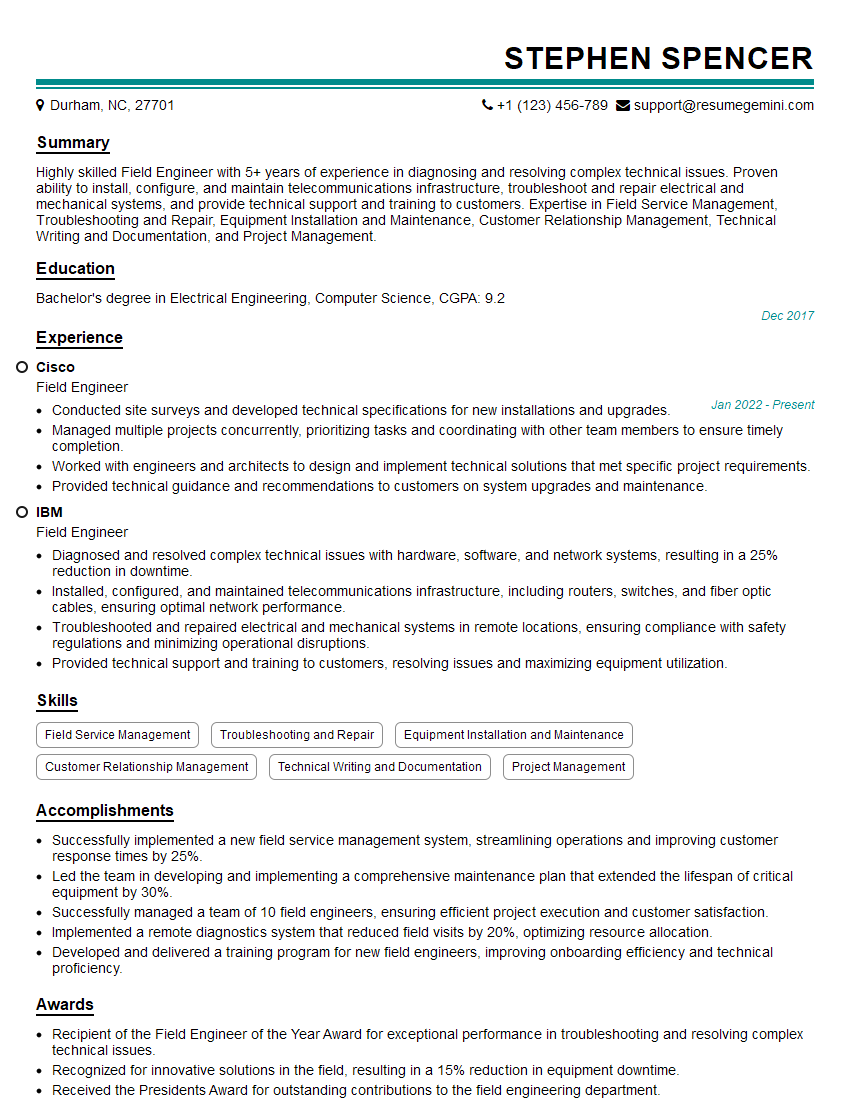
Field Engineer Resume Sample
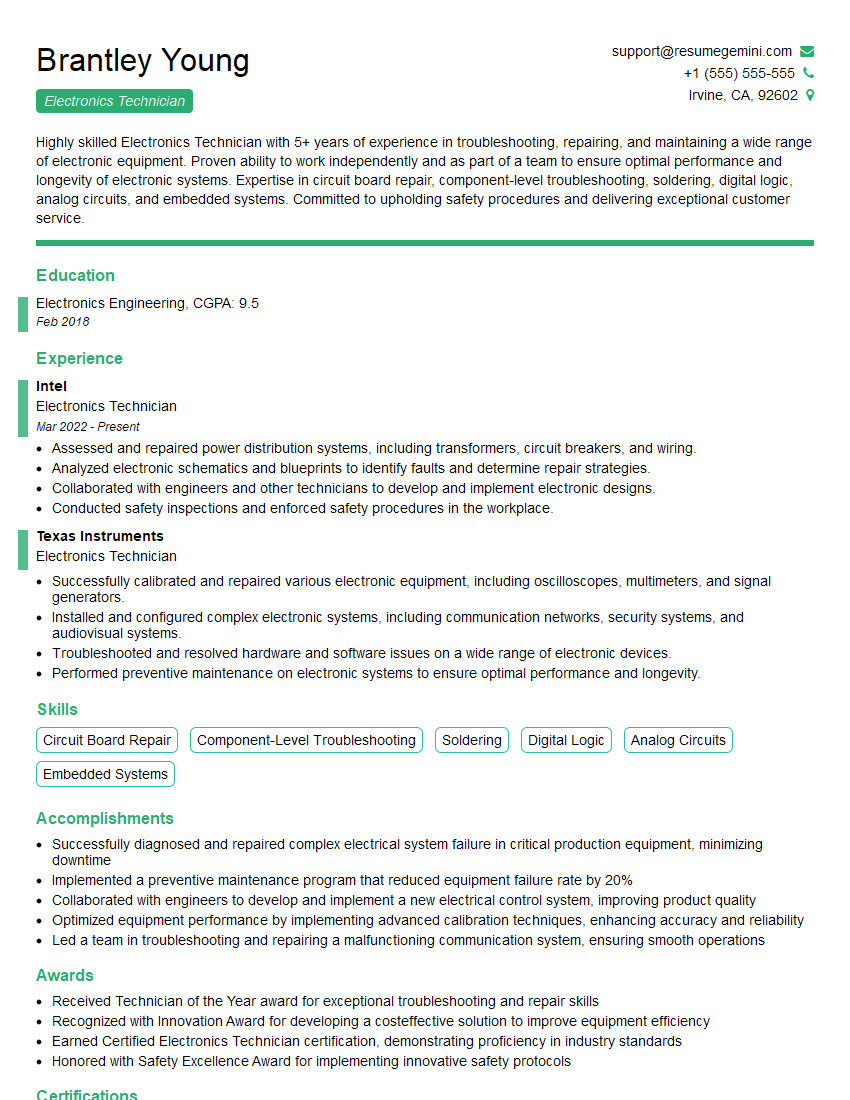
Electronics Technician Resume Sample
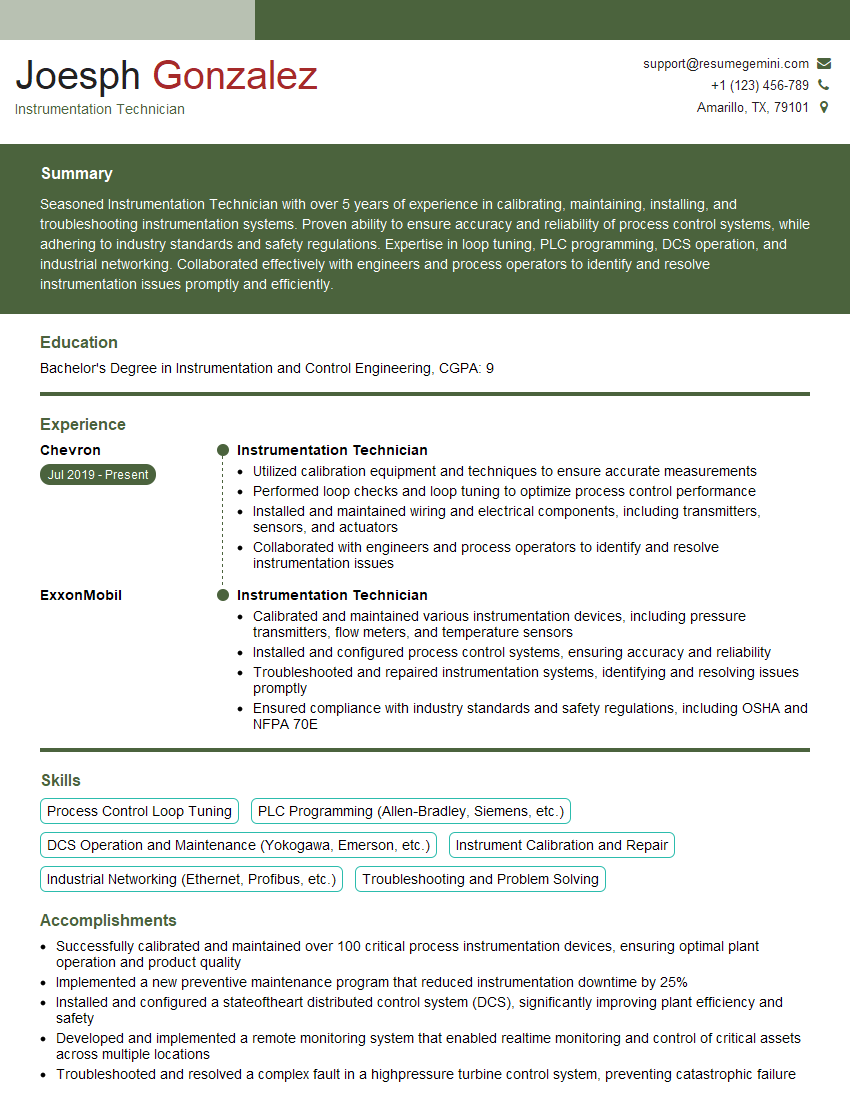
Instrumentation Technician Resume Sample
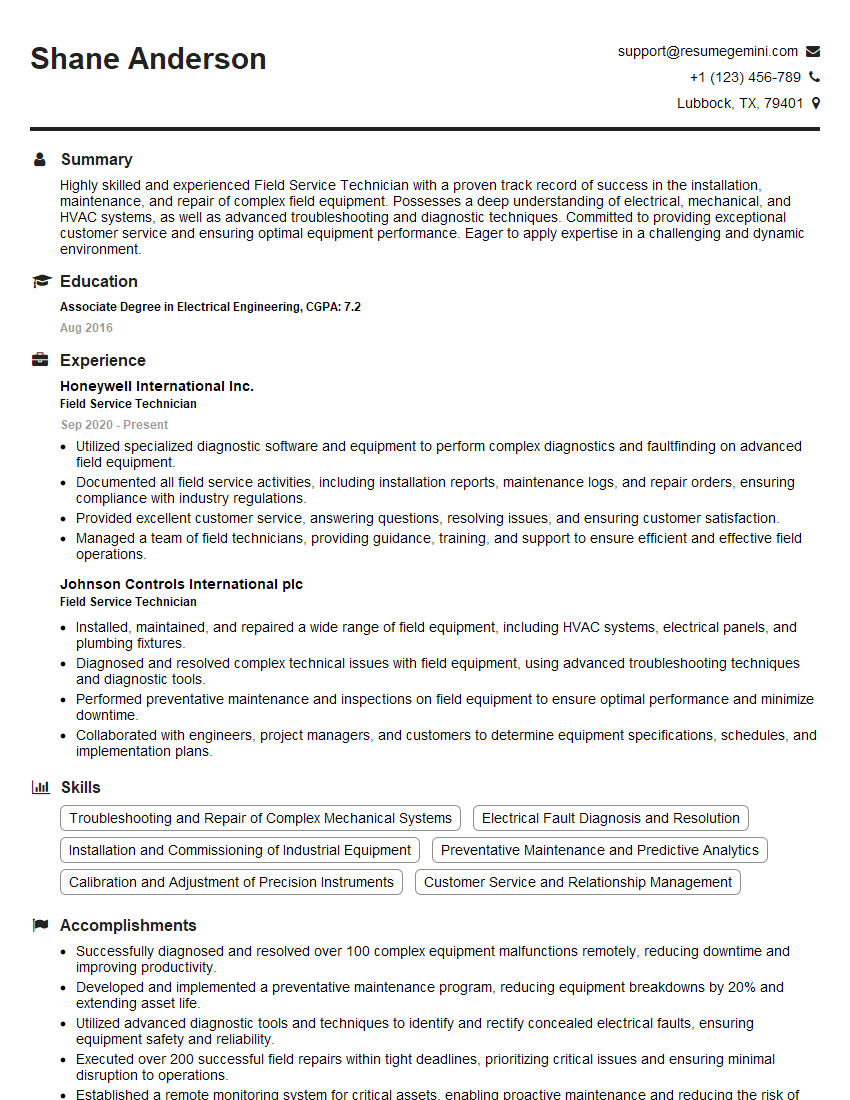
Field Service Technician Resume Sample

Robotics Technician Resume Sample
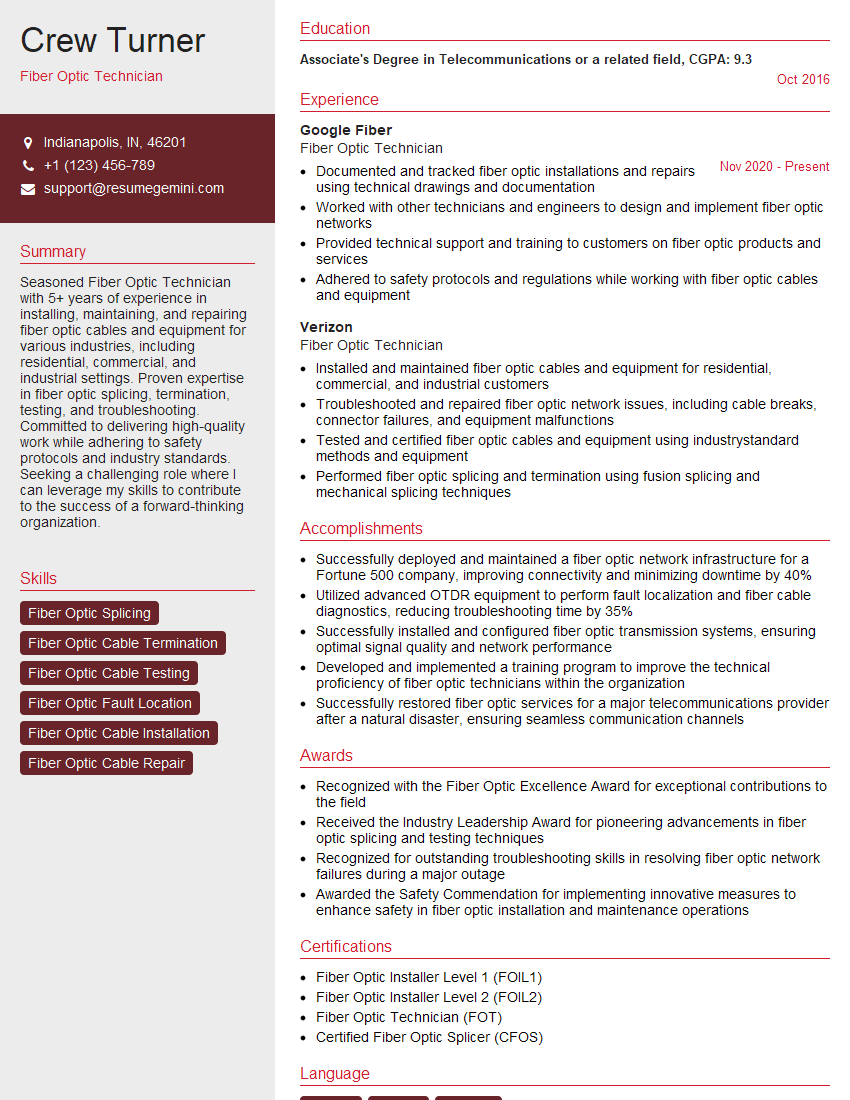
Fiber Optic Technician Resume Sample
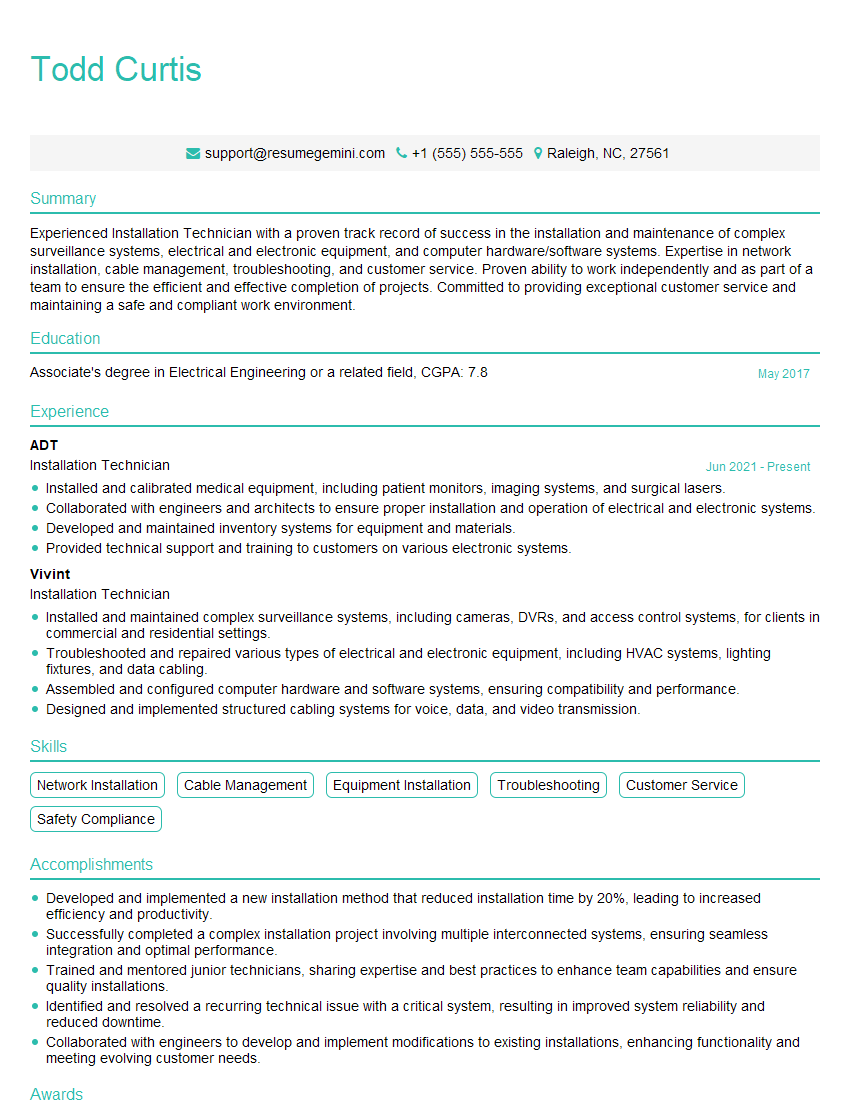
Installation Technician Resume Sample
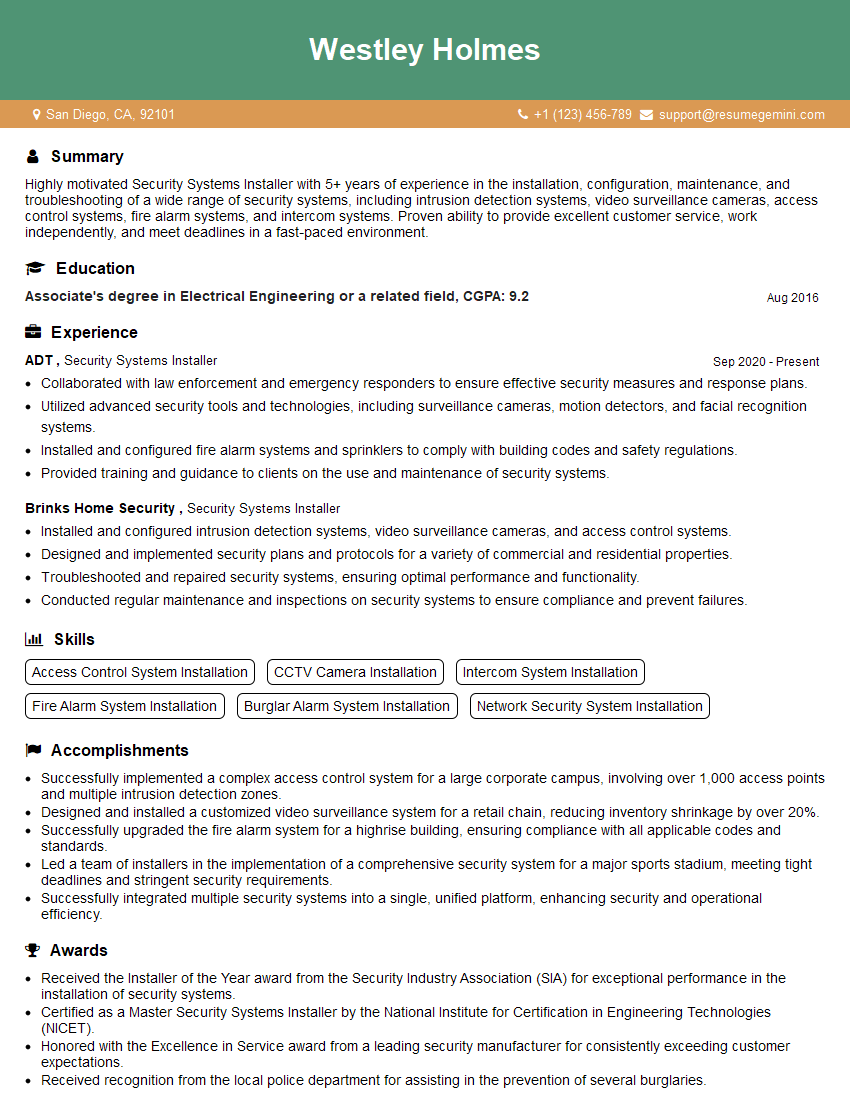
Security Systems Installer Resume Sample
Explore more articles
Users Rating of Our Blogs
Share Your Experience
We value your feedback! Please rate our content and share your thoughts (optional).
What Readers Say About Our Blog
Really detailed insights and content, thank you for writing this detailed article.
IT gave me an insight and words to use and be able to think of examples