Interviews are opportunities to demonstrate your expertise, and this guide is here to help you shine. Explore the essential ERDAS Imagine or ENVI Software interview questions that employers frequently ask, paired with strategies for crafting responses that set you apart from the competition.
Questions Asked in ERDAS Imagine or ENVI Software Interview
Q 1. Explain the differences between ERDAS Imagine and ENVI.
While both ERDAS Imagine and ENVI are powerful geospatial image processing software packages, they have distinct strengths and cater to different user needs. Think of it like choosing between two powerful cars – one is a rugged SUV (ERDAS Imagine) ideal for diverse terrains and heavy lifting, while the other is a sleek sports car (ENVI) optimized for speed and specific tasks.
ERDAS Imagine, now part of Hexagon Geospatial, traditionally emphasizes a comprehensive workflow, excelling in tasks such as image classification, orthorectification, and mosaicking, often favored by those requiring extensive GIS integration. It boasts a long history and a robust user base, particularly in sectors like forestry and agriculture.
ENVI, developed by L3Harris Geospatial, leans towards advanced spectral analysis and remote sensing, making it a preferred choice for scientists and researchers working with hyperspectral and multispectral imagery. Its strength lies in its extensive analytical tools, particularly in the realm of atmospheric correction and detailed spectral signature analysis. Its intuitive interface also makes it relatively quick to learn for specialized tasks.
In short, the choice depends heavily on the specific project requirements. If you need a robust all-around GIS image processing solution, ERDAS Imagine is a strong contender. If you’re focused on detailed spectral analysis and remote sensing research, ENVI’s specialized tools make it a better choice.
Q 2. Describe your experience with orthorectification in ERDAS Imagine.
Orthorectification is a crucial step in transforming remotely sensed imagery to accurately represent the Earth’s surface, eliminating geometric distortions caused by terrain relief and sensor viewing angle. In ERDAS Imagine, I’ve extensively used the orthorectification tools to create georeferenced imagery suitable for precise measurements and analysis.
My workflow typically involves:
- Acquiring accurate ground control points (GCPs): These points are crucial for defining the relationship between the image and real-world coordinates. I often use high-precision GPS data or existing geospatial data to identify and measure GCPs.
- Selecting an appropriate Digital Elevation Model (DEM): The accuracy of orthorectification is heavily reliant on the DEM resolution and accuracy. I choose a DEM that best suits the spatial resolution of the imagery and the project’s precision needs.
- Running the orthorectification process in ERDAS Imagine: This involves specifying the GCPs, the DEM, and the desired output projection and resolution. The software then uses sophisticated algorithms to geometrically correct the imagery. I pay close attention to the root mean square error (RMSE) values to ensure the rectification quality is acceptable.
- Quality assessment: Following the process, I always visually inspect the orthorectified image and check for any remaining distortions or errors.
For instance, in a project involving forest canopy height estimation, precise orthorectification was essential to accurately measure tree heights using LiDAR data, ensuring a reliable assessment of forest biomass.
Q 3. How would you perform atmospheric correction in ENVI?
Atmospheric correction is a vital preprocessing step in remote sensing, removing the effects of the atmosphere (e.g., scattering, absorption) from satellite or aerial imagery to obtain accurate reflectance values. In ENVI, I typically employ several methods depending on the available data and desired accuracy.
One common approach is using the FLAASH (Fast Line-of-sight Atmospheric Analysis of Spectral Hypercubes) atmospheric correction module. FLAASH is powerful and versatile, accounting for various atmospheric parameters like water vapor, aerosol content, and ozone. It requires input parameters such as sensor type, date and time of acquisition, and potentially aerosol optical depth, which can be derived from ground observations or other sources.
Another approach, particularly useful when precise atmospheric parameters are unavailable, involves empirical line methods, often employing dark object subtraction or flat field correction. These methods are less sophisticated than FLAASH but provide a simpler solution when data limitations prevent sophisticated modeling.
My workflow in ENVI typically involves:
- Selecting the appropriate atmospheric correction module: This decision hinges on the data quality and available auxiliary data.
- Inputting necessary parameters: Carefully specifying sensor parameters, atmospheric conditions, and other relevant data to ensure the most accurate correction.
- Processing the imagery: This is usually a fairly straightforward process, involving a few clicks within ENVI’s intuitive interface.
- Evaluating the results: Checking the corrected imagery for any artifacts or unexpected changes in spectral characteristics.
For instance, in a project involving precision agriculture, accurate atmospheric correction was crucial to derive reliable vegetation indices, such as NDVI, for crop health assessment and yield prediction.
Q 4. What are the various image formats supported by ERDAS Imagine and ENVI?
Both ERDAS Imagine and ENVI support a wide range of image formats. The exact list can vary slightly depending on the software version, but common formats include:
- Raster formats: GeoTIFF (.tif), ERDAS Imagine (.img), ENVI (.dat), HDF (.hdf), BIL, BIP, BSQ
- Vector formats: Shapefiles (.shp), GeoJSON (.geojson)
- Other formats: JPEG (.jpg), PNG (.png), and various proprietary formats.
Importantly, both software packages have robust import/export capabilities, ensuring seamless integration with other GIS and remote sensing software. They are able to handle multi-band, hyperspectral, and LiDAR data formats, offering high flexibility.
Q 5. Explain the concept of image classification and different classification methods used in ERDAS Imagine or ENVI.
Image classification is a fundamental process in remote sensing, assigning thematic labels (e.g., forest, water, urban) to pixels in a satellite or aerial image. Both ERDAS Imagine and ENVI offer several classification methods:
- Supervised Classification: This involves training the classifier using reference data – identifying pixels of known classes and letting the software learn the spectral characteristics of those classes. Common supervised methods include maximum likelihood classification (MLC), minimum distance classification, and support vector machines (SVM).
- Unsupervised Classification: This method doesn’t require prior knowledge of the classes. The algorithm groups pixels based on their spectral similarity, commonly using techniques like ISODATA or K-means clustering. The resulting clusters are then interpreted based on their spectral properties.
- Object-Oriented Classification: Instead of classifying pixels individually, this method groups pixels into meaningful objects (segments) based on spatial and spectral characteristics. Then, classification is applied to these objects, often leading to more accurate results, especially for heterogeneous land covers.
The choice of classification method depends on factors such as the available reference data, the complexity of the land cover, and the desired accuracy. For example, in a land cover mapping project, I would choose supervised classification if sufficient training data was available; otherwise, unsupervised classification followed by manual interpretation might be a more suitable approach.
Q 6. How do you handle large datasets in ERDAS Imagine or ENVI?
Handling large datasets efficiently is crucial in remote sensing. Both ERDAS Imagine and ENVI offer strategies to manage this:
- Data Pyramids: These are hierarchical representations of the imagery, allowing for faster visualization and processing of large datasets by working with lower-resolution versions initially.
- Tile Processing: Processing large images in smaller, manageable tiles reduces memory requirements and speeds up processing time. This is often used with image classification and other computationally intensive tasks.
- Out-of-Core Processing: This approach minimizes the amount of data loaded into RAM at once, allowing the software to access and process data directly from the hard drive.
- Parallel Processing: Both software packages often support parallel processing, leveraging multiple CPU cores to speed up processing significantly.
For instance, in a project involving a massive mosaic of high-resolution satellite imagery, I used a combination of tile processing and out-of-core processing to manage the processing of hundreds of gigabytes of data, reducing processing time substantially.
Q 7. Describe your experience with image fusion techniques.
Image fusion techniques combine data from multiple sources to create a single image with enhanced information content. I have experience with several techniques:
- Wavelet Transform Fusion: This technique uses wavelet transforms to decompose images into different frequency bands. The high-frequency details from a high-resolution panchromatic image are fused with the spectral information from a lower-resolution multispectral image, resulting in a high-resolution multispectral image.
- Principal Component Analysis (PCA) Fusion: PCA reduces the dimensionality of the data while retaining most of the information. This allows combining data from different sources by finding principal components that represent the combined data’s variance.
- Intensity-Hue-Saturation (IHS) Transform Fusion: This is a straightforward technique that uses the intensity component from the high-resolution panchromatic image and the hue and saturation components from the multispectral image to create a fused image with improved spatial resolution.
The choice of method depends on the specific application and image characteristics. For example, I have used wavelet transform fusion to enhance the spatial resolution of Landsat imagery using panchromatic data from a higher-resolution satellite, significantly improving its ability to delineate small objects.
Q 8. How would you perform geometric correction in ERDAS Imagine?
Geometric correction in ERDAS Imagine is the process of aligning an image to a known coordinate system. Think of it like straightening a slightly skewed photograph. It’s crucial for accurate analysis and integration with other geographic data. This is typically achieved using ground control points (GCPs).
The process involves:
- Identifying GCPs: These are points with known coordinates in both the image and a reference dataset (e.g., a map or another higher-resolution image). I typically use readily identifiable landmarks like intersections, building corners, or unique terrain features.
- Defining the Transformation: ERDAS Imagine offers several transformation types, including polynomial transformations (e.g., 1st-order, 2nd-order) which account for different levels of distortion. Higher-order polynomials offer greater flexibility but require more GCPs for stability. The choice depends on the image’s distortion level and the availability of GCPs. A simple example would be a first-order transformation for minor distortions and a higher-order for significantly skewed images.
- Performing the Transformation: ERDAS Imagine uses the GCPs and selected transformation to mathematically rectify the image. This involves resampling the image pixels to their new locations in the corrected coordinate system.
- Resampling: This crucial step determines how pixel values are assigned to the new locations. Different methods, like nearest neighbor, bilinear, and cubic convolution, offer various trade-offs in accuracy and computational cost. I choose the method based on the specific application; for instance, nearest neighbor preserves sharp edges while cubic convolution is better for smoothing out artifacts.
For example, I once worked on correcting a satellite image of a landslide area. Using readily identifiable features like river bends and road intersections as GCPs, I performed a 2nd-order polynomial transformation using cubic convolution resampling, resulting in a highly accurate georeferenced image suitable for accurate damage assessment.
Q 9. What are the different types of image enhancement techniques available in ENVI?
ENVI boasts a rich suite of image enhancement techniques, broadly categorized into spatial and spectral enhancements. Spatial enhancements improve the visual appearance and clarity of the image by working on the spatial relationships between pixels, whereas spectral enhancements manipulate the individual spectral bands to highlight specific features.
- Spatial Enhancement: This includes techniques like filtering (low-pass, high-pass, median), sharpening (using techniques like unsharp masking), and edge enhancement. For example, I’ve often used median filtering to remove salt-and-pepper noise from remotely sensed imagery. High-pass filtering is great for highlighting edges.
- Spectral Enhancement: This encompasses techniques like band ratioing (emphasizing differences between bands), principal component analysis (PCA, reducing dimensionality and highlighting variance), and tasseled cap transformation (enhancing specific features like vegetation or soil brightness). PCA, for instance, was very useful when analyzing hyperspectral data; it effectively separated the spectral signatures of different vegetation types.
- Other Techniques: ENVI also offers histogram equalization (improving contrast), contrast stretching (enhancing dynamic range), and geometric correction (as discussed earlier, but available in ENVI as well).
The choice of technique depends heavily on the specific image and the application. I often use a combination of techniques; for example, I might apply a median filter to reduce noise followed by PCA to extract relevant information, resulting in improved data quality.
Q 10. Explain your experience with raster and vector data integration.
Integrating raster and vector data is a cornerstone of GIS analysis. Raster data, like satellite imagery, represents data as a grid of cells, while vector data uses points, lines, and polygons to represent features. The key to successful integration lies in understanding the strengths and limitations of each data type and employing appropriate techniques.
My experience includes using ENVI and ERDAS Imagine to overlay vector data (e.g., roads, boundaries) on raster data (e.g., elevation models, satellite imagery). This is often done to extract information about specific areas or analyze the relationship between spatial features. For instance, I’ve used vector boundaries to clip and mask raster data to focus on regions of interest. I also regularly use vector data to create training samples for classification algorithms which operate on raster data.
One example involved analyzing deforestation rates. We used vector data representing forest boundaries and land-use classifications, overlaid it with time-series satellite imagery (raster), and then performed a change detection analysis to identify areas experiencing deforestation. This enabled us to extract quantitative data about the rate and extent of deforestation.
Q 11. How would you create a thematic map using ERDAS Imagine or ENVI?
Creating a thematic map involves classifying raster data (e.g., satellite imagery) to represent different land cover classes or features, and then visualizing these classes using a color scheme or other symbols. Both ERDAS Imagine and ENVI offer comprehensive tools for this task.
The steps usually include:
- Preprocessing: This could involve geometric correction, atmospheric correction, and image enhancement.
- Classification: This is the core step, using methods like supervised (e.g., maximum likelihood, support vector machines) or unsupervised (e.g., ISODATA, k-means) classification. Supervised classification requires creating training samples, defining training polygons on the imagery corresponding to known classes, while unsupervised classification automatically groups pixels based on spectral similarity. I’ve used both methods in projects. Supervised methods provide greater accuracy but require a greater understanding of the data and more work during training.
- Accuracy Assessment: Evaluating the accuracy of the classification is crucial using a confusion matrix, calculating metrics like overall accuracy, producer’s accuracy, and user’s accuracy.
- Post-processing: This may include smoothing, filtering, and reclassification.
- Visualization: Assigning meaningful colors or symbols to the different classes to create a visually appealing and informative thematic map.
I once created a thematic map showing the distribution of different vegetation types in a national park. I used a supervised classification technique (maximum likelihood) after creating training samples using field data and high-resolution imagery. The resulting map helped park managers understand the vegetation patterns and develop conservation plans.
Q 12. Describe your experience with using different projection systems.
Projection systems define how three-dimensional Earth’s surface is represented on a two-dimensional map. Using different projection systems is crucial for accurate analysis and integration of data, as mismatched projections can lead to significant spatial errors. I’ve worked extensively with various projections such as UTM, geographic (latitude/longitude), and state plane coordinate systems.
My experience includes projecting images and vector data into consistent coordinate systems using tools in both ERDAS Imagine and ENVI. Choosing the appropriate projection depends on the geographic extent, scale, and the intended application. For large areas spanning several degrees of latitude, I might choose a projected coordinate system like UTM, while for smaller areas, a state plane coordinate system might be more suitable. I am proficient in using tools within these software packages to reproject data seamlessly ensuring compatibility and accuracy.
One notable project involved integrating data from multiple sources which had different projections. By meticulously reprojected all data to a common UTM zone, we ensured accurate spatial analyses and prevented significant errors in our final map product.
Q 13. How do you assess the accuracy of image classification results?
Assessing the accuracy of image classification results is critical for ensuring the reliability of the analysis. This is typically done through an accuracy assessment, which involves comparing the classified image to a reference dataset (e.g., ground truth data obtained through field surveys or high-resolution imagery).
The key steps include:
- Creating a Reference Dataset: This involves collecting ground truth data that accurately represents the land cover types present in the study area. This is often the most time-consuming part of the process.
- Sampling: A statistically valid sample of pixels is chosen from the classified image for comparison with the reference data. Stratified random sampling is often preferred to ensure representation of all classes.
- Creating a Confusion Matrix: This matrix displays the counts of pixels classified into each category compared to their actual classes from the reference data. It’s like a detailed report card for your classification!
- Calculating Accuracy Metrics: Based on the confusion matrix, key metrics such as overall accuracy, producer’s accuracy (how well each class was classified), user’s accuracy (how reliable each class in the classification is), and kappa coefficient (measuring agreement beyond chance) are calculated. A high kappa value shows high classification accuracy.
I’ve used this process countless times. For instance, in a land-cover classification project, an accuracy assessment revealed that our urban areas were classified with high accuracy, while the agricultural areas had lower accuracy due to spectral similarities between different crop types. This informed our strategy for improving the accuracy using finer spectral resolution data or additional ground truthing.
Q 14. What are your experiences with different resampling methods?
Resampling is the process of changing the spatial resolution of an image. It’s needed when you change the image projection, size, or when integrating data with different spatial resolutions. Different methods result in varying image quality.
- Nearest Neighbor: This method assigns the pixel value of the nearest original pixel to the new location. It’s computationally fast but can create blocky artifacts. Suitable for data where preserving sharp edges is essential.
- Bilinear Interpolation: This method calculates the average of four nearest neighboring pixels to determine the new pixel value. It produces smoother results than nearest neighbor but can blur sharp edges.
- Cubic Convolution: This sophisticated method uses a weighted average of sixteen surrounding pixels, producing very smooth results with minimal artifacts. It’s computationally intensive but ideal for preserving details.
The choice of resampling method depends on the application and the importance of preserving details versus smoothness. For example, in tasks like change detection where the preservation of sharp boundaries is critical, nearest neighbor might be used. In other applications, like image enhancement, where smoothing out minor inconsistencies is desirable, cubic convolution might be the better choice. I frequently assess these trade-offs in my projects.
Q 15. Explain your understanding of NDVI and its applications.
NDVI, or Normalized Difference Vegetation Index, is a powerful tool used in remote sensing to assess the health and abundance of vegetation. It’s calculated using a simple formula that leverages the contrasting reflectance properties of red and near-infrared (NIR) wavelengths of light. Healthy vegetation strongly absorbs red light for photosynthesis and reflects a significant portion of NIR light. This difference is what NDVI capitalizes on.
The formula is: NDVI = (NIR - Red) / (NIR + Red). The result is a value ranging from -1 to +1. Values closer to +1 indicate dense, healthy vegetation, while values closer to 0 or negative suggest sparse vegetation or non-vegetated areas like water or bare soil.
Applications of NDVI are vast. In agriculture, it helps monitor crop health, identify stress areas, and optimize irrigation scheduling. In forestry, it assists in assessing forest biomass, deforestation monitoring, and wildfire damage assessment. Environmental scientists use it to study ecosystem health, track changes in land cover, and monitor desertification.
For instance, I once used NDVI time series data from Landsat satellites in ENVI to track the recovery of a forest after a wildfire. By comparing NDVI values over several years, we could quantify the rate of vegetation regrowth and assess the effectiveness of reforestation efforts.
Career Expert Tips:
- Ace those interviews! Prepare effectively by reviewing the Top 50 Most Common Interview Questions on ResumeGemini.
- Navigate your job search with confidence! Explore a wide range of Career Tips on ResumeGemini. Learn about common challenges and recommendations to overcome them.
- Craft the perfect resume! Master the Art of Resume Writing with ResumeGemini’s guide. Showcase your unique qualifications and achievements effectively.
- Don’t miss out on holiday savings! Build your dream resume with ResumeGemini’s ATS optimized templates.
Q 16. How do you handle cloud cover in satellite imagery?
Dealing with cloud cover in satellite imagery is a common challenge. Clouds obscure the underlying surface, preventing accurate analysis. Several techniques can be employed within ERDAS Imagine and ENVI to mitigate this issue.
- Cloud Masking: This involves identifying and removing cloud-covered pixels from the imagery. Both ERDAS Imagine and ENVI offer tools for automated cloud masking based on spectral thresholds or by using pre-processed cloud masks from services like the USGS. This is often the first step.
- Image Composites: Creating composites from multiple images acquired over time can help minimize cloud cover. By selecting cloud-free pixels from different images for the same area, a clearer composite can be generated. ENVI’s ‘layer stacking’ functionality is particularly useful here.
- Cloud Removal Algorithms: More advanced techniques, sometimes involving atmospheric correction and sophisticated algorithms, can be applied to estimate the reflectance of cloud-covered areas. These methods are available through specialized extensions or plugins within the software packages. They are more computationally expensive but can yield high-quality results.
The choice of method depends on factors such as the extent of cloud cover, the desired accuracy, and the computational resources available. For instance, for a large area with scattered cloud cover, a simple cloud mask might suffice. However, for heavily clouded areas, a more sophisticated approach like image compositing or a dedicated cloud removal algorithm may be necessary.
Q 17. What are the limitations of using ERDAS Imagine or ENVI?
While ERDAS Imagine and ENVI are powerful platforms, they have limitations. One key limitation is their cost; licenses can be expensive, making them inaccessible to some users or organizations. Their learning curve can also be steep. Mastery of all the software’s features requires significant training and experience.
Another limitation is their reliance on proprietary formats. While they can handle various data formats, their native formats aren’t always compatible with other GIS software packages, potentially causing interoperability issues. Furthermore, some advanced processing techniques or specific algorithms might require additional extensions or third-party plugins, which adds to the cost and complexity.
Finally, the performance of these applications can be impacted by the size and complexity of the datasets being processed; dealing with very large rasters can be time-consuming, especially on machines with limited resources. Despite these limitations, their extensive feature sets and robust functionalities make them industry standards for many remote sensing applications.
Q 18. Describe your experience with batch processing in ERDAS Imagine or ENVI.
Batch processing is essential for efficiently handling large volumes of imagery. Both ERDAS Imagine and ENVI offer comprehensive batch processing capabilities. In ERDAS Imagine, I often use the Model Builder to create workflows automating tasks like geometric correction, atmospheric correction, and NDVI calculations across multiple images. This is achieved by creating a sequence of processing steps that are then executed automatically on all selected files. This dramatically reduces processing time compared to manual processing of each image individually.
In ENVI, I frequently leverage the ‘IDL’ programming language for more complex batch operations. IDL allows for highly customizable scripting, enabling the creation of sophisticated batch processes tailored to specific needs. For example, I’ve used IDL scripts to automate the extraction of spectral signatures from hundreds of images, a task impossible to manage manually in a reasonable timeframe.
Batch processing not only saves time but also ensures consistency and reproducibility in image processing workflows, reducing the risk of human error. A well-designed batch process is a cornerstone of efficient and effective remote sensing analysis.
Q 19. How would you create a digital elevation model (DEM) using ERDAS Imagine or ENVI?
Creating a Digital Elevation Model (DEM) in ERDAS Imagine or ENVI typically involves using stereo pairs of satellite imagery or LiDAR data. The process often starts with accurate geometric correction and orthorectification of the input data to remove geometric distortions.
In ERDAS Imagine, the ‘Stereo Analyst’ extension allows for automated DEM generation from stereo pairs. This involves specifying ground control points (GCPs) or using other reference data for accurate georeferencing and then running the automated stereo correlation process. The result is a DEM representing the terrain’s elevation.
ENVI also provides tools for DEM generation, often incorporating advanced algorithms for stereo correlation and handling varying terrain complexities. LiDAR data, which provides high-density elevation measurements, can also be processed in both software packages to create very high-resolution DEMs. Processing LiDAR data usually involves cleaning and classifying the point clouds before generating the DEM.
The accuracy of the resulting DEM depends heavily on the quality of the input data, the accuracy of the geometric corrections, and the selection of appropriate processing parameters. I usually employ rigorous quality control checks, such as visual inspection and comparison with existing elevation data, to ensure the DEM’s accuracy and reliability.
Q 20. Explain your experience with using different color models (e.g., RGB, HSV).
Color models, such as RGB (Red, Green, Blue) and HSV (Hue, Saturation, Value), represent color information differently. RGB is an additive model, where the combination of red, green, and blue light creates different colors. It’s commonly used for displaying images on screens.
HSV, on the other hand, is a subtractive model representing color in terms of hue (the color itself), saturation (the intensity of the color), and value (brightness). HSV is often preferred for image analysis and enhancement as it allows for easier manipulation of color characteristics. For example, adjusting saturation can help enhance the contrast between vegetation and soil in satellite imagery, making it easier to classify different land cover types.
In my work, I’ve frequently used both models. I might initially work with an RGB image for visual interpretation, then convert it to HSV to perform tasks like thresholding or filtering based on specific color ranges. For instance, I’ve used HSV to isolate specific vegetation types in hyperspectral imagery based on their unique spectral signatures. The choice of color model depends entirely on the specific application and the type of image processing being conducted.
Q 21. What are some common issues encountered during image processing and how do you solve them?
Many common issues can arise during image processing. One frequent problem is geometric distortions. These are inaccuracies in the spatial representation of the image due to factors like sensor perspective, atmospheric effects, or Earth’s curvature. Solutions involve geometric correction, employing techniques like orthorectification using ground control points.
Atmospheric effects, such as haze and scattering, can also impact image quality. Atmospheric correction methods, removing the atmospheric influence to obtain true surface reflectance, are crucial for accurate analysis. Radiometric calibration is another essential step. It corrects for variations in sensor response and illumination, ensuring consistency across the image. Failure to perform proper calibration can lead to inaccurate measurements and interpretations.
Dealing with noise is another challenge. Noise is random variations in pixel values that can obscure the true signal. Various filtering techniques, like smoothing filters, can help reduce noise but careful application is needed to avoid blurring edges and losing important information. Identifying and addressing these issues is crucial for producing high-quality, accurate results from image processing.
Q 22. Describe your experience with exporting data from ERDAS Imagine or ENVI to other GIS software.
Exporting data from ERDAS Imagine and ENVI to other GIS software is a crucial step in many geospatial workflows. Both platforms offer robust export capabilities, allowing seamless integration with popular GIS packages like ArcGIS, QGIS, and others. The process typically involves selecting the desired output format (e.g., GeoTIFF, shapefile, etc.) and specifying the projection and coordinate system.
In ERDAS Imagine, you navigate to the export function through the file menu, selecting the desired format and defining parameters like data type and compression. ENVI offers a similar workflow, with options often found within the ‘Export’ or ‘Save As’ functionalities. For instance, exporting a classified image as a shapefile allows for easy use in vector-based analysis within ArcGIS. Similarly, exporting a raster image as a GeoTIFF ensures compatibility and maintains georeferencing information. I’ve frequently used this process to integrate remotely sensed data from ENVI into ArcGIS for spatial modeling and analysis, or to export vector data created in ERDAS Imagine for inclusion in QGIS mapping projects. Careful consideration must be given to the chosen file format to ensure compatibility and preserve data integrity.
Q 23. Explain your familiarity with ENVI’s spectral libraries.
ENVI’s spectral libraries are invaluable tools for spectral analysis and classification. They contain spectral signatures of various materials, providing a reference database for identifying and classifying features in remotely sensed imagery. These libraries are essentially collections of spectral curves, each representing the reflectance or radiance values across different wavelengths for a particular material (e.g., vegetation, soil, water, minerals).
My experience involves extensively using these libraries for both supervised and unsupervised classification. In supervised classification, I use the spectral signatures to train the classifier, guiding the algorithm to correctly assign spectral values to specific land cover classes. For example, I might use a spectral library to identify the unique spectral signature of healthy vegetation and use it as a training sample. In unsupervised classification, spectral libraries assist in interpreting the resulting clusters by comparing them against the known spectral signatures in the library. Imagine it like having a comprehensive color palette where each color corresponds to a known material, aiding in the identification of unknown materials in your image. This significantly improves the accuracy and efficiency of the classification process.
Q 24. How do you perform change detection analysis using ERDAS Imagine or ENVI?
Change detection analysis using ERDAS Imagine or ENVI involves comparing two or more images acquired at different times to identify changes that have occurred over a period. Several approaches exist, each with its strengths and weaknesses.
- Image Differencing: This simple method subtracts one image from another, resulting in a difference image highlighting areas of change. Positive values represent increases in spectral reflectance, while negative values indicate decreases.
- Image Ratioing: Dividing one image by another can highlight subtle changes more effectively than simple differencing.
- Post-Classification Comparison: This involves classifying both images separately and then comparing the classification maps to identify areas of change. This approach offers higher accuracy but requires more processing steps.
In both ERDAS Imagine and ENVI, these techniques are readily available through various tools and functionalities. For example, in ENVI, you can use the ‘Band Math’ tool to perform image differencing or ratioing, whereas ERDAS Imagine provides comparable tools within its image processing modules. I have frequently utilized post-classification comparison for assessing deforestation, urban sprawl, or changes in water bodies over time, selecting the appropriate method based on the specific research question and the characteristics of the imagery. Careful attention must be paid to factors like atmospheric correction and geometric accuracy to ensure meaningful results.
Q 25. What are your experiences with using different spatial filters?
Spatial filters are fundamental tools for image enhancement and noise reduction in remote sensing. They operate by modifying pixel values based on their surrounding neighbors. My experience encompasses a range of filters, including:
- Low-pass filters (smoothing filters): These reduce high-frequency noise, effectively blurring the image. Examples include the mean filter and Gaussian filter. I often use these to smooth out noisy imagery before classification.
- High-pass filters (sharpening filters): These enhance high-frequency details, sharpening edges and features. Laplacian filters are a common example. These are useful for highlighting linear features or subtle changes in land cover.
- Median filters: These replace each pixel with the median value of its neighbors, effective in removing salt-and-pepper noise while preserving edges better than mean filters.
The choice of filter depends entirely on the image and the desired outcome. For instance, a Gaussian filter might be suitable for pre-processing imagery before classification, while a Laplacian filter can be used to enhance road networks or coastlines. Both ERDAS Imagine and ENVI provide extensive toolboxes for applying these spatial filters, allowing for experimentation and selection of optimal parameters. Think of these filters like adjusting the focus on a camera; they refine the image to highlight the information most relevant to the analysis.
Q 26. Describe your experience working with different sensor data (e.g., Landsat, Sentinel).
I have extensive experience working with various sensor data, including Landsat and Sentinel satellite imagery. Landsat, with its long history of data acquisition, provides valuable temporal information for trend analysis. Its moderate spatial resolution is well-suited for regional-scale studies. I have used Landsat data extensively for land cover classification, monitoring deforestation, and assessing agricultural practices. The multispectral bands of Landsat images are crucial for distinguishing different land cover types based on spectral reflectance differences.
Sentinel data, with its higher spatial and temporal resolutions, offers a more detailed view of the Earth’s surface. Sentinel-2, for example, has finer spatial resolution, making it particularly useful for urban mapping, precision agriculture, and high-resolution land cover mapping. Its frequent revisit times facilitate near real-time monitoring. I have used Sentinel-2 data to track changes in coastal zones, analyze urban growth patterns, and assess crop health. Both Landsat and Sentinel data require careful pre-processing, including atmospheric correction and geometric correction, to ensure accurate and reliable results. The choice between the two data sources depends on the scale and specific needs of the project. For instance, if regional-scale temporal analysis spanning several decades is required, Landsat would be preferable, while if high-resolution, frequent monitoring of a specific area is needed, Sentinel is better suited.
Q 27. How would you use ERDAS Imagine or ENVI for terrain analysis?
ERDAS Imagine and ENVI are powerful tools for terrain analysis. They offer a range of functionalities for deriving and analyzing topographic information from digital elevation models (DEMs).
Common applications include:
- Slope and Aspect Calculation: Both software packages allow easy calculation of slope (gradient) and aspect (direction of steepest slope) from DEMs. This is crucial for understanding hydrological processes, geomorphological evolution, and habitat suitability.
- Hillshade Generation: Creating hillshade images enhances the visual representation of topography, facilitating map interpretation and visualization.
- Hydrological Modeling: DEMs form the basis for hydrological modeling, allowing the simulation of water flow, watershed delineation, and flood risk assessment. Both ERDAS Imagine and ENVI integrate with or provide tools for performing such analyses.
- Viewshed Analysis: Determining areas visible from a specific point is crucial for site selection, infrastructure planning, and military applications.
My work has involved using these tools extensively in various projects. For example, I used DEMs in ENVI to calculate slope and aspect to assess landslide susceptibility in mountainous areas, or I utilized ERDAS Imagine’s hydrological modeling tools to determine the optimal locations for dam construction in a watershed. The choice of tools within these software packages depends largely on the complexity of the analysis and the desired level of detail. For simpler analyses, basic tools suffice; more complex scenarios require advanced modeling capabilities or integration with other software packages.
Q 28. Explain your understanding of image segmentation techniques.
Image segmentation is the process of partitioning an image into meaningful regions (segments) based on similarities in pixel characteristics, such as spectral values, texture, or spatial relationships. It’s a fundamental technique in image analysis, simplifying complex imagery and facilitating feature extraction. Several common methods exist.
- Region Growing: This iterative method starts with a seed pixel and adds neighboring pixels with similar properties until a homogeneous region is formed.
- Thresholding: A simple technique where pixels are classified into different segments based on their intensity values exceeding or falling below specific thresholds.
- Edge Detection: Detecting and tracing edges between regions. Common algorithms include the Sobel and Canny edge detectors. This often precedes region growing.
- Object-Based Image Analysis (OBIA): A more advanced approach that combines spectral and spatial information for segmentation, often utilizing machine learning algorithms.
In ERDAS Imagine and ENVI, various tools facilitate these techniques. I often leverage OBIA approaches in ENVI, using its powerful segmentation tools to delineate features such as individual trees in high-resolution imagery or buildings in urban areas. The choice of segmentation technique depends heavily on the image characteristics and the desired level of detail. For example, simple thresholding might suffice for relatively uniform images, while OBIA is better suited for complex, heterogeneous scenes. Proper parameter tuning for any segmentation algorithm is critical to achieve optimal results. The segmented image then provides the basis for further feature extraction and analysis.
Key Topics to Learn for ERDAS Imagine or ENVI Software Interview
- Image Preprocessing: Understanding techniques like geometric correction, atmospheric correction, and radiometric calibration. Consider practical applications like orthorectification of aerial imagery for mapping.
- Image Classification: Mastering supervised and unsupervised classification methods, including Maximum Likelihood, Support Vector Machines, and ISODATA. Explore case studies involving land cover mapping or change detection.
- Data Management & Formats: Familiarity with various geospatial data formats (GeoTIFF, shapefiles, etc.) and efficient data handling within the software. Discuss practical challenges related to large datasets and solutions using ENVI’s tools.
- Spatial Analysis: Proficiency in performing spatial analysis tasks like distance calculations, buffer creation, overlay analysis, and neighborhood operations. Illustrate how these are used in real-world applications like site suitability analysis.
- Image Enhancement & Visualization: Understanding and applying techniques for improving image quality and creating effective visualizations for presentation and analysis. Consider scenarios where image enhancement is crucial for interpretation.
- Extension Modules & Customization: Explore the capabilities of extensions and customization options within ERDAS Imagine or ENVI to tailor workflows to specific needs. Discuss examples of using Python scripting for automation.
- Data Interpretation & Reporting: Demonstrate the ability to interpret results from analyses, draw meaningful conclusions, and communicate findings effectively through reports and presentations.
Next Steps
Mastering ERDAS Imagine or ENVI Software significantly enhances your career prospects in geospatial analysis, remote sensing, and related fields. These skills are highly sought after by employers across various industries. To maximize your chances of landing your dream job, creating a compelling and ATS-friendly resume is crucial. ResumeGemini is a trusted resource that can help you build a professional resume tailored to highlight your expertise. We provide examples of resumes specifically tailored to showcasing ERDAS Imagine or ENVI Software proficiency. Take advantage of these resources to present yourself effectively and confidently secure your next opportunity.
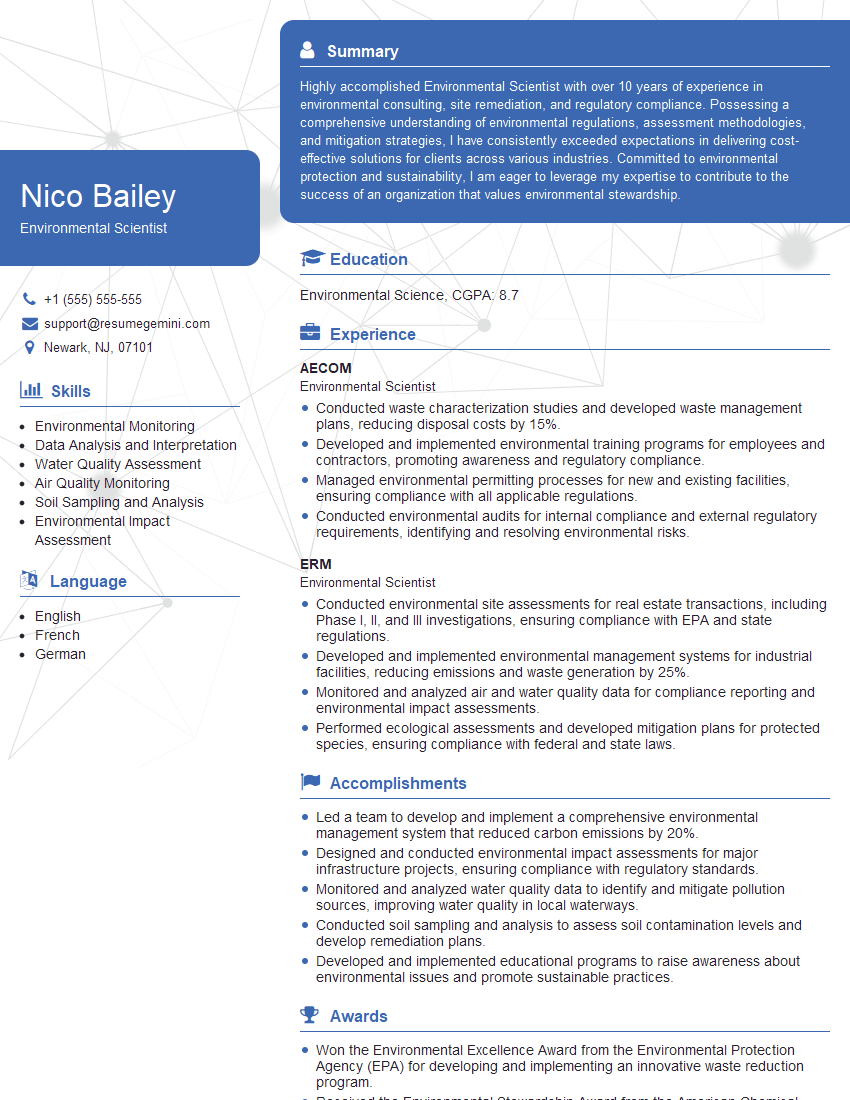
Environmental Scientist Resume Sample

Data Scientist Resume Sample

Research Scientist Resume Sample

Geospatial Analyst Resume Sample

Cartographer Resume Sample
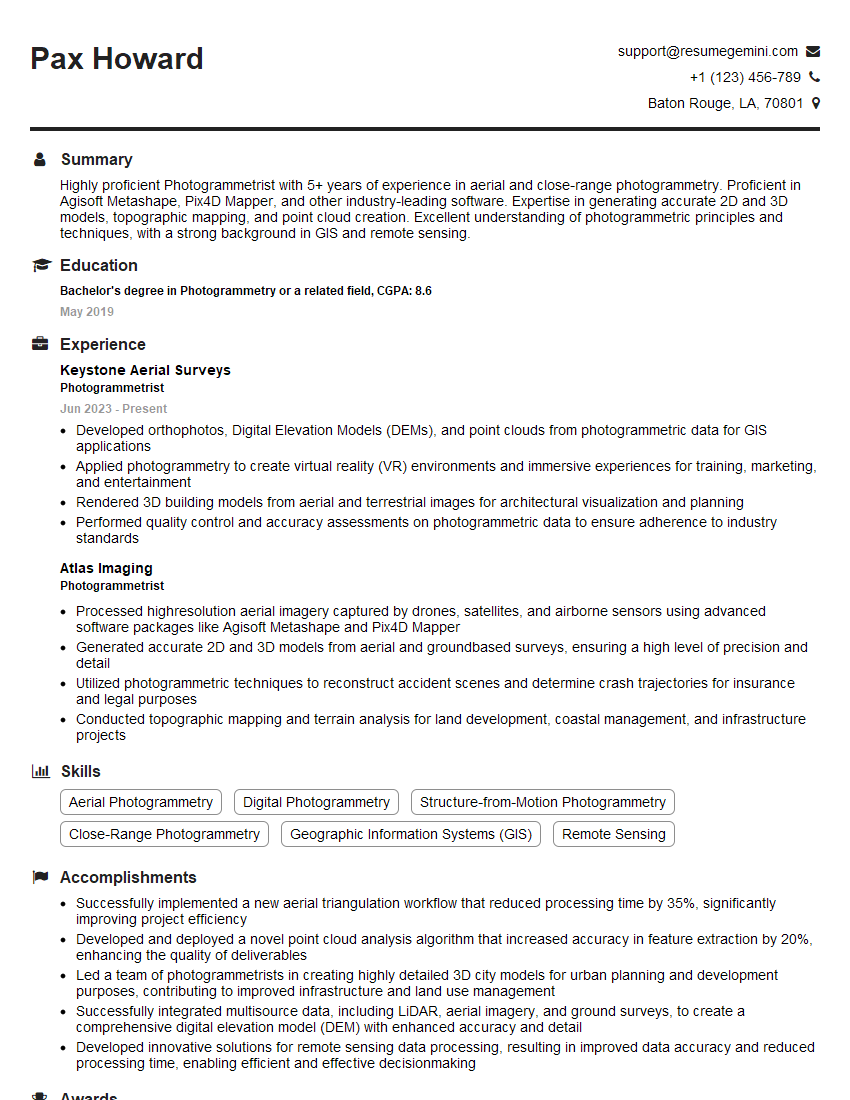
Photogrammetrist Resume Sample
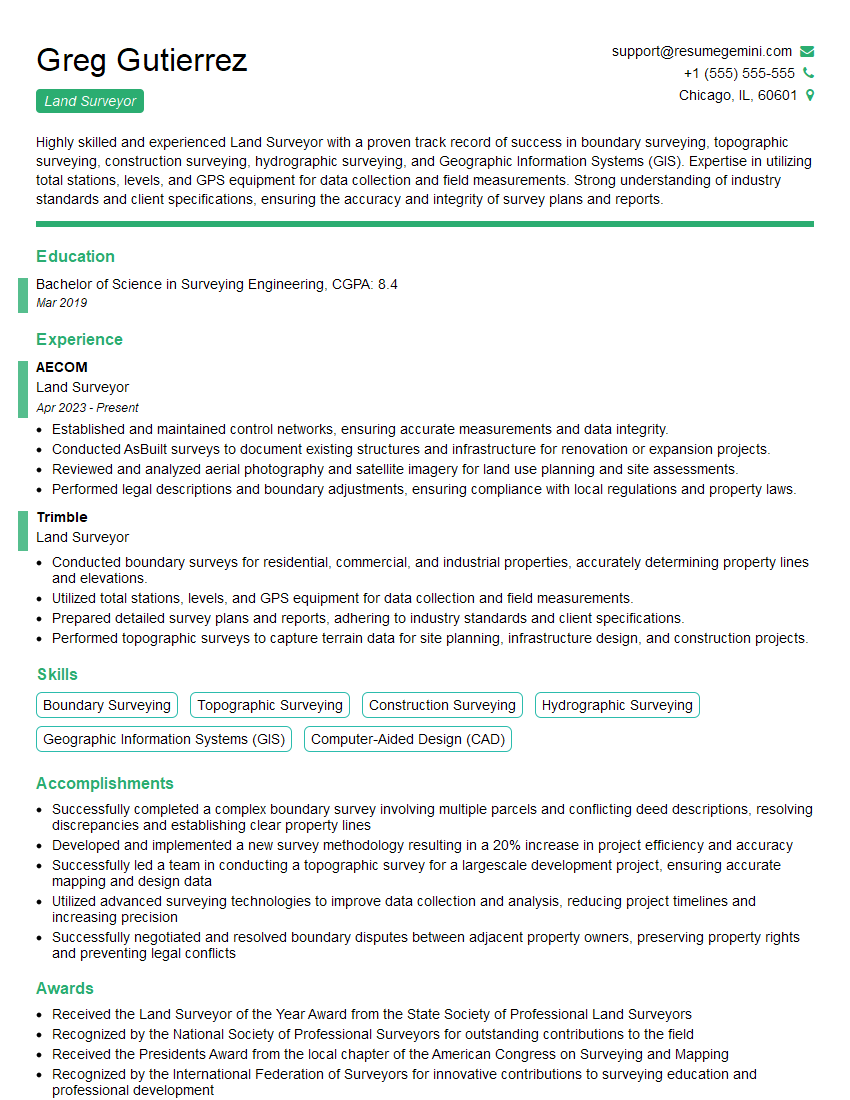
Land Surveyor Resume Sample

Civil Engineer Resume Sample
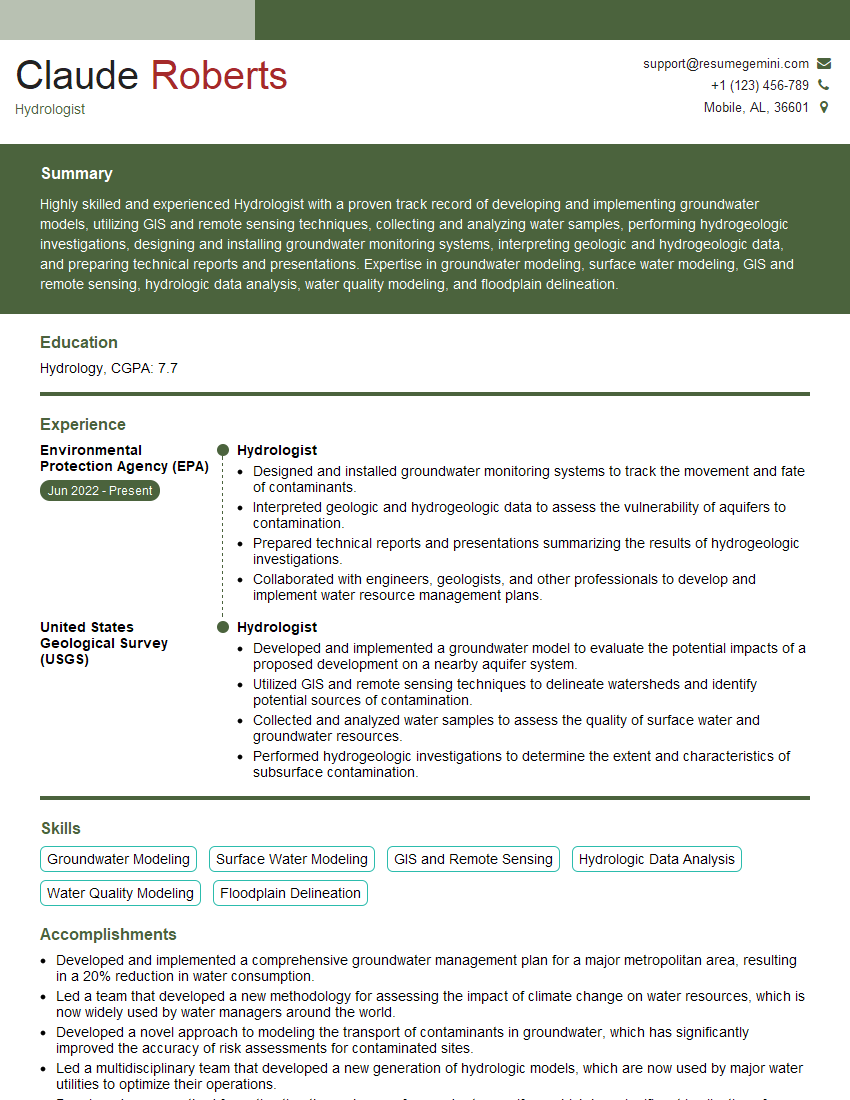
Hydrologist Resume Sample
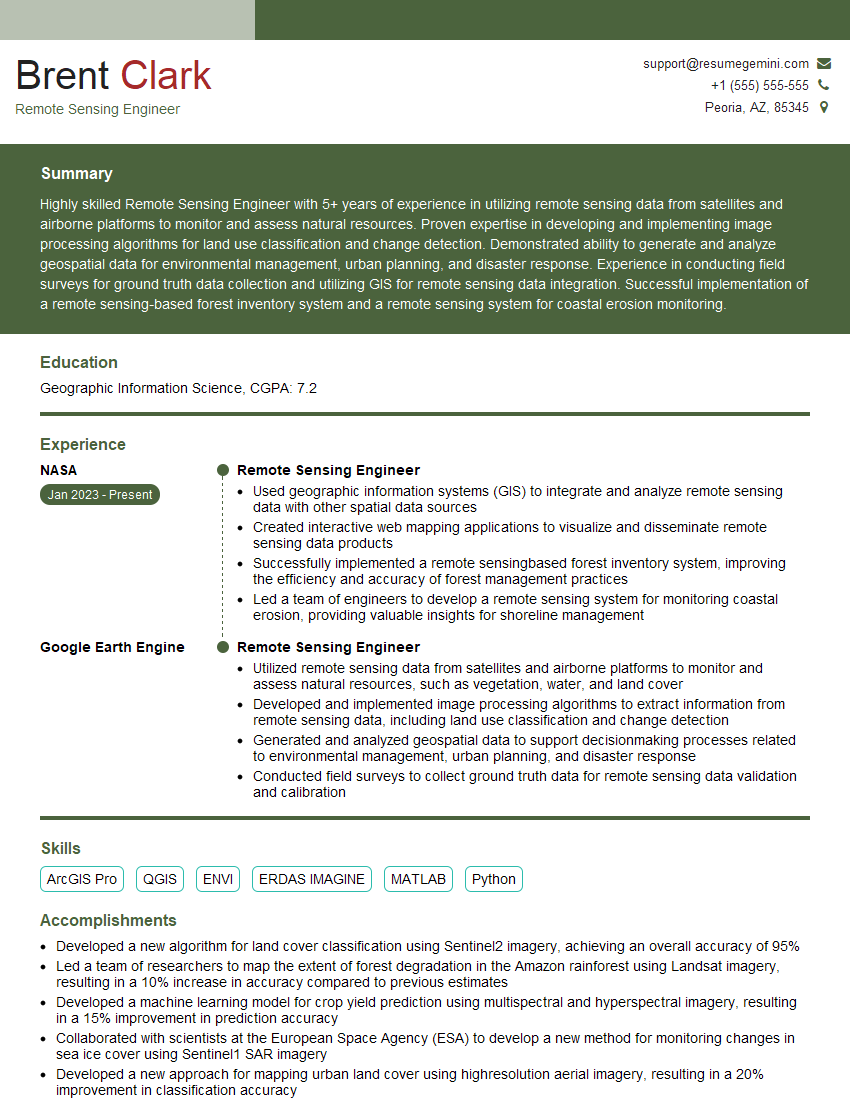
Remote Sensing Engineer Resume Sample
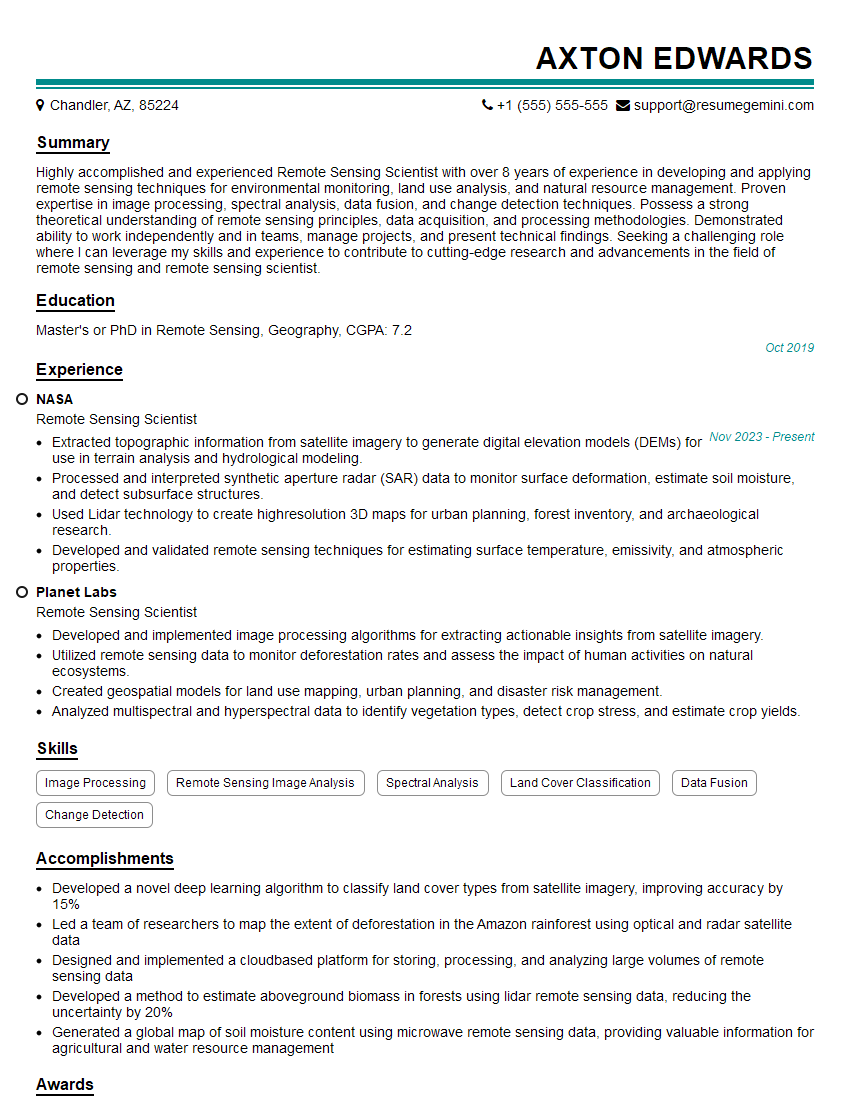
Remote Sensing Scientist Resume Sample
Urban Planner Resume Sample
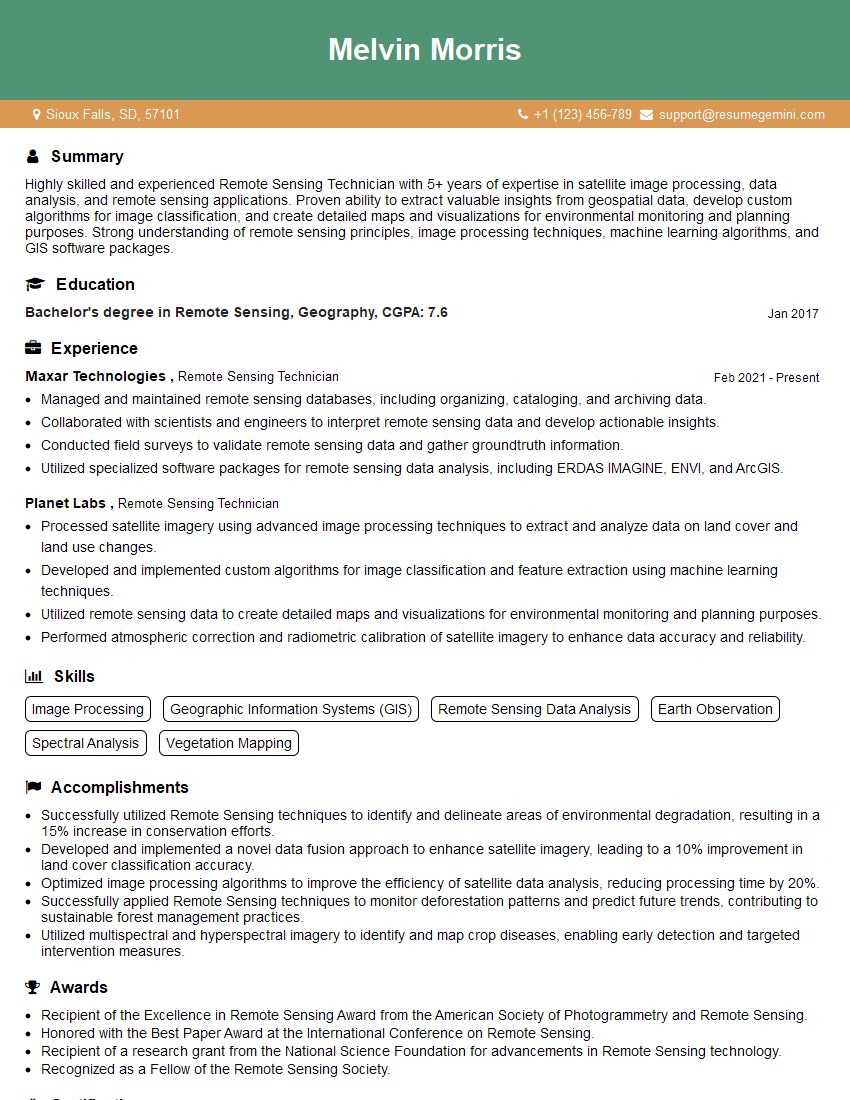
Remote Sensing Technician Resume Sample
Explore more articles
Users Rating of Our Blogs
Share Your Experience
We value your feedback! Please rate our content and share your thoughts (optional).
What Readers Say About Our Blog
Really detailed insights and content, thank you for writing this detailed article.
IT gave me an insight and words to use and be able to think of examples