Preparation is the key to success in any interview. In this post, we’ll explore crucial Experience in working with a variety of development tools interview questions and equip you with strategies to craft impactful answers. Whether you’re a beginner or a pro, these tips will elevate your preparation.
Questions Asked in Experience in working with a variety of development tools Interview
Q 1. Compare and contrast Git and Mercurial.
Both Git and Mercurial are distributed version control systems (DVCS), meaning every developer has a complete copy of the repository, unlike centralized systems like SVN. However, they differ in several key aspects.
- Branching and Merging: Git’s branching model is generally considered more lightweight and flexible, making it easier to create and merge branches. Mercurial’s branching, while robust, can sometimes feel slightly more cumbersome.
- Extensibility: Git boasts a significantly larger community and a vast ecosystem of extensions and tools. This translates to greater flexibility and a wider range of solutions for diverse workflows.
- Learning Curve: Many developers find Git’s command-line interface initially steeper, although numerous GUI clients simplify the process. Mercurial’s interface is often considered more intuitive for beginners.
- Performance: Git’s performance, especially with large repositories, is generally considered superior, though this can depend on specific use cases and hardware.
In practice, I’ve used both extensively. For large, complex projects with numerous developers and frequent branching, Git’s flexibility and performance advantages shine. For smaller projects or teams prioritizing a simpler learning curve, Mercurial can be a very effective choice.
Q 2. Explain your experience with Docker and containerization.
Docker and containerization have revolutionized my development workflow. Docker allows me to package an application and its dependencies into a standardized unit, a container, ensuring consistent execution across different environments. This eliminates the “it works on my machine” problem.
I’ve used Docker for several projects, from deploying microservices to setting up development environments. For example, I recently used Docker Compose to orchestrate multiple containers for a complex application comprising a web server, database, and message queue. This allowed me to easily replicate and manage the entire infrastructure locally, mirroring the production setup.
My experience includes building custom Docker images, utilizing Docker Hub for image management, and implementing container orchestration using tools like Kubernetes (though that’s a topic for another discussion!). The benefits are clear: improved consistency, simplified deployment, increased scalability, and better resource utilization.
# Dockerfile example for a simple Node.js app FROM node:16 WORKDIR /app COPY package*.json ./ RUN npm install COPY . . EXPOSE 3000 CMD [ "npm", "start" ]Q 3. Describe your proficiency in using various IDEs (e.g., VS Code, IntelliJ, Eclipse).
I’m proficient in several IDEs, each with its strengths and weaknesses. VS Code is my go-to editor for its lightweight nature, extensive extension support, and excellent debugging capabilities. I particularly appreciate its integration with Git and its powerful IntelliSense for code completion.
IntelliJ IDEA is my choice for larger Java projects, leveraging its robust refactoring tools, intelligent code analysis, and advanced debugging features. Its integrated build tools and support for various frameworks are invaluable. Eclipse, while perhaps not as modern in its interface, remains a powerful IDE, particularly for projects with extensive plugin ecosystems.
My selection of IDE depends on the project’s requirements and the language used. For quick scripting or smaller projects, VS Code’s agility wins, while IntelliJ IDEA provides superior support for Java-based enterprise applications.
Q 4. How do you debug complex software issues using debugging tools?
Debugging complex software issues requires a systematic approach. I typically begin by reproducing the problem consistently. This often involves carefully examining error messages, logs, and potentially even network traffic.
Next, I employ the debugger, setting breakpoints strategically within the code to analyze the program’s state at critical points. I use stepping (step-over, step-into, step-out) to trace execution flow and inspect variables and call stacks. Watch expressions allow me to monitor specific variables, revealing patterns or unexpected values that might point to the root cause.
For distributed systems, I often leverage logging and monitoring tools to correlate events across different services. Techniques like logging timestamps, context information, and tracing IDs help me reconstruct the sequence of events leading to the error. Finally, I use profiling tools to identify performance bottlenecks, which can sometimes reveal hidden problems.
Q 5. What are your preferred methods for version control and branching strategies?
My preferred version control method is Git, and I typically use a Gitflow-inspired branching strategy. This involves a main branch (main or master) for stable code and a develop branch for active development. Feature branches are created from develop for individual features or bug fixes, allowing parallel development.
Once a feature is complete, it’s merged into develop after thorough testing. Release branches are created from develop to prepare for deployment, allowing for bug fixes and minor enhancements before merging into main. This approach provides a clear separation of concerns and reduces the risk of merging conflicts in the main branch.
For smaller projects, a simpler GitHub Flow might suffice, where feature branches are directly merged into main after review, eliminating the need for a dedicated develop branch.
Q 6. Explain your experience with build automation tools (e.g., Maven, Gradle, npm).
I have extensive experience with Maven, Gradle, and npm, depending on the project’s technology stack. Maven is my go-to for Java projects, leveraging its dependency management capabilities and well-defined project structure. Its declarative nature and reliance on conventions simplifies project setup and build process.
Gradle provides more flexibility and customization compared to Maven. I use Gradle for projects requiring more advanced build logic or integrating with non-Java technologies. Its Groovy-based DSL makes it powerful but can introduce a steeper learning curve.
For JavaScript projects, npm is essential for managing dependencies and executing build tasks. The package.json file defines project dependencies and scripts for tasks like testing, linting, and bundling. I regularly integrate npm with tools like Webpack for frontend builds.
Q 7. How familiar are you with continuous integration/continuous deployment (CI/CD) pipelines?
I’m very familiar with CI/CD pipelines and have implemented them in various projects. A CI/CD pipeline automates the process of building, testing, and deploying software, ensuring rapid and reliable releases. My experience includes using tools like Jenkins, GitLab CI, and CircleCI.
A typical pipeline involves code commits triggering automated builds, unit and integration tests, and code analysis. Successful builds then lead to deployment to staging environments for further testing and, ultimately, to production. Continuous feedback loops through automated testing and monitoring enable rapid identification and resolution of issues.
Implementing CI/CD significantly improves development speed and reduces errors by automating repetitive tasks. I prefer pipelines that incorporate automated tests at various stages to ensure code quality and reliability.
Q 8. Describe your experience with different testing frameworks (e.g., JUnit, pytest, Jest).
Testing frameworks are crucial for ensuring software quality. My experience spans several popular frameworks, each with its strengths and weaknesses. JUnit, for Java development, is a cornerstone for unit testing. I’ve used it extensively to write granular tests focusing on individual components and methods, ensuring each unit behaves correctly in isolation. For example, in a project involving a banking application, I used JUnit to test individual methods for calculating interest, validating account balances, and processing transactions. pytest, for Python, offers a more flexible and expressive syntax, ideal for larger projects with complex test setups and fixtures. I’ve leveraged pytest’s parametrization capabilities to test functions with various inputs and expected outputs, dramatically reducing code duplication. Finally, Jest, a JavaScript testing framework, is my go-to for front-end and full-stack JavaScript projects. Its snapshot testing feature simplifies the process of verifying UI components and API responses, making maintenance much simpler. In a recent e-commerce project, I used Jest extensively to guarantee that user interface components like the shopping cart and product pages behaved as expected. Choosing the right framework depends heavily on the programming language and project’s size and complexity, but my experience with these three gives me a solid foundation across multiple development stacks.
Q 9. What are your preferred tools for code analysis and static code analysis?
Code analysis and static code analysis tools are vital for improving code quality, maintainability, and identifying potential bugs early in the development lifecycle. My preferred tools include SonarQube for large-scale projects and ESLint for JavaScript projects. SonarQube offers a comprehensive suite of static analysis capabilities, analyzing code for bugs, vulnerabilities, code smells, and code duplication across a wide array of languages. Its reporting features help visualize code quality metrics, providing valuable insights for continuous improvement. In one project, SonarQube helped us identify a critical security vulnerability that would have otherwise gone unnoticed until much later in the development process. For JavaScript, ESLint is my go-to. It enforces consistent coding styles, identifies potential errors like unused variables or syntax issues, and improves code readability. I’ve integrated ESLint into my development workflow using linters, enforcing these checks before code reaches version control and improving code quality across the entire team. Using both SonarQube and ESLint significantly reduces bugs, enhances code quality, and creates a more consistent coding style across projects.
Q 10. How do you manage dependencies in your projects?
Managing dependencies effectively is crucial for project stability and reproducibility. My preferred approach involves using package managers like npm (Node Package Manager) for JavaScript, pip (Pip Installs Packages) for Python, and Maven for Java projects. These tools create a clear record of project dependencies, ensuring that everyone working on a project has the exact same versions of libraries and frameworks. I always use version control, pinning specific versions of libraries in my package.json (npm), requirements.txt (pip), or pom.xml (Maven) files to avoid unexpected breakages from version updates. Furthermore, I often employ virtual environments (like venv in Python or conda) to isolate project dependencies. This prevents conflicts between different projects that might use the same library but at different versions. In a recent machine learning project, using virtual environments and precise version pinning proved invaluable in guaranteeing consistent results across different development machines and deployment environments. By being meticulous with dependency management, I ensure a smoother and less error-prone development process.
Q 11. Explain your experience with database management systems (e.g., MySQL, PostgreSQL, MongoDB).
My experience with database management systems includes MySQL, PostgreSQL, and MongoDB, each suited to different types of applications. MySQL is a robust relational database management system (RDBMS), ideal for applications requiring ACID properties (Atomicity, Consistency, Isolation, Durability) and structured data. I’ve used it extensively for projects involving e-commerce platforms and other applications that manage large amounts of structured data, where data integrity is paramount. PostgreSQL, another popular RDBMS, offers advanced features like support for JSON data and powerful extension capabilities. I found it particularly useful in projects that needed flexible data modeling and complex query functionalities. For example, in a project tracking user activity on a social media platform, the JSON support in PostgreSQL allowed us to easily store and query complex user interactions. MongoDB, a NoSQL document database, is my choice for applications needing flexible schema and high scalability. In a recent IoT project processing sensor data, MongoDB’s ability to handle semi-structured and unstructured data, along with its horizontal scalability, proved incredibly beneficial. Selecting the appropriate database system depends heavily on the application’s needs. However, understanding the nuances of relational and NoSQL databases allows me to make informed choices that benefit my projects.
Q 12. How familiar are you with cloud platforms (e.g., AWS, Azure, GCP)?
I have considerable experience working with cloud platforms, including AWS, Azure, and GCP. My experience spans various services, from compute and storage to databases and serverless functions. With AWS, I’ve built and deployed applications using EC2 instances, S3 for storage, and RDS for managed databases. I leveraged AWS Lambda for serverless functions, automating tasks and scaling applications cost-effectively. On Azure, I’ve worked with virtual machines, blob storage, and Azure SQL Database, familiarizing myself with its unique features and integration capabilities. With GCP, my experience encompasses Compute Engine, Cloud Storage, and Cloud SQL. I’ve used Google Cloud Functions to develop serverless applications. My cloud experience extends beyond simple deployments. I’m comfortable with infrastructure as code (IaC) using tools like Terraform and CloudFormation, enabling efficient and repeatable infrastructure management. In a recent project, using IaC significantly reduced deployment time and improved consistency across different environments. My familiarity with these platforms allows me to tailor solutions to the specific requirements of the project, prioritizing cost-efficiency and scalability.
Q 13. What experience do you have with scripting languages (e.g., Python, Bash, PowerShell)?
Scripting languages are essential tools in my workflow, enhancing productivity and automating tasks. My proficiency lies primarily in Python and Bash. Python’s versatility makes it ideal for automating tasks, data analysis, and creating small utilities. For example, I regularly use Python scripts to process large datasets, generate reports, and automate deployments. Bash is essential for interacting with the command line, automating system administration tasks, and creating custom build pipelines. In one project, I used Bash scripting to automate the deployment process, improving speed and reliability. While my experience with PowerShell is less extensive, I possess sufficient knowledge to write simple scripts for Windows-based system administration tasks. My understanding of different scripting languages allows me to choose the appropriate tool depending on the context, significantly increasing efficiency in my work.
Q 14. Describe your experience with API development and RESTful services.
API development and RESTful services are integral parts of my skill set. I’ve designed and implemented numerous RESTful APIs using various frameworks and technologies. My experience includes designing APIs following REST principles, ensuring proper resource modeling, and using HTTP methods (GET, POST, PUT, DELETE) effectively. I also have experience with API security, implementing authentication and authorization mechanisms using OAuth 2.0 and JWT (JSON Web Tokens). I’ve used tools like Swagger/OpenAPI to document APIs, making them easily understandable and maintainable. For example, in a project involving a mobile application, I designed and implemented a RESTful API providing access to user data and application functionality, using appropriate security measures to protect sensitive information. Testing is a key aspect of my API development workflow; I use automated testing frameworks to ensure API reliability and performance. A well-designed RESTful API is crucial for creating scalable, maintainable, and interoperable applications, and my experience ensures that I build them to the highest standards.
Q 15. How do you handle conflicts when merging code from different branches?
Resolving merge conflicts is a crucial part of collaborative development. Imagine two people working on the same document simultaneously – one adds a paragraph at the beginning, the other at the end. When they try to combine their work, there’s a conflict. In code, this happens when different branches modify the same lines of a file.
My approach starts with preventative measures: frequent commits and regular merges (using Git’s git merge command) to reduce the size and complexity of the conflicts. When conflicts arise, I use a visual merge tool (like GitKraken or Sourcetree) to visually compare the different versions and decide which changes to keep. I carefully review each change to avoid unintended consequences, and if unsure, I consult with the other developer(s) to understand the reasoning behind their changes.
For example, if a conflict arises in a config.json file, I’ll examine the conflicting lines. Let’s say one branch updated the database connection string, while another changed the logging level. The merge tool would highlight the conflicting lines. I’d review both changes and decide whether they’re independent (I can apply both) or conflicting (I need to prioritize one and potentially modify it based on current needs). I’ll document any changes made to resolve the conflict.
Finally, after resolving all conflicts and thoroughly testing, I commit the merged changes with a clear and descriptive commit message explaining the resolution.
Career Expert Tips:
- Ace those interviews! Prepare effectively by reviewing the Top 50 Most Common Interview Questions on ResumeGemini.
- Navigate your job search with confidence! Explore a wide range of Career Tips on ResumeGemini. Learn about common challenges and recommendations to overcome them.
- Craft the perfect resume! Master the Art of Resume Writing with ResumeGemini’s guide. Showcase your unique qualifications and achievements effectively.
- Don’t miss out on holiday savings! Build your dream resume with ResumeGemini’s ATS optimized templates.
Q 16. What tools and techniques do you use for performance monitoring and optimization?
Performance monitoring and optimization is about ensuring applications run smoothly and efficiently. Think of it like tuning a car engine – you want it to run at its peak without wasting fuel. My toolkit involves several tools and techniques, depending on the context (e.g., web application, backend service, mobile app).
- Profiling tools: For application code, I use profilers like YourKit Java Profiler (for Java applications), or Chrome DevTools (for web applications). These tools pinpoint performance bottlenecks – functions or code sections consuming excessive resources.
- Monitoring tools: Tools like Datadog, New Relic, or Prometheus provide real-time insights into application performance, resource usage (CPU, memory, network), and error rates. This proactive monitoring allows for early detection of performance degradation.
- Logging and metrics: I implement detailed logging (with informative log levels – debug, info, warning, error) and track key metrics such as request latency, throughput, and error rates. This provides valuable data for identifying and analyzing performance issues.
- Database optimization: For database-related performance bottlenecks, I optimize queries using appropriate indexes, analyze query execution plans, and potentially refactor database schema for better efficiency.
- Caching: Implementing caching mechanisms (like Redis or Memcached) reduces database load and improves response times by storing frequently accessed data in memory.
For example, if monitoring tools show a spike in database query times, I would use a database profiling tool to identify slow-running queries. This might reveal a missing index, which I could add to significantly improve query performance.
Q 17. Explain your experience with different types of databases (SQL vs. NoSQL).
SQL and NoSQL databases represent distinct approaches to data management. SQL databases, like MySQL or PostgreSQL, are relational – data is organized in structured tables with rows and columns, linked by relationships. NoSQL databases, like MongoDB or Cassandra, are non-relational – offering flexible schemas and different data models (document, key-value, graph, etc.).
My experience spans both types. I’ve worked extensively with SQL databases for scenarios requiring ACID properties (Atomicity, Consistency, Isolation, Durability) – crucial for financial transactions or other data integrity-sensitive applications. SQL’s structured nature makes it suitable for complex joins and relational operations.
I’ve also used NoSQL databases for applications that prioritize scalability and flexibility. For example, storing large volumes of unstructured or semi-structured data (like user profiles or log data) where schema evolution is frequent. MongoDB’s document model simplifies handling various data structures, reducing the rigidity of SQL’s schema.
The choice between SQL and NoSQL depends heavily on the application’s requirements. I choose based on factors such as data structure, scalability needs, consistency requirements, and query patterns.
Q 18. How do you ensure code quality and maintainability in your projects?
Ensuring code quality and maintainability is paramount. Imagine building a house – if the foundation is weak, the entire structure becomes unstable. Similarly, poorly written code leads to bugs, difficulties in maintenance, and ultimately, project failure. My strategy is multi-faceted:
- Code Reviews: Peer code reviews are essential. Having another developer examine the code helps catch bugs, improve readability, and ensure adherence to coding standards.
- Static Analysis Tools: Tools like SonarQube or ESLint automatically analyze code for potential bugs, vulnerabilities, and style violations. This early detection prevents problems from reaching production.
- Unit Testing: Writing comprehensive unit tests ensures individual components function correctly. This reduces the risk of regressions when making changes.
- Coding Standards and Style Guides: Adhering to consistent coding standards and style guides (e.g., PEP 8 for Python) enhances readability and maintainability.
- Clean Code Principles: Following principles of clean code – writing concise, well-documented, and easy-to-understand code – significantly impacts long-term maintainability.
- Version Control (Git): Using Git and employing best practices (small, frequent commits, descriptive commit messages, branching strategies) is crucial for tracking changes, collaborating effectively, and easily reverting to previous versions.
For example, if I’m working on a large project, I ensure that all code undergoes a thorough peer review before merging into the main branch. I’ll also utilize static analysis tools to automatically identify potential issues early in the development lifecycle.
Q 19. Describe your experience with code profiling and optimization techniques.
Code profiling involves identifying performance bottlenecks in your code. It’s like using a detective’s magnifying glass to pinpoint the slow parts of a program. I use profiling tools to measure execution time, CPU usage, and memory consumption of different parts of the code. This helps identify areas for optimization.
Techniques include:
- Profiling tools: I’ve used tools like cProfile (Python), gprof (C/C++), and JProfiler (Java) to pinpoint the most time-consuming functions or code sections.
- Algorithmic optimization: Sometimes performance issues stem from inefficient algorithms. I analyze algorithms for potential improvements – switching to more efficient data structures or algorithms can dramatically reduce execution time.
- Code refactoring: Improving code structure and design through refactoring can reduce redundancy and improve performance.
- Data structure optimization: Selecting appropriate data structures (e.g., using a hash table instead of a linear search for faster lookups) greatly impacts performance.
- Caching: Caching frequently accessed data (either in memory or using a cache server) reduces the number of expensive operations.
For instance, if profiling reveals a specific function is the performance bottleneck, I’ll either optimize the algorithm or refactor the code to make it more efficient. Caching frequently accessed data is another powerful optimization technique for improved performance.
Q 20. What tools do you use for project management and collaboration?
Effective project management and collaboration are essential for successful software development. Think of a symphony orchestra – each musician needs to know their part and work together harmoniously. My toolkit includes:
- Jira or similar issue trackers: These tools are used for task management, bug tracking, and project progress monitoring.
- Git: Git is crucial for version control and collaboration among developers.
- Confluence or similar wikis: For documenting project requirements, design specifications, and other important information.
- Slack or similar communication tools: For quick communication and updates among team members.
- Project Management Software: Tools like Trello, Asana, or Monday.com help visualize project workflow, tasks, and deadlines.
For example, using Jira, we create tickets for individual tasks. Each developer updates the status of their work, and the project manager tracks progress. Git enables collaborative code development and simplifies merging changes from various team members.
Q 21. How do you stay up-to-date with the latest development tools and technologies?
Staying current in the fast-paced world of software development is crucial. It’s like a doctor keeping up with medical advancements; otherwise, you risk becoming obsolete. My strategies include:
- Online Courses and Tutorials: Platforms like Coursera, Udemy, and edX provide access to many courses on cutting-edge technologies.
- Industry Blogs and Publications: Following reputable blogs and publications (like InfoQ, Hacker News) keeps me informed about industry trends.
- Conferences and Workshops: Attending conferences and workshops offers hands-on experience and networking opportunities with experts.
- Open Source Contributions: Contributing to open-source projects provides practical experience and exposure to various technologies.
- Following Key Influencers: Following influential developers on platforms like Twitter or LinkedIn can expose me to their ideas and projects.
I actively participate in online communities and forums to engage in discussions and learn from others’ experiences. This continuous learning process ensures I’m always abreast of the latest developments and adapt to new challenges effectively.
Q 22. Describe your experience with different software development methodologies (e.g., Agile, Waterfall).
My experience spans both Agile and Waterfall methodologies, and I’ve found that the best approach depends heavily on the project’s nature and scale. Waterfall, with its sequential phases, works well for projects with clearly defined requirements and minimal anticipated change. I’ve used this on projects with fixed scopes and deliverables, like developing a specific internal tool with unchanging specifications. However, Agile methodologies, particularly Scrum and Kanban, are my preferred choice for most projects. Their iterative nature allows for flexibility and adaptation to changing requirements. In Agile, we work in short sprints (typically 2-4 weeks), delivering functional increments at the end of each sprint. This iterative approach allows for frequent feedback, risk mitigation, and faster adaptation to evolving client needs. For example, in one project developing a mobile application, we used Scrum, holding daily stand-up meetings to track progress, sprint reviews to showcase completed features, and retrospectives to identify areas for improvement in our processes. This allowed us to quickly adapt to user feedback received during beta testing and incorporate valuable changes throughout the development lifecycle.
Q 23. How do you handle technical debt in your projects?
Technical debt is inevitable, but effectively managing it is crucial. I believe in a proactive approach, prioritizing the identification and mitigation of technical debt early. This involves regular code reviews, where we identify areas for improvement in code quality, maintainability, and efficiency. We use a system of prioritizing these improvements based on their impact and risk. High-impact, high-risk debt (like a security vulnerability) gets immediate attention. Lower-impact debt might be addressed during refactoring sprints or scheduled maintenance periods. For example, if we identify performance bottlenecks due to inefficient database queries, we would prioritize addressing this during a dedicated sprint focusing on performance optimization. Documenting the technical debt, its impact, and proposed solutions is also vital for transparency and accountability within the team.
Q 24. Explain your experience with security best practices in software development.
Security is paramount in all my projects. My approach involves integrating security practices throughout the entire Software Development Life Cycle (SDLC). This includes things like secure coding practices (preventing SQL injection, cross-site scripting, etc.), regular security audits and penetration testing, and the implementation of robust authentication and authorization mechanisms. We utilize tools like static and dynamic code analysis to identify vulnerabilities early in the process. Furthermore, we follow industry best practices like OWASP (Open Web Application Security Project) guidelines and comply with relevant security standards and regulations (depending on the project’s context). For instance, in a recent project developing a financial application, we implemented multi-factor authentication, data encryption at rest and in transit, and regular vulnerability scans to ensure the security and privacy of sensitive user data.
Q 25. How do you troubleshoot network connectivity issues related to your development environment?
Troubleshooting network connectivity issues begins with a systematic approach. First, I’d verify the most basic things: Is the network cable plugged in correctly? Is the Wi-Fi connection stable? I’d then check the network configuration on my development machine – ensuring the correct IP address, subnet mask, and gateway are set. Tools like ping and traceroute (or tracert on Windows) are invaluable. ping helps determine network reachability; traceroute helps pinpoint where the connection might be failing. If it’s a problem with my machine, I’d check firewall settings, making sure that relevant ports are open. If the issue persists, I’d check server-side configurations, ensuring the server is accessible and the necessary ports are open on the server’s firewall. For cloud-based environments, I’d check the cloud provider’s documentation and monitoring tools for any network outages or issues. Finally, consulting with the network administrator is a crucial step to resolve more complex network-related problems.
Q 26. Describe your experience with different types of testing (unit, integration, system, etc.).
My experience encompasses various types of testing, all integral to delivering high-quality software. Unit testing focuses on individual components or modules, ensuring each part functions correctly in isolation. I typically use frameworks like JUnit (Java) or pytest (Python) for unit testing. Integration testing verifies the interaction between different components or modules. System testing validates the entire system as a whole, ensuring all components work together as intended. I often use test-driven development (TDD) where tests are written before code, which helps drive design and improve code quality. End-to-end testing mirrors real-world scenarios, testing the entire application flow from start to finish. User acceptance testing (UAT) involves end-users testing the application to ensure it meets their requirements. The combination of these testing methods gives me confidence in the robustness and reliability of the software before release.
Q 27. What are your preferred tools for monitoring application performance in production?
My preferred tools for monitoring application performance in production vary depending on the application’s architecture and needs, but some common tools I frequently use are application performance monitoring (APM) tools like Datadog, New Relic, or Dynatrace. These provide real-time insights into application performance metrics like response times, error rates, resource utilization (CPU, memory), and database performance. They often integrate with various systems and allow for setting up alerts to notify the team of performance degradation. Additionally, I often use logging and monitoring tools like ELK stack (Elasticsearch, Logstash, Kibana) which allows for centralized logging and analysis of logs from different parts of the application, helping in identifying potential issues or patterns that might impact performance. The choice of tool depends on the project’s specific needs and budget.
Q 28. How do you use version control to manage different versions of your software?
I’m proficient in using Git for version control. It allows me to track changes made to the codebase, collaborate effectively with other developers, and manage different versions of the software easily. I utilize branching strategies like Gitflow, where features are developed in separate branches and merged into the main branch only after thorough testing. This ensures that the main branch always contains stable and tested code. I also use pull requests (or merge requests) to facilitate code reviews and ensure that changes adhere to coding standards and best practices before they are merged. Git’s capabilities for reverting to previous versions if needed are crucial, enabling quick recovery from unexpected issues or mistakes. Regular commits with descriptive messages ensure good traceability and ease of understanding the evolution of the codebase.
Key Topics to Learn for Experience in working with a Variety of Development Tools Interview
- IDE Proficiency: Understanding the strengths and weaknesses of various IDEs (e.g., VS Code, IntelliJ, Eclipse) and how to choose the right tool for a specific project. Consider discussing your experience with extensions and customizing your workflow.
- Version Control Systems (VCS): Demonstrate a deep understanding of Git, including branching strategies, merging, resolving conflicts, and using platforms like GitHub or GitLab. Be prepared to discuss your experience with collaborative development using VCS.
- Debugging and Troubleshooting: Showcase your skills in identifying and resolving bugs using debuggers, logging tools, and your problem-solving approach. Be ready to discuss specific challenges you’ve overcome.
- Build Tools and Automation: Familiarize yourself with build tools like Maven, Gradle, or npm. Discuss your experience automating tasks and streamlining the development process. Highlight your understanding of CI/CD pipelines.
- Testing Frameworks: Showcase your experience with unit testing, integration testing, and other testing methodologies. Be ready to discuss different testing frameworks you’ve used and their benefits.
- Databases and Query Languages: Demonstrate familiarity with different database systems (SQL, NoSQL) and your proficiency in writing efficient queries. Discuss your experience with database design and optimization.
- Cloud Platforms (AWS, Azure, GCP): If applicable, prepare to discuss your experience with cloud platforms, including deployment, scaling, and management of applications.
- Collaboration and Communication Tools: Discuss your experience using tools for collaboration (e.g., Jira, Slack, Confluence) and how you effectively communicate technical information to both technical and non-technical audiences.
Next Steps
Mastering diverse development tools is crucial for career advancement in today’s competitive tech landscape. It showcases your adaptability and problem-solving skills, making you a highly valuable asset to any team. To significantly boost your job prospects, create an ATS-friendly resume that highlights your skills and experience effectively. ResumeGemini is a trusted resource to help you build a professional and impactful resume that gets noticed. We provide examples of resumes tailored to highlight experience with a variety of development tools, helping you present yourself in the best possible light to potential employers.
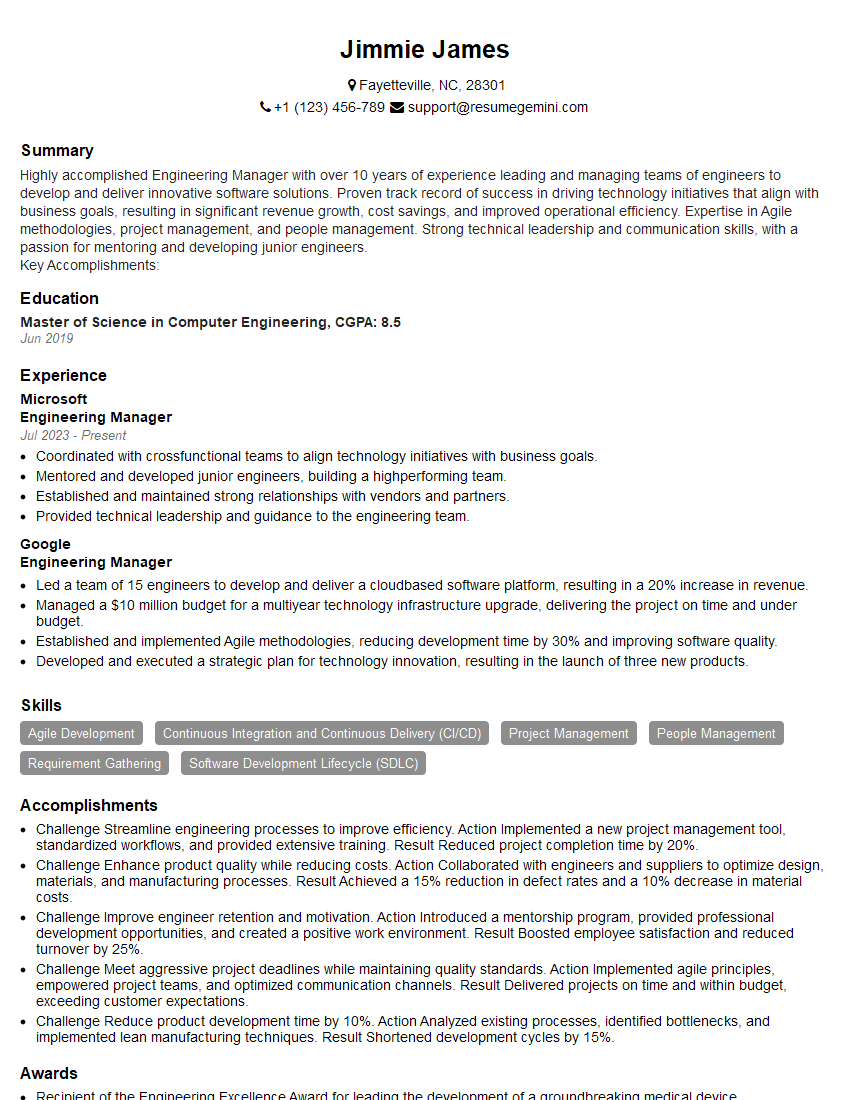
Engineering Manager Resume Sample

Principal Engineer Resume Sample

Security Engineer Resume Sample

Systems Analyst Resume Sample
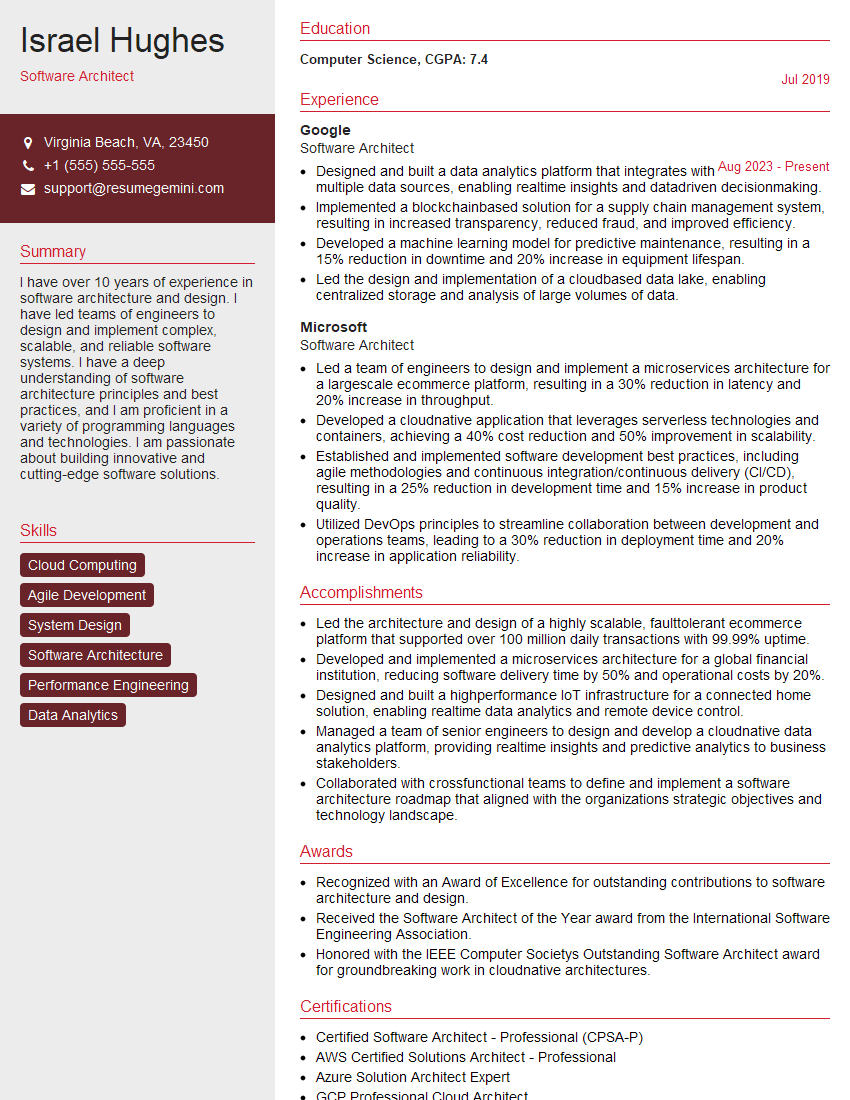
Software Architect Resume Sample
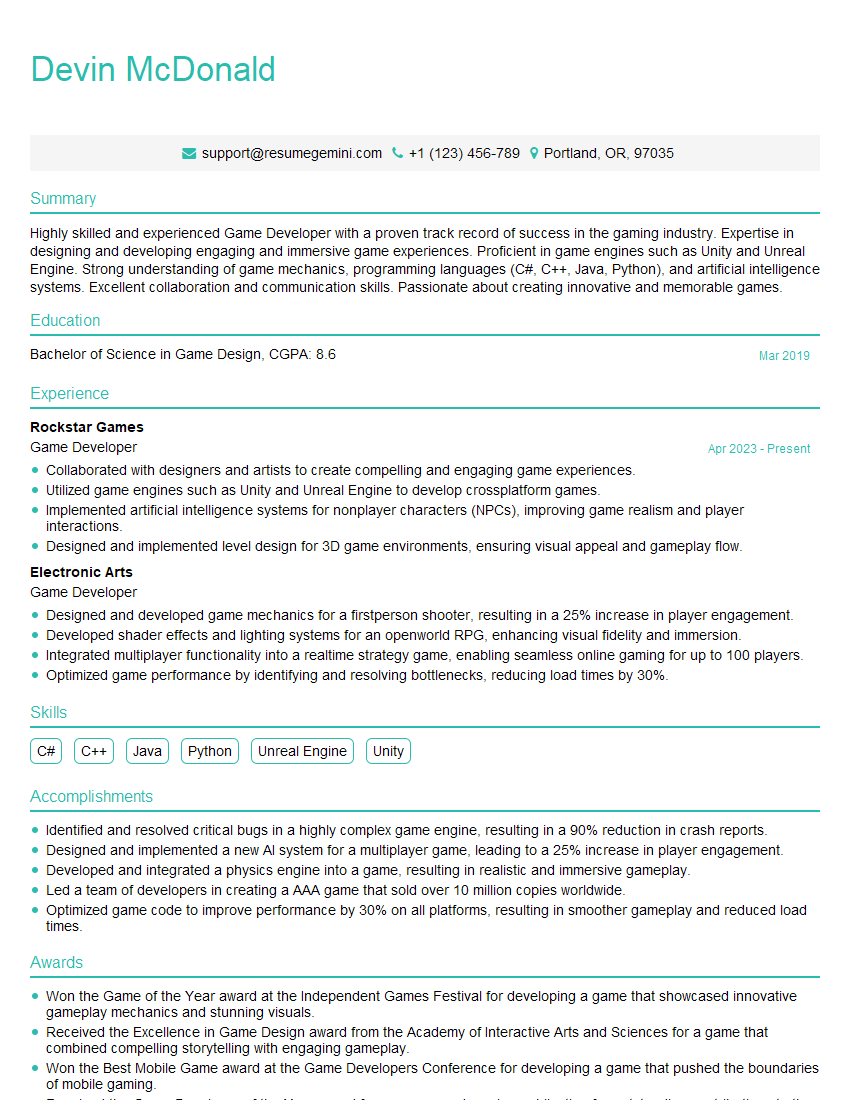
Game Developer Resume Sample

Infrastructure Engineer Resume Sample

Senior Software Engineer Resume Sample

Web Developer Resume Sample

IT Manager Resume Sample
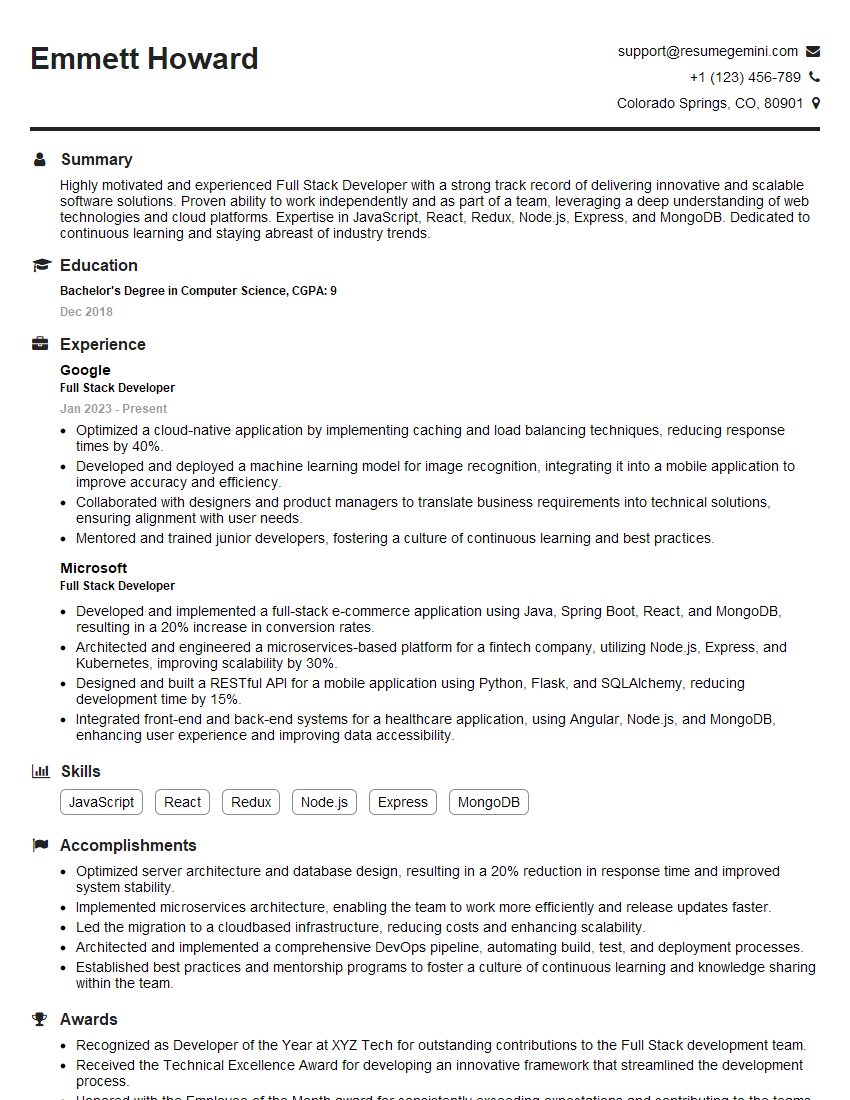
Full Stack Developer Resume Sample

Database Administrator Resume Sample
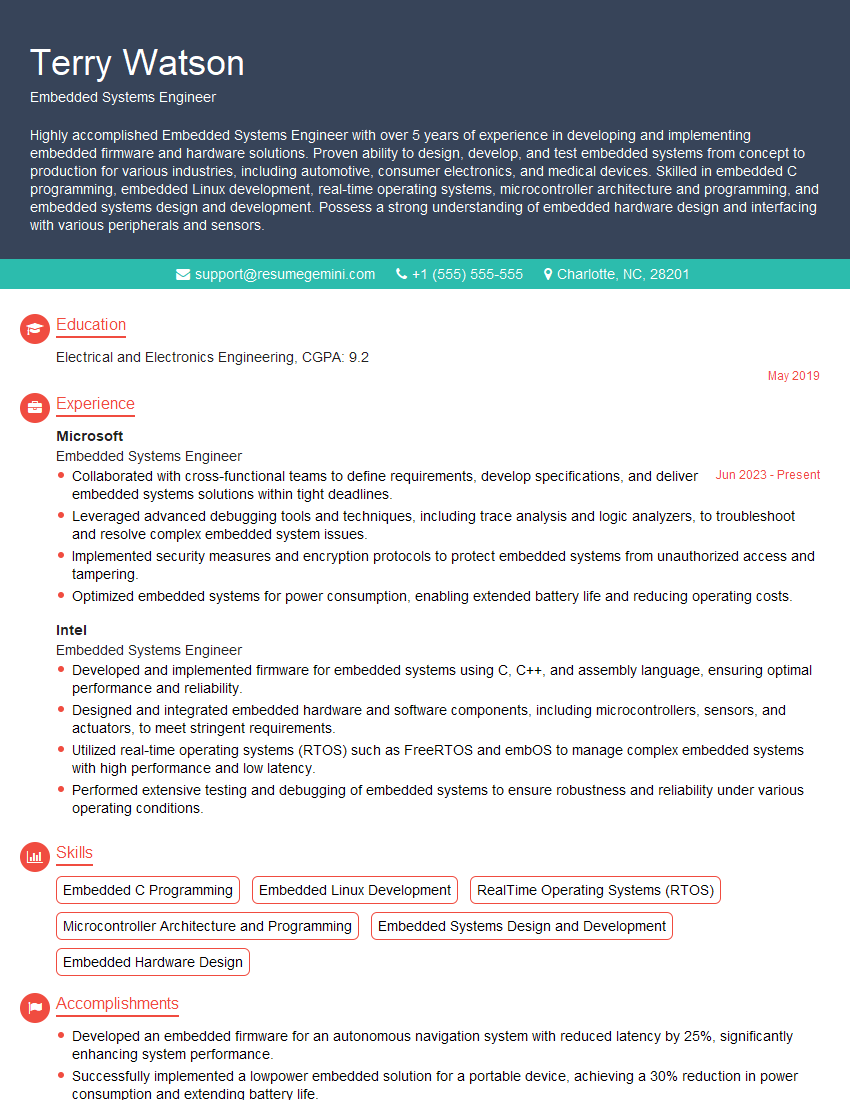
Embedded Systems Engineer Resume Sample

Technical Lead Resume Sample

DevOps Engineer Resume Sample

Cloud Architect Resume Sample

Cloud Engineer Resume Sample
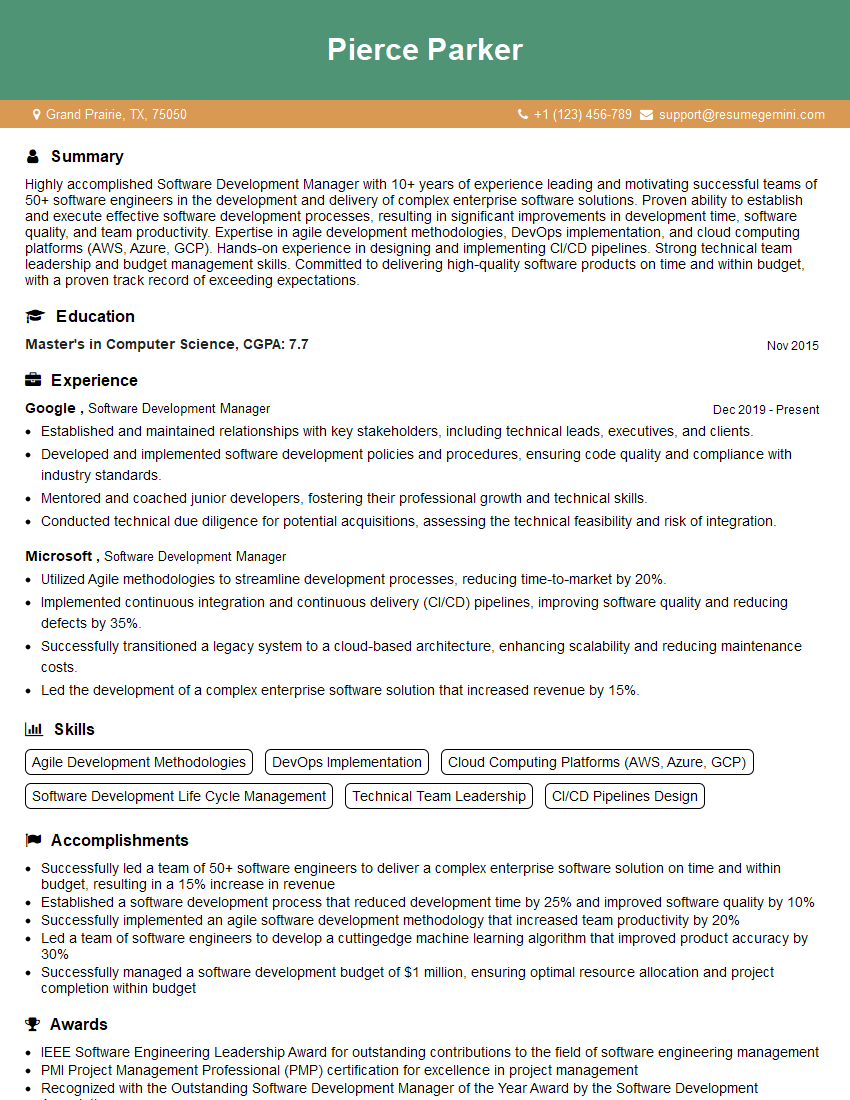
Software Development Manager Resume Sample
- Engineering Manager
- Principal Engineer
- Security Engineer
- Systems Analyst
- Software Architect
- Game Developer
- Infrastructure Engineer
- Senior Software Engineer
- Web Developer
- IT Manager
- Full Stack Developer
- Database Administrator
- Embedded Systems Engineer
- Technical Lead
- DevOps Engineer
- Cloud Architect
- Cloud Engineer
- Software Development Manager
Explore more articles
Users Rating of Our Blogs
Share Your Experience
We value your feedback! Please rate our content and share your thoughts (optional).
What Readers Say About Our Blog
Really detailed insights and content, thank you for writing this detailed article.
IT gave me an insight and words to use and be able to think of examples