Interviews are more than just a Q&A session—they’re a chance to prove your worth. This blog dives into essential Experience in working with content management systems interview questions and expert tips to help you align your answers with what hiring managers are looking for. Start preparing to shine!
Questions Asked in Experience in working with content management systems Interview
Q 1. What are the key features of a modern CMS?
A modern CMS boasts features far beyond basic content creation. Think of it as a sophisticated toolbox for managing digital experiences. Key features include:
- Intuitive User Interface (UI) and User Experience (UX): A clean, user-friendly interface makes content creation and management accessible to non-technical users. Think drag-and-drop functionality and clear visual cues.
- Robust Content Modeling: The ability to create custom content types beyond simple text and images (e.g., products, events, testimonials). This allows for flexible content structures to suit diverse needs.
- Version Control and Collaboration: Tracking changes, reverting to previous versions, and allowing multiple users to work on content simultaneously are crucial for managing content efficiently and preventing conflicts.
- Advanced SEO Features: Built-in tools for optimizing content for search engines, including metadata management, URL structure control, and integration with SEO plugins or APIs.
- API Integrations: Seamless connections with other software and services (e.g., marketing automation platforms, CRM systems) extend functionality and streamline workflows.
- Security Features: Robust security protocols to protect against unauthorized access and data breaches. This includes regular security updates and features like user role management.
- Mobile-First Approach: A responsive design ensures content looks great on any device, catering to the diverse ways users access information.
- Multilingual Support: Ability to manage content in multiple languages, crucial for reaching a global audience.
For example, a modern CMS might allow you to create a custom content type for ‘case studies’ with fields for title, author, summary, body text, images, and related documents, all within a streamlined workflow.
Q 2. Explain the difference between a headless and a coupled CMS.
The core difference lies in how the content repository interacts with the front-end presentation layer.
In a coupled CMS (like traditional WordPress installations), the content and presentation are tightly integrated. The content is displayed directly from the CMS’s database. This is simple to set up but offers less flexibility. Imagine a single, inseparable unit.
A headless CMS separates the content repository (the ‘backend’) from the presentation layer (the ‘frontend’). The content is stored and managed in the CMS, but it’s accessed and displayed via an API. This allows you to use different front-end technologies (React, Vue, Angular, etc.) for different platforms (web, mobile apps) without changing the content itself. It’s like having a content factory that supplies different stores (frontends).
A key advantage of headless is increased flexibility and scalability. Changes to one part of the system don’t necessitate changes to the others. However, it requires more technical expertise to set up and maintain.
Q 3. Describe your experience with WordPress, including plugins and themes.
I have extensive experience with WordPress, having built and maintained numerous websites using it. My experience includes:
- Theme Development and Customization: I’ve worked with both pre-built and custom WordPress themes, customizing them to meet specific client needs. This includes adjusting layouts, styles, and functionality.
- Plugin Development and Integration: I’ve developed custom plugins to extend WordPress functionality, integrating with external APIs and services. I also have extensive experience integrating and configuring numerous existing plugins for SEO, security, e-commerce, and other features. For instance, I’ve used WooCommerce extensively for e-commerce sites and Yoast SEO for search engine optimization.
- WordPress Core Customization: I understand WordPress’s underlying structure and have modified core functionality (though sparingly, as direct core modifications are generally discouraged due to update conflicts).
- Performance Optimization: I’ve implemented techniques to improve WordPress site speed and efficiency, such as image optimization, caching, and database optimization.
For example, I once created a custom plugin for a client that integrated their existing CRM system with their WordPress website, allowing for automated lead generation and customer management.
Q 4. How do you manage content versioning and revisions in a CMS?
Content versioning and revisions are crucial for collaboration and error recovery. Most modern CMSs, including WordPress and Drupal, offer built-in mechanisms for this. Generally, this involves:
- Revision Tracking: The CMS automatically saves multiple versions of a piece of content, each tagged with a timestamp and often with a brief description of the changes made.
- Rollback Capability: The ability to revert to a previous version of the content if needed, effectively undoing changes.
- Workflow Management (Often for more advanced CMS): Advanced features like approval workflows allow multiple users to review and approve content before it’s published, ensuring quality and consistency. This is common in enterprise-level CMS systems.
Think of it like using Google Docs for collaborative writing; you can see the revision history and revert to earlier drafts if necessary. Many CMSs also integrate with version control systems like Git for even finer-grained control (though this is usually more common for developers than content editors).
Q 5. Explain your experience with Drupal, including modules and configurations.
My experience with Drupal spans several years and encompasses various aspects of the platform.
- Module Development and Integration: I’ve developed custom Drupal modules using PHP and the Drupal API to extend its core functionalities. I have also integrated numerous third-party modules to add features and streamline processes. Examples include modules for advanced user roles, custom forms, and content migration.
- Configuration Management: Drupal’s configuration management system (config) allows for robust management of site settings, making it easier to deploy and manage sites across multiple environments. I’ve utilized this extensively for managing complex site configurations.
- Theme Development and Customization: Similar to WordPress, I’ve worked with pre-built and custom Drupal themes, tailoring them to meet specific design and functionality requirements. This includes integrating custom CSS and JavaScript for tailored styling and user interaction.
- Drupal’s API and RESTful Services: I have experience leveraging Drupal’s APIs to integrate with other systems and services, creating headless architecture setups.
One notable project involved creating a custom Drupal module for a university to manage course catalogs, student registration, and faculty profiles. The module integrated with existing systems for seamless data exchange and efficient administrative processes.
Q 6. How would you optimize a CMS for SEO?
Optimizing a CMS for SEO is crucial for online visibility. My approach involves a multi-faceted strategy:
- On-Page Optimization: This includes optimizing content itself (title tags, meta descriptions, header tags), ensuring proper URL structures, and using relevant keywords naturally within the content. We can leverage the CMS’s built-in SEO features, such as those provided by Yoast SEO in WordPress or similar modules in Drupal.
- Technical SEO: Ensuring the site is fast, mobile-friendly, and crawlable by search engines is critical. This includes optimizing images, utilizing caching plugins, and ensuring a clean site architecture. Structured data markup (Schema.org) can greatly improve search engine understanding of the content.
- Content Strategy: Creating high-quality, relevant, and engaging content is essential. Keyword research informs the content creation process to ensure alignment with user search intent.
- Off-Page Optimization: Although not directly within the CMS itself, this is equally important and includes activities like link building and social media promotion.
For example, I once improved a client’s website ranking by implementing schema markup, optimizing image sizes, and improving site speed. This resulted in a significant increase in organic traffic.
Q 7. How do you handle content migration from one CMS to another?
Migrating content from one CMS to another is a complex process that requires careful planning and execution. The approach depends on the source and target CMS and the volume of content. A common strategy involves:
- Data Extraction: Exporting content from the source CMS in a suitable format (usually XML or CSV). This process requires understanding the database structure of the source CMS and identifying the necessary data points to migrate.
- Data Transformation: Cleaning and transforming the exported data to match the structure and requirements of the target CMS. This may involve script writing or using dedicated migration tools.
- Data Import: Importing the transformed data into the target CMS using its built-in import functions or custom scripts.
- Testing and Validation: Thoroughly testing the migrated content to ensure accuracy and completeness. This includes verifying that all content is migrated correctly and that all functionalities work as expected.
- Consideration of Third-Party Integrations: Ensure that any existing integrations (e.g., payment gateways, marketing tools) are seamlessly transferred to the new CMS platform.
Tools like Migrate Drupal (for Drupal migrations) or plugins for WordPress can automate parts of this process. For large migrations, a phased approach (migrating content in batches) is typically more manageable.
Q 8. What are some common security vulnerabilities in CMS platforms, and how do you mitigate them?
Content Management Systems (CMS) are powerful tools, but like any software, they have security vulnerabilities. Common issues include SQL injection, cross-site scripting (XSS), and cross-site request forgery (CSRF). SQL injection attacks attempt to manipulate database queries to gain unauthorized access. XSS vulnerabilities allow attackers to inject malicious scripts into a website, while CSRF attacks trick users into performing unwanted actions.
Mitigation strategies are multifaceted. First, regular updates are crucial. CMS vendors constantly release patches to address known vulnerabilities. Second, input validation is essential. This involves rigorously checking all user inputs to prevent malicious code from being executed. For example, using parameterized queries instead of directly embedding user input into SQL statements prevents SQL injection. Third, using a Web Application Firewall (WAF) can provide an additional layer of security by filtering malicious traffic before it reaches the CMS. Finally, implementing strong password policies and two-factor authentication adds another layer of protection against unauthorized access.
In one project, we discovered a potential XSS vulnerability in a custom plugin. By carefully reviewing the code and implementing proper sanitization techniques, we successfully patched the vulnerability and prevented a potential security breach. This highlights the importance of thorough code review and proactive security measures.
Q 9. Describe your experience with content workflows and approval processes.
Content workflows are the backbone of efficient content creation and publication. My experience spans various approaches, from simple linear workflows to complex multi-stage processes involving multiple stakeholders. A typical workflow might involve content creation, editing, review, approval, and finally, publication. Approval processes often incorporate a system of checks and balances, ensuring quality control and consistency.
For example, in a previous role, we implemented a workflow using a custom built approval system integrated with our CMS. Content creators submitted articles, editors reviewed and suggested edits, and the marketing team provided final approval before publication. This system was crucial in ensuring brand consistency and high-quality content. We utilized status flags (draft, pending review, approved, published) to track content progress and automated email notifications to keep stakeholders informed at each step. This workflow improved efficiency and reduced bottlenecks significantly compared to previous manual processes.
Q 10. How do you ensure the accessibility of content within a CMS?
Ensuring content accessibility is vital for inclusivity and compliance with regulations like WCAG (Web Content Accessibility Guidelines). This involves making content usable by people with disabilities. Key aspects include providing alternative text for images (alt attributes), using appropriate heading levels (h1, h2, etc.), ensuring sufficient color contrast, and providing captions and transcripts for videos.
Within the CMS, we can leverage features like built-in accessibility checkers or plugins to identify and fix accessibility issues. For example, WordPress plugins like Accessibility Auditor can automatically scan content for violations of WCAG guidelines. Beyond automated tools, regular manual checks are necessary to ensure the overall accessibility of the website. During content creation, authors should be trained on accessibility best practices. We also implement keyboard navigation testing to ensure website usability for users who rely on assistive technologies.
Q 11. What is your experience with different content types (images, videos, documents)?
My experience encompasses a wide range of content types, including images, videos, and documents. I’m proficient in managing various image formats (JPEG, PNG, GIF, WebP), optimizing images for web performance, and ensuring proper metadata is included. For videos, I’ve worked with embedding platforms like YouTube and Vimeo, and I understand the importance of providing captions and transcripts for accessibility. Regarding documents, I have experience integrating various document formats (PDF, DOCX, PPTX) and managing version control within the CMS.
In a project involving a large e-learning platform, we had to manage thousands of videos and documents. To streamline the process, we implemented a robust content organization system using custom taxonomies and categories within the CMS, making it easier for both users and administrators to navigate and find the required resources. We also implemented a content delivery network (CDN) to optimize video streaming performance.
Q 12. How do you troubleshoot common CMS issues?
Troubleshooting CMS issues requires a systematic approach. I start by identifying the specific problem – is it a frontend issue, a backend problem, or a database error? Common issues include broken links, slow loading times, plugin conflicts, and database errors. I use various tools, like browser developer tools, server logs, and database management tools, to diagnose the root cause.
For example, if a website is slow, I’d first check the server’s performance metrics. If the database is the bottleneck, I’d optimize queries or upgrade the database server. If a plugin is causing conflicts, I’d try disabling plugins one by one to pinpoint the culprit. I always start with the simplest solutions first, before progressing to more complex troubleshooting methods. Documentation and community forums are also valuable resources for finding solutions to common problems.
Q 13. Explain your experience with using APIs with a CMS.
APIs (Application Programming Interfaces) are essential for extending CMS functionality and integrating with other systems. My experience includes using various APIs, such as RESTful APIs, to interact with the CMS programmatically. This allows for tasks such as automated content creation, data migration, and integration with external services. I’m familiar with authentication methods like OAuth and API keys for secure access.
In a recent project, we used the WordPress REST API to build a custom mobile application that allowed users to submit content directly to the website. We used the API to handle user authentication, content creation, and content submission. This allowed us to create a seamless user experience and extend the CMS functionality beyond its traditional web interface.
Q 14. How do you manage user roles and permissions within a CMS?
Managing user roles and permissions is critical for security and workflow efficiency. Different users within a CMS require different levels of access. Administrators typically have full access, while editors might have limited editing capabilities, and contributors might only be able to submit content. This is usually managed through a role-based access control (RBAC) system.
Most CMS platforms have built-in mechanisms for defining user roles and assigning permissions. For example, in WordPress, we can create custom roles and assign specific capabilities to each role, allowing fine-grained control over user access. This ensures only authorized personnel can perform sensitive actions, such as deleting content or changing site settings. Regular audits of user roles and permissions are essential to identify and address potential security risks.
Q 15. How do you handle large volumes of content within a CMS?
Managing large volumes of content efficiently in a CMS requires a strategic approach. It’s not just about sheer storage capacity; it’s about organization, accessibility, and performance. Think of it like organizing a massive library – you wouldn’t just throw all the books into a single room!
- Content Organization: Implementing a robust tagging and categorization system is crucial. This allows for easy searching and retrieval. I’ve used taxonomies and ontologies in past projects to create highly structured content hierarchies, making navigation intuitive for both editors and users. For instance, we used a faceted navigation system for a large e-commerce site, allowing customers to filter products based on multiple criteria (brand, price, color, etc.).
- Database Optimization: The underlying database needs to be optimized for speed and scalability. This includes proper indexing, efficient querying, and potentially utilizing database sharding for distributing the load across multiple servers. I’ve worked with projects where database tuning resulted in a significant improvement in page load times.
- Content Versioning and Workflow: A well-defined content workflow, including version control and approval processes, prevents chaos. CMS features like content staging and review cycles ensure that only approved content goes live. This prevents accidental publication of incorrect or incomplete information.
- Content Delivery Network (CDN): Using a CDN is vital for delivering content quickly to users across different geographical locations. A CDN caches content closer to the end-user, reducing latency and improving website performance. I’ve seen significant improvements in page load times and user experience by implementing CDNs in projects with global audiences.
In essence, handling large volumes of content is about leveraging the CMS’s capabilities to its full potential and implementing best practices for efficient organization and delivery.
Career Expert Tips:
- Ace those interviews! Prepare effectively by reviewing the Top 50 Most Common Interview Questions on ResumeGemini.
- Navigate your job search with confidence! Explore a wide range of Career Tips on ResumeGemini. Learn about common challenges and recommendations to overcome them.
- Craft the perfect resume! Master the Art of Resume Writing with ResumeGemini’s guide. Showcase your unique qualifications and achievements effectively.
- Don’t miss out on holiday savings! Build your dream resume with ResumeGemini’s ATS optimized templates.
Q 16. Describe your experience with content personalization and targeting.
Content personalization and targeting are key to optimizing user engagement and conversion rates. It’s about delivering the right content to the right person at the right time. I’ve used various techniques to achieve this.
- Segmentation: I’ve worked extensively with segmenting audiences based on demographics, behavior, and preferences. For example, I created segments for an e-commerce website based on purchase history, browsing behavior, and email engagement, allowing for tailored product recommendations and marketing messages.
- Personalization Engines: Integration with personalization platforms allows for dynamic content delivery based on user profiles. These platforms often utilize machine learning to analyze user data and predict preferences. I’ve used systems that automatically adapt website content, product recommendations, and email campaigns based on individual user profiles.
- A/B Testing: I regularly use A/B testing to compare different versions of personalized content and identify what resonates best with specific segments. This iterative approach ensures continuous improvement in personalization strategies.
- Rule-based Personalization: Simpler personalization can be achieved through rule-based systems within the CMS. For example, displaying different banners based on geographic location or time of day. I’ve implemented such systems for clients who needed simpler, more manageable personalization solutions.
The success of personalization relies on having a robust data infrastructure and the ability to leverage user data ethically and responsibly. It’s about enhancing the user experience, not creating intrusive or manipulative interactions.
Q 17. What are some best practices for content organization in a CMS?
Effective content organization within a CMS is paramount for maintainability, findability, and scalability. It’s about creating a structured system that’s easy to navigate and manage.
- Logical Content Structure: Creating a clear hierarchy of categories and subcategories, mirroring the website’s navigation structure, is essential. This ensures that content is easily discoverable.
- Consistent Naming Conventions: Establishing and enforcing consistent naming conventions for files and folders keeps the content repository organized and prevents duplication. I usually advocate for using descriptive and keyword-rich names.
- Metadata and Tagging: Using robust metadata and tagging systems allows for efficient searching and filtering of content. This is especially important for large content repositories.
- Content Types and Templates: Defining different content types (e.g., blog posts, product pages, news articles) with associated templates ensures consistency in content presentation and simplifies content creation.
- Regular Audits: Regularly auditing content for outdated or irrelevant information is critical for maintaining a high-quality website. I usually incorporate content audits into the editorial calendar, ensuring regular reviews and updates.
A well-organized CMS resembles a well-organized filing cabinet – everything has its place, and it’s easy to find what you need.
Q 18. How do you ensure content quality and consistency across a website?
Maintaining content quality and consistency is crucial for building brand credibility and user trust. It requires a multi-faceted approach.
- Style Guides and Editorial Guidelines: Creating and enforcing style guides and editorial guidelines ensures consistency in tone, style, and terminology across all content. This is essential for maintaining brand voice and avoiding inconsistencies.
- Content Review Processes: Implementing a content review and approval process ensures that content is reviewed for accuracy, clarity, and adherence to brand guidelines before publication. This usually involves multiple levels of review, depending on the complexity of the content.
- Content Audits: Regularly auditing content for broken links, outdated information, and grammatical errors is essential for maintaining a high-quality website. I’ve used various tools to automate this process.
- Training and Support: Providing training and ongoing support to content creators ensures that they are aware of the style guide and editorial guidelines. This reduces inconsistencies and errors.
- Automated Checks: Leveraging CMS features or third-party tools to automate grammar and style checks can improve efficiency and reduce errors.
Consistency builds trust. Imagine a restaurant where the food quality varies wildly – you wouldn’t go back! The same applies to websites.
Q 19. What is your experience with different CMS architectures?
My experience spans various CMS architectures, from monolithic systems to headless and decoupled architectures. Each has its strengths and weaknesses.
- Monolithic CMS: Traditional CMSs like WordPress or Drupal, where the presentation layer, content management layer, and database are tightly coupled. These are usually easier to set up and manage but can be less flexible and scalable.
- Headless CMS: A headless CMS separates the backend (content repository) from the frontend (presentation layer). This allows for greater flexibility in content delivery across multiple channels (website, mobile app, smart devices). I’ve worked with Contentful and Strapi, which are popular headless CMS platforms.
- Decoupled CMS: A hybrid approach that combines elements of both monolithic and headless architectures, offering a balance between ease of use and flexibility. This is often a preferred approach for larger projects requiring both customization and ease of management.
The choice of architecture depends on project requirements, scalability needs, and technical expertise. I always consider factors like the complexity of the project, the need for future scalability, and the available technical resources when selecting a CMS architecture.
Q 20. How do you integrate a CMS with other marketing tools (e.g., email marketing, analytics)?
Integrating a CMS with other marketing tools is crucial for efficient workflow and data-driven decision-making. This involves utilizing APIs and various integration methods.
- Email Marketing: Integration with email marketing platforms (e.g., Mailchimp, Constant Contact) allows for automated email campaigns triggered by CMS events (e.g., new blog post published, user registration). I frequently utilize this for automated email newsletters and personalized email marketing campaigns.
- Analytics: Integrating Google Analytics or other analytics platforms provides valuable insights into website traffic, user behavior, and content performance. This data is crucial for optimizing content and marketing strategies.
- CRM: Integration with a CRM (Customer Relationship Management) system provides a centralized view of customer interactions and data, allowing for more personalized and targeted marketing efforts.
- APIs: Many CMSs offer APIs (Application Programming Interfaces) that allow for seamless integration with other tools. I’ve worked with various APIs to connect the CMS to various marketing automation platforms and analytics dashboards.
- Third-Party Plugins and Integrations: Various third-party plugins and integrations are available to facilitate connections between the CMS and other marketing tools.
These integrations help streamline workflows, automate tasks, and provide valuable data-driven insights for improved marketing performance. Imagine having all your marketing data in one place – that’s the power of CMS integration.
Q 21. Explain your experience with content syndication.
Content syndication involves distributing content across multiple channels to reach a wider audience. It’s a powerful way to amplify your reach and increase brand visibility.
- Repurposing Content: Syndicating content often involves repurposing existing content into different formats suitable for different platforms. For example, turning a blog post into a series of social media posts or an infographic.
- Channel Selection: Careful selection of syndication channels is crucial. The channels should align with the target audience and the type of content being syndicated.
- Content Formatting: Adjusting the format and style of content to suit different platforms (e.g., different lengths for Twitter vs. LinkedIn) is crucial for optimal engagement.
- Tracking and Measurement: Using UTM parameters or other tracking mechanisms to measure the performance of syndicated content across different channels is vital for optimizing syndication strategies.
- Automation Tools: Using automation tools can streamline the syndication process and increase efficiency.
Content syndication is like spreading seeds – the more you spread, the greater the chance of growth. However, like any gardening endeavor, careful planning and monitoring are crucial for success.
Q 22. What is your experience with multilingual content management?
Multilingual content management involves creating and managing website content in multiple languages. This goes beyond simply translating text; it requires careful consideration of cultural nuances, differing character sets (like handling right-to-left languages), and potentially different content structures or workflows.
My experience encompasses working with various CMS platforms offering multilingual capabilities, such as WordPress with plugins like WPML or Polylang, and more robust enterprise solutions like Sitecore and Adobe Experience Manager (AEM). I’ve worked on projects requiring translation management, ensuring consistent terminology across languages, and implementing strategies for efficient content updates in multiple locales. For instance, on one project, we utilized a translation management system integrated with the CMS to streamline the workflow, track translations, and maintain version control for all language versions. This ensured a much smoother and more efficient process than manually translating and updating content.
Furthermore, I’m proficient in configuring language-specific settings within the CMS, including URL structures (e.g., using subdomains or subdirectories for language-specific URLs), date and time formats, and currency settings, to provide a localized experience for each target audience.
Q 23. How do you measure the success of content management efforts?
Measuring the success of content management efforts requires a multi-faceted approach, combining qualitative and quantitative data. It’s not just about the number of published articles; it’s about the impact those articles have on the organization’s goals.
- Website Traffic & Engagement: Analyzing website analytics (Google Analytics, etc.) to track key metrics like page views, bounce rate, time on site, and conversion rates (e.g., form submissions, purchases). This helps assess how well content is attracting and engaging visitors.
- Lead Generation & Sales: If the goal is lead generation, tracking the number of leads generated from website content is crucial. For sales-oriented websites, monitoring sales attributed to content marketing campaigns provides a direct measure of success.
- Social Media Engagement: Monitoring social media shares, likes, comments, and mentions related to published content gives insights into audience engagement and content resonance.
- Search Engine Optimization (SEO): Tracking keyword rankings, organic traffic, and backlink profiles helps determine the effectiveness of content optimization strategies.
- User Feedback: Gathering user feedback through surveys, comments, or social media interactions helps understand the user experience and identify areas for improvement.
Ultimately, the key performance indicators (KPIs) used should directly align with the business objectives. A well-defined strategy will establish clear goals and corresponding metrics to track progress and demonstrate the value of content management efforts.
Q 24. Describe your experience with CMS templates and theming.
CMS templates and theming are fundamental to creating a consistent and visually appealing website experience. Templates provide the basic structure and layout, while theming involves customizing the look and feel.
My experience includes working with various CMS platforms and their templating engines. For example, in WordPress, I’m comfortable working with both page builders (like Elementor or Beaver Builder) and custom theme development using PHP, HTML, CSS, and JavaScript. I understand how to create reusable template components, manage template inheritance (for maintaining a consistent design language while allowing variation across pages), and utilize theming mechanisms to control styles and layouts without modifying core code.
In more complex CMS environments like AEM or Sitecore, I have experience using their respective templating languages and component models to design, build, and maintain scalable and reusable website components. This often involves working with designers and developers to ensure the implemented templates and themes align with the overall brand guidelines and user experience strategy.
A recent example involved customizing a pre-built WordPress theme to meet a client’s specific needs, incorporating their brand colours, logo, and custom typography, without compromising the theme’s responsiveness or performance.
Q 25. How would you approach improving the site speed of a CMS-powered website?
Improving the site speed of a CMS-powered website is crucial for user experience and SEO. A slow website leads to high bounce rates and poor search engine rankings.
My approach is multifaceted and involves a combination of techniques:
- Optimize Images: Compressing images without sacrificing quality significantly reduces page load time. Tools like TinyPNG or ImageOptim can be used for this purpose.
- Leverage Browser Caching: Configuring appropriate caching headers in the CMS or through a CDN (Content Delivery Network) enables browsers to store static assets locally, reducing server load and improving load times.
- Minify CSS and JavaScript: Removing unnecessary whitespace and comments from CSS and JavaScript files reduces their file size, thus improving loading speed. This can be automated using build tools.
- Use a CDN: A CDN distributes website content across multiple servers geographically closer to users, reducing latency and improving load times, especially for users in different regions.
- Enable GZIP Compression: GZIP compression reduces the size of files transmitted over the network, improving download speeds.
- Improve Database Performance: Optimizing database queries and indexing can improve the speed of content retrieval.
- Choose a Fast Hosting Provider: Selecting a reliable hosting provider with sufficient server resources is essential for ensuring optimal website performance.
- Use a Caching Plugin: Many CMS platforms offer caching plugins which store frequently accessed content in memory, reducing database load and improving speed.
Before implementing any optimization, I would conduct thorough performance testing using tools like Google PageSpeed Insights and GTmetrix to identify bottlenecks and measure the impact of changes.
Q 26. What is your experience with using a staging environment for a CMS?
A staging environment is a copy of the live website used for testing and development purposes. It’s essential for preventing disruptions to the live site during updates, new feature implementations, or content changes.
My experience with staging environments involves creating and managing separate instances of CMS websites, allowing developers and content editors to work on changes without affecting the live site. I’m proficient in using various methods for creating staging environments, including using the CMS’s built-in functionality, employing version control systems (like Git) to manage code changes, and setting up separate database and server instances.
I ensure that the staging environment mirrors the live environment as closely as possible, including configurations, plugins, and data. Once changes are thoroughly tested and approved in the staging environment, they are then seamlessly deployed to the live site, minimizing the risk of errors and downtime. This process helps maintain a smooth workflow and ensures the quality and stability of the live website.
Q 27. Explain your experience with content auditing and cleanup.
Content auditing and cleanup is a crucial process for improving website performance, user experience, and SEO. It involves reviewing existing content to identify outdated, irrelevant, or duplicated content and taking appropriate action.
My experience includes conducting thorough content audits using tools like Screaming Frog or DeepCrawl to identify broken links, orphan pages, thin content, and duplicate content. I’ve developed strategies to:
- Identify and remove duplicate content: This improves SEO and enhances user experience by avoiding confusion.
- Update outdated content: Ensuring information remains accurate and relevant improves credibility and user engagement.
- Consolidate thin content: Combining low-value content into more comprehensive pages improves SEO and improves reader engagement.
- Redirect broken links: Using 301 redirects to guide users to the correct pages prevents 404 errors and maintains website structure.
- Improve content quality: Editing and enhancing existing content to improve readability, clarity, and accuracy, leading to better user engagement.
The process usually involves a detailed report highlighting the identified issues and proposed solutions. This is then followed by implementing the recommended changes, carefully reviewing and testing to ensure the website’s functionality and SEO are not negatively impacted.
Q 28. Describe a time you had to solve a complex problem related to a CMS.
In a previous role, we faced a critical issue with a large e-commerce website built on Magento. A significant database corruption led to product pages displaying incorrectly, impacting sales.
The problem was initially diagnosed as a simple database error but proved more complex. Initial attempts to restore from backups were unsuccessful due to data inconsistencies within the backups themselves. The problem was further compounded by the site’s high traffic volume, making any downtime incredibly costly.
My approach involved a systematic troubleshooting process:
- Isolate the Problem: We systematically isolated the affected sections of the database to pinpoint the specific corrupted data.
- Data Recovery: We explored several data recovery techniques, including using specialized database tools to attempt to repair the corrupted data. When this didn’t fully resolve the issue, we had to carefully analyze the most recent successful backups and identify and restore only the missing or corrupted elements rather than the whole site.
- Staging Environment Testing: Before deploying any fix to the live site, we rigorously tested the solution in a staging environment to confirm functionality and prevent further issues.
- Phased Rollout: We implemented the solution in a phased manner, deploying the fix to a smaller section of the website initially, closely monitoring its performance before rolling out to the rest of the site.
- Preventative Measures: Following the resolution, we implemented robust database backup and monitoring procedures to minimize the risk of similar incidents in the future.
This experience highlighted the importance of proactive measures to prevent database corruption, the need for comprehensive testing before deploying solutions to live sites, and the significance of having robust recovery plans in place for critical systems.
Key Topics to Learn for Content Management System (CMS) Interviews
- Understanding CMS Architectures: Explore different CMS architectures (e.g., monolithic, headless) and their implications for content creation, delivery, and management. Consider the pros and cons of each.
- Content Modeling and Structure: Discuss how you’ve designed and implemented content models, ensuring data integrity and efficient content organization. Provide examples of your approach to taxonomy and metadata.
- Workflow and Collaboration: Describe your experience with content approval workflows, version control, and collaborating with teams within a CMS environment. Highlight any tools or strategies you used to streamline these processes.
- Content Migration and Integration: Explain your experience with migrating content between different CMS platforms or integrating CMS with other systems (e.g., CRM, marketing automation). Discuss challenges encountered and solutions implemented.
- CMS Customization and Extension: Detail your experience with customizing existing CMS features or extending functionality through plugins, themes, or custom code. Focus on problem-solving and technical skills.
- Security and Performance Optimization: Discuss best practices for ensuring CMS security (e.g., user roles, access control, security updates) and optimizing website performance (e.g., caching, image optimization). Provide examples of how you’ve addressed these areas.
- Troubleshooting and Problem-Solving: Share instances where you diagnosed and resolved CMS-related issues, focusing on your analytical and problem-solving skills. Highlight your ability to identify the root cause and implement effective solutions.
Next Steps
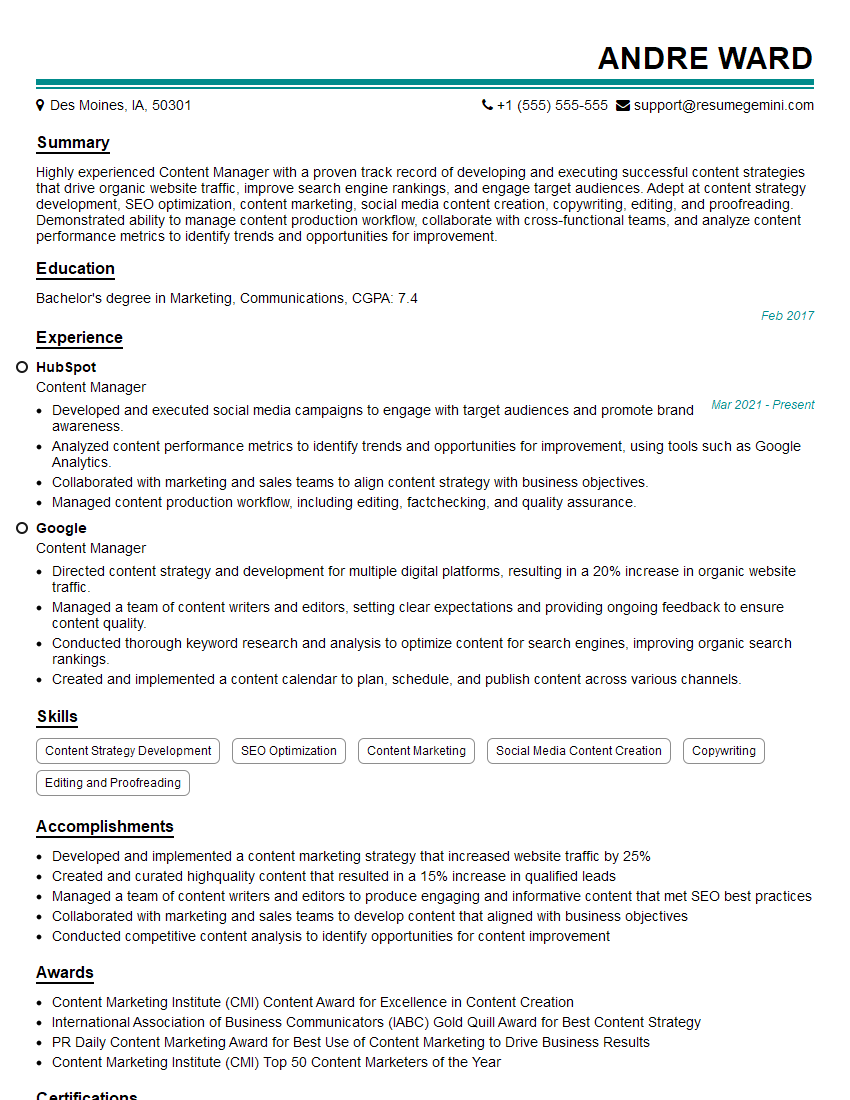
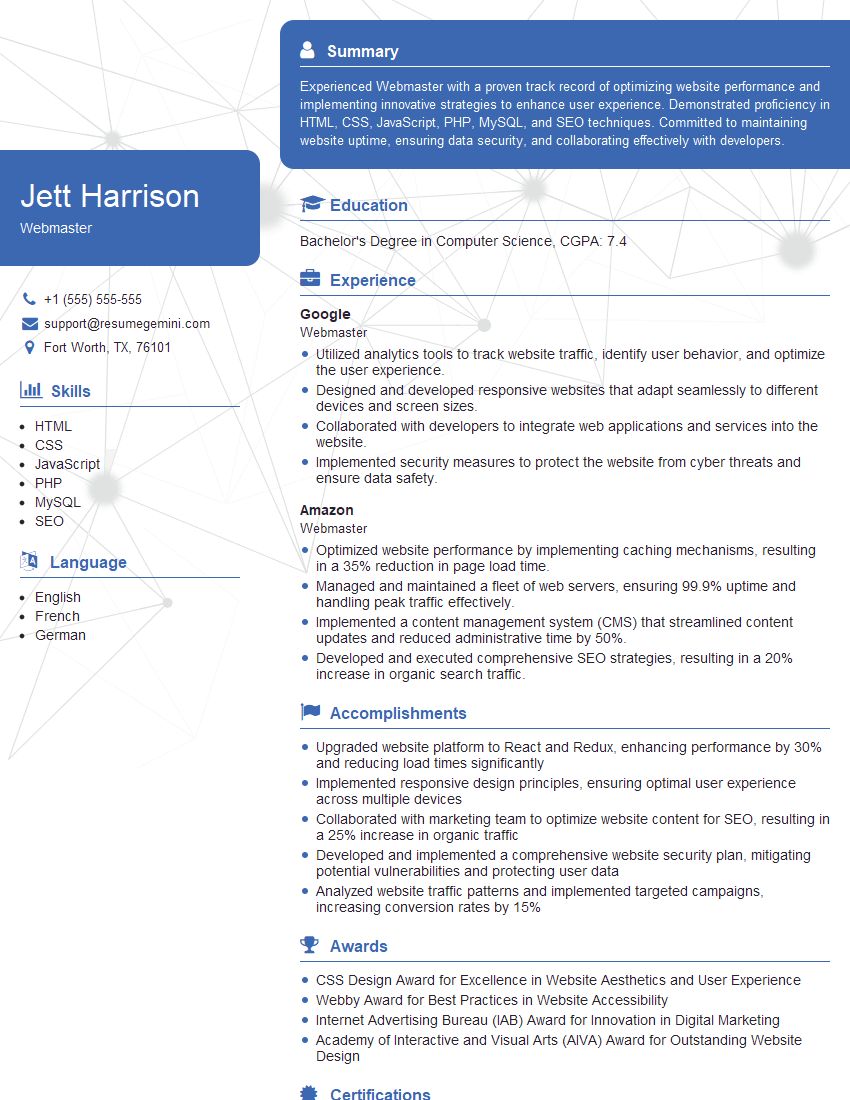
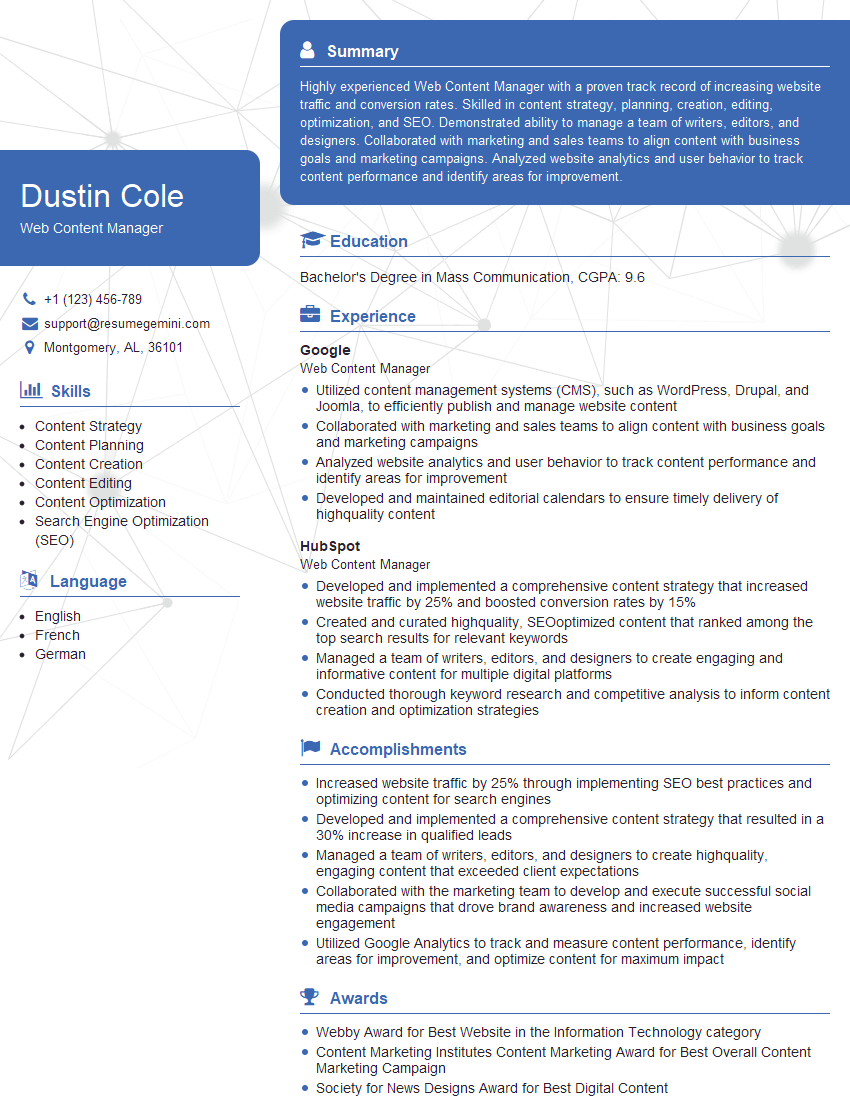
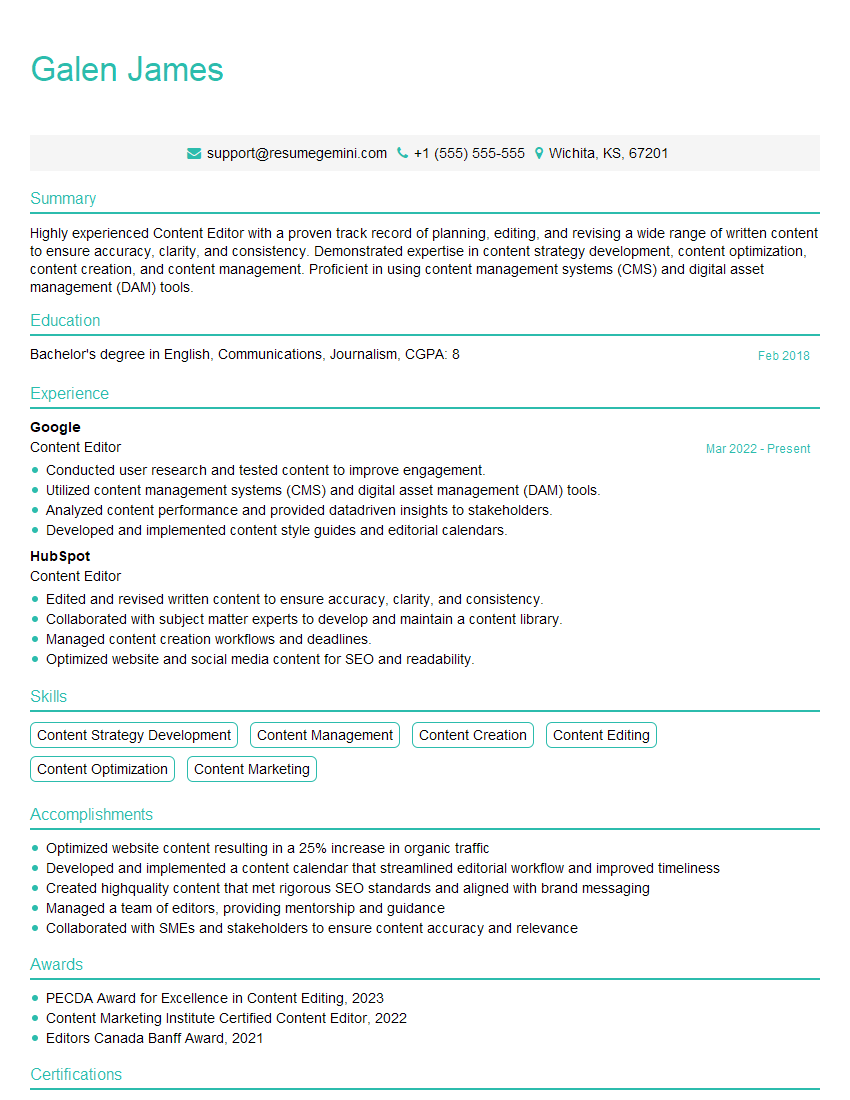
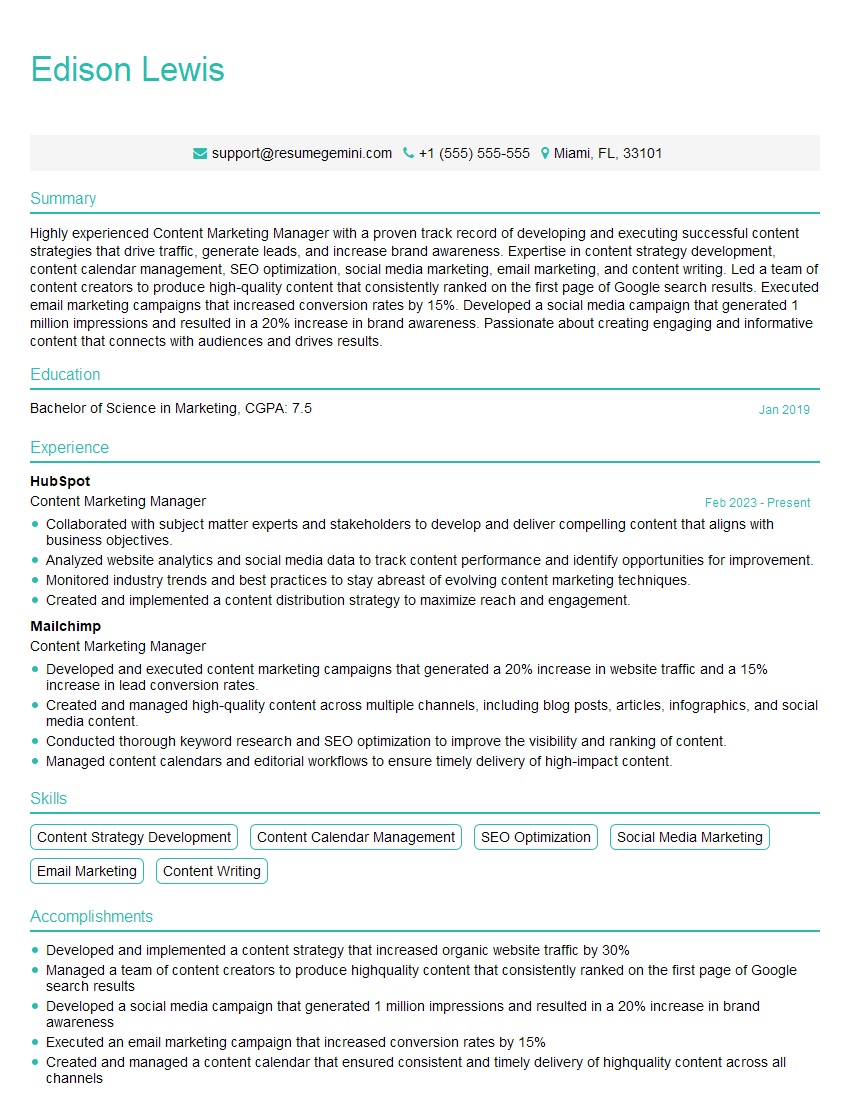
Mastering content management systems is crucial for career advancement in digital content creation, web development, and marketing. A strong understanding of CMS principles significantly increases your marketability and opens doors to exciting opportunities. To maximize your job prospects, create an ATS-friendly resume that effectively showcases your skills and experience. ResumeGemini is a trusted resource that can help you build a professional and impactful resume. Take advantage of the examples of resumes tailored to content management system experience available – they are designed to help you present your skills in the best possible light.



Explore more articles
Users Rating of Our Blogs
Share Your Experience
We value your feedback! Please rate our content and share your thoughts (optional).
What Readers Say About Our Blog
Really detailed insights and content, thank you for writing this detailed article.
IT gave me an insight and words to use and be able to think of examples