The thought of an interview can be nerve-wracking, but the right preparation can make all the difference. Explore this comprehensive guide to Experience in working with databases interview questions and gain the confidence you need to showcase your abilities and secure the role.
Questions Asked in Experience in working with databases Interview
Q 1. Explain the difference between OLTP and OLAP databases.
OLTP (Online Transaction Processing) and OLAP (Online Analytical Processing) databases serve fundamentally different purposes. Think of OLTP as your daily banking transactions – quick, frequent updates to individual records. OLAP, on the other hand, is like analyzing yearly banking trends – complex queries across massive datasets, focusing on aggregated data for reporting and decision-making.
- OLTP: Designed for high-speed insertion, updates, and deletion of data. It prioritizes transaction speed and data integrity. Think of systems like online shopping carts or banking systems. They are typically row-oriented.
- OLAP: Optimized for complex analytical queries on large volumes of historical data. It prioritizes retrieval speed and data analysis capabilities. Examples include business intelligence dashboards or data warehousing systems. They often utilize columnar storage for faster aggregation.
In short: OLTP is for doing things; OLAP is for understanding what happened.
Q 2. What are ACID properties in database transactions?
ACID properties are the four key characteristics that guarantee reliable database transactions, even in the face of errors or crashes. They ensure data consistency and integrity.
- Atomicity: A transaction is treated as a single, indivisible unit of work. Either all changes within the transaction are committed successfully, or none are. Imagine a bank transfer: either both accounts are updated correctly, or neither is.
- Consistency: A transaction must maintain the database’s integrity constraints. For example, if a transaction tries to transfer more money than is available, it will fail, maintaining the database’s consistent state.
- Isolation: Concurrent transactions should appear as if they are executing sequentially, preventing data conflicts. Imagine two users trying to buy the last item online – only one should succeed.
- Durability: Once a transaction is committed, the changes are permanent and survive system failures. Your bank transfer is reliably recorded, even if the server crashes.
Q 3. Describe different types of database joins (inner, left, right, full outer).
Database joins combine rows from two or more tables based on a related column. Different join types provide varying results.
- INNER JOIN: Returns only the rows where the join condition is met in both tables. It’s like finding the intersection of two sets.
- LEFT (OUTER) JOIN: Returns all rows from the left table and the matching rows from the right table. If there’s no match in the right table, it returns NULL values for the right table’s columns. It’s like including everything from the left set and matching elements from the right.
- RIGHT (OUTER) JOIN: Similar to a left join, but it returns all rows from the right table and the matching rows from the left table. NULLs are used for unmatched rows in the left table.
- FULL (OUTER) JOIN: Returns all rows from both tables. If there’s a match, the corresponding row from both tables are returned; if no match, NULLs are used for the unmatched columns.
Example (SQL):
SELECT * FROM Customers INNER JOIN Orders ON Customers.CustomerID = Orders.CustomerID;This query would show only customers who have placed orders.
Q 4. What is normalization and why is it important?
Normalization is the process of organizing data in a database to reduce redundancy and improve data integrity. It’s like decluttering your closet – you organize your clothes to make it easier to find what you need and avoid having multiple identical items.
Why is it important?
- Reduces Data Redundancy: Avoids storing the same data multiple times, saving storage space and improving efficiency.
- Enhances Data Integrity: Minimizes inconsistencies and ensures that data is accurate and reliable. Updating information only needs to happen in one place.
- Improves Data Management: Makes it easier to manage and update the database, as changes only need to be made in one location.
Normalization involves a series of steps (normal forms), each addressing specific types of redundancy. The most common are 1NF, 2NF, and 3NF.
Q 5. Explain indexing and its benefits in database performance.
Indexing is like creating a detailed table of contents for your database. It speeds up data retrieval by creating a separate data structure that points to the location of data in the main table.
Benefits:
- Faster Data Retrieval: Significantly improves query performance, especially for large datasets.
- Improved Query Speed: Reduces the time it takes to locate specific data within the database.
- Enhanced Scalability: Allows databases to handle larger volumes of data more efficiently.
However, creating too many indexes can slow down data insertion and updates. Choosing the right columns to index is crucial for optimal performance.
Q 6. How do you handle database performance issues?
Handling database performance issues involves a systematic approach. It’s like diagnosing a car problem – you need to identify the root cause before fixing it.
- Identify the Bottleneck: Use monitoring tools to pinpoint slow queries, high resource usage (CPU, memory, I/O), or other issues. This involves examining query execution plans, server logs, and performance metrics.
- Optimize Queries: Rewrite inefficient queries, add indexes to frequently accessed columns, and use appropriate query optimization techniques.
- Improve Database Design: Address issues in database schema, such as normalization problems or poorly designed indexes.
- Hardware Upgrades: Consider upgrading server hardware (CPU, memory, storage) if resource limitations are causing slowdowns.
- Database Tuning: Adjust database parameters (buffer pools, cache sizes) for optimal performance. This often involves understanding your workload characteristics.
- Caching: Implement caching mechanisms to store frequently accessed data in memory for faster retrieval.
- Connection Pooling: Optimize connection management to reduce overhead of establishing and closing database connections.
Troubleshooting database performance is iterative. You often need to try different solutions and monitor the results to see what improves performance the most.
Q 7. What are the different types of database locks?
Database locks are mechanisms used to control concurrent access to data and prevent data corruption. Think of it as a librarian controlling access to books to prevent multiple people from checking out the same book simultaneously.
- Shared Locks (Read Locks): Allow multiple transactions to read the same data concurrently but prevent any transaction from modifying it. Multiple readers can access, but no writers.
- Exclusive Locks (Write Locks): Prevent any other transaction from reading or writing the data until the lock is released. Only one writer allowed, no readers.
- Update Locks: A special type of lock that initially acts like a shared lock, allowing reads, and then transitions to an exclusive lock before an update is performed, ensuring the data is not modified concurrently.
Different locking mechanisms exist (e.g., row-level locks, page-level locks, table-level locks), offering various trade-offs between concurrency and data integrity. The choice depends on the specific database system and application requirements.
Q 8. What is a deadlock and how can you resolve it?
A deadlock occurs when two or more transactions are blocked indefinitely, waiting for each other to release the resources that they need. Imagine two people trying to pass each other in a narrow hallway – neither can move until the other moves first. In a database context, this means one transaction holds a lock on resource A while waiting for a lock on resource B, and another transaction holds a lock on resource B while waiting for a lock on resource A.
Resolving deadlocks involves several strategies:
- Prevention: The most effective approach. This involves careful database design and transaction management. For example, acquiring locks in a consistent order across all transactions can prevent deadlocks. Always acquire locks on resources in a predetermined sequence.
- Detection and Rollback: Database systems typically have deadlock detection mechanisms. When a deadlock is detected, the database system automatically chooses one of the involved transactions to be rolled back (or aborted). The chosen transaction is then restarted, allowing the other transactions to complete.
- Timeout: Implement timeouts on locks. If a transaction waits for a lock beyond a specific time limit, it’s rolled back, preventing indefinite blocking.
In practice, I’ve seen deadlocks resolved by carefully analyzing the database logs to identify the involved transactions and the resources they were competing for. This often reveals inefficiencies in the database design or application code which can be addressed to avoid future deadlocks.
Q 9. Describe your experience with SQL query optimization.
SQL query optimization is a critical skill in database management. My experience involves profiling slow queries, identifying bottlenecks, and implementing improvements to enhance performance. This typically involves several steps:
- Query Analysis: Using database monitoring tools (like SQL Server Profiler or similar tools for other database systems), I identify slow-running queries. I then use explain plans or similar tools to analyze the execution plan, identifying areas like full table scans, missing indexes, or inefficient joins.
- Indexing Strategies: Properly designed indexes are crucial. I carefully choose appropriate indexes based on frequently queried columns and join conditions. Clustered indexes are especially important for frequently accessed data. Over-indexing can hurt performance, so I strive for a balance.
- Query Rewriting: Sometimes, the query itself needs improvement. This might involve rewriting the query using more efficient functions or operators, optimizing joins (e.g., using inner joins instead of outer joins where possible), or removing unnecessary subqueries.
- Data Partitioning: For very large tables, partitioning can drastically improve query performance by distributing the data across multiple physical files.
- Database Tuning: This involves adjusting database settings (e.g., buffer pool size, memory allocation) to optimize performance for specific workloads.
For instance, I once optimized a query that was taking over an hour to run by adding a composite index. The optimized query completed in under a minute! This significantly improved the responsiveness of the application.
Q 10. Explain the difference between clustered and non-clustered indexes.
Both clustered and non-clustered indexes are used to speed up data retrieval, but they differ fundamentally in how they organize data:
- Clustered Index: A clustered index physically reorders the rows in the table based on the index key. Imagine a phone book sorted alphabetically; the physical order of the entries matches the alphabetical order. A table can have only one clustered index because the data can only be physically sorted one way.
- Non-Clustered Index: A non-clustered index doesn’t alter the physical order of data. It maintains a separate structure that points to the rows matching the index key. Think of it as an index in a book – it points you to the page where the information is, but doesn’t rearrange the pages themselves. A table can have multiple non-clustered indexes.
The choice between clustered and non-clustered indexes depends on the query patterns. If a specific column is frequently used in WHERE clauses, and you often need to retrieve many rows based on this column, a clustered index can be very efficient. However, if the data is frequently updated, clustered indexes may cause more overhead. Non-clustered indexes are generally used for columns that aren’t used in primary lookups but are often part of WHERE clauses or JOIN operations.
Q 11. What are stored procedures and why are they used?
Stored procedures are pre-compiled SQL code blocks that can be stored in the database and executed repeatedly. Think of them as reusable functions or subroutines within your database. They encapsulate SQL statements, including business logic, data access, and transaction control.
Why Use Stored Procedures?
- Performance Improvement: Pre-compilation significantly enhances performance, especially for frequently executed queries.
- Security: They help improve security by controlling database access. Stored procedures can be granted specific permissions, preventing direct access to sensitive data.
- Reduced Network Traffic: Instead of sending multiple SQL statements, you send a single call to a stored procedure, reducing network overhead.
- Code Reusability: They encapsulate reusable logic, making it easy to maintain and update code.
- Data Integrity: Stored procedures can enforce data integrity rules by performing necessary validation checks within the procedure itself.
For example, a stored procedure might handle the creation of a new customer account, performing various checks and inserts to ensure data consistency.
Q 12. How do you handle database backups and recovery?
Database backup and recovery are critical for data protection. My approach involves a multi-layered strategy encompassing frequent backups, different backup types, and a robust recovery plan.
- Full Backups: Regular full backups create a complete copy of the database. This serves as the foundation for other backup types.
- Differential Backups: These back up only the data that has changed since the last full backup. They’re faster than full backups, but recovery requires both the full and differential backups.
- Transactional Log Backups: These capture changes made since the last backup, providing a granular level of recovery. They enable point-in-time recovery.
- Backup Scheduling: A well-defined schedule, tailored to the database’s criticality and data volume, is essential. Frequency may range from daily to hourly depending on the application.
- Backup Testing: Regular recovery testing is critical to ensure that backups are functional and that the recovery process works as expected.
- Offsite Storage: Storing backups offsite protects against physical disasters.
I utilize industry-standard backup tools, and always document the backup and recovery procedures meticulously, to allow for seamless recovery in case of failure. In my experience, a well-defined plan and regular testing minimizes the impact of data loss.
Q 13. What is a view in a database?
A database view is a virtual table based on the result-set of an SQL statement. It doesn’t store data itself, but provides a customized way to view or access data from one or more underlying tables. Think of it like a saved query or a window into your database.
Uses of Views:
- Simplifying Complex Queries: Views can simplify access to complex data by presenting a simplified interface.
- Data Security: Restricting access to certain columns or rows through views can enhance security. Users can only see the data exposed by the view.
- Data Abstraction: Views can hide the underlying table structure, providing a higher-level abstraction.
- Maintaining Consistency: Changes to the underlying tables are automatically reflected in the view.
For example, a view could be created to show only customer order information, hiding internal order status flags from non-administrative users.
Q 14. Explain the difference between DELETE and TRUNCATE commands.
Both DELETE and TRUNCATE commands remove data from a table, but they differ significantly:
- DELETE:
DELETEremoves rows based on a specified condition. It’s a logged operation, meaning the changes are recorded in the transaction log. You can roll back aDELETEstatement. This makes it slower thanTRUNCATE. - TRUNCATE:
TRUNCATEremoves all rows from a table without logging individual row deletions. This is a non-logged operation, making it much faster but irreversible. You cannot roll back aTRUNCATEstatement.
Example:
DELETE FROM Customers WHERE Country = 'USA'; (Deletes only US customers, can be rolled back)
TRUNCATE TABLE Customers; (Deletes all customers, cannot be rolled back)
In summary: Choose DELETE when you need granular control and the ability to roll back. Choose TRUNCATE when speed is paramount and you’re sure you want to remove all data. TRUNCATE is generally significantly faster for large tables and also reclaims disk space.
Q 15. What are triggers and how are they used?
Database triggers are stored procedures that automatically execute in response to certain events on a particular table or view in a database. Think of them as event listeners for your data. They’re incredibly useful for maintaining data integrity, automating tasks, and enforcing business rules.
For example, imagine an e-commerce database where you need to update inventory levels whenever a sale is made. Instead of writing separate code to update the inventory each time an order is processed, you could create a trigger on the ‘orders’ table. This trigger would automatically decrement the inventory count for the sold item whenever a new order row is inserted.
- Before triggers: Execute before the triggering event (e.g.,
BEFORE INSERT). Useful for data validation, preventing invalid data from entering the database. - After triggers: Execute after the triggering event (e.g.,
AFTER UPDATE). Useful for auditing changes, generating reports, or performing actions based on the change. - Instead of triggers: A less common type, replacing the original operation. For example, instead of inserting a new row, you might modify existing data.
In a project, I used triggers to automatically generate audit trails whenever data was modified, ensuring complete accountability and facilitating easier debugging. This improved data security and compliance significantly.
--Example (pseudo-SQL):CREATE TRIGGER update_inventoryAFTER INSERT ON ordersFOR EACH ROWBEGINUPDATE productsSET quantity = quantity - NEW.quantityWHERE product_id = NEW.product_id;END;Career Expert Tips:
- Ace those interviews! Prepare effectively by reviewing the Top 50 Most Common Interview Questions on ResumeGemini.
- Navigate your job search with confidence! Explore a wide range of Career Tips on ResumeGemini. Learn about common challenges and recommendations to overcome them.
- Craft the perfect resume! Master the Art of Resume Writing with ResumeGemini’s guide. Showcase your unique qualifications and achievements effectively.
- Don’t miss out on holiday savings! Build your dream resume with ResumeGemini’s ATS optimized templates.
Q 16. What are your experiences with NoSQL databases?
I have extensive experience with NoSQL databases, primarily MongoDB and Cassandra. My experience covers schema design, data modeling, query optimization, and integration with other systems. NoSQL databases are particularly well-suited for handling large volumes of unstructured or semi-structured data, unlike traditional relational databases.
In one project, we used MongoDB to store user-generated content, which included a variety of data types like text, images, and videos. The flexibility of MongoDB’s schema allowed us to easily accommodate the diverse and evolving nature of this data without the constraints of a rigid relational schema. We also leveraged its scalability to handle massive data growth.
In contrast, I used Cassandra in another project to manage a high-volume, high-velocity transactional system. Its distributed nature and ability to handle concurrent writes made it ideal for this use case. The focus was on data availability and consistency, which Cassandra excels at in certain scenarios.
Choosing between NoSQL and SQL databases is highly context-dependent, and I have a good understanding of when each is most appropriate.
Q 17. What is data warehousing and how does it differ from traditional databases?
Data warehousing is a process of collecting, storing, and analyzing large amounts of data from various sources to support business decision-making. Unlike traditional databases that focus on transactional processing (OLTP – Online Transaction Processing), data warehouses are designed for analytical processing (OLAP – Online Analytical Processing). This means they prioritize read performance over write performance.
Key differences between data warehousing and traditional databases:
- Purpose: Traditional databases are designed for operational needs (e.g., processing transactions), while data warehouses support analytical and reporting needs.
- Data Structure: Traditional databases typically use normalized schemas for data integrity, while data warehouses often use denormalized schemas for faster query performance.
- Data Volume: Data warehouses are designed to handle much larger volumes of data than traditional databases.
- Query Types: Traditional databases primarily handle simple, transactional queries, while data warehouses handle complex analytical queries (e.g., aggregations, joins across multiple tables).
I’ve worked extensively on designing and implementing data warehouses using tools like SQL Server Integration Services (SSIS) and cloud-based data warehouse solutions. My experience covers the entire data warehouse lifecycle, from requirements gathering to ETL process design, data modeling, implementation, and performance tuning.
Q 18. Describe your experience with ETL processes.
ETL (Extract, Transform, Load) processes are crucial for populating data warehouses and other analytical systems. I have extensive experience in designing, implementing, and optimizing ETL pipelines using various tools, including SSIS, Informatica PowerCenter, and cloud-based ETL services like AWS Glue and Azure Data Factory.
A recent project involved building an ETL pipeline to consolidate customer data from multiple sources (CRM, marketing automation, e-commerce platform) into a central data warehouse. This required significant data transformation to ensure data consistency and quality. For example, we had to standardize customer addresses, reconcile discrepancies in customer IDs, and handle missing data.
My approach to ETL design includes:
- Data profiling: Thoroughly understanding the data’s structure, quality, and potential issues.
- Data cleansing: Addressing inconsistencies, inaccuracies, and missing values.
- Data transformation: Converting data into a consistent format suitable for the target system.
- Data loading: Efficiently loading the transformed data into the target database.
- Monitoring and optimization: Continuously monitoring the pipeline’s performance and identifying areas for improvement.
I always focus on creating robust, scalable, and maintainable ETL pipelines that can handle large volumes of data efficiently.
Q 19. Explain your experience with database replication and high availability.
Database replication and high availability are critical for ensuring data redundancy and minimizing downtime. I’ve worked with various replication techniques, including synchronous and asynchronous replication, and have implemented high availability solutions using clustering technologies.
In one project, we used synchronous replication to ensure that every write operation was replicated to a standby server immediately, guaranteeing zero data loss. This was critical for a financial application where data consistency was paramount. The downside was a slight performance impact due to the synchronization overhead.
In another project, we used asynchronous replication for a less critical application, trading off immediate consistency for better performance. This allowed for faster write operations but introduced a small window of potential data loss in case of a primary server failure.
High availability solutions often involve clustering multiple database servers together, with automatic failover mechanisms in place to ensure continued operation even if one server fails. I have experience using database clustering technologies from various vendors and have designed highly available database systems capable of handling significant workloads and potential outages.
Q 20. How do you ensure data integrity in a database?
Data integrity is paramount. My approach involves a multi-faceted strategy encompassing several key techniques:
- Constraints: Using database constraints (e.g., primary keys, foreign keys, unique constraints, check constraints) to enforce data rules and prevent invalid data from entering the database.
- Data validation: Implementing robust data validation rules at the application layer and database layer to ensure data accuracy and consistency.
- Stored procedures: Using stored procedures to encapsulate data access logic and ensure consistency across multiple applications.
- Triggers: Leveraging triggers to automate data integrity checks and enforce business rules automatically upon data modification events (as discussed previously).
- Regular data audits: Regularly auditing the database to identify and correct any inconsistencies or errors.
- Data quality monitoring: Setting up data quality monitoring tools to identify and alert on potential data quality issues.
For instance, in a banking application, ensuring accurate account balances is crucial. We used a combination of constraints, stored procedures, and triggers to maintain the integrity of financial data, preventing unauthorized modifications and ensuring that every transaction was correctly processed.
Q 21. What is your experience with database security best practices?
Database security is a top priority. My approach adheres to industry best practices, including:
- Access control: Implementing granular access control measures, using roles and permissions to limit access to sensitive data based on the principle of least privilege.
- Data encryption: Encrypting sensitive data both in transit (using SSL/TLS) and at rest (using database encryption features).
- Regular security audits: Conducting regular security audits and penetration testing to identify and address vulnerabilities.
- Input sanitization: Sanitizing all user inputs to prevent SQL injection attacks.
- Stored procedures and parameterized queries: Using stored procedures and parameterized queries to avoid SQL injection vulnerabilities.
- Strong passwords and authentication: Enforcing strong password policies and using multi-factor authentication to secure database access.
- Regular patching and updates: Keeping the database software and its underlying infrastructure up-to-date with the latest security patches.
- Security monitoring: Monitoring database activity for suspicious behavior and potential security breaches.
In a previous role, I led the effort to implement a robust database security framework, resulting in a significant reduction in security risks and enhanced compliance with industry regulations. This involved not only technical solutions but also extensive training and awareness programs for database administrators and application developers.
Q 22. Explain your experience with database monitoring and alerting.
Database monitoring and alerting are crucial for maintaining database health and performance. My experience involves implementing and managing comprehensive monitoring systems using tools like Prometheus, Grafana, and Nagios. This includes setting up alerts based on key performance indicators (KPIs) such as CPU utilization, disk I/O, query execution time, and connection pool size. For example, I’ve configured alerts that trigger when CPU usage exceeds 80% for more than 5 minutes, or when the number of failed login attempts surpasses a predefined threshold. These alerts are routed through various channels, including email, Slack, and PagerDuty, ensuring timely notification of potential issues. The approach involves a proactive strategy, identifying bottlenecks and anomalies before they escalate into major problems. I also have experience analyzing alert logs to identify recurring issues and implement preventative measures.
- KPI monitoring: Tracking crucial metrics like query response time, database size, and connection counts.
- Threshold-based alerting: Configuring alerts when specific thresholds are breached (e.g., high CPU usage, low disk space).
- Automated response mechanisms: Setting up automated actions like scaling resources or restarting services upon alert trigger.
Q 23. What is your experience with cloud-based databases (AWS RDS, Azure SQL, Google Cloud SQL)?
I have extensive experience with cloud-based databases, specifically AWS RDS, Azure SQL, and Google Cloud SQL. My work encompasses provisioning, configuring, managing, and optimizing these services within various production environments. For instance, I’ve managed a high-availability MySQL cluster on AWS RDS using multi-AZ deployments, ensuring failover in case of regional outages. With Azure SQL, I’ve leveraged features like elastic pools for managing multiple databases cost-effectively, and automated backups and restores using Azure’s built-in tools. On Google Cloud SQL, I’ve configured and optimized instances for both relational (PostgreSQL, MySQL) and NoSQL (Cloud Spanner) databases to meet specific application needs. A key aspect of my cloud database experience is understanding and leveraging the scalability and cost-optimization features provided by each platform. I also have a strong understanding of security best practices specific to these cloud environments, including IAM roles and network security groups.
Q 24. Describe your experience with database migration.
Database migration is a complex process I’ve tackled numerous times. It involves careful planning, execution, and validation. A recent project involved migrating a legacy Oracle database to a modern PostgreSQL instance. The process began with a thorough assessment of the source database schema, data volume, and application dependencies. We then developed a detailed migration plan, including data extraction, transformation, and loading (ETL) processes. To minimize downtime, we employed a phased migration approach, migrating data in batches and validating each stage. We used tools like pgloader for efficient data transfer and implemented robust error handling mechanisms. Post-migration, we performed extensive testing to ensure data integrity and application functionality. Throughout the migration, careful consideration was given to potential data loss and service interruptions, mitigating risks with regular backups and comprehensive rollback plans.
- Assessment and Planning: Thorough analysis of the source and target databases.
- Data Extraction, Transformation, and Loading (ETL): Using appropriate tools to move and transform data.
- Testing and Validation: Rigorous testing to ensure data integrity and application functionality.
- Phased Migration: Migrating data in stages to minimize downtime.
Q 25. What is your experience with data modeling techniques?
I’m proficient in various data modeling techniques, including relational (ER diagrams) and NoSQL (JSON, graph) models. My experience involves creating effective data models that meet the specific needs of different applications. I utilize both top-down and bottom-up approaches depending on the project requirements. A common approach is to start by understanding the business requirements and then designing a conceptual model. This conceptual model is then refined into a logical model, which specifies the database schema. Finally, the physical model is created, considering factors such as data storage, indexing, and performance optimization. I use tools like ERwin and Lucidchart for creating and managing data models. I strongly believe in normalization techniques to reduce data redundancy and improve data integrity.
Q 26. Explain your experience with different database management systems (DBMS).
My experience spans a broad range of database management systems (DBMS), including relational databases like MySQL, PostgreSQL, Oracle, SQL Server, and NoSQL databases like MongoDB, Cassandra, and Redis. I am comfortable working with both SQL and NoSQL databases, understanding their strengths and weaknesses. For example, I’ve used MySQL’s scalability features for large-scale web applications and PostgreSQL’s advanced features for data analysis tasks. I’ve leveraged MongoDB’s flexibility for handling unstructured data and Redis’s speed for caching and session management. The choice of DBMS is always driven by the specific requirements of the application, considering factors such as scalability, performance, data structure, and cost.
Q 27. What is your preferred method for troubleshooting database errors?
My preferred method for troubleshooting database errors involves a systematic approach. First, I gather relevant information such as error messages, logs, and system metrics. I then analyze the error messages to identify the root cause. If the error is related to performance, I use database monitoring tools to identify bottlenecks. I’ll often check query execution plans to optimize slow queries. If the error relates to data integrity, I will review the database schema and data consistency. For instance, if I encounter a deadlock error, I would analyze the concurrent transactions and optimize database access patterns. Finally, I thoroughly test any implemented solutions to ensure the problem is resolved without introducing new issues. Documentation is crucial, so I always keep detailed records of the troubleshooting process for future reference.
Q 28. Describe a time you had to solve a complex database problem.
In a previous role, we experienced a sudden surge in database lock contention that severely impacted application performance. Initial troubleshooting identified a poorly written query that was holding a long-running transaction. Simply killing the session wasn’t a viable solution as it could lead to data inconsistency. To address this, we first profiled the query using database monitoring tools to pinpoint the bottleneck. We discovered the query was inefficiently joining large tables. We then reworked the query, adding appropriate indexes and optimizing join conditions. We also implemented better concurrency control mechanisms to prevent similar issues in the future, including transaction management best practices and adjusting database connection pool settings. Finally, we developed a more robust monitoring system to detect and alert us to similar events earlier. The solution involved a combination of database optimization, code refactoring, and improved monitoring, ultimately restoring application performance and stability.
Key Topics to Learn for Database Experience Interviews
- Relational Database Management Systems (RDBMS): Understanding concepts like normalization, ACID properties, and different database models (e.g., relational, NoSQL).
- SQL Proficiency: Mastering SELECT, INSERT, UPDATE, DELETE statements; joins (INNER, LEFT, RIGHT, FULL); subqueries; aggregate functions; and indexing for efficient query optimization. Practical application: Designing and executing queries to retrieve, manipulate, and analyze data from a database.
- Database Design: Creating efficient and scalable database schemas, considering data integrity, relationships between tables, and performance implications. Practical application: Designing a database for a specific application, considering data requirements and future scalability.
- Data Modeling: Understanding Entity-Relationship Diagrams (ERDs) and their use in representing database structures. Practical application: Creating and interpreting ERDs to effectively communicate database design.
- NoSQL Databases (Optional, depending on experience): Familiarity with different NoSQL database types (e.g., document, key-value, graph) and their use cases. Practical application: Choosing the appropriate database type for a given project.
- Database Performance Tuning: Identifying and resolving performance bottlenecks, including query optimization, indexing strategies, and database administration techniques. Practical application: Analyzing slow queries and implementing solutions to improve database performance.
- Data Integrity and Security: Understanding concepts like data validation, access control, and security best practices to ensure data accuracy and protection. Practical application: Implementing security measures to prevent unauthorized access and data breaches.
- Transaction Management: Understanding how transactions ensure data consistency and reliability, including concepts like concurrency control and recovery mechanisms. Practical application: Designing database applications that handle concurrent access and maintain data integrity.
Next Steps
Mastering database technologies is crucial for career advancement in almost any technical field. A strong understanding of database concepts and practical experience will significantly enhance your job prospects. Building an ATS-friendly resume is key to getting your application noticed. We highly recommend using ResumeGemini to craft a professional and impactful resume that highlights your database skills effectively. ResumeGemini provides examples of resumes tailored to database experience, helping you present your qualifications compellingly. Take the next step in your career journey today!

Data Analyst Resume Sample

Data Scientist Resume Sample
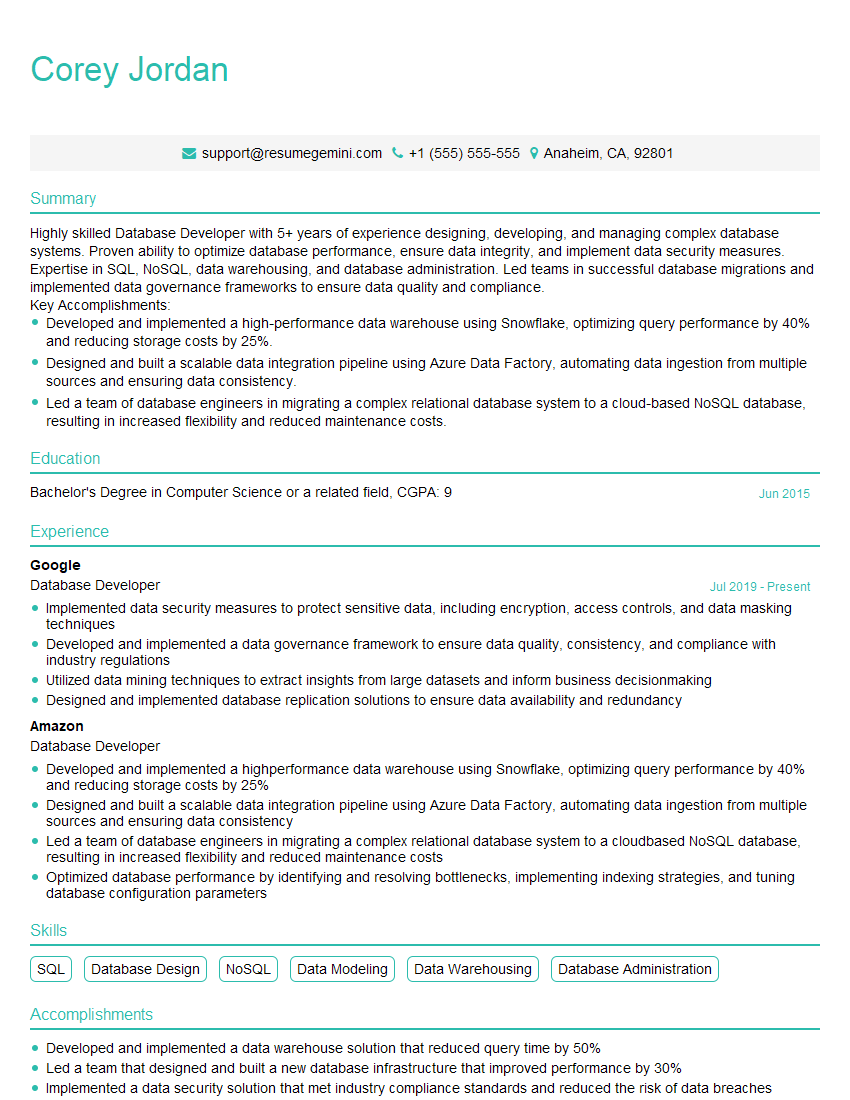
Database Developer Resume Sample

Data Architect Resume Sample
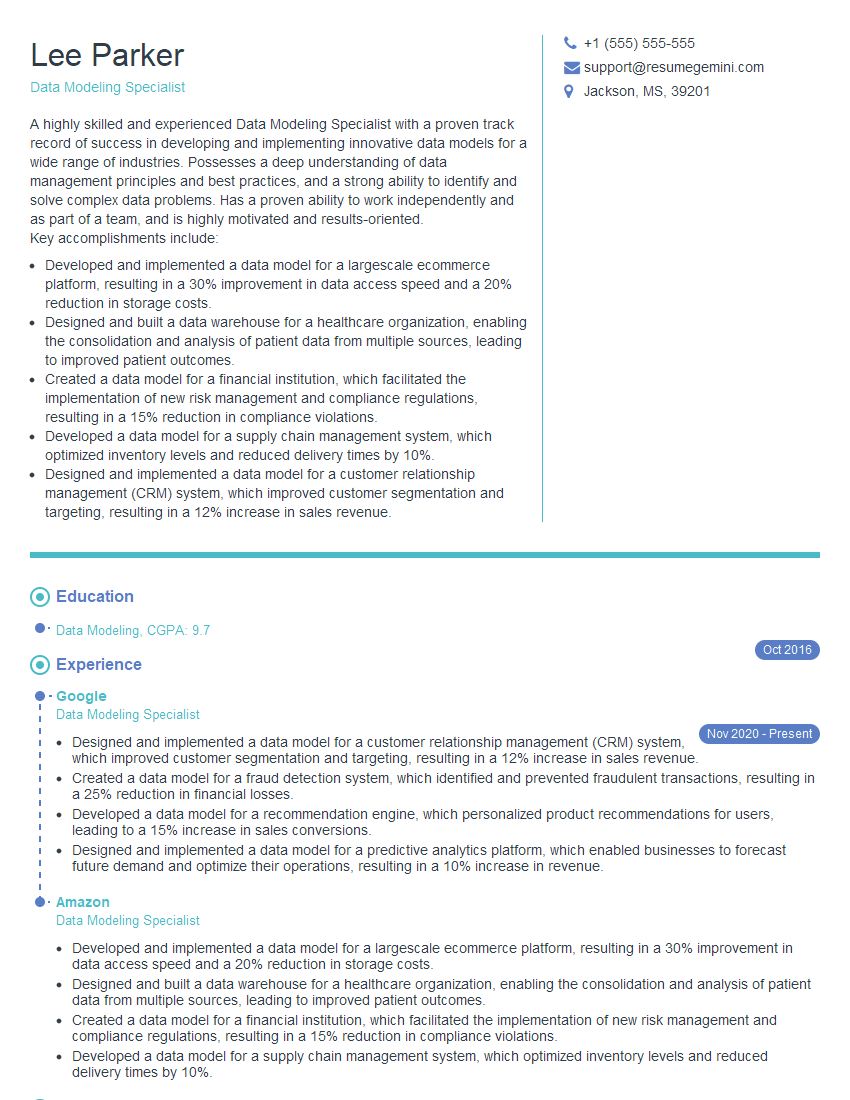
Data Modeling Specialist Resume Sample
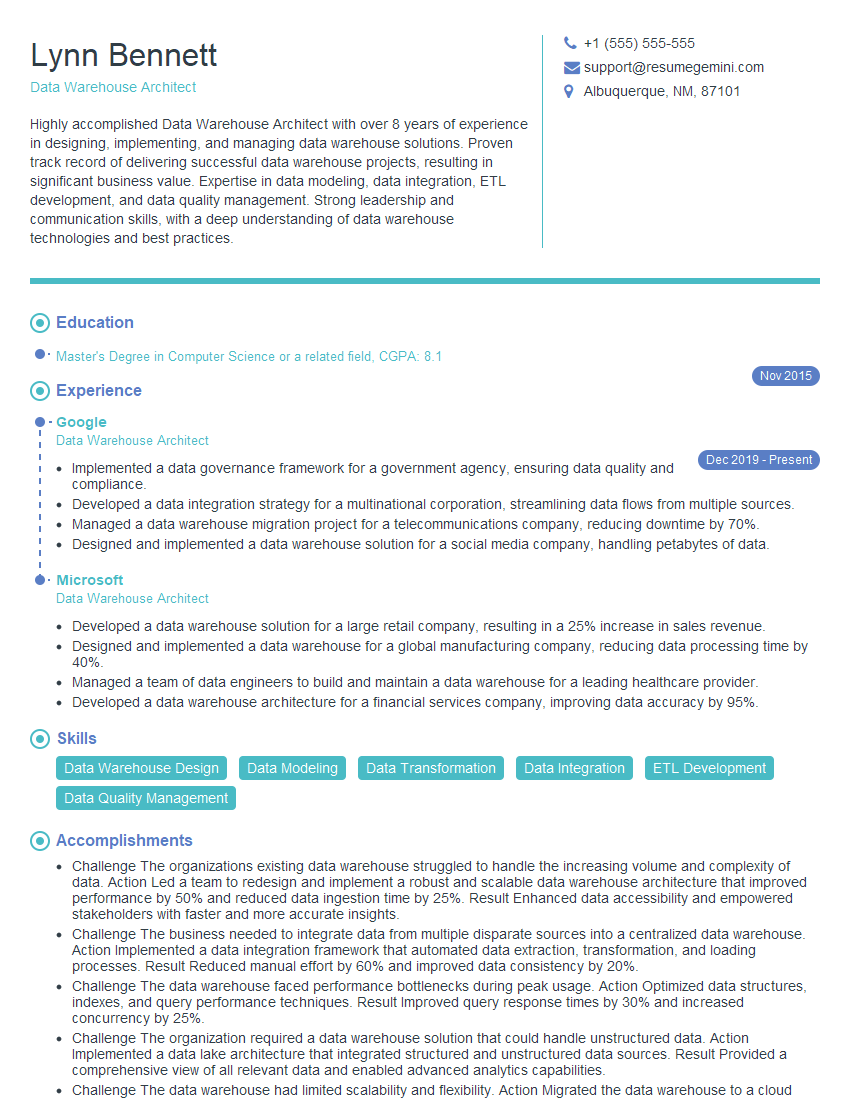
Data Warehouse Architect Resume Sample
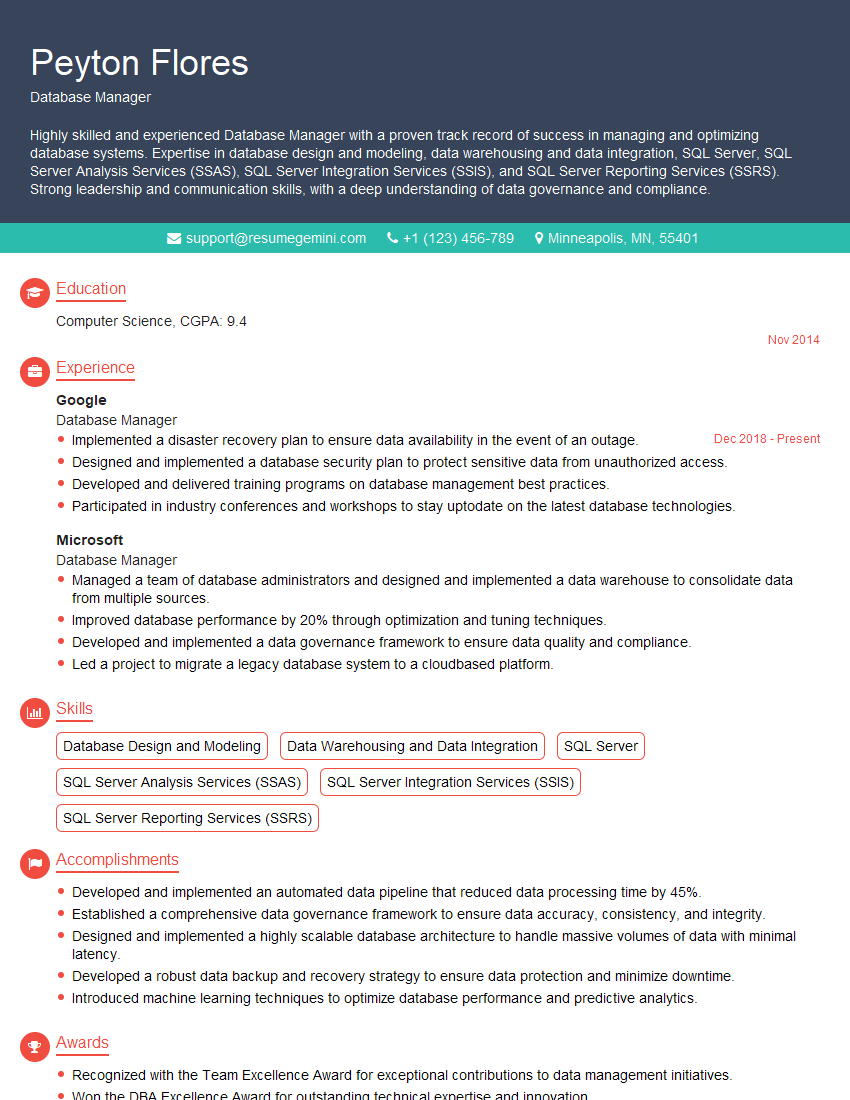
Database Manager Resume Sample

ETL Developer Resume Sample
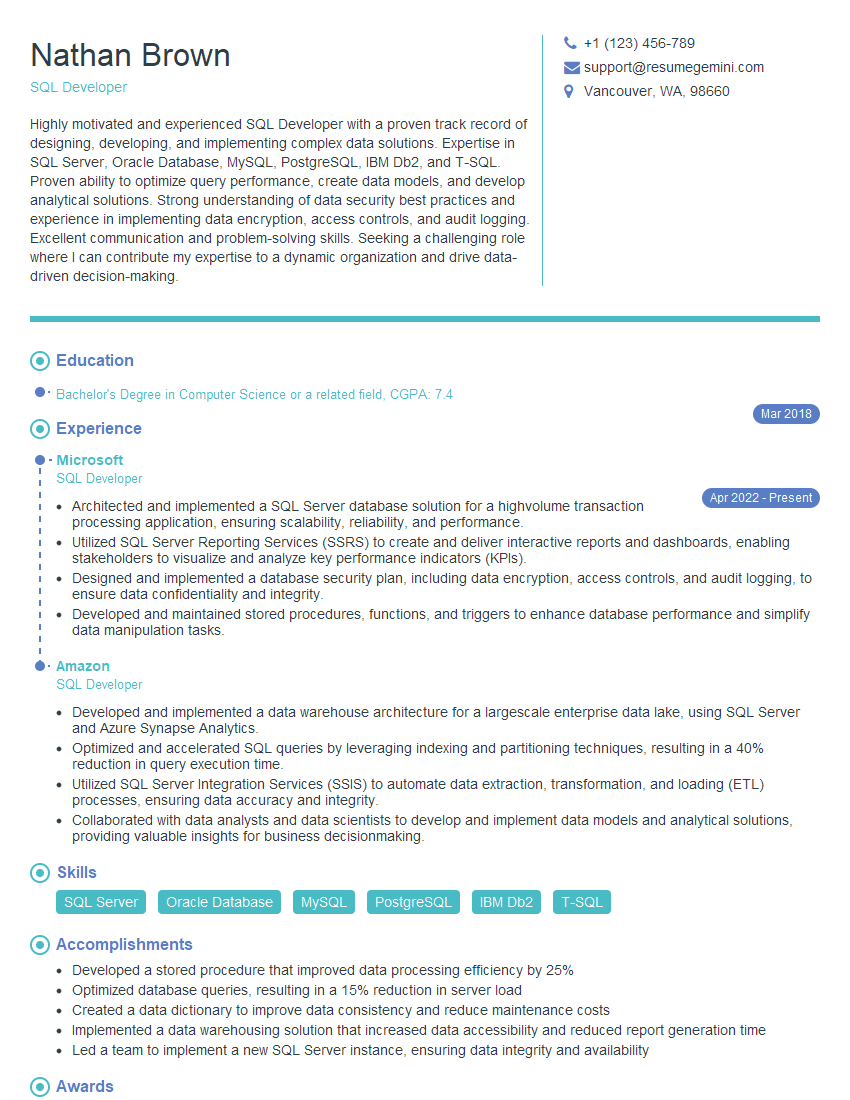
SQL Developer Resume Sample
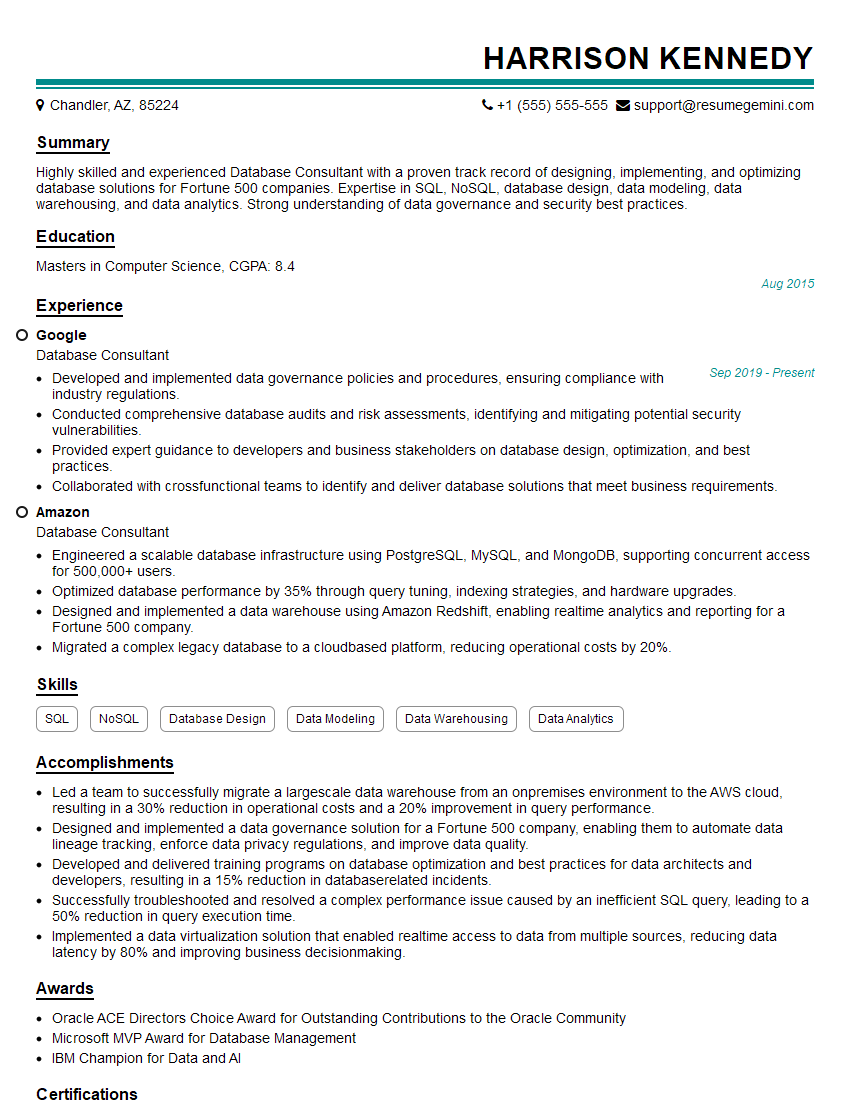
Database Consultant Resume Sample

Database Administrator Resume Sample
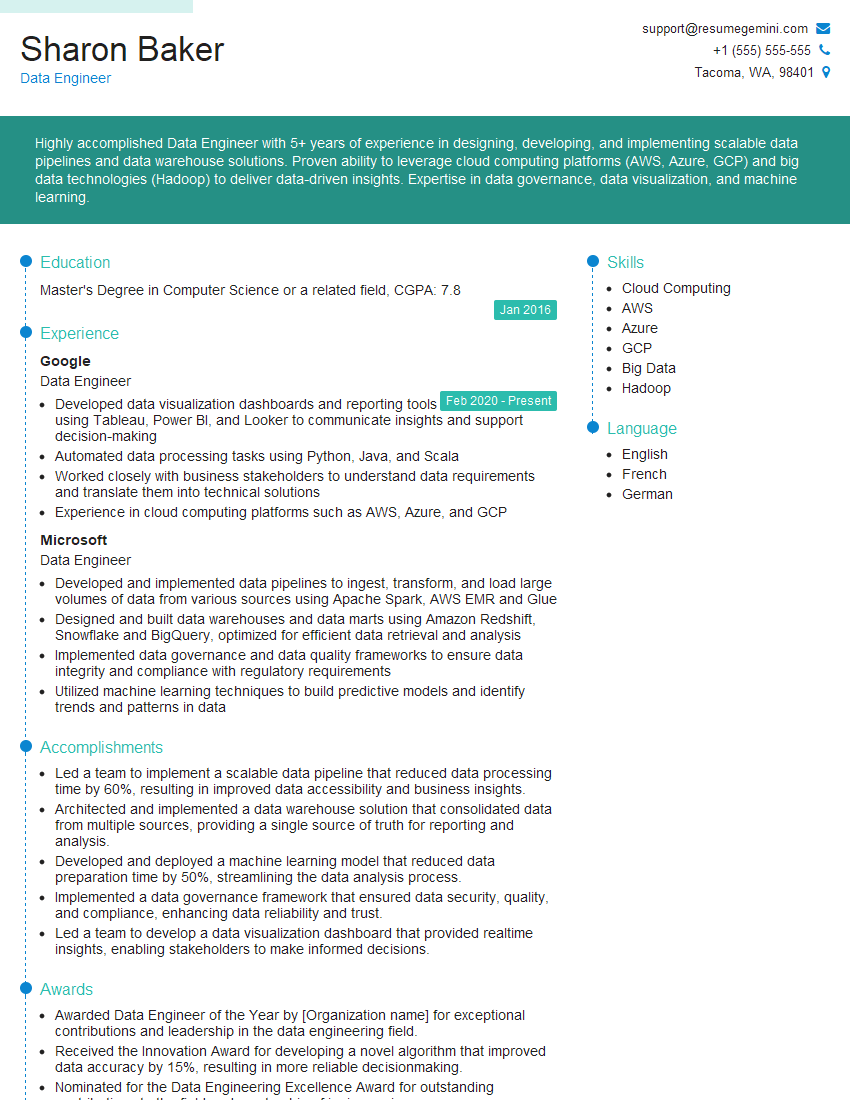
Data Engineer Resume Sample
Explore more articles
Users Rating of Our Blogs
Share Your Experience
We value your feedback! Please rate our content and share your thoughts (optional).
What Readers Say About Our Blog
Really detailed insights and content, thank you for writing this detailed article.
IT gave me an insight and words to use and be able to think of examples