The right preparation can turn an interview into an opportunity to showcase your expertise. This guide to Firewalls and Security Protocols interview questions is your ultimate resource, providing key insights and tips to help you ace your responses and stand out as a top candidate.
Questions Asked in Firewalls and Security Protocols Interview
Q 1. Explain the difference between a stateful and stateless firewall.
The core difference between stateful and stateless firewalls lies in how they handle network connections. A stateless firewall examines each network packet individually, without considering the context of previous packets. It simply checks if the packet matches predefined rules and allows or denies it based on those rules alone. Think of it like a bouncer at a club who checks each person’s ID individually, without remembering who’s already inside. A stateful firewall, on the other hand, maintains a table of active connections. It tracks the state of each connection, allowing subsequent packets related to an established connection to pass through even if they wouldn’t normally match the rules. This is like a bouncer who keeps a list of guests already admitted, making it faster and more efficient to let those guests’ friends in.
For example, if a client initiates a TCP connection to a server (SYN packet), a stateless firewall will only allow the packet if the rules allow it. However, the server’s response (SYN-ACK packet) might be blocked because it originates from a different IP address and port. A stateful firewall, however, would recognize the SYN-ACK as part of the already established connection and allow it to pass. This makes stateful firewalls much more efficient and effective in handling legitimate network traffic.
Q 2. Describe the functions of a firewall.
Firewalls act as a security barrier between a trusted network (like your internal network) and an untrusted network (like the internet). Their primary functions are:
- Network Access Control: They control inbound and outbound network traffic, preventing unauthorized access to internal resources. They do this by filtering packets based on criteria such as IP addresses, ports, protocols, and applications.
- Threat Prevention: Modern firewalls go beyond basic filtering. Many include intrusion prevention systems (IPS) that can detect and block malicious traffic patterns, like malware or denial-of-service attacks.
- Data Loss Prevention (DLP): Some firewalls help prevent sensitive data from leaving the network. They can inspect outgoing traffic for specific keywords, file types, or patterns.
- Application Control: They can restrict access to specific applications or services, preventing employees from accessing unauthorized websites or software.
- VPN Termination: Firewalls can act as the endpoint for VPN connections, securing remote access to the internal network.
Essentially, a firewall acts as a vigilant gatekeeper, allowing only legitimate and authorized traffic to pass while blocking unwanted or dangerous connections.
Q 3. What are the common types of firewalls?
Firewalls come in several types, each with its own strengths and weaknesses:
- Packet Filtering Firewalls: These are the simplest type, inspecting individual packets based on header information (IP address, port, protocol). They’re fast but offer less comprehensive security.
- Stateful Inspection Firewalls: As explained earlier, these track the state of connections, providing improved security and efficiency compared to stateless packet filtering.
- Application-Level Gateways (Proxies): These firewalls inspect the application data within packets, providing deeper security. They often work as proxies for specific applications like HTTP or email.
- Next-Generation Firewalls (NGFWs): These represent the most advanced type of firewall, integrating multiple security features like deep packet inspection, intrusion prevention, application control, and advanced threat protection.
The choice of firewall type depends on the specific security needs and budget of an organization. Small businesses might opt for simpler packet filtering firewalls, while large enterprises often use NGFWs to provide robust protection.
Q 4. What are the different types of firewall deployment models?
Firewalls can be deployed in various ways:
- Perimeter Firewall: This is the most common deployment, placing a firewall at the edge of the network to protect against external threats. Think of it as the main gate to your castle.
- Internal Firewall: These protect internal network segments from each other, preventing unauthorized access between departments or sensitive data areas. It’s like a gate between different areas of your castle.
- Host-Based Firewall: These run on individual computers or servers, protecting each machine from threats. It’s like individual locks on your castle’s doors.
Often, a layered approach is employed with a combination of these deployment models for robust security.
Q 5. Explain the concept of a DMZ (Demilitarized Zone).
A DMZ (Demilitarized Zone) is a subnetwork that sits between a private network (like your internal company network) and the public internet. It’s designed to host publicly accessible services like web servers or email servers, while protecting the internal network from direct external threats. Imagine it as a buffer zone or an outer wall around your castle, where you place less sensitive assets.
By placing servers in the DMZ, if these servers are compromised, the attacker doesn’t gain direct access to the internal network. The firewall between the DMZ and the private network serves as a critical security layer.
Q 6. How do firewalls handle different types of network traffic (e.g., TCP, UDP)?
Firewalls handle different types of network traffic (TCP and UDP) primarily by examining the transport layer header information in each packet.
- TCP: Firewalls examine the TCP flags (SYN, ACK, FIN, etc.) to understand the state of the connection. This is particularly important for stateful firewalls, which track the various stages of a TCP handshake.
- UDP: UDP is a connectionless protocol. Firewalls inspect UDP packets based on source and destination IP addresses and port numbers. Because there’s no connection state to track, security is less robust for UDP compared to TCP.
Regardless of the protocol, firewalls use access control lists (ACLs) to determine whether or not a packet should be allowed or denied based on its headers and content (depending on the firewall’s capabilities).
Q 7. Explain the concept of NAT (Network Address Translation).
Network Address Translation (NAT) is a technique that allows multiple devices on a private network to share a single public IP address. This is crucial for home networks and small businesses that usually only have one public IP address assigned by their internet service provider (ISP).
Think of it like a shared mailbox. Multiple people (devices on the private network) can use the same mailbox (public IP address) to send and receive mail (data). NAT translates the private IP addresses of devices to the public IP address, which makes them appear as a single entity to the external network.
NAT provides benefits such as:
- IP Address Conservation: Reduces the number of publicly routable IP addresses needed.
- Security: Internal network devices are hidden from the external network, improving security.
Two common types of NAT are:
- Network Address Port Translation (NAPT) or Port Address Translation (PAT): This allows multiple devices to share a single public IP address by using different port numbers.
- Static NAT: A one-to-one mapping between a private IP address and a public IP address.
Q 8. What are some common firewall vulnerabilities?
Firewall vulnerabilities stem from misconfigurations, outdated software, and inherent design flaws. Think of a firewall as a castle gate; if the gate isn’t properly locked (misconfiguration), or the gate itself is made of weak wood (design flaw), or the gatekeeper is asleep (outdated software/lack of monitoring), it’s easily breached.
- Misconfigurations: Incorrectly configured rules can allow unauthorized access. For example, accidentally opening a port to the public internet that shouldn’t be open.
- Outdated Software: Vendors regularly release patches to address security holes. An unpatched firewall is like an unmaintained castle with known weaknesses exploited by attackers.
- Zero-day exploits: These are vulnerabilities unknown to the vendor, making immediate patching impossible. This requires a layered security approach beyond just the firewall.
- Denial-of-Service (DoS) attacks: While not directly a vulnerability *in* the firewall, a DoS attack can overwhelm it, rendering it ineffective. This highlights the importance of scaling and mitigation strategies.
- Logic errors in firewall rules: Complex rule sets can contain logical errors that inadvertently allow unauthorized access. Think of it as a poorly written instruction manual for the gatekeeper.
Q 9. How do you monitor and maintain a firewall?
Monitoring and maintaining a firewall is crucial for its effectiveness. It’s like regular maintenance on a car – you wouldn’t drive a car without regular checks and servicing.
- Regular log analysis: Examine logs for suspicious activity, failed login attempts, and unusual traffic patterns. Think of this as reviewing the guard’s logbook for any irregularities.
- Security Information and Event Management (SIEM): A SIEM system centralizes logs from various security devices, including firewalls, providing a holistic view of security events. It’s like having a central command center observing all castle gates.
- Intrusion Detection/Prevention Systems (IDS/IPS): IDS/IPS systems work in conjunction with the firewall to detect and prevent malicious traffic. This is like having extra guards patrolling the castle walls.
- Regular software updates: Apply vendor-provided patches and updates promptly to address known vulnerabilities. It’s like regularly upgrading the castle’s defenses.
- Performance monitoring: Track firewall resource usage (CPU, memory, network throughput) to ensure it can handle the traffic load. This is like checking the castle’s supplies to ensure the guards are adequately equipped.
- Regular backups: Create regular backups of the firewall’s configuration to facilitate recovery in case of failure. It’s like having a blueprint of the castle, so you can rebuild it if it’s damaged.
Q 10. Describe different access control lists (ACLs) and their implementation.
Access Control Lists (ACLs) are sets of rules that determine which network traffic is permitted or denied. They’re like the gatekeeper’s instruction manual, specifying who can enter and under what conditions.
- Standard ACLs: These examine only the source IP address. Imagine a simple check: ‘Only allow entry from village A’.
- Extended ACLs: These examine source and destination IP addresses, ports, and protocols. This is a more detailed check: ‘Allow entry from village A to the castle’s kitchen, only using the designated entrance and only between certain hours’.
- Implicit Deny: A crucial concept. If no matching rule is found, traffic is implicitly denied. This is like having a ‘no entry’ sign for anything not explicitly permitted.
- Implementation: ACLs are implemented within the firewall’s configuration interface, usually through a command-line interface (CLI) or a graphical user interface (GUI). Specific syntax varies by firewall vendor (e.g., Cisco, Palo Alto Networks).
Example (Conceptual):
allow tcp host 192.168.1.100 any eq 80This rule would allow TCP traffic from IP address 192.168.1.100 to any destination on port 80 (HTTP).
Q 11. Explain the importance of logging and auditing in firewall management.
Logging and auditing are essential for security monitoring, compliance, and troubleshooting. They’re like the castle’s record-keeping – vital for understanding what happened and who was involved.
- Security Monitoring: Logs provide insights into network activity, allowing you to detect suspicious behavior or potential security breaches. It’s like reviewing the guard’s logbook for any unusual entries.
- Compliance: Many regulations (e.g., PCI DSS, HIPAA) mandate detailed logging and auditing of security events. It’s like maintaining official records for a government audit.
- Troubleshooting: Logs help pinpoint the cause of network issues or security incidents. This helps in identifying the reason why a breach occurred or why a system is malfunctioning.
- Forensics: In case of a security incident, logs are invaluable for incident response and investigation. It’s like having detailed evidence in case of an attack.
Q 12. How do you troubleshoot firewall issues?
Troubleshooting firewall issues requires a systematic approach. It’s like detective work, systematically examining clues to solve the mystery.
- Check Firewall Logs: Examine logs for error messages, dropped packets, and denied connections. Start with the most recent logs, working your way backwards.
- Verify Firewall Rules: Carefully review the firewall’s ACLs to ensure they correctly permit or deny traffic as intended. Look for any misconfigurations or logical errors.
- Check Network Connectivity: Use tools like
pingandtracerouteto test connectivity between systems. This helps identify whether the problem lies within the firewall or elsewhere in the network. - Test with Packet Capture: Use a packet capture tool (e.g., Wireshark) to examine network traffic at various points. This allows you to see exactly what packets are being sent, received, and dropped.
- Check Firewall Resource Utilization: Monitor CPU, memory, and network interface utilization. A high load might indicate performance bottlenecks.
- Consult Documentation: Refer to the firewall’s documentation for troubleshooting tips and known issues.
Q 13. What are the key considerations when choosing a firewall?
Choosing a firewall requires careful consideration of several factors. It’s like selecting the right gate for your castle – it needs to be strong, reliable, and suitable for your needs.
- Performance: Ensure the firewall can handle the expected network traffic load. A slow firewall is like a slow gatekeeper, creating a bottleneck.
- Features: Consider features such as intrusion prevention, VPN support, and application control. Extra features are like additional defensive mechanisms for your castle.
- Management Interface: Choose a firewall with a user-friendly interface for easy configuration and management. An intuitive interface is like a well-organized instruction manual for the gatekeeper.
- Scalability: Select a firewall that can grow with your network needs. This is like choosing a castle gate that can be expanded in the future.
- Vendor Support: Ensure the vendor provides adequate support and documentation. Good vendor support is like having reliable maintenance for your castle gate.
- Budget: Consider the cost of the firewall, including hardware, software, and ongoing maintenance. It’s crucial to balance cost with effectiveness.
Q 14. What are some common security protocols (e.g., HTTPS, SSH, TLS)?
Several security protocols ensure secure communication over networks. They’re like different types of locks and keys for your castle gate, each with different strengths and weaknesses.
- HTTPS (Hypertext Transfer Protocol Secure): Uses TLS/SSL to encrypt web traffic. It’s like a strong lock for your website, protecting sensitive information.
- SSH (Secure Shell): Provides secure remote access to servers. It’s like a secure key to unlock a remote server.
- TLS (Transport Layer Security): A cryptographic protocol that provides secure communication over a network. It forms the foundation for HTTPS and other secure protocols.
- IPsec (Internet Protocol Security): Provides secure communication between networks or devices, often used in VPNs. It’s like having a secure tunnel between two castles.
- SFTP (Secure File Transfer Protocol): Provides secure file transfer. It’s like having a secure way to send messages between castles.
Q 15. Explain the principles of authentication and authorization.
Authentication verifies the identity of a user, device, or other entity attempting to access a system. Think of it like showing your driver’s license to prove you’re who you say you are. Authorization, on the other hand, determines what actions an authenticated entity is permitted to perform. It’s like the bouncer at a club checking if you’re on the guest list and what areas of the club you’re allowed to enter.
Authentication methods include passwords, multi-factor authentication (MFA) like tokens or biometrics, and certificates. Authorization is often managed through access control lists (ACLs) or role-based access control (RBAC), defining permissions based on roles or specific attributes.
For example, a bank’s authentication system might verify your username and password, while authorization controls determine whether you can view your account balance, transfer funds, or access administrative functions. A system administrator has different authorization levels compared to a regular customer.
Career Expert Tips:
- Ace those interviews! Prepare effectively by reviewing the Top 50 Most Common Interview Questions on ResumeGemini.
- Navigate your job search with confidence! Explore a wide range of Career Tips on ResumeGemini. Learn about common challenges and recommendations to overcome them.
- Craft the perfect resume! Master the Art of Resume Writing with ResumeGemini’s guide. Showcase your unique qualifications and achievements effectively.
- Don’t miss out on holiday savings! Build your dream resume with ResumeGemini’s ATS optimized templates.
Q 16. What is IPSec and how does it work?
IPsec (Internet Protocol Security) is a suite of protocols that provides secure communication over an IP network. It works by creating a virtual private network (VPN) between two or more devices, encrypting all data exchanged between them.
IPsec uses two main protocols: Authentication Header (AH) and Encapsulating Security Payload (ESP). AH provides authentication and integrity, ensuring data hasn’t been tampered with. ESP adds confidentiality through encryption. These can be used independently or together.
Imagine two colleagues needing to share sensitive documents. IPsec acts as a secure tunnel, encrypting the documents as they travel, preventing eavesdropping. Once they reach the destination, the recipient decrypts the documents using the shared key.
IPsec can operate in two modes: transport mode, encrypting only the payload of the IP packet, and tunnel mode, encrypting the entire IP packet, including headers. The choice depends on the security requirements and network architecture.
Q 17. What is VPN and its security implications?
A VPN (Virtual Private Network) creates a secure, encrypted connection over a public network, like the internet. It’s like a private tunnel through public space. This allows users to access a private network remotely, as if they were physically connected to it.
Security implications of VPNs are multifaceted. While they offer strong encryption, protecting data from eavesdropping, they’re not a panacea. A poorly configured VPN can introduce vulnerabilities. Furthermore, the security of a VPN relies heavily on the strength of the encryption algorithm used, the integrity of the VPN server, and the user’s device security.
For instance, a poorly configured VPN might expose users to DNS leaks, revealing their browsing activities. Compromised VPN servers could lead to data breaches. Users with weak passwords or unpatched devices negate the security benefits offered by the VPN.
Therefore, selecting a reputable VPN provider, using strong passwords, and ensuring endpoint security are crucial for maximizing the security benefits of a VPN.
Q 18. Explain the difference between symmetric and asymmetric encryption.
Symmetric encryption uses the same secret key to encrypt and decrypt data. Think of it like using the same lock and key to secure and open a box. It’s fast and efficient but requires secure key exchange—how do you safely share the secret key with the recipient?
Asymmetric encryption, on the other hand, uses two separate keys: a public key for encryption and a private key for decryption. Imagine a mailbox with a slot for anyone to drop in a letter (public key) but only you having the key to open it (private key). This eliminates the need for secure key exchange as the public key can be widely distributed.
Symmetric encryption, exemplified by AES (Advanced Encryption Standard), is ideal for encrypting large amounts of data. Asymmetric encryption, exemplified by RSA (Rivest–Shamir–Adleman), is better suited for secure key exchange and digital signatures. Many systems use a hybrid approach, using asymmetric encryption to securely exchange a symmetric key, then using the faster symmetric encryption for bulk data transfer.
Q 19. What are the benefits and drawbacks of using a cloud-based firewall?
Cloud-based firewalls offer scalability, ease of management, and cost-effectiveness compared to on-premise solutions. They can easily adapt to changing network needs and often include advanced features like threat intelligence and automated response mechanisms. However, they introduce dependencies on the cloud provider’s infrastructure and security practices. Data sovereignty and compliance concerns are also paramount.
Benefits include reduced infrastructure costs, automatic updates, and enhanced scalability. Drawbacks include potential vendor lock-in, reliance on the cloud provider’s security, and potential latency issues depending on geographic location and network connectivity. Careful consideration of service level agreements (SLAs), data residency requirements, and security audits are essential when choosing a cloud-based firewall solution.
Q 20. How do you ensure the security of remote access to internal networks?
Securing remote access requires a multi-layered approach. This begins with strong authentication, ideally using multi-factor authentication (MFA) to verify user identity. Next, secure access protocols such as VPNs or SSH should be enforced, encrypting all communication. Regular security audits, vulnerability scanning, and intrusion detection systems (IDS) are vital for early threat detection and response.
Implementing a robust access control policy, defining granular permissions and limiting access only to essential resources is crucial. Regular security awareness training for remote users emphasizes best practices and phishing awareness. Finally, the endpoint devices themselves must be secure, with up-to-date software, strong anti-virus protection, and regular patching.
Think of it like securing your home: strong locks (authentication), an alarm system (IDS), regular maintenance (patching), and educating your family about safety (user training) all contribute to overall security.
Q 21. Describe your experience with different firewall vendors (e.g., Palo Alto Networks, Cisco, Fortinet).
My experience encompasses various firewall vendors, including Palo Alto Networks, Cisco, and Fortinet. I’ve worked extensively with Palo Alto Networks’ next-generation firewalls, appreciating their advanced threat prevention capabilities and user-friendly management interface. Cisco firewalls, known for their robust features and extensive integration with other Cisco products, have been deployed in large-scale enterprise environments I’ve managed.
Fortinet’s firewalls have also featured in projects requiring high performance and cost-effectiveness. Each vendor offers distinct strengths; Palo Alto Networks excels in threat intelligence, Cisco in broad interoperability, and Fortinet in performance and scalability. The selection of the ideal vendor depends heavily on specific organizational needs and priorities, including budget, security requirements, and existing infrastructure.
I’m proficient in configuring, managing, and troubleshooting firewalls from these vendors, including policy creation, rule optimization, and log analysis. My experience spans deployments in diverse environments, from small businesses to large enterprises, allowing me to tailor firewall solutions to specific organizational requirements.
Q 22. Explain your experience with intrusion detection/prevention systems (IDS/IPS).
Intrusion Detection/Prevention Systems (IDS/IPS) are security technologies that monitor network traffic for malicious activity. IDS passively monitors and alerts, while IPS actively blocks or mitigates threats. My experience encompasses both network-based and host-based systems. I’ve worked extensively with Snort, Suricata, and commercially available IPS solutions integrated into firewalls. For example, I’ve configured Snort to detect specific signatures associated with known malware families, such as Mirai botnet or cryptojacking attempts. This involved crafting custom rules, fine-tuning alert thresholds, and integrating it with a SIEM for centralized log management. In another instance, I implemented a host-based IPS on servers to protect against exploits targeting known vulnerabilities, which significantly reduced our attack surface. The key is understanding the balance between sensitivity and false positives, requiring regular rule updates and optimization based on network traffic analysis.
- Network-based IDS/IPS: Monitors network traffic for suspicious patterns.
- Host-based IDS/IPS: Monitors activity on individual hosts for malicious behavior.
- Signature-based detection: Uses predefined patterns to identify threats.
- Anomaly-based detection: Detects deviations from normal network behavior.
Q 23. Describe your understanding of security information and event management (SIEM).
Security Information and Event Management (SIEM) is a system that collects and analyzes security logs from various sources, providing a centralized view of security events. This allows for threat detection, incident response, compliance reporting, and security auditing. My experience includes implementing and managing SIEM solutions like Splunk and QRadar. A key aspect of my work has been developing custom dashboards and reports to visualize critical security data, allowing for faster identification of anomalies and effective incident response. For example, I developed a dashboard that highlighted unusual login attempts from geographically dispersed locations, which helped us detect and mitigate a targeted phishing campaign. Effective SIEM implementation requires a well-defined data ingestion strategy, correlation rules, and a clear understanding of the organization’s security objectives. Think of it as a central nervous system for your security infrastructure.
- Log aggregation: Collecting security logs from diverse sources like firewalls, IDS/IPS, servers.
- Event correlation: Linking seemingly unrelated events to uncover complex attacks.
- Security analytics: Applying machine learning and statistical analysis to detect anomalies.
- Reporting and compliance: Generating reports for auditing and regulatory compliance.
Q 24. How do you stay updated on the latest security threats and vulnerabilities?
Staying current on security threats and vulnerabilities is paramount. My approach is multifaceted. I subscribe to threat intelligence feeds from reputable sources like SANS Institute, MITRE ATT&CK, and industry-specific threat intelligence providers. I actively participate in online security communities and forums, attending webinars and conferences to learn from experts and peers. Furthermore, I regularly review vulnerability databases like the National Vulnerability Database (NVD) and exploit-tracking websites to assess the potential risks to our infrastructure. Finally, I perform regular penetration testing and vulnerability assessments to identify and proactively address weaknesses within our systems. Think of it like constantly updating your antivirus software – it’s not a one-time task but a continuous process.
Q 25. How do you handle security incidents related to firewalls?
Handling security incidents related to firewalls involves a structured approach. The first step is containment – isolating affected systems or network segments to prevent further compromise. Then, we investigate the incident to understand the root cause, analyzing firewall logs, IDS/IPS alerts, and other relevant data. This might involve examining firewall rules for misconfigurations or identifying exploited vulnerabilities. Once the root cause is identified, remediation steps are taken, which could include updating firewall rules, patching vulnerabilities, and implementing compensating controls. After remediation, we conduct a thorough review of the incident to identify lessons learned and improve our security posture to prevent similar incidents in the future. Documentation is crucial at each stage, creating a comprehensive incident report for future reference.
Q 26. What is your experience with firewall rule optimization?
Firewall rule optimization is crucial for performance and security. Too many rules can lead to slowdowns, while insufficient rules can leave gaps in your security. My approach involves regularly reviewing and consolidating firewall rules, removing redundant or obsolete entries. I utilize tools for rule analysis and visualization to identify potential conflicts or inefficiencies. For example, I’ve implemented implicit deny rules as a default policy, ensuring that any traffic not explicitly allowed is blocked. I also employ techniques like object grouping to simplify rules and improve readability, making it easier to manage and maintain the firewall configuration. A well-optimized rule set enhances performance and security while reducing the administrative overhead.
Q 27. Describe your experience with high-availability firewall configurations.
High-availability firewall configurations are critical for maintaining continuous network connectivity and security. I have experience implementing various high-availability solutions, including active-passive and active-active configurations using features like stateful failover and virtual IP addresses. In active-passive setups, one firewall is active while the other is a standby, taking over if the primary fails. Active-active configurations distribute the workload between two firewalls, offering redundancy and increased capacity. I ensure consistent configuration across both firewalls, using configuration management tools for automated deployment and updates to avoid discrepancies. This ensures seamless failover and minimizes downtime during maintenance or failures. Think of it as having a backup generator for your home – it provides a safety net when the primary power goes down.
Q 28. Explain the concept of zero-trust security.
Zero-trust security is a security model that assumes no implicit trust granted to any user, device, or network, regardless of location. Every access request is verified before granting access. This involves strong authentication, authorization, and continuous monitoring. A key aspect of zero trust is micro-segmentation, dividing the network into smaller, isolated segments to limit the impact of a breach. I’ve implemented zero-trust principles by using multi-factor authentication (MFA), enforcing least privilege access controls, and leveraging technologies like Software Defined Perimeter (SDP) to create secure access tunnels. Imagine a highly secure bank vault where each access request is individually vetted before entry, regardless of who is requesting it.
Key Topics to Learn for Firewalls and Security Protocols Interview
- Firewall Types and Architectures: Understand the differences between packet filtering firewalls, stateful inspection firewalls, application-level gateways, and next-generation firewalls (NGFWs). Explore their respective strengths and weaknesses in various network environments.
- Firewall Rule Sets and Configuration: Learn how to create, manage, and troubleshoot firewall rules, including source/destination IP addresses, ports, protocols, and access control lists (ACLs). Practice configuring different firewall scenarios to meet specific security needs.
- VPN Technologies and Protocols: Gain a solid understanding of VPN technologies like IPSec, SSL/TLS, and their underlying protocols. Be prepared to discuss their security implications and practical applications in securing remote access and inter-network communication.
- Intrusion Detection and Prevention Systems (IDS/IPS): Explore how IDS and IPS work, their differences, and their role in a layered security approach. Understand signature-based and anomaly-based detection methods.
- Security Protocols (TCP/IP Suite): Review essential protocols like TCP, UDP, ICMP, and their security implications. Understand how these protocols are used in conjunction with firewalls and other security mechanisms.
- Common Security Threats and Vulnerabilities: Familiarize yourself with common network attacks (e.g., DDoS, port scanning, man-in-the-middle) and how firewalls and security protocols mitigate these threats. Be ready to discuss vulnerability assessment and penetration testing concepts.
- Security Auditing and Monitoring: Understand the importance of logging and monitoring firewall and security protocol activity for identifying and responding to security incidents. Be prepared to discuss best practices for security information and event management (SIEM).
Next Steps
Mastering Firewalls and Security Protocols is crucial for career advancement in cybersecurity. A strong understanding of these concepts demonstrates a commitment to robust network security, a highly sought-after skill in today’s digital landscape. To significantly boost your job prospects, create an ATS-friendly resume that highlights your skills and experience effectively. ResumeGemini is a trusted resource to help you build a professional and impactful resume. We offer examples of resumes tailored to Firewalls and Security Protocols to guide you in showcasing your expertise. Invest the time to craft a compelling resume – it’s your first impression with potential employers.
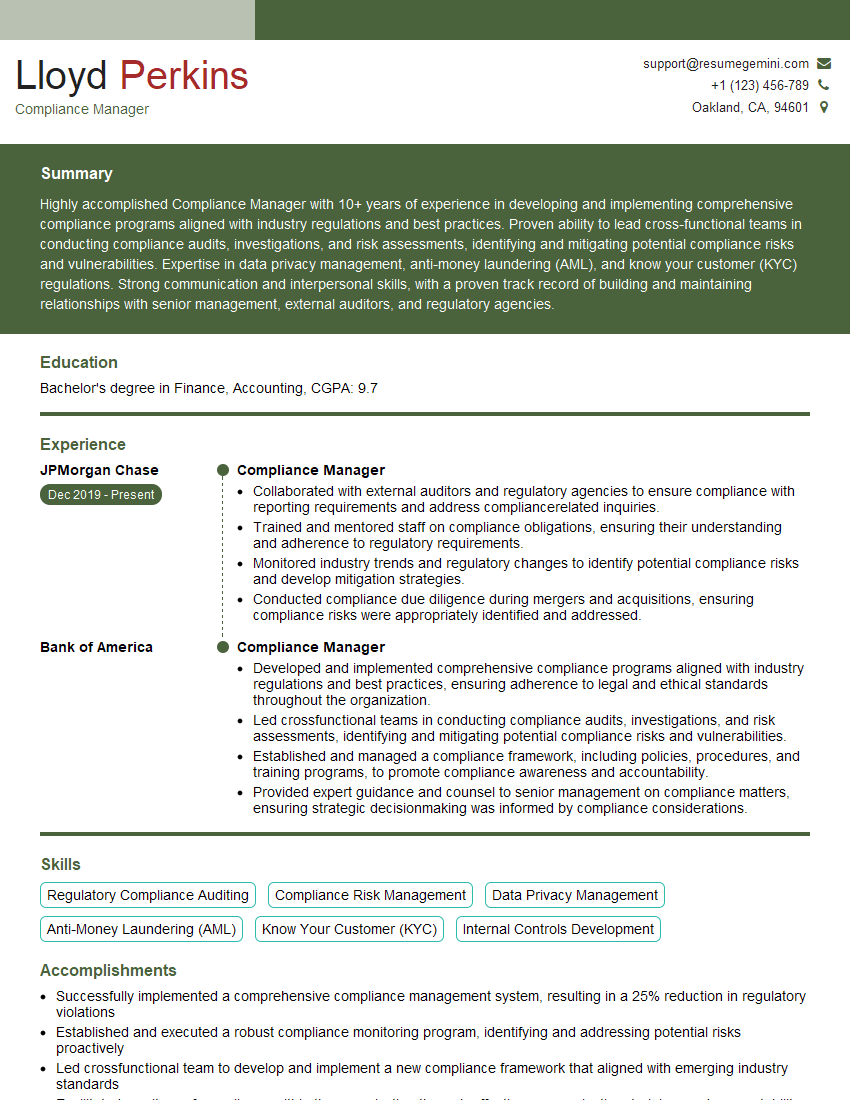
Compliance Manager Resume Sample
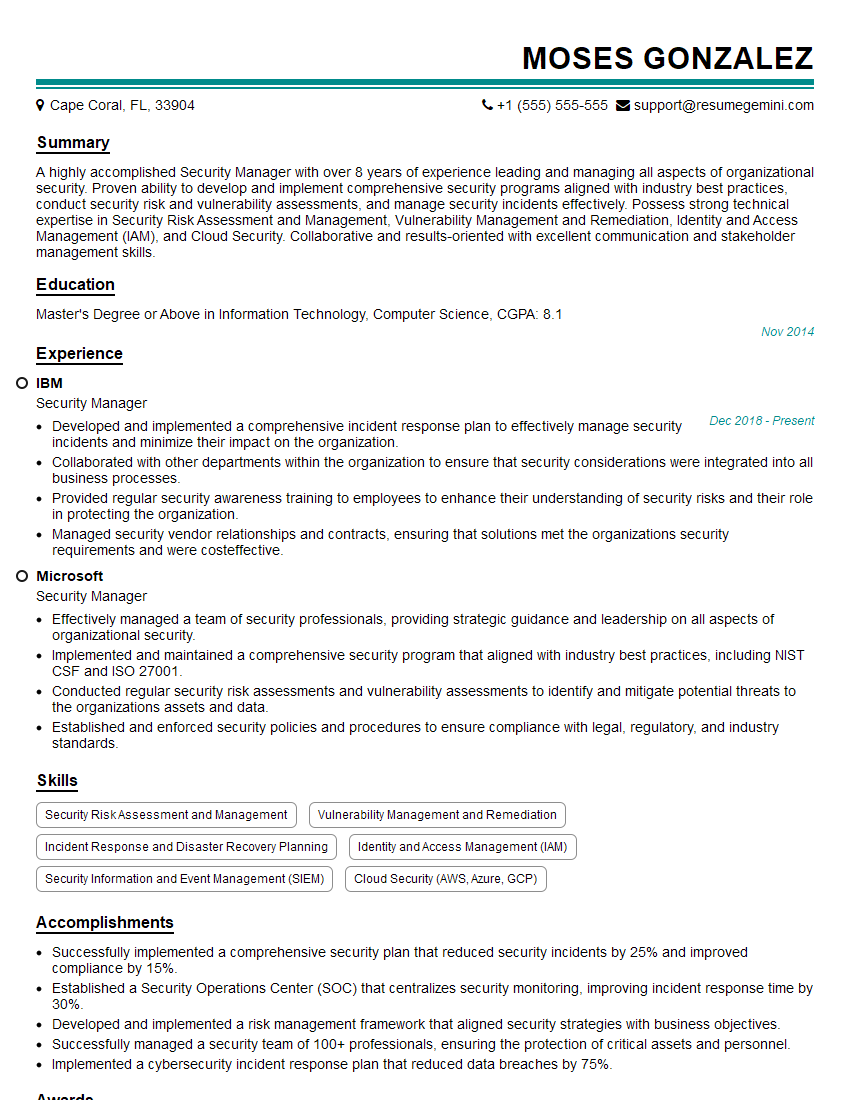
Security Manager Resume Sample

Security Analyst Resume Sample

Security Consultant Resume Sample

Network Administrator Resume Sample
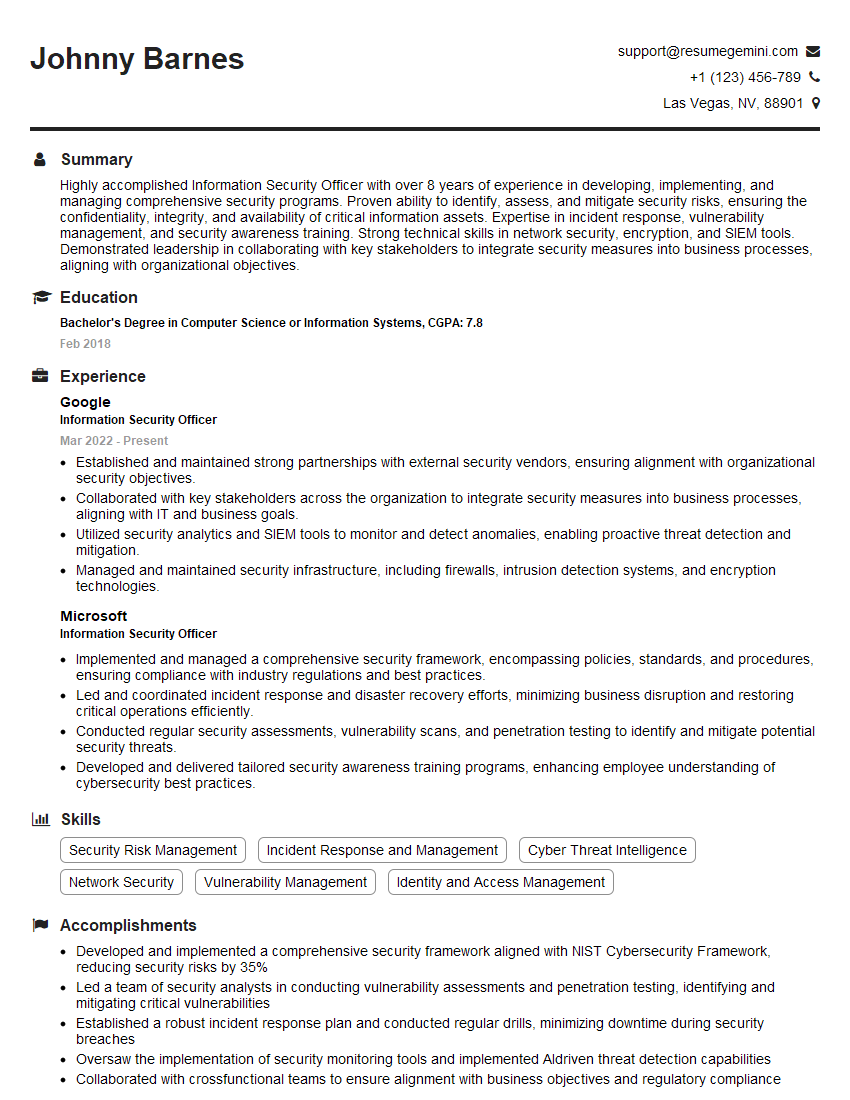
Information Security Officer Resume Sample

Network Security Engineer Resume Sample

Security Architect Resume Sample

Systems Administrator Resume Sample

Cybersecurity Analyst Resume Sample
Explore more articles
Users Rating of Our Blogs
Share Your Experience
We value your feedback! Please rate our content and share your thoughts (optional).
What Readers Say About Our Blog
Really detailed insights and content, thank you for writing this detailed article.
IT gave me an insight and words to use and be able to think of examples