Interviews are opportunities to demonstrate your expertise, and this guide is here to help you shine. Explore the essential Internet Resources interview questions that employers frequently ask, paired with strategies for crafting responses that set you apart from the competition.
Questions Asked in Internet Resources Interview
Q 1. Explain the difference between HTTP and HTTPS.
HTTP (Hypertext Transfer Protocol) and HTTPS (Hypertext Transfer Protocol Secure) are both protocols used for communication between web browsers and servers, but HTTPS adds a crucial layer of security. Think of HTTP as sending a postcard – anyone can read it along the way. HTTPS is like sending a letter in a sealed, registered envelope – only the intended recipient can access the content, and you’re given proof of delivery.
The key difference lies in encryption. HTTPS uses SSL/TLS (Secure Sockets Layer/Transport Layer Security) to encrypt the communication, protecting sensitive data like passwords, credit card information, and personal details from eavesdropping. This encryption ensures that only the browser and the server can understand the exchanged information. You can identify an HTTPS website by the padlock icon in the browser’s address bar and the URL starting with https:// instead of http://.
In a practical setting, using HTTPS is essential for any website that handles user logins, online transactions, or any sensitive data. Failing to use HTTPS exposes users to significant security risks like man-in-the-middle attacks, where a malicious actor intercepts and manipulates the communication.
Q 2. Describe your experience with various content management systems (CMS) like WordPress, Drupal, or Joomla.
I have extensive experience working with various Content Management Systems (CMS), including WordPress, Drupal, and Joomla. My experience spans from basic website setup and customization to advanced theme development and plugin creation. I’ve used WordPress for its user-friendly interface and vast plugin ecosystem, perfect for quickly building and managing blogs and smaller websites. For more complex projects demanding robust features and scalability, I’ve leveraged Drupal’s flexibility and powerful API. Joomla, while less frequently used in my recent projects, offers a strong balance between user-friendliness and functionality, suitable for mid-sized websites.
For instance, I recently migrated a client’s website from a legacy system to WordPress, optimizing the content migration process and ensuring minimal downtime. I also developed a custom plugin for a Drupal-based e-commerce website, enhancing its functionality and improving user experience. My understanding extends to managing users, permissions, and security aspects within each CMS, ensuring optimal performance and security across all platforms. I am comfortable working with various database systems associated with these platforms, such as MySQL and PostgreSQL.
Q 3. How familiar are you with different web server technologies (e.g., Apache, Nginx)?
My familiarity with web server technologies such as Apache and Nginx is comprehensive. I understand their architecture, configuration, and functionalities. Apache, a mature and widely used server, is known for its stability and vast module support. Nginx, a more modern alternative, excels in performance and scalability, often preferred for high-traffic websites. I’ve administered and configured both servers in various environments, from shared hosting to cloud-based deployments using services like AWS and Google Cloud.
For example, I’ve optimized an Apache server by fine-tuning its configuration to reduce response times and improve resource utilization. In another project, I migrated a website from Apache to Nginx to leverage its improved performance capabilities for a high-traffic e-commerce platform, resulting in significant improvements in page load speed. I understand the differences in their handling of requests, caching mechanisms, and reverse proxy configurations.
Q 4. What are your preferred methods for ensuring website security?
Ensuring website security is paramount. My approach is multi-layered and incorporates various methods. This includes using HTTPS with strong SSL/TLS certificates, regularly updating software (including the CMS, plugins, and the web server itself) to patch vulnerabilities, implementing robust password policies and multi-factor authentication, and regularly backing up website data. Furthermore, I utilize web application firewalls (WAFs) to protect against common web attacks like SQL injection and cross-site scripting (XSS). Regular security audits and penetration testing are also crucial to identify and address potential weaknesses proactively.
For instance, I recently implemented a WAF to protect a client’s e-commerce website from DDoS attacks, resulting in a significant reduction in downtime and improved security posture. Continuous monitoring of security logs and employing intrusion detection systems is also a key part of my approach.
Q 5. How do you approach optimizing website performance and speed?
Optimizing website performance and speed involves a holistic approach targeting various aspects. This starts with optimizing images and other media files, minimizing HTTP requests by combining and compressing CSS and JavaScript files, leveraging browser caching, and implementing a content delivery network (CDN) to serve content from servers geographically closer to users. Further optimizations include database optimization, efficient code writing, and choosing the right hosting infrastructure. Regular performance testing and analysis using tools like GTmetrix and PageSpeed Insights is essential to identify bottlenecks and track improvements.
In a recent project, by implementing image optimization and code minification techniques, I reduced the page load time of a client’s website by over 50%, significantly improving user experience and search engine rankings. Careful choice of hosting, database optimization, and leveraging caching mechanisms are crucial elements in this process.
Q 6. Explain your understanding of search engine optimization (SEO).
Search Engine Optimization (SEO) is the process of improving the visibility of a website on search engine results pages (SERPs). It encompasses both on-page and off-page optimization techniques. On-page optimization involves optimizing website content, including keyword research, title tags, meta descriptions, header tags, and image alt text. Off-page optimization focuses on building high-quality backlinks from reputable websites. Other key aspects include ensuring website accessibility, mobile-friendliness, and site structure.
My approach to SEO is data-driven, relying on keyword research tools, analytics platforms, and competitor analysis to identify opportunities for improvement. I use SEO tools to monitor keyword rankings, track website traffic, and identify areas needing further optimization. I understand the importance of creating high-quality, engaging content relevant to the target audience and adapting the optimization strategy depending on the specific niche and competitive landscape.
Q 7. Describe your experience with website analytics tools like Google Analytics.
I have extensive experience using Google Analytics to track website traffic, user behavior, and conversion rates. I am proficient in setting up and configuring tracking codes, creating custom reports, and analyzing data to identify areas for improvement in website design, content, and marketing campaigns. I use Google Analytics to understand user demographics, traffic sources, and popular pages to inform strategic decisions, make data-driven improvements, and ultimately enhance the effectiveness of the website.
For example, I’ve used Google Analytics to identify a significant drop-off rate on a particular page, leading to a redesign that improved the user experience and increased conversions. I regularly utilize Google Analytics’s reporting features to track key metrics such as bounce rate, average session duration, and conversion rates to evaluate the performance of marketing campaigns and make data-backed adjustments.
Q 8. How do you handle broken links and other website errors?
Broken links and website errors significantly impact user experience and SEO. My approach involves a multi-pronged strategy. Firstly, I utilize website crawler tools like Screaming Frog or similar to automatically identify broken links (404 errors), redirect errors (301, 302), and other HTTP status codes indicating issues. These tools provide detailed reports that pinpoint the problematic URLs.
Secondly, I analyze the root cause of each error. A broken link might be due to a page removal, a typo in the URL, or an issue with the server. I then implement appropriate solutions: fixing typos, creating redirects (301 for permanent moves, 302 for temporary), or updating the content to remove broken references.
For server-side errors, I collaborate with developers to debug the code and resolve underlying problems. Regular monitoring of website logs is crucial to catch and resolve issues proactively. Finally, I leverage Google Search Console and other analytics platforms to monitor the impact of these fixes on user behavior and website performance. Think of it like fixing potholes on a road – identifying the problem, understanding its cause, and implementing a lasting solution is key.
Q 9. What are some common web accessibility issues, and how would you address them?
Web accessibility ensures that people with disabilities can access and use websites. Common issues include poor color contrast making text difficult to read, lack of alternative text for images preventing screen readers from describing them, missing keyboard navigation making it hard for those who cannot use a mouse to interact, and inappropriate use of tables for layout instead of semantically correct HTML.
Addressing these requires a multifaceted approach. For color contrast, I use tools like WebAIM’s Color Contrast Checker to ensure sufficient contrast. Every image needs descriptive alt text explaining its content. I employ proper HTML semantic elements (headings, lists, paragraphs) and ensure the website is navigable entirely using the keyboard. Additionally, I use ARIA attributes (Accessible Rich Internet Applications) where needed to improve the accessibility of complex interactive elements. Regular accessibility audits using automated tools and manual checks are vital, followed by iterative improvements based on the findings. Imagine building a ramp for a wheelchair user – accessibility is about making your website usable by everyone, regardless of their abilities.
Q 10. How familiar are you with different database systems (e.g., MySQL, PostgreSQL, MongoDB)?
I’m proficient with several database systems, including MySQL, PostgreSQL, and MongoDB. MySQL is a robust, relational database management system (RDBMS) excellent for structured data and transactional applications; I’ve used it extensively in various projects involving user data and e-commerce systems. PostgreSQL, another RDBMS, offers advanced features like data integrity and extensibility – I prefer it when complex data relationships and security are paramount. MongoDB, a NoSQL document database, is ideal for handling large volumes of unstructured or semi-structured data; I’ve used it for projects where flexibility and scalability are key, such as storing user preferences and log data.
My experience involves designing database schemas, writing SQL queries (for relational databases), performing database optimization, and ensuring data integrity. I understand the trade-offs between different database systems and select the most appropriate one based on project requirements. Choosing the right database is like selecting the right tool for a job – a hammer is great for nails, but not for screws.
Q 11. Describe your experience with version control systems like Git.
Git is an integral part of my workflow. I have extensive experience using Git for version control, collaboration, and managing codebases. I’m comfortable with branching strategies (e.g., Gitflow), merging code, resolving conflicts, and using Git for both local and remote repositories (e.g., GitHub, GitLab, Bitbucket).
I understand the importance of committing code frequently with meaningful commit messages, creating pull requests for code review, and using Git for tracking changes over time. I also use Git hooks for automating tasks such as pre-commit checks to enforce coding standards. Think of Git as a collaborative document editor on steroids, allowing multiple people to work on the same project simultaneously without overwriting each other’s work.
Q 12. Explain your understanding of RESTful APIs.
RESTful APIs (Representational State Transfer Application Programming Interfaces) are a standardized architectural style for building web services. They rely on HTTP methods (GET, POST, PUT, DELETE) to interact with resources. Each resource is identified by a unique URI (Uniform Resource Identifier), and the API uses standard HTTP status codes to communicate the outcome of requests.
My understanding encompasses designing RESTful APIs, using HTTP methods correctly, handling different data formats (like JSON or XML), implementing authentication and authorization mechanisms (e.g., OAuth 2.0, JWT), and managing API documentation. I’m familiar with API testing methodologies and tools to ensure functionality and performance. A well-designed RESTful API is like a well-organized library – each resource is clearly identifiable and accessible using a consistent set of rules.
Q 13. How do you ensure the reliability and availability of internet resources?
Ensuring reliability and availability of internet resources requires a holistic approach. Firstly, robust server infrastructure is essential – this includes using high-availability servers, redundant network connections, and load balancers to distribute traffic across multiple servers. Regular backups and disaster recovery plans are crucial to mitigate the impact of outages.
Secondly, effective monitoring and alerting are vital. I use monitoring tools to track server performance, network connectivity, and application health. Alerts are set up to notify the team immediately if any issues are detected, allowing for prompt remediation. Content Delivery Networks (CDNs) can improve availability by caching content closer to users, reducing latency and improving performance. Regular security audits and updates are critical to protect against cyber threats. Maintaining reliable internet resources is like building a sturdy bridge – multiple layers of support ensure its resilience against various challenges.
Q 14. Describe your experience with cloud computing platforms (e.g., AWS, Azure, GCP).
I have experience with several major cloud computing platforms, including AWS, Azure, and GCP. My experience spans various services, including compute (EC2, Azure VMs, Compute Engine), storage (S3, Azure Blob Storage, Cloud Storage), databases (RDS, Azure SQL Database, Cloud SQL), and networking (VPC, Azure Virtual Network, Virtual Private Cloud). I understand the benefits and trade-offs of each platform and can select the most suitable one depending on the project requirements.
I’m familiar with concepts such as scalability, elasticity, and cost optimization. I can deploy and manage applications on cloud platforms, configure security groups, and monitor resource usage. Working with cloud platforms is like having access to a vast toolbox – each tool offers unique capabilities to build and maintain applications effectively.
Q 15. How do you manage and organize large volumes of digital information?
Managing large volumes of digital information effectively requires a multi-pronged approach combining robust organizational systems with powerful search and retrieval capabilities. Think of it like organizing a massive library – you wouldn’t just throw all the books in a pile!
Metadata tagging and categorization: This is crucial. Each piece of information needs descriptive tags (keywords, dates, authors, etc.) to enable efficient searching and filtering. For example, images might be tagged with location, subject, and date taken. Documents could be categorized by project, client, or topic.
Database management systems (DBMS): Relational databases (like MySQL or PostgreSQL) are excellent for structured data, allowing you to store and retrieve information efficiently. NoSQL databases are great for handling unstructured or semi-structured data, such as social media posts or sensor readings.
Cloud storage and version control: Cloud services (like AWS S3, Google Cloud Storage, or Azure Blob Storage) offer scalable storage solutions. Version control systems (like Git) track changes and allow for easy collaboration and rollback if errors occur. Imagine the disaster if you lost the latest version of a crucial document!
Search and retrieval mechanisms: Implementing powerful search functionality is essential. This might involve using a specialized search engine, indexing your data, or leveraging the search capabilities of your database system. The better your search, the faster you can find what you need.
In a professional context, I’ve utilized these strategies to manage terabytes of data for large-scale research projects, ensuring accessibility and maintainability of the information throughout the project lifecycle.
Career Expert Tips:
- Ace those interviews! Prepare effectively by reviewing the Top 50 Most Common Interview Questions on ResumeGemini.
- Navigate your job search with confidence! Explore a wide range of Career Tips on ResumeGemini. Learn about common challenges and recommendations to overcome them.
- Craft the perfect resume! Master the Art of Resume Writing with ResumeGemini’s guide. Showcase your unique qualifications and achievements effectively.
- Don’t miss out on holiday savings! Build your dream resume with ResumeGemini’s ATS optimized templates.
Q 16. What are some best practices for creating user-friendly websites?
Creating user-friendly websites boils down to prioritizing the user experience (UX). Think about your own frustration when navigating a clunky, confusing website. Good UX design is all about preventing that.
Intuitive navigation: Clear menus, logical page structure, and breadcrumbs make it easy for users to find what they need. Avoid overwhelming users with excessive content on a single page.
Responsive design: Websites must adapt seamlessly to different screen sizes (desktops, tablets, smartphones). This ensures a consistent and pleasant experience across devices. I’ve worked with various responsive frameworks (like Bootstrap) to ensure this.
Accessibility: Websites should be accessible to everyone, including people with disabilities. This means adhering to WCAG guidelines (Web Content Accessibility Guidelines), which cover aspects like keyboard navigation, alternative text for images, and proper color contrast.
Fast loading speeds: No one likes waiting for a webpage to load. Optimizing images, minimizing HTTP requests, and using a content delivery network (CDN) can significantly improve loading times.
Consistent design language: Use a consistent color palette, typography, and visual style throughout your website. This creates a cohesive and professional look and feel.
For example, I recently redesigned a company website, focusing on intuitive navigation and responsive design. User testing revealed a significant improvement in user satisfaction and task completion rates.
Q 17. How do you stay up-to-date with the latest trends in internet resources and technology?
Staying current in the ever-evolving world of internet resources and technology requires a proactive approach combining various methods.
Industry publications and blogs: I regularly read publications like Ars Technica, TechCrunch, and Wired to keep abreast of the latest advancements. Specialized blogs focusing on web development, security, and UX design are also valuable resources.
Conferences and webinars: Attending industry conferences (like Web Summit or SXSW) provides opportunities to learn from experts and network with peers. Webinars offer a more accessible and often free way to stay informed on specific topics.
Online courses and tutorials: Platforms like Coursera, edX, and Udemy offer a plethora of courses covering various aspects of internet technologies. This allows for in-depth learning on specific skills or emerging technologies.
Professional communities: Participating in online forums and communities (like Stack Overflow or Reddit’s r/webdev) allows for interaction with other professionals, sharing knowledge, and learning from others’ experiences.
Following key influencers: Identifying and following influential figures on social media (Twitter, LinkedIn) provides access to their insights and perspectives on the latest trends.
This multifaceted approach allows me to not only keep my technical skills sharp but also understand the broader trends shaping the internet landscape.
Q 18. Explain your understanding of different internet protocols (e.g., TCP/IP, UDP).
TCP/IP and UDP are foundational internet protocols that govern how data is transmitted across networks. They’re like the postal service – ensuring packages (data) arrive at their destination.
TCP (Transmission Control Protocol): TCP is a connection-oriented protocol, meaning it establishes a connection between sender and receiver before transmitting data. It guarantees reliable delivery, ordering, and error checking. Think of it as sending a registered letter – you’re assured it arrives safely and in order. This is ideal for applications requiring reliable data transfer, like web browsing (HTTP) or email (SMTP).
UDP (User Datagram Protocol): UDP is a connectionless protocol; it doesn’t establish a connection before transmitting data. It’s faster but doesn’t guarantee delivery or ordering. It’s like sending a postcard – it might arrive, it might not, and there’s no guarantee of order if you send multiple. This is suitable for applications where speed is prioritized over reliability, like streaming video (RTP) or online gaming.
The key difference lies in their reliability and speed trade-off. TCP prioritizes reliability, while UDP prioritizes speed. The choice between TCP and UDP depends on the specific application’s requirements.
Q 19. Describe your experience with website design and development tools.
My experience encompasses a wide range of website design and development tools. My expertise spans both front-end and back-end technologies.
Front-end: I’m proficient in HTML, CSS, and JavaScript, along with various JavaScript frameworks such as React, Angular, and Vue.js. I’ve used CSS preprocessors like Sass and Less to streamline CSS development. I’m also experienced with front-end build tools like Webpack and Parcel.
Back-end: I have experience with various server-side languages, including Python (with frameworks like Django and Flask), Node.js, PHP, and Java. I’m familiar with database technologies such as MySQL, PostgreSQL, MongoDB, and others.
Design tools: I’m proficient in using Adobe Photoshop and Illustrator for creating website mockups and visual assets. I also utilize Figma and Sketch for collaborative design workflows.
Version control: I’m a strong advocate for and proficient user of Git for version control, collaborating effectively on projects.
I adapt my tool selection to the specific requirements of each project, ensuring the most efficient and effective development process.
Q 20. How do you ensure the accuracy and integrity of online information?
Ensuring the accuracy and integrity of online information is paramount. It’s crucial to be discerning and critical when consuming or creating online content.
Source verification: Always critically evaluate the source of information. Is it a reputable organization, a known expert, or an anonymous blog? Cross-referencing information from multiple sources is crucial.
Fact-checking: Don’t just accept information at face value. Use fact-checking websites and tools to verify claims, especially those that seem too good to be true or emotionally charged.
Contextual understanding: Understand the context in which information is presented. Bias, agenda, and potential conflicts of interest can significantly influence the accuracy and objectivity of information.
Data validation: When working with data, implementing validation procedures ensures data accuracy and consistency. This involves checking data types, ranges, and formats.
Proper attribution: Always cite your sources and properly attribute information to its origin. This is crucial for ethical reasons and to enable others to verify your information.
For example, in a recent project involving a research paper, I meticulously cited all sources, cross-referenced data points, and underwent rigorous peer review to ensure the integrity and accuracy of the information presented.
Q 21. What are your strategies for managing and resolving website downtime?
Website downtime can be disastrous, so having a robust strategy in place is critical. This involves a proactive approach and a well-defined plan for handling outages.
Monitoring and alerting: Implement robust monitoring systems to track website performance and availability. Set up alerts to notify you immediately if issues arise. Think of it as a health check for your website.
Redundancy and failover: Utilize redundant systems and implement failover mechanisms to ensure that if one system fails, another takes over seamlessly. This minimizes downtime and ensures business continuity.
Regular backups: Regularly back up your website data and code. This allows for quick restoration in case of data loss or corruption.
Incident response plan: Develop a detailed incident response plan outlining steps to follow during an outage. This includes identifying the problem, implementing a solution, and communicating with users.
Performance optimization: Regularly optimize your website’s performance to prevent issues that could lead to downtime. This includes caching, code optimization, and database tuning.
In a previous role, I implemented a comprehensive monitoring and alerting system that significantly reduced our website’s downtime. Our detailed incident response plan ensured swift resolution of issues, minimizing disruption to our users.
Q 22. How do you prioritize tasks and manage multiple projects related to internet resources?
Prioritizing tasks and managing multiple internet resource projects requires a structured approach. I typically use a combination of techniques, including project management methodologies like Agile and Kanban. I begin by clearly defining the scope and objectives of each project, breaking them down into smaller, manageable tasks. Then, I prioritize these tasks based on factors like urgency, dependencies, and business impact using methods such as MoSCoW (Must have, Should have, Could have, Won’t have) or Eisenhower Matrix (Urgent/Important). Tools like Jira or Asana are invaluable for tracking progress, assigning responsibilities, and managing deadlines across multiple projects. Regularly reviewing and adjusting priorities based on changing circumstances is crucial. For example, if a critical security vulnerability emerges, I would immediately re-prioritize to address it before other tasks.
Visualizing the workflow with Kanban boards helps me monitor progress and identify potential bottlenecks. This allows for proactive adjustments to resource allocation and ensures timely completion of all projects. Effective communication with stakeholders is also paramount, keeping them informed about progress, challenges, and any necessary adjustments to timelines or priorities.
Q 23. Describe a time you had to troubleshoot a complex internet resource issue.
During a recent website redesign, we experienced a significant drop in page load speed. Initial investigations pointed to several potential culprits: slow database queries, inefficient image optimization, and possibly CDN configuration issues. I started by systematically investigating each area. I used browser developer tools to pinpoint bottlenecks in page load times, identifying specific resources causing delays. We found that the database queries were indeed slow, and optimization resulted in a noticeable improvement. We then analyzed the images and compressed them using appropriate tools. However, even after optimizing database queries and images, the performance wasn’t optimal. Finally, we discovered a misconfiguration in the CDN caching rules. After correcting the CDN settings, the page load times improved dramatically, resolving the issue.
This experience highlighted the importance of a methodical approach to troubleshooting, starting with identifying the symptoms, systematically testing potential causes, and documenting the resolution for future reference. Using tools such as performance monitoring dashboards and network diagnostic tools was essential in pinpointing the root cause of the slowdowns.
Q 24. How do you collaborate with other teams to develop and maintain internet resources?
Collaboration is essential in managing internet resources. I regularly work with development, design, marketing, and security teams. We use a variety of tools and methods to facilitate effective collaboration. For example, we employ version control systems like Git to manage code changes, ensuring seamless integration and minimizing conflicts. We use project management tools to track progress, assign tasks, and facilitate communication. Regular meetings, both formal and informal, allow us to discuss progress, address roadblocks, and brainstorm solutions. Clear communication channels and defined roles are key to avoiding misunderstandings and ensuring everyone is working towards common goals. We emphasize open and transparent communication, encouraging feedback and ensuring all team members feel valued and heard. For instance, in a recent project involving a new API, we held daily stand-up meetings to track progress and quickly address any integration issues that arose.
Q 25. What are your experiences with different content delivery networks (CDNs)?
I have extensive experience with various CDNs, including Cloudflare, Akamai, and Amazon CloudFront. My experience encompasses selecting the appropriate CDN based on specific requirements, such as geographic reach, performance needs, and security considerations. I’ve worked on configuring caching rules, setting up SSL certificates, and monitoring CDN performance using their respective dashboards. I understand the complexities of CDN configurations, including edge locations, caching policies, and content delivery mechanisms. I’ve used CDNs to significantly improve website performance, particularly for users located geographically distant from the origin server. For instance, during a project involving a global e-commerce platform, we used Akamai’s CDN to significantly reduce latency and improve the user experience for customers worldwide. Choosing the right CDN requires understanding factors like cost, scalability, and features to match the specific needs of the application.
Q 26. Explain your understanding of data privacy and security regulations.
Data privacy and security are paramount in managing internet resources. I have a strong understanding of regulations such as GDPR (General Data Protection Regulation), CCPA (California Consumer Privacy Act), and other relevant regional laws. This understanding guides how we collect, store, and process user data. We implement robust security measures including encryption, access controls, and regular security audits to protect user data from unauthorized access and breaches. We also conduct regular penetration testing and vulnerability assessments to identify and mitigate potential risks. We prioritize transparency and provide users with clear and concise information about data collection practices. We are committed to complying with all applicable data privacy regulations and maintain thorough documentation of our security policies and procedures.
Q 27. How do you measure the success of internet resources?
Measuring the success of internet resources depends on the specific goals and objectives. Key Performance Indicators (KPIs) are crucial for tracking performance. For websites, typical KPIs include page load speed, bounce rate, conversion rates, and user engagement metrics such as time spent on site and pages viewed per visit. For APIs, success is often measured by uptime, response times, and error rates. We use analytics tools like Google Analytics to track website performance, and application performance monitoring (APM) tools to monitor API performance. Regularly reviewing these KPIs and comparing them against established baselines allows us to identify areas for improvement and measure the effectiveness of any optimization efforts. For example, if our goal is to increase conversion rates, we would track conversion rates over time to assess the impact of our efforts.
Q 28. Describe your experience with using command-line interface (CLI) tools for managing internet resources.
I’m proficient in using various CLI tools for managing internet resources. Tools like curl for making HTTP requests, wget for downloading files, ping for checking network connectivity, traceroute for identifying network paths, and ssh for secure remote access are part of my daily toolkit. I regularly use these tools for tasks like troubleshooting network connectivity issues, testing API endpoints, automating tasks, and managing server configurations. For instance, I might use curl to test the functionality of a new API endpoint or ssh to access a server to troubleshoot a performance issue. My command-line skills allow me to automate repetitive tasks, such as checking server logs or deploying code, improving efficiency and reducing manual intervention. Proficiency in CLI tools is essential for efficiently managing and maintaining complex internet resources.
Key Topics to Learn for Internet Resources Interview
- DNS and Networking Fundamentals: Understanding how DNS translates domain names to IP addresses, and the basic principles of TCP/IP networking. Practical application: troubleshooting connectivity issues and optimizing website performance.
- Web Servers and Protocols: Knowledge of HTTP, HTTPS, and different web server technologies (Apache, Nginx). Practical application: configuring a web server, understanding security implications of different protocols.
- Data Storage and Retrieval: Exploring different methods of storing and accessing data online, including databases, cloud storage, and content delivery networks (CDNs). Practical application: designing efficient data architectures for web applications.
- Security Best Practices: Understanding common web vulnerabilities (e.g., XSS, SQL injection) and best practices for securing web applications and data. Practical application: implementing security measures to prevent attacks.
- Search Engines and Indexing: How search engines work, including crawling, indexing, and ranking. Practical application: optimizing websites for search engines (SEO).
- Caching Mechanisms: Understanding how caching improves website performance and user experience. Practical application: implementing and managing caching strategies.
- Cloud Computing Platforms (AWS, Azure, GCP): Familiarity with at least one major cloud platform and its services relevant to internet resources. Practical application: deploying and managing web applications in the cloud.
Next Steps
Mastering Internet Resources is crucial for a thriving career in today’s digital landscape. A strong understanding of these concepts opens doors to exciting roles and opportunities for growth. To maximize your job prospects, create an ATS-friendly resume that effectively showcases your skills and experience. We highly recommend using ResumeGemini to build a professional and impactful resume. ResumeGemini provides a user-friendly platform and offers examples of resumes tailored to Internet Resources, helping you present yourself in the best possible light to potential employers.

Social Media Manager Resume Sample
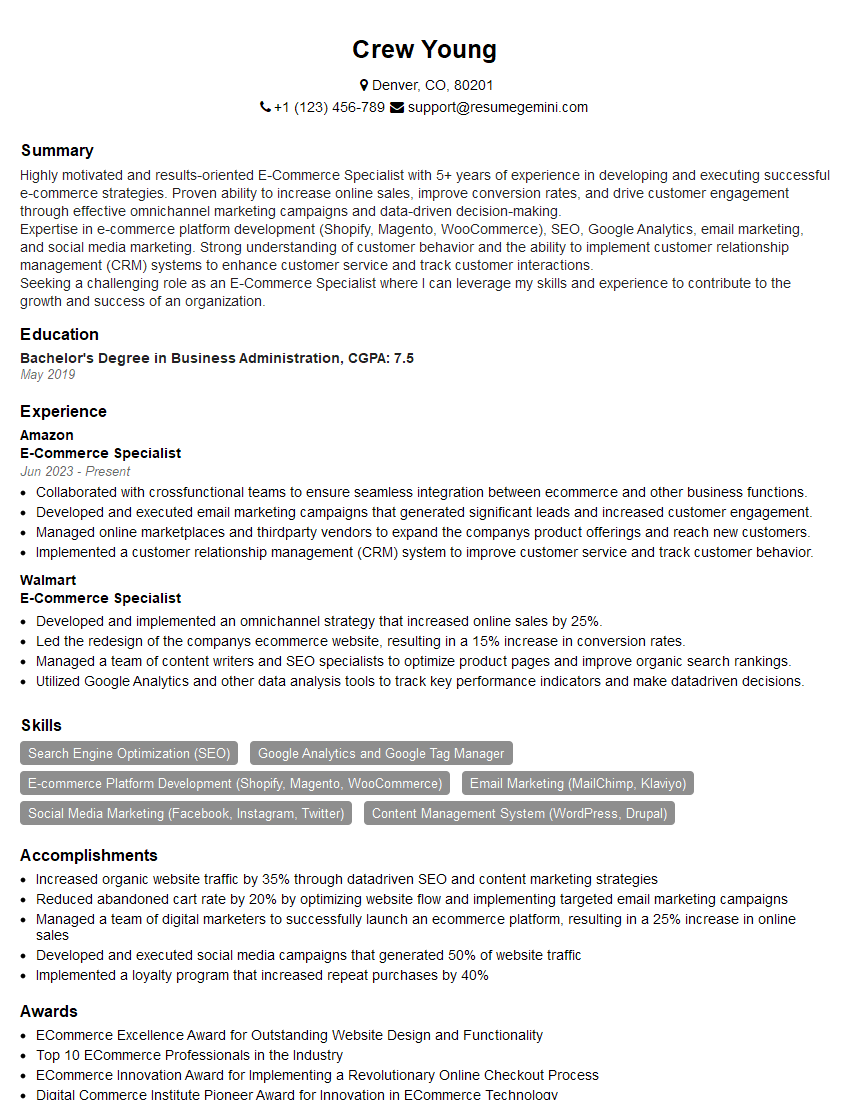
E-Commerce Specialist Resume Sample

Data Analyst Resume Sample

Information Security Analyst Resume Sample

Network Engineer Resume Sample

Systems Administrator Resume Sample

Information Architect Resume Sample

Web Developer Resume Sample
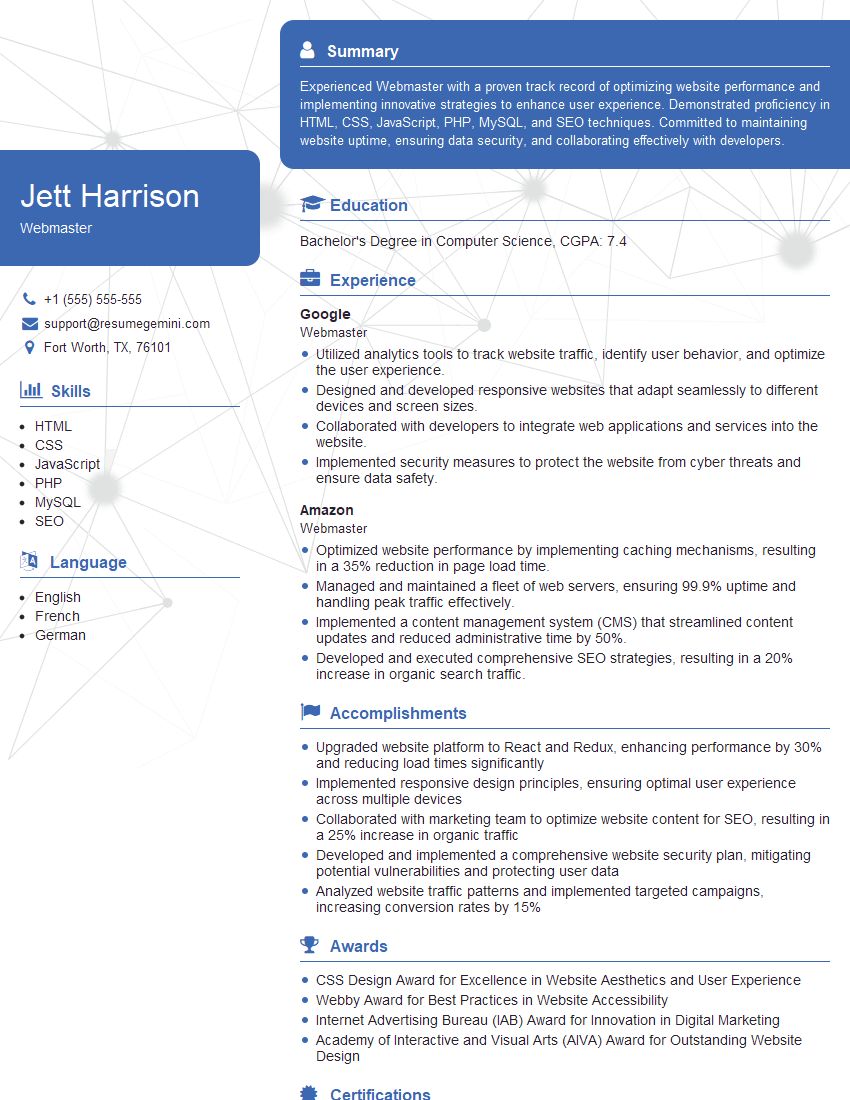
Webmaster Resume Sample

IT Project Manager Resume Sample

Content Strategist Resume Sample

Technical Writer Resume Sample
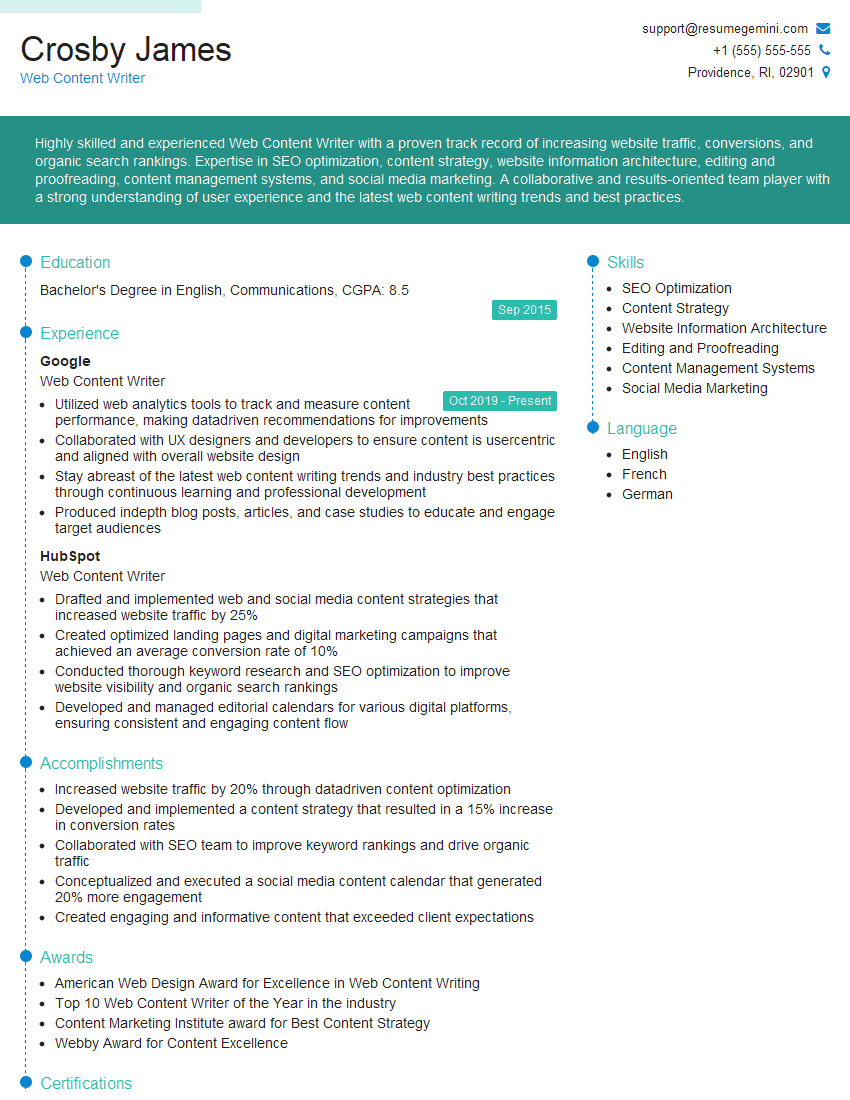
Web Content Writer Resume Sample
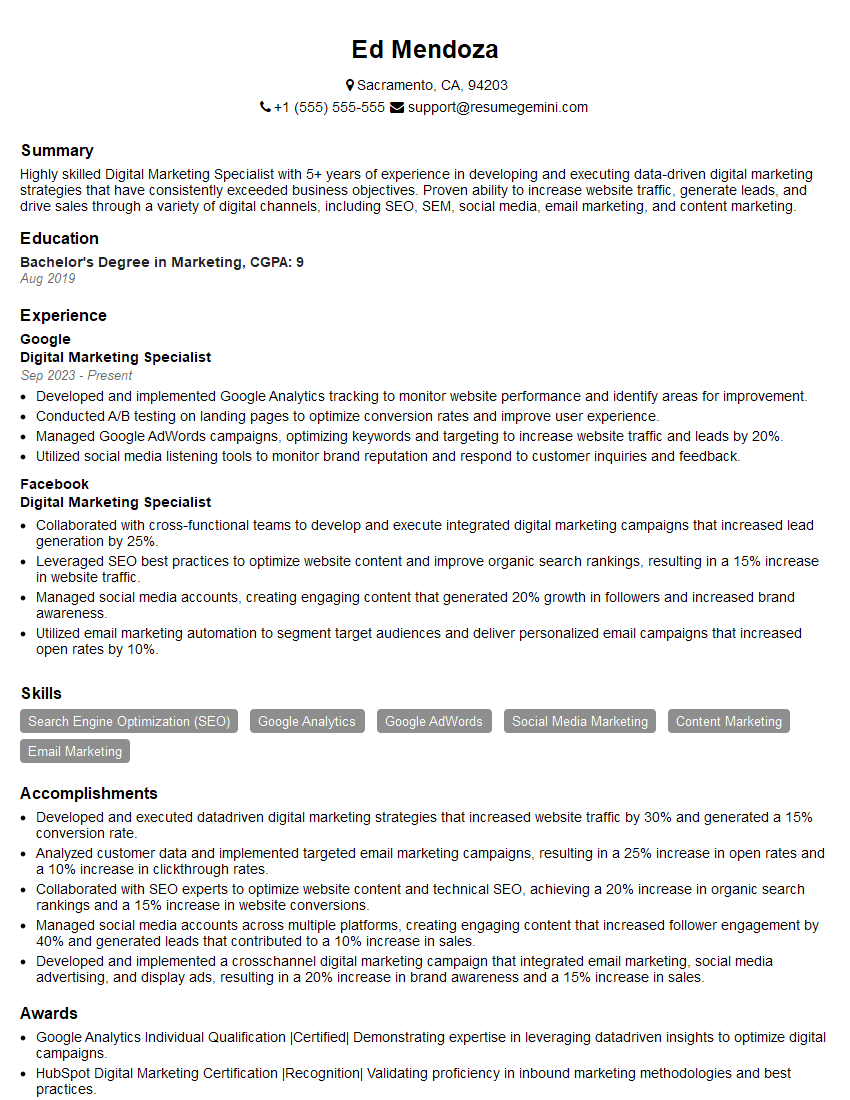
Digital Marketing Specialist Resume Sample

Database Administrator Resume Sample

UX Designer Resume Sample

Cloud Architect Resume Sample

Cybersecurity Analyst Resume Sample
- Social Media Manager
- E-Commerce Specialist
- Data Analyst
- Information Security Analyst
- Network Engineer
- Systems Administrator
- Information Architect
- Web Developer
- Webmaster
- IT Project Manager
- Content Strategist
- Technical Writer
- Web Content Writer
- Digital Marketing Specialist
- Database Administrator
- UX Designer
- Cloud Architect
- Cybersecurity Analyst
Explore more articles
Users Rating of Our Blogs
Share Your Experience
We value your feedback! Please rate our content and share your thoughts (optional).
What Readers Say About Our Blog
Really detailed insights and content, thank you for writing this detailed article.
IT gave me an insight and words to use and be able to think of examples