Unlock your full potential by mastering the most common Knowledge of Quality Assurance interview questions. This blog offers a deep dive into the critical topics, ensuring you’re not only prepared to answer but to excel. With these insights, you’ll approach your interview with clarity and confidence.
Questions Asked in Knowledge of Quality Assurance Interview
Q 1. Explain the difference between Verification and Validation.
Verification and validation are both crucial aspects of quality assurance, but they address different aspects of the software development lifecycle. Think of it like building a house: verification checks if you’re building the house *according to the blueprints*, while validation checks if you’ve built a house that actually *meets the homeowner’s needs*.
Verification is the process of evaluating whether the software conforms to its specifications. It’s about ensuring that the software is built correctly. This involves activities like code reviews, inspections, and walkthroughs to confirm that the code meets the design and requirements. For example, verifying that a login function correctly checks a username and password against a database.
Validation, on the other hand, is the process of evaluating whether the software meets the needs and expectations of the customer. It focuses on building the *right* software. This is achieved through testing, where we check if the software works as intended by the end-users. For example, validating that the login function is user-friendly and doesn’t require too many steps.
- In short: Verification is ‘Are we building the product right?’, while validation is ‘Are we building the right product?’.
Q 2. Describe your experience with different testing methodologies (e.g., Agile, Waterfall).
I have extensive experience working within both Agile and Waterfall methodologies. Each approach requires a different QA strategy.
Waterfall: In Waterfall, testing is typically a distinct phase that occurs after development is completed. This sequential approach means that testing is often more comprehensive and detailed, with a strong emphasis on documentation. I’ve worked on several projects using this methodology, focusing on creating detailed test plans, executing various testing types (functional, integration, system, etc.), and generating comprehensive reports. A key challenge in Waterfall is the late discovery of defects, which can be expensive to fix.
Agile: My Agile experience involves continuous testing integrated throughout the development process. This iterative approach uses short sprints and emphasizes frequent feedback loops. In Agile projects, I’ve utilized techniques like Test-Driven Development (TDD) and Behavior-Driven Development (BDD) where tests are written *before* the code. This results in early defect detection, faster feedback, and greater flexibility. The challenge in Agile lies in the balance between speed and thoroughness; it’s crucial to prioritize testing effectively without slowing down the sprint cycles. I am proficient in using various Agile testing tools like Jira and Azure DevOps to manage testing tasks and track progress.
Q 3. What is the difference between black box, white box, and grey box testing?
The difference between black box, white box, and grey box testing lies in the level of knowledge the tester has about the internal workings of the software.
Black Box Testing: The tester treats the software as a ‘black box,’ meaning they don’t have access to the internal code or design. Testing is solely based on the software’s functionality and external behavior. This is like using a remote control – you know what buttons to press to achieve certain outcomes, but you don’t know the internal circuitry. Examples include functional testing, UI testing, and user acceptance testing.
White Box Testing: In contrast, white box testing allows the tester full access to the internal code, design, and architecture. Testers use this knowledge to design test cases that cover all code paths and internal structures. This is like having the schematics for that remote control; you can test each individual component. Examples include unit testing, integration testing, and code coverage analysis.
Grey Box Testing: Grey box testing falls between black box and white box testing. The tester has partial knowledge of the system’s internal workings, such as system architecture or data flow. This partial knowledge helps them design more effective test cases, but they still don’t have complete access to the source code. For example, a tester might know the database schema but not the detailed logic in specific functions.
Q 4. Explain your experience with test case design techniques (e.g., equivalence partitioning, boundary value analysis).
I have extensive experience applying various test case design techniques to ensure thorough test coverage and efficient defect detection.
Equivalence Partitioning: This technique divides input data into groups (partitions) that are expected to be treated similarly by the software. Testing one value from each partition is sufficient to represent the entire partition. For example, if a field accepts numbers between 1 and 100, we could create three partitions: 1-50, 51-99, and 100. Testing a value from each partition would suffice instead of testing every single number.
Boundary Value Analysis: This technique focuses on testing values at the boundaries of input ranges. It’s based on the observation that errors often occur at the limits of valid input. For the 1-100 example, we would test 0, 1, 50, 99, 100, and 101. These boundary values are often more likely to reveal defects.
Other Techniques: I also have experience with decision table testing (for complex decision logic), state transition testing (for applications with different states), and use case testing (to ensure functionality aligns with user stories).
Q 5. How do you handle conflicting priorities in a QA project?
Conflicting priorities are a common challenge in QA. My approach involves a combination of negotiation, prioritization, and clear communication.
First, I work to understand the reasons behind the conflicting priorities. This often involves talking to stakeholders like project managers, developers, and clients to understand their needs and concerns. Then, I use a risk-based approach to prioritize testing efforts. I identify the features with the highest business impact and potential risk, focusing my testing efforts there. This might mean deferring testing of less critical features until later.
Effective communication is key. I keep all stakeholders informed of the testing progress, any identified risks, and the potential impact of reduced testing on certain areas. I might create a risk matrix to visualize the potential consequences of prioritizing one feature over another. Finally, I document all decisions made regarding prioritization, and I remain flexible and adapt to changing circumstances as the project progresses.
Q 6. Describe your experience with test automation frameworks (e.g., Selenium, Appium).
I possess significant experience in designing and implementing test automation frameworks using Selenium and Appium.
Selenium: I’ve used Selenium WebDriver to automate web application testing across different browsers and platforms. I’m proficient in using various programming languages like Java and Python to write robust and maintainable test scripts. I’ve also worked with Selenium Grid for parallel testing to speed up execution. For example, I’ve built frameworks to automate regression testing for e-commerce websites, validating functionalities like adding items to a cart, checkout processes, and user account management.
Appium: My Appium experience includes automating mobile application tests on both Android and iOS platforms. I’ve used Appium to create automated tests for native, hybrid, and mobile web applications, ensuring compatibility and functionality across various devices. For example, I automated tests for a mobile banking application, verifying features such as login, fund transfers, and bill payments across different screen sizes and iOS/Android versions.
Beyond specific tools, I understand the importance of creating modular, reusable test scripts, implementing proper reporting mechanisms, and maintaining the framework’s health and sustainability.
Q 7. How do you ensure test coverage?
Ensuring adequate test coverage is crucial for delivering high-quality software. My approach involves a multifaceted strategy that combines various techniques.
First, I start with requirement analysis to identify all functionalities, features, and scenarios that need to be tested. Then, I design test cases to cover all identified areas using techniques like equivalence partitioning and boundary value analysis, ensuring that each aspect is tested thoroughly. I often use a Test Coverage Matrix to map test cases to requirements, ensuring nothing is missed.
I utilize code coverage tools for white box testing, providing a metric on how much of the code has been exercised during testing. This helps identify areas of the code that are untested, requiring additional test cases. For GUI testing, I often use tools that can automatically generate test scripts, which helps to improve the overall coverage. Finally, I review test results and reports regularly, identifying gaps in coverage and making adjustments to the test suite as needed.
The goal isn’t just to achieve 100% test coverage (which is often impractical), but rather to achieve sufficient coverage that minimizes the risk of critical defects reaching production. The acceptable level of coverage depends on the risk tolerance and criticality of the application.
Q 8. Explain your experience with defect tracking and management tools (e.g., Jira, Bugzilla).
Defect tracking and management tools are crucial for efficient software quality assurance. My experience spans several years using tools like Jira and Bugzilla. I’m proficient in all aspects, from creating and assigning tickets to managing workflows and generating reports. In Jira, for instance, I’ve used the Kanban boards extensively to visualize the progress of bug fixes, and I’m familiar with custom workflows to tailor the process to specific project needs. In Bugzilla, I’ve leveraged its robust reporting features to identify trends in defect categories and prioritize areas requiring improvement. I understand the importance of detailed descriptions, including steps to reproduce, screenshots, and expected vs. actual results. For example, in a recent project, we used Jira’s issue linking feature to connect related bugs, revealing an underlying design flaw that we addressed proactively. This prevented numerous future defects.
Beyond simply logging bugs, I understand the importance of managing the lifecycle: from initial reporting, through triage (prioritization and assignment), testing of fixes, and final closure. Using these tools effectively involves careful selection of issue types, assigning appropriate priorities and severities, and utilizing custom fields to capture additional relevant information. I also leverage JQL (Jira Query Language) to create sophisticated queries and reports for analyzing defect trends and identifying potential problem areas.
Q 9. How do you prioritize test cases?
Prioritizing test cases is a critical skill, as it ensures we focus on the most important aspects of the software first. My approach combines risk analysis with business value. I prioritize test cases based on factors such as:
- Risk: High-risk areas, such as critical functionalities or security features, receive higher priority. For example, a bug in a payment gateway would be far more critical than a minor cosmetic issue.
- Business Value: Features contributing most significantly to business goals are tested first. This requires a close collaboration with stakeholders to understand product priorities. Imagine launching an e-commerce website – the shopping cart functionality would get top priority.
- Severity: Test cases covering functionality with potentially catastrophic consequences (like data loss) are always prioritized highly.
- Frequency of Use: Frequently used features should be rigorously tested to ensure reliability for the majority of users.
Often, I employ a risk matrix to visualize the prioritization. This involves mapping severity and probability of failure to provide a clear picture of which test cases demand immediate attention. I also use techniques like MoSCoW (Must have, Should have, Could have, Won’t have) to prioritize features and subsequently the associated test cases.
Q 10. Describe your experience with performance testing tools (e.g., JMeter, LoadRunner).
Performance testing is vital for ensuring a software application functions smoothly under load. My experience with JMeter and LoadRunner includes designing, executing, and analyzing performance tests. I’m adept at creating test scripts to simulate realistic user loads, monitoring server resources (CPU, memory, network), and identifying performance bottlenecks. For example, I recently used JMeter to simulate 1000 concurrent users accessing a web application. The test revealed a database query that became a significant bottleneck under load. We were able to optimize the database query resulting in a 50% increase in response time.
With LoadRunner, I’ve worked on more complex scenarios requiring scripting in languages like C. This allowed me to simulate intricate user behaviors and replicate real-world conditions, such as varying network speeds and user locations. I am also proficient in interpreting performance metrics and producing detailed reports with performance graphs to help identify areas needing optimization. I know the importance of using realistic data sets and simulating real user behavior to get accurate results. I routinely incorporate think time into performance tests, which simulates the time between user actions and avoids artificial spikes in load.
Q 11. How do you perform security testing?
Security testing is a crucial aspect of software development, aiming to identify vulnerabilities before malicious actors exploit them. My approach involves several methods:
- Static Application Security Testing (SAST): This involves analyzing the source code to identify security vulnerabilities without actually executing the code. Tools like SonarQube are frequently used.
- Dynamic Application Security Testing (DAST): This focuses on testing the running application to identify vulnerabilities during execution. Tools like OWASP ZAP are utilized.
- Penetration Testing: This simulates real-world attacks to identify vulnerabilities. This often involves ethical hacking techniques and requires specialized skills.
- Vulnerability Scanning: Automated tools scan the application for known vulnerabilities. Nmap is a common example.
- Security Code Reviews: Manual inspection of the code by security experts.
I consider the OWASP Top 10 vulnerabilities as a baseline for my testing strategy and tailor the approach to the specific application and its context. For example, in a recent project, a DAST scan uncovered a cross-site scripting (XSS) vulnerability, which we promptly fixed to prevent malicious code injections.
Q 12. What are your experience with different types of testing (e.g., unit, integration, system, acceptance)?
My experience encompasses the full software testing lifecycle, including various testing types:
- Unit Testing: Testing individual components or modules of the software. I have experience with unit testing frameworks like JUnit and NUnit. This involves writing test cases that verify the correctness of each unit independently.
- Integration Testing: Testing the interaction between different modules or components. This ensures that integrated components work seamlessly together.
- System Testing: Testing the complete integrated system to verify that it meets specified requirements. This involves end-to-end testing of all features.
- Acceptance Testing: This involves validating the system to ensure it meets the customer’s needs and requirements. This is often done in collaboration with the customer.
I understand the importance of each level and how they contribute to comprehensive testing. The choice of testing strategy and the level of detail applied to each depends significantly on the project’s size, complexity, and risk profile. A small, low-risk project may require less rigorous testing, while a large, mission-critical system demands comprehensive coverage at every level.
Q 13. Explain your experience with SQL and database testing.
SQL and database testing are crucial for ensuring data integrity and the efficient functioning of database-driven applications. I’m proficient in writing SQL queries to validate data accuracy, consistency, and completeness. I have experience with various database systems, such as MySQL, PostgreSQL, and SQL Server. My approach typically includes:
- Data Validation: Using SQL queries to verify data accuracy against expected values and identify inconsistencies. For example, verifying that all customer records have a valid email address.
- Data Integrity Checks: Testing referential integrity, ensuring data consistency across different tables.
- Performance Testing: Evaluating database query performance to identify slow queries that impact application responsiveness.
- Stress Testing: Simulating high volumes of data and transactions to assess database performance under stress.
- Security Testing: Checking for vulnerabilities such as SQL injection, ensuring data is protected against unauthorized access.
For example, I recently used SQL queries to identify duplicate records in a customer database, preventing potential data inconsistencies. I also use tools like database management systems’ own GUI interfaces to efficiently run queries and inspect data.
Q 14. How do you handle bugs that are difficult to reproduce?
Handling bugs that are difficult to reproduce is a common challenge in software testing. My approach involves a methodical investigation to gather as much information as possible:
- Detailed Reporting: Gather as much information as possible from the user who reported the bug – including OS, browser version, specific steps taken, and timestamps.
- Environment Replication: Attempt to replicate the user’s environment as closely as possible, including software versions, hardware specs, network configuration, and any relevant browser extensions.
- Log Analysis: Scrutinize application and system logs for any clues about the error. Errors may leave a trace in the logs even if the user interface doesn’t show anything obvious.
- Debugging Tools: Use debugging tools to step through the code and observe the program’s behavior under different conditions.
- Collaboration: Discuss the issue with developers and other testers to brainstorm possible causes.
- Monitoring Tools: Use performance monitoring tools to pinpoint issues related to resource usage.
Often, a combination of these techniques is necessary. For example, in one instance, a seemingly random crash was traced to a specific memory leak identified through log analysis and confirmed by using memory profiling tools. The key is methodical investigation and patience – these types of issues require careful analysis and often the collaborative efforts of the QA and Development teams.
Q 15. Describe your experience with Agile methodologies and how you integrate QA into the process.
Agile methodologies, such as Scrum and Kanban, emphasize iterative development and close collaboration between developers and testers. My experience integrating QA into Agile involves actively participating in sprint planning, daily stand-ups, sprint reviews, and retrospectives. Instead of a big-bang testing approach at the end, QA is woven throughout the entire development lifecycle.
For instance, in a recent project using Scrum, I worked closely with developers to define acceptance criteria for user stories before coding began. This ensured everyone was on the same page regarding functionality and quality expectations. During development, I performed continuous testing, including unit, integration, and system tests, using tools like Selenium and JUnit. This allowed for early detection of bugs, reducing the overall cost of fixing them. Finally, I participated in sprint reviews, demonstrating testing results and addressing any outstanding issues. This collaborative approach ensured a high-quality product was delivered at the end of each sprint. This iterative testing and continuous feedback loop helps minimize risks and maximize the efficiency of the QA process within an Agile environment.
Career Expert Tips:
- Ace those interviews! Prepare effectively by reviewing the Top 50 Most Common Interview Questions on ResumeGemini.
- Navigate your job search with confidence! Explore a wide range of Career Tips on ResumeGemini. Learn about common challenges and recommendations to overcome them.
- Craft the perfect resume! Master the Art of Resume Writing with ResumeGemini’s guide. Showcase your unique qualifications and achievements effectively.
- Don’t miss out on holiday savings! Build your dream resume with ResumeGemini’s ATS optimized templates.
Q 16. What are your experience with API testing?
API testing is crucial for validating the backend logic and data exchange of applications. My experience encompasses various API testing techniques, including REST and SOAP APIs. I’m proficient in using tools like Postman and REST-assured to create and execute API tests. This involves sending various requests (GET, POST, PUT, DELETE) to the API, verifying the responses, and ensuring data integrity and security.
For example, in a recent project, I used Postman to create collections of API tests to verify that all endpoints functioned as expected. I used assertions to validate HTTP response codes (e.g., 200 OK, 404 Not Found), response times, and the structure and content of the JSON or XML responses. I also integrated API testing into our CI/CD pipeline, automating the process and ensuring each build undergoes API testing before proceeding. This proactive approach helped catch many issues early in the development cycle, preventing them from propagating to later stages.
Q 17. How do you create effective test plans and test strategies?
Creating effective test plans and strategies involves a structured approach. First, a thorough understanding of the project requirements, scope, and objectives is essential. This includes reviewing user stories, use cases, and technical specifications. I typically start by identifying the testing scope, defining the test objectives, and listing all the functionalities that need testing.
Next, I determine the appropriate testing types (unit, integration, system, regression, performance, etc.) and select the most suitable testing methodologies. I then define the test environment, identify necessary resources (testers, tools, hardware), and create a detailed test schedule with milestones and deadlines. Finally, I outline the reporting mechanisms and criteria for test completion. For example, I might use a risk-based approach to prioritize test cases, focusing on high-impact features first. A well-structured test plan and strategy provides clear direction, enhances collaboration, and helps ensure efficient and thorough testing. The document acts as a living document, allowing for adjustments as the project progresses.
Q 18. How do you measure the effectiveness of your testing efforts?
Measuring the effectiveness of testing efforts is key to demonstrating the value of QA. I use several metrics to assess this, including defect density (number of defects per lines of code), defect leakage (number of defects found in production), test coverage (percentage of requirements tested), and the number of test cases executed.
Furthermore, I track the time taken to resolve defects and analyze trends to identify areas for improvement in the testing process. I also analyze the effectiveness of different testing techniques and tools, and look for any patterns in defects found. This data-driven approach allows me to continually refine the testing strategy and optimize the quality assurance process. For example, if defect leakage is consistently high in a particular module, it signals a need to strengthen testing efforts in that specific area, possibly by increasing test coverage or implementing more robust testing methods.
Q 19. What is your experience with risk-based testing?
Risk-based testing prioritizes testing efforts based on the potential impact and likelihood of defects. It’s a proactive approach that focuses on identifying and mitigating the most critical risks early in the development cycle. I have extensive experience in applying this approach.
The process typically begins with a risk assessment, identifying potential risks and assigning severity and probability scores. This might involve reviewing the requirements document, technical design specifications, and historical data. Then, test cases are designed and prioritized based on the identified risks. For instance, if a specific feature is critical to the application’s success and has a high probability of failure, it will receive higher priority in testing. This ensures that crucial aspects of the system are rigorously tested before release. It’s particularly effective for projects with limited time and resources, optimizing testing efficiency and focusing on what truly matters.
Q 20. How do you stay up-to-date with the latest QA technologies and trends?
Staying updated in the rapidly evolving QA landscape is crucial. I actively participate in online courses and workshops offered by platforms like Coursera and Udemy, focusing on emerging technologies and testing methodologies. I regularly follow industry blogs, publications, and influencers on social media to stay abreast of the latest trends.
Moreover, I attend industry conferences and webinars to network with other professionals and learn from their experiences. Membership in professional organizations, like the ISTQB, provides access to valuable resources and keeps me connected to the latest advancements and best practices in software testing. By continuously learning and adapting, I ensure my skills and knowledge remain relevant and competitive in this dynamic field.
Q 21. Describe your experience with mobile testing (iOS and/or Android).
Mobile testing, covering both iOS and Android platforms, is a significant part of my QA experience. This involves testing applications on various devices, screen sizes, and operating system versions to ensure compatibility, functionality, and performance across different environments.
I utilize both real devices and emulators/simulators for testing, acknowledging the limitations and advantages of each. Real devices offer a more realistic testing environment, while emulators/simulators provide cost-effective access to a wider range of devices and OS versions. I am proficient in using tools such as Appium for automated testing of mobile apps, and I thoroughly test for performance issues, usability problems, and compatibility with different mobile networks. Furthermore, I always check for aspects like battery consumption and memory usage, crucial for a positive user experience on mobile platforms. Testing on various devices, OS versions and network conditions helps create a robust mobile application that caters to a large audience.
Q 22. What is your experience with non-functional testing?
Non-functional testing focuses on aspects of the software that aren’t directly related to specific features but are crucial for a positive user experience and system stability. This includes performance testing (response times, load handling), security testing (vulnerabilities, authorization), usability testing (ease of navigation, intuitive design), and more. My experience encompasses a wide range of these areas. For example, in my previous role at Acme Corp, I led performance testing efforts for their new e-commerce platform using tools like JMeter. We identified a bottleneck in the database query process that was causing significant delays under peak load. Through detailed analysis and performance tuning, we improved response times by over 60%, significantly enhancing the user experience. In another project, I conducted security testing using OWASP guidelines and identified several SQL injection vulnerabilities, preventing potential data breaches.
- Performance Testing: Load testing, stress testing, endurance testing using tools like JMeter and LoadRunner.
- Security Testing: Penetration testing, vulnerability scanning, security audits.
- Usability Testing: User observation, feedback collection, heuristic evaluations.
- Reliability Testing: Testing for failures and crashes under various conditions.
Q 23. Explain your experience with test data management.
Test data management is crucial for effective testing. It involves planning, creating, maintaining, and securing the data used in testing. Poorly managed test data can lead to inaccurate results, delayed testing, and even compromised security. My experience includes designing and implementing test data strategies using various techniques. For example, at Beta Solutions, we used a combination of techniques including data masking (replacing sensitive information with realistic but non-sensitive values), data subsetting (creating smaller, representative datasets), and test data generators to create realistic test data sets without compromising real customer information. I also worked with database administrators to set up test environments with accurate copies of production data, allowing for more realistic and robust testing.
I’m proficient in using tools that support test data management, and I understand the importance of maintaining data privacy and security throughout the process. My approach always prioritizes creating data that mimics real-world scenarios to provide the most accurate test results.
Q 24. How do you communicate testing results effectively to stakeholders?
Effective communication of testing results is essential for stakeholder buy-in and informed decision-making. I use a multi-faceted approach tailored to the audience. This includes:
- Clear and Concise Reporting: I create well-structured reports summarizing test results, highlighting critical findings, and providing actionable insights. I avoid technical jargon where possible, adapting my language to the technical proficiency of the audience.
- Visualizations: I use charts, graphs, and dashboards to present data effectively and visually represent test coverage, defect trends, and other key metrics. A picture is often worth a thousand words!
- Regular Status Updates: I provide regular updates to stakeholders using various channels (email, meetings, project management tools) to keep them informed about testing progress and potential roadblocks.
- Defect Tracking and Management: I utilize defect tracking systems (e.g., Jira) to document, prioritize, and track defects throughout their lifecycle, ensuring transparency and accountability.
- Collaboration: I actively engage in discussions with stakeholders to clarify requirements, address concerns, and collaboratively resolve issues.
For example, in a recent project, I used a combination of dashboards showing defect density and severity with a concise summary report to present the testing results to the project manager and product owner, facilitating a collaborative discussion about release criteria.
Q 25. Describe a time you had to deal with a critical bug under pressure.
In my previous role, we were preparing for a major software release when a critical bug was discovered just days before the launch deadline. The bug caused the application to crash under heavy load, affecting a core functionality. The pressure was immense, but I immediately followed a structured approach:
- Prioritization: I first assessed the severity and impact of the bug, confirming it was indeed critical. I communicated the situation to the development team and stakeholders.
- Root Cause Analysis: We worked together to reproduce the bug and trace the root cause. This involved code review, log analysis, and system monitoring.
- Rapid Resolution: The development team worked diligently to implement a fix, while I performed rigorous regression testing to ensure the fix didn’t introduce new issues. We used a prioritized approach focusing on the key impacted areas.
- Communication: I maintained constant communication with stakeholders, keeping them informed about our progress and potential mitigation strategies, emphasizing transparency and realistic expectations.
- Documentation: We thoroughly documented the bug, the fix, and the testing process to prevent recurrence.
We successfully deployed a fix in time for the launch, demonstrating effective teamwork and problem-solving skills under immense pressure. The experience underscored the importance of proactive communication, collaborative problem-solving, and a structured approach to crisis management.
Q 26. How do you contribute to continuous improvement in the QA process?
I actively contribute to continuous improvement in the QA process through various methods:
- Process Automation: I continuously look for opportunities to automate repetitive tasks, such as test execution and reporting, to improve efficiency and reduce human error. This involves exploring and implementing automation tools and frameworks.
- Test Optimization: I regularly analyze test results to identify areas for improvement in test coverage, test design, and test execution. I propose and implement changes to enhance testing effectiveness.
- Knowledge Sharing: I actively share my knowledge and experience with other team members through training, mentoring, and documentation, fostering a culture of continuous learning.
- Feedback Incorporation: I provide constructive feedback on processes and tools, advocating for improvements based on my experiences and insights. This includes participating in retrospectives and suggesting changes to workflows.
- Tool Evaluation and Selection: I stay updated with the latest QA tools and technologies, evaluating their suitability for our needs and recommending appropriate implementations.
For instance, I recently introduced a new test management tool that streamlined our testing process, resulting in improved collaboration, more efficient test case management, and faster defect resolution.
Q 27. What are your salary expectations?
My salary expectations are in line with market rates for a senior QA engineer with my experience and skillset. I am flexible and open to discussing compensation based on the overall compensation package and the specific requirements of the role. I am more interested in a role that presents a challenge and offers opportunities for growth and learning than in a specific salary figure.
Q 28. Do you have any questions for me?
Yes, I have a few questions. First, could you elaborate on the company’s QA process and methodologies? Second, what are the team’s priorities for the near future? Finally, what are the opportunities for professional development and growth within the company?
Key Topics to Learn for Your Knowledge of Quality Assurance Interview
- Software Development Lifecycle (SDLC) Models: Understand various SDLC methodologies (Agile, Waterfall, etc.) and their impact on QA processes. Consider how testing strategies adapt to different models.
- Testing Methodologies: Master different testing types (functional, non-functional, regression, integration, etc.) and their practical application in real-world scenarios. Be prepared to discuss your experience with specific methodologies.
- Test Case Design Techniques: Familiarize yourself with techniques like equivalence partitioning, boundary value analysis, and decision table testing. Practice designing effective test cases to cover various scenarios.
- Defect Tracking and Reporting: Learn how to effectively identify, document, and report defects using bug tracking systems. Practice clear and concise defect reporting to ensure efficient issue resolution.
- Test Automation Frameworks: Discuss your experience with different test automation frameworks (Selenium, Appium, Cypress, etc.) and their advantages and disadvantages. Be prepared to discuss automation best practices.
- Performance Testing: Understand the principles of load testing, stress testing, and performance monitoring. Be ready to discuss your experience with performance testing tools and methodologies.
- Quality Assurance Metrics and Reporting: Learn how to track and report key QA metrics such as defect density, test coverage, and test execution time. Be able to interpret these metrics and explain their significance.
- Risk Management in QA: Understand how to identify and mitigate risks related to software quality. Be prepared to discuss your approach to risk assessment and mitigation in a QA context.
Next Steps
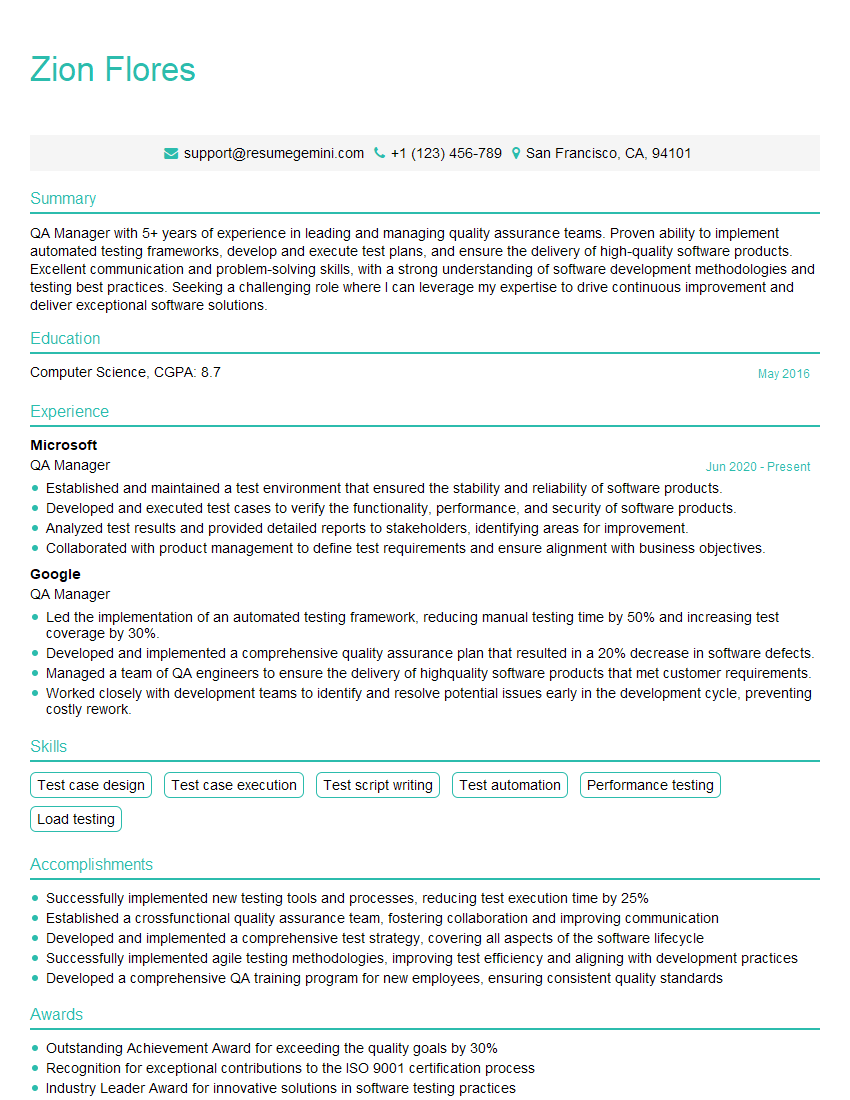
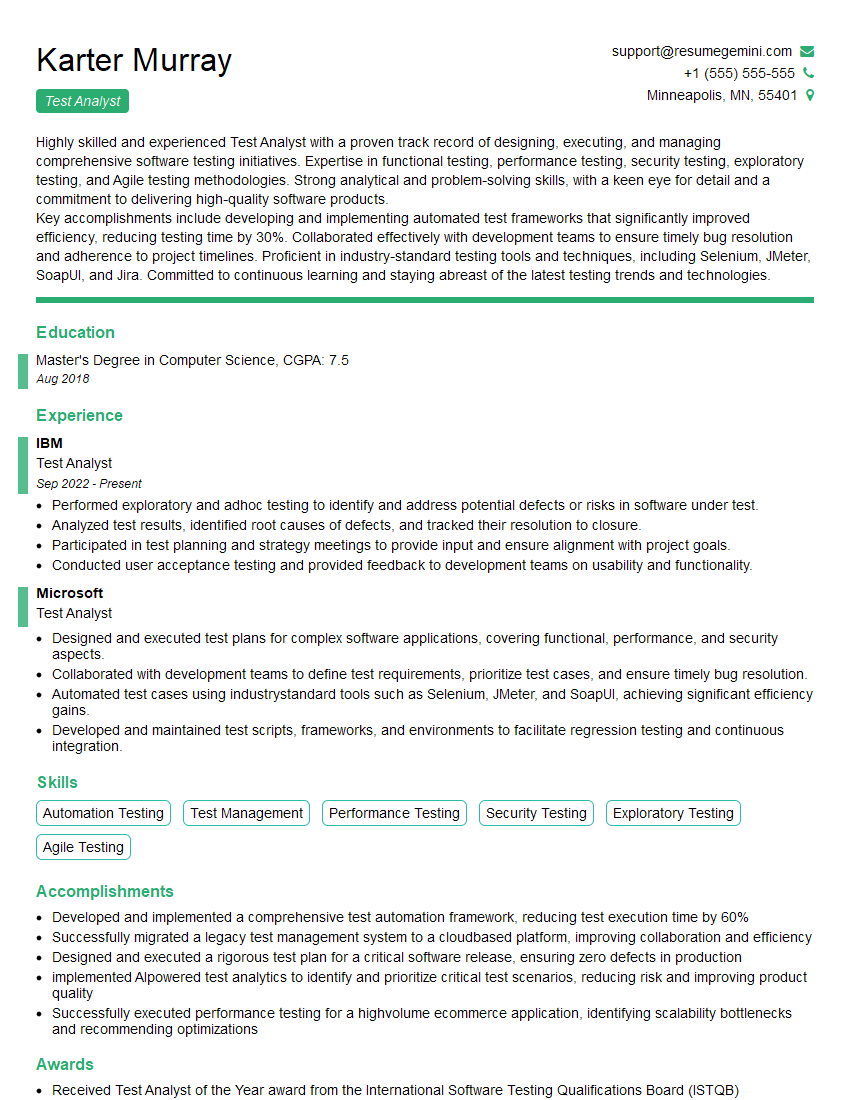
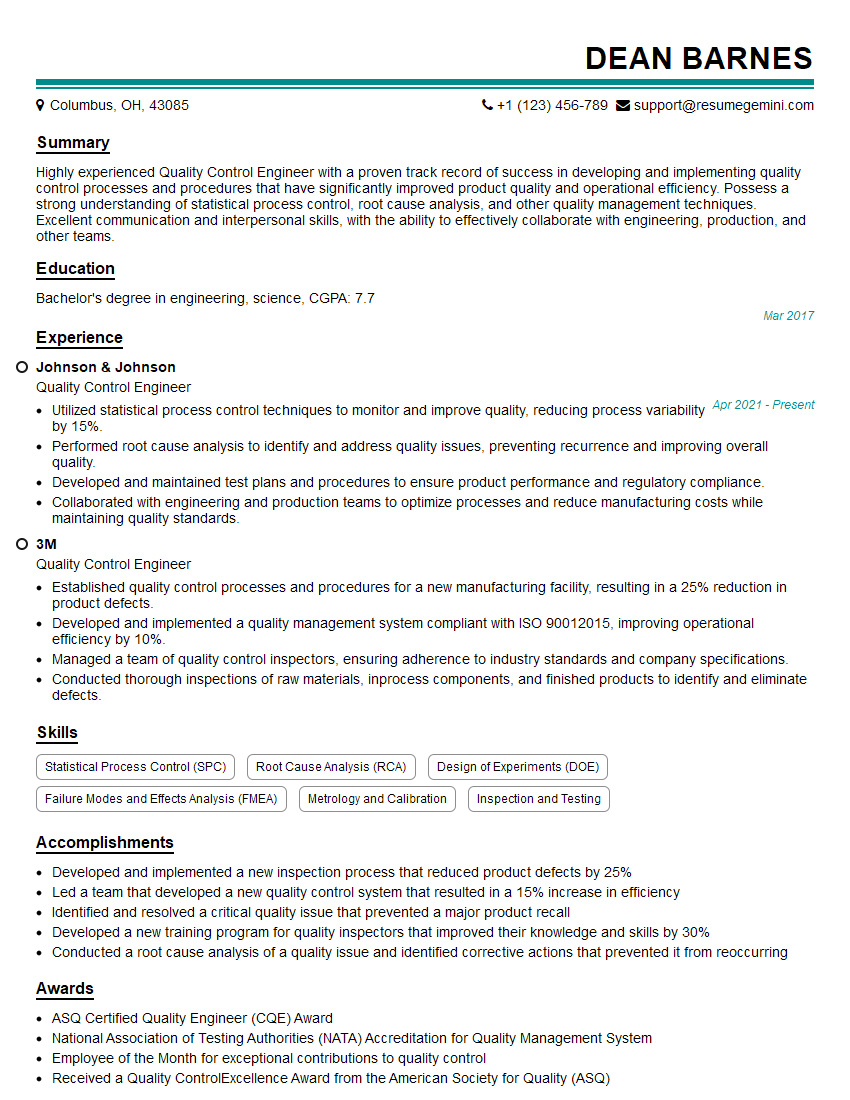
Mastering Knowledge of Quality Assurance is crucial for career advancement in the tech industry. It demonstrates a commitment to delivering high-quality software and a deep understanding of development processes. To maximize your job prospects, create an ATS-friendly resume that highlights your skills and experience effectively. ResumeGemini is a trusted resource to help you build a professional and impactful resume. They provide examples of resumes tailored to Knowledge of Quality Assurance roles, giving you a head start in creating a document that stands out from the competition. Invest the time to craft a compelling resume – it’s your first impression with potential employers.


Explore more articles
Users Rating of Our Blogs
Share Your Experience
We value your feedback! Please rate our content and share your thoughts (optional).
What Readers Say About Our Blog
Really detailed insights and content, thank you for writing this detailed article.
IT gave me an insight and words to use and be able to think of examples