Interviews are opportunities to demonstrate your expertise, and this guide is here to help you shine. Explore the essential LUT Creation interview questions that employers frequently ask, paired with strategies for crafting responses that set you apart from the competition.
Questions Asked in LUT Creation Interview
Q 1. Explain the concept of a LUT (Look-Up Table).
A Look-Up Table (LUT) is essentially a pre-calculated table that maps input values to corresponding output values. Think of it like a cheat sheet for color transformations. Instead of calculating the color adjustments on the fly, the LUT provides instant results by looking up the input color and returning its pre-determined transformed color. This significantly speeds up the processing, particularly beneficial in real-time applications like video editing and color grading. Imagine a recipe: the input is the raw ingredients, the LUT is the recipe itself, and the output is the final delicious dish, a perfectly color-graded image.
Q 2. What are the different file formats for LUTs?
LUTs can be saved in several formats, each with its own strengths and weaknesses. The most common include:
- .cube: This is a widely supported, text-based format that is highly versatile and human-readable. It’s often used for 3D LUTs.
- .3dl: Another popular format, often used for 3D LUTs. It offers a compact representation.
- .lut: A more generic format, the specific interpretation depends on the application. It’s essential to know the LUT’s dimensions (1D, 3D) and data type.
- .look: A proprietary format used by some professional color grading applications.
The choice of format often depends on compatibility with specific software and hardware.
Q 3. Describe the process of creating a LUT from scratch.
Creating a LUT from scratch involves several steps. First, you’ll need to define the input and output color spaces. Let’s say you’re aiming to create a cinematic look. You’d start by capturing several images or clips in a controlled environment. Next, you’d use color grading software to adjust these images to achieve your desired cinematic look. This involves manipulating parameters like saturation, contrast, brightness, and color curves. Once satisfied, you then use the software’s functionality to generate a LUT based on the transformation applied to your reference images. The software essentially analyzes the ‘before’ and ‘after’ states of your images and creates a mathematical mapping contained within the LUT file. The size and quality of the LUT will depend on the resolution desired (e.g., a 17x17x17 3D LUT offers finer control than an 8x8x8 LUT).
Q 4. How do you calibrate your monitor for accurate LUT application?
Accurate LUT application hinges on proper monitor calibration. An uncalibrated monitor will display colors differently than intended, rendering your LUT ineffective. The process involves using a colorimeter or spectrophotometer to measure your monitor’s output and compare it to a known standard. Software like Datacolor Spyder or X-Rite i1Display Pro guides you through this process, adjusting your monitor’s settings (brightness, contrast, white point, gamma) to ensure accurate color representation. This calibration establishes a baseline, allowing the LUT to operate predictably and consistently, enabling you to visualize your color grading accurately.
Q 5. What are the advantages and disadvantages of using LUTs?
Advantages of using LUTs:
- Speed and Efficiency: LUTs offer real-time color transformations without computationally intensive calculations.
- Consistency: They provide a consistent look across different images or clips.
- Creative Control: LUTs can be used to apply pre-defined color styles or create unique looks easily.
- Non-Destructive Editing: LUTs are usually applied non-destructively, preserving your original footage.
Disadvantages of using LUTs:
- Limited Control: LUTs may not provide the same level of fine-grained control as manual color grading.
- Size Constraints: Large LUTs can increase file sizes.
- Compatibility Issues: LUT formats might not be universally compatible across all software.
Q 6. Explain the difference between 1D, 3D, and 3D LUTs.
The dimensionality of a LUT refers to the number of color channels it operates on:
- 1D LUTs: These are simple LUTs that map single values to single values. They’re often used for simple adjustments like brightness or contrast. Think of them as one slider controlling a single aspect.
- 3D LUTs: These are far more common and powerful. They map a combination of Red, Green, and Blue values (RGB) to new RGB values. This allows for complex color transformations, as each pixel’s color is adjusted based on its R, G, and B components. It’s like having full control over a color mixer.
- There is no standard designation for a ‘3D LUT’. This is often used interchangeably with the standard 3D LUT. However, 3D LUTs are commonly used in higher resolutions (like 17x17x17 or 33x33x33) to create higher quality transformations. A larger cube size provides smoother gradients and more precise color mapping.
Q 7. How do you manage color space transformations using LUTs?
LUTs are incredibly useful for color space transformations. For instance, converting footage from Rec.709 (standard for HDTV) to DCI-P3 (a wider color gamut used in digital cinema) can be achieved with a specifically designed LUT. This LUT maps the colors from Rec.709 to their closest equivalent in DCI-P3. The LUT effectively acts as a translator, ensuring a consistent look even when switching between color spaces. Creating such LUTs often involves profiling the source and destination color spaces and then using color management software to generate the accurate transformation table. This ensures that the final output maintains color accuracy and consistency within the intended color space.
Q 8. Describe your workflow for creating a cinematic LUT.
Creating a cinematic LUT involves a meticulous process. It starts with selecting a reference image or footage that embodies the desired cinematic look – perhaps a film still or a scene from a movie you admire. This serves as my ‘target’ aesthetic. I then work on a ‘source’ image or clip, typically a neutral or flat version of the scene, and gradually manipulate its colors and tones to match the target. This is where color grading skills are crucial.
My workflow typically involves these steps:
- Reference Selection: Choosing a high-quality image or video clip with the desired color palette and mood. I might even use several references to combine their best qualities.
- Color Grading: Using professional color grading software (more on that later), I meticulously adjust the source footage’s brightness, contrast, saturation, and individual color channels (red, green, blue) to align with the reference. I often use curves and color wheels for precise control.
- LUT Generation: Once the source matches my target, I generate the LUT. The software automatically creates a lookup table that translates the colors from the source to the target. This LUT can then be applied to other footage with similar characteristics to achieve a consistent look.
- Testing and Refinement: I meticulously test the LUT on various clips and scenes to ensure consistency and assess its performance in different lighting conditions. Adjustments are made until the desired cinematic look is consistently achieved.
- Export and Organization: Finally, I export the LUT in a universally compatible format (like .cube or .3dl) and organize it within my LUT library for easy access in future projects.
For example, if I’m aiming for a moody, desaturated look reminiscent of a film noir, I’d select a noir film still as my reference and adjust my source footage until the colors and contrast matched that reference, creating a LUT to replicate this effect easily across various shots.
Q 9. How do you troubleshoot issues with LUT application?
Troubleshooting LUT application issues requires a systematic approach. Often, problems stem from color space mismatches, incorrect LUT application settings, or flaws in the LUT itself.
- Color Space Inconsistencies: The most common issue is a mismatch between the color space of the footage and the color space the LUT was created for. Ensure both are in the same space (e.g., Rec.709, DCI-P3). You might need to convert your footage to match your LUT.
- LUT Application Settings: Double-check your software settings. The LUT might need to be applied to a specific node or layer in your workflow, and the application mode (e.g., 3D LUT, 1D LUT) should be correct. Some software offers different blending options, and using the wrong one could lead to unexpected results.
- LUT Quality: A poorly created LUT might have unexpected artifacts or color shifts. Review the LUT creation process to identify potential errors. Sometimes, using a different reference image or adjusting the grading process can greatly improve the LUT’s results.
- Software-Specific Issues: The way LUTs are handled can differ between software packages. Consult the documentation of your specific editing or grading application to ensure you’re applying the LUT correctly within its workflow.
For instance, if a LUT is making your footage look overly saturated, it might be that the source footage and the LUT aren’t using the same color space. Converting them to a common space often resolves this.
Q 10. What software do you use for LUT creation and management?
My primary tools for LUT creation and management include:
- DaVinci Resolve: This is my go-to application for professional color grading. Its powerful color correction tools, combined with its robust LUT creation and management features, make it indispensable. I leverage its node-based workflow for precision and flexibility.
- Adobe Photoshop/After Effects: While not primarily designed for LUT creation, they provide useful supplementary tools, especially for creating reference images or performing fine-tuning adjustments on LUTs.
- LUT Utility Programs: Various standalone programs are available that simplify LUT conversion, comparison, and management. They help to ensure compatibility between different software packages.
- Organized File System: I use a clearly structured file system to manage my LUTs. This allows for quick searching, easy identification, and keeps everything organized by project, style, and color space.
Q 11. How do you ensure consistency across different projects using LUTs?
Maintaining consistency across different projects using LUTs is crucial for establishing a signature style. I achieve this through careful planning and a disciplined workflow:
- Reference Look: Establishing a clear reference image or video clip early in a project becomes a benchmark for color grading consistency throughout the entire workflow. This sets the tone and style for subsequent scenes.
- Baseline LUT: Creating a ‘master’ LUT, adjusted to my general style preference, serves as a starting point. Individual project-specific LUTs can then be made as variations on this theme. This provides a familiar grading base and minimizes deviation.
- Metadata and Notes: I meticulously record information about each LUT, including the software used for creation, the intended color space, and any special instructions or notes regarding its application. This is helpful for future reference and avoids errors arising from memory lapses.
- Color Management Protocols: Employing strict color management protocols throughout the project, from acquisition to post-production, ensures a consistent color pipeline and prevents color shifts or mismatches.
For example, I maintain a baseline LUT that provides a slightly desaturated, natural film look. I then create variations for scenes that require a warmer or cooler tone, but all are built upon this foundation, maintaining a stylistic unity across my projects.
Q 12. Explain the concept of LUT blending or stacking.
LUT blending or stacking involves combining multiple LUTs to achieve a more complex or nuanced color grade. It’s like layering filters; each LUT modifies the image based on the previous one’s output. The order of application significantly influences the final result.
Imagine you have a LUT for adding a vintage film grain and another that introduces a subtle teal-orange color grade. Stacking them allows you to apply both effects sequentially – the grain first, and then the color grade on top of that. The result is a unique look that’s different from applying each LUT independently.
Several software packages support LUT stacking. It’s essential to remember that the order of application matters significantly. Experimenting with different orders can lead to creative results. It can also be a powerful tool to subtly refine a look without requiring extensive color grading.
Q 13. How do you handle different color spaces when creating and applying LUTs?
Color space management is paramount in LUT creation and application. Inconsistencies can cause significant color shifts and inaccurate representations.
- Consistent Color Space Throughout: Maintain the same color space from acquisition (camera settings) to post-production (editing software). This forms a closed loop, where the LUT will accurately interpret and translate color information.
- LUT Color Space Metadata: When creating a LUT, ensure its color space is correctly embedded as metadata within the LUT file itself. Many professional LUTs contain this metadata.
- Color Space Conversion: If the source footage isn’t in the correct color space, convert it appropriately *before* applying the LUT. Using the wrong method for color space conversion can cause color distortion or unwanted artifacts. This is often a simple step within the software itself.
- Software Support: Check if your software supports the color space used by your LUT. If not, the results might be unpredictable or incorrect. You might need to convert your LUT to a compatible color space.
For example, creating a LUT in Rec.709 and applying it to footage that’s in DCI-P3 can produce wildly inaccurate colors. To mitigate this, either convert the footage to Rec.709 *before* applying the LUT or recreate the LUT specifically for the DCI-P3 color space.
Q 14. What are some common challenges in LUT creation and how do you overcome them?
Several challenges can arise during LUT creation:
- Achieving Consistency Across Different Footage: A LUT might work perfectly on one clip but produce unexpected results on another due to differences in lighting, camera settings, or image characteristics. This necessitates careful testing and possible adjustments or creation of separate LUTs for different types of footage.
- Dealing with Skin Tones: Maintaining accurate and natural-looking skin tones while applying stylistic LUTs can be difficult. Overly aggressive color grading can lead to unrealistic or unnatural skin tones. Often, specific adjustments need to be made to the skin tones to mitigate this.
- Clipping and Color Banding: Excessive contrast or saturation adjustments can lead to clipping (loss of detail in highlights or shadows) or color banding (visible steps in color gradients). Careful monitoring of histograms and wave forms is essential for identifying and correcting these problems.
- Unexpected Artifacts or Color Shifts: These can be caused by a variety of issues, including color space mismatches, numerical inaccuracies in the LUT itself, or incompatibility with certain hardware or software. Systematic troubleshooting and review of each step in the LUT creation process are necessary.
Overcoming these challenges requires a deep understanding of color theory, image processing, and careful attention to detail. Testing and refining the LUT iteratively are key to producing high-quality and consistent results. Often, small tweaks and adjustments during the iterative process resolve many of these problems.
Q 15. Describe your experience with LUT creation for different camera systems.
My experience with LUT (Look-Up Table) creation spans various camera systems, from RED and Arri to Sony and Canon. Each camera has its unique color science and sensor characteristics, requiring a tailored approach to LUT creation. For example, a LUT designed for a RED camera’s vibrant, high-dynamic-range image will differ significantly from one created for a Canon camera, which might produce a more muted, film-like look. I begin by profiling the camera, capturing test shots under controlled lighting conditions, and analyzing the resulting footage to identify the color characteristics needing correction or enhancement. Then, I utilize color grading software like DaVinci Resolve or Adobe Premiere Pro to create LUTs that achieve the desired cinematic look or match specific reference images, often employing 3D LUTs for greater control and flexibility. I’ve worked on projects requiring LUTs to match footage across different cameras, ensuring visual consistency, and also on projects needing specific stylistic LUTs – everything from realistic to highly stylized looks.
Career Expert Tips:
- Ace those interviews! Prepare effectively by reviewing the Top 50 Most Common Interview Questions on ResumeGemini.
- Navigate your job search with confidence! Explore a wide range of Career Tips on ResumeGemini. Learn about common challenges and recommendations to overcome them.
- Craft the perfect resume! Master the Art of Resume Writing with ResumeGemini’s guide. Showcase your unique qualifications and achievements effectively.
- Don’t miss out on holiday savings! Build your dream resume with ResumeGemini’s ATS optimized templates.
Q 16. How do you optimize LUTs for different screen sizes and resolutions?
Optimizing LUTs for different screen sizes and resolutions requires understanding how color perception changes depending on display technology and pixel density. A LUT that looks perfect on a high-resolution 4K monitor might appear washed out or oversaturated on a smaller, lower-resolution display. The key is to create LUTs that are perceptually consistent across various screen sizes. This often involves iterative testing and adjustments to ensure the LUT’s impact remains true to intent across devices. I usually start with a high-resolution target and then downscale, making necessary adjustments. Techniques like tone mapping are crucial in handling the dynamic range translation, as HDR content needs to be managed differently for SDR displays. For example, when working with HDR footage, I will create separate LUTs optimized for both HDR and SDR outputs to prevent clipping or loss of detail. It’s important to test extensively across different devices and calibrate displays to achieve a consistent visual experience.
Q 17. What are some best practices for naming and organizing LUTs?
Consistent naming and organization of LUTs are essential for efficient workflow and collaboration. I follow a clear and descriptive naming convention, including camera model, intended look (e.g., cinematic, stylized), and any relevant details like the target color space (e.g., Rec.709, DCI-P3). For example, a LUT might be named Arri_Alexa_Mini_Cinematic_Rec709.cube. I use a hierarchical folder structure to organize LUTs based on project, camera system, and style. This helps in quickly locating the right LUT for a specific task. I also use metadata embedding within the LUT files, using software-specific features to incorporate additional notes such as date created, project name, and creator’s name. This ensures that the LUT’s purpose and context are maintained even when shared across different platforms or teams.
Q 18. Explain the use of LUTs in HDR workflows.
LUTs play a vital role in High Dynamic Range (HDR) workflows, primarily in managing the wider color gamut and higher dynamic range of HDR content. HDR footage contains far more color information and brightness levels than Standard Dynamic Range (SDR) footage. LUTs help to translate this expanded range to various displays and target color spaces. For instance, a LUT might be used to convert HDR footage shot in a wide color gamut like Rec.2020 to a display’s native color space. Another critical use is tone mapping—adapting the brightness levels of HDR to SDR, allowing the image to be viewed on SDR displays without significant loss of detail. This involves careful consideration of highlight and shadow compression, ensuring that details in both dark and bright areas are preserved as much as possible. The appropriate LUT selection and creation are paramount for optimal HDR workflow, maintaining the image quality, visual consistency, and artistic intent across different platforms.
Q 19. How do you collaborate with other team members using shared LUTs?
Collaborating on shared LUTs requires a well-defined system for version control and access. We utilize cloud-based storage solutions that support version history, allowing for easy tracking of changes and the restoration of previous versions. Access control is vital, restricting access to authorized individuals. We frequently employ a central repository accessible to all team members, enabling the efficient sharing and updating of LUTs. Clear communication is crucial. Before releasing or altering shared LUTs, we discuss the changes with the team and explain the rationale behind them. This ensures that everyone is on the same page, minimizing misunderstandings and potential conflicts. A well-documented naming convention and organizational structure are vital to facilitate easy identification and retrieval of specific LUTs.
Q 20. What are some common mistakes to avoid when creating LUTs?
Common mistakes in LUT creation include neglecting proper color space management, leading to color shifts and inaccuracies. Insufficient testing on various displays can result in inconsistencies. Ignoring the source material’s characteristics can lead to overly aggressive corrections or unintended effects. Another common error is failing to create different LUTs for different target color spaces, potentially resulting in clipped highlights or crushed blacks. Over-reliance on pre-made LUTs without customization can hinder achieving a unique and consistent aesthetic. Finally, insufficient documentation can lead to confusion during project handoffs or collaboration with other team members. To avoid these pitfalls, a systematic workflow with thorough testing on multiple displays and meticulous documentation is essential.
Q 21. Describe your experience working with LUT creation pipelines.
My experience with LUT creation pipelines involves integrating LUT generation within larger color workflows. This includes using scripting for batch processing of large amounts of footage, automating LUT application, and utilizing custom tools and plugins to facilitate efficiency. I’m familiar with using command-line tools and scripting languages like Python to streamline the process, reducing manual intervention. I often build these pipelines into our existing workflows, allowing for greater efficiency and consistency, especially for high-volume projects. Furthermore, I have experience with integrating LUT creation and application within larger color-grading systems. This allows us to use the LUTs within various applications, such as editing software, compositing software, and even game engines.
Q 22. How do you adapt LUTs to meet specific creative requirements?
Adapting LUTs to meet specific creative requirements involves a nuanced understanding of color science and the desired aesthetic. It’s not just about applying a pre-made LUT; it’s about tailoring the LUT to perfectly match the vision for the project. This involves several steps.
- Identifying the Target Look: Start by clearly defining the desired look. Do you want a cinematic, vintage, vibrant, or muted feel? Reference images or film stills are invaluable for this stage.
- Choosing the Right Starting Point: Selecting a base LUT is crucial. A neutral LUT serves as a good foundation for subtle adjustments, while a more stylized LUT provides a stronger starting point.
- Iterative Adjustments: This is where color grading software comes in. You’ll adjust the LUT’s curves, nodes, and color wheels. For example, you might increase saturation in specific color ranges to create a more vibrant look or reduce saturation for a desaturated mood.
- Testing and Refinement: Constant testing on various clips and sequences is vital. The goal is consistency across the entire project. You might fine-tune individual color channels (red, green, blue) or adjust the overall brightness and contrast to perfect the desired look.
For example, I once worked on a project that needed a specific ‘golden hour’ look. I started with a neutral LUT, then selectively increased the yellows and oranges in the midtones to achieve that warm, glowing light, carefully avoiding oversaturation to maintain realism.
Q 23. What are the key differences between using LUTs for stills and video?
While both stills and video utilize LUTs for color correction and grading, there are key differences stemming from their inherent characteristics.
- Stills: LUTs for stills often focus on precise color accuracy and subtle adjustments. They aim to create a consistent look across a set of images, focusing on detail preservation and a final, polished look. The process is usually more static, concentrating on a one-time correction.
- Video: Video LUTs often prioritize real-time application and dynamic adjustments. They may need to be optimized for smoother transitions and consistent color across various lighting conditions within a moving scene. Maintaining visual coherence across a sequence is more critical.
The file formats might differ too. Stills might use a .cube file for greater precision, while video workflows may favor .3dl or other formats designed for real-time performance.
Q 24. Explain the relationship between LUTs and color grading software.
LUTs and color grading software are deeply intertwined. Color grading software acts as the interface and engine for creating, applying, and modifying LUTs. Think of a LUT as a recipe, and the software as the kitchen and chef.
The software provides tools to:
- Create LUTs: Most professional software offers the ability to record your color grading adjustments as a LUT. This allows you to save and reuse your work on other footage.
- Apply LUTs: You can easily apply a LUT to your footage, instantly transforming its color appearance.
- Modify LUTs: You can tweak existing LUTs to fine-tune the look to perfectly match your creative vision.
- Manage LUTs: The software provides organization and management capabilities for your library of LUTs.
Popular software options include DaVinci Resolve, Adobe Premiere Pro, and Autodesk Flame, each providing varying levels of control and functionality for LUT creation and manipulation.
Q 25. How do you test and validate the quality of a created LUT?
Testing and validating LUT quality is paramount. A flawed LUT can ruin an entire project. My approach involves several stages:
- Reference Images/Footage: I use a diverse set of test images and video clips, including various skin tones, colors, and lighting conditions. These should represent the full range of scenarios the LUT will encounter.
- Controlled Environments: Testing under controlled conditions, using calibrated monitors, is crucial for objective evaluation. I often compare the LUT-processed images side-by-side with the original footage.
- Visual Inspection: Carefully examining the results for any color banding, artifacts, unnatural color shifts, or loss of detail. This involves subjective judgments as well as objective metrics.
- Objective Metrics: Tools and software can analyze color accuracy and consistency using specific metrics like Delta E values. These provide numerical evidence of the LUT’s performance.
- Peer Review: Having another experienced colorist review the LUT helps to catch any subjective issues that I might miss.
If problems are identified, I return to the LUT creation stage, making iterative adjustments and repeating the tests until the desired quality is achieved. This ensures the final LUT performs reliably across varied situations.
Q 26. Describe your experience with creating custom LUTs for specific cameras or scenes.
I’ve extensively created custom LUTs tailored to specific cameras and scenes. One memorable project involved creating LUTs for a documentary filmed with three different cameras: a RED, a Sony Venice, and a Canon C300 Mark III. Each camera had a unique color profile, requiring individual LUTs to ensure consistent color across all footage.
For the RED footage, which tended to be quite contrasty, I focused on subtle adjustments to reduce harsh shadows and highlight clipping, producing a more naturalistic look. The Sony footage needed less intervention as it produced a visually pleasing image out-of-the-box. The Canon footage, which was relatively flat, needed a more significant lift in saturation and contrast.
For scenes, I’ve customized LUTs to address specific lighting challenges. For instance, a scene filmed under tungsten lighting required a custom LUT to correct the orange cast and achieve a more neutral white balance.
The process involves capturing test footage under various lighting conditions, grading that footage, and saving the color adjustments as a LUT.
Q 27. How do you ensure that your LUTs are compatible with various editing software?
Ensuring LUT compatibility across editing software relies on using standardized file formats and adhering to best practices. The most common formats (like .cube and .3dl) are generally supported. However, subtle variations in how software interprets these files can occur.
Strategies for broad compatibility:
- Testing Across Platforms: Thorough testing on various software (DaVinci Resolve, Premiere Pro, Final Cut Pro) is critical. This helps to catch any discrepancies in interpretation.
- Standard File Formats: Sticking to widely accepted formats like .cube reduces compatibility issues.
- Simplified LUT Design: Complex LUTs, especially those with high resolutions, can sometimes present issues with certain software or hardware. Keeping the LUT relatively simple can improve compatibility.
- Metadata: Including proper metadata, such as color space information, enhances the likelihood of consistent interpretation.
It’s important to note that while striving for compatibility is crucial, minor differences may still exist. Fine-tuning might be necessary when transferring LUTs between different software packages.
Q 28. Discuss your understanding of color science principles in relation to LUT creation.
Color science is fundamental to effective LUT creation. A strong understanding of color spaces (like Rec.709, DCI-P3), color transformations, and perceptual uniformity is essential.
Key aspects:
- Color Spaces: Knowing the color space of your input and target is vital. Transforming footage between different color spaces correctly avoids color shifts and inaccuracies.
- Gamma Curves: Understanding gamma curves is essential for managing brightness and contrast. Incorrect gamma can result in washed-out or overly dark images.
- Color Gamut: LUTs should operate within the limitations of the color gamut (the range of colors that can be represented). Trying to create colors outside this range will lead to clipping or inaccurate color reproduction.
- Perceptual Uniformity: The goal is to create LUTs that result in perceptually uniform changes in color appearance. This means that small adjustments in the LUT produce equally noticeable differences in the image.
A deep grasp of these principles allows for the precise tailoring of LUTs, resulting in aesthetically pleasing and technically sound color grading.
Key Topics to Learn for LUT Creation Interview
- Color Space Understanding: Grasping the fundamentals of color spaces (e.g., RGB, XYZ, Lab) and their implications for LUT creation and application.
- LUT Types and Formats: Familiarize yourself with different LUT types (1D, 3D, 3DLUTs) and their corresponding file formats (e.g., .cube, .3dl). Understand the strengths and weaknesses of each.
- LUT Creation Workflow: Master the practical steps involved in creating LUTs, from capturing source footage to final LUT generation and implementation in various software (DaVinci Resolve, Adobe Premiere, etc.).
- Color Grading Principles: Develop a strong understanding of color theory and its practical application in creating effective and aesthetically pleasing LUTs. This includes concepts like color temperature, contrast, saturation, and highlight/shadow manipulation.
- LUT Application and Adjustment: Know how to effectively apply and adjust LUTs within different post-production workflows, understanding how to blend and modify LUTs for optimal results.
- Troubleshooting and Optimization: Develop problem-solving skills to identify and address common issues encountered during LUT creation and application, such as banding, color shifts, and unexpected artifacts.
- Software Proficiency: Demonstrate practical experience with at least one major color grading software suite and its LUT creation and management tools. Be prepared to discuss your workflow and preferred techniques.
Next Steps
Mastering LUT creation is crucial for advancing your career in visual effects, post-production, and filmmaking. A strong understanding of this skillset opens doors to exciting opportunities and positions you as a highly sought-after professional. To further enhance your job prospects, create an ATS-friendly resume that effectively showcases your skills and experience. We highly recommend using ResumeGemini to build a professional and impactful resume. ResumeGemini offers a streamlined process and provides examples of resumes tailored to LUT Creation to help you get started.

Technical Director Resume Sample

Colorist Resume Sample
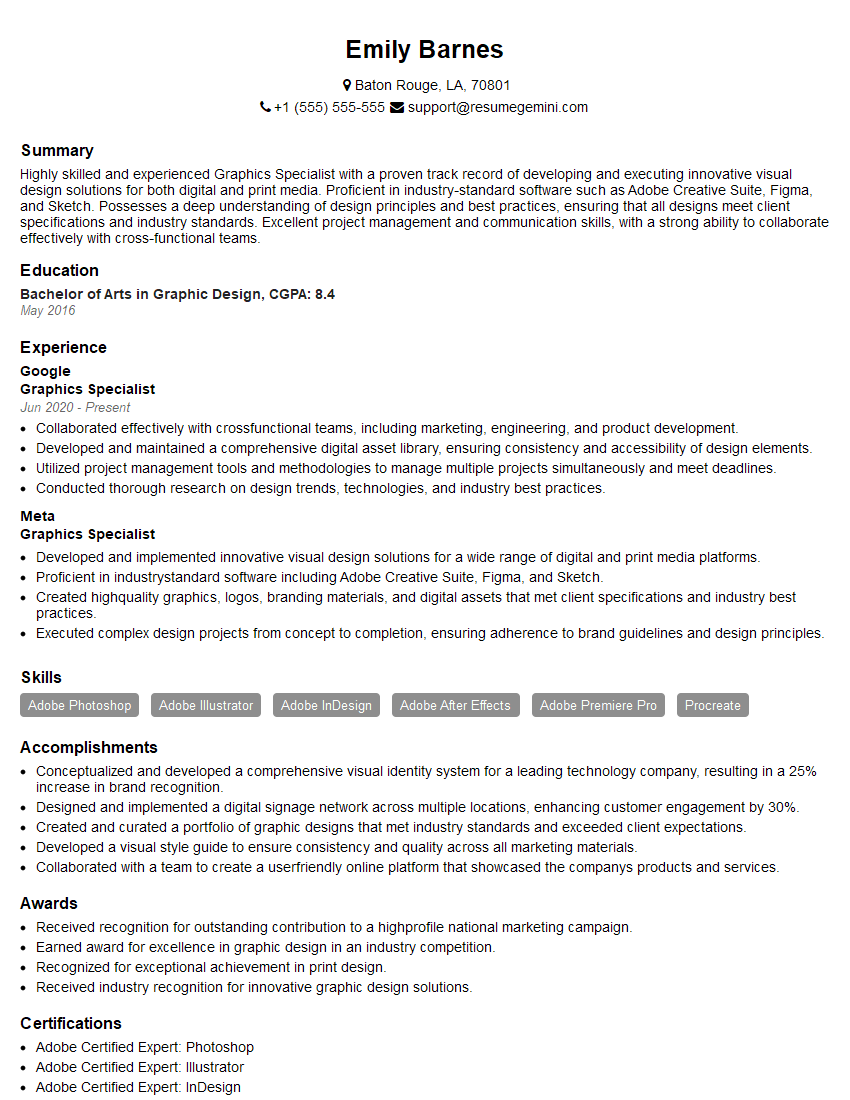
Graphics Specialist Resume Sample
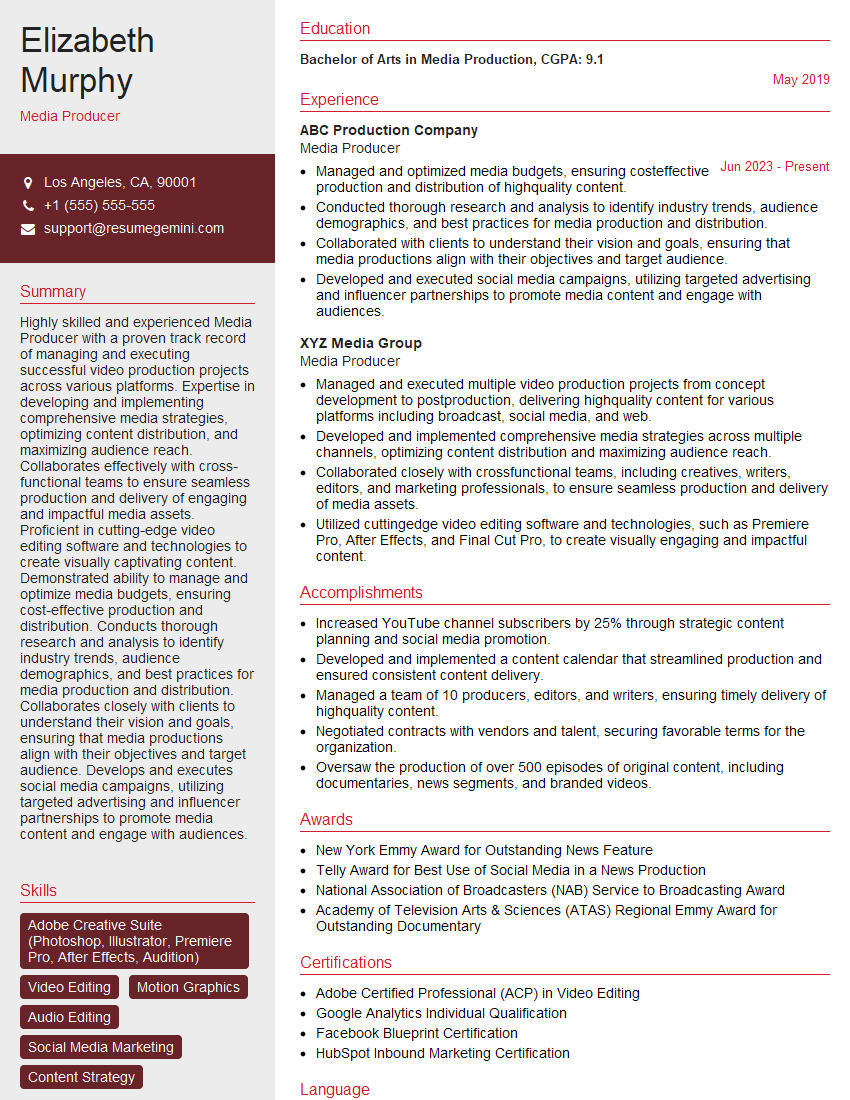
Media Producer Resume Sample
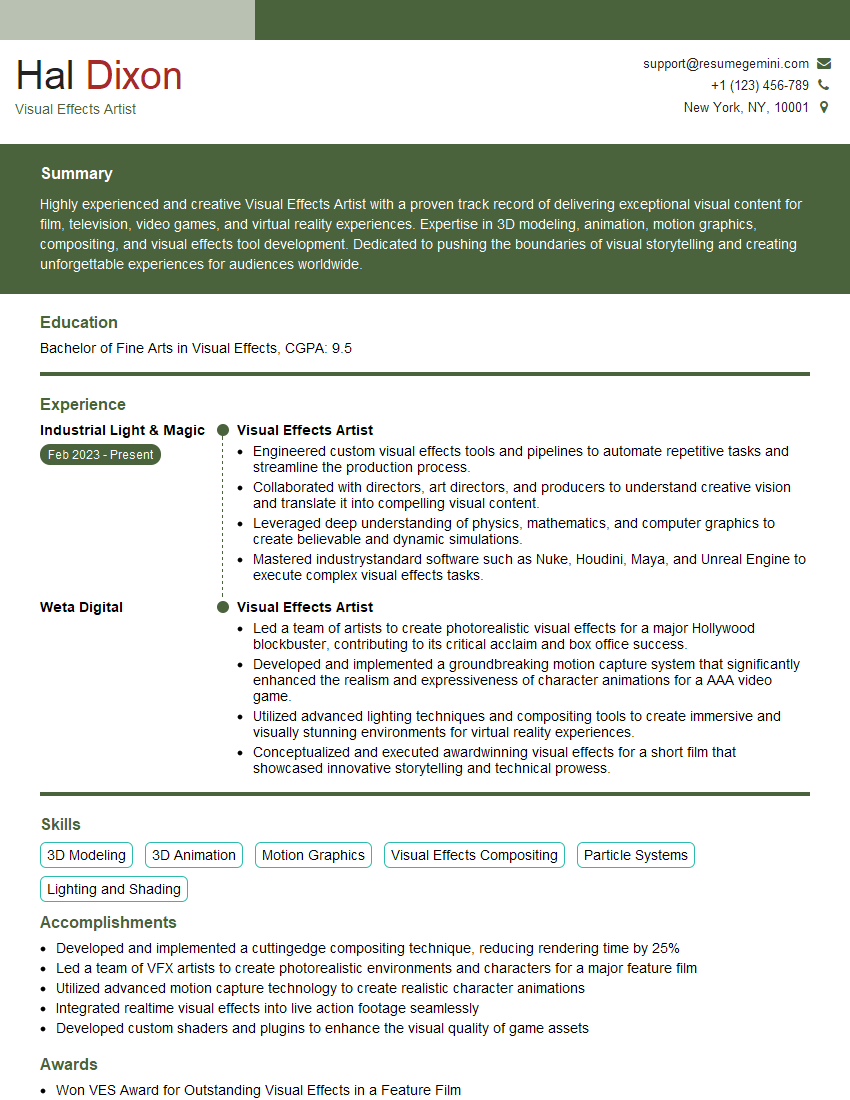
Visual Effects Artist Resume Sample

Video Editor Resume Sample
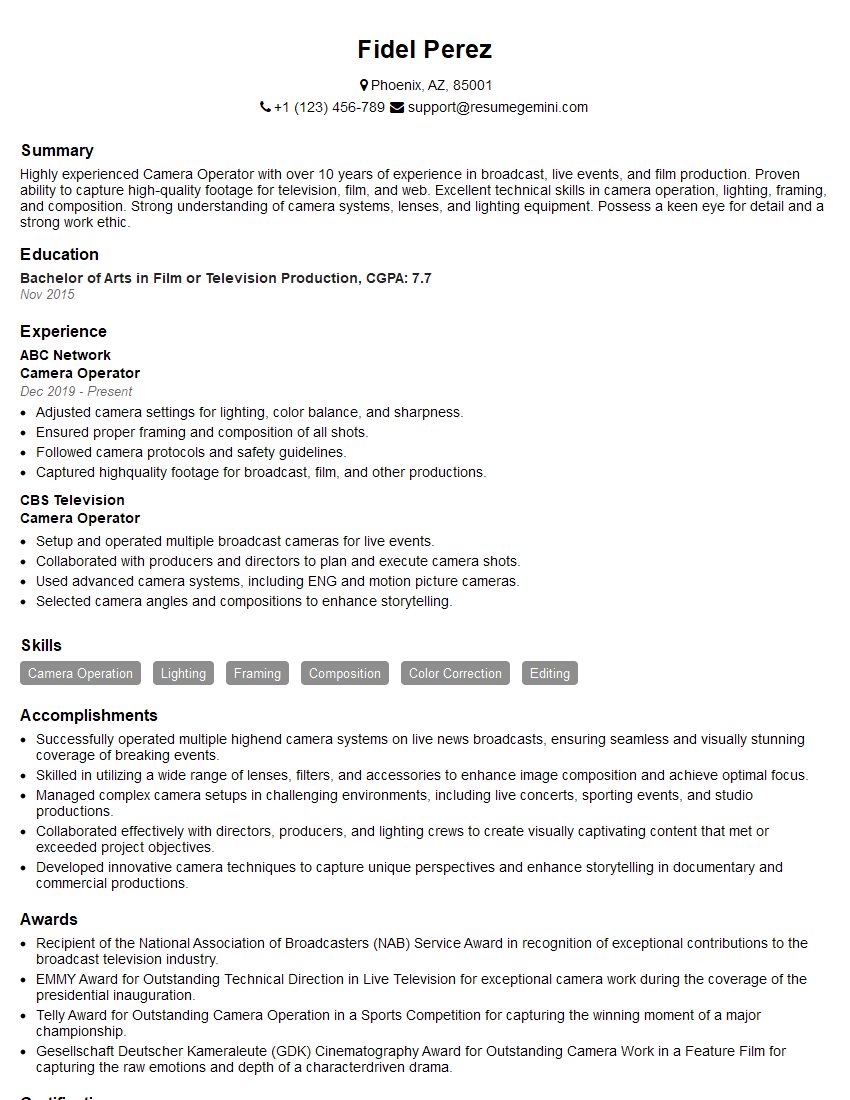
Camera Operator Resume Sample
Cinematographer Resume Sample
Film Editor Resume Sample
Imaging Specialist Resume Sample
Digital Imaging Technician Resume Sample
Explore more articles
Users Rating of Our Blogs
Share Your Experience
We value your feedback! Please rate our content and share your thoughts (optional).
What Readers Say About Our Blog
Really detailed insights and content, thank you for writing this detailed article.
IT gave me an insight and words to use and be able to think of examples