Every successful interview starts with knowing what to expect. In this blog, we’ll take you through the top MSC Nastran interview questions, breaking them down with expert tips to help you deliver impactful answers. Step into your next interview fully prepared and ready to succeed.
Questions Asked in MSC Nastran Interview
Q 1. Explain the difference between static and dynamic analysis in MSC Nastran.
In MSC Nastran, static and dynamic analyses differ fundamentally in how they treat time. Static analysis assumes loads are applied slowly and steadily, allowing the structure to reach equilibrium at each load step. Think of it like gently placing a weight on a table – the table responds without significant acceleration or vibration. The result is a steady-state displacement and stress distribution. Dynamic analysis, on the other hand, considers the effect of time-varying loads, leading to inertial effects and potentially significant vibrations. Imagine dropping the weight on the table instead – now you have impact forces, oscillations, and more complex behavior.
Practically, static analysis is used for determining stresses in structures under constant loads like a bridge under its own weight or a building under dead loads. Dynamic analysis is crucial for analyzing structures subjected to transient loads such as earthquakes, impacts, or vibrations from machinery. The choice depends entirely on the application and the nature of the loads being considered.
Q 2. Describe the various element types available in MSC Nastran and their applications.
MSC Nastran offers a wide array of element types, each suited to specific modeling needs. Some key examples include:
- CQUAD4/CTRIA3: These are quadrilateral and triangular shell elements, respectively, ideal for modeling thin-walled structures like car bodies or aircraft wings. They capture membrane and bending behavior.
- CHEXA/CPENTA/CTETRA: These are hexahedral, pentahedral, and tetrahedral solid elements, used for modeling three-dimensional solid bodies like engine blocks or chassis components. They’re excellent for capturing volumetric stress states.
- CBAR: This is a beam element, suitable for modeling slender structures like beams, columns, or shafts. It captures axial, bending, and torsional behavior. You might use this for analyzing a bridge girder or a helicopter rotor blade.
- CROD: A rod element, modeling axial behavior only. Think of a simple tension rod or a cable.
- CBEND: A beam element capturing bending behavior in two orthogonal planes. Used for simpler beam simulations.
The choice of element type significantly impacts accuracy and computational efficiency. For instance, using solid elements for thin structures can lead to excessive computational cost, while using shell elements for thick structures can compromise accuracy. Proper element selection is a critical part of a successful Nastran analysis.
Q 3. How do you handle nonlinear material properties in MSC Nastran?
Nonlinear material behavior is handled in MSC Nastran through material models that account for factors like plasticity, hyperelasticity, creep, and more. You define these properties within the material card definitions. For example, a plasticity model like von Mises plasticity would describe how the material yields and deforms permanently under stress. A hyperelastic model might be used for modeling rubber or other elastomeric materials.
MSC Nastran uses iterative solution methods to solve nonlinear problems. Because the stiffness matrix changes with deformation, the solution isn’t found directly; instead, it involves incrementally applying loads and updating the stiffness at each step. This iterative approach ensures accurate simulation of the nonlinear material response, a vital aspect when dealing with large deformations or material yielding.
The selection of appropriate nonlinear material models and the proper setting of solution parameters, like convergence criteria, are crucial for obtaining accurate and reliable results. Improper selection can lead to inaccurate results or even divergence of the solution process.
Q 4. What are the different solution methods available in MSC Nastran?
MSC Nastran offers several solution methods, each designed for specific types of analysis. Key methods include:
- Direct solution methods: These methods, such as the Gaussian elimination, are suitable for smaller problems where computational cost isn’t a major concern. They provide accurate results and are very efficient.
- Iterative solution methods: These methods, like the conjugate gradient method, are preferred for very large problems because they require less memory and computational time. They are particularly advantageous for non-linear analyses.
- Substructuring (Component Mode Synthesis): This technique divides a large model into smaller substructures, which are analyzed separately, and then combined to solve the entire structure. It’s particularly efficient for large models that have repetitive components.
- Multi-level substructuring: This is an extension of the basic substructuring method; it facilitates the solution of extremely large-scale models by recursively decomposing the structure into substructures.
The choice of solution method depends on factors like model size, analysis type, and available computational resources. Selecting the most efficient solution method is critical to ensure that the analysis completes in a reasonable timeframe.
Q 5. Explain the concept of modal analysis and its use in MSC Nastran.
Modal analysis in MSC Nastran determines the natural frequencies and mode shapes of a structure. A natural frequency is a frequency at which the structure will vibrate freely if disturbed, and a mode shape is the pattern of deformation at that frequency. Imagine plucking a guitar string – it vibrates at specific frequencies (natural frequencies) with a characteristic shape (mode shape).
Modal analysis is essential for understanding a structure’s dynamic response. It’s used to predict the resonant frequencies and the corresponding mode shapes. In design, engineers ensure that operating frequencies avoid the structure’s natural frequencies to prevent resonance, which can lead to catastrophic failure. Modal analysis helps in designing structures that are less susceptible to vibrations and dynamic instability.
The results from a modal analysis are often used in subsequent dynamic analyses such as frequency response analysis or transient response analysis. For example, a designer might conduct modal analysis of a car chassis to identify its natural frequencies and then use this information in a subsequent response analysis to determine the response of the chassis to road bumps.
Q 6. How do you define constraints and loads in MSC Nastran?
Constraints and loads are defined in MSC Nastran using various methods depending on the complexity. Constraints, which restrict the movement of certain points or degrees of freedom, are usually applied using SPC (Single-Point Constraint) cards. Loads are applied with FORCE, PRESSURE, and MOMENT cards, among others.
For example, a simple fixed boundary condition (no movement) on a node would be specified using an SPC card, while a concentrated force could be applied with a FORCE card specifying the magnitude and direction of the force vector. You could also define complex loads like pressure using pressure cards, which are particularly handy for modeling fluid flow conditions or uniform pressure across a surface.
Effective constraint and load definition is crucial for the accuracy of the simulation. Improperly defined constraints or loads can lead to inaccurate or meaningless results. Carefully consider the physics of the problem when specifying boundary conditions and load applications.
Q 7. Describe the process of meshing a complex geometry for MSC Nastran analysis.
Meshing a complex geometry for MSC Nastran analysis requires careful planning and execution. The goal is to create a mesh that accurately represents the geometry while maintaining computational efficiency. This process often involves multiple steps:
- Geometry Cleanup: First, the CAD model needs to be cleaned up, removing any inconsistencies or errors that could affect mesh quality. This might involve repairing gaps, removing unnecessary surfaces, or simplifying complex features.
- Mesh Generation: Next, a suitable meshing technique is selected based on the geometry and analysis type. Common techniques include:
- Structured meshing: Creates a regular pattern of elements, ideal for simple geometries.
- Unstructured meshing: Creates a more irregular mesh, more adaptable to complex shapes.
- Mesh Refinement: Critical areas of the model, such as areas of high stress concentration, may require a finer mesh to capture the details accurately. This is commonly achieved through mesh density control, where specific regions are assigned higher element densities.
- Mesh Quality Check: After mesh generation, the mesh quality must be checked to ensure the elements are well-shaped and do not have significant distortions (such as extremely skewed or elongated elements), which can affect the accuracy of the analysis.
Software like HyperMesh is frequently used in conjunction with MSC Nastran for pre-processing, offering sophisticated meshing capabilities. Understanding the meshing strategy significantly influences the accuracy and efficiency of the subsequent analysis. It requires a blend of software proficiency and engineering judgment.
Q 8. How do you verify the accuracy of your MSC Nastran results?
Verifying the accuracy of MSC Nastran results is crucial for ensuring the reliability of engineering designs. It’s not a single step but a multi-faceted process involving several checks and balances. Think of it like building a house – you wouldn’t just hope it stands; you’d inspect the foundation, walls, and roof.
Mesh Refinement Studies: I start by performing mesh convergence studies. This involves running the analysis with progressively finer meshes. If the results don’t change significantly as the mesh is refined, it indicates that the solution has converged, and the mesh is sufficiently fine to capture the relevant details. A sudden jump in results between mesh refinements would signal a problem.
Comparison with Analytical Solutions: Whenever possible, I compare my Nastran results with known analytical solutions for simplified versions of the problem. This gives a benchmark against which to assess the accuracy of the numerical solution. For example, for a simple cantilever beam under a point load, I can easily calculate the deflection analytically and compare it with the Nastran result.
Experimental Validation: The gold standard is comparing simulation results with experimental data. If possible, I’ll conduct physical tests on a prototype or use publicly available experimental data to validate the model. This comparison allows us to identify discrepancies and improve the model’s accuracy.
Independent Verification: Having a second engineer review the model setup, boundary conditions, and results is a valuable step. A fresh perspective can often catch errors that might be overlooked otherwise.
Result plausibility checks: I always visually inspect the deformed shapes to ensure they make physical sense. Unrealistic deformations are a clear indicator of a problem.
Q 9. Explain the concept of convergence in MSC Nastran.
Convergence in MSC Nastran refers to the process of achieving a solution that is independent of the numerical method’s parameters. Imagine you’re trying to find the peak of a mountain. You take steps, and each step gets you closer to the top. Convergence means that your steps are getting smaller and smaller, eventually reaching a point where further steps barely change your position (the solution).
In finite element analysis (FEA), convergence typically relates to mesh refinement. As the mesh gets finer (more elements), the solution should stabilize, meaning that further refinement doesn’t significantly change the results. We monitor quantities like stress, displacement, and reaction forces for convergence. If these values vary considerably with mesh refinement, it suggests the solution hasn’t converged and the mesh needs to be further refined.
Lack of convergence can be due to various factors, including an inadequate mesh, numerical instability, or incorrect boundary conditions. Achieving convergence is crucial for obtaining reliable and accurate results.
Q 10. What are some common sources of error in MSC Nastran analysis?
Common sources of errors in MSC Nastran analysis can stem from various stages of the process, from model creation to result interpretation. Addressing these potential errors is key to accurate and reliable simulations.
Modeling Errors: Incorrect geometry definition, improper element type selection (e.g., using solid elements for thin structures), and inappropriate mesh density can lead to inaccurate results. Think of building a house with inaccurate measurements – the outcome will be flawed.
Boundary Condition Errors: Incorrectly defining constraints, loads, or supports is another frequent source of error. A misrepresented support condition could significantly alter the stress distribution.
Material Property Errors: Using incorrect material properties (Young’s modulus, Poisson’s ratio, density, etc.) will lead to inaccurate results. Imagine designing a bridge with the wrong steel properties – disaster!
Solver Issues: Problems with solver settings, such as inadequate convergence criteria, can lead to inaccurate or non-converged solutions.
Numerical Errors: Round-off errors and truncation errors are inherent in numerical methods. These errors usually accumulate with increasingly complex models.
Interpretation Errors: Misinterpreting the results or drawing incorrect conclusions from the analysis is a significant human factor.
Q 11. How do you handle contact problems in MSC Nastran?
Handling contact problems in MSC Nastran requires careful consideration of several factors. Contact is when two or more parts touch and interact, transferring forces. Think of two gears meshing or a tire on the road. MSC Nastran offers several contact element types and algorithms to deal with this complexity.
Contact Element Selection: The choice of contact element depends on the type of contact (e.g., bonded, sliding, frictionless) and the geometry of the contacting surfaces. Selecting the correct element type is paramount for accuracy.
Surface Definition: Properly defining the contacting surfaces is critical. This involves accurately representing the geometry and ensuring that the surfaces are appropriately meshed to capture the contact details. An insufficiently fine mesh can lead to inaccurate contact forces.
Contact Algorithm Selection: MSC Nastran offers different contact algorithms (e.g., penalty method, Lagrange multiplier method). The choice depends on the nature of the problem and the desired accuracy. Each method has advantages and disadvantages related to solution speed and accuracy.
Friction Coefficient: Modeling friction accurately is important in many contact problems. The friction coefficient should be carefully selected based on the materials in contact.
Convergence Issues: Contact problems can be challenging to solve and often require careful adjustment of solver parameters to achieve convergence. Iterative solution methods with appropriate convergence criteria are crucial.
Q 12. Explain the difference between implicit and explicit dynamic analysis.
Implicit and explicit dynamic analyses are two distinct approaches to solving dynamic problems in MSC Nastran. They differ fundamentally in how they handle time integration.
Implicit Dynamic Analysis: Uses an implicit time integration scheme. This means that the solution at a given time step depends on the solution at the previous time step, requiring the solution of a system of equations at each time step. It’s generally more stable, allowing for larger time steps, making it efficient for lower frequency responses and quasi-static problems. Think of it as a steady and deliberate approach.
Explicit Dynamic Analysis: Employs an explicit time integration scheme. The solution at each time step is calculated directly, without solving a system of equations. This makes it computationally expensive due to smaller time step requirements. It excels at modeling high-speed impacts and events with short durations where implicit methods might struggle. It’s a more direct, but demanding approach, better suited for high-speed, short-duration events.
The choice between implicit and explicit analysis depends on the problem’s characteristics. High-speed impacts, explosions, and crash simulations generally favor explicit methods due to their ability to capture short-duration events, whereas lower-speed, longer-duration problems are better suited for implicit methods.
Q 13. Describe your experience with different MSC Nastran solvers.
My experience encompasses various MSC Nastran solvers, each tailored to specific analysis types and problem sizes. The solver selection is often a crucial decision impacting solution accuracy and efficiency. I have extensive experience with:
SOL 101 (Linear Statics): This is the workhorse for linear static analyses, used extensively for stress and deflection calculations under static loads. It’s a reliable and efficient solver for a wide range of applications.
SOL 105 (Normal Modes): Essential for determining natural frequencies and mode shapes of structures – crucial for vibration and modal analysis. It helps understand how a structure responds to dynamic excitations.
SOL 106 (Frequency Response): Used to study the response of structures to harmonic excitation, revealing resonant frequencies and amplitudes. Important for understanding fatigue life and structural stability under dynamic loads.
SOL 111 (Direct Transient Dynamics): A direct integration implicit solver commonly used for dynamic analyses involving transient loads and events of relatively longer duration.
SOL 400 (Explicit Dynamics): Used for high-velocity impact problems, crash simulations, and other situations involving very short duration, high-energy events where an explicit approach is necessary.
SOL 600 (Nonlinear): I’ve worked with this solver on problems involving nonlinear material behavior, large deformations, and contact. It’s computationally more intensive.
Choosing the correct solver is paramount for accurate and efficient simulations. Understanding the solver’s capabilities and limitations is crucial for selecting the most appropriate method for a given problem.
Q 14. How do you perform buckling analysis in MSC Nastran?
Buckling analysis in MSC Nastran determines the critical load at which a structure will buckle (suddenly and significantly deform). It is a crucial aspect of structural design, ensuring stability under compressive loads. Think of a slender column under compression – it will buckle at a certain load.
In MSC Nastran, buckling analysis is typically performed using SOL 105 (Normal Modes) in conjunction with a linear eigenvalue analysis. The process generally involves:
Model Creation: Building a detailed finite element model of the structure including geometry, material properties, and boundary conditions.
Eigenvalue Analysis: SOL 105 performs an eigenvalue analysis to find the eigenvalues (critical buckling loads) and eigenvectors (buckling modes) of the structure. The lowest eigenvalue represents the critical buckling load, at which the structure is most likely to buckle.
Mode Shape Inspection: Examining the mode shapes corresponding to the eigenvalues helps understand the buckling behavior. It provides insights into the deformation patterns during buckling.
Load Case Definition: The loading condition is crucial. It must accurately reflect the compressive loads acting on the structure.
Verification: Like other analyses, it’s important to verify results. This might involve comparison with analytical solutions (for simpler cases), mesh convergence studies, or experimental data.
Understanding buckling behavior is crucial for designing safe and reliable structures. MSC Nastran provides the necessary tools to perform these analyses, but careful model creation and result interpretation are vital for accurate assessments.
Q 15. Explain the concept of fatigue analysis and its implementation in MSC Nastran.
Fatigue analysis predicts the lifespan of a component under cyclic loading. It’s crucial in designing parts that experience repeated stress, like aircraft wings or car axles. In MSC Nastran, fatigue analysis is typically performed using the SOL 600 (or equivalent) solution sequence. This involves several steps:
- Stress Analysis: A static or dynamic analysis is first conducted to obtain stress results at critical locations.
- Stress History: The stress time-history is then generated, often from experimental data or further analysis (e.g., spectrum analysis for random vibrations).
- Fatigue Life Calculation: Nastran utilizes fatigue life prediction methods (like the S-N curve approach or strain-life methods) using material properties and stress history to calculate the number of cycles to failure. Different material models, like the Coffin-Manson equation, are incorporated to account for plastic deformation and crack initiation.
- Post-processing: The results are visualized, displaying areas prone to fatigue failure and the predicted life for the component.
For instance, I worked on a project analyzing the fatigue life of a turbine blade. We used Nastran’s fatigue solver, incorporating experimental stress data from testing to accurately predict the blade’s lifespan under operational conditions, leading to optimized designs and enhanced safety.
Career Expert Tips:
- Ace those interviews! Prepare effectively by reviewing the Top 50 Most Common Interview Questions on ResumeGemini.
- Navigate your job search with confidence! Explore a wide range of Career Tips on ResumeGemini. Learn about common challenges and recommendations to overcome them.
- Craft the perfect resume! Master the Art of Resume Writing with ResumeGemini’s guide. Showcase your unique qualifications and achievements effectively.
- Don’t miss out on holiday savings! Build your dream resume with ResumeGemini’s ATS optimized templates.
Q 16. How do you interpret the results of a modal analysis in MSC Nastran?
Modal analysis in MSC Nastran identifies the natural frequencies and mode shapes of a structure. These represent how a structure vibrates when excited at its resonant frequencies. Interpreting the results involves examining:
- Natural Frequencies (Eigenfrequencies): These indicate the frequencies at which the structure will vibrate freely. It’s crucial to ensure these frequencies don’t coincide with operational excitation frequencies to prevent resonance and potential failure.
- Mode Shapes (Eigenvectors): These illustrate the displacement pattern of the structure at each natural frequency. They reveal which parts of the structure move most significantly and in what direction. This information is critical for understanding potential vibration issues.
- Mode Participation Factors: These quantify how much each mode contributes to the overall response of the structure under dynamic loading.
For example, in a bridge design, we used modal analysis to identify the natural frequencies and mode shapes to verify that the bridge wouldn’t resonate with traffic vibrations or strong winds. Low frequencies and significant mode shapes in critical areas would have indicated design modifications needed.
Q 17. Describe your experience with post-processing results in MSC Nastran.
Post-processing in MSC Nastran is crucial for understanding simulation results. My experience involves leveraging Nastran’s visualization tools and scripting capabilities (e.g., using its GUI or tools like Patran) to effectively analyze data. This includes:
- Stress Contour Plots: Visualizing stress distributions to identify critical areas under stress.
- Displacement Plots: Observing structural deformations and identifying areas of excessive deflection.
- Animation of Mode Shapes: Animating the mode shapes to visualize how the structure vibrates at its natural frequencies.
- Data Extraction: Extracting specific numerical data from results files for further analysis or report generation.
- Scripting (e.g., using Python): Automating the post-processing process for larger datasets and improving efficiency.
In a recent project, we developed a custom Python script to automate the extraction of stress and displacement data from hundreds of Nastran result files, which drastically reduced post-processing time and improved the accuracy of the final report.
Q 18. How do you handle large-scale models in MSC Nastran?
Handling large-scale models in Nastran requires strategic approaches to minimize computational resources and time. My experience involves employing techniques such as:
- Submodeling: Focusing on areas of interest by creating smaller, detailed models of critical regions.
- Model Reduction Techniques (e.g., Guyan Reduction): Reducing the model size by eliminating less influential degrees of freedom without significantly sacrificing accuracy.
- Component Mode Synthesis (CMS): Assembling the overall model from smaller, independently analyzed components. This allows for parallel processing and efficient analysis.
- Distributed Computing: Leveraging parallel processing capabilities to distribute the computational load across multiple processors or computers.
- Advanced Solver Options: Utilizing efficient solvers optimized for large models, such as iterative solvers instead of direct solvers.
For example, when analyzing a complete aircraft model, we used submodeling to focus on the wing-body junction, a highly stressed area, using CMS to efficiently assemble the full structure’s dynamic response.
Q 19. What is your experience with Nastran’s DMAP programming?
DMAP (Direct Matrix Abstraction Program) is Nastran’s internal programming language. My experience with DMAP is primarily in customizing solution sequences to solve non-standard problems and optimizing performance. DMAP allows for direct manipulation of matrices, which can be essential for specialized analyses. This includes:
- Customizing solution sequences: Modifying existing solution sequences or creating entirely new ones for unique analysis needs.
- Implementing advanced algorithms: Incorporating algorithms not readily available in standard solution sequences.
- Optimizing performance: Improving solution efficiency by streamlining matrix operations and data handling.
- Debugging and troubleshooting: Identifying and resolving issues within the solution sequences.
For example, I developed a custom DMAP module to integrate a specific material model into the fatigue analysis process, which wasn’t directly supported in the standard Nastran options. This improved the accuracy of the fatigue predictions.
Q 20. Explain your experience with submodeling techniques in Nastran.
Submodeling in Nastran is a powerful technique for refining analysis accuracy in critical areas. This involves creating a detailed, smaller model (the submodel) of a region of interest within a larger, coarser model (the global model). The global model provides boundary conditions for the submodel, enabling a more accurate analysis of stress concentrations or other local phenomena.
The process typically involves:
- Global Model Analysis: Analyzing the larger model to obtain displacements and forces at the submodel boundary.
- Submodel Creation: Creating a highly detailed model of the region of interest.
- Submodel Boundary Conditions: Applying the displacements and forces from the global model analysis as boundary conditions for the submodel.
- Submodel Analysis: Analyzing the submodel to obtain more accurate results in the region of interest.
I’ve used submodeling to analyze stress concentrations around bolt holes in a complex component. The global model provided overall structural behavior, while the submodel allowed for an accurate assessment of stress levels around the holes, ensuring the design could withstand the expected loading.
Q 21. How do you optimize your models for computational efficiency in Nastran?
Optimizing Nastran models for computational efficiency is crucial for handling complex simulations. My strategies include:
- Mesh Refinement: Refining the mesh only in areas requiring higher accuracy, avoiding unnecessary computational cost in less critical regions.
- Element Type Selection: Choosing appropriate element types for the specific analysis (e.g., using shell elements instead of solid elements where appropriate).
- Symmetry and Constraint Application: Exploiting symmetry in the model to reduce the number of elements and degrees of freedom.
- Model Reduction Techniques: Employing techniques like Guyan reduction or component mode synthesis to decrease model size.
- Solver Selection: Choosing efficient solvers, such as iterative solvers for large models, and exploring parallel processing options.
- Data Handling: Optimizing data organization and input/output operations to reduce processing overhead.
For example, in a large assembly simulation, I reduced the computational time by 50% by employing symmetry considerations and using Guyan reduction to significantly lower the model’s degrees of freedom while maintaining acceptable accuracy. This allowed for quicker turnaround times and iterative design improvements.
Q 22. Explain the concept of multi-body dynamics and its relation to Nastran.
Multi-body dynamics (MBD) simulates the motion and interaction of interconnected rigid or flexible bodies. Think of it like building a virtual LEGO model of a complex mechanism, where each brick is a body and the connections are joints. In contrast to finite element analysis (FEA), which focuses on the deformation of a single continuous body, MBD excels at analyzing systems with many moving parts, like robotic arms, vehicles, or even the human skeletal system.
MSC Nastran, while primarily known for FEA, offers MBD capabilities through modules like MSC Adams or by integrating with it. These modules allow you to define the rigid bodies, joints (revolute, prismatic, spherical, etc.), and forces acting on the system. Nastran then solves the equations of motion to determine the position, velocity, and acceleration of each body over time. The connection between Nastran’s FEA and MBD capabilities lies in the ability to model flexible bodies within the MBD system. This is crucial when the flexibility of components significantly impacts the system’s overall dynamics.
For instance, a detailed model of a car suspension system might use FEA to analyze the stress and strain in individual suspension components (springs, dampers, control arms) and then integrate these flexible components into an MBD model to simulate the car’s ride and handling characteristics.
Q 23. How do you validate the results of your MSC Nastran simulations?
Validating MSC Nastran simulation results is paramount to ensuring accuracy and reliability. My approach is multi-faceted and relies on a combination of methods:
- Comparison with analytical solutions: For simple geometries and loading conditions, analytical solutions (e.g., beam theory, simple stress formulas) exist and provide a benchmark for comparison. Discrepancies highlight potential modeling errors or numerical issues.
- Experimental verification: Whenever possible, I correlate simulation results with experimental data obtained from physical tests. This involves careful design of experiments, precise measurement techniques, and rigorous statistical analysis to assess the agreement between the simulation and reality.
- Mesh refinement studies: I perform mesh convergence studies to ensure that the solution is independent of the mesh density. By progressively refining the mesh and observing the change in results, I can identify a mesh size that provides accurate and reliable results without unnecessary computational cost.
- Peer review and expert consultation: I regularly present my work to colleagues and experts for critical review. Their independent assessment can identify potential oversights or errors that I might have missed.
A specific example involved a pressure vessel simulation. I validated the Nastran results against a closed-form solution for hoop stress and also performed strain gauge measurements on a physical prototype. The close agreement between the analytical solution, experimental data, and the simulation results provided confidence in the model’s accuracy.
Q 24. Describe your experience working with different material models in Nastran.
I have extensive experience working with diverse material models in Nastran, ranging from simple linear elastic materials to complex nonlinear behaviors. My experience includes:
- Linear Elastic: The foundation of many analyses, suitable for materials exhibiting proportional stress-strain relationships (e.g., steel under low stress).
- Nonlinear Elastic: Accounts for material nonlinearity (e.g., hyperelasticity for rubber, plasticity for metals under high loads). This is essential when material behavior deviates significantly from linear elasticity.
- Plasticity: Models permanent deformation in materials beyond their yield strength, considering effects like work hardening and strain rate dependency. Crucial for simulating the behavior of metals subjected to significant loads.
- Viscoelasticity: Captures time-dependent material response, such as creep and relaxation. Important for polymers and other materials that exhibit time-dependent deformation.
- Composite Materials: I have experience defining composite materials using ply stacks, considering the individual properties of each layer and their orientation, to predict the overall behavior of the composite structure.
Choosing the appropriate material model is crucial for accurate simulation. For example, using a linear elastic model for a component subjected to plastic deformation would lead to inaccurate predictions of failure. A thorough understanding of the material’s behavior and the loading conditions is crucial for selecting the most appropriate model.
Q 25. What are your preferred methods for visualizing and presenting Nastran results?
Effective visualization and presentation of Nastran results are crucial for communicating findings and making informed decisions. My preferred methods include:
- MSC Nastran’s built-in post-processing tools: These tools offer powerful capabilities for visualizing stress contours, deformations, modal shapes, and other results directly within the Nastran environment.
- Third-party visualization software (e.g., HyperView, ANSYS Mechanical APDL): These packages provide more advanced features for manipulating and visualizing large datasets, creating animations, and generating high-quality images and videos for presentations and reports.
- Custom scripts and macros: To streamline the post-processing workflow and automate the generation of specific plots and reports, I often utilize custom scripts within the visualization software or directly within Nastran’s scripting capabilities.
- Clear and concise reporting: I always present the results in a clear and concise manner, including tables, charts, and images that effectively convey the key findings and their implications.
For example, in a project involving a complex aerospace component, I used HyperView to create animations of the component’s deformation under various loading conditions, effectively communicating the dynamic behavior to the engineering team.
Q 26. How do you troubleshoot errors and convergence issues in MSC Nastran?
Troubleshooting errors and convergence issues in MSC Nastran requires a systematic approach. My strategy typically involves:
- Careful review of the input file: Thoroughly checking the model geometry, material properties, boundary conditions, and loads for any inconsistencies or errors.
- Mesh refinement: As mentioned earlier, refining the mesh can often resolve convergence problems by reducing element distortion and improving the accuracy of the solution.
- Checking element type compatibility: Ensuring that the chosen element types are appropriate for the specific problem and material model.
- Adjusting solver parameters: Experimenting with different solver settings, such as convergence criteria, solution method, and iterative strategies, can improve convergence.
- Using diagnostic tools: Nastran provides diagnostic tools that can help identify areas of the model with high stress concentrations, element distortions, or other potential problems.
- Simplifying the model: In complex cases, simplifying the model by removing non-essential details or reducing model size can sometimes improve convergence and make the analysis more manageable.
I recall a project involving a highly nonlinear model where convergence issues were encountered. By carefully analyzing the diagnostic messages, I identified elements with excessive distortion and refined the mesh in those areas, successfully resolving the convergence problem and obtaining reliable results.
Q 27. Explain your experience with Nastran’s different input formats (e.g., .bdf, .dat).
MSC Nastran supports several input formats, each with its strengths and weaknesses. I’m proficient in:
- .bdf (Bulk Data File): The primary input format, using a keyword-based system to define the model’s geometry, material properties, boundary conditions, and loads. It’s powerful and flexible but can be verbose.
- .dat (Database File): A more concise format used for storing model data. It’s often used for transferring model information between different programs or for simplifying complex model definitions.
- GUI-based input: Several pre- and post-processors allow for graphical model creation and modification, simplifying model building for complex geometries. These GUI tools often generate .bdf or .dat files as the final input for the Nastran solver.
The choice of input format depends on the project’s complexity and the available tools. For simple models, a GUI might suffice, but for larger, more complex projects, the flexibility of the .bdf format is essential. I am comfortable working with all three, selecting the most suitable approach based on project requirements.
Q 28. Describe a challenging MSC Nastran project you worked on and how you overcame the challenges.
One particularly challenging project involved the dynamic analysis of a large-scale offshore wind turbine under extreme environmental conditions (high winds, wave loads). The challenges included:
- Model size and complexity: The model encompassed the entire turbine, including the tower, nacelle, blades, and foundation, resulting in a large number of degrees of freedom and computational demands.
- Nonlinearity: The analysis had to account for geometric nonlinearity due to large displacements and material nonlinearity in the composite blades.
- Environmental loads: Modeling the complex interaction between the turbine and the environment (wind, waves) required sophisticated methods to generate realistic loads.
To overcome these challenges, I employed several strategies:
- Model reduction techniques: I used model reduction techniques to reduce the model’s size and computational cost while maintaining accuracy. This allowed for efficient analysis of the complex dynamic response.
- Submodeling: I divided the model into substructures, analyzing individual components separately and then integrating their responses to analyze the overall system behavior.
- Advanced solver options: I explored and utilized advanced solver options within Nastran to handle the nonlinearity and ensure solution convergence.
- High-performance computing (HPC): The large-scale analysis required the use of HPC resources to reduce computational time.
Through careful planning, rigorous analysis, and the application of advanced techniques, the project successfully delivered accurate predictions of the turbine’s dynamic response, leading to informed design decisions and improved reliability.
Key Topics to Learn for Your MSC Nastran Interview
- Finite Element Analysis (FEA) Fundamentals: Understand the core principles of FEA, including meshing techniques, element types, and boundary conditions. Be prepared to discuss the strengths and weaknesses of different element types in various applications.
- MSC Nastran Solver Theory: Gain a solid grasp of the underlying solution algorithms used by MSC Nastran. This includes understanding the direct and iterative solvers and their respective advantages and disadvantages.
- Static and Dynamic Analysis: Master the application of MSC Nastran to solve both static (e.g., stress analysis under load) and dynamic (e.g., modal analysis, frequency response, transient response) problems. Be able to explain the theoretical basis for each type of analysis.
- Linear and Nonlinear Analysis: Differentiate between linear and nonlinear analysis and understand the situations where each is appropriate. Be prepared to discuss material nonlinearities, geometric nonlinearities, and contact analysis within the context of MSC Nastran.
- Pre- and Post-Processing Techniques: Develop proficiency in using pre-processing tools to create and refine finite element models, and post-processing tools to visualize and interpret results. This includes understanding mesh quality and its impact on accuracy.
- Practical Applications and Case Studies: Familiarize yourself with real-world applications of MSC Nastran across various industries (e.g., aerospace, automotive, manufacturing). Be ready to discuss specific examples and problem-solving approaches.
- Advanced Topics (Optional): Depending on the seniority of the role, you may want to explore topics like optimization techniques, fatigue analysis, and advanced nonlinear analyses (e.g., large deformation analysis, plasticity).
Next Steps
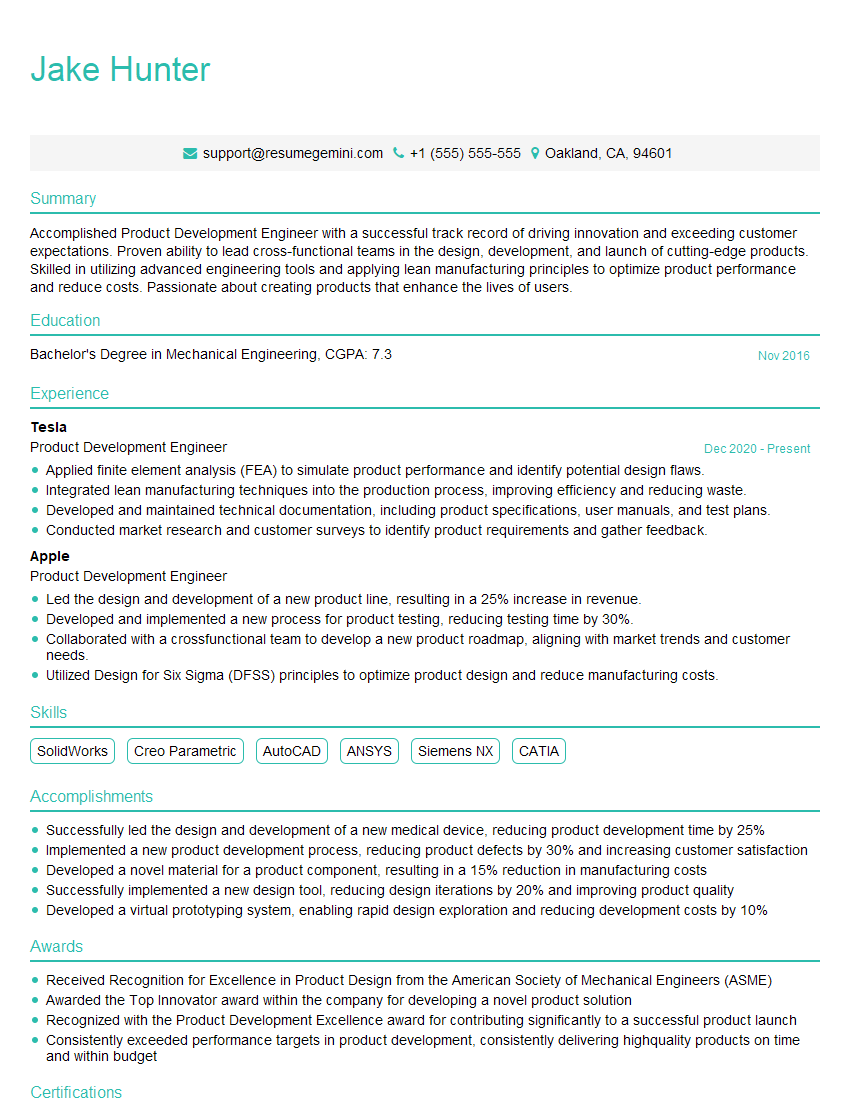
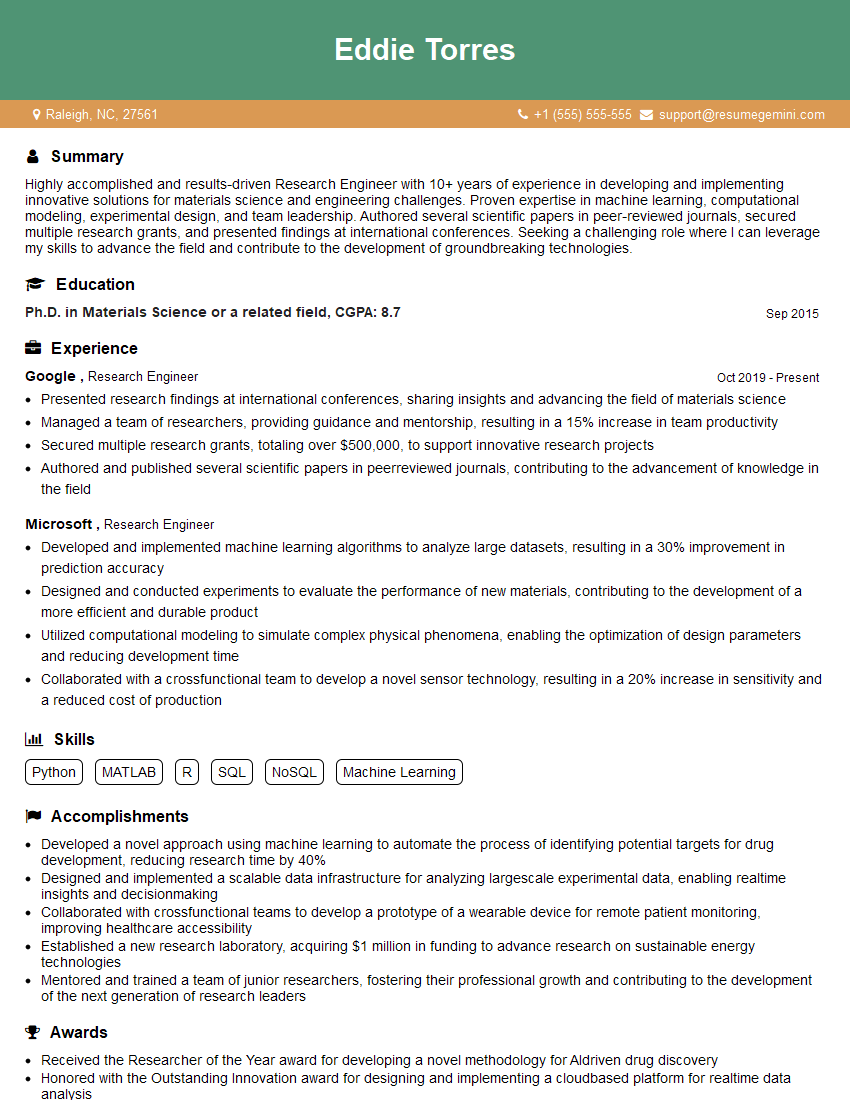
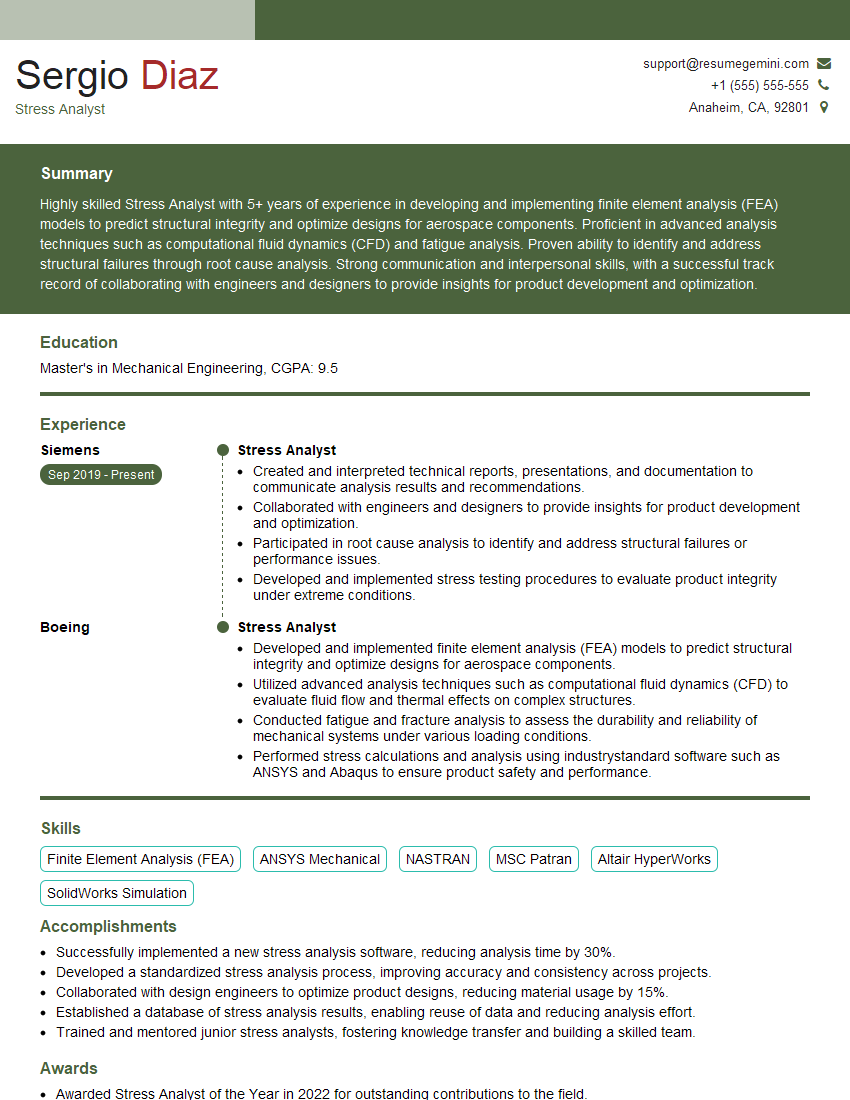
Mastering MSC Nastran opens doors to exciting career opportunities in engineering and analysis. Demonstrating your expertise effectively is crucial. To maximize your chances, focus on creating a strong, ATS-friendly resume that highlights your skills and experience. ResumeGemini is a trusted resource that can help you build a professional resume tailored to the specific requirements of MSC Nastran-related roles. Examples of resumes optimized for MSC Nastran positions are available to guide you. Investing time in crafting a compelling resume significantly increases your chances of landing your dream job.


Explore more articles
Users Rating of Our Blogs
Share Your Experience
We value your feedback! Please rate our content and share your thoughts (optional).
What Readers Say About Our Blog
Really detailed insights and content, thank you for writing this detailed article.
IT gave me an insight and words to use and be able to think of examples