The right preparation can turn an interview into an opportunity to showcase your expertise. This guide to Passion for art and design interview questions is your ultimate resource, providing key insights and tips to help you ace your responses and stand out as a top candidate.
Questions Asked in Passion for art and design Interview
Q 1. Describe your design process from concept to completion.
My design process is iterative and highly collaborative, focusing on understanding the core problem before jumping into aesthetics. It typically follows these phases:
- Understanding the Brief: I begin by thoroughly understanding the project’s goals, target audience, and any constraints (budget, timeframe, technical limitations). This often involves client meetings and detailed discussions to ensure a shared vision.
- Research & Ideation: This phase involves extensive research—analyzing competitors, exploring similar projects, and conducting user research if necessary. I then brainstorm and sketch various concepts, exploring different visual styles and approaches. Mood boards are a crucial tool during this stage, helping to visualize the overall aesthetic.
- Concept Development & Refinement: I select the most promising concepts and refine them through sketching, digital mockups, and prototyping. This phase involves iterative feedback loops, ensuring the design is both aesthetically pleasing and functionally effective.
- Design Implementation: Once the design is finalized, I move into the implementation phase, using appropriate software (discussed later) to create high-fidelity visuals and assets. This involves attention to detail, ensuring consistency across all elements.
- Testing & Iteration: Prior to launch, thorough testing (usability testing if applicable) is crucial. Feedback gathered during testing informs further refinements, ensuring the final product meets its objectives.
- Finalization & Delivery: The final phase involves preparing all the necessary assets for the client, including high-resolution images, source files, and any relevant documentation.
For example, in designing a website for a local artist, I started by interviewing the artist to understand their style, target audience (art collectors vs. general public), and the overall message they wanted to convey. This informed my research into current website trends in the art world and the development of a unique aesthetic that accurately represented their work.
Q 2. Explain your experience with Adobe Creative Suite (Photoshop, Illustrator, InDesign).
I have extensive experience with the Adobe Creative Suite, particularly Photoshop, Illustrator, and InDesign. My proficiency spans from basic image manipulation and vector illustration to complex page layouts and branding materials.
- Photoshop: I use Photoshop extensively for image retouching, photo manipulation, creating digital paintings, and preparing assets for web and print. I am proficient in techniques such as masking, layering, and color correction, and I frequently use smart objects for non-destructive editing.
- Illustrator: Illustrator is my go-to tool for vector graphics, creating logos, icons, illustrations, and scalable assets. I am familiar with various drawing tools, path manipulation techniques, and the use of color palettes to maintain design consistency. I often use Illustrator to create scalable vector graphics (SVGs) for web applications.
- InDesign: InDesign is essential for creating professional layouts for publications like brochures, magazines, and books. I utilize InDesign’s features for master pages, text formatting, image placement, and the creation of interactive documents.
For example, I recently used Photoshop to retouch product photos for an e-commerce website, Illustrator to design the brand logo, and InDesign to create a visually appealing catalog. My mastery of these tools ensures a streamlined and efficient workflow, resulting in high-quality outputs.
Q 3. How do you stay current with design trends and technologies?
Staying current in the rapidly evolving world of design is crucial. I employ a multi-pronged approach:
- Industry Publications and Blogs: I regularly follow prominent design blogs, magazines (both print and online), and publications such as AIGA Eye on Design and It’s Nice That to keep abreast of current trends and best practices.
- Online Communities and Social Media: Platforms like Behance, Dribbble, and Instagram provide valuable insights into the work of other designers, fostering inspiration and learning. I actively engage in relevant online communities and participate in discussions.
- Conferences and Workshops: Attending design conferences and workshops is a great way to network with peers and learn from industry leaders. These events often showcase cutting-edge technologies and design trends.
- Experimentation and Personal Projects: I dedicate time to personal projects, experimenting with new software, techniques, and styles. This fosters creativity and helps me stay ahead of the curve.
- Online Courses and Tutorials: Platforms like Skillshare, Udemy, and LinkedIn Learning offer a wealth of courses covering various aspects of design. I regularly supplement my knowledge by taking relevant courses.
For instance, recently I completed a course on motion graphics, which allowed me to incorporate animation into some of my design projects, enhancing the user experience.
Q 4. What are your preferred design software and why?
While I’m proficient in various software, my preferred design software are the Adobe Creative Suite applications (Photoshop, Illustrator, and InDesign) because of their industry-standard status, extensive feature sets, and seamless integration.
However, depending on the specific project requirements, I also utilize other tools: Figma for collaborative UI/UX design and prototyping, and After Effects for motion graphics and animation.
My choice of software is driven by functionality and efficiency. The Adobe Suite’s robust capabilities allow me to handle diverse projects seamlessly, from initial conceptualization to final delivery. The versatility of these programs is unparalleled in my experience.
Q 5. Describe a project where you had to overcome a significant design challenge.
In a recent project involving designing a website for a non-profit organization, we faced a significant challenge: the client had a very limited budget and required a high level of interactivity, which often translates into increased development costs.
To overcome this, I focused on efficient design solutions. I leveraged free and open-source tools for some aspects of the project and prioritized the use of modular design components to streamline the development process. Instead of complex custom animations, I explored using clever CSS transitions and micro-interactions to create an engaging user experience without the high cost of custom animations. The result was a visually appealing and interactive website delivered within the client’s budget constraints, exceeding their expectations.
Q 6. How do you handle constructive criticism on your work?
I view constructive criticism as an invaluable opportunity for growth. I welcome feedback as a chance to refine my work and improve my skills. My approach involves:
- Active Listening: I listen carefully to the feedback, avoiding immediate defensiveness. I try to understand the critic’s perspective and the reasons behind their comments.
- Seeking Clarification: If I’m unclear about a particular critique, I ask clarifying questions to ensure I fully understand the concerns.
- Objective Evaluation: I objectively assess the validity of the feedback, considering its impact on the overall design goals. Not all criticism is equally relevant.
- Implementation and Iteration: I incorporate valid criticism into my design process, making necessary adjustments and iterating until I achieve a better outcome.
- Gratitude and Professionalism: I express gratitude for the feedback, regardless of whether I implement all suggestions. Maintaining a professional attitude is crucial.
I believe that constructive criticism is essential for producing high-quality designs, and I actively seek it out throughout my process.
Q 7. How do you incorporate user feedback into your design process?
User feedback is paramount to creating successful designs. I integrate user feedback into my process in several ways:
- Usability Testing: I conduct usability testing throughout the design process, observing users as they interact with prototypes and gathering feedback on their experience.
- Surveys and Questionnaires: Surveys and questionnaires are effective tools for gathering quantitative and qualitative data about user preferences and opinions. This can include feedback on specific design elements or the overall user experience.
- A/B Testing: A/B testing allows me to compare different design variations to see which performs better. This helps make data-driven design decisions.
- Feedback Forms and Direct Communication: Providing feedback forms or channels for direct communication enables users to provide feedback in real-time, offering immediate insights.
- Iterative Design: Based on the collected user feedback, I iterate on the designs, making adjustments to address concerns and improve the overall user experience. This is a cyclical process that continues until the design meets the needs of the users effectively.
For example, in a recent redesign of a mobile app, user testing revealed that the navigation was confusing for many users. Based on this feedback, we redesigned the navigation structure, making it simpler and more intuitive. The result was a significant increase in user satisfaction and engagement.
Q 8. Explain your understanding of color theory and typography.
Color theory is the foundational understanding of how colors interact and affect each other, influencing mood, perception, and visual hierarchy. It encompasses concepts like the color wheel (primary, secondary, tertiary colors), color harmonies (complementary, analogous, triadic), and color temperature (warm vs. cool). Typography, on the other hand, focuses on the art and technique of arranging type to make written language legible, readable, and appealing. This involves choosing appropriate fonts, adjusting font sizes, line heights (leading), tracking (letter spacing), and kerning (space between individual letter pairs) to create a balanced and harmonious visual composition.
For example, using complementary colors like blue and orange can create a vibrant and energetic feel, while analogous colors like blues and greens evoke a sense of calm and serenity. In typography, a serif font might be suitable for body text due to its readability, while a sans-serif font might be better for headlines due to its clean and modern aesthetic. Understanding both is crucial; color choices heavily influence the perceived message and mood, while typography ensures that the message is easily read and understood.
In a recent project designing a website for a sustainable fashion brand, I used a palette of calming greens and blues, creating a sense of tranquility and connection with nature. The typography incorporated a clean sans-serif font for headlines, highlighting the brand’s modern approach, and a slightly more traditional serif for body text to ensure high readability.
Q 9. Describe your experience with user interface (UI) design principles.
My UI design experience centers on creating visually appealing and intuitive interfaces. This involves a deep understanding of usability principles such as clear visual hierarchy, consistent design patterns, and effective feedback mechanisms. I strive for interfaces that are not only aesthetically pleasing but also easy to navigate and use. Key principles I utilize include:
- Visual Hierarchy: Guiding the user’s eye through the interface using size, color, contrast, and whitespace to highlight important elements.
- Consistency: Maintaining consistent design elements, such as button styles, typography, and spacing, throughout the interface to ensure a unified and predictable user experience.
- Feedback Mechanisms: Providing clear visual and auditory feedback to user actions, such as button presses or form submissions, to build trust and understanding.
- Accessibility: Designing for users with disabilities by following accessibility guidelines (WCAG).
For instance, in a recent project designing a mobile app, I utilized a clear visual hierarchy by placing the most important action buttons prominently on the screen. Consistent button styles and spacing further improved the user experience, making navigation intuitive and enjoyable.
Q 10. Describe your experience with user experience (UX) design principles.
UX design focuses on understanding user needs and behaviors to create seamless and satisfying user experiences. My approach involves conducting thorough user research, creating user personas, developing user flows, and prototyping interfaces to test and iterate on designs. Central to my UX design process is:
- User Research: Gathering data about user behaviors, needs, and pain points through user interviews, surveys, and usability testing.
- Information Architecture: Organizing and structuring content in a way that is intuitive and easy for users to find what they need.
- User Flows: Mapping out the steps a user takes to complete a task within the interface.
- Prototyping: Creating interactive prototypes to test and iterate on designs.
For example, while designing a e-commerce website, I conducted user interviews to understand user frustrations with the existing checkout process. This led to the design of a simplified, streamlined checkout flow, significantly reducing cart abandonment rates.
Q 11. How do you balance aesthetic appeal with functionality in your designs?
Balancing aesthetic appeal with functionality is a core principle in my design philosophy. It’s not a trade-off, but a synergy. A beautiful design that’s unusable is ultimately a failure, and a functional design that’s unattractive is unlikely to engage users. I achieve this balance through:
- Iterative Design: Starting with a functional prototype and iteratively refining both the aesthetics and usability.
- User Testing: Regularly testing designs with real users to identify areas where functionality and aesthetics can be improved.
- Prioritization: Prioritizing essential functions and ensuring they are presented clearly and intuitively, even within a visually engaging design.
Think of a well-designed Swiss Army knife: it’s both aesthetically pleasing with its sleek design and highly functional due to its multiple tools, all seamlessly integrated. My designs strive for a similar level of elegance and practicality.
Q 12. What is your approach to creating a visually appealing and user-friendly website?
Creating a visually appealing and user-friendly website involves a holistic approach that encompasses both UI and UX principles. I start by understanding the client’s goals, target audience, and brand identity. Then, I:
- Define the Website’s Purpose: Clearly outlining the website’s goals and how it will serve the users.
- Conduct User Research: Understanding user needs and behaviors through surveys, interviews, and competitor analysis.
- Develop Information Architecture: Structuring content in a logical and easy-to-navigate way.
- Design the User Interface: Creating a visually appealing and intuitive interface that is consistent with the brand identity.
- Develop and Test Prototypes: Creating interactive prototypes to test and iterate on designs.
- Implement the Design: Working with developers to bring the design to life.
For example, in creating a website for a local bakery, I prioritized high-quality images of their products, easy navigation to their menu and ordering system, and a warm, inviting color palette that matched their brand image. This resulted in a user-friendly and engaging online presence that effectively showcased their business.
Q 13. How do you ensure accessibility in your designs?
Accessibility is paramount in my design process. I ensure that my designs are usable by people with disabilities by following Web Content Accessibility Guidelines (WCAG). This involves:
- Sufficient Color Contrast: Ensuring enough contrast between text and background colors to improve readability for users with visual impairments.
- Alternative Text for Images: Providing descriptive alternative text for images so that screen readers can convey their meaning to users who are blind or visually impaired.
- Keyboard Navigation: Ensuring that all interactive elements can be accessed using only a keyboard.
- Captions and Transcripts: Providing captions for videos and transcripts for audio content to support users who are deaf or hard of hearing.
I use tools and techniques like color contrast checkers and screen reader simulations to thoroughly test for accessibility issues during and after the design process. Ignoring accessibility not only excludes a significant portion of the population, but also limits the potential reach and impact of any design.
Q 14. Describe your experience with branding and logo design.
My experience in branding and logo design involves creating visual identities that communicate a company’s values, mission, and personality. I approach each project by deeply understanding the client’s brand, their target audience, and their competitive landscape. My process includes:
- Brand Research: Thoroughly researching the client’s brand, target audience, and competitive landscape.
- Concept Development: Brainstorming and sketching numerous logo concepts.
- Logo Refinement: Refining the chosen concept, experimenting with typography and color palettes.
- Brand Guidelines: Creating a comprehensive set of brand guidelines that dictate how the logo and brand elements should be used.
For example, when designing a logo for a tech startup, I opted for a modern and minimalist design using a bold sans-serif font and a vibrant color palette to convey their innovative and energetic nature. The resulting brand identity was cohesive, memorable, and effectively communicated their core values.
Q 15. How familiar are you with different design styles (e.g., minimalist, modern, vintage)?
My familiarity with various design styles is extensive. I’ve worked extensively with minimalist design, focusing on clean lines, open space, and a limited color palette; a style particularly effective for conveying sophistication and clarity. Modern design, with its emphasis on functionality and innovative use of materials and technology, is another area of expertise. I’ve incorporated this style in projects requiring a sleek, contemporary feel. Finally, vintage design, which involves incorporating retro elements and aesthetics, presents unique challenges in balancing nostalgia with modern usability. I’ve successfully incorporated vintage styles by carefully selecting authentic elements and subtly updating them for modern contexts.
- Minimalist: Think of Apple product design – simple, clean, and functional.
- Modern: Consider contemporary architecture – bold lines, open spaces, and innovative materials.
- Vintage: Imagine a retro-themed restaurant – using elements like exposed brick, Edison bulbs, and mid-century furniture, but with updated lighting and comfortable seating.
Career Expert Tips:
- Ace those interviews! Prepare effectively by reviewing the Top 50 Most Common Interview Questions on ResumeGemini.
- Navigate your job search with confidence! Explore a wide range of Career Tips on ResumeGemini. Learn about common challenges and recommendations to overcome them.
- Craft the perfect resume! Master the Art of Resume Writing with ResumeGemini’s guide. Showcase your unique qualifications and achievements effectively.
- Don’t miss out on holiday savings! Build your dream resume with ResumeGemini’s ATS optimized templates.
Q 16. Explain your approach to designing for different screen sizes and devices (responsive design).
Responsive design is crucial for creating seamless user experiences across all devices. My approach begins with understanding the target audience and their various devices. I leverage a mobile-first approach, starting with the smallest screen size and gradually scaling up, ensuring functionality and aesthetic appeal remain consistent. This process involves using flexible grids, flexible images, and media queries in CSS.
For example, on smaller screens, I might use a single column layout, while larger screens could support a two- or three-column layout. Images are optimized to resize without losing quality. Media queries in CSS allow for different styles to be applied based on screen size, orientation, and device capabilities.
/* Example Media Query */
@media (max-width: 768px) {
  .container {
    width: 90%;
  }
}
Thorough testing on different devices and browsers is crucial to ensure the site works flawlessly across different platforms.
Q 17. Describe a time you had to compromise on a design decision. Why?
In a recent project designing a website for a local artist, I had to compromise on a specific design element – the artist’s preference for a very vibrant, almost overwhelming color scheme. My initial design proposal incorporated a more muted palette that reflected the overall mood and themes of the artist’s work. However, the client felt it was too subdued and lacked the ‘pop’ they were aiming for.
After a discussion, we reached a compromise. I integrated their preferred vibrant color scheme but used it selectively as accent colors, allowing for the majority of the design to maintain a more balanced and calming aesthetic. This balance preserved the visual harmony of the site while incorporating the client’s desired vibrancy.
The compromise ensured client satisfaction while upholding design principles. It reinforced the importance of collaboration and understanding the client’s vision, even when it challenges initial design choices.
Q 18. How do you manage your time and prioritize tasks effectively in a fast-paced environment?
Time management in a fast-paced environment requires a structured approach. I utilize project management tools like Trello or Asana to track tasks, set deadlines, and visually represent project progress. I break down large projects into smaller, manageable tasks, prioritizing them based on urgency and importance using methods like the Eisenhower Matrix (urgent/important). This allows for focused work and prevents feeling overwhelmed.
Regular time blocking helps allocate specific time slots for different tasks. For instance, I might dedicate mornings to focused design work and afternoons to client communication and revisions. I also take short breaks throughout the day to avoid burnout and maintain productivity.
Q 19. What are your strengths and weaknesses as a designer?
My strengths lie in my creative problem-solving skills, a keen eye for detail, and a strong ability to translate complex ideas into visually appealing and functional designs. I’m proficient in various design software and thrive in collaborative environments.
A potential area for improvement is my delegation skills. While I’m comfortable working independently, I’m actively working on becoming more proficient at delegating tasks effectively within a team setting to optimize workflow and leverage team members’ strengths.
Q 20. How do you handle design projects with tight deadlines?
Tight deadlines necessitate a clear and efficient workflow. I begin by thoroughly understanding the project scope, establishing realistic timelines, and breaking down the work into smaller, manageable components. Prioritization is key, focusing on the critical elements first. Communication with the client is essential throughout the process to manage expectations and ensure the final product aligns with their vision.
Utilizing design templates, stock assets where appropriate, and streamlining the design process can significantly reduce the overall time investment without compromising quality. If absolutely necessary, I may explore options like outsourcing specific tasks to trusted partners to meet deadlines.
Q 21. Describe your experience working collaboratively within a design team.
I’ve had extensive experience collaborating within design teams, working effectively with developers, writers, and other designers. Open communication and active listening are essential to ensure alignment on project goals and a smooth workflow. I thrive in collaborative brainstorming sessions, where diverse perspectives can lead to innovative solutions. Constructive feedback is crucial – I both give and receive it respectfully, viewing it as an opportunity for growth and improvement.
Using collaborative design tools like Figma or Adobe XD allows real-time feedback and shared workspaces, promoting efficient teamwork and project transparency. This approach allows for seamless collaboration and contributes to higher quality design outcomes.
Q 22. How do you present your work to clients or stakeholders?
Presenting my work is a crucial aspect of my design process. I tailor my approach to the client and the project’s specifics. For instance, with a large corporation, I’d likely start with a formal presentation deck, incorporating data visualizations to show the impact of design choices. This deck might include high-fidelity mockups, user flow diagrams, and data demonstrating improvements in user experience or key performance indicators (KPIs). I always lead with a clear narrative explaining the design rationale and how it addresses the client’s needs. On the other hand, with a smaller, more creative agency, I may opt for a more collaborative workshop-style presentation, encouraging immediate feedback and discussion. This often involves prototypes and interactive exercises, allowing for a more fluid and interactive exploration of design choices.
Regardless of the audience, I prioritize clarity and visual storytelling. I use visuals to communicate complex ideas simply and effectively. I always make sure the client understands not just the ‘what’ but also the ‘why’ behind each design decision.
Q 23. What are some of your favorite design inspirations?
My design inspirations are incredibly diverse, drawing from many sources. I find immense inspiration in the Art Nouveau movement, admiring its elegant lines and organic forms, like the work of Alphonse Mucha. The bold geometry and innovative materials of Bauhaus architecture and design also resonate deeply with me. Beyond historical movements, I’m consistently inspired by nature – the intricate patterns in a seashell, the dynamic energy of a flowing river, the subtle gradients in a sunset. I often use these natural forms as a starting point for abstract patterns or design elements. Finally, contemporary artists and designers like Stefan Sagmeister, known for his experimental typography and playful approach to communication, constantly inspire me to push creative boundaries and experiment with innovative techniques.
Q 24. How do you incorporate user research into your design process?
User research is the cornerstone of my design process. It’s not an afterthought, but rather an integral part of every stage. I begin with thorough user research through various methods such as user interviews, surveys, and usability testing. This helps me understand user needs, behaviors, and pain points. For example, before designing a new e-commerce website, I would conduct user interviews to understand their online shopping habits, frustrations, and expectations. This data informs design decisions such as navigation structure, layout, and the overall user experience. I often create user personas to represent different user segments, ensuring I’m designing for a diverse audience. I use this research to create user journeys and storyboards which visually map out the user’s interaction with the product or service, identifying potential pain points along the way. The feedback gathered throughout the process helps me iterate and refine the design, ultimately leading to a more user-centered and effective product.
Q 25. What are your thoughts on the future of art and design?
The future of art and design is incredibly exciting and dynamic. I foresee a continued convergence of physical and digital realms. We’ll see more immersive experiences through augmented and virtual reality, blurring the lines between the real and the digital. AI will likely play a larger role, assisting designers with tasks like generating design options and refining details. However, I don’t believe AI will replace human designers; instead, it will empower them, allowing for greater creativity and efficiency. Sustainability will be a driving force, pushing designers to consider the environmental impact of their work and utilize eco-friendly materials and processes. Personalization and user experience will remain paramount, with designers focusing on creating bespoke experiences tailored to individual needs and preferences.
Q 26. Describe your experience with design systems and component libraries.
I have extensive experience working with design systems and component libraries. I find them essential for maintaining consistency and efficiency across projects, particularly in large-scale applications. A well-defined design system ensures that all design elements – from buttons and typography to spacing and color palettes – are standardized and reusable. This results in a more cohesive and professional user experience, and significantly reduces design and development time. I’m proficient in using various tools to manage design systems, and I’m comfortable working with both pre-existing systems and building new ones from the ground up. For example, I’ve used tools like Figma and Adobe XD to create and manage design systems, leveraging their features for component creation, version control, and style guides. The key benefit is the scalability and maintainability – making it easier to manage large projects and ensure consistency over time.
Q 27. How do you measure the success of your design projects?
Measuring the success of design projects goes beyond aesthetics. I use a multifaceted approach, combining qualitative and quantitative data. Quantitative metrics might include website traffic, conversion rates, user engagement data, or sales figures. For example, if designing a landing page, increased conversion rates would be a key indicator of success. Qualitative data comes from user feedback, surveys, and usability testing. This helps determine whether the design is intuitive, user-friendly, and achieves the intended goals. I might use user interviews to understand how effectively the design communicates its message or solves user problems. Ultimately, success is measured by achieving the project’s specific goals – whether it’s improving user engagement, boosting sales, or enhancing brand recognition. A holistic approach combining both quantitative and qualitative data provides a comprehensive understanding of the project’s impact.
Q 28. How do you stay inspired and motivated as a designer?
Staying inspired and motivated as a designer requires a conscious effort. I constantly seek out new sources of inspiration, attending conferences, workshops, and online courses. I actively follow leading designers and artists on social media and subscribe to relevant design publications. Exploring new technologies and tools keeps me engaged and informed about industry trends. Taking time to step away from the screen and engage in other creative pursuits, like painting or photography, helps me refresh my perspective and sparks new ideas. Collaborating with other designers and creative professionals fosters creativity and provides valuable feedback. Finally, focusing on projects that align with my values and passions keeps me intrinsically motivated and driven to create meaningful work.
Key Topics to Learn for a Passion for Art and Design Interview
- Design Principles: Understanding fundamental principles like composition, balance, contrast, and hierarchy. Explore how these principles translate into practical design solutions.
- Design Software Proficiency: Demonstrate your skills in relevant software such as Adobe Creative Suite (Photoshop, Illustrator, InDesign), Figma, Sketch, or other industry-standard tools. Be prepared to discuss your workflow and problem-solving within these programs.
- Design Thinking & Process: Articulate your understanding of the design thinking process, including research, ideation, prototyping, testing, and iteration. Showcase your ability to approach design challenges systematically.
- Visual Communication & Storytelling: Explain how you use design to effectively communicate ideas and narratives. Provide examples of how you’ve used visual elements to create impactful and engaging designs.
- Art History & Influences: Discuss your knowledge of art history and its impact on contemporary design. Show how you draw inspiration from various artistic movements and styles.
- Typography & Layout: Explain your understanding of typography and its role in creating effective layouts. Discuss your choices regarding fonts, spacing, and readability.
- Branding & Identity: Demonstrate your understanding of branding principles and how to create a cohesive brand identity. Be prepared to discuss case studies or personal projects.
- Color Theory & Palette Selection: Explain your knowledge of color theory and how you use color to evoke specific emotions and create visual harmony.
- User Experience (UX) & User Interface (UI) Design (if applicable): If the role involves UX/UI, be prepared to discuss user-centered design principles, usability testing, and information architecture.
- Portfolio Presentation: Practice articulating your design process and rationale behind your creative choices when presenting your portfolio. Be prepared to discuss both successes and challenges.
Next Steps
Mastering the principles of art and design is crucial for career advancement in this dynamic field. A strong portfolio is essential, but equally important is a compelling resume that highlights your skills and experience effectively. An ATS-friendly resume significantly increases your chances of getting your application noticed by recruiters. Use ResumeGemini to build a professional and impactful resume that showcases your unique talents and experience in art and design. ResumeGemini provides examples of resumes tailored to this specific field, helping you craft a document that stands out from the competition.

Art Director Resume Sample

Creative Director Resume Sample

Web Designer Resume Sample

Game Designer Resume Sample
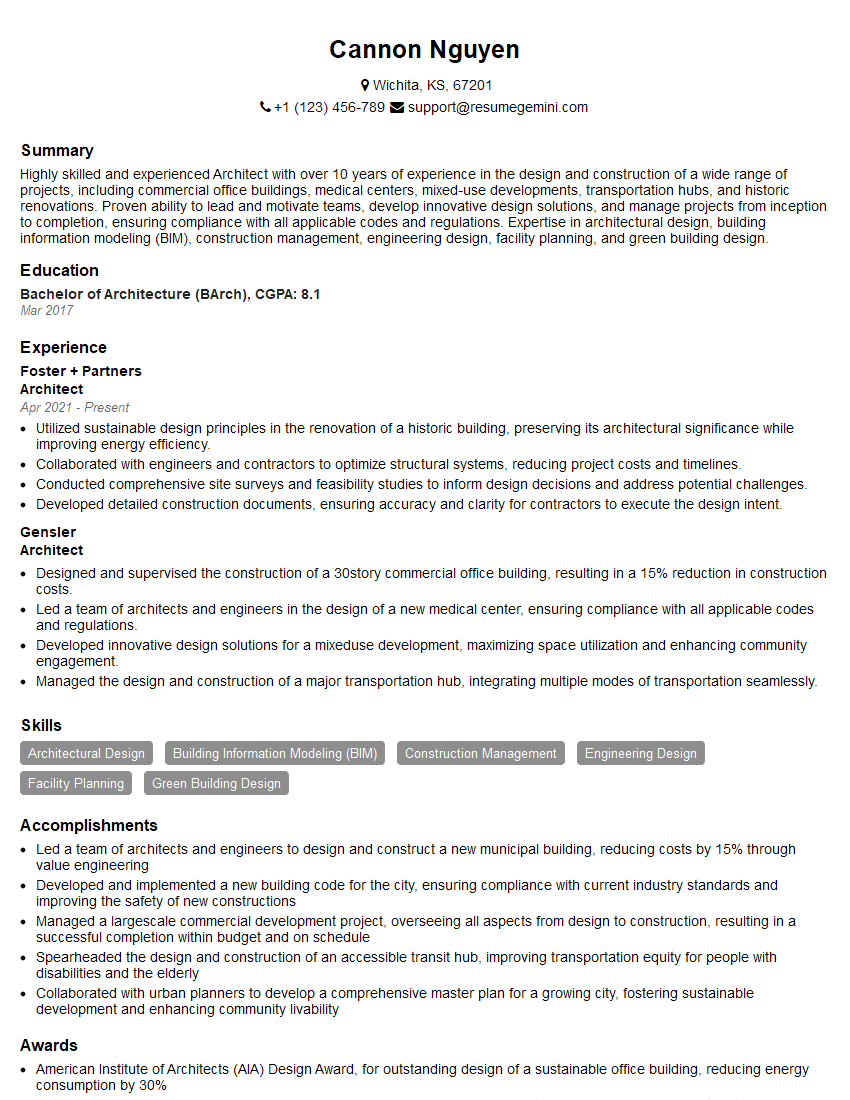
Architect Resume Sample
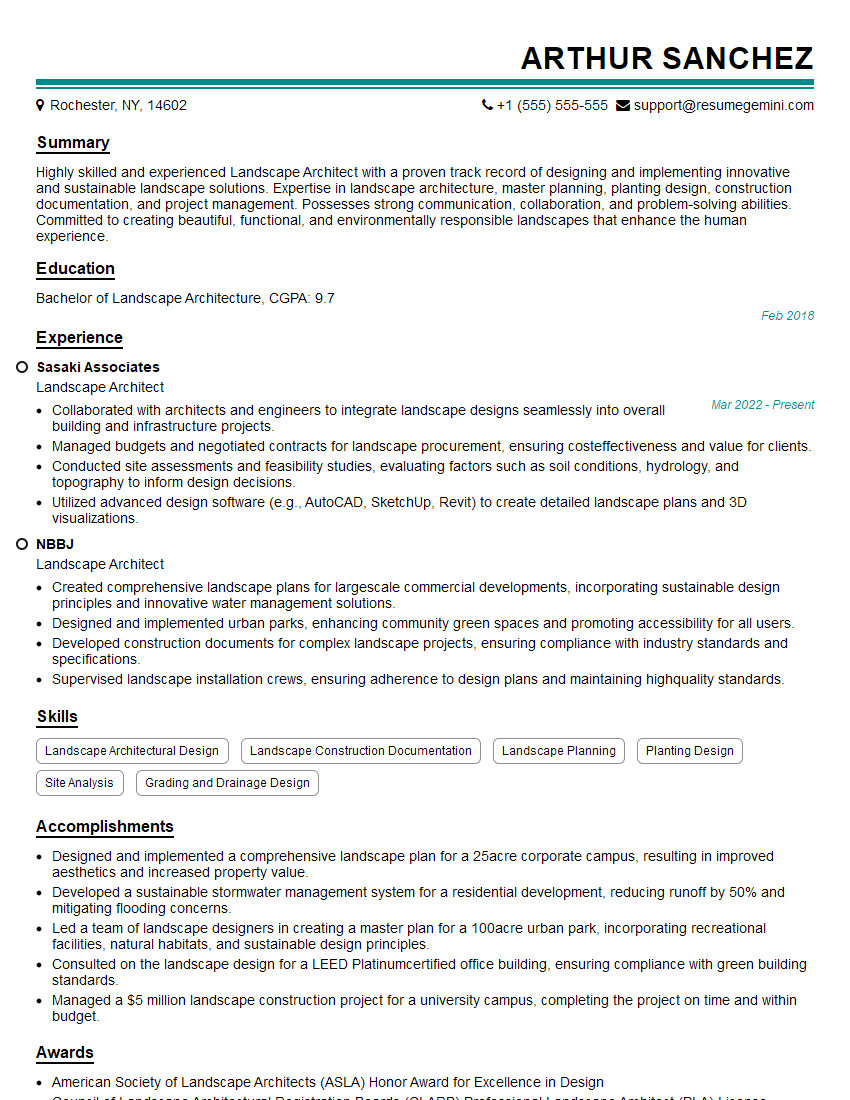
Landscape Architect Resume Sample

Product Designer Resume Sample
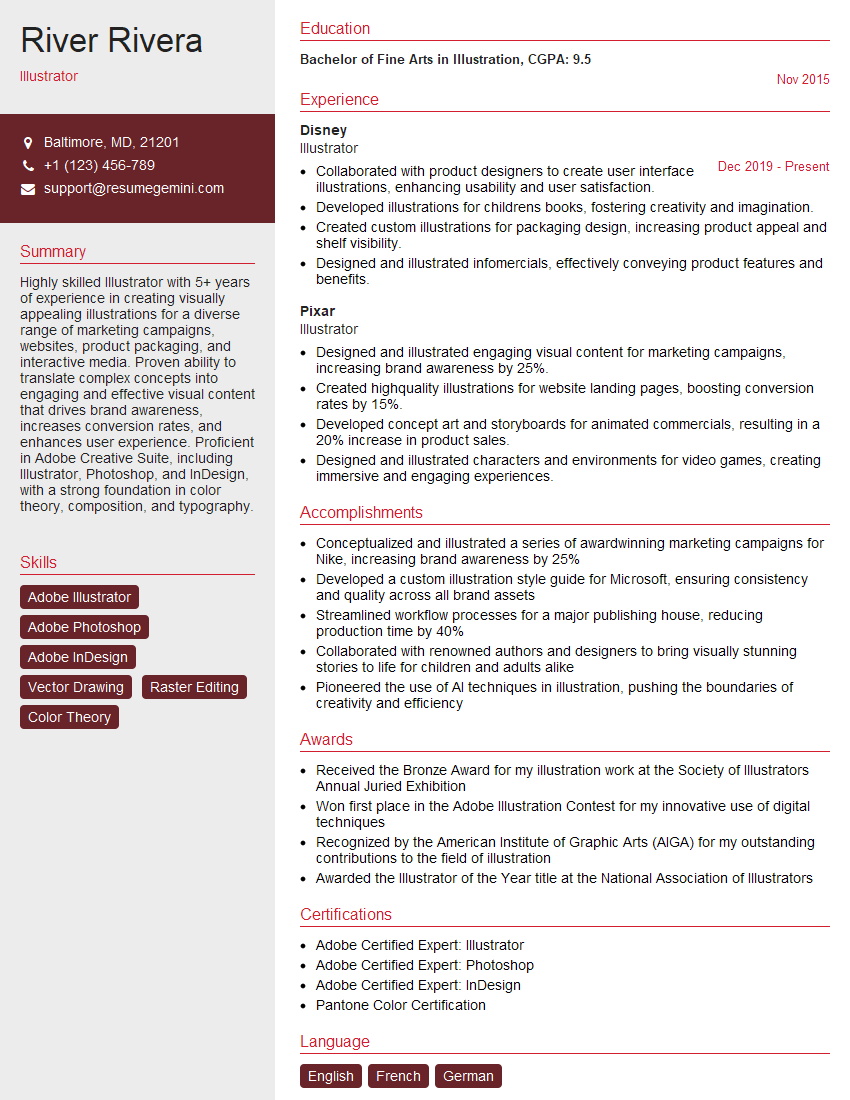
Illustrator Resume Sample
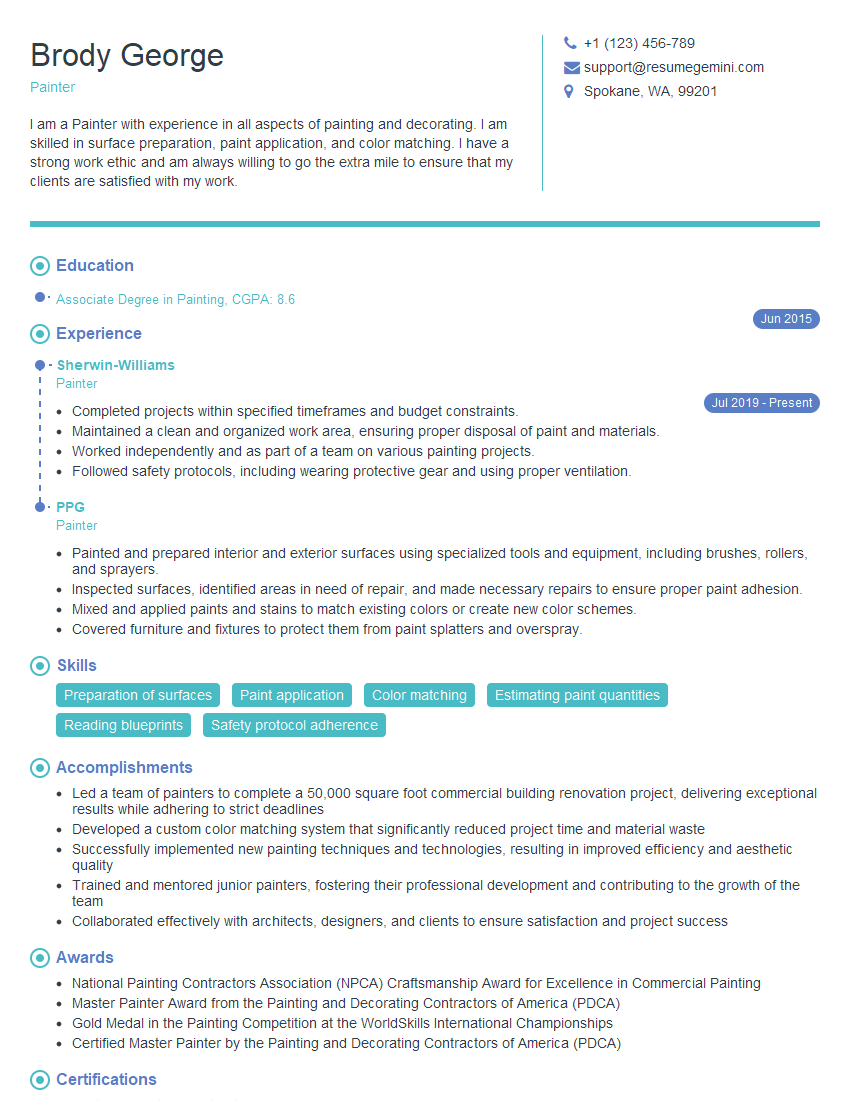
Painter Resume Sample
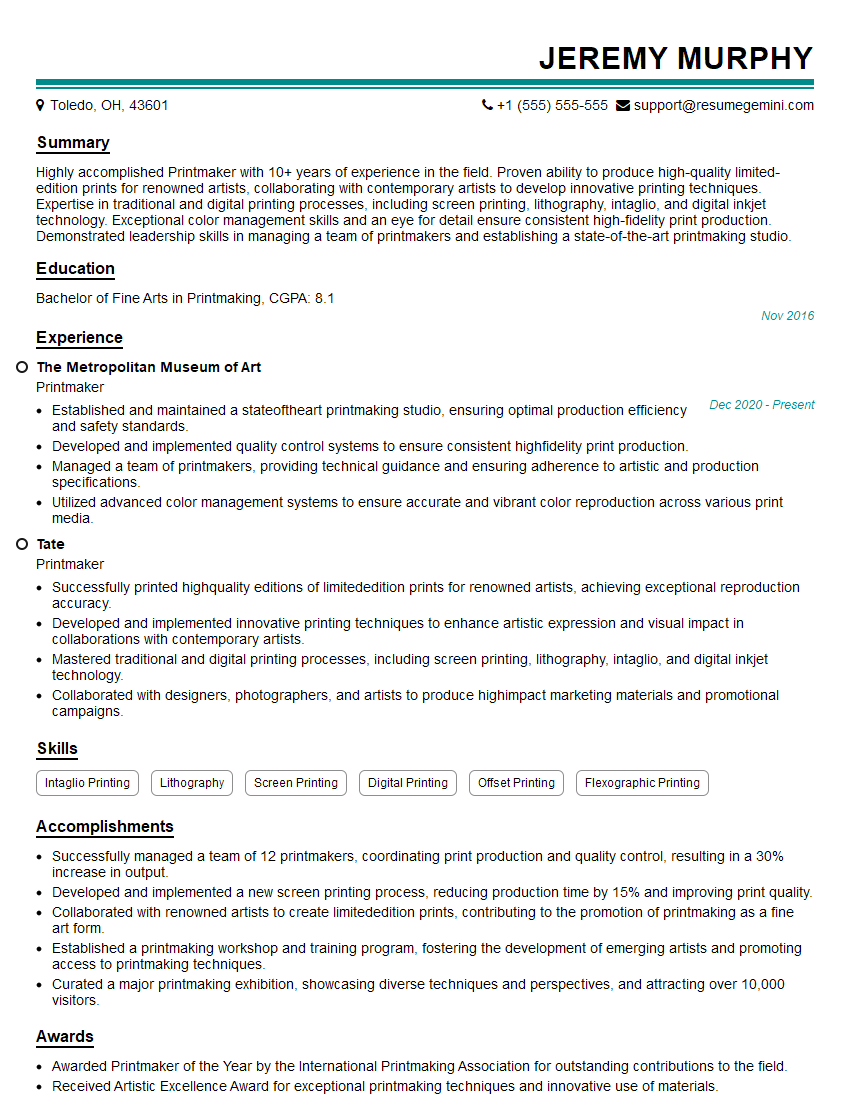
Printmaker Resume Sample
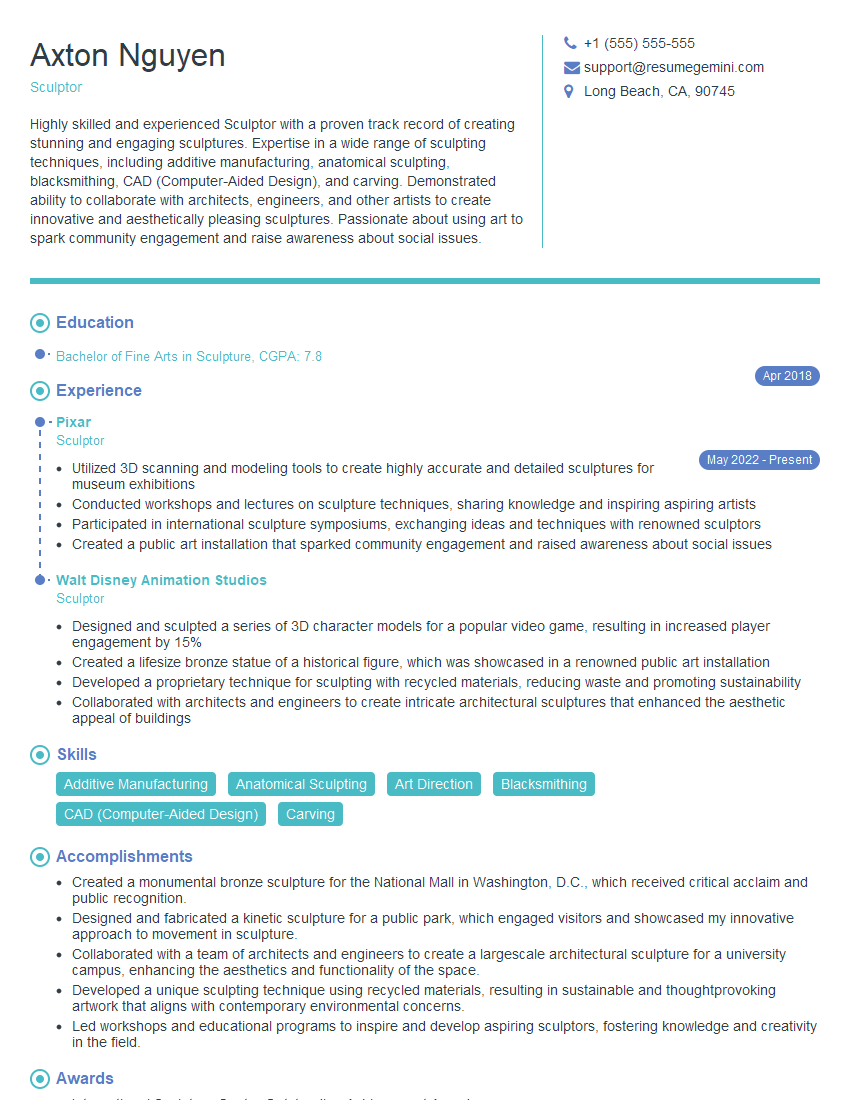
Sculptor Resume Sample

Animator Resume Sample

Graphic Designer Resume Sample
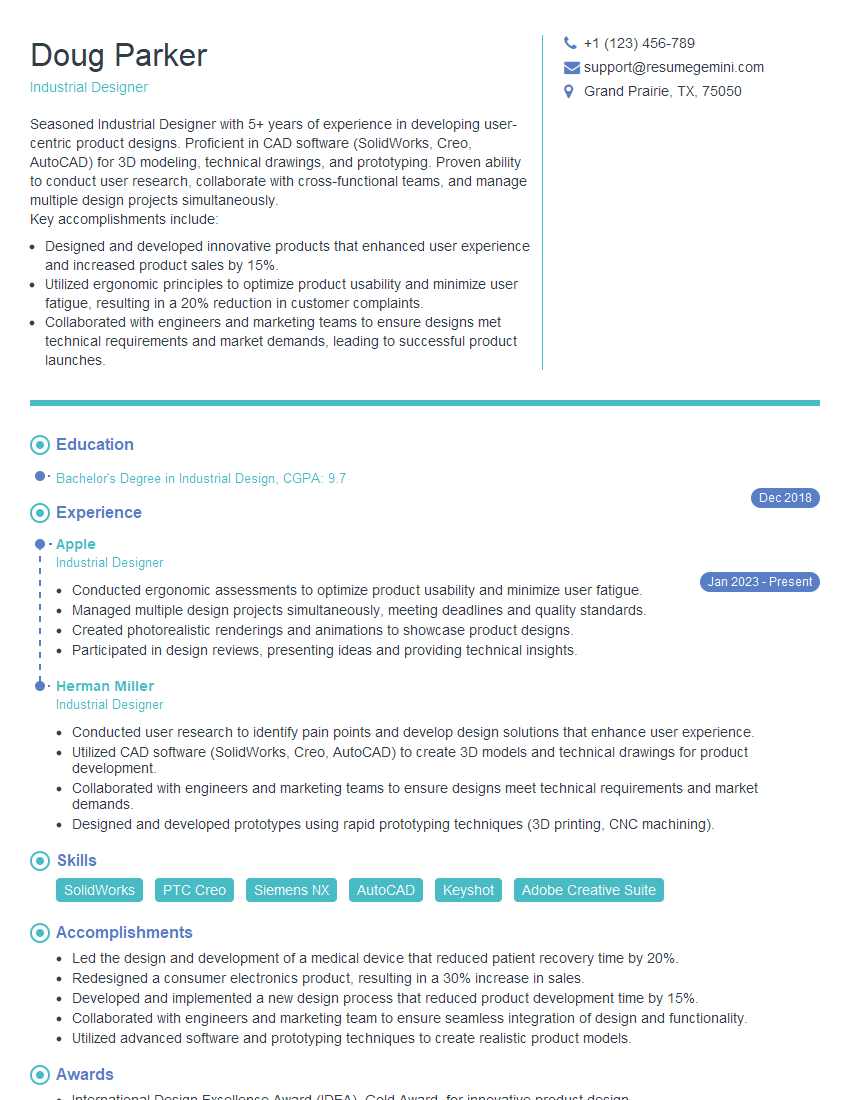
Industrial Designer Resume Sample
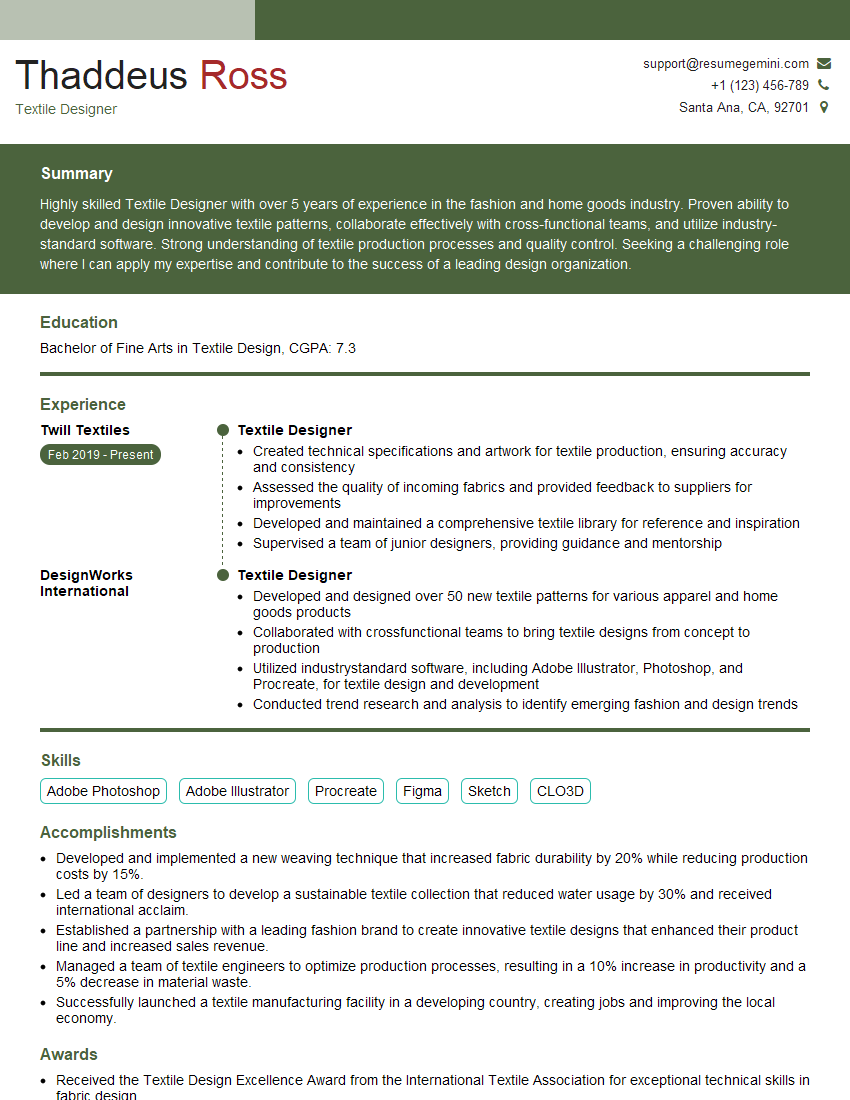
Textile Designer Resume Sample
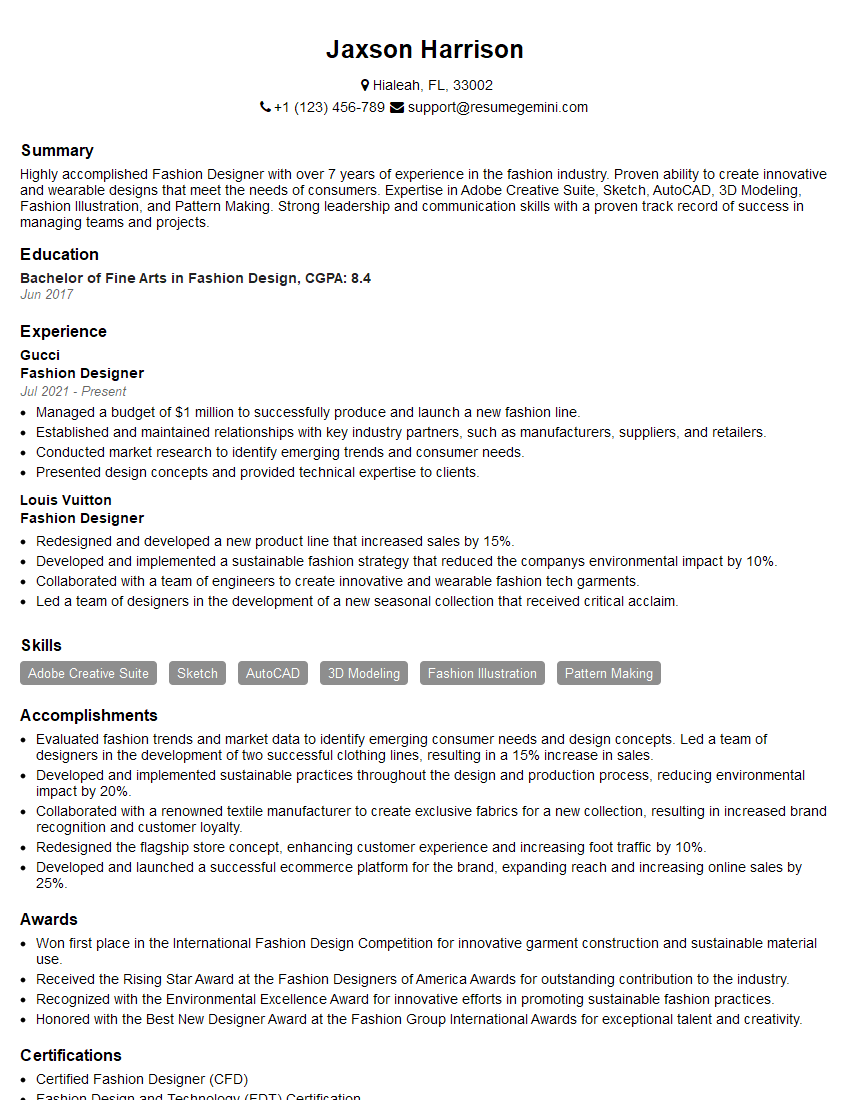
Fashion Designer Resume Sample
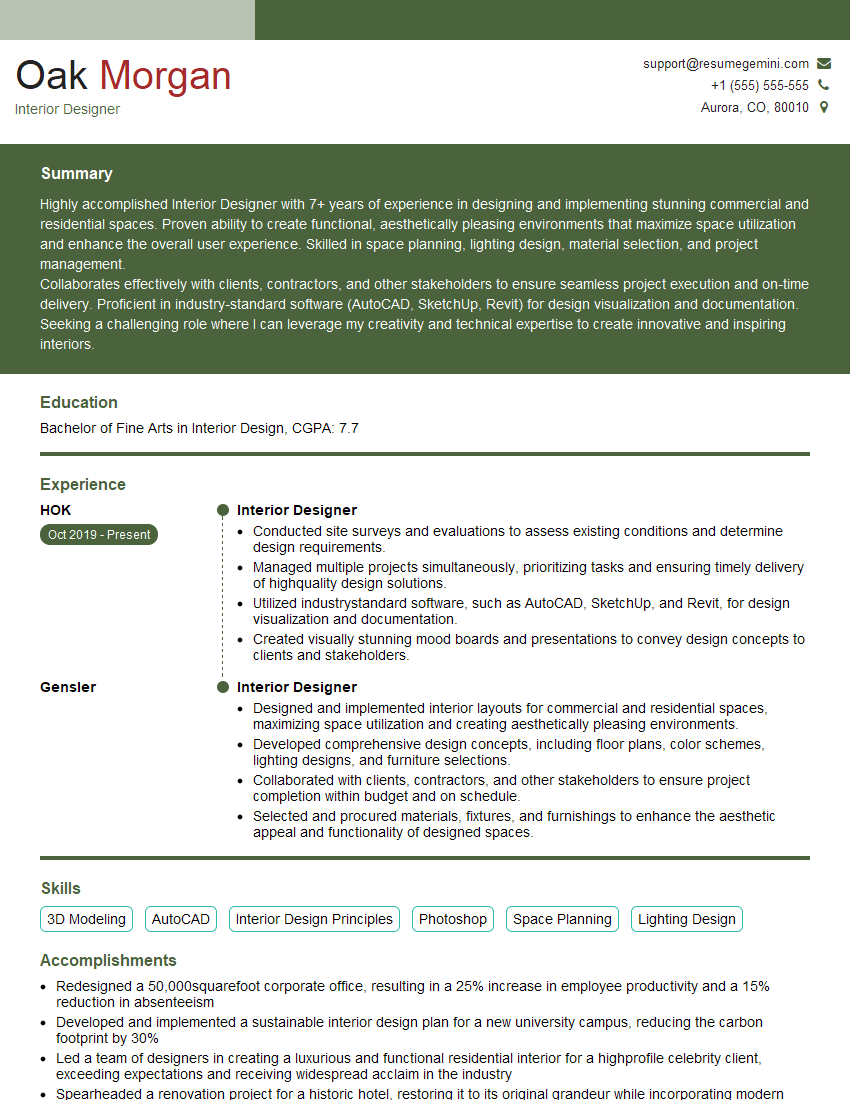
Interior Designer Resume Sample
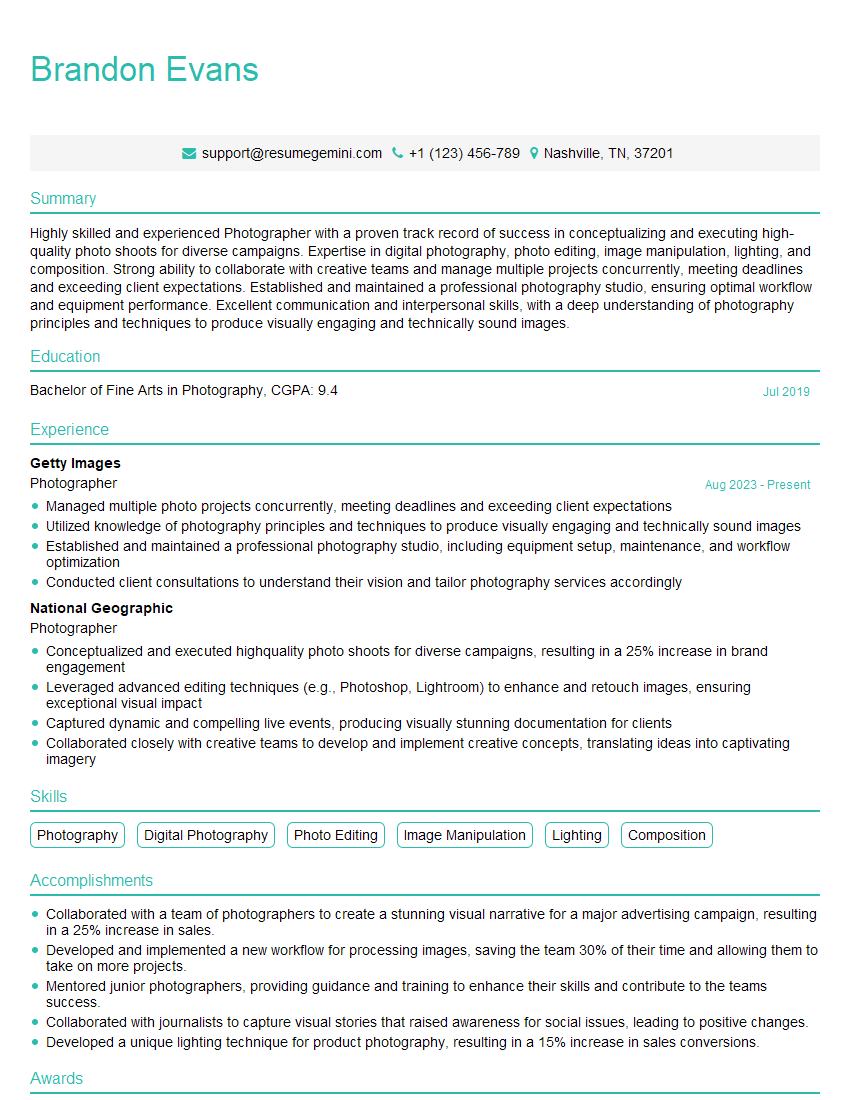
Photographer Resume Sample
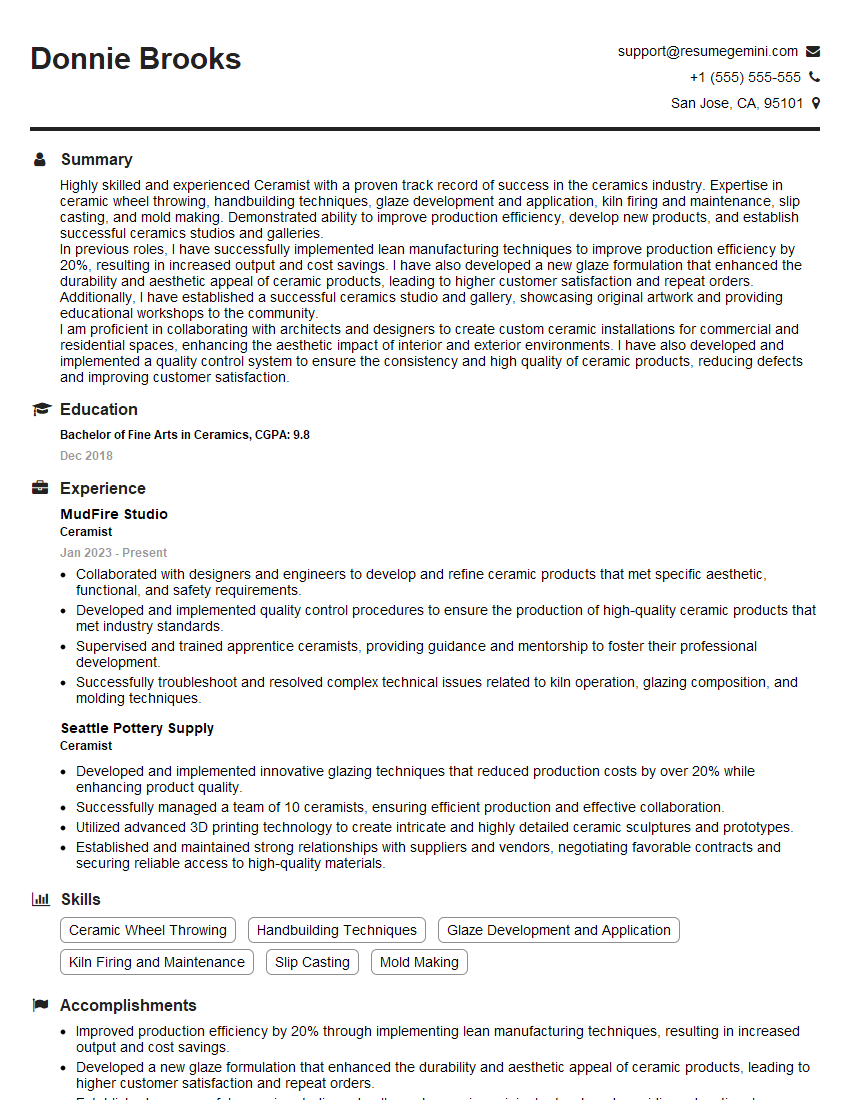
Ceramist Resume Sample

UX Designer Resume Sample
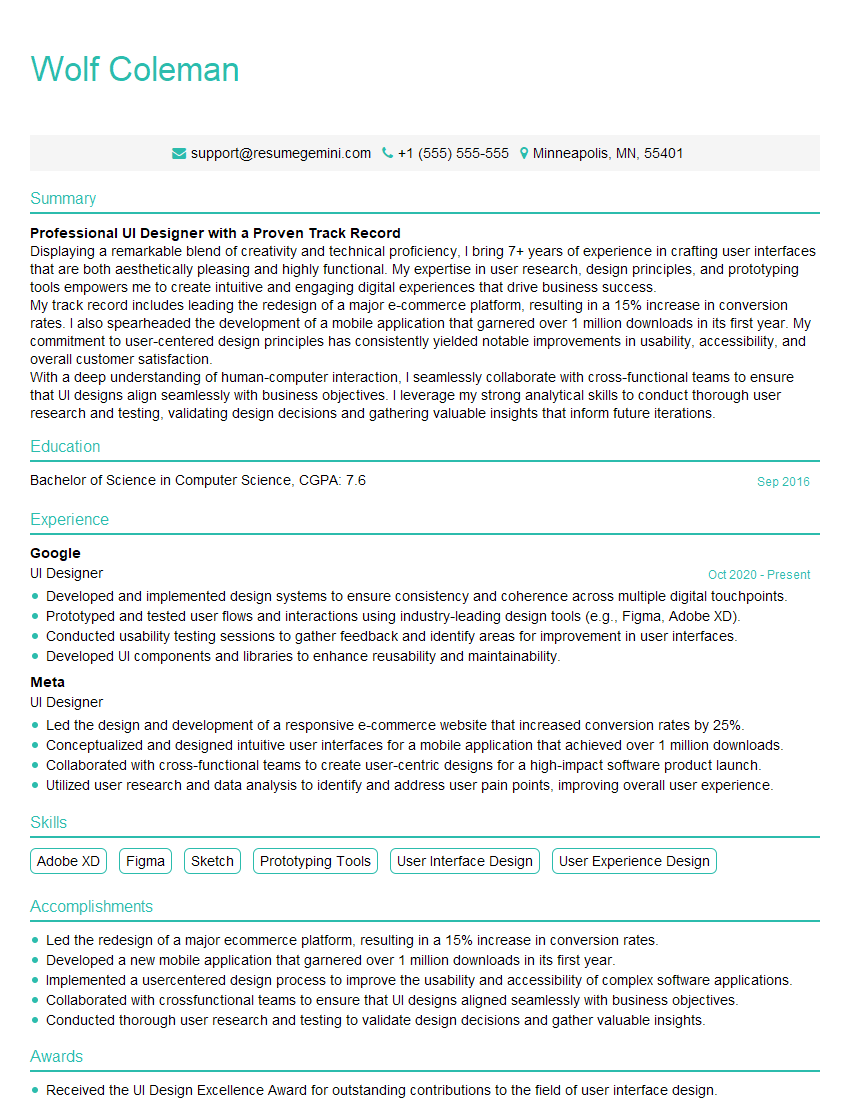
UI Designer Resume Sample
Explore more articles
Users Rating of Our Blogs
Share Your Experience
We value your feedback! Please rate our content and share your thoughts (optional).
What Readers Say About Our Blog
Really detailed insights and content, thank you for writing this detailed article.
IT gave me an insight and words to use and be able to think of examples