Every successful interview starts with knowing what to expect. In this blog, we’ll take you through the top Post-Production Dialogue Editing interview questions, breaking them down with expert tips to help you deliver impactful answers. Step into your next interview fully prepared and ready to succeed.
Questions Asked in Post-Production Dialogue Editing Interview
Q 1. Explain the process of ADR (Automated Dialogue Replacement).
ADR, or Automated Dialogue Replacement, is the process of re-recording dialogue in a controlled environment to replace unsatisfactory audio captured on set. Think of it like a second chance for perfecting the spoken word. This is crucial because on-set audio can be compromised by noise, poor microphone placement, or even actor performance inconsistencies.
The process typically involves:
- Preparation: Identifying the lines needing ADR, creating a script with cues, and preparing the recording space (sound booth) for optimal acoustics.
- Recording: The actor re-records the lines while watching the footage on a monitor. The director provides guidance to ensure correct tone, timing, and emotion.
- Editing: The newly recorded ADR is then meticulously edited and synced to the picture in post-production, seamlessly replacing the original audio. This often requires careful manipulation of timing and pitch to match the actor’s mouth movements.
- Mixing: The ADR is carefully mixed with the original audio elements to ensure a natural and cohesive sound, considering factors like room tone and ambience.
For instance, imagine a scene filmed outdoors with a lot of wind noise. ADR allows us to capture clean dialogue in a studio, effectively removing distracting background noise while preserving the performance.
Q 2. Describe your experience with Pro Tools or similar DAWs for dialogue editing.
Pro Tools is my primary Digital Audio Workstation (DAW) for dialogue editing. I’ve been using it for over ten years, and its power and flexibility are unparalleled. I rely heavily on its editing tools, such as:
- Clip Editing: Precise cutting, trimming, and manipulation of audio clips are crucial for cleaning up dialogue, creating smooth transitions, and tightening up timing.
- Audio Processing: I use EQ (Equalization) and compression to shape the audio, boosting clarity and reducing harshness. Noise reduction tools are also essential.
- Automation: Pro Tools’ automation capabilities are crucial for subtly adjusting volume and other parameters throughout a scene, creating a natural and consistent sound.
- Synchronization: The software’s tools for syncing audio to picture are essential for accurate lip-sync.
For example, using Pro Tools’ spectral editing capabilities, I can isolate and remove specific frequencies that are causing unwanted artifacts or noise in the dialogue, ensuring exceptional audio quality. I also extensively use its sophisticated editing tools to create very fine cuts and precise timing adjustments for perfect lip-sync.
Q 3. How do you handle noisy background audio in dialogue tracks?
Noisy background audio is a common challenge, but thankfully, we have many tools to address it. My approach is multi-pronged:
- Noise Reduction Software: I utilize noise reduction plugins within Pro Tools or other DAWs. These plugins analyze the noise profile and selectively reduce it from the dialogue, minimizing artifacts and preserving the quality of the voice.
- Spectral Editing: Visualizing the audio’s frequency spectrum allows me to pinpoint and remove specific frequencies causing noise without affecting the dialogue. This is particularly useful for removing consistent hums or buzzes.
- Dialogue Replacement (ADR): If the background noise is excessive and irretrievable, ADR may be necessary to completely replace the problematic lines.
- Careful Selection of Takes: Sometimes, the best solution is simply choosing the take with the least amount of background noise. This requires careful listening and assessment during the initial selection process.
Imagine a scene filmed near a busy highway. A combination of noise reduction and spectral editing could significantly reduce the traffic noise while preserving the clarity of the actors’ lines. In more extreme cases, ADR may be required.
Q 4. What techniques do you use to improve dialogue clarity and intelligibility?
Improving dialogue clarity and intelligibility requires a holistic approach. My techniques involve:
- EQ: Adjusting the equalization to boost crucial frequencies in the vocal range (typically mids) while attenuating muddiness in the lows and harshness in the highs.
- Compression: Compressing the dialogue helps to reduce dynamic range, making quieter parts louder and creating a more consistent level. It enhances clarity and makes the voice more present in the mix.
- De-essing: This technique targets harsh ‘s’ sounds that can be sibilant and distracting. Careful de-essing maintains the naturalness of the speech while reducing the harshness.
- Gate: A noise gate can be used to automatically reduce or mute quieter background sounds during pauses in the dialogue. This helps improve the clarity of the dialogue.
- Dialogue Enhancement Plugins: Certain plugins are designed specifically to enhance the clarity and intelligibility of dialogue. These utilize sophisticated algorithms to target specific issues.
For example, a scene recorded in a large room with lots of reverb might need EQ to boost the mids, compression to even out the levels and a de-esser to tame sibilance. The end result will be a dialogue track that sounds clear, strong, and easily understood.
Q 5. Explain your workflow for syncing dialogue to picture.
My workflow for syncing dialogue to picture is precise and efficient. It typically involves:
- Importing Audio: I start by importing the audio files into my DAW. This is usually done using timecode-based synchronization where the audio files have embedded timecodes that can be matched to the video.
- Visual Alignment: I align the audio waveforms visually with the picture in my editing software. Some software provide powerful tools to simplify this.
- Audible Alignment: Once visually aligned, I carefully listen for any slight mismatches and make finer adjustments to ensure the dialogue is perfectly in sync with the lip movements. Precise timing is crucial.
- Fine-Tuning: After initial sync, I review multiple times to correct any minor timing discrepancies that may have been missed, focusing on the beginning and ends of words to ensure the lip movements are correct.
- Exporting: Once the audio is perfectly synced, I export the audio files.
A common method involves using audio alignment tools that analyze the audio waveform to create a starting point. I always use a combination of automated and manual alignment for maximum accuracy. The result is a perfectly synchronized dialogue track that enhances viewer immersion.
Q 6. How do you identify and resolve lip-sync issues?
Lip-sync issues are a major concern. Identifying and resolving them often requires meticulous attention to detail.
- Visual Inspection: I carefully watch the video in slow motion, paying close attention to the relationship between the actor’s mouth movements and the timing of the dialogue.
- Audio Waveform Analysis: The shape of the audio waveform is an indicator. It is useful to compare the waveforms during pauses, which will pinpoint small timing errors.
- Fine Adjustments: Minor timing adjustments are usually made using the edit tools in the DAW. It may involve adjusting the length of clips or shifting clips by small amounts of milliseconds.
- ADR: If the lip-sync is severely off, re-recording the dialogue in a controlled environment (ADR) may be the only solution.
For example, a slight delay in the audio may lead to a visible mismatch between the mouth movements and the sound. By using the software’s tools to shift the audio slightly forward, the lip-sync problem is often resolved. In cases where re-recording a whole dialogue is impossible due to cost or timing reasons, very slight audio edits are required.
Q 7. What are some common dialogue editing challenges and how do you overcome them?
Dialogue editing presents many challenges. Some common ones include:
- Background Noise: As discussed earlier, this requires careful use of noise reduction techniques and sometimes, ADR.
- Poor Quality Recordings: Dealing with poor quality recordings may necessitate creative problem-solving. Sometimes, it may involve enhancing audio using plugins.
- Inconsistent Actor Performances: Differences in volume or pace can be addressed through careful editing and sometimes, re-recording certain parts.
- Lip-Sync Issues: This crucial aspect demands careful visual inspection and precise timing adjustments.
- Tight Deadlines: Meeting strict deadlines is always a significant hurdle requiring careful planning and efficient workflow.
Overcoming these challenges involves a combination of technical skill, creative problem-solving, and good communication with the director and other team members. The solution to overcome these challenges will often be a combination of multiple methods.
Q 8. Describe your experience with noise reduction and restoration techniques.
Noise reduction and restoration are crucial in dialogue editing. My experience encompasses a wide range of techniques, from basic spectral noise reduction to more advanced processes like de-clicking, de-humming, and spectral repair. I’m proficient in using various software tools like iZotope RX, Adobe Audition, and Cedar Audio’s restoration suite.
For instance, imagine a scene recorded outdoors with significant wind noise. A simple spectral noise reduction tool can help attenuate the consistent hiss, but more careful processing might be needed for bursts of wind or other transient noise. I might use a combination of spectral reduction, along with a de-clicker to address impulsive noises. For more complex scenarios involving damaged recordings, I’ll often utilize a combination of AI-powered restoration tools and manual editing techniques to meticulously repair audio artifacts.
My approach always prioritizes preserving the natural sound of the dialogue while removing unwanted artifacts. I find that a careful, layered approach, combining multiple tools and techniques, provides the best results, as aggressively removing noise can sometimes lead to unwanted side effects, like unnatural muddiness or dullness.
Q 9. How do you manage large audio projects efficiently?
Managing large audio projects efficiently is paramount. My workflow centers around meticulous organization and the strategic use of digital audio workstations (DAWs) and collaborative platforms. I begin by creating a clear and well-defined project folder structure with sessions categorized by scene, take, and character. This ensures quick access to specific audio files.
Within the DAW, I use features like markers, regions, and color-coding to quickly identify and locate specific sections of audio. I heavily rely on automation and batch processing features to speed up repetitive tasks, like applying consistent volume adjustments or noise reduction presets to multiple audio files. Using a cloud-based collaborative platform like Dropbox, Google Drive or other solutions, facilitates seamless file sharing with other post-production professionals. This efficient workflow allows me to manage projects of significant size and complexity without compromising quality or efficiency.
Q 10. Explain your understanding of audio metadata and its importance in post-production.
Audio metadata is essentially the descriptive information embedded within an audio file. It’s akin to the title, author, and other descriptive details associated with a book, but for sound files. This includes information like the recording date, location, microphone used, and even scene descriptions. In post-production, metadata is invaluable for organization and workflow efficiency.
For example, being able to quickly search for all dialogue takes recorded with a specific microphone (perhaps a boom mic that required less cleanup) through metadata simplifies the search for the desired files. Similarly, being able to filter dialogue recordings by scene allows me to rapidly assemble tracks for individual scenes. This reduces the time spent sifting through numerous audio files, greatly improving workflow speed and reducing errors.
Furthermore, consistent use of metadata enhances collaboration significantly. When sharing files with other editors, sound designers, or mixers, properly tagged metadata ensures everyone understands the context and purpose of each file, preventing confusion and streamlining collaboration.
Q 11. What is your experience with different audio codecs and their impact on dialogue quality?
My experience with audio codecs is extensive, and I understand their significant impact on dialogue quality. Different codecs offer varying levels of compression, affecting file size and audio fidelity. Lossy codecs, like MP3 and AAC, reduce file size through data reduction, but often compromise audio quality, especially impacting the nuances of dialogue. Lossless codecs, like WAV and AIFF, preserve the original audio data, resulting in superior audio quality but larger file sizes.
When working with dialogue, I prioritize lossless codecs like WAV or AIFF during the editing process to maintain the highest quality audio. Only at the final stage of mastering might I consider converting to a lossy codec, depending on the project’s delivery requirements. The choice heavily depends on the project’s needs: high-quality deliverables require lossless formats; situations with bandwidth constraints might necessitate lossy formats, but we attempt to minimize audio quality loss as much as possible, selecting appropriate bitrates and codec settings.
For example, using a low bitrate MP3 for dialogue can introduce artifacts such as distortion or muffled speech. Therefore, careful codec selection is crucial in maintaining audio integrity.
Q 12. How do you collaborate effectively with other post-production professionals?
Effective collaboration is essential in post-production. I foster teamwork through clear communication, efficient file sharing (as mentioned before), and the use of collaborative tools. Before starting a project, I discuss workflow and expectations with other team members, ensuring everyone is on the same page.
Regular meetings and feedback sessions are crucial for identifying any potential issues or conflicts early on. I actively encourage feedback on my work and provide constructive criticism to others, promoting a positive and productive working environment. I find that sharing work-in-progress versions within a cloud-based platform, with commenting tools, facilitates constructive communication and improves decision making. This collaborative approach leads to a higher quality final product.
Q 13. What is your approach to troubleshooting technical problems during dialogue editing?
Troubleshooting is an inevitable aspect of dialogue editing. My systematic approach begins with identifying the problem precisely. Is it a technical glitch in the software, an issue with the audio files, or a problem in the hardware?
For software glitches, I’ll often try restarting the software, checking for updates, or consulting the DAW’s documentation and online communities for solutions. If the issue pertains to the audio files themselves, I might inspect the metadata for potential clues. I’ll carefully listen to the problematic section of the audio to pinpoint the exact nature of the issue. For example, a sudden drop in volume could point to a problem in the audio file, while intermittent distortion might point towards a problem in hardware or drivers. I might check audio file levels, cabling, and interfaces if hardware is suspected.
If the problem persists despite these steps, I might consult with other experienced post-production professionals or seek help from the manufacturer’s technical support team. A methodical approach ensures faster resolution and minimizes downtime.
Q 14. Describe your experience with different microphone techniques used for dialogue recording.
My experience encompasses a variety of microphone techniques for dialogue recording. I’m familiar with boom microphones, lavalier microphones (also known as lav mics), and handheld microphones, each with its strengths and weaknesses.
Boom microphones are ideal for capturing clean dialogue from a distance, minimizing background noise and providing good clarity. However, they require careful placement and handling to avoid unwanted noise. Lavaliere microphones, being small and easily concealed, are perfect for close-miking actors, ensuring excellent clarity, but they can be prone to picking up clothing noise. Handheld microphones, while versatile, are best suited for specific scenes or when a boom mic isn’t practical. For instance, a handheld might be appropriate for a news interview or a similar scene.
The choice of microphone technique depends greatly on the production environment and the desired aesthetic. Understanding these nuances allows me to select the optimal technique for specific scenarios, optimizing dialogue capture quality right from the source.
Q 15. How do you maintain consistency in dialogue levels throughout a project?
Maintaining consistent dialogue levels throughout a project is crucial for a polished and professional sound. Think of it like baking a cake – you need the right balance of ingredients for a perfect result. Inconsistent levels lead to jarring jumps in volume, distracting the viewer and ruining the immersive experience.
My approach involves several key steps. Firstly, I establish a target level early on, often using a reference track or the director’s preferred loudness level. I then use a combination of automation, gain staging, and compression to keep the dialogue within this range. This often involves creating a “dialogue stem” or a group of all dialogue tracks for easier overall level management. I meticulously monitor the levels with a loudness meter, such as LUFS, ensuring a consistent target throughout the entire project. For example, if a scene transitions from a quiet conversation to a loud argument, I’ll carefully ride the faders to maintain the intended dynamic range while keeping the overall loudness consistent. Regular checks, using visual representations of audio levels in my DAW (Digital Audio Workstation), alongside regular listening tests, are essential in catching any inconsistencies early on.
Career Expert Tips:
- Ace those interviews! Prepare effectively by reviewing the Top 50 Most Common Interview Questions on ResumeGemini.
- Navigate your job search with confidence! Explore a wide range of Career Tips on ResumeGemini. Learn about common challenges and recommendations to overcome them.
- Craft the perfect resume! Master the Art of Resume Writing with ResumeGemini’s guide. Showcase your unique qualifications and achievements effectively.
- Don’t miss out on holiday savings! Build your dream resume with ResumeGemini’s ATS optimized templates.
Q 16. Explain your knowledge of various audio formats (e.g., WAV, AIFF, MP3).
Understanding audio formats is fundamental in post-production. Different formats offer various advantages regarding quality, file size, and compatibility. Let’s look at some common formats:
- WAV (Waveform Audio File Format): This is a lossless format, meaning it preserves all the original audio data. It’s the industry standard for high-quality audio and often used for editing and mixing because it doesn’t compromise audio fidelity. Think of it as the master copy of your audio.
- AIFF (Audio Interchange File Format): Similar to WAV, AIFF is also lossless and commonly used on macOS systems. It’s largely interchangeable with WAV.
- MP3 (MPEG Audio Layer III): This is a lossy format, meaning some data is discarded to reduce file size. While convenient for sharing and distribution, it’s generally not ideal for editing as it can introduce artifacts that make further processing difficult. It is better suited for final delivery to a client or distribution platform.
Choosing the right format depends on the stage of production. For editing, lossless formats like WAV or AIFF are preferred to maintain quality. MP3 is used for delivery to clients or platforms.
Q 17. What are your strategies for managing revisions and changes to dialogue edits?
Managing revisions is a critical aspect of post-production. It’s rarely a smooth linear process; changes and revisions are the norm. I use a detailed and organized approach to manage these efficiently.
My workflow incorporates version control within my DAW. This allows me to save multiple versions of the project, easily revert to earlier edits if necessary, and track all changes. I also maintain meticulous notes, logging each revision, including timestamps and a brief description of the change. Clear communication with the director and editor is vital; before implementing any changes, I discuss the potential impact on the overall sound design and ensure everyone agrees. I often provide ‘preview mixes’ of changes, allowing for quick feedback and adjustments. This iterative process helps ensure that the final product meets the creative vision while managing potential issues that may arise later in the workflow.
Q 18. Describe your understanding of the role of equalization (EQ) and compression in dialogue editing.
EQ (Equalization) and Compression are essential tools for shaping and controlling dialogue in post-production. They are like sculpting tools for audio.
- Equalization (EQ): This allows us to adjust the frequency balance of the audio. Imagine a graphic equalizer with sliders for different frequencies – we can boost or cut specific frequencies to enhance clarity, remove muddiness, or address resonance issues. For example, boosting frequencies around 2-4kHz can make dialogue sound more intelligible and present, while cutting frequencies in the low end can reduce muddiness caused by proximity effect.
- Compression: This reduces the dynamic range of audio, making quieter sounds louder and louder sounds quieter. It’s essential for controlling dialogue levels and making them sit well within a mix, ensuring consistent loudness throughout. A well-applied compressor makes dialogue sound more consistent and even.
By skillfully using EQ and compression together, we can create dialogue that is clear, punchy, and sits naturally within the overall mix. It’s a delicate balance, however – over-processing can lead to unnatural sound, and careful attention to detail is critical.
Q 19. How do you handle dialogue that is poorly recorded or contains significant background noise?
Dealing with poorly recorded dialogue or excessive background noise requires a multi-faceted approach, combining careful listening skills and expertise in audio restoration techniques.
My strategies include using noise reduction tools (like spectral editing) to carefully attenuate or remove background noise without compromising dialogue intelligibility. This often requires careful and precise masking of the noise and is a skill developed through years of practice. I might also utilize dialogue editing tools to eliminate or repair glitches and artifacts. In severe cases, I might explore using ADR (Automated Dialogue Replacement), which involves re-recording lines in a controlled environment to replace problematic sections. Finally, I always prioritize the creative goals of the project – sometimes, it’s more effective to embrace some noise if it adds to the atmosphere rather than striving for a completely pristine recording.
Q 20. Explain your experience with spotting sessions and their significance in the editing process.
Spotting sessions are critical meetings where the director, editor, sound designer, and often the composer, review the picture to identify all points where dialogue, sound effects, and music will be placed. It’s like creating a roadmap for the audio post-production phase.
My role in a spotting session includes providing technical guidance to the director on possibilities and limitations, contributing to the creative development of the sound design, and ensuring that the workflow is planned effectively. The notes from the spotting session form the basis of the editorial plan, outlining the type and amount of work involved in each section of the picture, which allows for more accurate quoting and budgeting. This collaborative approach ensures that the final sound design accurately reflects the director’s artistic vision. It is essential in ensuring that we create a sound design that complements the picture and enhances the viewer’s experience.
Q 21. What is your experience with dialogue pre-mixes and their importance in the final mix?
Dialogue pre-mixes are a crucial intermediate stage in the post-production process where all the dialogue elements (including ADR, sound effects, background ambience etc.,) are combined and balanced. It’s like a dress rehearsal before the final performance.
Creating a well-balanced dialogue pre-mix ensures that the dialogue is clear and intelligible, correctly positioned within the sound stage and effectively prepares the dialogue for the final mix. It helps to identify potential problems early, allowing for adjustments before the final mix stage where changes are much more time-consuming and expensive. A good pre-mix ensures that the final mix engineer can focus on the overall integration of music, sound effects, and dialogue for the project, rather than having to make extensive adjustments to the dialogue. This is a highly collaborative process, and creating a solid dialogue pre-mix contributes significantly to a successful final mix, helping the film or project to achieve its intended sound design.
Q 22. Describe your proficiency in using audio editing software for tasks such as cutting, splicing, and crossfading.
My proficiency in audio editing software is extensive, encompassing a deep understanding of various Digital Audio Workstations (DAWs) including Pro Tools, Logic Pro X, and Audition. Cutting, splicing, and crossfading are fundamental tasks I perform daily. Cutting involves precisely removing unwanted sections of audio, ensuring a clean and seamless edit. Splicing involves joining two audio segments together, often requiring meticulous attention to detail to avoid clicks or pops. Crossfading is a crucial technique for smoothly transitioning between two audio segments, avoiding abrupt changes in volume or tone. I’m highly adept at using these tools to achieve natural-sounding edits, often employing techniques like using fades to mask imperfections and using precision editing tools to minimize any artifacts. For instance, I’m comfortable using the razor tool in Pro Tools to make extremely precise cuts, followed by using the crossfade tool to create a smooth transition. This requires a keen ear and a good understanding of how audio waves interact.
Q 23. How do you ensure the consistency of a character’s voice throughout a project?
Maintaining vocal consistency is paramount. I achieve this through a multi-faceted approach. First, I meticulously listen to the entire performance of a character, identifying the actor’s natural vocal range and nuances. I then use this as a baseline for all subsequent editing decisions. If there are inconsistencies, such as variations in microphone proximity or recording quality, I address these using equalization (EQ) and compression to unify the audio characteristics. I also pay close attention to the rhythm and timing of the delivery; sometimes subtly adjusting the pace to ensure continuity. A crucial aspect is employing careful automation of gain and effects processing, ensuring seamless transitions between takes. In cases of significant discrepancies, I may even suggest additional ADR (Automated Dialogue Replacement) recording sessions with the actor. For example, if there’s a slight change in the actor’s voice due to a cold, I’d carefully EQ and compress to minimize differences while working closely with the director and sound supervisor to decide the best course of action.
Q 24. Describe your experience working with different accents and dialects in dialogue editing.
My experience working with various accents and dialects is quite extensive. I’ve worked on projects featuring everything from regional American dialects to British, Irish, and Australian accents. Working with these varied vocal styles necessitates a high degree of sensitivity and attention to detail. I begin by thoroughly researching the specific accent or dialect to better understand its nuances. I listen closely to the actor’s performance, noting the subtle variations in pronunciation, intonation, and rhythm. This knowledge helps me identify any potential inconsistencies and ensures I can seamlessly integrate any necessary replacement audio or ADR recordings. I might also collaborate with dialect coaches or use reference recordings to aid in maintaining authenticity. For instance, while working on a project with an Irish accent, I consulted linguistic resources and listened to reference recordings to ensure my adjustments remained faithful to the accent’s character. This approach is crucial in ensuring clarity and credibility.
Q 25. Explain your approach to dealing with overlapping dialogue and creating clear audio mixes.
Overlapping dialogue presents a common challenge, but with careful planning and execution, it can contribute to a dynamic and realistic soundscape. My approach starts with creating clean, individual tracks for each voice. I then meticulously examine each section of overlapping dialogue, determining which parts are crucial to intelligibility. I’ll often use techniques such as ducking or side-chaining to reduce the volume of one track when another is dominant, preserving intelligibility. For example, if a character’s voice is slightly obscured by background music, I will use side-chaining to have the background music reduce in volume when that character speaks. I also utilize EQ to separate the frequencies and create a clearer listening experience. Balancing these elements requires a delicate hand and a keen understanding of the emotional context of the scene. I work collaboratively with the sound mixer to ensure a pleasing and understandable result where all the voices are clear and nothing sounds muddled. This often requires experimentation and several iterations to find the optimal balance.
Q 26. What are your preferred methods for delivering final audio files to clients or studios?
My preferred methods for delivering final audio files are tailored to the client’s specific requirements. Typically, I deliver files in industry-standard formats such as WAV or AIFF, ensuring high audio quality. I always include metadata such as frame rate, bit depth, and channel configuration. For larger projects, I often organize the files within a well-structured folder system, clearly labeled for easy access and management. I also maintain detailed session notes and provide a comprehensive delivery report outlining the file formats, resolutions, and any special instructions. Collaboration platforms like Dropbox, Google Drive or shared network drives are frequently used for efficient file transfer. Depending on the client’s workflow, I am also comfortable working with other systems. The crucial aspect is ensuring clarity, organization, and a seamless transition of the audio files into the client’s post-production pipeline.
Q 27. How do you stay current with the latest technologies and trends in post-production audio?
Staying current in the post-production audio landscape requires continuous learning and adaptation. I regularly attend industry conferences and workshops, such as those organized by the AES (Audio Engineering Society). I actively participate in online communities and forums, engaging with other professionals and learning about new techniques and technologies. I also dedicate time to exploring new software updates and plugins and experimenting with innovative audio processing techniques. Subscribing to relevant industry publications and podcasts keeps me informed about the latest advancements in hardware and software. Experimenting with new approaches and refining my existing skills allows me to enhance my abilities continuously and adapt to evolving industry trends. Continuous learning is essential in this dynamic field.
Q 28. Describe a time you had to solve a challenging dialogue editing problem; what was the problem, and how did you resolve it?
In one project, we faced a significant challenge with a scene involving a crowded marketplace. The original audio recording suffered from excessive background noise and several instances of unintelligible dialogue. Solving this involved a multi-stage approach. First, I employed noise reduction techniques using specialized plugins to minimize the background rumble and ambient noise without compromising the clarity of the dialogue. Then, I used spectral editing tools to carefully remove specific frequencies where background noise was most prominent. Finally, I worked closely with the sound design team to subtly add some clarifying elements, such as creating a sense of spatial distance for background sounds. By layering carefully selected ambient effects, I was able to create a much more believable and immersive soundscape without sacrificing the intelligibility of the dialogue. The success of this approach depended on a combination of advanced audio processing techniques, creative problem-solving, and excellent teamwork. The resulting scene was considerably more clear and enjoyable to listen to.
Key Topics to Learn for Post-Production Dialogue Editing Interview
- Dialogue Cleaning and Restoration: Understanding noise reduction techniques, click removal, and the use of various audio restoration plugins. Practical application: Explain your experience identifying and resolving common dialogue issues like pops, hisses, and background noise.
- Synchronization (Sync): Mastering lip-sync techniques and addressing ADR (Automated Dialogue Replacement) challenges. Practical application: Discuss your workflow for syncing dialogue and the troubleshooting steps you take when dealing with sync issues.
- Dialogue Editing Workflow: Familiarity with industry-standard software (Pro Tools, Avid Media Composer, etc.), file management strategies, and collaboration within a post-production team. Practical application: Describe your preferred workflow from initial audio import to final mixdown, highlighting your efficiency and attention to detail.
- ADR (Automated Dialogue Replacement): Understanding the process of recording and integrating ADR, including techniques for matching performance and maintaining consistency. Practical application: Explain your experience working with actors during ADR sessions and how you ensure seamless integration into the final mix.
- Audio Mixing and Balancing: Knowledge of EQ, compression, and other audio processing techniques to achieve clear, balanced, and natural-sounding dialogue. Practical application: Describe how you balance dialogue with other audio elements like music and sound effects to achieve a cohesive soundscape.
- Problem-Solving and Technical Proficiency: Demonstrating the ability to diagnose and solve complex audio problems, adapt to different workflows, and efficiently meet deadlines. Practical application: Share a specific instance where you overcame a significant technical challenge during a post-production project.
Next Steps
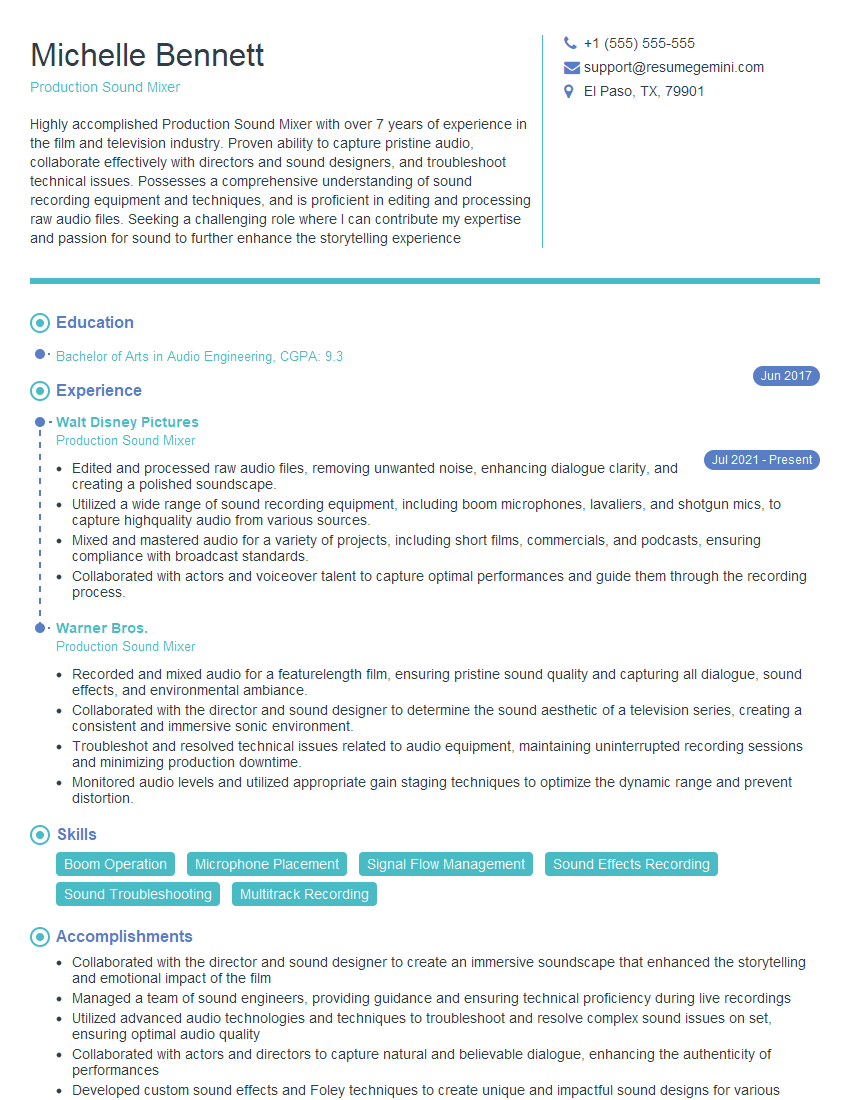
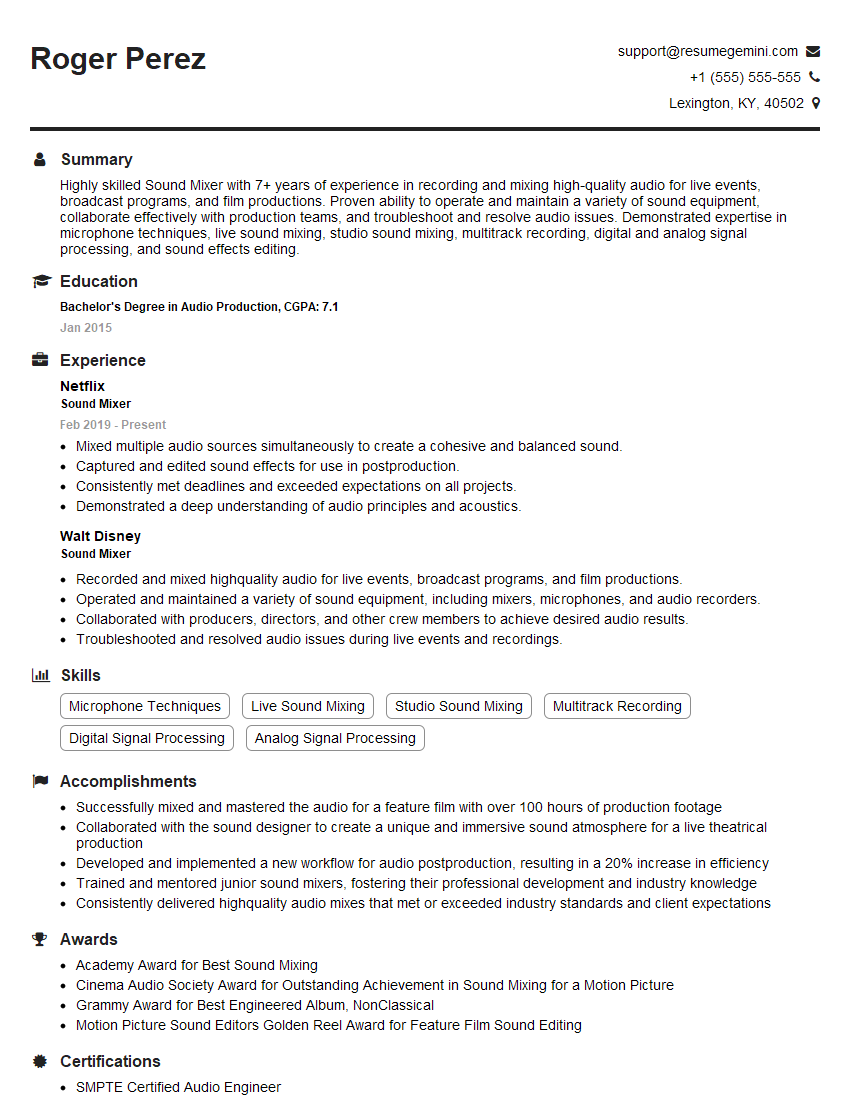
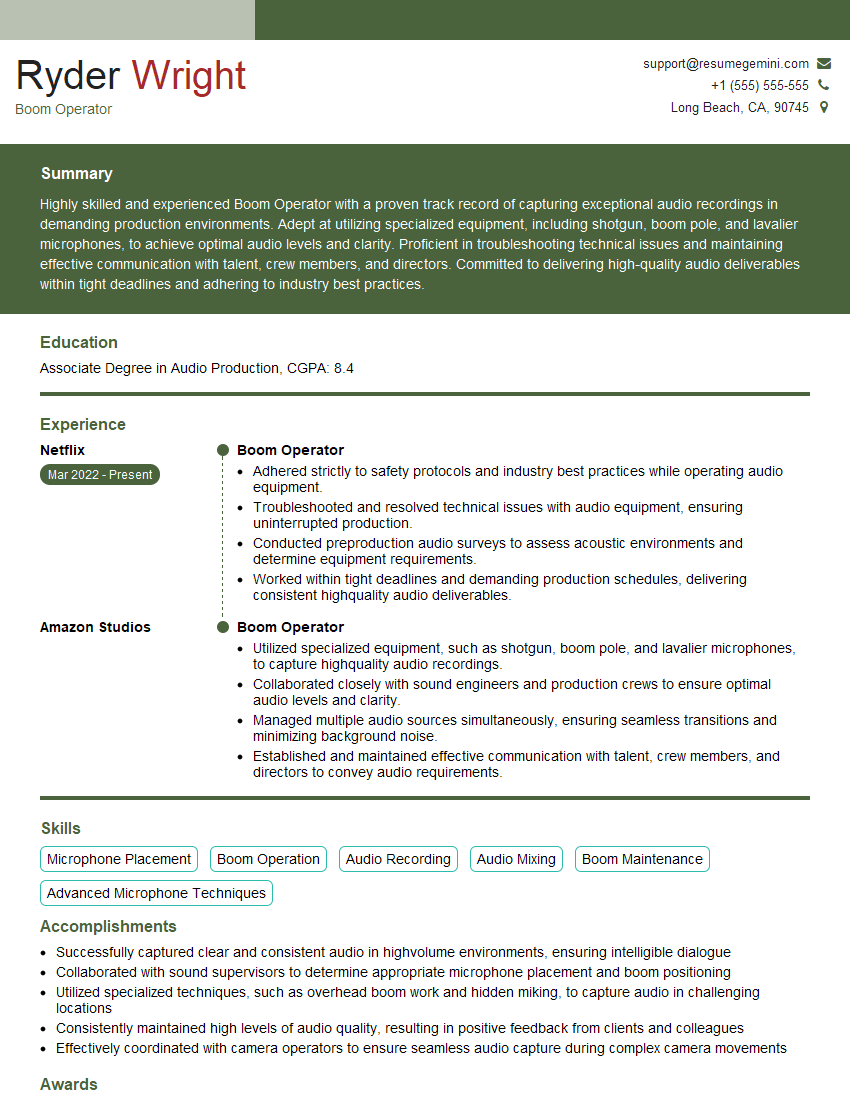
Mastering Post-Production Dialogue Editing opens doors to exciting career opportunities in film, television, and video game industries. A strong understanding of these skills is highly valued, leading to increased job prospects and higher earning potential. To stand out from the competition, a well-crafted, ATS-friendly resume is crucial. We strongly recommend using ResumeGemini to build a professional resume that effectively highlights your skills and experience. ResumeGemini provides examples of resumes tailored to Post-Production Dialogue Editing, helping you create a compelling application that gets noticed.



Explore more articles
Users Rating of Our Blogs
Share Your Experience
We value your feedback! Please rate our content and share your thoughts (optional).
What Readers Say About Our Blog
Really detailed insights and content, thank you for writing this detailed article.
IT gave me an insight and words to use and be able to think of examples