Interviews are opportunities to demonstrate your expertise, and this guide is here to help you shine. Explore the essential Proficiency in Mortgage Software interview questions that employers frequently ask, paired with strategies for crafting responses that set you apart from the competition.
Questions Asked in Proficiency in Mortgage Software Interview
Q 1. Explain your experience with different mortgage loan origination systems (LOS).
My experience spans several leading Mortgage Loan Origination Systems (LOS). LOS are the backbone of the mortgage lending process, managing everything from loan application intake to closing. I’ve worked extensively with systems that differ in their functionality and user interface, allowing me to adapt quickly to new platforms. This includes experience with both large-scale enterprise systems and smaller, more niche solutions. For instance, I’ve used systems that heavily integrate with third-party services like appraisal platforms and title companies, improving efficiency and reducing manual data entry. Other systems I’ve utilized are more focused on specific aspects of the loan process, such as underwriting or closing. This diverse experience has given me a broad understanding of the strengths and weaknesses of various LOS platforms, and allows me to effectively leverage their capabilities to streamline workflows.
Q 2. Describe your proficiency in Encompass, Loan Originator, or other major LOS platforms.
I’m highly proficient in Encompass, and have also worked with Loan Originator. Encompass, in particular, is a powerful and comprehensive system. My expertise extends beyond basic data entry; I can configure workflows, customize fields, and utilize advanced features such as automated tasks and reporting. For example, I’ve streamlined the process of generating disclosures by configuring automated rules within Encompass, ensuring compliance and minimizing the risk of errors. In Loan Originator, I’ve mastered its user-friendly interface and efficient data management tools. Both systems demand a high level of understanding of mortgage regulations and best practices to avoid pitfalls and maintain accuracy. I’m comfortable navigating both systems to efficiently manage the entire loan lifecycle. My experience includes training others on these platforms, demonstrating my in-depth knowledge and ability to explain complex processes to various levels of proficiency.
Q 3. How familiar are you with automated underwriting systems (AUS) like DU and LP?
I’m very familiar with Automated Underwriting Systems (AUS) like Fannie Mae’s Desktop Underwriter (DU) and Freddie Mac’s Loan Prospector (LP). These systems are crucial for assessing loan risk and ensuring compliance with agency guidelines. My experience includes not only interpreting the results provided by DU and LP but also understanding the underlying algorithms and factors that influence the scores. This allows me to proactively address potential issues that could lead to loan denials or delays. I understand how to effectively manage overlays, which are lender-specific criteria that often adjust the AUS findings, further enhancing the efficiency and accuracy of the underwriting process. For example, if an AUS flags a potential issue, I can identify the root cause, propose corrective measures, and document the rationale according to best practices.
Q 4. Explain the process of inputting loan data into a mortgage software system.
Inputting loan data into a mortgage software system is a crucial and multi-step process requiring meticulous attention to detail. It begins with collecting all necessary documentation from the borrower, including income verification, asset statements, and property information. This data is then systematically entered into the LOS, usually starting with the borrower’s personal information, property details, and loan terms. Each field must be completed accurately, using standardized codes and formats as required by the system and regulatory guidelines. For example, entering the borrower’s income requires selecting the correct income type (W-2, 1099, etc.) and providing all relevant supporting documents. During data entry, validation checks built into the system will flag discrepancies or missing information, ensuring data quality. After completion, a thorough review process is performed to confirm the accuracy of all entries before submission for underwriting.
Q 5. How do you ensure data accuracy and integrity within a mortgage software system?
Data accuracy and integrity are paramount in the mortgage industry. I use a multi-pronged approach to ensure this. First, I carefully review all data entered, using system validation checks and cross-referencing with supporting documentation. Second, I utilize the system’s auditing features to track changes made to the loan file, enabling detection of any inconsistencies. Third, I adhere to strict data entry protocols and maintain a clean, well-organized digital filing system. Fourth, I collaborate closely with other team members to ensure consistency in data interpretation and input. Finally, regular quality control checks and training are essential to maintain a high standard of data accuracy and prevent costly errors that could affect loan approval or compliance.
Q 6. What are your skills in using reporting tools within mortgage software?
I’m proficient in using reporting tools within mortgage software to generate various reports, providing valuable insights into loan performance, pipeline management, and regulatory compliance. I’m capable of creating custom reports tailored to specific needs, such as reports on loan volume, closing times, and error rates. For example, I can use the reporting tools to identify bottlenecks in the loan process, track key performance indicators (KPIs), and monitor compliance with lending regulations. This data-driven approach enables me to make informed decisions to optimize workflows and improve overall efficiency. Understanding the specific parameters needed to generate meaningful reports is critical to managing the business successfully.
Q 7. Describe your experience with regulatory compliance related to mortgage software usage.
Regulatory compliance is a top priority in mortgage lending, and my experience includes staying current with evolving regulations like TRID (TILA-RESPA Integrated Disclosures), HMDA (Home Mortgage Disclosure Act), and other relevant laws. I understand how these regulations affect data input, disclosure generation, and record-keeping within the mortgage software. For example, I’m adept at configuring the system to automatically generate compliant disclosures and ensure that all data is properly documented to meet auditing requirements. I regularly participate in training to stay informed about changes in regulatory landscape and ensure the firm’s practices remain compliant. My understanding of these compliance requirements extends beyond simply using the software; it also includes understanding the underlying legal principles.
Q 8. How would you troubleshoot common errors encountered within a mortgage software system?
Troubleshooting mortgage software errors involves a systematic approach. First, I’d identify the error type: is it a data entry issue, a system malfunction, or a connectivity problem? Then, I’d check the software’s error logs for specific messages. These logs often provide clues about the root cause. For example, a ‘database connection error’ points to a network or server issue, while an ‘invalid data format’ error indicates a problem with input.
Next, I’d try basic troubleshooting steps: restarting the software, checking internet connectivity, and verifying data integrity. If the issue persists, I’d consult the software’s help documentation or user manuals for known solutions or workarounds. Many mortgage software systems offer FAQs or online support forums.
If the problem is complex or involves a system malfunction, I’d escalate the issue to the IT department or software vendor’s support team. I’d provide them with detailed information, including the error messages, screenshots, and steps taken to reproduce the issue. Finally, I’d implement preventative measures, such as regularly backing up data and adhering to software updates, to minimize future occurrences. Think of it like car maintenance; regular checks prevent major breakdowns.
Q 9. What are some best practices for maintaining data security within a mortgage software system?
Data security in mortgage software is paramount. We’re dealing with highly sensitive personal and financial information. Best practices include implementing robust access controls, using strong passwords and multi-factor authentication, and regularly updating the software to patch security vulnerabilities. Encryption of data both in transit (using HTTPS) and at rest (using database encryption) is crucial.
Regular security audits are essential to identify weaknesses and ensure compliance with regulations like CCPA and GDPR. Employee training on security protocols is also vital. Everyone needs to understand the risks associated with phishing, malware, and social engineering attacks. Finally, a comprehensive disaster recovery plan is essential; this includes regular backups and a well-defined procedure to restore data in case of a system failure. Imagine it like a high-security vault: multiple locks, alarms, and regular inspections ensure the contents remain safe.
Q 10. How do you handle large volumes of data within a mortgage software system?
Handling large volumes of data in mortgage software requires efficient database management techniques. We need to optimize database queries for speed and use appropriate indexing strategies. Data should be regularly cleaned and archived to maintain performance. Consider using a relational database management system (RDBMS) like SQL Server or Oracle, optimized for handling large datasets.
Partitioning the database into smaller, more manageable sections can improve query performance. Data warehousing techniques can be employed to consolidate data from multiple sources for reporting and analytics. Regular database maintenance, including defragmentation and indexing, is critical. Think of it like organizing a massive library; proper cataloging and shelving systems make it easy to find the books (data) you need quickly.
Q 11. Explain your understanding of different loan products and how they are processed in the software.
Mortgage software handles various loan products, including conventional loans, FHA loans, VA loans, USDA loans, and jumbo loans. Each has its own set of eligibility criteria, underwriting guidelines, and closing requirements. The software should be designed to accommodate these differences. For instance, a conventional loan application will require different documentation than a VA loan. The software must facilitate the input of specific details pertinent to each loan type and perform calculations according to relevant regulations.
The software processes these loans through a series of workflows, starting with application intake, document collection, underwriting, closing, and post-closing. Each stage involves different calculations, data validation checks, and automated processes. For example, calculating the debt-to-income ratio (DTI) is a core function across loan types, but the specific requirements might differ slightly based on the type of loan and the lender’s guidelines. Each step is carefully designed to ensure accuracy and compliance.
Q 12. How do you manage and prioritize your workload using mortgage software tools?
Most mortgage software systems incorporate workflow management tools, such as task assignment, prioritization features (e.g., flagging urgent tasks), and progress tracking. I utilize these tools to organize my workload. Prioritization is based on factors such as deadlines, regulatory requirements, and client needs. I often create personal task lists within the system or use external project management tools to supplement the software’s features.
The Kanban method is particularly helpful for visualizing my workflow and identifying bottlenecks. Regularly reviewing my task list and adjusting priorities as needed is essential for maintaining productivity. Think of it like a conductor managing an orchestra; each musician (task) needs to play their part at the right time for a harmonious result (successful loan processing).
Q 13. Describe your experience with e-signature and electronic document management in mortgage software.
I have extensive experience with e-signature and electronic document management in mortgage software. These features significantly streamline the loan process and reduce paperwork. E-signature solutions allow for legally binding signatures, eliminating the need for physical document exchange. Electronic document management systems provide secure storage and easy retrieval of documents, improving efficiency and collaboration.
I’m familiar with various e-signature platforms like DocuSign and Adobe Sign, integrated into several mortgage software systems. These systems typically include features like audit trails, ensuring document integrity and compliance. Secure storage ensures that sensitive documents are protected against unauthorized access. This makes the entire process faster, more efficient, and more secure compared to traditional paper-based systems.
Q 14. How proficient are you in using the various reporting features to generate key performance indicators (KPIs)?
I’m highly proficient in using the reporting features of mortgage software to generate key performance indicators (KPIs). This includes generating reports on loan origination volume, processing times, closing costs, and customer satisfaction. The software typically offers customizable report templates and data visualization tools, allowing me to track key metrics and identify areas for improvement.
For example, I can generate a report showing the average processing time for different loan types or identify bottlenecks in the workflow that are delaying loan closings. KPIs help monitor productivity, identify inefficiencies, and improve overall operational effectiveness. Think of it as a dashboard for the loan processing team, providing real-time insights into performance and areas needing attention.
Q 15. How do you utilize the system’s workflow tools to track loan progress efficiently?
Efficiently tracking loan progress relies heavily on leveraging the workflow tools within the mortgage software. Think of it like a meticulously organized project management system specifically designed for mortgages. Most systems offer customizable workflows, allowing us to define stages, assign tasks, and set deadlines.
- Automated Notifications: The software automatically sends alerts to relevant parties when a task is due, a document is overdue, or a certain stage is reached. This proactive approach prevents delays and ensures accountability.
- Centralized Dashboard: A centralized dashboard provides a bird’s-eye view of all loans in progress. I can quickly filter by status, loan type, or assigned user, identifying potential bottlenecks or loans requiring immediate attention. This helps with prioritization and resource allocation.
- Progress Tracking Metrics: Many systems provide built-in reporting features to track key metrics like cycle times, average processing times, and potential delays. This data is invaluable for continuous improvement and identifying areas needing process optimization.
- Customizable Workflows: I can tailor the workflow to our specific needs, perhaps adding extra steps for complex loans or adjusting deadlines based on current capacity. This flexibility is crucial for handling a diverse range of loan applications.
For example, if a loan is stuck in the underwriting stage for too long, the system will alert me, prompting a timely review to identify and resolve any issues.
Career Expert Tips:
- Ace those interviews! Prepare effectively by reviewing the Top 50 Most Common Interview Questions on ResumeGemini.
- Navigate your job search with confidence! Explore a wide range of Career Tips on ResumeGemini. Learn about common challenges and recommendations to overcome them.
- Craft the perfect resume! Master the Art of Resume Writing with ResumeGemini’s guide. Showcase your unique qualifications and achievements effectively.
- Don’t miss out on holiday savings! Build your dream resume with ResumeGemini’s ATS optimized templates.
Q 16. Explain your experience with different types of mortgage calculations (e.g., APR, PMI, etc.) within the software.
My experience encompasses a wide range of mortgage calculations, all performed with a high degree of accuracy thanks to the software’s built-in calculators. These calculations are the backbone of any sound mortgage offer.
- Annual Percentage Rate (APR): The software accurately calculates the APR, considering all fees and charges associated with the loan, ensuring transparency and compliance with disclosure requirements. The software handles complex calculations, accounting for variations in loan terms and fees.
- Private Mortgage Insurance (PMI): The software automatically calculates the PMI based on the loan-to-value ratio (LTV), and it adjusts the PMI calculation dynamically throughout the loan process, factoring in changes to the borrower’s equity.
- Monthly Payments: Calculating monthly mortgage payments is essential, and the software accurately computes the payment amount based on the loan amount, interest rate, and loan term. It also allows for calculations of payments under different scenarios, such as using different amortization schedules.
- Points and Fees: The software seamlessly incorporates discount points and other loan fees into the calculations, offering various what-if scenarios to help borrowers optimize their loan choices.
In practice, I often use these calculation tools to compare different loan options for clients, presenting them with clear and concise analyses to support their decision-making process.
Q 17. What is your understanding of the different stages in the mortgage process and how the software supports each stage?
The mortgage process is a multi-stage journey, and the software acts as our trusted guide, providing support throughout. Think of it as a comprehensive map of the entire loan lifecycle.
- Loan Application & Pre-Approval: The software facilitates the application process, gathering necessary information, and providing initial pre-approval decisions based on automated underwriting systems.
- Loan Processing: The software manages the collection and verification of documents, tracks progress, and flags any missing items. It acts as a central repository for all loan-related documentation.
- Underwriting: The software supports the underwriting process, allowing underwriters to review the application, assess risk, and make a final loan approval decision based on lender guidelines and regulations. This often involves automated checks against credit reports and appraisal data.
- Closing: The software prepares the closing documents, ensuring accuracy and compliance, and facilitates the electronic transfer of funds. This minimizes errors and streamlines the closing process.
- Post-Closing: Even after closing, the software continues to play a vital role, managing payments, tracking escrow accounts, and providing reports.
Each stage is clearly defined within the software, and we utilize its features to ensure a seamless transition from one stage to the next, all while maintaining a complete audit trail.
Q 18. How do you ensure compliance with all applicable laws and regulations while using the mortgage software?
Compliance is paramount in the mortgage industry, and the software plays a crucial role in helping us adhere to all applicable laws and regulations. It’s like having a built-in compliance officer.
- Automated Compliance Checks: The software performs automated checks throughout the process, flagging any potential compliance issues, ensuring we meet all regulatory requirements for things such as the Real Estate Settlement Procedures Act (RESPA) and Truth in Lending Act (TILA).
- Audit Trails: Detailed audit trails track all actions taken within the system, providing a complete record of the loan’s history, which is essential for regulatory audits and investigations. This transparency is crucial for regulatory compliance and risk mitigation.
- Version Control: The system manages document versions, ensuring that only the most current and approved documents are used throughout the process, preventing the use of outdated forms or procedures.
- Regular Updates: The software is regularly updated to reflect changes in laws and regulations, keeping our processes compliant at all times.
For example, if a regulation changes the required disclosures, the software will be updated to reflect the new requirements, automatically ensuring that our processes remain compliant.
Q 19. Describe your experience with integrating different software systems within a mortgage workflow.
Integrating different software systems is a critical aspect of streamlining the mortgage workflow. Think of it like connecting different parts of a sophisticated machine to improve efficiency. My experience includes integrating various systems, such as:
- Customer Relationship Management (CRM) Systems: Seamlessly integrating with CRM systems allows for a smooth transfer of customer data, improving communication and collaboration across departments.
- Electronic Document Management Systems: Integrating with electronic document management systems enables secure storage and retrieval of loan documents, streamlining the document handling process, reducing paperwork, and saving space.
- Automated Underwriting Systems (AUS): Integration with AUS streamlines the underwriting process, automating credit checks and risk assessments, resulting in faster processing times and increased efficiency.
- Closing Systems: Integrating with closing systems simplifies the closing process, facilitating electronic signatures, document exchange, and electronic fund transfers, leading to a smoother and more efficient closing experience.
These integrations significantly improve efficiency and reduce manual data entry errors, leading to a more streamlined and accurate process.
Q 20. Explain your experience with data validation and error correction within a mortgage software system.
Data validation and error correction are critical for accuracy and compliance. The software provides several tools to achieve this.
- Data Validation Rules: The software enforces data validation rules, ensuring data consistency and accuracy. For example, it might automatically flag an incorrect Social Security number or a loan amount that exceeds the lending limit.
- Error Reporting: The system generates clear and concise error reports, identifying any data inconsistencies or errors, enabling prompt correction. It might indicate a missing document or a discrepancy between data entered and supporting documentation.
- Automated Checks: Automated checks verify the data entered against external databases, such as credit bureaus or appraisal databases, ensuring accuracy and consistency.
- Workflow Interruptions: The software can be configured to halt the workflow if errors are identified, preventing further processing until the issues are resolved. This ensures that mistakes are caught early and prevents major problems down the road.
For instance, if the borrower’s income is incorrectly entered, the system will flag the error, preventing the loan from proceeding until the correct information is provided.
Q 21. How do you identify and resolve discrepancies between the software data and supporting documentation?
Discrepancies between software data and supporting documentation are a potential source of errors, requiring immediate attention. My approach is systematic and thorough.
- Reconciliation: I meticulously reconcile the software data with the supporting documentation, cross-checking all figures and information. This includes comparing loan amounts, interest rates, fees, and other crucial details.
- Document Review: A thorough review of all relevant documents is critical, comparing them against the data inputted in the software. This often involves examining scanned documents, uploaded files, and other sources of information.
- Data Correction: Once discrepancies are identified, the software allows for the necessary corrections to be made, ensuring the data reflects reality accurately. This requires attention to detail and careful review of any changes.
- Audit Trail: All corrections and changes are logged in the system’s audit trail, providing a record of the steps taken to resolve the discrepancy. This ensures accountability and transparency. It’s also valuable during audits or compliance reviews.
For example, if there’s a discrepancy in the property’s appraised value between the software and the appraisal report, I would carefully review both to identify the source of error and make the necessary correction, ensuring the loan proceeds based on accurate information.
Q 22. What strategies do you employ to improve efficiency and productivity while using mortgage software?
Improving efficiency and productivity in mortgage software hinges on understanding its features and leveraging them strategically. I employ several key strategies. First, I master keyboard shortcuts. This drastically reduces the time spent navigating menus and clicking buttons. For example, instead of clicking through multiple menus to access a specific report, I use the appropriate shortcut keys, saving valuable seconds per task, which adds up significantly over the course of a day. Second, I utilize automation wherever possible. Many mortgage software packages have automation features for tasks like data entry, calculations, and report generation. By automating repetitive tasks, I free up time for more complex and strategic work. For instance, automatically populating client data from a CRM integration prevents manual entry errors and saves significant time. Third, I regularly review and optimize my workflows. I identify bottlenecks and inefficiencies, then research better ways to accomplish tasks. This often involves experimenting with different features within the software or even adjusting my overall approach to a process. For example, if I find that a certain report takes too long to generate, I might explore using a different reporting tool within the software or modifying the report’s parameters for faster processing. Finally, I prioritize continuous learning and exploration of advanced features, always seeking to expand my knowledge of the software’s capabilities.
Q 23. Describe your experience with customizing reports or dashboards within your mortgage software.
I have extensive experience customizing reports and dashboards in mortgage software. This involves utilizing the software’s built-in reporting tools to create tailored visualizations that meet specific analytical needs. For example, I’ve created customized dashboards to track key performance indicators (KPIs) such as loan origination volume, processing times, and error rates. This allows me to monitor performance efficiently and identify areas for improvement. The process often involves selecting the relevant data fields, defining filters, and choosing appropriate chart types (e.g., bar graphs, line charts, pie charts). Some software platforms allow for more advanced customizations, such as creating dynamic reports that update automatically based on changing data. I’ve also leveraged features like report scheduling to automate the distribution of reports to relevant stakeholders at regular intervals. Beyond pre-built templates, I have the ability to design completely new reports from scratch, pulling data from various sources within the system to generate a holistic view of relevant information. This allows for detailed analysis, identifying trends, and informing strategic decision-making.
Q 24. How do you stay up-to-date with changes and updates to your mortgage software system?
Staying current with mortgage software updates is crucial for maintaining efficiency and accuracy. I employ a multi-pronged approach. First, I actively participate in webinars and online training sessions offered by the software vendor. These often cover new features, bug fixes, and best practices. Second, I regularly check the software vendor’s website and online forums for announcements, release notes, and updates. This ensures that I am aware of any changes as soon as they are released. Third, I subscribe to relevant industry newsletters and publications that keep me informed about the latest developments in mortgage software and regulatory changes. This holistic approach ensures that I remain proficient in using the latest version of the software, benefiting from all the new features and improvements, and always adhere to current compliance requirements.
Q 25. Explain your experience with audit trails and their importance in mortgage software.
Audit trails are an essential component of mortgage software, providing a detailed record of all actions performed within the system. This is critical for compliance, security, and troubleshooting. My experience with audit trails involves using them to track changes made to loan files, identify potential errors, and investigate discrepancies. For example, if a loan application is rejected, I can review the audit trail to see who accessed the file, what changes were made, and why the application was rejected. This level of transparency is critical for maintaining accountability and ensuring that all actions are properly documented. In cases of suspected fraud or error, the audit trail provides irrefutable evidence that can be used to investigate and rectify the situation. Furthermore, I understand the importance of properly configuring and managing audit trail settings to ensure that the logs are comprehensive and readily accessible. A well-maintained audit trail safeguards the integrity of the mortgage process and helps to prevent errors and fraud.
Q 26. Describe your problem-solving approach when encountering unexpected issues within the mortgage software.
My problem-solving approach for unexpected issues in mortgage software is systematic and methodical. I begin by clearly identifying the problem, including specific error messages, affected functionalities, and the circumstances under which the issue occurred. Next, I consult the software’s help documentation and search the vendor’s knowledge base for solutions or similar reported problems. If that doesn’t resolve the issue, I try simple troubleshooting steps, such as restarting the software, checking internet connectivity, and verifying data integrity. If the problem persists, I escalate the issue to the software vendor’s support team, providing them with detailed information, including screenshots or logs. Meanwhile, I may try to find workarounds to minimize disruptions to my workflow. Finally, I document the issue, its resolution, and any lessons learned to prevent similar problems in the future. This methodical approach minimizes downtime and ensures quick resolution of issues while maintaining data integrity.
Q 27. How would you train a new employee on the use of your preferred mortgage software system?
Training a new employee on mortgage software requires a structured approach. I would begin with an overview of the software’s purpose and its key features, then move onto hands-on training using a combination of methods. First, I’d provide a guided tour of the user interface, focusing on navigation, menus, and key functionalities. Then, I’d utilize a combination of scenario-based training and practical exercises. For example, I’d guide them through the process of creating a new loan file, processing an application, and generating a report. These hands-on exercises allow them to immediately practice what they’ve learned. I would also establish regular check-ins and provide ongoing support and mentorship, allowing the trainee to ask questions and address any challenges they may encounter. Finally, I would provide access to relevant documentation, online resources, and encourage self-paced learning. This comprehensive approach guarantees a smooth and thorough onboarding experience.
Q 28. What are your strengths and weaknesses when it comes to using mortgage software?
My strengths in using mortgage software include a deep understanding of its functionality, advanced features, and efficient workflow optimization. I’m adept at customizing reports, automating tasks, and troubleshooting issues effectively. I am also highly proficient in data analysis and interpretation using the software’s reporting tools. However, my weakness lies in remaining fully up-to-date on every single minor update across various software modules. While I keep current with major releases and crucial updates, there are instances where niche or rarely-used features within the broader suite could benefit from more in-depth familiarity. This is something I continuously work on by targeting specific modules and functions for focused learning during slower periods.
Key Topics to Learn for Proficiency in Mortgage Software Interview
- Understanding Loan Types and Processes: Grasp the intricacies of various mortgage loan types (e.g., FHA, VA, Conventional) and the complete loan lifecycle, from application to closing.
- Software Functionality and Features: Demonstrate a thorough understanding of the specific mortgage software’s features, including data entry, calculations, reporting, and compliance functionalities. Practice navigating the system efficiently and accurately.
- Data Management and Accuracy: Explain how to maintain data integrity, identify and correct errors, and ensure compliance with regulatory requirements within the software. Highlight your experience with data validation and reconciliation.
- Reporting and Analysis: Showcase your ability to generate reports, analyze loan data, identify trends, and present findings clearly and concisely. Practice using the software’s reporting tools to answer common business questions.
- Regulatory Compliance and Best Practices: Discuss your knowledge of relevant laws and regulations (e.g., RESPA, TRID) and how the software assists in maintaining compliance. Emphasize your understanding of secure data handling and ethical practices.
- Problem-Solving and Troubleshooting: Be prepared to describe situations where you encountered issues within the software and how you effectively resolved them. Highlight your analytical skills and ability to identify root causes of errors.
- Integration with Other Systems: If applicable, demonstrate your understanding of how the mortgage software integrates with other systems (e.g., CRM, closing systems) and the importance of seamless data flow.
Next Steps
Mastering proficiency in mortgage software is crucial for career advancement in the financial industry. It opens doors to higher-paying roles and positions with greater responsibility. To maximize your job prospects, creating an ATS-friendly resume is vital. An effectively crafted resume highlights your skills and experience in a way that Applicant Tracking Systems can easily recognize. We strongly encourage you to use ResumeGemini, a trusted resource for building professional and impactful resumes. ResumeGemini provides examples of resumes tailored to Proficiency in Mortgage Software to help you present your qualifications effectively. Take the next step towards your dream career – build a resume that stands out!
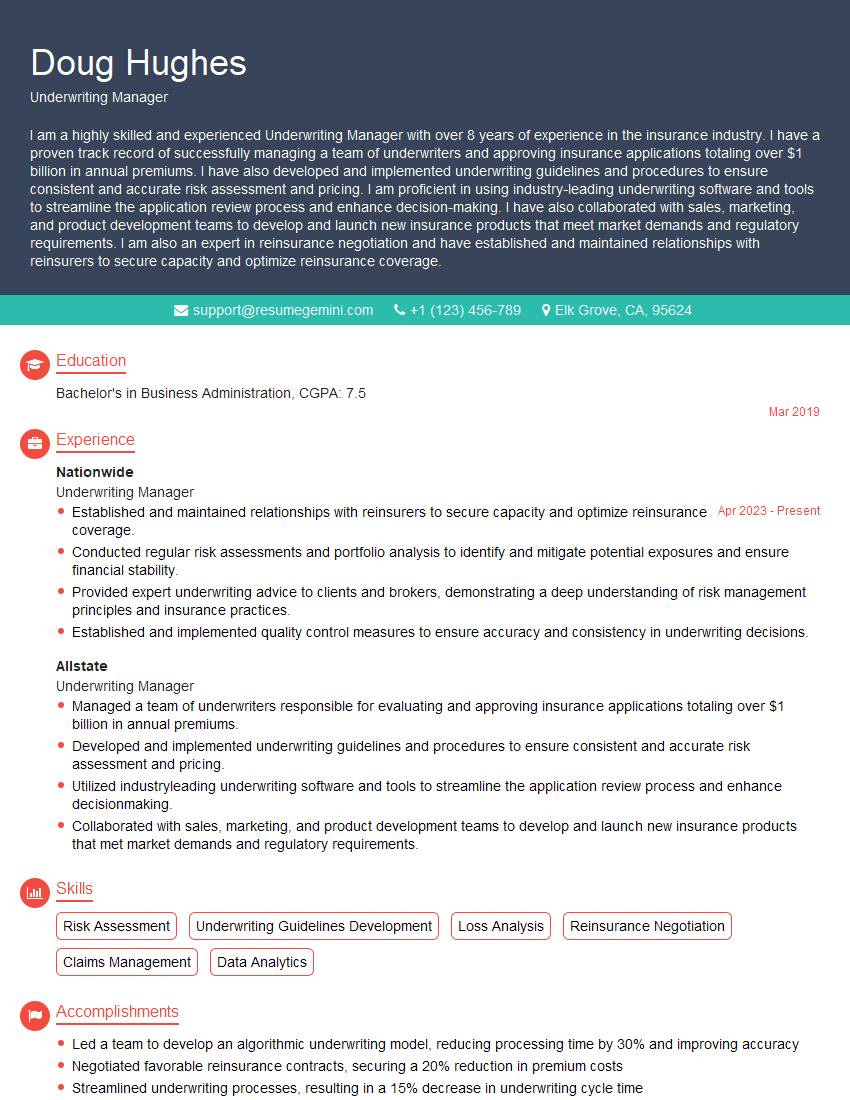
Underwriting Manager Resume Sample
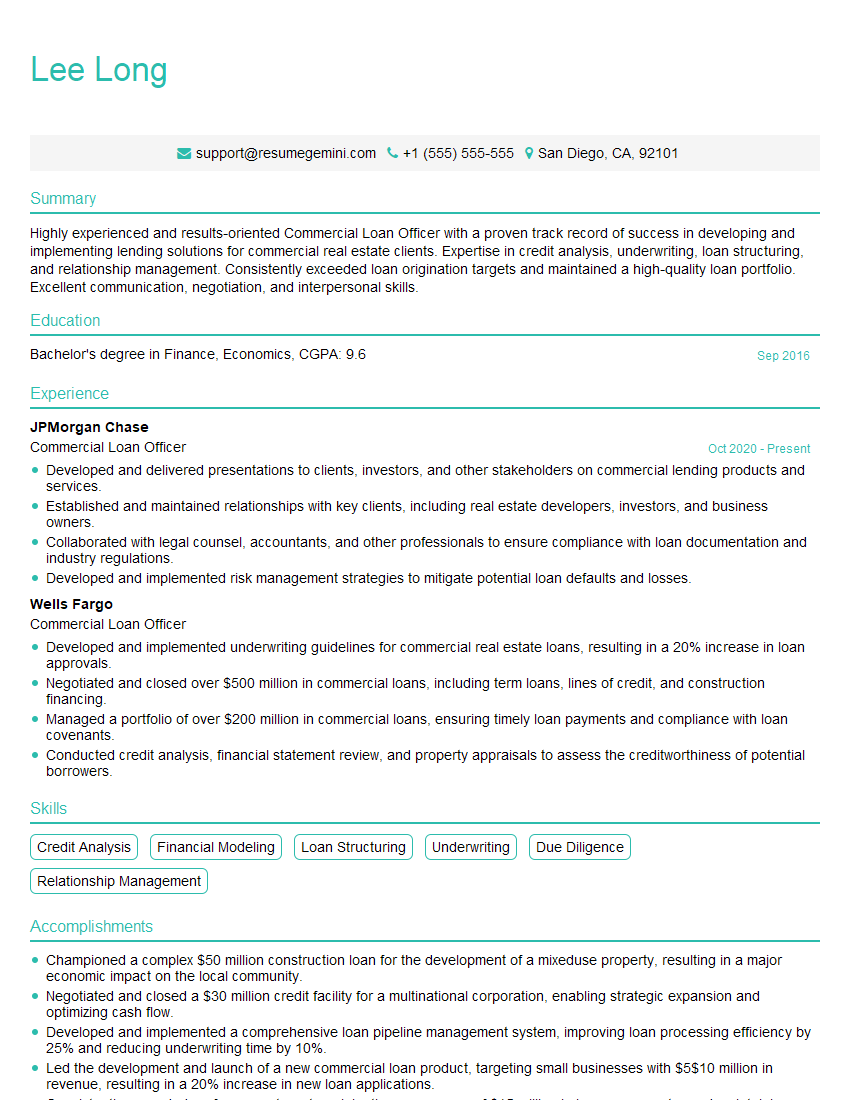
Commercial Loan Officer Resume Sample
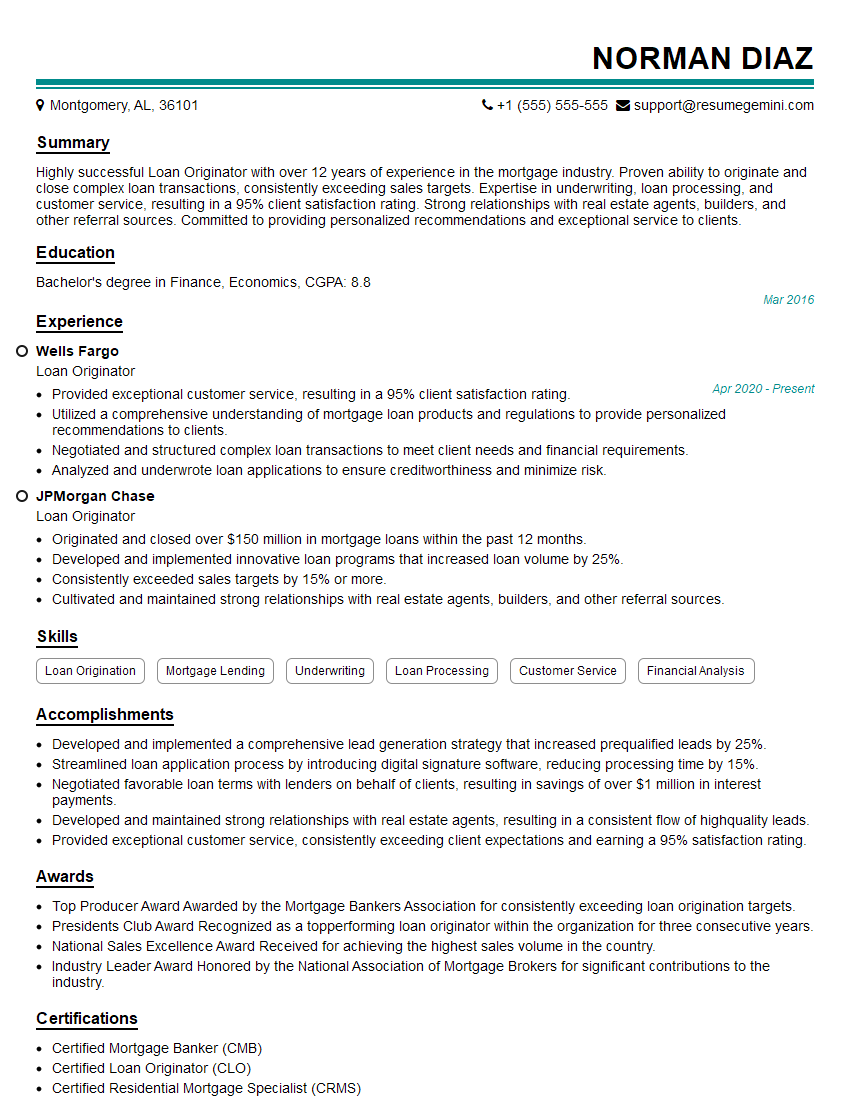
Loan Originator Resume Sample
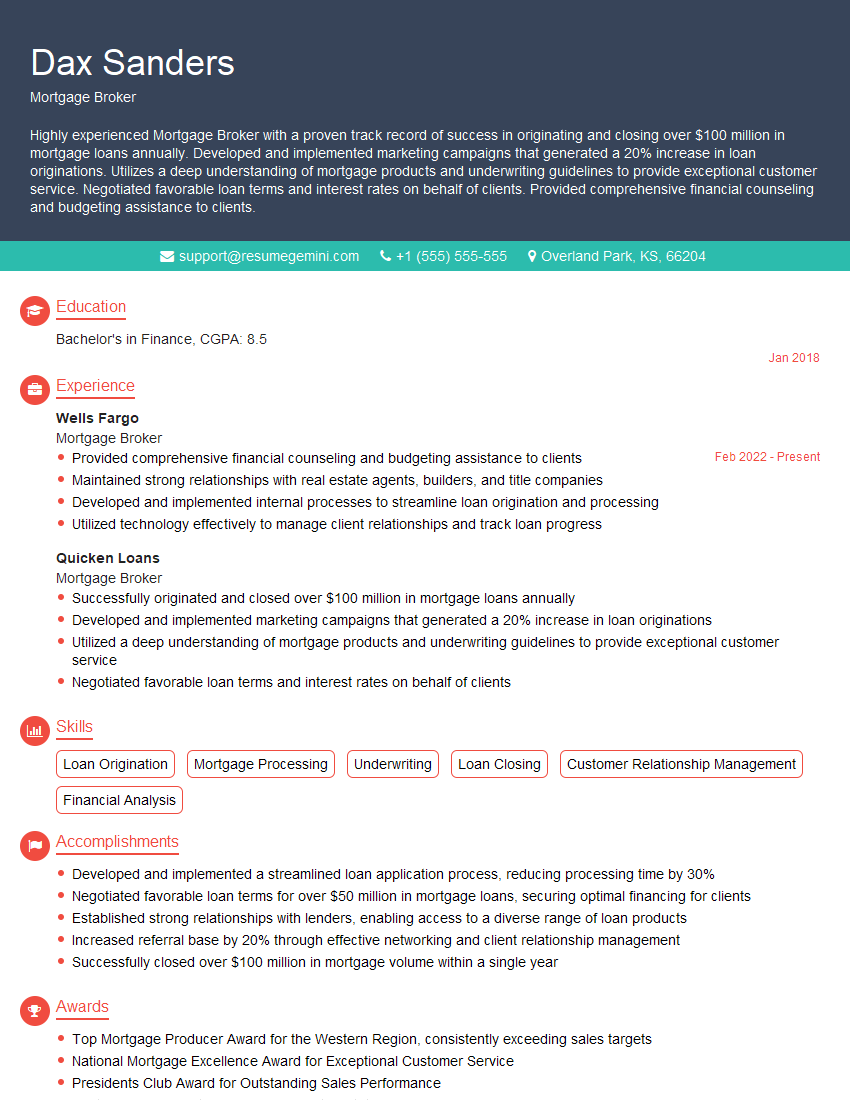
Mortgage Broker Resume Sample
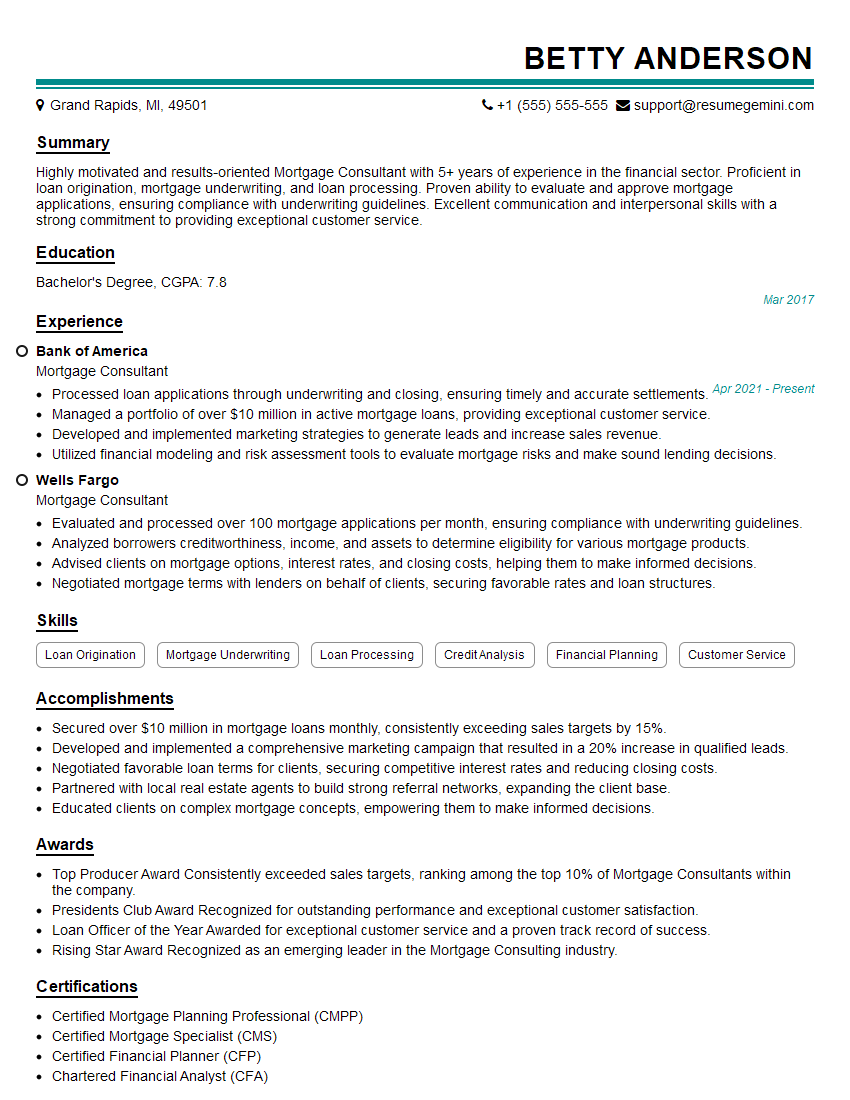
Mortgage Consultant Resume Sample
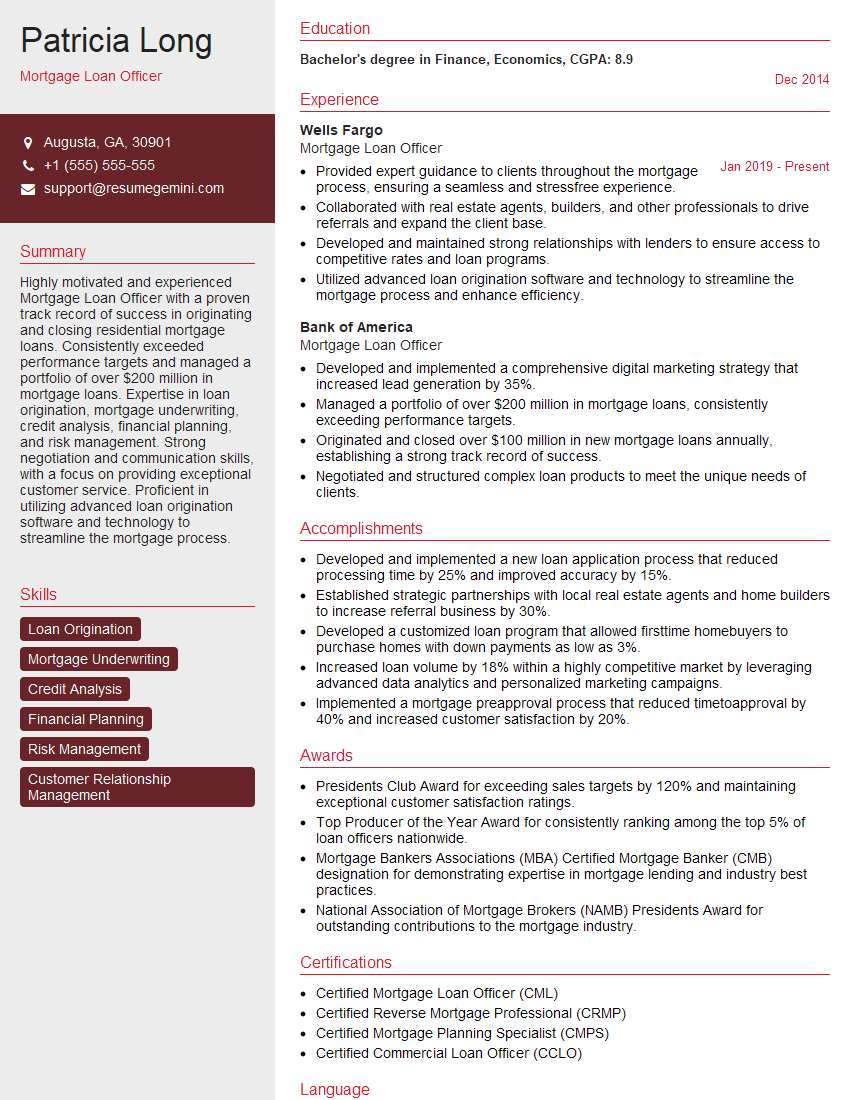
Mortgage Loan Officer Resume Sample
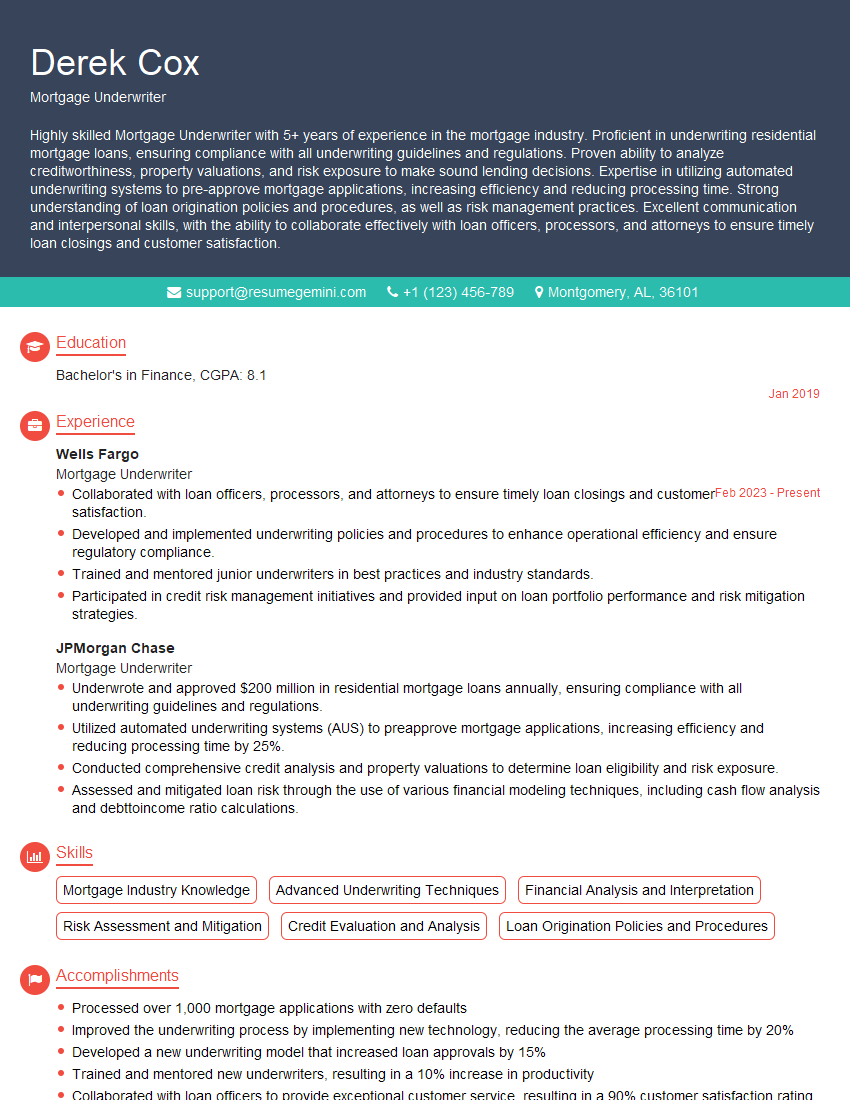
Mortgage Underwriter Resume Sample
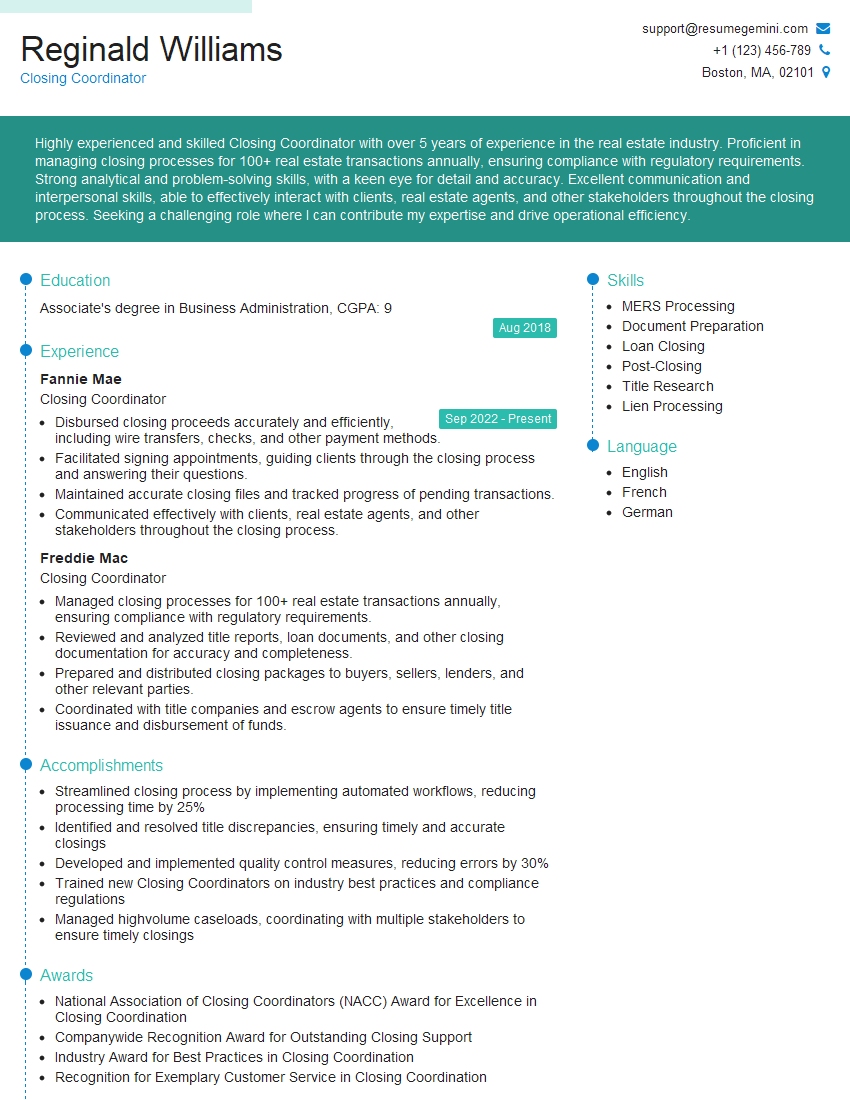
Closing Coordinator Resume Sample
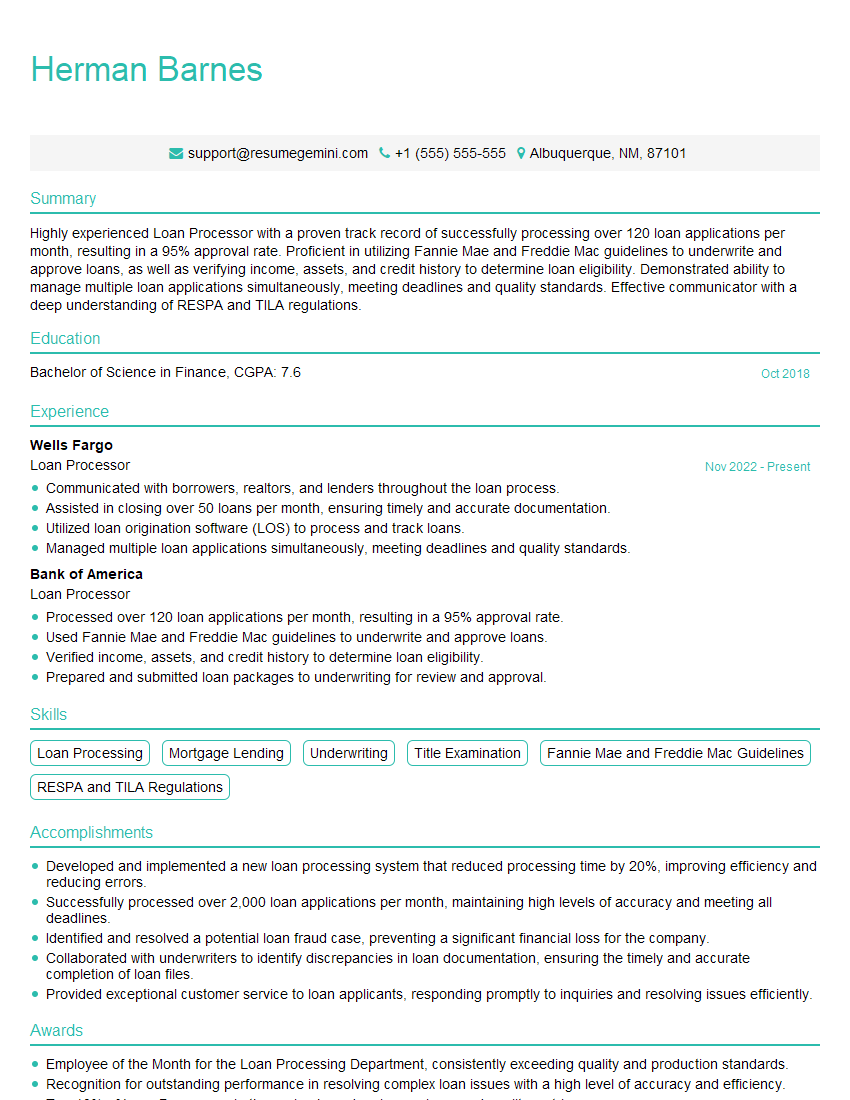
Loan Processor Resume Sample
Explore more articles
Users Rating of Our Blogs
Share Your Experience
We value your feedback! Please rate our content and share your thoughts (optional).
What Readers Say About Our Blog
Really detailed insights and content, thank you for writing this detailed article.
IT gave me an insight and words to use and be able to think of examples