Feeling uncertain about what to expect in your upcoming interview? We’ve got you covered! This blog highlights the most important Proficient in Survey Software (e.g., SurveyMonkey, Qualtrics) interview questions and provides actionable advice to help you stand out as the ideal candidate. Let’s pave the way for your success.
Questions Asked in Proficient in Survey Software (e.g., SurveyMonkey, Qualtrics) Interview
Q 1. Explain the difference between Likert and rating scales.
While both Likert and rating scales measure attitudes or opinions, they differ in their approach. A Likert scale presents a statement, and respondents indicate their level of agreement or disagreement using a range of options (e.g., Strongly Agree, Agree, Neutral, Disagree, Strongly Disagree). Think of it as measuring the intensity of feeling towards a single statement. A rating scale, on the other hand, typically asks respondents to rate something along a numerical or descriptive continuum (e.g., rating a product’s quality from 1 to 5 stars or from ‘Poor’ to ‘Excellent’). The difference lies in the type of response being measured: agreement with a statement versus overall rating of an item or concept.
Example: A Likert scale question might be: “I am satisfied with the customer service I received.” with options ranging from Strongly Agree to Strongly Disagree. A rating scale question might be: “On a scale of 1 to 5, how would you rate the quality of our product?“
Q 2. What are the best practices for designing effective survey questions?
Designing effective survey questions is crucial for accurate and meaningful results. Here are some key best practices:
- Keep it clear and concise: Avoid jargon, technical terms, and double-barreled questions (asking two things at once).
- Use neutral language: Avoid leading questions that might bias responses.
- Provide clear response options: Ensure that response options are mutually exclusive and exhaustive (cover all possibilities).
- Use appropriate question types: Select the question type that best suits the type of information you need to gather (e.g., multiple choice, Likert scale, open-ended questions).
- Pilot test your survey: Test your survey on a small group before launching it to identify any issues with clarity or flow.
- Order questions logically: Start with easy and engaging questions to encourage participation.
- Ensure anonymity and confidentiality: Build trust with respondents by ensuring their responses are kept private.
Example: Instead of asking “Do you like our product and our service?“, ask two separate questions: “How would you rate the quality of our product?” and “How satisfied were you with our service?“
Q 3. How do you handle missing data in your surveys?
Missing data is a common challenge in surveys. Several strategies can be employed to handle it, depending on the extent and pattern of missing data. These strategies include:
- Listwise deletion: This involves removing any respondent with any missing data. This is simple but can lead to significant loss of data if missing data isn’t random.
- Pairwise deletion: This method uses all available data for each analysis. While more efficient than listwise deletion, it can lead to inconsistent results.
- Imputation: This involves replacing missing values with estimated values. Methods include mean/median imputation (replacing with the average), regression imputation (predicting missing values based on other variables), or more sophisticated multiple imputation techniques.
The best approach depends on the nature of the missing data (e.g., is it missing completely at random, missing at random, or missing not at random?). I always assess the pattern of missing data before selecting a strategy and document my choices thoroughly.
Q 4. Describe your experience with branching logic in survey design.
Branching logic is a powerful feature in survey design that allows you to customize the survey flow based on respondents’ answers to previous questions. For instance, if a respondent answers ‘yes’ to a question about owning a pet, subsequent questions could focus on pet-related topics; otherwise, those questions would be skipped. This improves the relevance and efficiency of the survey, reducing respondent fatigue and increasing data quality.
In Qualtrics and SurveyMonkey, branching logic is typically implemented using conditional logic statements. These could involve simple ‘if-then’ statements or more complex logic based on multiple answers. For example, in Qualtrics, you might use a branching rule that says: “If the respondent answers ‘yes’ to Question 1, then display Question 2; otherwise, skip Question 2 and display Question 3.” This is incredibly useful for creating personalized and targeted surveys.
Q 5. What are the advantages and disadvantages of using online surveys versus phone surveys?
Online and phone surveys each have advantages and disadvantages:
- Online Surveys:
- Advantages: Cost-effective, faster data collection, broader reach, automated data processing, ability to use multimedia content.
- Disadvantages: Lower response rates, potential for sampling bias (excluding those without internet access), less control over respondent environment, difficulty verifying respondent identity.
- Phone Surveys:
- Advantages: Higher response rates, more control over respondent environment, personal interaction increases engagement, better for complex questions, easier to verify respondent identity.
- Disadvantages: More expensive, slower data collection, limited reach, potential for interviewer bias.
The best choice depends on the research objectives, budget, target population, and complexity of the survey questions. I often combine methods for a mixed-methods approach, leveraging the strengths of each.
Q 6. How do you ensure the reliability and validity of your survey results?
Ensuring the reliability and validity of survey results is paramount. Reliability refers to the consistency of the results, while validity refers to whether the survey measures what it intends to measure. Here’s how I ensure both:
- Pre-testing/Pilot testing: Conducting a pilot study on a smaller group helps identify flaws in the survey design or questions and refine them.
- Using established scales and validated measures: Leveraging existing instruments increases the validity and reliability of the results.
- Using clear and unambiguous questions: This enhances the consistency of responses and improves reliability.
- Careful sampling methods: A representative sample is crucial for generalizing results to the broader population.
- Statistical analysis: Using appropriate statistical tests to assess the reliability (e.g., Cronbach’s alpha for internal consistency) and validity (e.g., factor analysis for construct validity) of the collected data.
- Transparency and documentation: Clearly documenting the methods, sample characteristics, and analysis procedures increases the credibility of the study.
Q 7. How do you prevent survey fatigue?
Survey fatigue can significantly impact response rates and data quality. Here are several strategies to prevent it:
- Keep it short and focused: Only ask essential questions. Prioritize the information you need most.
- Use engaging question formats: Vary question types to maintain respondent interest.
- Use visually appealing design: A clean and well-organized survey is less likely to cause fatigue.
- Offer incentives for participation: Small incentives can encourage completion.
- Progress indicators: Show respondents how far they’ve progressed in the survey.
- Personalization: Tailoring the survey content to the respondent based on their previous responses (using branching logic) can maintain interest.
- Test survey length: Pre-testing helps determine the optimal length for your target audience.
I always strive for a balance between gathering necessary data and keeping the survey as concise and engaging as possible.
Q 8. Explain your experience with data cleaning and preparation in Qualtrics or SurveyMonkey.
Data cleaning and preparation are crucial steps in ensuring the reliability of survey results. In Qualtrics and SurveyMonkey, this involves handling missing data, identifying and correcting inconsistencies, and ensuring data integrity.
For instance, in Qualtrics, I frequently utilize its built-in features to identify and manage incomplete responses. This might involve excluding respondents who haven’t answered key questions, or employing imputation techniques for missing values, depending on the nature of the missing data and the overall impact on the analysis. I carefully consider whether to remove incomplete responses entirely or to use techniques like mean imputation or regression imputation to fill in the gaps, always documenting my methodology and its potential limitations.
In SurveyMonkey, I often use the export functions to move the data into statistical software like SPSS or R for more advanced cleaning. This might include identifying and removing duplicate responses, handling outliers (e.g., unusually high or low scores), and recoding variables to facilitate analysis. For example, I’ve had to recode open-ended responses into categorical variables using a coding scheme to allow for quantitative analysis of qualitative data. Thorough documentation throughout the cleaning process is paramount, allowing for easy reproducibility and transparency.
Q 9. How do you analyze data from Qualtrics or SurveyMonkey?
Analyzing data from Qualtrics and SurveyMonkey typically involves exporting the data into a statistical software package such as SPSS, R, or even Excel, depending on the complexity of the analysis. Within these platforms, I employ various statistical methods. For descriptive statistics, I calculate frequencies, means, standard deviations, and create cross-tabulations to understand the distribution of responses and relationships between variables. For inferential statistics, I might conduct t-tests, ANOVAs, or regressions to test hypotheses about the population based on my sample data.
In Qualtrics, some basic analysis can be performed directly within the platform, such as generating summary statistics and creating simple charts. However, for more robust analyses, I prefer to export the data to a more powerful statistical package. In SurveyMonkey, the exported data is usually in a CSV format, easily imported into most statistical software. I always ensure I’m using the appropriate statistical test based on the level of measurement of my variables (nominal, ordinal, interval, ratio).
Q 10. What are your preferred methods for visualizing survey data?
Data visualization is essential for communicating survey results effectively. My preferred methods depend on the nature of the data and the intended audience. For categorical data, I often use bar charts, pie charts, or stacked bar charts to show proportions or frequencies. For continuous data, histograms, box plots, and scatter plots can be effective. I also frequently use line graphs to display trends over time.
Interactive dashboards, increasingly popular, allow exploration and filtering of data, offering an engaging way to understand patterns and trends. For example, I recently used Tableau to create an interactive dashboard showing customer satisfaction scores across different demographic segments, which allowed stakeholders to easily filter data and drill down into specific regions or customer groups. The choice of visualization technique is crucial; a poorly chosen chart can misrepresent the data. Clarity and accuracy are paramount.
Q 11. Describe your experience with different sampling methods.
My experience encompasses various sampling methods, each with its strengths and weaknesses. Simple random sampling, where every member of the population has an equal chance of being selected, is straightforward but can be impractical for large populations. Stratified sampling divides the population into strata (e.g., age groups, geographic regions) and then samples randomly from each stratum, ensuring representation from different subgroups. Cluster sampling involves randomly selecting clusters (e.g., schools, neighborhoods) and then sampling individuals within those clusters, which is cost-effective for geographically dispersed populations.
Convenience sampling, while easy, is prone to bias as it relies on readily available participants. Quota sampling aims to achieve a specific representation of subgroups but may introduce selection bias. The choice of sampling method significantly impacts the generalizability of findings. For example, when studying customer satisfaction for a specific product, stratified sampling by demographic factors might be preferred to obtain a balanced representation of customer segments, thus leading to more reliable conclusions.
Q 12. How do you calculate response rates and what are acceptable rates?
Response rate is calculated by dividing the number of completed surveys by the number of eligible surveys distributed. For example, if 100 surveys were sent out and 70 were completed, the response rate would be 70%. Acceptable rates vary widely depending on the research context and the nature of the survey. For academic research, rates above 50% are often considered good, while for marketing surveys, even lower rates might be acceptable.
A low response rate raises concerns about potential bias, as non-respondents might differ systematically from respondents. Strategies to improve response rates include offering incentives, using shorter surveys, personalizing communications, and ensuring ease of participation. It’s crucial to always report the response rate and acknowledge potential limitations resulting from non-response bias, helping readers assess the reliability of the results.
Q 13. What are the ethical considerations when designing and conducting surveys?
Ethical considerations are paramount in survey design and conduct. Informed consent is crucial—participants must understand the purpose of the survey, the use of their data, and their right to withdraw. Maintaining anonymity and confidentiality is essential to protect participants’ privacy. Questions must be carefully worded to avoid bias or leading responses. Transparency about the sponsor and funding sources is also ethically important.
For instance, I’ve ensured that all surveys include clear statements about data confidentiality, data usage, and participant rights to withdraw. I also undergo a rigorous review process for every survey instrument to guarantee that the questions are unbiased and do not lead participants toward a specific answer. Protecting participant privacy is a top priority.
Q 14. How do you choose the appropriate survey platform for a given project?
Choosing the appropriate survey platform depends on several factors, including project requirements, budget, technical expertise, and the complexity of the survey design. Qualtrics, for example, offers advanced features like branching logic, sophisticated data analysis tools, and robust security features, making it ideal for large-scale or complex projects. SurveyMonkey is a more user-friendly and often more cost-effective option, suitable for simpler surveys and smaller projects.
Consider the number of respondents, the need for advanced features, data analysis capabilities, integration with other software, and cost. If the survey involves complex branching logic, advanced data analysis requirements, or a large number of respondents, Qualtrics might be more suitable. For simpler projects with a smaller budget and less technical expertise needed, SurveyMonkey could be a better choice. Always evaluate the platform’s reporting and export capabilities to ensure that it meets the needs of your analysis.
Q 15. What are some best practices for distributing surveys?
Distributing surveys effectively hinges on choosing the right method for your target audience and research goals. Think of it like choosing the right delivery method for a package – you wouldn’t send a fragile package by airmail, right?
- Email: Ideal for large, dispersed groups. Personalize subject lines and pre-header text to boost open rates. Use professional-looking emails and ensure your survey link is clearly visible and easy to click. A/B testing subject lines and email content is crucial for optimizing response rates.
- Embedded Surveys: Embedding surveys into your website or app allows for seamless integration into the user experience. This is particularly useful for capturing feedback related to a specific website feature or product use. For example, I once embedded a short satisfaction survey at the end of an online purchase process, leading to a huge improvement in future customer feedback.
- Social Media: Share your survey link on relevant social media platforms, but be mindful of platform-specific best practices and avoid spamming your followers. Use eye-catching visuals and compelling descriptions to increase engagement.
- Physical Distribution: For specific demographics or offline events, printed surveys can still be effective. Consider the cost and time required for distribution and collection, especially when considering data entry.
- SMS/Text Messaging: Short surveys via SMS are excellent for short feedback or quick polls, especially if your target audience is largely mobile. Keep it concise!
Remember to always test your distribution strategy to see what works best for your target audience.
Career Expert Tips:
- Ace those interviews! Prepare effectively by reviewing the Top 50 Most Common Interview Questions on ResumeGemini.
- Navigate your job search with confidence! Explore a wide range of Career Tips on ResumeGemini. Learn about common challenges and recommendations to overcome them.
- Craft the perfect resume! Master the Art of Resume Writing with ResumeGemini’s guide. Showcase your unique qualifications and achievements effectively.
- Don’t miss out on holiday savings! Build your dream resume with ResumeGemini’s ATS optimized templates.
Q 16. How do you manage and track survey responses?
Managing and tracking survey responses requires a multi-faceted approach. Think of it like air traffic control – you need to keep track of every response and make sure nothing gets lost.
- Real-time dashboards: Most survey platforms offer real-time dashboards showing response rates, completion times, and demographic breakdowns. I frequently use these to monitor progress and identify any potential issues.
- Automated email notifications: Set up automated emails to remind respondents who haven’t completed the survey and thank those who have. This significantly improves response rates.
- Data export: Regularly export your data in a format compatible with your chosen data analysis software (e.g., Excel, SPSS, R). I usually export in CSV format for maximum flexibility.
- Data cleaning: This is crucial. Check for incomplete responses, outliers, and inconsistencies. I often use scripting (e.g., in R) to automate this process, especially with large datasets.
- Version control: If you make any changes to your survey, keep track of the different versions. This ensures you can accurately analyze the data from each version.
Effective response management not only guarantees a high response rate but also facilitates accurate analysis and robust reporting.
Q 17. Describe your experience with survey programming or scripting.
My experience with survey programming and scripting focuses primarily on enhancing data collection and analysis. I’m proficient in using JavaScript within platforms like Qualtrics and SurveyMonkey to create dynamic and interactive surveys. For example:
- Branching Logic: I’ve used JavaScript to create branching logic that customizes the survey flow based on respondent answers. This makes the survey more efficient and engaging by only presenting relevant questions. For instance, if a respondent answers ‘yes’ to a specific question about a product feature, they’ll be presented with follow-up questions about that feature, otherwise, they’ll be skipped.
- Piping Data: I’ve implemented piping to personalize the survey experience by inserting respondent data (like name or ID) into different questions. This creates a more personalized and engaging experience. A simple example would be using the respondent’s name in the welcome message.
- Custom Validation: I utilize JavaScript to add custom validation rules to ensure data accuracy and consistency. This prevents respondents from entering invalid data, like text in a numerical field.
- Data Export Customization: I can use scripting to automatically format and export the data into a specific format (like JSON) that’s optimal for my chosen data analysis tools.
This level of programming enables me to build surveys that go beyond simple questionnaires, allowing for more sophisticated data collection and analysis.
Q 18. How do you ensure data security and privacy in your surveys?
Data security and privacy are paramount. It’s like safeguarding a valuable asset – you wouldn’t leave it unguarded, right?
- HTTPS Encryption: Ensure your survey platform uses HTTPS encryption to protect data transmitted between the respondent’s browser and the survey server.
- Data Anonymization: Whenever possible, collect only the necessary data and anonymize identifying information to protect respondent privacy. I often use unique identifiers instead of names or email addresses.
- Compliance with Regulations: Adhere to relevant data privacy regulations (e.g., GDPR, CCPA). This includes obtaining informed consent from respondents and providing clear information on how their data will be used and protected.
- Data Storage and Access Control: Use secure data storage solutions and implement strict access control measures to limit access to sensitive data to authorized personnel only.
- Regular Security Audits: Regularly review and update security protocols to stay ahead of emerging threats. Most reputable survey platforms conduct regular security assessments.
Prioritizing data security and privacy builds trust with respondents, ensuring the validity and integrity of your research.
Q 19. How do you create effective survey reports?
Creating effective survey reports involves more than just presenting the raw data; it’s about telling a compelling story with your findings. Think of it as crafting a narrative – you wouldn’t just list facts, you’d structure them into a coherent and engaging story.
- Clear and Concise Visualizations: Use charts, graphs, and tables to represent data clearly and concisely. Avoid overwhelming the reader with unnecessary details.
- Executive Summary: Begin with a brief executive summary highlighting the key findings and their implications. This is essential for busy stakeholders who may not have time to read the entire report.
- Data Interpretation: Don’t just present the data; interpret it. Explain what the results mean in the context of your research question and goals.
- Limitations and Caveats: Acknowledge any limitations of the survey design or methodology. This adds credibility to your report.
- Recommendations: Based on your findings, offer clear and actionable recommendations. What should be done based on the results?
A well-structured report should be easy to understand, even for those without statistical expertise. It should effectively convey the value of your research.
Q 20. How do you interpret and present survey findings to stakeholders?
Presenting survey findings to stakeholders requires tailoring the information to their needs and understanding. It’s not just about numbers; it’s about insights and implications. Think of it like presenting a business proposal – you need to convince your audience of the value and importance of your findings.
- Know your Audience: Understand the stakeholders’ level of understanding and their interests. Tailor your presentation accordingly.
- Visual Aids: Use clear and concise visuals (charts, graphs, infographics) to communicate key findings effectively.
- Storytelling: Craft a narrative around your findings, making the data relatable and engaging.
- Interactive Presentations: Consider interactive presentations to facilitate discussion and Q&A sessions.
- Follow-up Communication: Provide a written report and be available to answer questions after the presentation.
Effective communication ensures the stakeholders understand the findings, their implications, and support any necessary follow-up actions.
Q 21. What experience do you have with A/B testing using survey software?
A/B testing in survey design allows for the optimization of survey questions, layouts, and overall design elements to maximize response rates and data quality. It’s like running a controlled experiment – you test different versions to see which performs better.
- Question Wording: I’ve A/B tested different wordings of questions to see which elicits more accurate or complete responses. For instance, testing a leading versus a neutral question wording.
- Question Order: Experimenting with question order can influence respondent answers, especially with sensitive topics. I’ve used A/B testing to determine the optimal flow of questions.
- Survey Length: A/B testing shorter vs. longer survey versions allows identification of the sweet spot – maximizing information gathered while minimizing respondent fatigue.
- Visual Design: I’ve tested different visual elements, like color schemes or layouts, to see which enhances respondent engagement and completion rates.
- Incentives: I’ve A/B tested the effectiveness of different incentives (e.g., raffle entries vs. gift cards) to improve response rates.
By systematically testing variations, A/B testing helps create more effective surveys that deliver higher quality data and achieve research objectives more efficiently.
Q 22. How familiar are you with integrating survey data with other data sources?
Integrating survey data with other data sources is crucial for gaining a holistic understanding. Think of it like adding different puzzle pieces to complete a bigger picture. I’m highly proficient in this, using various methods depending on the data sources and the survey software.
For instance, in Qualtrics, I often utilize its built-in APIs to connect survey responses with CRM data (like Salesforce or HubSpot) to analyze customer behavior and satisfaction in relation to their purchase history or support interactions. This allows for powerful segmentation and personalized analysis. With SurveyMonkey, I might export data in CSV format and then use tools like Python with libraries like pandas to merge it with other datasets. The key is choosing the right approach for optimal data integrity and efficiency. For example, if dealing with sensitive data, I’d prioritize secure methods using encrypted connections and following data privacy regulations.
In a recent project, we integrated customer satisfaction survey data with sales figures to identify specific product features driving customer satisfaction and correlate those with sales performance, leading to more informed product development decisions.
Q 23. How do you handle outliers in your survey data?
Outliers, those data points significantly deviating from the norm, require careful consideration. Ignoring them can skew results, while incorrectly removing them can also bias the analysis. My approach involves a multi-step process.
- Identification: I first visually inspect the data using histograms, box plots, and scatter plots to identify potential outliers. I then use statistical methods like Z-scores or IQR (Interquartile Range) to quantify how far from the mean or median a data point is.
- Investigation: Once identified, I don’t automatically discard outliers. I investigate the potential reasons behind them. Was there a misunderstanding of the question? A data entry error? Or does it represent a genuine, albeit unusual, response?
- Handling: Depending on the investigation, I might choose to: a) Keep the outlier if it’s valid and represents a real phenomenon; b) Correct it if it’s due to a data entry error; c) Remove it if it’s clear it’s due to an error or is clearly irrelevant. I always document the rationale behind my decisions.
For example, if I’m surveying household income and find one extremely high response, I’d investigate. Perhaps it was a data entry mistake, or it represents a truly high-income household in the target population. Careful consideration is key.
Q 24. What experience do you have with survey automation?
Survey automation is essential for efficiency and scalability. I have extensive experience automating various aspects of the survey process, from distribution to data analysis.
- Automated Invitations and Reminders: I leverage the automated email functionality within platforms like Qualtrics and SurveyMonkey to send personalized invitations and follow-up reminders to respondents. This increases response rates significantly.
- Branching and Logic: I use branching logic to create customized survey experiences based on respondents’ answers. This ensures that only relevant questions are presented, making the survey shorter and more engaging.
- Data Export and Integration: I automate data export to various formats (CSV, SPSS, etc.) and integrate with other data analysis tools for efficient processing and reporting.
- Panel Management (if applicable): Using platforms that allow for panel management, I can automate the recruitment and management of survey participants, ensuring diverse and representative samples.
In a recent marketing campaign, I automated the entire survey process, from sending targeted invitations to analyzing results, saving considerable time and resources, and leading to faster and more insightful data analysis.
Q 25. Describe your experience with different question types (e.g., multiple choice, open-ended, matrix).
Selecting the right question type is critical for accurate and meaningful data collection. I’m experienced in utilizing a range of question types, understanding their strengths and weaknesses.
- Multiple Choice: Simple, easy to analyze, but can lack nuance. I use these frequently for demographic data or closed-ended questions where clear options exist.
- Open-Ended Questions: Allow for rich, qualitative data, but require more time for analysis, often using text analysis techniques such as sentiment analysis or thematic coding. These are valuable for gathering in-depth feedback.
- Matrix Questions (Rating Scales): Efficient for comparing multiple items using the same scale (e.g., rating satisfaction with different aspects of a service). I carefully consider the number of items and scale points to avoid respondent fatigue.
- Ranking Questions: Useful for determining preference orderings, but can become complex with many items. I carefully consider cognitive load when designing ranking questions.
- Demographic Questions: Used to gather information about respondents’ characteristics (age, gender, income, etc.). It’s crucial to select appropriate response categories and be mindful of potential biases.
For instance, when assessing customer satisfaction with a software product, I might use a matrix question to rate features, an open-ended question for suggestions, and multiple-choice questions for demographic information.
Q 26. How familiar are you with using quotas and filters in survey design?
Quotas and filters are powerful tools for ensuring a representative sample and targeting specific segments of the population.
- Quotas: These ensure the representation of specific subgroups within the sample, mirroring the overall population’s proportions (e.g., ensuring equal representation of males and females). This is crucial for generalizability.
- Filters: Used to present different sections of the survey based on respondent characteristics or previous answers, ensuring a tailored experience and more relevant responses.
In Qualtrics, for example, I can easily set up quotas based on demographics gathered early in the survey, ensuring that a certain number of respondents from each demographic group complete the survey. Filters allow me to create skip logic, only showing certain questions to specific respondents, making the survey more efficient and less tedious for participants.
For a recent study, we used quotas to ensure representation of different age groups, and filters to show specific questions only to those who had prior experience with the product being surveyed.
Q 27. What are the limitations of online surveys?
While online surveys are convenient and cost-effective, they have limitations:
- Sampling Bias: Online surveys may not reach all segments of the population equally, leading to a non-representative sample. Those without internet access or limited digital literacy are excluded.
- Response Rate Challenges: Lower response rates are common compared to other methods, potentially reducing the generalizability of findings.
- Lack of Control over the Environment: Researchers have less control over the survey environment, making it challenging to prevent distractions or ensure honest responses.
- Data Quality Issues: Respondents may rush through the survey, provide careless answers, or not fully understand the questions. Data cleaning and validation become crucial.
- Technological Issues: Technical glitches or compatibility issues can prevent some individuals from participating.
To mitigate these limitations, I employ strategies like careful sampling techniques, providing strong incentives to increase response rates, using clear and concise questions, thorough data validation, and using appropriate survey software that minimizes technical glitches. Understanding and acknowledging these limitations is key to interpreting the results responsibly.
Q 28. How do you address issues of bias in survey design and administration?
Addressing bias is paramount for obtaining credible survey results. My approach involves a multi-faceted strategy:
- Neutral Question Wording: I carefully craft questions to avoid leading or biased language. Using neutral and objective language is crucial.
- Randomization: Randomizing the order of questions or answer choices helps minimize order effects and response biases.
- Pre-testing: Piloting the survey with a smaller group allows identification of any ambiguities or biases in the questions or design before widespread distribution.
- Anonymity and Confidentiality: Ensuring anonymity and confidentiality can encourage more honest responses, especially on sensitive topics.
- Careful Selection of Sample: Using appropriate sampling techniques to ensure representation of the target population helps to minimize sampling bias.
- Awareness of Social Desirability Bias: Using techniques to minimize social desirability bias, where respondents answer in ways to appear favorable, is important. This often requires careful question design and potentially the use of randomized response techniques.
For instance, instead of asking “Do you agree that our product is excellent?”, I might ask “How would you rate our product on a scale of 1 to 5?” This reduces the leading nature of the question and encourages more objective responses.
Key Topics to Learn for Proficient in Survey Software (e.g., SurveyMonkey, Qualtrics) Interview
- Survey Design Fundamentals: Understanding question types (multiple choice, Likert scale, open-ended), branching logic, and creating effective questionnaires for different research goals.
- Data Collection & Management: Implementing various data collection methods, managing respondent data, and ensuring data integrity and security within the chosen platform.
- Survey Distribution & Deployment: Utilizing platform features to distribute surveys effectively (email, embedded links, social media), managing survey invitations, and tracking response rates.
- Data Analysis & Reporting: Using built-in analytics tools to analyze survey data, interpreting key findings, and creating insightful reports and visualizations to present data effectively.
- Platform-Specific Features: Mastering the unique features and functionalities of SurveyMonkey and Qualtrics, including advanced features like automation, integrations, and reporting dashboards.
- Best Practices for Survey Methodology: Understanding ethical considerations, avoiding bias in question design, and ensuring survey validity and reliability.
- Troubleshooting & Problem Solving: Identifying and resolving technical issues related to survey design, distribution, and data analysis; effectively addressing respondent queries and concerns.
- Advanced Techniques: Exploring advanced features like A/B testing, quota sampling, and panel management to optimize survey results.
Next Steps
Mastering survey software like SurveyMonkey and Qualtrics is crucial for career advancement in market research, user experience, and data analysis. These skills demonstrate a valuable ability to gather and interpret critical data, driving informed decision-making in any organization. To maximize your job prospects, crafting an ATS-friendly resume that showcases your expertise is essential. We highly recommend using ResumeGemini to build a professional and impactful resume. ResumeGemini offers a streamlined process and provides examples of resumes tailored to highlight proficiency in SurveyMonkey and Qualtrics, helping you present your skills effectively to potential employers.
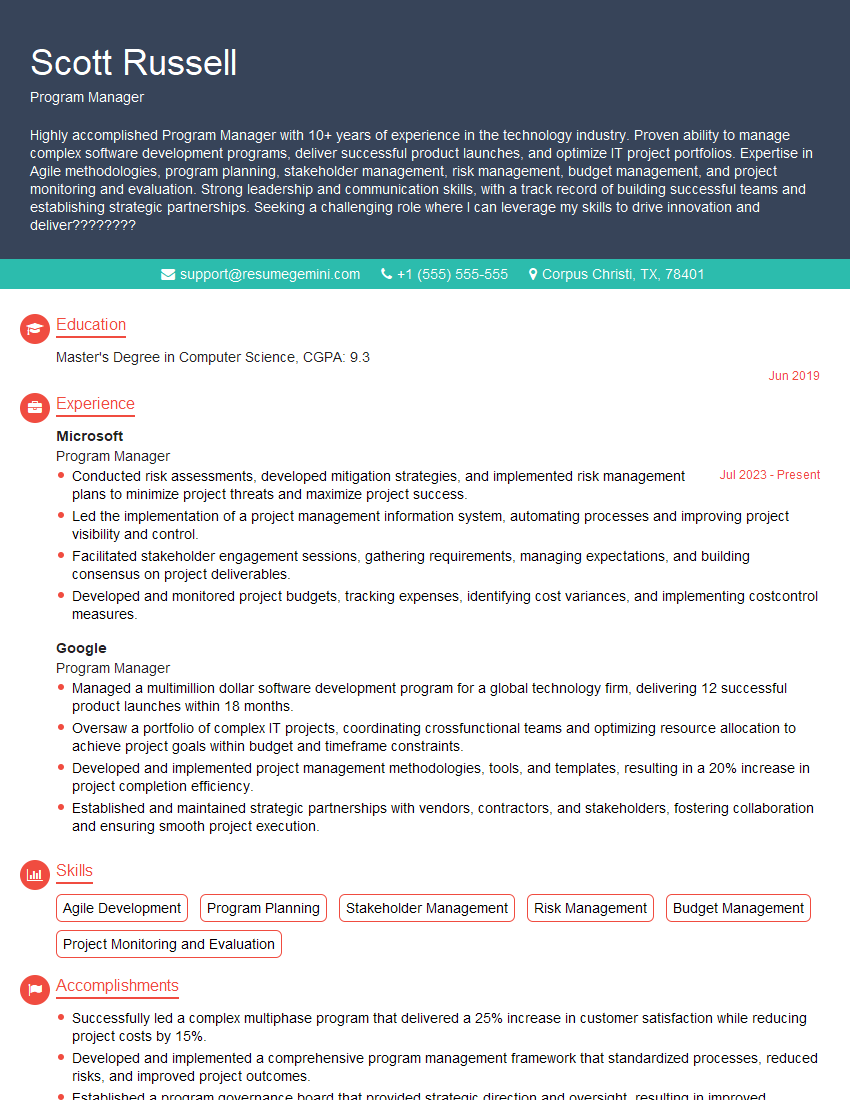
Program Manager Resume Sample

Product Manager Resume Sample
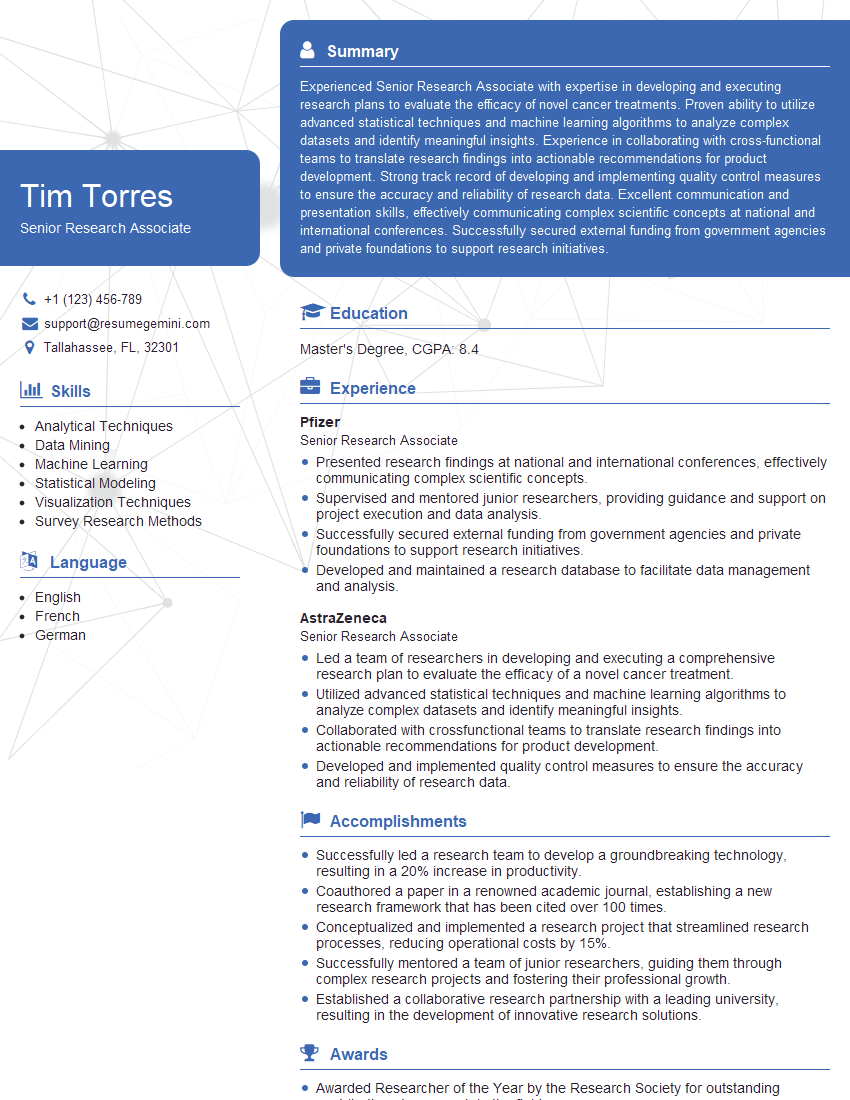
Senior Research Associate Resume Sample
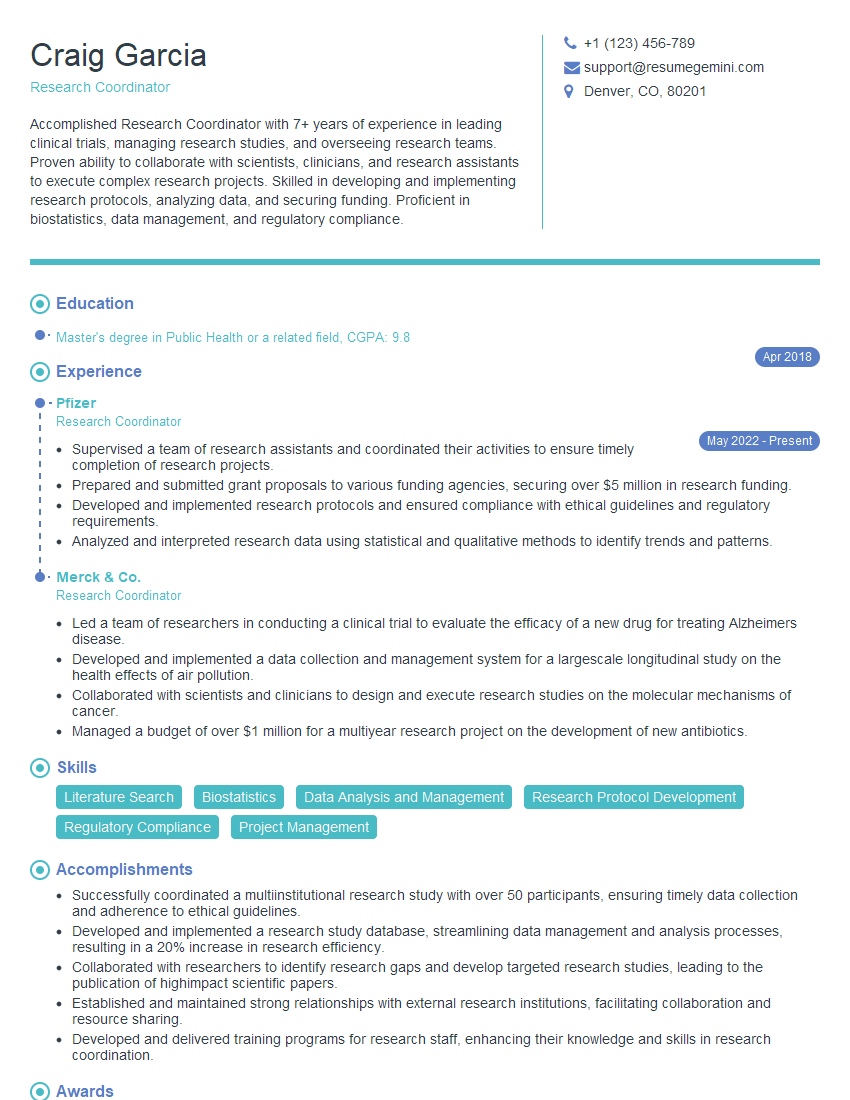
Research Coordinator Resume Sample

Business Analyst Resume Sample
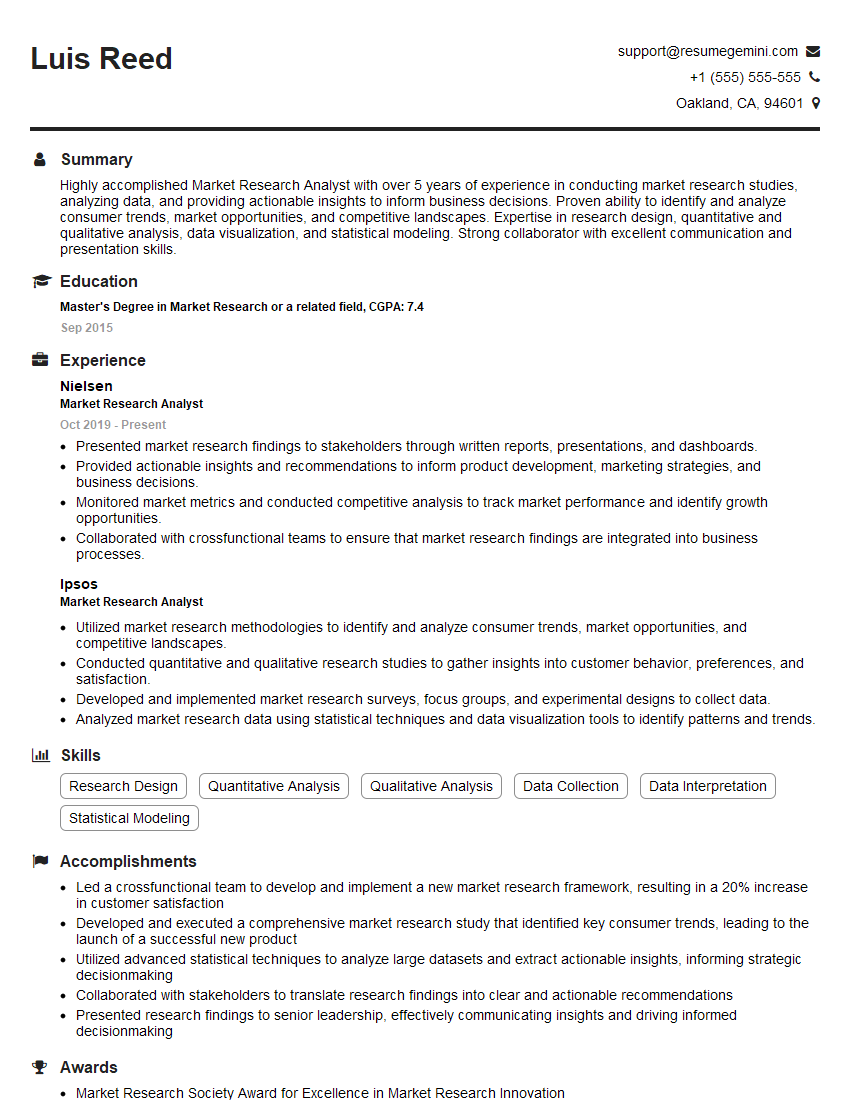
Market Research Analyst Resume Sample
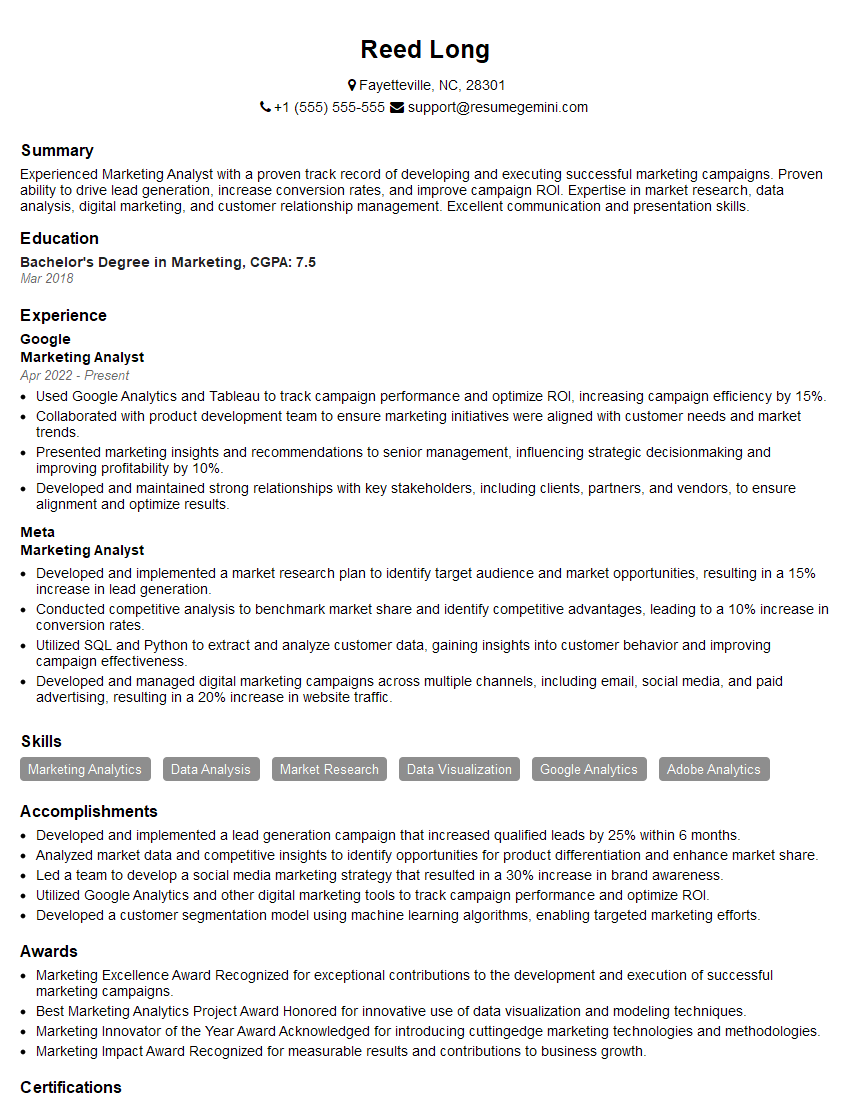
Marketing Analyst Resume Sample

Data Analyst Resume Sample

Data Scientist Resume Sample

Research Scientist Resume Sample
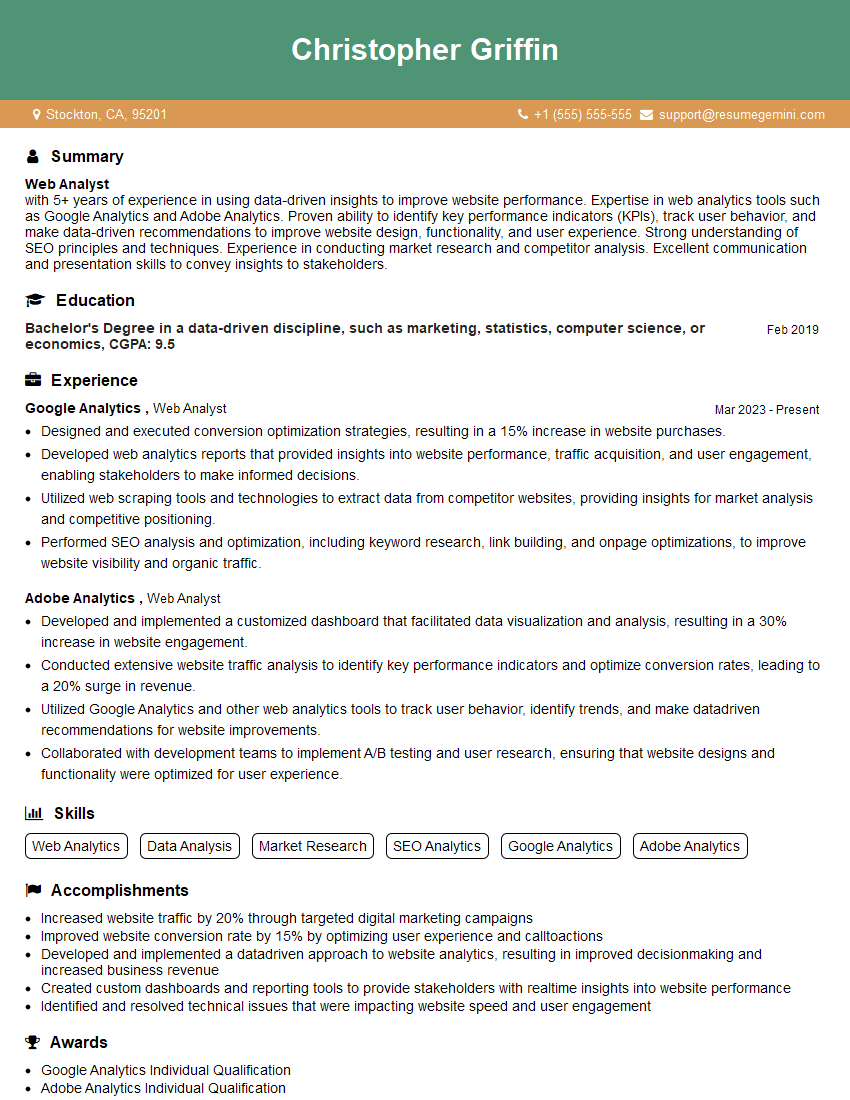
Web Analyst Resume Sample
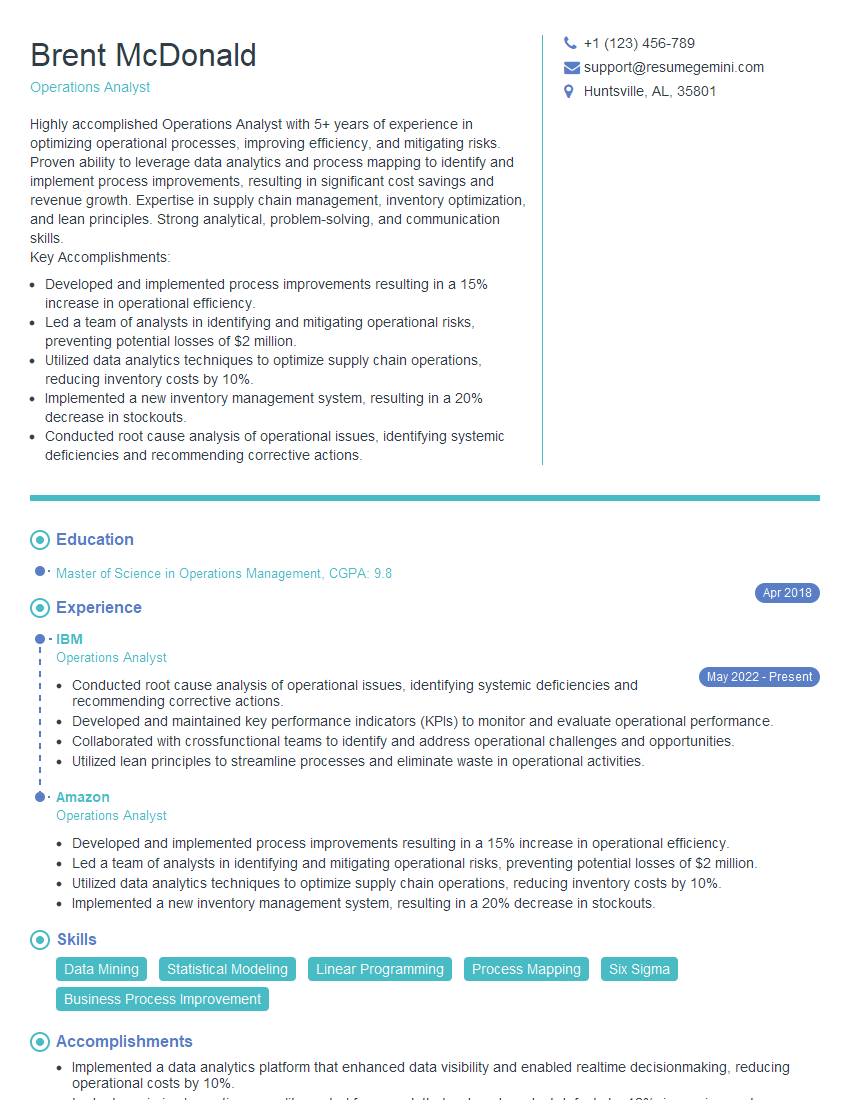
Operations Analyst Resume Sample
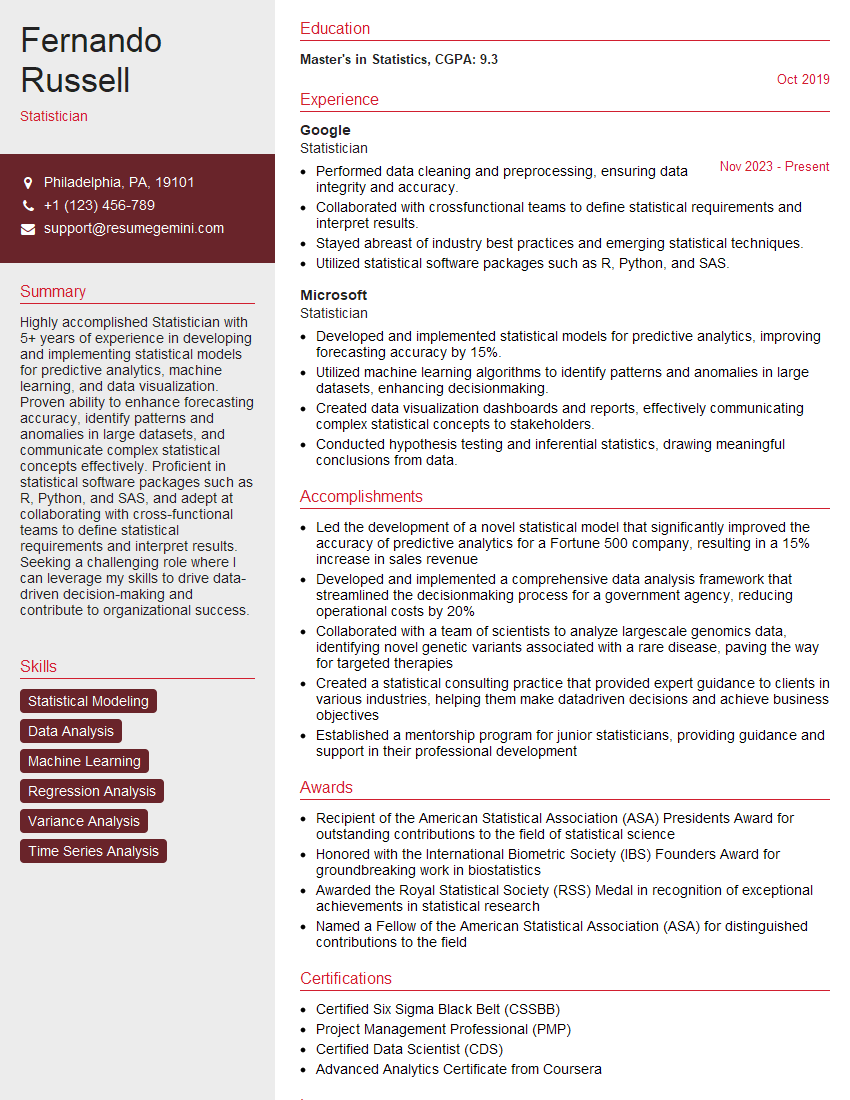
Statistician Resume Sample
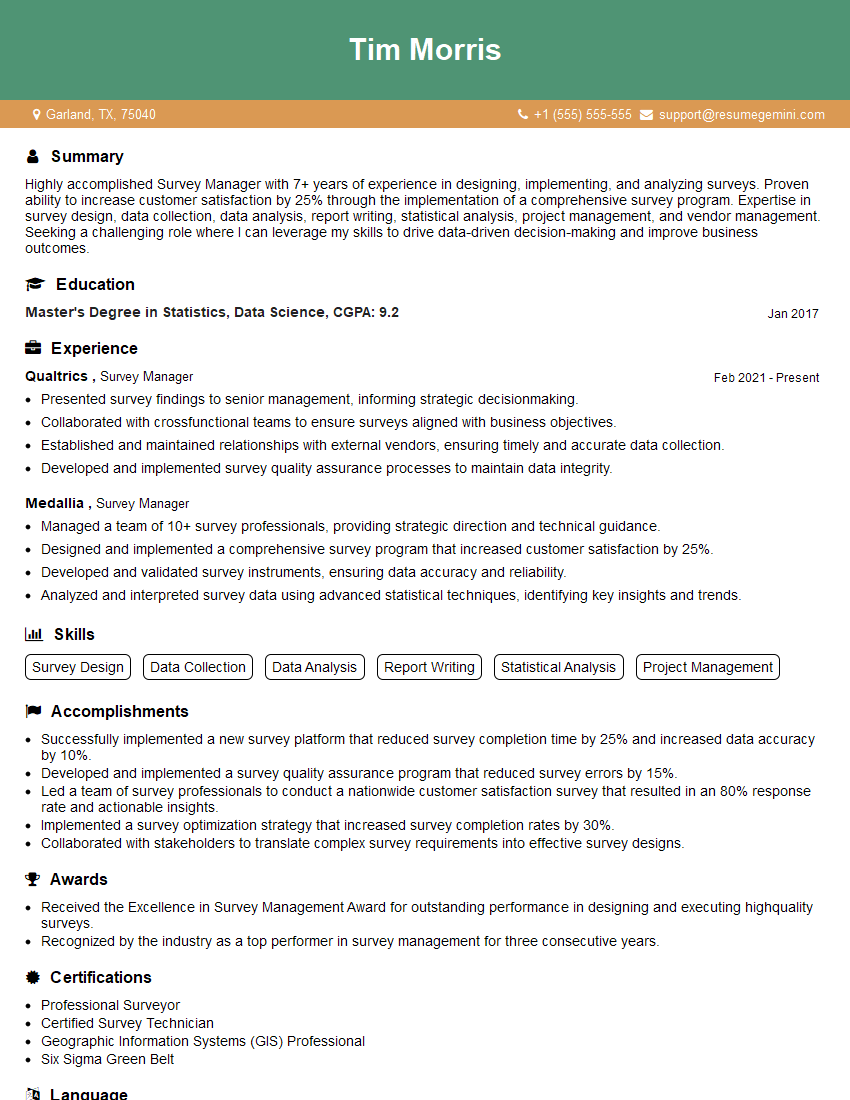
Survey Manager Resume Sample
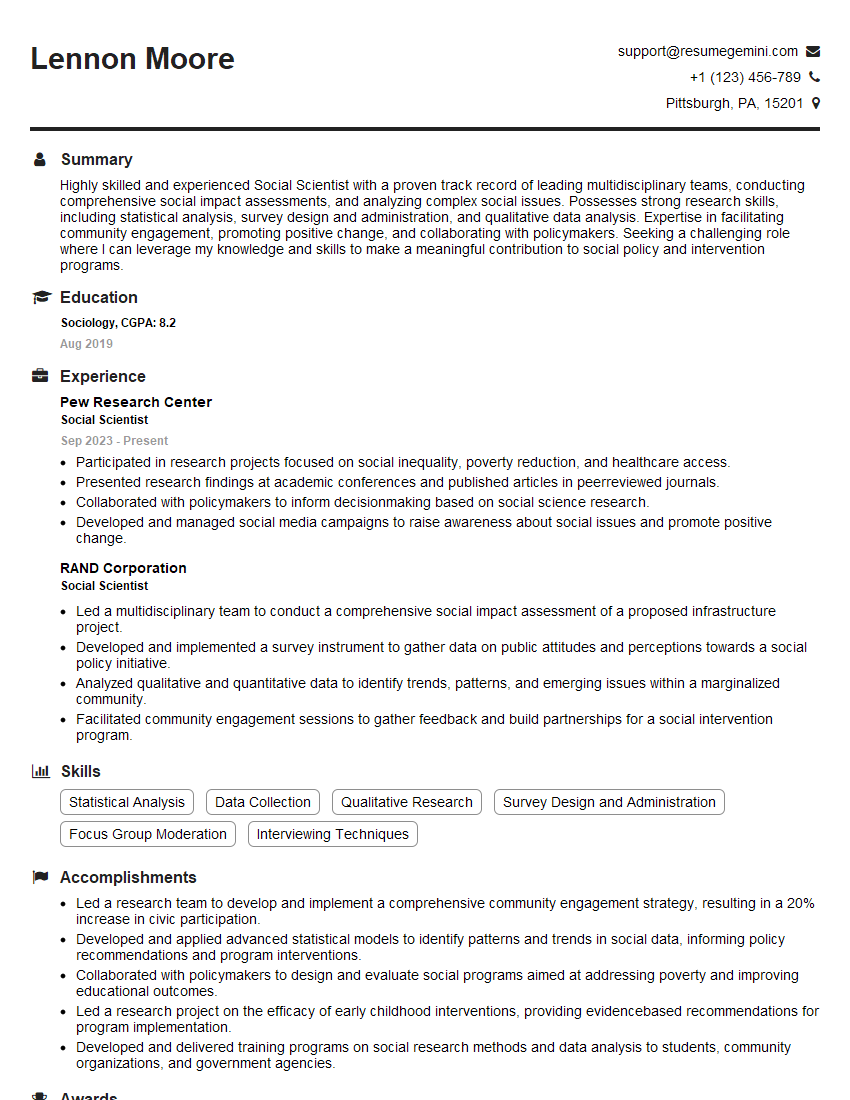
Social Scientist Resume Sample
Explore more articles
Users Rating of Our Blogs
Share Your Experience
We value your feedback! Please rate our content and share your thoughts (optional).
What Readers Say About Our Blog
Really detailed insights and content, thank you for writing this detailed article.
IT gave me an insight and words to use and be able to think of examples