Interviews are opportunities to demonstrate your expertise, and this guide is here to help you shine. Explore the essential Proficient in using technology in the classroom interview questions that employers frequently ask, paired with strategies for crafting responses that set you apart from the competition.
Questions Asked in Proficient in using technology in the classroom Interview
Q 1. Describe your experience integrating technology into different learning styles.
Integrating technology effectively requires understanding diverse learning styles. I tailor my approach to cater to visual, auditory, and kinesthetic learners. For visual learners, I use interactive simulations, videos, and visually appealing presentations created with tools like Canva or PowerPoint. For auditory learners, podcasts, audio books, and class discussions incorporating voice recording tools are beneficial. Kinesthetic learners thrive with hands-on activities using educational apps like Minecraft: Education Edition for building and problem-solving, or coding platforms like Scratch, where they physically manipulate blocks to create programs.
For example, when teaching about the solar system, I might use a 3D model for visual learners, an audio tour narrated by a space explorer for auditory learners, and have students build their own solar system models using craft materials for kinesthetic learners. This multifaceted approach ensures all students engage with the material in a way that best suits their learning preferences.
Q 2. What strategies do you use to ensure equitable access to technology for all students?
Equitable access is paramount. My strategies involve a multi-pronged approach. Firstly, I collaborate closely with school administration and IT to ensure sufficient devices are available, functioning properly and are regularly updated. Secondly, I provide differentiated instruction, using both online and offline materials. This ensures that students without consistent internet access or personal devices can still fully participate. Thirdly, I utilize open-source educational resources and free apps whenever possible to minimize financial barriers. Finally, I offer after-school tech support or one-on-one assistance to students who need extra help navigating the technology.
For instance, if a student lacks a personal device, I might pair them with a classmate who has one for collaborative projects, or I provide access to school laptops during designated periods.
Q 3. How do you assess student learning in a technology-rich environment?
Assessment in a technology-rich environment needs to be diverse and go beyond traditional paper-based tests. I use a blended approach incorporating various methods. Digital tools offer opportunities for formative assessments, such as online quizzes using platforms like Google Forms or Kahoot!, providing immediate feedback. Summative assessments can include multimedia projects (videos, presentations, interactive simulations), coding challenges, or online portfolios showcasing students’ learning progress. I also utilize collaborative projects that allow me to assess teamwork and problem-solving skills in a technological context.
For example, students might create a video explaining a historical event, a presentation using Google Slides, or a game using Scratch to demonstrate their understanding of a scientific concept. This allows me to assess their understanding in a way that is engaging and reflects the skills learned through technology integration.
Q 4. What are some common challenges you’ve faced integrating technology and how did you overcome them?
Challenges are inevitable. One common issue is the digital divide – ensuring all students have equal access to technology and reliable internet. I’ve tackled this by collaborating with the school to provide devices and internet access for students in need and by designing lessons that work both online and offline. Another challenge is managing student screen time and promoting healthy digital habits. To address this, I incorporate regular breaks, balance screen time with hands-on activities, and explicitly teach digital citizenship skills.
Technical glitches are also a reality. My strategy is to have backup plans, prepare offline versions of activities, and troubleshoot issues proactively. I also encourage students to become tech-savvy problem-solvers by guiding them through troubleshooting steps.
Q 5. Explain your experience with various learning management systems (LMS).
I have experience with several Learning Management Systems (LMS), including Google Classroom, Canvas, and Moodle. Each platform offers unique strengths. Google Classroom excels in its simplicity and integration with other Google apps, making it ideal for quick announcements and assignments. Canvas offers more robust features like gradebooks and course scheduling, making it suitable for more complex course management. Moodle provides a highly customizable platform with extensive features for building online communities and managing learning resources.
My choice of LMS depends on the specific needs of the course and the students’ technical proficiency. For example, I might use Google Classroom for a less tech-intensive course and Canvas for a more advanced one. I also consider factors such as ease of use for both students and myself, available technical support, and integration with other educational tools.
Q 6. How do you select and evaluate educational apps and software?
Selecting educational apps and software requires careful consideration. I start by identifying clear learning objectives and aligning them with the app’s features. I then assess the app’s pedagogical value, user-friendliness, accessibility features, and alignment with curriculum standards. Reviews from other educators and student feedback are also valuable. I always prioritize apps with robust privacy features and data security measures.
Before implementing an app, I conduct a pilot test with a small group of students to identify any issues or areas for improvement. This ensures the app is effective, engaging, and appropriate for my students’ needs.
Q 7. How do you maintain digital citizenship and responsible technology use in your classroom?
Digital citizenship and responsible technology use are integral to my classroom. I explicitly teach students about online safety, responsible social media use, intellectual property rights, and cyberbullying prevention. We discuss the ethical implications of technology and the importance of respecting others’ privacy online. I model responsible online behavior and integrate these concepts into classroom activities and discussions.
For example, we might develop a class code of conduct for online interactions or participate in simulations that explore the consequences of inappropriate online behavior. This proactive approach helps students become responsible and ethical digital citizens.
Q 8. Describe your experience with assistive technologies for students with special needs.
My experience with assistive technologies for students with special needs is extensive. I’ve worked with a range of tools, adapting them to individual student needs. For example, I’ve used text-to-speech software like NaturalReader for students with dyslexia, enabling them to access reading material independently. For visually impaired students, I’ve integrated screen readers like JAWS and screen magnification software. Students with motor skill challenges have benefited from alternative input devices such as on-screen keyboards and speech-to-text programs. I also have experience using learning management systems (LMS) with accessibility features, ensuring all students can access assignments and materials. Beyond the software, I’ve incorporated adaptive learning platforms which adjust difficulty levels based on student performance, and developed customized learning strategies involving assistive technology. My approach prioritizes individual student needs and collaboration with special education staff and parents to ensure the most effective support.
Q 9. How do you differentiate instruction using technology to meet diverse learning needs?
Differentiating instruction using technology involves leveraging diverse tools and approaches to cater to various learning styles and needs. For example, I use multimedia resources – videos, interactive simulations, and audio recordings – to cater to visual, auditory, and kinesthetic learners. I utilize learning platforms that offer different modalities for content delivery and assessment, such as text-based, audio, and visual formats. I also employ adaptive learning platforms, like Khan Academy, which personalize the learning path for each student based on their strengths and weaknesses. For students who struggle with written assignments, I allow them to submit audio or video recordings, showcasing their understanding in a way that aligns with their abilities. Regular formative assessments through online quizzes and polls help me quickly identify areas where students need more support, allowing me to adjust my teaching strategies in real-time.
Q 10. What professional development have you pursued to enhance your technology skills?
My professional development in educational technology has been ongoing and multifaceted. I’ve completed numerous online courses and workshops focused on specific software and pedagogical approaches. For example, I participated in a Google Educator Level 2 certification program which deepened my understanding of Google Workspace for Education, including Classroom, Docs, Slides, and Forms. I’ve also attended conferences and webinars on topics such as Universal Design for Learning (UDL) and integrating technology for inclusive classrooms. I actively seek out training on new platforms and tools as they emerge, and I regularly participate in professional learning communities where educators share best practices and resources.
Q 11. How do you stay current with new educational technologies and trends?
Staying current in educational technology requires a proactive approach. I subscribe to educational technology newsletters and journals such as Educause Review and follow influential educators and organizations on social media platforms like Twitter and LinkedIn. I actively participate in online forums and professional learning networks dedicated to educational technology, engaging in discussions and sharing best practices with other educators. Attending educational technology conferences and workshops allows me to network with experts and learn about cutting-edge developments. Finally, I dedicate time to explore and experiment with new tools and resources, evaluating their effectiveness in my classroom setting.
Q 12. Describe your experience using technology for formative and summative assessment.
Technology plays a crucial role in both formative and summative assessments. For formative assessments, I use online quizzes and polls through platforms like Google Forms or Kahoot! to gauge student understanding during a lesson. This real-time feedback allows me to adjust my teaching accordingly. For summative assessment, I utilize online platforms that allow for various assessment types – multiple-choice tests, essay submissions, and even project-based assessments submitted digitally. Learning management systems (LMS) such as Canvas or Moodle facilitate organization and grading of assignments. I also incorporate digital rubrics for clearer expectations and objective feedback. These digital tools streamline the assessment process while allowing for more efficient feedback and analysis of student performance.
Q 13. How do you use technology to foster collaboration and communication among students?
Technology significantly enhances collaboration and communication in my classroom. I use collaborative platforms like Google Docs and Slides to allow students to work together on projects, providing real-time feedback and editing capabilities. Digital communication tools like Google Classroom facilitate the sharing of announcements, assignments, and resources. Students can easily communicate with me and their peers through discussion forums and messaging features within these platforms. I also use video conferencing tools for virtual group work and presentations, fostering a sense of community even when students are working remotely. These technologies foster a dynamic learning environment that promotes active participation and peer learning.
Q 14. How do you address technical issues and troubleshooting in the classroom?
Addressing technical issues is a crucial part of effective technology integration. I anticipate common problems, such as internet connectivity issues or software glitches, by having backup plans and resources readily available. For instance, I prepare offline versions of activities or assignments in case of internet outages. I’ve developed a basic troubleshooting guide for common problems, which I share with my students, empowering them to resolve minor issues independently. When necessary, I work with the school’s IT support staff to address more complex issues. My focus is on minimizing disruptions to learning and creating a supportive environment where students feel comfortable seeking help when they encounter technical difficulties.
Q 15. What is your experience with interactive whiteboards or projectors?
Interactive whiteboards and projectors are indispensable tools in my classroom. My experience spans over five years, utilizing them for everything from delivering dynamic presentations and interactive lessons to facilitating collaborative activities and student-led projects. I’m proficient in using both SMART Boards and various projector models, understanding their capabilities and limitations. For instance, I’ve used a SMART Board’s annotation features to collaboratively solve math problems with students, allowing them to contribute directly to the problem-solving process on the screen. With projectors, I’ve effectively created engaging visual aids, supplementing textbook content with high-quality images and videos. I’m also adept at integrating them with other technologies, such as laptops and tablets, for a seamless teaching experience.
Career Expert Tips:
- Ace those interviews! Prepare effectively by reviewing the Top 50 Most Common Interview Questions on ResumeGemini.
- Navigate your job search with confidence! Explore a wide range of Career Tips on ResumeGemini. Learn about common challenges and recommendations to overcome them.
- Craft the perfect resume! Master the Art of Resume Writing with ResumeGemini’s guide. Showcase your unique qualifications and achievements effectively.
- Don’t miss out on holiday savings! Build your dream resume with ResumeGemini’s ATS optimized templates.
Q 16. How familiar are you with various online collaboration tools (e.g., Google Workspace, Microsoft Teams)?
I’m highly familiar with a range of online collaboration tools, including Google Workspace (Docs, Slides, Meet, Classroom) and Microsoft Teams. My experience includes using Google Classroom to organize assignments, provide feedback, and communicate with students and parents. Google Meet has been invaluable for hosting virtual office hours and facilitating real-time collaborative projects. I’ve also leveraged Microsoft Teams to create channels for different classes, fostering communication and sharing resources effectively. I understand the strengths of each platform and choose the most appropriate one depending on the specific needs of the lesson or project. For example, Google Docs’ real-time collaborative editing feature is perfect for group writing projects, while Microsoft Teams’ ability to integrate different applications is ideal for managing complex projects across multiple subjects.
Q 17. Describe your experience creating engaging digital learning materials.
Creating engaging digital learning materials is a passion of mine. I utilize a multi-modal approach, combining text, images, videos, and interactive elements. I use tools like Canva and Adobe Spark to create visually appealing presentations and worksheets. For example, when teaching about the solar system, instead of just using textbook diagrams, I created an interactive 3D model using Google Earth and added videos of space probes to enhance student engagement. I also incorporate gamification elements into my digital materials, using platforms like Quizizz and Kahoot! to turn learning into a fun, competitive activity. Furthermore, I regularly use educational software that allows for personalized learning paths, catering to different learning styles and paces.
Q 18. How do you ensure data privacy and security when using technology in the classroom?
Data privacy and security are paramount. I adhere strictly to school policies and best practices regarding student data. This includes using school-approved platforms and applications, ensuring all materials are stored securely, and educating students on responsible online behavior. I avoid collecting unnecessary personal information and always obtain parental consent before using any technology that involves data collection. When using online tools, I leverage their built-in privacy settings and ensure compliance with relevant regulations such as FERPA (Family Educational Rights and Privacy Act). For instance, I always use Google Classroom’s privacy settings to control who can see student work and limit access to sensitive information.
Q 19. How do you use technology to personalize learning for individual students?
I utilize technology to personalize learning in several ways. Firstly, I use learning management systems (LMS) like Google Classroom to assign differentiated assignments based on individual student needs. Students with different learning styles can select different projects that better cater to their strengths and learning preferences. Secondly, I leverage adaptive learning platforms that adjust the difficulty level of the content based on each student’s performance. Finally, I use educational apps and software that offer personalized feedback and support, guiding students at their own pace. This could include using Khan Academy for individual support in math or Duolingo for language learning.
Q 20. What are your preferred methods for providing technical support to students and colleagues?
My approach to providing technical support is multifaceted. I offer both proactive and reactive support. Proactively, I conduct regular training sessions for students and colleagues on using various technologies, focusing on practical application. Reactively, I have an open-door policy, encouraging students and colleagues to approach me with questions. I also use a combination of methods to provide support, including in-person assistance, email communication, and creating short video tutorials that address common issues. I maintain a FAQ document that addresses frequently asked questions and I utilize the school’s helpdesk system for more complex issues. My goal is to empower individuals to be self-sufficient with technology, reducing their reliance on me over time.
Q 21. Describe your experience with blended learning environments.
I have extensive experience with blended learning environments, combining online and in-person instruction. I’ve designed courses that leverage online platforms for delivering content, assigning homework, and facilitating discussions, while using classroom time for hands-on activities, group projects, and one-on-one interactions. For instance, I might deliver a lecture online through pre-recorded videos, freeing up class time for interactive workshops or collaborative activities. This approach offers flexibility and caters to diverse learning styles and schedules. Careful planning and clear communication are essential to ensure a seamless transition between online and in-person components, maintaining student engagement and providing support throughout the learning process. I regularly assess the effectiveness of my blended learning approach and adapt it based on student feedback and performance.
Q 22. How do you use technology to enhance student engagement and motivation?
Technology can significantly boost student engagement and motivation by making learning interactive and personalized. Instead of passive listening, students become active participants.
Interactive Simulations and Games: Using tools like PhET Interactive Simulations (physics, chemistry, biology) allows students to experiment and learn by doing, fostering a deeper understanding than traditional lectures. For example, students can explore the effects of gravity on planetary orbits in a virtual environment, making abstract concepts tangible.
Personalized Learning Platforms: Platforms like Khan Academy offer customized learning paths based on individual student needs and pace. This caters to diverse learning styles and keeps students challenged at their own level, preventing boredom or frustration.
Collaborative Tools: Google Docs, Slides, and Jamboard facilitate group projects and discussions, encouraging teamwork and communication skills. Students can contribute simultaneously, offering immediate feedback and fostering a sense of shared accomplishment.
Multimedia Content: Incorporating videos, podcasts, and interactive infographics makes learning more engaging than relying solely on textbooks. For instance, a video explaining photosynthesis can be far more effective than a static diagram.
Q 23. How do you incorporate technology into project-based learning?
Project-based learning (PBL) thrives with technology. It provides tools for research, collaboration, and presentation, transforming complex projects into manageable, engaging experiences.
Research and Information Gathering: Students can easily access diverse sources online, using tools like Google Scholar, JSTOR, and online databases to conduct thorough research for their projects. This encourages critical thinking and information literacy.
Collaboration and Communication: Tools like Google Classroom, Microsoft Teams, or Slack facilitate seamless collaboration, allowing students to share documents, brainstorm ideas, and provide peer feedback throughout the project lifecycle.
Presentation and Showcase: Students can utilize presentation software (PowerPoint, Google Slides, Prezi) to create engaging presentations, or even create videos or podcasts to showcase their learning. This helps them develop essential communication and digital literacy skills.
Data Analysis and Visualization: For science or math projects, software like Excel or specialized data analysis tools allow students to analyze data, create graphs, and visualize their findings, developing critical data interpretation skills.
Q 24. What experience do you have with gamification in education?
Gamification is a powerful tool for increasing student engagement and motivation. It leverages game mechanics – points, badges, leaderboards – to make learning more fun and rewarding.
Classroom Response Systems (Clickers): Using clickers for quizzes and polls creates a game-like atmosphere and provides immediate feedback. This encourages participation and makes learning more interactive.
Educational Games and Apps: Many apps and websites offer gamified learning experiences, such as Kahoot!, Quizizz, or Minecraft: Education Edition. These platforms transform learning into a fun and engaging challenge.
Points and Rewards Systems: Implementing a points system where students earn rewards for completing tasks, participating in class, or achieving academic goals can greatly motivate students. These rewards can be anything from extra credit to small prizes.
Personalized Avatars and Progress Tracking: Allowing students to customize their avatars and track their progress visually can add a sense of ownership and accomplishment, making them more invested in their learning journey.
I’ve found that carefully integrating gamification elements, avoiding an over-reliance on competition, and focusing on mastery and collaboration creates a positive and motivating learning environment.
Q 25. How do you manage student technology use to minimize distractions and maximize learning?
Managing student technology use requires a proactive and balanced approach. The goal is to leverage technology’s benefits while minimizing distractions and ensuring focused learning.
Clear Expectations and Guidelines: Establishing clear expectations for technology use in the classroom, including acceptable websites, apps, and activities, is crucial. These guidelines should be co-created with students whenever possible, fostering a sense of ownership and responsibility.
Designated Technology Use Times: Scheduling specific times for technology use within the lesson helps maintain focus. This prevents technology from becoming a constant distraction throughout the entire class period.
Website and App Blockers (if needed): In certain situations, using website and app blockers can be necessary to prevent students from accessing inappropriate or distracting content. This should be used judiciously and with transparency.
Monitoring and Intervention: Regularly monitoring student activity helps identify any issues early. Gentle reminders and individual interventions can be more effective than blanket restrictions.
Technology Integration into Curriculum: When technology is seamlessly integrated into the curriculum, students are less likely to use it for non-educational purposes because it becomes an essential tool for learning.
Q 26. Describe your experience with using technology for parent communication.
Technology plays a vital role in enhancing parent communication. It allows for efficient, timely, and effective updates and engagement.
Learning Management Systems (LMS): Platforms like Canvas or Blackboard allow me to post assignments, grades, announcements, and class materials directly to parents, keeping them informed about their child’s progress.
Email and Text Messaging: For quick updates or important reminders, email and text messaging are efficient tools. I use them to inform parents about upcoming events, deadlines, or individual student concerns.
Parent-Teacher Conferences (Virtual Options): Virtual conferencing tools like Zoom or Google Meet offer flexible options for parent-teacher conferences, accommodating busy schedules and allowing for more frequent check-ins.
Educational Apps with Parent Portals: Some educational apps offer parent portals that allow parents to monitor their child’s progress, participation, and performance in real-time.
Class Newsletters or Blogs: Regular newsletters or blog posts can provide a broader overview of classroom activities, learning goals, and upcoming events, fostering a sense of community.
Q 27. How do you incorporate multimedia resources into your lessons?
Multimedia resources significantly enhance lessons by catering to different learning styles and making abstract concepts more concrete.
Videos and Animations: Educational videos and animations (Khan Academy, YouTube Educational Channels) can explain complex processes or demonstrate concepts visually, making them more accessible to students.
Interactive Simulations: Simulations allow students to actively engage with the content, manipulating variables and observing the results. This hands-on approach promotes deeper understanding.
Audio Resources: Podcasts and audiobooks can be used for language learning, storytelling, or introducing new topics. They offer a different modality for learning and cater to auditory learners.
Images and Infographics: Visually appealing images and infographics can summarize key information, enhance understanding, and make learning more engaging. They are particularly helpful for visual learners.
I carefully select multimedia resources that align with learning objectives and are age-appropriate. I also ensure that the resources are accessible to all students, with captions and transcripts for videos, and alternative text for images.
Q 28. How do you address issues of digital equity and access in your teaching practice?
Addressing digital equity and access is crucial for ensuring all students have equal opportunities to learn. This involves being proactive and creating inclusive learning environments.
Providing Access to Devices and Internet: Working with school administration and community organizations to provide devices and internet access to students who lack them is a critical first step. This may involve establishing lending programs or partnering with internet providers.
Utilizing Offline Resources: Designing lessons that can be completed both online and offline ensures that students without consistent internet access can still fully participate. This might involve printing worksheets or utilizing physical manipulatives.
Differentiated Instruction: Recognizing that students have different levels of technology proficiency, providing differentiated instruction that caters to varying levels of digital literacy is essential. This may involve providing extra support or alternative assignments for students who struggle with technology.
Training and Support: Offering training and support to students and parents on how to use the technology effectively is crucial. This can help to reduce anxieties and ensure equitable participation.
Advocating for Equity: Advocating for policies and practices that promote digital equity within the school and broader community is essential for creating lasting change.
Key Topics to Learn for Proficient in Using Technology in the Classroom Interview
- Educational Technology Integration Strategies: Explore different models and frameworks for effectively integrating technology into your teaching practice. Consider the SAMR model or TPACK framework.
- Classroom Management with Technology: Discuss strategies for managing student behavior and engagement in technology-rich learning environments. This includes addressing digital citizenship and responsible technology use.
- Curriculum Design and Technology: Understand how to design engaging and effective lessons that leverage technology to enhance learning outcomes. Consider the use of various digital tools and platforms.
- Assessment and Feedback with Technology: Explore different methods for using technology to assess student learning and provide timely, targeted feedback. This includes using online assessment tools and digital portfolios.
- Accessibility and Inclusivity: Discuss strategies for ensuring that all students have equitable access to technology and that technology is used to support diverse learning needs.
- Data-Driven Instruction: Understand how to use data from technology tools to inform instructional decisions and improve student learning. This includes analyzing student performance data and adjusting teaching methods accordingly.
- Specific Software and Tools: Be prepared to discuss your experience with various educational technology tools (e.g., LMS platforms, collaborative software, educational apps). Highlight your proficiency and adaptability.
- Troubleshooting and Problem-Solving: Demonstrate your ability to effectively address technical issues and provide support to students and colleagues in a classroom setting. This includes anticipating potential problems and having solutions ready.
- Professional Development and Ongoing Learning: Show your commitment to staying current with the latest educational technology trends and best practices. Discuss your methods for ongoing professional learning.
Next Steps
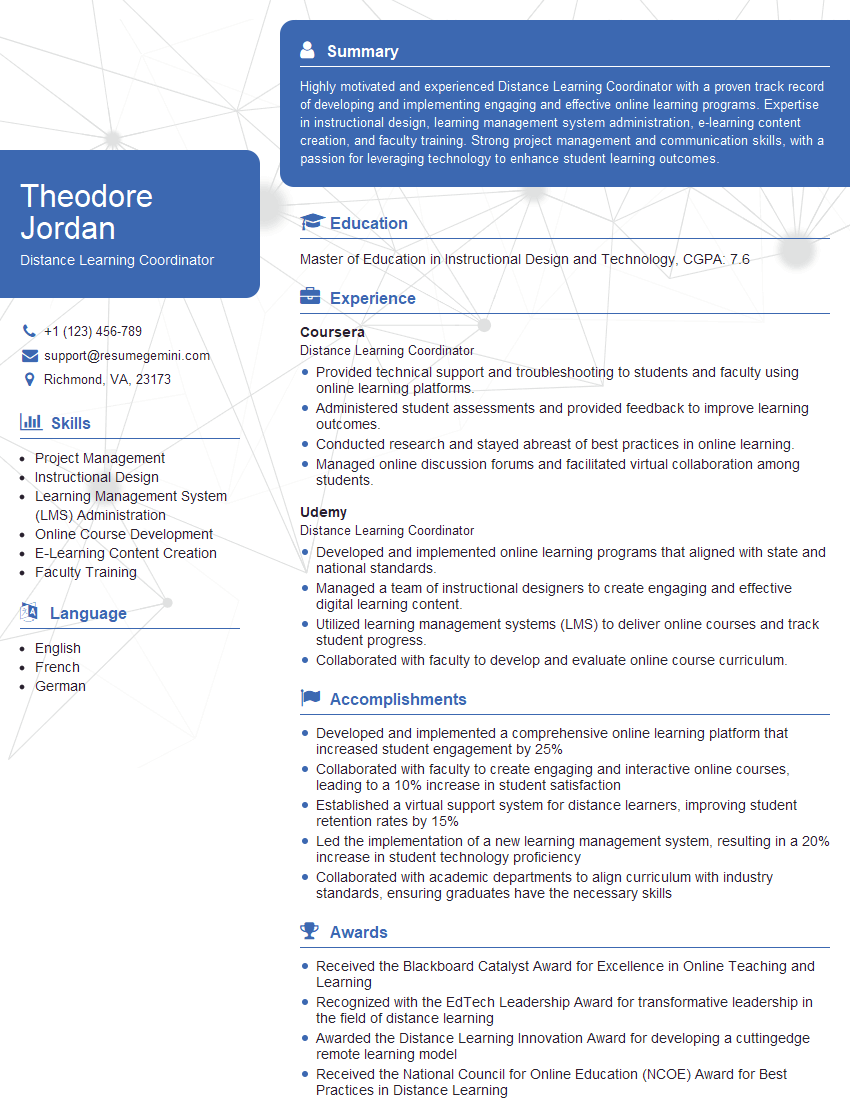
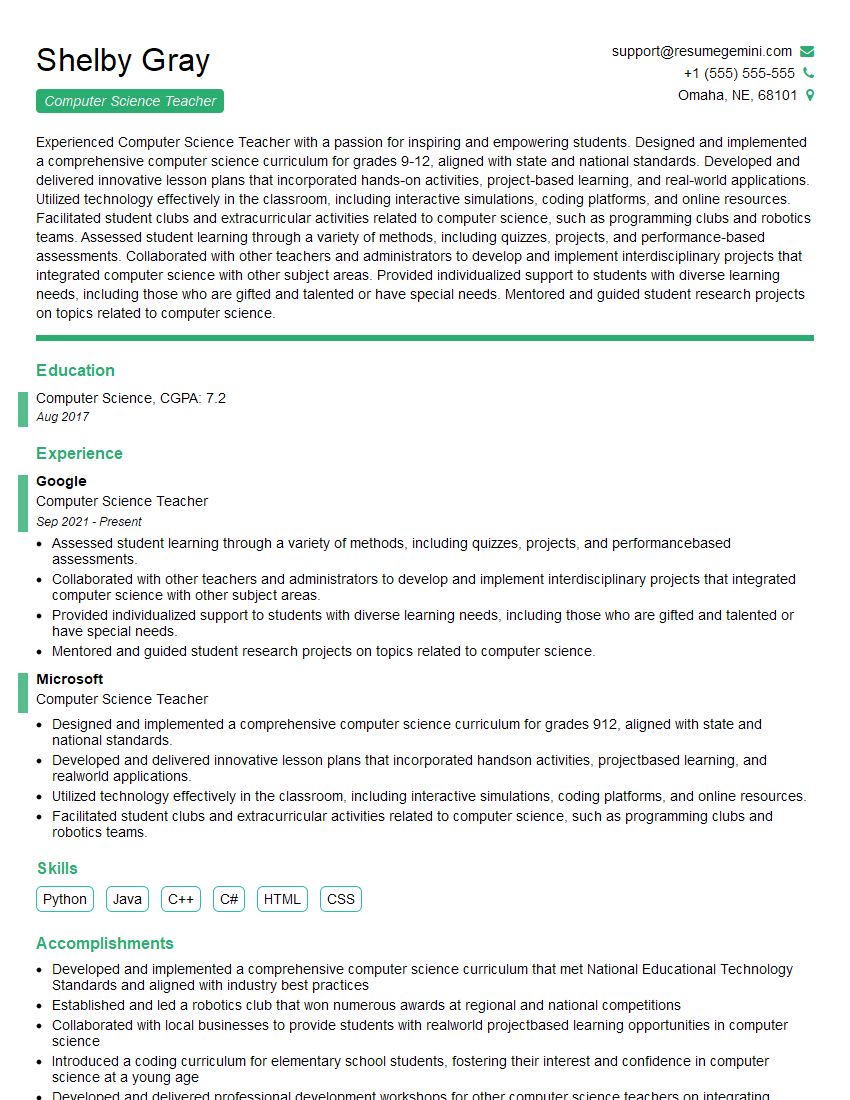
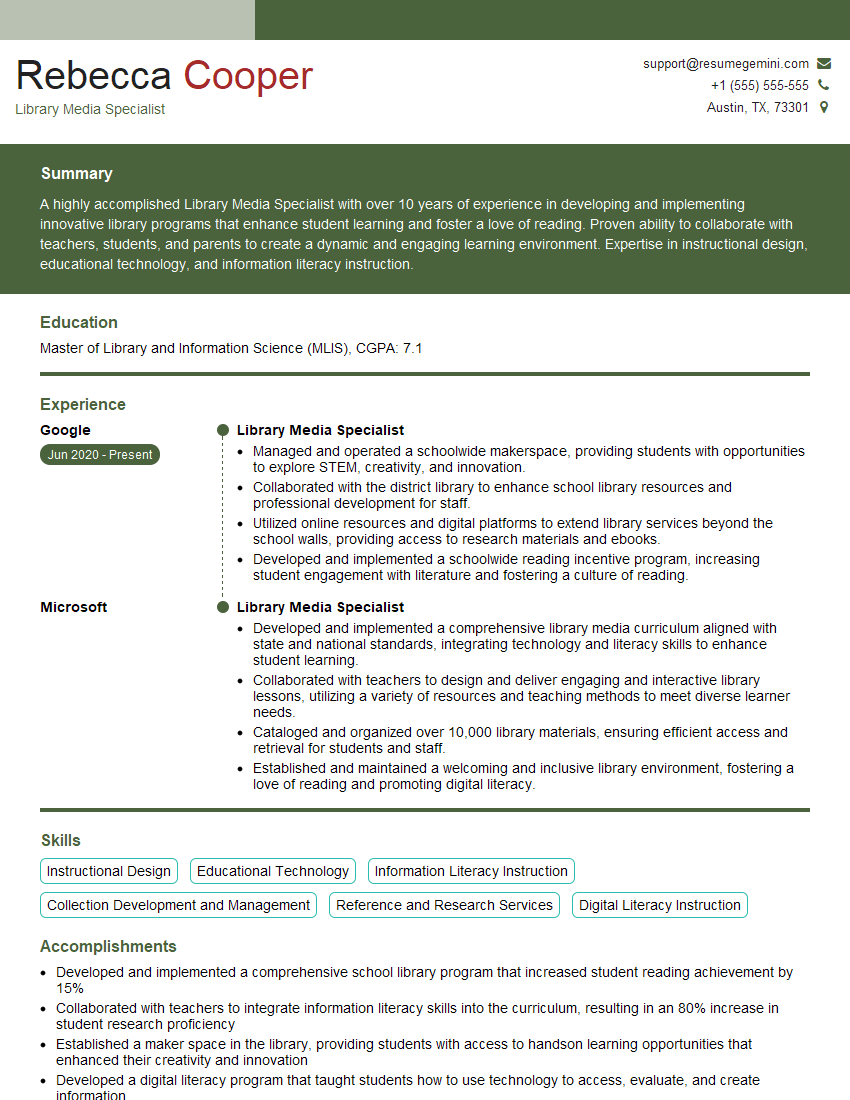
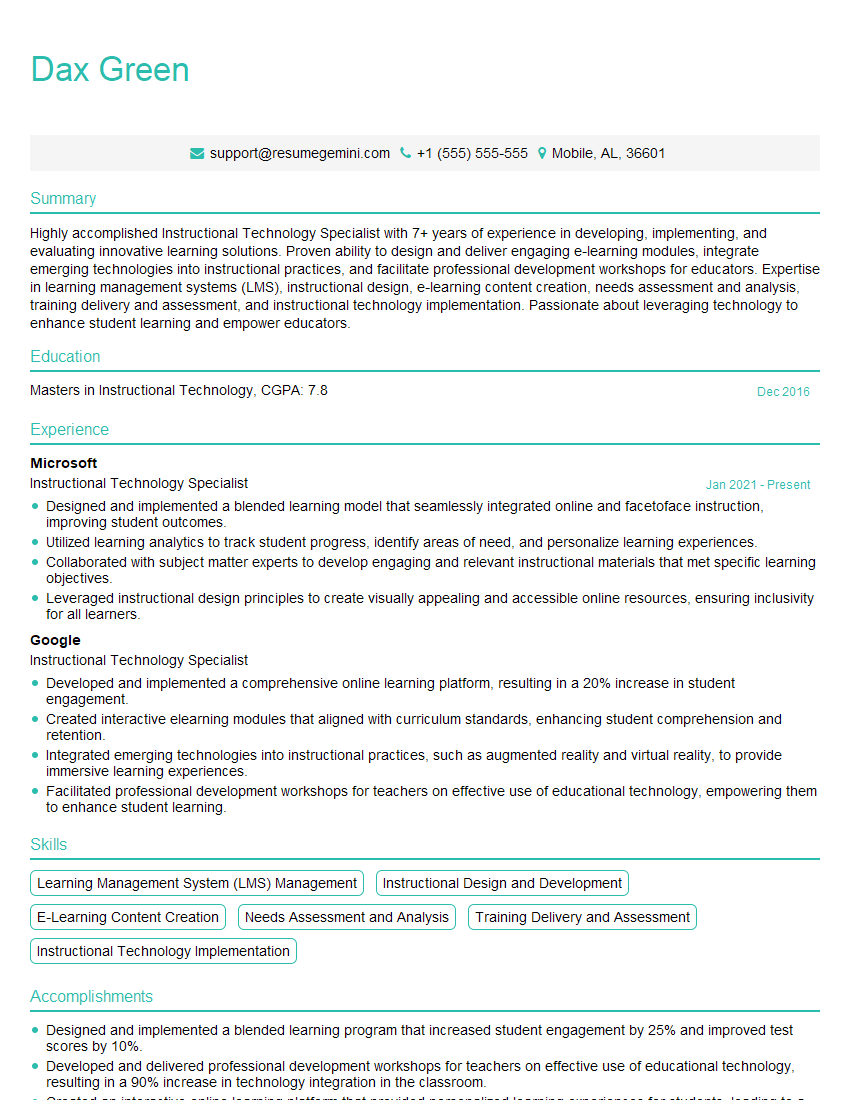
Mastering the proficient use of technology in the classroom significantly enhances your teaching effectiveness and opens doors to exciting career opportunities. A strong command of these skills makes you a highly sought-after educator in today’s dynamic learning environment. To increase your chances of landing your dream role, crafting an ATS-friendly resume is crucial. ResumeGemini is a trusted resource to help you build a compelling and effective resume that highlights your expertise. We provide examples of resumes tailored to showcasing proficiency in using technology in the classroom to help you get started.


Explore more articles
Users Rating of Our Blogs
Share Your Experience
We value your feedback! Please rate our content and share your thoughts (optional).
What Readers Say About Our Blog
Really detailed insights and content, thank you for writing this detailed article.
IT gave me an insight and words to use and be able to think of examples