Every successful interview starts with knowing what to expect. In this blog, we’ll take you through the top Sound Setup interview questions, breaking them down with expert tips to help you deliver impactful answers. Step into your next interview fully prepared and ready to succeed.
Questions Asked in Sound Setup Interview
Q 1. Explain the difference between condenser and dynamic microphones.
Condenser and dynamic microphones are two fundamental types, differing primarily in how they convert sound waves into electrical signals. Condenser mics use a capacitor—two electrically charged plates—where sound pressure changes the distance between the plates, altering capacitance and producing a signal. Dynamic mics, conversely, employ a diaphragm connected to a coil of wire within a magnetic field. Sound vibrations move the diaphragm, inducing a current in the coil.
- Condenser mics: Generally more sensitive, offering a wider frequency response and capturing more detail. They require phantom power (+48V) supplied by the mixing console or interface. Ideal for delicate sounds like acoustic instruments or vocals requiring a detailed and transparent recording. Examples include the Neumann U 87 and AKG C414.
- Dynamic mics: More rugged, durable, and less susceptible to handling noise. They don’t require external power. Best for loud sound sources like drums, guitar amps, and live vocals in high-SPL environments. Examples include the Shure SM57 and SM58.
Think of it like this: condenser mics are like high-resolution cameras, capturing subtle nuances, while dynamic mics are like sturdy workhorses, handling tough conditions without complaint.
Q 2. Describe your experience with setting up and troubleshooting PA systems.
My experience with PA system setup and troubleshooting spans over a decade, encompassing various venues from intimate coffee houses to large concert halls. I’ve worked with diverse systems, ranging from small, portable setups to large-scale installations involving multiple speakers, mixers, and signal processors. My process typically starts with a thorough site survey, assessing the acoustics of the space and the client’s needs. This includes identifying optimal speaker placement for even sound coverage, minimizing feedback, and accounting for potential acoustic challenges such as reflections and standing waves.
Troubleshooting involves a systematic approach, starting with the simplest potential issues like faulty cables or incorrect connections. I utilize signal flow diagrams and test equipment like multimeters and signal generators to pinpoint problems efficiently. For example, I once resolved a complete system failure at a festival by tracking a faulty ground connection that caused a short circuit, illustrating the need for methodical problem-solving. I am adept at handling all aspects, from microphone selection and placement to equalization, compression, and system tuning using tools like Smaart or similar software for spectral analysis.
Q 3. How do you manage feedback in a live sound environment?
Feedback, that dreaded high-pitched squeal, is a result of a sound loop: the amplified sound from the speakers is picked up by the microphone and re-amplified, creating a positive feedback loop. Managing feedback requires a multi-pronged approach:
- Proper Microphone Placement: Keep microphones away from speakers. Pointing mics away from speaker cabinets and employing directional mics (cardioid or hypercardioid) significantly reduces the chance of feedback.
- EQing: Carefully adjusting the equalizer (EQ) to cut frequencies prone to feedback (often in the mid-range). Notching out specific frequencies prevents feedback by attenuating the troublesome frequencies. This is done meticulously while monitoring closely for any changes.
- Gain Staging: Avoid excessive gain. Lowering the input gain of the microphones and the overall system gain reduces the signal level, making it less likely to trigger feedback.
- Room Treatment: In some cases, acoustic treatment of the room (e.g., absorption panels) helps reduce reflections and standing waves that contribute to feedback.
- Feedback Destroyers: Dedicated feedback suppression systems actively identify and suppress feedback frequencies in real time. These are extremely useful in challenging acoustic environments.
Successful feedback management often requires a balance between these techniques. Think of it like a delicate balancing act where you need to find the perfect blend of volume and EQ to get the best possible sound without any unwanted squeals.
Q 4. What are your preferred methods for EQing vocals and instruments?
My EQing techniques are guided by the principles of subtractive EQ, meaning I prioritize removing unwanted frequencies rather than boosting them excessively. For vocals, I typically focus on sculpting the vocal tone by gently cutting muddiness in the low-mid frequencies (around 250-500Hz) and sibilance in the high frequencies (around 5-8kHz). I may use broad cuts to address overall tonal issues and more precise cuts (narrow Q) to target specific problem frequencies. For a warm and clear vocal sound, I’ll frequently look for a balanced presence across the entire spectrum. Sometimes, subtle boosts may be applied to bring out specific aspects like clarity or warmth.
Instrument EQing varies depending on the instrument. For example, with acoustic guitars, I might cut muddiness in the low mids and boost presence in the high mids to make the sound clearer and more defined. With electric guitars, I often cut harsh frequencies, and use high-pass filtering to eliminate low-frequency rumble.
The key is to listen critically and to be subtle with EQ adjustments; a little bit goes a long way.
Q 5. Explain your understanding of microphone polar patterns.
Microphone polar patterns describe the microphone’s sensitivity to sound from different directions. Understanding these patterns is crucial for optimal microphone placement and minimizing unwanted noise.
- Omnidirectional: Equally sensitive to sound from all directions. Useful for recording ambient sounds or situations requiring wide pickup.
- Cardioid: Most sensitive from the front, with reduced sensitivity from the sides and rear. The most common type, ideal for many vocal and instrument applications because of their high sensitivity to the direct source and better rejection of sounds from the rear. Examples include the Shure SM57 & 58.
- Supercardioid: Even more directional than cardioid, with a narrower pickup pattern. This microphone style increases sensitivity towards the front at the expense of higher sensitivity to rear sounds than a cardioid.
- Hypercardioid: Highly directional, with a very narrow pickup pattern. Useful for isolating a sound source in a noisy environment, such as a drum kit. They have the highest rear pickup compared to other directional mics. These microphones are frequently used in situations where the sound source is isolated, such as close-miking an instrument.
- Figure-8 (Bidirectional): Equally sensitive from the front and rear, but insensitive from the sides. Used in stereo recording techniques or for specific effects. This style is unique in that it doesn’t attenuate sound from its back or sides; rather it passes it along equally.
Choosing the right polar pattern depends entirely on the specific application and the desired sound.
Q 6. How do you handle sound system issues during a live performance?
During a live performance, handling sound system issues requires a quick and calm response. My approach follows a structured process:
- Identify the Problem: First, determine the nature of the problem. Is it a complete system failure, a specific channel issue, feedback, or something else?
- Isolate the Source: Attempt to isolate the source of the problem. Is it a faulty cable, a dead microphone, a problem with the mixer, or an issue with the speakers?
- Implement a Quick Fix: If a quick fix is possible (e.g., replacing a faulty cable or microphone), do so immediately.
- Implement a Workaround: If a complete fix is not immediately possible, implement a workaround, such as switching to a backup microphone or speaker. Prioritization is key – keep the show running with as little disruption as possible.
- Document the Issue: Once the performance is complete, document the issue for future reference and repair.
Experience allows for quick diagnosis of many common issues. For example, a sudden loss of a specific microphone channel might suggest a faulty cable or connector rather than an immediate amplifier failure. Preparation is also key; having backup equipment readily available reduces downtime.
Q 7. What software are you proficient in for audio editing and mixing?
I am proficient in several industry-standard audio editing and mixing software packages. My expertise includes:
- Pro Tools: Extensive experience in recording, editing, mixing, and mastering audio projects. Pro Tools offers powerful tools for both audio and MIDI workflows. I can utilize this software to adjust dynamics, compression, EQ, panning, and to manage the many functions in mixing music.
- Logic Pro X: A versatile DAW (Digital Audio Workstation) for Mac, useful for music production and sound design projects. I’m proficient in using Logic Pro X for creating and mixing audio files.
- Ableton Live: Known for its loop-based workflow and live performance capabilities, it is adept at creating and implementing music, similar to Logic Pro X.
- Reaper: A flexible and powerful DAW with a strong focus on customization and affordability; I use it for recording and mixing.
My proficiency extends beyond simple editing; I’m adept at utilizing advanced techniques like dynamic processing, equalization, spatial audio manipulation and automation.
Q 8. Describe your experience with digital audio workstations (DAWs).
Digital Audio Workstations (DAWs) are the heart of modern audio production. My experience spans over a decade, working with industry-standard DAWs like Pro Tools, Logic Pro X, and Ableton Live. I’m proficient in all aspects, from recording and editing audio to mixing, mastering, and composing. For instance, I recently used Pro Tools to record and mix a full orchestral score for a film, requiring meticulous attention to detail in track management, automation, and plugin processing. In Ableton Live, I’ve created numerous electronic music projects, leveraging its strengths in MIDI sequencing and real-time performance capabilities. My expertise extends to utilizing advanced features like advanced routing, automation, and virtual instrument integration, ensuring a polished and professional final product.
- Proficiency in Multitrack Recording: I’m comfortable with recording large numbers of tracks simultaneously, managing session organization and workflow.
- Expert in Mixing and Mastering: I have a deep understanding of EQ, compression, and other signal processing tools to achieve a well-balanced and impactful final mix.
- Extensive Plugin Knowledge: I’m familiar with a wide array of plugins from various developers, tailored to different needs (e.g., Waves plugins for mixing, iZotope for mastering).
Q 9. How do you adjust microphone placement to optimize sound quality?
Microphone placement is crucial for capturing optimal sound. It’s not just about pointing the mic at the sound source; it’s about understanding the acoustic environment and the characteristics of the microphone itself. Think of it like taking a photograph – the angle, distance, and lighting dramatically affect the final image. Similarly, microphone placement determines the timbre, proximity effect (bass boost from close miking), and overall clarity of the recorded sound.
- Distance: Closer miking increases the proximity effect, useful for vocals or instruments needing a warmer tone. Further distance offers a more natural, spacious sound, useful for ambience capture.
- Angle: The angle affects the balance of direct sound versus reflected sound, impacting the overall tone and clarity. Experimentation is key.
- Polar Pattern: Cardioid mics (heart-shaped polar pattern) reduce background noise; omni-directional mics pick up sound from all directions, beneficial for capturing room ambience. The choice depends on the recording context.
- Off-Axis Rejection: Consider how much off-axis sound you want to capture. A cardioid mic will reject sounds from the sides and rear, while an omni will capture everything.
For example, when recording vocals, I often employ a cardioid condenser microphone positioned about 6-12 inches from the singer’s mouth, slightly off-axis to reduce plosives (hard consonant sounds).
Q 10. What are your strategies for achieving optimal room acoustics?
Optimal room acoustics are essential for clear, balanced sound. Uncontrolled reflections and resonances can muddy the sound, masking important details. My strategy involves a combination of acoustic treatment and room design.
- Acoustic Treatment: This includes using absorption materials (like bass traps, acoustic panels) to reduce unwanted reflections and echoes. These are strategically placed on walls, ceilings, and corners to control problematic frequencies.
- Diffusion: Diffusers scatter sound waves, preventing reflections from building up and creating ‘dead’ spots. They help create a more even and natural sound field.
- Room Shape and Size: The room’s dimensions greatly affect its acoustic properties. Rooms with parallel walls can cause standing waves (undesirable resonances). Designing or modifying the room to avoid parallel walls, or employing diffusers, is very important.
For instance, in a recording studio, I’d typically place bass traps in the corners to manage low-frequency build-up, acoustic panels on the walls to control reflections, and diffusers to create a more even sound field. This ensures a balanced and controlled acoustic environment suitable for both recording and mixing.
Q 11. Explain your understanding of signal flow in a sound system.
Signal flow in a sound system represents the path an audio signal takes from its source to the listener’s ears. Understanding signal flow is crucial for troubleshooting and optimizing a sound system. Imagine it like a river flowing from its source to the sea; each element along the way shapes its course.
A typical signal flow might be:
- Source (e.g., microphone, instrument): The origin of the audio signal.
- Preamplifier: Boosts the weak signal from the source.
- Equalizer (EQ): Shapes the frequency response of the signal.
- Compressor: Controls the dynamic range (differences between loud and soft sounds).
- Effects Processor (e.g., reverb, delay): Adds special effects to the sound.
- Mixer: Combines multiple audio signals.
- Amplifier: Increases the signal’s power to drive speakers.
- Speakers: Convert the electrical signal back into sound waves.
Tracing the signal flow helps identify potential problems. If the sound is distorted, for instance, checking each stage in the signal chain can pinpoint the cause (e.g., overloaded preamp, faulty amplifier).
Q 12. How do you test and calibrate a sound system before an event?
Testing and calibrating a sound system before an event is essential to ensure a smooth and successful performance. My approach involves several key steps:
- Visual Inspection: Check all cables, connectors, and equipment for damage or loose connections. This is often overlooked but essential.
- Signal Path Verification: Start by tracing the signal path from each source to the output, confirming all components are working correctly. This might involve soloing channels on the mixing board or checking signal levels with a multimeter.
- Level Setting and EQ: Adjust the levels of each input source to a proper operating level, ensuring no clipping or excessive gain. Fine-tune EQ to address any issues like feedback or muddiness.
- System Response Test: Use test signals (like pink noise) to assess the system’s frequency response and check for any peaks or dips. This is where professional measurement equipment comes into play.
- Sound Check with Performers: With the artists present, conduct a sound check to ensure the final mix is clear, balanced, and suitable for the venue.
- Documentation: Maintain detailed notes of settings, levels, and troubleshooting steps for future reference.
A recent concert setup required meticulous level adjustments across numerous microphones and instrument inputs, with particular attention to feedback avoidance in a large, reverberant venue. Thorough pre-event testing guaranteed a great performance.
Q 13. Describe your experience with different types of audio cables and connectors.
My experience encompasses a wide variety of audio cables and connectors. Choosing the right cable is crucial for maintaining signal integrity and avoiding signal loss or interference.
- XLR Connectors: Primarily used for balanced microphone and line-level signals. They offer excellent noise rejection and are ideal for professional applications.
- 1/4-inch (6.35mm) TS/TRS Connectors: TS (Tip-Sleeve) connectors are used for unbalanced signals, while TRS (Tip-Ring-Sleeve) connectors are used for balanced signals. Commonly used with instruments and line-level equipment.
- RCA Connectors: Used for unbalanced signals, typically found in consumer audio equipment. They are less resistant to interference compared to balanced connections.
- USB Connectors: Used for digital audio transmission, commonly used to connect audio interfaces to computers. USB offers convenience but can be susceptible to electromagnetic interference in high-noise environments.
- Optical Cables (Toslink): Used for transmitting digital audio signals. They’re immune to electromagnetic interference, often used for professional audio and home theater systems.
I’ve worked with various cable types including shielded, unshielded, and coaxial cables, recognizing that cable choice affects sound quality, especially in long cable runs. Shielding is crucial to prevent noise pickup.
Q 14. How do you troubleshoot audio signal problems?
Troubleshooting audio signal problems requires a systematic approach. I use a combination of observation, measurement, and elimination to pinpoint the issue.
- Visual Inspection: Check all connections, cables, and equipment for any obvious problems (loose connectors, damaged cables).
- Signal Tracing: Trace the signal path, checking levels at each point using a multimeter or signal analyzer. Identify any significant signal drop or distortion.
- Component Isolation: Isolate potential problem areas by systematically disconnecting components to see if the problem persists. This process helps pinpoint the faulty component.
- Testing with Known Good Equipment: Substitute suspected faulty components with known working equipment. This confirms whether a component is indeed faulty.
- Frequency Response Analysis: Use test signals (e.g., pink noise, sine waves) to identify frequency-specific problems like hum, buzz, or harshness.
For example, I once encountered a situation with a faint hum on a specific channel. By meticulously tracing the signal and using a multimeter, I identified a grounding issue in the audio interface. A simple ground lift solved the problem.
Q 15. Explain your understanding of impedance matching.
Impedance matching is crucial in audio systems for efficient power transfer. Imagine trying to fill a small cup from a large firehose – you’d lose most of the water. Similarly, if the impedance (resistance to electrical current) of your amplifier doesn’t match your speakers, you lose power, leading to weak sound and potential damage.
In simpler terms, impedance is the opposition to the flow of electrical current. Amplifiers are designed to operate at a specific output impedance, and speakers have a specific input impedance. Ideally, these should be matched or close to each other. A mismatch can lead to signal reflections, reduced power output, distortion, and even damage to the amplifier or speakers.
For example, connecting a low-impedance speaker to a high-impedance amplifier will result in a weak signal. Conversely, a high-impedance speaker connected to a low-impedance amplifier may draw excessive current, leading to overheating and potential damage. Using a suitable impedance matching transformer helps to bridge the gap and optimize power transfer.
Career Expert Tips:
- Ace those interviews! Prepare effectively by reviewing the Top 50 Most Common Interview Questions on ResumeGemini.
- Navigate your job search with confidence! Explore a wide range of Career Tips on ResumeGemini. Learn about common challenges and recommendations to overcome them.
- Craft the perfect resume! Master the Art of Resume Writing with ResumeGemini’s guide. Showcase your unique qualifications and achievements effectively.
- Don’t miss out on holiday savings! Build your dream resume with ResumeGemini’s ATS optimized templates.
Q 16. How do you use a spectrum analyzer to identify and address audio problems?
A spectrum analyzer is an invaluable tool for diagnosing audio problems. It displays the frequency content of an audio signal visually, allowing me to identify frequencies where problems occur. This helps pinpoint issues like feedback, unwanted resonances, or frequency imbalances.
For instance, if I’m troubleshooting a live sound system with feedback, I’d use the spectrum analyzer to see which frequencies are causing the problem. I’d then locate the source, whether it’s a microphone or speaker, and apply a notch filter at that specific frequency to eliminate the feedback. Similarly, if there’s a ‘muddy’ low-end in the mix, the analyzer would reveal excessive energy in the low frequencies, guiding me to adjust EQ settings accordingly.
Often, I’ll combine the spectrum analyzer with a real-time analyzer (RTA) to visualize the sound in the listening environment. This provides a holistic view of how the sound is distributed across different frequencies, and the interaction between the room acoustics and the sound system itself.
Q 17. What is your experience with different types of speakers and their applications?
My experience encompasses a wide range of speaker types, each suited to different applications. For instance, I’ve worked extensively with studio monitors, which are designed for accurate sound reproduction, essential for music production and mixing. These are typically near-field monitors, meaning they are placed close to the listener.
For live sound reinforcement, I regularly use PA speakers (public address speakers) which are designed for high output and wide coverage. Subwoofers, essential for generating low-frequency effects, are used extensively in both live and studio environments. I’ve also worked with specialized speakers like line array speakers, which are ideal for large venues, due to their ability to evenly distribute sound over long distances.
The choice of speaker depends on the application: a small conference room will need different speakers than a large concert hall. Factors such as the size of the venue, the desired sound quality, and the budget all play a significant role in speaker selection.
Q 18. How do you manage multiple audio sources simultaneously?
Managing multiple audio sources requires a well-organized approach and often involves the use of a digital audio mixer. This allows me to control the levels, EQ, and routing of each source independently.
For example, in a live performance with multiple microphones, instruments, and backing tracks, the mixer acts as the central hub. Each source is connected to a channel on the mixer, allowing for individual adjustments. I use techniques like panning (adjusting the balance between the left and right channels) to create a wide and immersive soundscape, and routing to send signals to different outputs (e.g., the PA system, the monitor system, and a recording device).
Moreover, I often use software-based mixers, providing greater flexibility and control via plugins and virtual effects processing. Careful planning and efficient routing are crucial for managing complexity, preventing feedback, and ensuring a clean, balanced mix.
Q 19. Explain your experience with wireless microphone systems.
My experience with wireless microphone systems spans various types, from handheld and lavalier microphones to headset mics. Understanding the different frequency ranges, power requirements, and potential interference is key.
For example, choosing the right frequency is critical to avoid interference from other wireless devices, such as Wi-Fi routers or other wireless microphone systems. I typically utilize frequency coordination software to scan for available frequencies and avoid conflicts. I also ensure that the system has enough RF (Radio Frequency) power to provide reliable coverage across the performance area.
In addition to frequency coordination, regular battery checks and maintenance are essential to maintain reliable operation during a performance. Knowing how to troubleshoot signal dropouts, feedback, and other common issues is vital for a smooth performance.
Q 20. How do you deal with noise and interference in an audio system?
Dealing with noise and interference is a constant challenge in audio. It requires a systematic approach that involves identifying the source of the noise and implementing appropriate solutions.
For example, if I encounter hum, I’ll trace it back to the source – often a ground loop. This is a common problem where two devices share a common ground, creating a loop and introducing unwanted noise. I can solve this by using isolation transformers or balanced cables.
High-frequency interference, often from electronic devices, might be mitigated using shielded cables or installing filters. Understanding the different types of noise (hum, buzz, hiss) and their characteristics enables me to effectively pinpoint and eliminate them, improving overall audio quality.
Q 21. Describe your experience with audio monitoring techniques.
Effective audio monitoring is paramount for quality control. My experience includes using various monitoring techniques depending on the application.
In studio settings, I rely on accurate near-field monitoring, using studio monitors calibrated for flat frequency response. This ensures that the mix translates accurately across different listening environments. I often utilize headphones, particularly during the critical listening stages of mixing and mastering.
For live sound, I use a combination of techniques. I’ll use stage monitors to provide feedback to the performers, and I’ll use the main PA system to monitor the overall mix from the sound engineer’s position. In larger venues, I might rely on additional near-field monitors, allowing me to carefully check subtle details in the mix. Critical listening skills and understanding of room acoustics are fundamental to effective audio monitoring.
Q 22. What is your familiarity with sound level meters and their uses?
Sound level meters are precision instruments crucial for measuring sound pressure levels (SPLs), expressed in decibels (dB). They’re indispensable for ensuring safe working environments, complying with noise regulations, and achieving optimal sound quality in various settings.
I’m proficient in using both Type 1 (precision) and Type 2 (general purpose) sound level meters. Type 1 meters offer greater accuracy and are used for calibration and critical measurements, while Type 2 meters are suitable for general monitoring and troubleshooting.
For example, during a live concert, I’d use a sound level meter to ensure that the sound pressure levels don’t exceed safe limits for both the audience and the performers. In post-production, I’d use one to check the loudness of a finished mix, aiming for optimal levels for various playback systems. I also utilize the meter’s frequency weighting (A-weighting, C-weighting) to accurately assess the perceived loudness.
Beyond SPL measurements, many modern meters also measure other parameters like frequency response, impulsive noise, and even perform octave band analysis, offering a comprehensive picture of the acoustic environment.
Q 23. How do you handle communication with performers during a live event?
Communication with performers is paramount for a successful live event. I approach this with a combination of proactive planning and real-time responsiveness. Before the show, I conduct a thorough soundcheck, discussing microphone techniques, stage positioning, and desired sound levels with each performer.
During the performance, I use a combination of visual cues (hand signals), in-ear communication systems, and a clear, concise verbal communication style. It’s important to maintain a respectful yet professional approach, ensuring performers feel heard and understood. For instance, if a vocalist is experiencing feedback, I might ask them to adjust their microphone distance or suggest alternative microphone techniques. If there’s an issue with monitors, I collaborate with the monitor engineer to resolve it quickly and efficiently.
Clear and respectful communication prevents misunderstandings and ensures a smooth, well-executed performance.
Q 24. Explain your experience with designing sound systems for different venues.
My experience spans a wide variety of venues, from intimate coffee houses to large stadiums and outdoor festivals. Each venue presents unique acoustic challenges that require a tailored approach to system design.
For a small coffee house, I might utilize a smaller, self-powered PA system with minimal processing, focusing on achieving a natural, intimate sound. In a larger venue like a concert hall, I’d leverage a larger PA system with sophisticated loudspeaker array design, including delay systems to ensure even coverage throughout the space. This often involves acoustical modelling software to predict sound distribution and address potential issues like reflections or standing waves. Outdoor festivals present additional complexities, requiring weatherproof speakers, robust power distribution, and careful consideration of background noise levels.
I’m experienced in designing systems that optimize intelligibility and sound quality based on the specific venue’s characteristics and the type of performance. My process includes site surveys, acoustic measurements, and system modelling to create a design that meets the client’s needs and produces the desired results.
Q 25. How do you ensure the safety of equipment and personnel?
Equipment and personnel safety is my top priority. This involves adhering to rigorous safety protocols throughout the entire production process. Before any event, I conduct a thorough equipment inspection, checking cables for damage, ensuring proper grounding, and verifying the operational safety of all amplifiers and speakers.
I utilize proper lifting techniques for heavy equipment and ensure that all cables are routed safely to prevent tripping hazards. I also enforce the use of appropriate hearing protection for both performers and crew members, especially in high-noise environments. Furthermore, I’m aware of electrical safety codes and ensure compliance with all relevant regulations.
For large-scale events, I collaborate closely with venue staff to ensure a safe and efficient workflow, and I’m always vigilant in monitoring the equipment and environment to proactively address any potential safety concerns.
Q 26. Describe your experience with different types of audio processing techniques.
My experience encompasses a wide range of audio processing techniques, including equalization (EQ), compression, gating, and reverb. I use EQ to shape the tonal balance of individual instruments or vocals, correcting frequencies that are too prominent or lacking. Compression helps control dynamics, preventing peaks from becoming too loud and making quieter parts more audible.
Gating is employed to reduce background noise by eliminating signals below a specific threshold, often used with microphones to minimize unwanted sounds. Reverb adds ambiance and space to the sound, simulating the acoustic properties of different environments. I also use more advanced techniques such as multiband compression, dynamic EQ, and de-essing, tailoring these to specific instruments and vocal characteristics.
For instance, in a live rock performance, I might use compression to control the dynamic range of the drums, ensuring that they remain powerful and consistent throughout the set. Similarly, I might employ de-essing to reduce harsh sibilance in a vocalist’s performance. I am comfortable using both hardware and software-based audio processing tools and I often choose the tools best suited for the specific project needs.
Q 27. What is your experience with creating and managing audio backups?
Audio backup is crucial for data security and disaster recovery. My approach involves a multi-layered strategy, combining both physical and cloud-based backups.
After every session, I create multiple backups of my project files, storing them on external hard drives and a cloud storage service. I employ a version control system to track changes and revert to previous versions if necessary. I also create backups of my entire system image periodically to ensure that I have a complete recovery point in the event of a hard drive failure or system crash.
This redundancy minimizes the risk of data loss, a critical consideration given the significant investment of time and resources involved in professional audio projects.
Q 28. How do you stay updated on the latest advancements in sound technology?
Staying current in the rapidly evolving field of sound technology requires a proactive and multi-faceted approach. I regularly attend industry conferences and workshops to learn about new products and techniques. I subscribe to relevant trade publications and online forums, and actively participate in online communities to connect with other professionals.
I also dedicate time to experimenting with new software and hardware, testing their capabilities and integrating them into my workflow. This continuous learning process is essential for maintaining my expertise and providing the best possible sound solutions for my clients.
Key Topics to Learn for Sound Setup Interview
- Acoustic Principles: Understanding sound waves, reflection, absorption, and diffusion; their impact on room acoustics and sound quality.
- Microphone Techniques: Choosing the right microphone type for different sound sources (instruments, vocals); proper microphone placement and techniques for optimal sound capture; understanding polar patterns and their applications.
- Mixing Consoles & Signal Flow: Familiarity with analog and digital mixing consoles; understanding signal flow, gain staging, equalization, compression, and other audio processing techniques.
- Digital Audio Workstations (DAWs): Proficiency in using at least one DAW (Pro Tools, Logic Pro X, Ableton Live, etc.); understanding track management, editing, mixing, and mastering workflows.
- Monitoring & Listening Skills: Critical listening skills for identifying audio problems; understanding different monitoring environments and their impact on sound perception; utilizing reference tracks for accurate mixing and mastering.
- Sound System Design & Setup: Principles of speaker placement, system alignment, and room tuning; understanding different loudspeaker types and their applications; troubleshooting common sound system issues.
- Troubleshooting & Problem Solving: Identifying and resolving common audio issues (feedback, noise, distortion); practical experience in diagnosing and fixing technical problems in a live or studio setting.
- Health & Safety: Understanding safe practices related to sound levels and hearing protection; awareness of potential hazards associated with audio equipment.
Next Steps
Mastering sound setup opens doors to exciting career opportunities in audio engineering, live sound, recording studios, broadcast, and more. A strong foundation in these skills is crucial for career advancement and securing your dream job. To maximize your chances, create an ATS-friendly resume that highlights your skills and experience effectively. ResumeGemini is a trusted resource that can help you build a professional and impactful resume. Examples of resumes tailored to Sound Setup are available to guide you. Invest the time to craft a compelling resume – it’s your first impression and a key to unlocking your potential.
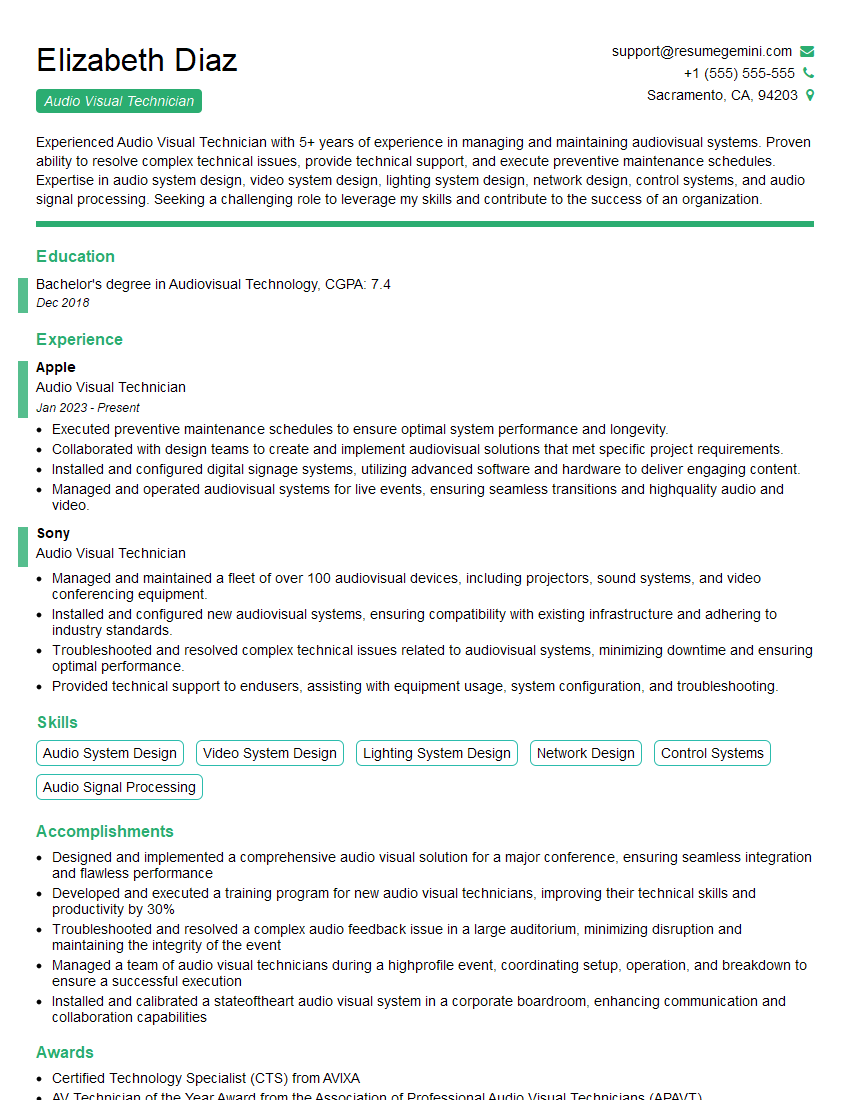
Audio Visual Technician Resume Sample

Music Producer Resume Sample
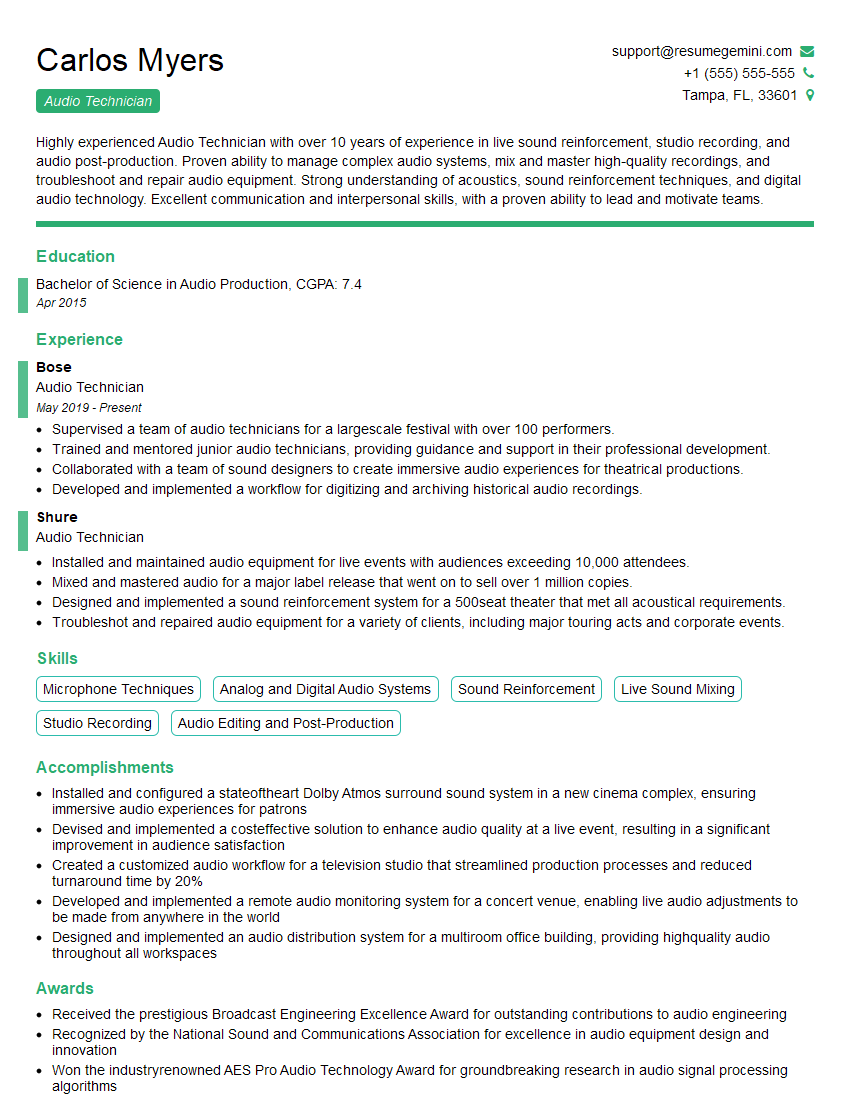
Audio Technician Resume Sample

Audio Engineer Resume Sample
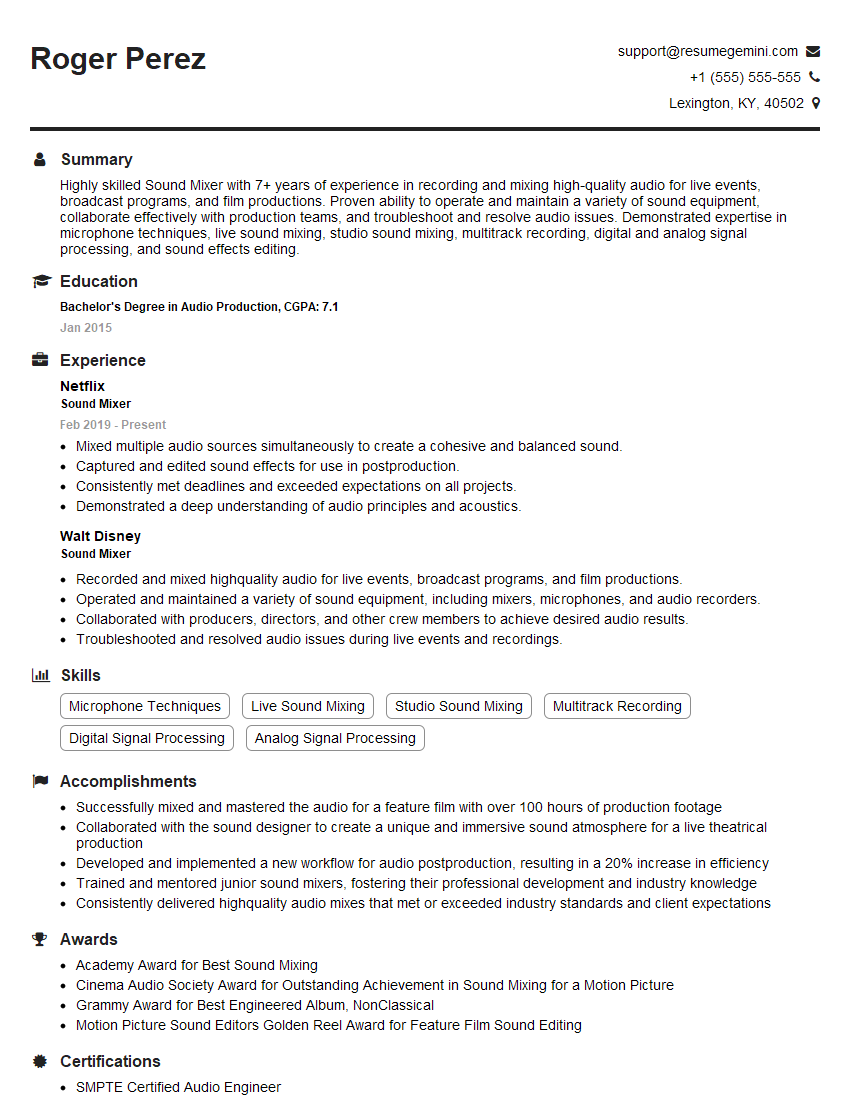
Sound Mixer Resume Sample

Studio Engineer Resume Sample

Recording Engineer Resume Sample

Sound Designer Resume Sample

Sound Editor Resume Sample
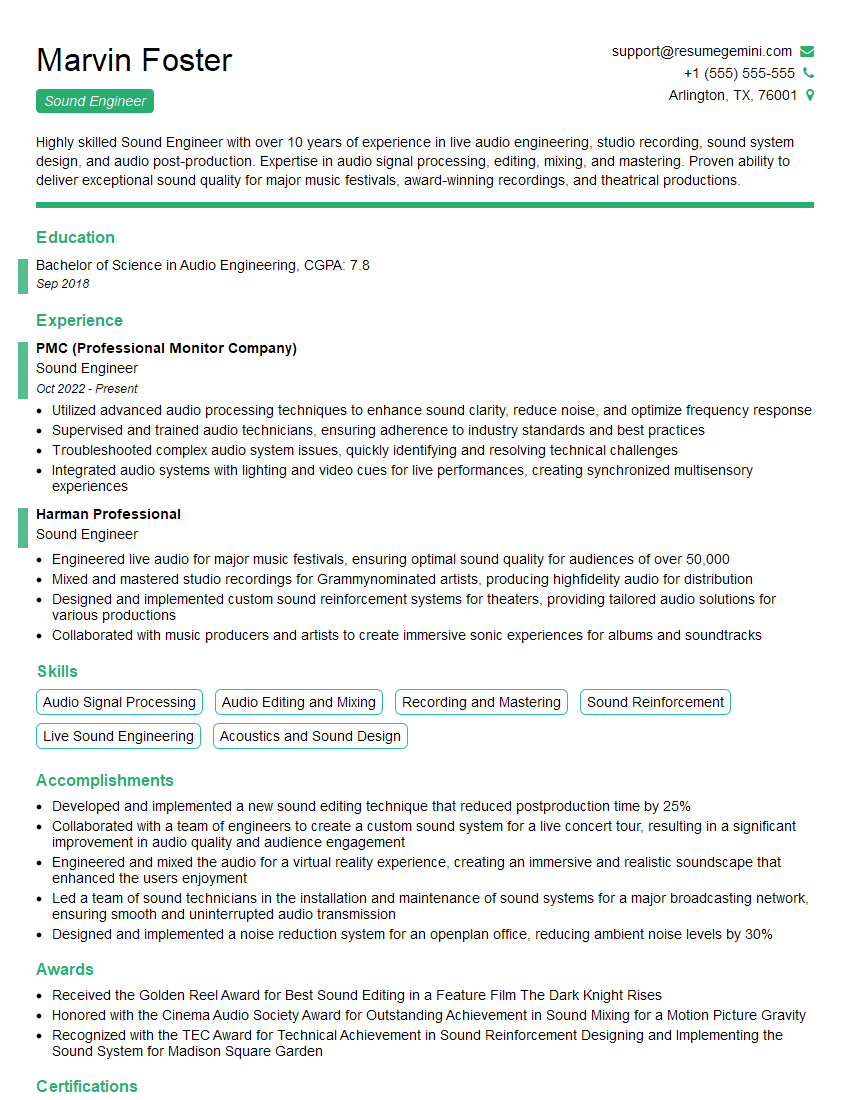
Sound Engineer Resume Sample
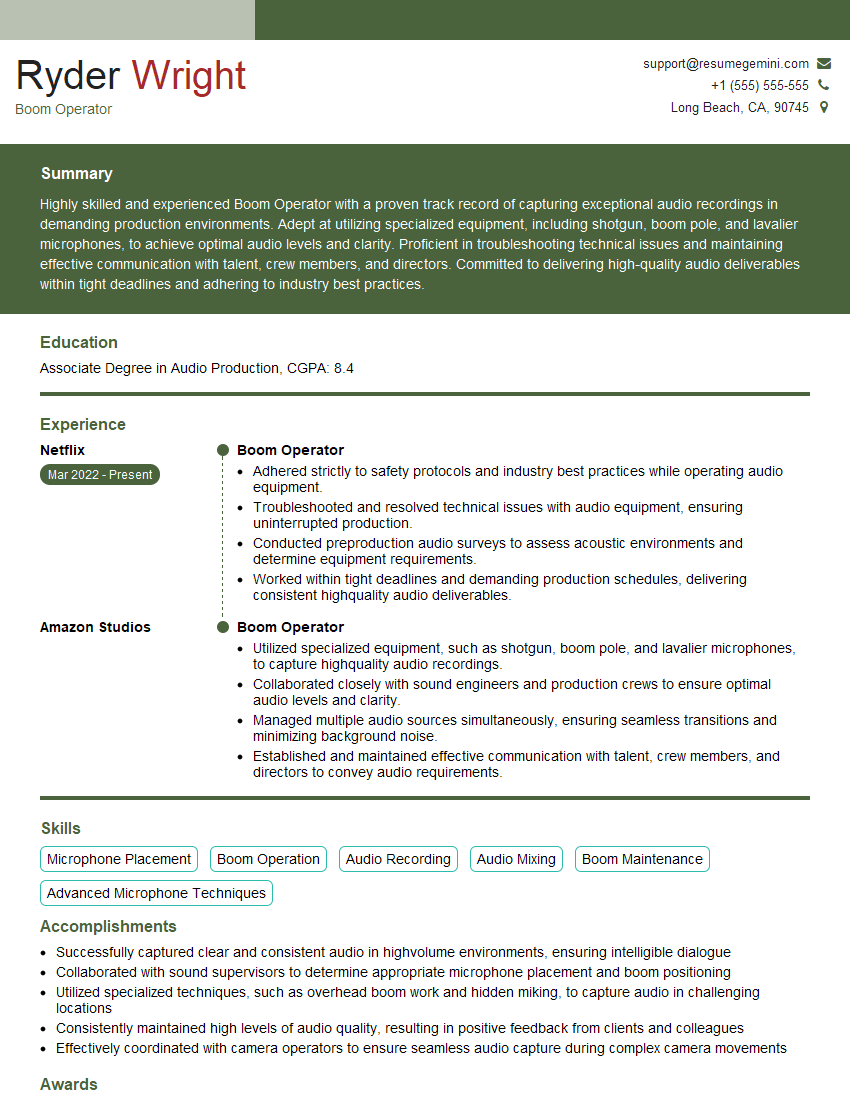
Boom Operator Resume Sample
Explore more articles
Users Rating of Our Blogs
Share Your Experience
We value your feedback! Please rate our content and share your thoughts (optional).
What Readers Say About Our Blog
Really detailed insights and content, thank you for writing this detailed article.
IT gave me an insight and words to use and be able to think of examples