Interviews are opportunities to demonstrate your expertise, and this guide is here to help you shine. Explore the essential Static Analysis interview questions that employers frequently ask, paired with strategies for crafting responses that set you apart from the competition.
Questions Asked in Static Analysis Interview
Q 1. Explain the difference between static and dynamic analysis.
Static and dynamic analysis are two fundamental approaches to software testing, differing primarily in when they examine the code. Static analysis inspects the code without executing it, examining the code’s structure, syntax, and semantics to identify potential issues. Think of it like proofreading an essay before submitting it – you’re checking for grammar and logic errors without actually reading the essay aloud. Dynamic analysis, on the other hand, involves running the code and observing its behavior during execution. This is like actually reading the essay aloud and listening for any awkward phrasing or inconsistencies.
In essence: Static analysis is preventative, identifying potential problems before runtime, while dynamic analysis is reactive, uncovering issues that manifest during runtime.
Q 2. What are the common types of static analysis?
Static analysis encompasses a wide range of techniques. Some common types include:
- Control Flow Analysis: Examines how the program’s execution flows, identifying potential issues like infinite loops or unreachable code. Imagine tracing a path through a maze – this analysis checks if there are dead ends or cycles that prevent you from reaching the exit.
- Data Flow Analysis: Tracks the flow of data through the program, highlighting potential errors like uninitialized variables or use-after-free errors. Think of it as tracing the journey of a parcel; data flow analysis ensures the parcel (data) arrives at its destination (variable) correctly and isn’t lost or corrupted along the way.
- Code Complexity Analysis: Measures the complexity of the code, identifying areas that might be difficult to understand, maintain, or debug. It’s like measuring the difficulty of a puzzle; highly complex code is harder to work with, increasing the risk of errors.
- Syntax and Semantic Analysis: Checks for adherence to language rules and logical consistency in the code. This is similar to spell-checking and grammar-checking in a word processor – ensuring the code is written correctly.
- Vulnerability Analysis: Specifically looks for security flaws like SQL injection, buffer overflows, or cross-site scripting (XSS). This analysis aims to identify any security weaknesses that a malicious actor could exploit.
Q 3. Describe the process of conducting a static analysis.
The process of conducting static analysis typically involves these steps:
- Code Acquisition: Gathering the source code to be analyzed.
- Tool Selection: Choosing an appropriate static analysis tool based on the programming language, project size, and desired analysis depth.
- Configuration: Setting up the tool to match project specifics, including coding standards and rules.
- Analysis Execution: Running the static analysis tool on the source code.
- Report Generation: Receiving a report that details the identified issues, their locations, and severity levels.
- Issue Triage and Resolution: Reviewing the report, prioritizing issues, and fixing the identified defects.
- Regression Testing: Verifying that fixes are implemented correctly and do not introduce new problems.
The analysis can be performed on the entire codebase or on specific modules or functions, depending on the project’s needs and the tool’s capabilities.
Q 4. What are the advantages and disadvantages of static analysis?
Advantages of Static Analysis:
- Early Detection of Defects: Identifies issues early in the development lifecycle, reducing costs and effort associated with fixing them later.
- Improved Code Quality: Helps enforce coding standards and best practices, resulting in cleaner, more maintainable code.
- Enhanced Security: Identifies potential security vulnerabilities before they can be exploited.
- Automation: Can be integrated into the CI/CD pipeline for automated code review.
Disadvantages of Static Analysis:
- False Positives: Can generate warnings about issues that are not actual problems, leading to wasted time and effort.
- Limited Scope: Cannot detect runtime errors or issues related to dynamic behavior.
- Complexity: Configuring and interpreting the results can be complex, requiring expertise.
- Cost: Some static analysis tools can be expensive.
Q 5. How does static analysis help in finding security vulnerabilities?
Static analysis plays a crucial role in finding security vulnerabilities by examining the code for patterns and characteristics associated with common vulnerabilities. For example, it can detect:
- SQL Injection: By identifying vulnerable database queries that directly incorporate user input without proper sanitization.
- Cross-Site Scripting (XSS): By flagging code that doesn’t properly encode user-supplied data before displaying it on a webpage.
- Buffer Overflows: By checking for functions that write data beyond allocated memory boundaries.
- Path Traversal: By identifying code that doesn’t adequately validate user-provided file paths, allowing access to unauthorized files.
These vulnerabilities are often missed during manual code reviews but can easily be found through automated static analysis.
Q 6. What are false positives in static analysis, and how can they be reduced?
False positives are warnings or errors reported by the static analysis tool that do not actually represent true defects in the code. They can be caused by several factors, such as overly sensitive rules, incomplete code understanding by the tool, or context-dependent issues. Imagine a spell-checker flagging a correctly spelled word because it’s used in an unusual context – that’s a false positive.
Reducing false positives involves:
- Fine-tuning the analysis rules: Adjusting the tool’s settings to reduce sensitivity and focus on high-priority issues.
- Suppression of known false positives: Using mechanisms to ignore specific warnings that are consistently identified as non-issues.
- Code review and validation: Manually examining the reported issues to differentiate between true and false positives.
- Using multiple tools: Employing multiple static analysis tools to compare results and reduce the likelihood of false positives.
Q 7. Explain different static analysis tools and their capabilities.
Many static analysis tools exist, each with its strengths and weaknesses. Some popular examples include:
- FindBugs (Java): Detects potential bugs in Java code. Known for its extensive rule set and community support.
- SonarQube: A comprehensive platform supporting various languages, offering code quality and security analysis. It provides dashboards for tracking code quality over time.
- Coverity: A powerful commercial tool specializing in finding complex and subtle defects, particularly useful for large-scale projects.
- Cppcheck (C/C++): A free open-source tool that performs static analysis on C/C++ code, known for its efficiency and relatively low rate of false positives.
- Pylint (Python): A widely used tool for checking style, finding bugs, and enforcing coding standards in Python.
The choice of tool depends on factors like the programming language, project size, budget, and the level of detail required in the analysis. Each tool’s capabilities vary – some focus on bug detection, while others offer broader code quality assessments or security analysis.
Q 8. Compare and contrast different static analysis techniques (e.g., data flow analysis, control flow analysis).
Static analysis techniques examine code without actually executing it, identifying potential issues. Data flow analysis tracks how data moves through the program, focusing on where data originates and how it’s used. Control flow analysis, on the other hand, examines the order of execution, pinpointing potential problems like unreachable code or infinite loops.
- Data Flow Analysis: Imagine a water pipe system. Data flow analysis is like tracing the water’s path – where it enters (input), how it flows through different pipes (variables and functions), and where it exits (output). This helps detect issues like uninitialized variables (a pipe with no water source) or data leaks (water leaking from a damaged pipe).
- Control Flow Analysis: This is like mapping the roads in a city. It shows how the program’s execution flows, highlighting potential dead ends (unreachable code) or circular routes (infinite loops). It can also identify situations where a certain piece of code is always executed (regardless of conditions) or never executed (dead code).
Comparison: Both are crucial, but they address different aspects. Data flow focuses on the what (data) and control flow focuses on the how (execution sequence). They are often used together for a more complete analysis. For example, we might use control flow to identify a potentially problematic loop and then data flow to determine if that loop manipulates sensitive data insecurely.
Example: Consider the following code snippet:
int x;  //Uninitialized variable
if (someCondition) {
   x = 10;
}
printf("%d", x); //Potential use of uninitialized variable
Data flow analysis would flag the potential use of an uninitialized variable x, while control flow analysis would confirm the path where x might remain uninitialized (if someCondition is false).
Q 9. How do you prioritize vulnerabilities identified by static analysis?
Prioritizing vulnerabilities is crucial for efficient remediation. I use a multi-faceted approach combining severity, likelihood, and impact. We need to consider the potential damage a vulnerability could cause (impact), the probability it will be exploited (likelihood), and the inherent risk level of the vulnerability (severity).
- Severity: This is often categorized as critical, high, medium, or low, based on factors like potential for data breaches, system crashes, or denial of service.
- Likelihood: This depends on various factors including the vulnerability’s exploitability, the attacker’s skill level and motivation, and the security posture of the system.
- Impact: This involves assessing the potential consequences if the vulnerability is exploited. It might include financial losses, reputational damage, legal repercussions, or loss of sensitive information.
A scoring system can effectively weigh these factors and prioritize vulnerabilities. For example, a critical vulnerability with high likelihood and significant impact would receive top priority over a low-severity vulnerability with low likelihood and minor impact. Tools like static analysis platforms often provide a ranking based on a similar scheme. I also factor in factors like the business context – a vulnerability affecting a crucial customer-facing module would receive higher priority than one in an internal utility function.
Q 10. What are the challenges in integrating static analysis into the software development lifecycle (SDLC)?
Integrating static analysis into the SDLC can be challenging. Some key issues include:
- False Positives: Static analysis tools often report potential issues that are not actual bugs. This leads to wasted time investigating non-issues, which can discourage developers from using the tool effectively. Careful configuration, customization of rules, and thorough code review are necessary to reduce this.
- Integration Complexity: Integrating static analysis tools with existing CI/CD pipelines and build systems can be complex and time-consuming, requiring technical expertise and potentially changes to existing workflows.
- Cost: Sophisticated static analysis tools can be expensive, both in terms of licensing fees and the resources needed for implementation and maintenance.
- Skill Gap: Using static analysis tools effectively requires a certain level of expertise in understanding the reports and interpreting the findings. Training developers and setting expectations is crucial for success.
- Scale: For large and complex projects, the sheer volume of code can make static analysis computationally expensive and time-consuming. This might necessitate techniques like incremental analysis and focused scans.
Addressing these challenges requires careful planning, investment in appropriate tooling, training, and a commitment from the entire development team. Starting small, focusing on critical modules initially and gradually expanding the scope is a common strategy.
Q 11. How do you handle large codebases during static analysis?
Handling large codebases efficiently during static analysis requires strategic approaches. Simply running a full scan on a massive codebase can be slow and resource-intensive.
- Incremental Analysis: Analyze only the changed code since the last scan, focusing resources on new and modified parts. This dramatically reduces analysis time.
- Modular Analysis: Break down the codebase into smaller, manageable modules and analyze them individually. This parallelizes the process, significantly speeding up analysis time.
- Selective Analysis: Focus on specific areas or functionalities based on risk assessment or recent changes, leaving less crucial parts for later or less-frequent analysis.
- Filtering and Prioritization: Use filters to exclude irrelevant code sections or prioritize analysis based on severity levels or code ownership. Prioritizing the most critical parts first allows for quicker identification of significant risks.
- Tool Optimization: Use tools that support parallel processing, distributed analysis, or other performance optimizations specific to handling large codebases. The choice of the right tool and its efficient use plays a vital role.
Proper configuration, skilled use of the tool, and a well-defined strategy are essential for efficient static analysis of large codebases.
Q 12. Explain the concept of taint analysis in the context of static analysis.
Taint analysis, in the context of static analysis, tracks the flow of potentially untrusted data (tainted data) through the program. The goal is to identify points where this tainted data might reach sensitive operations, like database queries or system calls, potentially leading to security vulnerabilities such as cross-site scripting (XSS) or SQL injection.
Imagine a package being delivered. Taint analysis is like tracking that package from the moment it’s received (untrusted input) to where it’s opened (sensitive operation). If the package ends up in a secure vault (safe operation), there’s no problem. But if it gets opened in an unsecured area (vulnerable operation), it’s a security risk.
How it works: Taint analysis starts by labeling user inputs or other sources of untrusted data as ‘tainted’. It then follows the flow of this tainted data through the program’s variables and functions. If the tainted data reaches a sink (sensitive operation), it is flagged as a potential vulnerability.
Example:
String userName = request.getParameter("userName"); // Tainted input
String query = "SELECT * FROM users WHERE name = '" + userName + "';" //Vulnerable sink (SQL Injection)
In this example, userName is tainted because it comes from user input. Taint analysis would flag the query construction as a potential SQL injection vulnerability because it directly incorporates the untrusted userName into the SQL statement.
Q 13. Describe your experience with specific static analysis tools (e.g., SonarQube, Coverity, Fortify).
I have extensive experience with SonarQube, Coverity, and Fortify, each with its strengths and weaknesses. SonarQube is a widely used open-source platform which is highly versatile and great for team collaboration. Its strength lies in its breadth of coverage, offering analysis for numerous programming languages and detecting many different kinds of issues. However, the number of false positives can be higher when using its default configuration. It’s often a good choice for smaller or medium-sized projects, needing a cost-effective solution.
Coverity, on the other hand, is a commercial tool known for its advanced static analysis capabilities, especially in identifying complex and subtle bugs. It excels in handling large codebases and produces accurate reports with fewer false positives. However, it’s more expensive and requires more expertise to configure correctly. It’s the ideal choice for projects needing a high level of code security.
Fortify offers a comprehensive suite of static and dynamic analysis tools. Its specialization is in security vulnerability detection; particularly around OWASP Top 10 vulnerabilities. It provides in-depth analysis results and remediation guidance, making it particularly valuable in high-security environments where compliance is paramount. However, its high cost and steep learning curve make it unsuitable for smaller teams or those with limited budgets.
My experience includes not only using these tools, but also configuring them for specific projects, tuning analysis rules to reduce false positives, and integrating them into the CI/CD pipelines of several projects. I also have experience training developers on the usage and interpretation of results from these tools.
Q 14. How do you interpret and report the findings from static analysis tools?
Interpreting and reporting static analysis findings requires careful consideration and a systematic approach. It’s not just about the sheer number of vulnerabilities, but understanding their context and potential impact.
- Prioritization: Use a vulnerability ranking system combining severity, likelihood, and impact to focus on the most critical issues first.
- False Positive Reduction: Carefully examine reported vulnerabilities to differentiate between true bugs and false positives. Tools allow for suppression of known false positives, but this requires a well-reasoned approach.
- Reproducibility: Ensure that all reported vulnerabilities can be reliably reproduced and are not spurious findings resulting from configuration errors or tool limitations. Use clear examples with relevant code snippets.
- Contextual Information: The report should not only identify the vulnerability but also provide context like affected code location, the nature of the vulnerability, and potential impact.
- Remediation Guidance: Provide clear and concise guidance on how to fix the identified vulnerabilities. This greatly accelerates remediation efforts.
I create comprehensive reports including: an executive summary highlighting the most critical findings, a detailed list of vulnerabilities with their severity, location, impact assessment, and remediation advice. We often use dashboards to visually represent the findings and their evolution over time, fostering transparency and promoting efficient issue tracking and management within the team.
Q 15. How do you choose the appropriate static analysis tool for a project?
Choosing the right static analysis tool is crucial for effective code analysis. It depends on several factors, including the programming language(s) used in your project, the type of vulnerabilities you’re targeting, the size and complexity of your codebase, and your budget. There’s no one-size-fits-all solution.
Here’s a structured approach:
- Identify your needs: What are your primary goals? Are you focused on security vulnerabilities, code style, performance bottlenecks, or all three? This will narrow down the suitable tools significantly.
- Consider the programming languages: Tools vary in their support for different languages. Ensure the tool supports all the languages used in your project.
- Evaluate features and capabilities: Many tools offer varying degrees of sophistication. Look for features like rule customization, integration with your IDE, reporting capabilities, and support for various coding standards (e.g., MISRA C for embedded systems).
- Test and compare: Most vendors offer free trials or community editions. Use these to test the tool on a sample of your code and compare the results and ease of use across different tools.
- Analyze the cost: Static analysis tools range from open-source options to expensive enterprise solutions. Consider your budget and the return on investment (ROI) when making your decision. The cost of fixing a security vulnerability found late in the development cycle far outweighs the cost of a good static analysis tool.
For example, if you’re working on a large C++ project and prioritize security, you might consider tools like Coverity or SonarQube. If you’re working on a smaller Java project and need a more lightweight solution, FindBugs or PMD might suffice. Always remember to thoroughly evaluate a tool’s capabilities before making a commitment.
Career Expert Tips:
- Ace those interviews! Prepare effectively by reviewing the Top 50 Most Common Interview Questions on ResumeGemini.
- Navigate your job search with confidence! Explore a wide range of Career Tips on ResumeGemini. Learn about common challenges and recommendations to overcome them.
- Craft the perfect resume! Master the Art of Resume Writing with ResumeGemini’s guide. Showcase your unique qualifications and achievements effectively.
- Don’t miss out on holiday savings! Build your dream resume with ResumeGemini’s ATS optimized templates.
Q 16. Explain how static analysis can help improve code quality beyond security.
Static analysis significantly improves code quality beyond just security. It acts as a powerful quality assurance mechanism, helping identify various issues that can lead to improved maintainability, readability, and performance.
- Code style and readability: Static analysis tools can enforce coding standards, ensuring consistency and readability across the codebase. This makes the code easier for others to understand and maintain, reducing the time spent on debugging and refactoring.
- Performance optimization: Many tools can detect potential performance bottlenecks, such as inefficient algorithms or excessive memory allocation. Identifying these early can prevent performance issues in production.
- Code duplication: Static analysis can identify duplicated code blocks, highlighting areas where code could be refactored for better efficiency and maintainability. Eliminating duplicated code reduces redundancy and improves overall code quality.
- Dead code detection: The tools identify code segments that are never executed, helping to reduce code bloat and improve overall efficiency.
- Potential bugs: Beyond security-related issues, static analyzers flag potential bugs like null pointer dereferences, resource leaks, and type mismatches, preventing unexpected crashes or errors during runtime.
Imagine a scenario where a team is working on a large application. Using static analysis regularly helps them identify inconsistencies early on, making it easier to maintain the codebase and reducing the risk of costly bugs in production. This results in cleaner, more efficient, and more reliable software.
Q 17. Discuss the role of static analysis in achieving compliance with security standards (e.g., OWASP, PCI DSS).
Static analysis plays a vital role in achieving compliance with security standards like OWASP (Open Web Application Security Project) and PCI DSS (Payment Card Industry Data Security Standard). These standards define specific security requirements and vulnerabilities that must be addressed.
Static analysis tools can automate the process of identifying vulnerabilities listed in these standards. For instance, tools can detect:
- SQL Injection: Identifying potentially vulnerable SQL queries that could be exploited by attackers.
- Cross-Site Scripting (XSS): Detecting instances where user input isn’t properly sanitized, leading to XSS vulnerabilities.
- Cross-Site Request Forgery (CSRF): Identifying missing CSRF protection mechanisms.
- Other vulnerabilities: Many other vulnerabilities defined in OWASP Top 10 or PCI DSS can be detected by static analysis tools.
By integrating static analysis into the software development lifecycle (SDLC), organizations can proactively address security vulnerabilities, reducing the risk of non-compliance and potential fines. It provides auditable evidence of security testing, essential for demonstrating compliance to auditors.
For example, a financial institution using static analysis to comply with PCI DSS could automatically identify and remediate vulnerabilities related to insecure handling of payment card data, demonstrating their commitment to security standards and reducing the risk of data breaches.
Q 18. How do you address performance issues related to static analysis?
Performance issues with static analysis can stem from analyzing large codebases or using tools with inefficient algorithms. Addressing these requires a multifaceted approach.
- Incremental Analysis: Instead of analyzing the entire codebase at once, break down the analysis into smaller, manageable chunks. Analyze only the changed code since the last analysis, significantly reducing processing time.
- Selective Analysis: Focus the analysis on specific parts of the codebase rather than running a full scan every time. This targeted approach can be especially useful during development, focusing on newly written or modified code.
- Optimize Tool Configuration: Most static analysis tools have configurable settings to adjust the sensitivity and depth of the analysis. Reducing the number of rules or disabling less critical checks can improve performance.
- Hardware Upgrades: If performance is consistently an issue, consider upgrading the hardware (CPU, RAM) used for analysis. More powerful machines can handle larger codebases and more complex analyses faster.
- Tool Choice: Choose a tool specifically designed for performance and scalability, especially when working with extensive codebases. Different tools have different performance characteristics.
- Code Structure Improvements: Well-structured code simplifies analysis. Improve code organization and modularity to make analysis faster and more efficient.
Imagine analyzing a codebase with millions of lines of code. Using incremental analysis, selectively focusing on changed files, and employing efficient tool configurations can significantly speed up the analysis process, making static analysis a viable part of a continuous integration and continuous delivery (CI/CD) pipeline.
Q 19. What are some common vulnerabilities missed by static analysis tools?
While static analysis is a powerful technique, it has limitations. Some vulnerabilities remain difficult to detect due to their runtime nature or reliance on complex interactions between code components.
- Data-flow-dependent vulnerabilities: Vulnerabilities that depend on the specific data being processed at runtime, like certain types of buffer overflows or format string vulnerabilities, are often missed, as static analysis may not be able to precisely model all possible runtime inputs.
- Timing attacks: These attacks exploit the timing differences in how code executes, which is difficult for static analysis to predict.
- Logic flaws: Subtle logic errors that lead to vulnerabilities may not be easily detected because static analyzers typically focus on syntactic and structural aspects rather than the correctness of algorithms or program logic.
- Heuristics and approximations: Static analysis uses heuristics and approximations due to the undecidability of general program analysis. This means they can miss some true positives and also trigger false positives.
It’s crucial to remember that static analysis is one part of a comprehensive security testing strategy. Dynamic analysis, penetration testing, and manual code reviews are essential to complement static analysis and identify the vulnerabilities that static analysis may miss.
Q 20. Explain the concept of abstract interpretation in static analysis.
Abstract interpretation is a formal method used in static analysis to approximate the behavior of a program without actually executing it. It works by over-approximating or under-approximating the possible states a program can reach during execution.
Think of it like this: Imagine you have a complex maze. You don’t want to try every path to find the exit. Abstract interpretation is like creating a simplified map of the maze. The map doesn’t show every detail, but it gives you a general idea of the possible routes and helps you determine if there’s a path to the exit without actually traversing the entire maze.
In static analysis, abstract interpretation works by defining an abstract domain that represents the program’s state. It then uses transfer functions to simulate the effect of program statements on the abstract state. This process allows static analysis tools to infer properties of the program, such as potential vulnerabilities or data flow, without needing to execute the entire program in all possible scenarios.
For example, in analyzing potential null pointer dereferences, abstract interpretation could track whether a variable might be null at a particular point in the code. If the analysis determines that the variable *might* be null, it flags a potential null pointer dereference, even though it hasn’t executed the code in all possible paths.
Q 21. How do you handle false negatives in static analysis?
False negatives in static analysis occur when a tool fails to detect an actual vulnerability. Handling them effectively is crucial for reliable software security.
There isn’t a single solution for all false negatives but a multi-pronged approach is recommended:
- Investigate and verify: When a tool flags a potential false negative, it’s important to carefully examine the code to assess whether the warning was indeed a false positive or represents a genuine weakness. In many situations, what seemed like a false negative could actually be a complex vulnerability that’s hard for the tool to identify without deeper information.
- Improve tool configuration: Adjust the tool’s settings to enhance sensitivity, perhaps reducing the level of approximation used in the analysis. However, be aware that this may also increase the number of false positives.
- Refine coding standards: Writing more structured and understandable code helps tools perform a more accurate analysis, reducing the likelihood of false negatives. The goal is to improve the ability of the tool to understand the code accurately.
- Combine with dynamic analysis: Using dynamic analysis (testing the code at runtime) alongside static analysis can help identify vulnerabilities missed by static analysis. Think of it as two layers of security providing complementary results.
- Provide feedback: Report false negatives to the tool vendor, as this feedback helps improve the tool’s accuracy over time.
The key is to view static analysis as one part of a comprehensive approach to software security. Addressing false negatives effectively improves confidence in the security of the software.
Q 22. Describe your experience with integrating static analysis into CI/CD pipelines.
Integrating static analysis into CI/CD pipelines is crucial for automated code quality and security checks. It allows for early detection of bugs and vulnerabilities before they reach production. My experience involves selecting appropriate tools based on the programming languages used (e.g., SonarQube for Java, ESLint for JavaScript), configuring them to analyze the codebase at specific stages of the pipeline (typically after build but before deployment), and then integrating the analysis results into the CI/CD system to trigger actions like build failure or notification alerts based on severity levels.
For example, in a recent project using Jenkins, we integrated SonarQube. After each code commit, Jenkins triggered a SonarQube analysis. If the analysis revealed critical or major issues exceeding a predefined threshold, Jenkins would halt the pipeline preventing a faulty deployment. We also configured email notifications for developers to address the detected issues. This automated approach dramatically improved our code quality and reduced the time spent on manual code reviews.
Another example involved using GitHub Actions with a custom workflow that automatically ran a static analysis using a chosen tool. The output was then used to update code quality metrics in our project dashboard, providing ongoing insights into our codebase health.
Q 23. What are some best practices for effectively using static analysis tools?
Effective static analysis requires careful planning and execution. Here are some best practices:
- Choose the right tool: Select tools that cater to your specific programming languages, project size, and security needs. Consider open-source options or commercial solutions based on your budget and requirements.
- Configure appropriately: Don’t just use default settings. Tailor the analysis rules to match your coding standards and project priorities. Focus on the most critical rules first, as suppressing too many warnings can lead to alert fatigue and inefficiency.
- Regularly update your tools: Static analysis tools are continuously updated to detect new vulnerabilities and improve accuracy. Stay current with the latest versions to maximize their effectiveness.
- Integrate into CI/CD: Automate the analysis process and integrate it seamlessly into your CI/CD pipeline to ensure continuous monitoring and early detection of issues.
- Address findings promptly: Don’t let reported issues pile up. Treat static analysis findings as actionable tasks, prioritizing them based on severity and impact.
- Manage false positives effectively: Learn how to identify and manage false positives efficiently. This often requires tailoring rules and understanding the tool’s limitations.
- Educate developers: Train your development team on how to interpret and fix the reported issues. Understanding the root causes of vulnerabilities is crucial for effective remediation.
Q 24. How do you measure the effectiveness of your static analysis process?
Measuring the effectiveness of static analysis involves tracking several key metrics:
- Number of vulnerabilities detected: Track the number of critical, high, medium, and low severity vulnerabilities identified over time. This provides a clear indication of the tool’s ability to uncover issues.
- Reduction in production defects: Correlate static analysis findings with the number of defects discovered in production. A decrease in production defects after implementing static analysis demonstrates its impact on reducing post-release issues.
- Time saved in debugging: Quantify the time saved during the development and testing phases by identifying and fixing bugs early. This can be a strong argument for the investment in static analysis.
- Code quality metrics: Track metrics such as code complexity, code coverage, and maintainability. Improved code quality scores often correlate with a reduction in vulnerabilities and better code maintainability.
- False positive rate: Monitor the number of false positives reported. A high false positive rate might indicate the need for rule refinement or a different tool.
By regularly monitoring these metrics and comparing them over time, you can gain valuable insights into the effectiveness of your static analysis process and make data-driven improvements.
Q 25. Explain how static analysis interacts with dynamic analysis.
Static analysis and dynamic analysis are complementary techniques for software testing. Static analysis examines code without executing it, identifying potential issues through pattern matching and rule checking. Dynamic analysis, on the other hand, involves running the code and observing its behavior to detect runtime errors and vulnerabilities.
Think of it like this: static analysis is like a thorough pre-flight inspection of an airplane, checking all components and systems before takeoff. Dynamic analysis is like a flight simulator – it tests the plane in various conditions to see how it behaves under stress. Both are crucial for safety and reliability.
Static analysis excels at identifying potential issues early in the development lifecycle, helping to prevent vulnerabilities from ever being introduced into the codebase. Dynamic analysis is crucial for uncovering runtime errors that might not be detectable through static analysis alone, such as memory leaks or concurrency issues. Using both approaches in conjunction is a best practice for comprehensive software testing.
Q 26. Describe a situation where static analysis prevented a significant security vulnerability.
During a recent project involving a web application, static analysis flagged a potential SQL injection vulnerability in a user input validation routine. The code lacked proper sanitization of user-supplied data before it was used in a database query. The static analysis tool specifically identified the vulnerable line of code and highlighted the potential for attackers to inject malicious SQL code and gain unauthorized access to the database.
// Vulnerable code snippet String query = "SELECT * FROM users WHERE username = '" + username + "';"
Had this vulnerability gone undetected, it could have allowed attackers to steal sensitive user data or even take control of the database. The alert from static analysis allowed us to immediately correct the code by implementing parameterized queries (or prepared statements) thus eliminating the injection vector. This prevented a potentially serious security breach before the application was even deployed.
Q 27. What are your strategies for dealing with complex code structures during static analysis?
Dealing with complex code structures during static analysis can be challenging. The key is a multi-pronged approach:
- Modularization and refactoring: Break down complex code into smaller, more manageable modules. This improves code readability and makes static analysis more effective. Refactoring can improve code clarity and reduce complexity greatly simplifying the analysis process.
- Strategic suppression: Sometimes, suppressing certain warnings is unavoidable, particularly in legacy systems. It’s crucial to do this judiciously, documenting the reasons for suppression, and revisiting them during future code reviews or refactoring efforts.
- Targeted analysis: Instead of analyzing the entire codebase at once, focus on specific modules or sections known to be complex or prone to errors. This improves efficiency and helps prioritize remediation efforts.
- Using advanced static analysis features: Many tools offer features like data flow analysis and control flow analysis that can help understand the behavior of complex code structures. These features can often reveal subtle vulnerabilities that simpler checks might miss.
- Combining static analysis with other techniques: Use static analysis in conjunction with code reviews, dynamic analysis, and penetration testing for a comprehensive security assessment. This ensures that all aspects of the code are thoroughly examined.
The goal is not necessarily to eliminate all complexity immediately but to manage it effectively. A combination of proactive code design, careful analysis, and informed suppression can significantly improve the handling of complex code structures during the static analysis process.
Key Topics to Learn for Static Analysis Interview
- Control Flow Analysis: Understanding how program execution flows, including loops, branches, and function calls. Practical application: Identifying potential infinite loops or unreachable code.
- Data Flow Analysis: Tracking the flow of data through a program to detect potential errors like uninitialized variables or dead code. Practical application: Preventing security vulnerabilities by identifying data leaks.
- Abstract Interpretation: Approximating program behavior without full execution. Practical application: Efficiently detecting potential runtime errors.
- Type Systems and Type Checking: Understanding how type systems enforce data integrity and prevent type-related errors. Practical application: Early detection of type mismatches and casting issues.
- Static Single Assignment (SSA) Form: Understanding the benefits of transforming code into SSA form for analysis. Practical application: Simplifying data flow analysis and optimizing compiler operations.
- Program Dependence Graphs (PDG): Understanding how to represent program dependencies visually for analysis. Practical application: Facilitating parallel execution and identifying code dependencies for refactoring.
- Common Static Analysis Tools: Familiarity with popular tools like Lint, FindBugs, SonarQube, etc., and their functionalities. Practical application: Demonstrating experience with industry-standard tools and techniques.
- False Positives and False Negatives: Understanding the limitations of static analysis and how to mitigate these issues. Practical application: Effectively interpreting analysis results and prioritizing important findings.
- Security-focused Static Analysis: Identifying security vulnerabilities like buffer overflows, SQL injection, and cross-site scripting (XSS) using static analysis tools. Practical application: Ensuring secure code development and preventing common security threats.
Next Steps
Mastering static analysis is crucial for a successful career in software development and security. Proficiency in this area significantly enhances your ability to write robust, secure, and efficient code. To stand out to potential employers, creating an ATS-friendly resume is essential. This ensures your skills and experience are effectively communicated to recruiting systems. ResumeGemini is a trusted resource to help you build a professional and impactful resume. We provide examples of resumes tailored specifically to Static Analysis roles to help you get started.
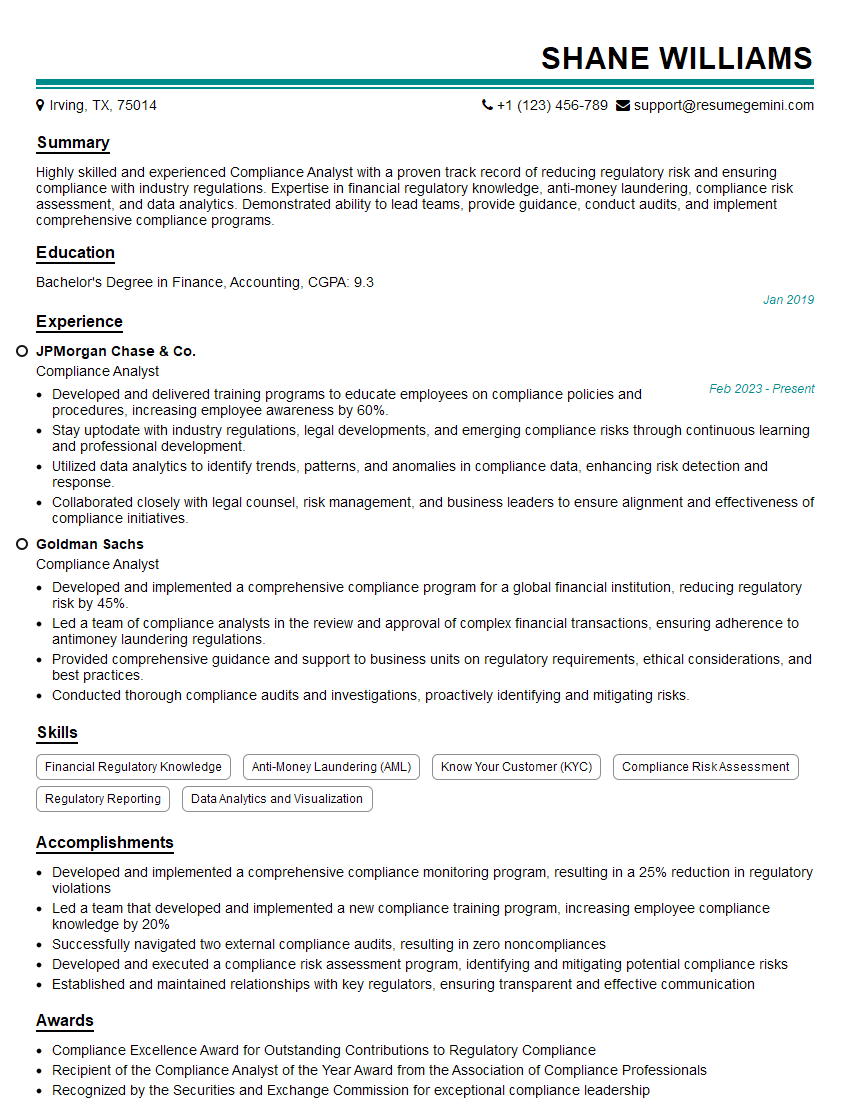
Compliance Analyst Resume Sample

Security Analyst Resume Sample

Security Consultant Resume Sample

Information Security Analyst Resume Sample

Security Architect Resume Sample

Cybersecurity Analyst Resume Sample
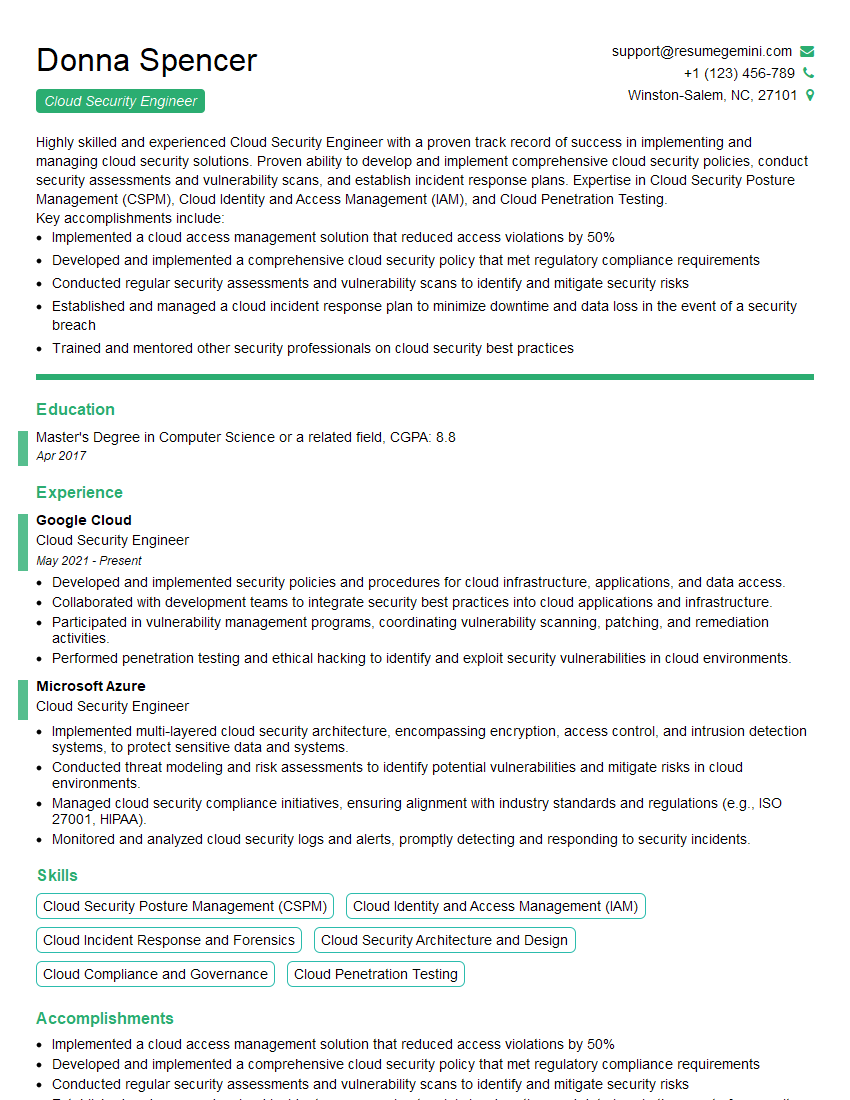
Cloud Security Engineer Resume Sample
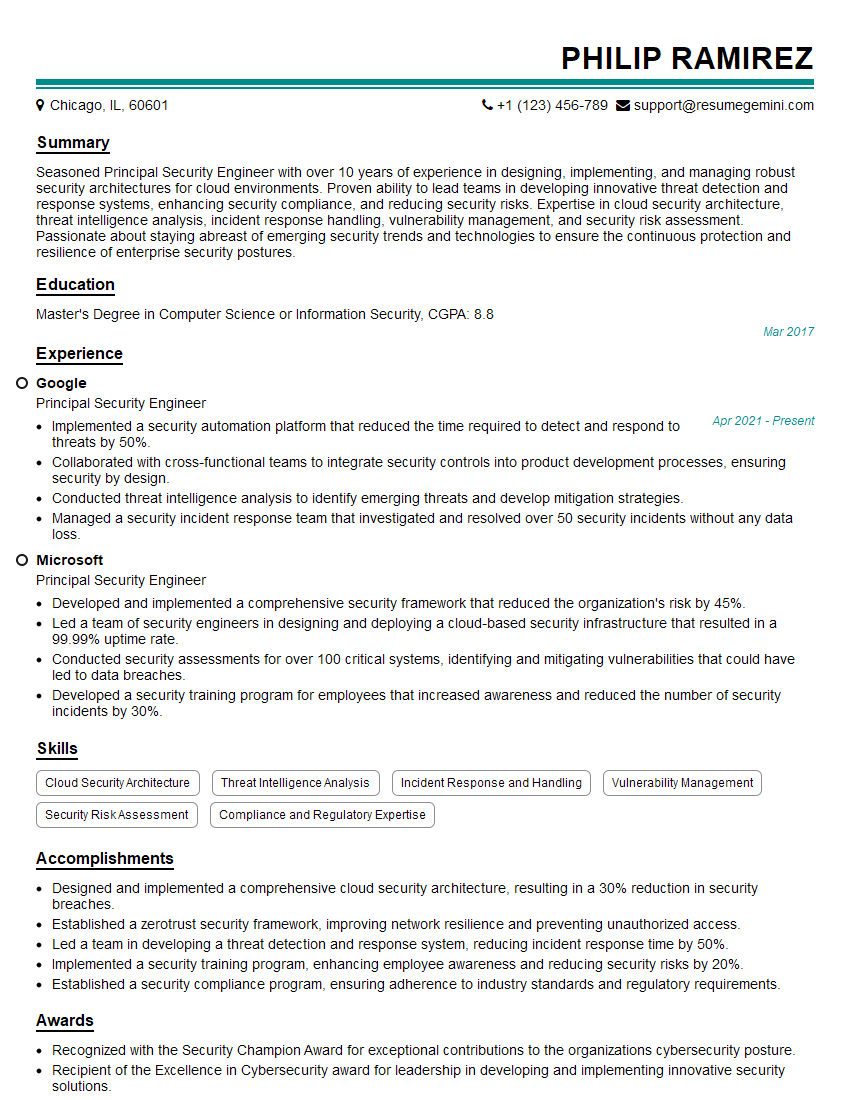
Principal Security Engineer Resume Sample
Explore more articles
Users Rating of Our Blogs
Share Your Experience
We value your feedback! Please rate our content and share your thoughts (optional).
What Readers Say About Our Blog
Really detailed insights and content, thank you for writing this detailed article.
IT gave me an insight and words to use and be able to think of examples