Cracking a skill-specific interview, like one for Technical Support Operations, requires understanding the nuances of the role. In this blog, we present the questions you’re most likely to encounter, along with insights into how to answer them effectively. Let’s ensure you’re ready to make a strong impression.
Questions Asked in Technical Support Operations Interview
Q 1. Explain your experience with ticketing systems.
Ticketing systems are the backbone of efficient technical support. They provide a structured way to manage and track support requests, ensuring nothing falls through the cracks. My experience spans several systems, including Zendesk, Jira Service Desk, and ServiceNow. I’m proficient in using these systems to create, assign, prioritize, and resolve tickets, meticulously documenting each step of the process. For example, in a previous role using Zendesk, I implemented a custom workflow that automated routine tasks like sending acknowledgment emails and escalating tickets based on predefined criteria, significantly improving our response times and agent efficiency. I’m also adept at generating reports from these systems to identify trends, assess team performance, and improve our overall support strategy.
Beyond the basic functionality, I understand the importance of proper ticket categorization and tagging to facilitate efficient routing and searching. This ensures that requests are handled by the most appropriate team members with the necessary expertise, leading to faster resolutions. For instance, I’ve helped implement a new tagging system in Jira Service Desk that reduced ticket resolution time by 15% by enabling agents to quickly identify and leverage existing solutions.
Q 2. Describe your troubleshooting methodology.
My troubleshooting methodology is systematic and follows a structured approach. I start with gathering information from the user, clearly understanding the issue they’re facing and replicating the problem if possible. Think of it like a detective investigating a case – you need all the clues! I then move to the next step, which is to reproduce the issue using the same steps the user described. This often helps identify patterns and narrow down the possibilities. Next, I systematically check the most common causes, starting with the simplest solutions (restarting the system, checking connections, etc.), and progressing to more complex solutions as needed. I thoroughly document every step of the process to help with future troubleshooting efforts and to maintain a clear audit trail.
I often use a process of elimination. If I suspect a particular component is faulty, I’ll isolate it and test it independently. This helps pinpoint the exact source of the problem quickly. Imagine a faulty electrical circuit; I wouldn’t randomly start replacing components. I would systematically check each wire, fuse and outlet to find the exact point of failure. Finally, once the issue is resolved, I provide the user with clear instructions to prevent it from reoccurring and carefully document the solution in the ticketing system.
Q 3. How do you prioritize multiple support requests?
Prioritizing multiple support requests requires a blend of technical understanding and empathy. I use a combination of factors to determine urgency: severity, impact, and business criticality. A critical system failure affecting multiple users would naturally take precedence over a minor issue affecting a single user. I utilize a prioritization matrix or a similar system to visually organize and manage tasks.
For instance, I might use a matrix with quadrants labeled: High Severity/High Impact, High Severity/Low Impact, Low Severity/High Impact, and Low Severity/Low Impact. Requests are categorized accordingly and addressed based on their quadrant. This method ensures urgent issues are addressed first while maintaining a fair and efficient workflow. Additionally, I maintain open communication with users, providing updates and estimated resolution times to manage expectations, even if their issue isn’t the highest priority at that specific moment.
Q 4. What remote support tools are you proficient in?
Proficiency in remote support tools is crucial in today’s distributed work environment. I’m adept at using tools like TeamViewer, AnyDesk, LogMeIn, and VNC. I understand the nuances of each tool, selecting the most appropriate one depending on the situation and the user’s technical capabilities. For example, TeamViewer’s ease of use makes it ideal for supporting less tech-savvy users, while I might use AnyDesk for its speed and performance on high-bandwidth tasks. I also have experience with remote administration tools like PowerShell remoting and SSH for managing servers and network devices.
Beyond the tools themselves, I prioritize security best practices when using remote access software. I ensure secure connections, strong passwords, and adhere to company policies regarding data protection and access control. Data security is paramount, and I make sure to handle user information with the utmost care.
Q 5. How do you handle escalated support issues?
Escalated support issues require a methodical and collaborative approach. When an issue cannot be resolved at the first level of support, I follow a pre-defined escalation process. This typically involves documenting the issue thoroughly, including all previous troubleshooting steps, and then escalating the ticket to the next level of support, providing all the necessary information for the senior team to quickly understand the situation. I’m also proficient in creating concise and clear summaries of complex technical issues to facilitate a smooth handoff between teams.
Communication is key during escalation. I keep the user updated on the progress, setting realistic expectations for resolution times. I actively collaborate with senior engineers and other relevant teams to brainstorm solutions and share information to quickly resolve the problem. The goal is not just to fix the immediate issue but to also identify the root cause to prevent recurrence.
Q 6. Describe your experience with network troubleshooting.
Network troubleshooting is a core competency for me. My experience encompasses diagnosing and resolving issues across various network architectures, from simple LANs to complex WANs. I’m proficient in using network diagnostic tools like Wireshark, tcpdump, and ping to identify network bottlenecks, connectivity problems, and security vulnerabilities. I understand network protocols like TCP/IP, DNS, DHCP, and routing protocols. I can analyze network traffic, identify patterns, and trace problems to their source.
I’ve had extensive experience troubleshooting issues related to DNS resolution, network connectivity, routing problems, and firewall configurations. For example, I once resolved a company-wide network outage by identifying a misconfiguration in our main router’s routing table. My ability to understand network architecture, coupled with my diagnostic skills, allowed me to quickly pinpoint the issue and implement the necessary fix. This required using tools such as ping and traceroute to isolate the problem and working with other IT departments to ensure the fix was appropriately implemented.
Q 7. What is your experience with Active Directory?
My experience with Active Directory is extensive, encompassing user management, group policy administration, and troubleshooting. I’m skilled in creating and managing user accounts, assigning permissions, and implementing group policies to enforce security standards and streamline user access. I understand the complexities of Active Directory’s architecture and its role in managing and securing a network environment. I have successfully managed Active Directory in environments with thousands of users.
Troubleshooting Active Directory issues can be complex, but I have the skills to identify and resolve them. I can troubleshoot issues related to login failures, account lockouts, replication problems, and permissions issues. For example, I’ve resolved multiple instances of widespread account lockouts by identifying and addressing misconfigurations in Group Policy settings that were triggering overly aggressive password policies. I’m also proficient in using Active Directory administrative tools, such as Active Directory Users and Computers and Active Directory Domains and Trusts.
Q 8. How do you handle difficult or angry customers?
Handling angry or difficult customers requires a calm and empathetic approach. It’s about de-escalation and finding a solution, not winning an argument. My strategy centers around active listening, acknowledging their frustration, and showing genuine concern for their problem. I start by letting them vent without interruption (unless it becomes abusive), using phrases like, “I understand your frustration,” or “I can see why you’re upset.” This shows I’m listening and validates their feelings.
Then, I move to clarifying the issue. I ask open-ended questions to understand their perspective fully. Once I have a clear picture, I outline the steps I’ll take to resolve their issue, offering realistic timelines and keeping them informed every step of the way. If I can’t immediately fix the problem, I’ll offer alternative solutions or escalate the issue to the appropriate team, ensuring the customer knows they are not being ignored. Transparency and consistent communication are key to de-escalating tense situations. For instance, I once had a customer who was extremely frustrated with a software glitch preventing them from completing an urgent task. By actively listening, acknowledging their urgency, and offering a temporary workaround while I investigated the root cause, I was able to calm them down and ultimately resolve the issue to their satisfaction.
Q 9. Explain your experience with hardware troubleshooting.
My hardware troubleshooting experience spans a wide range of devices and scenarios. I’m proficient in diagnosing issues related to PCs, servers, networking equipment (routers, switches, etc.), and peripherals (printers, scanners). My approach is systematic and follows a clear process. I start with the basics: verifying power, connections, and identifying any obvious physical damage. Then, I progress to more advanced diagnostics, depending on the symptoms. This might involve running diagnostic tools, checking device manager logs (in Windows), using system monitoring utilities, or even physically inspecting internal components (with appropriate safety precautions).
For example, I once resolved a server outage by meticulously checking the cable connections and discovering a loose fiber optic cable. Another time, I diagnosed a faulty hard drive by using SMART data analysis and subsequently prevented significant data loss. Experience has taught me the importance of documentation. I meticulously record each step, the symptoms observed, the tests performed, and the final solution. This not only helps resolve the issue efficiently but also aids in preventing future occurrences.
Q 10. What is your experience with software installation and configuration?
I have extensive experience installing and configuring various software applications, including operating systems, databases, and enterprise-level applications. My process typically involves careful planning, understanding the application’s dependencies, and following best practices. This begins with reading the installation documentation and carefully reviewing the system requirements to ensure compatibility.
During the installation, I pay close attention to configuration settings, customizing them as needed to meet the specific requirements. Post-installation, I thoroughly test the application’s functionality to confirm it’s working as expected. I’m comfortable with scripting and automation to streamline the installation and configuration process, particularly in environments requiring deployment to multiple machines. For instance, I’ve used PowerShell extensively to automate the deployment of software updates and configurations across a large number of Windows servers. I’m also adept at troubleshooting software installation errors, diagnosing conflicts, and resolving any arising compatibility issues. A recent project involved configuring a complex CRM system requiring integration with several other applications; careful planning and thorough testing were essential for successful implementation.
Q 11. How do you document solutions and processes?
Documentation is crucial for efficient troubleshooting and knowledge sharing. I utilize a combination of methods, depending on the context. For simple solutions, I use a ticketing system, which often includes fields for detailed descriptions of the issue, steps taken to resolve the problem, and the final outcome. For more complex issues or recurring problems, I create detailed knowledge base articles or internal wikis that can be accessed by other team members.
I ensure my documentation is clear, concise, and easy to understand, using consistent formatting and including relevant screenshots or diagrams where necessary. I also maintain a version control system for more complex documents to track changes and revisions. For example, when I discovered a workaround for a specific software bug, I created a detailed knowledge base article describing the issue, the workaround, and any potential side effects. This allowed other team members to quickly address similar issues, reducing resolution time.
Q 12. Describe your experience with IT security best practices.
I’m familiar with and adhere to various IT security best practices, focusing on protecting systems and data from unauthorized access and threats. This includes implementing strong password policies, utilizing multi-factor authentication (MFA), regularly updating software and operating systems to patch vulnerabilities, and configuring firewalls and intrusion detection systems (IDS).
I also understand the importance of data backups and disaster recovery planning, ensuring critical data is protected and can be restored in case of an incident. My awareness of common threats like phishing, malware, and social engineering helps me educate users on safe practices. In a previous role, I implemented MFA across all company systems, significantly improving security posture. Further, I actively participate in security awareness training and remain updated on the latest security threats and vulnerabilities to ensure proactive risk mitigation.
Q 13. How familiar are you with different operating systems (Windows, macOS, Linux)?
I’m proficient in Windows, macOS, and Linux operating systems. My experience encompasses various distributions of Linux, including Ubuntu, CentOS, and Red Hat Enterprise Linux. I understand the command-line interface (CLI) for each operating system, which allows me to perform advanced troubleshooting and system administration tasks. I can comfortably navigate file systems, manage users and groups, and troubleshoot network connectivity across all three operating systems.
My knowledge extends to their respective security features, such as user permissions, firewalls, and security updates. For example, I can troubleshoot network issues using tools like netstat (Windows), ifconfig (Linux), and networksetup (macOS). I regularly update my knowledge on new features and security updates for each operating system to maintain a high level of proficiency.
Q 14. What is your experience with incident management?
Incident management is a crucial aspect of my role. My experience involves the entire lifecycle, from initial incident reporting to resolution and post-incident analysis. I follow established incident management processes, such as ITIL (Information Technology Infrastructure Library) best practices. My approach involves quickly assessing the incident’s severity, impact, and urgency, prioritizing critical issues over less impactful ones.
I utilize a ticketing system to track incidents, documenting all steps taken during the resolution process. I regularly communicate with affected users, keeping them informed about the progress of the resolution. Once the issue is resolved, I perform a post-incident review to identify root causes, contributing factors, and areas for improvement. This analysis helps prevent similar incidents in the future. For instance, in a previous role, I implemented a new incident management system that streamlined the process and reduced resolution times by 20%. This involved thorough process documentation, staff training, and the use of automation tools to manage alerts and notifications efficiently.
Q 15. How do you handle situations where you don’t know the answer?
Honesty and transparency are key when facing an unknown issue. I always start by acknowledging to the user that I don’t have the immediate answer, but I’m committed to finding a solution. My approach involves a structured process:
- Gather Information: I ask clarifying questions to fully understand the problem. This includes the specific error messages, steps taken leading to the issue, and the user’s environment (operating system, software versions, etc.).
- Research and Investigate: I leverage various resources, including internal knowledge bases, online forums (Stack Overflow, for example), official documentation, and vendor support websites. I carefully evaluate the reliability of the information I find.
- Escalate if Necessary: If the issue remains unresolved after thorough investigation, I escalate it to a senior colleague or the appropriate engineering team, providing them with all the gathered information. Clear and concise communication is crucial here.
- Follow Up: Once a solution is found, I ensure the user understands the fix and provide preventative measures if applicable. I also document the issue and resolution in the knowledge base for future reference.
For instance, if I encounter an obscure database error, I’d first try to reproduce the error in a test environment. Then, I might search for the specific error code online, checking both official documentation and community forums for solutions. If I’m still stumped, I’d escalate to a database administrator for expert assistance.
Career Expert Tips:
- Ace those interviews! Prepare effectively by reviewing the Top 50 Most Common Interview Questions on ResumeGemini.
- Navigate your job search with confidence! Explore a wide range of Career Tips on ResumeGemini. Learn about common challenges and recommendations to overcome them.
- Craft the perfect resume! Master the Art of Resume Writing with ResumeGemini’s guide. Showcase your unique qualifications and achievements effectively.
- Don’t miss out on holiday savings! Build your dream resume with ResumeGemini’s ATS optimized templates.
Q 16. Describe your experience with knowledge base management.
Knowledge base management is crucial for efficient technical support. My experience includes contributing to, maintaining, and improving knowledge bases using various tools, from simple wikis to sophisticated ticketing systems with integrated knowledge base features. I’ve been involved in all aspects, from creating initial articles to refining existing ones for clarity and accuracy.
- Content Creation: I write clear, concise, and user-friendly articles covering common issues, troubleshooting steps, and workarounds. I use screenshots and videos to enhance understanding.
- Content Maintenance: Regularly reviewing and updating knowledge base articles is essential to ensure they remain relevant and accurate. This includes addressing outdated information, incorporating feedback, and adding new articles based on emerging issues.
- Knowledge Base Organization: A well-organized knowledge base is key to its effectiveness. I use a structured approach, categorizing articles logically and employing effective search functionality to help users quickly find the information they need.
- Quality Control: Implementing a process for reviewing and approving new articles, ensuring they meet specific quality standards, is a crucial part of my contribution to knowledge base management.
In a previous role, I helped revamp our outdated wiki-based knowledge base, migrating to a more sophisticated system that integrated directly with our ticketing system. This significantly improved the efficiency of our support team and the experience for our users.
Q 17. How do you stay up-to-date with the latest technologies?
Staying up-to-date in technology is a continuous process. I actively employ several strategies to ensure my skills remain current:
- Online Courses and Tutorials: Platforms like Coursera, Udemy, and edX offer a wealth of resources on various technologies. I regularly take relevant courses to deepen my existing skills and learn new ones.
- Industry Blogs and Publications: Following tech blogs, newsletters, and publications keeps me informed about the latest trends, breakthroughs, and emerging technologies.
- Conferences and Workshops: Attending industry conferences and workshops offers invaluable opportunities for networking, learning from experts, and gaining hands-on experience with new tools and techniques.
- Hands-on Projects: I frequently undertake personal projects to apply what I’ve learned and to explore new technologies in a practical setting. This helps to solidify my understanding and build my confidence.
- Certifications: Pursuing relevant certifications demonstrates commitment to professional development and enhances credibility.
For example, to stay ahead in cloud computing, I recently completed a course on AWS and am currently working towards a relevant certification. This helps me support our users who leverage cloud-based solutions.
Q 18. What is your experience with SLAs (Service Level Agreements)?
SLAs, or Service Level Agreements, define the agreed-upon service levels between a service provider (us) and the customer. My experience encompasses understanding, interpreting, and adhering to SLAs. This includes:
- Understanding SLA Metrics: I’m proficient in understanding key metrics like response time, resolution time, and customer satisfaction scores, and how they’re used to measure performance against the agreed-upon SLA.
- Monitoring Performance: I use monitoring tools and dashboards to track our performance against SLA targets, identifying potential issues proactively.
- Escalation Procedures: SLAs often include escalation procedures for when targets aren’t met. I’m familiar with these procedures and know how to escalate issues appropriately to ensure timely resolution.
- Reporting and Analysis: I’m involved in generating reports on our performance against SLAs, analyzing the data to identify areas for improvement and informing process adjustments.
In a previous role, we implemented a new monitoring system that provided real-time visibility into our performance against SLAs. This allowed us to identify and address potential issues before they impacted our ability to meet our commitments to our customers.
Q 19. How do you measure the effectiveness of your support efforts?
Measuring the effectiveness of support efforts is crucial. I use a combination of quantitative and qualitative methods:
- Ticket Resolution Time: This metric shows how quickly we’re resolving user issues. Faster resolution times generally indicate higher efficiency.
- Customer Satisfaction (CSAT) Scores: Regularly surveying customers about their experience provides valuable feedback on our performance. Low CSAT scores point to areas needing improvement.
- First Contact Resolution (FCR): This metric measures the percentage of issues resolved on the first contact. Higher FCR rates indicate more effective knowledge base articles and better troubleshooting skills.
- Ticket Volume and Trends: Tracking the volume of tickets over time helps identify recurring issues and potential system vulnerabilities.
- Agent Performance Metrics: Monitoring individual agent performance – resolution times, CSAT scores, and FCR – helps identify areas for training or improvement.
By analyzing these metrics, we can identify bottlenecks, areas for improvement, and the overall effectiveness of our support processes. This data informs decisions regarding resource allocation, training programs, and knowledge base improvements.
Q 20. Describe a time you had to resolve a complex technical issue.
One challenging issue involved a critical production server experiencing intermittent crashes. The error logs were unhelpful, and initial troubleshooting steps yielded no clear cause. This was a high-priority situation as it impacted a significant portion of our customer base.
My approach was systematic:
- Data Gathering: I meticulously collected all available logs and performance metrics from the server.
- Reproducing the Issue: I attempted to reproduce the crashes in a test environment, which proved difficult.
- Collaboration: I collaborated with the database administrator and network engineers to rule out issues outside the server’s direct control.
- Advanced Diagnostics: We utilized advanced diagnostic tools to capture detailed system information during the crashes. This revealed subtle memory leaks within a specific application.
- Solution Implementation: Once the root cause was identified, we implemented a patch to address the memory leaks and monitored the server closely.
- Preventative Measures: We implemented improved monitoring and automated alerts to detect similar issues early on.
This experience underscored the importance of collaboration, systematic troubleshooting, and the value of comprehensive data analysis when addressing complex technical issues. The successful resolution not only restored service but also prevented future occurrences, significantly reducing downtime and improving customer satisfaction.
Q 21. What is your experience with virtual machines?
I have extensive experience working with virtual machines (VMs). My experience includes:
- VM Creation and Management: I’m proficient in creating, configuring, and managing VMs using various hypervisors, including VMware vSphere, VirtualBox, and Hyper-V. This includes tasks such as allocating resources (CPU, memory, storage), installing operating systems, and configuring networking.
- VM Troubleshooting: I’m adept at diagnosing and resolving issues related to VM performance, networking, and storage. This includes identifying resource contention, resolving network connectivity problems, and recovering from VM crashes.
- VM Cloning and Snapshots: I regularly use VM cloning and snapshots for backup and disaster recovery, enabling quick restoration of VMs in case of failure.
- VM Templates: I leverage VM templates to standardize VM configurations, streamlining deployment and reducing configuration errors.
- Cloud-Based VMs: I have experience managing VMs on cloud platforms such as AWS, Azure, and GCP. This includes provisioning, managing, and scaling VMs according to needs.
For example, in a previous role, I utilized VMs extensively for testing new software releases in isolated environments, preventing disruptions to our production systems. My expertise in VM management ensures efficient resource utilization and streamlined testing processes.
Q 22. How do you handle conflicting priorities?
Handling conflicting priorities in technical support requires a structured approach. I prioritize tasks based on urgency and impact. I use a system that considers factors like Service Level Agreements (SLAs), the potential impact on the business, and the severity of the issue for the customer. For example, a critical system outage affecting hundreds of users would naturally take precedence over a less urgent request.
I utilize tools like project management software to visually organize tasks, deadlines, and their dependencies. This allows me to easily see which tasks are critical and reallocate resources as needed. I also communicate proactively with stakeholders, explaining my prioritization rationale and managing their expectations. Open communication is crucial to avoid misunderstandings and ensure everyone is aligned.
Think of it like a triage system in a hospital – the most critical cases are addressed first, ensuring the greatest good for the most people. This systematic approach ensures efficient resource allocation and timely resolution of critical issues, while maintaining a focus on overall customer satisfaction.
Q 23. What is your experience with scripting or automation?
I have extensive experience with scripting and automation, primarily using Python and PowerShell. I’ve used these languages to automate repetitive tasks, such as user account provisioning, log analysis, and system monitoring. This significantly improves efficiency and reduces the risk of human error.
For example, I developed a Python script to automatically generate reports on daily support ticket trends. This script connects to our ticketing system’s database, extracts the necessary data, and creates a formatted report, saving hours of manual work each week. Another example is a PowerShell script I created to automate the deployment of software updates to a large number of servers, drastically reducing the downtime required for updates.
# Example Python snippet for log analysis:
import re
with open('log.txt', 'r') as f:
    for line in f:
        if re.search(r'error', line, re.IGNORECASE):
            print(line)
Automation is not just about speed; it’s about consistency and reliability. By automating routine tasks, I free up my time to focus on more complex issues and provide more proactive support.
Q 24. Describe your experience with database troubleshooting.
My database troubleshooting experience spans several systems, including MySQL, PostgreSQL, and SQL Server. Troubleshooting involves a systematic approach that starts with identifying the symptoms, then isolating the root cause, and finally implementing a solution.
I begin by gathering information through various means: checking error logs, monitoring server performance metrics, examining query execution plans, and reviewing application logs. For example, slow query performance might indicate a need for database optimization, such as creating indexes or rewriting inefficient queries. A consistent error message might point to a problem with the database schema or configuration.
I utilize tools like database monitoring and profiling utilities to analyze performance bottlenecks and identify areas for improvement. If the issue stems from a flawed application interaction, I collaborate closely with developers to rectify the problem. Understanding SQL and database architecture is key to effectively resolving these issues; my experience allows me to pinpoint problems quickly and efficiently. A recent example involved optimizing a query that was causing significant slowdowns in a critical application. By creating appropriate indexes and rewriting the query, we improved performance by over 80%.
Q 25. How do you ensure customer satisfaction?
Ensuring customer satisfaction is paramount in technical support. My approach centers on prompt, accurate, and empathetic communication. I aim to understand the customer’s needs fully before attempting a solution, actively listening and asking clarifying questions to ensure a comprehensive understanding of the problem.
I communicate clearly and concisely, using terminology the customer understands, and provide regular updates on the progress of resolving the issue. Even if I can’t immediately solve the problem, I strive to keep the customer informed and reassured. If a solution requires some time, I set realistic expectations and follow up diligently.
Proactive communication is key. Anticipating potential problems and providing preventative measures enhances the customer experience. For instance, sending proactive emails about planned maintenance reduces anxiety and keeps the customers informed. Ultimately, building a trusting relationship through open communication is critical to maintaining high customer satisfaction.
Q 26. Explain your experience with different communication channels (email, phone, chat).
I have extensive experience across multiple communication channels: email, phone, and chat. Each channel requires a slightly different approach. Email communication necessitates clear, concise, and well-documented responses. I ensure that the email includes all relevant information, screenshots if needed, and clear instructions for the user. The tone is professional and helpful.
Phone support requires excellent active listening and the ability to adapt communication style to the customer. Clarifying questions and empathetic responses are vital to building rapport and resolving the issue efficiently. A calm and reassuring tone is especially important when dealing with frustrated customers.
Chat support requires brevity and quick response times. Using concise language and relevant keywords ensures a fast resolution. In all channels, documentation is crucial for tracking the issue and maintaining a detailed record for future reference. The ability to switch seamlessly between these communication channels, tailoring my approach to each, is essential in effective technical support.
Q 27. What is your experience with ITIL frameworks?
I have practical experience working within the ITIL framework, specifically focusing on incident, problem, and change management. ITIL (Information Technology Infrastructure Library) provides a set of best practices for IT service management. In incident management, I follow procedures for logging, categorizing, and resolving incidents efficiently, adhering to pre-defined SLAs. My knowledge of incident management processes assists in streamlining the resolution of issues.
In problem management, I focus on identifying and addressing the root causes of recurring incidents to prevent future occurrences. This involves analyzing trends, implementing preventative measures, and collaborating with other teams to resolve underlying problems. This proactive approach to problem-solving reduces downtime and improves overall service stability.
Change management involves carefully planning and implementing changes to the IT infrastructure to minimize disruption. This includes assessing the impact of changes, communicating with stakeholders, and documenting all changes. My knowledge of ITIL principles allows me to contribute effectively to a well-managed IT environment, ensuring service continuity and customer satisfaction.
Q 28. Describe a time you had to work under pressure.
During a major system upgrade, we experienced unexpected complications that threatened to cause a significant service disruption. The deadline was extremely tight, and the pressure was intense. Under this pressure, I maintained a calm and methodical approach. I prioritized tasks, delegated responsibilities where possible, and communicated proactively with stakeholders, keeping them informed of the progress and any potential delays.
We employed a divide-and-conquer strategy, breaking down the complex problem into smaller, manageable tasks. This allowed us to address each issue systematically and made it easier to track progress. Throughout the process, I utilized all the available resources and tools – including monitoring systems, diagnostic tools, and collaborative platforms – to quickly identify and rectify issues.
Despite the pressure, we successfully completed the upgrade within the stipulated timeframe, minimizing the impact on our users. This experience highlighted the importance of effective teamwork, clear communication, and a structured problem-solving approach when working under pressure. It also reinforced my ability to remain calm and focused, even in high-stakes situations.
Key Topics to Learn for Technical Support Operations Interview
- Incident Management: Understanding incident lifecycle, prioritization, escalation procedures, and effective communication during critical situations. Practical application: Describe your experience troubleshooting a complex technical issue and the steps you took to resolve it.
- Problem Management: Identifying recurring incidents, root cause analysis, and implementing preventative measures. Practical application: Explain how you would approach identifying the root cause of multiple similar user complaints.
- ITIL Framework (basic understanding): Familiarity with core ITIL principles such as incident, problem, change, and service level management. Practical application: Discuss how ITIL principles could improve efficiency in a technical support environment.
- Remote Support Tools and Techniques: Proficiency with remote access software (e.g., TeamViewer, AnyDesk), troubleshooting techniques over remote connections, and secure remote access practices. Practical application: Detail your experience using remote support tools to resolve a challenging technical issue for a user.
- Customer Communication & Service Excellence: Effective communication skills, active listening, empathy, and techniques for handling difficult customers. Practical application: Describe a situation where you had to handle a frustrated customer and how you de-escalated the situation.
- Ticketing Systems: Experience with various ticketing systems (e.g., Zendesk, ServiceNow), workflow management, and ticket prioritization. Practical application: Explain how you would manage a high volume of tickets effectively and ensure timely resolution.
- Operating Systems and Networking Basics: Fundamental knowledge of Windows and/or Linux operating systems, basic networking concepts (TCP/IP, DNS, etc.). Practical application: Describe your experience diagnosing network connectivity issues.
- Security Best Practices: Understanding of basic security protocols and procedures, password management, data security, and incident response. Practical application: Discuss how you would handle a suspected security breach.
Next Steps
Mastering Technical Support Operations is crucial for a successful and fulfilling career in IT. It opens doors to diverse roles and opportunities for advancement. To maximize your job prospects, focus on creating an ATS-friendly resume that showcases your skills and experience effectively. ResumeGemini is a trusted resource that can help you build a professional and impactful resume tailored to your specific needs. We provide examples of resumes specifically tailored to Technical Support Operations to guide you in this process. Invest time in crafting a strong resume – it’s your first impression on potential employers.
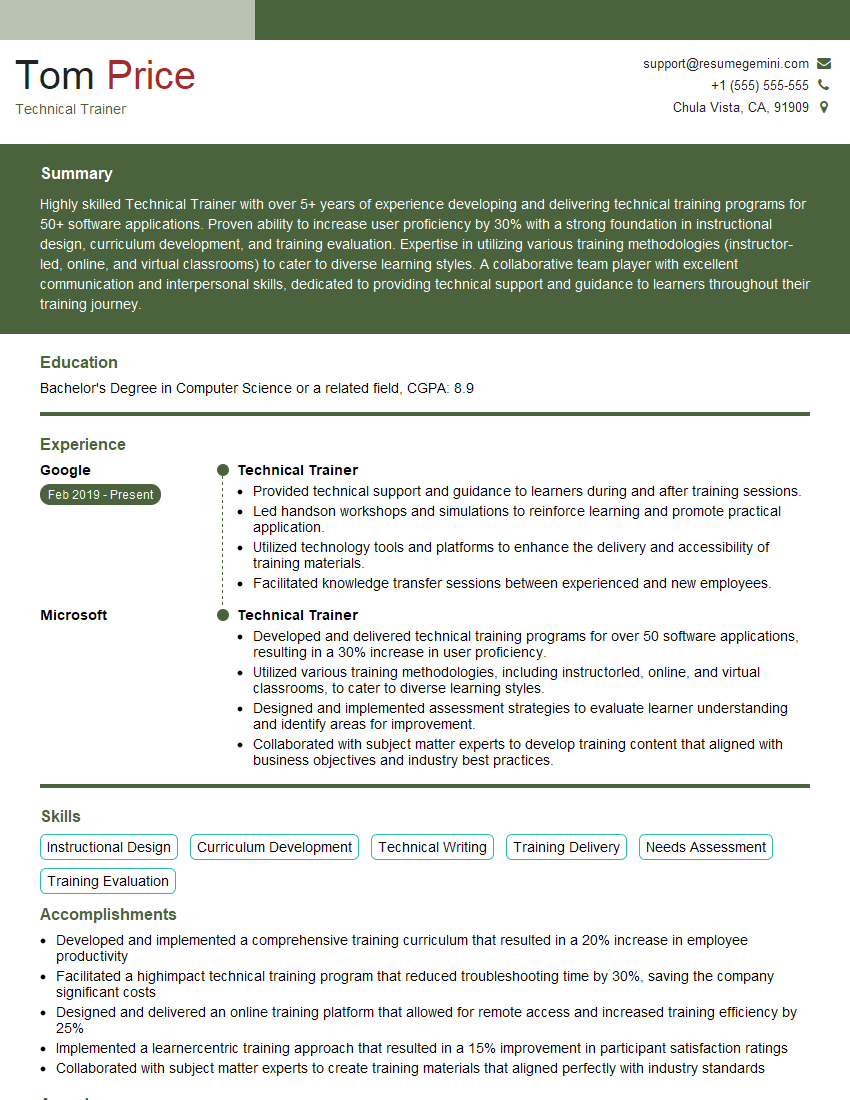
Technical Trainer Resume Sample

Systems Administrator Resume Sample

Technical Support Engineer Resume Sample
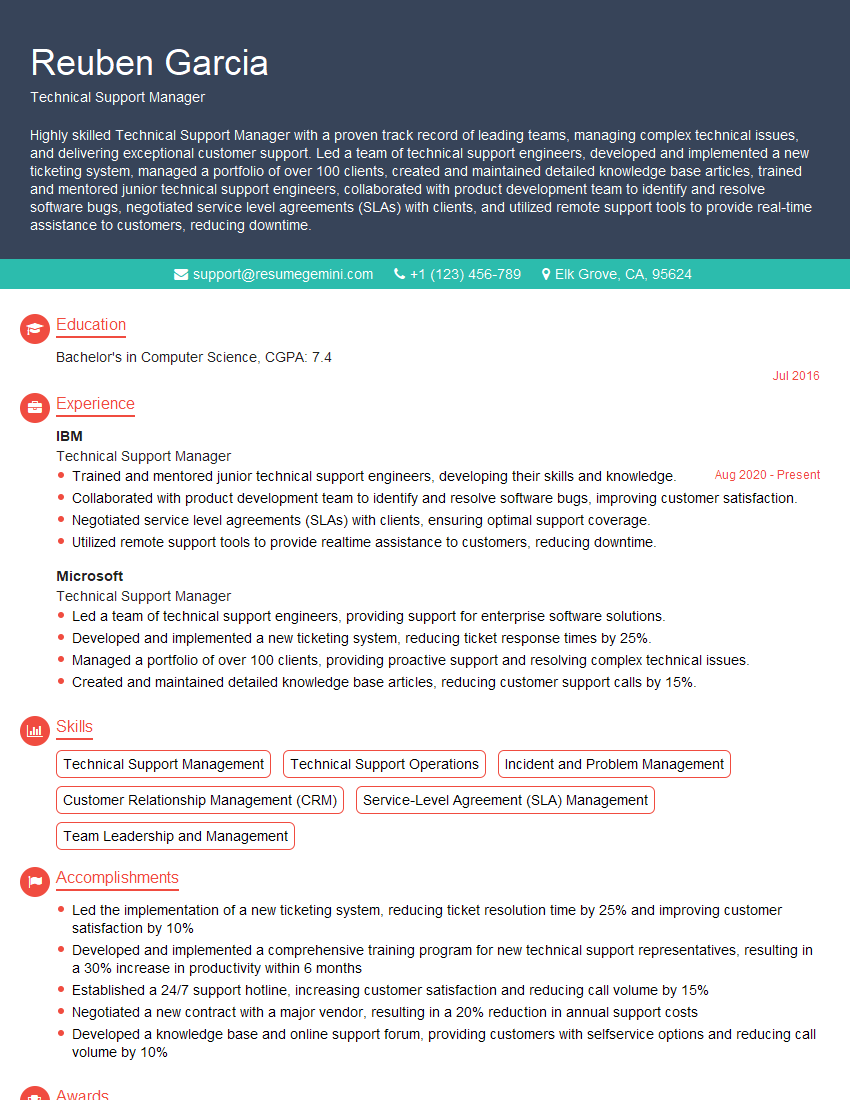
Technical Support Manager Resume Sample
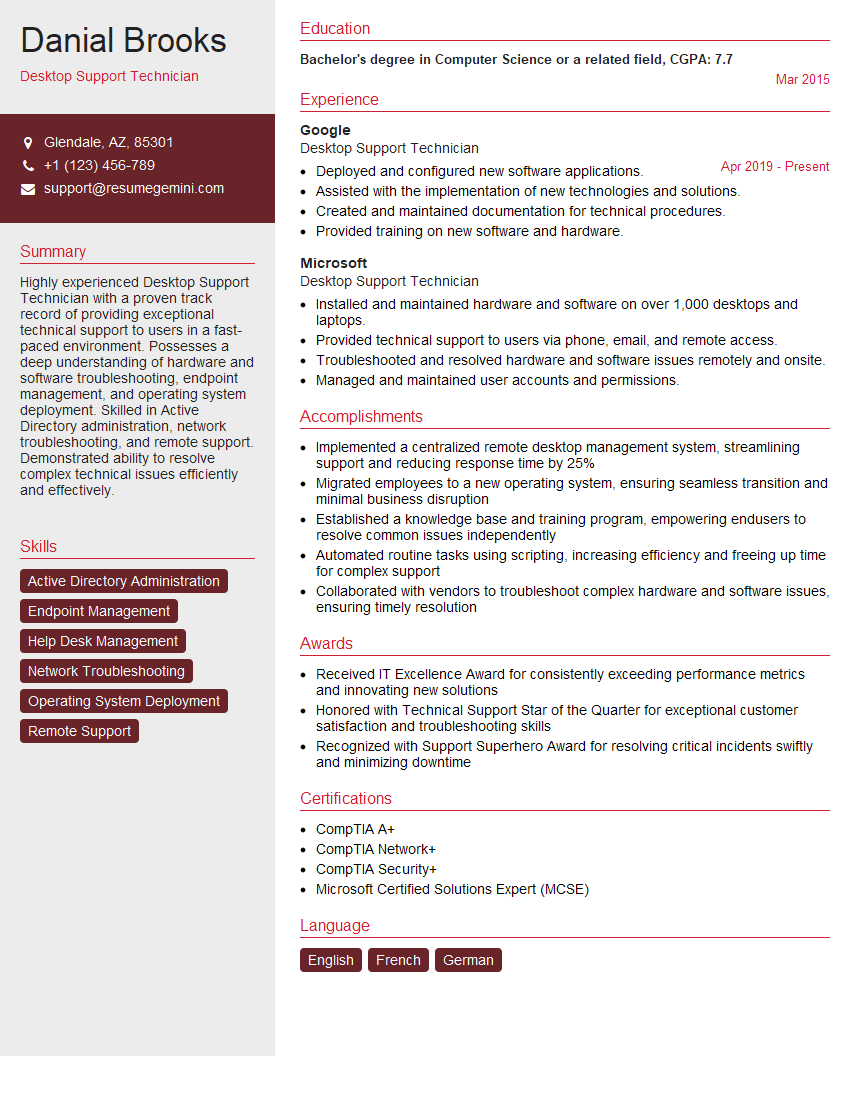
Desktop Support Technician Resume Sample

Help Desk Analyst Resume Sample
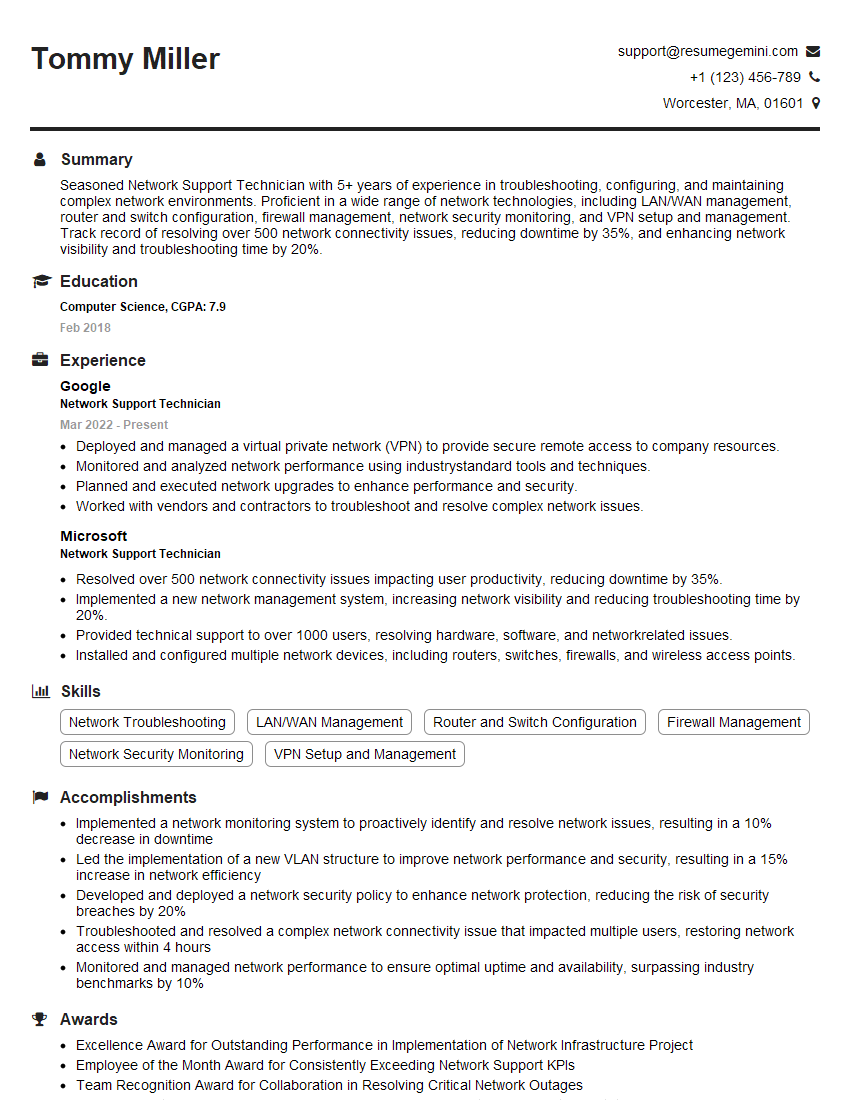
Network Support Technician Resume Sample
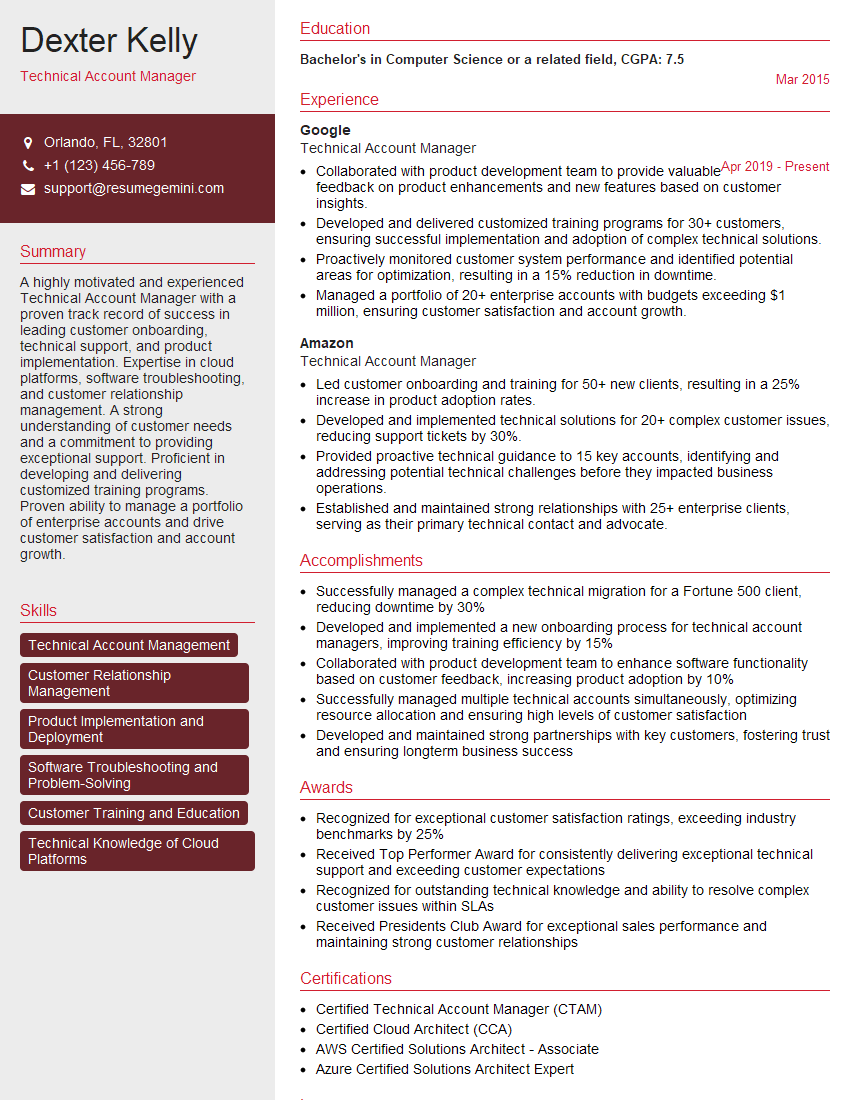
Technical Account Manager Resume Sample
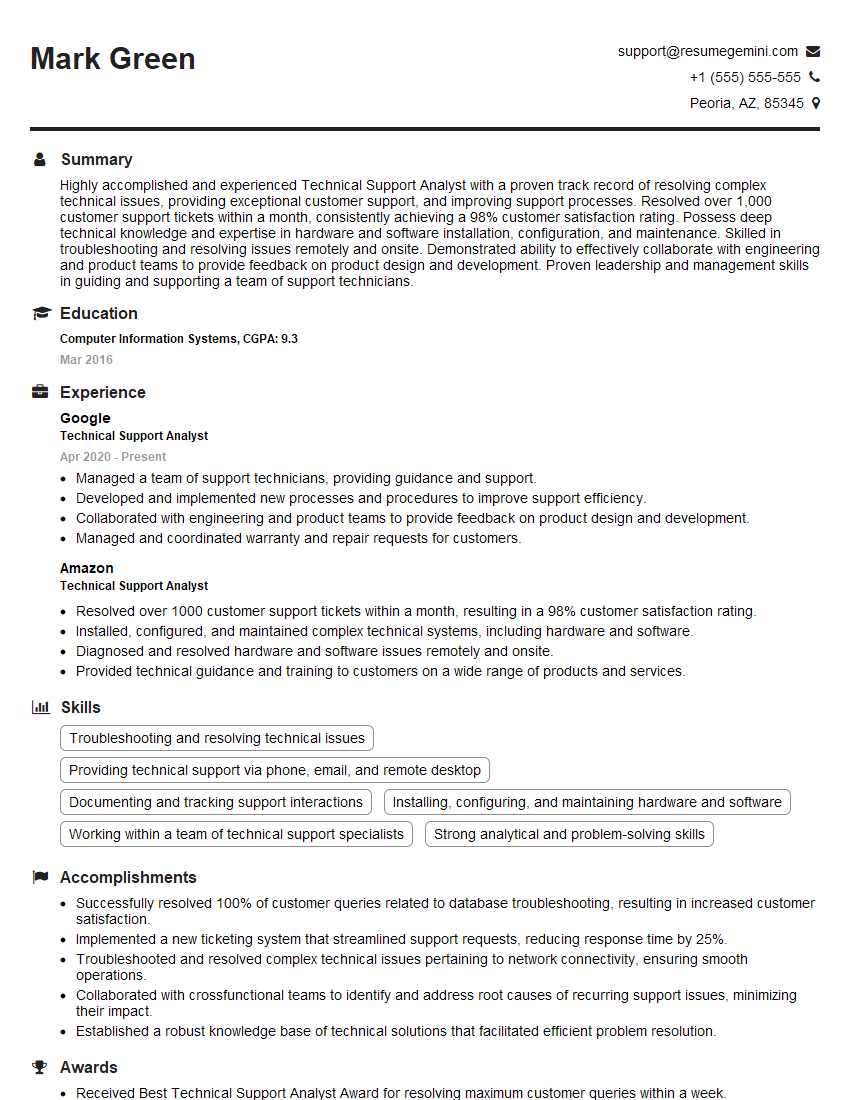
Technical Support Analyst Resume Sample

Field Service Engineer Resume Sample
Explore more articles
Users Rating of Our Blogs
Share Your Experience
We value your feedback! Please rate our content and share your thoughts (optional).
What Readers Say About Our Blog
Really detailed insights and content, thank you for writing this detailed article.
IT gave me an insight and words to use and be able to think of examples