The thought of an interview can be nerve-wracking, but the right preparation can make all the difference. Explore this comprehensive guide to Troubleshoot and repair electronics interview questions and gain the confidence you need to showcase your abilities and secure the role.
Questions Asked in Troubleshoot and repair electronics Interview
Q 1. Describe your experience troubleshooting faulty circuit boards.
Troubleshooting faulty circuit boards involves a systematic approach combining visual inspection, testing, and analysis. I begin with a careful visual examination, looking for obvious signs of damage like burnt components, broken traces, or bulging capacitors. This often reveals the culprit immediately. If not, I move to using a multimeter to check for voltage, current, and resistance at various points on the board, comparing my readings to the circuit’s schematic diagram. This helps pinpoint the faulty section or component. For example, if a specific integrated circuit (IC) isn’t receiving the correct power supply voltage, I know to focus my investigation there. I also utilize logic analyzers and oscilloscopes for more complex circuits, examining signals and waveforms to detect anomalies. Finally, I might use specialized equipment like a circuit board tester if the problem remains elusive.
One time, I worked on a malfunctioning industrial controller. Visual inspection showed nothing. However, using a logic analyzer, I discovered a timing issue within a specific micro-controller. Replacing that IC resolved the issue, preventing significant production downtime for the client.
Q 2. Explain the process of diagnosing a power supply failure.
Diagnosing a power supply failure starts with safety precautions – always disconnect the device from the power source before beginning any work. Next, I’d visually inspect the power supply for any obvious problems, like burnt components or loose connections. Then, I use a multimeter to check the input voltage (AC) and output voltage (DC) to see if they meet the specified values. A low output voltage often indicates a problem with the transformer or rectifier. A fluctuating voltage might point to a faulty capacitor. I’d also test the fuses within the power supply. If everything looks fine visually, I may resort to a more in-depth check of individual components and sub-circuits using the multimeter’s different settings (checking diodes, transistors, and capacitors).
Think of it like checking a water pump: if the output pressure is low, you’d check the pump motor, the pipes, and the pressure valve. It’s the same principle with a power supply.
Q 3. How do you identify and replace faulty components on a printed circuit board (PCB)?
Identifying faulty components on a PCB often involves a combination of visual inspection and testing. A visual check can often uncover cracked solder joints, burnt resistors, or damaged capacitors. Once I’ve pinpointed a potentially faulty component, I use a multimeter to test its values (resistance for resistors, capacitance for capacitors, voltage for diodes, etc.). If the measured value significantly deviates from the expected value (which is determined from the schematic or datasheet), I know it needs replacement. Before removing a component, I document its position, marking it if needed to avoid confusion later. I use appropriate desoldering tools (solder sucker or wick) to carefully remove the component, then carefully solder the new one in place, ensuring a clean and strong connection.
For surface mount devices (SMD), I use a hot air rework station to avoid damaging surrounding components. Precision and patience are key to successful component replacement.
Q 4. What are common causes of overheating in electronic devices?
Overheating in electronic devices is usually caused by a combination of factors, primarily insufficient cooling and excessive power dissipation. Common causes include:
- Poor heat dissipation: Insufficient heatsinks, blocked cooling fans, or inadequate ventilation can cause components to overheat.
- Faulty components: Defective components like short-circuited transistors or overloaded resistors generate excessive heat.
- Overcurrent: Drawing more current than a component is designed to handle leads to overheating.
- High ambient temperature: Operating devices in hot environments worsens the problem.
- Design flaws: Poor PCB layout or inadequate thermal design can contribute to overheating.
Imagine a car engine: if the cooling system fails, the engine overheats. Similarly, if the cooling mechanisms in electronics fail, the components will overheat and potentially be damaged.
Q 5. How do you use a multimeter to test various electronic components?
A multimeter is an indispensable tool for testing electronic components. It measures voltage (V), current (A), and resistance (Ω), among other things. To test a resistor, I set the multimeter to resistance mode (Ω) and place the probes on each end of the resistor. For capacitors, I’d check for capacitance in the appropriate setting and check for short circuits, ensuring the multimeter is discharged. To test diodes, I select the diode test setting and observe the forward and reverse voltages. Transistors are tested for continuity and junction voltages. When testing larger components like integrated circuits, I must remember the schematic to know the correct test points, and often, other testing equipment is necessary beyond the simple multimeter.
It’s essential to understand the multimeter’s settings and the expected readings for each component to interpret the results accurately. Incorrect usage can lead to inaccurate readings and even damage to the components.
Q 6. Explain your experience with soldering and desoldering techniques.
My experience with soldering and desoldering encompasses various techniques and tools. For through-hole components, I use a soldering iron with appropriate wattage and a suitable soldering tip. I apply a precise amount of solder to create a strong, shiny, and concave joint. For desoldering, I use a solder sucker or wick to remove the solder efficiently without damaging the surrounding components. For surface mount devices (SMD), I use a hot air rework station for both soldering and desoldering, allowing controlled heating and cooling for smaller components. I prioritize safety, always using appropriate ventilation to avoid inhaling fumes, and using anti-static tools to protect sensitive components.
I’ve honed my skills over years of practice, aiming for clean, reliable, and aesthetically pleasing solder joints. A good solder joint is crucial for reliability.
Q 7. Describe your experience with schematic diagrams and datasheets.
Schematic diagrams and datasheets are essential for troubleshooting and repairing electronics. Schematics show the circuit’s components and their connections, allowing me to trace signals and identify potential problem areas. Datasheets provide detailed information about individual components, such as pinouts, specifications, and operating characteristics. I use them to verify component values, check for voltage and current ratings, and understand the functionality of each component. For instance, if a resistor is overheating, I’ll check its power rating in the datasheet to ensure it’s not overloaded. Understanding the schematic is like having a blueprint of the electronic system, while the datasheet is the individual parts list with detailed specifications for each part.
Without these tools, efficient and effective repair becomes exponentially more difficult. They are the bedrock of my troubleshooting methodology.
Q 8. How do you handle ESD (Electrostatic Discharge) precautions during repair?
Electrostatic Discharge (ESD) is a silent killer of electronic components. Even a tiny spark can fry a sensitive integrated circuit. My ESD precautions are meticulous and begin with a dedicated workspace. I always use an anti-static mat grounded to a known earth ground. This prevents the build-up of static electricity on my body and the work surface. Before touching any component, I ground myself by touching a grounded metal object like the mat itself or a wrist strap connected to the ground. I handle components by their edges, avoiding the pins or leads, and use ESD-safe tweezers. Additionally, I keep all components in ESD-protective packaging until ready for use. When working with particularly sensitive components like microprocessors or memory chips, I might even use an ionizer to neutralize static in the air. Think of it like this: you wouldn’t handle a newborn baby carelessly; ESD-sensitive components require equally careful handling.
Q 9. What safety procedures do you follow when working with electronics?
Safety is paramount. I always start by ensuring the power is OFF and unplugged before working on any equipment. After this, I visually inspect the device for any obvious hazards, like exposed wires or damaged casings. I might even use a multimeter to double-check that the power is indeed off. Depending on the equipment, I may need to take additional safety precautions like using insulated tools, eye protection, or even gloves if there’s a risk of sharp edges or chemical exposure. I also make sure my workspace is well-lit and organized to minimize tripping hazards. In my career, I’ve encountered situations requiring the use of Personal Protective Equipment (PPE) such as safety glasses to shield against flying debris when disassembling equipment. This prevents accidents and promotes efficient problem-solving. A safe working environment is essential for productive repairs.
Q 10. How do you troubleshoot intermittent faults in electronic equipment?
Intermittent faults are the most frustrating! These are problems that appear and disappear randomly. My approach is systematic. First, I try to reproduce the fault by performing the actions that seem to trigger it. I carefully observe the device’s behavior and note down the conditions under which the fault occurs (temperature changes, vibrations, specific input signals). Then, I use diagnostic tools – often starting with a simple multimeter to check voltages and current – in conjunction with visual inspection of components for any signs of overheating, cracks or loose connections. Next, I might use a logic probe or oscilloscope to check signals and look for inconsistencies. If needed, I isolate sections of the circuit using a methodical approach, testing each section to narrow down the problem area. I had a case where a laptop’s intermittent shutdown was traced to a loose connection on a power-supply component after going through this procedure, highlighting the importance of meticulous investigation.
Q 11. Explain your experience with different types of electronic components (resistors, capacitors, transistors, etc.)
My experience spans a wide range of components. I’m proficient in identifying and working with various types of resistors (through-hole, surface mount, different power ratings), capacitors (ceramic, electrolytic, tantalum – understanding their polarities is crucial!), transistors (BJT, FET, different configurations), integrated circuits (ICs, from simple logic gates to complex microprocessors), diodes, and inductors. Understanding the datasheet for each component is essential because the datasheet contains crucial information about the component’s specification, operating parameters and application. I can test their functionality using a multimeter, oscilloscope, or specialized component testers. For example, I can test a diode’s forward and reverse bias, measure the capacitance of a capacitor, or check the gain of a transistor. Each component has unique characteristics that determine its function in a circuit.
Q 12. Describe your experience with diagnostic software and tools.
I’m comfortable using a variety of diagnostic software and tools. Multimeters (both analog and digital) are my everyday companions, allowing me to measure voltage, current, and resistance. Oscilloscope allows me to visualize signal waveforms and identify signal integrity issues. Logic probes help in tracing digital signals and identifying logic errors. I’ve also worked with specialized software for specific devices. For example, I’ve used BIOS flashing utilities for computer repairs, or specific diagnostic software provided by the manufacturer for more complex equipment. My experience includes both hardware and software diagnostic approaches, ensuring a comprehensive fault finding strategy. Understanding the limitations and strengths of each instrument ensures effective fault isolation.
Q 13. How do you document your repair procedures and findings?
Documentation is crucial for tracking repairs and ensuring repeatability. I use a combination of methods. I always start with a detailed description of the initial problem reported by the customer. Then, during the repair process, I take photos at different stages of the repair, documenting the disassembly, component identification, and testing procedures. I make notes on my findings, including any unusual observations or component measurements. Once the repair is completed, I write a concise summary of the fault, the repair performed, and the parts used. Finally, I test the equipment thoroughly and document the test results. All this information is kept in a structured file or database, which is crucial for managing and tracking repairs as well as identifying common repair patterns.
Q 14. How do you prioritize multiple repair tasks?
Prioritizing multiple repair tasks involves a careful balancing act. I consider several factors, including the urgency of the repair (a critical system failure takes precedence over a minor cosmetic issue), the complexity of the repair (more complex tasks may take longer and be scheduled accordingly), and the availability of parts (waiting for a part may delay a repair). I often use a task management system to track my repair jobs, assigning priorities and estimated completion times. Prioritization helps me manage my workload efficiently, ensuring that the most critical repairs are addressed promptly and resources are used effectively. A well-structured approach prevents unnecessary delays and ensures customer satisfaction.
Q 15. What is your experience with different types of electronic equipment?
My experience spans a wide range of electronic equipment, from delicate smartphones and intricate circuit boards to larger appliances like televisions and audio systems. I’ve worked extensively with computers, both desktops and laptops, encompassing various components like motherboards, CPUs, RAM, and hard drives. I’m also proficient in repairing various consumer electronics, including game consoles, digital cameras, and power supplies. This broad experience allows me to approach troubleshooting systematically, regardless of the specific device.
- Computers: Extensive experience in diagnosing and repairing hardware and software issues.
- Smartphones: Proficient in repairing screen damage, battery replacements, and logic board issues.
- Audio/Video Equipment: Experienced in troubleshooting amplifier circuits, power supply units, and signal processing components.
Career Expert Tips:
- Ace those interviews! Prepare effectively by reviewing the Top 50 Most Common Interview Questions on ResumeGemini.
- Navigate your job search with confidence! Explore a wide range of Career Tips on ResumeGemini. Learn about common challenges and recommendations to overcome them.
- Craft the perfect resume! Master the Art of Resume Writing with ResumeGemini’s guide. Showcase your unique qualifications and achievements effectively.
- Don’t miss out on holiday savings! Build your dream resume with ResumeGemini’s ATS optimized templates.
Q 16. Describe a time you had to troubleshoot a complex electronics problem.
One particularly challenging case involved a high-end audio amplifier that was producing a persistent, intermittent hum. Initial checks revealed no obvious issues with power supply or output stages. My systematic approach involved:
- Visual Inspection: Thoroughly examined all components for signs of damage or loose connections.
- Signal Tracing: Used an oscilloscope to trace the audio signal path, isolating the source of the hum to a specific operational amplifier (op-amp) within the pre-amp section.
- Component Testing: Replaced the suspected op-amp, but the hum persisted. Further testing revealed a faulty coupling capacitor in the same circuit, causing a high-frequency oscillation that manifested as the hum.
- Repair and Verification: Replacing both the op-amp and the capacitor resolved the issue. Rigorous testing confirmed the amplifier’s performance was back to specifications.
This experience highlighted the importance of methodical troubleshooting, and the value of utilizing multiple diagnostic tools in complex scenarios. It reinforced the idea that sometimes seemingly unrelated components can interact to produce unexpected failures.
Q 17. What is your experience with repairing specific electronic devices (e.g., computers, smartphones, etc.)?
My repair experience encompasses a broad spectrum of electronic devices. With computers, I’m adept at diagnosing and resolving both hardware and software problems, from simple operating system reinstalls to complex motherboard repairs. In the realm of smartphones, I’m proficient in screen replacements, battery swaps, and logic board repairs, including component-level soldering and micro-soldering. I also have significant experience working with other devices, like tablets, game consoles, and various consumer electronics.
- Computers: Motherboard repair, RAM upgrades, hard drive replacement, operating system installation and troubleshooting.
- Smartphones: Screen repair, battery replacement, water damage repair, logic board troubleshooting and repair.
- Game Consoles: Repair of power supply units, disc drives, and various internal components.
Q 18. How do you stay up-to-date with the latest advancements in electronics repair?
Staying current in this rapidly evolving field requires a multi-pronged approach. I regularly subscribe to industry publications, both print and online, and actively participate in online forums and communities dedicated to electronics repair. I also attend webinars and workshops when possible, and regularly consult manufacturer service manuals and datasheets to keep abreast of new component specifications and repair techniques. Furthermore, I’m always seeking opportunities for continuous learning through online courses and independent study.
Q 19. Describe your experience with different types of soldering irons and techniques.
My experience encompasses various soldering iron types, from basic temperature-controlled irons to specialized tools like hot air rework stations and microsoldering stations. I’m proficient in several techniques, including through-hole soldering, surface mount soldering, and the more delicate art of micro-soldering for components like surface-mount transistors and integrated circuits. Choosing the right tool for the job is crucial. For example, a high-wattage iron is suited for larger components and through-hole work, while a smaller, temperature-controlled iron is essential for delicate surface mount components. A hot air station excels at removing surface-mount components without damaging the surrounding circuitry.
- Through-hole soldering: Used for larger components with leads that go through holes on the circuit board.
- Surface mount soldering: Used for smaller components that sit directly on the surface of the circuit board.
- Micro-soldering: Requires specialized equipment and precision to work with extremely small components.
Q 20. How do you handle situations where you cannot immediately identify the cause of a fault?
When faced with an elusive fault, my strategy focuses on systematic elimination. I begin by meticulously reviewing all previous troubleshooting steps to rule out any oversights. Then, I employ advanced diagnostic techniques such as:
- Logic analyzer: Used to capture and analyze digital signals, helping pinpoint timing and logic errors.
- Oscilloscope: Used to observe analog signals, identify frequency issues, and diagnose waveform distortions.
- Multimeter: For basic voltage, current, and resistance measurements.
In addition, I leverage online resources, manufacturer documentation, and community forums to seek guidance from fellow technicians. Sometimes, taking a break and revisiting the problem with fresh eyes can lead to unexpected insights. Thorough documentation of each step helps track progress and prevent unnecessary repetition.
Q 21. What is your approach to testing and verifying repairs?
Testing and verification are crucial steps to ensure a successful repair. My approach involves a multi-stage process:
- Visual Inspection: Once the repair is complete, I perform a visual inspection to ensure proper component placement and the absence of any damage.
- Functional Testing: I then conduct a thorough functional test, replicating the conditions that initially caused the failure. This often involves running diagnostic software or using specialized test equipment to confirm the device’s proper operation.
- Performance Evaluation: I measure key performance indicators to assess whether the device meets the manufacturer’s specifications or intended functionality.
- Stress Testing (optional): Depending on the repair and the sensitivity of the device, I may also perform stress testing to simulate heavy workloads and verify the device’s resilience.
Only after these steps are successfully completed do I deem the repair complete.
Q 22. Explain your understanding of different types of electronic circuits.
Electronic circuits are the fundamental building blocks of all electronic devices. They can be broadly classified into several types, each with its unique characteristics and applications. Understanding these differences is crucial for effective troubleshooting and repair.
- Analog Circuits: These circuits process continuous signals, like voltage and current, that vary smoothly over time. Think of the volume control on a traditional stereo – it smoothly adjusts the signal strength. Examples include amplifiers, filters, and oscillators. Troubleshooting often involves checking component values (resistors, capacitors) and signal levels with an oscilloscope.
- Digital Circuits: These circuits process discrete signals representing binary data (0s and 1s). They are the heart of computers and digital devices. Troubleshooting often involves checking logic levels (high/low voltage) using a multimeter or logic analyzer, and identifying faulty logic gates or memory chips. An example is the processing unit of a smartphone.
- Linear Circuits: In these circuits, the output is directly proportional to the input over a specific range. Operational amplifiers (op-amps) are a classic example, used in countless applications from audio amplification to instrumentation. Diagnosing problems usually involves checking for correct voltage supplies and input/output signal levels.
- Switching Circuits: These circuits use switches (transistors) to control the flow of current, creating digital or pulsed signals. They are essential in power supplies, motor control circuits and digital logic. Troubleshooting may include identifying faulty transistors, checking switch timing, and verifying control signals.
- Integrated Circuits (ICs): These circuits contain thousands or even millions of transistors and other components on a single chip. Troubleshooting often requires using specialized equipment and techniques, as individual components are not readily accessible for testing.
Understanding the different circuit types helps me approach repairs systematically. For instance, if a stereo’s volume control is erratic (analog issue), I’d focus on the potentiometer and associated circuitry. If a computer’s hard drive isn’t recognized (digital issue), I’d check power connections, data cables, and the drive’s controller.
Q 23. How do you manage your time effectively when working on multiple repairs?
Managing multiple repairs efficiently requires a structured approach. I utilize a ticketing system, prioritizing tasks based on urgency and complexity. I typically employ a combination of methods:
- Prioritization Matrix: I assign each repair a priority based on factors like customer urgency, repair difficulty, and potential revenue impact. This allows me to focus on the most critical tasks first.
- Time Blocking: I dedicate specific time blocks to different repair types or clients. This helps maintain focus and avoid task-switching overhead. For instance, I might allocate two hours to motherboard repairs, then switch to smaller device repairs.
- Regular Breaks: Short, scheduled breaks are essential for maintaining concentration and preventing burnout. These prevent mistakes and maintain quality.
- Batching Similar Tasks: I group similar repairs together to optimize workflow. This reduces the context switching time and helps improve efficiency. For example, doing all the soldering work in one batch.
I also regularly review my schedule and adjust my time allocation as needed. Flexibility is key – unexpected urgent repairs may require shifting priorities.
Q 24. Describe your experience working with customers or clients.
I have extensive experience interacting with customers, ranging from individual consumers to business clients. I focus on clear communication and empathy. I believe in:
- Active Listening: Carefully understanding the customer’s problem, asking clarifying questions to ensure a complete picture.
- Clear Explanations: Providing straightforward, jargon-free explanations of the repair process, costs, and potential outcomes. I avoid technical language unless explicitly requested.
- Transparency and Honesty: Keeping customers informed about the repair’s progress and any unforeseen complications, and proactively managing expectations.
- Professionalism: Maintaining a polite and respectful demeanor throughout the interaction.
For example, I once helped an elderly woman troubleshoot her computer’s internet connection issue. She was initially quite frustrated but after patiently guiding her through the process and explaining the cause in simple terms, she felt understood and relieved. Building rapport and trust is crucial for customer satisfaction.
Q 25. How do you handle pressure and tight deadlines in a repair environment?
Pressure and tight deadlines are a common part of this job. I handle them through a combination of effective time management, prioritization, and a proactive approach:
- Realistic Time Estimates: I accurately assess the time required for each repair, avoiding overcommitment and setting realistic expectations. I always build in some buffer time for unforeseen problems.
- Prioritization and Delegation: When possible, I delegate tasks or seek help from colleagues to ensure timely completion of all repairs.
- Focused Work Environment: Minimizing distractions through a well-organized workspace and efficient communication helps improve concentration.
- Stress Management Techniques: I utilize strategies like taking short breaks and deep breathing exercises to manage stress levels and maintain focus during high-pressure situations.
Maintaining a calm and organized approach under pressure helps ensure the quality of my work and prevents mistakes. I believe that rushing leads to errors and increased repair times, negating the benefit of quick turnaround.
Q 26. What is your experience with preventative maintenance of electronic equipment?
Preventative maintenance is crucial for extending the lifespan of electronic equipment and preventing costly repairs. My experience includes:
- Regular Cleaning: Removing dust and debris from internal components, particularly in computers and servers, prevents overheating and component failure.
- Software Updates: Keeping software and firmware up-to-date patches security vulnerabilities and improves performance.
- Component Checks: Regularly checking critical components like power supplies, capacitors, and fans for wear and tear or signs of failure.
- Environmental Monitoring: Ensuring that equipment is operating within recommended temperature and humidity ranges to prevent damage.
- Backups: Regularly backing up critical data to prevent data loss in the event of a hardware failure.
I’ve conducted preventative maintenance on a variety of equipment, from industrial control systems to personal computers. By proactively identifying and addressing potential issues, I significantly reduce the risk of major breakdowns and costly repairs in the long run. A simple example is cleaning the fans of a laptop to prevent overheating.
Q 27. How do you ensure the quality and reliability of your repairs?
Ensuring the quality and reliability of my repairs is paramount. I employ several strategies:
- Thorough Diagnostics: I conduct comprehensive testing and diagnostics to accurately identify the root cause of the problem before starting repairs.
- High-Quality Components: I use only reputable, high-quality replacement parts to ensure longevity and performance.
- Proper Soldering Techniques: I employ precise soldering techniques to create reliable connections and prevent short circuits or other damage.
- Rigorous Testing: After completing repairs, I perform extensive testing to verify that the device is functioning correctly and meets the customer’s expectations.
- Documentation: I meticulously document all repairs, including the problem, the repair steps, and the parts used. This ensures accountability and aids in future troubleshooting.
My commitment to quality control is reflected in my consistently high customer satisfaction ratings and low repair failure rates. I regularly review my own work for areas to improve precision.
Q 28. What are your salary expectations?
My salary expectations are commensurate with my experience, skills, and the market rate for experienced electronics repair technicians in this region. I am open to discussing a competitive compensation package that reflects my value to the company.
Key Topics to Learn for Troubleshoot and Repair Electronics Interview
- Circuit Analysis: Understanding basic circuit principles (Ohm’s Law, Kirchhoff’s Laws), series and parallel circuits, and troubleshooting common circuit faults. Practical application: Diagnosing problems in a simple audio amplifier circuit.
- Component Identification and Testing: Familiarizing yourself with common electronic components (resistors, capacitors, transistors, integrated circuits) and their testing methods using multimeters and other diagnostic tools. Practical application: Identifying a faulty component on a malfunctioning motherboard.
- Soldering and Desoldering Techniques: Mastering safe and efficient soldering and desoldering techniques for component replacement and repair. Practical application: Replacing a damaged surface-mount component on a circuit board.
- Digital Electronics Fundamentals: Understanding binary numbers, logic gates, and basic digital circuits. Practical application: Troubleshooting a digital logic circuit using a logic analyzer.
- Troubleshooting Methodologies: Employing systematic troubleshooting approaches, such as the divide-and-conquer method, to efficiently isolate and resolve faults. Practical application: Diagnosing the cause of intermittent power failure in a device.
- Safety Precautions: Understanding and adhering to safety procedures when working with electronics, including ESD protection and safe handling of high-voltage components. Practical application: Correctly using an anti-static wrist strap and proper grounding techniques.
- Schematic Reading and Interpretation: Ability to read and understand electronic schematics to trace signals and identify potential problem areas. Practical application: Using a schematic to locate a specific component on a complex circuit board.
- Common Faults and Their Solutions: Knowledge of frequently encountered faults in various electronic devices and their typical repair solutions. Practical application: Diagnosing and repairing a no-power condition in a computer power supply.
Next Steps
Mastering troubleshooting and repair of electronics significantly enhances your career prospects in a rapidly evolving technological landscape, opening doors to diverse and rewarding opportunities. To stand out from the competition, creating an ATS-friendly resume is crucial. A well-structured and keyword-rich resume will significantly increase your chances of getting noticed by recruiters. We strongly recommend using ResumeGemini to build a professional and impactful resume that showcases your skills and experience effectively. ResumeGemini provides numerous examples of resumes tailored to the electronics repair field, guiding you through the process of creating a document that highlights your unique qualifications.

Test Engineer Resume Sample

Network Technician Resume Sample

Technical Support Specialist Resume Sample

Maintenance Technician Resume Sample

Service Engineer Resume Sample
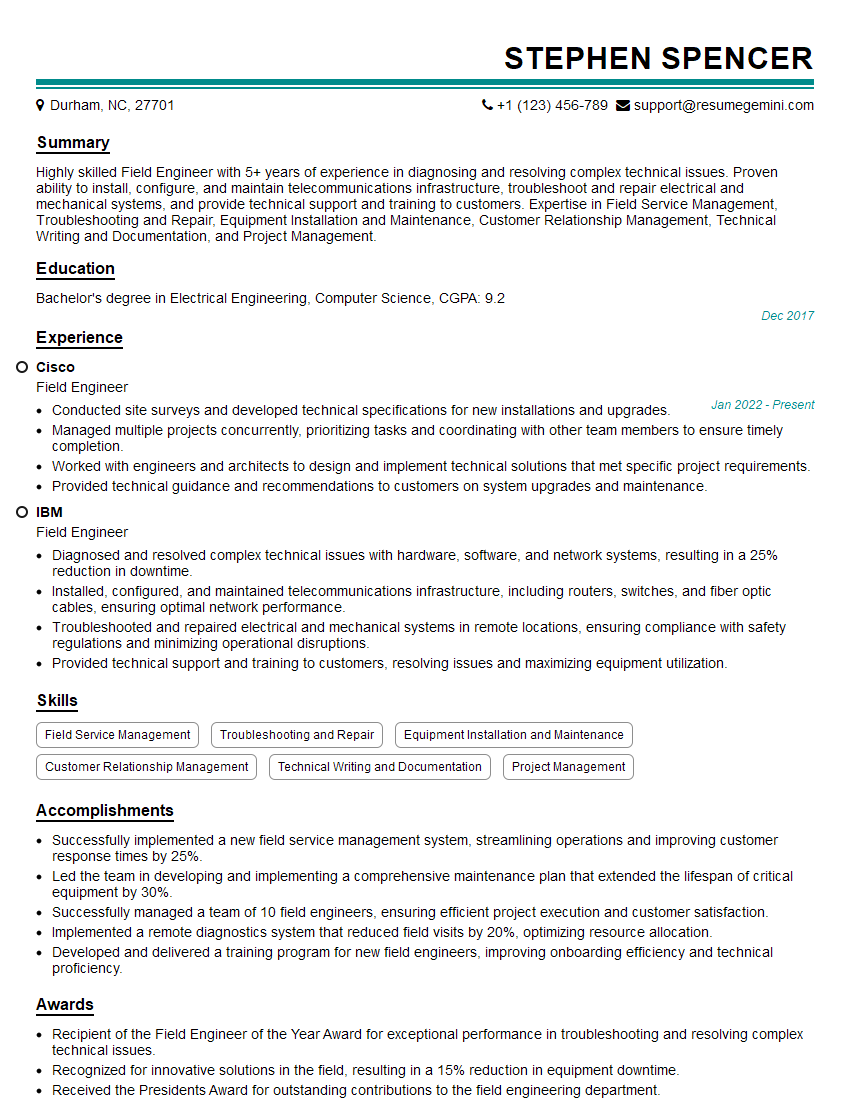
Field Engineer Resume Sample
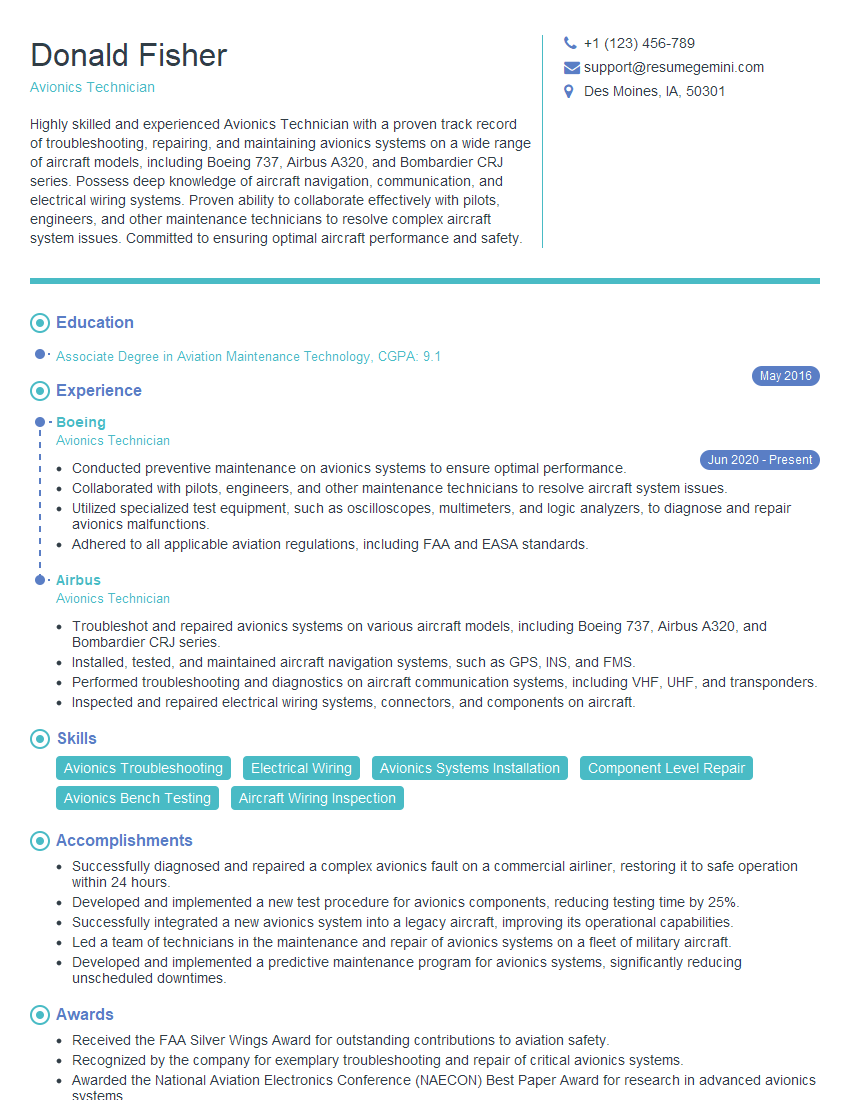
Avionics Technician Resume Sample
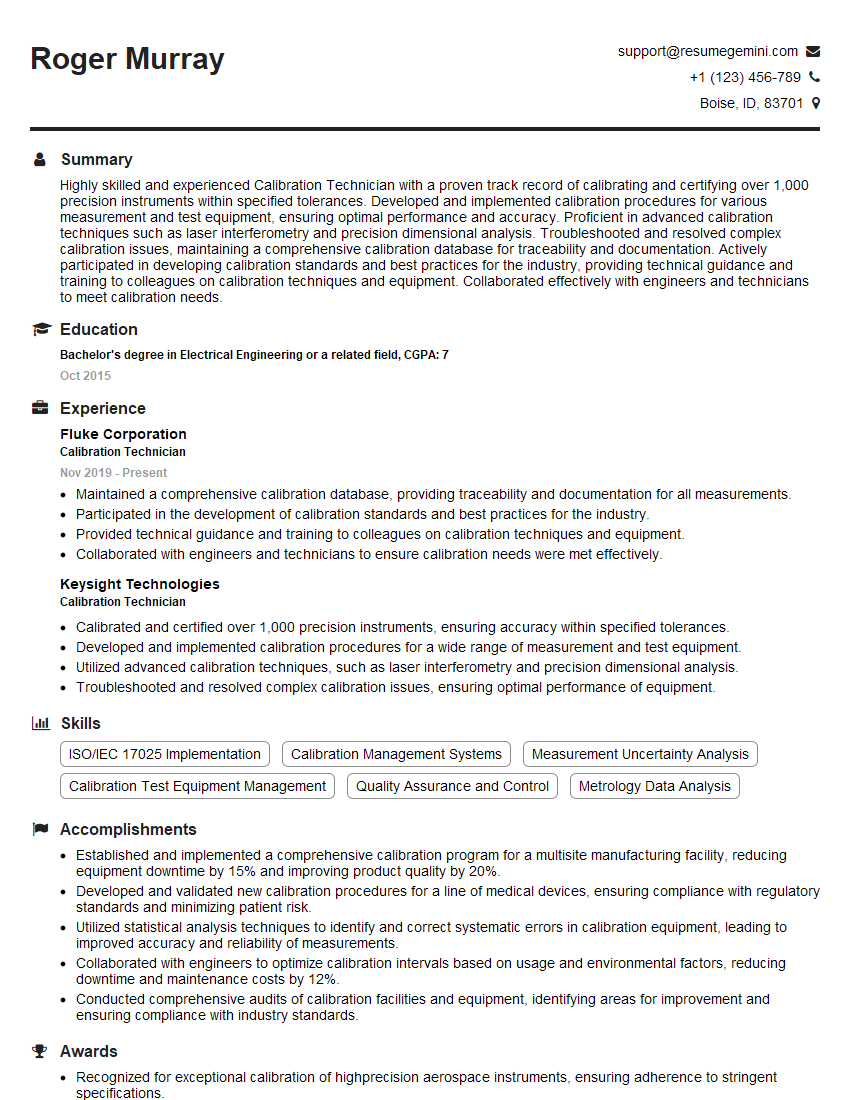
Calibration Technician Resume Sample
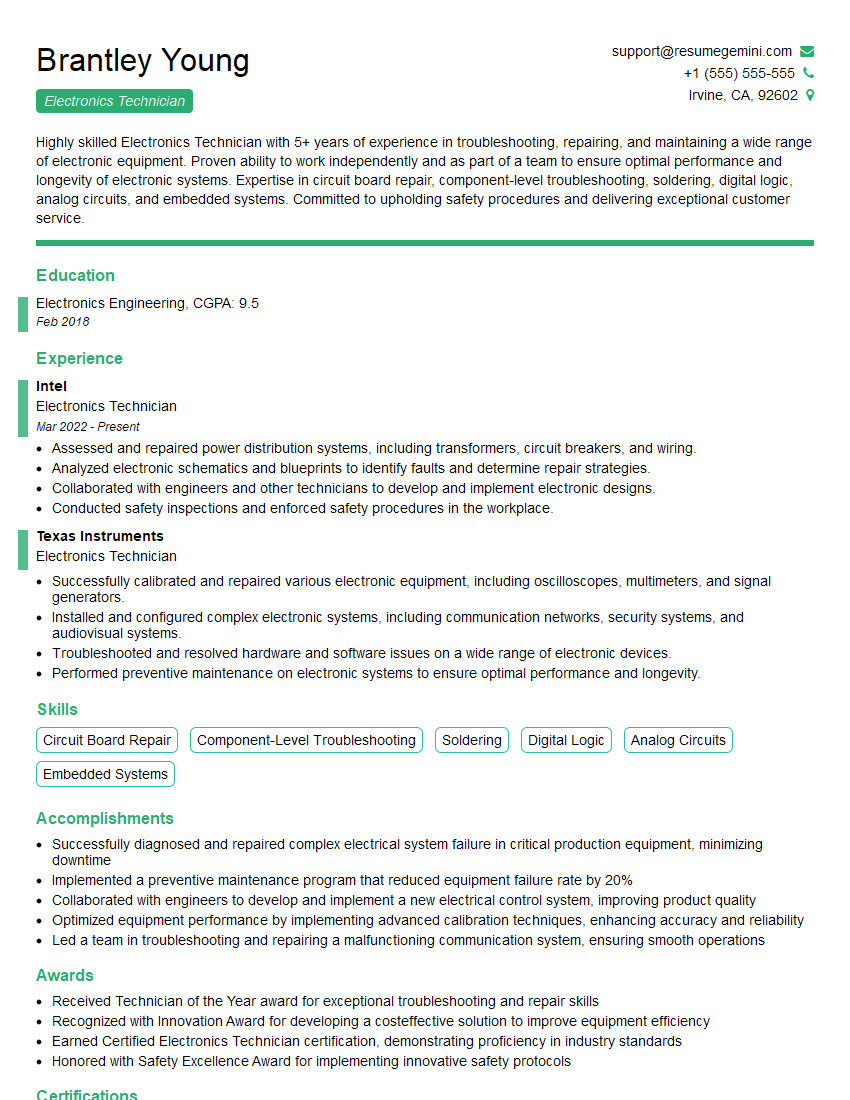
Electronics Technician Resume Sample
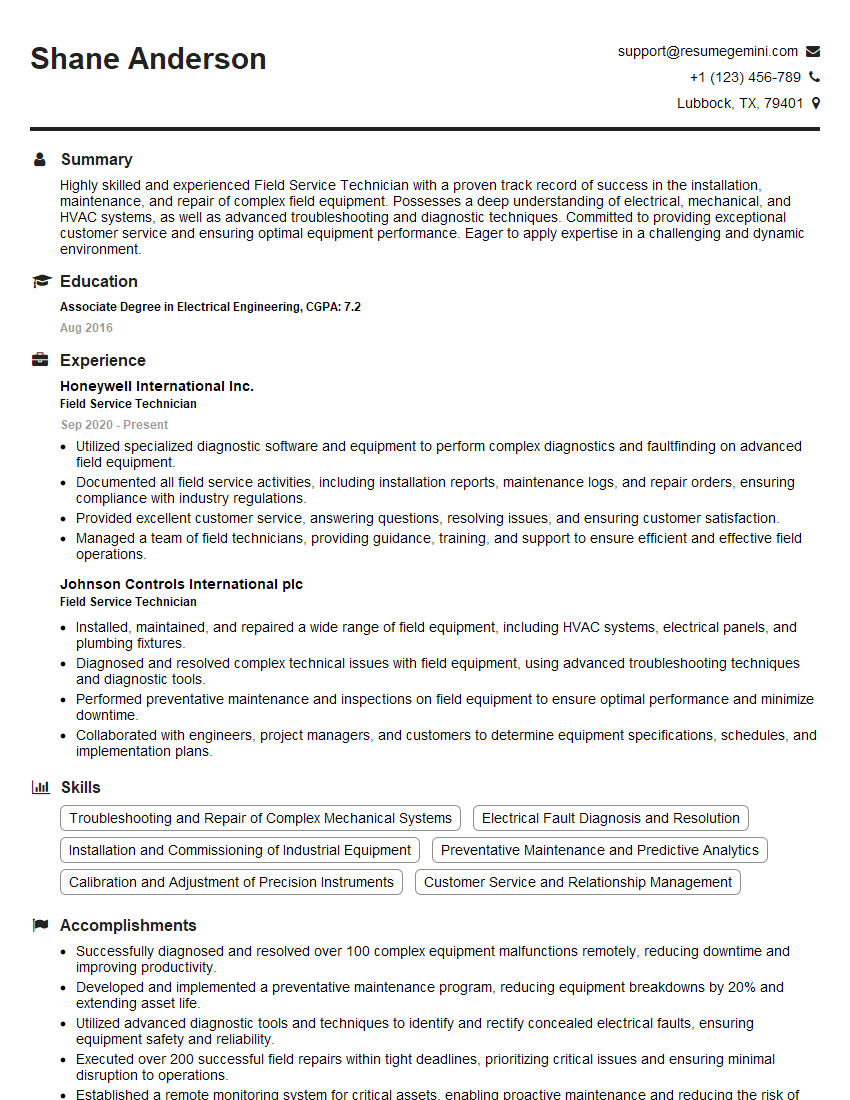
Field Service Technician Resume Sample

Robotics Technician Resume Sample
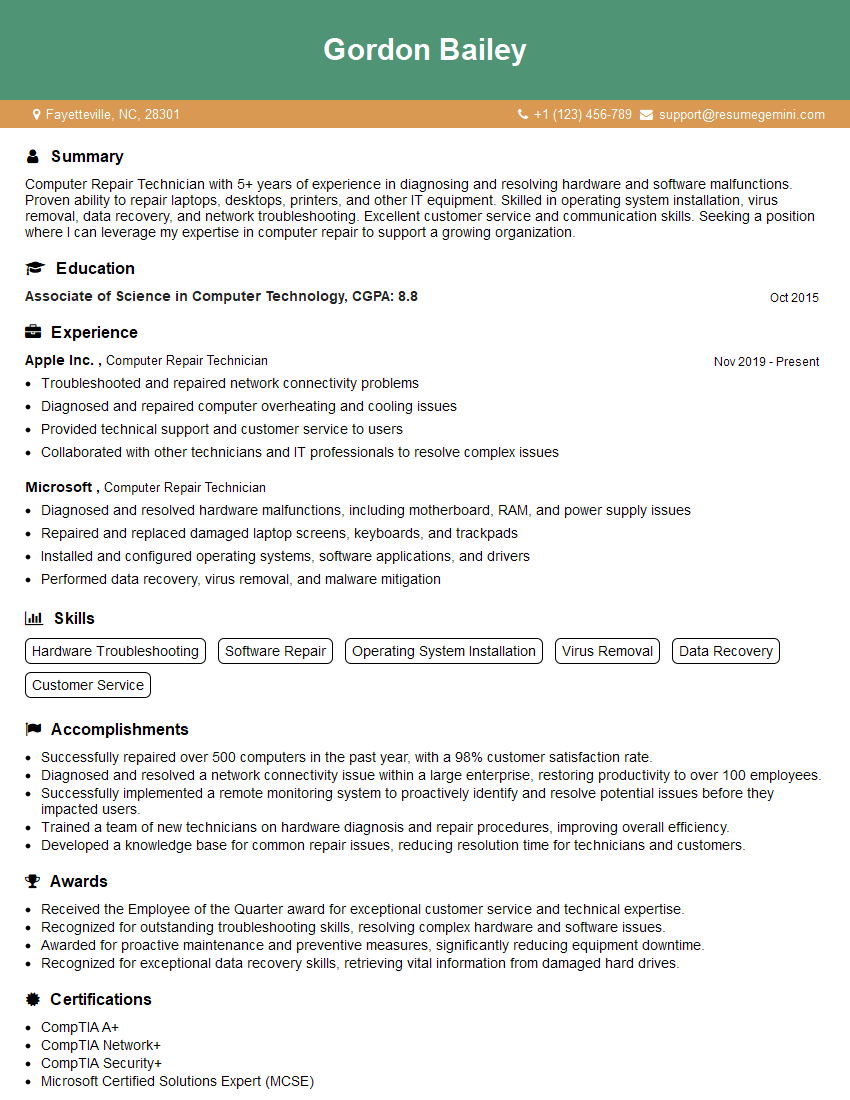
Computer Repair Technician Resume Sample
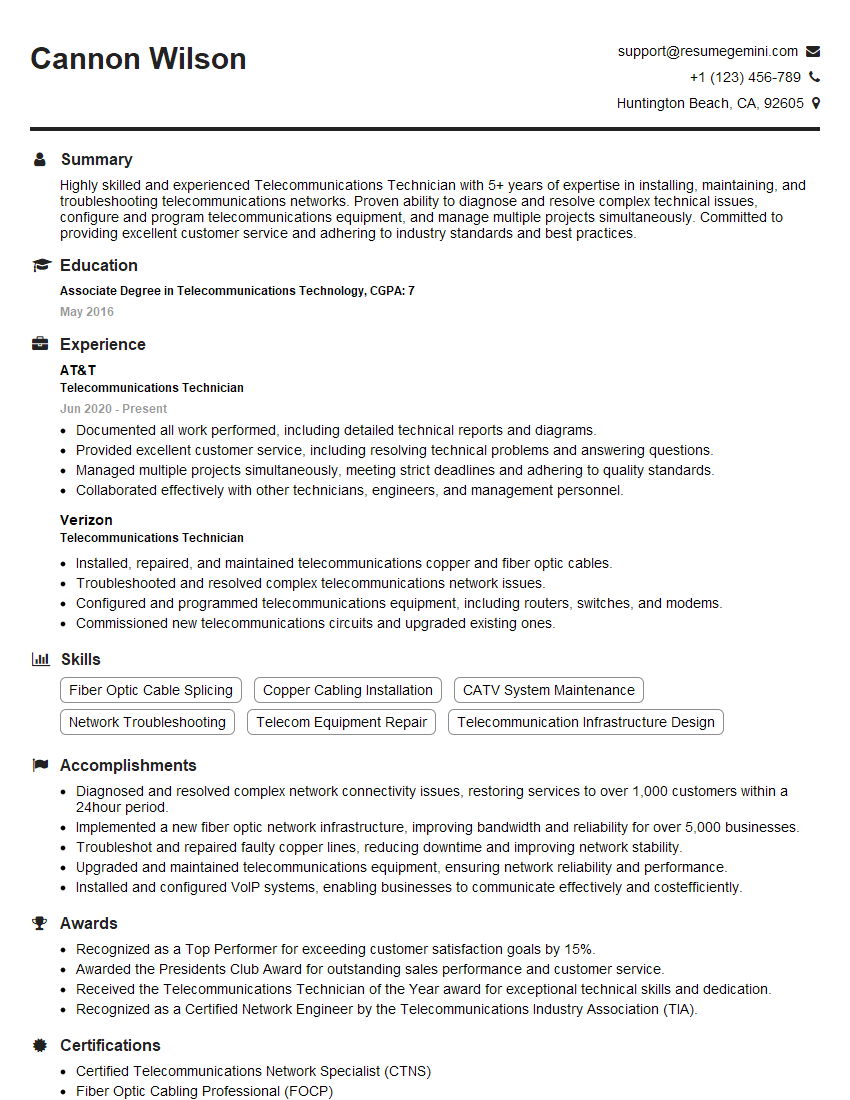
Telecommunications Technician Resume Sample
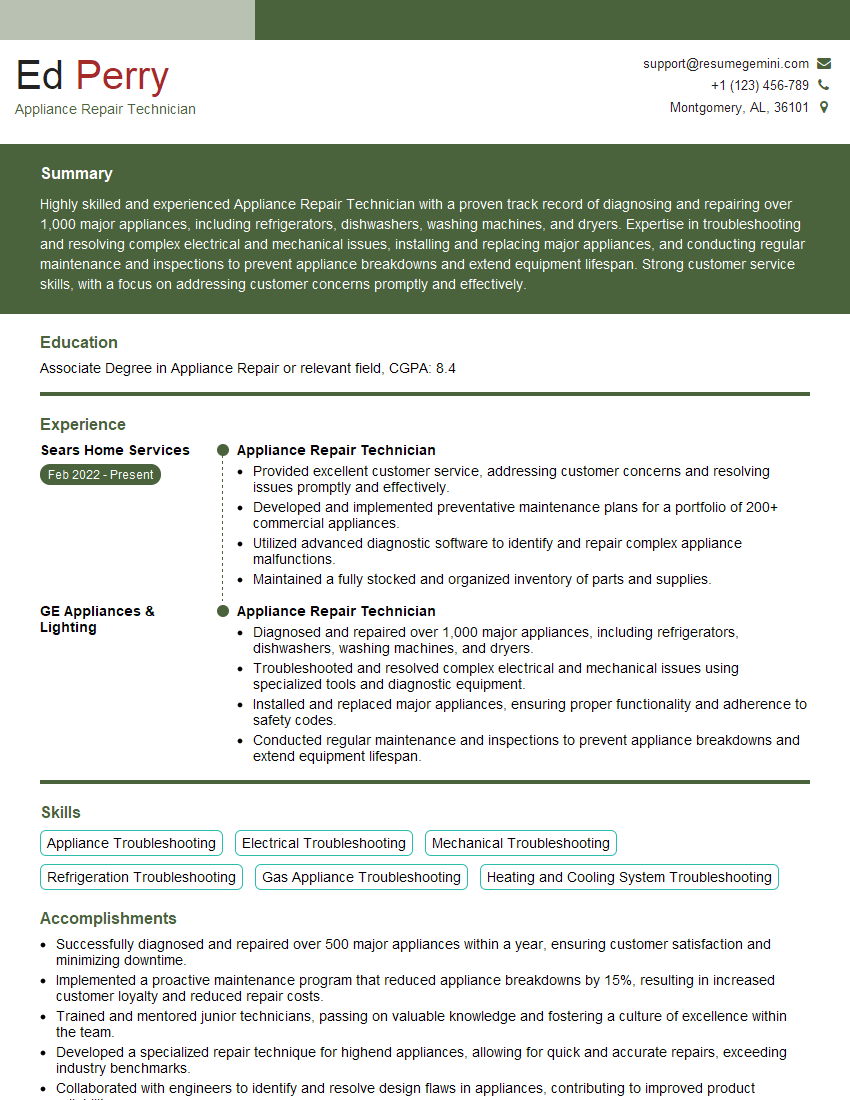
Appliance Repair Technician Resume Sample
- Test Engineer
- Network Technician
- Technical Support Specialist
- Maintenance Technician
- Service Engineer
- Field Engineer
- Avionics Technician
- Calibration Technician
- Electronics Technician
- Field Service Technician
- Robotics Technician
- Computer Repair Technician
- Telecommunications Technician
- Appliance Repair Technician
Explore more articles
Users Rating of Our Blogs
Share Your Experience
We value your feedback! Please rate our content and share your thoughts (optional).
What Readers Say About Our Blog
Really detailed insights and content, thank you for writing this detailed article.
IT gave me an insight and words to use and be able to think of examples