Interviews are more than just a Q&A session—they’re a chance to prove your worth. This blog dives into essential Understanding of web design and development interview questions and expert tips to help you align your answers with what hiring managers are looking for. Start preparing to shine!
Questions Asked in Understanding of web design and development Interview
Q 1. Explain the difference between HTTP and HTTPS.
HTTP (Hypertext Transfer Protocol) and HTTPS (Hypertext Transfer Protocol Secure) are both protocols used for communication between web browsers and servers, but HTTPS provides an extra layer of security. Think of it like sending a postcard (HTTP) versus sending a letter in a sealed, secure envelope (HTTPS).
HTTP transmits data in plain text, making it vulnerable to interception. Anyone listening in on the network connection can see the data being exchanged. This is especially problematic when transmitting sensitive information like passwords or credit card details.
HTTPS, on the other hand, encrypts the data using SSL/TLS (Secure Sockets Layer/Transport Layer Security). This encryption ensures that only the sender and receiver can understand the information exchanged, protecting it from eavesdropping and tampering. The ‘s’ in HTTPS signifies this added security layer.
In practical terms, you’ll notice the difference by looking at the URL: websites using HTTPS start with https:// instead of http://. Browsers also typically indicate a secure connection with a padlock icon in the address bar.
Q 2. What are the advantages and disadvantages of using a CSS preprocessor like Sass or Less?
CSS preprocessors like Sass (Syntactically Awesome Style Sheets) and Less extend the functionality of standard CSS. They offer advantages such as nested styles, variables, mixins, and functions, leading to more organized, maintainable, and reusable CSS code. Imagine building with Lego blocks – preprocessors give you more sophisticated blocks and ways to assemble them.
- Advantages:
- Improved maintainability: Variables and mixins allow you to reuse code snippets easily, reducing redundancy and improving consistency.
- Enhanced organization: Nesting allows for a more logical structure, making it easier to understand complex stylesheets.
- Increased efficiency: Functions and other features automate repetitive tasks, saving time and effort.
- Disadvantages:
- Additional learning curve: You need to learn the syntax and features of the preprocessor itself.
- Compilation step: Preprocessor code needs to be compiled into regular CSS before it can be used by browsers, adding an extra step to the workflow.
- Debugging complexity: Debugging can be slightly more challenging as you have to track errors both in the preprocessor code and in the compiled CSS.
For example, in Sass, you can define a variable like this: $primary-color: #333; and then reuse it throughout your stylesheet. This makes updating the color scheme much easier.
Q 3. Describe your experience with responsive web design.
Responsive web design is crucial for ensuring websites adapt seamlessly to various screen sizes and devices (desktops, tablets, smartphones). My experience encompasses using various techniques to create fluid layouts that provide an optimal user experience across different platforms. I’ve worked extensively with media queries, flexible grids, and flexible images to achieve this.
For instance, I’ve built websites using a combination of techniques such as:
- Fluid Grids: Using percentages instead of fixed widths for layout elements allows content to adjust dynamically based on screen size.
- Media Queries: These CSS rules allow you to apply different styles depending on the screen size or device characteristics (orientation, resolution).
- Flexible Images: Images scale proportionally to avoid distortion on different screens, often using the
max-width: 100%;property. - Mobile-first approach: Designing the layout for smaller screens first and then adding styles for larger screens ensures a good baseline experience for all users.
A recent project involved redesigning a corporate website. We used a mobile-first approach, starting with a simple, clean layout for smartphones, then progressively enhancing the design with additional features and styling for tablets and desktops using media queries. This ensured a consistent and intuitive experience across all devices, leading to improved user satisfaction and engagement.
Q 4. What are some common JavaScript frameworks you’ve worked with?
I’ve had considerable experience with several popular JavaScript frameworks. My proficiency includes:
- React: A component-based library for building user interfaces, known for its virtual DOM and efficient rendering. I’ve used React for creating complex single-page applications (SPAs) with dynamic data updates.
- Angular: A comprehensive framework for building large-scale applications, providing features like dependency injection, routing, and data binding. I’ve used Angular for enterprise-level applications requiring strong structure and maintainability.
- Vue.js: A progressive framework that’s easy to learn and integrate into existing projects. I’ve found Vue.js ideal for smaller projects or adding interactive features to websites without the overhead of larger frameworks.
Each framework offers different strengths. React’s component-based architecture excels for managing complex UIs. Angular is excellent for larger-scale, maintainable applications. Vue.js provides a gentler learning curve for simpler projects. The choice of framework depends on the specific requirements of the project.
Q 5. Explain the concept of RESTful APIs.
RESTful APIs (Representational State Transfer Application Programming Interfaces) are a standard architectural style for building web services. They define how clients (like web browsers or mobile apps) can interact with servers to retrieve or manipulate data. Imagine a restaurant (server) and a customer (client) – RESTful APIs are like the menu (standards) the customer uses to order (request) food (data).
Key characteristics of RESTful APIs include:
- Client-server architecture: The client and server are independent and communicate over HTTP.
- Statelessness: Each request from the client contains all the information needed to process it. The server doesn’t store any context about previous requests.
- Cacheable responses: Responses can be cached to improve performance and reduce server load.
- Uniform interface: Uses standard HTTP methods (GET, POST, PUT, DELETE) to perform different actions on resources.
- Layered system: Clients typically don’t know the internal architecture of the server.
- Code on demand (optional): The server can optionally extend client functionality by sending executable code.
For example, a GET request to /users/123 might retrieve information about a specific user with the ID 123. A POST request to /users might create a new user. This standardized approach makes it easier to build and integrate web services.
Q 6. How do you handle cross-browser compatibility issues?
Cross-browser compatibility is a constant challenge in web development. Different browsers (Chrome, Firefox, Safari, Edge) interpret code slightly differently, leading to inconsistencies in how websites render. My approach to handling these issues involves a combination of strategies:
- CSS resets and normalizers: Using tools like normalize.css or a custom CSS reset helps to minimize inconsistencies in default browser styles.
- Thorough testing: Testing across different browsers and devices is crucial to identify and address rendering discrepancies. Browser developer tools are indispensable for debugging.
- Feature detection: Instead of relying on browser sniffing (detecting the specific browser), I use feature detection to determine if a particular browser supports a specific feature or capability. This improves compatibility and avoids issues with newer browsers.
- Polyfills: These are pieces of code that provide functionality for older browsers that don’t natively support a certain feature. For example, if a browser doesn’t support a particular CSS property, a polyfill can add that functionality.
- Progressive enhancement: Providing a basic, functional website for all browsers and then adding enhanced features only for browsers that support them ensures that the website remains accessible to everyone.
For example, if I’m using a newer CSS property with limited browser support, I might check if the browser supports it using JavaScript and apply fallback styles if necessary.
Q 7. Describe your experience with version control systems (e.g., Git).
Git is an integral part of my workflow. I have extensive experience using Git for version control, collaborating on projects, and managing code changes. My skills encompass:
- Branching and merging: I routinely use branches for feature development, bug fixes, and experimentation, merging changes back into the main branch when ready.
- Committing and pushing: I write clear and concise commit messages that accurately reflect the changes made.
- Pull requests: I utilize pull requests for code review, ensuring high-quality code and catching potential issues before they reach production.
- Resolving merge conflicts: I’m adept at resolving conflicts that arise when merging branches with conflicting changes.
- Working with remote repositories: I’m comfortable using platforms like GitHub, GitLab, and Bitbucket to collaborate on projects and manage remote repositories.
In a recent project, we used Git’s branching strategy to manage multiple developers working concurrently on different features. This ensured we could integrate changes seamlessly, track progress effectively, and easily revert to previous versions if necessary. Git’s collaboration features were critical to the success of the project.
Q 8. What are some common debugging techniques you use?
Debugging is a crucial part of web development. My approach is systematic and involves a combination of techniques. I start with the browser’s developer tools, specifically the console, which displays error messages and warnings. These messages often pinpoint the exact line of code causing the issue. If the error isn’t immediately obvious, I use the debugger to step through the code line by line, inspecting variable values and tracking execution flow. This allows me to identify unexpected behavior or logic flaws.
For more complex problems, I utilize techniques like logging. I strategically place console.log() statements throughout my code to monitor variable values and the program’s progress. This helps track down issues in asynchronous operations or within large codebases. I also leverage the browser’s network tab to analyze HTTP requests and responses, identifying slow loading times or failed connections. Finally, if the problem involves external libraries or frameworks, I consult their documentation and community forums for known issues and solutions. For example, I might search Stack Overflow for similar errors others have encountered. I find that a methodical, step-by-step process, combined with efficient use of debugging tools, allows for quicker problem resolution.
Q 9. Explain the difference between inline, embedded, and external stylesheets.
The three ways to style HTML elements—inline, embedded, and external stylesheets—differ significantly in their scope and how they’re implemented. Think of them as having different levels of reach. Inline styles are the most specific; they apply only to the element they’re defined within. Embedded styles affect all elements within a single HTML document, while external stylesheets can be linked to multiple pages, promoting consistency and maintainability across a website.
- Inline Styles: These are defined directly within an HTML element using the
styleattribute. For instance:<p style="color: blue;"></p>. While convenient for quick adjustments, overuse makes your HTML cluttered and difficult to maintain. - Embedded Stylesheets: These are defined within the
<style>tag inside the<head>section of an HTML document. This allows you to define styles for all elements on that single page. Example:<style> p { color: green; } </style> - External Stylesheets: These are separate CSS files linked to HTML documents using the
<link>tag in the<head>section. This is the most preferred method for larger projects as it keeps the HTML clean and allows for easy style updates by modifying only the CSS file. For example:<link rel="stylesheet" href="styles.css">
Imagine painting a house: inline styles are like painting a single detail, embedded styles are painting the entire interior of one room, and external styles are using a pre-made paint scheme for the whole house.
Q 10. What is the difference between a GET and POST request?
GET and POST are two fundamental HTTP methods used to send requests to a server. The core difference lies in how they handle data and their typical use cases. GET requests append data to the URL as parameters, while POST requests send data in the body of the request.
- GET requests: Data is appended to the URL following a question mark (?). For instance,
https://example.com/search?query=web+development. GET requests are typically used for retrieving data and are idempotent, meaning they can be executed multiple times without altering the server’s state. They are also cacheable by browsers. - POST requests: Data is sent in the request body, hidden from the URL. POST requests are typically used for submitting forms, updating data, or creating new resources on the server. They are not idempotent and are generally not cacheable.
Consider ordering food: a GET request is like looking at the menu (retrieving data), while a POST request is like placing an order (submitting information).
Q 11. Explain your understanding of SEO best practices.
SEO best practices are crucial for increasing a website’s visibility in search engine results. My approach integrates technical, on-page, and off-page optimization strategies.
- Technical SEO: This involves ensuring your website is easily crawlable and indexable by search engines. It includes optimizing site structure, using XML sitemaps, implementing structured data markup (Schema.org), and ensuring fast loading times. For example, I’d use a tool like Google Search Console to identify and fix crawling errors.
- On-page SEO: This focuses on optimizing individual web pages to rank higher. Key elements include using relevant keywords in titles, headings (H1-H6), meta descriptions, and image alt text. I also ensure content is high-quality, unique, and engaging for users.
- Off-page SEO: This refers to activities outside of your website that influence your search engine ranking. This includes building high-quality backlinks from reputable websites, engaging in social media marketing, and participating in online communities related to your industry.
Imagine building a house: technical SEO is the foundation (structure, speed), on-page SEO is the interior design (content, keywords), and off-page SEO is the marketing and reputation (backlinks, social media).
Q 12. How do you optimize web pages for performance?
Optimizing web pages for performance is essential for user experience and SEO. My approach is multi-faceted and addresses several key areas.
- Image Optimization: I use tools to compress images without significant loss of quality, utilize appropriate image formats (WebP is ideal for modern browsers), and ensure images are properly sized for their intended use.
- Code Optimization: I minimize HTTP requests by combining CSS and JavaScript files, leverage browser caching effectively, and avoid unnecessary rendering blocking resources. I often use tools to analyze the performance of my code, identifying areas that can be improved.
- Caching Strategies: Implementing browser caching and using content delivery networks (CDNs) significantly speeds up page loading times by storing frequently accessed resources closer to users.
- Lazy Loading: For images and other content below the fold, I use lazy loading to defer their loading until they are about to become visible to the user, improving the initial page load time.
Think of it like streamlining a factory: each optimization reduces bottlenecks and improves efficiency, leading to a faster and more responsive website.
Q 13. What experience do you have with testing frameworks (e.g., Jest, Mocha)?
I have extensive experience using Jest and Mocha, two popular JavaScript testing frameworks. Jest, known for its ease of use and built-in features like mocking and code coverage, is my preferred choice for projects that don’t require extreme customization. Mocha, on the other hand, offers more flexibility and customization options, making it suitable for larger, more complex projects requiring specific testing approaches.
My testing approach usually involves unit tests, integration tests, and end-to-end tests. I write unit tests to verify individual components or functions, integration tests to check interactions between different parts of the system, and end-to-end tests to simulate user journeys and ensure the whole application works as expected. I am proficient in writing clear, concise, and maintainable tests, and I am familiar with test-driven development (TDD) methodologies.
For example, in a recent project using React, I used Jest to write unit tests for individual components, verifying their rendering and state management. I then used Cypress (an end-to-end testing framework) to ensure that the entire application flowed correctly and performed as expected from a user’s perspective.
Q 14. Describe your workflow for designing and developing a website.
My website design and development workflow follows an iterative process that emphasizes collaboration and user-centered design. It usually begins with thorough client communication to understand their project goals, target audience, and brand identity. This forms the basis of a detailed project plan that outlines the project timeline, deliverables, and key milestones.
Next, I create wireframes and mockups to visually represent the website’s structure and layout. These are presented to the client for feedback and iteration. This is often followed by detailed UI design and prototyping, incorporating visual elements and interactivity.
Once the design is finalized, I move into the development phase, utilizing agile methodologies and version control (Git) to manage the codebase. Throughout this process, I conduct regular testing to ensure the site functions correctly and meets the client’s requirements.
Finally, once testing and client review is complete, I deploy the website to a hosting environment. Post-launch, I continue monitoring the site’s performance and user engagement metrics to make further optimizations.
This process is flexible; it adapts to specific project requirements but always places the user’s needs and a client’s vision at the center.
Q 15. What are some common design patterns you utilize?
Design patterns are reusable solutions to common problems in software design. In web development, they help create consistent, maintainable, and efficient code. Some common patterns I utilize include:
- Model-View-Controller (MVC): This separates the application’s concerns into three interconnected parts: the model (data), the view (presentation), and the controller (logic). This makes the code easier to understand, test, and maintain. For example, in a blog application, the model would handle database interactions, the view would display the blog posts, and the controller would manage user requests and data flow.
- Singleton: This pattern ensures that only one instance of a class is created. This is useful for managing resources like database connections or logging services, preventing conflicts and resource exhaustion. For instance, I might use a singleton to manage a single connection to a database across my application.
- Factory: This pattern provides an interface for creating objects without specifying their concrete classes. This promotes flexibility and allows for easy swapping of implementations. Imagine needing to create different types of user accounts (admin, regular). A factory pattern would abstract the creation process, making it easy to add new account types without modifying existing code.
- Decorator: This pattern dynamically adds responsibilities to an object without altering its structure. This is helpful for adding features like caching or logging to existing components without modifying their core functionality. A practical use would be adding image compression or resizing capabilities to uploaded images on an e-commerce site without altering the core image handling code.
Choosing the right pattern depends heavily on the project’s specific requirements and complexity. I always prioritize clarity and maintainability.
Career Expert Tips:
- Ace those interviews! Prepare effectively by reviewing the Top 50 Most Common Interview Questions on ResumeGemini.
- Navigate your job search with confidence! Explore a wide range of Career Tips on ResumeGemini. Learn about common challenges and recommendations to overcome them.
- Craft the perfect resume! Master the Art of Resume Writing with ResumeGemini’s guide. Showcase your unique qualifications and achievements effectively.
- Don’t miss out on holiday savings! Build your dream resume with ResumeGemini’s ATS optimized templates.
Q 16. How do you approach accessibility when designing a website?
Accessibility is paramount in web design. I approach it holistically, ensuring the site is usable by everyone, regardless of disability. My approach involves:
- Semantic HTML: Using appropriate HTML5 tags like
<header>,<nav>,<main>, and<article>provides structure and context for assistive technologies like screen readers. - ARIA attributes: These attributes add extra semantic information to HTML elements, clarifying their role and relationships for assistive technologies. For example,
aria-labelcan provide a descriptive label for an icon. - Keyboard navigation: All interactive elements should be navigable using only the keyboard. This is crucial for users who cannot use a mouse.
- Alternative text for images:
altattributes provide descriptive text for images, allowing screen readers to convey the image’s content. - Color contrast: Sufficient color contrast between text and background ensures readability for users with low vision. Tools like WebAIM’s Color Contrast Checker are invaluable.
- Captions and transcripts for videos and audio: This ensures accessibility for deaf or hard-of-hearing users.
- Regular testing with assistive technologies: I use screen readers and other assistive technologies to test the site’s accessibility firsthand.
Accessibility isn’t just a checkbox; it’s a fundamental aspect of inclusive design. I believe everyone deserves equal access to online information and services.
Q 17. Explain the difference between client-side and server-side rendering.
Client-side and server-side rendering are two different ways to generate the HTML that makes up a web page.
- Client-side rendering: The browser downloads the HTML, CSS, and JavaScript from the server. The JavaScript then manipulates the DOM (Document Object Model) to dynamically update the page content. This is often faster for small, simple websites because the initial load is minimal.
- Server-side rendering (SSR): The server generates the complete HTML for the page before sending it to the browser. This is beneficial for SEO (search engine optimization) as search engines can crawl and index the content more effectively. It is also often preferred for complex, data-heavy websites as it reduces the amount of JavaScript needed in the client browser.
Think of it like this: client-side rendering is like building with Lego bricks—you get the basic blocks and assemble them yourself. Server-side rendering is like receiving a pre-assembled Lego model—it’s already complete when it arrives. The best approach depends on the project’s needs. Often, a hybrid approach (combining client-side and server-side rendering) offers the best balance.
Q 18. What are your preferred tools for web development?
My preferred tools depend on the project, but I generally favor a combination of tools that enhance productivity and collaboration.
- Code Editors/IDEs: VS Code is my go-to editor, offering excellent extensions for various languages and frameworks.
- Version Control: Git and GitHub are essential for collaborative development and managing code changes.
- Package Managers: npm or yarn for managing JavaScript packages.
- Testing Frameworks: Jest and Mocha for JavaScript testing; PHPUnit for PHP testing.
- Browsers: Chrome and Firefox, along with their developer tools.
- Design Tools: Figma or Adobe XD for prototyping and visual design.
I am always exploring new and improved tools to stay ahead of the curve and enhance my workflow. The most important aspect, however, remains a deep understanding of the underlying principles and the ability to use the tools effectively to achieve the desired outcome.
Q 19. Describe your experience with databases (e.g., MySQL, MongoDB).
I have extensive experience working with relational databases like MySQL and NoSQL databases like MongoDB. My experience spans database design, query optimization, data modeling, and schema design.
- MySQL: I’m proficient in using SQL to perform CRUD (Create, Read, Update, Delete) operations, optimize queries, manage transactions, and design relational database schemas. I’ve worked on projects where MySQL was the backbone for storing and managing large datasets, ensuring data integrity and efficient retrieval.
- MongoDB: I’m experienced in using MongoDB’s flexible schema to handle semi-structured or unstructured data. This is often beneficial for applications dealing with rapidly evolving data structures. I’ve used MongoDB in projects requiring scalability and handling large volumes of unstructured data such as user profiles, log files, or content management systems.
The choice between relational and NoSQL databases depends on the application’s specific needs. I’m comfortable selecting and implementing the most appropriate database solution for a given project.
Q 20. Explain your understanding of AJAX and how it works.
AJAX (Asynchronous JavaScript and XML) is a technique for updating parts of a web page without reloading the entire page. It allows for a more dynamic and responsive user experience.
Here’s how it works:
- Asynchronous Requests: AJAX uses JavaScript to send requests to the server in the background without interrupting the user’s interaction with the page. This means users can continue using the site while data is being fetched.
- XML or JSON Data: The server responds to the request with data, usually in XML or JSON format. JSON is now more commonly used due to its lightweight nature and ease of parsing.
- DOM Manipulation: JavaScript then parses the received data and updates the page’s content dynamically, using methods like
innerHTMLto modify existing elements or create new ones.
Example: Consider an autocomplete search box. As the user types, AJAX sends requests to the server to retrieve matching suggestions without reloading the entire page. This creates a smooth and interactive user experience.
// Simplified AJAX example (using fetch API) fetch('/search?q=' + query) .then(response => response.json()) .then(data => { // Update the UI with the received data });
Q 21. What is your experience with different JavaScript libraries (e.g., jQuery, React)?
I have experience with several JavaScript libraries, each suited for different tasks and project needs.
- jQuery: jQuery is a widely used library that simplifies DOM manipulation, event handling, and AJAX requests. It’s known for its concise syntax and ease of use, particularly for older projects or quick prototyping. However, it’s generally considered less efficient than modern frameworks for large, complex applications.
- React: React is a powerful JavaScript library for building user interfaces. It uses a component-based architecture, which makes it easy to create reusable and maintainable UI components. React’s virtual DOM improves performance and simplifies updates. I’ve used React extensively in projects requiring complex, interactive UIs and single-page applications (SPAs).
My choice between jQuery and React (or other frameworks like Vue or Angular) depends on the project’s scale, complexity, and long-term maintainability. Modern projects often benefit from the structure and performance advantages offered by React or similar frameworks, while jQuery might be suitable for smaller, simpler projects.
Q 22. Describe your approach to managing a large codebase.
Managing a large codebase effectively requires a structured approach. Think of it like organizing a vast library – you can’t just throw everything on the shelves haphazardly. My approach centers around several key strategies:
Version Control (Git): This is non-negotiable. Git allows for collaborative development, tracking changes, reverting to previous versions, and branching for new features. I’m proficient in using Git workflows like Gitflow to manage releases and features effectively.
Modular Design: Breaking the codebase into smaller, independent modules promotes reusability and maintainability. Each module should have a clear purpose and well-defined interfaces. This makes it easier to understand, test, and update individual components without affecting the entire system. For example, a large e-commerce website could be broken down into modules for user accounts, product catalog, shopping cart, and payment gateway.
Code Reviews: Regular code reviews are essential for catching bugs early, enforcing coding standards, and sharing knowledge within the team. They help maintain code quality and consistency throughout the project.
Comprehensive Documentation: Clear, up-to-date documentation is crucial. This includes API documentation, code comments, and a well-maintained wiki explaining the architecture and design decisions. Think of it as the library’s catalog – essential for navigating the codebase.
Automated Testing: Implementing unit, integration, and end-to-end tests ensures the codebase functions correctly and helps prevent regressions. Automated testing significantly reduces the time and effort spent on manual testing.
Continuous Integration/Continuous Deployment (CI/CD): Automating the build, testing, and deployment process significantly streamlines development and reduces the risk of errors. CI/CD pipelines enable quicker feedback loops and faster releases.
Q 23. How do you ensure your code is maintainable and scalable?
Maintainability and scalability are paramount in web development. They ensure the longevity and adaptability of your project. I achieve this through:
Clean Code Practices: This includes writing clear, concise, and well-documented code that adheres to established coding standards. Using meaningful variable names, consistent indentation, and avoiding unnecessary complexity improves readability and understandability. Think of it like writing a well-structured essay – easy to follow and understand.
Design Patterns: Leveraging established design patterns like MVC (Model-View-Controller) or MVVM (Model-View-ViewModel) provides a structured approach to organizing code and separating concerns. This makes code more reusable and easier to maintain.
Database Optimization: Efficient database design and query optimization are critical for performance and scalability. Choosing the right database system (SQL or NoSQL) based on the application’s needs is also important. For example, using indexes appropriately can dramatically improve query speeds.
Caching Strategies: Implementing caching mechanisms at various levels (browser caching, server-side caching, database caching) can significantly reduce the load on the server and improve response times, especially for high-traffic websites.
Scalable Architecture: Choosing a scalable architecture like microservices allows for independent scaling of different components. This makes it easier to handle increasing traffic and data volumes without impacting the entire system.
Q 24. Explain your experience with different CSS frameworks (e.g., Bootstrap, Tailwind CSS).
I have experience with both Bootstrap and Tailwind CSS, and I choose the framework that best suits the project’s needs.
Bootstrap: Provides pre-built components and styles, making it ideal for rapid prototyping and projects requiring a quick turnaround. Its grid system is easy to learn and implement. However, it can lead to bloated CSS if not used carefully.
Tailwind CSS: Offers a utility-first approach, allowing for highly customized designs. It’s great for projects requiring unique styles and greater control over the visual aspects. However, it can require more time upfront to learn and understand its utility classes. It also has the potential to become overly verbose if not used carefully.
The choice depends on factors such as project timeline, design complexity, and team expertise. For a simple website with common design elements, Bootstrap might suffice. For a project demanding high customization and unique branding, Tailwind CSS could be a better option.
Q 25. What are some security considerations when developing a web application?
Security is paramount in web application development. Overlooking security can lead to disastrous consequences, including data breaches and financial losses. Key security considerations include:
Input Validation: Always validate user inputs to prevent injection attacks (SQL injection, cross-site scripting – XSS). Never trust user data.
Authentication and Authorization: Implement secure authentication mechanisms (e.g., OAuth 2.0, OpenID Connect) and robust authorization to control access to resources. Use strong password policies and encourage multi-factor authentication.
Data Protection: Encrypt sensitive data both in transit (using HTTPS) and at rest (using encryption at the database level). Follow data privacy regulations (like GDPR and CCPA).
Regular Security Audits: Conduct regular security audits and penetration testing to identify vulnerabilities. Stay updated on the latest security threats and best practices.
Secure Coding Practices: Follow secure coding guidelines to prevent common vulnerabilities. Use parameterized queries to prevent SQL injection, sanitize user inputs, and validate data before storing it in the database.
HTTPS: Always use HTTPS to encrypt communication between the client and server, protecting data from eavesdropping.
Q 26. How do you handle conflicts when working with a team?
Conflicts are inevitable when working in a team. My approach to handling conflicts focuses on communication and collaboration:
Open Communication: I encourage open communication and transparent discussion to understand the root cause of the conflict. I believe in active listening and seeking to understand different perspectives.
Collaborative Problem-Solving: I aim to find solutions that work for everyone involved. This often involves brainstorming and compromising to reach a mutually acceptable outcome. Prioritizing the project’s goals is key.
Version Control (Git): Leveraging Git’s branching and merging features helps manage changes and resolve conflicts efficiently. I strive to understand and resolve merge conflicts before they escalate into major issues.
Respectful Dialogue: Maintaining a respectful and professional demeanor is crucial during conflicts. Avoiding personal attacks and focusing on the issues at hand is essential for productive discussions.
Mediation (if necessary): If the team cannot resolve the conflict independently, I’m comfortable seeking mediation from a project manager or senior developer to help facilitate a resolution.
Q 27. Describe a time you had to troubleshoot a complex web development issue.
During a recent project, we encountered a perplexing issue where a specific feature only malfunctioned on a particular browser (Internet Explorer 11). This wasn’t initially reproducible on other browsers, making debugging challenging.
My troubleshooting steps were:
Reproduce the Issue: First, I ensured that I could consistently reproduce the issue on IE11. This helped eliminate any environmental variables or random occurrences.
Browser Developer Tools: I used the browser’s developer tools (specifically IE11’s debugger) to inspect the network requests, identify any errors in the console, and analyze the page’s rendering. This revealed some compatibility issues with certain CSS properties.
CSS Compatibility: The root cause turned out to be a CSS property not fully supported in IE11. A specific animation wasn’t rendering correctly. After researching and testing various solutions, I successfully used vendor prefixes (
-ms-for IE) to ensure compatibility with older browsers.Testing: Thorough testing on various browsers was done to confirm the fix and prevent similar problems in the future.
Documentation: Finally, I updated the project’s documentation to reflect this incompatibility and the workaround implemented to ensure future developers are aware of this potential issue.
This experience highlighted the importance of thorough testing across different browsers and using browser developer tools effectively for debugging.
Key Topics to Learn for a Web Design and Development Interview
- User Experience (UX) Design Principles: Understanding user needs, information architecture, interaction design, and usability testing. Practical application: Analyzing existing websites for UX improvements and proposing design solutions.
- User Interface (UI) Design: Creating visually appealing and intuitive interfaces. Practical application: Designing mockups and prototypes using tools like Figma or Adobe XD. Consider responsive design principles.
- Front-End Development (HTML, CSS, JavaScript): Building interactive and visually engaging websites. Practical application: Explain your experience with different JavaScript frameworks (React, Angular, Vue.js) or libraries (jQuery). Be prepared to discuss coding best practices.
- Back-End Development (Databases, Servers, APIs): Understanding server-side logic, data management, and API integration. Practical application: Describe your experience with different databases (SQL, NoSQL) and server-side languages (Python, Node.js, PHP).
- Responsive Web Design: Creating websites that adapt to different screen sizes and devices. Practical application: Discuss your experience with CSS frameworks like Bootstrap or Tailwind CSS.
- Version Control (Git): Managing code changes and collaborating effectively on projects. Practical application: Explain your experience with Git workflows (e.g., Gitflow) and common commands.
- Web Accessibility (WCAG): Designing and developing websites that are accessible to people with disabilities. Practical application: Discuss your understanding of accessibility guidelines and how to implement them.
- Problem-Solving and Debugging: Effectively identifying and resolving technical issues. Practical application: Prepare examples of how you’ve approached and solved complex coding challenges.
- Web Performance Optimization: Techniques to improve website speed and efficiency. Practical application: Discuss methods for optimizing images, minimizing HTTP requests, and leveraging caching.
Next Steps
Mastering web design and development is crucial for a successful and rewarding career in a rapidly evolving digital landscape. A strong understanding of these concepts opens doors to diverse roles and exciting opportunities for growth. To maximize your job prospects, creating an ATS-friendly resume is essential. ResumeGemini is a trusted resource that can help you build a professional and impactful resume that stands out. ResumeGemini provides examples of resumes tailored to web design and development roles, helping you showcase your skills and experience effectively. Take the next step and craft a resume that reflects your expertise and ambition.
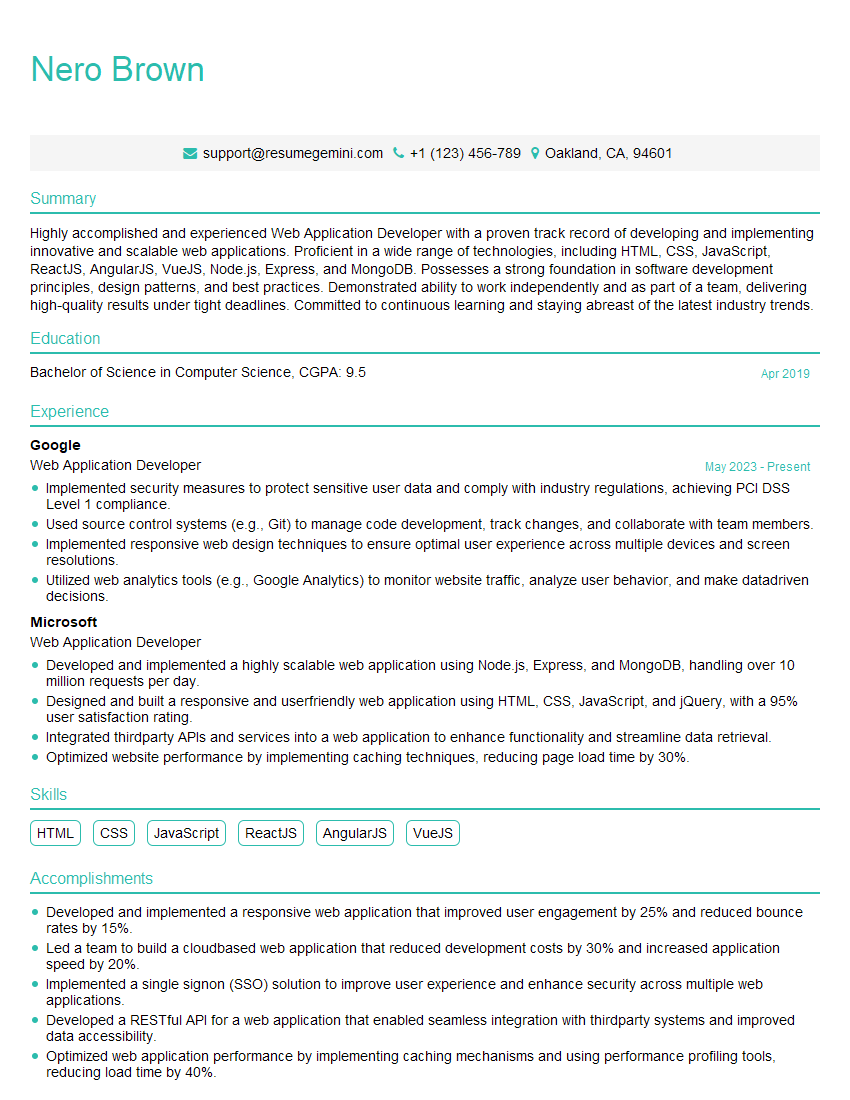
Web Application Developer Resume Sample
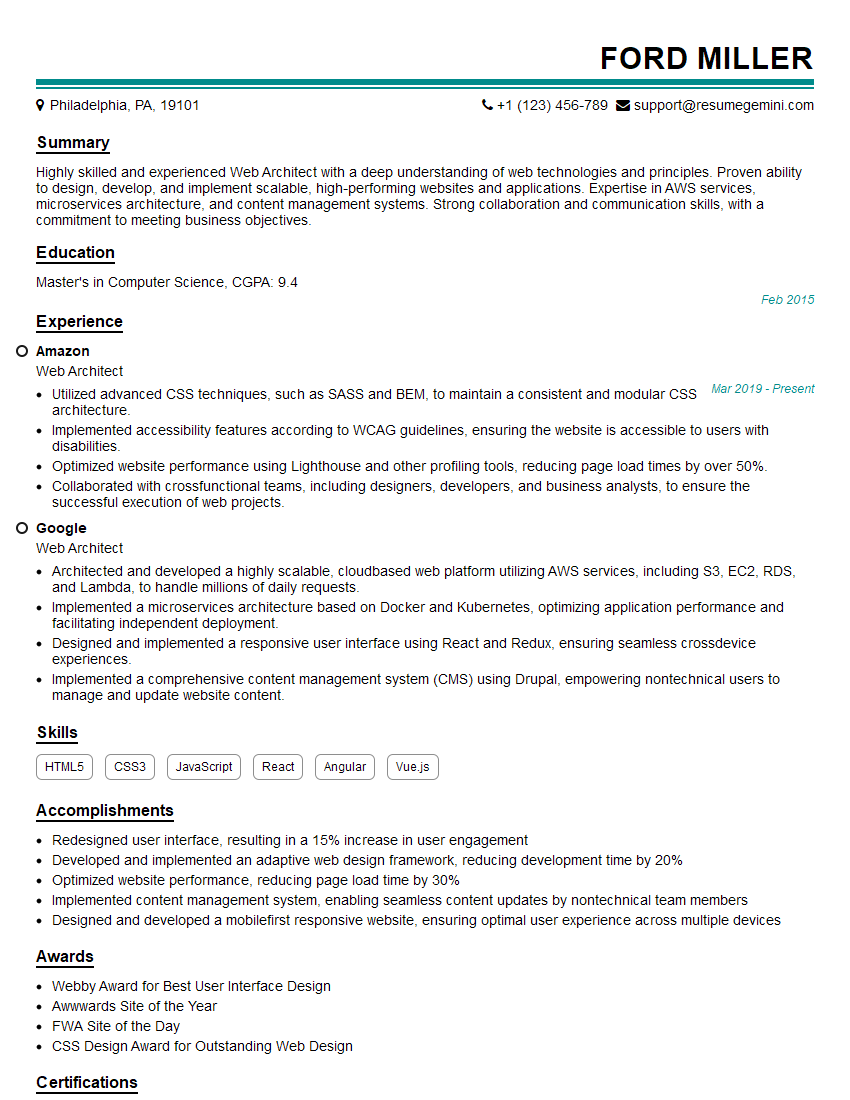
Web Architect Resume Sample

Web Designer Resume Sample

Web Developer Resume Sample
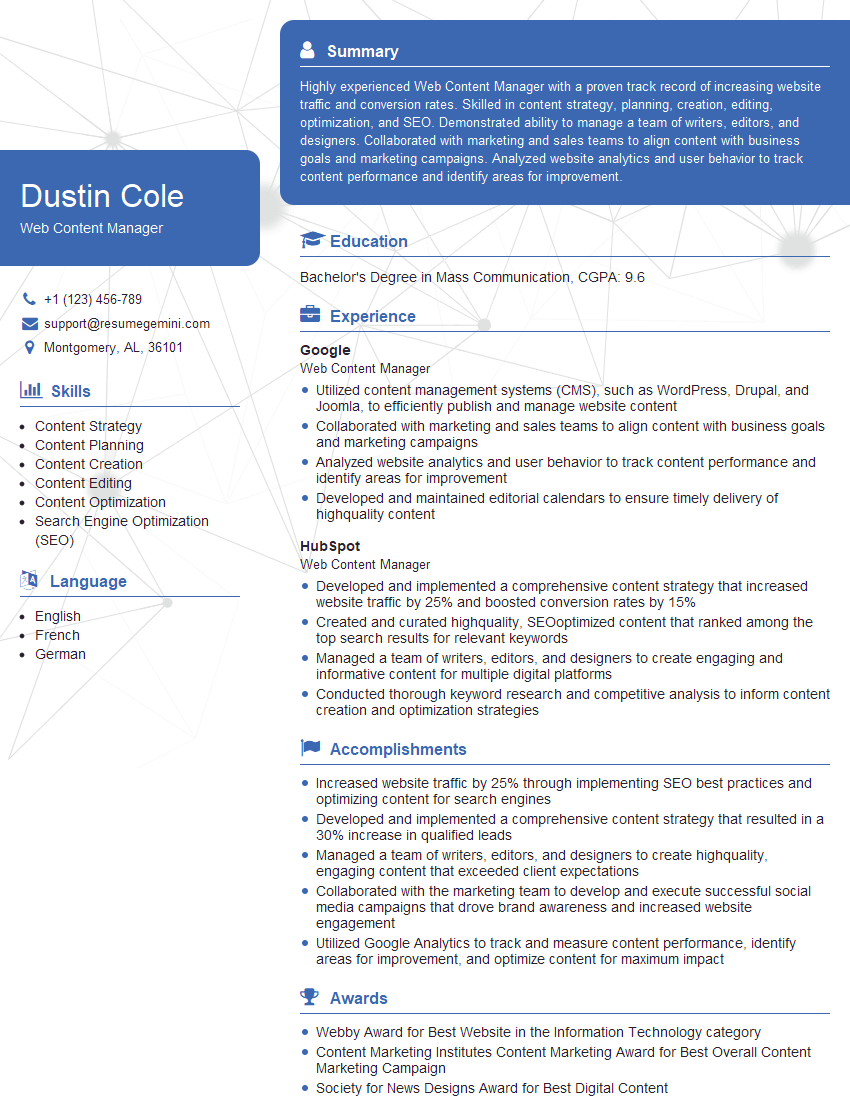
Web Content Manager Resume Sample
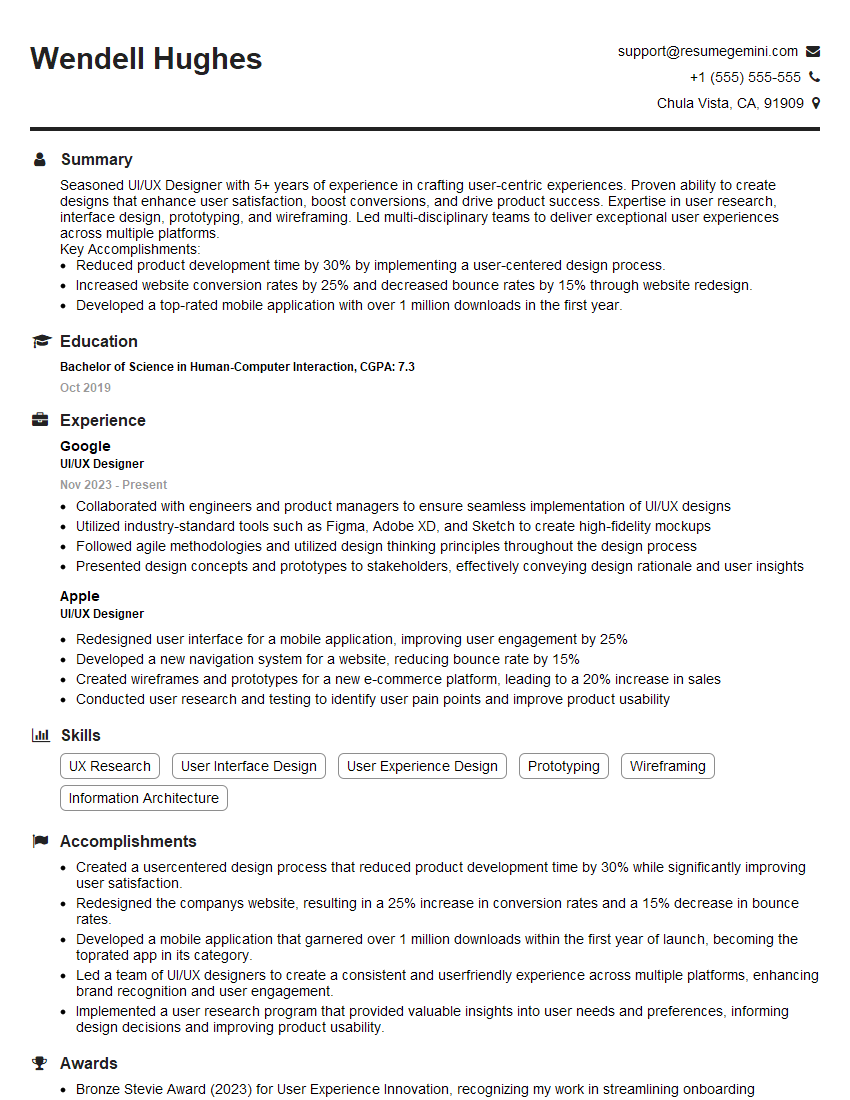
UI/UX Designer Resume Sample

Front-End Developer Resume Sample
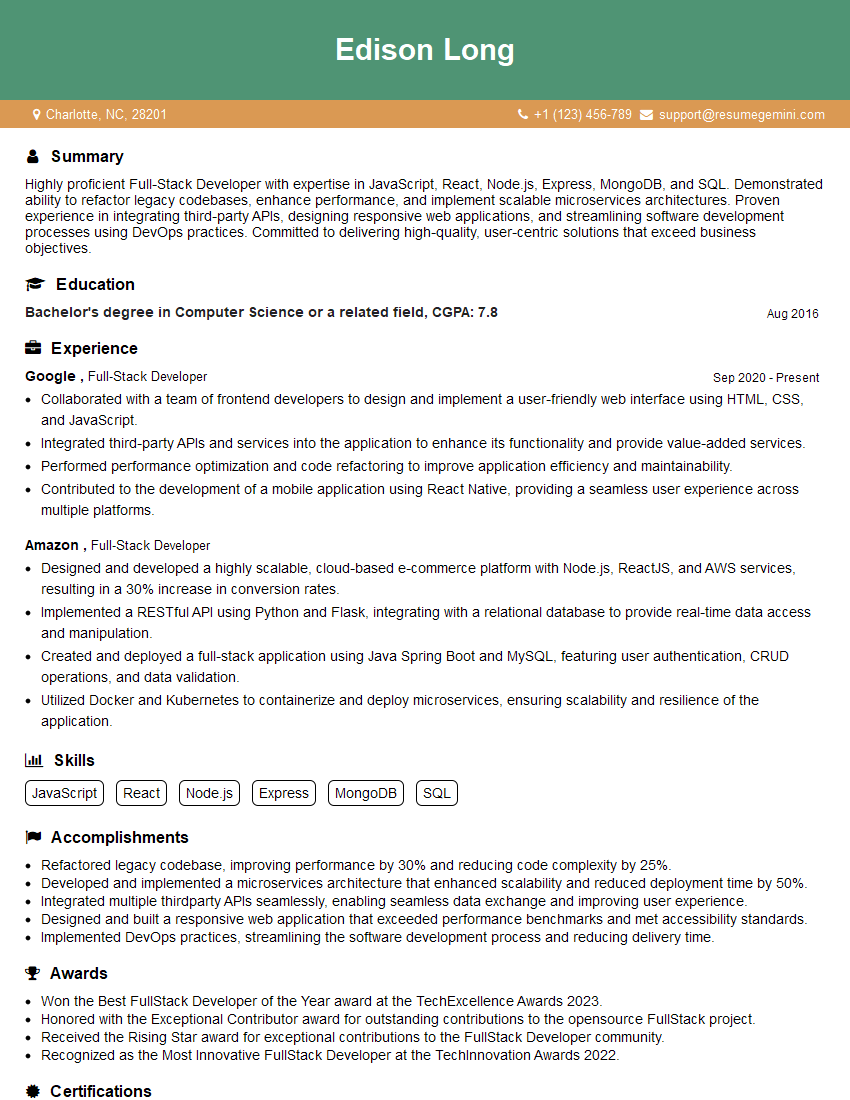
Full-Stack Developer Resume Sample
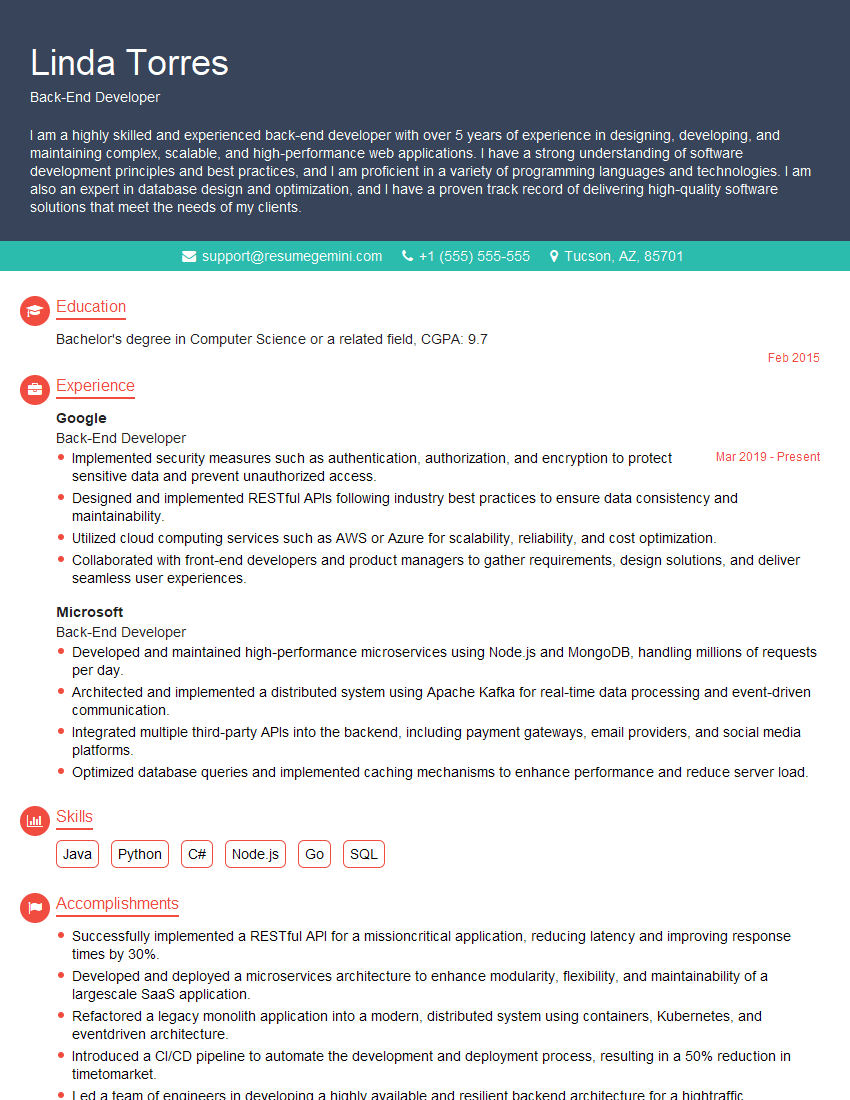
Back-End Developer Resume Sample
Explore more articles
Users Rating of Our Blogs
Share Your Experience
We value your feedback! Please rate our content and share your thoughts (optional).
What Readers Say About Our Blog
Really detailed insights and content, thank you for writing this detailed article.
IT gave me an insight and words to use and be able to think of examples