Feeling uncertain about what to expect in your upcoming interview? We’ve got you covered! This blog highlights the most important Using Assistive Technology interview questions and provides actionable advice to help you stand out as the ideal candidate. Let’s pave the way for your success.
Questions Asked in Using Assistive Technology Interview
Q 1. Explain the difference between assistive, adaptive, and rehabilitative technology.
Assistive, adaptive, and rehabilitative technologies all aim to improve the lives of individuals with disabilities, but they differ in their focus and approach. Think of them as tools on a spectrum of support.
- Assistive technology (AT) focuses on compensating for limitations. It helps individuals perform tasks they might otherwise struggle with, such as a screen reader for someone with low vision or a wheelchair for someone with mobility impairments. The goal is to maintain or improve their current level of function.
- Adaptive technology modifies an existing task or environment to make it easier to perform. For example, using a larger-gripped pen for someone with tremors or adapting a kitchen with accessible counters. It’s about adjusting the environment or the way a task is done.
- Rehabilitative technology aims to restore lost function. It plays a key role in therapy and recovery processes. Examples include robotic devices used in physical therapy to improve range of motion, or speech therapy software helping stroke patients regain their speech. The focus here is on improving the underlying condition.
In many cases, these technologies overlap. For example, a virtual reality system used in physical therapy (rehabilitative) might also be considered assistive if it helps someone with limited mobility exercise more effectively.
Q 2. Describe your experience with various assistive technology assessment methods.
My experience with assistive technology assessment methods is extensive. I utilize a multi-faceted approach, prioritizing a thorough understanding of the individual’s needs, functional limitations, and preferences.
- Occupational Therapy Assessments: I collaborate closely with occupational therapists to conduct thorough evaluations of daily living activities and identify areas where AT can improve independence. This often involves observing the client performing tasks, conducting interviews, and using standardized assessments.
- Client Interviews and Observation: Direct interaction with clients is crucial. I engage in detailed discussions to understand their needs, goals, and challenges. Observations of their performance in various settings (home, work, school) provide valuable insights.
- Technology Needs Analysis: This involves carefully examining the client’s current technology, their desired outcomes, and the features of different AT options. This often includes hands-on trials of various devices to ensure a good fit.
- Environmental Assessment: The client’s physical environment significantly impacts AT selection. I consider factors such as accessibility of the home or workplace, the availability of assistive technology services and supports, and potential environmental barriers.
Using a combination of these methods allows for a holistic approach, leading to better-informed and more effective AT recommendations.
Q 3. What are the key considerations when selecting assistive technology for a client?
Selecting assistive technology requires careful consideration of several key factors. It’s not just about finding the most advanced technology; it’s about finding the right technology for the right person.
- Client Needs and Goals: What specific challenges is the client facing? What are their desired outcomes? Understanding these aspects is paramount. For instance, a student with dyslexia might need text-to-speech software, while someone with limited mobility might need a voice-activated computer.
- Functionality and Features: Does the AT meet the specific functional needs? Are the features user-friendly and intuitive? For example, a complex piece of software might be too overwhelming for someone who is not tech-savvy.
- Ease of Use and Training: How easy is the technology to learn and use? What level of training will be required? The technology should enhance independence, not create further dependence.
- Cost and Availability: The financial implications and availability of the AT, including maintenance and repairs, must be carefully considered. Funding options and insurance coverage need to be investigated.
- Compatibility and Integration: The AT should integrate seamlessly with existing systems and the client’s existing environment. For example, a screen reader must be compatible with the client’s computer operating system.
- Long-Term Sustainability: Consider the long-term implications of using the AT. Does it offer sufficient longevity? Can it be upgraded or adapted to meet changing needs?
Prioritizing these considerations ensures that chosen AT promotes independence, enhances participation and improves quality of life for the client.
Q 4. How do you ensure assistive technology is compatible with existing systems?
Ensuring compatibility is crucial. I approach this through a systematic process:
- System Inventory: A complete assessment of the client’s existing technological infrastructure is essential, identifying operating systems (Windows, macOS, iOS, Android), software applications, and network configurations.
- AT Specifications Review: Carefully examining the technical specifications of potential assistive technologies is essential to ensure compatibility with the existing systems. This includes checking for compatibility with operating systems, screen sizes, input devices, and communication protocols.
- Trial Runs and Testing: Before finalizing the selection, conducting trial runs under real-world conditions is essential. This involves connecting the AT to the existing system and observing performance, detecting potential conflicts and incompatibility issues.
- Technical Support Consultation: In complex scenarios involving specialized software or hardware, consulting with technical experts or vendors is advisable. Their expertise ensures seamless integration and addresses any potential compatibility concerns.
- Customization and Configuration: In many cases, adjustments and configurations are required for optimal integration. This might involve installing drivers, configuring software settings, or adapting hardware interfaces to suit the existing systems.
Addressing compatibility issues proactively avoids frustration and ensures seamless integration of the AT into the user’s daily workflow.
Q 5. Discuss your experience with different types of assistive technology (e.g., low-tech, high-tech).
My experience encompasses a wide range of assistive technologies, from low-tech to high-tech solutions. The selection depends entirely on the client’s needs and preferences.
- Low-Tech AT: This includes simple, inexpensive tools that are readily available. Examples include adaptive eating utensils (weighted utensils for individuals with tremors), large-print materials for those with low vision, or pencil grips for improved writing control. These solutions are often sufficient for addressing simple needs and require minimal training.
- High-Tech AT: These involve more sophisticated and complex technologies. Examples include screen readers (JAWS, NVDA), speech-to-text software (Dragon NaturallySpeaking), augmentative and alternative communication (AAC) devices, and powered wheelchairs. They usually require more specialized training and often involve greater initial investment.
I strive for the most appropriate level of technology to meet the individual’s needs. Sometimes, a combination of low and high-tech solutions provides the optimal support. For example, a person with cerebral palsy might use a power wheelchair (high-tech) alongside adaptive switches (low-tech) to operate environmental controls.
Q 6. How do you address user training and ongoing support for assistive technology?
User training and ongoing support are critical for successful AT implementation. It’s not enough to simply provide the technology; it’s crucial to equip the client with the knowledge and skills necessary to use it effectively.
- Customized Training Plans: I develop individualized training plans that cater to the user’s specific learning style, technological literacy, and cognitive abilities. These plans include hands-on sessions, demonstrations, written materials, and virtual support.
- Gradual Skill Development: Training is delivered incrementally, building upon previously learned skills. This prevents overwhelming the user and promotes a sense of mastery and accomplishment.
- Ongoing Support and Maintenance: This includes regular follow-up sessions to address any challenges, troubleshooting technical problems, and offering ongoing guidance. I also provide resources for the client to continue learning and developing their skills independently.
- Family and Caregiver Training: Training extends to family members and caregivers to ensure they can support the user effectively and troubleshoot problems when necessary. This collaborative approach strengthens the support network around the individual.
- Technical Support Resources: I provide the user with contact information for technical support, ensuring access to assistance if and when required. This minimizes frustration and provides a sense of security.
By providing comprehensive training and ongoing support, I ensure clients can integrate AT effectively into their lives, fostering independence and improved quality of life.
Q 7. Explain the process of evaluating the effectiveness of assistive technology.
Evaluating the effectiveness of assistive technology is an ongoing process, not a one-time event. It involves a combination of quantitative and qualitative measures to assess its impact on the client’s life.
- Functional Outcomes Assessment: This involves systematically measuring improvements in the client’s ability to perform tasks independently. For instance, assessing the number of words per minute a person can type using speech-to-text software, or the improvement in range of motion after using a robotic arm.
- Client Satisfaction Surveys and Interviews: Gathering feedback directly from the client provides invaluable insights into their experience using the AT. This might include surveys, interviews, or focus groups.
- Observational Data Collection: Observing the client using the AT in real-world situations reveals its practical effectiveness. This can be documented through structured observation checklists or video recordings.
- Qualitative Feedback: This involves capturing the client’s subjective experiences, including the AT’s ease of use, its impact on their self-esteem, and its contribution to their overall well-being.
- Data Analysis and Reporting: Collected data is analyzed to assess the AT’s effectiveness. Reports are generated summarizing findings and informing any necessary modifications to the client’s AT or support plan.
This multi-faceted approach to evaluation provides a comprehensive understanding of the AT’s impact, ensuring it remains a valuable tool in supporting the individual’s needs and promoting their quality of life.
Q 8. Describe your familiarity with accessibility standards (e.g., WCAG).
My familiarity with accessibility standards, particularly the Web Content Accessibility Guidelines (WCAG), is extensive. WCAG is the internationally recognized standard for web accessibility, ensuring websites and digital content are usable by people with disabilities. I understand its principles, guidelines, and success criteria across all levels (A, AA, AAA). This includes understanding how to apply WCAG to various aspects of web development, from proper heading structure and alt text for images to keyboard navigation and color contrast ratios. I’m proficient in using accessibility testing tools to evaluate compliance and identify areas for improvement. For example, I regularly use WAVE to analyze web pages for accessibility issues and Lighthouse for performance and accessibility audits.
Understanding WCAG is crucial because it’s not just about legal compliance; it’s about creating a more inclusive and equitable online experience for everyone. By adhering to WCAG, we ensure that individuals with visual, auditory, motor, cognitive, and other disabilities can access and use information and services online without barriers.
Q 9. How do you stay updated on the latest advancements in assistive technology?
Staying updated in the rapidly evolving field of assistive technology requires a multi-pronged approach. I regularly attend conferences and webinars focused on assistive technology and accessibility, such as those hosted by organizations dedicated to disability inclusion. I actively participate in online communities and forums where professionals share best practices, discuss new technologies, and offer support. Following key influencers and researchers in the field on social media platforms provides me with the latest news and breakthroughs. I subscribe to relevant newsletters and journals and meticulously read research papers published in academic databases. Crucially, I maintain a hands-on approach by testing and experimenting with new assistive technology myself, understanding its strengths, limitations, and potential impact on users.
Q 10. How do you handle situations where a client is resistant to using assistive technology?
Client resistance to assistive technology is a common challenge, often rooted in misconceptions, fear of the unknown, or a reluctance to change established routines. My approach is based on empathy and education. I start by actively listening to their concerns, validating their feelings, and emphasizing that the goal is to improve their independence and quality of life, not to replace them with technology. I demonstrate the assistive technology in a non-threatening way, focusing on its benefits and ease of use. I often use a collaborative approach, involving the client in selecting and customizing the technology to meet their specific needs and preferences. Small, incremental steps are key, focusing on one aspect at a time. For example, I might start by introducing a single feature of a screen reader, instead of overwhelming the user with all its functions at once. Success stories and testimonials from other users can also help to build confidence and overcome resistance.
Q 11. Explain your understanding of Universal Design principles.
Universal Design principles focus on creating products, environments, and services that are usable by people with a wide range of abilities and disabilities, without the need for adaptation or specialized design. It’s about designing for inclusivity from the outset, rather than adding accessibility as an afterthought. Key principles include equitable use (providing the same means of use for all users), flexibility in use (accommodating individual preferences and abilities), simple and intuitive use (easy to understand regardless of experience or knowledge), perceptible information (communicating necessary information effectively to users), tolerance for error (minimizing hazards and the negative consequences of mistakes), low physical effort (easy to use without requiring excessive force or stamina), and size and space for approach and use (providing adequate space for approach, reach, manipulation, and use). A simple example is designing a website with clear, concise language and intuitive navigation, accessible to all users, regardless of their cognitive abilities.
Q 12. Describe your experience with assistive technology for individuals with visual impairments.
My experience with assistive technology for individuals with visual impairments includes working with a wide range of tools. This includes screen readers like JAWS and NVDA, which convert on-screen text into speech or braille; screen magnifiers that enlarge parts of the screen; refreshable braille displays that provide tactile feedback; and optical character recognition (OCR) software that converts images of printed text into editable text. I’ve helped users learn to navigate their computers, smartphones, and other devices using these tools. I’ve also worked with assistive listening devices and adaptive input methods such as alternative keyboards. For instance, I helped a client transition from using a large print keyboard to a switch-based input system to improve their efficiency and independence.
Q 13. Describe your experience with assistive technology for individuals with hearing impairments.
My experience with assistive technology for individuals with hearing impairments encompasses a broad range of technologies, from hearing aids and cochlear implants to captioning software, real-time transcription services, and assistive listening devices. I’ve assisted users in selecting and adjusting hearing aids to suit their specific hearing loss, ensuring proper fit and functionality. I’ve also provided training on using captioning software for accessing media and live events. Furthermore, I’m familiar with the use of visual alerts (flashing lights) for alarms and notifications, which are crucial for users with profound hearing loss. For instance, I guided a client on how to utilize their smartphone’s accessibility features to receive visual notifications for incoming calls and messages.
Q 14. Describe your experience with assistive technology for individuals with motor impairments.
My experience with assistive technology for individuals with motor impairments is extensive. This includes working with various input devices such as alternative keyboards (e.g., ergonomic keyboards, switch-adapted keyboards), pointing devices (e.g., trackballs, joysticks, head pointers), voice recognition software, and specialized mouse alternatives. I’ve helped users configure their computers and devices to accommodate their specific motor limitations. I’ve also worked with adaptive switches, which allow individuals with limited motor control to operate electronic devices. For example, I assisted a client with cerebral palsy in configuring their computer to use a head pointer and voice recognition software, enabling them to navigate their computer and create documents independently. This involved customizing system settings and creating custom macros for frequently used functions.
Q 15. Describe your experience with assistive technology for individuals with cognitive impairments.
My experience with assistive technology for individuals with cognitive impairments is extensive. I’ve worked with a wide range of clients, from those with mild learning disabilities to those with more significant cognitive challenges such as dementia or traumatic brain injury. My approach always begins with a thorough assessment of the individual’s needs and abilities. This involves understanding their specific cognitive strengths and weaknesses, their communication style, and their daily routines.
For example, I worked with a young adult with ADHD who struggled with organization and time management. We implemented a combination of assistive technologies, including a calendar app with visual reminders and a task management system that broke down complex tasks into smaller, more manageable steps. This significantly improved his ability to complete assignments and manage his daily life. In another case, I supported an elderly individual with dementia by utilizing voice-activated devices to aid in communication and medication reminders.
The technology itself varies greatly depending on the individual’s needs. This might include memory aids, communication tools (like augmentative and alternative communication or AAC devices), organizational software, or visual supports. The key is to tailor the technology to the individual’s specific cognitive profile and ensure that it’s user-friendly and intuitive.
Career Expert Tips:
- Ace those interviews! Prepare effectively by reviewing the Top 50 Most Common Interview Questions on ResumeGemini.
- Navigate your job search with confidence! Explore a wide range of Career Tips on ResumeGemini. Learn about common challenges and recommendations to overcome them.
- Craft the perfect resume! Master the Art of Resume Writing with ResumeGemini’s guide. Showcase your unique qualifications and achievements effectively.
- Don’t miss out on holiday savings! Build your dream resume with ResumeGemini’s ATS optimized templates.
Q 16. Explain the role of assistive technology in promoting independence.
Assistive technology plays a crucial role in fostering independence for individuals with disabilities. By providing tools and strategies to overcome functional limitations, it allows people to perform tasks they might otherwise struggle with, leading to increased self-reliance and participation in daily life.
Consider a person with limited mobility due to paralysis. A powered wheelchair, coupled with voice-activated software for computer access, transforms their ability to navigate their environment and engage in work or leisure activities. Similarly, individuals with visual impairments can utilize screen readers like JAWS to access information on computers, promoting independent learning and employment opportunities. For someone with dyslexia, text-to-speech software can facilitate reading comprehension and written communication.
Essentially, assistive technology acts as an equalizer, bridging the gap between an individual’s abilities and the demands of their environment. It empowers them to participate more fully in society and reduces their dependence on others for assistance.
Q 17. How do you integrate assistive technology into a person-centered care plan?
Integrating assistive technology into a person-centered care plan requires a collaborative, holistic approach. It begins with a thorough assessment of the individual’s needs, preferences, and goals. We need to actively involve the person, their family, and other relevant professionals (therapists, educators, etc.) to identify appropriate technologies and strategies.
For instance, if the care plan focuses on improving communication skills for someone with aphasia, we might explore AAC devices, speech therapy apps, or communication boards. The choices are guided by the individual’s specific communication challenges, their cognitive abilities, and their personal preferences regarding the type and style of assistive technology.
The process also includes training on how to use the technology effectively, ongoing monitoring of its effectiveness, and adjustments as needed. Regular feedback from the individual and their support system is essential to ensure that the technology is meeting its intended purpose and that it’s being used comfortably and efficiently. A person-centered approach guarantees the technology empowers the individual rather than creating additional challenges.
Q 18. How do you collaborate with other professionals (e.g., therapists, educators) in the context of assistive technology?
Collaboration with other professionals is paramount in successful assistive technology implementation. I regularly work with occupational therapists, physical therapists, speech-language pathologists, educators, and other specialists to develop integrated and comprehensive support plans.
For example, when working with a child with cerebral palsy, I might collaborate with an occupational therapist to assess the child’s fine motor skills and recommend appropriate adaptive equipment. Simultaneously, I might collaborate with an educator to integrate assistive technology into the classroom setting, ensuring accessibility to educational materials and promoting participation in learning activities. This collaborative approach ensures a coordinated and effective support system for the individual.
Effective communication and shared understanding of the individual’s needs and goals are key to successful collaboration. Regular meetings and shared documentation help ensure everyone is on the same page and that the assistive technology is effectively integrated into the individual’s overall care plan.
Q 19. Explain the importance of data privacy and security in relation to assistive technology.
Data privacy and security are of utmost importance when it comes to assistive technology. Many assistive technologies collect and store personal information, including health data, communication logs, and location information. Protecting this sensitive data is crucial.
It is important to choose reputable vendors with strong data security practices and comply with all relevant privacy regulations (like HIPAA in the US or GDPR in Europe). We must ensure that individuals are fully informed about how their data is collected, used, and protected. This often involves obtaining informed consent and providing clear and accessible privacy policies. Regular security audits and updates to software are also critical to mitigate risks and prevent unauthorized access or data breaches.
Furthermore, it is important to educate users about safe data handling practices. This includes using strong passwords, avoiding phishing scams, and reporting any suspicious activity. When selecting assistive technology, the data security measures employed by the vendor should be a key consideration.
Q 20. What ethical considerations are important when recommending and implementing assistive technology?
Several ethical considerations guide the recommendation and implementation of assistive technology. The most important is ensuring that the technology is used to enhance, not diminish, the individual’s autonomy and dignity. We must avoid using technology to control or restrict an individual’s choices or behaviors unless absolutely necessary for safety.
Another key consideration is ensuring equitable access to assistive technology for all individuals, regardless of their socioeconomic status or geographic location. This might involve advocating for funding or policy changes to address disparities in access. We must also consider the potential impact of the technology on the individual’s social relationships and participation in community life. The goal is to empower individuals and to promote inclusion, not isolation.
Finally, it’s crucial to continually evaluate the effectiveness and appropriateness of the technology. What works for one person might not work for another, and technology needs should be reevaluated as the individual’s needs and circumstances change.
Q 21. Describe your experience with specific assistive technology software (e.g., JAWS, ZoomText, Dragon NaturallySpeaking).
I have extensive experience with several assistive technology software packages. JAWS (Job Access With Speech) is a powerful screen reader for individuals with visual impairments. I’ve used it to help clients navigate websites, read documents, and use various software applications independently. Its ability to synthesize speech and provide detailed descriptions of the on-screen content is invaluable.
ZoomText magnifies and enhances the screen display, aiding those with low vision. It offers customizable features like text-to-speech and various magnification options to suit different visual needs. I’ve helped clients configure ZoomText to optimally support their specific visual challenges, improving their ability to read and interact with digital materials.
Dragon NaturallySpeaking is a speech-recognition software. It enables individuals with physical limitations to control computers and create documents using voice commands. I’ve trained clients to use Dragon NaturallySpeaking effectively, optimizing its settings for their speech patterns and improving their dictation accuracy. This allows them to independently create written content, emails, and more.
Q 22. How would you troubleshoot a common problem with assistive technology?
Troubleshooting assistive technology problems often involves a systematic approach. Think of it like diagnosing a car problem – you need to isolate the issue before fixing it. I start by understanding the specific problem the user is experiencing. Is the software crashing? Is the hardware malfunctioning? Is there a connectivity issue?
For example, if a screen reader isn’t reading aloud correctly, I’d first check the volume and ensure the screen reader is properly activated and configured. Then, I’d examine the software settings – are there conflicting programs running? If the issue persists, I might check for software updates or even reinstall the program. If it’s a hardware problem, like a faulty switch on a joystick, I’d investigate the physical device and potentially contact the manufacturer for repair or replacement.
My process usually involves:
- Gather information: What’s the specific problem? When did it start? What actions preceded the problem?
- Check the basics: Power, connections, software settings.
- Isolate the problem: Is it software, hardware, or a configuration issue?
- Test different solutions: Restarting, reinstalling software, checking for updates, contacting tech support.
- Document findings: This is crucial for future reference and for communicating with other professionals involved.
Q 23. What are some common challenges in implementing assistive technology?
Implementing assistive technology presents several challenges. One significant hurdle is cost. Many high-quality assistive technologies are expensive, posing a financial barrier for individuals and organizations. Another challenge is the lack of accessibility in existing technologies. Even with assistive technology, some software or websites might not be fully compatible, limiting usability.
Training and technical support are also critical challenges. Users need adequate training to effectively use the assistive technology, and ongoing support is essential to address problems and ensure optimal use. Furthermore, some users might experience resistance to adopting new technologies, preferring familiar methods despite potential benefits.
Finally, selecting the right assistive technology can be complex. There’s a wide array of options available, and determining the most appropriate technology for a specific user’s needs requires careful assessment and consideration of their individual abilities and learning styles.
Q 24. How do you measure the success of an assistive technology intervention?
Measuring the success of an assistive technology intervention requires a multi-faceted approach. It’s not just about whether the technology works; it’s about its impact on the individual’s life. We use both quantitative and qualitative methods.
Quantitative measures might include:
- Improved test scores or grades (for educational settings).
- Increased independence in daily living activities.
- Reduced reliance on support from others.
- Improved communication skills.
Qualitative measures look at the user’s subjective experience:
- Increased self-esteem and confidence.
- Improved participation in social activities.
- Greater satisfaction with overall quality of life.
- User feedback through interviews or surveys.
For example, if a student with dyslexia uses text-to-speech software, success isn’t solely measured by their improved reading speed, but also by their increased engagement in class and improvement in overall comprehension.
Q 25. What are your strategies for adapting assistive technology to meet evolving client needs?
Adapting assistive technology to meet evolving client needs is an ongoing process. I often work collaboratively with the client and their families or caregivers to monitor the effectiveness of the technology and identify any areas needing adjustment. This might involve modifying settings, adding new features, or even transitioning to a different assistive technology altogether.
For example, a child using a communication device might initially require a simple system with limited vocabulary. As the child’s language skills develop, the device’s vocabulary and features can be expanded to meet their changing communication needs. Regular check-ins, feedback sessions, and ongoing training are essential for ensuring the technology remains a valuable tool.
Flexibility and a willingness to adapt are key; there’s no one-size-fits-all solution, and what works today might not be the best option tomorrow.
Q 26. Describe your experience with funding sources and procurement processes for assistive technology.
My experience with funding sources and procurement processes is extensive. I’m familiar with various funding avenues, including insurance coverage, government programs, and charitable organizations. Navigating these processes requires attention to detail and careful documentation of the client’s needs and the justification for the specific assistive technology.
The procurement process often involves completing forms, providing medical documentation, and participating in evaluations to demonstrate the necessity of the technology. I’m proficient in preparing proposals and advocating for clients to access the necessary funding. Understanding the specific requirements and deadlines of each funding source is critical for successful procurement.
For example, I’ve successfully secured funding for a wheelchair through a combination of insurance coverage and a grant from a local disability organization. This often requires understanding different reimbursement policies and timelines, which I manage effectively.
Q 27. How do you handle situations where assistive technology malfunctions?
When assistive technology malfunctions, my response is immediate and focused on minimizing disruption to the user. My first step is to identify the nature of the malfunction: Is it a software glitch, a hardware problem, or a connectivity issue?
If it’s a software problem, I’ll try basic troubleshooting steps like restarting the device, checking for updates, or reinstalling the software. For hardware problems, I might inspect cables, check power sources, and if necessary, arrange for repair or replacement. If it’s a connectivity issue, I’ll troubleshoot network settings and ensure appropriate connections.
I always prioritize having backup options available. This might involve having a secondary assistive technology ready or providing temporary alternative methods to ensure the user can continue their activities without significant interruption. I also make sure the client knows how to contact me for support.
Q 28. What is your experience with assistive technology for various learning styles and disabilities?
My experience encompasses a wide range of assistive technologies designed for diverse learning styles and disabilities. I’ve worked with individuals with visual impairments, using screen readers, braille displays, and magnification software; individuals with hearing impairments, utilizing captioning software, hearing aids, and assistive listening devices; individuals with mobility challenges, employing adapted input devices, specialized keyboards, and alternative communication systems.
For learning disabilities such as dyslexia and ADHD, I’ve implemented strategies such as text-to-speech software, mind mapping tools, and organizational apps. Each case requires careful assessment to determine the best assistive technology tailored to the individual’s specific needs and learning preferences. For example, a student with dysgraphia might benefit from a voice-to-text program, while a student with ADHD might use a timer app to improve focus.
My approach involves not only selecting appropriate technology but also providing thorough training and ongoing support to ensure users can integrate it effectively into their daily lives.
Key Topics to Learn for Using Assistive Technology Interview
- Understanding Assistive Technology Categories: Explore the diverse range of assistive technologies, including screen readers, screen magnifiers, alternative input devices (e.g., switch access, eye tracking), and speech-to-text software. Understand their functionalities and limitations.
- Accessibility Standards and Guidelines: Familiarize yourself with WCAG (Web Content Accessibility Guidelines) and other relevant accessibility standards. Learn how these guidelines impact the selection and implementation of assistive technologies.
- Practical Application & Troubleshooting: Practice configuring and troubleshooting common assistive technologies. Consider scenarios involving different operating systems and software applications. Be prepared to discuss real-world examples of how you’ve resolved accessibility challenges.
- Adaptive Strategies & User Training: Develop an understanding of effective training methodologies for users of assistive technologies. Discuss how to adapt technology solutions to meet individual needs and preferences.
- Emerging Technologies in Assistive Technology: Stay updated on advancements in AI, machine learning, and other technologies impacting the field of assistive technology. This demonstrates a commitment to professional development.
- Ethical Considerations in Assistive Technology: Understand the ethical implications surrounding the use and implementation of assistive technologies, including data privacy and user autonomy.
Next Steps
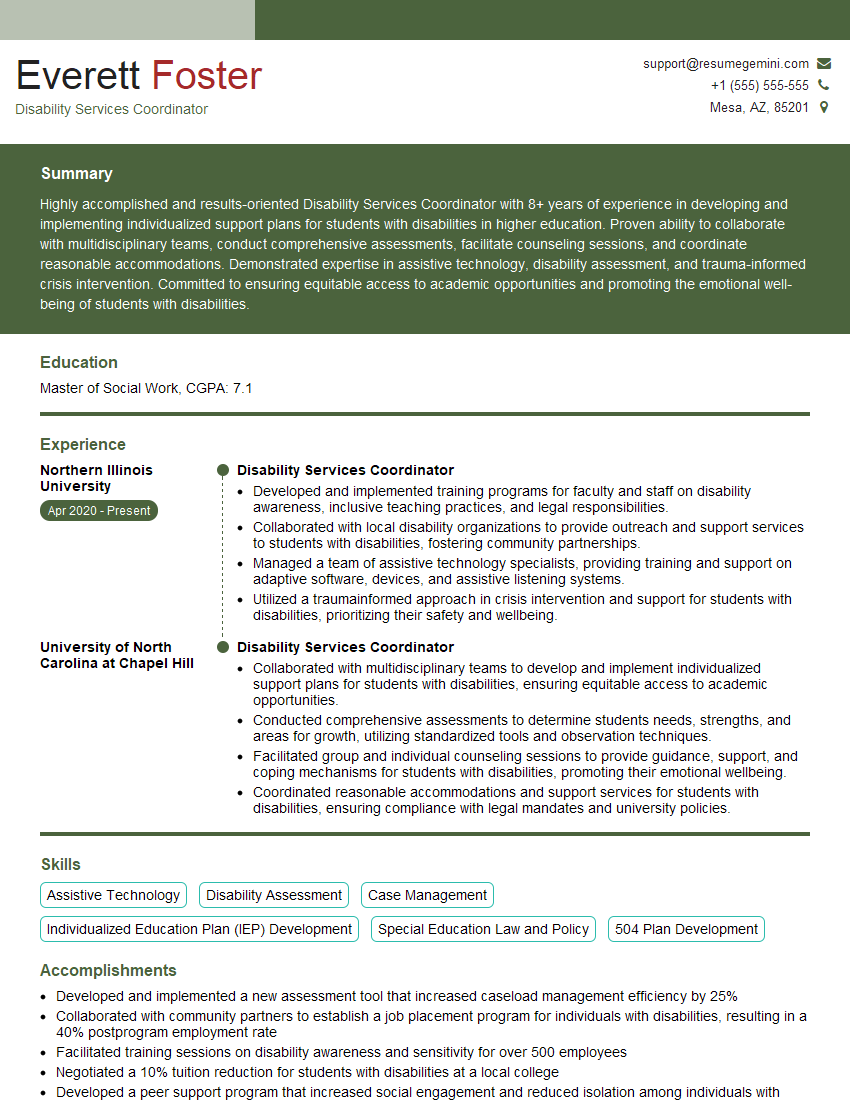
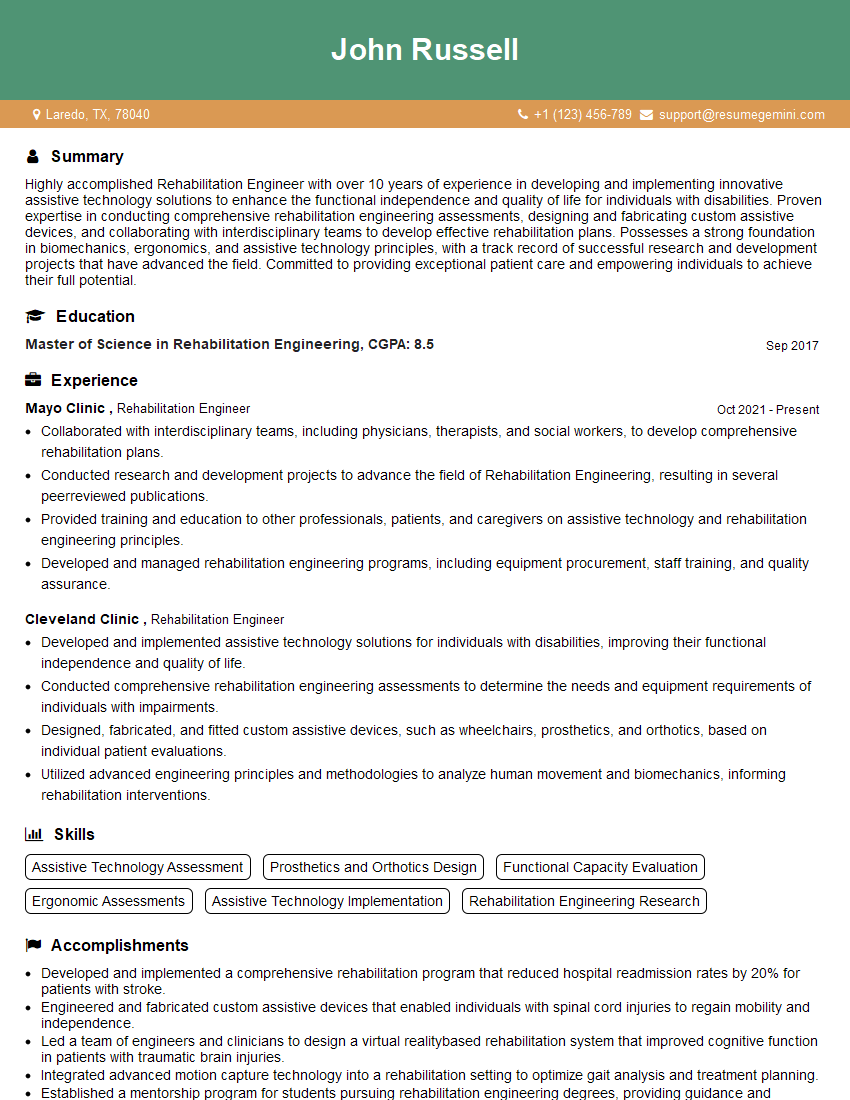
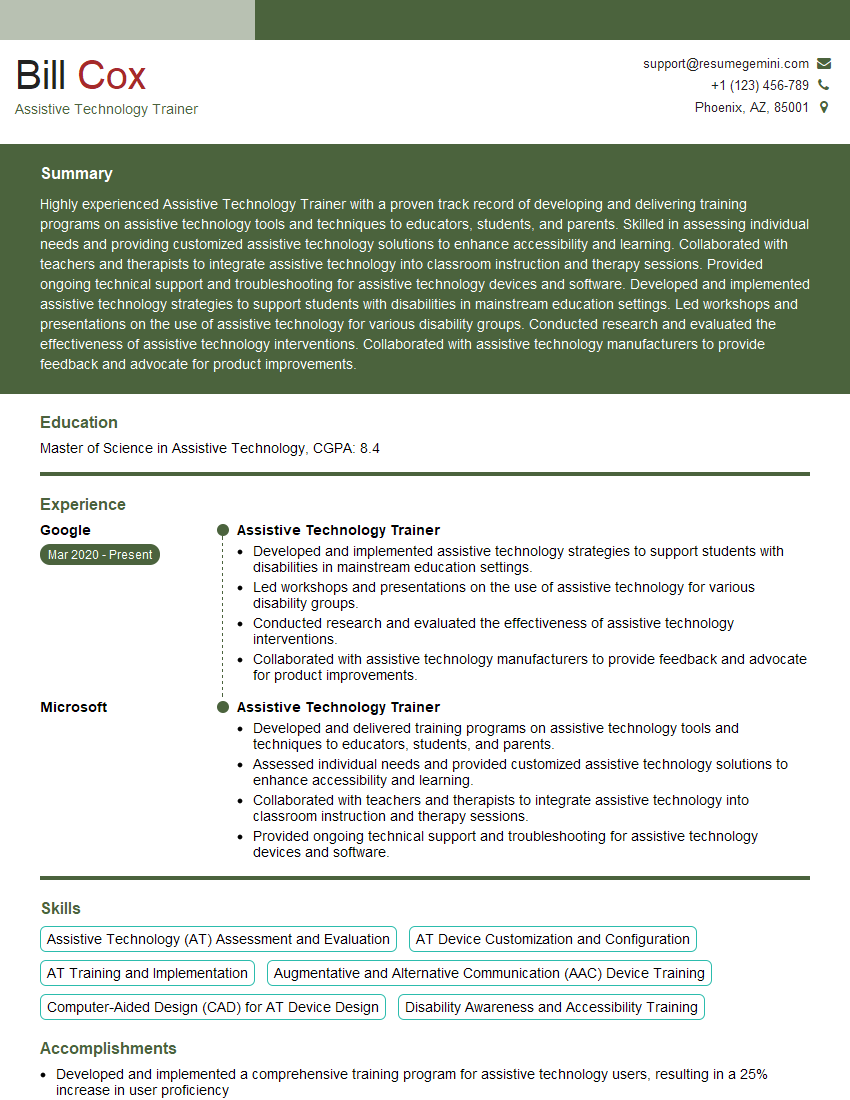
Mastering assistive technology is crucial for a rewarding and impactful career. It’s a field with high demand and the potential to significantly improve the lives of others. To stand out, craft a compelling resume that highlights your skills and experience effectively. An ATS-friendly resume is key to getting your application noticed by recruiters. We strongly recommend using ResumeGemini to build a professional and impactful resume. ResumeGemini provides tools and examples specifically tailored to the Using Assistive Technology field, giving you a significant advantage in your job search. Take advantage of these resources to present yourself in the best possible light!
Explore more articles
Users Rating of Our Blogs
Share Your Experience
We value your feedback! Please rate our content and share your thoughts (optional).
What Readers Say About Our Blog
Really detailed insights and content, thank you for writing this detailed article.
IT gave me an insight and words to use and be able to think of examples