The right preparation can turn an interview into an opportunity to showcase your expertise. This guide to Visual Management Techniques interview questions is your ultimate resource, providing key insights and tips to help you ace your responses and stand out as a top candidate.
Questions Asked in Visual Management Techniques Interview
Q 1. Describe your experience implementing 5S methodologies.
Implementing 5S methodologies involves a structured approach to workplace organization and efficiency. It’s not just about tidying up; it’s about creating a sustainable system for continuous improvement. My experience spans various manufacturing and office environments. I’ve led teams through each of the five phases: Seiri (Sort), where we identify and remove unnecessary items; Seiton (Set in Order), organizing remaining items for easy access and use; Seiso (Shine), cleaning and maintaining a spotless workspace; Seiketsu (Standardize), documenting processes and procedures to maintain the gains; and Shitsuke (Sustain), embedding 5S into the company culture through ongoing audits and improvement initiatives.
For example, in a manufacturing plant, we implemented 5S by first conducting a thorough audit of each workstation. We then removed obsolete tools and parts (Seiri). Next, we reorganized the remaining tools and materials, using shadow boards and labeled containers for easy identification (Seiton). Daily cleaning routines were established, assigning responsibility to each team member (Seiso). We then created standardized work instructions and checklists to maintain these improved conditions (Seiketsu). Finally, regular audits and team meetings ensured the sustained practice of 5S (Shitsuke). This resulted in a 20% reduction in workplace accidents and a 15% increase in productivity.
Q 2. Explain the benefits of visual workplace management.
Visual workplace management dramatically improves efficiency and communication. By making key information readily visible, it eliminates ambiguity, reduces errors, and empowers employees. Think of it as creating a dashboard for your entire operation. Instead of relying on complex reports or verbal communication, everyone can quickly grasp the status of a process, identify problems, and take appropriate action.
- Improved Communication: Visual cues immediately convey information, eliminating the need for lengthy explanations or searching for data.
- Enhanced Efficiency: Quick identification of bottlenecks and inefficiencies streamlines workflows.
- Increased Accountability: Clear performance indicators promote ownership and responsibility.
- Reduced Errors: Visual reminders and checklists minimize mistakes and enhance accuracy.
- Improved Safety: Visual warnings and safety procedures prevent accidents.
For instance, a simple Kanban board visually displays the workflow, allowing team members to see at a glance what tasks are in progress, what’s next, and what’s completed. This promotes efficient task management and prevents bottlenecks.
Q 3. How would you design a visual control system for a specific production process?
Designing a visual control system for a specific production process requires a systematic approach. I would start by understanding the process flow, identifying key performance indicators (KPIs), and determining the information that needs to be visually displayed. Then I would select appropriate visual tools and technologies.
- Process Mapping: First, I’d create a detailed process map of the production process to identify critical control points and potential bottlenecks.
- KPI Identification: Next, I’d determine the key metrics to monitor, such as cycle time, defect rate, and on-time delivery.
- Visual Tool Selection: Based on the KPIs, I’d choose appropriate visual tools, such as Andon boards (for real-time status updates), Kanban boards (for workflow management), or charts and graphs (for performance tracking).
- Data Display: Information should be presented clearly and concisely using color-coding, symbols, and simple graphs to make it easily understandable.
- Location and Accessibility: The visual control system needs to be strategically located where it’s easily visible and accessible to relevant personnel.
- Feedback Mechanism: The system should include a feedback loop to allow for adjustments and continuous improvement.
For example, in a bottling plant, a visual control system might include an Andon board displaying the status of each machine (running, stopped, maintenance), a Kanban system for managing bottle supplies, and charts showing daily production volume and defect rates.
Q 4. What are the key performance indicators (KPIs) you would use to measure the effectiveness of a visual management system?
The effectiveness of a visual management system is measured through several key performance indicators (KPIs). These KPIs should directly reflect the goals of the system, focusing on efficiency, quality, safety, and employee engagement.
- Cycle Time Reduction: Measuring the time taken to complete a process.
- Defect Rate Reduction: Tracking the number of defects produced.
- On-Time Delivery Rate: Monitoring the percentage of orders delivered on schedule.
- Inventory Turnover Rate: Measuring the efficiency of inventory management.
- Safety Incident Rate: Tracking the number of workplace accidents.
- Employee Engagement (Surveys & Feedback): Gauging employee satisfaction and contribution.
- Lead Time Reduction: How long it takes to bring a product from design to delivery.
These KPIs are regularly monitored and analyzed to identify areas for improvement and to assess the overall effectiveness of the visual management system.
Q 5. How do you handle resistance to change when implementing visual management techniques?
Resistance to change is common when implementing new systems like visual management. Addressing this requires a proactive and empathetic approach.
- Communication and Education: Clearly communicate the benefits of visual management, addressing concerns and misconceptions through training and open discussions.
- Participation and Involvement: Involve employees in the design and implementation process to foster a sense of ownership and buy-in.
- Pilot Program: Implement visual management in a small area to demonstrate its benefits and gather feedback before expanding it to the entire organization.
- Recognition and Incentives: Recognize and reward early adopters and those who actively contribute to the success of the system.
- Continuous Improvement: Regularly assess the system and make adjustments based on employee feedback.
For example, starting with a small pilot team allows for adjustments based on direct feedback, demonstrating value and easing concerns before a wider rollout.
Q 6. Explain the concept of a Gemba walk and its importance in visual management.
A Gemba walk is a structured observation of the actual work process where the work is performed—the ‘Gemba’. It’s a cornerstone of visual management. It’s not just about seeing; it’s about understanding the process firsthand, identifying problems, and engaging with the people doing the work.
The importance of a Gemba walk in visual management is threefold:
- Problem Identification: By directly observing the work process, you can identify inefficiencies, bottlenecks, and safety hazards that might not be apparent from data alone.
- Data Validation: Gemba walks help validate data collected from other sources, providing a richer understanding of the reality on the ground.
- Employee Engagement: Gemba walks demonstrate management’s commitment to improving the work environment and fosters collaboration and problem-solving.
A well-structured Gemba walk uses a checklist, engages employees in discussions, and documents observations for subsequent analysis and action planning. It provides valuable, real-time insights that inform and improve the visual management system.
Q 7. Describe your experience with value stream mapping.
Value stream mapping is a powerful tool used to visually represent the flow of materials and information in a process. My experience with value stream mapping has involved multiple projects, from optimizing manufacturing processes to streamlining office workflows. I’ve used it to identify waste, improve efficiency, and create leaner processes.
The process typically involves:
- Process Mapping: Identifying all steps in the process, from beginning to end.
- Data Collection: Gathering data on lead times, cycle times, inventory levels, and other relevant metrics.
- Visual Representation: Creating a visual map showing the flow of materials and information, highlighting value-added and non-value-added activities.
- Waste Identification: Pinpointing areas of waste such as transportation, inventory, motion, waiting, overproduction, over-processing, and defects.
- Improvement Planning: Developing a plan to eliminate or reduce waste and improve the overall process.
For example, in a software development project, we used value stream mapping to identify bottlenecks in the deployment process. This led to implementing automated testing and continuous integration, significantly reducing lead time and improving the overall delivery process.
Q 8. How would you use data visualization to improve operational efficiency?
Data visualization is crucial for improving operational efficiency because it transforms complex data into easily understandable visuals, revealing hidden patterns and insights that drive better decision-making. Instead of sifting through spreadsheets, teams can quickly grasp key performance indicators (KPIs), bottlenecks, and areas for improvement.
For example, a line chart showing production output over time can instantly highlight trends and seasonal fluctuations. A Pareto chart can identify the 20% of issues causing 80% of the problems, allowing for focused problem-solving. Control charts help monitor process stability and identify deviations from acceptable limits. A dashboard combining multiple charts and graphs provides a comprehensive overview of key metrics.
In a manufacturing setting, visualizing machine uptime, defect rates, and cycle times allows for swift identification of inefficiencies. In a customer service context, visualizing customer satisfaction scores and wait times helps improve service levels. By making data visual and accessible, we empower teams to proactively address issues and optimize processes.
Q 9. What are some common challenges in implementing visual management, and how would you overcome them?
Implementing visual management faces several hurdles. Resistance to change is common; teams accustomed to traditional methods may be hesitant to adopt new visual systems. Lack of management support can hinder resource allocation and sustained effort. Insufficient training can lead to improper use and misinterpretation of visual tools. Finally, poorly designed systems can be confusing, ineffective, and ultimately ignored.
To overcome these challenges, I employ a phased approach. This starts with securing executive sponsorship to demonstrate commitment and resource availability. Next, thorough training and communication are essential to build buy-in and ensure everyone understands the purpose and use of the new system. Pilot projects help identify and address issues before full-scale implementation. Finally, continuous feedback loops and system adjustments ensure the system remains relevant and effective over time.
Q 10. How do you ensure that visual management systems remain updated and relevant?
Maintaining the relevance of visual management systems requires a commitment to ongoing review and improvement. Regular audits are essential to ensure accuracy and identify outdated information. The system should be flexible enough to adapt to changing processes and priorities. This often means utilizing digital tools which allow for easy updating and modification.
Specifically, I’d incorporate regular system reviews (e.g., monthly or quarterly) involving key stakeholders. Data validation is crucial to ensure accuracy and reliability of information presented. Feedback mechanisms allow for continuous improvement based on user input. This could involve surveys, suggestion boxes, or regular team meetings to discuss effectiveness. Finally, visual cues themselves need updating to reflect current best practices and operational changes.
Q 11. Describe your experience with different visual management tools and techniques (e.g., Kanban boards, Andon systems).
My experience encompasses a broad range of visual management tools and techniques. I’ve successfully implemented Kanban boards to visualize workflow, identify bottlenecks, and improve process flow in software development and manufacturing environments. These boards allow for clear visualization of tasks, their status, and the workflow’s progression.
I’ve also utilized Andon systems, visual signaling systems that immediately alert operators to production issues. This helps in quick identification and resolution of problems, minimizing downtime and defects. Experience with 5S methodologies has helped to create organized, efficient, and safe workspaces. Value Stream Mapping helps visualize the entire process flow, identify waste, and identify improvement opportunities.
Furthermore, I’m proficient in using digital tools such as dashboards and data visualization software (e.g., Tableau, Power BI) to present performance data in a clear, concise, and engaging manner. The choice of tool always depends on the specific context and organizational needs.
Q 12. How do you integrate visual management with other continuous improvement initiatives?
Visual management is not a standalone initiative but a powerful tool integrated with other continuous improvement methodologies. For example, it aligns perfectly with Lean manufacturing principles by making waste and inefficiencies readily apparent. It complements Six Sigma by providing visual representation of process performance and helping identify root causes of variation.
In a practical sense, a Kanban board (visual management) can be used to track progress on projects managed using the Scrum framework (agile methodology). Visualizing data from a process capability analysis (Six Sigma) on a dashboard can inform decisions related to process optimization (Lean). The key is to ensure visual displays are tailored to support and enhance other continuous improvement efforts.
Q 13. What are the key elements of a successful visual management implementation plan?
A successful visual management implementation plan requires careful planning and execution. It begins with clearly defined objectives – what specific problems are we trying to solve? This is followed by identifying key performance indicators (KPIs) that will be tracked visually. Next, the appropriate visual tools must be selected based on the specific context and needs. This involves careful consideration of the audience and their needs.
Training is crucial to ensure users understand how to interpret and utilize the visual tools effectively. A pilot program allows for testing and refinement before full-scale deployment. Continuous monitoring and evaluation ensures the system remains effective and aligned with organizational goals. Finally, communication is key throughout the process to maintain engagement and address any concerns.
Q 14. Explain your understanding of the relationship between visual management and safety.
Visual management plays a critical role in enhancing workplace safety. By clearly displaying safety procedures, potential hazards, and safety performance data, it promotes a proactive safety culture. Visual cues such as color-coded safety labels, lockout/tagout procedures, and safety checklists reduce the risk of accidents and injuries.
For example, a visual display of near-miss incidents can help identify trends and potential hazards. Visual representations of safety training completion rates track compliance and identify training gaps. The use of standardized safety symbols and pictograms ensures consistent communication of safety messages, regardless of language barriers. In essence, a well-designed visual management system acts as a continuous safety reminder, promoting awareness and reducing risks.
Q 15. How would you train employees on the use of a new visual management system?
Training employees on a new visual management system requires a phased approach focusing on understanding, application, and continuous improvement. It shouldn’t be a one-time event but an ongoing process.
- Phase 1: Introduction and Understanding: Begin with a clear explanation of why the new system is being implemented, highlighting its benefits for both the individual and the organization. Use simple, relatable analogies to explain complex concepts. For example, compare a Kanban board to a to-do list, emphasizing the visual aspect of tracking progress.
- Phase 2: Hands-on Training and Practice: Provide practical, hands-on training. Use role-playing scenarios, simulations, or even a pilot project with a small team to allow employees to practice using the system in a safe environment. This ensures they understand how to update information, interpret data, and use the system effectively. Provide clear, step-by-step instructions and readily accessible reference materials.
- Phase 3: Continuous Improvement and Feedback: Establish regular feedback sessions to address any challenges employees face. This allows for adjustments to the system or training based on real-world application. Encourage employees to suggest improvements, fostering a culture of continuous improvement. Regular refreshers and advanced training sessions can further solidify their understanding and keep them up-to-date.
Throughout the training, emphasize the importance of data accuracy and consistency. Explain how each individual’s contribution impacts the overall system’s effectiveness. Use real-life examples to showcase how the system improves efficiency and problem-solving.
Career Expert Tips:
- Ace those interviews! Prepare effectively by reviewing the Top 50 Most Common Interview Questions on ResumeGemini.
- Navigate your job search with confidence! Explore a wide range of Career Tips on ResumeGemini. Learn about common challenges and recommendations to overcome them.
- Craft the perfect resume! Master the Art of Resume Writing with ResumeGemini’s guide. Showcase your unique qualifications and achievements effectively.
- Don’t miss out on holiday savings! Build your dream resume with ResumeGemini’s ATS optimized templates.
Q 16. How do you measure the return on investment (ROI) of a visual management system?
Measuring the ROI of a visual management system requires a multi-faceted approach focusing on both qualitative and quantitative data. It’s not just about numbers; it’s about demonstrating the value the system brings to the organization.
- Quantitative Metrics: Track key performance indicators (KPIs) such as lead time reduction, defect rates, inventory levels, on-time delivery, and overall equipment effectiveness (OEE). Compare these metrics before and after implementing the system. For example, you might track the reduction in lead time for a specific process.
- Qualitative Metrics: Assess improvements in communication, collaboration, problem-solving, and employee engagement. Conduct surveys or interviews to gauge employee satisfaction and perceptions of the system’s effectiveness. This provides insights into the softer, less quantifiable benefits.
- Cost Savings: Calculate the direct and indirect costs associated with implementing the system. This includes software, training, materials, and any adjustments to the workplace. Then compare the cost savings generated by improvements in efficiency, reduced waste, and increased productivity.
A comprehensive ROI analysis should present a holistic picture, combining both quantifiable improvements in efficiency and the qualitative benefits of improved communication and employee engagement. Visualizing this data through charts and graphs can make it more easily understood and impactful.
Q 17. Describe a time when you used visual management to solve a problem.
In a previous role, we faced significant issues with production delays due to bottlenecks in the assembly line. Traditional methods of tracking progress were insufficient; information was scattered, and issues weren’t identified quickly enough.
To solve this, we implemented a Kanban system with visual cues for each stage of assembly. Each stage had a designated area with a clear limit on the number of work-in-progress (WIP) units. We used color-coded cards to represent different tasks and their status (e.g., completed, in progress, waiting). This immediately highlighted bottlenecks and allowed us to swiftly re-allocate resources. A large whiteboard displayed the overall progress and helped identify any delays proactively.
The results were remarkable. Lead times were reduced by 30%, and defect rates decreased by 15%. The visual nature of the Kanban board fostered greater transparency and collaboration amongst team members, leading to improved communication and problem-solving. It became a central point for daily stand-up meetings, and any issues were quickly identified and addressed.
Q 18. What are the differences between visual management and traditional management methods?
Visual management and traditional management methods differ significantly in their approach to information sharing and problem-solving.
- Traditional Management: Often relies on paperwork, spreadsheets, and meetings, making it difficult to grasp the big picture at a glance. Information is often scattered, leading to communication delays and potential misunderstandings. Problem-solving is often reactive, addressing issues only after they’ve occurred.
- Visual Management: Employs visual tools such as charts, graphs, Kanban boards, and dashboards to display real-time information. It promotes transparency, making it easier for everyone to see the current state of operations and identify potential problems proactively. It encourages proactive problem-solving, allowing teams to identify and address bottlenecks before they escalate into major issues.
Essentially, visual management shifts the focus from relying on data reports to actively visualizing operational performance, fostering a more collaborative and efficient workflow.
Q 19. How would you adapt visual management techniques for different organizational cultures?
Adapting visual management techniques to different organizational cultures requires understanding the existing communication styles, values, and preferred ways of working. A system effective in one culture might be ineffective or even counterproductive in another.
- High-Context Cultures: In cultures where non-verbal communication and shared understanding are prevalent, visual cues and symbols can be very effective. Simple, universally understood icons can be particularly beneficial.
- Low-Context Cultures: In cultures that rely on explicit communication, visual management systems need to be clearly labelled and straightforward. Detailed instructions and explanations might be necessary.
- Participatory vs. Hierarchical Cultures: In more participatory cultures, employees should be actively involved in designing and implementing the visual management system. In hierarchical cultures, careful consideration must be given to the flow of information and the level of access employees have to the information displayed.
Successful implementation requires sensitivity to cultural nuances and adapting the visual elements and communication style to resonate with the specific culture. This often involves extensive consultation and feedback from employees to ensure buy-in and maximize effectiveness.
Q 20. How do you ensure data accuracy and integrity in visual management systems?
Ensuring data accuracy and integrity in visual management systems is crucial for their effectiveness. Inaccurate information can lead to poor decisions and undermine the system’s credibility.
- Clear Data Input Procedures: Establish clear and simple procedures for data input. Use standardized forms and templates to minimize errors. Provide thorough training to all employees on the correct data input process.
- Data Validation: Implement checks and balances to validate the accuracy of entered data. Use automated systems to cross-check data against other sources where possible.
- Regular Audits: Conduct regular audits to verify the accuracy of information displayed in the visual management system. Identify any inconsistencies or errors and correct them promptly.
- Data Ownership and Responsibility: Assign clear ownership and responsibility for data accuracy. Make individuals accountable for ensuring the information they input is correct and up-to-date.
- System Design for Accuracy: Design the system with features that minimize errors – clear visual cues, easy-to-understand layouts, and readily available help guides.
By implementing robust processes for data input, validation, and auditing, organizations can maintain the accuracy and integrity of their visual management systems, ensuring they remain a reliable tool for improving efficiency and performance.
Q 21. Explain your understanding of Lean principles and their connection to visual management.
Lean principles and visual management are intrinsically linked. Lean manufacturing philosophy focuses on eliminating waste and maximizing efficiency, while visual management provides the tools to make this process transparent and easily managed.
Visual management is a critical tool for implementing Lean principles. Techniques such as 5S (Sort, Set in Order, Shine, Standardize, Sustain), Kanban, and Value Stream Mapping all rely on visual cues to highlight areas for improvement and track progress.
- Waste Reduction: Visual management helps identify and eliminate waste (muda) by making it visible. For example, a Kanban board clearly shows bottlenecks and areas where inventory is piling up.
- Process Improvement: Visual tools such as Value Stream Mapping provide a clear picture of the entire process, highlighting inefficiencies and areas for improvement.
- Continuous Improvement: Visual management supports a culture of continuous improvement by providing a platform for real-time monitoring, feedback, and problem-solving. Progress is readily visible, motivating teams to strive for further enhancements.
In essence, visual management provides the ‘eyes’ for Lean principles, making the process of waste elimination, process improvement, and continuous improvement easily observable and manageable.
Q 22. How do you use visual management to improve communication and collaboration?
Visual management dramatically improves communication and collaboration by making information readily accessible and instantly understandable. Instead of relying on lengthy reports or meetings, crucial data is presented visually, fostering a shared understanding across teams and departments.
For example, in a manufacturing setting, a Kanban board visually displays the workflow, allowing everyone – from production workers to managers – to instantly see the status of each task, identify bottlenecks, and collaborate on solutions. This eliminates the need for constant updates and clarifies responsibilities.
Another example is using a large-scale visual display showing key performance indicators (KPIs). Everyone can see progress towards goals at a glance, fostering a sense of shared purpose and accountability. This promotes collaboration by allowing teams to identify areas needing support or improvement together.
Q 23. What are some examples of effective visual management tools you have used?
I’ve successfully utilized a variety of visual management tools, tailoring them to specific contexts. These include:
- Kanban boards: Essential for visualizing workflow, managing tasks, and limiting work in progress (WIP). In one project, we used a digital Kanban board which allowed for remote team collaboration and real-time updates.
- Andon cords/lights: These instantly alert teams to problems on the production line, encouraging immediate action and preventing further issues. We implemented a system with different colored lights for different severity levels of problems.
- 5S charts: These help maintain a clean and organized workspace, promoting efficiency and safety. We used these in an office environment, clearly defining areas for different supplies and improving accessibility.
- Visual dashboards: These display key performance indicators (KPIs) in an easy-to-understand format. I’ve used these to track project progress, highlighting areas needing attention and celebrating successes.
Q 24. Describe your experience with process mapping and its role in visual management.
Process mapping is fundamentally important to visual management. It provides the blueprint for visualizing workflows and identifying areas for improvement. Before implementing any visual management system, I always start with a thorough process map.
For instance, using a value stream map allows us to visualize the entire flow of materials and information, identifying waste and bottlenecks. This map then becomes the basis for designing visual controls, such as Kanban boards or visual workflows, to address the identified inefficiencies. It provides a common language for all stakeholders, ensuring everyone understands the process and their role in it.
This collaborative process ensures buy-in from all team members and increases the likelihood of successful implementation.
Q 25. How do you ensure the sustainability of visual management improvements after initial implementation?
Sustaining visual management improvements requires a multifaceted approach focusing on integration and engagement. Simply putting up charts isn’t enough; it needs to become part of the organizational culture.
My approach includes:
- Training and ongoing support: Ensuring everyone understands the system and how to use it effectively.
- Regular reviews and updates: Keeping the visual management system current and relevant, adapting to changing needs.
- Gamification and incentives: To encourage participation and engagement in maintaining the system.
- Linking visual management to performance evaluations: To demonstrate the importance of the system and its impact on individual and team success.
- Clear communication and leadership buy-in: Highlighting the value and benefits of the system to all stakeholders.
Without consistent reinforcement and adaptation, visual management systems can become outdated and ineffective, so regular engagement is paramount.
Q 26. Explain your experience with the use of color-coding in visual management.
Color-coding is a powerful tool in visual management, as it instantly communicates critical information. It leverages our inherent ability to quickly process visual cues. Different colors can signify different statuses, priorities, or even safety levels.
For example, in a Kanban system, we might use green for completed tasks, yellow for tasks in progress, and red for tasks that are blocked or overdue. In a safety context, red might indicate a hazard, while green signifies a safe area. The key is to maintain consistency and clarity in the color scheme so everyone understands the meaning.
Consistency is key – it is crucial to define the color codes clearly and communicate them to all team members before implementation. A legend accompanying the visual management system is essential for easy understanding.
Q 27. How do you handle conflicting information displayed in different visual management systems?
Conflicting information across visual management systems is a serious issue that can undermine trust and efficiency. My approach involves:
- Identifying the source of the conflict: Pinpointing which system(s) contain inaccurate or outdated information.
- Investigating the root cause: Understanding why the discrepancy exists (e.g., data entry errors, lack of updates, system incompatibility).
- Implementing corrective actions: Addressing the root cause by fixing data entry procedures, improving data synchronization mechanisms, or consolidating systems where appropriate.
- Establishing a single source of truth: Creating a central repository for key data and ensuring all systems are aligned with this source.
- Regular audits and reconciliation: Implementing procedures to check for consistency and identify discrepancies before they become major problems.
Transparency and clear communication are key to resolving conflicts and maintaining data integrity.
Q 28. Describe your experience using visual management in a high-pressure environment.
In high-pressure environments, the value of visual management is amplified. The ability to quickly assess the situation and identify critical issues is crucial for effective decision-making under stress. However, it requires a different approach.
In one project dealing with a major product launch under tight deadlines, we used a highly simplified visual dashboard, showing only the most critical KPIs. This prevented information overload and ensured everyone focused on the most important aspects. Regular, short, and focused stand-up meetings were also conducted to address issues and keep everyone aligned. This approach helped maintain clarity and efficiency even under immense pressure, enabling us to manage the launch successfully.
Simplicity, clear communication, and a focus on the most critical information are key to successfully using visual management in high-pressure situations.
Key Topics to Learn for Visual Management Techniques Interview
- Visual Workplace Organization: Understanding principles of 5S methodology (Sort, Set in Order, Shine, Standardize, Sustain), Kanban, and Lean principles in creating efficient and visually clear workspaces. Consider practical examples from various industries.
- Data Visualization and Reporting: Mastering techniques for presenting key performance indicators (KPIs) using charts, graphs, and dashboards. Explore how different visual representations impact understanding and decision-making. Practice interpreting complex data visually.
- Andon Systems and Problem Solving: Familiarize yourself with Andon systems and their role in immediately identifying and addressing production issues. Understand how visual cues facilitate rapid problem-solving and continuous improvement.
- Visual Communication Strategies: Explore techniques for effective communication through visual aids, ensuring clarity, accuracy, and impact. Consider the audience and the context when choosing a visual communication method.
- Implementation and Change Management: Discuss the challenges in implementing visual management systems and strategies for overcoming resistance to change. Understand how to effectively train and engage teams in the new system.
- Metrics and Measurement: Learn to define, track, and visually represent key metrics related to visual management success. This includes understanding the impact of visual management on efficiency, productivity, and quality.
- Technology Integration: Explore how software and technology (e.g., digital dashboards, project management software) can enhance visual management systems. Discuss the benefits and limitations of different technological solutions.
Next Steps
Mastering Visual Management Techniques is crucial for career advancement in today’s data-driven environment. Employers highly value candidates who can effectively communicate complex information visually, leading to improved efficiency and problem-solving capabilities. To increase your chances of landing your dream role, it’s essential to have an ATS-friendly resume that highlights your skills and experience. ResumeGemini is a trusted resource that can help you create a professional and impactful resume tailored to the specific requirements of Visual Management positions. Examples of resumes tailored to Visual Management Techniques are available to help guide your resume creation process.
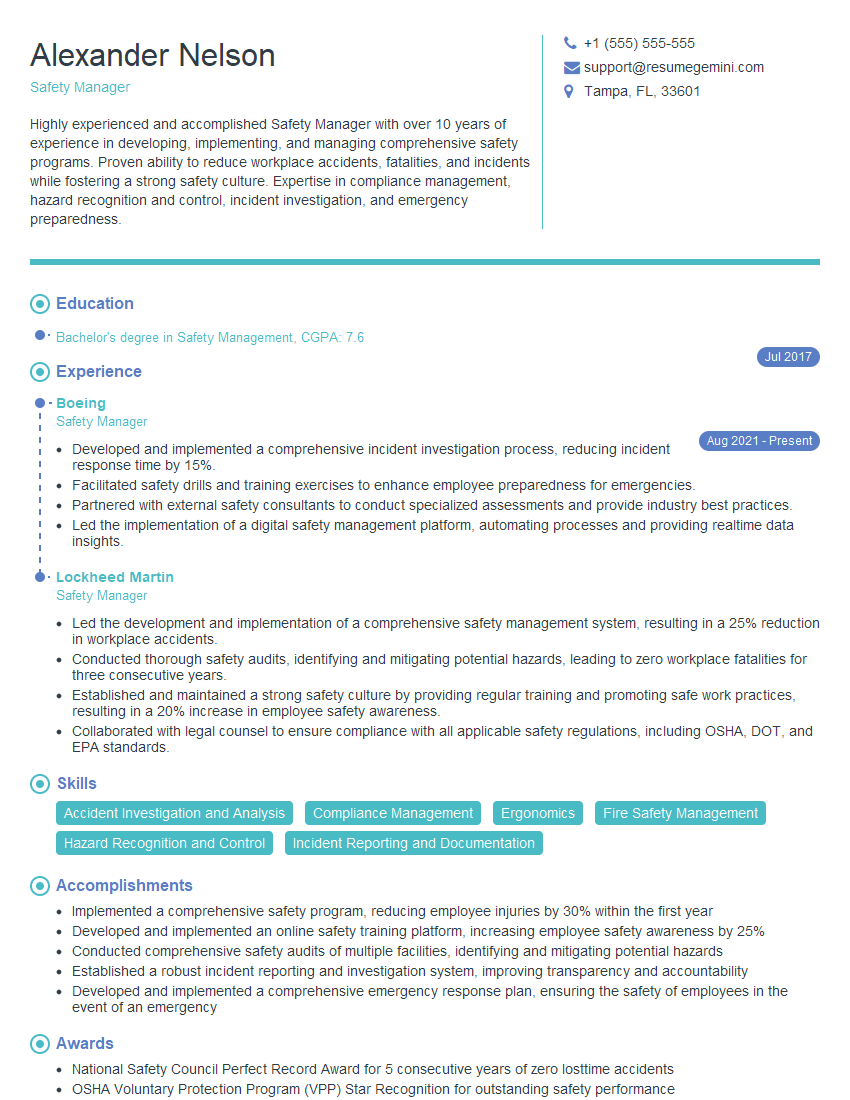
Safety Manager Resume Sample

Operations Manager Resume Sample
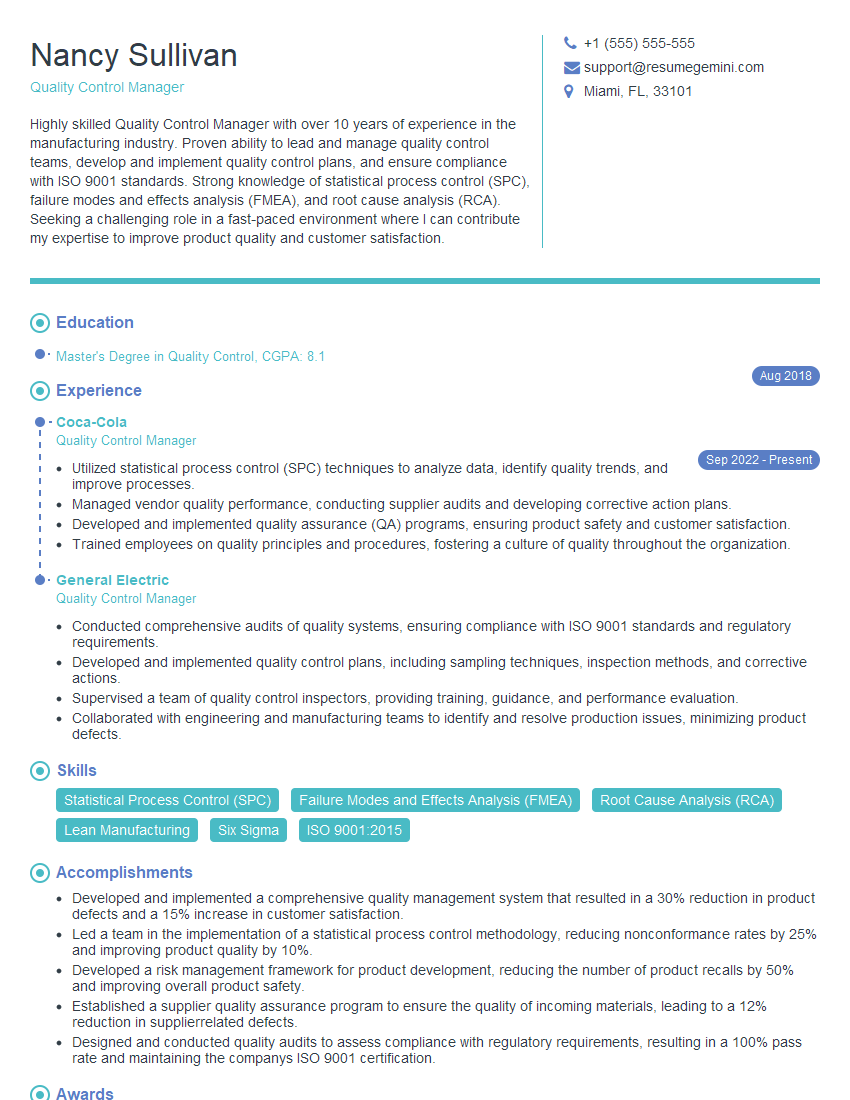
Quality Control Manager Resume Sample
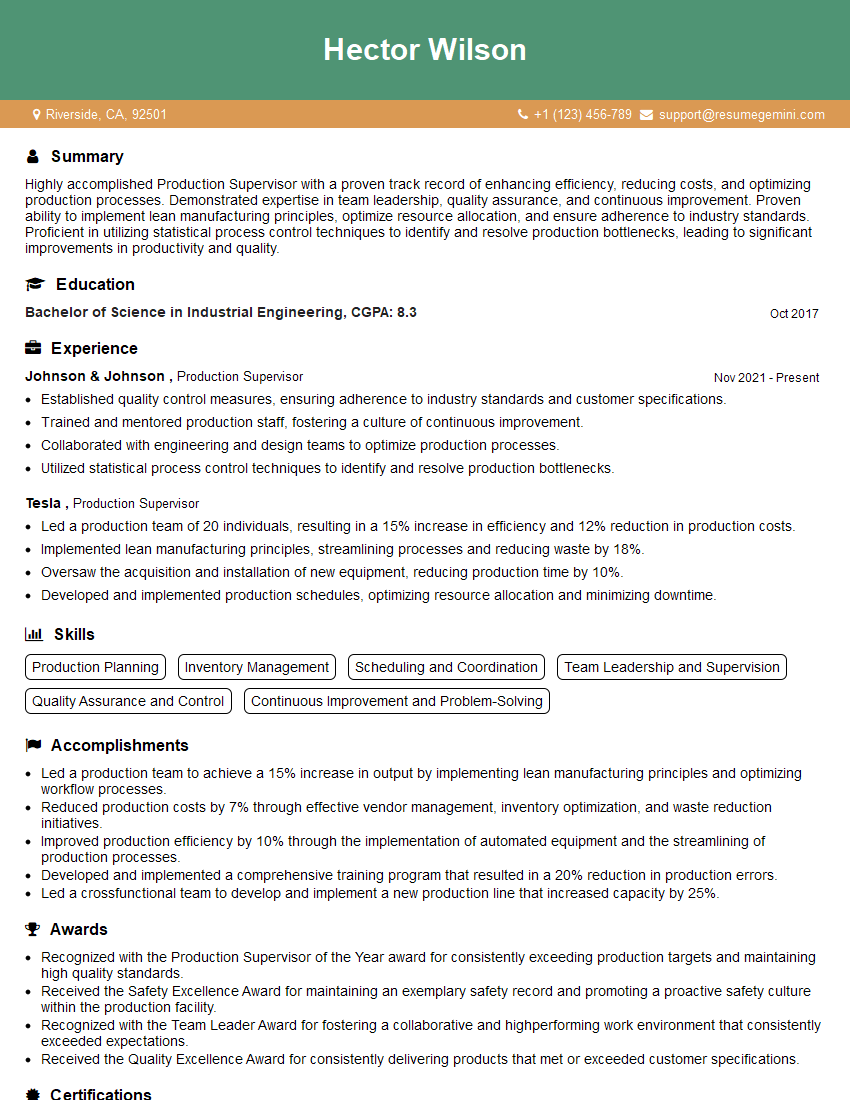
Production Supervisor Resume Sample
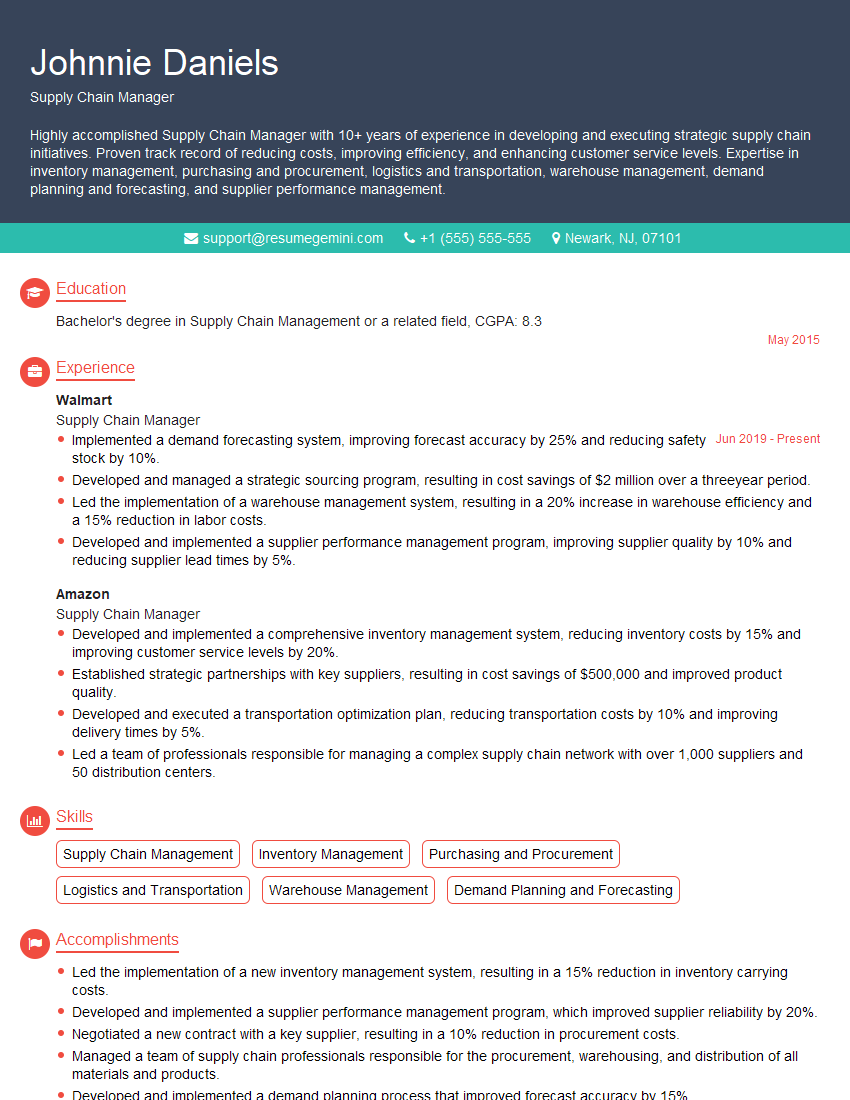
Supply Chain Manager Resume Sample
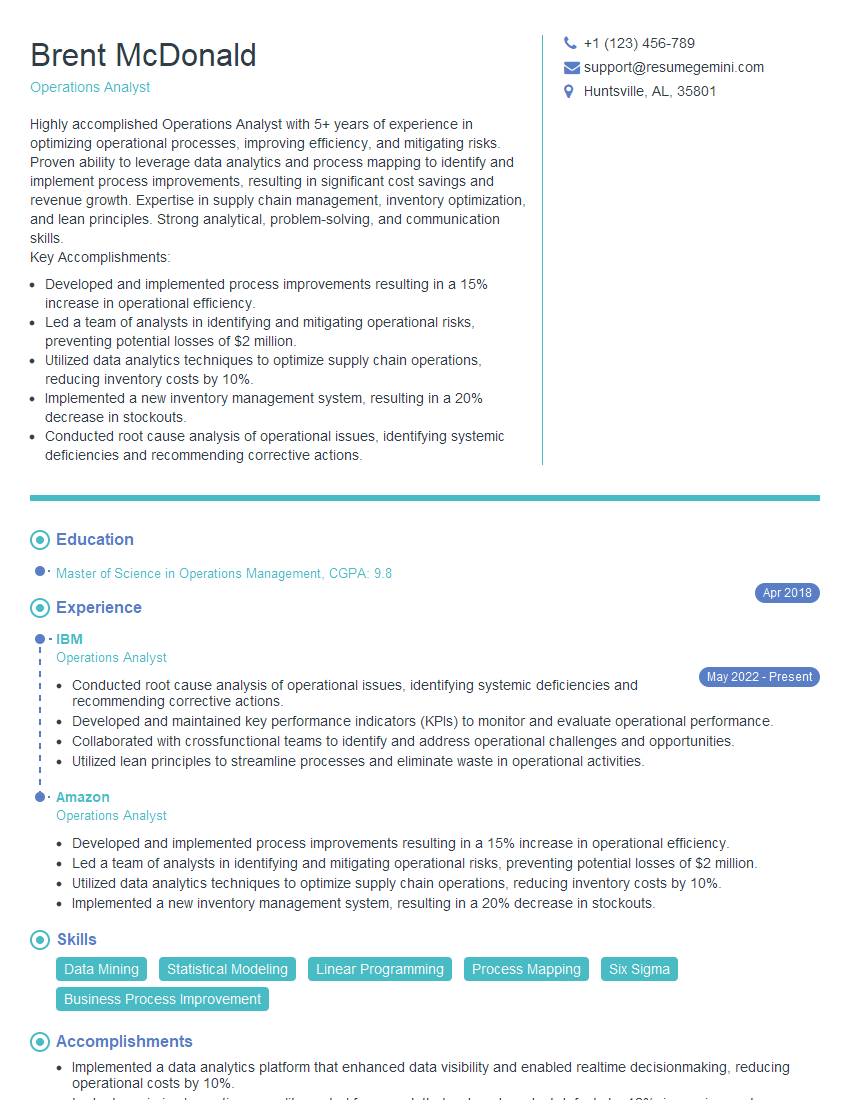
Operations Analyst Resume Sample
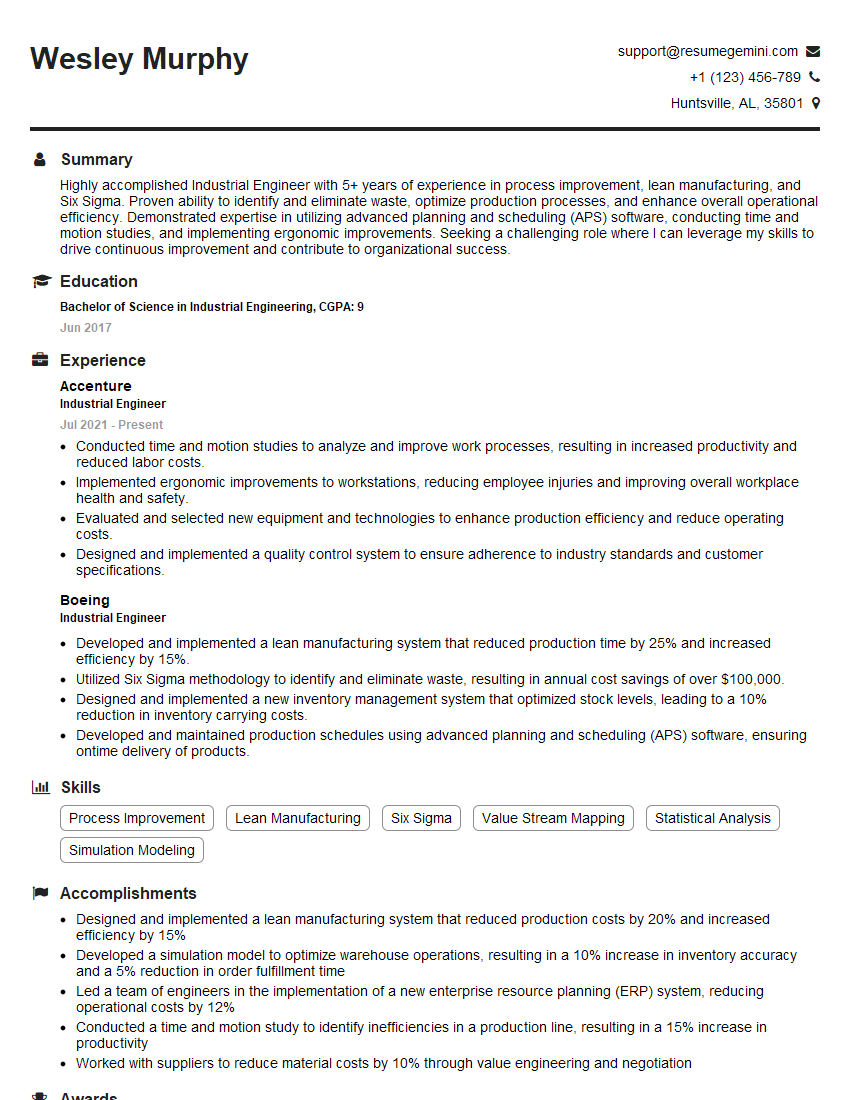
Industrial Engineer Resume Sample

Manufacturing Engineer Resume Sample
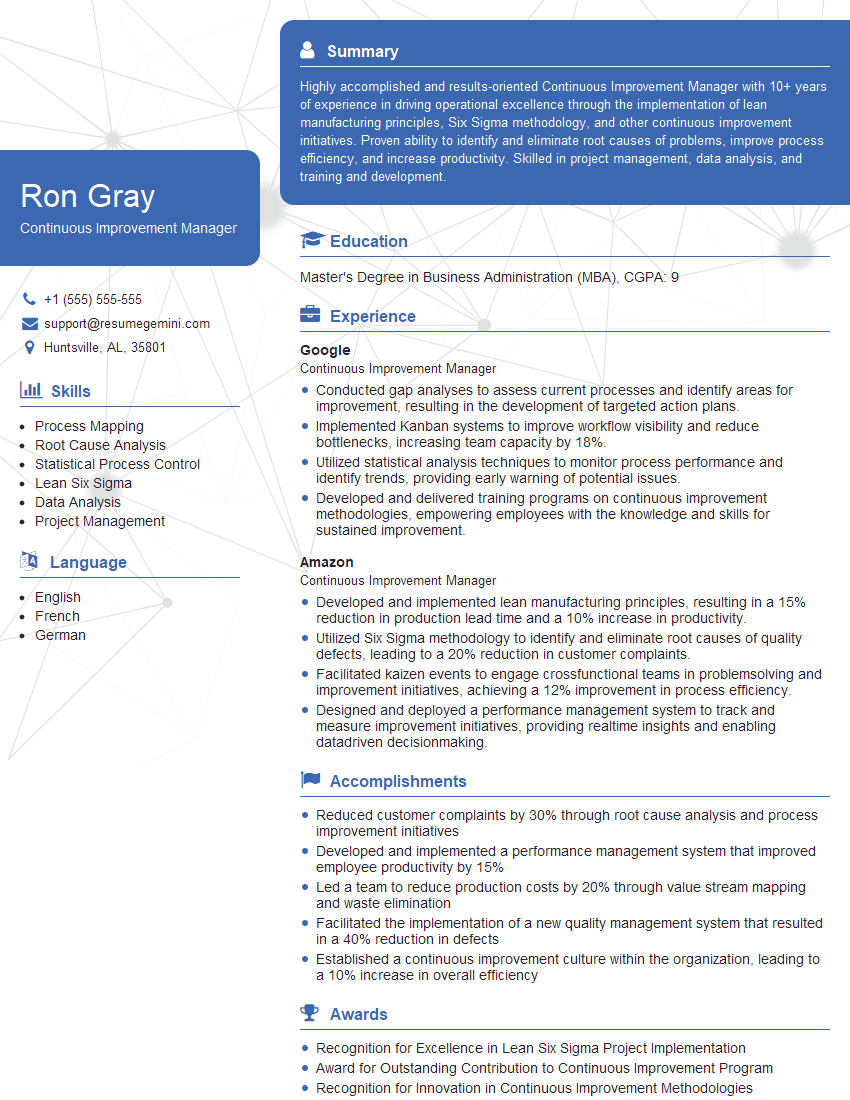
Continuous Improvement Manager Resume Sample
Explore more articles
Users Rating of Our Blogs
Share Your Experience
We value your feedback! Please rate our content and share your thoughts (optional).
What Readers Say About Our Blog
Really detailed insights and content, thank you for writing this detailed article.
IT gave me an insight and words to use and be able to think of examples