The thought of an interview can be nerve-wracking, but the right preparation can make all the difference. Explore this comprehensive guide to Email Encryption interview questions and gain the confidence you need to showcase your abilities and secure the role.
Questions Asked in Email Encryption Interview
Q 1. Explain the difference between symmetric and asymmetric encryption in the context of email.
Symmetric and asymmetric encryption are two fundamental approaches to securing data, including emails. The core difference lies in the number of keys used.
Symmetric encryption uses a single, secret key to both encrypt and decrypt the message. Think of it like a padlock with one key: only the sender and recipient, who both possess the same key, can lock (encrypt) and unlock (decrypt) the message. This is fast and efficient, but securely sharing the key between sender and receiver becomes a major challenge. In email, this often means a separate, secure channel is needed to exchange the key.
Asymmetric encryption, on the other hand, uses two keys: a public key and a private key. The public key can be freely shared with anyone, and it’s used for encryption. Only the corresponding private key, kept secret by the recipient, can decrypt the message. It’s like having a mailbox with a public slot (public key) where anyone can drop a letter (encrypted message), but only you have the key to your house (private key) to open it and read the letter (decrypt). This solves the key exchange problem, but it’s computationally more intensive than symmetric encryption.
In practice, many email encryption systems use a hybrid approach: asymmetric encryption to securely exchange a symmetric key, and then symmetric encryption for the faster encryption and decryption of the actual email body.
Q 2. Describe the process of using PGP for email encryption.
PGP (Pretty Good Privacy) is a widely used email encryption system that leverages asymmetric encryption. Here’s the process:
- Key Generation: Both the sender and recipient generate their own key pairs (public and private keys).
- Key Exchange: The sender obtains the recipient’s public key, perhaps via a key server or directly from the recipient.
- Encryption: The sender uses the recipient’s public key to encrypt the message’s symmetric session key. The message itself is then encrypted using this symmetric key (this is much faster than encrypting the whole message with the asymmetric key).
- Transmission: The encrypted symmetric session key and the encrypted message are sent to the recipient.
- Decryption: The recipient uses their private key to decrypt the symmetric session key. Then, they use the decrypted symmetric key to decrypt the message itself.
PGP also provides digital signatures for authentication and integrity verification, ensuring the message hasn’t been tampered with and confirming the sender’s identity.
Q 3. What are the benefits and drawbacks of using S/MIME for email encryption?
S/MIME (Secure/Multipurpose Internet Mail Extensions) is another popular email encryption standard, often integrated directly into email clients. It relies on digital certificates and public key infrastructure (PKI) for authentication and encryption.
Benefits:
- Integration with email clients: S/MIME is often seamlessly integrated into email software, making it user-friendly.
- Digital signatures: Provides authentication and non-repudiation (the sender can’t deny sending the message).
- Wide adoption: It’s used by many organizations and email providers.
Drawbacks:
- Certificate management: Managing digital certificates can be complex and require PKI infrastructure.
- Compatibility issues: Interoperability between different email clients and providers can be challenging.
- Cost: Implementing and maintaining S/MIME can be expensive for organizations.
In essence, S/MIME offers good security but involves more administrative overhead compared to PGP.
Q 4. How does DKIM, SPF, and DMARC relate to email security and encryption?
DKIM (DomainKeys Identified Mail), SPF (Sender Policy Framework), and DMARC (Domain-based Message Authentication, Reporting & Conformance) are email authentication protocols, not encryption protocols. They work together to verify the sender’s identity and prevent email spoofing (phishing and spam).
DKIM uses public-key cryptography to digitally sign emails, allowing recipients to verify that the email actually came from the claimed domain.
SPF uses DNS to specify which mail servers are authorized to send email on behalf of a domain.
DMARC builds on DKIM and SPF, providing instructions on how to handle emails that fail authentication. It can direct recipients to quarantine or reject suspicious emails.
While these don’t encrypt email content, they are crucial for email security as they protect against many types of attacks that exploit forged sender addresses.
Q 5. What are some common vulnerabilities associated with email encryption?
Email encryption, while vital, isn’t foolproof. Some common vulnerabilities include:
- Weak or compromised keys: If the encryption keys are weak or stolen, the confidentiality of the email is compromised.
- Key management issues: Improper key generation, storage, or distribution can lead to vulnerabilities.
- Vulnerable email clients: Bugs or vulnerabilities in email clients can be exploited to bypass encryption.
- Man-in-the-middle attacks: An attacker could intercept the communication during the key exchange process.
- Side-channel attacks: Attacks can exploit information leaked during the encryption/decryption process, such as timing or power consumption.
- End-to-end encryption not fully implemented: If encryption isn’t implemented across the entire communication path, parts of the email may be vulnerable.
It’s crucial to use strong encryption algorithms, practice good key management, keep software updated, and be aware of potential attacks.
Q 6. Explain the concept of key management in email encryption.
Key management is the critical process of generating, storing, distributing, using, and eventually destroying cryptographic keys. It’s paramount for email encryption security because compromised keys render the encryption useless.
Effective key management involves:
- Key generation: Using strong, random key generation methods.
- Key storage: Securely storing keys, often using hardware security modules (HSMs) or other secure storage mechanisms.
- Key distribution: Securely exchanging keys between sender and recipient, often using asymmetric encryption as mentioned earlier.
- Key rotation: Regularly updating keys to minimize the impact of potential compromises.
- Key revocation: Having a mechanism to invalidate compromised keys.
Poor key management is a frequent cause of security breaches. Therefore, robust procedures and technologies are vital.
Q 7. How do you ensure the confidentiality, integrity, and authenticity of encrypted emails?
Ensuring confidentiality, integrity, and authenticity of encrypted emails requires a multi-faceted approach.
Confidentiality: This ensures only authorized recipients can read the email. This is achieved through encryption using strong algorithms like AES. The strength of the encryption algorithm and the security of the keys used directly determine the confidentiality level.
Integrity: This ensures the email hasn’t been tampered with during transmission. Message authentication codes (MACs) or digital signatures provide integrity. Any alteration to the message will invalidate the MAC or signature.
Authenticity: This confirms the email’s origin and ensures it truly came from the claimed sender. Digital signatures using public key cryptography achieve this. The signature verifies the sender’s identity and ensures the message wasn’t forged.
By employing strong encryption, digital signatures, and MACs, email systems can effectively protect against unauthorized access, tampering, and spoofing, thereby achieving the necessary levels of confidentiality, integrity, and authenticity.
Q 8. Discuss different types of email encryption protocols.
Email encryption protocols secure email content during transit and at rest. Several protocols exist, each with strengths and weaknesses. Common ones include:
- S/MIME (Secure/Multipurpose Internet Mail Extensions): This is a widely used standard that uses digital certificates to verify sender identity and encrypt email content. It provides both confidentiality (encryption) and authentication (digital signatures). Think of it like a secure, digitally signed letter with a tamper-evident seal.
- PGP/GPG (Pretty Good Privacy/GNU Privacy Guard): This is an open-source alternative to S/MIME, known for its strong encryption and flexibility. It uses a web of trust model, relying on users to verify each other’s keys. It’s like having a personal secure mailbox and key system where you manage the relationships yourself.
- TLS/SSL (Transport Layer Security/Secure Sockets Layer): While not strictly email encryption, TLS/SSL secures the connection between your email client and the mail server, protecting your email during transit. It’s like a secure tunnel through which your email travels, preventing eavesdropping.
The choice of protocol often depends on organizational needs and infrastructure. S/MIME is common in corporate environments for its integration with existing infrastructure, while PGP/GPG offers more control and flexibility to individual users. TLS/SSL is a foundational security layer for all email communication.
Q 9. What are the legal and regulatory considerations related to email encryption?
Legal and regulatory considerations around email encryption are complex and vary by jurisdiction. Regulations like HIPAA (Health Insurance Portability and Accountability Act) in the US and GDPR (General Data Protection Regulation) in Europe mandate specific security measures, often including encryption, for the protection of sensitive data. Failure to comply can lead to significant fines and legal repercussions.
For example, if a healthcare organization fails to encrypt protected health information (PHI) emails and experiences a data breach, they could face substantial fines under HIPAA. Similarly, organizations handling personal data within the EU must adhere to GDPR requirements, which include robust data protection measures such as encryption.
Furthermore, legal discovery processes might require access to encrypted email content. Organizations need to have strategies in place for accessing this information while remaining compliant with the law. This involves carefully managing encryption keys and having documented procedures for legal access.
Q 10. How do you handle key revocation in an email encryption system?
Key revocation is crucial in email encryption to manage compromised keys. If a private key is lost or suspected to be compromised, it must be revoked immediately to prevent unauthorized access. This process typically involves:
- Certificate Revocation Lists (CRLs): These are publicly accessible lists of revoked certificates. Email clients periodically check CRLs to identify and avoid using revoked keys.
- Online Certificate Status Protocol (OCSP): This provides a more real-time approach to key revocation, allowing email clients to quickly check the status of a certificate.
- Key Rotation: Regularly replacing encryption keys is a proactive measure to mitigate the risk of long-term key compromise. This is akin to changing your house locks periodically.
The specific method used depends on the encryption protocol. S/MIME often relies on CRLs and OCSP, while PGP/GPG uses key revocation mechanisms within its key management system. A robust key management system is essential for effective revocation and ensures that only authorized users can access encrypted data.
Q 11. Explain the concept of digital signatures and their role in email security.
Digital signatures are cryptographic mechanisms that verify the authenticity and integrity of an email. They ensure that the email is from the claimed sender and hasn’t been tampered with during transit. They use asymmetric cryptography, employing a pair of keys: a private key for signing and a public key for verification.
The sender uses their private key to create a digital signature for the email. The recipient uses the sender’s public key to verify the signature. A valid signature confirms that:
- The email originated from the claimed sender.
- The email content has not been altered since it was signed.
Imagine a signed document. A digital signature provides a similar level of assurance for electronic communications, enhancing trust and preventing forgery. This is critical for preventing phishing attacks and ensuring the integrity of sensitive email communication.
Q 12. What are the performance implications of using email encryption?
Email encryption adds computational overhead, impacting performance. Encryption and decryption processes require processing power, potentially slowing down email sending, receiving, and searching. The degree of impact depends on factors like:
- Encryption algorithm: Stronger algorithms generally demand more processing power.
- Key length: Longer keys offer higher security but require more computational resources.
- Hardware capabilities: Faster processors and dedicated encryption hardware can mitigate performance impacts.
- Implementation: Efficient encryption implementation can minimize overhead.
In high-volume environments, performance implications can be significant. Careful consideration should be given to algorithm selection, key length, and hardware resources to balance security and performance. Optimization techniques and hardware acceleration can be used to minimize the performance hit.
Q 13. How do you balance security and usability when implementing email encryption?
Balancing security and usability is a key challenge in email encryption. Strong encryption is crucial for security, but overly complex or inconvenient systems can lead to user resistance and adoption failures. A successful implementation requires:
- User-friendly interface: Encryption should be seamlessly integrated into the email client, with minimal user intervention.
- Automated key management: Users shouldn’t need to manually manage encryption keys; automated key management systems are preferred.
- Compatibility: The system must be compatible with various email clients and platforms.
- Education and training: Users need to understand the importance of encryption and how to use the system effectively.
- Phased rollout: A gradual rollout can help identify and address usability issues before widespread deployment.
The ultimate goal is to provide strong security without sacrificing ease of use. This often involves finding the right balance between automatic encryption and providing options for users to manage their encryption settings as needed.
Q 14. Describe your experience with implementing email encryption solutions in a corporate environment.
In a previous role, I led the implementation of S/MIME email encryption across a large corporate organization. We faced several challenges, including user adoption and integration with existing email infrastructure. To address user adoption, we implemented a phased rollout, starting with pilot programs in specific departments. We provided comprehensive training and documentation, emphasizing the importance of email security and the simplicity of the new system. For integration, we worked closely with IT to configure our email servers and client software to support S/MIME. We leveraged automated key management tools to reduce the burden on end users. We addressed performance concerns by optimizing our implementation and deploying faster email servers.
We monitored system performance and user feedback closely throughout the rollout. We addressed any technical issues promptly and iterated on our training materials based on user feedback. The overall project was a success, resulting in significantly improved email security across the organization while maintaining high usability.
Q 15. What are your preferred tools and technologies for email encryption?
My preferred tools and technologies for email encryption depend heavily on the specific security needs and infrastructure of the organization. For smaller organizations or individual users, tools like PGP (Pretty Good Privacy) are excellent choices due to their open-source nature and broad compatibility. PGP uses public-key cryptography, allowing for end-to-end encryption without relying on a central server. For larger enterprises, S/MIME (Secure/Multipurpose Internet Mail Extensions) is frequently implemented, often integrated directly into email clients and servers, offering strong authentication and encryption. It leverages X.509 digital certificates for authentication and encryption. In some cases, we might explore solutions such as OpenPGP-based email clients like Enigmail (for Thunderbird) or GPG Suite (for macOS) or cloud-based solutions if they align with organizational security policies and regulatory requirements. The choice is always made after a thorough risk assessment considering factors like ease of use, scalability, and integration with existing systems.
Career Expert Tips:
- Ace those interviews! Prepare effectively by reviewing the Top 50 Most Common Interview Questions on ResumeGemini.
- Navigate your job search with confidence! Explore a wide range of Career Tips on ResumeGemini. Learn about common challenges and recommendations to overcome them.
- Craft the perfect resume! Master the Art of Resume Writing with ResumeGemini’s guide. Showcase your unique qualifications and achievements effectively.
- Don’t miss out on holiday savings! Build your dream resume with ResumeGemini’s ATS optimized templates.
Q 16. How do you stay up-to-date with the latest email encryption technologies and best practices?
Staying current in the dynamic field of email encryption requires a multi-pronged approach. I regularly read publications like the SANS Institute’s newsletters and research papers on cryptography from reputable academic institutions. I actively participate in online security communities and forums, engaging in discussions and learning from experts’ experiences. Attending industry conferences and webinars, such as those hosted by RSA or Black Hat, offers invaluable insights into emerging threats and advancements. Finally, I meticulously track updates and security advisories released by vendors of the encryption solutions we use, ensuring we are always applying the latest patches and configurations for optimal protection.
Q 17. Describe a scenario where you had to troubleshoot an email encryption issue. How did you resolve it?
In one instance, we experienced widespread email delivery failures due to an improperly configured S/MIME certificate on our mail server. Users reported that their encrypted emails were not being delivered, or recipients were unable to decrypt them. My troubleshooting process started with checking the server logs for errors. We discovered that the certificate’s validity period had expired. The solution involved obtaining and installing a new, valid certificate. We then meticulously checked the server configurations, ensuring that the new certificate was correctly configured and trusted by both the sending and receiving mail servers. Following this, we tested email encryption and decryption extensively with various clients and configurations to validate successful operation. Through meticulous log analysis and methodical testing, we resolved the issue, ensuring seamless email encryption for all users.
Q 18. Explain the concept of end-to-end encryption in email.
End-to-end encryption in email means that only the sender and the intended recipient can read the email’s content. No one else, not even the email service provider (like Gmail, Yahoo, or Outlook), can access the message’s contents. This is achieved through public-key cryptography. The sender encrypts the message using the recipient’s public key. Only the recipient, possessing the corresponding private key, can decrypt it. Think of it like a locked box: the sender puts the message in the box and locks it using the recipient’s public key (a unique lock for each recipient). Only the recipient has the key (private key) to unlock the box and read the message.
Q 19. What are the challenges of implementing end-to-end encryption for email?
Implementing end-to-end encryption for email presents several challenges. Firstly, key management is crucial: securely generating, distributing, and managing encryption keys is complex and requires robust infrastructure. Secondly, it can be less compatible with existing email systems and workflows. Many email clients and servers don’t natively support end-to-end encryption without additional software or plugins. Thirdly, it increases the complexity for users. End-to-end encryption requires users to understand and manage their keys, which can be a barrier to widespread adoption. Finally, there are scalability concerns as the number of users increases; managing the secure exchange of keys becomes significantly more challenging.
Q 20. How would you assess the security posture of an organization’s email encryption system?
Assessing the security posture of an organization’s email encryption system involves a multi-faceted approach. I’d start with reviewing the organization’s security policies and procedures regarding email encryption – are these documented, regularly reviewed and updated? Next, I’d examine the technical infrastructure: What encryption protocols are used? Are the certificates valid and properly managed? Is there strong key management? Are regular security audits performed on the email system to identify vulnerabilities? Also, I’d investigate the user training and awareness programs: Are users adequately trained on the use of encryption tools and best practices? Finally, penetration testing and vulnerability assessments would be crucial to identify any weaknesses in the system’s security. The overall assessment must be a comprehensive evaluation of policies, technology, processes, and user behavior.
Q 21. Discuss the role of certificates in email encryption.
Certificates play a vital role in email encryption, particularly in S/MIME. Digital certificates, issued by trusted Certificate Authorities (CAs), verify the identity of the sender. When an email is encrypted using S/MIME, the sender’s certificate is attached to the message. This allows the recipient to verify the sender’s identity before decrypting the email, preventing man-in-the-middle attacks where an attacker intercepts and alters the communication. Think of it as a digital passport; it provides verifiable proof of identity. The recipient’s email client uses this certificate to check if the sender is who they claim to be and the certificate’s validity (expiration date, revocation status). Without valid certificates, the security of S/MIME encryption is significantly compromised.
Q 22. What are some common attacks against email encryption and how can they be mitigated?
Email encryption, while bolstering confidentiality, isn’t impenetrable. Attacks can target weaknesses in the implementation or the user’s practices. Common attacks include:
- Man-in-the-Middle (MitM) attacks: An attacker intercepts the encrypted communication, potentially forging certificates or exploiting vulnerabilities in the encryption protocol to decrypt the message. Mitigation involves verifying digital certificates, using strong key management practices, and employing end-to-end encryption.
- Key compromise: If a user’s private key is stolen, their encrypted emails are at risk. Mitigation involves strong password protection, multi-factor authentication for key access, and regular key rotation.
- Implementation flaws: Bugs in email clients or servers can create vulnerabilities exploitable by attackers. Mitigation relies on regularly updating software, using reputable email providers with strong security practices, and undergoing penetration testing.
- Social engineering: Attackers may trick users into revealing their encryption keys or passphrase through phishing scams. Mitigation involves user education and training programs emphasizing the importance of security best practices.
In essence, a layered security approach combining robust technology, secure key management, and user awareness is crucial to mitigate these risks effectively.
Q 23. How do you address email encryption challenges in mobile environments?
Mobile environments present unique challenges for email encryption due to their limited resources and increased vulnerability to loss or theft. Addressing these requires a multi-pronged strategy:
- Choosing the right encryption method: S/MIME is generally better suited for mobile than PGP due to its integration with many mobile email clients. However, PGP, with its strong security features, is a solid choice if mobile-specific clients supporting it are used.
- Device security: Strong passcodes, biometric authentication, and mobile device management (MDM) tools are essential to protect the device and its encrypted data. Consider full-disk encryption for ultimate security.
- Network security: Only connect to secure Wi-Fi networks when accessing encrypted emails to avoid eavesdropping. Using a VPN can further enhance security.
- User education: Mobile users need training on secure practices including password management, recognizing phishing attacks, and using only authorized apps for email access.
For example, a company deploying email encryption on employee mobile devices would need to configure MDM to enforce strong passwords, enable device encryption, and ensure regular security updates. They would also need a clear policy explaining the importance of these security measures.
Q 24. What are the security considerations for cloud-based email encryption?
Cloud-based email encryption introduces security concerns beyond those present in on-premise systems. Key considerations include:
- Data sovereignty and jurisdiction: Where data is stored and processed matters, particularly considering data privacy laws. Cloud providers must be transparent about their data handling practices.
- Provider security: The security of the cloud provider itself is paramount. Choose a provider with a strong security track record, robust security certifications (e.g., ISO 27001), and transparent security practices.
- Key management: In cloud environments, secure key management becomes more complex. Trusting the cloud provider with keys is essential but risky; exploring hybrid key management (where keys are partly controlled by the organization) should be considered.
- Data breaches: Cloud providers can still be victims of breaches. Organizations need a solid incident response plan to manage such scenarios and minimize the impact of any compromise of encrypted data.
- Access controls: Restrict access to encrypted emails using robust role-based access controls (RBAC) to ensure only authorized personnel can access sensitive information.
Think of it like this: a cloud provider is like a secure bank vault; but you still need strong locks on your safe inside the vault and a secure key management strategy to protect your valuables (encrypted emails).
Q 25. Compare and contrast different email encryption providers (e.g., providers using PGP, S/MIME).
PGP (Pretty Good Privacy) and S/MIME (Secure/Multipurpose Internet Mail Extensions) are both widely used email encryption protocols, but they differ significantly:
- PGP: A more decentralized approach with open-source implementations. Provides strong end-to-end encryption, but key management can be challenging for large organizations. Requires manual key exchange or public key infrastructure (PKI).
- S/MIME: Typically integrated with email clients and relies on PKI for digital certificates. Offers simpler key management than PGP, relying on certificate authorities for verification. Generally considered easier to use, but may not provide the same level of end-to-end security as PGP.
Comparison:
- Security: Both offer encryption, but PGP generally provides stronger end-to-end security.
- Key Management: S/MIME is easier to manage, while PGP can be more complex.
- Ease of Use: S/MIME is typically more user-friendly.
- Integration: S/MIME is usually better integrated with email clients.
The choice depends on the specific needs and technical capabilities of the organization. A large organization might opt for S/MIME due to its ease of management, while individuals prioritizing strong security might choose PGP.
Q 26. Explain how you would design a secure email encryption system for a specific organization.
Designing a secure email encryption system involves several steps:
- Needs Assessment: Determine the organization’s sensitivity levels for different types of email communication, identifying data that requires strong protection.
- Protocol Selection: Choose the appropriate encryption protocol (PGP or S/MIME) based on security requirements, ease of use, and technical capabilities.
- Key Management Strategy: Implement a secure key management system, incorporating robust methods for key generation, storage, rotation, and revocation. For S/MIME, this involves a PKI solution; for PGP, careful consideration of key distribution and storage mechanisms is crucial.
- Integration with existing systems: Seamlessly integrate the encryption system with existing email platforms and infrastructure, ensuring minimal disruption to workflows.
- User Training: Provide comprehensive user training on how to use the system effectively and securely, addressing common challenges and potential pitfalls.
- Policy Development: Create a comprehensive email security policy that defines encryption requirements, key management practices, and incident response procedures.
- Monitoring and Auditing: Regularly monitor the system for vulnerabilities and security incidents, and conduct regular audits to ensure compliance with security standards and policies.
For example, a healthcare organization dealing with Protected Health Information (PHI) would require a robust encryption solution with strong auditing capabilities and strict access controls. They might opt for S/MIME for easier management within their existing infrastructure but ensure strong PKI processes are in place.
Q 27. What is your experience with integrating email encryption with other security tools and systems?
My experience includes integrating email encryption with various security tools, including:
- Security Information and Event Management (SIEM) systems: Integrating encryption logs into SIEM provides real-time monitoring of encryption activities and helps detect anomalies or suspicious events.
- Data Loss Prevention (DLP) tools: Encryption can be integrated with DLP to protect sensitive data both in transit and at rest, allowing for proactive measures against data breaches.
- Single Sign-On (SSO) systems: Integrating email encryption with SSO can streamline user access and management, improving efficiency and security.
- Multi-Factor Authentication (MFA): Integrating MFA with key management systems enhances the security of encryption keys and protects against unauthorized access.
This integration often involves using APIs or system integrations to share data between the different tools, enabling a more comprehensive security posture. For instance, I integrated PGP encryption with a SIEM to monitor key usage and detect any potential key compromise attempts, automatically triggering alerts upon detection.
Q 28. How do you handle user training and support for email encryption?
Effective user training is paramount for successful email encryption implementation. My approach involves:
- Phased rollout: Implementing email encryption in phases, starting with a pilot group, helps refine training materials and processes before wider deployment. This allows for early feedback and adjustments.
- Modular training: Delivering training in bite-sized modules tailored to different user roles and skill levels ensures that the information is relevant and easily digestible.
- Hands-on exercises: Incorporating practical exercises and simulations allows users to practice encrypting and decrypting emails in a safe environment, boosting confidence and comprehension.
- Ongoing support: Providing ongoing support channels, including FAQs, documentation, and helpdesk assistance, addresses user questions and concerns, promoting successful and ongoing adoption.
- Gamification: Using game-like elements in training modules can enhance engagement and knowledge retention, particularly for tech-savvy individuals who might find traditional training methods tedious.
I once employed a gamified approach to training, rewarding users for completing modules and successfully encrypting emails. This resulted in significantly higher engagement and a quicker adoption rate compared to traditional training methods.
Key Topics to Learn for Email Encryption Interview
- Symmetric vs. Asymmetric Encryption: Understand the core differences, advantages, and disadvantages of each approach. Consider scenarios where one is preferred over the other.
- Public Key Infrastructure (PKI): Grasp the components of PKI (certificate authorities, digital certificates, key management) and their roles in securing email communication.
- Email Encryption Protocols: Familiarize yourself with popular protocols like S/MIME, PGP/GPG, and their respective strengths and weaknesses. Be prepared to discuss their implementation and security implications.
- Key Exchange and Management: Understand different key exchange methods and the critical importance of secure key storage and rotation for maintaining robust email security.
- Digital Signatures and Authentication: Explain how digital signatures verify sender identity and ensure message integrity. Discuss their role in preventing email spoofing and phishing attacks.
- Practical Application: Be ready to discuss real-world scenarios involving email encryption, such as protecting sensitive data in regulated industries (healthcare, finance) or securing internal communication within an organization.
- Security Considerations and Vulnerabilities: Explore potential vulnerabilities in email encryption systems (e.g., weak key generation, certificate management issues) and how to mitigate them.
- Troubleshooting and Problem-solving: Be prepared to discuss common email encryption problems (e.g., certificate errors, key management issues) and how to troubleshoot them.
Next Steps
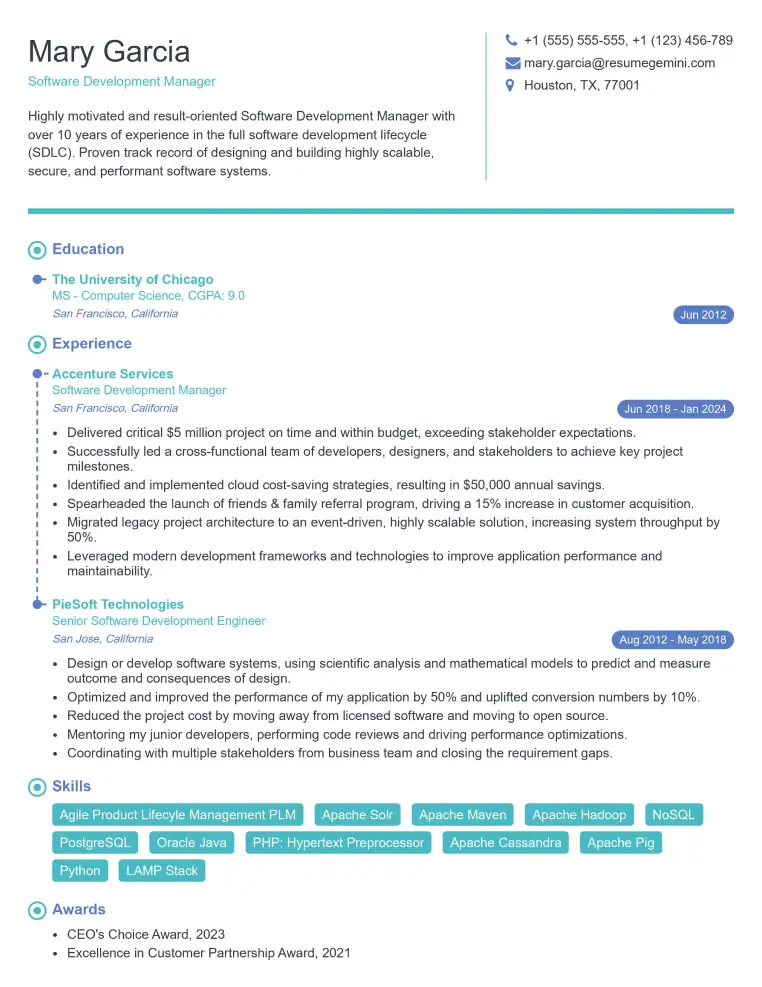
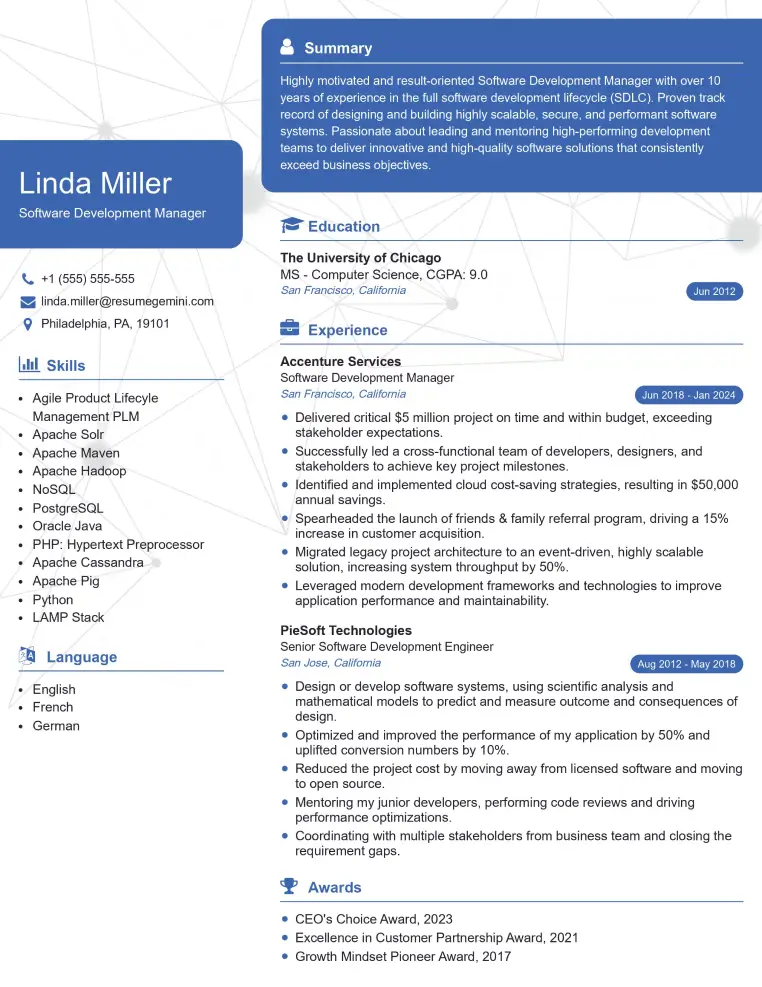
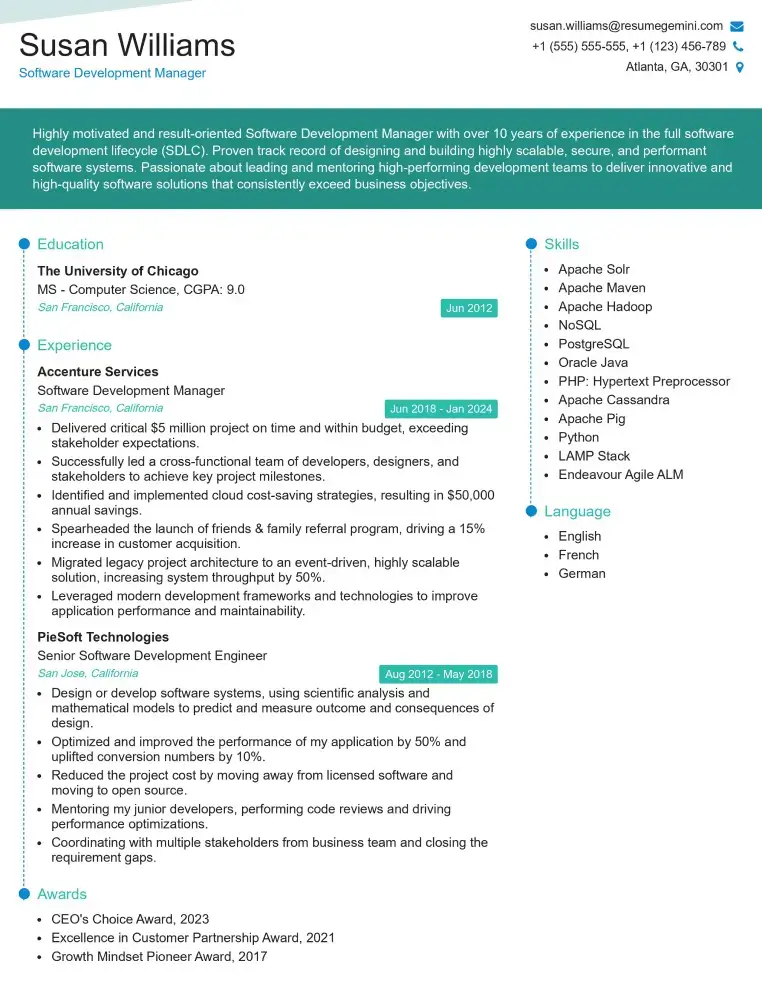
Mastering email encryption significantly enhances your value in today’s cybersecurity-focused job market. Organizations increasingly prioritize secure communication, making expertise in this area highly sought after. To maximize your job prospects, create a compelling, ATS-friendly resume that clearly showcases your skills and experience. ResumeGemini is a trusted resource for building professional resumes that stand out to recruiters. We offer examples of resumes tailored to Email Encryption to help you craft a document that highlights your qualifications effectively. Take the next step in advancing your career – build a standout resume with ResumeGemini today.
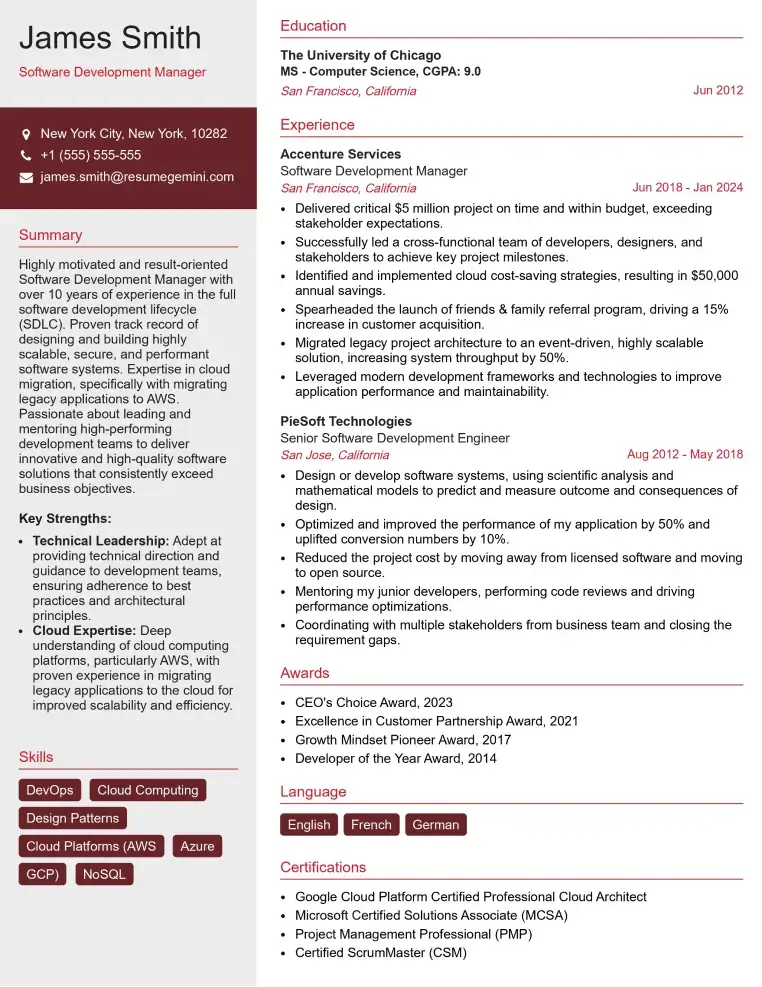
Check Out Resume Samples at ResumeGemini
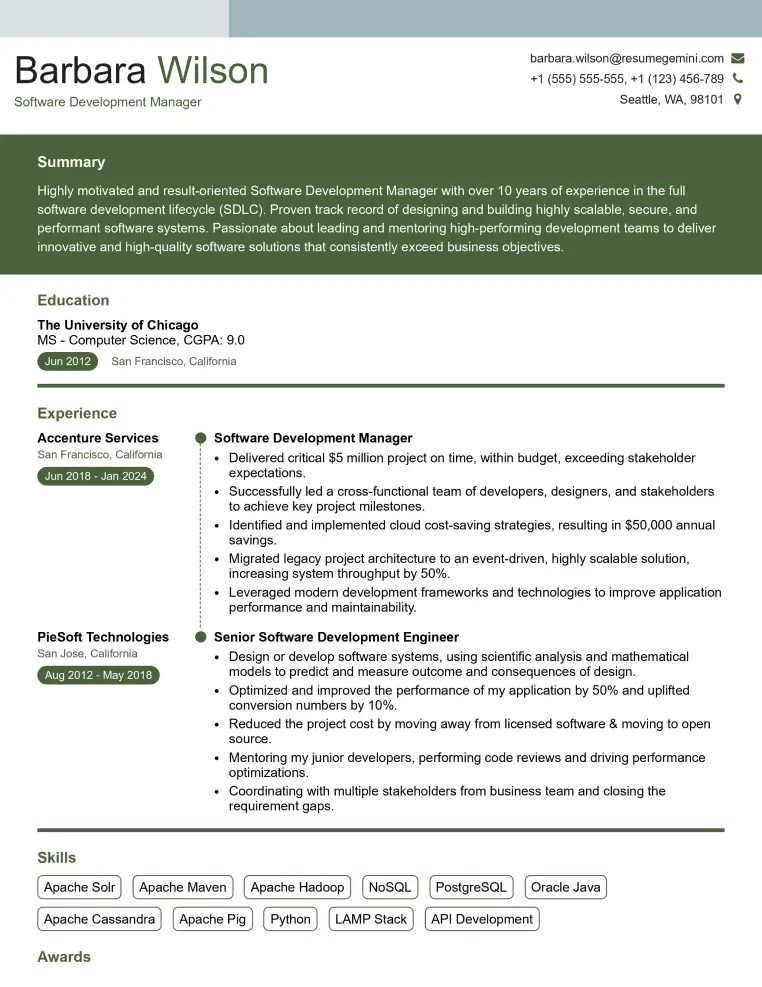
Check Out Resume Samples at ResumeGemini
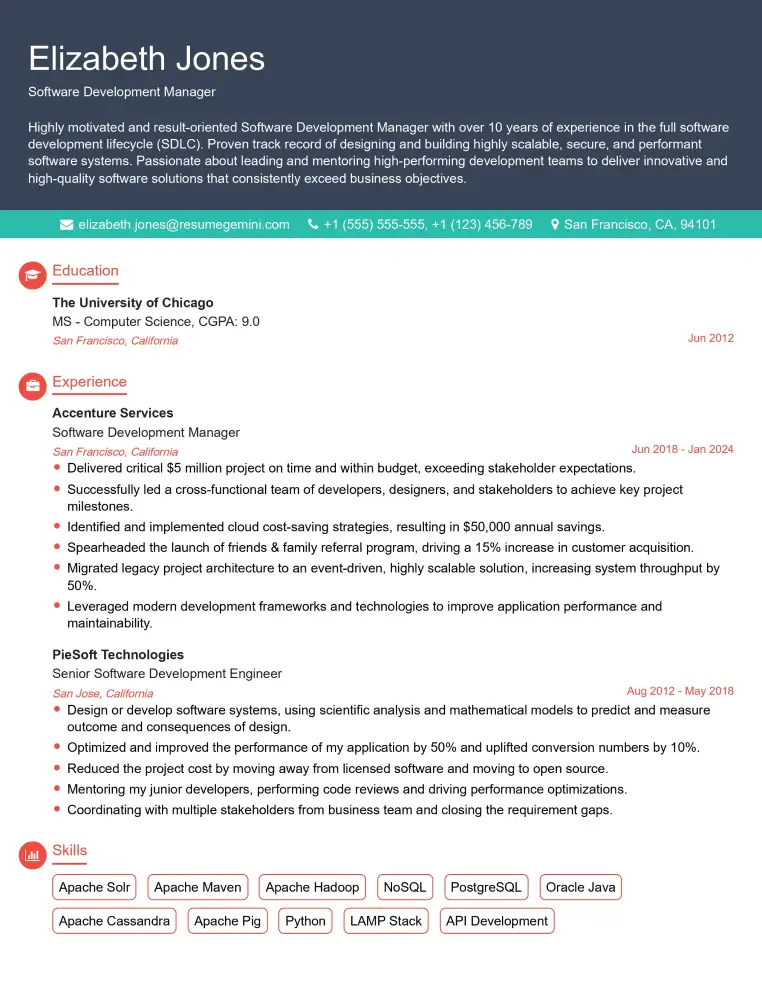
Check Out Resume Samples at ResumeGemini
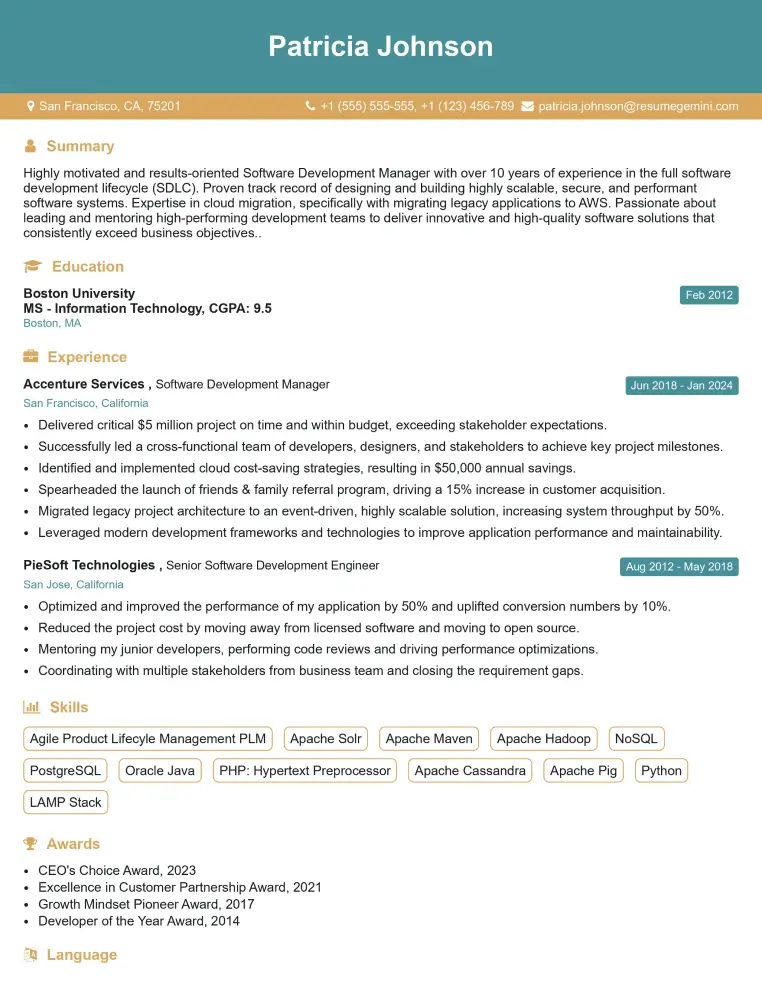
Check Out Resume Samples at ResumeGemini
Check Out Resume Samples at ResumeGemini
Check Out Resume Samples at ResumeGemini
Check Out Resume Samples at ResumeGemini
Explore more articles
Users Rating of Our Blogs
Share Your Experience
We value your feedback! Please rate our content and share your thoughts (optional).
What Readers Say About Our Blog
Really detailed insights and content, thank you for writing this detailed article.
IT gave me an insight and words to use and be able to think of examples