The right preparation can turn an interview into an opportunity to showcase your expertise. This guide to Remote Access Tools interview questions is your ultimate resource, providing key insights and tips to help you ace your responses and stand out as a top candidate.
Questions Asked in Remote Access Tools Interview
Q 1. Explain the difference between VPN and RDP.
While both VPNs and RDP facilitate remote access, they serve distinct purposes. A VPN (Virtual Private Network) creates a secure, encrypted connection between your device and a network, masking your IP address and encrypting your data. Think of it like a secure tunnel protecting your online activities. You can access any resource on the network once connected. RDP (Remote Desktop Protocol), on the other hand, allows you to directly control a remote computer’s graphical user interface (GUI). It’s like having a virtual keyboard and mouse controlling another machine. The key difference lies in their function: VPNs primarily focus on secure network access, while RDP provides direct control of a remote computer. You could use a VPN to access a network *and then* use RDP to connect to a specific machine within that network, combining both for enhanced security and functionality.
Example: Imagine you need to access your office computer from home. A VPN would secure your connection to the office network, and then RDP would let you interact with your office computer’s desktop as if you were sitting in front of it.
Q 2. What are the security risks associated with remote access tools?
Remote access tools, while incredibly convenient, introduce several security risks. The most significant are:
- Unauthorized Access: Weak passwords, default credentials, or vulnerabilities in the software itself can allow malicious actors to gain access to your system.
- Data Breaches: Unencrypted connections leave sensitive data vulnerable to interception. Malware can also be introduced through infected remote access software.
- Man-in-the-Middle Attacks: Attackers can intercept communication between you and the remote system, stealing credentials or injecting malware.
- Denial of Service (DoS): Overloading the remote system with requests can render it unusable.
- Malware Infection: Compromised remote access software or insecure connections can allow malicious code to be transferred onto the remote or local system.
Mitigation requires strong passwords, multi-factor authentication (MFA), regular software updates, and using only trusted and reputable remote access tools. Regular security audits and penetration testing are vital to identify vulnerabilities.
Q 3. How would you troubleshoot a connection issue with a remote access tool?
Troubleshooting remote access issues involves a systematic approach. I would begin by:
- Checking the network connection: Ensure both the local and remote machines have internet access and that firewalls aren’t blocking the necessary ports (e.g., port 3389 for RDP).
- Verifying credentials: Confirm that the correct username and password are being used and that the account has the necessary permissions.
- Testing connectivity: Use tools like
pingandtracertto check network connectivity between the two machines. This helps identify network-related issues. - Inspecting logs: Examine event logs on both the local and remote machines for error messages that might indicate the source of the problem.
- Checking firewall rules: Ensure that firewalls on both machines aren’t blocking the remote access tool’s traffic.
- Verifying software versions and updates: Outdated software often contains vulnerabilities and may have compatibility issues.
- Restarting services: Restarting the remote access service on the remote machine can resolve temporary glitches.
If the problem persists, I’d check for any known issues with the specific remote access tool being used, consult documentation, or seek assistance from the vendor’s support team.
Q 4. Describe your experience with different remote access protocols (e.g., RDP, SSH, VNC).
I have extensive experience with RDP, SSH, and VNC. RDP is my go-to for graphical remote access to Windows machines, providing a seamless user experience. I’m comfortable configuring RDP security settings and troubleshooting connection problems. SSH (Secure Shell) is invaluable for command-line access to Linux and other Unix-like systems, prioritizing security with its strong encryption. I regularly use SSH for server administration and scripting. VNC (Virtual Network Computing) offers a more generic approach, supporting various operating systems and providing a graphical interface, though often with less robust security compared to RDP or SSH. I’ve used VNC in situations where RDP or SSH weren’t appropriate, such as remote access to embedded systems or older machines. The choice depends on the operating system, security requirements, and whether graphical or command-line access is needed.
Q 5. What security measures do you implement when configuring remote access?
When configuring remote access, security is paramount. My approach includes:
- Strong Passwords and Password Management: Enforcing complex passwords and using a password manager to securely store them.
- Multi-Factor Authentication (MFA): Implementing MFA to add an extra layer of security beyond just passwords.
- Firewall Configuration: Strictly configuring firewalls to only allow necessary traffic for remote access, blocking all other ports.
- Encryption: Ensuring that all communication is encrypted using strong protocols like TLS or SSH.
- Regular Software Updates: Keeping all software up-to-date to patch security vulnerabilities.
- Access Control Lists (ACLs): Restricting access to only authorized users and specifying their permissions.
- Regular Security Audits: Conducting regular security audits to identify and address potential vulnerabilities.
This layered approach minimizes the risk of unauthorized access and data breaches.
Q 6. How do you ensure compliance with security regulations when using remote access tools?
Compliance with security regulations like HIPAA, PCI DSS, or GDPR is crucial when using remote access tools. This involves:
- Data Encryption: Encrypting all data in transit and at rest to protect sensitive information.
- Access Control: Implementing strict access control policies to limit access to authorized personnel only.
- Auditing and Logging: Maintaining detailed audit logs of all remote access activities for compliance and investigation purposes.
- Security Awareness Training: Providing regular security awareness training to users on best practices for secure remote access.
- Regular Vulnerability Assessments: Performing regular vulnerability assessments and penetration testing to identify and address security weaknesses.
- Incident Response Plan: Having a well-defined incident response plan to quickly address security incidents.
Compliance requires a comprehensive understanding of the applicable regulations and a commitment to implementing strong security measures.
Q 7. Explain the concept of multi-factor authentication in the context of remote access.
Multi-factor authentication (MFA) adds an extra layer of security to remote access by requiring users to provide multiple forms of authentication to verify their identity. This typically involves something you know (password), something you have (phone, security token), or something you are (biometrics). For example, a user might need to enter their password, then receive a one-time code via SMS to their phone, before gaining access. This makes it significantly harder for attackers to gain unauthorized access, even if they have stolen a password. MFA is a critical security measure for any system requiring remote access, particularly for accessing sensitive data or critical infrastructure.
Q 8. Describe your experience with jump servers and their role in secure remote access.
Jump servers act as secure gateways, providing an intermediary layer between external networks and internal systems. Instead of connecting directly to internal servers, users connect to the jump server first. This server then facilitates the connection to the target internal system. This architecture significantly improves security by reducing the attack surface. Imagine it like this: you wouldn’t let someone walk straight into your house; you’d have them ring the doorbell (jump server) and you’d then let them in, only if you know them (authorization).
In a practical scenario, a jump server might be used by a system administrator needing access to multiple internal servers. Instead of exposing each server to the internet with unique credentials, the administrator connects to the jump server, then uses that server to securely connect to each internal machine, often leveraging SSH tunneling or similar methods. This centralizes access control and logging, making audits and incident response much more efficient.
Q 9. How do you manage user access and permissions for remote access?
Managing user access and permissions for remote access requires a multi-layered approach combining technical controls and well-defined policies. We leverage Role-Based Access Control (RBAC) to define user roles with specific permissions. This means different users have access to only the systems and data absolutely necessary for their tasks. For example, a database administrator would have access to the database servers but not the web servers. Strong authentication mechanisms, such as multi-factor authentication (MFA), are essential, demanding more than just a password.
Regular audits of user accounts and permissions are crucial to ensure that only authorized personnel maintain access. We also utilize access management tools that provide centralized control and auditing capabilities. This includes logging all access attempts, successful or failed, for monitoring and security analysis. Automated alerts for suspicious activity, such as login attempts from unusual locations or times, are set up to immediately flag potential breaches. This proactive approach helps us quickly identify and address security risks.
Q 10. What are some common vulnerabilities associated with remote access tools, and how can they be mitigated?
Remote access tools are vulnerable to various attacks, including malware injection, credential theft, and denial-of-service (DoS) attacks. Weak or default passwords are common entry points, as are unpatched software vulnerabilities. Phishing attacks can trick users into divulging their credentials. Man-in-the-middle (MITM) attacks can intercept communications between the user and the remote server.
Mitigation strategies include regularly patching software, enforcing strong password policies (including MFA), using strong encryption (like TLS/SSL), implementing intrusion detection and prevention systems (IDS/IPS), and educating users about security best practices. Regularly scanning systems for vulnerabilities and performing penetration testing are crucial to proactively identify and fix weaknesses. Using a jump server architecture, as mentioned earlier, is an excellent preventative measure.
Q 11. Explain your understanding of privileged access management (PAM) in relation to remote access.
Privileged Access Management (PAM) is crucial for securing remote access to systems with elevated privileges. It involves managing and controlling access to sensitive accounts and systems with administrative rights. PAM solutions provide features like strong authentication, session recording, and auditing for all privileged activities. This minimizes the risk of unauthorized access and misuse of privileged accounts. It allows granular control over who can access what systems and with what level of authority.
In the context of remote access, PAM solutions integrate with remote access tools, ensuring that only authorized individuals can access privileged systems remotely and that their actions are meticulously logged and monitored. Without PAM, the potential impact of a compromised privileged account is greatly amplified, resulting in potentially catastrophic consequences.
Q 12. How would you handle a security incident involving unauthorized remote access?
Responding to an unauthorized remote access incident requires a rapid and coordinated response. The first step is to immediately disconnect the compromised access. Next, we isolate affected systems to prevent further damage or lateral movement. We then initiate a thorough forensic investigation to determine the extent of the breach, identify the source, and understand the attacker’s actions. This investigation includes log analysis, network traffic analysis, and system scans.
Following the investigation, we take corrective actions such as resetting passwords, patching vulnerabilities, reviewing security policies, and enhancing access controls. We also notify relevant stakeholders, including management and potentially affected users. Finally, a post-incident review is conducted to identify lessons learned and to improve our security posture, preventing similar incidents in the future. Detailed documentation throughout the process is crucial for accountability and future analysis.
Q 13. What are your preferred remote access tools and why?
My preferred remote access tools depend on the specific context and requirements. For secure shell access, I often use OpenSSH due to its robust security features, open-source nature, and wide platform support. For managing Windows servers, I frequently employ RDP (Remote Desktop Protocol) with MFA. However, I always ensure that these tools are kept up-to-date and configured securely. For more complex environments, I may use JumpCloud or similar solutions that integrate user management and access controls into a centralized platform.
The choice is driven by security, ease of use, and the need for integration with existing infrastructure. The key is not a specific tool but rather a secure configuration and a layered security approach.
Q 14. Describe your experience with configuring and managing VPNs.
VPNs (Virtual Private Networks) are crucial for establishing secure remote access. I have extensive experience configuring and managing VPNs using various technologies, including OpenVPN and IPsec. My experience covers setting up VPN servers, configuring access controls (user authentication, authorization, and accounting – AAA), and managing VPN clients on diverse platforms. This includes tasks such as defining VPN policies, configuring encryption protocols (IPsec, OpenVPN), and integrating with Active Directory for centralized user authentication.
I understand the importance of using strong encryption protocols, implementing proper certificate management, and regularly monitoring VPN performance and security logs. In practice, I’ve configured VPNs for secure remote access to internal networks, enabling employees to access company resources securely from remote locations. I’ve also implemented site-to-site VPNs to connect branch offices to a central data center, ensuring seamless communication and data transfer.
Q 15. What are the advantages and disadvantages of different remote access technologies?
Remote access technologies offer various ways to connect to a system remotely, each with its strengths and weaknesses. Let’s compare a few popular options: RDP (Remote Desktop Protocol), SSH (Secure Shell), and VNC (Virtual Network Computing).
- RDP: Advantages include ease of use and good performance for graphical interfaces. Disadvantages are its reliance on Windows, vulnerability to certain attacks if not properly secured, and can be resource-intensive. Think of it like having a direct window into another computer’s desktop – convenient but requires trust and security.
- SSH: Advantages include strong security through encryption and its command-line interface, making it suitable for server management. Disadvantages are its steeper learning curve for those unfamiliar with command-line interfaces and limited graphical capabilities. It’s like having a secure text-based terminal to control a server; powerful but less visually intuitive.
- VNC: Advantages include platform independence and relatively simple setup. Disadvantages include lower security compared to SSH if not properly configured and can be slower and less efficient than RDP for transferring graphical data, particularly over high-latency connections. Imagine it as a screen-sharing tool that works across different operating systems, useful but needs additional security measures.
The best choice depends on the specific needs. For example, managing a Windows server would often involve RDP or SSH, while accessing a Raspberry Pi for home automation might favor VNC due to its cross-platform support.
Career Expert Tips:
- Ace those interviews! Prepare effectively by reviewing the Top 50 Most Common Interview Questions on ResumeGemini.
- Navigate your job search with confidence! Explore a wide range of Career Tips on ResumeGemini. Learn about common challenges and recommendations to overcome them.
- Craft the perfect resume! Master the Art of Resume Writing with ResumeGemini’s guide. Showcase your unique qualifications and achievements effectively.
- Don’t miss out on holiday savings! Build your dream resume with ResumeGemini’s ATS optimized templates.
Q 16. How do you monitor and log remote access activities?
Monitoring and logging remote access activities are crucial for security and auditing. This is typically done through a combination of methods:
- Server-side logging: Most remote access tools have built-in logging capabilities. For example, RDP logs connection attempts, user sessions, and disconnections. SSH logs similar information, often including command execution details. These logs should be regularly reviewed.
- Network monitoring tools: Tools like Wireshark can capture and analyze network traffic, providing insights into remote access attempts, even those that might not be logged by the target system itself. This is extremely helpful for detecting unauthorized access attempts.
- Security Information and Event Management (SIEM) systems: SIEMs aggregate logs from various sources, providing a centralized view of security events, including remote access activities. They often include advanced analytics and alerting capabilities to detect suspicious patterns.
- Jump servers: Using a jump server as an intermediary for accessing other systems allows for centralized logging and monitoring of all remote access attempts through that single point. This simplifies auditing and enhances security.
The specifics of logging depend on the chosen tools and the organization’s security policies. However, the goal is to capture enough information to reconstruct any remote access activity, identifying users, access times, and actions performed.
Q 17. Explain your understanding of session recording and its importance in remote access security.
Session recording captures all activity during a remote access session, providing a detailed audit trail of what happened. This is invaluable for security investigations, troubleshooting, and compliance purposes.
Imagine a situation where a sensitive file was accidentally deleted. A session recording would allow you to pinpoint the exact moment of deletion, the user who performed it, and possibly recover the file from a backup. In a security breach scenario, a recording could show how an attacker gained access and what actions they took, guiding the incident response team. It’s like having a ‘black box’ recorder for your remote sessions.
The importance of session recording lies in its ability to:
- Provide irrefutable evidence: It helps prove or disprove allegations of unauthorized access or malicious activity.
- Improve troubleshooting: By reviewing recorded sessions, IT staff can identify the root cause of technical issues more efficiently.
- Ensure compliance: Many regulations require recording remote access sessions, especially in industries like finance and healthcare.
- Train staff: Session recordings can be used for training purposes, showcasing best practices or highlighting areas needing improvement.
Q 18. How do you ensure the integrity and confidentiality of data transmitted during remote access sessions?
Ensuring data integrity and confidentiality during remote access sessions requires a multi-layered approach:
- Encryption: This is the cornerstone of data protection. Protocols like TLS/SSL for RDP and SSH provide end-to-end encryption, ensuring that data transmitted between the client and server cannot be intercepted and read by unauthorized individuals. Think of it like wrapping your data in a secure package that only the intended recipient can open.
- Strong authentication: Multi-factor authentication (MFA) adds an extra layer of security by requiring multiple forms of verification, like a password and a one-time code from an authenticator app. This significantly reduces the risk of unauthorized access, even if someone gains access to a password.
- Access control lists (ACLs): Restricting access to only authorized users and limiting their permissions to what’s necessary minimizes the potential damage from insider threats or compromised accounts. It’s like having a keycard system to control entry into a building, only allowing authorized personnel access.
- Regular security updates: Keeping all software up-to-date is crucial to patching known vulnerabilities. Out-of-date software creates significant security risks, making systems vulnerable to exploitation.
- Data loss prevention (DLP): DLP tools can monitor data traffic and prevent sensitive information from leaving the network unauthorized.
Implementing these measures creates a robust defense-in-depth strategy, making it much harder for attackers to compromise data integrity and confidentiality.
Q 19. Describe your experience with auditing remote access logs.
Auditing remote access logs involves systematically reviewing these logs to identify potential security issues, compliance violations, or unusual activities. My experience includes analyzing logs from various sources, such as RDP, SSH, and VNC, using both manual and automated methods.
My process typically involves:
- Defining the scope of the audit: This includes identifying the time period, specific users, or systems to be reviewed.
- Developing search criteria: I create specific search queries to identify events of interest, such as failed login attempts, unusually long sessions, or access to sensitive files.
- Analyzing the results: This involves carefully reviewing the identified events to determine their significance and potential impact.
- Generating reports: I summarize the audit findings in a clear and concise report, highlighting any security issues or compliance violations.
- Recommending remediation actions: Based on the audit findings, I recommend steps to address any identified vulnerabilities or improve security.
For example, I once identified a pattern of failed login attempts from a specific IP address, which led to the discovery of a brute-force attack attempt. By analyzing the logs, we were able to block the attacker and enhance our security measures.
Q 20. What are some best practices for securing remote access to cloud-based resources?
Securing remote access to cloud-based resources demands a proactive and layered approach focusing on identity and access management (IAM), network security, and data protection:
- Leverage cloud provider’s IAM features: Use robust IAM tools offered by cloud providers like AWS IAM, Azure Active Directory, or Google Cloud IAM. Implement strong password policies, MFA, and least privilege access principles. This is like using a sophisticated key management system for your cloud resources.
- Utilize Virtual Private Clouds (VPCs): Isolate your cloud resources within VPCs and restrict access using security groups or network ACLs. This limits the exposure of your resources to unauthorized access, even within the cloud.
- Employ VPNs or secure gateways: Create a secure connection between your on-premises network and your cloud resources using VPNs or secure gateways. This creates a secure tunnel for all traffic.
- Implement regular security assessments and penetration testing: Regularly assess your cloud security posture through vulnerability scanning and penetration testing to identify and address potential weaknesses.
- Monitor cloud activity and logs: Continuously monitor your cloud environment for suspicious activity using cloud monitoring tools and logs, proactively detecting and responding to threats.
Remember that security in the cloud is a shared responsibility, but ultimately, securing remote access is the organization’s responsibility.
Q 21. How do you manage remote access in a hybrid cloud environment?
Managing remote access in a hybrid cloud environment requires a unified approach that addresses both on-premises and cloud components. The key is to establish consistent security policies and procedures across both environments.
This often involves:
- Centralized identity and access management: Utilize a centralized IAM system to manage user identities and access rights across both on-premises and cloud environments. This ensures consistency and simplifies management.
- Hybrid VPN or secure gateway solutions: Employ solutions that allow secure access to both on-premises and cloud resources through a single point of entry. This enhances security and simplifies access management.
- Consistent security policies and procedures: Ensure that security policies and procedures, such as password policies, MFA, and access control, are consistently applied across both environments.
- Unified logging and monitoring: Use centralized logging and monitoring tools that collect logs from both on-premises and cloud resources, providing a comprehensive view of security events.
- Integration of security tools: Integrate security tools such as firewalls, intrusion detection/prevention systems, and SIEMs across both environments.
By implementing these strategies, organizations can effectively manage remote access in a hybrid cloud environment while maintaining a consistent level of security across their infrastructure.
Q 22. Explain your experience with implementing and managing access control lists (ACLs) for remote access.
Access Control Lists (ACLs) are fundamental to secure remote access. They define which users or groups have permission to access specific resources. Think of it like a bouncer at a nightclub – only those on the list get in. In a remote access context, this could mean allowing a specific user to connect to a server, but only to access certain folders or applications.
My experience involves implementing ACLs using various methods depending on the system. For network devices, I use ACLs based on IP addresses, ports, and protocols. For file servers, I leverage file system permissions and group policies. For cloud environments like AWS or Azure, I utilize Identity and Access Management (IAM) roles and policies which offer granular control over access. For example, I once implemented an ACL for a remote database server, granting read-only access to a group of analysts and full read/write access only to database administrators. This minimized security risks while ensuring necessary functionality.
Managing these ACLs involves regular audits to ensure they align with the company’s security policies and operational needs. Automated tools and scripting (which I will discuss later) are crucial to manage changes and maintain efficiency.
Q 23. How do you handle remote access requests from users in different geographical locations?
Handling remote access requests from geographically dispersed users requires a robust and secure solution that considers latency, security, and compliance. A common approach is using a Virtual Private Network (VPN). A VPN creates an encrypted tunnel between the user’s device and the company network, regardless of location. This ensures data security and allows access as if they were in the office.
I’ve implemented VPN solutions using various technologies, such as OpenVPN and Cisco AnyConnect. The choice depends on factors like the size of the organization, security requirements, and budget. For users in regions with poor internet connectivity, optimizing VPN settings for bandwidth efficiency is critical. I have also explored deploying geographically distributed servers to minimize latency. For example, placing a VPN gateway in Europe for European users and another in Asia for Asian users greatly reduces connection times and improves user experience.
Furthermore, strong authentication methods like multi-factor authentication (MFA) are essential to protect against unauthorized access, no matter the user’s location. This is crucial, especially for users accessing sensitive data.
Q 24. What are the key performance indicators (KPIs) you would use to monitor the effectiveness of your remote access infrastructure?
Key Performance Indicators (KPIs) for remote access infrastructure are crucial to assess its effectiveness and identify areas for improvement. These KPIs fall broadly into three categories: security, performance, and usability.
- Security KPIs: Number of failed login attempts, successful MFA authentications, detected security threats, and the average time to resolve security incidents.
- Performance KPIs: Average latency, connection success rate, VPN bandwidth usage, and application response times.
- Usability KPIs: User satisfaction scores (surveys), help desk tickets related to remote access, and the average time it takes users to establish a remote connection.
By regularly monitoring these KPIs, we can identify potential issues such as slow connections, security breaches, or usability challenges. This allows for proactive interventions to enhance security, optimize performance, and improve the overall user experience.
Q 25. Describe your experience with automating remote access tasks using scripting or other automation tools.
Automating remote access tasks significantly enhances efficiency and reduces the risk of human error. I have extensive experience automating various aspects of remote access using scripting languages like Python and PowerShell, along with configuration management tools such as Ansible.
For example, I’ve used Python to automate the creation of new VPN user accounts, ensuring compliance with password policies and assigning the correct access privileges. I’ve also used PowerShell to automate the deployment of remote access software and configuration of network devices. Ansible has been instrumental in automating the deployment and management of entire remote access infrastructure across multiple servers. These automation scripts are version-controlled, facilitating easy rollback and auditing of changes.
Automating these tasks ensures consistency, reduces manual effort, and minimizes the chance of human error that could lead to security vulnerabilities.
Q 26. How do you stay up-to-date on the latest security threats and vulnerabilities related to remote access tools?
Staying up-to-date on security threats is paramount in the ever-evolving landscape of remote access. My approach is multi-pronged:
- Security Newsletters and Blogs: I subscribe to security newsletters and follow reputable security blogs from organizations like SANS Institute and KrebsOnSecurity.
- Vulnerability Databases: I regularly check vulnerability databases such as the National Vulnerability Database (NVD) for reported vulnerabilities in the remote access tools and operating systems I manage.
- Security Conferences and Webinars: Attending security conferences and webinars keeps me abreast of the latest threats and best practices.
- Security Audits and Penetration Testing: Regular security audits and penetration testing of the remote access infrastructure are crucial to identify and address potential vulnerabilities proactively.
By actively engaging in these activities, I ensure that our remote access infrastructure is continuously protected against the latest threats and vulnerabilities.
Q 27. Explain your experience with implementing and managing a remote access policy.
A well-defined remote access policy is the cornerstone of secure remote access. It clearly outlines the rules and procedures for accessing company resources remotely. My experience in implementing and managing such policies includes defining clear roles and responsibilities, acceptable use guidelines, security protocols, and incident response procedures.
The policy I developed for a previous employer included specific sections on acceptable device usage, password complexity requirements, remote access software approval, and the use of MFA. It also outlined the process for requesting remote access, the escalation procedure for security incidents, and the consequences of violating the policy. Regular training sessions were conducted to ensure employees understood and adhered to the policy. The policy was reviewed and updated at least annually or whenever significant changes occurred in the remote access infrastructure or business environment.
Effective policy enforcement relies on regular audits, monitoring, and user education. Continuous improvement is key, adapting the policy as new threats and vulnerabilities emerge.
Q 28. How do you balance security and usability when implementing remote access solutions?
Balancing security and usability is a constant challenge when implementing remote access solutions. Overly restrictive security measures can hinder productivity, while overly lenient measures can compromise security. The key is finding the right balance.
For example, implementing strong password policies is crucial for security, but overly complex passwords can frustrate users. The solution might involve using a password manager and implementing MFA to enhance security without sacrificing usability. Similarly, restricting access to specific applications is vital, but ensuring that authorized users can easily access the applications they need is also crucial. This could involve providing clear documentation and training, or using single sign-on (SSO) to simplify the login process.
Regularly collecting user feedback and adapting the remote access infrastructure to address usability concerns is vital. Continuously analyzing security KPIs and making adjustments to security policies as needed ensures a secure and efficient remote access experience for all users.
Key Topics to Learn for Remote Access Tools Interview
- Security Protocols & Authentication: Understand various authentication methods (e.g., multi-factor authentication, password management), encryption techniques, and security best practices for remote access. Consider the implications of different security levels and vulnerabilities.
- Remote Access Technologies: Familiarize yourself with popular remote access tools like RDP, SSH, VNC, and cloud-based solutions (e.g., AWS Systems Manager, Azure Bastion). Be prepared to discuss their strengths, weaknesses, and appropriate use cases.
- Network Topologies & Configuration: Understand how different network configurations impact remote access, including VPNs, firewalls, and port forwarding. Be able to troubleshoot common network connectivity issues.
- Troubleshooting & Problem Solving: Practice diagnosing and resolving common remote access problems, such as connection failures, authentication errors, and performance bottlenecks. Develop a structured approach to troubleshooting.
- Access Control & Permissions: Learn about implementing and managing access control lists (ACLs) to ensure secure and controlled access to remote systems. Discuss the importance of least privilege access.
- Remote Desktop Protocols: Deep dive into RDP (Remote Desktop Protocol) including its architecture, security considerations and best practices for its implementation and administration.
- Compliance & Regulations: Be aware of relevant industry regulations and compliance standards (e.g., HIPAA, GDPR) that pertain to remote access security.
Next Steps
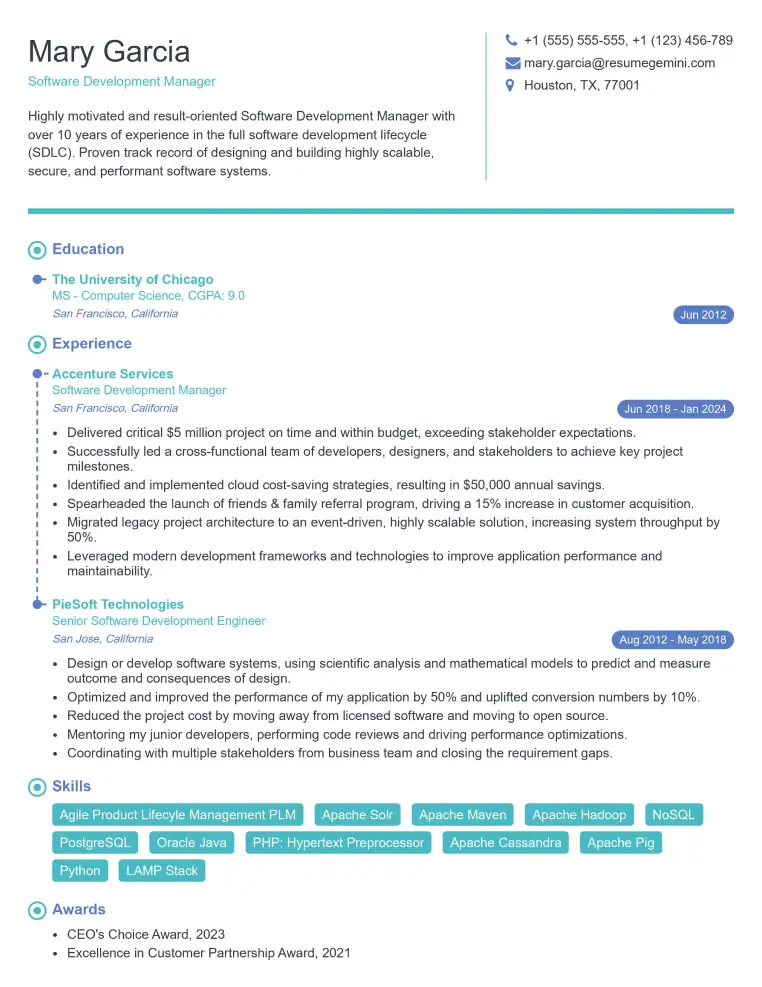
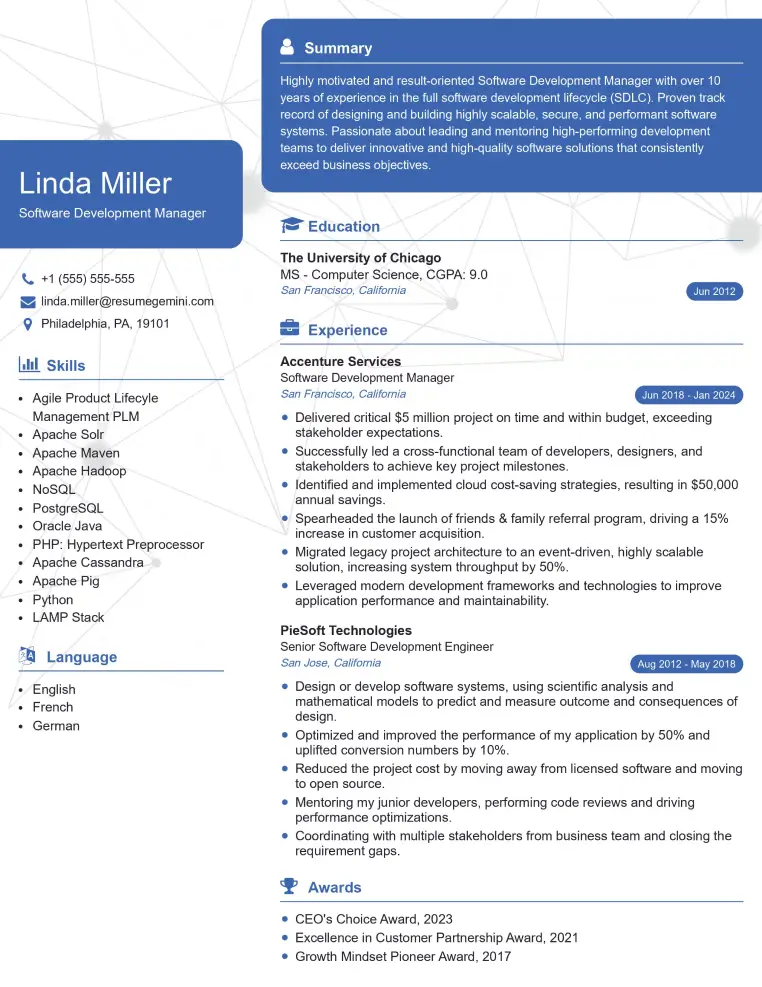
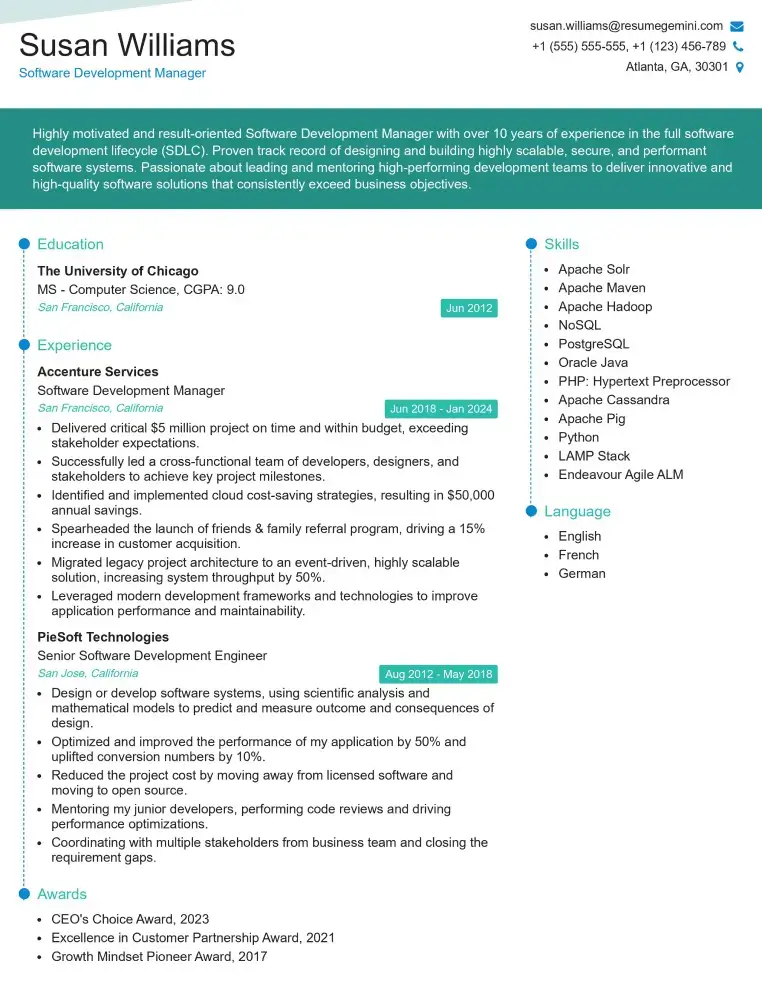
Mastering Remote Access Tools is crucial for career advancement in IT, opening doors to roles with increased responsibility and higher earning potential. A strong understanding of these technologies demonstrates valuable problem-solving skills and a commitment to security, highly sought after by employers. To maximize your job prospects, create an ATS-friendly resume that highlights your skills and experience effectively. ResumeGemini is a trusted resource to help you build a professional and impactful resume. Examples of resumes tailored to Remote Access Tools expertise are available to guide you.
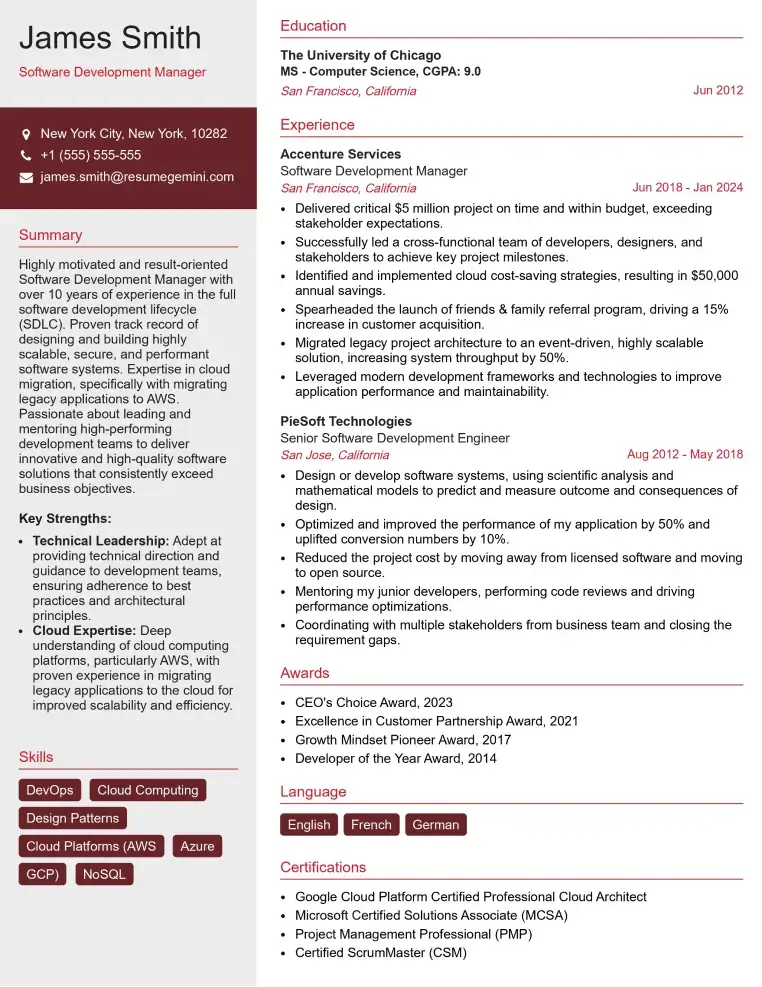
Check Out Resume Samples at ResumeGemini
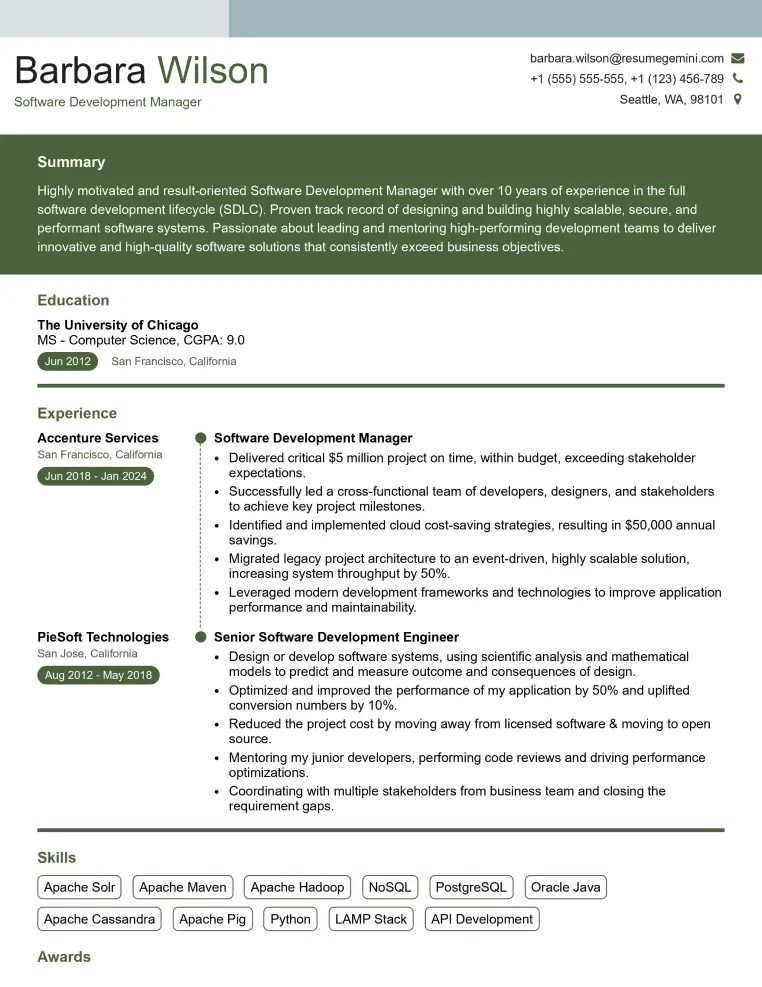
Check Out Resume Samples at ResumeGemini
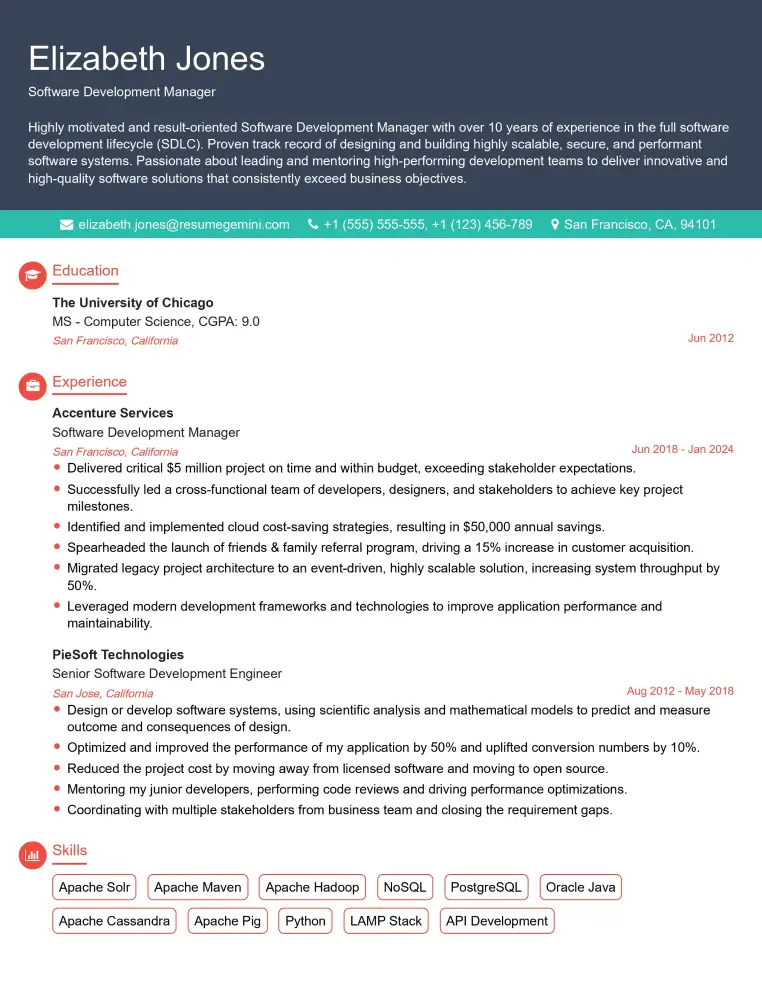
Check Out Resume Samples at ResumeGemini
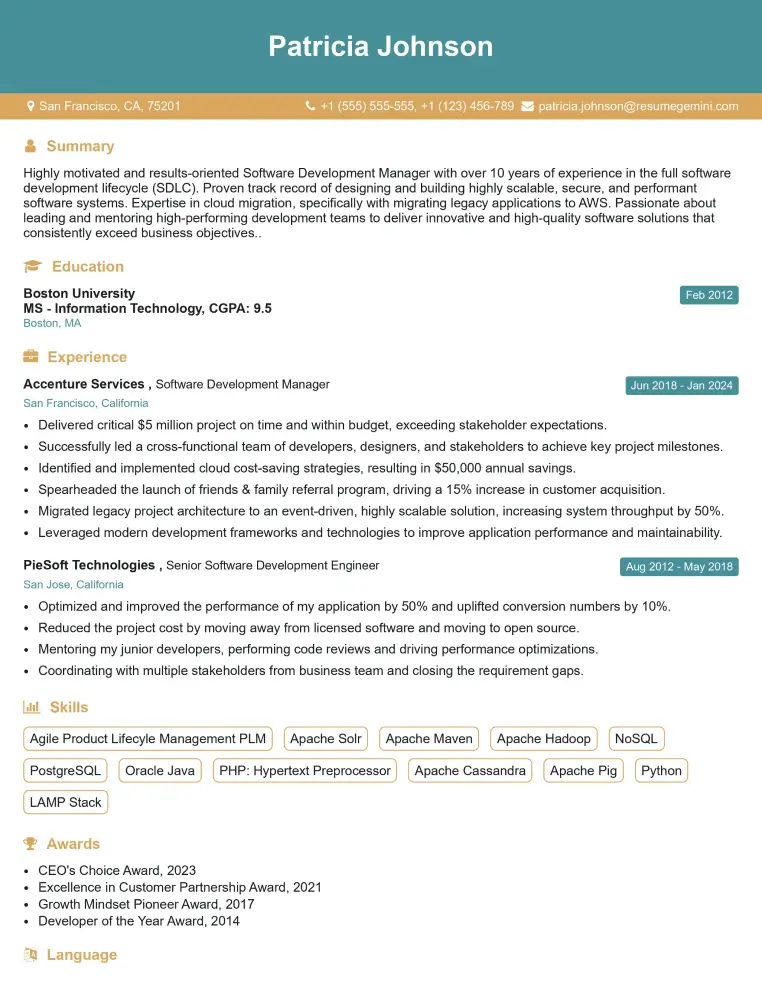
Check Out Resume Samples at ResumeGemini
Check Out Resume Samples at ResumeGemini
Check Out Resume Samples at ResumeGemini
Check Out Resume Samples at ResumeGemini
Explore more articles
Users Rating of Our Blogs
Share Your Experience
We value your feedback! Please rate our content and share your thoughts (optional).
What Readers Say About Our Blog
Really detailed insights and content, thank you for writing this detailed article.
IT gave me an insight and words to use and be able to think of examples