Feeling uncertain about what to expect in your upcoming interview? We’ve got you covered! This blog highlights the most important Experience in working with both physical and digital media interview questions and provides actionable advice to help you stand out as the ideal candidate. Let’s pave the way for your success.
Questions Asked in Experience in working with both physical and digital media Interview
Q 1. Describe your experience working with both print and digital design workflows.
My experience spans both print and digital design workflows, allowing me to seamlessly integrate physical and digital assets. In print, I’m proficient in managing the entire process, from initial concept and design in Adobe InDesign to pre-press preparation and quality control ensuring optimal output. My digital workflow is equally robust; I leverage Adobe Photoshop and Illustrator for image editing and vector graphics, and HTML, CSS, and JavaScript for web design and interactive elements. I’ve worked on projects ranging from brochures and posters to responsive websites and interactive digital campaigns.
For example, in a recent project designing a company brochure, I started with print design in InDesign, ensuring accurate bleeds, color profiles (CMYK), and high resolution images. Then, I extracted key elements and created a smaller-scale digital version for their website, adapting the layout and design for optimal online viewing on various screen sizes. This involved optimizing images for web, ensuring fast loading time, and using responsive design techniques.
Q 2. How do you ensure consistency of brand messaging across physical and digital platforms?
Maintaining brand consistency across physical and digital platforms is crucial for brand recognition and trust. I achieve this through the meticulous creation and application of style guides. These guides dictate everything from logo usage and color palettes to typography, imagery style, and tone of voice. The style guide acts as a single source of truth, ensuring that every design element, whether on a printed poster or a website banner, adheres to the brand’s established visual identity. I often create digital versions of these style guides, easily accessible to all stakeholders, to enhance consistency and collaboration.
For instance, I developed a comprehensive style guide for a client, specifying the exact Pantone colors to be used in print and their corresponding RGB equivalents for digital applications. This meticulous attention to detail ensured that the brand’s visual identity remained consistent irrespective of the medium.
Q 3. Explain your process for adapting content for different media formats (e.g., print to web).
Adapting content from one media format to another requires a strategic approach. It’s not just a simple copy-paste; it involves understanding the specific requirements of each platform. My process begins with a thorough analysis of the source content and the target medium. I consider factors like screen size, resolution, user behavior, and the intended audience. For example, print designs often prioritize detail and high resolution, while digital designs emphasize brevity, readability, and responsiveness. I then adjust the layout, imagery, text, and overall design to optimize the content for the new platform.
Let’s say I’m adapting a print infographic to a website. I’ll break down the infographic into smaller, modular pieces for web, optimize images for web resolution, and ensure the text is easily scannable. Interactive elements, like embedded videos or clickable links, can enhance engagement on the web.
Q 4. What software are you proficient in for both physical and digital media creation?
My software proficiency is broad, encompassing both physical and digital media creation. For print, I’m highly proficient in Adobe InDesign (layout), Illustrator (vector graphics), and Photoshop (image editing). For digital media, my expertise extends to HTML, CSS, and JavaScript for web development, as well as Figma and Sketch for UI/UX design and prototyping. I also utilize Adobe After Effects for motion graphics and video editing and various content management systems (CMS) like WordPress.
Q 5. How do you manage file formats and resolutions across different media types?
Managing file formats and resolutions is critical for maintaining quality across different media. I meticulously track file types, ensuring optimal resolutions for each platform. For print, I usually work with high-resolution TIFF or EPS files, while for web, I optimize images as JPEGs or PNGs at appropriate resolutions to balance quality and download speeds. I use tools like Adobe Bridge to manage large numbers of files efficiently and ensure proper organization. It’s crucial to understand that different file formats and resolutions are key to the success and quality of the project.
For example, I would use a high-resolution TIFF for a print ad, but a compressed JPEG for the same ad on a website. This prevents large file sizes from slowing down website loading times, while maintaining visual quality for print.
Q 6. Describe a project where you had to bridge the gap between physical and digital assets.
In one project for a museum, we created a physical exhibition alongside a digital counterpart. The physical exhibition featured large-scale photographic prints and interactive touchscreens with QR codes linking to supplemental online content. The challenge was bridging the physical and digital experiences seamlessly. My role involved ensuring consistent branding and messaging across both platforms, designing the layout of the print materials to complement the online experience, and creating QR codes that linked to relevant sections of the online exhibition.
This involved careful consideration of the user journey – how visitors would transition from interacting with physical artifacts to exploring the digital components. We ensured the physical and digital experiences were interconnected and enhanced each other, creating a cohesive whole.
Q 7. How do you handle color management inconsistencies between physical and digital outputs?
Color management is paramount when working with both physical and digital outputs, as different devices and printing processes interpret colors differently. I utilize color profiles (like ICC profiles) to ensure consistency. For print, I use CMYK color spaces, carefully calibrated to the specific printer and paper. For digital, I work in RGB, and ensure accurate conversions between color spaces during the design process, using tools like Adobe’s color management features to minimize discrepancies. I often perform color proofing to verify the final output will meet expectations.
To prevent issues, I always request color specifications from the client and verify the output through color proofing before the final print production. This helps to avoid costly reprints due to color inconsistencies.
Q 8. What are the key differences between designing for print and designing for digital screens?
Designing for print and digital media involves distinct considerations. Print design focuses on the tangible, requiring careful attention to color profiles (CMYK vs. RGB), resolution (high DPI for sharp images), bleed (extending images beyond trim), and the physical limitations of the printing process. Digital design, conversely, prioritizes responsiveness across various screen sizes and resolutions (often using vector graphics for scalability), fast loading times, and interactive elements.
- Print: Think of a high-quality magazine ad. The colors are rich and vibrant due to CMYK printing, and the image resolution is high to avoid pixelation. The design needs to be precisely sized to fit the page, considering bleed and trim.
- Digital: Consider a banner ad on a website. This needs to be responsive—adapting smoothly to different screen sizes and resolutions—and use optimized images to load quickly, preventing user frustration.
Essentially, print is about precision and physicality; digital is about flexibility and interactivity.
Q 9. How familiar are you with pre-press processes for print media?
My experience with pre-press processes is extensive. I’m familiar with all stages, from trapping and color separation to proofing and imposition. I understand the importance of creating press-ready files, including correctly setting up color profiles (CMYK), ensuring proper resolution, managing bleeds, and preparing files for different printing methods (offset, digital, etc.). I’ve worked with various file formats (PDF/X-1a, for instance) and have a deep understanding of how to avoid common pre-press pitfalls that can lead to costly reprints.
For example, I’ve encountered situations where a client’s file lacked sufficient resolution, resulting in blurry print output. In such instances, I’d work with them to source higher-resolution images or strategically adjust the design to minimize the impact of the lower resolution.
Q 10. How do you optimize images for web and mobile devices?
Optimizing images for web and mobile is crucial for performance. I use a multi-pronged approach:
- File format: Using formats like WebP offer superior compression with excellent quality compared to JPEGs or PNGs.
- Resolution: Reducing resolution to match the target screen size. A high-resolution image on a small screen is unnecessary and slows down loading times. I generally aim for resolutions appropriate for Retina displays.
- Compression: Employing lossy compression (like in JPEGs, carefully balancing quality and file size) or lossless compression (like PNGs for images with sharp lines and text). Tools and plugins can assist with this.
- Lazy Loading: Implementing lazy loading ensures images only load when they come into the user’s viewport, improving initial page load times.
- Responsive Images: Providing different image sizes for various screen resolutions using the
srcsetattribute in HTML’s
For example, a hero image on a website may have several versions—a very high-resolution version for large screens, a medium-resolution version for tablets, and a lower-resolution version for mobile phones. The srcset attribute allows the browser to choose the appropriately sized image automatically.
Q 11. Describe your experience with content management systems (CMS).
I’ve extensive experience with various CMSs including WordPress, Drupal, and Contentful. I understand their strengths and limitations and can adapt my workflow accordingly. I’m proficient in template customization, content structuring, user role management, plugin integration, and SEO optimization within these systems. My experience extends beyond simply managing content; I can also create custom solutions within the CMS to meet specific campaign requirements.
For instance, I’ve built custom modules for WordPress to integrate with marketing automation platforms, allowing for automated content updates based on campaign performance and customer behavior.
Q 12. How do you measure the success of a campaign using both physical and digital media?
Measuring campaign success involves different metrics for physical and digital media.
- Physical Media: Metrics include sales uplift, coupon redemption rates, foot traffic increases (possibly measured through in-store counters or Wi-Fi tracking), brand awareness surveys, and media impressions (e.g., number of people who saw a billboard).
- Digital Media: Here, we look at website traffic, conversion rates, click-through rates (CTR), engagement metrics (likes, shares, comments), cost per acquisition (CPA), return on investment (ROI), and social media analytics. Tools like Google Analytics are invaluable.
Integrating these data points provides a holistic view. For example, a successful campaign might show an increase in website traffic following a print advertisement, with a corresponding rise in online sales and lead generation.
Q 13. What strategies do you employ to create an integrated physical and digital marketing campaign?
Creating integrated campaigns requires a cohesive strategy that aligns physical and digital efforts. It’s about creating a seamless brand experience across all touchpoints.
- Consistent Messaging: The messaging, tone, and visuals should be consistent across all channels.
- Cross-Promotion: Encourage interaction between physical and digital channels. For example, a QR code on a printed brochure can lead users to a landing page with more information or an exclusive online offer.
- Data Integration: Combine data from both channels to understand customer journeys and optimize the campaign in real-time.
- Targeted Approach: Use data to segment your audience and tailor your messaging accordingly. This may involve personalized digital ads based on information gathered through physical interactions.
Imagine a clothing retailer launching a new collection: They might have a print campaign featuring high-quality images in magazines, with QR codes leading to an online store featuring videos of the collection, exclusive online promotions, and user-generated content.
Q 14. How do you incorporate user experience (UX) principles into both physical and digital designs?
UX principles apply to both physical and digital design, focusing on user needs and creating intuitive experiences.
- Physical Design: This means considering factors like wayfinding (ease of navigation in a physical space), accessibility for people with disabilities, clear signage, ergonomic design, and intuitive product placement. Think of a well-designed museum with clear pathways and informative displays.
- Digital Design: Here we look at aspects like information architecture, ease of navigation, clear calls-to-action, intuitive interactions, accessibility (WCAG compliance), and responsiveness. Consider a website with a simple navigation menu, clear visual hierarchy, and fast loading speed.
The core principle is to create experiences that are seamless and enjoyable for users, whether they’re interacting with a physical product or a digital interface. For instance, a well-designed app might include features that mirror the intuitive interactions you’d expect from a well-designed physical product.
Q 15. How do you stay current with the latest trends in both physical and digital media?
Staying current in the ever-evolving worlds of physical and digital media requires a multi-pronged approach. For digital media, I religiously follow industry blogs like Smashing Magazine and A List Apart, attend webinars and online conferences (often free or low-cost), and actively participate in relevant online communities on platforms like LinkedIn and Twitter. I also subscribe to newsletters from leading design and technology companies. For physical media, I visit trade shows and exhibitions focused on printing and packaging, subscribe to print design magazines, and network with professionals in the field. I also make it a point to physically examine and analyze high-quality print materials to understand current techniques and trends firsthand. This combined approach keeps my knowledge base fresh and relevant across both realms.
Career Expert Tips:
- Ace those interviews! Prepare effectively by reviewing the Top 50 Most Common Interview Questions on ResumeGemini.
- Navigate your job search with confidence! Explore a wide range of Career Tips on ResumeGemini. Learn about common challenges and recommendations to overcome them.
- Craft the perfect resume! Master the Art of Resume Writing with ResumeGemini’s guide. Showcase your unique qualifications and achievements effectively.
- Don’t miss out on holiday savings! Build your dream resume with ResumeGemini’s ATS optimized templates.
Q 16. How do you handle feedback and revisions from clients on both physical and digital projects?
Handling client feedback is crucial. My process involves active listening and thorough documentation. I use a project management system (like Asana or Trello) to track all revisions. For both physical and digital projects, I initiate the feedback process with clear guidelines: I provide a detailed brief explaining the purpose of each element and encourage clients to provide specific feedback with examples. For digital projects, I use annotation tools within the design software itself (e.g., Adobe XD’s commenting features) for precise feedback targeting. For physical projects, I often provide clients with annotated proofs or mock-ups. After receiving feedback, I create a prioritized list of revisions, discussing any potential challenges or limitations with the client. I always ensure I provide visual examples of changes to ensure alignment. Finally, I document each revision and approval before proceeding to the next step, ensuring transparency and accountability throughout the process.
Q 17. Explain your understanding of accessibility guidelines for digital and physical media.
Accessibility is paramount, encompassing both physical and digital media. For digital media, this means adhering to WCAG (Web Content Accessibility Guidelines) standards. This includes ensuring sufficient color contrast, providing alternative text for images (alt text), using appropriate heading structures (H1-H6), and creating keyboard-navigable interfaces. I also ensure compatibility with assistive technologies such as screen readers. For physical media, accessibility involves considerations like font size and style for readability, clear and concise language, the use of tactile elements for visually impaired individuals, and appropriately sized print for those with visual limitations. I work to create inclusive designs, taking into account diverse needs and abilities, making information equally accessible to everyone.
Q 18. Describe your experience with project management tools and workflows for multimedia projects.
I have extensive experience with various project management tools and workflows. My preferred tools include Asana and Trello for task management and collaboration. For larger multimedia projects, I utilize project management software with more robust features, including Gantt charts for scheduling and resource allocation. My typical workflow involves a clearly defined project brief outlining objectives, deliverables, timelines, and budget. This is followed by a detailed project plan with assigned tasks, responsibilities, and deadlines. I incorporate regular check-ins and progress reports to ensure projects stay on track. I also use version control systems (like Git for digital assets) to manage iterations and revisions, ensuring clear documentation of each step. This ensures a streamlined process, from initial concept to final delivery.
Q 19. How do you balance creative vision with technical constraints in multimedia projects?
Balancing creative vision with technical constraints is a constant challenge. I approach this by thoroughly understanding the limitations early in the project. This involves discussions with developers, printers, or other relevant stakeholders to determine feasible options within the budget and timeframe. I prioritize open communication to manage expectations. For instance, if a desired animation effect proves technically challenging, I’ll explore alternative creative solutions that achieve a similar visual impact while remaining within technical feasibility. This often involves iterative experimentation and compromise, aiming to find a solution that both creatively satisfies and remains technically viable.
Q 20. How do you ensure the quality and consistency of assets across different media channels?
Maintaining quality and consistency across different media channels requires careful planning and asset management. I use a centralized system (cloud storage or a dedicated server) to store all assets in a consistent format. I create style guides for both digital and print materials, defining brand colors, fonts, logos, and image styles. These style guides act as a reference point for all team members throughout the project. Before launching any project, I develop a comprehensive checklist for each media channel (website, social media, print materials) to ensure all deliverables adhere to the established style guidelines and maintain a uniform brand identity.
Q 21. Describe your experience with different printing techniques and their applications.
My experience with printing techniques spans various methods, each suited to different applications. I’m familiar with offset printing for large-scale projects requiring high-quality results and consistent color reproduction. Digital printing is ideal for shorter runs and personalized items, allowing for faster turnaround times. I also have experience with screen printing, which is particularly effective for textiles and promotional merchandise. Large format printing (e.g., for banners and posters) is another area of expertise, and I understand the nuances of different substrates and inks. The choice of printing technique depends heavily on the project’s requirements, considering factors like quantity, budget, required quality, and the material being printed on.
Q 22. How do you choose the appropriate file formats for different media outputs?
Choosing the right file format is crucial for ensuring optimal quality, compatibility, and efficient workflow across physical and digital media. The decision hinges on several factors: intended use, target platform, desired file size, and required level of detail.
- For print (physical media): High-resolution formats like TIFF or PDF are preferred for print-ready files, guaranteeing sharp images and text. JPEG is suitable for photographs, but always aim for high DPI (dots per inch) settings. Avoid using low-resolution formats like JPG saved for web use directly in print materials.
- For web (digital media): JPEG is a popular choice for photographs due to its balance between image quality and file size. PNG is better suited for images with sharp lines, text, or transparency. GIF is ideal for animated graphics. For videos, MP4 is a widely compatible and efficient format. Choosing a smaller file size usually leads to a faster website, an important consideration for the user experience.
- For video (both physical and digital): High-quality video often requires formats like ProRes (for editing) or H.264/H.265 (for distribution). The choice depends on your editing software and target platforms (e.g., YouTube, Vimeo). For archival purposes, uncompressed formats are preferred, though they take up considerably more storage space.
Example: A high-resolution TIFF image would be appropriate for printing a large-format poster, while a smaller JPEG would suffice for a website banner.
Q 23. What is your experience with data-driven decision-making in digital media campaigns?
Data-driven decision-making is fundamental in digital media campaigns. My experience involves leveraging analytics platforms like Google Analytics, social media insights dashboards, and campaign management tools to track key metrics. This data informs strategies by highlighting what’s working and what needs adjustment.
For instance, I’ve used A/B testing to compare different ad creatives or landing page designs to determine which performs better in terms of click-through rates (CTR) and conversion rates. I’ve also utilized audience segmentation to target specific demographics with tailored messaging, significantly improving campaign effectiveness. Analyzing website traffic patterns helps optimize content and user experience, leading to higher engagement and conversions. The key is to set clear, measurable goals at the outset, and use analytics to monitor progress and make data-backed adjustments along the way.
Q 24. How do you incorporate analytics into your workflow to assess the effectiveness of both physical and digital campaigns?
Incorporating analytics into my workflow is crucial for assessing campaign performance, regardless of the medium. For physical campaigns, I utilize methods like QR code scanning to track engagement, surveys to gauge audience perception, and sales data to measure ROI. For digital campaigns, the approach is more data-intensive.
Physical Campaigns: I might use QR codes on flyers or posters linking to a landing page. This lets me track how many people scanned the code and their subsequent actions on the website. Post-campaign surveys help gather qualitative feedback on audience satisfaction and the campaign’s impact.
Digital Campaigns: I use Google Analytics to monitor website traffic, engagement metrics (time on site, bounce rate), and conversion data. Social media analytics tools provide insights into reach, engagement, and sentiment. I correlate digital data with offline data (e.g., sales data from a physical store after a digital ad campaign) to get a holistic view of the campaign’s success. This allows for a comprehensive understanding of campaign effectiveness and informs future strategies.
Q 25. Describe your experience working with diverse teams on multimedia projects.
I thrive in collaborative environments and have extensive experience working with diverse teams on multimedia projects. My approach centers around clear communication, defined roles, and a shared vision. I believe that effective teamwork hinges on open dialogue and mutual respect for individual expertise.
For example, on a recent project involving the launch of a new product with both physical (in-store displays) and digital (website and social media campaign) components, our team included designers, developers, marketing specialists, and content writers. We established regular meetings, shared project files through a collaborative platform, and utilized project management software to track progress and deadlines. Each team member’s unique skills and experience were leveraged to ensure successful execution. Effective communication and clear roles were essential to maintaining a productive and harmonious workflow.
Q 26. How do you handle deadlines and time management on complex projects involving physical and digital media?
Handling deadlines and time management on complex projects is a skill honed through experience. My strategy involves meticulous planning, breaking down large projects into smaller, manageable tasks, and setting realistic deadlines for each phase. I utilize project management tools to track progress, identify potential bottlenecks, and adjust timelines as needed.
For instance, when managing a project involving the design and printing of brochures alongside a digital marketing campaign, I create a detailed project schedule, assigning specific tasks to team members with clear deadlines. This ensures all aspects of the project—design, printing, content creation, website development, and social media scheduling—are completed on time and in sync. Regular check-ins and progress reports help prevent delays and allow for proactive problem-solving.
Q 27. What is your approach to troubleshooting technical issues in both physical and digital media production?
Troubleshooting technical issues is an inevitable part of working with both physical and digital media. My approach involves a systematic process of identifying the problem, researching potential solutions, testing fixes, and documenting the resolution.
Physical Media: For print-related issues (e.g., color discrepancies, print errors), I’d analyze the print files for errors, test different printer settings, and collaborate with the printing vendor to resolve the problem. I might involve a color calibration specialist if necessary.
Digital Media: For website or software issues, I’d use debugging tools to pinpoint the error, check for coding errors, test different browser compatibility, and ensure proper server-side functionality. I collaborate with developers and IT personnel to fix bugs and ensure smooth operation. A systematic approach based on testing and systematic elimination is key to effectively resolve technical problems.
Q 28. Describe a time you had to adapt quickly to a change in project requirements related to both physical and digital media.
During a product launch campaign, we faced a last-minute change in project requirements. The client decided to shift the focus from a primarily print-based campaign to a more digitally focused strategy, significantly impacting both timelines and resource allocation.
To adapt, we held an emergency team meeting to reassess the project scope and redefine priorities. We quickly reallocated resources, accelerating the development of digital assets while minimizing print production. We also leveraged existing print materials by incorporating them into digital formats, such as creating social media graphics from brochure elements. This required agility and effective collaboration across the team, but it allowed us to deliver a successful campaign, even with the unforeseen change in direction.
Key Topics to Learn for Experience in working with both Physical and Digital Media Interviews
- Understanding Media Formats: Explore the nuances of various physical media (print, photography, film) and digital media (web, video, social media). Consider file types, resolutions, and their respective limitations and advantages.
- Workflow and Production: Discuss your experience managing projects from initial concept to final output, encompassing pre-production, production, and post-production stages for both physical and digital media. Detail your role in each stage and the tools utilized.
- Content Creation and Curation: Illustrate your ability to create engaging content suitable for diverse platforms. Highlight your skills in writing, editing, photography, videography, graphic design, or other relevant areas. Discuss how you adapt your approach depending on the target audience and medium.
- Digital Asset Management (DAM): Explain your experience with organizing, storing, and retrieving digital assets efficiently. Discuss your familiarity with DAM systems and best practices for metadata tagging and file management.
- Collaboration and Teamwork: Describe your experience working in collaborative environments, coordinating with designers, writers, photographers, and other professionals. Highlight your communication skills and ability to contribute effectively to a team.
- Quality Control and Optimization: Detail your process for ensuring high-quality output across different media. Discuss techniques for optimizing images, videos, and other content for various platforms and devices.
- Problem-Solving and Adaptability: Showcase instances where you successfully navigated challenges related to media production, technical issues, or unexpected changes in project scope. Emphasize your ability to adapt to new technologies and workflows.
Next Steps
Mastering experience with both physical and digital media significantly enhances your career prospects across diverse industries. A strong understanding of these skills demonstrates versatility and adaptability—highly valued attributes in today’s dynamic job market. To increase your chances of landing your dream role, crafting an ATS-friendly resume is crucial. ResumeGemini can be a trusted partner in this process, offering tools and resources to create a professional and impactful resume that highlights your unique skills. Examples of resumes tailored to experience in working with both physical and digital media are available to help you build your own.

Art Director Resume Sample
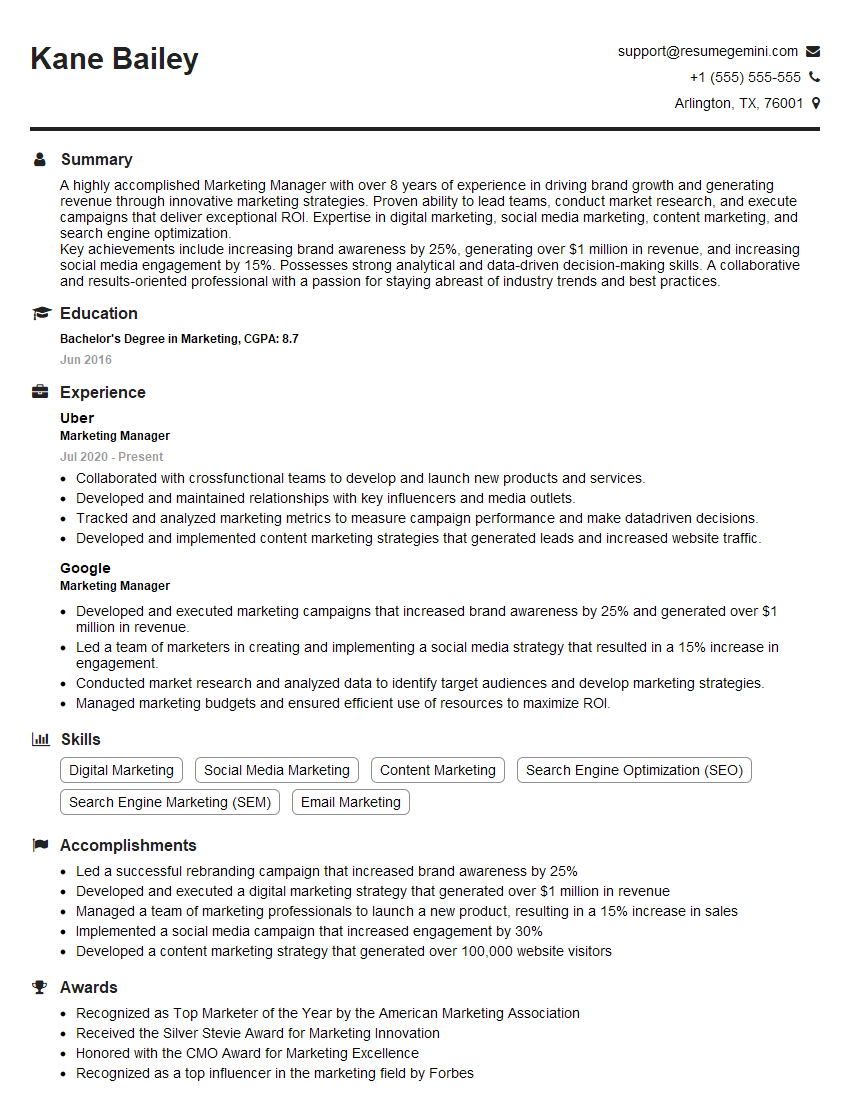
Marketing Manager Resume Sample
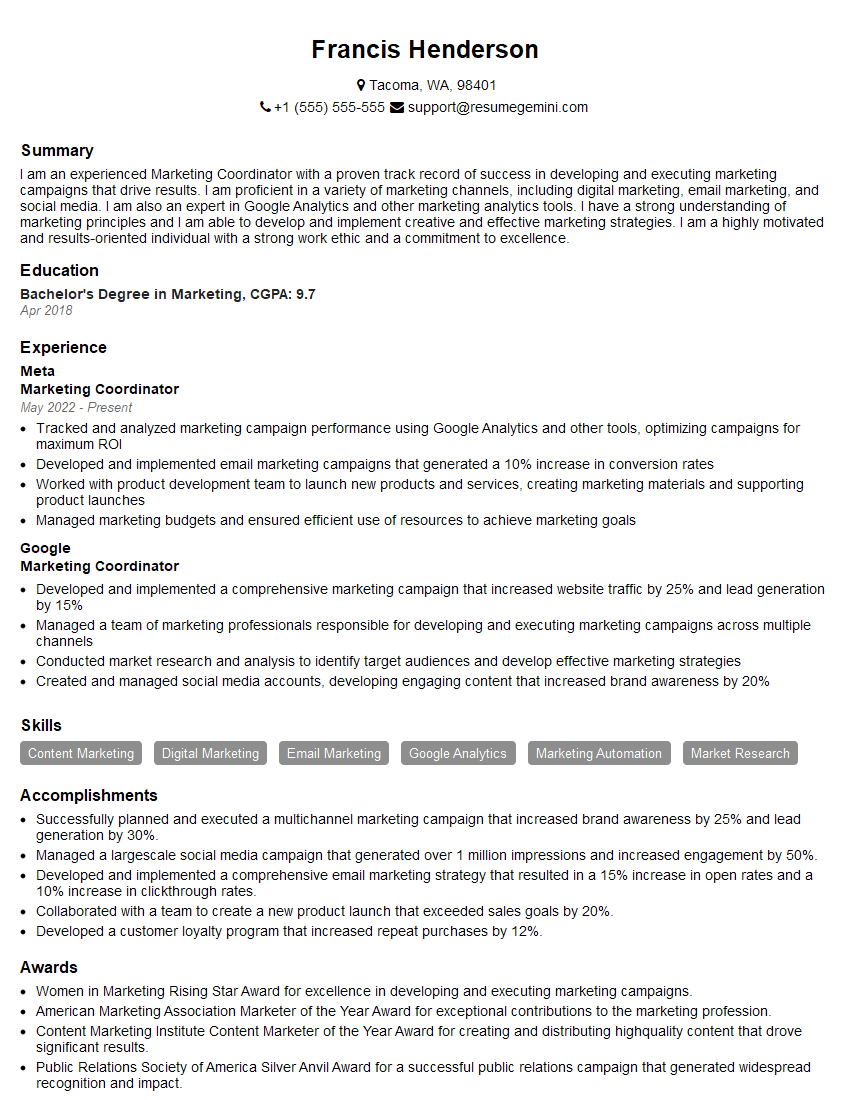
Marketing Coordinator Resume Sample

Communications Manager Resume Sample

Social Media Manager Resume Sample

Web Designer Resume Sample

Game Designer Resume Sample

Multimedia Specialist Resume Sample

Instructional Designer Resume Sample

3D Modeler Resume Sample

Animator Resume Sample

Graphic Designer Resume Sample
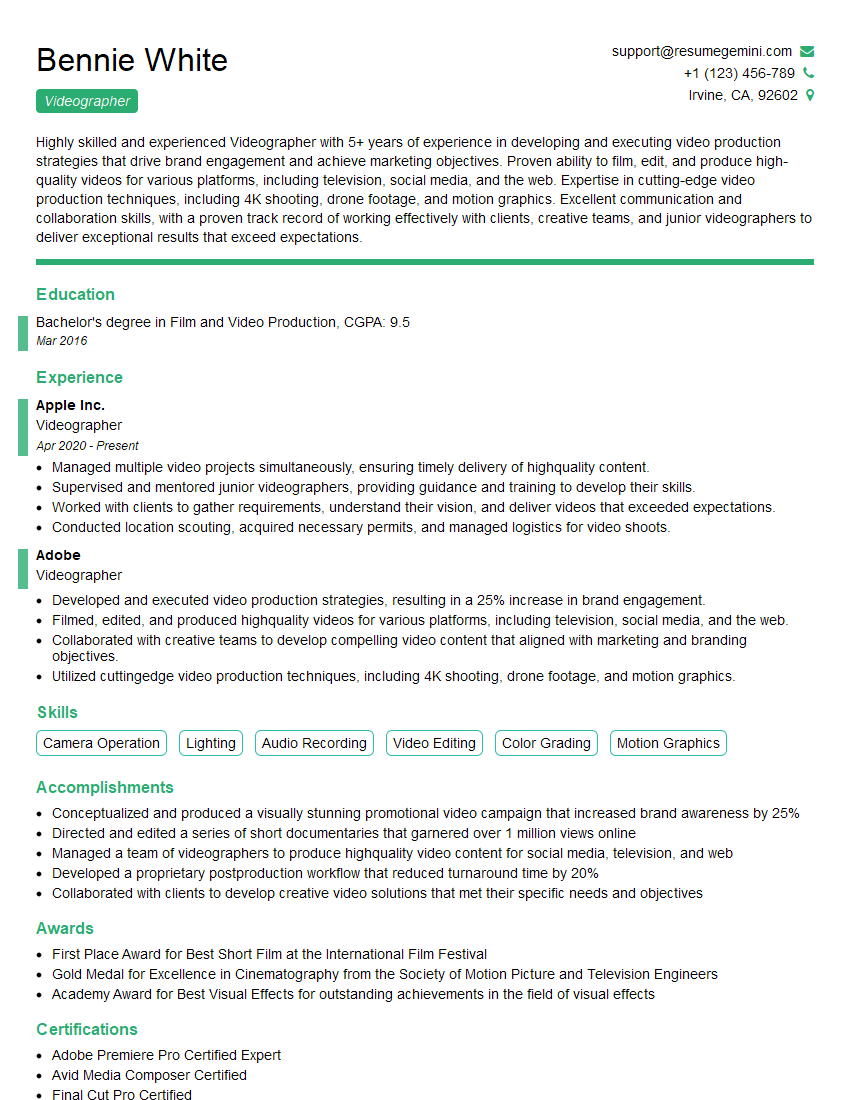
Videographer Resume Sample
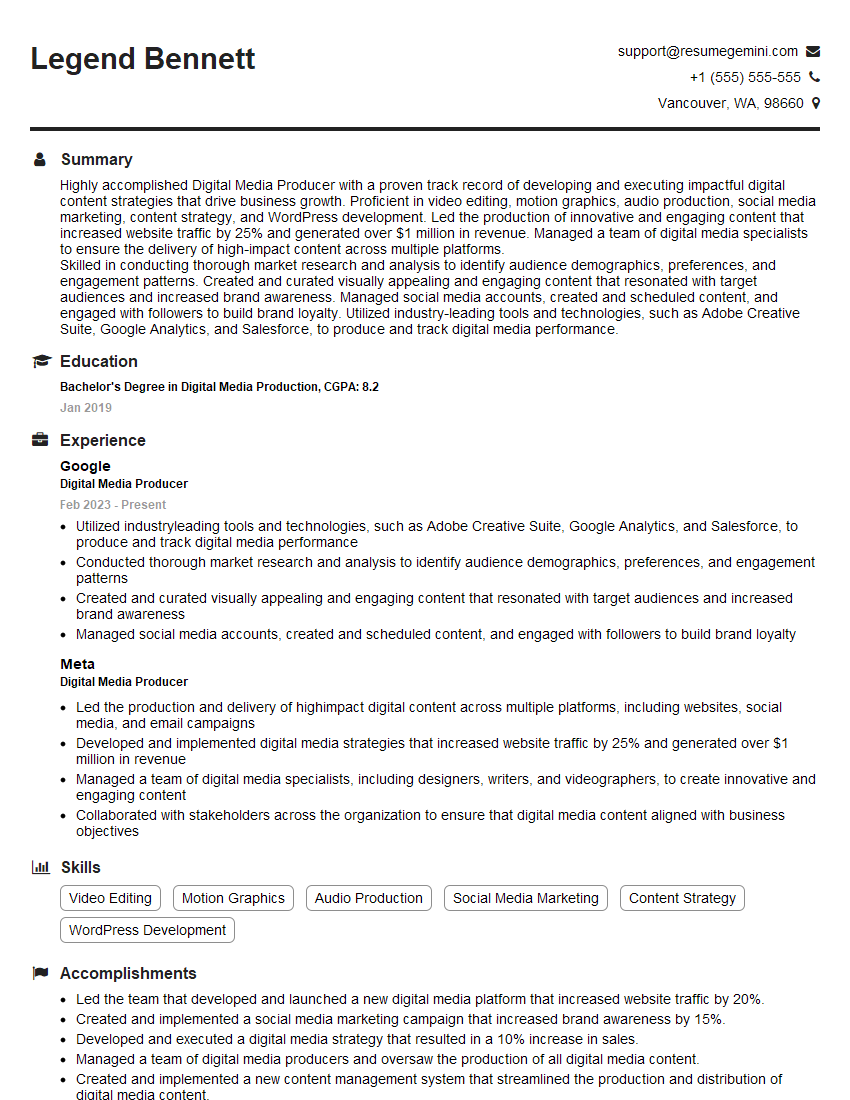
Digital Media Producer Resume Sample
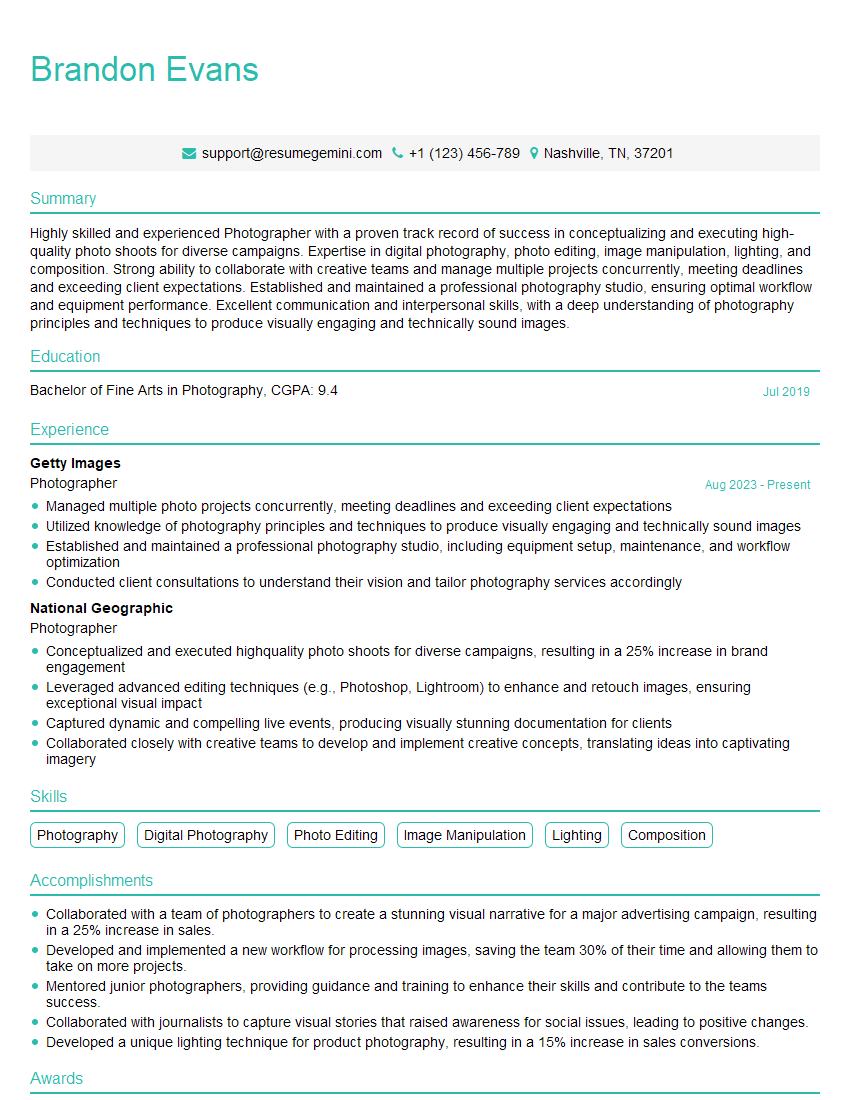
Photographer Resume Sample

Technical Writer Resume Sample

Video Editor Resume Sample

Content Creator Resume Sample
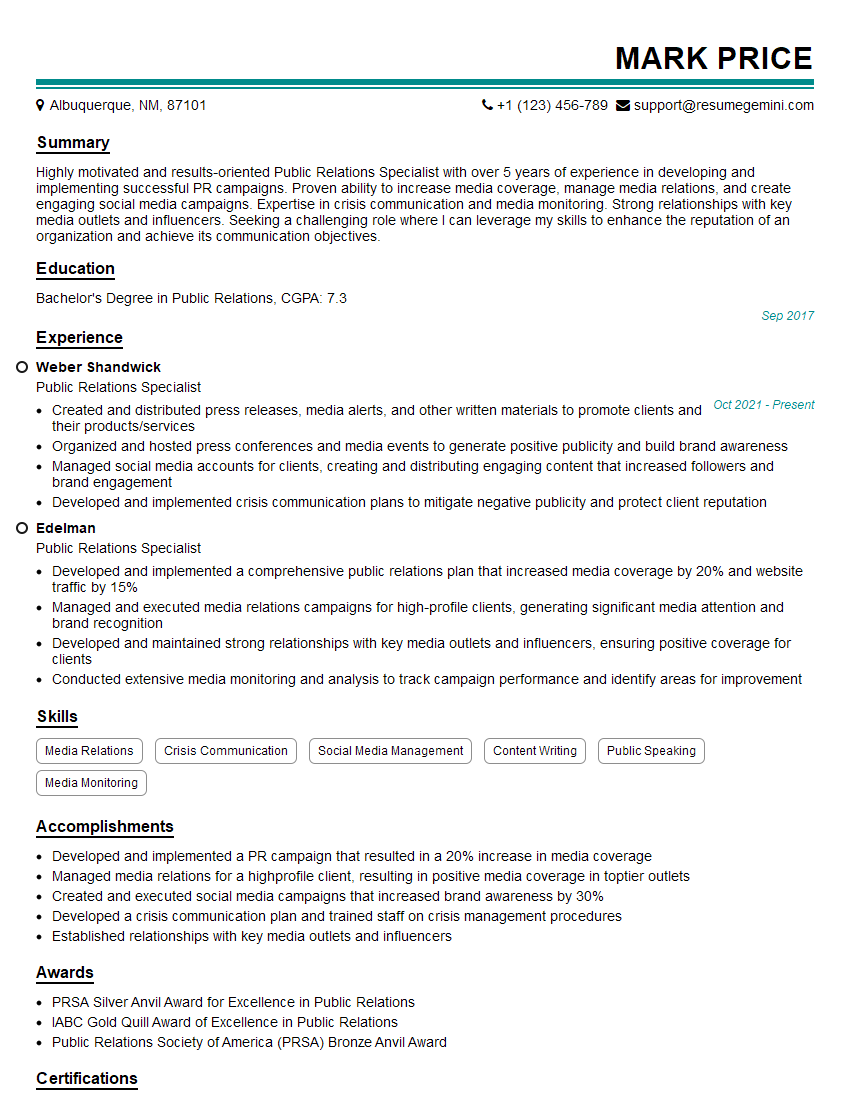
Public Relations Specialist Resume Sample
- Art Director
- Marketing Manager
- Marketing Coordinator
- Communications Manager
- Social Media Manager
- Web Designer
- Game Designer
- Multimedia Specialist
- Instructional Designer
- 3D Modeler
- Animator
- Graphic Designer
- Videographer
- Digital Media Producer
- Photographer
- Technical Writer
- Video Editor
- Content Creator
- Public Relations Specialist
Explore more articles
Users Rating of Our Blogs
Share Your Experience
We value your feedback! Please rate our content and share your thoughts (optional).
What Readers Say About Our Blog
Really detailed insights and content, thank you for writing this detailed article.
IT gave me an insight and words to use and be able to think of examples