The thought of an interview can be nerve-wracking, but the right preparation can make all the difference. Explore this comprehensive guide to Human-Computer Interaction (HCI) interview questions and gain the confidence you need to showcase your abilities and secure the role.
Questions Asked in Human-Computer Interaction (HCI) Interview
Q 1. Explain the difference between UI and UX design.
UI (User Interface) design focuses on the look and feel of a product, encompassing the visual elements a user interacts with. Think of it as the skin of the product – buttons, menus, typography, color schemes, and overall aesthetics. UX (User Experience) design, however, is a broader concept encompassing the entire user journey and their overall satisfaction with the product. It considers the usability, accessibility, and overall effectiveness of the product in achieving user goals. UI is a subset of UX.
Analogy: Imagine a car. The UI would be the steering wheel, dashboard, and gear stick – the things you directly touch and see. The UX encompasses the entire driving experience – comfort, ease of navigation, fuel efficiency, safety features, and overall enjoyment.
Q 2. Describe your experience with user research methodologies.
My user research experience spans various methodologies, including:
- User Interviews: I conduct both structured and semi-structured interviews to understand user needs, pain points, and expectations. For example, I recently conducted interviews with potential users of a new mobile banking app to gather insights into their current banking habits and frustrations.
- Surveys: I utilize online surveys to gather quantitative data from a larger sample size. This is efficient for identifying trends and patterns in user behaviour. For instance, I recently used surveys to measure user satisfaction with an existing website after a redesign.
- Usability Testing: I have extensive experience conducting usability tests to identify usability issues and areas for improvement in designs (more on this in the next answer).
- Card Sorting: This technique helps understand users’ mental models and information architecture preferences. This was crucial in organizing the navigation of a complex e-commerce website.
- A/B testing: I use A/B testing to compare different design options and determine which performs better (discussed in a later answer).
I adapt my research methodology based on the project’s goals, budget, and timeline. My aim is always to gather user-centric insights to inform design decisions.
Q 3. What is usability testing, and what are its key benefits?
Usability testing is a method of evaluating a product or service by testing it with real users. Observers watch participants as they attempt to complete tasks using the product, identifying any pain points or difficulties they encounter. This process provides invaluable data to pinpoint usability issues and inform design improvements.
Key Benefits:
- Early identification of usability problems: Catching usability problems early in the design process is far less expensive than fixing them later.
- Data-driven design decisions: Provides concrete evidence, not just opinions, to guide design changes.
- Improved user satisfaction: By addressing usability problems, the product becomes more intuitive and enjoyable to use, leading to higher user satisfaction.
- Reduced development costs: Identifying and fixing problems early saves money and time in the long run.
Example: In a recent usability test for a new e-commerce website, we observed users struggling to find the ‘add to cart’ button. This finding allowed us to redesign the button’s placement and visual prominence, improving the overall checkout experience.
Q 4. How do you incorporate accessibility considerations into your designs?
Accessibility is a critical aspect of UX design. I ensure accessibility by following WCAG (Web Content Accessibility Guidelines) and incorporating the following:
- Alternative text for images: Providing descriptive alt text for all images ensures that screen readers can convey the image’s content to visually impaired users.
- Keyboard navigation: Designing interfaces that are fully navigable using only a keyboard accommodates users who cannot use a mouse.
- Sufficient color contrast: Ensuring adequate color contrast between text and background improves readability for users with visual impairments.
- Captions and transcripts for videos and audio: This ensures that deaf and hard-of-hearing users can access the information.
- Semantic HTML: Using appropriate HTML5 semantic elements improves accessibility for assistive technologies.
I also regularly utilize accessibility checkers and involve users with disabilities in the testing process to gain direct feedback and validate our accessibility efforts. For example, in a recent project, I collaborated with a disability advocacy group to get feedback on our design to ensure it was inclusive and accessible to people with varying needs.
Q 5. Explain your understanding of design thinking.
Design thinking is a human-centered, iterative problem-solving approach. It emphasizes understanding user needs, generating ideas, prototyping solutions, testing those prototypes, and iteratively refining the design based on feedback. It’s not a linear process, but rather a cyclical one, continuously refining the solution based on learnings.
The five stages of design thinking are:
- Empathize: Understand user needs and perspectives.
- Define: Clearly articulate the problem to be solved.
- Ideate: Brainstorm and generate potential solutions.
- Prototype: Create tangible representations of the solution.
- Test: Evaluate the prototype with users and gather feedback.
Example: When designing a new mobile app, we started by conducting user interviews to understand their needs (Empathize). We then defined the core problem – difficulty managing personal finances (Define). We brainstormed various features (Ideate) and created low-fidelity prototypes (Prototype) which we then tested with users to gather feedback and iterate on the design (Test).
Q 6. Describe your experience with A/B testing.
A/B testing, also known as split testing, is a method of comparing two versions of a design to see which performs better. We present two different versions (A and B) to different groups of users and analyze the results to determine which version leads to a better outcome, such as higher conversion rates or improved user engagement.
My experience involves:
- Setting up A/B tests: Using platforms like Optimizely or Google Optimize to create and run A/B tests.
- Defining key metrics: Identifying relevant metrics to track, such as click-through rates, conversion rates, and task completion times.
- Analyzing results: Using statistical methods to determine the significance of the results and identify the winning variant.
- Iterative testing: Running multiple A/B tests to continuously improve the design.
Example: We recently used A/B testing to compare two different call-to-action buttons on a landing page. One button was green, the other blue. By tracking click-through rates, we found that the green button resulted in a statistically significant increase in conversions.
Q 7. How do you measure the success of a design?
Measuring the success of a design is multifaceted and depends on the project goals. Key metrics I use include:
- Usability metrics: Task completion rates, error rates, efficiency (time on task), and user satisfaction (measured through surveys or System Usability Scale (SUS)).
- Business metrics: Conversion rates, sales, revenue, and customer acquisition cost.
- Engagement metrics: Time spent on the product, page views, bounce rates, and frequency of use.
- Accessibility metrics: WCAG compliance scores and feedback from users with disabilities.
It is important to define success criteria upfront. For instance, for a landing page, success might be defined as a specific conversion rate. For a mobile app, success might be defined by user engagement and retention. A holistic approach combining quantitative data with qualitative user feedback provides a comprehensive measure of design success.
Q 8. What are some common usability heuristics?
Usability heuristics are general principles or guidelines that help designers create user-friendly interfaces. They act as a mental checklist to evaluate the usability of a system. Nielsen’s 10 heuristics are widely used, and they provide a great starting point for evaluating design choices.
- Visibility of system status: The system should always keep users informed about what is going on, through appropriate feedback within reasonable time.
- Match between system and the real world: The system should speak the users’ language, with words, phrases and concepts familiar to the user, rather than system-oriented terms. Follow real-world conventions, making information appear in a natural and logical order.
- User control and freedom: Users often choose system functions by mistake and will need a clearly marked “emergency exit” to leave the unwanted state without having to go through an extended dialogue. Support undo and redo.
- Consistency and standards: Users should not have to wonder whether different words, situations, or actions mean the same thing. Follow platform conventions.
- Error prevention: Careful design can prevent a problem from occurring in the first place. Rather than just issuing error messages, carefully design so that it is difficult to make a mistake.
- Recognition rather than recall: Minimize the user’s memory load by making objects, actions, and options visible. The user should not have to remember information from one part of the dialogue to another. Instructions for use of the system should be visible or easily retrievable whenever appropriate.
- Flexibility and efficiency of use: Accelerators — unseen by the novice user — may often speed up the interaction for the expert user such that the system can cater to both inexperienced and experienced users. Allow users to tailor frequent actions.
- Aesthetic and minimalist design: Dialogues should not contain information which is irrelevant or rarely needed. Every extra unit of information in a dialogue competes with the relevant units of information and diminishes their relative visibility.
- Help users recognize, diagnose, and recover from errors: Error messages should be expressed in plain language (no codes), precisely indicate the problem, and constructively suggest a solution.
- Help and documentation: Even though it is better if the system can be used without documentation, it may be necessary to provide help and documentation. Any such information should be easy to search, focused on the user’s task, and list concrete steps to be carried out.
For example, a poorly designed e-commerce checkout process that doesn’t clearly display shipping costs until the very end violates the “visibility of system status” heuristic. A good design would display the total cost including shipping throughout the process.
Q 9. Explain the importance of user personas.
User personas are fictional representations of your ideal users. They’re based on research and data about your target audience and help you focus your design efforts on the needs and behaviors of specific user groups. Think of them as archetypes. They’re not real individuals, but they represent a cluster of characteristics and behaviors common among a segment of your users.
Their importance lies in guiding design decisions by providing a concrete representation of who you are designing for. Instead of abstractly thinking about “users,” you can refer to specific personas like “Sarah, the busy professional” or “John, the tech-savvy student.” This helps the team empathize with users and make design choices that are relevant and meaningful to their needs. For example, if your persona is a busy professional, you would prioritize efficiency and conciseness in the interface.
Creating user personas involves researching demographics, psychographics, goals, frustrations, and technology proficiency. The process typically involves user interviews, surveys, and analyzing existing user data. A well-defined persona will usually include a name, photo, background information, goals, motivations, and frustrations related to the product or service.
Q 10. How do you handle conflicting stakeholder feedback?
Conflicting stakeholder feedback is a common challenge in HCI. The key is to facilitate a collaborative process that prioritizes user needs while balancing business goals. Here’s a structured approach:
- Document all feedback: Create a central repository to record feedback from all stakeholders, including the source and rationale. This ensures transparency and prevents information loss.
- Analyze and categorize feedback: Identify common themes, conflicts, and priorities among the feedback. Group similar comments and highlight conflicting viewpoints.
- Prioritize based on user needs: User research data should always guide decision-making. Prioritize feedback that aligns with user needs, even if it conflicts with some stakeholder preferences.
- Facilitate discussion and compromise: Organize a meeting to discuss conflicting feedback. Present your analysis and use data to support your recommendations. Encourage stakeholders to listen to each other’s perspectives and find common ground.
- Trade-offs and justification: Sometimes complete consensus isn’t possible. Document the trade-offs made and the reasons behind those decisions. Explain why some feedback wasn’t prioritized, focusing on user data and overall design goals.
- Iterative design and testing: Design is an iterative process. Test your design choices with users and incorporate feedback into future iterations.
For example, a marketing stakeholder might want a highly promotional design, whereas a usability stakeholder might emphasize simplicity and clarity. By prioritizing user research demonstrating that a less promotional design leads to higher conversion rates, you can align stakeholders around a common goal.
Q 11. Describe your experience with wireframing and prototyping.
Wireframing and prototyping are crucial stages in the design process, allowing us to visualize and test design concepts before investing in full development. Wireframes are low-fidelity representations of the interface, focusing on the layout and structure. Prototypes are more detailed, often including interactive elements and visual design.
My experience includes creating both low-fidelity paper wireframes for quick brainstorming and high-fidelity interactive prototypes using tools like Figma and Adobe XD. I use wireframes to quickly iterate on different layout options and to get early feedback on the information architecture and overall flow. I use prototyping tools to simulate user interactions and gather feedback on specific functionalities and user flows.
For example, when designing a mobile banking app, I would first create paper wireframes to explore different layouts for the home screen and transaction screens. Then, I would use a prototyping tool to create a more realistic simulation, allowing users to interact with the app and provide feedback before coding begins. This iterative process helps identify and resolve usability issues early in the design process, saving time and resources.
Q 12. What design tools are you proficient in?
I’m proficient in a range of design tools catering to different stages of the design process. My core skills lie in:
- Figma: A collaborative design tool ideal for wireframing, prototyping, and UI design. I frequently use its vector editing capabilities and interactive prototyping features.
- Adobe XD: Another strong contender in UI/UX design with features overlapping with Figma. I find its design system organization particularly useful.
- Sketch (MacOS): Though less commonly used now, I have experience using Sketch and understand its strengths in vector design and plugin ecosystem.
- Balsamiq: For rapid wireframing and early-stage design sketching, Balsamiq’s low-fidelity style promotes quick iterations and client feedback.
- InVision: Primarily for prototyping and collaboration. I leverage its features for interactive walkthroughs and handing off designs to developers.
Beyond software, I’m comfortable using various prototyping methods, including paper prototyping and low-fi digital tools, tailored to the specific project needs and available resources.
Q 13. How do you conduct user interviews?
Conducting effective user interviews is crucial for understanding user needs and behaviors. My approach follows a structured yet flexible process:
- Planning and preparation: Define clear objectives, develop a structured interview guide with open-ended questions, and recruit representative participants.
- Setting the stage: Create a comfortable and welcoming environment. Begin with introductions, explain the purpose of the interview, and obtain informed consent.
- Active listening and probing: Listen carefully to participants’ responses and ask follow-up questions to gain deeper insights. Avoid leading questions and focus on understanding their perspectives.
- Using visual aids: When relevant, use visual aids like wireframes or prototypes to guide the discussion and gather feedback on specific design elements.
- Note-taking and recording: Take detailed notes during the interview, or record the session with participant consent. This helps capture key information and insights.
- Analysis and synthesis: After the interview, transcribe the recordings, analyze the data, and identify key themes and patterns to inform design decisions.
For example, when interviewing users of a food delivery app, I might ask questions like: “Tell me about your typical experience ordering food online.” or “What are some of the challenges you face when using food delivery apps?” Following up with probing questions like, “Can you elaborate on that?” or “What could make that process easier?” helps in gathering richer qualitative data.
Q 14. What is information architecture, and how does it relate to HCI?
Information architecture (IA) is the structural design of shared information environments. It’s about organizing and labeling content in a way that’s clear, understandable, and usable to users. In essence, it’s the blueprint for how users navigate and find information within a system.
Its relation to HCI is fundamental. HCI focuses on the overall user experience, and IA is a crucial component of that experience. A well-designed IA ensures that users can easily find what they need, understand the relationships between different pieces of information, and complete their tasks efficiently. Poor IA, on the other hand, can lead to frustration, confusion, and ultimately, a negative user experience.
Consider a website: The IA determines how the website is organized into sections, pages, and menus. It dictates the structure of navigation and the labeling of content. A poorly designed IA can result in users getting lost, unable to find what they are looking for. A well-designed IA, however, allows users to intuitively navigate the website and quickly find the information they need. This directly impacts the overall HCI of the website.
Tools and techniques used in IA include card sorting, tree testing, sitemaps, and wireframing. These help designers understand user mental models and organize information in a way that aligns with user expectations and behavior.
Q 15. Explain your approach to designing for different devices and screen sizes.
Designing for diverse devices and screen sizes necessitates a responsive design approach. This isn’t just about making the interface smaller or larger; it’s about adapting the information architecture and interaction patterns to suit the specific capabilities and constraints of each platform. Think of it like tailoring a suit – you need to consider the fabric, fit, and overall style to ensure it complements the wearer (the user and their device).
- Responsive Layouts: I utilize flexible grids and CSS media queries to dynamically adjust the layout based on screen size. For example, a desktop layout might feature a three-column design, while a mobile version would collapse to a single-column structure for optimal readability.
- Content Prioritization: On smaller screens, I focus on prioritizing the most crucial information. Less important details can be hidden behind expandable menus or accessible via navigation. Imagine a news article – the headline and lead paragraph are essential, while secondary information like author details might be secondary.
- Interaction Patterns: Touchscreen interactions (taps, swipes) differ significantly from mouse and keyboard actions (clicks, scrolling). I design intuitive gestures that are natural for each device type. For instance, a mobile app might utilize swipe gestures for navigation, whereas a desktop application might rely on menus and buttons.
- Testing Across Devices: I always test my designs across various devices and screen sizes (desktops, tablets, smartphones) to ensure consistent usability and visual appeal. Real user testing is vital to uncover unexpected issues.
By combining these strategies, I create seamless user experiences regardless of the device being used. This ensures accessibility and broad reach for the application or website.
Career Expert Tips:
- Ace those interviews! Prepare effectively by reviewing the Top 50 Most Common Interview Questions on ResumeGemini.
- Navigate your job search with confidence! Explore a wide range of Career Tips on ResumeGemini. Learn about common challenges and recommendations to overcome them.
- Craft the perfect resume! Master the Art of Resume Writing with ResumeGemini’s guide. Showcase your unique qualifications and achievements effectively.
- Don’t miss out on holiday savings! Build your dream resume with ResumeGemini’s ATS optimized templates.
Q 16. How do you stay up-to-date with the latest trends in HCI?
Staying current in the rapidly evolving field of HCI requires a multi-pronged approach. I regularly engage with various resources to keep my knowledge fresh and relevant.
- Academic Journals and Conferences: I actively follow leading HCI journals like Human-Computer Interaction and CHI Letters, as well as attending major conferences like CHI (Computer Human Interaction) and UIST (User Interface Software and Technology Symposium). These provide insights into cutting-edge research and new design methodologies.
- Online Communities and Blogs: Participating in online communities like Reddit’s r/UXDesign and reading blogs from prominent HCI experts keeps me abreast of industry trends, discussions, and best practices.
- Industry Publications and Newsletters: I subscribe to newsletters and follow publications that cover UX/UI design, emerging technologies, and accessibility trends, providing practical applications of HCI principles.
- Online Courses and Workshops: Continuously learning through online platforms like Coursera, edX, and Udemy allows for in-depth study of specific areas within HCI.
- Networking: Attending industry events and connecting with other professionals expands my knowledge base through shared experiences and insights.
This comprehensive approach ensures I’m not only aware of the latest developments but can critically evaluate and implement them into my design process.
Q 17. Describe a time you had to iterate on a design based on user feedback.
During the development of a mobile banking application, initial user testing revealed significant frustration with the account transfer feature. Users found the process cumbersome and confusing, particularly when transferring funds between multiple accounts. The original design required multiple steps and lacked clear visual cues.
Based on the feedback, we iterated on the design using a phased approach:
- Analysis: We analyzed user feedback, identifying specific pain points and areas for improvement. We used heatmaps to visualize user interaction patterns and understand where users were encountering difficulties.
- Redesign: We simplified the account selection process by introducing a more intuitive dropdown menu. We also implemented clearer visual indicators to show the source and destination accounts.
- Usability Testing: We conducted further usability tests with the redesigned feature, gathering feedback on its effectiveness and usability.
- Refinement: Based on the results of the second round of testing, we made minor adjustments to the layout and visual design to enhance clarity and efficiency.
This iterative process resulted in a significantly improved user experience. The revised account transfer feature was faster, more intuitive, and significantly reduced user errors. The key lesson was the power of iterative design and the importance of continuously seeking user feedback throughout the design lifecycle.
Q 18. What are some common usability problems, and how would you address them?
Common usability problems often stem from a lack of consideration for user needs and cognitive limitations. Here are a few examples and their solutions:
- Poor Navigation: Users struggle to find information or complete tasks. Solution: Implement intuitive and consistent navigation structures, clear labels, and a sitemap or search function.
- Inconsistent Design: Visual elements and interaction patterns are inconsistent, leading to confusion. Solution: Develop and maintain a comprehensive style guide, adhering to consistent design principles throughout the interface.
- Lack of Feedback: Users are unsure whether their actions have been successful. Solution: Provide clear visual and auditory feedback for each interaction, confirming actions and providing progress updates.
- Complex Forms: Long, confusing forms deter users from completing tasks. Solution: Break down long forms into smaller, logical sections. Use clear labels and validation messages, and consider progressive disclosure to reduce cognitive load.
- Poor Accessibility: The interface is not accessible to users with disabilities. Solution: Follow accessibility guidelines (WCAG) to ensure usability for all users, considering keyboard navigation, screen readers, and alternative text for images.
Addressing these issues requires a user-centered design approach, incorporating usability testing and iterative design throughout the process.
Q 19. How do you incorporate user feedback into the design process?
User feedback is integral to creating effective and user-friendly designs. I integrate feedback at various stages of the design process using a variety of techniques:
- Usability Testing: Observing users interacting with prototypes or live systems allows me to identify usability issues and gather direct feedback. This can be done remotely or in person, with methods such as think-aloud protocols.
- Surveys and Questionnaires: Gathering quantitative and qualitative data through surveys helps understand user preferences, satisfaction levels, and areas for improvement. This is especially effective for collecting broad-based feedback.
- A/B Testing: Comparing different design iterations allows us to measure the effectiveness of specific design changes and select the most successful option based on data analysis. This approach is data-driven and objective.
- Feedback Forms and In-App Feedback Mechanisms: Providing easy ways for users to provide feedback directly within the application allows for continuous improvement and addressing emerging issues.
- User Interviews: Conducting in-depth interviews with users allows me to understand their needs, motivations, and pain points in greater detail, providing rich qualitative insights.
The key is to analyze the feedback systematically, prioritizing issues based on their severity and impact on the user experience. This ensures that the most crucial improvements are implemented first.
Q 20. Explain your understanding of cognitive load and how it relates to design.
Cognitive load refers to the amount of mental effort required to process information and perform a task. In HCI, minimizing cognitive load is crucial for creating user-friendly designs. A high cognitive load leads to frustration, errors, and reduced task efficiency.
Several design principles help reduce cognitive load:
- Simplicity and Clarity: Use clear and concise language, avoid unnecessary complexity, and provide visual cues to guide users.
- Chunking Information: Break down complex information into smaller, manageable units. For example, instead of a long paragraph of instructions, use bullet points or numbered steps.
- Visual Hierarchy: Organize information visually to guide attention and highlight important elements. Use size, color, and contrast to create visual cues.
- Consistency and Familiarity: Use consistent design patterns and navigation, allowing users to leverage existing knowledge and mental models.
- Progressive Disclosure: Reveal information gradually, only presenting users with what they need at each stage of the task. Avoid overwhelming them with too much information at once.
By understanding and applying these principles, designers can significantly enhance the usability and efficiency of their interfaces, leading to more satisfying and productive user experiences.
Q 21. Describe your experience with eye-tracking or other user behavior analysis tools.
I have extensive experience utilizing eye-tracking technology and other user behavior analysis tools to gather insights into user interaction patterns and identify areas for design improvement. Eye-tracking provides a direct window into the user’s cognitive process, revealing where they focus their attention, where they experience difficulty, and how they navigate through an interface.
Specifically, I’ve used eye-tracking to:
- Identify attention hotspots: Pinpointing areas of high visual engagement helps optimize the placement of important information and design elements.
- Analyze scan paths: Understanding how users visually scan the interface helps to identify inefficiencies and potential points of confusion in the information architecture.
- Assess visual search efficiency: Measuring how quickly users locate specific information helps evaluate the clarity and effectiveness of visual cues and labeling.
- Evaluate the effectiveness of design changes: Comparing eye-tracking data before and after design modifications allows me to quantify the impact of those changes on user attention and engagement.
Beyond eye-tracking, I have also utilized other tools like heatmaps (clickmaps, scrollmaps) and session recordings to gain comprehensive insights into user behavior. These combined methods offer a holistic understanding of the user experience, enabling data-driven design decisions and ultimately leading to more effective and engaging interfaces.
Q 22. What is your process for designing a user-friendly interface?
Designing a user-friendly interface is a human-centered process that prioritizes the user’s needs and experience. It’s not just about making something visually appealing, but ensuring it’s intuitive, efficient, and enjoyable to use. My process typically follows these steps:
- Understanding the User: This involves conducting thorough user research, including user interviews, surveys, and usability testing to understand their goals, tasks, and pain points. For example, I might interview potential users of a new banking app to understand their current frustrations with online banking and their expectations for a new system.
- Information Architecture: Organizing the information and functionalities in a logical and intuitive manner. Think of it like creating a well-organized library – users should easily find what they need. Sitemaps and wireframes are crucial tools here.
- Wireframing and Prototyping: Creating low-fidelity wireframes to map out the layout and functionality, followed by higher-fidelity prototypes to test the user flow and interactions. This allows for iterative feedback and refinement before committing to the final design.
- Visual Design: Developing the visual style and branding of the interface, ensuring it aligns with the overall brand and is consistent across all elements. This includes choosing colors, typography, and imagery.
- Usability Testing: Conducting repeated usability testing throughout the design process to identify and address any usability issues. This involves observing users interacting with the prototype and gathering feedback.
- Iteration and Refinement: Based on the feedback from usability testing, I iterate on the design, making improvements and refinements until the interface is user-friendly and meets the user’s needs.
This iterative process ensures that the final design is not only aesthetically pleasing but also effective and enjoyable to use.
Q 23. How do you ensure your designs are inclusive and accessible to all users?
Inclusive and accessible design is paramount. It means ensuring that the interface is usable by people with a wide range of abilities and disabilities. This involves considering various factors:
- Accessibility Standards (WCAG): Adhering to established accessibility guidelines, such as the Web Content Accessibility Guidelines (WCAG), which provide criteria for making web content accessible to people with disabilities. This includes providing alternative text for images, ensuring sufficient color contrast, and making the interface keyboard navigable.
- Diverse User Testing: Involving users with disabilities in the usability testing process to identify and address potential accessibility barriers. This ensures diverse perspectives are integrated into the design process.
- Cognitive Accessibility: Considering users with cognitive impairments by using clear and concise language, avoiding jargon, and providing clear instructions. This might involve simplifying complex forms or using visual cues to guide users.
- Motor Accessibility: Designing for users with motor impairments by ensuring that the interface is easily navigable using a keyboard or assistive technologies. This might involve providing larger interactive elements or using appropriate mouse hover effects.
- Sensory Accessibility: Considering users with visual or auditory impairments. For visual impairments, this includes providing text alternatives for images, using sufficient color contrast, and offering screen reader compatibility. For auditory impairments, this involves providing captions and transcripts for video content.
By proactively incorporating these considerations, we can create interfaces that are truly inclusive and usable by everyone.
Q 24. How do you balance aesthetics and functionality in your designs?
Balancing aesthetics and functionality is a crucial aspect of good design. It’s not an either/or situation; rather, both are essential for a successful interface. Think of it like building a beautiful house – it needs to look stunning, but also be functional and comfortable to live in.
I approach this by:
- Prioritizing Functionality First: Ensuring that the core functionalities are well-designed and intuitive before focusing on aesthetics. A beautiful interface that is difficult to use is ultimately unsuccessful.
- Using Visual Hierarchy: Guiding the user’s eye to the most important information using visual cues like size, color, and placement. This ensures that the most important elements are easily noticed and understood.
- Using Visual Language Effectively: Employing visual elements such as icons, illustrations, and typography to enhance the user experience and communicate information clearly. This should be done thoughtfully to enhance understanding, not distract from functionality.
- Iterative Refinement: Constantly evaluating the balance between aesthetics and functionality throughout the design process. This involves gathering feedback and making adjustments to ensure both aspects are well-integrated.
The goal is to create an interface that is both visually appealing and easy to use, providing a seamless and enjoyable user experience.
Q 25. Describe your experience working with agile methodologies.
I have extensive experience working within agile methodologies, specifically Scrum. I find the iterative nature of agile perfectly suited to UX design, allowing for continuous feedback and adaptation throughout the development process. My role typically involves:
- Participating in Sprint Planning: Collaborating with the development team to define user stories and tasks, ensuring the UX aspects are appropriately considered.
- Designing and Prototyping: Creating wireframes, prototypes, and visual designs, iteratively refining them based on feedback from stakeholders and users.
- Conducting User Testing: Performing usability testing at various stages of the sprint to identify and address any usability issues.
- Participating in Daily Scrum Meetings: Providing updates on my progress and addressing any challenges or roadblocks.
- Participating in Sprint Reviews and Retrospectives: Presenting the completed work to stakeholders, gathering feedback, and identifying areas for improvement in the process.
The iterative nature of agile allows for flexibility and responsiveness to changing requirements, resulting in a better and more user-friendly product. For example, in a recent project developing an e-commerce platform, the agile process allowed us to quickly adapt the checkout flow based on early user testing feedback, resulting in a significant improvement in conversion rates.
Q 26. Explain your understanding of different interaction design paradigms (e.g., command-line, GUI, voice).
Understanding different interaction design paradigms is crucial for designing effective interfaces. Each paradigm has its strengths and weaknesses, and the best choice depends on the context and user needs.
- Command-Line Interface (CLI): A text-based interface where users interact by typing commands. CLIs are powerful and efficient for experienced users but can be challenging for beginners.
Example: ls -l(lists files in long format in a Unix-like system). - Graphical User Interface (GUI): A visual interface using windows, icons, menus, and pointers. GUIs are generally more user-friendly than CLIs, especially for beginners, but can become complex with many features. Most modern applications utilize GUIs.
- Voice User Interface (VUI): An interface where users interact using voice commands. VUIs are convenient for hands-free interaction but can be susceptible to errors and limitations in natural language processing. Examples include virtual assistants like Siri and Alexa.
- Gesture-Based Interfaces: Interfaces that respond to physical gestures, commonly found in touchscreens and gaming consoles. They are intuitive but can be less precise than other paradigms.
- Haptic Interfaces: Interfaces that provide tactile feedback, such as vibrations or pressure. They are useful for providing feedback in situations where visual or auditory cues are not appropriate.
Choosing the right paradigm involves carefully considering the user’s technical expertise, the complexity of the task, and the context of use. For instance, a CLI might be suitable for a system administrator managing a server, while a GUI would be more appropriate for a casual user browsing the web.
Q 27. How would you approach designing a mobile app for visually impaired users?
Designing a mobile app for visually impaired users requires a strong focus on accessibility. Key considerations include:
- Screen Reader Compatibility: Ensuring the app is compatible with screen readers, allowing users to navigate and interact with the app using auditory cues. This involves using proper semantic HTML and providing descriptive labels for all interactive elements.
- Sufficient Color Contrast: Using sufficient color contrast between text and background to make the text easily readable for users with low vision. Tools like WebAIM’s color contrast checker can help meet WCAG guidelines.
- Large Font Sizes: Allowing users to adjust the font size to their preference, ensuring readability. The app should be designed to accommodate large font sizes without breaking the layout.
- Haptic Feedback: Providing haptic feedback to indicate user actions, such as button presses or selections. This gives users a tactile confirmation of their interactions.
- Voice Control: Integrating voice control functionality to allow users to interact with the app using their voice. This allows hands-free operation and is especially useful for users with limited motor skills.
- Clear and Concise Language: Using clear, concise language and avoiding jargon. This ensures that the app is easy to understand for all users, including those with cognitive impairments.
Testing with visually impaired users throughout the design process is crucial to ensure the app meets their specific needs. Involving them early on provides invaluable feedback and helps identify and resolve accessibility issues.
Q 28. Describe a challenging UX problem you solved and how you approached it.
One challenging UX problem I solved involved redesigning the online registration process for a large university. The existing system was cumbersome, confusing, and had a high abandonment rate. Users reported difficulty navigating the steps, understanding the required information, and completing the process without errors.
My approach involved:
- User Research: I conducted user interviews and surveys to understand the users’ pain points and expectations. This revealed several key issues, including confusing terminology, unclear instructions, and a complex form structure.
- Information Architecture Redesign: I redesigned the information architecture to simplify the registration process and make it more intuitive. This involved breaking down the complex process into smaller, more manageable steps.
- Usability Testing with Prototypes: I created low-fidelity prototypes to test the redesigned process with prospective students. This allowed me to identify and address any remaining usability issues early in the design process.
- Iterative Design: Based on the feedback from usability testing, I iterated on the design, refining the layout, simplifying the language, and improving the overall user flow.
- Accessibility Considerations: I incorporated accessibility considerations throughout the redesign, ensuring the system met WCAG standards and was usable by students with disabilities.
The redesigned registration process resulted in a significant reduction in abandonment rates and improved user satisfaction. The key to success was a user-centered approach, iterative design, and a focus on addressing the specific pain points identified through user research.
Key Topics to Learn for Human-Computer Interaction (HCI) Interview
- User-Centered Design Principles: Understanding and applying core principles like user needs analysis, iterative design, and usability testing.
- Interaction Design Paradigms: Familiarize yourself with various interaction styles (e.g., command-line, graphical user interfaces, touch interfaces) and their strengths and weaknesses. Consider the impact of different input methods (mouse, keyboard, voice, touch).
- Usability Evaluation Methods: Learn about different usability testing techniques (heuristic evaluation, cognitive walkthroughs, user testing) and how to interpret the results to improve design.
- Accessibility and Inclusive Design: Understand how to design for users with disabilities, adhering to accessibility guidelines (e.g., WCAG). This demonstrates a commitment to inclusivity and broad user reach.
- Information Architecture and Navigation Design: Explore how to structure and organize information within an interface for intuitive and efficient user navigation. Think about user mental models and information seeking behavior.
- Human Factors and Ergonomics: Consider the physical and cognitive limitations of users and how design can mitigate potential issues related to fatigue, strain, and cognitive overload.
- Prototyping and Design Tools: Demonstrate familiarity with common prototyping tools and techniques (e.g., Figma, Adobe XD, Axure) and their application in the design process.
- User Research Methods: Understand various user research methodologies (e.g., surveys, interviews, contextual inquiry) and how to effectively gather user insights to inform design decisions.
- Cognitive Psychology and HCI: Explore relevant cognitive psychology concepts (e.g., attention, memory, perception) and how they impact the design and usability of interfaces.
Next Steps
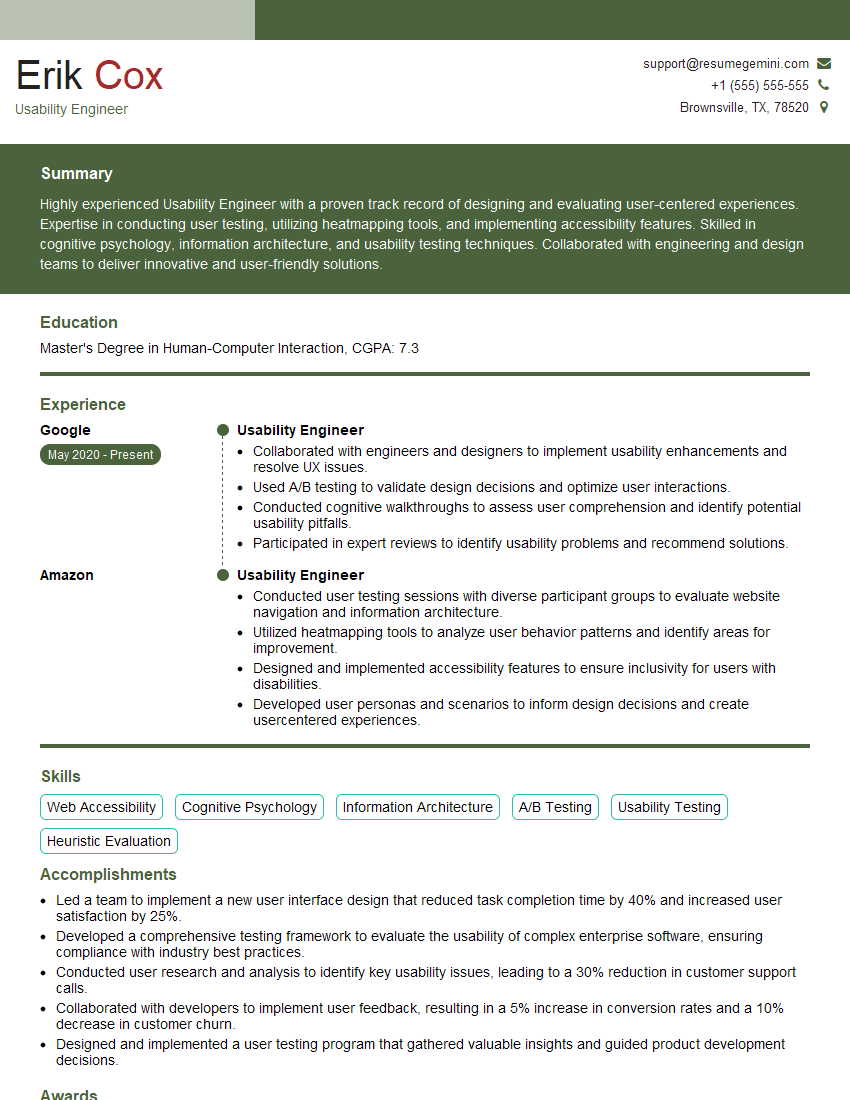
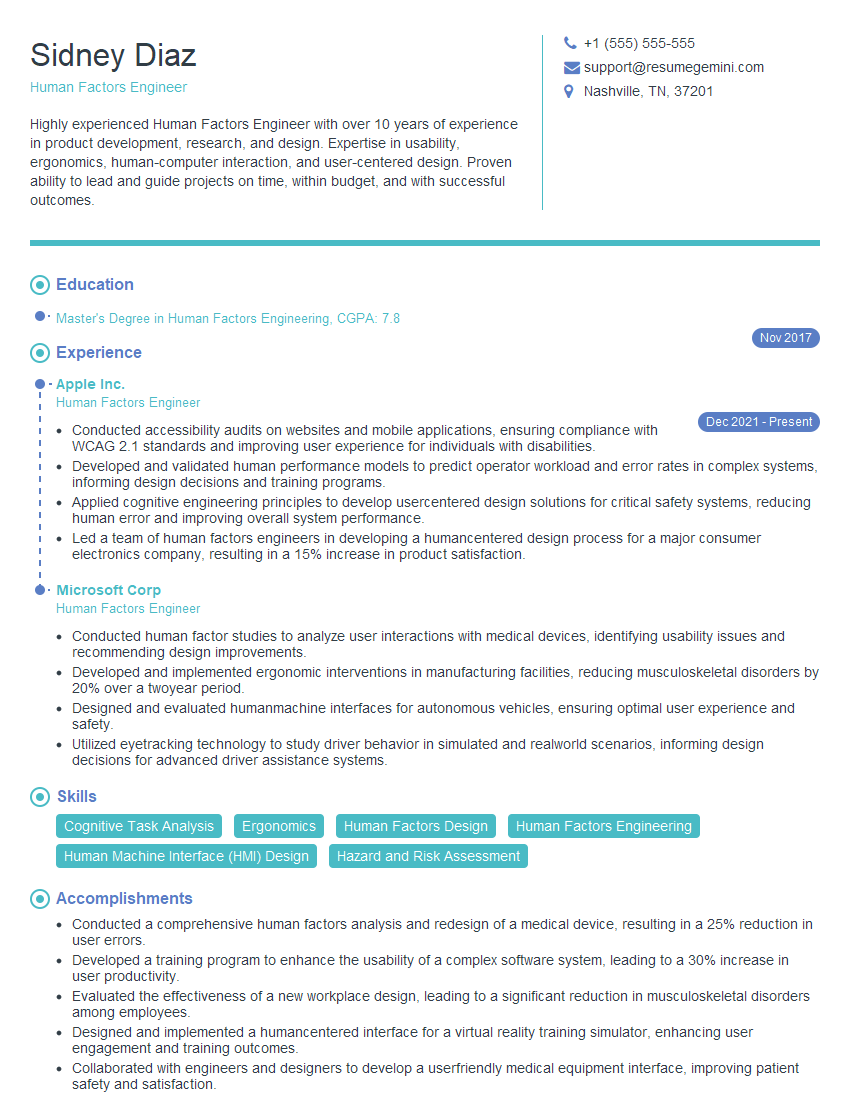
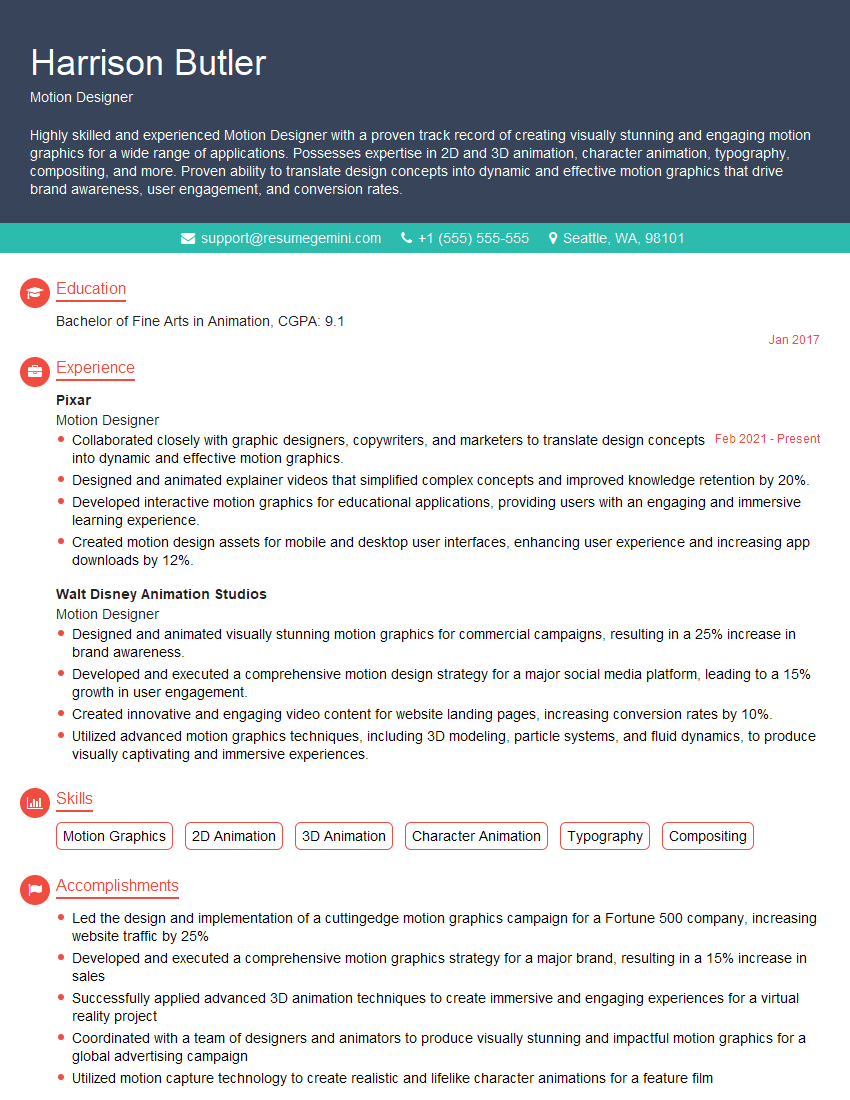
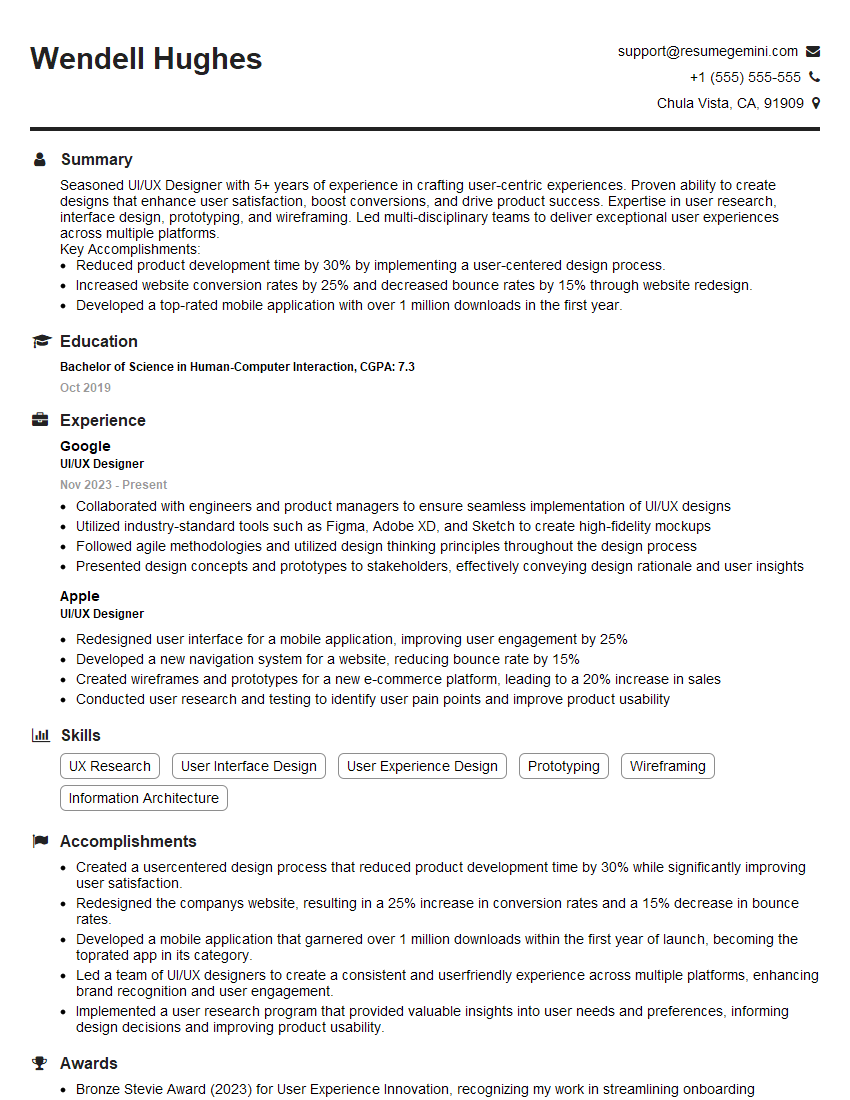
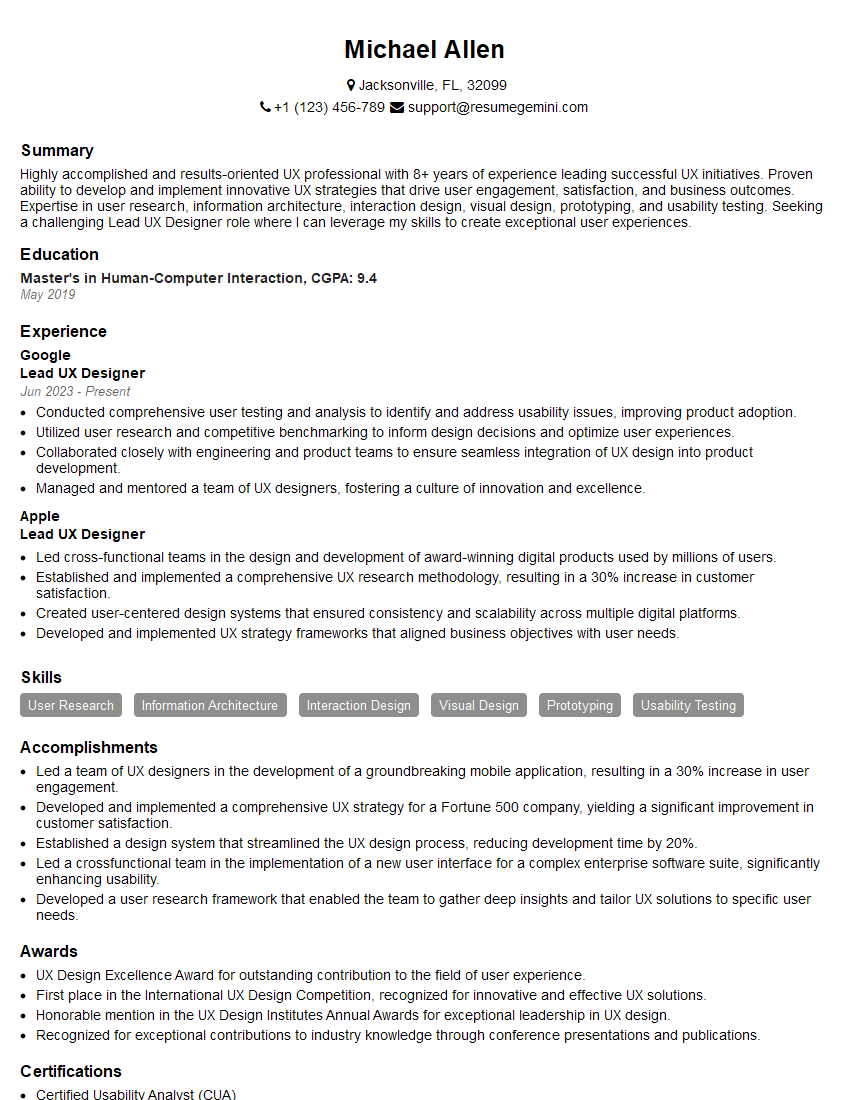
Mastering Human-Computer Interaction (HCI) opens doors to exciting and impactful careers, offering opportunities to shape the future of technology and improve the user experience for millions. To maximize your job prospects, crafting a strong, ATS-friendly resume is crucial. ResumeGemini is a trusted resource to help you build a professional and effective resume that highlights your HCI skills and experience. Examples of resumes tailored to Human-Computer Interaction (HCI) are available to guide your process. Invest time in creating a compelling resume that showcases your unique talents and achievements in this field. You’ve got this!



Explore more articles
Users Rating of Our Blogs
Share Your Experience
We value your feedback! Please rate our content and share your thoughts (optional).
What Readers Say About Our Blog
Really detailed insights and content, thank you for writing this detailed article.
IT gave me an insight and words to use and be able to think of examples