Cracking a skill-specific interview, like one for Network Security Testing, requires understanding the nuances of the role. In this blog, we present the questions you’re most likely to encounter, along with insights into how to answer them effectively. Let’s ensure you’re ready to make a strong impression.
Questions Asked in Network Security Testing Interview
Q 1. Explain the difference between black box, white box, and gray box penetration testing.
Penetration testing methodologies differ primarily in the amount of information the tester possesses about the target system. Think of it like a detective investigating a crime: Black box testing is like a detective with only the crime scene – they have no prior knowledge of the suspects or their methods. White box testing is like having a detailed confession – the tester has full access to the system’s source code, architecture, and internal workings. Gray box testing falls somewhere in between, where the tester has some partial information, maybe network diagrams or limited access to certain system components.
- Black Box Testing: The tester has no prior knowledge of the system. This simulates a real-world attack, where attackers typically don’t have insider information. This approach is excellent for finding vulnerabilities that a knowledgeable insider might overlook.
- White Box Testing: The tester has complete knowledge of the system. This allows for a more in-depth analysis of the codebase, uncovering vulnerabilities that might be hidden or harder to find with a black box approach. It’s highly effective but requires significant access and expertise.
- Gray Box Testing: The tester has partial information about the system. This approach balances the strengths of both black and white box testing. It provides a realistic scenario while allowing for more targeted testing based on the available information.
Example: Imagine testing a web application. A black box test would involve simply trying different inputs and exploiting any vulnerabilities found. A white box test would involve reviewing the application’s source code to identify potential weaknesses before attempting exploitation. A gray box test might involve having access to the application’s architecture diagrams but not the full source code.
Q 2. Describe the OWASP Top 10 vulnerabilities and how to test for them.
The OWASP Top 10 represents the most critical web application security risks. Testing for these vulnerabilities involves a combination of automated tools and manual techniques. Here’s a breakdown:
- Injection (SQL, XSS, etc.): Testing involves inputting malicious code into various fields (e.g., SQL queries, HTML forms) to see if it’s executed. Tools like SQLmap can automate SQL injection testing. Manual testing involves crafting specific payloads.
- Broken Authentication: Testing includes attempting brute-force attacks, session hijacking, and exploiting weak password policies. Tools like Burp Suite can intercept and modify requests to test authentication mechanisms.
- Sensitive Data Exposure: This involves checking for exposed sensitive information (credentials, credit card details) in the application’s code, databases, or logs. Tools like grep can help find sensitive data in code; manual review is crucial.
- XML External Entities (XXE): Testing focuses on exploiting XML parsers to access external resources or internal files. Manual testing is usually necessary, creating custom XML documents to exploit potential vulnerabilities.
- Broken Access Control: Testing verifies authorization mechanisms by attempting access to unauthorized resources or functionalities. Manual testing is often needed, trying to bypass access controls and gain unauthorized privileges.
- Security Misconfiguration: This is about checking for insecure server configurations, default credentials, or unpatched software. Tools like Nessus can scan for misconfigurations; manual review of configurations is crucial.
- Cross-Site Scripting (XSS): This involves injecting malicious scripts into the application to steal session cookies or manipulate user data. Tools like Burp Suite can help identify and exploit XSS vulnerabilities; manual testing is essential.
- Insecure Deserialization: Testing for this involves attempting to manipulate serialized data to execute arbitrary code. Manual testing is often required, using tools to craft malicious serialized objects.
- Using Components with Known Vulnerabilities: This involves checking the application’s dependencies for any known vulnerabilities. Tools like Snyk or OWASP Dependency-Check can analyze dependencies for known security flaws.
- Insufficient Logging & Monitoring: This requires assessing the application’s logging and monitoring capabilities to ensure sufficient security event logging is in place. Manual review of log files and configuration is important.
Remember that testing for these vulnerabilities is an iterative process; you’ll likely need to employ multiple tools and techniques to thoroughly assess the application’s security posture.
Q 3. What are the different types of network scans and when would you use each?
Network scans are used to discover and map network devices, services, and vulnerabilities. Different types cater to specific needs:
- Ping Sweep: This is a basic scan that uses ICMP echo requests (ping) to determine which IP addresses are active on a network. It’s quick and simple but doesn’t provide detailed information.
- Port Scan: This scan probes specific ports on target hosts to identify open services.
Nmapis a popular tool that allows for various types of port scans (SYN, UDP, TCP connect, etc.). Choosing the right scan type depends on the desired level of stealth and information gathered. - Vulnerability Scan: This goes beyond just identifying open ports by actively testing for known vulnerabilities in the identified services. Tools like Nessus or OpenVAS automate this process.
- Stealth Scan: This tries to minimize the chances of detection by using techniques like TCP SYN scans which don’t complete the three-way handshake. This is useful for avoiding triggering intrusion detection systems (IDS).
- OS Detection: This scan aims to determine the operating system running on a target host by analyzing its response to specific network requests.
- Network Mapping: This type of scan discovers devices, their IP addresses, and the network topology. Tools like Angry IP Scanner or SolarWinds Network Performance Monitor facilitate this.
When to use each: A ping sweep is often used for initial reconnaissance to find active hosts. Port scans are used to identify running services and potential attack vectors. Vulnerability scans are crucial for identifying exploitable vulnerabilities. Stealth scans are used to avoid detection when conducting testing in sensitive environments.
Q 4. How do you identify and exploit common web application vulnerabilities?
Identifying and exploiting web application vulnerabilities requires a combination of technical skills, knowledge of common vulnerabilities, and the use of appropriate tools.
- Identifying Vulnerabilities: This starts with reconnaissance. Tools like Burp Suite Proxy and OWASP ZAP intercept and analyze HTTP requests and responses, helping identify potential vulnerabilities. Manual review of the application’s source code, if available (gray or white box testing), is invaluable. Looking for insecure coding practices, outdated libraries, and known vulnerabilities in frameworks is key.
- Exploiting Vulnerabilities: Once a vulnerability is identified, the next step is to attempt exploitation. For example, a cross-site scripting (XSS) vulnerability might be exploited by injecting malicious JavaScript code that steals user data. A SQL injection vulnerability might be exploited by injecting crafted SQL statements to access sensitive data from the database. Tools like Burp Suite and Metasploit Framework can assist in automating exploitation and generating payloads.
Example: If a vulnerability scan reveals a SQL injection vulnerability in a login form, the attacker could attempt to exploit it by inputting malicious SQL code instead of a username. For instance, ' OR '1'='1 could bypass authentication. The specifics of the exploitation would depend on the database system and the application’s code.
Ethical considerations are paramount. Only perform these actions on systems you have explicit permission to test.
Q 5. Explain the process of vulnerability assessment and penetration testing.
Vulnerability assessment and penetration testing are closely related but distinct processes. A vulnerability assessment is like a medical checkup, identifying potential health problems (vulnerabilities), while penetration testing is like a stress test, attempting to exploit those problems to see the severity of the consequences.
- Vulnerability Assessment: This is a systematic process of identifying security weaknesses in a system. It uses automated tools to scan for known vulnerabilities (like missing patches, weak configurations). The output is a report detailing the vulnerabilities found, their severity, and potential impact. It’s a relatively passive process.
- Penetration Testing: This actively attempts to exploit identified vulnerabilities to determine the real-world impact. It involves simulating attacks to gauge the system’s resilience and identify potential weaknesses overlooked by the vulnerability assessment. It’s a more active and dynamic process.
The process typically involves:
- Planning and Scoping: Defining objectives, targets, and testing methodologies.
- Vulnerability Assessment: Automated and manual scanning to identify potential weaknesses.
- Penetration Testing: Attempting to exploit discovered vulnerabilities.
- Reporting: Documenting the findings, including vulnerabilities, exploited vulnerabilities, and recommendations for remediation.
- Remediation: Addressing the identified vulnerabilities.
Consider the analogy of a doctor. A vulnerability assessment is like a blood test – it identifies potential issues. Penetration testing is like a physical stress test – pushing the system to its limits to determine its weaknesses.
Q 6. What are your preferred tools for network security testing and why?
My preferred tools depend on the specific task, but some favorites include:
- Nmap: For network reconnaissance and port scanning. Its versatility and extensive options make it indispensable for network mapping and understanding the target’s service landscape.
- Burp Suite: A comprehensive web application testing platform. Its proxy capabilities, automated scanners, and manual testing features are crucial for identifying and exploiting web application vulnerabilities.
- Metasploit Framework: For exploiting identified vulnerabilities. Its vast library of exploits allows for rapid testing of various attack vectors.
- Nessus: For vulnerability scanning. Its automated scans help identify a wide range of vulnerabilities across different systems and platforms.
- Wireshark: For network traffic analysis. It allows deep packet inspection, providing invaluable insight into network communications and potential vulnerabilities.
The choice depends on context. For initial reconnaissance of a network, Nmap is ideal. For web app testing, Burp Suite excels. For exploiting known vulnerabilities, Metasploit is powerful. Nessus automates vulnerability detection on a wide range of systems.
Q 7. Describe your experience with using Nmap for port scanning and vulnerability detection.
I have extensive experience using Nmap for port scanning and vulnerability detection. It’s a highly versatile tool with a wide range of options for customizing scans. I routinely use it for initial reconnaissance to identify active hosts and open ports on a network.
Examples of my Nmap usage:
- Basic port scan:
nmap -p 1-1000 target.comThis scans the first 1000 ports on the target IP address. - Stealth scan:
nmap -sS target.comThis performs a SYN scan, reducing the chances of detection by intrusion detection systems. - Version detection:
nmap -sV target.comThis attempts to identify the versions of the services running on open ports, which helps in identifying potential vulnerabilities. - OS detection:
nmap -O target.comThis tries to identify the operating system running on the target host.
Beyond basic scans, Nmap allows for scripting and integration with other tools, enabling more complex and automated assessments. I regularly leverage its scripting capabilities to create custom scans tailored to specific testing objectives.
Understanding Nmap’s various scan types and options is crucial for effective network security testing, enabling me to tailor scans based on context and minimizing the risk of detection while maximizing the information gathered.
Q 8. How do you handle false positives during a vulnerability scan?
Handling false positives in vulnerability scans is crucial for efficient security testing. A false positive is a vulnerability reported by a scanner that doesn’t actually exist in the system. These can overwhelm security teams and waste valuable time. My approach involves a multi-step process:
Verification through manual testing: I never rely solely on automated scan results. I manually verify each reported vulnerability, often using different tools and techniques to confirm its existence and exploitability. For example, if a scanner reports a potential SQL injection vulnerability, I’ll manually attempt to inject SQL code to see if the application is vulnerable.
Contextual analysis: I carefully examine the environment where the vulnerability was detected. Understanding the system’s architecture, configurations, and the context of the reported vulnerability helps determine if it’s a real threat or a false positive. For instance, a vulnerability reported against a decommissioned server is likely a false positive that can be safely ignored.
Utilizing vulnerability management systems: Sophisticated vulnerability management systems often offer features to filter, categorize, and prioritize vulnerabilities based on criteria like severity, exploitability, and context. These systems can help reduce the number of false positives by automatically removing redundant or irrelevant findings.
Regularly updating vulnerability scanners: Using outdated scanners leads to an increase in false positives. Keeping scanners up-to-date ensures that the scanner’s vulnerability database is current and accurate.
Employing multiple scanners: Using different vulnerability scanners (e.g., Nessus, OpenVAS, QualysGuard) and comparing their results can significantly reduce false positives. A vulnerability detected by only one scanner should warrant careful scrutiny.
By combining automated scans with thorough manual verification and contextual analysis, I effectively minimize false positives and focus on genuine security weaknesses.
Q 9. Explain your experience with Metasploit.
I have extensive experience with Metasploit, a powerful penetration testing framework. I’ve used it for various tasks, from identifying and exploiting vulnerabilities to developing custom exploits. My experience includes:
Exploiting known vulnerabilities: I routinely leverage Metasploit’s extensive database of exploits to assess the vulnerability of systems and applications. This allows for rapid identification of exploitable weaknesses and helps to determine the potential impact of a successful attack. For example, I’ve used Metasploit’s modules to exploit vulnerabilities like outdated versions of software or misconfigured services.
Developing custom exploits: Beyond using pre-built exploits, I have experience in developing and adapting custom Metasploit modules to target specific vulnerabilities or bypass security controls. This often involves reverse-engineering applications or analyzing network traffic to identify and exploit unique weaknesses.
Post-exploitation techniques: Metasploit also offers post-exploitation capabilities, allowing me to move laterally within a compromised network, escalate privileges, and assess the extent of the breach. This helps determine the scope and severity of a security flaw.
Integration with other security tools: I’ve integrated Metasploit with other tools, such as Nmap and Burp Suite, to create a comprehensive penetration testing workflow. This integration allows for more efficient and effective identification and exploitation of vulnerabilities.
Metasploit is a versatile tool, and my proficiency in using it effectively contributes significantly to the success of my penetration testing engagements.
Q 10. How do you perform a social engineering penetration test?
Social engineering penetration tests are designed to assess the human element of security. They involve manipulating individuals to gain unauthorized access to systems or information. Ethical considerations are paramount. I adhere strictly to client-approved scopes and obtain explicit consent before any tests are undertaken. My approach typically involves:
Phishing simulations: Crafting realistic phishing emails or messages to gauge the susceptibility of employees to social engineering attacks. This involves analyzing the target organization’s communication patterns and tailoring the approach accordingly. I analyze success rates, time to response, and types of information disclosed.
Baiting: Leaving enticing materials (like an infected USB drive) in strategic locations to see if employees will interact with them. Data collected from this helps determine the effectiveness of company security awareness training.
Pretexting: Creating a believable scenario to manipulate employees into revealing sensitive information or granting access. For example, I might impersonate a tech support agent to gain access to a system.
Quid Pro Quo: Offering something in exchange for information or access, such as offering to help with a task in exchange for credentials.
Tailoring the approach: The social engineering techniques used are carefully tailored to the specific organization and its employees. Understanding the organizational culture, communication styles, and security awareness levels is key to a successful (and ethical) test.
Crucially, after the test, I provide a detailed report on the vulnerabilities discovered, recommendations for improvement, and employee training suggestions.
Q 11. Describe your experience with wireless security testing.
Wireless security testing is a critical aspect of overall network security. My experience covers various aspects, including:
Wardriving: I conduct wardriving exercises to identify and map wireless networks within a specified area. This involves physically moving around the target area using specialized tools to detect and analyze nearby wireless networks.
Wireless network assessment: This involves using tools like Aircrack-ng suite to analyze the security of wireless networks, identifying weaknesses in encryption protocols (like WEP or WPA), access points, and configurations.
Rogue access point detection: Identifying and assessing unauthorized wireless access points that could be used for malicious purposes. I’ll use tools to detect these and further test their security.
802.11 protocol analysis: Understanding and analyzing the 802.11 protocol stack to identify vulnerabilities and weaknesses in wireless network communication. This often involves capturing and analyzing wireless traffic.
Testing wireless security protocols: Thoroughly testing the effectiveness of different wireless security protocols (WPA2, WPA3) and identifying potential vulnerabilities within their implementation.
A key focus is identifying potential entry points into the network through weaknesses in wireless security. Mitigation strategies, like stronger encryption and access controls, are vital components of my recommendations.
Q 12. What are some common network security protocols and their vulnerabilities?
Many network security protocols are crucial for secure communication, but each has its own vulnerabilities. Here are a few examples:
TCP/IP: While the foundation of the internet, TCP/IP is susceptible to various attacks, such as SYN floods (DoS attacks) and IP spoofing. These attacks can disrupt network services or allow unauthorized access.
SSH (Secure Shell): Used for secure remote login and file transfer, SSH can be vulnerable to brute-force attacks if weak passwords are used or if the SSH server is misconfigured. Weak key exchange algorithms can also be exploited.
TLS/SSL (Transport Layer Security/Secure Sockets Layer): Used for secure communication over the internet, TLS/SSL is crucial for protecting sensitive data. However, vulnerabilities like Heartbleed and POODLE have demonstrated the importance of keeping the implementations up-to-date and properly configured. Weak ciphers or improper certificate handling can compromise security.
DHCP (Dynamic Host Configuration Protocol): DHCP assigns IP addresses to devices on a network. Vulnerabilities can allow attackers to hijack IP addresses, perform denial-of-service attacks, or gain control of network devices.
DNS (Domain Name System): DNS translates domain names into IP addresses. DNS vulnerabilities, such as DNS cache poisoning and DNS amplification attacks, can lead to redirection to malicious websites or denial-of-service conditions.
Staying updated on protocol vulnerabilities and best practices is essential for effective network security. Regular patching and proper configuration are key to mitigating these risks.
Q 13. How do you document your findings from a penetration test?
Penetration test documentation is critical for effective communication of findings and remediation strategies. My reports typically include:
Executive Summary: A high-level overview of the penetration test, highlighting key findings and recommendations.
Methodology: A detailed description of the testing methodology used, including tools, techniques, and scope.
Vulnerability Details: A comprehensive list of identified vulnerabilities, including their severity, location, exploitability, and potential impact.
Evidence: Screenshots, logs, and other supporting evidence demonstrating the identified vulnerabilities. I’ll include detailed steps to reproduce the vulnerability.
Remediation Recommendations: Specific and actionable recommendations for mitigating each identified vulnerability.
Timeline: A clear timeline outlining the duration and key milestones of the penetration test.
Appendix (Optional): Additional information, such as technical details, raw data, or supporting documents.
I utilize a standardized reporting template to ensure consistency and clarity. The report is tailored to the client’s technical understanding and includes clear, concise language avoiding unnecessary jargon.
Q 14. How do you prioritize vulnerabilities based on risk?
Prioritizing vulnerabilities based on risk is crucial for efficient remediation. I use a risk-based approach that considers severity, likelihood, and impact:
Severity: This refers to the inherent danger of the vulnerability. Common scoring systems like CVSS (Common Vulnerability Scoring System) provide a standardized method for evaluating severity.
Likelihood: This estimates the probability of the vulnerability being exploited. Factors like the vulnerability’s exploitability, the attacker’s skill level, and the presence of mitigations influence likelihood.
Impact: This measures the potential damage caused by a successful exploit. Factors like data loss, system disruption, financial loss, or reputational damage influence impact.
I often use a risk matrix that combines severity, likelihood, and impact to assign a risk score to each vulnerability. This allows for prioritization, focusing on the most critical vulnerabilities first. For example, a high-severity vulnerability with high likelihood and high impact would be prioritized over a low-severity vulnerability with low likelihood and low impact. This ensures that resources are allocated effectively to address the most significant threats.
Q 15. Explain your understanding of the SDLC and its role in security.
The Software Development Life Cycle (SDLC) is a framework defining the stages involved in creating and maintaining software. Security should be integrated into every phase of the SDLC, not just tacked on at the end. A secure SDLC incorporates security considerations from the initial planning stages through deployment and maintenance.
- Requirements Gathering: Security requirements are identified alongside functional requirements. This might include defining access control policies, data encryption needs, and acceptable authentication methods.
- Design: The architecture is designed with security in mind. This could involve choosing secure programming languages, implementing defense in depth strategies, and designing secure APIs.
- Implementation/Coding: Secure coding practices are followed to prevent vulnerabilities like SQL injection, cross-site scripting (XSS), and buffer overflows.
- Testing: Comprehensive security testing, including penetration testing, static and dynamic code analysis, and vulnerability scanning, is performed to identify and remediate vulnerabilities.
- Deployment: Secure deployment practices are employed to ensure the application is deployed securely and protected from attacks.
- Maintenance: Ongoing monitoring and patching are critical to address newly discovered vulnerabilities and security threats.
Failing to integrate security throughout the SDLC often leads to costly and time-consuming remediation efforts later on. Imagine building a house without considering structural integrity; it might look great initially but will eventually collapse under stress. Similarly, neglecting security during development can leave an application vulnerable to exploitation.
Career Expert Tips:
- Ace those interviews! Prepare effectively by reviewing the Top 50 Most Common Interview Questions on ResumeGemini.
- Navigate your job search with confidence! Explore a wide range of Career Tips on ResumeGemini. Learn about common challenges and recommendations to overcome them.
- Craft the perfect resume! Master the Art of Resume Writing with ResumeGemini’s guide. Showcase your unique qualifications and achievements effectively.
- Don’t miss out on holiday savings! Build your dream resume with ResumeGemini’s ATS optimized templates.
Q 16. What are the legal and ethical considerations of penetration testing?
Penetration testing, while crucial for identifying vulnerabilities, necessitates strict adherence to legal and ethical guidelines. Key considerations include:
- Legal Agreements: A written contract (statement of work) is essential, clearly defining the scope of the test, permitted targets, and limitations. This ensures legal protection for both the tester and the client.
- Informed Consent: Explicit permission from the organization being tested is paramount. This includes understanding the scope of the testing and potential impact on systems.
- Data Privacy: Testers must adhere to data privacy regulations (like GDPR, CCPA) and handle sensitive data responsibly. Data anonymization and secure storage are critical.
- Non-Disclosure Agreements (NDAs): Confidentiality is crucial. NDAs prevent testers from disclosing sensitive information uncovered during the test.
- Avoidance of Damage: Testers must avoid any actions that could cause harm or disruption to the systems being tested beyond what’s explicitly agreed upon. This includes avoiding denial-of-service attacks unless specifically authorized.
- Ethical Conduct: Operating within a strong ethical framework is vital. This means acting responsibly, reporting findings promptly and professionally, and avoiding any actions that could be considered malicious or unethical.
Ignoring these considerations can lead to legal repercussions, reputational damage, and breach of trust. Always prioritize responsible disclosure and ethical conduct.
Q 17. How do you stay up-to-date with the latest security threats and vulnerabilities?
Staying current in cybersecurity requires a multi-faceted approach:
- Security Newsletters and Blogs: Subscribing to reputable security publications like KrebsOnSecurity, Threatpost, and SANS Institute newsletters keeps me informed about emerging threats.
- Vulnerability Databases: Regularly reviewing vulnerability databases like the National Vulnerability Database (NVD) and Exploit-DB helps me understand the latest vulnerabilities and their potential impact.
- Security Conferences and Webinars: Attending industry conferences (like Black Hat, DEF CON) and webinars allows me to learn from leading experts and network with peers.
- Professional Certifications: Pursuing certifications like OSCP, CISSP, or CEH demonstrates commitment to continuous learning and provides a structured path to mastering advanced security concepts.
- Hands-on Practice: Building and testing my own vulnerable machines helps solidify my understanding of attack techniques and defensive strategies.
- Following Security Researchers: Following security researchers on Twitter and other social media platforms provides insights into emerging trends and discoveries.
This holistic approach ensures I’m constantly expanding my knowledge and adapting to the ever-evolving threat landscape. It’s like being a doctor who stays up-to-date on the latest medical advancements; complacency is not an option.
Q 18. Describe a time you identified a critical vulnerability. What was your approach?
During a penetration test for a financial institution, I discovered a critical vulnerability in their authentication system. Their multi-factor authentication (MFA) implementation was flawed. Specifically, it lacked proper input validation, allowing me to bypass the one-time password (OTP) verification using a simple SQL injection technique.
My approach involved:
- Reconnaissance: I began by passively gathering information about the system, understanding its architecture and functionality.
- Vulnerability Scanning: I used automated tools to identify potential vulnerabilities, paying particular attention to the MFA login process.
- Manual Testing: I performed manual testing, focusing on the input fields within the login form. I injected simple SQL statements (like
' OR '1'='1) to test for vulnerabilities in the authentication process. - Exploitation: Successfully injecting a manipulated input allowed me to bypass the OTP verification, gaining unauthorized access to the system.
- Verification: I verified the vulnerability by accessing sensitive data to confirm successful exploitation.
- Reporting: I meticulously documented the vulnerability, including steps to reproduce it, its potential impact, and remediation recommendations.
This highlights the importance of robust input validation and secure coding practices in protecting systems from even seemingly minor vulnerabilities. The impact could have been catastrophic – unauthorized access to sensitive financial data.
Q 19. How do you handle unexpected findings during a penetration test?
Unexpected findings during a penetration test are common. My approach involves a structured process:
- Documentation: Thoroughly document the unexpected finding, including all steps taken to uncover it, any data accessed, and the system’s reaction.
- Impact Assessment: Assess the potential impact of the finding. Is it a critical vulnerability, a minor issue, or something benign?
- Escalation: If the finding is outside the agreed-upon scope or potentially damaging, immediately escalate it to the client and discuss further steps. Transparency is key.
- Scope Adjustment (if necessary): If the client approves, adjust the scope of the test to incorporate the unexpected finding.
- Responsible Disclosure: Report findings responsibly, focusing on providing clear and actionable remediation recommendations.
It’s crucial to maintain a balance between thorough investigation and responsible behavior. The goal is to identify and report vulnerabilities without causing undue disruption or damage. Clear communication with the client throughout the process is crucial.
Q 20. Explain your experience with different intrusion detection and prevention systems (IDS/IPS).
I have extensive experience with various IDS/IPS systems, including signature-based, anomaly-based, and hybrid systems. My experience covers both network-based and host-based systems.
- Signature-based IDS/IPS: These systems rely on predefined signatures to detect known attacks. I’ve tested their effectiveness by attempting to bypass them using techniques such as polymorphism and code obfuscation. I understand their limitations, including their inability to detect zero-day exploits.
- Anomaly-based IDS/IPS: These systems learn normal network behavior and alert on deviations from that baseline. I’ve tested their sensitivity and accuracy by generating both benign and malicious traffic to observe their responses. I understand how configuration can impact their effectiveness, leading to false positives or false negatives.
- Hybrid IDS/IPS: Combining signature-based and anomaly-based techniques provides a more comprehensive approach. I’ve assessed the strengths and weaknesses of various hybrid implementations, considering the tradeoffs between detection rates and false positives.
- Evasion Techniques: I understand how attackers use various evasion techniques to circumvent IDS/IPS systems, including packet fragmentation, encryption, and protocol tunneling. I’ve tested these techniques to assess the robustness of the systems.
Understanding the capabilities and limitations of different IDS/IPS systems is essential for both penetration testing and defensive security. It’s about knowing how to effectively test and improve an organization’s security posture.
Q 21. How do you test for SQL injection vulnerabilities?
Testing for SQL injection vulnerabilities involves attempting to inject malicious SQL code into input fields to manipulate database queries. This can grant unauthorized access to data, modify or delete data, or even execute commands on the database server.
My approach typically includes:
- Manual Testing: I start with manual testing, injecting simple strings like
' OR '1'='1or';--into input fields. Successful injection will often result in unexpected responses or errors. - Automated Tools: I use automated tools like SQLmap to systematically test for various SQL injection vulnerabilities. These tools can perform various tests, including blind SQL injection and error-based SQL injection.
- Testing Different Input Types: I test various input types, including text fields, search bars, login forms, and parameter values in URLs.
- Identifying Data Leakage: If successful, I assess the extent of data leakage by attempting to retrieve sensitive information from the database.
- Understanding Database Type: Determining the underlying database system (MySQL, PostgreSQL, MSSQL, etc.) helps tailor the injection techniques for greater effectiveness.
Preventing SQL injection requires implementing robust input validation and parameterized queries, preventing direct execution of user-supplied data as SQL code. It’s like carefully checking and sanitizing any ingredients before putting them into a recipe to prevent contamination.
Q 22. How do you test for cross-site scripting (XSS) vulnerabilities?
Cross-site scripting (XSS) is a type of vulnerability that allows an attacker to inject malicious scripts into websites viewed by other users. Think of it like slipping a hidden note into a postcard someone else will read. Testing for XSS involves actively trying to inject malicious code into various input fields on a website and observing the outcome.
Manual Testing: This involves directly inserting crafted payloads into forms, search bars, comment sections, and other input areas. For example, I might try injecting
into a comment field. If the website displays the alert box, it indicates a potential vulnerability.Automated Testing: Tools like Burp Suite and OWASP ZAP automate the process. These tools scan web applications, injecting various XSS payloads and analyzing the responses. They often provide detailed reports highlighting potential vulnerabilities and their severity. This is far more efficient for large applications.
Testing for different XSS types: It’s crucial to test for reflected, stored (persistent), and DOM-based XSS. Reflected XSS occurs when the injected script is immediately reflected back to the user. Stored XSS happens when the script is stored on the server and executed when other users access it. DOM-based XSS targets the client-side Document Object Model.
The goal is not just to find vulnerabilities but to understand their impact. A low-impact reflected XSS is different from a high-impact stored XSS that could allow attackers to steal session cookies or hijack accounts.
Q 23. Explain your experience with security automation tools.
I have extensive experience with security automation tools, using them daily to improve efficiency and coverage in penetration testing and vulnerability assessments. My experience includes tools like:
Burp Suite: For comprehensive web application testing, including vulnerability scanning, proxy interception, and manipulation.
OWASP ZAP: Another excellent open-source web application security scanner, particularly useful for automated crawls and vulnerability detection.
Nessus/OpenVAS: For network vulnerability scanning, identifying weaknesses in network devices and systems. I’ve used scripting to automate Nessus scans and reporting tailored to specific client needs.
Metasploit Framework: To exploit identified vulnerabilities and simulate real-world attacks during penetration testing. Automation here involves creating custom modules or leveraging existing modules to streamline the attack process.
Beyond these specific tools, I’m proficient in scripting languages like Python to automate repetitive tasks, such as generating custom reports, integrating different tools, and creating custom vulnerability scanners. Automation allows us to cover a broader attack surface and reduces the time and effort required for manual testing, enabling quicker identification and remediation of security risks.
Q 24. What is your experience with cloud security testing (AWS, Azure, GCP)?
My experience with cloud security testing encompasses the three major providers: AWS, Azure, and GCP. Testing in the cloud presents unique challenges because of the distributed nature and the shared responsibility model. My approach involves:
Infrastructure as Code (IaC) security testing: Reviewing IaC templates (like Terraform or CloudFormation) to identify misconfigurations that could lead to vulnerabilities. This proactive approach prevents vulnerabilities from ever reaching production.
Configuration assessments: Using tools to assess the security posture of cloud resources, identifying misconfigured security groups, storage buckets with public access, and other common misconfigurations.
Vulnerability scanning: Employing cloud-specific vulnerability scanners that can identify vulnerabilities in virtual machines, containers, and serverless functions.
Penetration testing: Simulating real-world attacks to test the resilience of cloud environments. This could involve attempting to exploit misconfigurations, compromising virtual machines, or gaining unauthorized access to sensitive data.
I also have experience with security tools specific to each cloud provider, such as AWS Inspector, Azure Security Center, and GCP Security Health Analytics. The key is understanding the shared responsibility model and tailoring the testing strategy accordingly.
Q 25. How do you perform a denial-of-service (DoS) test?
Performing a Denial-of-Service (DoS) test involves simulating a large number of requests to a target system to overwhelm its resources and make it unavailable to legitimate users. It’s crucial to obtain explicit permission before conducting DoS testing on any system, as unauthorized testing is illegal.
Ethical DoS testing typically involves using specialized tools and following a structured approach. Examples include:
Using controlled tools: Tools like Hping3, LOIC (Low Orbit Ion Cannon), or more sophisticated tools like specialized penetration testing platforms allow for controlled and measured attacks. These enable testing with limited bandwidth and attack vectors, minimizing the impact.
Focusing on specific attack vectors: Instead of brute-force attacks, focusing on known vulnerabilities to simulate realistic scenarios yields more actionable insights. This might involve targeting a specific port or service known to be vulnerable.
Monitoring resource utilization: During testing, carefully monitor the target system’s CPU, memory, and network bandwidth to observe the impact of the attack. This data helps determine the system’s resilience and pinpoint vulnerabilities.
Gradually increasing intensity: Start with a low volume of requests and gradually increase the intensity to observe the point of failure. This helps identify the system’s breaking point and determine its resilience to attacks.
Remember, responsible testing prioritizes minimizing the impact on legitimate users and the target system. It’s essential to have a clear plan, appropriate tools, and written permission before undertaking any DoS testing.
Q 26. Explain your understanding of network segmentation and its security implications.
Network segmentation is the practice of dividing a network into smaller, isolated segments. Think of it like creating separate rooms in a house, each with its own security measures. This approach significantly improves security by limiting the impact of a breach. If one segment is compromised, the attacker’s access is restricted to that segment, preventing lateral movement to other critical parts of the network.
Security implications of effective network segmentation are substantial:
Reduced attack surface: By limiting the scope of a potential breach, segmentation reduces the potential damage an attacker can inflict.
Improved data protection: Sensitive data can be isolated in highly secured segments, limiting access to authorized personnel only.
Enhanced compliance: Network segmentation often aligns with regulatory requirements such as PCI DSS or HIPAA, reducing the risk of non-compliance.
Simplified incident response: In case of a security incident, containment and remediation become simpler because the impact is limited to a specific segment.
However, improper segmentation can create challenges, like increased complexity in network management and potential disruptions to communication between segments. Careful planning and design are critical for successful implementation.
Q 27. How would you approach testing the security of a newly deployed IoT device?
Testing the security of a newly deployed IoT device requires a multi-faceted approach that considers its unique characteristics and potential vulnerabilities. The process often involves:
Firmware analysis: Examining the device’s firmware for vulnerabilities such as buffer overflows, insecure default credentials, and weak encryption algorithms. Tools like IDA Pro or Ghidra can be used for reverse engineering.
Network communication analysis: Monitoring the device’s network traffic to identify any weaknesses in its communication protocols. Tools like Wireshark can help analyze the traffic and identify potential vulnerabilities.
Security configuration assessment: Checking the device’s default settings for any insecure configurations. This includes verifying that strong passwords are used, that unnecessary services are disabled, and that firewalls are properly configured.
Penetration testing: Attempting to exploit known vulnerabilities and attempting to gain unauthorized access to the device or its data. This involves using various techniques, such as fuzzing, SQL injection, and exploiting known vulnerabilities.
Physical security assessment: Evaluating the physical security of the device to determine how easily it could be tampered with or stolen.
The ultimate goal is to identify any potential weaknesses that could be exploited by attackers. This testing informs mitigation strategies to enhance the device’s overall security before its widespread deployment.
Q 28. Describe your experience with incident response procedures.
My experience with incident response procedures is extensive. I’ve been involved in numerous incidents, ranging from minor security breaches to major data compromises. My approach is guided by established frameworks like NIST’s Cybersecurity Framework, and it typically involves the following steps:
Preparation: This crucial initial phase involves developing and regularly updating an incident response plan, defining roles and responsibilities, and establishing communication channels. Regular training and simulations are critical to ensuring preparedness.
Identification: Detecting the security incident through monitoring tools, security alerts, or user reports. This requires 24/7 monitoring of critical systems and networks.
Containment: Isolating the affected systems or networks to prevent further damage or spread of the compromise. This might involve disconnecting affected devices from the network or shutting down affected services.
Eradication: Removing the malicious code or actor from the affected systems. This involves forensic analysis, malware removal, and patching vulnerabilities.
Recovery: Restoring the affected systems and services to their normal operational state. This often includes restoring data from backups and verifying the integrity of the systems.
Post-incident activity: Reviewing the incident to identify the root cause, assess the impact, and implement improvements to prevent future incidents. This stage is crucial for continuous improvement of security defenses.
Throughout the entire process, clear and concise communication is vital – both internally within the team and externally with stakeholders, if necessary. Documentation at every stage is also critical for forensic analysis, future incident response, and legal compliance.
Key Topics to Learn for Network Security Testing Interview
- Network Fundamentals: Understanding TCP/IP model, subnetting, routing protocols (BGP, OSPF), and network topologies is crucial. Practical application includes analyzing network diagrams and identifying potential vulnerabilities.
- Vulnerability Scanning and Penetration Testing: Mastering tools like Nmap, Nessus, and Metasploit is essential. Practical application involves planning and executing vulnerability scans, analyzing results, and reporting findings effectively.
- Ethical Hacking Methodologies: Familiarize yourself with the phases of a penetration test (reconnaissance, scanning, exploitation, post-exploitation, reporting). Practical application includes designing and executing ethical hacking exercises within controlled environments.
- Security Protocols and Cryptography: Understanding protocols like TLS/SSL, SSH, and IPSec, along with basic cryptographic concepts (encryption, hashing, digital signatures) is key. Practical application involves assessing the security posture of network services and identifying weaknesses in encryption implementations.
- Intrusion Detection and Prevention Systems (IDS/IPS): Learn how these systems function, their limitations, and how attackers bypass them. Practical application involves analyzing IDS/IPS logs and identifying potential security incidents.
- Wireless Security: Understanding WiFi security protocols (WPA2/3), common vulnerabilities, and attack vectors. Practical application includes performing wireless security assessments and identifying vulnerabilities in wireless networks.
- Cloud Security: Gain an understanding of cloud security concepts (IaaS, PaaS, SaaS) and common cloud security vulnerabilities. Practical application includes assessing the security posture of cloud-based systems.
- Security Information and Event Management (SIEM): Learn how SIEM systems collect, analyze, and correlate security logs. Practical application includes using SIEM data to investigate security incidents.
- Incident Response: Understanding incident response methodologies and best practices. Practical application includes developing and testing incident response plans.
Next Steps
Mastering Network Security Testing opens doors to exciting and high-demand roles with significant career growth potential. To maximize your job prospects, creating a strong, ATS-friendly resume is crucial. ResumeGemini is a trusted resource to help you build a professional resume that showcases your skills effectively. We provide examples of resumes tailored to Network Security Testing to guide you through the process. Invest time in crafting a compelling resume; it’s your first impression with potential employers.
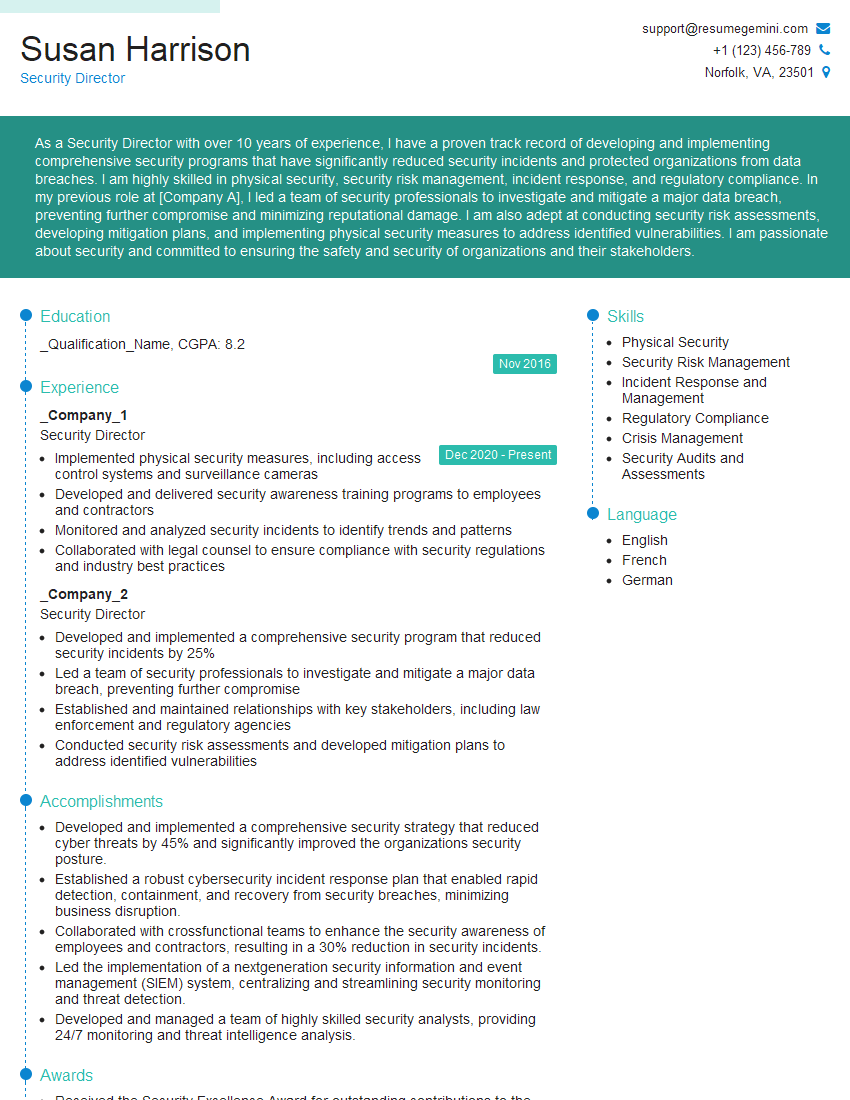
Security Director Resume Sample
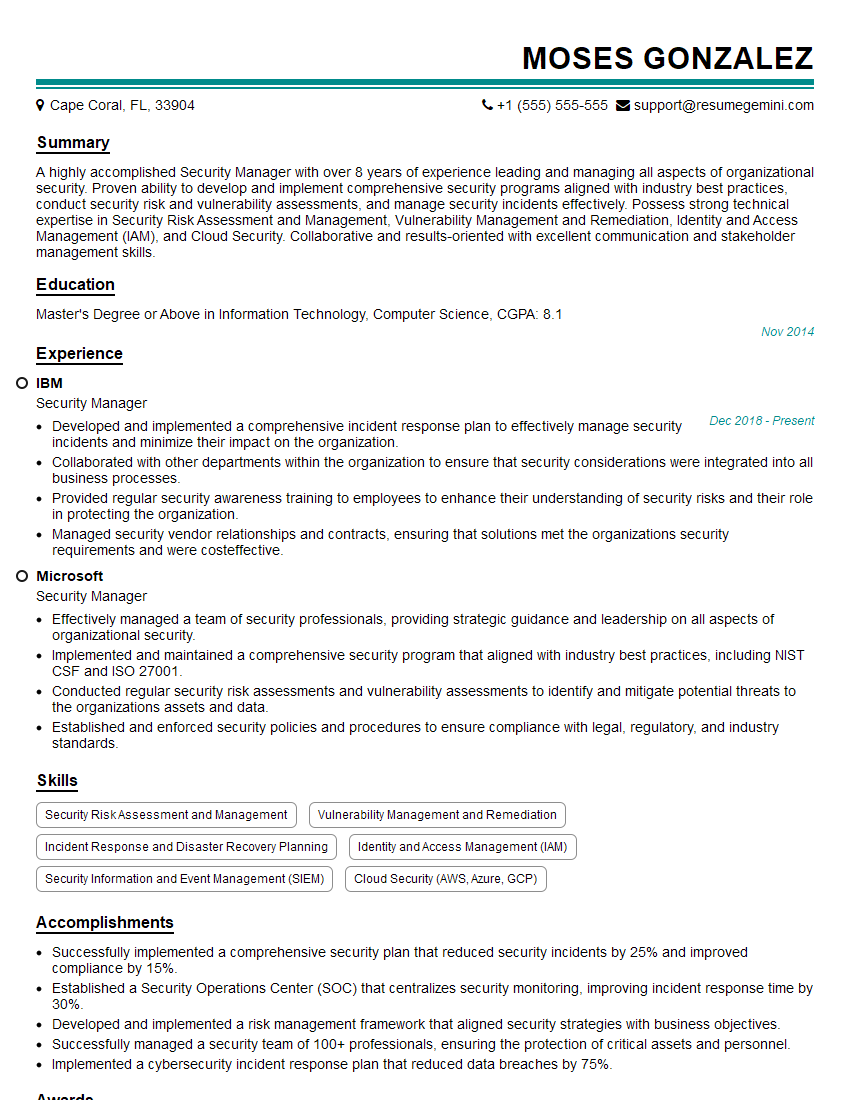
Security Manager Resume Sample

Security Analyst Resume Sample

Security Consultant Resume Sample

Information Security Manager Resume Sample

Security Architect Resume Sample
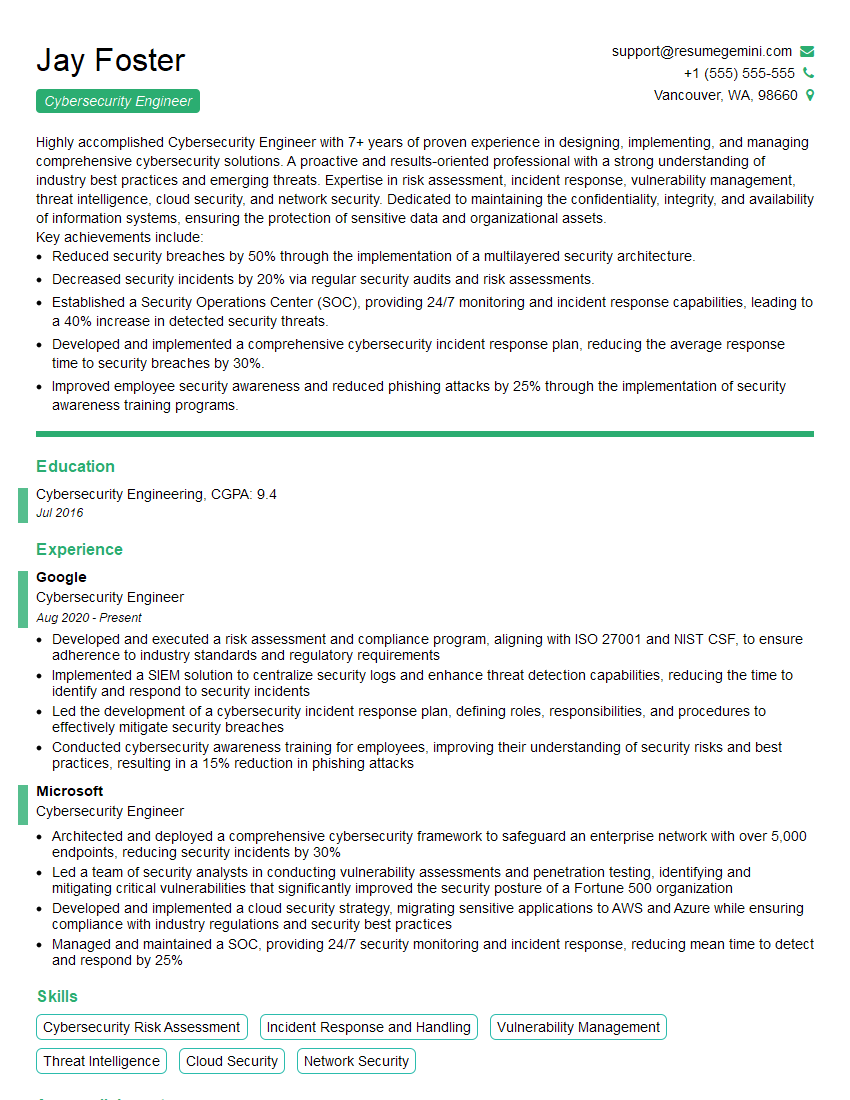
Cybersecurity Engineer Resume Sample

Cybersecurity Architect Resume Sample
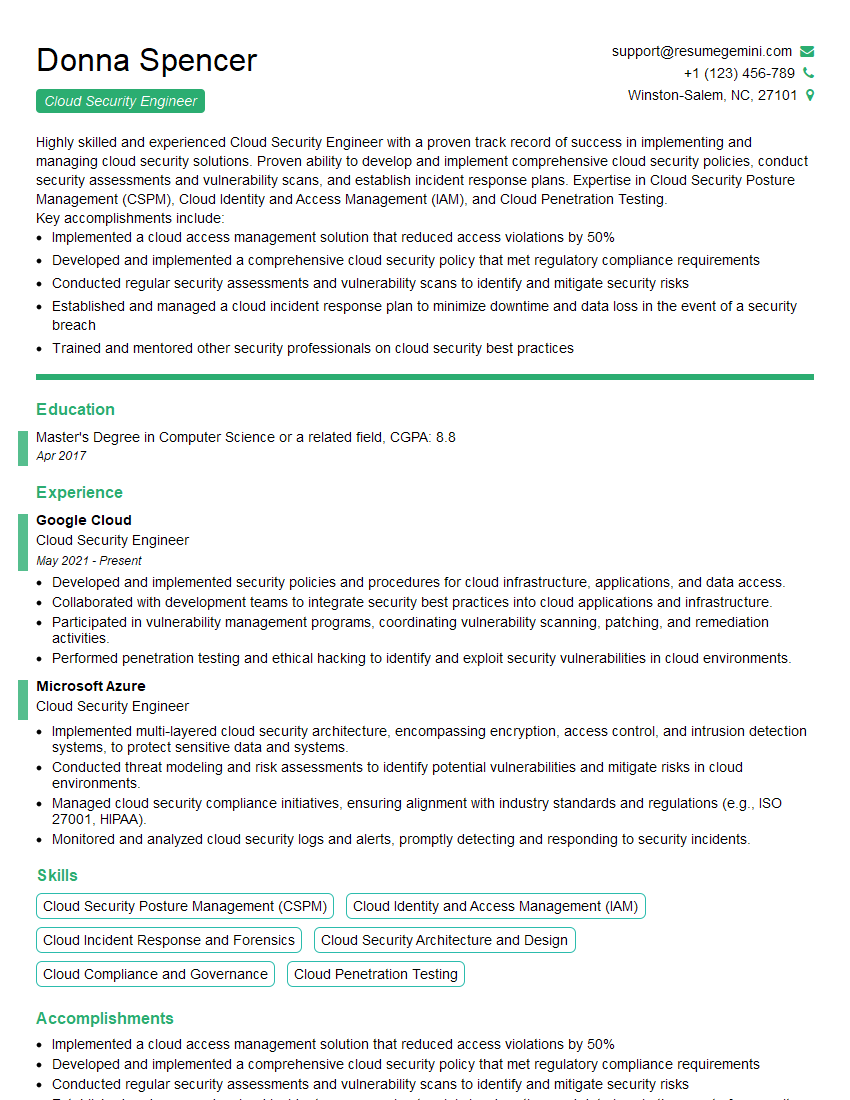
Cloud Security Engineer Resume Sample
Explore more articles
Users Rating of Our Blogs
Share Your Experience
We value your feedback! Please rate our content and share your thoughts (optional).
What Readers Say About Our Blog
Really detailed insights and content, thank you for writing this detailed article.
IT gave me an insight and words to use and be able to think of examples