Cracking a skill-specific interview, like one for SolidWorks or CATIA Modeling, requires understanding the nuances of the role. In this blog, we present the questions you’re most likely to encounter, along with insights into how to answer them effectively. Let’s ensure you’re ready to make a strong impression.
Questions Asked in SolidWorks or CATIA Modeling Interview
Q 1. Explain the difference between a part, assembly, and drawing in SolidWorks/CATIA.
In SolidWorks and CATIA, a part is the fundamental building block, representing a single, independent component. Think of it like a LEGO brick – a complete, self-contained unit. An assembly is a collection of parts, put together to form a larger product. It’s like building a LEGO car from multiple individual bricks. Finally, a drawing is a 2D representation of a part or assembly, providing details for manufacturing or communication. This is the instruction manual for your LEGO car, showing dimensions, tolerances, and material specifications.
For example, in designing a bicycle, the frame would be one part, the wheel would be another, the handlebars another, etc. The entire assembled bicycle would be the assembly. The manufacturing drawings would then show the detailed design of each individual part and the overall assembly.
Q 2. How do you manage large assemblies in SolidWorks/CATIA?
Managing large assemblies efficiently is crucial. In both SolidWorks and CATIA, I utilize several strategies. Component simplification is key; representing complex parts with simpler representations (lightweight components) significantly reduces file size and improves performance. I also leverage top-down assembly design, creating sub-assemblies that are then incorporated into the main assembly. This breaks down a complex system into more manageable chunks. Further, design reuse through component libraries stores frequently used parts, speeding up design and minimizing errors. Finally, performance tuning involves techniques like optimizing the assembly structure to reduce the number of relationships between components. For instance, using component patterns or large assembly features appropriately can improve performance.
For particularly large assemblies, I use large assembly tools such as SolidWorks’s ‘Large Design Review’ or CATIA’s specific assembly management features. These offer optimized viewing and manipulation of extremely complex assemblies.
Q 3. Describe your experience with feature-based modeling.
Feature-based modeling is the cornerstone of my design process. It’s like building with LEGOs – you start with a basic shape (e.g., a block) and gradually add features (holes, cuts, bosses) to create the final part. This parametric approach allows for easy modification; changing one parameter automatically updates dependent features. For instance, if I design a hole with a specific diameter, changing that diameter automatically adjusts the hole in the model. This is incredibly powerful for design iterations and optimization. I’m proficient in using various features like extrudes, revolves, sweeps, and cuts in both SolidWorks and CATIA, and I understand the importance of feature order and tree management for robust and predictable designs.
I’ve used feature-based modeling on countless projects, from designing simple brackets to intricate engine components. This method ensures efficient and error-free designs by maintaining clear design intent.
Q 4. What are your preferred methods for creating complex curves and surfaces?
Creating complex curves and surfaces is where the artistry of CAD truly shines. My preferred methods involve a combination of techniques. For example, I frequently use splines for freeform curves, defining points and tangents to control their shape and smoothness. Sweep features are excellent for creating complex surfaces by sweeping a profile along a path, offering precise control over the resulting geometry. Surface patching is another valuable tool for merging multiple surfaces smoothly. Additionally, I’m adept at leveraging ruled surfaces and revolved surfaces for generating specific types of geometry.
In cases requiring advanced surface manipulation, I utilize tools like offset surfaces and fill surfaces to refine the final aesthetic and functional aspects of the design. Understanding the different mathematical definitions underlying these tools is key to their effective application and to ensuring smooth and manufacturable surfaces.
Q 5. How do you handle design changes and revisions in SolidWorks/CATIA?
Managing design changes is critical. In both SolidWorks and CATIA, I utilize the built-in revision control systems. This involves creating new revisions, documenting changes, and maintaining a clear history of design iterations. Each revision is carefully documented with details of the modifications, often including annotations and 3D comparisons highlighting areas of alteration. I prefer a structured approach to revision management, utilizing a standardized naming convention for files and folders to avoid confusion.
Furthermore, using parametric modeling is a strong defense against design changes. Modifying a single parameter automatically propagates the change throughout the model, reducing errors compared to manual edits. For complex changes that impact many parts, I regularly work with design teams to coordinate modifications and minimize conflicts.
Q 6. Explain your experience with different types of constraints in SolidWorks/CATIA.
Constraints are the glue that holds assemblies together. I’m experienced with various constraint types, including mate constraints (fixing position and orientation), geometric constraints (controlling distances and angles), and assembly constraints (defining relationships between components). I understand the importance of properly constraining assemblies to avoid over-constraining (leading to design conflicts) or under-constraining (resulting in instability). I always strive for a well-defined, non-over-constrained system to ensure the design is robust and functional.
For example, while designing a hinge, I’d use mate constraints to define the hinge’s rotational axis, geometric constraints to set distances between components, and assembly constraints to prevent interference. Understanding the interaction between these constraint types allows for the design of reliable and fully functional assemblies.
Q 7. Describe your experience with SolidWorks/CATIA simulation tools.
I have considerable experience using simulation tools within both SolidWorks and CATIA. I’ve utilized finite element analysis (FEA) to simulate stress, strain, and deformation under various load conditions. This is essential for verifying the structural integrity of designs. I’m also proficient in Computational Fluid Dynamics (CFD) for analyzing fluid flow and heat transfer, critical in applications involving aerodynamics or thermal management. My experience extends to motion simulation, predicting the kinematic behavior of mechanical systems and identifying potential issues like interference or binding. I regularly use these tools to validate design decisions and optimize performance before manufacturing.
For example, I used FEA to analyze stress in a complex bracket during a previous project, allowing me to optimize the design for strength while reducing weight. This ensured the design met its intended function under realistic operating conditions.
Q 8. How do you create and manage design documentation?
Creating and managing design documentation is crucial for effective communication and collaboration in engineering. It ensures everyone involved – from designers to manufacturers – understands the product’s specifications. My process typically involves leveraging the built-in tools within SolidWorks/CATIA to generate comprehensive documentation. This includes:
Creating detailed 2D drawings: I use the drawing tools to generate orthographic views, sections, and details, ensuring all critical dimensions, tolerances, and material specifications are clearly indicated. For example, I’ll meticulously annotate a complex assembly drawing to show the proper mating of parts and highlight any critical tolerances for a successful fit.
Generating parts lists (BOMs): SolidWorks/CATIA automatically generates BOMs, which I then review and refine, adding relevant information such as part numbers, revisions, and material specifications. I’ve found this feature saves significant time and reduces errors compared to manual creation.
Using revision control: I strictly adhere to a revision control system to track design changes. This involves versioning drawings and models, documenting changes, and ensuring all stakeholders are working with the latest approved version. For instance, I’ll use a numbering system (e.g., A, B, C) to represent revisions and clearly note the alterations made in each iteration.
Creating assembly instructions: For complex assemblies, I generate detailed assembly instructions, often including images and 3D views, to guide manufacturing and assembly processes. A clear assembly instruction for a robotic arm, for example, needs to visually guide the assembler through precise steps, reducing potential errors.
Utilizing templates and standards: I employ standardized templates and drawing formats to ensure consistency across all documentation. This allows for easier understanding and reduces ambiguity.
Q 9. Explain your experience with data management in SolidWorks/CATIA.
Data management is paramount in a collaborative design environment. My experience involves utilizing SolidWorks PDM (Product Data Management) or CATIA’s collaborative platforms like 3DEXPERIENCE. These systems provide a centralized repository for managing design files, revisions, and associated documentation. This includes:
Version control: Managing different revisions of models and drawings, ensuring everyone works with the most current version. For example, I’ve handled situations where multiple engineers were working on the same product simultaneously, and the PDM system allowed for smooth merging of changes and prevented conflicting versions.
Workflow automation: Automating tasks such as check-in/check-out procedures, approvals, and notifications, reducing manual effort and potential errors. This has proven crucial in large-scale projects with multiple team members.
Access control: Managing access rights to ensure only authorized personnel can modify sensitive design data. Security is paramount, particularly when working with proprietary designs.
Data search and retrieval: Quickly searching and retrieving specific files based on metadata or other attributes. I’ve relied on this heavily to locate past projects or specific components for reuse in new designs.
Q 10. How do you ensure design accuracy and quality?
Ensuring design accuracy and quality is a continuous process involving various checks and validations throughout the design cycle. My approach involves:
Dimensional analysis: Rigorous verification of dimensions, tolerances, and clearances using both manual checks and automated tools within SolidWorks/CATIA. I meticulously check for clashes or interferences between parts in an assembly using the interference detection tools.
Simulation and analysis: Performing simulations such as FEA (Finite Element Analysis) and CFD (Computational Fluid Dynamics) to verify design performance and identify potential weaknesses. For example, I’ve used FEA to analyze stress levels in a structural component under different loading conditions.
Design reviews: Conducting regular design reviews with peers to identify potential issues and obtain feedback before finalizing designs. This collaborative approach helps to catch potential errors early on.
Adherence to standards: Consistently following industry standards and best practices to ensure designs meet required specifications and regulations.
Prototyping and testing: Creating prototypes for physical verification and testing to validate design functionality and performance. This is invaluable for complex mechanisms or where simulations are insufficient.
Q 11. Describe your experience with different rendering techniques.
I’m experienced with various rendering techniques, using both SolidWorks Visualize and CATIA’s rendering capabilities, as well as external rendering software like Keyshot. The choice depends on the desired level of realism and the project’s requirements:
Photorealistic rendering: Creating highly realistic images for marketing or presentation purposes using advanced rendering techniques and lighting effects. This is ideal for showcasing a product’s aesthetic appeal.
Ray tracing: Employing ray tracing algorithms to generate images with accurate reflections, refractions, and shadows, resulting in a high level of realism. I’ve used this for product visualization where accurate light interactions are vital.
Shaded rendering: Generating simpler, faster renderings for quick visual checks during the design process. This is useful for a quick assessment of form and color without lengthy rendering times.
My experience allows me to choose the optimal technique for each situation, balancing the need for realism with the available time and resources.
Q 12. How familiar are you with different file formats (e.g., STEP, IGES, STL)?
I’m proficient in handling various file formats, understanding their strengths and limitations. This is crucial for data exchange with other teams or software:
STEP (Standard for the Exchange of Product data): A widely used neutral format for exchanging 3D CAD data between different systems. It preserves much of the original model’s geometry and features.
IGES (Initial Graphics Exchange Specification): Another neutral format for exchanging CAD data. While less feature-rich than STEP, it’s still widely supported.
STL (Stereolithography): A commonly used format for 3D printing, representing the model’s surface as a mesh of triangles. It’s particularly useful for additive manufacturing workflows.
Other formats: I’m also familiar with other formats such as Parasolid, JT, and native formats for other CAD software, depending on project requirements. I understand the limitations of each format and choose accordingly to avoid data loss.
Q 13. Explain your process for creating detailed drawings from 3D models.
Generating detailed drawings from 3D models is a systematic process in SolidWorks/CATIA. It involves:
Creating a drawing template: Setting up a drawing template with company standards for title blocks, sheets, and annotation styles ensures consistency.
Inserting views: Automatically or manually inserting orthographic views (front, top, side, etc.) from the 3D model. I’ll often add auxiliary or section views to clarify complex geometries.
Adding dimensions and tolerances: Carefully adding dimensions and tolerances, ensuring they’re clear, unambiguous, and meet industry standards. This step requires attention to detail to avoid miscommunication.
Creating annotations: Including notes, symbols, and other annotations to provide further clarification to the manufacturing process. For example, I’ll indicate surface finishes or specific material requirements.
Generating BOMs: Generating and including a complete Bill of Materials (BOM) with part numbers, descriptions, quantities, and other pertinent information.
Review and approval: Completing a thorough review of the drawings before release to ensure accuracy and completeness.
Q 14. How do you troubleshoot errors and resolve issues during modeling?
Troubleshooting errors during modeling requires a methodical approach. My process involves:
Identifying the error: Carefully examine the error message or symptom. SolidWorks/CATIA often provide diagnostic information that helps pinpoint the problem’s location and nature.
Analyzing the model: Inspect the relevant parts of the model for inconsistencies, geometric errors, or constraints conflicts. Using the software’s diagnostic tools is often crucial here.
Simplifying the model: If necessary, I will simplify the model to isolate the source of the error by temporarily removing or replacing parts.
Checking references and constraints: Verify all references to other components or design elements are correct. I pay close attention to how constraints are defined and whether they are causing conflicts.
Using online resources: Consulting online forums, documentation, and tutorials. SolidWorks/CATIA communities are great resources to find solutions to common problems.
Seeking help: If the error remains unresolved, I don’t hesitate to seek assistance from colleagues or online forums. This can save significant time and effort.
Q 15. Describe your experience with version control systems for CAD data.
Version control is crucial for managing CAD data, especially in collaborative projects. Think of it like Google Docs for 3D models – it allows multiple engineers to work simultaneously without overwriting each other’s changes. I have extensive experience using both SolidWorks’ built-in data management tools (like SolidWorks PDM) and external systems like Autodesk Vault and Git (with appropriate plugins). SolidWorks PDM, for instance, provides robust capabilities for file revision control, workflow automation, and change management. Using a system like this ensures we always have a complete history of design iterations, making it easy to revert to previous versions if necessary, and track who made what changes. With external systems like Git, we leverage the power of branching and merging, particularly useful for parallel development on different features of the same product. This also allows for integration with other project management tools for a more streamlined workflow. For example, on a recent project involving the design of a complex robotic arm, using Git allowed different team members to work concurrently on the arm’s gripper, base, and actuators, merging their changes seamlessly at the end.
Career Expert Tips:
- Ace those interviews! Prepare effectively by reviewing the Top 50 Most Common Interview Questions on ResumeGemini.
- Navigate your job search with confidence! Explore a wide range of Career Tips on ResumeGemini. Learn about common challenges and recommendations to overcome them.
- Craft the perfect resume! Master the Art of Resume Writing with ResumeGemini’s guide. Showcase your unique qualifications and achievements effectively.
- Don’t miss out on holiday savings! Build your dream resume with ResumeGemini’s ATS optimized templates.
Q 16. How do you collaborate with other engineers on design projects?
Collaboration is paramount in engineering. My approach to collaborative design involves a combination of tools and practices. We often leverage cloud-based platforms, such as those provided by various CAD software vendors, that allow real-time co-authoring. For instance, in SolidWorks, multiple users can work on the same assembly concurrently with the software notifying them of concurrent changes made by others. Beyond this, we utilize regular design reviews, where we present our work to the team, gather feedback, and identify potential conflicts early on. This active communication minimizes misinterpretations and ensures everyone is on the same page. We document design decisions meticulously, using annotations and design reviews in our CAD system and project management software. Finally, we maintain clear communication channels (e.g., Slack, email) for quick clarification of issues or design questions. During one aerospace project, utilizing cloud-based collaboration and daily stand-up meetings helped resolve potential design clashes before they escalated into major problems.
Q 17. What are your experiences with parametric modeling?
Parametric modeling is the foundation of modern CAD. It’s like building with LEGOs, but instead of physical bricks, you’re using parameters (variables) to define the geometry. Changing a single parameter (like the diameter of a hole) automatically updates all related parts of the model. This dramatically improves design efficiency and allows for easy modifications. I’m proficient in utilizing parameters in both SolidWorks and CATIA to define relationships between geometric elements, create reusable components, and manage design iterations. For example, in a recent project designing a car engine, I used parameters to define the bore, stroke, and connecting rod length. Changes to any one of these parameters automatically updated the entire engine model, allowing for quick analysis of different design options. This saved significant time and effort compared to traditional modeling methods.
Q 18. What are some best practices for creating efficient and maintainable models?
Efficient and maintainable models are key to successful projects. My best practices include:
- Modular Design: Breaking down complex assemblies into smaller, manageable parts. This is like building a house – you start with the foundation, then the walls, then the roof, rather than trying to construct it all at once.
- Consistent Naming Conventions: Using a clear, logical naming system for files and components prevents confusion and ensures easy identification of parts. I use descriptive names like ‘Engine_Block_v2’ instead of generic terms.
- Feature-Based Modeling: Leveraging the software’s features to create robust and easily modifiable geometries. Each feature is defined with parameters and constraints, reducing errors and improving design integrity.
- Design Intent: Modeling with constraints that fully define the intended behavior and relationships between features. This is vital for easy updates and modification.
- Regular Cleanup: Periodically removing unnecessary features or geometry to keep models lightweight and easy to manage. Think of it as spring cleaning for your CAD models.
Q 19. How do you handle interference checks and collision detection in assemblies?
Interference checks and collision detection are critical for ensuring assemblies function correctly. Both SolidWorks and CATIA offer powerful tools for this. In SolidWorks, I routinely use the ‘interference detection’ tool, which highlights any overlapping parts in an assembly. This visually identifies potential problems before manufacturing. In CATIA, similar tools provide collision detection analysis with detailed reports identifying the interfering parts and their extent of overlap. Beyond the built-in tools, I also employ strategies like creating clearance distances around moving components, designing with sufficient tolerances, and conducting simulations or virtual prototyping to test for potential collisions during assembly or operation. For example, during a robotics project, I used interference detection to identify a collision between the robot arm and its base during a specific movement sequence. This allowed me to adjust the arm’s trajectory and prevent a potential malfunction.
Q 20. Explain your experience with different types of analysis (e.g., FEA, CFD).
I have experience with several types of analysis, including FEA (Finite Element Analysis) and CFD (Computational Fluid Dynamics). FEA helps predict how a product will behave under various loads and stresses, allowing for optimization of design for strength and durability. I’ve used ANSYS and SolidWorks Simulation extensively for FEA on a wide range of projects, from stress analysis of mechanical components to thermal simulations of electronic devices. CFD helps simulate fluid flow and heat transfer, crucial for designs involving aerodynamics, hydraulics, or thermal management. I have experience using tools like Fluent and SolidWorks Flow Simulation for CFD analysis, particularly in projects involving heat sink design and airflow optimization. For instance, in a project designing a cooling system for an electric motor, I used CFD to optimize the fan design and airflow pathways, resulting in a more efficient and quieter system.
Q 21. How familiar are you with manufacturing processes and their impact on design?
Understanding manufacturing processes is crucial for creating designs that are both functional and manufacturable. My experience includes familiarity with various processes, such as CNC machining, injection molding, casting, and 3D printing. I consider manufacturing constraints throughout the design process, selecting appropriate materials and features that are compatible with the chosen manufacturing method. I use design for manufacturing (DFM) principles to simplify part geometry, reduce assembly steps, and minimize material waste. I often collaborate with manufacturing engineers early in the design phase to ensure manufacturability and avoid costly redesigns later in the process. For example, on a project designing a plastic enclosure, I worked closely with the manufacturing team to ensure the design was suitable for injection molding, including considerations for mold design, draft angles, and wall thicknesses. This collaborative approach led to a successful product launch without any manufacturing-related delays.
Q 22. Describe your experience using SolidWorks/CATIA APIs or macros.
My experience with SolidWorks APIs and macros is extensive. I’ve used VBA (Visual Basic for Applications) extensively within SolidWorks to automate repetitive tasks, create custom tools, and integrate SolidWorks with other software. For instance, I developed a macro to automatically generate detailed assembly drawings based on a bill of materials imported from an external database. This significantly reduced manual work and improved consistency. I’ve also worked with the SolidWorks API to create add-ins that extended the functionality of SolidWorks, such as a custom feature to automatically generate complex weldments based on user input parameters. In contrast, my CATIA experience involves using CATIA’s macro language, CAA (CATIA Application Architecture), which is more complex but offers greater control over the application. I’ve leveraged CAA to develop macros for automating parts creation from imported point clouds, enabling efficient reverse engineering processes.
For example, one project involved creating a macro that analyzed a large assembly and automatically identified components exceeding a specified weight threshold, flagging them for potential design modifications. This kind of automation significantly streamlines the design process and reduces the risk of errors.
Q 23. How do you optimize models for performance?
Optimizing models for performance in SolidWorks and CATIA involves several strategies focused on reducing file size and improving processing speed. Think of it like decluttering your home – the less you have, the easier it is to find things! First, simplifying geometry is key. This means avoiding unnecessary detail, using simpler features where possible, and deleting unused components or features. Instead of using highly detailed curves and surfaces, consider using simpler approximations whenever the level of detail isn’t critical.
Secondly, feature suppression and component suppression allow temporarily hiding aspects of the model without deleting them. This is useful for managing complexity during assembly and simulation. Similarly, using lightweight components – representations of components that are simplified to improve performance, while still representing the geometry reasonably accurately – can substantially improve performance in large assemblies.
Third, proper use of references is critical. Avoid overly complex relationships between features. Each feature is a step in the model, and a complex tree of relationships can slow down updates. The ‘History’ of a model can grow too large, slowing down operations. Finally, regularly saving in a native format and periodically rebuilding the model helps eliminate redundant data and maintain optimal performance. These measures are crucial for handling large and complex designs efficiently.
Q 24. What is your experience with sheet metal design in SolidWorks/CATIA?
My experience with sheet metal design in both SolidWorks and CATIA is quite thorough. I’m proficient in creating various sheet metal parts, from simple boxes to intricate components with flanges, louvers, and complex bends. I understand the importance of proper bend deduction and material properties in sheet metal design. I can effectively utilize features like unfold/flatten operations and manage various sheet metal gauges and materials. In SolidWorks, I am comfortable using features like the ‘Sheet Metal’ environment to automate processes like bend creation and flange generation.
In CATIA, the approach is slightly different, but I’m equally proficient in leveraging its advanced sheet metal capabilities. For example, in a recent project involving the design of a complex electronic enclosure, my knowledge of sheet metal design principles and the specific tools within CATIA allowed me to optimize the material usage and create a design that met the stringent requirements for strength and manufacturability. Understanding the implications of different bend radii and the impact on springback is crucial in successful sheet metal design, and I’m fully versed in managing these considerations.
Q 25. How do you create and use custom templates in SolidWorks/CATIA?
Creating and utilizing custom templates in SolidWorks and CATIA is a cornerstone of efficient design. Templates are pre-configured models or documents that serve as starting points for new projects, ensuring consistency and saving time. In SolidWorks, I create templates by starting a new part or assembly, setting up the desired units, material properties, and default features. This could include predefined sketches, planes, or even partially-designed components. Once created, these templates are readily available when starting a new project, eliminating redundant initial setup. The same principle applies to CATIA, where templates define the initial setup of a part or assembly, including dimensions, material selections, and often, even initial design features.
For example, a common template I use in SolidWorks is a template for a standard enclosure. It already includes pre-defined planes, sketches for commonly-used cutouts, and material selection for aluminum. This allows me to rapidly prototype different versions of a similar enclosure design, modifying only the dimensions and features relevant to each specific case. Similarly, in CATIA I’ve set up templates for common component types, like brackets and housings, which reduce time spent on repetitive design tasks. This speeds up the design process considerably, enabling faster iteration and greater productivity.
Q 26. Describe your experience with mold design or tooling design.
My experience with mold design and tooling design is substantial. I have designed various molds, including injection molds, die-casting molds, and blow molds. This involves understanding the intricacies of mold construction, including core and cavity design, runner systems, ejection systems, and cooling channels. In SolidWorks and CATIA, I utilize specialized tools and features designed for mold design. For instance, I have experience using mold design add-ins in SolidWorks to automate the creation of cooling channels and utilize analysis tools to verify the design’s structural integrity.
I am also familiar with the creation of tooling for various manufacturing processes, including machining and stamping. A recent project involved designing a progressive die for stamping a complex sheet metal part. Using CATIA, I designed the die components, including punches, dies, and strippers, and verified the design’s functionality using simulation. This involved careful consideration of material properties, clearances, and tolerances to ensure the successful manufacturing of the part. I have a strong understanding of the manufacturing process and how design choices can impact the production process and cost.
Q 27. How familiar are you with different types of tolerancing and GD&T?
My familiarity with different types of tolerancing and Geometric Dimensioning and Tolerancing (GD&T) is extensive. I understand various tolerance types, such as bilateral, unilateral, and geometric tolerances. I can interpret and apply GD&T symbols to drawings accurately, ensuring that the design intent is clearly communicated to manufacturers. This is critical for ensuring the proper function and interchangeability of parts. In both SolidWorks and CATIA, I use the built-in tools for applying GD&T annotations to models and drawings, and I know the importance of correctly interpreting specifications like position, perpendicularity, flatness, and runout.
In practice, I often work with manufacturing engineers to define suitable tolerances based on the part’s function and the capabilities of the manufacturing process. For instance, a tight tolerance on a critical mating surface might require a more precise manufacturing method and may add to the cost of production. Understanding these tradeoffs is a key part of my design process. Improperly specified tolerances can lead to costly rework or even part failure, highlighting the importance of a thorough understanding of GD&T principles.
Q 28. Explain your experience with reverse engineering using SolidWorks/CATIA.
My experience with reverse engineering using SolidWorks and CATIA is significant. I have used both platforms to create 3D models from existing physical parts. This process typically involves scanning the part using a 3D scanner to obtain a point cloud, importing the point cloud into the CAD software, and then creating a surface or solid model based on the point cloud data. In SolidWorks, I typically use the ‘3D Scan to Part’ feature to help convert the scanned data into a usable model. This often involves cleaning up the point cloud to remove noise and extraneous data. In CATIA, the process involves similar steps, though the tools and workflows differ slightly.
A real-world example involves reverse engineering a legacy part for which the original CAD data was lost. Using a 3D scanner, I acquired a point cloud of the part, and using CATIA, I created a surface model that accurately represented the part’s geometry. This allowed us to create updated drawings, modify the design for improved functionality, and manufacture replacement parts. This highlighted the ability of reverse engineering to recover critical design information, facilitating both cost savings and product improvement.
Key Topics to Learn for SolidWorks or CATIA Modeling Interviews
Ace your next interview by mastering these fundamental concepts. Remember, practical application is key!
- Part Modeling Fundamentals: Understanding sketching, feature creation (extrusions, revolves, sweeps), and part editing techniques. Practical application: Designing a simple mechanical part from scratch, demonstrating proficiency in constraint management and feature manipulation.
- Assembly Modeling: Mastering the creation and management of complex assemblies, including constraints, mates, and configurations. Practical application: Building an assembly of multiple parts, demonstrating an understanding of assembly hierarchy and design intent.
- Drawing Creation: Generating professional-quality engineering drawings with dimensions, tolerances, and annotations. Practical application: Creating detailed production drawings from a 3D model, ensuring proper dimensioning and annotation practices.
- Advanced Modeling Techniques: Explore surface modeling, sheet metal design, and weldments (depending on the specific role and software). Practical application: Demonstrating proficiency in at least one of these advanced areas through a relevant project example.
- Design for Manufacturing (DFM): Understanding manufacturing processes and how design choices impact manufacturability and cost. Practical application: Discussing design modifications for improved manufacturability, considering factors like material selection and tooling.
- Simulation & Analysis (if applicable): Basic understanding of finite element analysis (FEA) or other simulation tools used for design verification. Practical application: Explaining how simulation can be used to improve product design and identify potential failure points.
- Data Management: Understanding version control, data organization, and best practices for collaborative design environments. Practical application: Describing strategies for efficient data management within a team setting.
Next Steps
Proficiency in SolidWorks or CATIA is highly sought after, significantly boosting your career prospects in engineering and design. An ATS-friendly resume is crucial for getting your application noticed by recruiters. To maximize your chances, build a powerful resume that highlights your skills and experience effectively. ResumeGemini is a trusted resource to help you create a professional and impactful resume. We even provide examples of resumes tailored specifically for SolidWorks and CATIA Modeling roles to guide you. Take the next step towards your dream job – build your best resume yet!

Project Engineer Resume Sample

Design Engineer Resume Sample
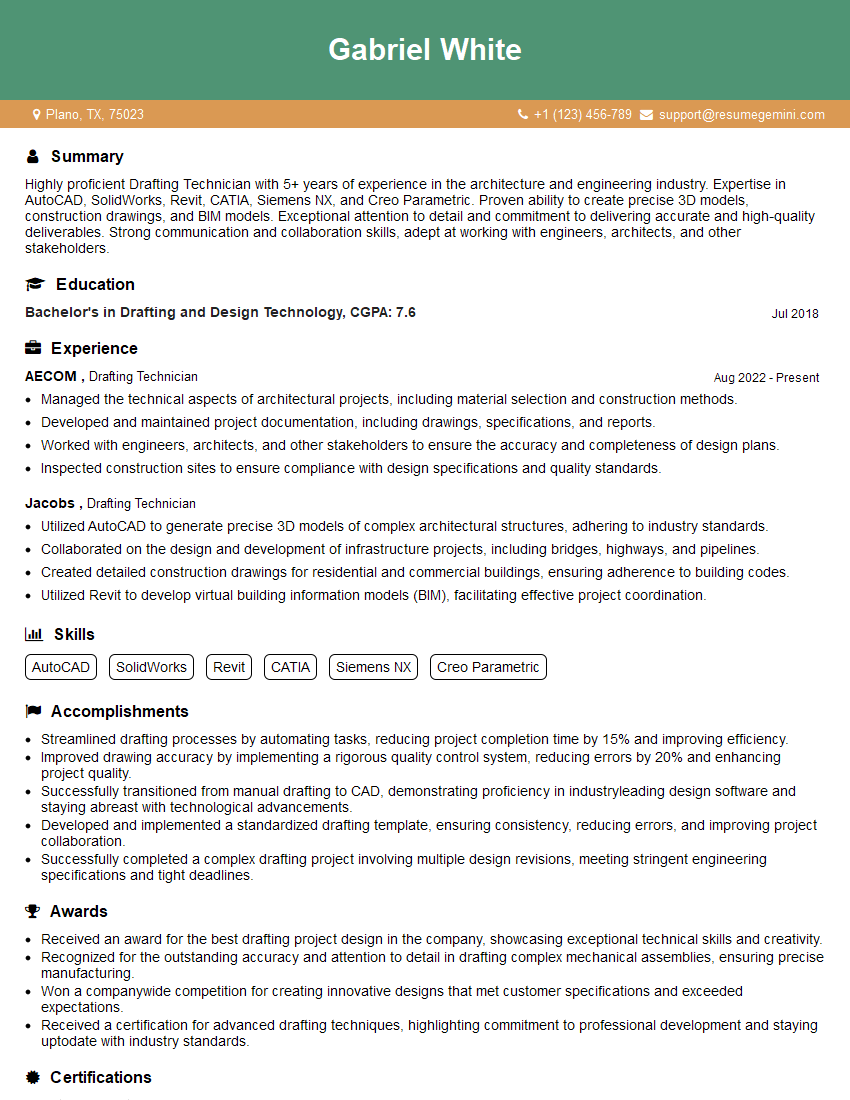
Drafting Technician Resume Sample
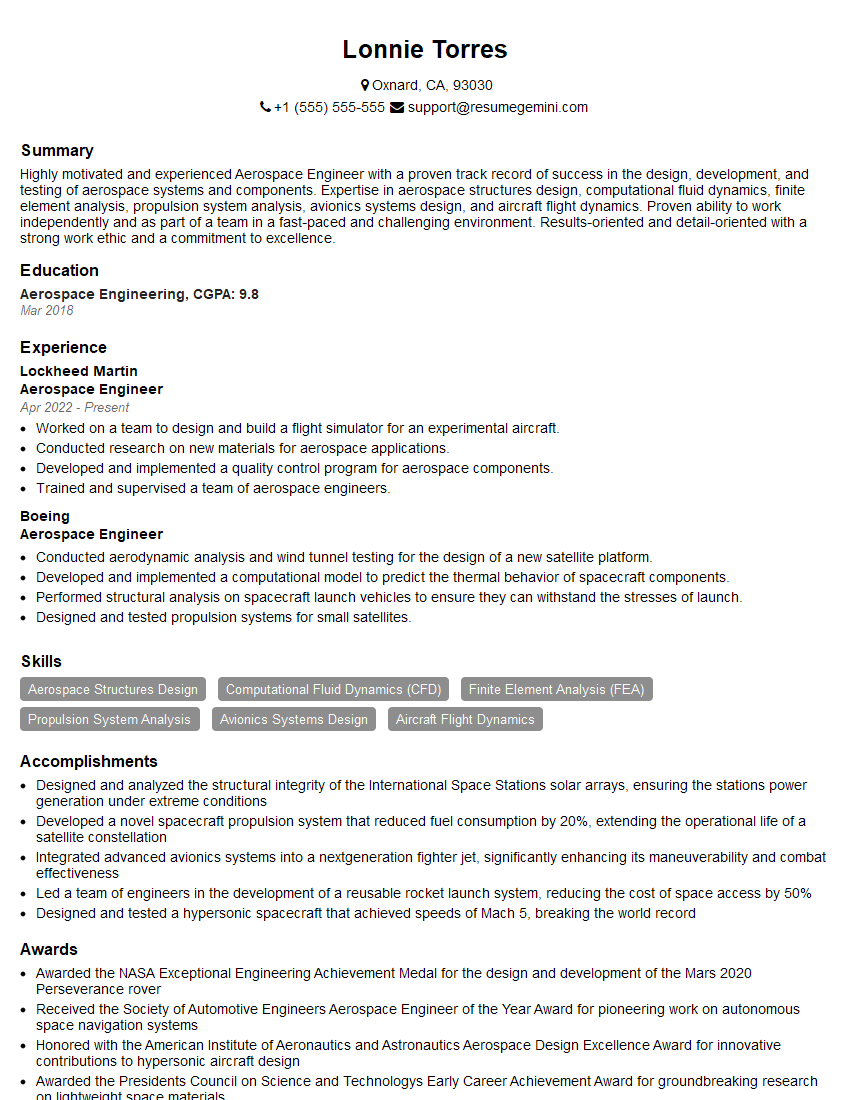
Aerospace Engineer Resume Sample

Manufacturing Engineer Resume Sample
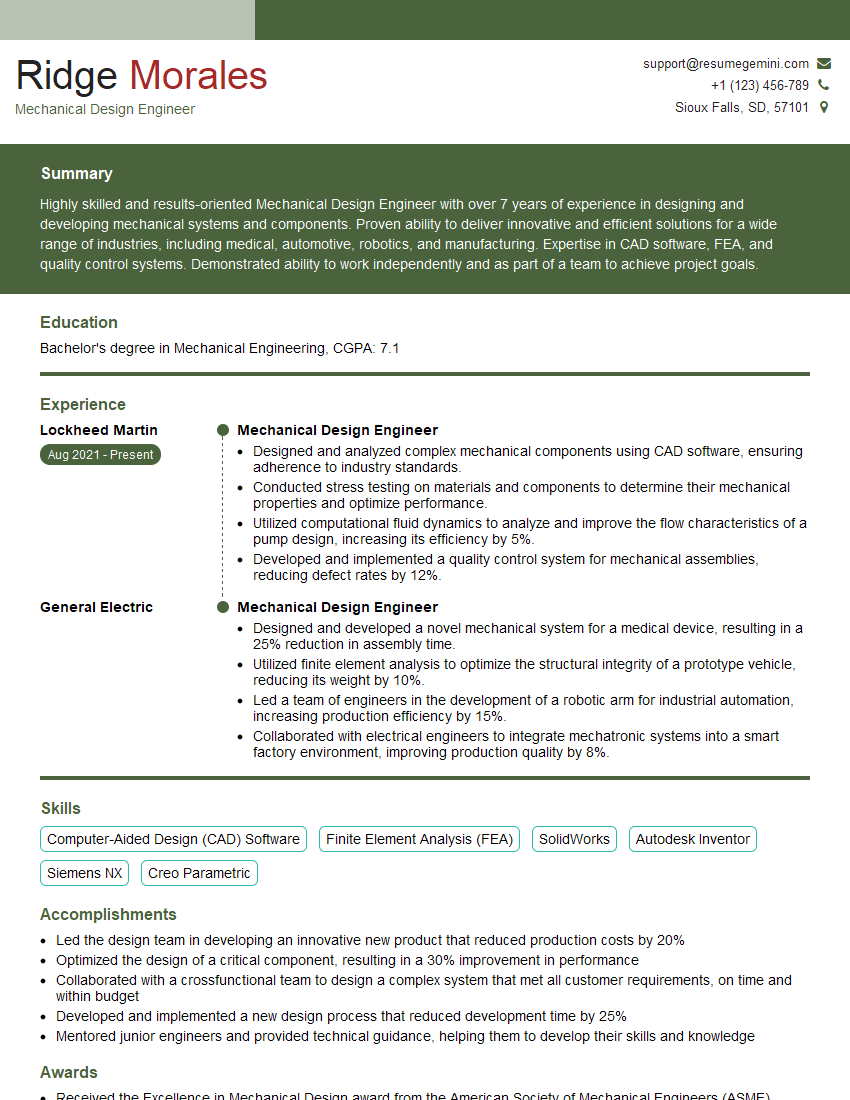
Mechanical Design Engineer Resume Sample
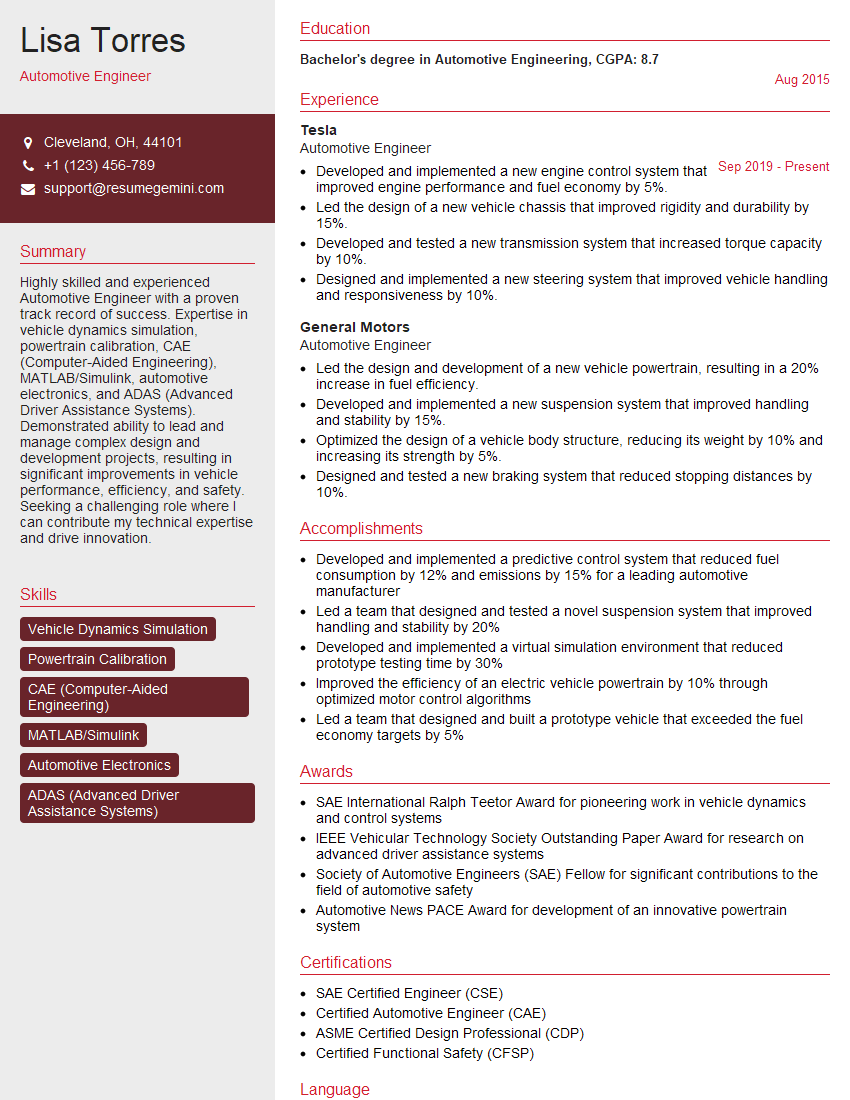
Automotive Engineer Resume Sample
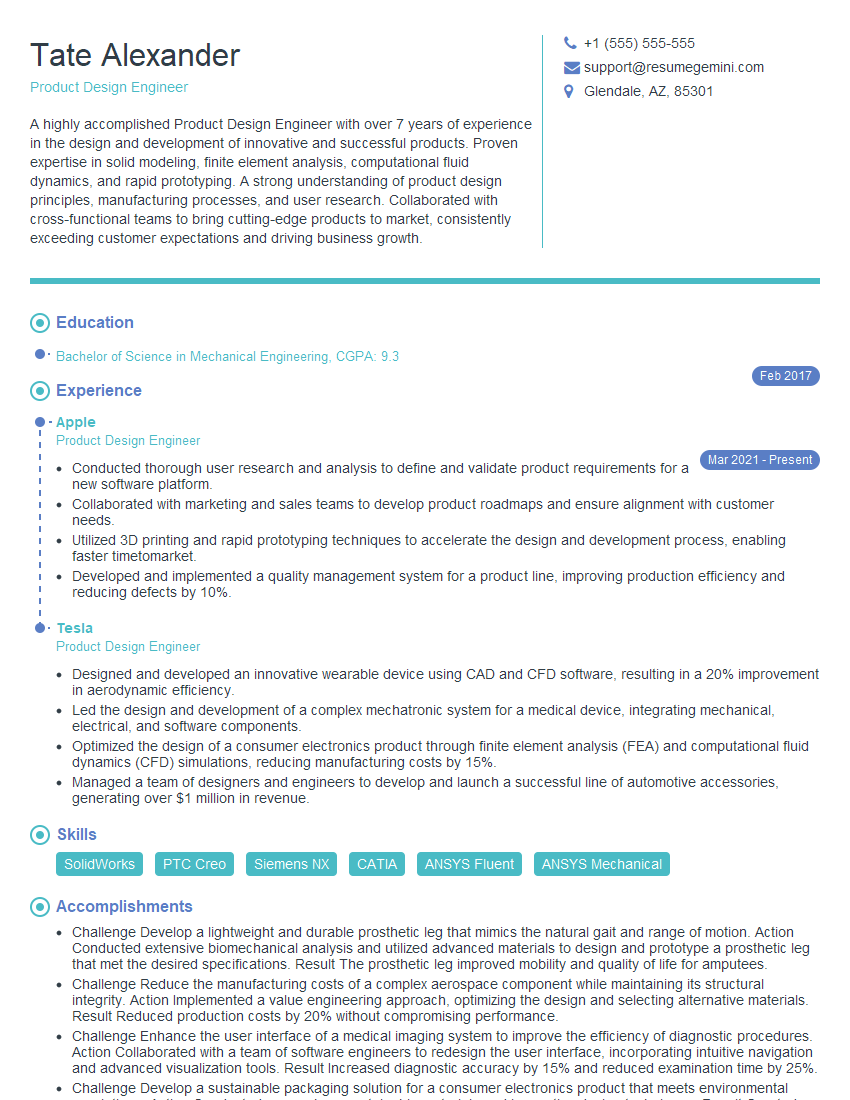
Product Design Engineer Resume Sample

Robotics Engineer Resume Sample

Technical Designer Resume Sample

3D Modeler Resume Sample
Explore more articles
Users Rating of Our Blogs
Share Your Experience
We value your feedback! Please rate our content and share your thoughts (optional).
What Readers Say About Our Blog
Really detailed insights and content, thank you for writing this detailed article.
IT gave me an insight and words to use and be able to think of examples