The right preparation can turn an interview into an opportunity to showcase your expertise. This guide to Spam and Malware Prevention interview questions is your ultimate resource, providing key insights and tips to help you ace your responses and stand out as a top candidate.
Questions Asked in Spam and Malware Prevention Interview
Q 1. Explain the difference between a virus, worm, Trojan horse, and ransomware.
Let’s clarify the differences between these common malware types using analogies. Imagine your computer as a house.
Virus: Like a biological virus, it infects files and spreads by attaching itself to other programs. Think of it as a mischievous guest who vandalizes your house after entering through an open window (infected file).
Worm: This is like a burglar who replicates itself, creating copies to spread to other houses (computers) on the network without needing to be invited (attached to a file). It doesn’t necessarily damage files directly, but its activity can slow your system down.
Trojan Horse: This is disguised as something harmless – like a seemingly innocent gift left on your doorstep (a seemingly helpful application). Once inside, it allows malicious actors (hackers) to gain access and control your house (computer) without your knowledge.
Ransomware: This is similar to a thief who breaks in, locks your house (encrypts your files), and demands a ransom for the key (decryption).
In short: Viruses need a host file, worms replicate independently, Trojans hide their true nature, and ransomware encrypts your data to extort you.
Q 2. Describe various spam filtering techniques.
Spam filtering relies on a multi-layered approach. Think of it as a security checkpoint with various guards.
Content Filtering: This ‘guard’ checks the email’s content for suspicious keywords, phrases, or links associated with spam. For example, words like ‘free money,’ ‘guaranteed loan,’ or excessive use of exclamation points are red flags.
Header Analysis: This ‘guard’ examines the email’s technical headers (metadata) for inconsistencies or forged information. It looks for signs of spoofing, unauthorized relays, or suspicious sender IP addresses.
Bayesian Filtering: This ‘guard’ uses statistical analysis to learn from past emails marked as spam or ham (legitimate emails). It assigns probabilities based on various factors, improving its accuracy over time.
Sender Reputation: This ‘guard’ checks the sender’s reputation based on past activity. Known spam senders are easily identified and blocked.
Blacklists and Whitelists: These act like ‘wanted’ and ‘trusted’ lists, blocking emails from known spam sources and allowing those from trusted senders.
SPF, DKIM, and DMARC: These are authentication protocols that help verify the sender’s identity, reducing the chances of spoofing.
Many modern spam filters combine these techniques to create a robust defense system.
Q 3. How do you identify and mitigate phishing attacks?
Phishing attacks are sneaky attempts to steal your personal information. Think of it as a sophisticated con artist posing as a trusted entity.
Identifying Phishing Attacks:
Suspicious URLs: Hover over links before clicking to see the actual URL. Legitimate websites usually have expected domains.
Poor Grammar and Spelling: Phishing emails often contain grammatical errors or typos.
Urgent or Threatening Language: Phishing emails frequently create a sense of urgency to pressure you into action.
Unexpected Emails: Be wary of emails from unknown senders or those you weren’t expecting.
Requests for Personal Information: Legitimate organizations rarely ask for sensitive information via email.
Mitigating Phishing Attacks:
Email Filtering: Employ robust spam filters and email security solutions.
Security Awareness Training: Educate users about phishing techniques.
Multi-Factor Authentication (MFA): Use MFA to add an extra layer of security to your accounts.
Regular Software Updates: Keep your operating system and software patched to prevent exploitation.
Remember, if something seems too good to be true or makes you feel uneasy, it’s best to err on the side of caution. Never click on suspicious links or provide personal information unless you’re absolutely certain of the source.
Q 4. What are the common indicators of compromise (IOCs) for malware?
Indicators of Compromise (IOCs) are clues suggesting a system may have been compromised by malware. Think of them as fingerprints left behind by the intruder.
Suspicious Network Activity: Unusual outgoing connections to known malicious IP addresses or domains.
Unexpected Processes: Unknown or unusual processes running in the background.
File Modifications: Changes to system files or the creation of suspicious files.
Registry Changes: Unwanted or unusual changes in the Windows Registry.
Data Exfiltration: Evidence of data being transferred to external systems.
Log Events: Errors, warnings, or unusual events recorded in system logs.
Unusual User Behavior: Accounts accessing unusual resources or files.
By monitoring these IOCs, security professionals can identify and respond to malware infections effectively.
Q 5. Explain your experience with SIEM systems and their role in malware detection.
SIEM (Security Information and Event Management) systems are invaluable in malware detection. Think of them as a central command center that aggregates and analyzes security data from various sources.
My experience includes using SIEMs to collect logs from firewalls, servers, endpoints, and other security tools. This centralized view allows for correlation of events, enabling the identification of suspicious patterns indicative of malware infections. For example, a SIEM can detect an unusual increase in network traffic to a known malicious IP address combined with the creation of suspicious files on a system. This correlation immediately flags a potential malware attack, allowing for timely mitigation.
SIEMs also facilitate threat hunting – proactively searching for potential threats based on known IOCs or suspicious behavior patterns. They automate incident response by triggering alerts, facilitating investigation, and providing valuable data for post-incident analysis.
Q 6. How do you analyze malware samples safely?
Analyzing malware samples safely is crucial to understand their behavior and develop effective countermeasures. Think of it as carefully studying a dangerous animal in a controlled environment.
I always utilize a dedicated, isolated environment, such as a virtual machine (VM), to analyze malware. This keeps the malware contained, preventing it from infecting my primary system. I use sandboxing techniques within the VM to further restrict the malware’s actions. Static analysis (examining the code without executing it) provides initial insights into the malware’s structure and functionality. Dynamic analysis (executing the malware in a controlled environment) reveals its behavior and interactions with the system. Tools like debuggers and disassemblers aid in understanding the code’s functions.
Throughout the process, I meticulously document all findings, which is vital for creating effective detection rules and improving security defenses. This safe approach prevents accidental infection and allows thorough investigation, fostering a safer and more secure environment.
Q 7. What are the key components of a robust email security solution?
A robust email security solution needs multiple layers of defense, like a castle with various defensive structures.
Anti-Spam Filtering: The outermost wall, preventing most spam from even reaching the inbox.
Anti-Virus Scanning: A moat around the castle, checking emails for malware attachments and malicious code.
Authentication Mechanisms (SPF, DKIM, DMARC): Solid gatehouse and guards, verifying the sender’s identity to prevent spoofing.
URL Filtering: Checking for links that lead to phishing sites or malware downloads.
Sandboxing: A deeper inspection for suspicious files before allowing them to the user.
Content Filtering: Detecting inappropriate or risky content within emails (eg. sensitive data leaks).
Data Loss Prevention (DLP): Preventing sensitive information from leaving the organization.
User Awareness Training: Educating users about email security threats.
These components work together to protect against a wide range of email-borne threats. A well-configured email security solution is proactive, constantly evolving to counter new threats.
Q 8. Describe your experience with sandboxing techniques for malware analysis.
Sandboxing is a crucial technique in malware analysis. It involves isolating a potentially malicious program in a controlled environment – a sandbox – to observe its behavior without risking damage to the host system. Think of it like a virtual quarantine zone for suspicious files. This allows analysts to analyze the malware’s actions, identify its functionalities, and understand its attack methods without causing harm.
My experience encompasses working with various sandboxing solutions, both commercial and open-source. I’ve used dynamic analysis sandboxes, which run the malware and monitor its activities in real-time, capturing network traffic, registry changes, file system modifications, and API calls. I’ve also utilized static analysis sandboxes, which dissect the malware’s code without execution, looking for patterns, suspicious functions, and known malicious signatures. For example, I once used a dynamic sandbox to analyze a new piece of ransomware. The sandbox captured the encryption process, revealing the encryption algorithm and the ransom demand, enabling us to develop a decryption tool and mitigation strategies. The combination of dynamic and static analysis provides a comprehensive understanding of the malware’s capabilities.
Furthermore, I have experience configuring and customizing sandboxes to mimic specific system environments, ensuring accurate analysis results. This involves adjusting system settings, emulating network configurations, and manipulating system calls to reproduce realistic scenarios. This allows for more effective threat detection and response, as it accurately reflects real-world environments.
Q 9. What are the different types of malware and their associated threats?
Malware encompasses a broad range of malicious software designed to damage, disrupt, or gain unauthorized access to computer systems. They can be categorized in several ways, but some common types include:
- Viruses: Self-replicating programs that spread by attaching themselves to other files. They can cause significant damage by corrupting data or slowing down systems. Think of them like biological viruses, infecting and spreading.
- Worms: Self-replicating programs that spread across networks without needing a host file. They can quickly overwhelm networks, consuming bandwidth and causing denial-of-service attacks.
- Trojans: Malicious programs disguised as legitimate software. They often grant attackers unauthorized access to systems, enabling data theft or remote control.
- Ransomware: Malware that encrypts a victim’s data and demands a ransom for its release. This can cause significant financial and operational disruption.
- Spyware: Malware that secretly monitors a user’s activity, collecting sensitive information like passwords, credit card details, and browsing history.
- Adware: Malware that displays unwanted advertisements, often without user consent. While less harmful than other types, it can be annoying and consume system resources.
- Rootkits: Malware that hides its presence on a system, making it difficult to detect and remove. They provide persistent access to the infected system for malicious activities.
The associated threats vary depending on the type of malware, but generally involve data loss, system compromise, financial losses, reputational damage, and operational disruptions. The severity can range from minor inconvenience to catastrophic failure, depending on the malware’s capabilities and the target system’s security posture.
Q 10. How do you stay updated on the latest malware threats and vulnerabilities?
Staying updated on the latest malware threats and vulnerabilities is critical in this constantly evolving landscape. My approach is multifaceted:
- Threat intelligence feeds: I subscribe to several reputable threat intelligence feeds that provide real-time information on emerging malware, vulnerabilities, and attack techniques. These feeds often include indicators of compromise (IOCs) that can be used to detect and prevent infections.
- Security blogs and forums: I regularly read security blogs and participate in online forums to stay abreast of the latest developments in the industry. This allows me to learn from the experiences of other security professionals and access cutting-edge research.
- Security conferences and webinars: I attend industry conferences and webinars to learn from leading experts and network with other professionals in the field. These events provide invaluable insights into emerging trends and best practices.
- Vulnerability databases: I monitor vulnerability databases, such as the National Vulnerability Database (NVD), to track known vulnerabilities in software and systems. This allows proactive patching and mitigation of potential weaknesses.
- Malware analysis tools and sandboxes: I regularly update and test my malware analysis tools and sandboxes to ensure compatibility with the latest malware variants. This ensures accurate detection and analysis capabilities.
This combination of sources provides a holistic view of the threat landscape, enabling me to anticipate and respond effectively to new threats.
Q 11. Explain your understanding of network security protocols relevant to spam and malware prevention.
Several network security protocols play a crucial role in spam and malware prevention. Understanding these protocols is essential for building robust security infrastructures.
- IP filtering: Blocking known malicious IP addresses helps prevent communication with sources of spam and malware. This is a basic yet effective first line of defense.
- DNS filtering: Preventing access to malicious domains by filtering DNS requests helps block access to phishing sites and malware download locations. Think of it as controlling access to websites before they even load.
- Firewall rules: Configuring firewall rules to block unauthorized network traffic based on ports and protocols is critical. For example, blocking incoming connections on port 25 (SMTP) from untrusted sources can significantly reduce spam.
- Email authentication protocols (SPF, DKIM, DMARC): These protocols help verify the authenticity of email messages, reducing the likelihood of receiving spoofed or phishing emails. They add an extra layer of verification to email traffic.
- SSL/TLS encryption: Encrypting network traffic helps protect sensitive data from interception, preventing attackers from eavesdropping on communications and stealing credentials.
- Intrusion Detection/Prevention Systems (IDS/IPS): These systems monitor network traffic for suspicious activity, blocking or alerting on potential threats (explained further in a later question).
Implementing and maintaining these protocols is crucial for a layered approach to security, reducing the overall risk of spam and malware infections. Each protocol acts as a barrier, and combining them significantly increases protection.
Q 12. Describe your experience with intrusion detection and prevention systems (IDS/IPS).
Intrusion Detection and Prevention Systems (IDS/IPS) are critical components of a robust security infrastructure. An IDS monitors network traffic for suspicious activity and generates alerts, while an IPS actively blocks malicious traffic. Think of an IDS as a security guard who observes and reports suspicious behavior, and an IPS as a security guard who also has the power to stop intruders.
My experience includes deploying, configuring, and managing both signature-based and anomaly-based IDS/IPS systems. Signature-based systems detect known threats by matching network traffic patterns against a database of known malicious signatures. Anomaly-based systems, on the other hand, detect deviations from established network traffic patterns, identifying unusual activity that might indicate a new or unknown threat. I have worked with various vendors’ IDS/IPS products, configuring rules and analyzing alerts to identify and respond to security incidents. For example, in one instance, our anomaly-based IDS detected unusual outbound traffic from a server, which, upon investigation, revealed a sophisticated malware infection attempting to exfiltrate sensitive data. The IPS was then configured to block the malicious traffic, preventing further data loss.
Effective management of an IDS/IPS involves regular updates to signature databases, fine-tuning detection rules, and thorough analysis of alerts. False positives need to be minimized, and legitimate traffic must not be inadvertently blocked. Careful planning and testing are crucial to prevent disruptions to normal operations.
Q 13. How do you investigate and respond to a suspected malware outbreak?
Responding to a suspected malware outbreak requires a systematic and methodical approach. My process typically involves these steps:
- Containment: The first priority is to isolate the infected system(s) from the network to prevent the spread of malware. This might involve disconnecting the system from the network or implementing firewall rules to block its access.
- Analysis: A thorough analysis of the infected system is conducted using various tools and techniques. This includes examining logs, identifying the type of malware, and determining its impact. Sandboxing is often a crucial part of this phase.
- Eradication: Once the malware is identified, appropriate steps are taken to remove it from the system. This might involve using anti-malware software, manual removal of malicious files, or even reinstalling the operating system.
- Recovery: After the malware is removed, the system is restored to a functional state. This might involve restoring data from backups or reinstalling applications.
- Post-incident activity: This includes reviewing security policies and procedures, implementing improvements to prevent future outbreaks, and documenting the incident for future reference. This often involves vulnerability scanning and remediation.
Throughout the entire process, communication and collaboration are essential. Keeping stakeholders informed and working with other IT teams or external security experts ensures a coordinated and effective response. Proper documentation is vital for regulatory compliance and for learning from the event to improve future response capabilities.
Q 14. What are the legal and ethical considerations surrounding malware analysis?
Malware analysis presents several legal and ethical considerations. It is crucial to operate within the bounds of the law and ethical guidelines.
- Legal compliance: Analyzing malware often involves accessing and handling potentially sensitive data. This requires strict adherence to data privacy laws and regulations, such as GDPR, CCPA, etc. Consent, if necessary, must be obtained before processing any data.
- Ethical considerations: Malware analysis should only be conducted with legitimate authorization. Reverse engineering malware for malicious purposes is unethical and potentially illegal. The information obtained should be used responsibly, for example, to develop security solutions and share insights with the cybersecurity community.
- Data security: Protecting the integrity and confidentiality of data obtained during malware analysis is paramount. Secure storage and handling procedures are crucial to prevent accidental or malicious disclosure.
- Attribution and disclosure: Attribution of malware authors and disclosure of findings must be handled cautiously. Premature or irresponsible disclosure could compromise investigations or create security vulnerabilities.
It is essential to have a clear understanding of relevant legal and ethical frameworks before undertaking malware analysis. Collaboration with legal counsel and ethical review boards, where appropriate, can help ensure compliance and responsible conduct.
Q 15. Explain your understanding of various anti-spam techniques (e.g., Bayesian filtering, blacklists).
Anti-spam techniques are crucial for keeping email inboxes clean and secure. They work by identifying and filtering out unwanted messages. Two common approaches are Bayesian filtering and blacklists.
Bayesian filtering uses probability to classify emails. It analyzes the words and phrases in an email and assigns a probability score indicating the likelihood of it being spam. For example, if an email contains words like ‘free money,’ ‘guaranteed win,’ or excessive exclamation points, the probability score will increase, making it more likely to be flagged as spam. This method adapts over time, learning from user feedback and improving its accuracy.
Blacklists are lists of known spam sources (IP addresses, domains, or email addresses) that are automatically blocked. If an email originates from a blacklisted source, it’s immediately rejected without further analysis. Think of it like a bouncer at a club; if you’re on the ‘do not enter’ list, you’re not getting in. While effective for catching obvious spammers, blacklists can also lead to false positives if legitimate senders get accidentally added.
Other techniques include content filtering (looking for specific keywords or patterns), sender authentication (verifying the email’s origin), and header analysis (examining email headers for suspicious information).
Career Expert Tips:
- Ace those interviews! Prepare effectively by reviewing the Top 50 Most Common Interview Questions on ResumeGemini.
- Navigate your job search with confidence! Explore a wide range of Career Tips on ResumeGemini. Learn about common challenges and recommendations to overcome them.
- Craft the perfect resume! Master the Art of Resume Writing with ResumeGemini’s guide. Showcase your unique qualifications and achievements effectively.
- Don’t miss out on holiday savings! Build your dream resume with ResumeGemini’s ATS optimized templates.
Q 16. How do you assess the risk associated with a specific malware threat?
Assessing malware risk involves a multi-faceted approach. I use a framework that considers factors like the malware’s capability, impact, and likelihood of exploitation.
Capability refers to what the malware can do: data theft, system compromise, data destruction, etc. A ransomware attack, for example, has a high capability for financial impact.
Impact considers the consequences of a successful attack. This includes financial loss, reputational damage, legal penalties, and disruption to business operations. A successful attack on a critical infrastructure provider has a much higher impact than a compromised personal computer.
Likelihood evaluates how likely it is that the malware will successfully exploit a vulnerability. This considers factors such as the prevalence of the malware, the sophistication of the attack vector, and the security posture of the targeted system. A zero-day exploit targeting a known, unpatched vulnerability carries a very high likelihood of success.
By combining these three factors, I can assign a risk score to a specific malware threat, helping prioritize mitigation efforts and resource allocation. A high capability, high impact, and high likelihood threat will naturally warrant immediate attention.
Q 17. Describe your experience with vulnerability scanning and penetration testing.
Vulnerability scanning and penetration testing are integral parts of my security assessment process. I’ve extensive experience using tools like Nessus, OpenVAS, and Nmap for vulnerability scanning, systematically identifying weaknesses in systems and applications. This involves automated checks for known vulnerabilities, configuration flaws, and outdated software.
Penetration testing, on the other hand, simulates real-world attacks to evaluate the effectiveness of security controls. I employ various methodologies, including black-box, white-box, and grey-box testing, tailoring the approach to the specific context and client requirements. This often involves exploiting identified vulnerabilities to gain unauthorized access, assess the impact, and identify potential weaknesses in incident response capabilities.
For example, in a recent engagement, I identified a critical SQL injection vulnerability through automated scanning. During the penetration test, I was able to successfully exploit this vulnerability, gaining access to sensitive customer data. This highlighted the need for improved input validation and database security measures.
Q 18. What are your preferred tools and technologies for malware analysis?
My malware analysis toolkit includes a combination of open-source and commercial tools. For static analysis (examining the malware without executing it), I rely on tools like Cuckoo Sandbox and VirusTotal to identify known signatures and behaviors. I use tools like IDA Pro and Ghidra for reverse engineering, allowing me to delve into the malware’s code and understand its functionality.
For dynamic analysis (running the malware in a controlled environment), I use sandboxed systems (like Cuckoo Sandbox again) to observe its behavior without risking infection of my main systems. I also utilize network monitoring tools like Wireshark to capture network traffic generated by the malware, giving insights into its communication and command-and-control infrastructure. The choice of tool depends on the type of malware and the specific information I need.
Documentation is key. I meticulously record all findings and analysis steps to ensure reproducibility and create a comprehensive report for stakeholders.
Q 19. How do you handle false positives in spam filtering?
False positives in spam filtering are inevitable, but minimizing them is crucial for maintaining user trust and productivity. My approach is multi-pronged.
First, I continuously refine the spam filtering rules and algorithms based on user feedback. If a legitimate email is wrongly classified as spam, I analyze why the filter flagged it and adjust the rules accordingly. This could involve adding exceptions for specific senders or adjusting the thresholds for keyword detection.
Secondly, I implement mechanisms for users to easily mark emails as ‘not spam’ or ‘spam,’ providing feedback that improves the system’s accuracy. This allows for user-driven fine-tuning.
Thirdly, I leverage multiple layers of filtering. Combining different anti-spam techniques (Bayesian filtering, blacklists, etc.) increases the overall accuracy while reducing the likelihood of false positives. No single method is perfect, but a layered approach significantly improves accuracy.
Finally, I provide users with tools to easily retrieve emails accidentally marked as spam and clear their spam folders regularly. User convenience is essential to make the system more effective and trustworthy.
Q 20. Explain your experience with incident response methodologies.
My incident response experience follows established best practices. It starts with immediate containment, isolating the affected systems to prevent further damage or lateral movement. This is followed by eradication, removing the threat and recovering affected data. Then, recovery involves restoring systems to their operational state, applying necessary patches, and updating security configurations. Finally, post-incident activity includes a thorough analysis to understand the root cause, identify weaknesses, and implement preventative measures to avoid future incidents.
I utilize various tools and techniques during incident response, including log analysis, network forensics, and malware analysis. A crucial element is maintaining detailed documentation throughout the entire process. This information is vital for analysis, reporting, and future incident response planning. For example, in a recent ransomware incident, we swiftly contained the infection, restored systems from backups, and performed a comprehensive investigation that identified the vulnerability exploited by the attackers. The findings led to significant improvements in our security posture.
Q 21. How do you communicate security risks and recommendations to non-technical stakeholders?
Communicating security risks to non-technical stakeholders requires clear, concise, and relatable language. I avoid technical jargon and use analogies to explain complex concepts.
For example, instead of saying ‘We identified a critical vulnerability in our web application that could allow remote code execution,’ I’d say ‘Imagine our website has a back door that hackers could use to break in and steal information. We’ve found and fixed this back door.’
I focus on the potential impact of the risks on the business, emphasizing financial losses, reputational damage, or operational disruptions. My recommendations always include a cost-benefit analysis, balancing security improvements with the resources required to implement them. Visual aids like charts and graphs can also make complex information easier to understand.
Regular updates and open communication are vital. By keeping stakeholders informed, I foster trust and collaboration, ensuring that security initiatives are supported and prioritized.
Q 22. Describe your experience with security information and event management (SIEM) systems.
Security Information and Event Management (SIEM) systems are the central nervous system of a robust security infrastructure. They collect, analyze, and correlate security logs from various sources across an organization’s IT infrastructure. This allows security teams to detect, investigate, and respond to security threats in real-time. My experience encompasses deploying, configuring, and managing various SIEM platforms, including Splunk, QRadar, and LogRhythm.
For example, in a previous role, I implemented a Splunk SIEM to monitor our web applications for suspicious activity. By correlating logs from web servers, databases, and intrusion detection systems, we were able to identify and mitigate a sophisticated SQL injection attack within minutes of its occurrence, preventing a potential data breach. Another example involved using QRadar to create custom dashboards and reports that provided crucial insights into the organization’s security posture, allowing us to prioritize remediation efforts effectively. This included setting up alerts for specific threats and automating responses where possible, thereby reducing the workload on security analysts.
Beyond basic log aggregation, my expertise extends to developing custom rules and correlations to identify sophisticated threats, conducting forensic analysis using SIEM data, and integrating SIEM with other security tools like SOAR (Security Orchestration, Automation, and Response) platforms for automated incident response. I’m also adept at optimizing SIEM performance for scalability and minimizing false positives.
Q 23. What are your strategies for preventing zero-day exploits?
Zero-day exploits are attacks that leverage previously unknown vulnerabilities. Preventing them requires a multi-layered approach focusing on proactive defense rather than reactive patching.
- Layered Security: Implementing a defense-in-depth strategy using firewalls, intrusion detection/prevention systems (IDS/IPS), web application firewalls (WAFs), and endpoint detection and response (EDR) solutions provides multiple layers of protection. If one layer fails, others are in place to mitigate the attack.
- Application Security: Secure coding practices, rigorous code reviews, and penetration testing are critical to minimizing vulnerabilities in custom applications. Regular security assessments of third-party applications also are crucial.
- Employee Training: Educating employees on phishing scams, social engineering tactics, and safe browsing practices significantly reduces the risk of human error, a major entry point for zero-day exploits.
- Threat Intelligence: Leveraging threat intelligence feeds and platforms helps identify emerging threats and potential zero-day exploits before they are widely used. This allows for proactive mitigation strategies, such as developing custom signatures or updating security rules.
- Sandbox Environments: Testing new software and attachments in isolated sandbox environments allows for analyzing their behavior without affecting the main system. This can help identify malicious code before it is deployed.
Imagine a castle. Layered security is like having multiple walls, moats, and guards. Each layer offers an extra defense, even if one is breached.
Q 24. How do you ensure compliance with relevant security regulations (e.g., GDPR, HIPAA)?
Compliance with regulations like GDPR and HIPAA is paramount. My approach focuses on a combination of technical controls and organizational practices.
- Data Inventory and Mapping: A thorough understanding of where sensitive data resides, who accesses it, and how it’s processed is essential. This involves documenting data flows and access controls.
- Access Control Management: Implementing robust access control mechanisms, including role-based access control (RBAC) and least privilege principles, restricts data access only to authorized personnel. Regular access reviews are essential to identify and revoke unnecessary access rights.
- Data Encryption: Encrypting sensitive data both in transit and at rest protects it from unauthorized access even if a breach occurs.
- Data Loss Prevention (DLP): DLP tools monitor and prevent sensitive data from leaving the organization’s controlled environment. This includes preventing unauthorized uploads to cloud storage or emailing of confidential data.
- Incident Response Plan: A well-defined incident response plan outlines steps to be taken in case of a data breach, including notification procedures. Regular tabletop exercises ensure the plan is effective and updated.
- Security Awareness Training: Educating employees on data privacy regulations and their responsibilities is crucial. Training should cover how to handle sensitive data and recognize phishing attempts.
For instance, to ensure HIPAA compliance, we would implement strict access controls for protected health information (PHI), encrypt all PHI both in transit and at rest, and maintain detailed audit trails of all PHI access. Similar measures, adapted to the specific requirements of GDPR, would be implemented for personal data protection.
Q 25. Describe your experience with threat intelligence platforms and feeds.
Threat intelligence platforms and feeds provide crucial insights into emerging threats, vulnerabilities, and attack techniques. My experience includes integrating various threat intelligence sources, including commercial feeds (like CrowdStrike Falcon Intel or VirusTotal), open-source intelligence (OSINT) platforms, and internal threat intelligence gathered from security information and event management (SIEM) systems.
I’ve used these platforms to identify and prioritize potential threats, enrich security alerts, and proactively strengthen our defenses. For instance, by integrating threat intelligence feeds into our SIEM, we were able to detect and block malicious IP addresses and domains associated with known malware campaigns before they could impact our systems. We also use threat intelligence to inform security awareness training, educating employees about current threat actors and their tactics. Furthermore, I have experience creating custom threat intelligence reports to highlight emerging risks to the organization, allowing for timely mitigation strategies.
The key is not just consuming threat intelligence but correlating it with our own security data to understand its relevance to our specific organization and to prioritize our response.
Q 26. How do you prioritize security vulnerabilities and remediation efforts?
Prioritizing vulnerabilities is crucial for efficient resource allocation. I use a risk-based approach, considering factors like the severity of the vulnerability, its exploitability, and its potential impact on the organization.
- Severity: CVSS (Common Vulnerability Scoring System) scores provide a standardized measure of vulnerability severity. High-severity vulnerabilities are prioritized first.
- Exploitability: The ease with which a vulnerability can be exploited influences prioritization. Publicly available exploits or readily available tools increase the urgency.
- Impact: The potential impact of a successful exploit on business operations, data confidentiality, integrity, and availability guides prioritization. A vulnerability affecting critical systems will have higher priority than one affecting less critical systems.
- Asset Value: Vulnerabilities affecting high-value assets, such as databases or financial systems, demand immediate attention.
I often use a vulnerability management platform to track and manage vulnerabilities, allowing for automation of the prioritization process. This platform helps us generate reports showing the vulnerabilities that need immediate remediation, facilitating clear communication with development teams. For example, a critical vulnerability in a production web server would be prioritized over a low-severity vulnerability in a development environment.
Q 27. What are your strategies for improving the overall security posture of an organization?
Improving an organization’s overall security posture requires a holistic strategy encompassing people, processes, and technology.
- Security Awareness Training: Regular training keeps employees updated on best practices and emerging threats, reducing the risk of human error. Phishing simulations help assess employee vulnerability to social engineering attacks.
- Vulnerability Management: A robust vulnerability management program, including regular vulnerability scans, penetration testing, and timely patching, is crucial. This helps identify and address security weaknesses proactively.
- Incident Response Planning: A well-defined incident response plan is essential to handle security incidents effectively and minimize their impact. This plan should include clear procedures for detection, containment, eradication, recovery, and post-incident analysis.
- Security Architecture Review: Regular reviews of the security architecture ensure it aligns with the organization’s risk profile and evolving threat landscape. This may involve modernizing outdated systems and implementing new security controls.
- Data Loss Prevention (DLP): Implementing DLP measures prevents sensitive data from leaving the organization’s controlled environment.
- Compliance Adherence: Ensuring compliance with relevant security regulations is crucial for protecting sensitive data and avoiding legal ramifications. Regular audits and assessments help maintain compliance.
- Continuous Monitoring: Real-time monitoring of systems and networks helps identify and respond to security incidents promptly. This involves using tools like SIEM, IDS/IPS, and EDR solutions.
Think of it like building a house. You need a strong foundation (security architecture), sturdy walls (security controls), reliable locks (access management), and a vigilant security system (monitoring and incident response) to ensure protection.
Key Topics to Learn for Spam and Malware Prevention Interview
- Email Filtering Techniques: Understand various email filtering methods like Bayesian filtering, content filtering, and sender reputation analysis. Consider practical applications like configuring and optimizing email filters within a specific platform.
- Malware Analysis and Reverse Engineering: Explore static and dynamic malware analysis techniques. Discuss practical experience with tools and methodologies for identifying and neutralizing malware threats.
- Network Security and Intrusion Detection: Learn about firewall configurations, intrusion detection systems (IDS), and intrusion prevention systems (IPS). Consider real-world scenarios involving network security breaches and your role in prevention.
- Security Information and Event Management (SIEM): Understand the role of SIEM systems in collecting, analyzing, and responding to security events. Discuss practical experience with log analysis and incident response.
- Data Loss Prevention (DLP): Explore methods for preventing sensitive data from leaving the organization’s control. Consider practical application in scenarios involving data breaches and regulatory compliance.
- Vulnerability Management: Discuss processes for identifying, assessing, and mitigating security vulnerabilities in systems and applications. Explore the practical application of vulnerability scanning tools and penetration testing.
- Threat Intelligence and Response: Understand how threat intelligence feeds contribute to proactive security measures. Discuss the practical application of threat intelligence in incident response and prevention.
- Compliance and Regulations: Familiarize yourself with relevant regulations and compliance standards (e.g., GDPR, HIPAA) and how they impact spam and malware prevention strategies.
Next Steps
Mastering Spam and Malware Prevention is crucial for a successful and rewarding career in cybersecurity. This field offers constant challenges and opportunities for growth, with high demand for skilled professionals. To stand out, a well-crafted, ATS-friendly resume is essential. ResumeGemini is a trusted resource that can help you build a professional resume that highlights your skills and experience effectively. ResumeGemini provides examples of resumes tailored to the Spam and Malware Prevention field to give you a head start. Take the next step in your career journey – build a strong resume today!
Compliance Manager Resume Sample
Compliance Officer Resume Sample
Risk Manager Resume Sample
Security Analyst Resume Sample
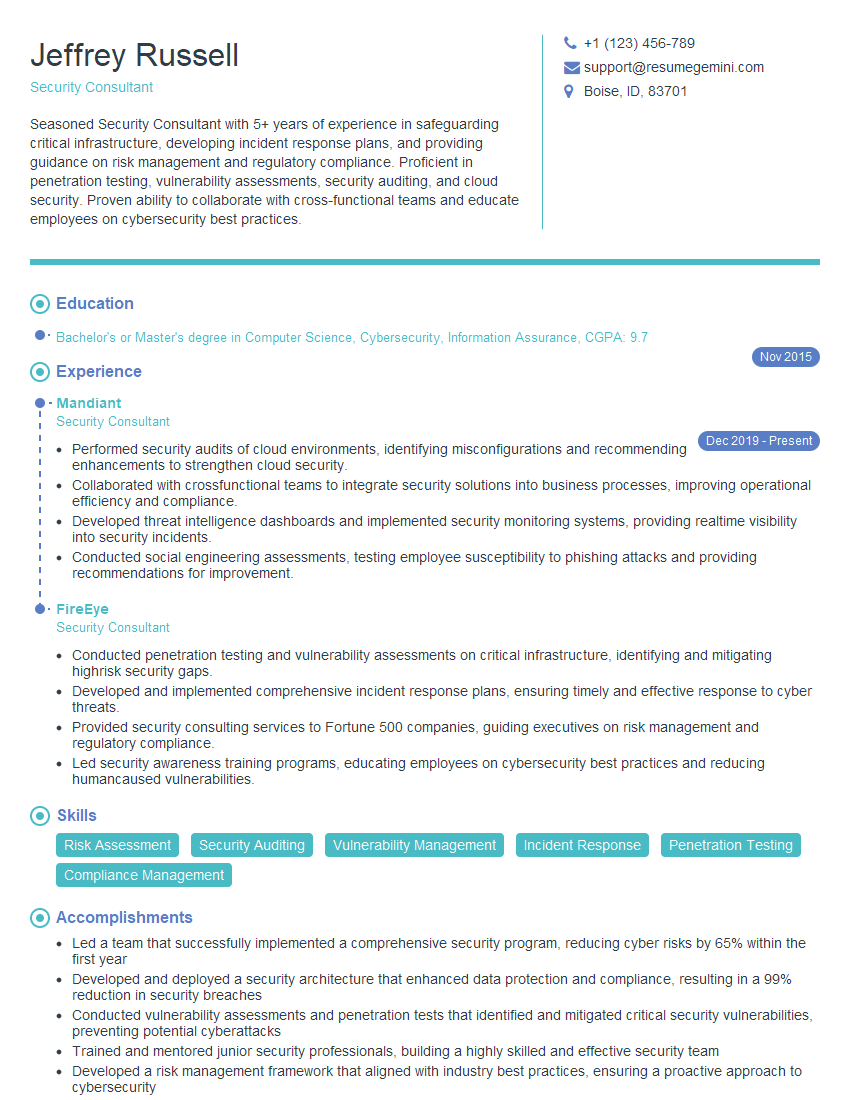
Security Consultant Resume Sample
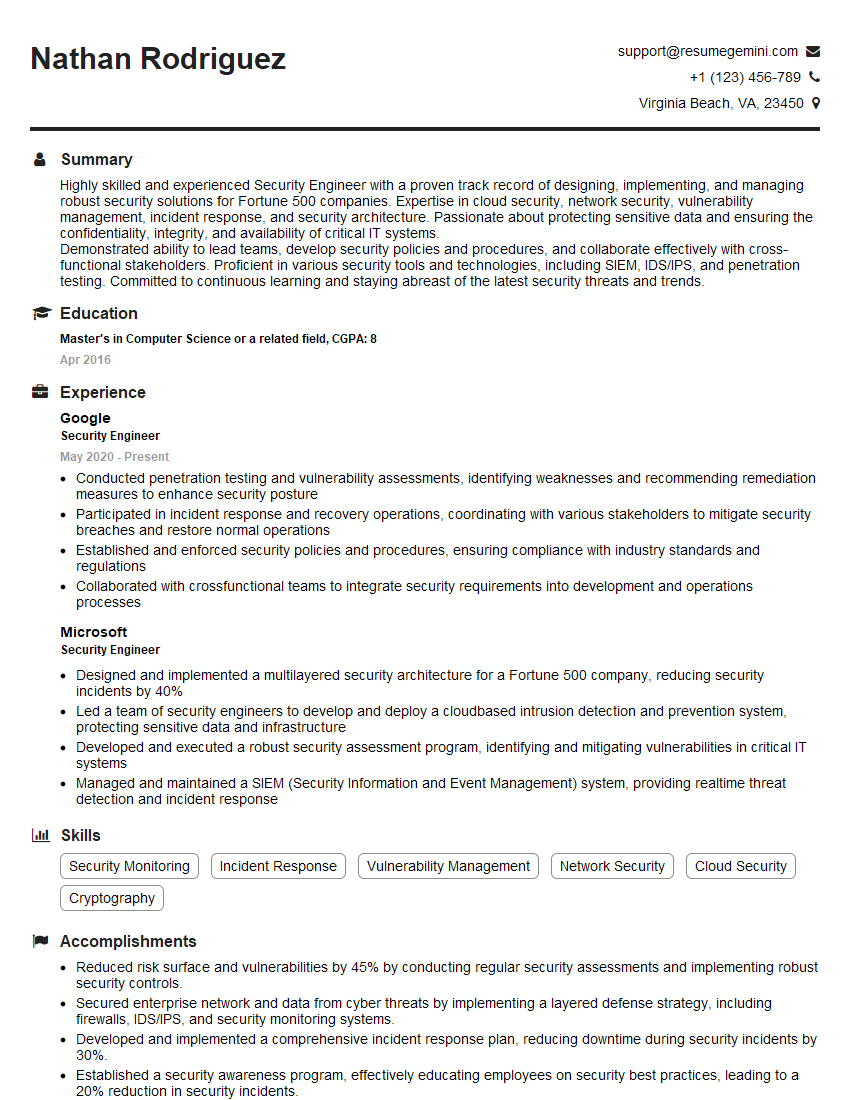
Security Engineer Resume Sample
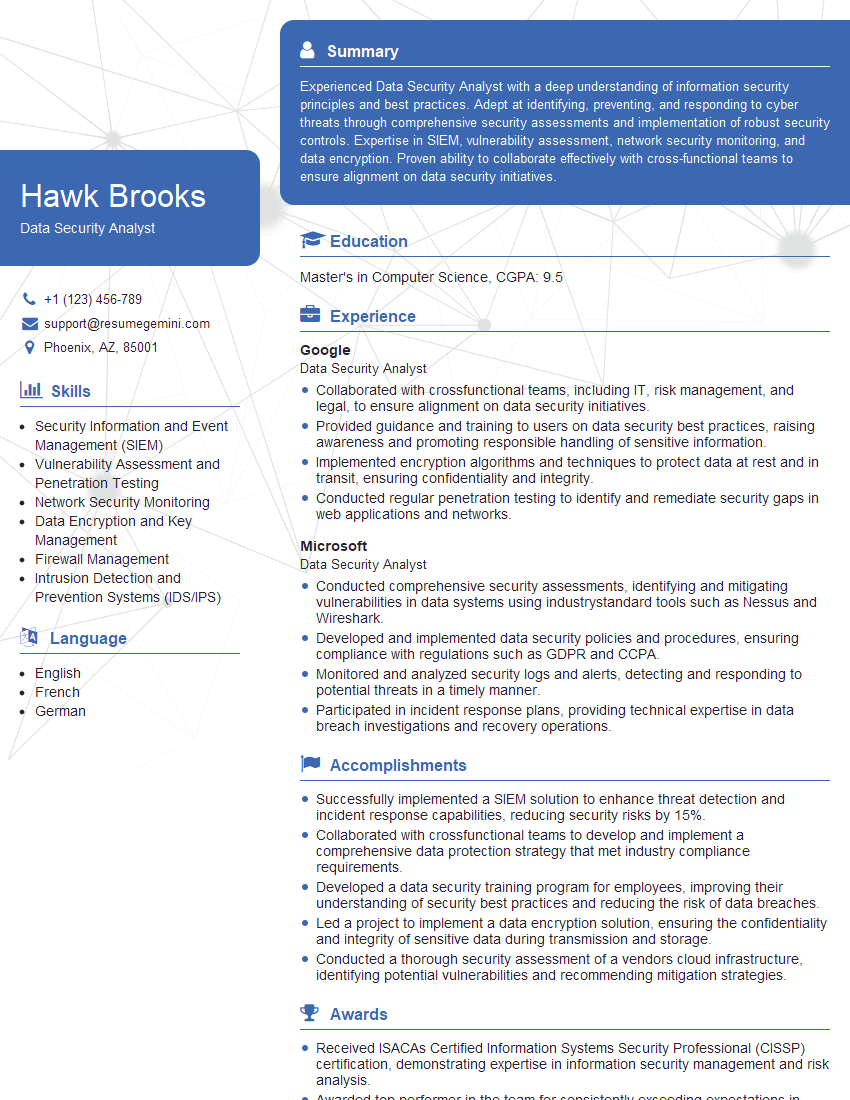
Data Security Analyst Resume Sample
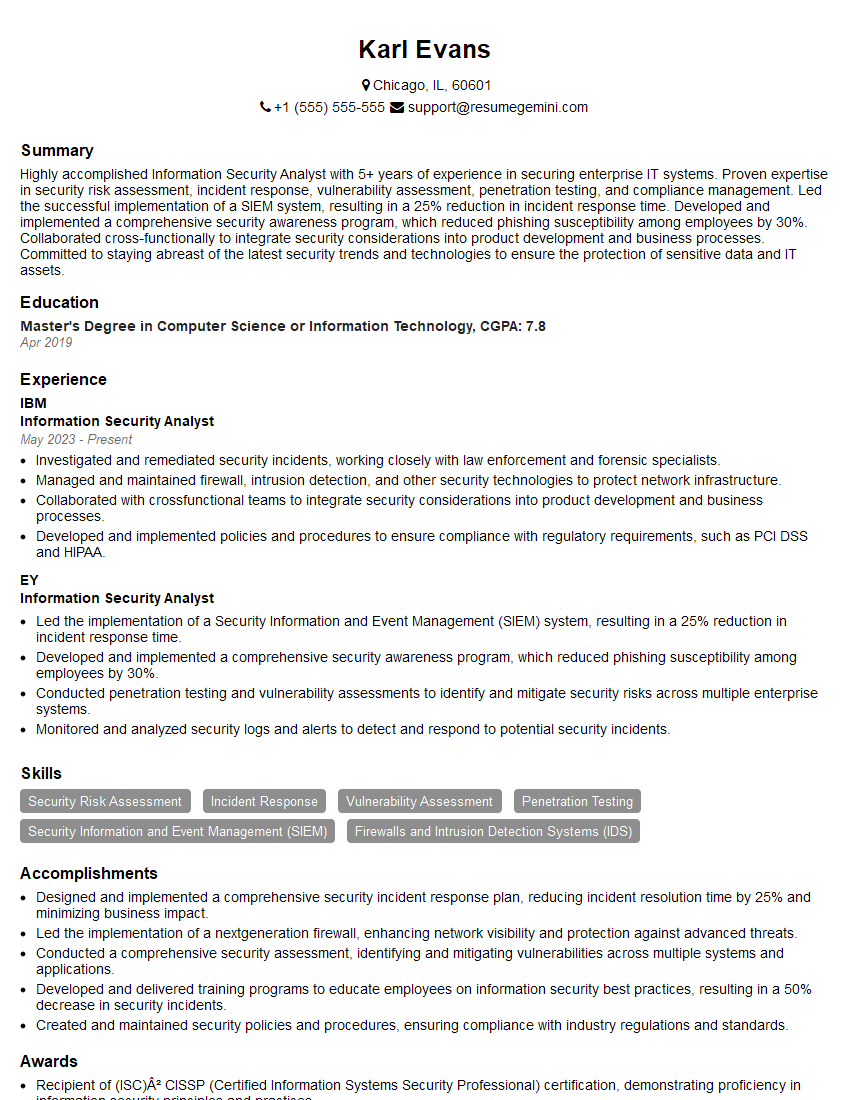
Information Security Analyst Resume Sample
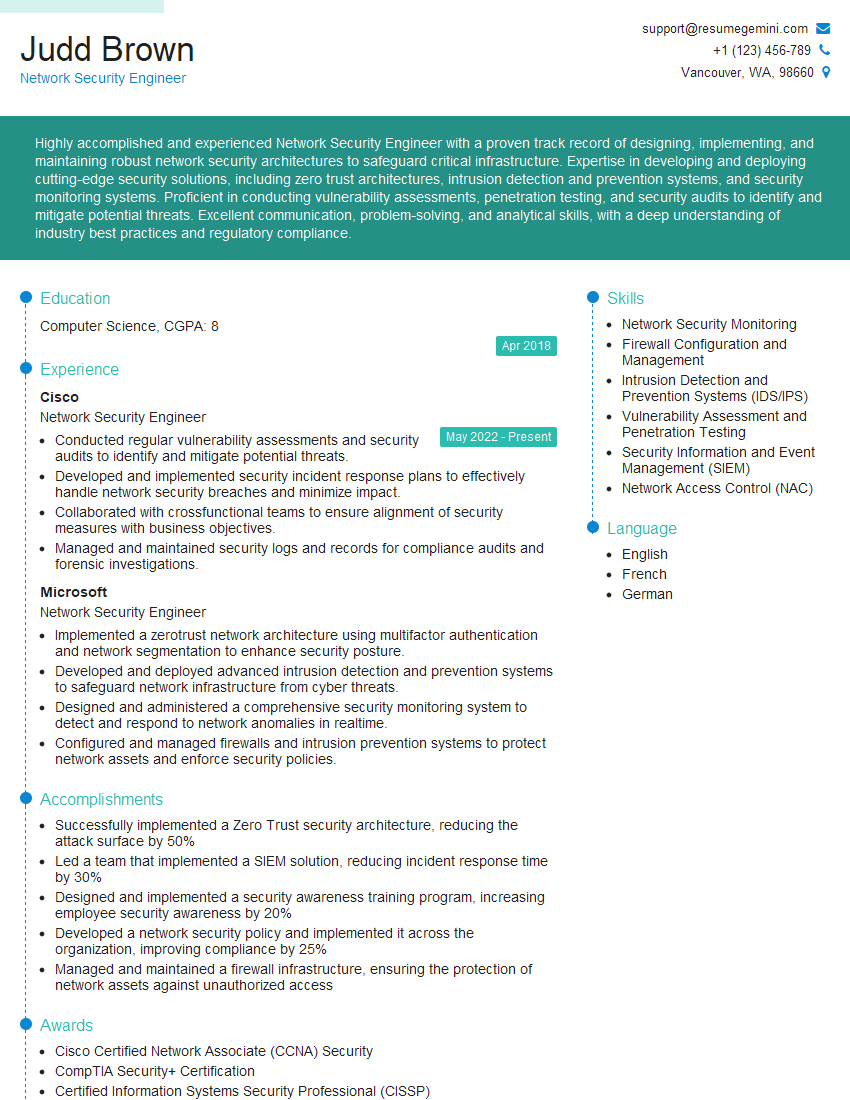
Network Security Engineer Resume Sample
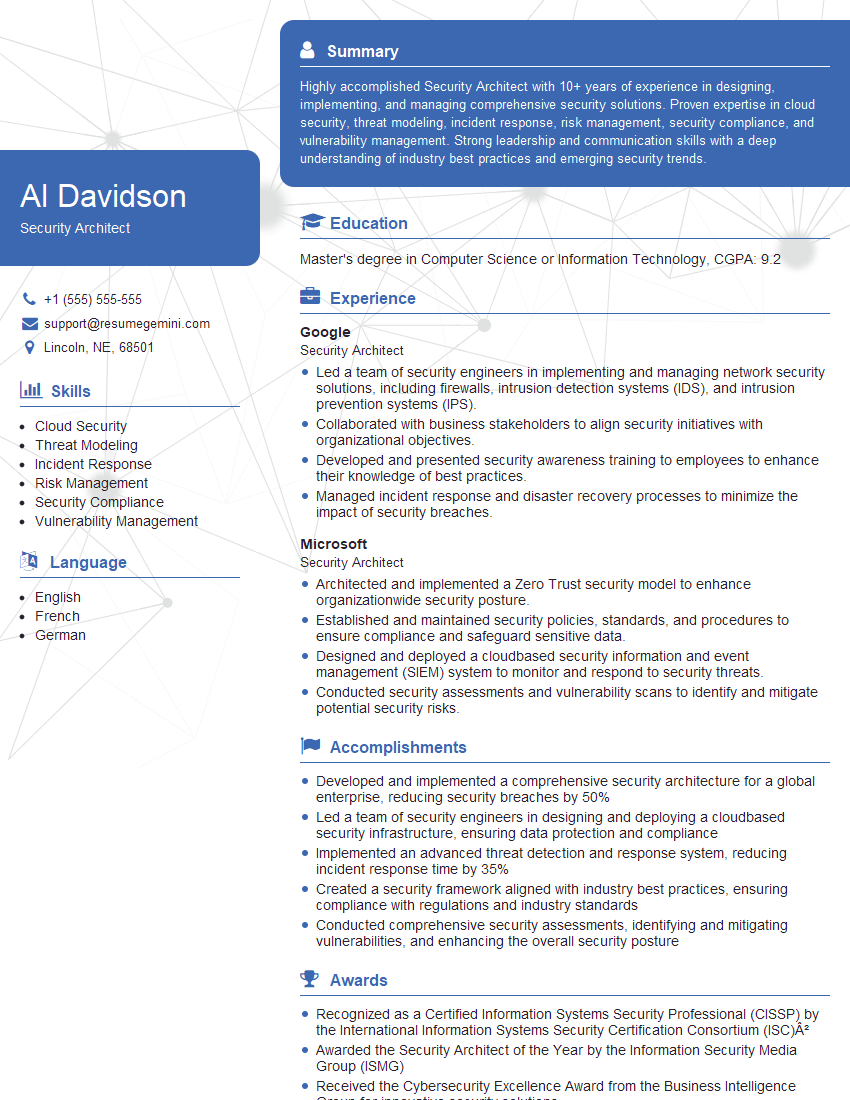
Security Architect Resume Sample
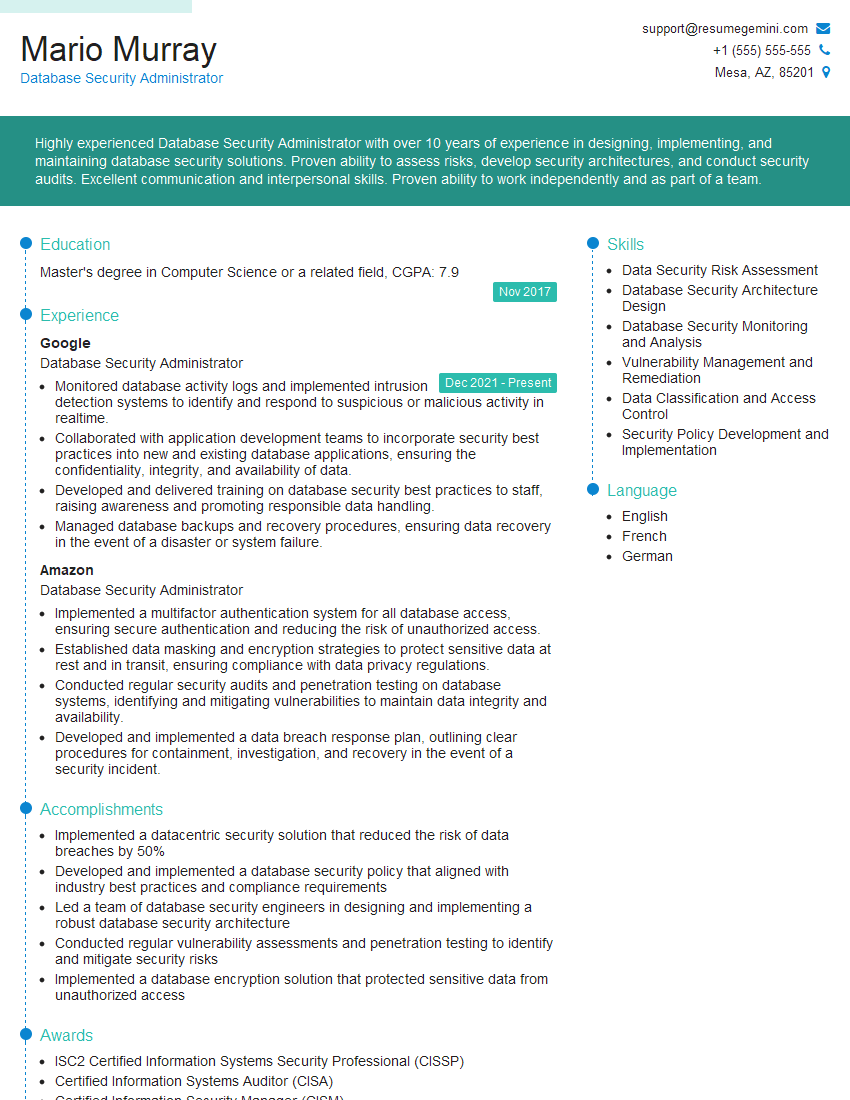
Database Security Administrator Resume Sample
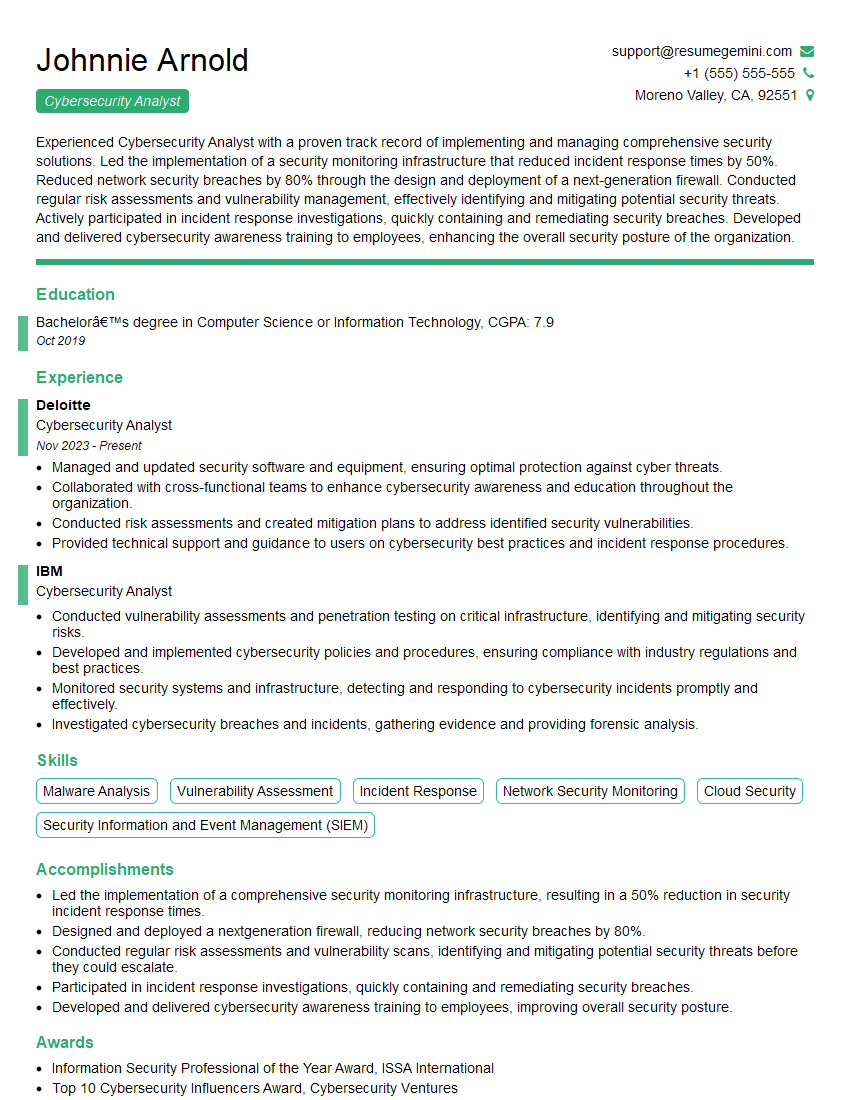
Cybersecurity Analyst Resume Sample
Explore more articles
Users Rating of Our Blogs
Share Your Experience
We value your feedback! Please rate our content and share your thoughts (optional).
What Readers Say About Our Blog
Really detailed insights and content, thank you for writing this detailed article.
IT gave me an insight and words to use and be able to think of examples