Interviews are more than just a Q&A session—they’re a chance to prove your worth. This blog dives into essential Technical Drawings Interpretation interview questions and expert tips to help you align your answers with what hiring managers are looking for. Start preparing to shine!
Questions Asked in Technical Drawings Interpretation Interview
Q 1. Explain the difference between orthographic and isometric projections.
Orthographic and isometric projections are two different ways of representing a 3D object in a 2D drawing. Think of it like taking photos of an object from different angles. Orthographic projection uses multiple views (typically front, top, and side) to show the object’s dimensions accurately. Each view shows only two dimensions, giving a ‘flat’ representation. Isometric projection, on the other hand, shows a single view that attempts to depict three dimensions simultaneously. This creates a perspective that looks slightly ’tilted’ or ‘angled’.
Orthographic Projection: Imagine a box. In orthographic projection, you’d have a drawing showing the front face (length and height), a top view (length and width), and a side view (height and width). These views, when combined, fully define the box’s shape and size.
Isometric Projection: In isometric projection, you’d see all three dimensions (length, width, and height) in a single drawing, although they’re slightly shortened to maintain the isometric angle. It’s like looking at the box at a specific angle where you can see all three sides at once, but they aren’t proportionally accurate like in orthographic projection.
In short: Orthographic is precise but requires multiple views; isometric is quick to visualize but less dimensionally accurate in a single view. The choice depends on the purpose of the drawing – detailed design usually requires orthographic, while quick visualizations might use isometric.
Q 2. What are the standard symbols used in electrical drawings?
Standard symbols in electrical drawings are crucial for clear communication and consistency. They represent components, wiring, and other elements within an electrical system. These symbols are standardized by organizations like IEEE (Institute of Electrical and Electronics Engineers) and IEC (International Electrotechnical Commission) to ensure universal understanding. Some common examples include:
∑(summation symbol) often used to show multiple conductors in a cable- Resistors: Usually represented by a zig-zag line.
- Capacitors: Two parallel lines representing plates.
- Inductors: A coil shape, showing the winding.
- Switches: Various symbols depending on the switch type (toggle, push button, etc.).
- Fuses: Usually represented by a circular symbol with a break in the middle.
- Ground symbols: A triangle, a ground connection, or even an earth symbol.
Drawing standards often provide comprehensive symbol tables to avoid ambiguities. Without standardization, electrical drawings would be confusing and prone to misinterpretations, potentially leading to safety hazards or malfunctioning equipment.
Q 3. How do you interpret dimensioning and tolerancing in technical drawings?
Dimensioning and tolerancing are critical aspects of technical drawings; they define the precise size and acceptable variations of a part. Dimensioning provides the nominal size (e.g., length, width, diameter), while tolerancing specifies the permissible deviations from the nominal size. Without tolerances, manufacturing would be impossible, as perfect precision is unattainable.
Dimensioning: Usually involves using lines with arrows at the ends to indicate measurements. Dimensions are usually written close to these lines. There are various ways to dimension, depending on the complexity of the part.
Tolerancing: Tolerances are often expressed using a plus/minus (±) notation or a range. For example, a dimension of ’10 ± 0.1 mm’ means the actual size can range between 9.9 mm and 10.1 mm. Different tolerances are given to different dimensions depending on their criticality.
Interpreting: When interpreting, you need to carefully note the units (mm, inches, etc.), the precision required (number of decimal places), and the type of tolerance. ISO standards (like ISO 2768) provide systematic ways of expressing tolerances.
Example: A shaft with a diameter of 25 mm ± 0.05 mm means the shaft can be manufactured with a diameter anywhere between 24.95 mm and 25.05 mm. A tolerance that’s too tight would make manufacturing expensive; a tolerance that’s too loose might make the part unsuitable for its intended purpose.
Q 4. Describe your experience with different CAD software packages.
I have extensive experience with various CAD (Computer-Aided Design) software packages. My expertise spans across several industry-standard programs, including AutoCAD, SolidWorks, Creo Parametric, and Inventor. My experience encompasses 2D drafting and detailed 3D modeling for a wide array of engineering projects.
AutoCAD: I’m highly proficient in creating and modifying 2D drawings, utilizing its extensive library of tools for annotation, dimensioning, and layer management. I’ve used AutoCAD extensively for architectural and structural drawings.
SolidWorks: I’m well-versed in creating and manipulating 3D models, including utilizing its features for parametric modeling, assembly design, and finite element analysis (FEA) preparation. I’ve used SolidWorks for mechanical design projects involving complex assemblies.
Creo Parametric: My experience with Creo includes creating and managing large assemblies, creating detailed drawings and utilizing advanced surface modeling techniques. It’s a powerful tool for complex mechanical systems.
Inventor: Similar to SolidWorks, I have worked with Inventor for 3D modeling, assembly design, and simulation preparation. The integrated nature of Inventor’s features is particularly beneficial for efficient workflows.
My ability to adapt and efficiently use different CAD software platforms is a significant asset, enabling me to seamlessly integrate into various project settings and adapt to specific client requirements.
Q 5. How do you identify different materials indicated on a drawing?
Material identification in technical drawings relies on various conventions. Often, materials are specified using a combination of material designations, symbols, and references to material standards. Some common methods include:
- Material Codes: A common approach involves using short codes (e.g., ‘AL6061’ for a specific aluminum alloy, ‘AISI 1018’ for a steel grade). These codes are usually defined in a material specification section within the drawing or in a separate document referenced by the drawing.
- Material Symbols: Simple symbols are sometimes used (e.g., a cross-hatching pattern for different materials like wood, plastic, etc. The pattern, density, and style of cross-hatching help determine the material).
- Material Properties Table: A table listing the materials used in the part along with their relevant properties, (e.g., density, tensile strength, yield strength). Such tables are frequently found in assembly drawings, streamlining the process of understanding the constituent elements of a design.
- Material Standards References: Drawing notes often reference relevant industry standards such as ASTM or ISO standards to specify the exact material properties, composition, and tolerances.
Understanding material specifications is critical for proper manufacturing, material selection, and cost estimation. The wrong material choice can lead to component failure or incompatibility within an assembly.
Q 6. Explain the importance of sectional views in technical drawings.
Sectional views are essential in technical drawings because they allow us to visualize the internal features of an object that would otherwise be hidden from external view. Imagine trying to understand the inner workings of a complex machine just from its exterior – it would be extremely difficult. Sectional views solve this problem by essentially ‘cutting’ through the object to reveal internal details.
Different types of sections exist: full sections cut completely through an object, half sections show half in section and half in external view, and broken-out sections expose a portion of the interior without fully sectioning the entire object. These help reveal crucial features like internal geometry, cavities, and the arrangement of different components within a larger assembly.
Importance: Sectional views are crucial for:
- Clarity: Showing internal features that are otherwise invisible.
- Manufacturing: Guiding the manufacturing process, especially for intricate parts.
- Analysis: Facilitating stress analysis, fluid flow analysis, etc.
- Communication: Ensuring clear communication between designers and manufacturers.
Without sectional views, interpreting many complex technical drawings would be impossible, leading to errors, inefficiencies, and potentially hazardous consequences.
Q 7. How do you interpret assembly drawings and identify component parts?
Assembly drawings show how individual components fit together to form a complete assembly. Interpreting these drawings requires a systematic approach.
Step-by-step Interpretation:
- Identify the Assembly: Start by understanding the overall purpose and function of the assembled unit. What does it do?
- Component Identification: Each component should be identified with a unique part number or designation. A parts list, typically included with the assembly drawing, provides the details of each component.
- Exploded View (if available): Some assembly drawings show an ‘exploded view’ where the components are slightly separated, which allows easier identification and understanding of the assembly sequence.
- Relationship Between Components: Pay close attention to the spatial relationships between components. How do they connect? Are there fasteners, welds, or other joining methods?
- Reference Drawings: The assembly drawing may reference individual part drawings. These part drawings provide detailed information on each component’s geometry and dimensions.
- Bill of Materials (BOM): This lists all the components needed for assembly, including their part numbers and quantities. This aids in procurement and manufacturing.
Example: Interpreting a car engine assembly drawing would involve identifying each piston, connecting rod, crankshaft, cylinder head, etc., and understanding how they interact to create the complete engine. You’d also need to understand the assembly sequence based on the drawing’s information.
Mastering the interpretation of assembly drawings is critical for manufacturing, maintenance, and troubleshooting complex systems.
Q 8. What are your strategies for dealing with ambiguous or incomplete drawings?
Dealing with ambiguous or incomplete technical drawings requires a systematic approach. My strategy begins with thorough review of all available documentation, including any accompanying notes, revisions, or communication logs. I look for clues within the drawing itself – consistent patterns, implied dimensions, or referenced standards – to infer missing information. If gaps remain, I would prioritize communication. This involves reaching out to the drawing’s author, the design team, or other relevant stakeholders to clarify the ambiguities. I would document all assumptions made and any clarifications received to maintain a clear audit trail. For example, if a dimension is missing on a critical component, I might use similar components in the same assembly as a guide, noting this assumption in my documentation. Finally, I’d explore if any relevant industry standards or best practices offer solutions for resolving the inconsistencies.
Essentially, it’s about detective work, combining careful observation, proactive communication and a strong knowledge of engineering principles to fill the gaps responsibly.
Q 9. How do you ensure drawings comply with relevant standards and codes?
Ensuring compliance with relevant standards and codes is paramount. My approach involves a multi-step process. First, I identify all applicable standards – this might include ISO, ANSI, ASME, or industry-specific codes. Then, I meticulously check the drawing against these standards, paying close attention to tolerances, materials specifications, safety requirements, and other relevant criteria. This includes verifying that the drawing uses the correct notation and symbols, as defined by the applicable standard. For example, I’d ensure that all dimensions have appropriate tolerances defined using GD&T (Geometric Dimensioning and Tolerancing), if required by the standard. I also keep updated on changes to codes, attending relevant training and using current standard publications. Any non-compliance is clearly documented and flagged for review and correction before proceeding. Imagine a construction drawing – failure to comply with building codes could lead to serious safety issues; similarly, in manufacturing, non-compliant drawings can lead to costly rework or failures.
Q 10. How would you handle a discrepancy between a drawing and a physical part?
Discrepancies between drawings and physical parts are critical issues. My first step is to carefully document the discrepancy, including detailed measurements and photographs. This ensures clarity and traceability. Then, I would try to determine the root cause – is it a drawing error, a manufacturing defect, or a measurement error? To do this, I’d compare the part to multiple copies of the drawing, checking for revisions or discrepancies between different drawing sets. I would also verify the manufacturing process against the intended design parameters. Depending on the severity and the root cause, I would then follow the established error reporting procedures for the organization. This might involve updating the drawing, revising the manufacturing process, or implementing a quality control measure to prevent similar occurrences in the future. For example, a slightly off dimension might be acceptable within tolerances, while a critical dimension exceeding tolerances would require immediate investigation and correction.
Q 11. Explain your experience working with different drawing scales.
I have extensive experience working with various drawing scales, from very large scale drawings, used to show intricate details, to very small scale drawings, ideal for representing large structures. Understanding scale is crucial for accurate interpretation. For example, I am comfortable working with scales like 1:1, 1:2, 1:10, 1:100, etc., and converting between different scales if needed. I always verify the scale indicated on the drawing, as this is essential to accurately measure dimensions and understand the overall size and proportions of the represented object. My experience includes using CAD software which helps me seamlessly manage and manipulate drawings of different scales, calculating dimensions across scales, and generating scaled drawings. This enables me to work effectively across multiple representations, ensuring that all information is accurate and consistent.
Q 12. Describe your process for checking the accuracy of a technical drawing.
Checking the accuracy of a technical drawing is a rigorous process. It starts with a visual inspection – checking for any obvious errors in linework, dimensions, or annotations. Then, I perform dimensional checks, verifying that all dimensions are correctly calculated and consistent. I might use mathematical checks, such as verifying that the sum of angles in a triangle adds up to 180 degrees. I’d also ensure that the drawing adheres to the appropriate drafting standards and conventions. This includes verification of the use of correct line types, dimensioning techniques, and annotation styles. For example, hidden lines should be correctly represented by dashed lines, and all dimensions should be clearly labeled with appropriate units. Finally, I’d check against the design specifications and the bill of materials to verify that the drawing reflects the intended design. I might also use cross-referencing to other drawings to maintain consistency, especially in large projects.
Q 13. How familiar are you with GD&T (Geometric Dimensioning and Tolerancing)?
I am highly familiar with GD&T (Geometric Dimensioning and Tolerancing). It’s an essential tool for ensuring the accuracy and functionality of manufactured parts. My understanding extends to interpreting and applying GD&T symbols and tolerances in drawings. I can decipher complex GD&T notations, understanding features like position tolerances, form tolerances, and orientation tolerances. My experience includes using GD&T to define acceptable variations in manufactured parts, which is crucial in ensuring that components assemble correctly and function as intended. For example, I can easily understand and apply symbols like − (diameter), ± (plus/minus tolerance), and understand the implications of using different control frames and symbols like Position Tolerance (∑) and Flatness. This helps in ensuring parts meet required specifications and preventing misinterpretations that can lead to manufacturing errors.
Q 14. How do you interpret bills of materials (BOMs) in conjunction with drawings?
Bills of Materials (BOMs) and drawings work together to provide a complete picture of a product or assembly. I use the BOM to cross-reference components shown on the drawings. The BOM provides a list of parts with their respective quantities, part numbers, and material specifications. By cross-referencing this data with the drawings, I can verify that all components listed in the BOM are represented in the drawings, and vice versa. Any discrepancy is carefully examined. Missing components in either document would signal an error. Similarly, differences in quantities or specifications would need investigation. This integrated approach assures completeness and consistency in the design documentation, minimizing errors and ensuring that the product can be manufactured correctly. The process is especially vital in managing complex assemblies with numerous components; effectively cross-referencing helps prevent costly mistakes down the line.
Q 15. Describe your experience using revision control systems for drawings.
Revision control systems are crucial for managing the evolution of technical drawings. My experience spans several systems, including Autodesk Vault, SolidWorks PDM, and more basic systems like shared network folders with version numbering. I’m proficient in checking out, editing, and checking in drawings, ensuring that only one person modifies a drawing at a time. This prevents conflicts and maintains a clear history of changes. I understand the importance of commenting on revisions, explaining the rationale behind each change. For example, if a dimension was modified, the revision comment might state ‘Adjusted dimension X to accommodate new component Y’ along with a reference to the relevant design change request or problem report. This ensures traceability and simplifies understanding changes made over time. In larger projects, we often use branching to allow parallel development and testing of different design versions.
I also have experience using the workflows and best practices involved in these systems, such as creating and managing baselines, performing comparisons between revisions to pinpoint discrepancies, and managing different release versions of the designs. Proper revision control minimizes errors and improves team collaboration significantly.
Career Expert Tips:
- Ace those interviews! Prepare effectively by reviewing the Top 50 Most Common Interview Questions on ResumeGemini.
- Navigate your job search with confidence! Explore a wide range of Career Tips on ResumeGemini. Learn about common challenges and recommendations to overcome them.
- Craft the perfect resume! Master the Art of Resume Writing with ResumeGemini’s guide. Showcase your unique qualifications and achievements effectively.
- Don’t miss out on holiday savings! Build your dream resume with ResumeGemini’s ATS optimized templates.
Q 16. How do you identify and interpret different types of lines in a drawing?
Technical drawings employ a standardized set of lines to convey different aspects of a design. Understanding these line types is fundamental to correctly interpreting the drawing. Think of it as a visual language where each line type ‘speaks’ a specific message.
- Object Lines (Solid Lines): These thick, solid lines define the visible outlines of objects. They’re the most prominent lines on the drawing, representing the physical features of the part.
- Hidden Lines (Dashed Lines): These dashed lines depict edges or features that are hidden from the chosen view. They are essential for communicating three-dimensional information in a two-dimensional representation.
- Center Lines (Thin Dashed Lines with alternating long and short dashes): These show axes of symmetry, centers of circles, or other central features. Imagine them like a guideline for symmetrical parts.
- Dimension Lines (Thin Lines with arrowheads): These lines, often accompanied by text, provide measurements for different aspects of the design. They are crucial for manufacturing and assembly.
- Extension Lines (Thin Lines extending from the object): These lines extend from object lines to aid in precise dimensioning. They visually connect dimension lines to the features being measured.
- Phantom Lines (Thin Dashed Lines with alternating long and short dashes): These lines represent alternative positions or components, illustrating, for example, the movement of a part within an assembly.
Misinterpreting a line type can lead to serious errors in manufacturing. For example, mistaking a hidden line for an object line could result in a missing feature on the manufactured part.
Q 17. Explain the importance of proper documentation and annotation in drawings.
Proper documentation and annotation are essential for the clarity and usefulness of technical drawings. Think of it like providing detailed instructions for building something complex—without clear instructions, the result may be far from what was intended.
Good documentation includes a title block containing essential information like drawing number, revision level, date, creator’s name, and scale. Annotations include dimensions, tolerances, material specifications, surface finishes, and any necessary notes to clarify design intent. For instance, annotations might specify the required type of weld, the allowable surface roughness, or any special handling requirements for the part during manufacturing.
The importance lies in unambiguous communication. Accurate documentation ensures that everyone involved in the manufacturing process, from the designer to the machinist, understands the design requirements precisely. This minimizes errors, reduces rework, and speeds up the manufacturing process. Poor documentation can lead to costly delays, rejects, and safety issues.
Q 18. How do you utilize drawing annotations to understand design intent?
Drawing annotations are the key to understanding design intent. They provide crucial context beyond the visual representation of the part. By carefully reading annotations, one can understand the ‘why’ behind the design choices.
For example, a dimension with a tolerance (e.g., 10 ± 0.1mm) shows not only the ideal size but also the acceptable range of variation. A surface finish annotation (e.g., Ra 0.8 µm) indicates the desired surface smoothness. Notes might explain the purpose of certain features, clarify assembly procedures, or specify special manufacturing processes. I approach annotation interpretation systematically, checking for all relevant information—dimensions, tolerances, material specifications, surface finishes, and general notes—to build a complete understanding of design intent. Missing or unclear annotations can lead to misinterpretations and errors, thus highlighting the importance of detailed annotation.
Q 19. How familiar are you with different types of manufacturing processes and how those relate to drawings?
My familiarity with manufacturing processes is extensive and directly impacts my drawing interpretation skills. I understand how different processes influence the design and how the drawing needs to reflect those considerations. I’m conversant with machining (milling, turning, drilling), casting, forging, injection molding, 3D printing (additive manufacturing), and sheet metal fabrication. For example, a drawing for a part intended for CNC machining will have tighter tolerances and smoother surface finish requirements compared to a casting. I will look for features in the drawing that would be impractical or expensive to create with a specific process. For example, very thin walls or intricate internal features might not be suitable for casting. This knowledge informs my review of the drawings, identifying potential manufacturing challenges or suggesting design modifications for improved manufacturability.
Q 20. Explain your experience with 3D modeling software and its integration with 2D drawings.
I possess significant experience with 3D modeling software, primarily SolidWorks and Autodesk Inventor. This experience is invaluable for interpreting 2D drawings, allowing me to visualize the three-dimensional form from the two-dimensional projection. I can use 3D modeling to create a digital representation of the part based on the 2D drawing, which helps validate the design and identify any potential conflicts or ambiguities. Furthermore, I can use 3D models to generate 2D drawings, thus ensuring consistency between the 3D and 2D representations. This integration is crucial for modern engineering workflows, facilitating design reviews, simulations, and efficient communication between design and manufacturing teams.
I have also used 3D models to perform clash detection in assemblies, identifying potential interference problems before physical prototyping. This reduces the time and cost of rectifying design issues and prevents potential assembly failures.
Q 21. How do you interpret weld symbols in technical drawings?
Weld symbols in technical drawings communicate essential information about the type, size, and location of welds. Understanding these symbols is critical for manufacturing and inspection. A weld symbol typically includes a reference line, an arrow indicating the weld location, a basic weld symbol indicating the type of weld, and supplementary symbols indicating size, length, and other relevant specifications.
For example, a basic weld symbol might include a triangular symbol for a fillet weld, followed by a number specifying the weld leg size, and possibly other symbols indicating the weld preparation, such as a groove or bevel. The arrow points to the part where the weld should be placed. The other side of the reference line may contain further supplementary symbols indicating the weld requirements on the other side of the joint. Misinterpreting these symbols can lead to significant safety and structural issues; therefore a detailed understanding is critical. I utilize various standards, such as ASME Y14.5M, for accurate interpretation of these complex symbols.
Q 22. How do you determine the necessary tools and materials based on a technical drawing?
Determining the necessary tools and materials from a technical drawing involves a systematic approach. First, you carefully examine the drawing’s specifications, paying close attention to the materials listed in the bill of materials (BOM) or material specifications section. This often includes details like material type (e.g., steel, aluminum, wood), grade, and dimensions.
Next, you identify the manufacturing processes indicated. For example, if the drawing shows welding, you’ll need welding equipment and consumables like welding rods or wire. If machining is involved, the drawing will specify tolerances and surface finishes, guiding your choice of machine tools (e.g., lathe, milling machine) and cutting tools. Similarly, if the drawing details assembly instructions, you’ll need fasteners (bolts, screws, rivets) and possibly adhesives.
Consider the drawing’s scale and its annotations. Dimensions and tolerances dictate the precision needed for measurements and machining, influencing tool selection. For instance, a drawing requiring extremely tight tolerances would necessitate more precise measuring tools such as micrometers and calipers, as opposed to rulers for less precise applications. Finally, always consider safety requirements: the right personal protective equipment (PPE) is crucial for safe handling of materials and operation of tools.
Example: A drawing showing a steel bracket to be fabricated requires identifying the steel grade from the BOM, then selecting appropriate cutting tools (plasma cutter, saw) for the chosen material and thickness, along with measuring tools (tape measure, square) for marking and checking dimensions. Welding equipment would be needed if the drawing indicates welded joints.
Q 23. How would you explain a complex technical drawing to a non-technical audience?
Explaining a complex technical drawing to a non-technical audience requires simplification and visualization. Instead of diving straight into technical jargon, start with the drawing’s overall purpose – what is being depicted and what is its function? For example, if it’s a blueprint for a building, explain that it shows the structure’s layout and components. Then, break down the drawing into smaller, easily understandable sections.
Use analogies and relatable examples. Compare complex shapes to everyday objects. For instance, a complex cross-section could be likened to a layer cake, explaining each layer’s function. Visual aids are incredibly effective. Highlight key elements using color-coding or labeling. You can also create simplified versions of the drawing, omitting intricate details that are not essential to understanding the overall concept.
Interactive elements are helpful. Let the audience point out things they don’t understand, and answer their questions in simple terms. It’s also beneficial to use a physical model or a 3D representation of the design if available, as it allows the audience to interact with the drawing in a concrete way. Most importantly, focus on the ‘what’ and ‘why’ of each element, rather than the technical ‘how’ it is manufactured.
Q 24. Describe a time you had to troubleshoot a problem based on a technical drawing.
During a project involving the assembly of a complex robotic arm, the final assembly proved problematic. The robotic arm wouldn’t achieve the required range of motion, despite all components seemingly fitting according to the provided technical drawings. Through careful re-examination of the assembly drawing, I discovered a subtle discrepancy.
The drawing, while detailing individual component dimensions accurately, neglected to specify the precise alignment of a critical pivot point. A slight misalignment of less than a millimeter was throwing off the entire arm’s movement. The solution involved creating a custom jig to ensure the precise alignment of the pivot point during assembly. This involved modifying a simple clamp to hold the component during assembly. After correctly positioning the pivot point and carefully re-assembling the robotic arm, the full range of motion was achieved.
This experience highlighted the importance of paying close attention to details, particularly in large-scale projects. Even minute deviations in alignment, if not adequately specified in drawings, can lead to major assembly issues. The ability to troubleshoot involved meticulously reviewing the drawings, identifying the discrepancy, and creating a practical solution to resolve the problem.
Q 25. What are the key differences between hand-drawn and computer-aided drawings?
Hand-drawn and computer-aided drawings (CAD) differ significantly in their creation methods, precision, and capabilities. Hand-drawn drawings, traditionally created using pencils, pens, and drafting tools, are less precise and prone to errors. They are also time-consuming and difficult to modify, and their reproducibility is limited.
CAD drawings, created using software like AutoCAD or SolidWorks, offer far greater precision and accuracy. Dimensions and annotations can be easily modified, ensuring consistency and reducing errors. CAD software allows for complex designs and 3D modeling, offering visualization capabilities unavailable in hand-drawn methods. Furthermore, CAD drawings are easily scalable, sharable, and readily adaptable for various manufacturing purposes. While hand-drawn drawings have a unique charm and a place in certain applications, CAD has revolutionized the drafting industry in terms of efficiency, accuracy, and collaboration.
Key Differences Summarized:
- Precision: CAD offers superior precision.
- Modification: CAD allows for easy modifications; hand-drawn drawings require redrawing.
- 3D Modeling: CAD enables complex 3D modeling; hand-drawn methods are limited to 2D.
- Collaboration: CAD facilitates easy sharing and collaboration.
- Scalability: CAD drawings are easily scalable; hand-drawn ones are less so.
Q 26. How do you use drawings to contribute to a collaborative design process?
Technical drawings are the cornerstone of collaborative design. They serve as a shared language, facilitating communication and understanding among team members with diverse backgrounds (engineers, designers, manufacturers). In collaborative settings, drawings aren’t just static documents; they are dynamic tools that evolve throughout the design process. Using version control systems is essential to keep track of the changes made to the drawings.
My approach involves utilizing cloud-based platforms for sharing and managing drawings, allowing for real-time updates and feedback. This approach allows for concurrent design and review, fostering efficiency. Collaborative markups and annotation features within CAD software allow team members to provide feedback directly on the drawing, fostering a clear communication trail. Regular team meetings focused on reviewing the latest drawing versions are necessary to address any concerns and ensure everyone is on the same page. Open and transparent communication is paramount, making sure everyone understands the design intent and any changes made. This structured approach ensures the final design incorporates everyone’s expertise and considerations.
Q 27. Describe your experience with creating and modifying technical drawings.
My experience encompasses both the creation and modification of technical drawings across various projects. I’m proficient in using CAD software such as AutoCAD and SolidWorks to generate detailed 2D and 3D drawings, incorporating appropriate dimensions, tolerances, materials, and annotations. I’ve worked extensively on creating detailed assembly drawings, which clearly detail the steps involved in assembling components, along with parts lists that specify material details and relevant component IDs. My skillset also extends to modifying existing drawings, accommodating design changes and updates, ensuring drawings remain current and accurate.
I’ve applied this knowledge in numerous projects, ranging from mechanical design of industrial equipment to architectural blueprints. In one project, I was responsible for generating detailed drawings of a custom-designed pneumatic actuator. This involved careful consideration of the mechanical and pneumatic aspects of the actuator. I ensured the drawings included detailed dimensions and tolerances essential for accurate manufacturing. The generated drawings were instrumental in the project’s successful implementation, guiding manufacturing, assembly, and quality control.
Q 28. How do you maintain your knowledge and skills in technical drawing interpretation?
Maintaining my knowledge and skills in technical drawing interpretation requires continuous learning and practice. I stay current with industry standards and best practices through several methods. I regularly participate in professional development courses and workshops focused on new CAD software features and updates in relevant industry standards, like ASME Y14.5 (Dimensioning and Tolerancing).
I actively engage with online communities and forums dedicated to technical drawing and CAD, exchanging knowledge and learning from others’ experiences. This peer-to-peer learning keeps my perspective fresh. I also proactively seek opportunities to work on challenging projects that push my abilities and expose me to new design techniques. Furthermore, I regularly review and update my personal project portfolio, which keeps my skills sharp and showcases my competencies to potential employers. Continuous improvement and professional engagement are key to maintaining excellence in this field.
Key Topics to Learn for Technical Drawings Interpretation Interview
- Orthographic Projections: Understanding first-angle and third-angle projections, and their application in interpreting multi-view drawings. Practice converting between 2D representations and visualizing 3D objects.
- Dimensioning and Tolerancing: Interpreting dimensioning systems (e.g., ISO, ANSI), understanding tolerances, and their impact on manufacturing and design. Practice calculating allowable variations and their implications.
- Section Views and Auxiliary Views: Mastering the interpretation of section views to reveal internal features and the use of auxiliary views to clarify complex geometries. Develop the ability to create your own simplified sections from given drawings.
- Scale and Measurement: Accurately determining dimensions from drawings using various scales, and converting units. Practice using different drawing scales and interpreting scaled measurements.
- Material Specifications: Identifying materials used based on symbols, notations, and specifications within the drawings. Understand the properties of common engineering materials and their representation in drawings.
- Geometric Dimensioning and Tolerancing (GD&T): Understanding fundamental GD&T symbols and their meaning for precise part manufacturing. Practice interpreting GD&T callouts on drawings.
- Reading and Interpreting Schematics and Diagrams: Expanding your skills to include reading and understanding electrical, hydraulic, or pneumatic schematics as applicable to the specific role.
- Problem-Solving and Critical Thinking: Developing the ability to identify discrepancies, missing information, and potential design flaws within technical drawings. Practice analyzing drawings for feasibility and manufacturability.
Next Steps
Mastering Technical Drawings Interpretation is crucial for career advancement in many engineering and technical fields. A strong understanding of drawings is essential for effective communication, problem-solving, and collaboration within a design or manufacturing environment. To significantly increase your job prospects, focus on creating an ATS-friendly resume that highlights your skills and experience effectively. ResumeGemini is a trusted resource that can help you build a professional resume tailored to your specific needs. Examples of resumes tailored to Technical Drawings Interpretation are available to guide you.

Project Engineer Resume Sample

Estimator Resume Sample
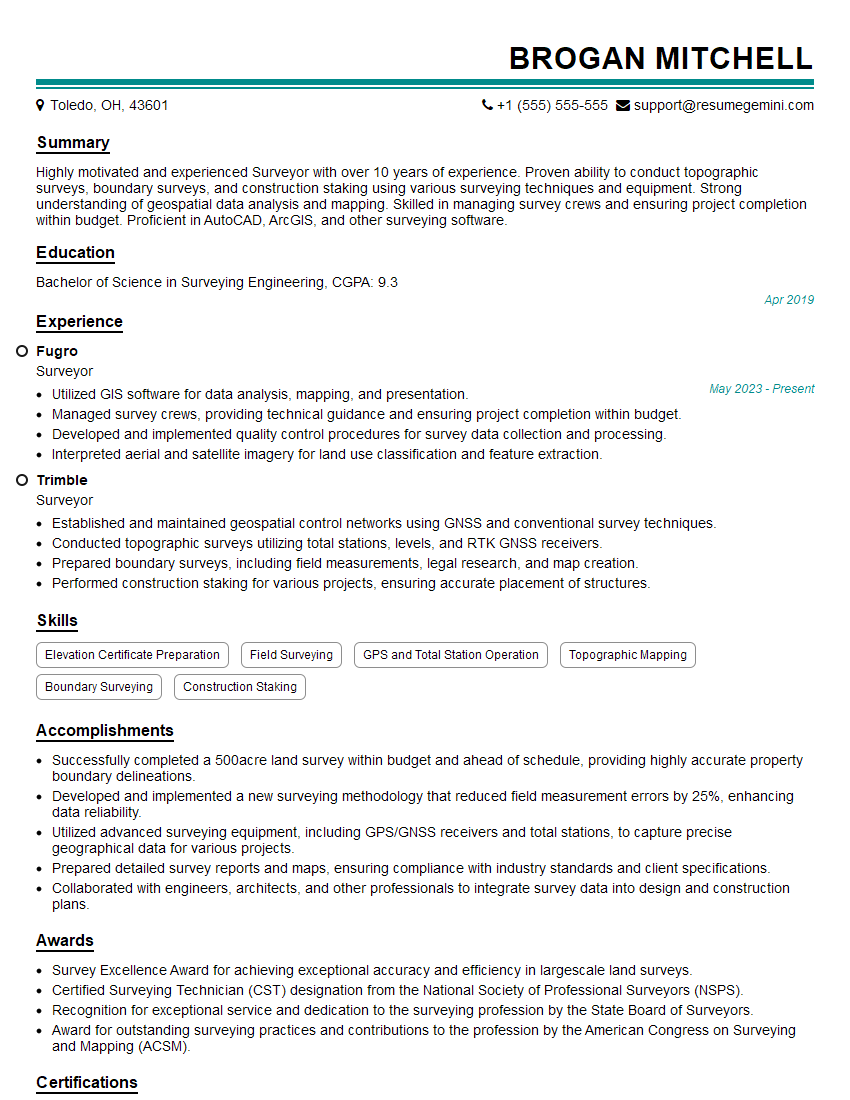
Surveyor Resume Sample

Engineering Technician Resume Sample

Civil Engineer Resume Sample

Electrical Engineer Resume Sample

Manufacturing Engineer Resume Sample
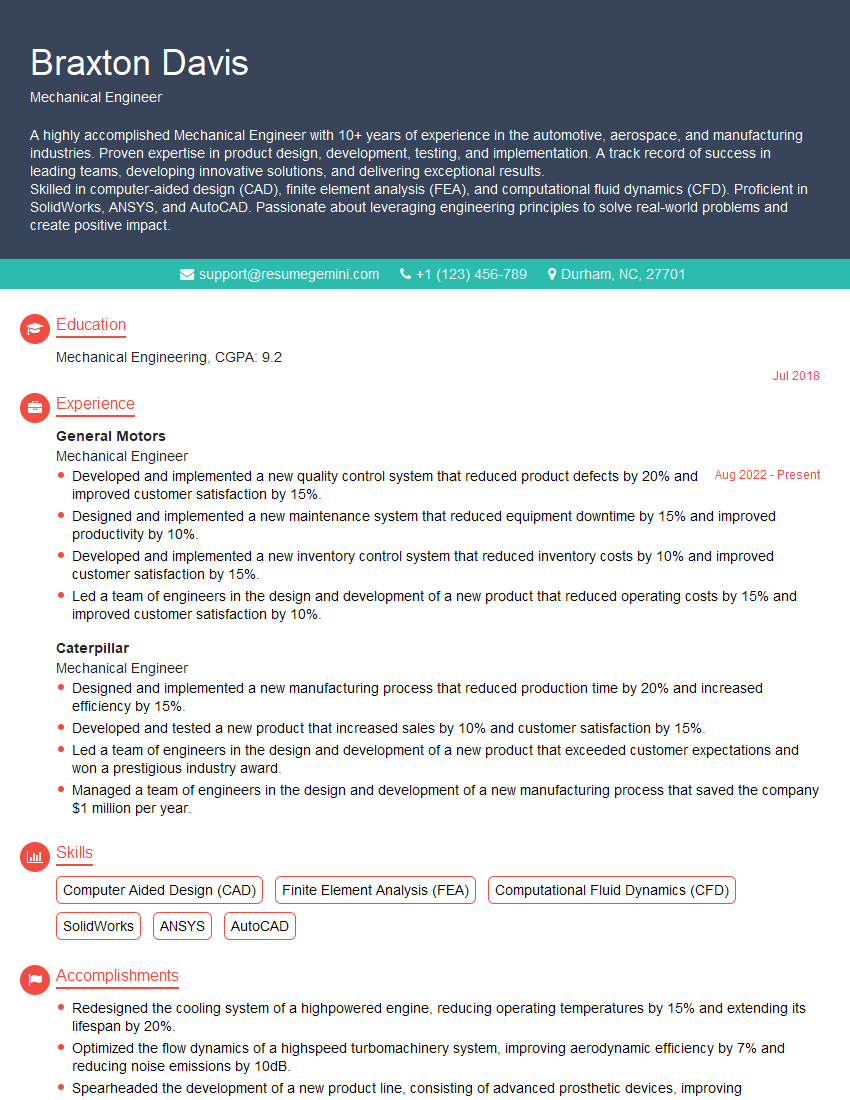
Mechanical Engineer Resume Sample
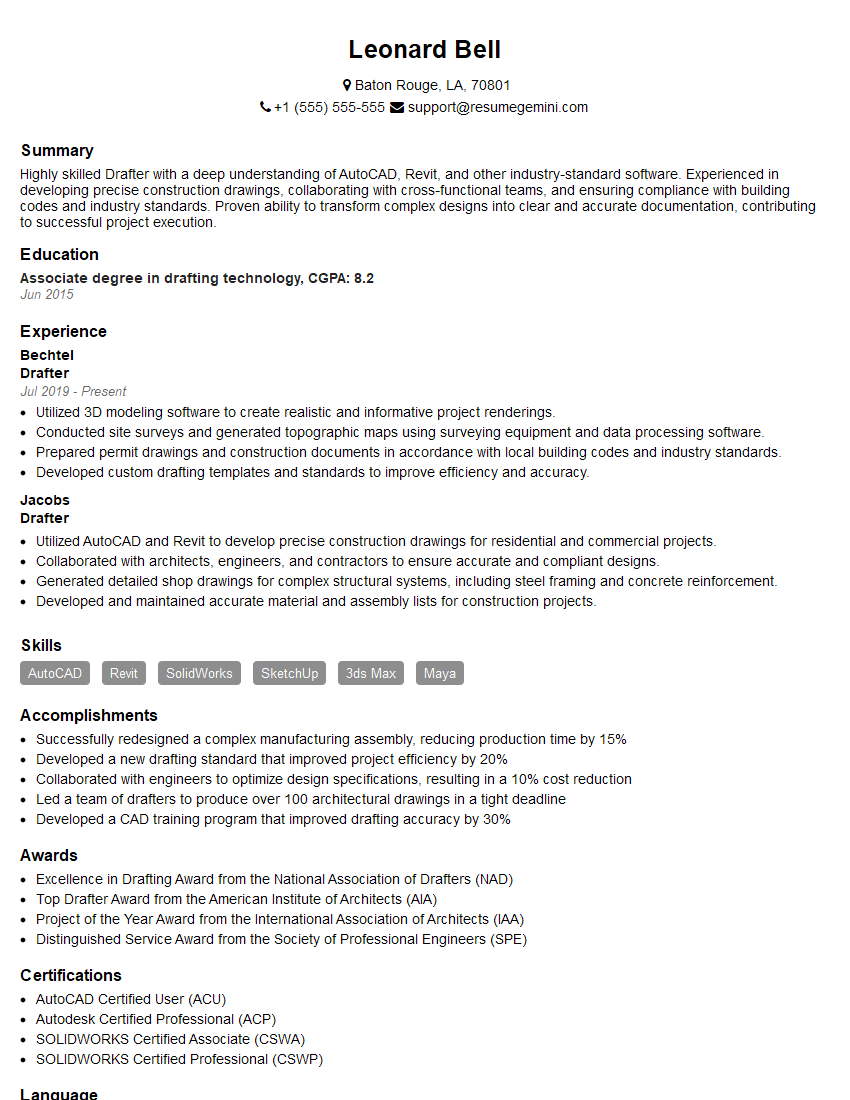
Drafter Resume Sample

Technical Designer Resume Sample

Technical Illustrator Resume Sample

Construction Inspector Resume Sample
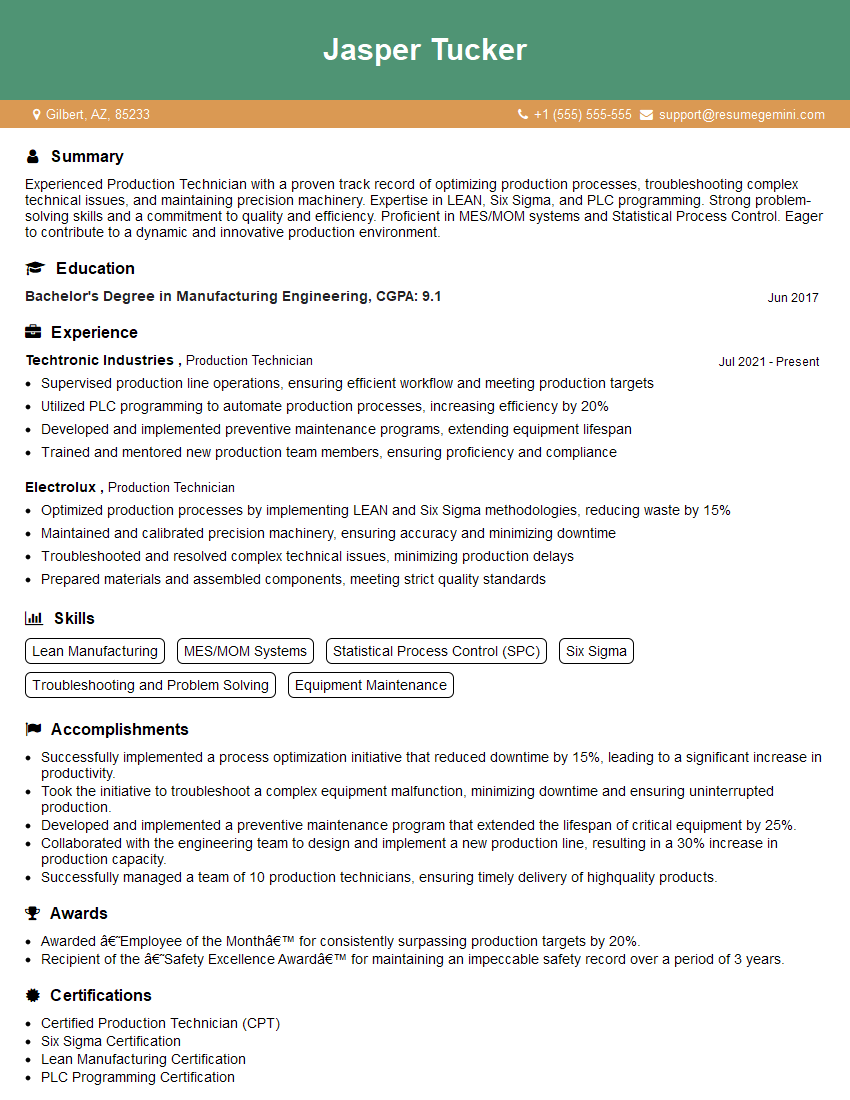
Production Technician Resume Sample

3D Modeler Resume Sample
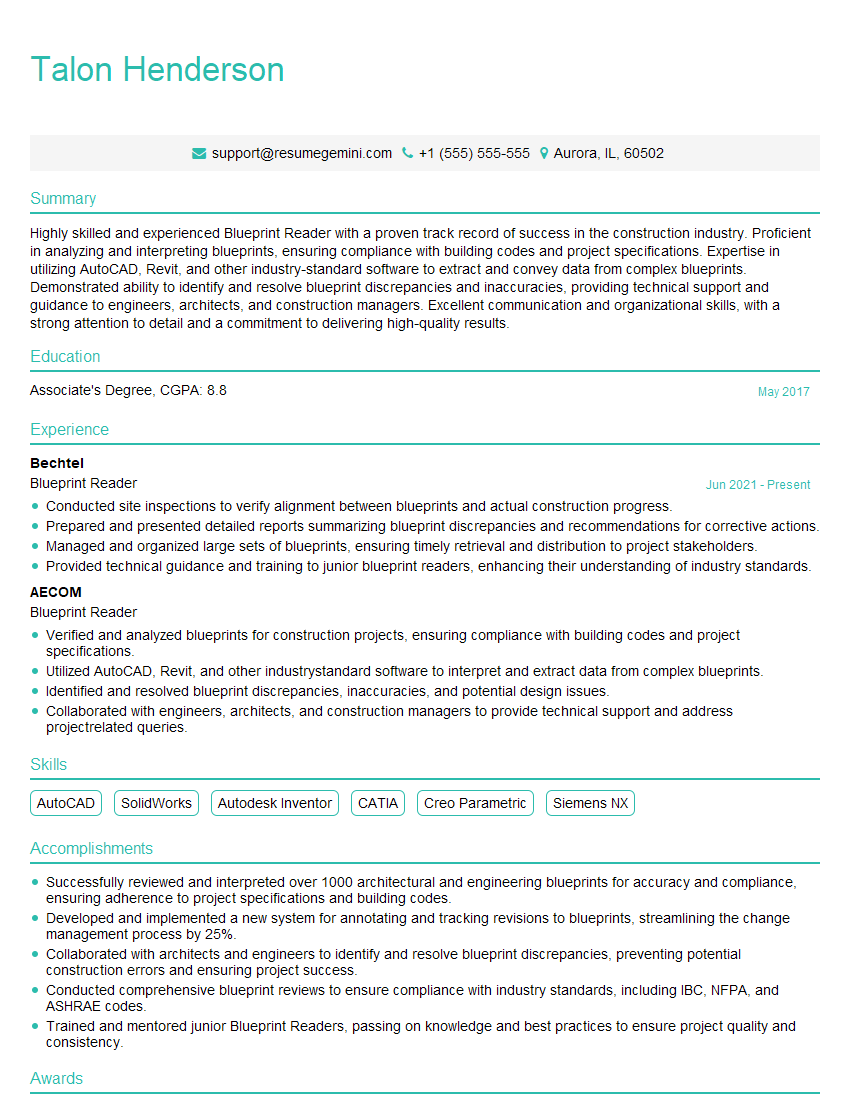
Blueprint Reader Resume Sample

Quality Control Inspector Resume Sample
Explore more articles
Users Rating of Our Blogs
Share Your Experience
We value your feedback! Please rate our content and share your thoughts (optional).
What Readers Say About Our Blog
Really detailed insights and content, thank you for writing this detailed article.
IT gave me an insight and words to use and be able to think of examples